
Selenium still matters, but it is no longer the automatic default for browser automation. In 2026, teams are under more pressure to ship reliable tests faster, reduce maintenance drag, and open automation work to more than just the most code-heavy QA engineers on the team.
This refreshed guide is built for one job: helping you shortlist the right Selenium alternative quickly. I re-checked the official product, documentation, pricing, and positioning pages for the tools below on May 19, 2026, then narrowed the page to the ten options that still matter for modern browser testing, mobile automation, low-code QA, and repetitive browser workflow automation.
If your automation work overlaps with browser data capture, repetitive operations, or lightweight website workflows, Thunderbit's guides to scraping any website using AI, scraping website data into Excel, and the best web scraping tools are the fastest follow-on reads.
Quick Picks by Team Need
If you do not need the full ranking, start here:
| If your main need is... | Start with... | Why |
|---|---|---|
| Modern cross-browser end-to-end testing | Playwright | Strong browser coverage, multiple language bindings, and fast parallel execution |
| Front-end developer-owned testing | Cypress | Excellent in-browser debugging and a smooth JavaScript workflow |
| Non-coders automating browser tasks fast | Thunderbit | Natural-language setup and no selector maintenance for simple web workflows |
| Plugin-free JavaScript testing | TestCafe | No WebDriver dependency and fast setup on Node.js |
| Chrome-first browser scripting and scraping | Puppeteer | Deep Chrome and Chromium control for custom flows |
| Keyword-driven QA and RPA | Robot Framework | Structured plain-language syntax with a broad library ecosystem |
| Centralized low-code QA at scale | Katalon Studio | Unified platform for web, mobile, API, and desktop testing |
| Mobile app automation | Appium | Cross-platform automation for iOS and Android |
| Visual record-and-playback UI testing | Ranorex | Strong object recognition and low-code workflow creation |
| AI-assisted test stability | Testim | Self-healing locators and reusable cloud-based flows |
Try Thunderbit for No-Code Browser Automation
Why Teams Are Looking Beyond Selenium in 2026
The pressure points are familiar:
- High maintenance: fragile selectors, UI churn, and browser-specific behavior still create more repair work than many teams want.
- Slow onboarding: Selenium rewards experienced automation engineers, but it is harder for product teams, analysts, and non-specialists to contribute.
- Feature fragmentation: reporting, visual debugging, cloud execution, and stable parallel workflows often require extra tooling around the framework.
- Broader automation demand: teams now want web, mobile, API, and low-code automation options in the same buying cycle.
- Faster feedback expectations: modern teams expect live debugging, retries, snapshots, and CI-friendly workflows without building a large custom harness first.
What changed is not just the tool market. It is the workflow expectation. Teams want automation that is easier to start, easier to maintain, and easier to share across engineering, QA, and operations.
If you want a fast orientation on how a modern browser-testing workflow is set up outside the old Selenium model, this Playwright intro is a useful first watch:
How I Evaluated These Selenium Alternatives
- Use-case fit: Does the tool solve browser testing, mobile testing, regression coverage, or browser-task automation better than a Selenium-first setup?
- Maintenance burden: Does it reduce flaky selectors, setup overhead, or framework sprawl?
- Accessibility: Can more than a small group of specialists use it effectively?
- Coverage: Does it support the browsers, devices, languages, or platforms real teams need?
- Commercial clarity: Is it open-source, self-serve, or at least honest about enterprise pricing?
- 2026 relevance: Does the product still look actively maintained and credible on its current official pages?
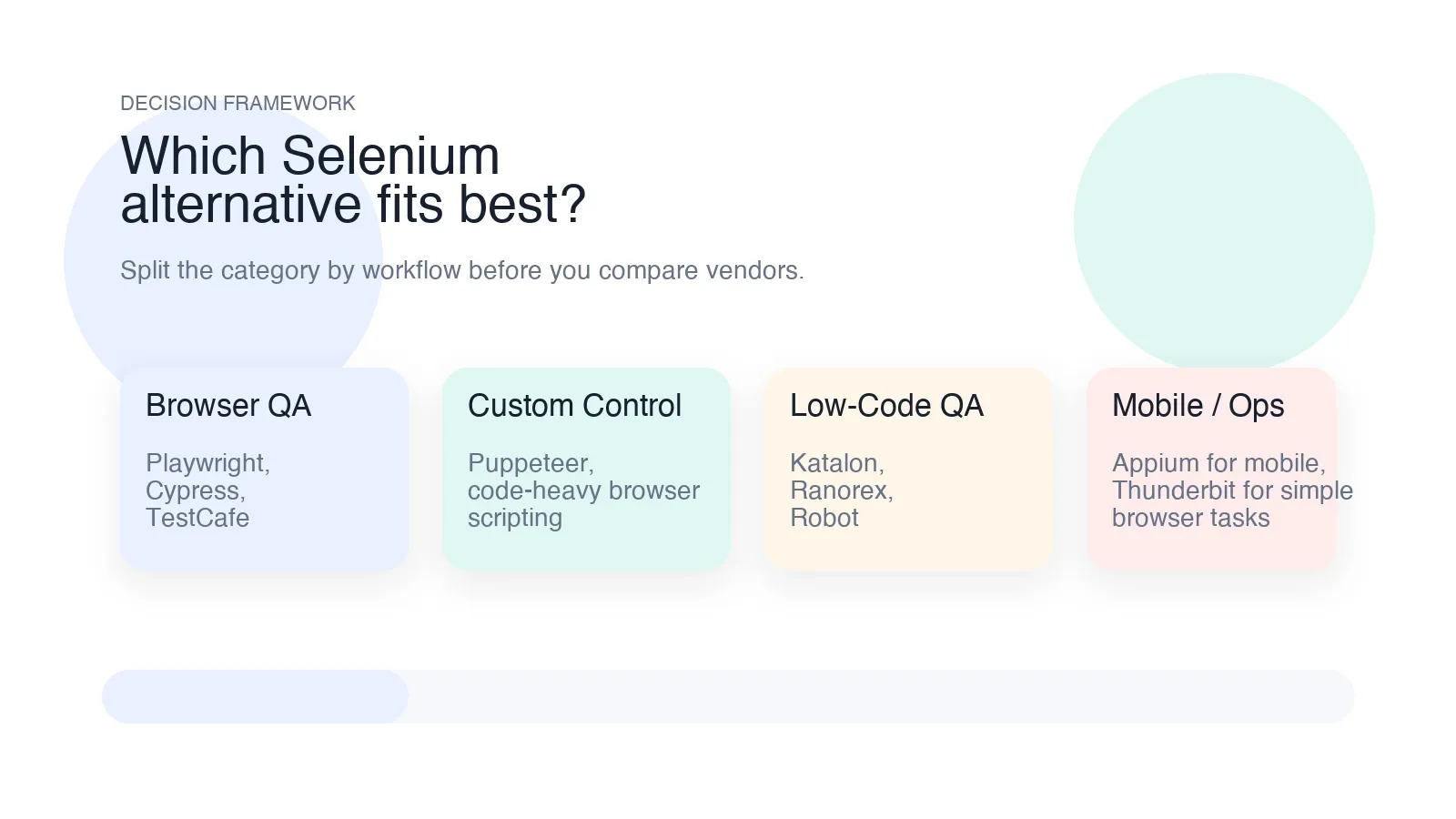
The category gets easier to read if you split the tools into four practical buckets:
- Code-first browser testing: Cypress, Playwright, Puppeteer, TestCafe
- Low-code or keyword-driven QA: Katalon Studio, Ranorex, Robot Framework
- Mobile automation: Appium
- Lightweight browser task automation for non-coders: Thunderbit
Quick Comparison Table: Selenium Alternatives in 2026
Pricing signals below were checked against current official product, documentation, or pricing pages on May 19, 2026.
| Tool | Pricing signal | Standout angle | Best for |
|---|---|---|---|
| Thunderbit | Free plan plus paid browser and API plans | Natural-language browser automation and data extraction | Business users, ops teams, lightweight browser workflows |
| Cypress | Free open-source test runner; paid Cypress Cloud plans | Real-time browser debugging and strong JS workflow | Front-end teams and CI-heavy web testing |
| TestCafe | Free and open-source | No WebDriver and no browser plugin setup | Teams wanting simpler JavaScript browser testing |
| Puppeteer | Free and open-source | Deep Chrome and Chromium automation control | Developers building custom browser automation |
| Playwright | Free and open-source | Cross-browser automation with strong parallel support | Modern end-to-end testing across major browsers |
| Robot Framework | Free and open-source | Keyword-driven automation and wide library ecosystem | Structured QA, RPA, and mixed-technical teams |
| Katalon Studio | Free trial; Team plan from $167 per seat per month billed annually | Unified low-code platform for web, mobile, API, and desktop | Centralized QA teams and enterprise workflows |
| Appium | Free and open-source | Cross-platform mobile automation | Teams testing iOS and Android apps |
| Ranorex | Commercial; free trial | Record-and-playback plus strong UI object recognition | QA teams wanting low-code desktop, web, and mobile testing |
| Testim | Free Community plan after trial; paid enterprise tiers | AI-assisted locator stability and reusable cloud flows | Fast-moving teams reducing UI test maintenance |
The 10 Best Selenium Alternatives for Test Automation in 2026
1. Thunderbit
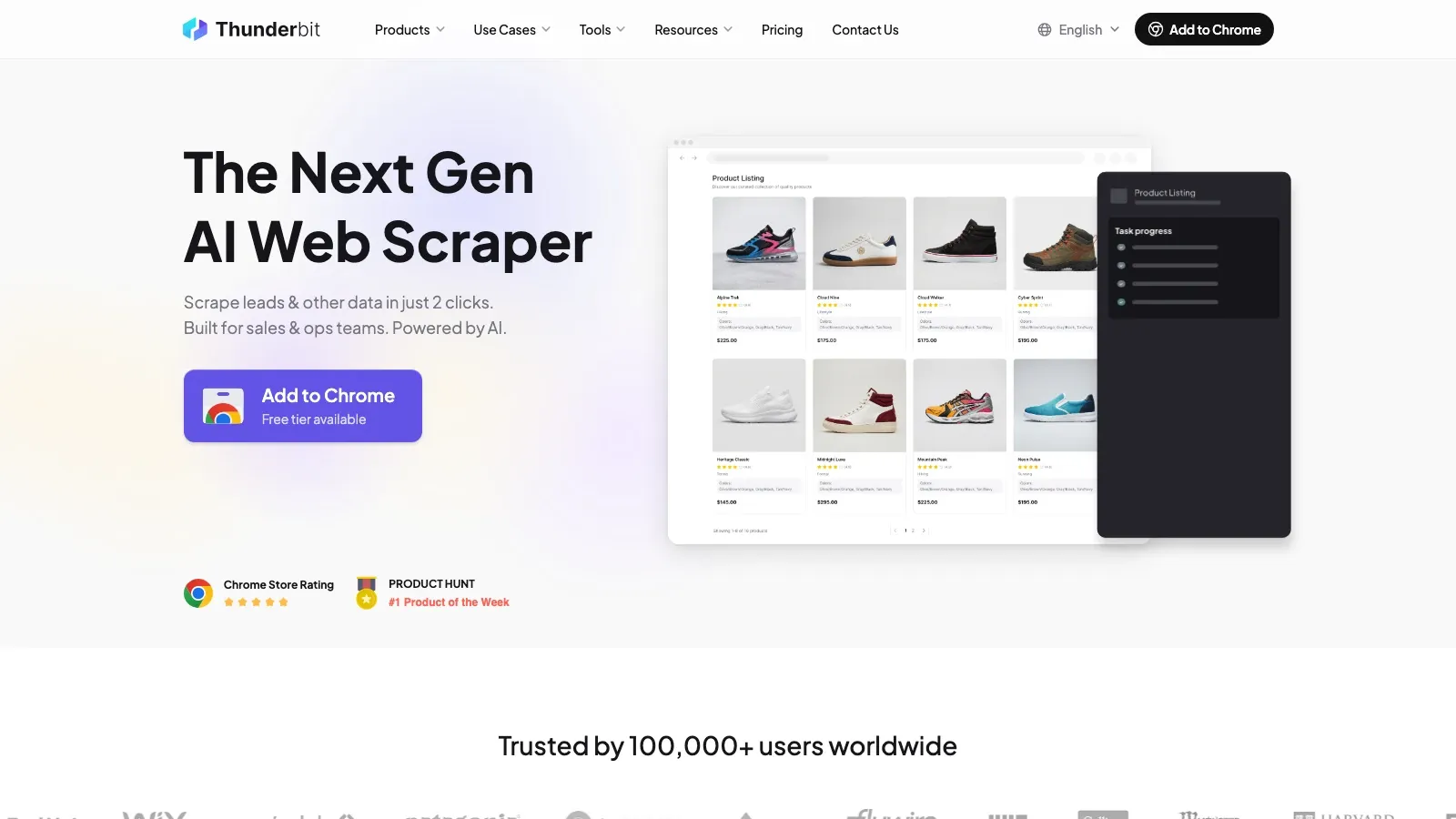
Thunderbit is not a drop-in replacement for a full coded regression framework, and it should not be pitched that way. It makes this list because a lot of teams using Selenium are not really trying to build the perfect automated testing stack. They are trying to automate repetitive browser work, scrape structured data from pages, validate simple page flows, or hand browser tasks to non-coders without asking them to manage selectors and scripts.
- Best for: operations teams, sales teams, ecommerce teams, and QA-adjacent browser workflows
- What stands out: natural-language prompts, AI field detection, pagination and subpage handling, and fast export to Sheets, Airtable, Notion, CSV, or Excel
- Why it made the list: it removes most of the setup friction for simple web automation jobs that would be overbuilt in Selenium
- Pricing signal: free plan plus paid browser and API plans
For technical QA teams, the honest play is to use Thunderbit for lightweight browser tasks and pair it with a deeper testing framework for full regression coverage.
2. Cypress
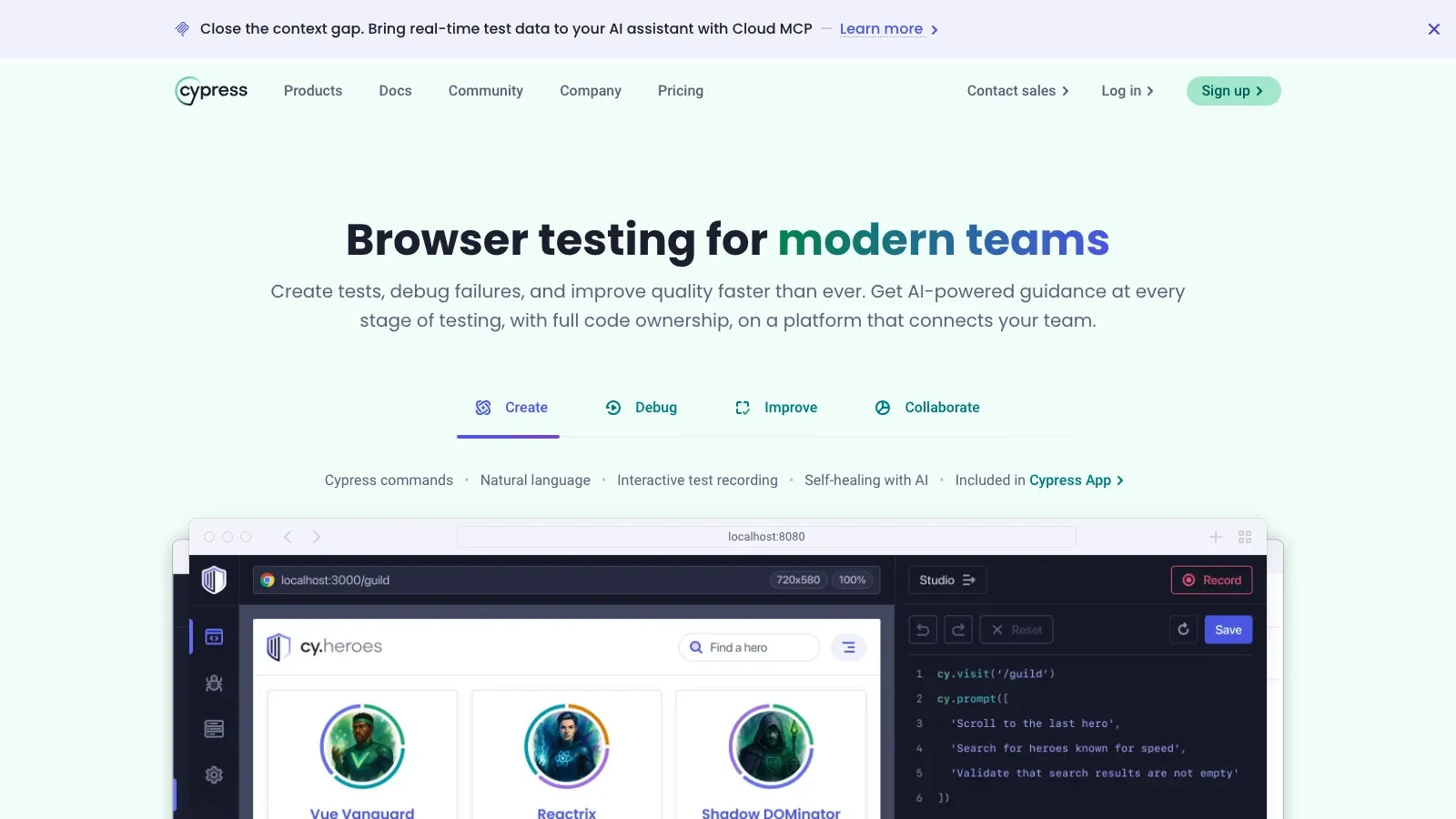
Cypress is still one of the best choices when front-end developers want to own more of the testing workflow. It runs close to the browser, gives immediate visual feedback, and makes failures easier to debug than classic Selenium stacks.
- Best for: front-end teams, component-heavy web apps, and CI-driven browser tests
- What stands out: time-travel debugging, automatic waiting, screenshots, video capture, and a smooth JavaScript testing experience
- Why it made the list: it lowers debugging friction and fits modern front-end workflows better than Selenium for many browser-only teams
- Pricing signal: free open-source test runner; paid Cypress Cloud plans for orchestration and reporting
3. TestCafe
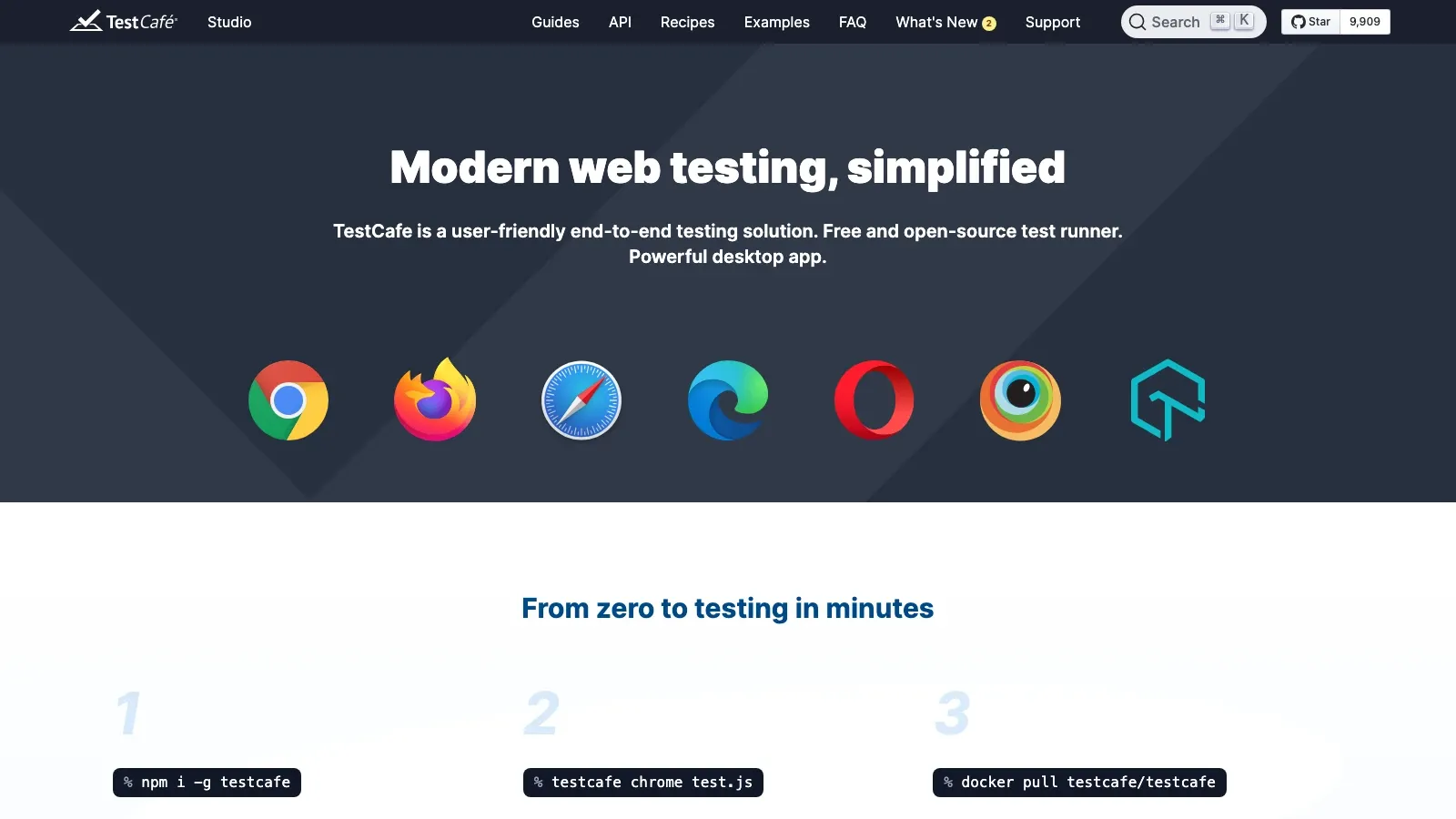
TestCafe remains a practical option for teams that want browser automation in JavaScript or TypeScript without the WebDriver layer. Setup is comparatively light, and the plugin-free model is still a differentiator for teams tired of Selenium's moving parts.
- Best for: Node.js teams wanting simpler setup and dependable browser coverage
- What stands out: no browser plugins, no WebDriver dependency, built-in waiting, and straightforward cross-browser execution
- Why it made the list: it keeps the testing stack smaller and easier to start than a Selenium-based harness
- Pricing signal: free and open-source
4. Puppeteer
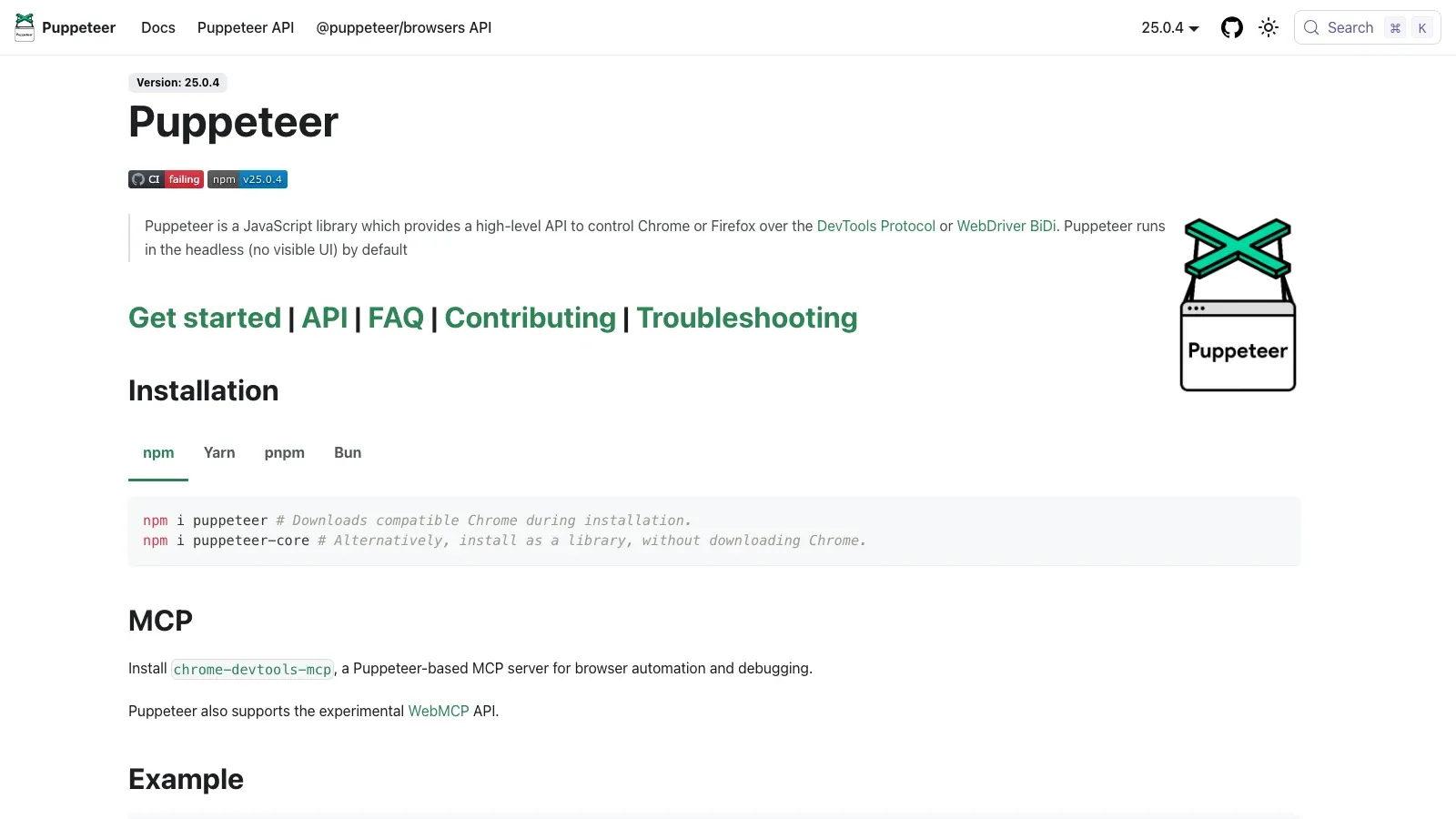
Puppeteer is still the tool to reach for when the job is not just "run a test," but "control the browser precisely." It is ideal for teams mixing testing with scraping, screenshots, PDF generation, performance checks, or custom browser workflows.
- Best for: developers automating Chrome or Chromium-heavy workflows
- What stands out: DevTools-level control, headless scripting, PDF and screenshot generation, and deep browser instrumentation
- Why it made the list: it is more flexible than Selenium for custom browser automation work, especially in JavaScript stacks
- Pricing signal: free and open-source
5. Playwright
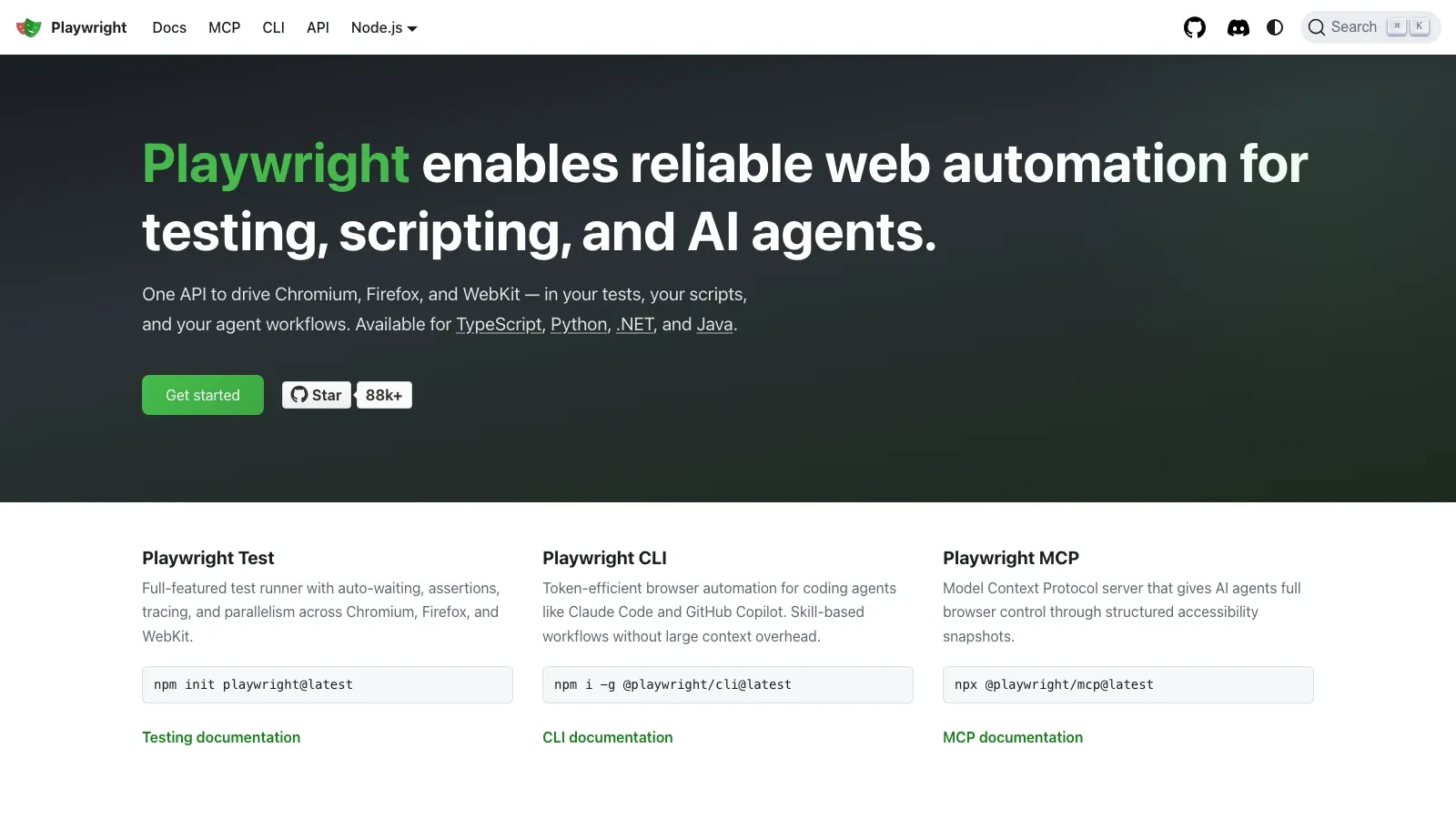
Playwright is arguably the strongest all-around Selenium alternative for modern browser testing in 2026. It supports Chromium, Firefox, and WebKit, has first-class parallel execution, and works well across JavaScript, Python, Java, and .NET teams.
- Best for: teams needing serious end-to-end coverage across major browsers
- What stands out: multi-browser support, multiple language bindings, auto-waiting, tracing, network interception, and scalable parallel execution
- Why it made the list: it covers the browser-testing job more completely than Selenium for many modern teams while reducing setup pain
- Pricing signal: free and open-source
6. Robot Framework
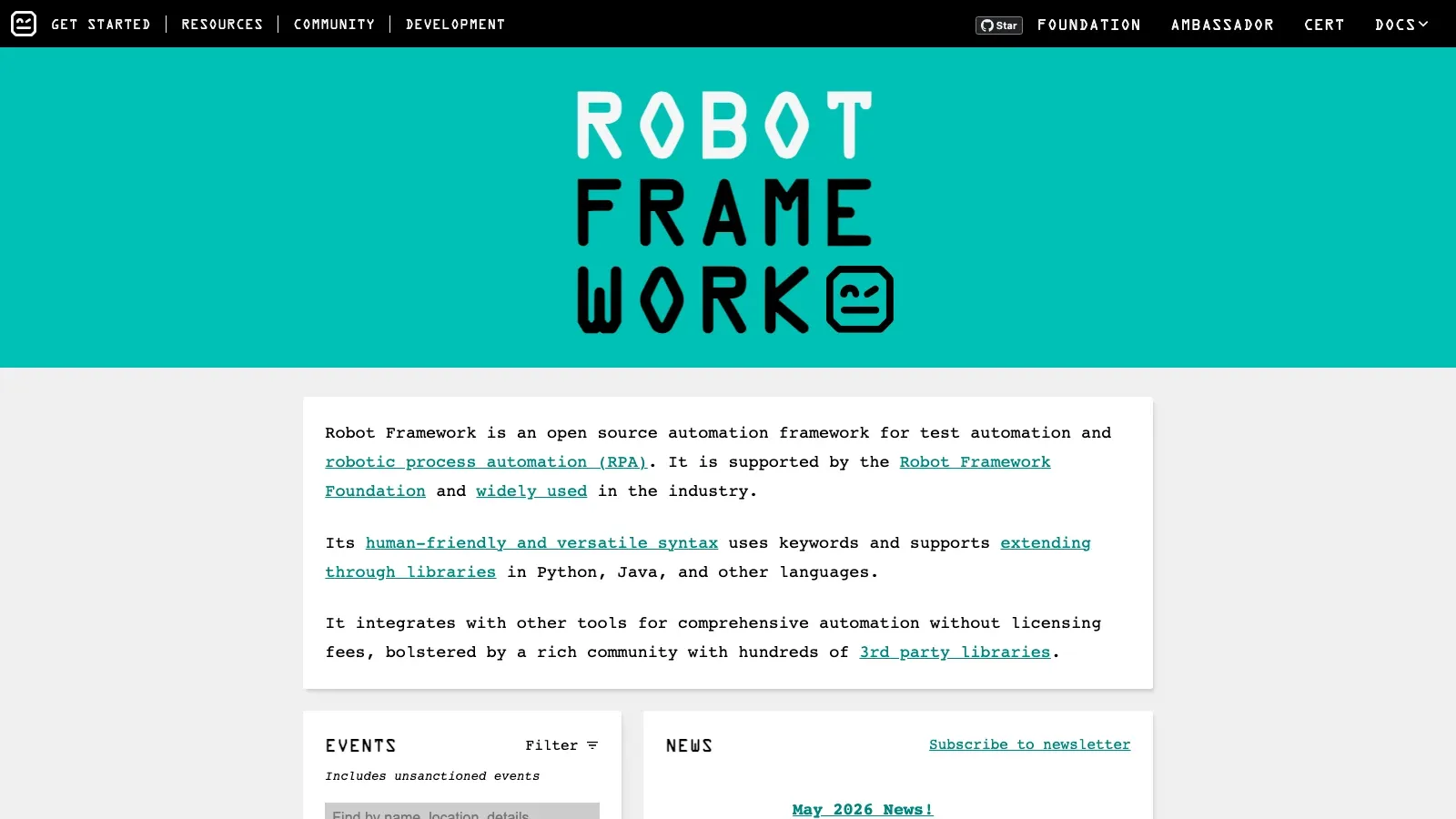
Robot Framework still earns its place because keyword-driven automation remains useful. It gives mixed-technical teams a more readable testing model, while its library ecosystem keeps it relevant for web, API, desktop, and process automation work.
- Best for: structured QA programs, RPA-adjacent testing, and teams that value readable test cases
- What stands out: plain-language keyword syntax, reusable libraries, and strong extensibility
- Why it made the list: it is easier to standardize across larger teams than raw Selenium code for many organizations
- Pricing signal: free and open-source
7. Katalon Studio
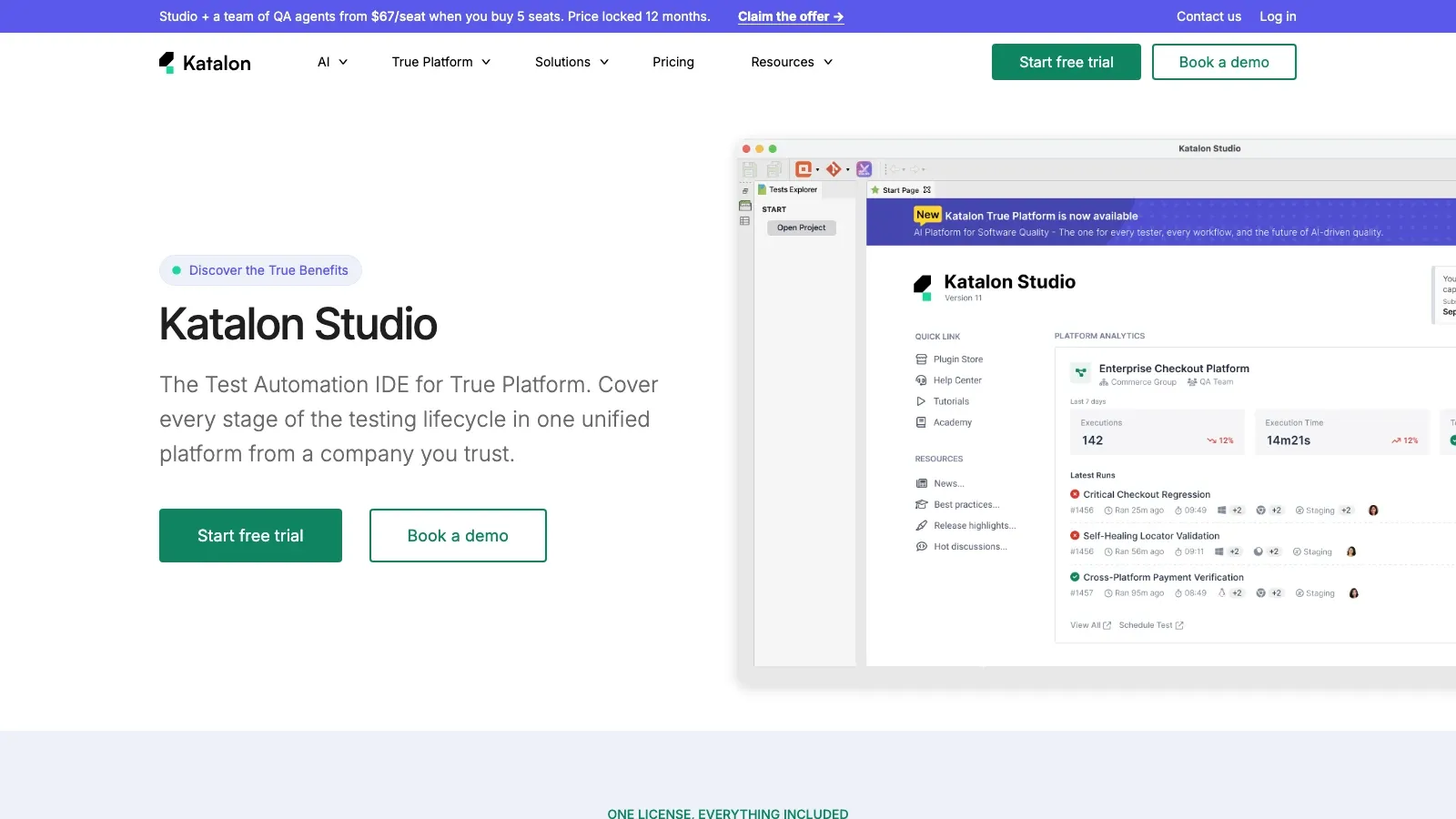
Katalon Studio stays relevant because many teams want less framework assembly and more platform-level workflow. It combines record-and-playback, scripting, reporting, test management, and broader test-type coverage in a single product.
- Best for: centralized QA teams, enterprise programs, and organizations standardizing multiple test types
- What stands out: low-code test creation, scripted extension paths, built-in reporting, and support for web, mobile, API, and desktop testing
- Why it made the list: it removes a large amount of framework plumbing that Selenium teams often maintain themselves
- Pricing signal: free trial; Team plan from $167 per seat per month billed annually
If you want to evaluate the low-code side of the market instead of another code-heavy framework, this Katalon walkthrough is the best midpoint watch:
8. Appium
Appium is the obvious pick when your Selenium replacement conversation includes mobile apps. It gives teams a familiar automation model while extending coverage to iOS and Android across native, hybrid, and mobile web use cases.
- Best for: mobile QA teams and organizations unifying mobile and web automation
- What stands out: cross-platform mobile support, multiple language bindings, and broad ecosystem adoption
- Why it made the list: it is still the default open-source answer when browser-only testing is not enough
- Pricing signal: free and open-source
9. Ranorex
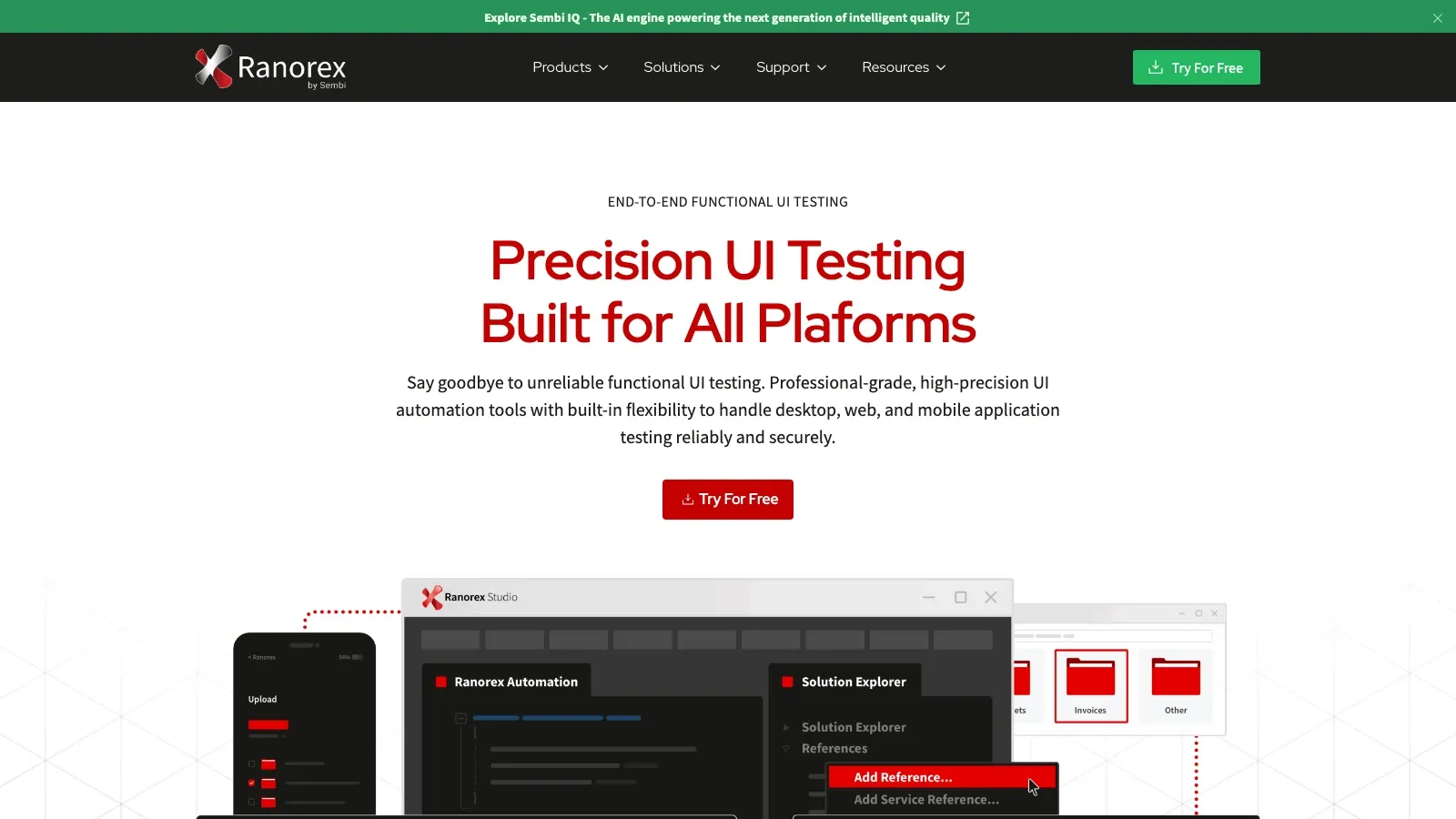
Ranorex is a strong fit for teams that want a low-code, commercial UI automation product with stronger desktop-testing support than most web-first frameworks. Its record-and-playback workflow and object recognition remain useful for teams standardizing GUI automation with less scripting.
- Best for: QA teams testing desktop, web, and mobile interfaces with low-code workflows
- What stands out: visual test authoring, reusable modules, and strong support for dynamic UI elements
- Why it made the list: it is often a better fit than Selenium when the team values centralized tooling and GUI coverage over framework purity
- Pricing signal: commercial; free trial
10. Testim
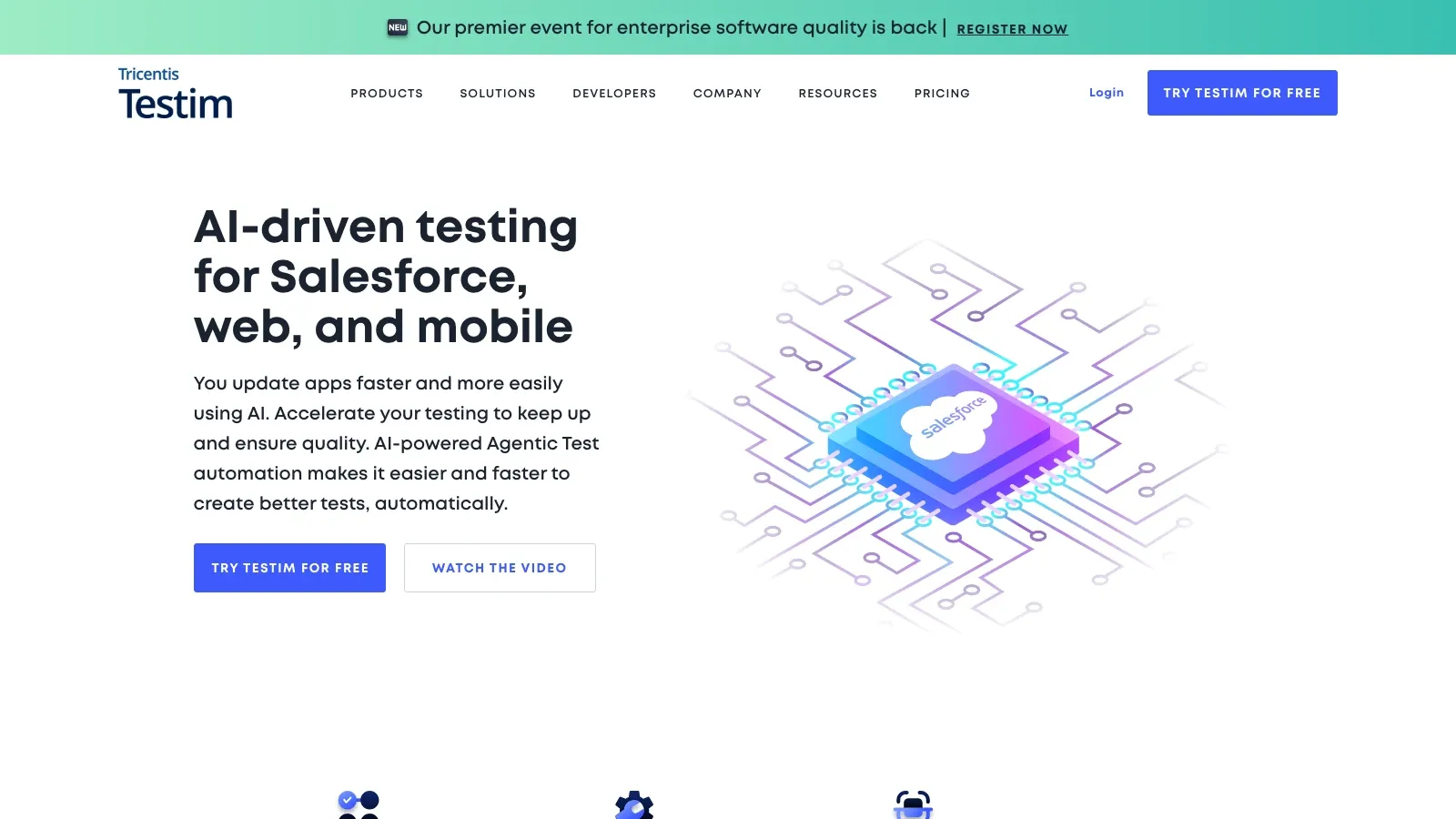
Testim stays relevant because UI-test maintenance is still expensive. Its core pitch is reducing brittle test upkeep through AI-assisted locators, reusable steps, and cloud-managed execution.
- Best for: fast-moving product teams with frequent UI change and heavy regression needs
- What stands out: self-healing locator behavior, reusable test steps, and cloud-based collaboration workflows
- Why it made the list: it directly addresses one of Selenium's biggest operational pain points: test fragility
- Pricing signal: free Community plan after trial; paid enterprise tiers
How to Choose Without Overbuying
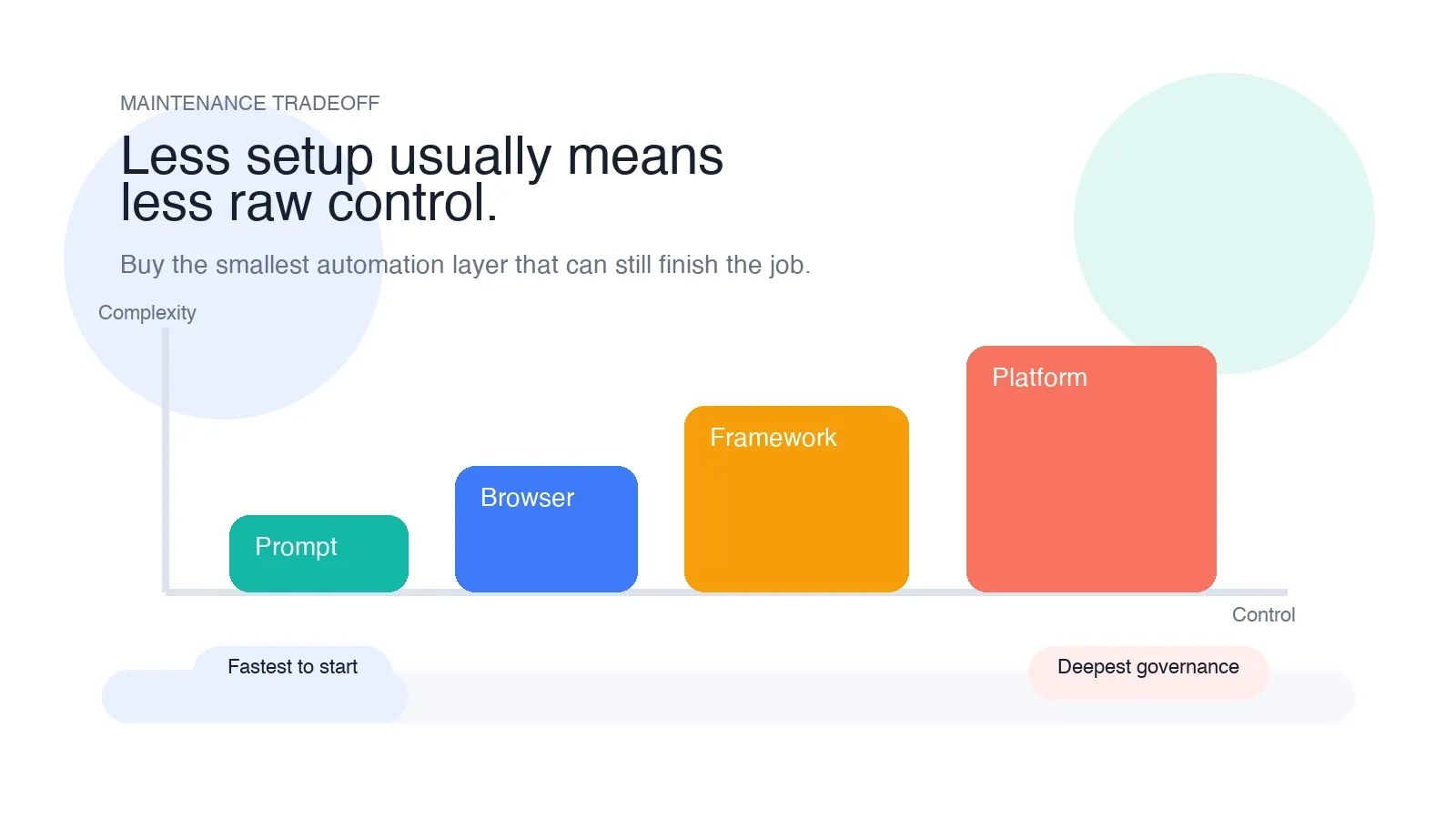
The most common mistake is buying the wrong automation layer.
- If the job is modern browser testing across major engines, start with Playwright.
- If the job is developer-friendly JavaScript testing inside the browser, start with Cypress.
- If the job is plugin-free browser automation with a lighter Node.js setup, start with TestCafe.
- If the job is precise Chrome control or custom browser scripting, start with Puppeteer.
- If the job is mobile automation, start with Appium.
- If the job is low-code QA standardization, shortlist Katalon or Ranorex.
- If the job is readable keyword-driven automation, shortlist Robot Framework.
- If the job is simple browser workflows for non-coders, start with Thunderbit before you build a heavier stack.
If your evaluation also includes desktop UI testing and record-and-playback workflows, this Ranorex demo is the most useful late-stage watch:
Final Shortlist by Team Type
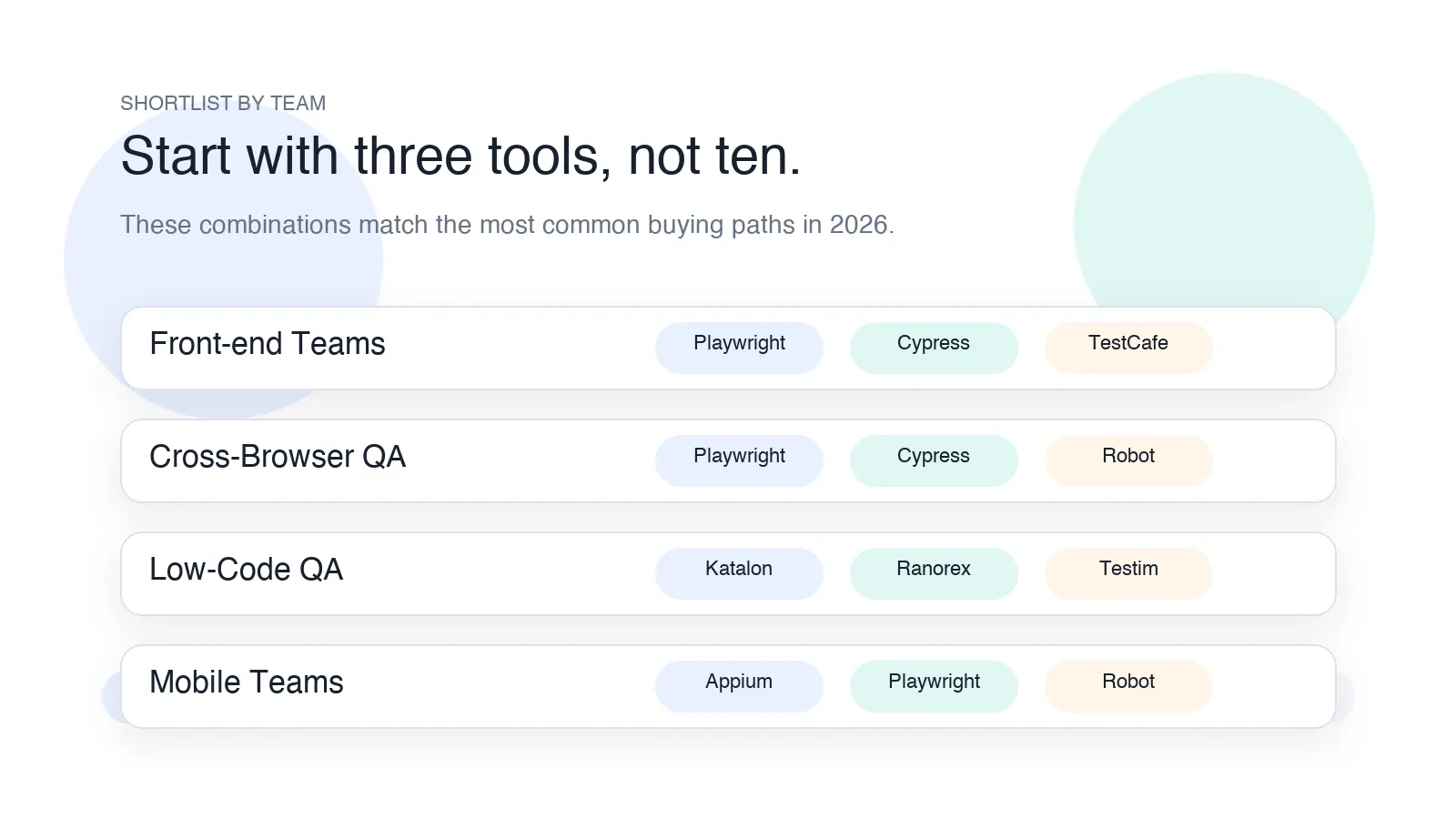
- Front-end product teams: Playwright, Cypress, TestCafe
- Cross-browser QA teams: Playwright, Cypress, Robot Framework
- Low-code QA teams: Katalon Studio, Ranorex, Testim
- Mobile-first teams: Appium, Playwright, Robot Framework
- Business users automating browser work: Thunderbit, Katalon Studio, Testim
If I had to reduce the category to the shortest useful shortlist for most buyers in 2026, it would be:
- Playwright for the strongest all-around Selenium replacement in modern browser testing
- Cypress for front-end teams that want fast debugging and a smooth JavaScript workflow
- Katalon Studio for centralized low-code QA across web, mobile, API, and desktop
- Appium for organizations where mobile automation is part of the buying decision
- Thunderbit for non-coders automating browser tasks without a heavy framework
Conclusion
Selenium is no longer the only serious path to automation maturity. In 2026, the better question is not "What replaces Selenium?" but "Which tool removes the most friction for the kind of automation we actually need?"
Playwright is the strongest general answer for many browser-testing teams. Cypress is the cleanest fit for front-end developer workflows. Katalon and Ranorex make more sense when governance, reporting, and low-code adoption matter. Appium owns the mobile conversation. Robot Framework still works when structure and readability matter. Thunderbit is the fastest route when the workflow is really lightweight browser automation rather than full regression engineering.
The practical rule is simple: buy the lowest-complexity tool that can still finish the real job. That is how you reduce maintenance instead of just rebuilding Selenium with a different label.
Try AI-Powered Browser Automation with Thunderbit Get Started Free
Related Reading
- How to Scrape Any Website Using AI
- How to Scrape Website Data into Excel
- The Best Web Scraping Tools in 2026
FAQs
1. Why are teams moving away from Selenium?
The biggest reasons are maintenance overhead, slower onboarding, and the need for better built-in workflows around debugging, reporting, cloud execution, or low-code collaboration.
2. Which Selenium alternative is best for modern browser testing?
For most teams, Playwright is the strongest all-around starting point because it supports Chromium, Firefox, and WebKit and scales well across modern CI workflows.
3. Which Selenium alternative is easiest for front-end developers?
Cypress is still one of the easiest tools for front-end teams to adopt because of its browser-native debugging and JavaScript-first workflow.
4. Which Selenium alternative is best for mobile testing?
Appium remains the default open-source choice when the requirement includes iOS or Android automation.
5. Can Thunderbit replace Selenium completely?
Not for full coded regression suites. Thunderbit is best for simple browser workflows, data extraction, and non-coder automation. For heavier testing programs, it works best alongside a developer-focused framework.




