vinted-scraper

Vinted Scraper

Thunderbit’s Vinted Scraper helps you extract listing data from Vinted catalogs for designer resale value research and category price indexing. Use AI Suggest Fields to capture prices, brands, sizes, condition, seller info, and listing URLs, then scrape subpages to pull full item details and export to Excel, Google Sheets, Airtable, or Notion.
4.8
Monthly users5.3k
AI-Powered
E-commerce
Get Started Free
Free tier available

Thunderbit’s Vinted Scraper turns Vinted catalog pages into clean, structured data using AI, so you can analyze resale prices, brand performance, and category trends without manual copy-paste. You simply open a Vinted page, click AI Suggest Fields, then Scrape—Thunderbit’s AI reads the page and structures the data into a table you can export anywhere.

🧥 What is Vinted Scraper

The Vinted Scraper is an built for extracting listing data from catalog pages and enriching it with item-level details. With the , you can scrape key fields like price, brand, size, condition, seller info, images, and listing URLs—then use Subpage Scraping to visit each item page and pull deeper attributes (materials, description, measurements, shipping info, and more).

Vinted | Sell and buy clothes, shoes and accessories

🧾 What can you scrape with Vinted

Vinted is a rich source of secondhand market data. With Thunderbit, you can build datasets for designer resale value research, category price indexes, inventory scouting, and competitive monitoring—and export to Excel, Google Sheets, Airtable, or Notion for free.

👗 Scrape Designer Brand Resale Value

Use this workflow to analyze how specific brands perform on the resale market—ideal for pricing strategy, sourcing decisions, and brand-level trend reporting. Example page:

Designer Brand Resale Value

Steps:

  1. Download the and register your account.
  2. Go to the destination page, for example: .
  3. Click AI Suggest Columns (AI reads the page and recommends column names and data types).
  4. Click Scrape to run the scraper, then export to Excel/CSV/Google Sheets/Airtable/Notion.

Column names

ColumnDescription
🏷️ BrandThe brand shown on the listing card (useful for brand-level resale analysis).
👕 Item TitleThe listing title or short product name displayed in results.
💲 PriceThe listed item price (capture currency as shown).
🧾 Original PriceIf shown, the crossed-out or reference price for discount comparisons.
📏 SizeThe size displayed on the card (e.g., S, M, EU sizes, shoe sizes).
🧵 ConditionCondition label (e.g., new with tags, very good, good).
🎨 ColorColor tag if present on the card or in quick attributes.
🖼️ Main Image URLThe primary thumbnail image URL for the listing.
🔗 Listing URLDirect link to the item page (key for subpage enrichment).
🧑 Seller NameSeller username shown on the card (if visible).
Seller RatingRating score or count if displayed.
📍 LocationSeller location if shown in the listing preview.
🕒 Posted/Updated TimeAny visible timestamp (helps with freshness and velocity analysis).

Tip: After scraping the catalog, click Scrape Subpages to enrich each row with item-page fields like description, material, measurements, bundle discounts, shipping options, and more.

👚 Scrape Category-Specific Price Index

Use this workflow to build a price index for a category (median price, price distribution, condition mix, size availability, brand share). Example page:

Category-Specific Price Index

Steps:

  1. Download the and register an account.
  2. Go to the destination page, for example: .
  3. Click AI Suggest Columns to generate a structured schema for the category page.
  4. Click Scrape to collect rows, then export your dataset.

Column names

ColumnDescription
🧩 CategoryThe category context (or inferred category name) for indexing and reporting.
👕 Item TitleThe listing title used for keyword analysis and clustering.
💲 PriceThe listed price used to compute median/average and price bands.
🏷️ BrandBrand label for brand share and brand-vs-category comparisons.
📏 SizeSize field for availability and demand analysis by size.
🧵 ConditionCondition label for condition mix and price-by-condition modeling.
🖼️ Image URLThumbnail image URL for visual QA and cataloging.
🔗 Listing URLItem page URL for subpage scraping and deduplication.
🧑 Seller NameSeller identifier for seller-level aggregation (where visible).
Seller RatingRating info if present for trust and conversion analysis.
📍 LocationLocation if shown for geo-based pricing insights.
🧷 Favorites/HeartsEngagement metric if visible (useful for demand signals).

Tip: If the category uses infinite scroll or click pagination, Thunderbit supports Pagination Scraping so you can capture more than what’s visible on the first screen.

📈 Why Use Vinted Tool

Scraping Vinted helps you move from anecdotal browsing to measurable market intelligence. Instead of checking listings one by one, you can build a dataset that supports pricing, sourcing, and trend decisions.

Common ways teams use a Vinted listings scraper:

  • E-commerce operators: Track resale pricing, identify underpriced inventory, and monitor category shifts over time.
  • Resellers and vintage shops: Build comps (comparables) for faster pricing and smarter sourcing.
  • Brand and market analysts: Measure brand heat, discounting behavior, and condition-adjusted price distributions.
  • Sales teams (B2B resale tools, logistics, authentication): Build lead lists by extracting seller/storefront signals and item URLs for outreach workflows.
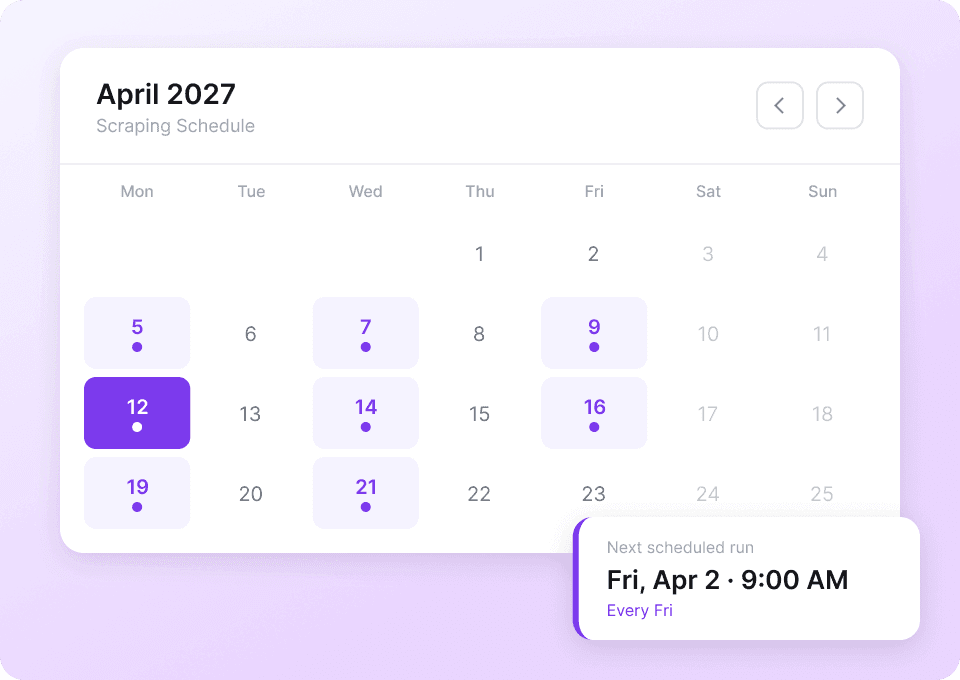
  • Data teams: Create a repeatable pipeline using Scheduled Scraper to refresh price indexes weekly or daily.

Thunderbit is designed for business users: the AI adapts to layout changes and helps you structure messy web pages into consistent columns. If you’re new to scraping, these guides can help:

🧩 How to Use Vinted Chrome Extension

  1. Install the Thunderbit Chrome Extension: Get it from the and create your Thunderbit account on .
  2. Navigate to a Vinted catalog page: Open a brand-filtered page like or a category page like .
  3. Activate AI-Powered Scraper: Click AI Suggest Column to generate fields (you can rename columns, change data types, and add Field AI Prompts for formatting).
  4. Scrape and enrich: Click Scrape for the catalog, then use Scrape Subpages to visit each listing URL and append item-page details to your table.

If you also need contact signals on external sites, Thunderbit includes free one-click tools like Email Extractor, Phone Number Extractor, and Image Extractor.

💳 Pricing for Vinted

Thunderbit uses a simple credit system:

  • 1 credit = 1 output row in your results table (for example, 200 listings scraped = 200 credits).
  • The AI Powered Scraper feature is included, and you can try it with the Free tier.

What you can try for free:

  • Free plan: scrape 6 pages per month (page-based free usage).
  • Free trial: scrape 10 pages for free to test your Vinted workflows before upgrading.

Paid plans scale with your volume, and the yearly option is typically the most cost-effective due to the discount:

  • Starter: $15 monthly or $9 monthly (billed yearly)
  • Pro tiers increase credits for larger catalog pulls and ongoing monitoring

You can review the latest options on .

❓ FAQ

  1. What is the AI Powered Vinted Scraper?
    The AI Powered Vinted Scraper is a workflow in Thunderbit that reads Vinted catalog pages and converts listings into structured rows and columns. You click AI Suggest Fields to generate a schema, then click Scrape to extract data and export it to tools like Excel, Google Sheets, Airtable, or Notion.

  2. What is Thunderbit?
    is an AI web scraping and web automation Chrome Extension built for business users who want data without writing code. It helps you extract structured data from websites, PDFs, and images, and it also supports subpage scraping, pagination handling, and scheduled scraping.

  3. What data can I extract from Vinted catalog pages?
    You can typically extract listing title, price, brand, size, condition, image URL, and the listing URL from catalog results. Depending on what Vinted displays in your region and view, you may also capture seller name, rating, location, and engagement signals.

  4. Can Thunderbit scrape item detail pages on Vinted too?
    Yes. After scraping a catalog page, you can use Subpage Scraping to open each listing URL and pull deeper fields like full description, material, measurements, shipping details, and additional images. This is useful when the catalog card doesn’t show everything you need for analysis.

  5. How does Thunderbit handle pagination or infinite scroll on Vinted?
    Thunderbit supports Pagination Scraping for both click-based pagination and infinite scroll experiences. This means you can collect more than the first page of results and build a larger dataset for price indexes or brand research.

  6. Do I need coding skills to use Thunderbit on Vinted?
    No. Thunderbit is designed for non-technical workflows: open the page, click AI Suggest Fields, then click Scrape. If you want more control, you can edit column names, set data types (text, number, URL, image), and add Field AI Prompts for formatting or labeling.

  7. How much does it cost to scrape Vinted listings?
    Cost is based on credits, where 1 credit equals 1 output row. You can start with the free allowance (6 pages per month) and use the free trial (10 pages) to estimate how many rows you typically collect per run before choosing a plan on the .

  8. What export formats and destinations are supported?
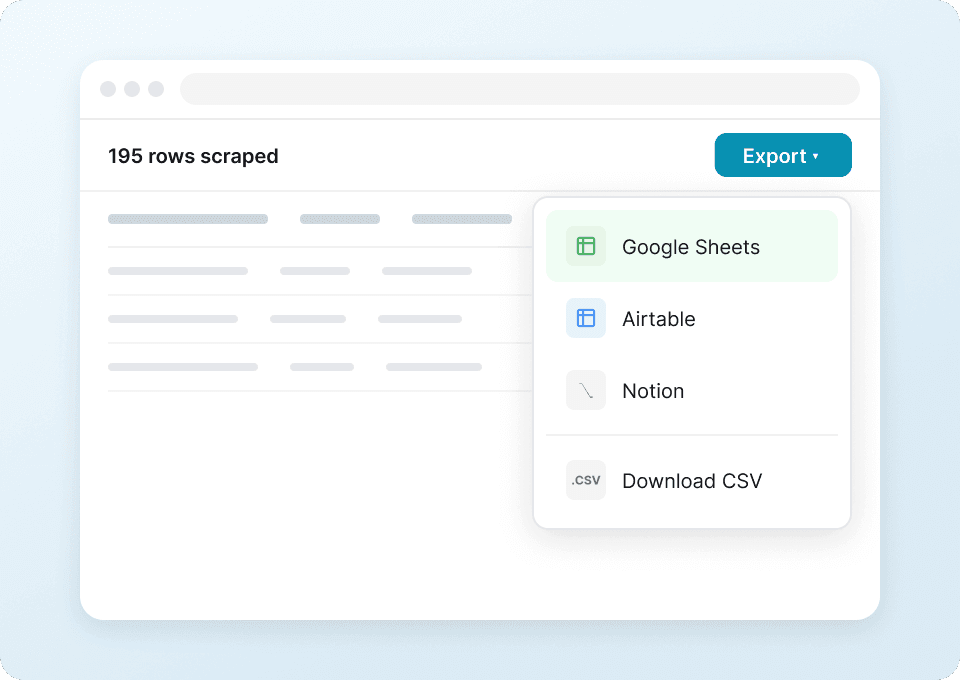
    You can export scraped data to Excel, CSV, JSON, Google Sheets, Airtable, and Notion. Export is free, which makes it easy to share comps with your team or connect the dataset to your reporting workflow.

  9. Is it okay to scrape Vinted?
    You should always follow Vinted’s terms of service and applicable laws, and avoid collecting private or sensitive information. In practice, many teams focus on publicly visible listing data for research, pricing, and analytics, and use reasonable request volumes to reduce the risk of access issues.

📚 Learn More

  • Get the extension:
  • Explore product details:
  • Read tutorials and strategies:
  • Practical guides:
  • Watch tutorials: