IDCrawl Scraper













IDCrawl data that stays usable
Extract IDCrawl data faster, cleaner, and at scale with Thunderbit.
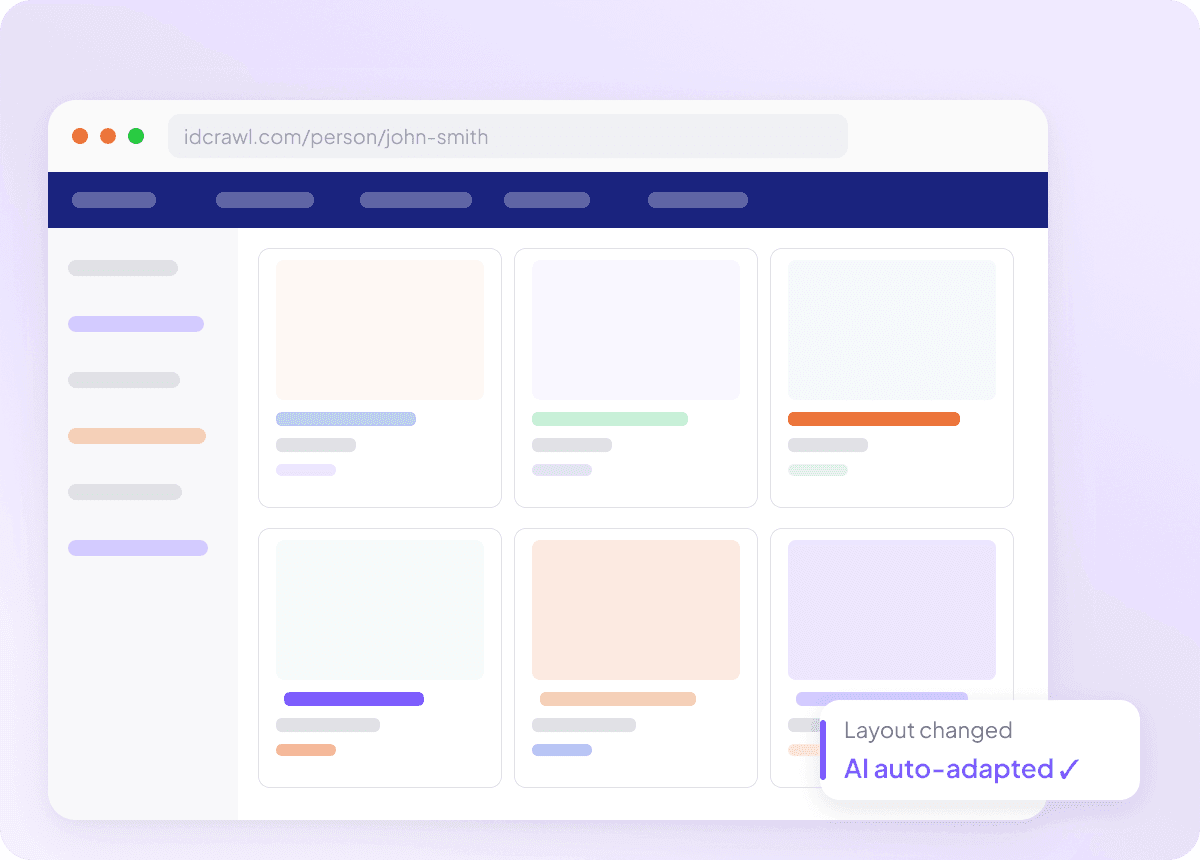
Adapts when IDCrawl changes
Scrapers that break after every site update cost you time — especially when you need consistent fields like full name, job title, company name, email address, phone number, and LinkedIn profile from IDCrawl. Thunderbit reads pages by meaning rather than fixed selectors, so layout changes don't require manual fixes. You spend less time maintaining scrapers and more time putting the data to work.
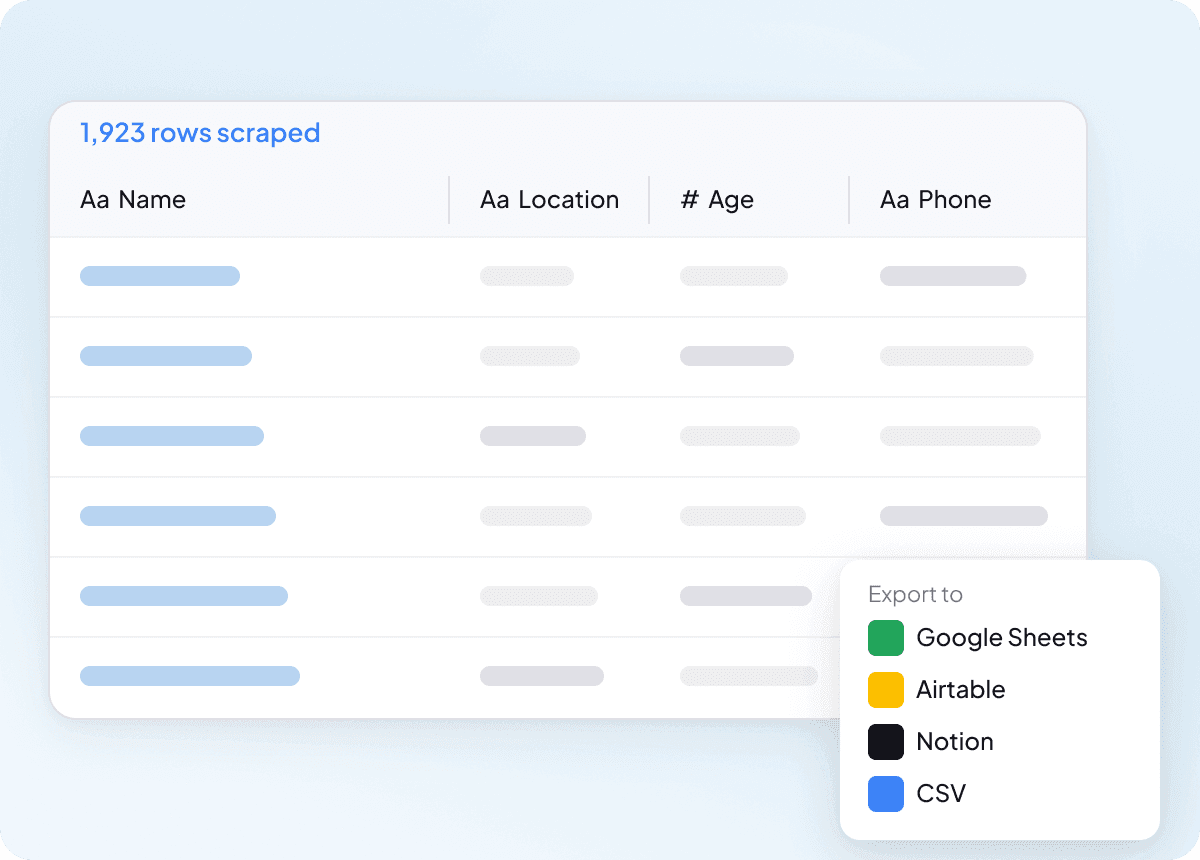
Clean data from the start
Raw scraped data rarely arrives ready to use, and IDCrawl results are no exception. Thunderbit structures and formats each field during extraction, so what you get is already clean and organized. Less manual sorting, less rework, and a faster handoff to whoever needs the data next.
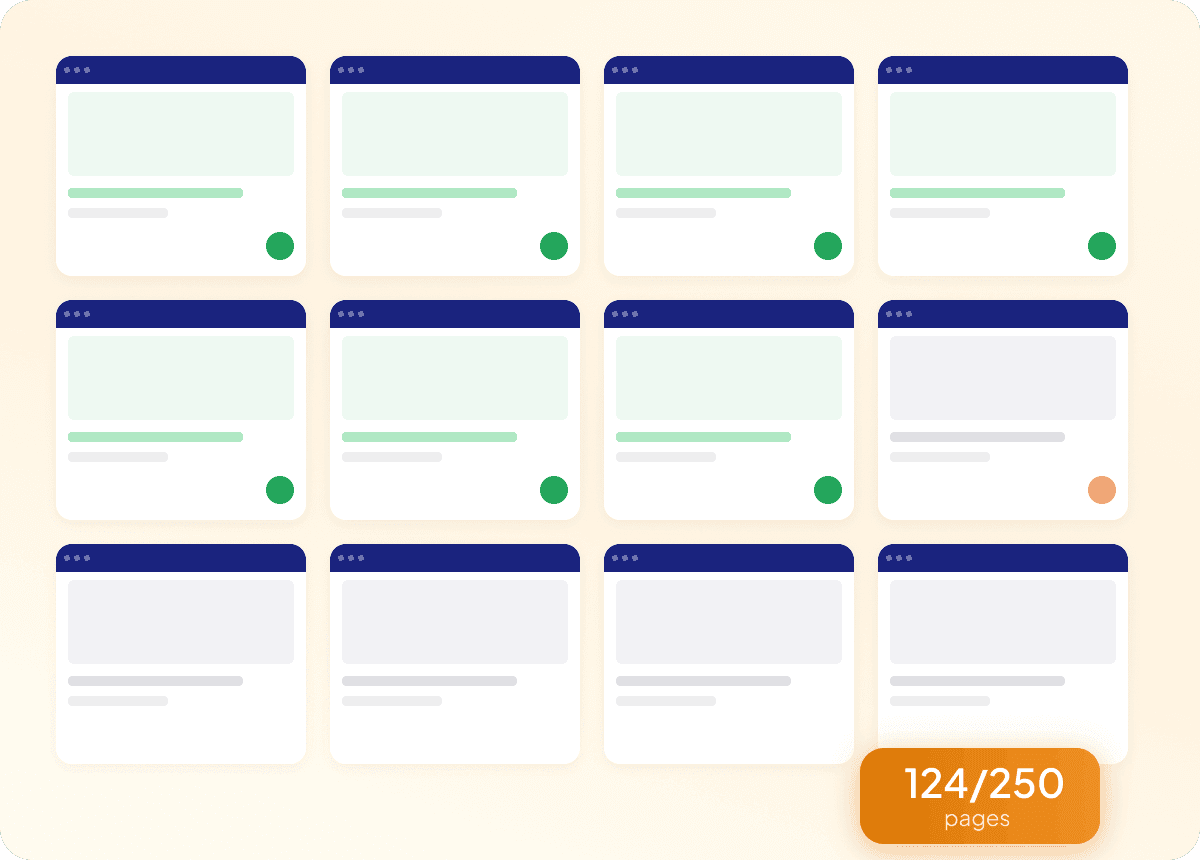
Bulk scrape IDCrawl in one go
Scraping IDCrawl one profile at a time doesn't work when you need hundreds of contacts. Feed Thunderbit a list of URLs and it will extract names, job titles, company names, email addresses, phone numbers, and LinkedIn profiles across all of them in a single run. It's the fastest way to turn a long prospect list into a structured, export-ready dataset.
Why is Thunderbit different from traditional IDCrawl scrapers?
A simpler way to extract idcrawl data without constant fixes.
Traditional scrapers
The old way of doing thingsThunderbit AI
The smarter approach







Frequently asked questions
Related use cases
Explore more use cases of Thunderbit's web scraper.

Crunchbase Company Scraper
The Crunchbase Company Scraper lets you extract detailed company profiles from Crunchbase, including founding year, industry, funding, and more. Ideal for sales, marketing, and research, this tool helps you gather valuable business insights quickly using Thunderbit's AI-powered Chrome Extension.
Learn more ->
G2 Software Product Reviews Scraper
The G2 Software Product Reviews Scraper lets you extract detailed software reviews, ratings, and author information directly from G2. Use Thunderbit's AI-powered tool to gather structured feedback, analyze customer sentiment, and benchmark products for marketing, product management, or competitor analysis.
Learn more ->G2 Software Product Overview Scraper
The G2 Software Product Overview Scraper lets you extract detailed software product data from G2, including ratings, reviews, badges, and competitor information. Ideal for marketers, sales teams, and product managers seeking structured insights from G2 product pages. Use Thunderbit's AI-powered tool to streamline your data collection process.
Learn more ->
Contact Information Scraper
The Thunderbit Contact Information Scraper helps you extract contact details from websites, directories, and PDFs. Use AI-powered field suggestions to quickly gather names, emails, phone numbers, and more for lead generation, research, or outreach. Ideal for marketers, recruiters, and sales teams seeking organized contact data.
Learn more ->
Restaurantdepot Scraper
The Thunderbit Restaurantdepot Scraper helps you extract detailed information about Restaurant Depot store locations, including addresses, phone numbers, and operating hours. Use AI-powered field suggestions to quickly gather structured data for business, marketing, or research needs.
Learn more ->
Email Scraper
The Thunderbit Email Scraper helps you extract email addresses and contact information from websites, search engine results, and PDFs. Use AI-powered field suggestions to quickly gather emails, phone numbers, and names for lead generation, research, or outreach. Ideal for marketers, recruiters, and business professionals.
Learn more ->Ready to supercharge your data extraction?
Join 200,000+ professionals already using Thunderbit to automate their web scraping workflows.
Free trial provides unlimited credits for 8 webpages.



