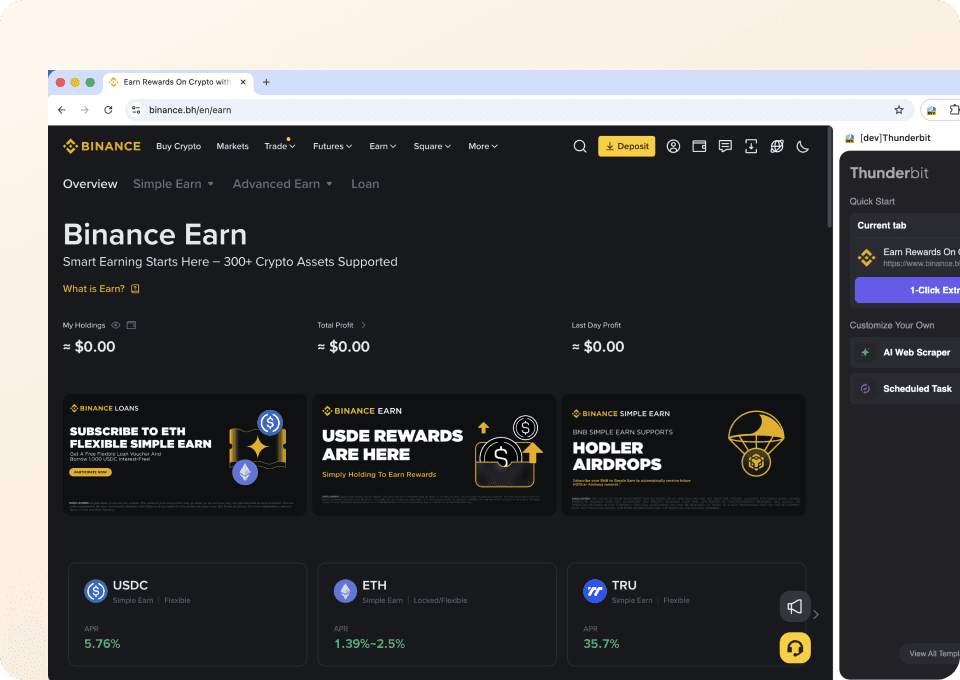
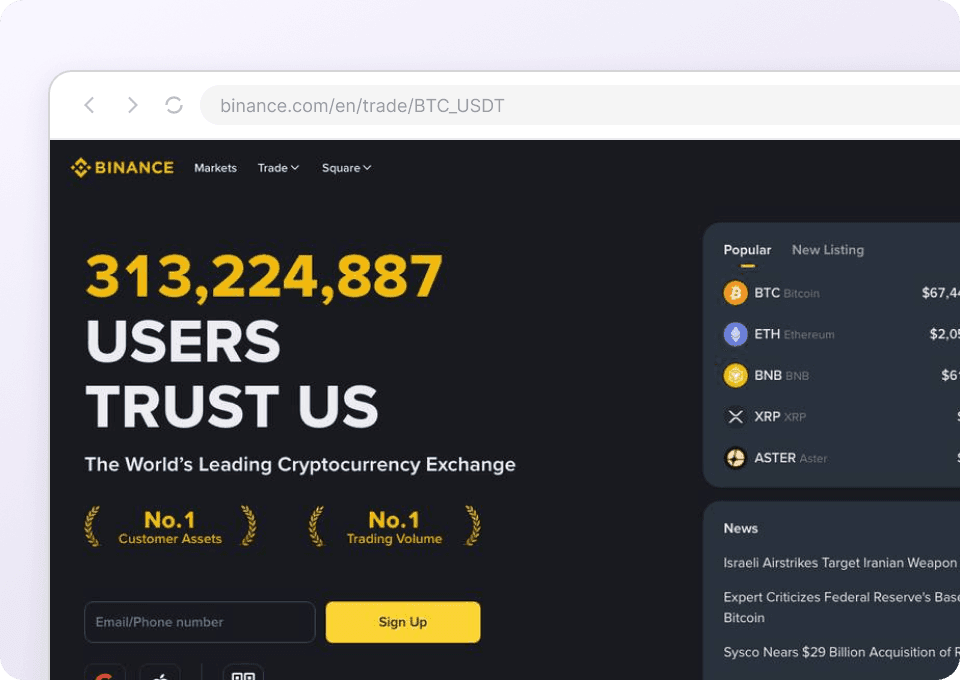
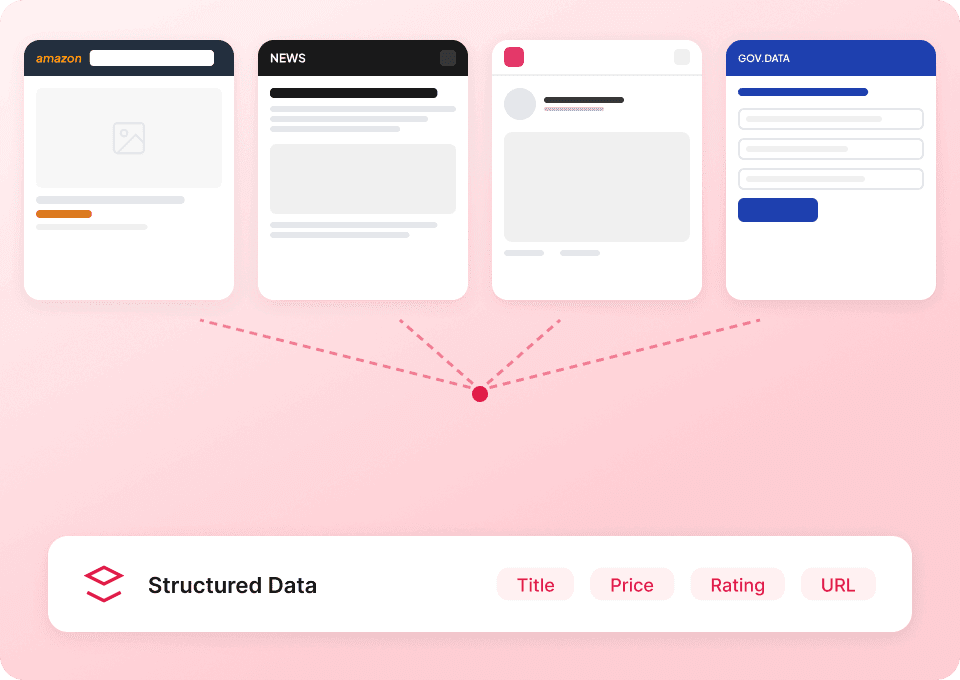
Thunderbit’s Binance Scraper helps you extract crypto market data from into a clean, structured table using AI. You can scrape spot trading pair listings and market overview pages, then export to Excel, Google Sheets, Airtable, or Notion in a couple of clicks. It’s built for speed and accuracy, with AI that reads the page layout and structures the data for you.
🤖 What is Binance Scraper
The AI-Powered Binance Scraper is an that lets you collect market data from Binance pages like spot markets and overview dashboards without writing code. You simply open the target Binance page, click AI Suggest Columns, then click Scrape—Thunderbit’s AI turns the page into structured rows and columns you can download or send to your tools.

With Thunderbit, you can also handle pagination and use Subpage Scraping to enrich your dataset by visiting detail pages when needed.
📊 What can you scrape with Binance
Binance market pages are packed with fast-changing data—prices, volume, market cap, and more. Thunderbit helps you capture that data in a repeatable way for analysis, monitoring, reporting, and internal dashboards.
Here’s the simple workflow you’ll use for both use cases:
Steps:
- Download the and register an account.
- Go to the Binance page you want to scrape (examples below).
- Click AI Suggest Columns to let AI recommend the best column names and data types.
- Click Scrape to extract the data, then export to Excel, Google Sheets, Airtable, or Notion.
🪙 Scrape Spot Trading Pairs from Binance
Use this scraper on the to collect a structured list of trading pairs and key metrics. This is useful for building watchlists, tracking liquidity, comparing pairs, or feeding a pricing/volume model.

Steps:
- Download the and register an account.
- Go to the destination page:
- Click AI Suggest Columns to generate recommended fields for spot pair listings.
- Click Scrape to collect the table and export your file.
Column names
| Column | Description |
|---|---|
| 🏷️ Trading Pair | The spot trading pair symbol (for example, BTC/USDT). |
| 🔗 Pair URL | The link to the pair’s market or trading page (useful for subpage enrichment). |
| 💲 Last Price | The most recent traded price shown on the listing. |
| 📈 24h Change (%) | The percentage price change over the last 24 hours. |
| 📊 24h High | The highest price in the last 24 hours (if shown on the page). |
| 📉 24h Low | The lowest price in the last 24 hours (if shown on the page). |
| 🔁 24h Volume | Trading volume over the last 24 hours (base or quote, depending on Binance display). |
| 💧 Liquidity / Volume Rank | Any ranking, tag, or sorting indicator shown in the list (if available). |
| 🕒 Scrape Timestamp | The time you scraped the data, helpful for time-series tracking. |
🌍 Scrape Crypto Market Overview from Binance
Use this scraper on the to capture a broader snapshot of the market. This is ideal for market monitoring, reporting, and building a daily/weekly dataset for trend analysis.

Steps:
- Download the and register an account.
- Go to the destination page:
- Click AI Suggest Columns to generate recommended fields for the overview table/cards.
- Click Scrape to extract the data and export it.
Column names
| Column | Description |
|---|---|
| 🪙 Asset / Coin Name | The cryptocurrency name shown in the overview list (for example, Bitcoin). |
| 🔤 Ticker | The symbol/ticker (for example, BTC). |
| 🔗 Asset URL | Link to the asset detail page on Binance (useful for Subpage Scraping). |
| 💲 Price | Current displayed price for the asset. |
| 📈 24h Change (%) | 24-hour percentage change for the asset. |
| 🧮 Market Cap | Market capitalization value shown on the overview page (if available). |
| 🔁 24h Volume | 24-hour trading volume shown for the asset (if available). |
| ⭐ Rank / Category | Any rank, label, or category shown (Top Gainers, Trending, etc.). |
| 🕒 Scrape Timestamp | When the snapshot was captured for reporting and comparisons. |
🎯 Why Use Binance Tool
Scraping Binance market pages is useful when you need repeatable, structured market data for analysis and operations—without manual copying or maintaining scripts.
Common ways you can use a Binance scraper:
- 📣 Marketing & content teams: Build market recap tables (top movers, trending assets) and export to Google Sheets for publishing workflows.
- 🛒 Crypto & fintech operations: Monitor spot pairs, volume shifts, and price changes across categories to support listings, alerts, or internal dashboards.
- 💼 Sales & partnerships: Track assets and market activity to prioritize outreach, partnerships, or ecosystem research.
- 🏠 Analysts & researchers: Create time-stamped datasets for backtesting, correlation analysis, and market structure studies.
Thunderbit is especially helpful when pages change layout or load data dynamically—AI reads the page and structures it each run, reducing maintenance compared to traditional scrapers. If you want more background on modern scraping workflows, see:
🧩 How to Use Binance Chrome Extension
- Install the Thunderbit Chrome Extension: Get it from the and create your account on .
- Navigate to a Binance markets page: Open either or .
- Activate AI-Powered Scraper: Click AI Suggest Columns to generate fields, then adjust column names or data types if needed (text, number, date, URL).
- Scrape, paginate, and enrich: Click Scrape. If the page has multiple pages or infinite scroll, enable pagination scraping. If you want more details per asset/pair, use Subpage Scraping to visit each detail page and append extra columns.
Tip: If Binance content requires your session (region prompts, preferences, or login), choose Browser Scraping. For public pages, Cloud Scraping is faster and can scrape up to 50 pages at a time.
💳 Pricing for Binance
Thunderbit uses a credit system:
- 1 credit = 1 output row (one row in your results table).
- AI Suggest Columns and setting up the scraper is included—your credits are mainly used when you actually extract rows.
You can start with the Free tier and scrape 6 pages per month. If you start a free trial, you can scrape 10 pages for free, which is a good way to test spot pairs and overview pages end-to-end before upgrading.
If you scrape up to 500 rows from Binance in one run, that typically costs about 500 credits (because each row is one output record). The exact credit usage depends on how many rows you extract and whether you enrich rows with subpage scraping.
Paid plans (monthly and yearly) scale with your needs, and the yearly option is usually more cost effective due to the discount:
- Starter: $15 monthly or $9 yearly (billed yearly)
- Pro plans increase credits for higher-volume workflows
You can review the latest details on the page.
❓ FAQ
-
What is the AI Powered Binance Scraper?
The AI Powered Binance Scraper is a scraping workflow in Thunderbit that uses AI to read Binance market pages and convert them into structured data. You click AI Suggest Columns to generate a table schema, then click Scrape to extract rows you can export. -
What is Thunderbit?
is an AI web scraping and productivity Chrome Extension that helps you extract data from websites, PDFs, and images into structured tables. It’s designed for business workflows like lead generation, ecommerce operations, and market research, with exports to Excel, Google Sheets, Airtable, and Notion. -
What Binance pages can I scrape with Thunderbit?
You can scrape listing-style pages like and , plus many other public pages that display structured market information. If you can view it in your browser, Thunderbit can usually structure it into rows and columns. -
Can Thunderbit handle pagination or infinite scroll on Binance markets pages?
Yes. Thunderbit supports pagination scraping for both click-based pagination and infinite scroll patterns. This matters for markets pages where the list is long and only a portion is visible at once. -
How do I export Binance data to Excel or Google Sheets?
After scraping, you can export your results as CSV/JSON or send them directly to Excel-compatible formats and tools like Google Sheets, Airtable, or Notion. Export is free, so you can focus your credits on extraction rather than downloads. -
What is Subpage Scraping and when should I use it for Binance?
Subpage Scraping lets Thunderbit open each row’s detail link (like an asset page or pair page) and add more columns back into your main table. You’d use it when the listing page doesn’t show everything you need—such as additional metrics, tags, or deeper details. -
Do I need to log in to Binance to scrape market data?
For many market pages, you can scrape without logging in. If Binance shows region prompts, personalization, or requires a session to load certain elements, you can use Browser Scraping so Thunderbit works inside your logged-in Chrome context. -
How accurate is the scraped data if Binance updates the page layout?
Thunderbit is designed to be resilient because AI reads the page structure each time you run the scraper. While any website change can affect extraction, AI-based field detection typically requires less maintenance than traditional rule-based scrapers. -
Is scraping Binance allowed and what should I consider?
You should always follow Binance’s terms, applicable laws, and internal compliance requirements. Use scraping responsibly, avoid collecting sensitive personal data, and consider rate limits and fair use—especially if you plan to run scheduled monitoring.
📚 Learn More
- Get started with the extension:
- Explore guides and tutorials:
- Learn scraping fundamentals:
- Build better list scrapes:
- Export workflows:
- See more tools comparisons:
Ready to turn Binance market pages into structured data you can actually use? Start with and run your first scrape in minutes.