

Every sales team I've worked with has the same recurring nightmare: you build a beautiful outbound campaign, load up 5,000 contacts, hit send — and 800 emails bounce. Your sender reputation tanks, your SDRs waste half the week dialing disconnected numbers, and your cost-per-meeting quietly doubles.
Vendor literature commonly reports double-digit annual decay in business contact data, though I couldn't find a current independent study with enough disclosed methodology to pin down a universal rate. What I can tell you is this: the contacts you bought six months ago are already rotting, and picking the wrong provider makes the problem worse, not better. So I spent weeks documenting pricing, coverage claims, compliance posture, and real unit economics across 15 contact data providers — from enterprise behemoths to scrappy email finders to a DIY web scraping approach that most comparison guides completely ignore. This isn't a vendor-sponsored ranking. It's an evidence-led comparison built on publicly available data, weighted evaluation criteria, and a cost-per-usable-contact framework that I genuinely wish someone had shown me years ago.
How We Evaluated These 15 Contact Data Providers
Before we get into individual tools, here's the framework. I used six weighted criteria, and I'll be transparent about why accuracy carries the heaviest weight.
| Criterion | Weight | What We Assess |
|---|---|---|
| Data Accuracy | 30% | Email deliverability, phone connect rates, verified vs. unverified ratio, right-person rate |
| Database Size & Regional Coverage | 20% | Total contacts, match rate for your ICP, strength in NA / EMEA / APAC / LATAM |
| Pricing & True Cost-Per-Contact | 20% | Model type (credits / seats / flat), effective cost after accuracy adjustment |
| CRM & Workflow Integrations | 15% | Salesforce, HubSpot, Outreach, API availability, bulk enrichment |
| Compliance & Data Ethics | 10% | GDPR controls, CCPA alignment, opt-out handling, data sourcing transparency |
| Ease of Use & Setup Time | 5% | Time to first usable list, learning curve, UI quality |
Accuracy gets 30% because a cheap provider with bad data is more expensive than a premium one with good data. I'll prove that math in the next section.
One important caveat: vendor-reported accuracy claims are not interchangeable. ZoomInfo's "99.8% name corroboration" measures something entirely different from UpLead's "95% accuracy guarantee" or Apollo's "98% email accuracy." They use different fields, statuses, samples, and denominators. The only reliable benchmark is your own pilot against your actual ICP — but these criteria at least give you a structured way to narrow the shortlist.
The Real Math: Cost-Per-Usable-Contact Nobody Talks About
Ugh, I don't want to give away this formula. But since I've watched too many teams burn budget on "cheap" contact data that turned out to be expensive garbage, here goes.
Effective Cost Per Usable Contact = Total Relevant Spend ÷ Usable Contacts
Where: Usable Contacts = Unlocked Contacts × Observed Correctness Rate × Observed Channel-Validity Rate
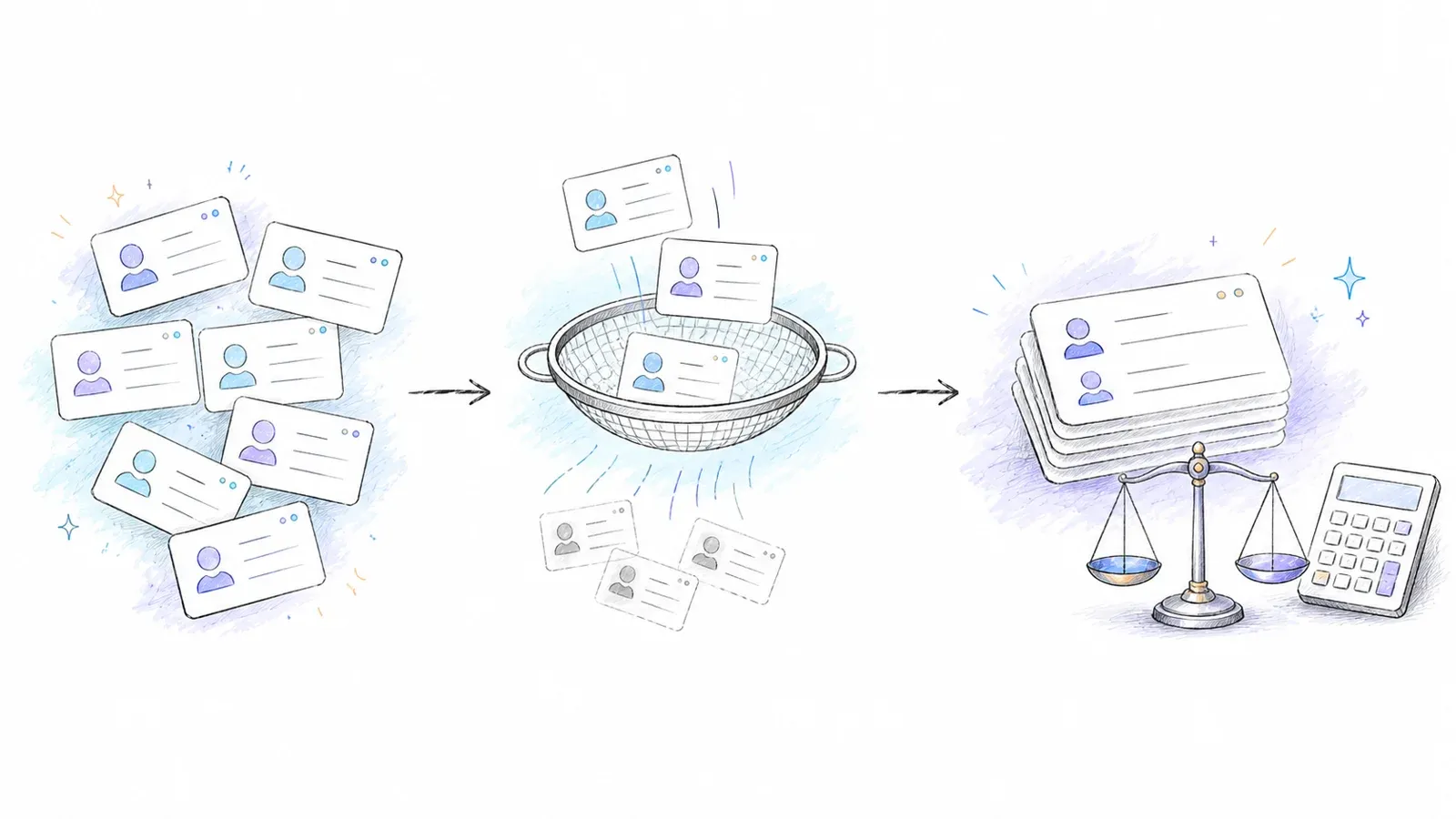
The denominator should come from your own pilot, not vendor marketing. But even using vendor-reported figures, the math is illuminating.
Here's a worked example with providers whose pricing and credit definitions are publicly transparent enough to calculate:
| Provider | List Price Per Unlock | Vendor-Reported Accuracy | Adjusted Cost Per Usable Contact | Notes |
|---|---|---|---|---|
| UpLead (Essentials) | ~$0.58/contact | 95% (vendor-reported) | ~$0.61 | Clearest unit: 1 credit = 1 contact with email + available direct dial |
| Lead411 (Spark) | ~$0.049/export | Vendor claims verified; re-verified every 3–6 months | Depends on your pilot | Export includes email + phone; no comparable accuracy denominator published |
| Hunter (Starter) | ~$0.68/email find | Valid status (not a guarantee) | Depends on your pilot | Email-only; add ~$0.02/email for external verification if needed |
| ZoomInfo | Custom quote | 99.8% name corroboration (not deliverability) | Not computable from public data | Enterprise contracts; total cost includes seats, minimums, add-ons |
A few things jump out. First, the units aren't equivalent — Apollo's credits can mean different things depending on the action (email vs. phone vs. waterfall lookup), and credit costs are action-dependent. Second, if you're using a provider with lower accuracy, you may need to add a verification tool like ZeroBounce (~$0.02/email at scale), which changes the math again.
Don't compare sticker prices. Compare what you actually pay per contact that reaches a real person.
15 Contact Data Providers Compared at a Glance
Before diving into each provider, here's the master comparison. A quick note on how to read it: "Best For" reflects the use case where the provider genuinely outperforms based on documented capabilities, not marketing claims. "Documented Vendor Claim" means the provider publishes this number — it is not an independent audit.
| Provider | Best For | Database Size (Vendor-Reported) | Documented Vendor Claim / Method | Pricing Model | Free Tier | CRM Integrations | GDPR Controls Published | Unique Feature |
|---|---|---|---|---|---|---|---|---|
| Thunderbit | Niche/DIY contact sourcing | N/A (live extraction) | N/A (depends on source) | Browser credits; API billing is surface-specific | Yes | Export to Sheets, Airtable, Notion, Excel | Terms published | AI field detection from supported sources |
| ZoomInfo | Enterprise sales intelligence | 420M–500M+ contacts | 99.8% name corroboration | Custom quote | Trial | Salesforce, HubSpot, Dynamics, Outreach | SOC 2, privacy policy | Intent data + technographics + org charts |
| Cognism | EMEA phone-verified contacts | 10M+ phone-verified | 45% connect on verified vs. 18% standard (commissioned study) | Custom quote | Demo/sample | Salesforce, HubSpot, Outreach | DNC checking, 15 lists | Diamond Data phone verification |
| Apollo.io | Startup prospecting + engagement | 230M+ contacts, 30M+ companies | 98%/98.5% email (vendor pages conflict) | Free; Basic $49/mo | Yes (permanent) | Salesforce, HubSpot | Published controls | Built-in sequencing + dialer |
| Lusha | Quick LinkedIn lookups | 290M+ contacts, 26M+ companies | 98% email, 86% phone (vendor-reported) | Free; paid self-serve | Yes (permanent) | Salesforce, HubSpot, Outreach | EU data alignment | Confidence scoring per contact |
| Lead411 | Trigger-based outbound | Vendor-reported (not publicly sized) | Re-verified every 3–6 months | $49/mo (1K exports) | 7-day trial | Salesforce, HubSpot | Published controls | Sales/news triggers for timing |
| UpLead | SMBs on a budget | 200M+ contacts, 19M companies | 95% accuracy guarantee (vendor) | $99/mo (170 credits) | 7-day trial | Salesforce, HubSpot, Pipedrive, Zoho | Published controls | Real-time email verification at export |
| RocketReach | Email/phone lookups | 700M+ profiles, 35M companies | 85%+ return rate (not accuracy) | Verify live | Free evaluation | Salesforce, HubSpot, API | Published controls | Massive profile count |
| Kaspr | LinkedIn-native prospecting | 500M+ data points; 200M+ EU contacts | Vendor-reported | Free; Starter €59/mo | Yes | LinkedIn, Salesforce, HubSpot, Pipedrive | GDPR-aligned | Instant LinkedIn reveal |
| Seamless.AI | High-volume lead gen | 1.3B+ contacts (vendor claim) | No overall accuracy rate published | Free (50 credits); paid via sales | Yes (limited) | Salesforce, HubSpot | Published controls | Real-time contact research |
| HubSpot Data Enrichment | HubSpot-native enrichment | 100M+ domains, 380M emails | Vendor-reported | Included in qualifying HubSpot plans | With paid HubSpot | HubSpot (native) | HubSpot DPA | Zero-friction CRM enrichment |
| LinkedIn Sales Navigator | Social selling | 1B+ members | N/A (not a contact database) | Core $119.99/mo | Trial (varies) | Salesforce, HubSpot (CRM sync) | LinkedIn terms | Relationship mapping + InMail |
| Leadfeeder (Dealfront) | European visitor intelligence | 40M+ companies, 180M contacts (Target) | Company-level identification | Free (100 companies/mo); paid €99/mo | Yes | Salesforce, HubSpot, Pipedrive | GDPR-first sourcing | Website visitor → company ID |
| Hunter.io | Email-only outreach | 150M emails from 650M sources | Valid/invalid/accept-all status | Free (50 credits/mo); Starter $34/mo | Yes | Salesforce, HubSpot, Pipedrive, API | Published controls | Domain search + email verifier |
| D&B Hoovers | Global company intelligence | 330M+ companies, 190M+ decision-makers | Vendor-reported | Essentials $49/mo (US); enterprise custom | First-month promo | Salesforce, Microsoft Dynamics | D&B privacy framework | Corporate hierarchies + credit data |
Now, the detailed breakdown.
1. Thunderbit
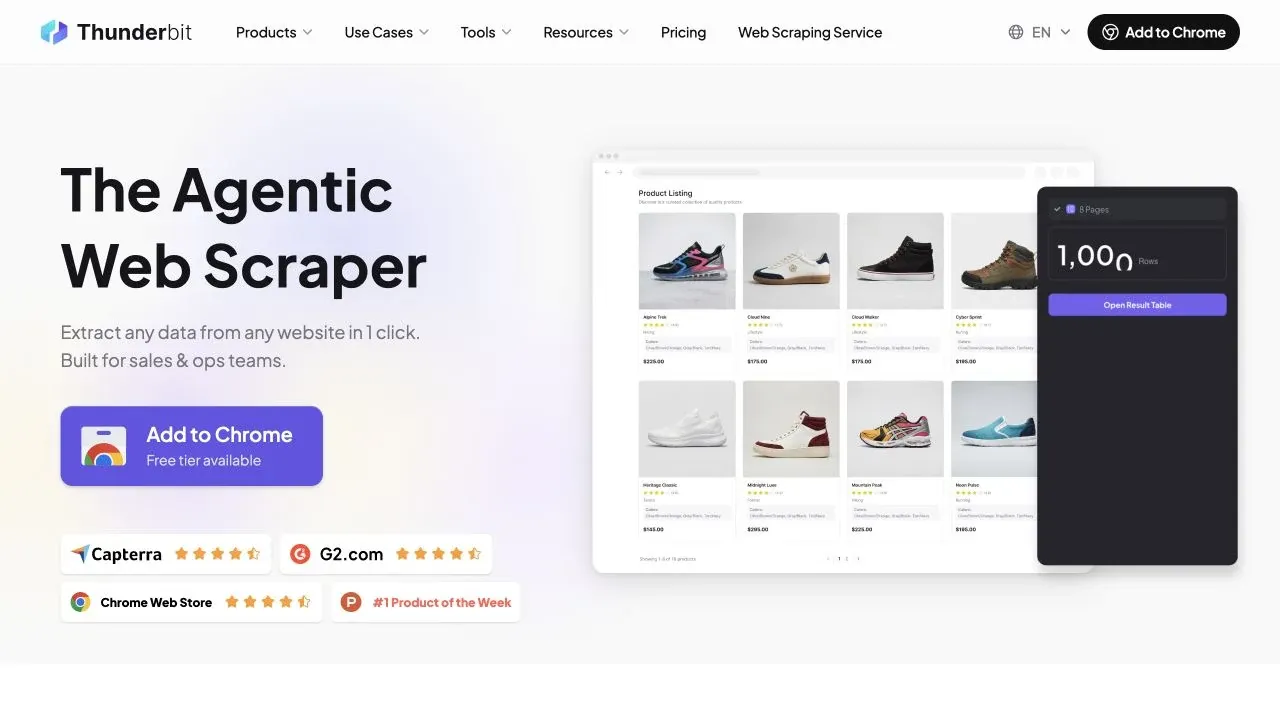
Thunderbit takes a fundamentally different approach to contact data: instead of selling you access to a prebuilt database, it lets you collect contact information directly from supported public or otherwise authorized websites using AI-powered extraction. Think of it as building your own contact database on demand.
I'm biased here — I work for Thunderbit — so I'll stick to documented capabilities and let you judge.
Why Thunderbit Exists in This List
Every other provider on this list assumes the contacts you need are already in someone's database. But what about the regional chamber of commerce directory, the industry association member list, the conference speaker page, or the niche trade portal? Those contacts often aren't indexed by ZoomInfo or Apollo. They're sitting on websites, waiting to be collected.
Key Features of Thunderbit for Contact Data
- AI Suggest Fields: Open a directory page, click AI Suggest Fields, and Thunderbit reads the page to recommend columns — name, email, phone, title, company. Review, adjust, scrape.
- Email and Phone Extractors: Dedicated one-click extractors for emails and phone numbers on supported pages, with a free tier available.
- Subpage Scraping: Scrape a directory listing page, then let AI visit each company's individual page to pull decision-maker details. This turns a flat list into a rich contact database.
- Scheduled Scraping: Automate recurring collection on a set interval (plan-dependent).
- Cloud vs. Browser Execution: Cloud for public pages (faster, handles multiple pages); Browser-Based for logged-in or session-dependent content.
- Export: Excel, CSV, Google Sheets, Airtable, Notion.
When to Choose Thunderbit Over a Traditional Contact Data Provider
| Approach | Best When | Setup Time | Ongoing Cost | Data Freshness |
|---|---|---|---|---|
| Traditional Provider (e.g., ZoomInfo) | Large-scale outbound, standard ICP | Minutes | $$$–$$$$ / year | Provider-dependent refresh cycle |
| DIY Web Scraping (e.g., Thunderbit) | Niche verticals, long-tail contacts, budget-limited | Minutes (AI-guided) | Free tier available; credit-based | Scraped on demand — reflects source at extraction time |
| Manual Research | Very small lists, ultra-specific | Hours | Free (labor cost only) | Freshest, but unscalable |
Pricing: The browser product uses credits, while the Open API and its agent-facing tools follow the current API billing rules. A browser free tier is available. Check Thunderbit Pricing and the live API documentation before comparing costs across surfaces.
Best for: Teams targeting niche sources, local directories, or industry portals that mainstream databases don't index — and budget-conscious teams that want on-demand freshness.
An honest limitation: Thunderbit requires a source website. It's not a searchable database where you type "VP Marketing in Austin" and get a list. You need to know where the contacts live online. And the data is only as good as the source — always validate results.
2. ZoomInfo
ZoomInfo is the enterprise incumbent. Its current Sales page reports 420M+ contacts, 120M+ direct dials, and 145M+ companies, while a July 2026 corporate release cites 500M contacts and 100M+ companies. Those are different scopes, and both are vendor-reported.
- Key features: Intent data, technographics, org charts, 300+ search filters, bidirectional CRM sync, continuous data refresh
- Accuracy claim: 99.8% name corroboration on emails — this is not the same as deliverability or right-person rate
- Pricing: Custom quote for Core Sales; GTM.AI is a separate metered product surface
- Free tier: Trial available; no permanent free plan
- Integrations: Salesforce, HubSpot, Microsoft Dynamics, Outreach, Salesloft
- Compliance: SOC 2 Type II, published privacy policy
Best for: Enterprise sales teams that need the deepest firmographic, technographic, and intent data in North America and can justify the budget.
Watch out for: Forum users consistently flag that contact accuracy drops in EMEA, APAC, and niche regional markets.
The price tag is enterprise-grade. If you're a 5-person startup, this probably isn't your first stop.
3. Cognism
Cognism has carved out a specific niche: phone-verified mobile numbers, especially in Europe. Their Diamond Data program involves human verification of mobile numbers, and they publish a commissioned study where an independent organization called 1,000 mobile numbers — the correct person picked up 45% of Cognism-verified numbers versus 18% of standard mobiles.
- Key features: 10M+ phone-verified contacts globally, 15 DNC lists, vendor-reported 95% of senior European contacts refreshed every 30 days
- Accuracy claim: Up to 3× higher connect rates for Diamond records (vendor-reported; the commissioned study provides more detail)
- Pricing: Custom quote
- Free tier: Demo/sample, not a permanent free plan
- Integrations: Salesforce, HubSpot, Outreach
Best for: Teams doing phone-led outbound in EMEA who need verified mobile numbers and DNC compliance.
Watch out for: Smaller US depth compared to ZoomInfo. And the pricing is premium for what is fundamentally a phone-verification layer on top of contact data.
4. Apollo.io
Apollo.io is the tool that keeps showing up in every startup's tech stack, and for good reason: it combines contact data with sequencing, enrichment, and a dialer in one platform. Apollo currently reports 230M+ contacts and 30M+ companies.
- Key features: Built-in email sequences and dialer, Chrome extension for LinkedIn, advanced search filters, enrichment workflows
- Accuracy claim: Apollo's own pages cite both 98% and 98.5% email accuracy — the inconsistency is worth noting
- Pricing: Permanent Free plan; Basic at $49/month; higher plans vary across current official surfaces. Credits are action-dependent — a phone lookup can consume materially more than an email
- Integrations: Salesforce, HubSpot
Best for: Startups and growth-stage teams that want prospecting + engagement in one platform without enterprise pricing.
Apollo.io Data Accuracy: What to Expect
Apollo documents a conditional refund when an Apollo-verified email sent through Apollo bounces within 30 days; mobile credits are not refunded. The practical implication: run a small pilot against your ICP before committing to a paid plan. The free tier is generous enough to test.
5. Lusha
Lusha is the fastest way to reveal a contact from a LinkedIn profile. Install the Chrome extension, visit a profile, click — done. Lusha reports 290M+ contacts and 26M+ companies, with vendor-claimed 98% email and 86% phone accuracy.
- Key features: Browser extension for instant reveals, confidence scoring, bulk CSV enrichment
- Pricing: Permanent free plan (verify live allowance); paid plans available on self-serve checkout. Standard reveal: 1 credit for email, 5 for phone
- Integrations: Salesforce, HubSpot, Outreach
Best for: Individual reps and recruiters who need fast, low-friction contact reveals from LinkedIn.
Watch out for: Credit caps can limit heavy users quickly — especially if you're pulling phone numbers at 5 credits each. For deep firmographic research, the database is smaller than enterprise tools.
6. Lead411
Lead411 differentiates on timing: it pairs contact data with sales triggers like funding rounds, hiring surges, and tech-stack changes. The idea is you don't just get a name and email — you get a reason to reach out right now.
- Key features: Triple email verification, direct dials, event-based sales alerts, Chrome extension
- Verification: Official page says emails are re-verified every 3–6 months
- Pricing: Spark $49/month for 1,000 exports; Ignite from $150/month for 1,000+ exports with API access
- Free tier: 7-day trial with 50 exports
Best for: Outbound teams that want to time their outreach to company events, not just spray-and-pray.
Watch out for: Mostly US-focused data. The UI feels a generation behind some competitors. Alert volume can overwhelm unless you tune your filters carefully.
7. UpLead
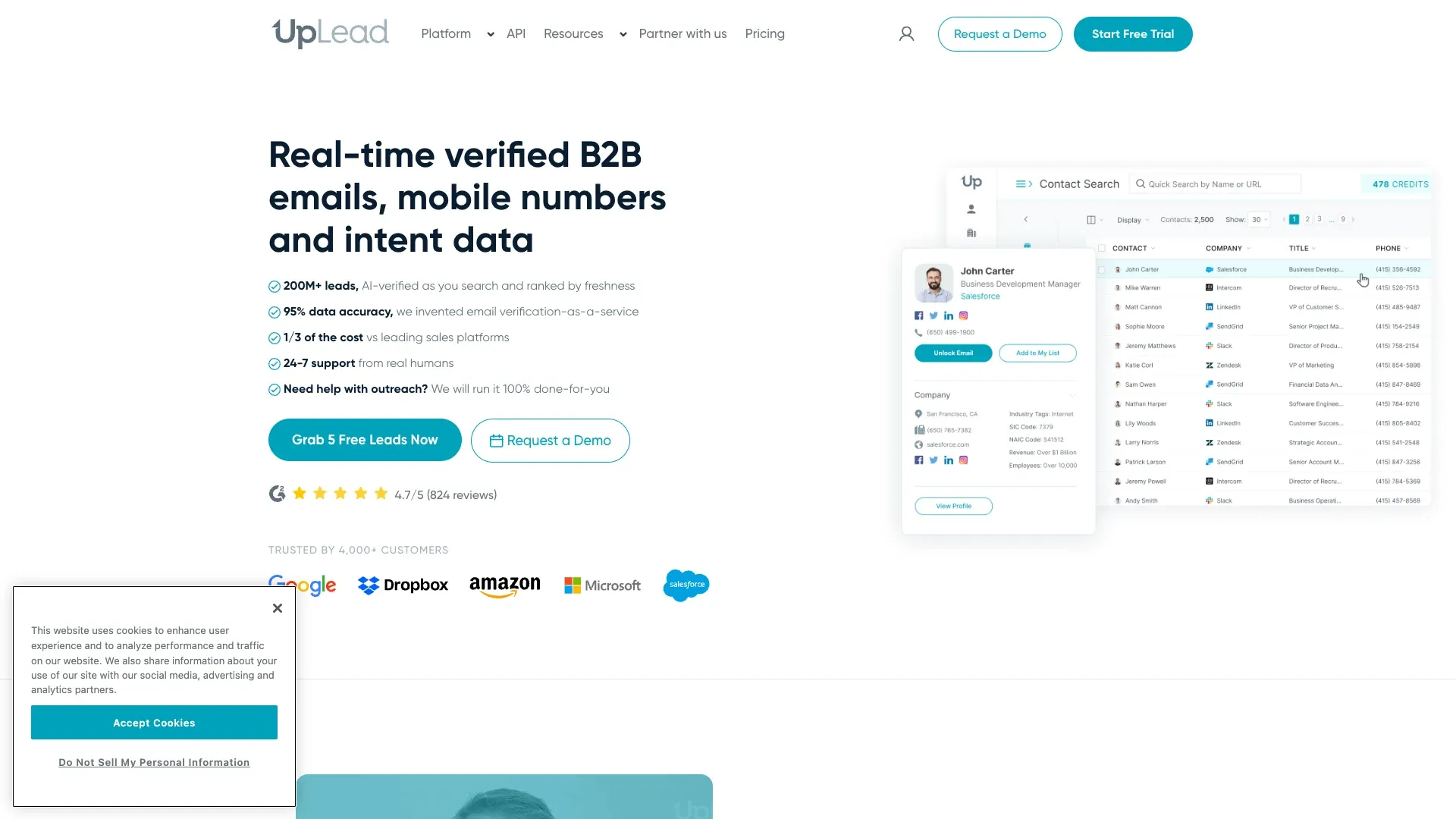
UpLead has the cleanest publicly defined contact unlock I've seen. One credit = one contact with email + available mobile direct dial. No ambiguity about what you're paying for.
- Key features: Real-time email verification at point of export, technographic filtering, 200M+ contacts across 200+ countries
- Accuracy claim: 95% data accuracy guarantee (vendor-reported, with status and contract boundaries)
- Pricing: 7-day trial with 5 credits; Essentials $99/month for 170 credits; Plus $199/month
- Integrations: Salesforce, HubSpot, Pipedrive, Zoho
Best for: SMBs that want transparent pricing, clear credit definitions, and high email deliverability without enterprise complexity.
Watch out for: Credit caps limit high-volume users. No built-in outreach tools. UpLead's Valid, Invalid, and Accept All email outcomes are different — "Accept All" is not a confirmed mailbox, so factor that into your accuracy expectations.
8. RocketReach
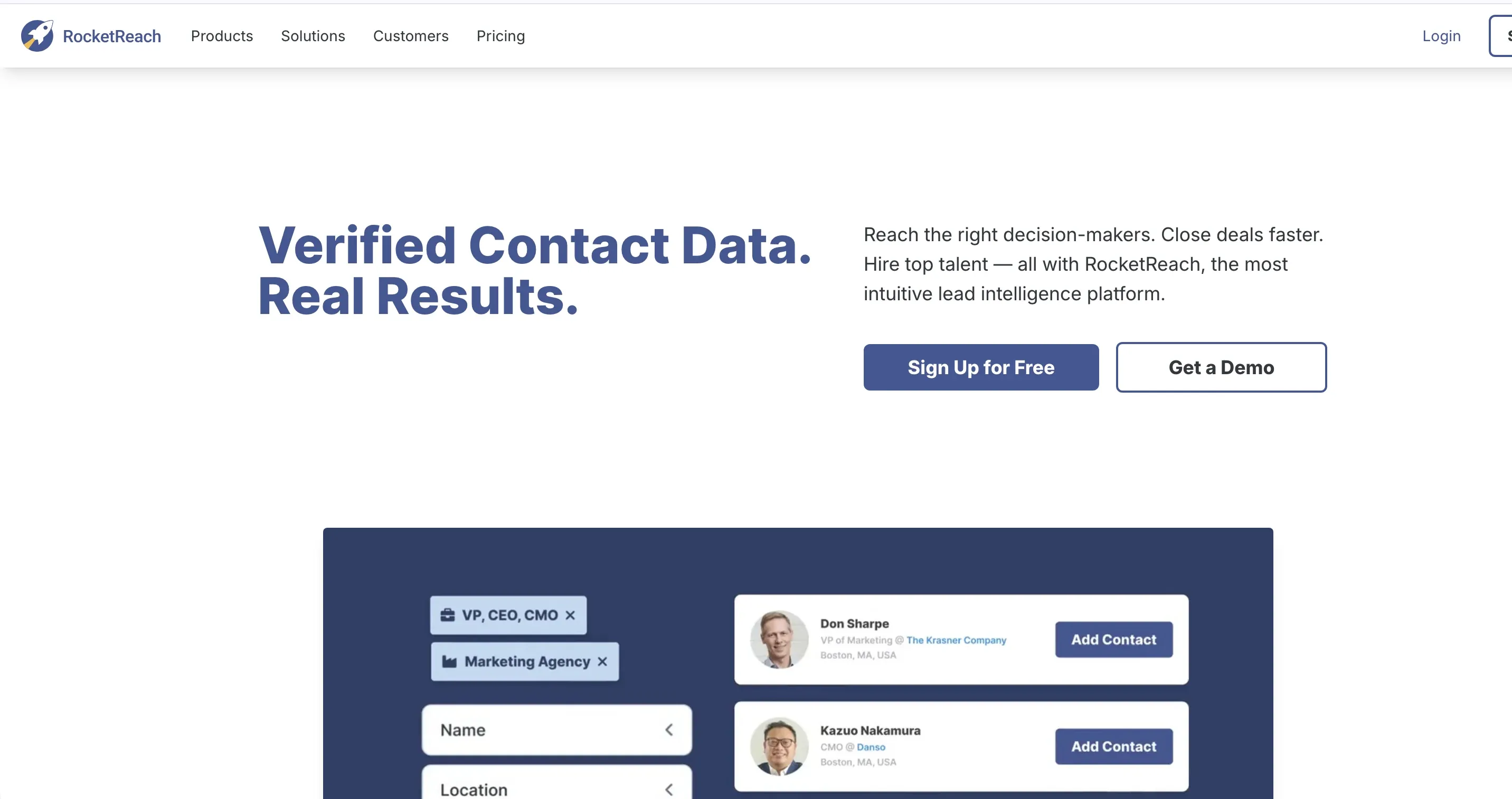
RocketReach reports 700M+ profiles across 35M companies, making it one of the largest profile databases by raw count. Its integrations page separately advertises 4.5B records — a different unit entirely.
- Key features: Chrome extension, tiered pricing, email/phone lookup
- Accuracy claim: 85%+ return rate (this is an email/social return rate, not an accuracy rate)
- Pricing: Verify live — the price page was access-challenged during research
- Integrations: Salesforce, HubSpot, API access
Best for: Individual lookups when you need to find someone's email or phone quickly.
Watch out for: The gap between "profiles" and "usable, verified contacts" can be significant. Phone data quality is inconsistent based on user reports. Less suited for bulk enrichment or team-scale workflows.
9. Kaspr
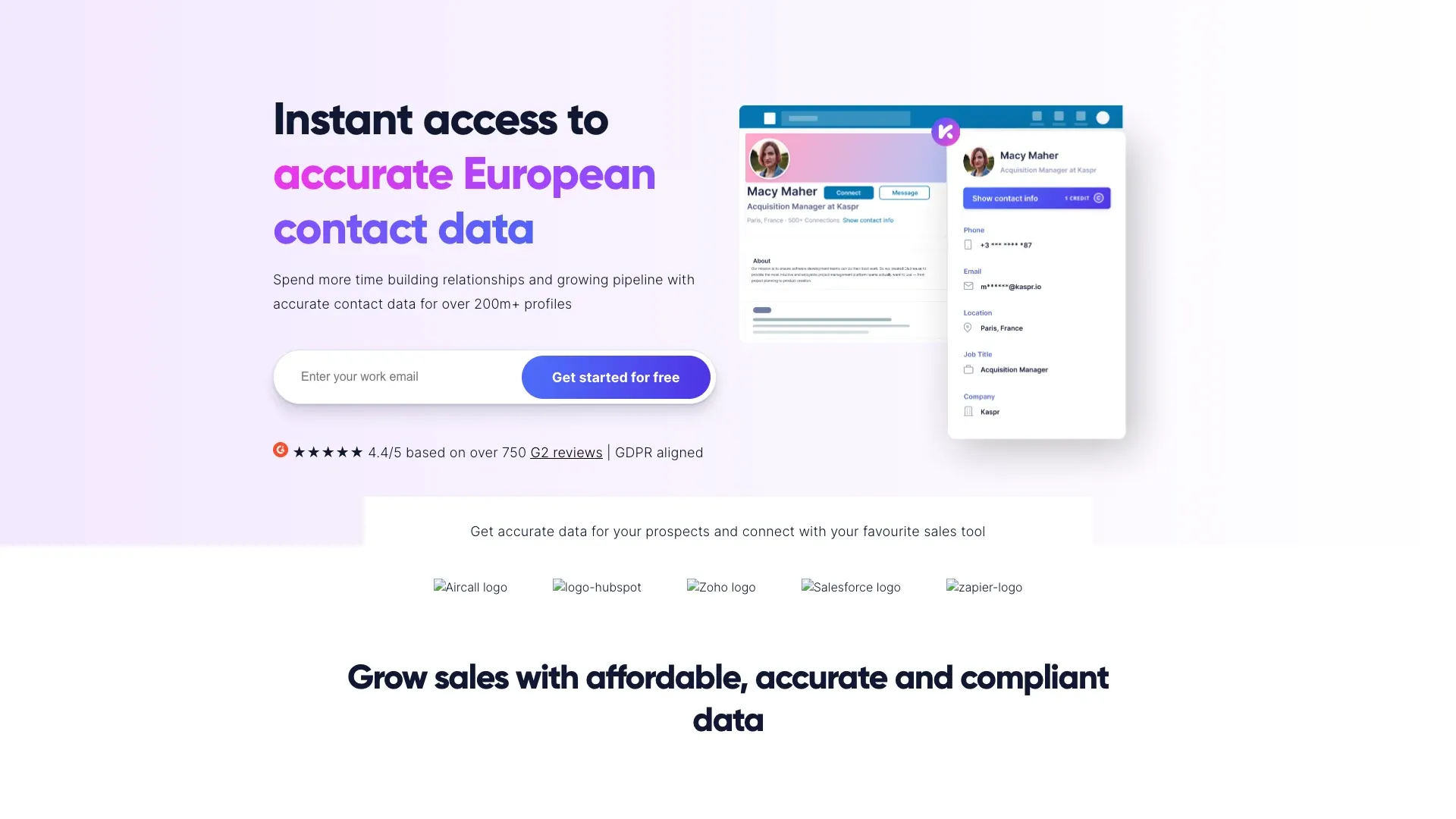
Kaspr is built specifically for LinkedIn and Sales Navigator users. It reports 500M+ phone/email data points globally and 200M+ European B2B contacts — different units, so keep them separate.
- Key features: Instant contact reveal on LinkedIn profiles, self-serve signup, GDPR-aligned data
- Pricing: Free plan with 5 phone, 5 direct email, and 10 export credits; Starter €59/month (€45 annual); Business €99/month (€79 annual)
- Integrations: LinkedIn, Salesforce, HubSpot, Pipedrive
Best for: Recruiters and European SDRs who live inside LinkedIn and want fast, affordable reveals.
Watch out for: Limited company-level insights and intent data. Thinner APAC coverage. Current official pages conflict on free API availability — verify your specific account.
10. Seamless.AI
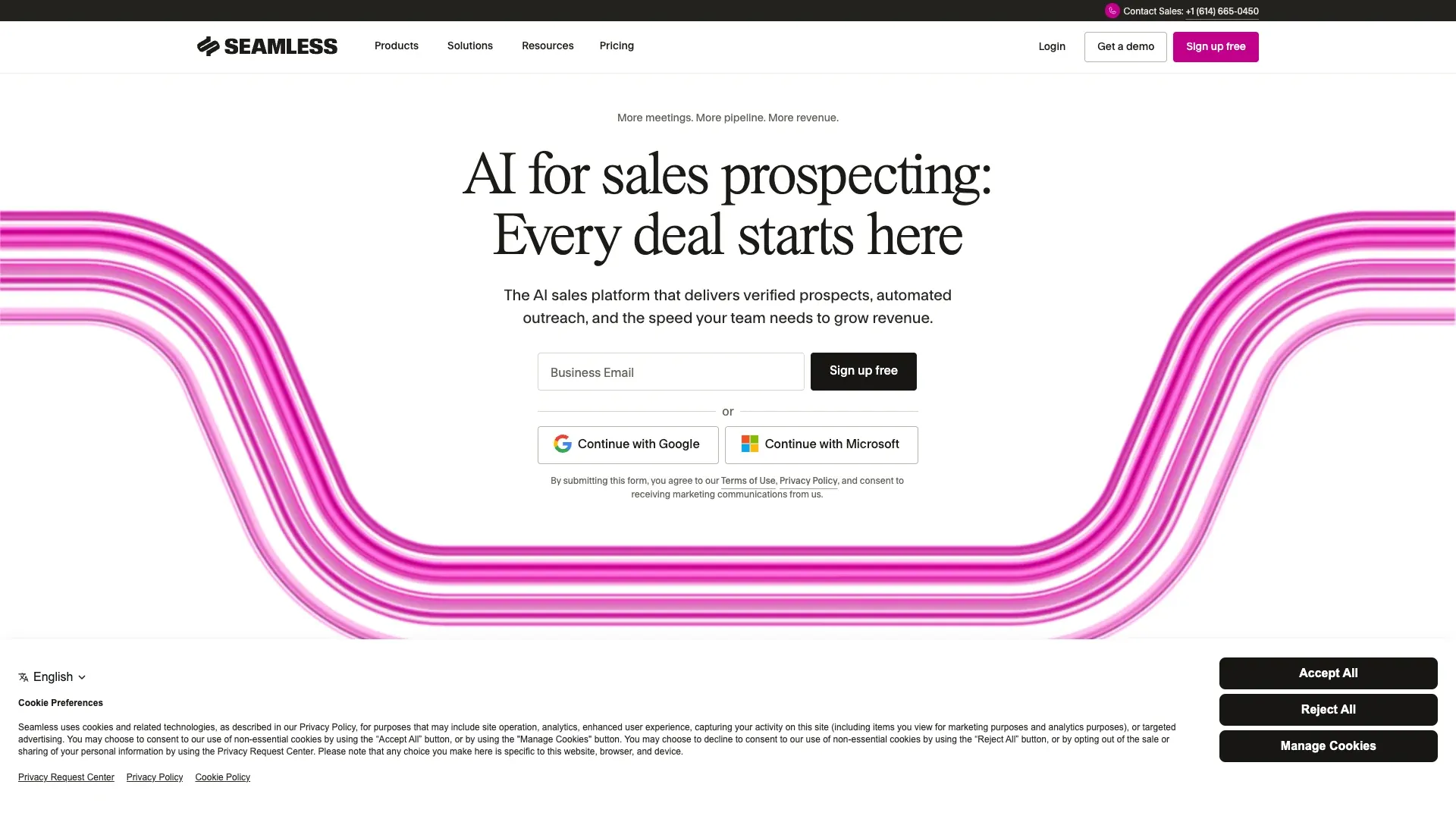
Seamless.AI makes big claims: 1.3B+ contacts and 414M+ verified mobile numbers. But something stood out during research — I could not find an overall numerical accuracy rate published on their official pages.
- Key features: Real-time contact research engine, Chrome extension, bulk capture
- Pricing: Free plan for 1 user with 50 credits; paid Pro and Enterprise require sales contact
- Integrations: Salesforce, HubSpot
Best for: Teams that need high-volume lead generation and are willing to verify results downstream.
The Seamless.AI Accuracy Debate
The API terms explicitly disclaim accuracy, completeness, and timeliness warranties. Forum users have expressed frustration about the gap between claimed database size and usable contacts. I'd recommend running a small, controlled pilot and verifying results with an external tool before building campaigns on Seamless.AI data.
11. HubSpot Data Enrichment (formerly Clearbit)
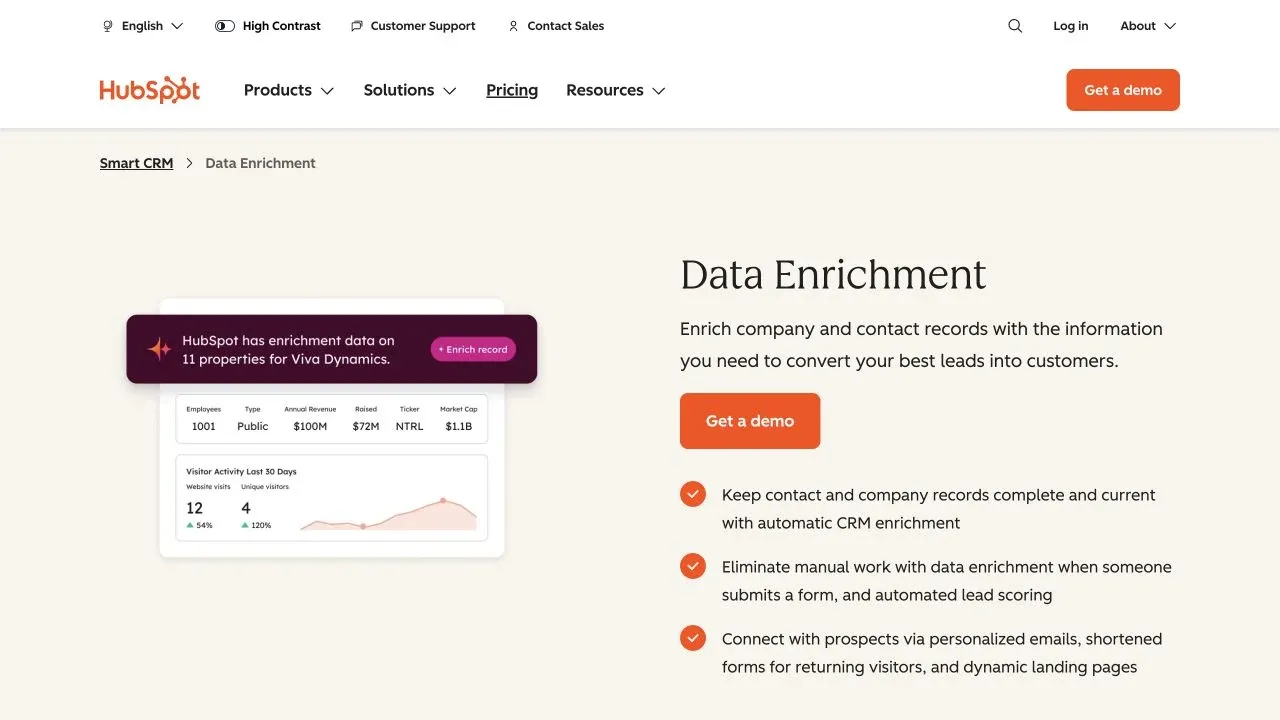
Clearbit became part of HubSpot, and the current customer-facing product is HubSpot Data Enrichment. It reports 100M+ company domains and 380M indexed email addresses.
- Key features: Native HubSpot CRM enrichment, always-fresh record updates, no HubSpot Credits consumed for enrichment on qualifying paid accounts
- Pricing: Included in qualifying paid HubSpot subscriptions; buyer intent and smart properties are separate credit-consuming features
- Integrations: HubSpot (native); limited outside the HubSpot ecosystem
Best for: Teams already on HubSpot who want zero-friction CRM enrichment without managing a separate vendor.
Watch out for: If you use Salesforce or another CRM, this isn't for you. Contact-level data is thinner than full sales-intelligence databases. It's enrichment, not a standalone prospecting tool.
12. LinkedIn Sales Navigator
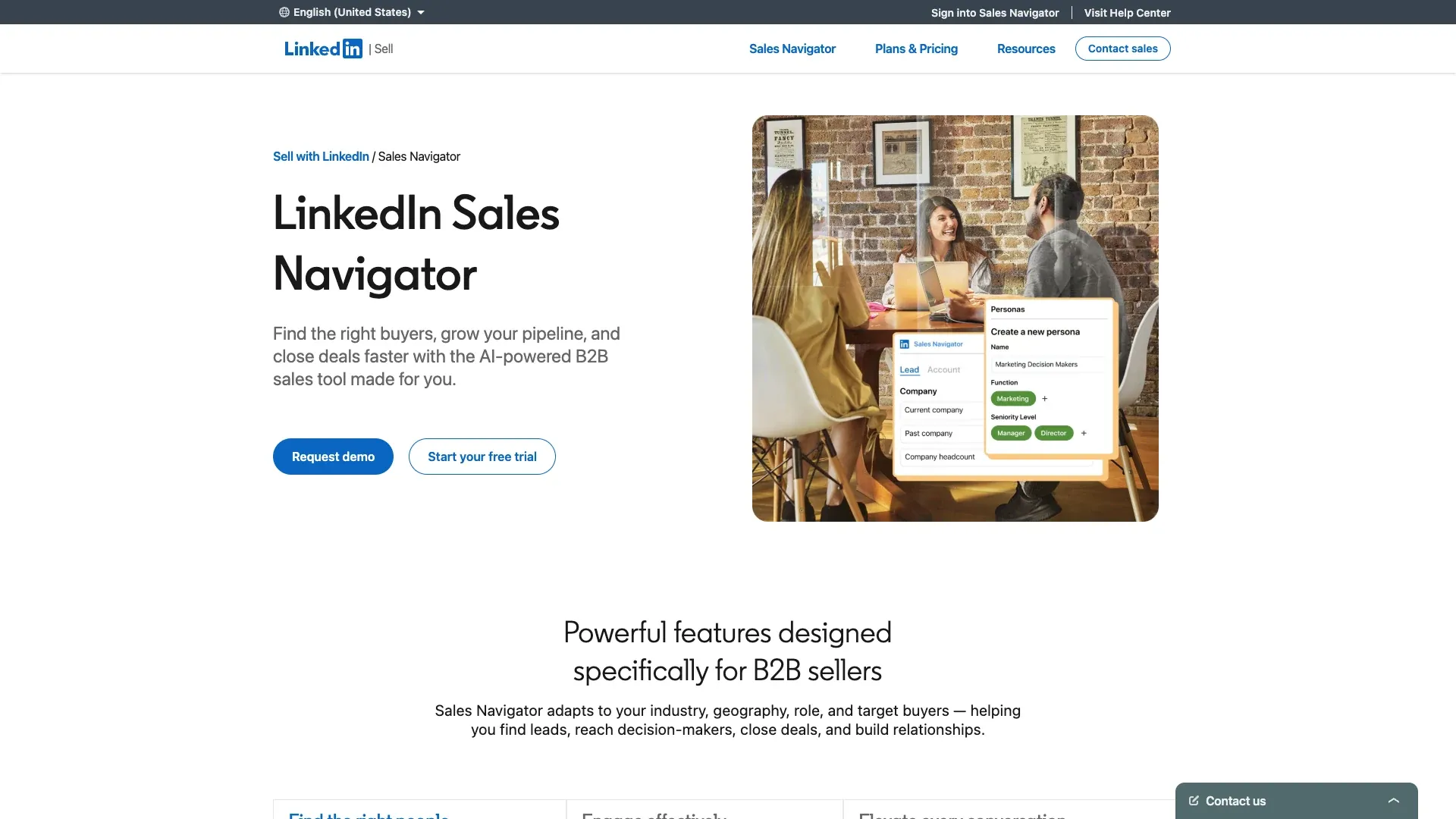
LinkedIn Sales Navigator gives you search and relationship context over LinkedIn's 1B+ member network. It is not a verified contact database — that distinction matters.
- Key features: Advanced lead/account search, InMail, TeamLink for warm introductions, real-time job change alerts
- Pricing: Core $119.99/month or $1,079.88/year; Advanced $159.99/month or $1,799.88/year; Advanced Plus custom
- Integrations: Salesforce, HubSpot (CRM sync)
Best for: Social selling teams that prioritize warm introductions and relationship mapping over cold outbound.
Why Sales Navigator Needs a Data Provider Companion
Sales Navigator does not include verified emails or direct dial phone numbers. You can find the right person, but you can't email or call them without pairing it with a contact data provider. Any enrichment companion must be used within LinkedIn's rules and applicable privacy requirements.
13. Leadfeeder (Dealfront)
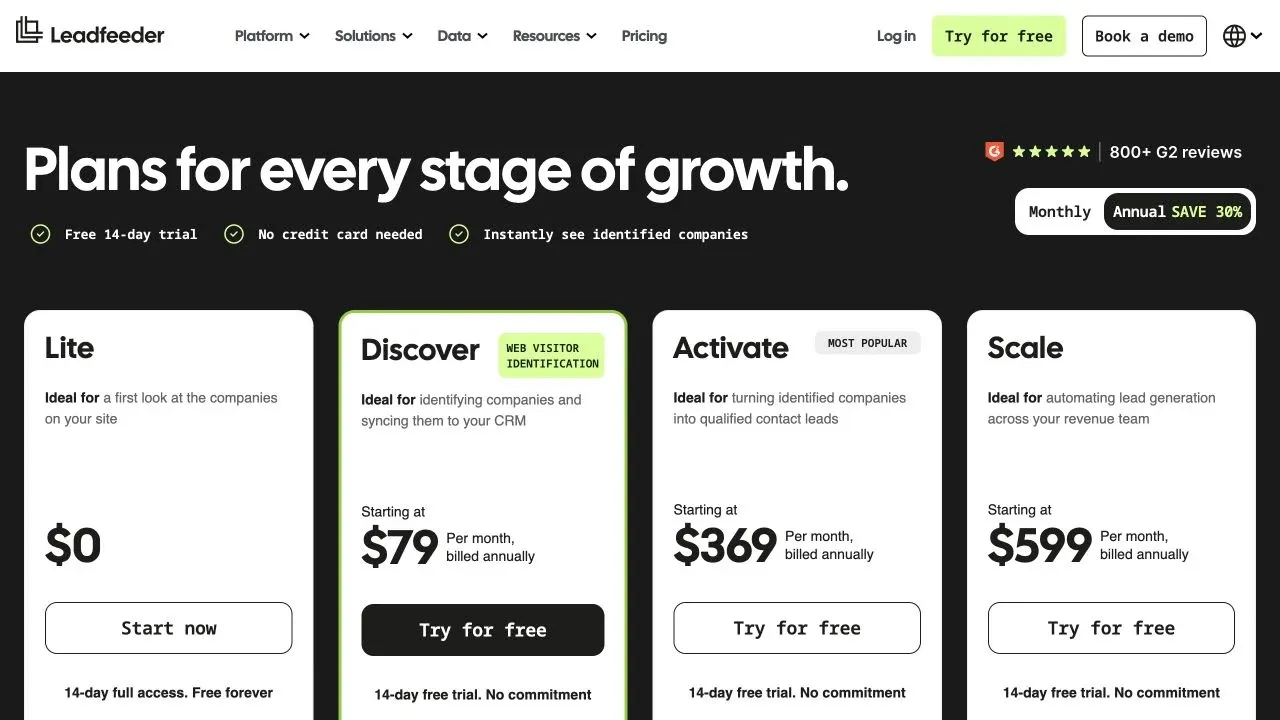
Leadfeeder by Dealfront identifies companies visiting your website — not named individuals by default. The contact-reveal and Target database layers are separate products.
- Key features: Website visitor identification (company-level), CRM activation, Target database with 40M+ companies and 180M contacts
- Pricing: Leadfeeder Free at €0 (100 companies/month, 7-day history); paid starts at €99/month billed annually with 25 reveal/export credits
- Integrations: Salesforce, HubSpot, Pipedrive
Best for: European-focused teams that want to identify which companies are visiting their site and then activate those accounts.
Watch out for: Weaker North American coverage than ZoomInfo. The visitor identification is company-level, not individual-level. Contact reveal and the Target database are separate from the visitor tracking product.
14. Hunter.io
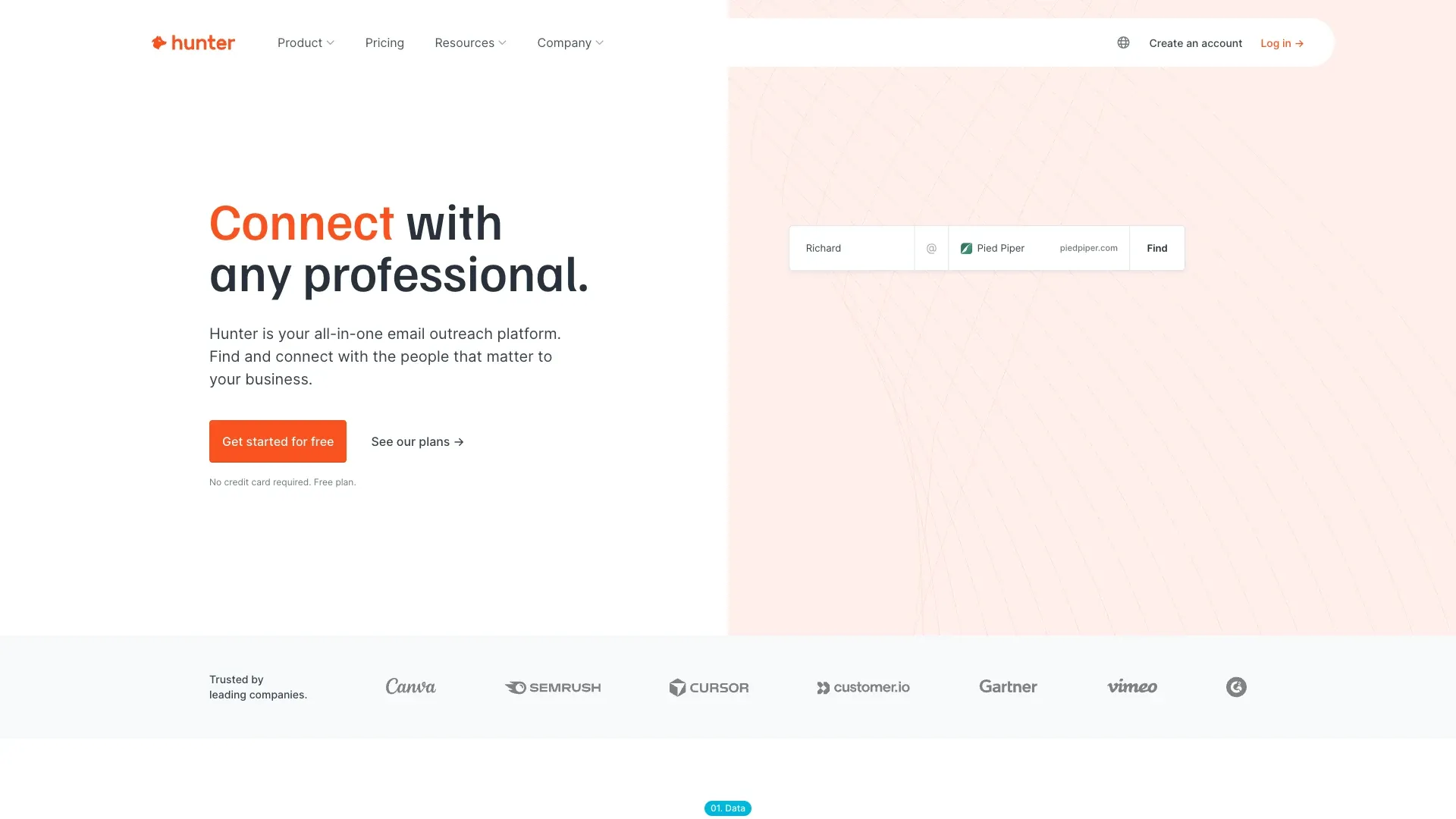
Hunter.io does one thing well: finding and verifying professional email addresses. It reports 150M professional emails indexed from 650M public sources, crawling 30M public pages daily.
- Key features: Domain search (find all emails at a company), email verifier, enrichment, sequences, API
- Pricing: Free plan with 50 credits/month; Starter $34/month, Growth $104, Scale $209 (U.S. annual view)
- Integrations: Salesforce, HubSpot, Pipedrive, API, Google Sheets
Best for: Email-led outbound teams that need reliable email discovery and verification without phone data.
Watch out for: Email-only — no phone numbers, no direct dials. Not a full prospecting platform. A "valid" result is a verification status, not a guarantee of deliverability or permission to contact.
15. D&B Hoovers
D&B Hoovers sits on top of Dun & Bradstreet's global business data — corporate hierarchies, financials, credit risk, and international company coverage that few competitors can match. The main page reports 330M+ companies, 190M+ decision-makers, and 70M+ emails.
- Key features: Corporate hierarchies, smart lists, news alerts, Salesforce enrichment, credit/risk data
- Pricing: U.S. Essentials at $49/month for 150 company and 150 contact credits (or $529/year); broader packages are custom
- Integrations: Salesforce, Microsoft Dynamics
Best for: Enterprise teams that need deep company intelligence — hierarchies, financials, credit risk — alongside contacts.
Watch out for: Contact emails and phones can lag behind real-time providers. The UI feels dated. The Essentials page reports 520M+ contacts, while the main page uses different metrics — keep the units and packages distinct.
Regional Accuracy Reality Check: Which Providers Work Outside North America
Most contact data providers are built with North American data first. Quality drops — sometimes sharply — in EMEA, APAC, and LATAM. Rather than inventing a scorecard I can't back up with controlled testing, here's what the documented evidence supports:

| Region / Need | Evidence-Supported Starting Point | Caveat |
|---|---|---|
| North American enterprise GTM | ZoomInfo, D&B Hoovers | Run a role/industry-specific sample; scale ≠ correctness |
| EMEA phone-led outbound | Cognism (phone-verified, DNC screening) | Connect and freshness figures are vendor-reported or from Cognism's commissioned study |
| European website visitors | Leadfeeder (visitor ID + account activation) | Not equivalent to a static contact database |
| Global social selling | LinkedIn Sales Navigator | No verified emails/direct dials included |
| Niche/local directories in any region | Thunderbit (extract from supported public or authorized local sources) | Geographic availability depends on the source; quality and lawful use require validation |
| Email-only discovery | Hunter | No phone coverage; verification ≠ permission to contact |
For teams targeting non-NA markets where traditional providers fall short, Thunderbit's web scraping approach is geography-agnostic — it extracts whatever contact data is publicly available on local business directories, chamber of commerce sites, or regional industry portals, regardless of region. The data is only as good as the source, but at least you're not limited to a vendor's indexing priorities.
Use-Case Matrix: The Right Provider for Sales, Marketing, Recruiting, and Ops
Most comparison guides assume you're an SDR. But marketing teams need intent signals, recruiters need org charts and personal mobiles, and RevOps needs bulk enrichment. Here's the mapping:
| Use Case | Key Data Needs | Top Picks | Why |
|---|---|---|---|
| Outbound Sales (SDR/AE) | Direct dials, verified emails, firmographics | ZoomInfo, Apollo, Seamless.AI | Largest databases, built-in sequencing |
| Marketing (ABM/Demand Gen) | Firmographics, intent signals, audience segmentation | HubSpot Data Enrichment, Cognism, Leadfeeder | CRM enrichment, intent data, visitor ID |
| Recruiting | Personal emails, mobile numbers, org charts | LinkedIn Sales Navigator, Kaspr, Lusha | LinkedIn-native data, org hierarchy |
| RevOps / Data Hygiene | Bulk enrichment, deduplication, decay auditing | ZoomInfo, Lead411, UpLead | CRM integrations, bulk processing, transparent credits |
| Niche / DIY Sourcing | Contacts from specific websites, directories, events | Thunderbit, Hunter.io | Extract from supported sources; no prebuilt-database dependency |
How to Stack Multiple Contact Data Providers for Full Coverage
Some RevOps teams use waterfall enrichment — querying a second source only when the first returns a blank or low-confidence result. It can increase coverage, but it also increases cost, duplicates, conflicting fields, and compliance complexity. Here's how to think about it:

The stacking workflow:
- Define a field-level source hierarchy (don't overwrite the whole record)
- Query the primary source first
- Call secondary sources only for blanks or low-confidence fields
- Use a DIY scraping layer for contacts no database covers
- Reverify email before send; apply phone/DNC controls appropriate to jurisdiction
- Deduplicate by stable identifiers and record conflicting values
- Propagate opt-outs and deletions across every downstream copy
| Scenario | Primary Provider | Secondary Provider | DIY Scraping Layer |
|---|---|---|---|
| NA-focused SDR team | ZoomInfo or Apollo | Lusha (phone verification) | Thunderbit for niche verticals |
| EMEA expansion | Cognism | Leadfeeder (Dealfront) | Thunderbit for local directories |
| Recruiting team | LinkedIn Sales Nav | Kaspr or Lusha | Thunderbit for conference speaker lists |
| Budget-limited startup | Apollo (free tier) | Hunter.io (email only) | Thunderbit (free tier scraping) |
Stacking only makes sense when the incremental match rate justifies the incremental cost. Run a pilot with your actual ICP before committing to multiple subscriptions.
The DIY Alternative: Build Your Own Contact Database with Web Scraping
Every competitor article I reviewed assumes you must buy from a database vendor.
What if the contacts you need aren't in any provider's database? I've seen this scenario play out repeatedly: a team targets a niche vertical — say, independent HVAC contractors in the Midwest, or speakers at a specific industry conference, or members of a regional trade association. ZoomInfo doesn't index those. Apollo doesn't either. The contacts exist on websites, but no one's aggregated them into a searchable database.

This is where Thunderbit's AI web scraper fits. Instead of hoping a vendor has indexed your niche, you go directly to the source.
Step-by-Step: Scraping a Contact List with Thunderbit
- Navigate to the target website (e.g., a regional business directory, association member page, or conference speaker list)
- Click "AI Suggest Fields" — Thunderbit reads the page and recommends columns (name, email, phone, title, company)
- Review and adjust the suggested fields if needed
- Click "Scrape" to extract the data
- Use "Scrape Subpages" to enrich — for example, scrape a directory listing, then let AI visit each company's page to pull decision-maker details
- Export to Excel, Google Sheets, Airtable, or Notion
Dedicated email and phone extractors are available for supported pages, including through the browser product's free tier. For more complex workflows, the Thunderbit Chrome Extension handles pagination, subpages, and scheduled runs.
For developer and agent workflows, Thunderbit also offers an Open API, MCP Server, and CLI/skills package, whose repository also ships a Claude Code plugin. The Web App provides another browser-accessible surface. These configured surfaces can submit extraction jobs without running the extension; for an interactive contact-sourcing workflow on a page already open in the browser, the extension is usually the most direct path.
Want to see it in action? Check out the Thunderbit YouTube Channel for walkthrough videos.
A Quick Note on Compliance and Data Ethics
This is operational guidance, not legal advice. Vendor compliance statements do not transfer responsibility to you.
GDPR applies to information about identifiable people in a professional context — a named work email is personal data. Processing requires a lawful basis and must follow the European Commission's data-processing principles, including purpose limitation, data minimization, accuracy, and transparency. Individuals have rights of access, correction, erasure, and objection.
CAN-SPAM applies to commercial email including B2B — accurate headers, nondeceptive subjects, opt-out within 10 business days.
California's data broker rules now require registered data brokers to access the Delete Request and Opt-Out Platform at least once every 45 days.
Gmail sender guidelines require authentication and, for bulk senders, DMARC plus one-click unsubscribe. Google advises keeping spam complaints below 0.10%.
A correct contact from a provider is not consent to contact. Verify your lawful basis, honor opt-outs, and don't assume "GDPR compliant" on a vendor's website means you're covered.
Which Contact Data Provider Should You Pick?
No single provider is perfect for every team. My honest summary:
- Enterprise sales intelligence with budget: ZoomInfo
- EMEA phone-verified outbound: Cognism
- Startup prospecting + engagement: Apollo.io
- Fast LinkedIn reveals: Lusha or Kaspr
- HubSpot-native enrichment: HubSpot Data Enrichment
- Transparent SMB pricing: UpLead
- Trigger-based timing: Lead411
- Email-only discovery: Hunter.io
- Global company intelligence: D&B Hoovers
- Social selling: LinkedIn Sales Navigator
- European visitor intelligence: Leadfeeder (Dealfront)
- Niche/DIY sourcing: Thunderbit
Accuracy matters more than database size. A provider with 200M contacts and 95% accuracy will outperform one with 1B contacts and 70% accuracy every single time — and the cost-per-usable-contact math proves it.
If you're tired of paying for contacts that bounce, consider stacking two providers with a DIY scraping layer for the niches no database covers. And if you want to see what on-demand contact extraction looks like, Thunderbit's free tier is a low-risk way to start.
FAQs
What is a contact data provider?
A contact data provider is a platform that gives you verified business contact information — emails, phone numbers, job titles, company details — for prospecting, outreach, enrichment, or research. Some are searchable databases (like ZoomInfo or Apollo), some are enrichment layers (like HubSpot Data Enrichment), and some are live extraction tools (like Thunderbit) that let you collect contacts directly from websites.
How accurate are contact data providers in 2026?
Vendor-reported accuracy ranges widely, but the numbers aren't directly comparable because each provider defines "accuracy" differently — some measure email deliverability, others measure name corroboration, and others report return rates. The only reliable benchmark is your own pilot against your actual ICP. Run a 200–1,000-record test and measure valid-email rate, right-person rate, and phone-connect rate independently.
Can I build my own contact database instead of buying one?
Yes. Tools like Thunderbit let you extract contact data from supported public or otherwise authorized websites — directories, association pages, conference speaker lists, regional portals. This is especially useful for niche verticals and long-tail contacts that mainstream databases don't index. The data is only as good as the source, so always validate results.
How many contact data providers should I use?
Some RevOps teams use 2–3 providers in a waterfall strategy: a primary for bulk coverage, a secondary for gap-filling, and optionally a DIY scraping layer for niche contacts. Whether stacking makes sense depends on your incremental match rate and cost per qualified outcome. Run a pilot before committing to multiple subscriptions.
Are contact data providers GDPR compliant?
Most reputable providers publish GDPR-aligned controls, DPAs, and privacy notices. But a vendor's compliance posture does not transfer legal responsibility to you. Your team still needs a lawful basis for processing, a transparency process, retention policies, and outreach rules appropriate to the jurisdiction and channel. Don't treat "GDPR compliant" as a checkbox — inspect the specific controls and consult counsel for your use case.
Learn More




