LLM text generator

By
Create llms.txt from public websites and turn key pages into an AI-ready Markdown index for faster site understanding.

Want to scrape data in bulk? Try Thunderbit for free.

PRODUCT HUNT#1 Product of the Week
Accenture logoCriteo logoGrammarly logoVerisk logoklook logoPuma logoRingCentral logoAccenture logoCriteo logoGrammarly logoVerisk logoklook logoPuma logoRingCentral logoAccenture logoCriteo logoGrammarly logoVerisk logoklook logoPuma logoRingCentral logoAccenture logoCriteo logoGrammarly logoVerisk logoklook logoPuma logoRingCentral logoAccenture logoCriteo logoGrammarly logoVerisk logoklook logoPuma logoRingCentral logoAccenture logoCriteo logoGrammarly logoVerisk logoklook logoPuma logoRingCentral logo
Speed Up AI Site IndexingUse Thunderbit to extract public website pages and structure them for llms.txt output in a few clicks. It helps you collect, organize, and export site data with no code.
chrome-web-store
Install fromChrome Web Store

Speed Up AI Site Indexing

Thunderbit can scrape public websites, subpages, PDFs, docs, and images, then turn the results into structured data with AI field suggestions. It also helps summarize, categorize, and format information for clean outputs. Export your scraped data to Google Sheets, Airtable, or Notion, or download it as CSV or JSON. It is a simple way to gather page lists and page details for AI-friendly documentation.

How to Generate Llms Txt Using Thunderbit

step_01.png
STEP 1Download and InstallDownload and install the Thunderbit Chrome Extension from the Thunderbit Chrome Extension Download Page. Once installed, log in or create a free account to get started.
step_02.png
STEP 2Open ExtensionOpen a public website that you want to analyze, then launch the Thunderbit Chrome Extension. Go to the Analyze Website tab and enter the website URL, set the max pages limit, choose a preferred language if needed, and turn on llms-full.txt generation if you want the expanded version.
step03.png
STEP 3Click the Generate llms.txt ButtonClick the Generate llms.txt button. Thunderbit will scan the public pages, discover the sitemap or page URLs, and produce a Markdown index for llms.txt. If you enabled llms-full.txt, it will also create the expanded version. You can then copy the output and use it in your AI workflow.

Learn how to generate llms.txt from public websites

Analyze Public Websites
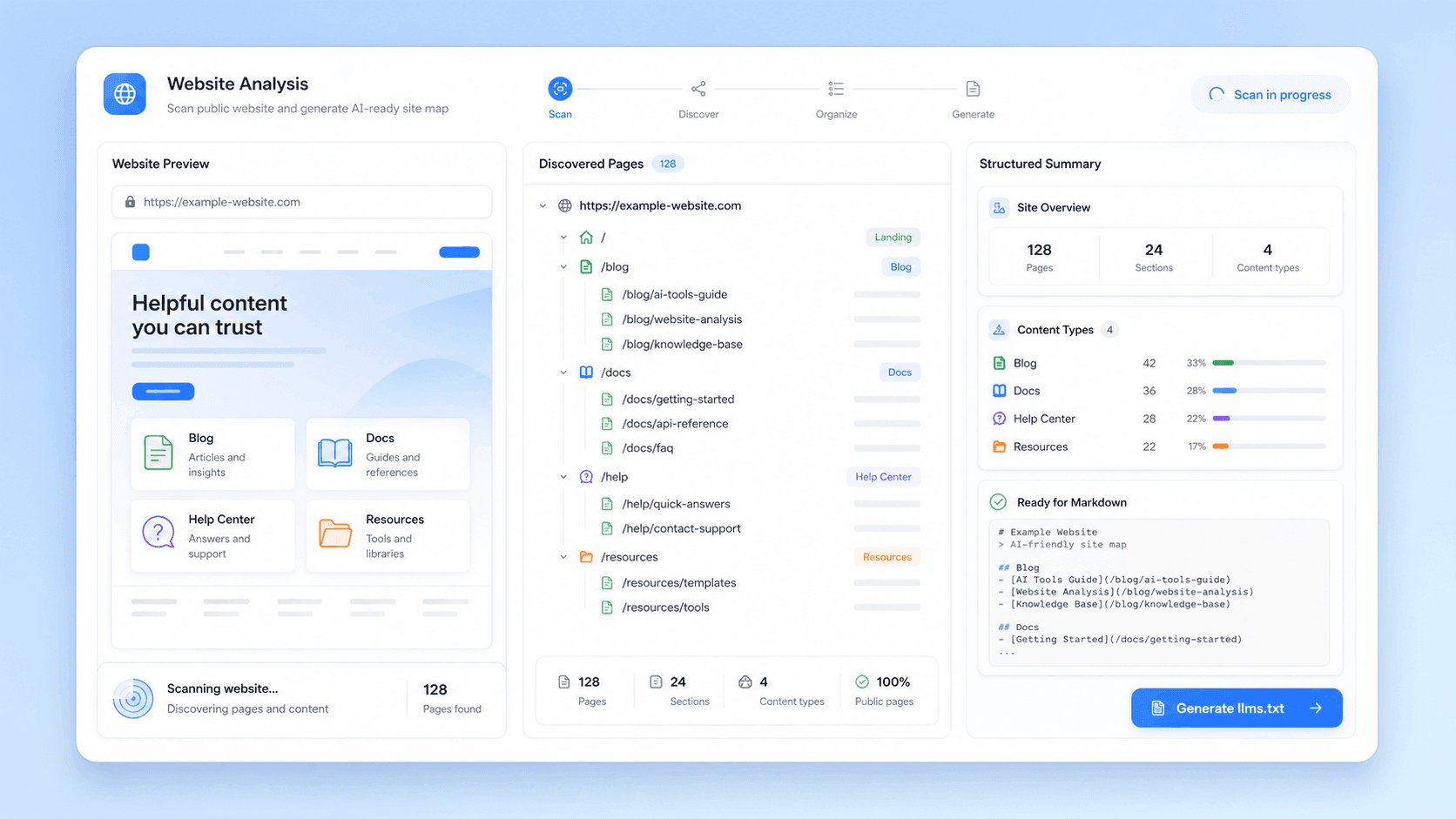
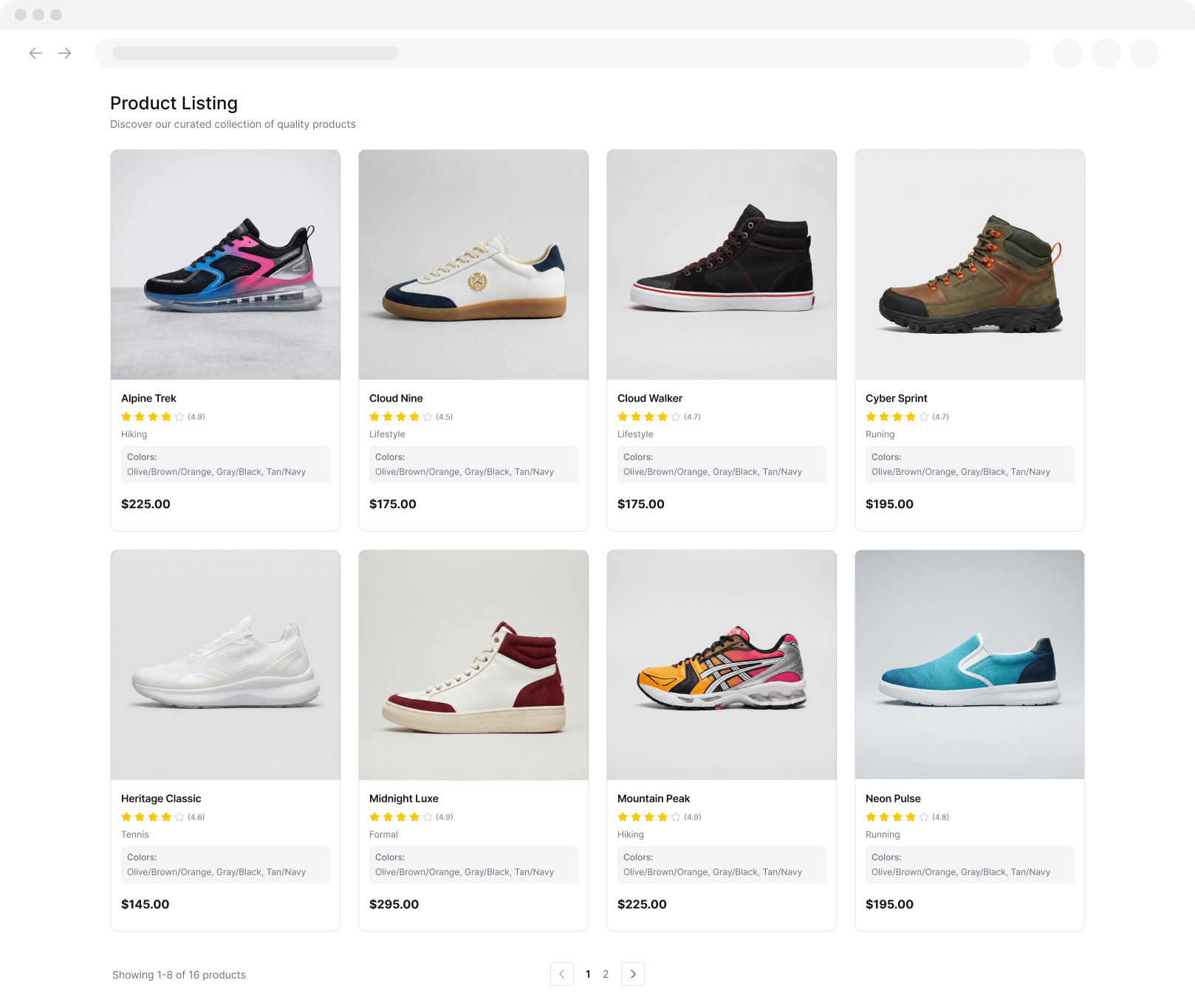
This tool scans a public website, finds its sitemap or visible page URLs, and turns that content into a clean Markdown index. It is built for sites with structured information such as blogs, docs, help centers, landing pages, and resource libraries. Instead of manually mapping pages, you can create an AI friendly site summary in seconds.
Get Started Free
section-01-llms-txt-generator-analyze-public-websites-v1.png

Create llms-full.txt

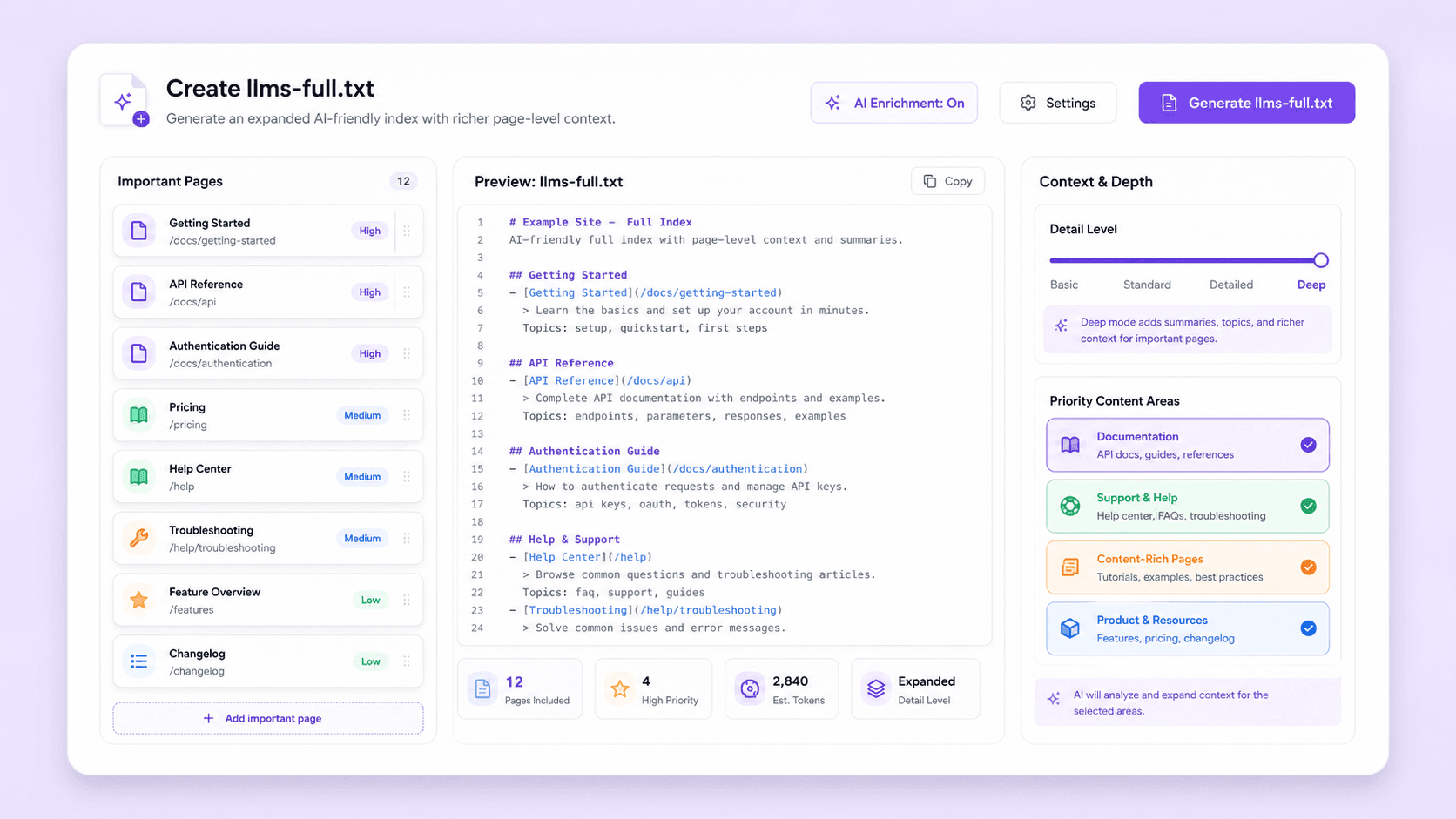
You can also enable an expanded output that adds more page level context for the most important pages. This helps AI assistants understand not just what a site contains, but where to look for deeper details. It is useful when you want a richer reference file for docs, support content, or content heavy websites.
Get Started Free
section-02-llms-txt-generator-create-llms-full-v1.png

Export a Clean Markdown Index

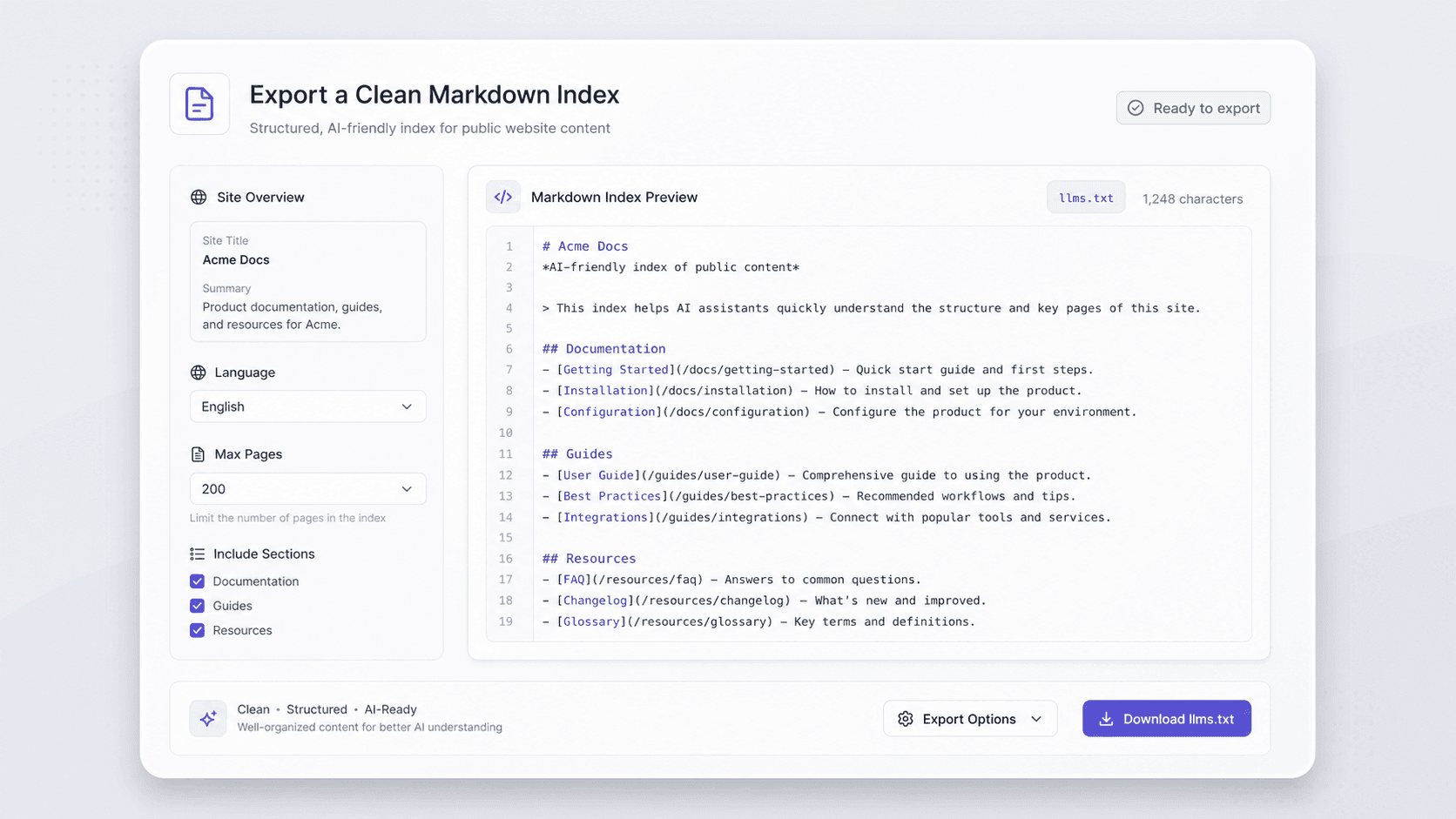
The output is structured as a plain text Markdown index that is easy for AI systems to read and use. It typically includes the site title, a short summary, grouped page links, and brief descriptions. You can control the number of pages included, choose a preferred language, and keep the result focused on the most useful public content.
Get Started Free
section-03-llms-txt-generator-clean-markdown-index-v1.png

Organize Public Content for AI Use

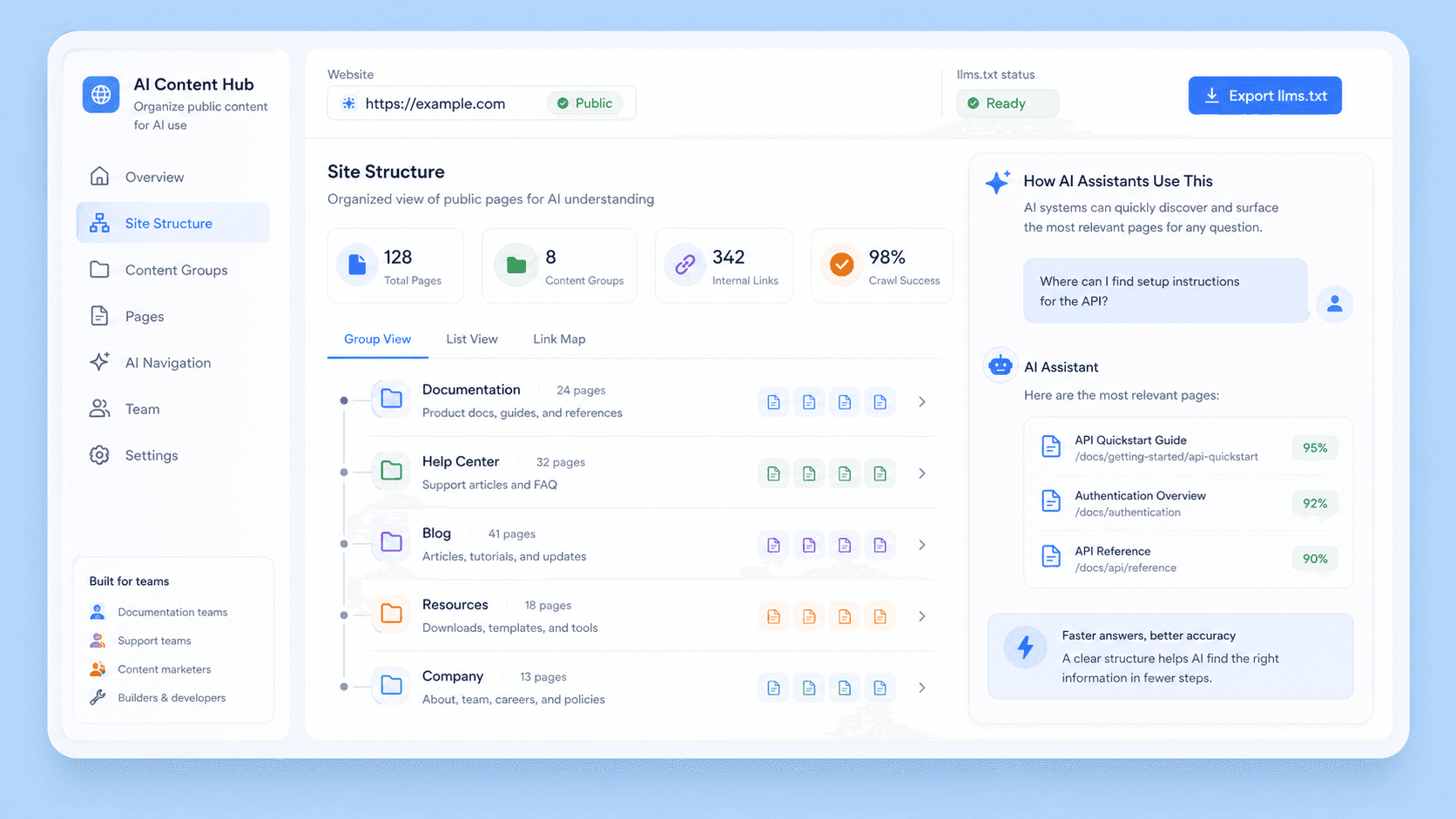
This generator is ideal for teams that want to make websites easier for AI assistants to navigate. It works well for documentation teams, content marketers, support teams, and builders creating knowledge bases or AI search workflows. By converting public pages into llms.txt format, it helps surface the right pages faster and keeps important site structure clear.
Get Started Free
section-04-llms-txt-generator-organize-public-content-v1.png

Discover More Free Tools

Amazon Review Exporter

Extract detailed Amazon product reviews by pasting a product URL. Instantly collect reviewer info, ratings, and more in a structured table for easy analysis.

Product Details Scraper

Scrape product details from eCommerce sites like Amazon, Walmart, Shein, Lazada, and Zalando. Collect name, brand, price, images, ratings, and reviews in structured format for quick analysis or export.

Zillow scraper

Extract property listings and agent data from Zillow. Save time with structured real estate data for market analysis and lead research.

Amazon Products Scraper

Extract product info from Amazon by pasting product URLs. Get titles, prices, ratings, and more in a structured table for quick export and review.

AI Sales Email Generator

Create personalized sales emails in seconds with the free AI Sales Email Generator. Perfect for sales teams and entrepreneurs. Try it now and boost your outreach with Thunderbit’s suite of AI tools.

Image to Excel Converter

Convert images of tables, receipts, or lists into structured JSON arrays for easy export to Excel. Save time on manual data entry and ensure accuracy.

AI Email Headline Generator

Generate compelling email subject lines from a brief description. Enhance open rates with AI-powered suggestions. Fast, simple, and no sign-up required.

Phone Number Extractor

Quickly scan webpages, files, or text to find phone numbers. Get a clean, exportable list in seconds—ideal for building contact lists or verifying data.

Email extractor and verifier

Find and extract email addresses with Email Extractor from webpages, PDFs, or text. Fast, accurate, and ready to export anytime.

Email subject line tester

Score a subject line for length, clarity, urgency, personalization, and spam risk. Get actionable tips to improve open rates.

Find More Tools Now

What users say about Thunderbit

Taryn W.Growth Strategist@Thunderbit changed how I run competitor research. I click 'AI Suggest Fields,' and it builds a clean table across paginated results—no coding, no CSS. Huge time-saver when analyzing product data from long-tail marketplaces.
Miles T.Sales Development ConsultantI use Thunderbit to grab emails and phone numbers from directories. It extracts clean contact info in one click, and exporting to Sheets or Notion takes seconds. No extra setup, no coding—just usable data ready to work with.
Rhea C.E-commerce AnalystThunderbit helps me monitor SKU data across multiple pages. I scrape the listings, then use Subpage Scraping to pull full product specs, pricing, reviews, and stock. The AI organizes everything into columns I define.
Cassian B.Real Estate AdvisorThunderbit's Scheduled Scraper makes real estate tracking easier. I describe the interval in plain English, and it automatically pulls updated listings, prices, and links without touching the setup again. Simple and very practical.
Dorian B.Content & SEO SpecialistI use Thunderbit's Field AI Prompts to clean and tag scraped blog content. It extracts titles, authors, and even suggests categories. Works great across dynamic sites and subpages—perfect for building structured SEO datasets.
Lina K.Marketplace Operations LeadWe track SKUs from niche stores using Thunderbit. Cloud Scraping handles 50 pages at a time, and for login-required sites, we switch to browser mode. It’s fast, flexible, and doesn’t need ongoing maintenance or manual edits.
Jorge F.Inbound Sales ManagerThunderbit’s AI Autofill is a lifesaver. After scraping contact info, I use it to fill lead forms directly in my browser. I just select the tab, and it fills everything using the scraped row. No manual input needed.
Alina D.Freelance ResearcherI rely on Thunderbit for extracting data from PDFs, image-based sites, and infinite scroll pages. It handles messy formats with AI and delivers ready-to-export tables I can send to Google Sheets or Airtable in seconds.
Taryn W.Growth Strategist@Thunderbit changed how I run competitor research. I click 'AI Suggest Fields,' and it builds a clean table across paginated results—no coding, no CSS. Huge time-saver when analyzing product data from long-tail marketplaces.
Miles T.Sales Development ConsultantI use Thunderbit to grab emails and phone numbers from directories. It extracts clean contact info in one click, and exporting to Sheets or Notion takes seconds. No extra setup, no coding—just usable data ready to work with.
Rhea C.E-commerce AnalystThunderbit helps me monitor SKU data across multiple pages. I scrape the listings, then use Subpage Scraping to pull full product specs, pricing, reviews, and stock. The AI organizes everything into columns I define.
Cassian B.Real Estate AdvisorThunderbit's Scheduled Scraper makes real estate tracking easier. I describe the interval in plain English, and it automatically pulls updated listings, prices, and links without touching the setup again. Simple and very practical.
Dorian B.Content & SEO SpecialistI use Thunderbit's Field AI Prompts to clean and tag scraped blog content. It extracts titles, authors, and even suggests categories. Works great across dynamic sites and subpages—perfect for building structured SEO datasets.
Lina K.Marketplace Operations LeadWe track SKUs from niche stores using Thunderbit. Cloud Scraping handles 50 pages at a time, and for login-required sites, we switch to browser mode. It’s fast, flexible, and doesn’t need ongoing maintenance or manual edits.
Jorge F.Inbound Sales ManagerThunderbit’s AI Autofill is a lifesaver. After scraping contact info, I use it to fill lead forms directly in my browser. I just select the tab, and it fills everything using the scraped row. No manual input needed.
Alina D.Freelance ResearcherI rely on Thunderbit for extracting data from PDFs, image-based sites, and infinite scroll pages. It handles messy formats with AI and delivers ready-to-export tables I can send to Google Sheets or Airtable in seconds.

Frequently Asked Questions

Extract Data using AI
Easily transfer data to Google Sheets, Airtable, or Notion
PRODUCT HUNT#1 Product of the Week