Text Extractor

โดย
Extracts text from images and lets you download the results. Quickly convert scanned documents or pictures into editable text for easy use.

อยากดึงข้อมูลแบบจำนวนมากใช่ไหม? ลองใช้ Thunderbit ฟรี

Chrome Store Rating
PRODUCT HUNT#1 Product of the Week
Accenture logoCriteo logoGrammarly logoVerisk logoklook logoPuma logoRingCentral logoAccenture logoCriteo logoGrammarly logoVerisk logoklook logoPuma logoRingCentral logoAccenture logoCriteo logoGrammarly logoVerisk logoklook logoPuma logoRingCentral logoAccenture logoCriteo logoGrammarly logoVerisk logoklook logoPuma logoRingCentral logoAccenture logoCriteo logoGrammarly logoVerisk logoklook logoPuma logoRingCentral logoAccenture logoCriteo logoGrammarly logoVerisk logoklook logoPuma logoRingCentral logo
Extract Text from ImagesUse Thunderbit to pull text from any image in seconds—no manual typing required.
chrome-web-store
ติดตั้งจากChrome Web Store

Extract Text from Images

Thunderbit’s Text Extractor reads images, turning them into clean, structured text you can copy, edit, or export. Just upload your file and let the AI handle the extraction—no technical skills needed. Combine this with Thunderbit’s web scraping features to gather, summarize, and format data from websites, subpages, and documents. Export your extracted text to Google Sheets, Airtable, or Notion for streamlined workflows.

How to Extract Text Using Thunderbit

step_01.png
STEP 1Download and InstallDownload and install the Thunderbit Chrome Extension from the Thunderbit Chrome Extension Download Page. Once installed, log in or create a free account to get started.
step_02.png
STEP 2Open ExtensionNavigate to the image file from which you want to extract text. Open the Thunderbit Chrome Extension and select either the "Upload a PDF" or "Upload an Image" tab, depending on your file type. Upload your file by dragging and dropping it into the designated area.
step03.png
STEP 3Click the Extract Text ButtonClick the "Extract Text" button. Thunderbit will process your image and extract the text content. Once extraction is complete, you can download the extracted text or copy it for use in other applications.

Learn how to extract text from images

What This Tool Does

This tool focuses on converting text from image files. It allows you to quickly turn visual content into editable text. Whether you're digitizing notes, processing screenshots, or extracting text from printed pages, this section introduces the core purpose of the tool.
เริ่มต้นฟรี
image_to_text_conversion (1).png

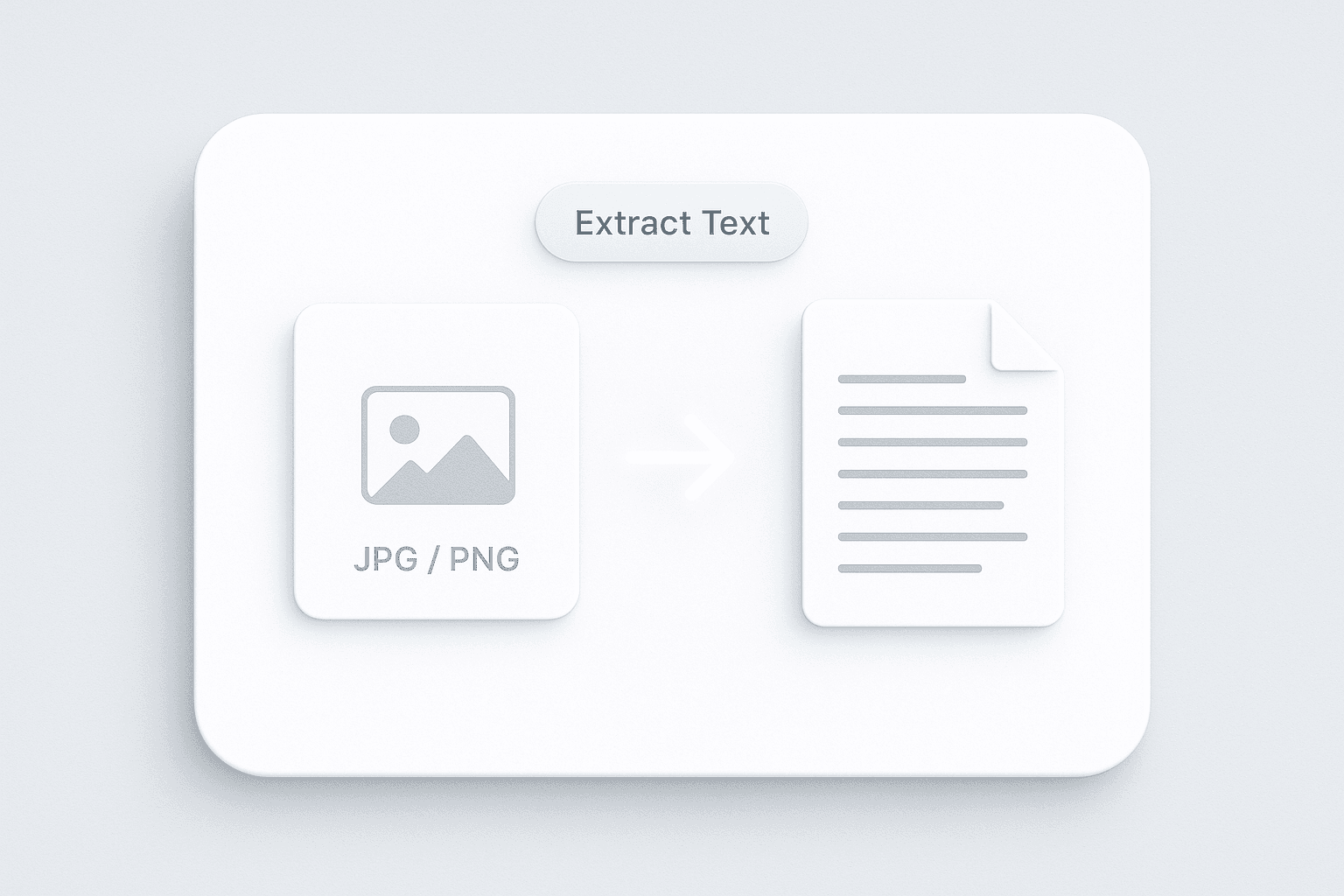
Extract Text from Images

With the Text Extractor, you can upload image files such as JPG or PNG and retrieve the text contained within them. This is especially useful for digitizing printed materials, business cards, or screenshots. The tool uses advanced recognition technology to ensure accurate results, saving you time and reducing the risk of missing important information.
เริ่มต้นฟรี
extract_text_conversion (1).png

Download and Use Extracted Text

After extracting text from your image, you can download the results as a plain text file. This makes it easy to copy, edit, or share the content as needed. Whether you’re preparing documents for editing, translation, or archiving, the output is ready for immediate use in your preferred applications.
เริ่มต้นฟรี
export_file_no_label (1).png

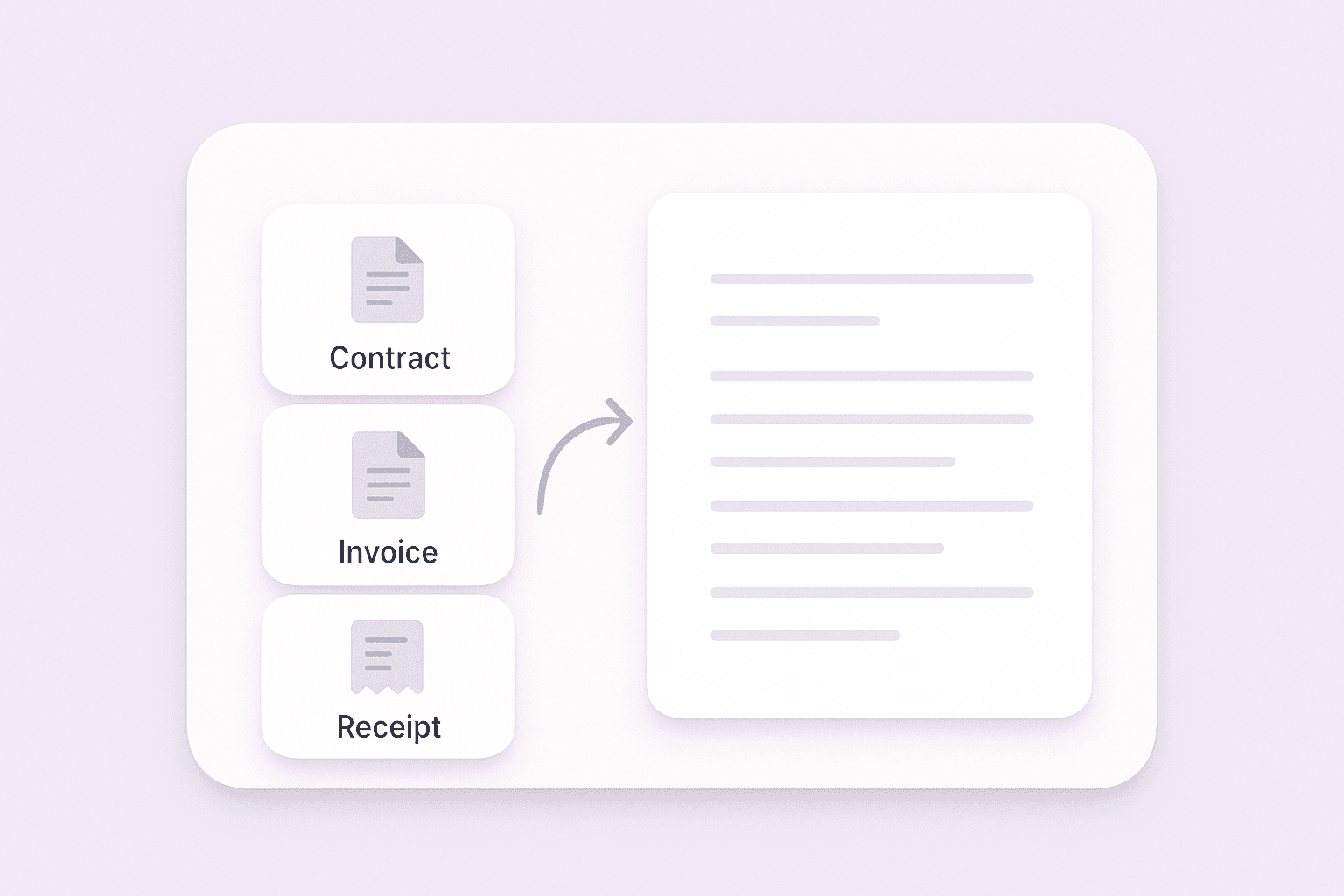
Streamline Data Entry and Document Processing

The Text Extractor is perfect for anyone looking to streamline data entry or document processing tasks. Businesses can use it to digitize contracts, invoices, or receipts, while educators and students can convert notes and study materials. By turning static files into editable text, you can improve productivity and keep your information organized.
เริ่มต้นฟรี
multi_document_conversion (1).png

ค้นพบเครื่องมือฟรีเพิ่มเติม

ตัวดึงข้อมูลแผนผังเว็บไซต์

แยกวิเคราะห์ URL ของ XML sitemap และแสดงลิงก์ทุกหน้าลงในตารางที่อ่านง่าย ตรวจสอบโครงสร้างเว็บไซต์ได้รวดเร็ว พร้อมค้นหา URL ที่หายไปหรือไม่คาดคิดสำหรับงาน SEO และ QA

เครื่องมือดึงรูปภาพจากเว็บไซต์

ดึงรูปภาพทั้งหมดจากหน้าเว็บใดก็ได้ได้ทันที แล้วดาวน์โหลดได้อย่างรวดเร็ว ฟรี ใช้งานไว และส่งออกได้ง่ายมาก

Wikipedia Search Result Scraper

Extract structured data from Wikipedia search results to quickly gather topic details for research or content analysis.

ตัวดึงรายการ

ดึงรายการแบบมีลำดับและแบบไม่มีลำดับจาก URL ของหน้าเว็บใดก็ได้ ตรวจสอบรายการที่จัดกลุ่มเป็นข้อความธรรมดาเพื่อจับประเด็นสำคัญได้อย่างรวดเร็ว

Google Scholar scraper

ดึงผลการค้นหาทางวิชาการจากหน้า Google Scholar และส่งออกชื่อบทความ การอ้างอิง ผู้แต่ง และรายละเอียดการตีพิมพ์เป็นไฟล์ CSV เพื่อการค้นคว้าที่รวดเร็วขึ้น

G2 Software Product Scraper

Extract structured insights from any G2 software page, including ratings, reviews, and product details, to streamline competitor analysis and market research.

เครื่องมือดึง URL และดาวน์โหลดแบบชุด

ดึงลิงก์ทั้งหมดจากหน้าเว็บใดก็ได้และดาวน์โหลดเป็น CSV รวบรวม URL ได้อย่างรวดเร็วสำหรับงานวิจัย การวิเคราะห์ หรือการเก็บข้อมูล

เครื่องมือสร้างหัวข้ออีเมลด้วย AI

สร้างหัวข้ออีเมลที่น่าสนใจได้จากคำอธิบายสั้น ๆ ช่วยเพิ่มอัตราการเปิดอ่านด้วยคำแนะนำจาก AI ใช้งานง่าย รวดเร็ว และไม่ต้องสมัครสมาชิก

Amazon สินค้า Scraper

เพียงวาง URL สินค้าจาก Amazon ก็สามารถดึงข้อมูลสินค้าออกมาได้ทันที ไม่ว่าจะเป็นชื่อสินค้า ราคา คะแนนรีวิว และรายละเอียดอื่น ๆ จัดเป็นตารางที่เป็นระเบียบ พร้อมสำหรับส่งออกและตรวจสอบได้อย่างรวดเร็ว

เครื่องมือดึงและตรวจสอบอีเมล

ค้นหาและดึงที่อยู่อีเมลด้วย Email Extractor จากหน้าเว็บ PDF หรือข้อความได้อย่างรวดเร็ว แม่นยำ และพร้อมส่งออกได้ทุกเมื่อ

ตัวแปลงรูปภาพเป็น Excel

แปลงรูปภาพของตาราง ใบเสร็จ หรือรายการ ให้เป็นอาร์เรย์ JSON ที่มีโครงสร้าง เพื่อส่งออกไปยัง Excel ได้ง่าย ประหยัดเวลาการป้อนข้อมูลด้วยมือและเพิ่มความแม่นยำ

AI Sales Email Generator

Create personalized sales emails in seconds with the free AI Sales Email Generator. Perfect for sales teams and entrepreneurs. Try it now and boost your outreach with Thunderbit’s suite of AI tools.

เครื่องมือดึงเบอร์โทรศัพท์

สแกนหน้าเว็บ ไฟล์ หรือข้อความได้อย่างรวดเร็วเพื่อค้นหาเบอร์โทรศัพท์ รับรายการที่สะอาดและส่งออกได้ภายในไม่กี่วินาที เหมาะสำหรับการสร้างรายชื่อติดต่อหรือยืนยันข้อมูล

เครื่องทดสอบหัวข้ออีเมล

ให้คะแนนหัวข้ออีเมลตามความยาว ความชัดเจน ความเร่งด่วน การปรับให้เป็นส่วนตัว และความเสี่ยงสแปม พร้อมเคล็ดลับที่นำไปใช้ได้จริงเพื่อเพิ่มอัตราการเปิดอ่าน

หาเครื่องมือเพิ่มเติมตอนนี้

ผู้ใช้พูดถึง Thunderbit ว่าอย่างไร

Taryn W.Growth Strategist@Thunderbit เปลี่ยนวิธีที่ฉันทำรีเสิร์ชคู่แข่งไปเลย ฉันกด 'AI Suggest Fields' แล้วมันก็สร้างตารางที่สะอาดจากผลลัพธ์หลายหน้าให้ทันที—ไม่ต้องเขียนโค้ด ไม่ต้องแตะ CSS ช่วยประหยัดเวลาได้มากตอนวิเคราะห์ข้อมูลสินค้าจากมาร์เก็ตเพลสเฉพาะกลุ่ม
Miles T.Sales Development Consultantฉันใช้ Thunderbit ดึงอีเมลและเบอร์โทรจากไดเรกทอรี มันดึงข้อมูลติดต่อได้สะอาดในคลิกเดียว และส่งออกไป Sheets หรือ Notion ก็ใช้เวลาแค่ไม่กี่วินาที ไม่ต้องตั้งค่าเพิ่ม ไม่ต้องเขียนโค้ด—ได้ข้อมูลพร้อมใช้งานทันที
Rhea C.E-commerce AnalystThunderbit ช่วยให้ฉันติดตามข้อมูล SKU ข้ามหลายหน้าได้ ฉันดึงรายการสินค้า แล้วใช้ Subpage Scraping เพื่อเก็บสเปกสินค้า ราคา รีวิว และสต็อกแบบครบ ๆ AI จัดทุกอย่างลงคอลัมน์ตามที่ฉันกำหนด
Cassian B.Real Estate AdvisorScheduled Scraper ของ Thunderbit ทำให้การติดตามอสังหาฯ ง่ายขึ้นมาก ฉันแค่บอกช่วงเวลาที่ต้องการเป็นภาษาธรรมดา แล้วมันก็ไปดึงรายการ ราคา และลิงก์ที่อัปเดตให้เอง โดยไม่ต้องกลับมาแตะการตั้งค่าอีก เรียบง่ายและใช้งานได้จริงมาก
Dorian B.Content & SEO Specialistฉันใช้ Field AI Prompts ของ Thunderbit เพื่อทำความสะอาดและติดแท็กคอนเทนต์บล็อกที่ดึงมา มันดึงหัวข้อ ผู้เขียน และยังช่วยแนะนำหมวดหมู่ได้ด้วย ใช้ได้ดีทั้งกับเว็บไดนามิกและ subpage—เหมาะมากสำหรับสร้างชุดข้อมูล SEO แบบมีโครงสร้าง
Lina K.Marketplace Operations Leadเราติดตาม SKU จากร้านเฉพาะกลุ่มด้วย Thunderbit Cloud Scraping จัดการได้ครั้งละ 50 หน้า และถ้าเป็นเว็บที่ต้องล็อกอิน เราก็สลับไปใช้โหมดเบราว์เซอร์ได้ มันเร็ว ยืดหยุ่น และไม่ต้องดูแลหรือแก้ไขเองต่อเนื่อง
Jorge F.Inbound Sales ManagerAI Autofill ของ Thunderbit ช่วยชีวิตมาก หลังดึงข้อมูลติดต่อแล้ว ฉันใช้มันเติมฟอร์มลีดตรงในเบราว์เซอร์ แค่เลือกแท็บ มันก็กรอกทุกอย่างจากแถวข้อมูลที่ดึงมา ไม่ต้องพิมพ์เองเลย
Alina D.Freelance Researcherฉันพึ่ง Thunderbit ในการดึงข้อมูลจาก PDF เว็บที่เป็นรูปภาพ และหน้าที่เลื่อนแบบไม่สิ้นสุด มันจัดการฟอร์แมตที่ยุ่งยากด้วย AI และส่งออกเป็นตารางที่พร้อมใช้งาน ส่งต่อไป Google Sheets หรือ Airtable ได้ในไม่กี่วินาที
Taryn W.Growth Strategist@Thunderbit เปลี่ยนวิธีที่ฉันทำรีเสิร์ชคู่แข่งไปเลย ฉันกด 'AI Suggest Fields' แล้วมันก็สร้างตารางที่สะอาดจากผลลัพธ์หลายหน้าให้ทันที—ไม่ต้องเขียนโค้ด ไม่ต้องแตะ CSS ช่วยประหยัดเวลาได้มากตอนวิเคราะห์ข้อมูลสินค้าจากมาร์เก็ตเพลสเฉพาะกลุ่ม
Miles T.Sales Development Consultantฉันใช้ Thunderbit ดึงอีเมลและเบอร์โทรจากไดเรกทอรี มันดึงข้อมูลติดต่อได้สะอาดในคลิกเดียว และส่งออกไป Sheets หรือ Notion ก็ใช้เวลาแค่ไม่กี่วินาที ไม่ต้องตั้งค่าเพิ่ม ไม่ต้องเขียนโค้ด—ได้ข้อมูลพร้อมใช้งานทันที
Rhea C.E-commerce AnalystThunderbit ช่วยให้ฉันติดตามข้อมูล SKU ข้ามหลายหน้าได้ ฉันดึงรายการสินค้า แล้วใช้ Subpage Scraping เพื่อเก็บสเปกสินค้า ราคา รีวิว และสต็อกแบบครบ ๆ AI จัดทุกอย่างลงคอลัมน์ตามที่ฉันกำหนด
Cassian B.Real Estate AdvisorScheduled Scraper ของ Thunderbit ทำให้การติดตามอสังหาฯ ง่ายขึ้นมาก ฉันแค่บอกช่วงเวลาที่ต้องการเป็นภาษาธรรมดา แล้วมันก็ไปดึงรายการ ราคา และลิงก์ที่อัปเดตให้เอง โดยไม่ต้องกลับมาแตะการตั้งค่าอีก เรียบง่ายและใช้งานได้จริงมาก
Dorian B.Content & SEO Specialistฉันใช้ Field AI Prompts ของ Thunderbit เพื่อทำความสะอาดและติดแท็กคอนเทนต์บล็อกที่ดึงมา มันดึงหัวข้อ ผู้เขียน และยังช่วยแนะนำหมวดหมู่ได้ด้วย ใช้ได้ดีทั้งกับเว็บไดนามิกและ subpage—เหมาะมากสำหรับสร้างชุดข้อมูล SEO แบบมีโครงสร้าง
Lina K.Marketplace Operations Leadเราติดตาม SKU จากร้านเฉพาะกลุ่มด้วย Thunderbit Cloud Scraping จัดการได้ครั้งละ 50 หน้า และถ้าเป็นเว็บที่ต้องล็อกอิน เราก็สลับไปใช้โหมดเบราว์เซอร์ได้ มันเร็ว ยืดหยุ่น และไม่ต้องดูแลหรือแก้ไขเองต่อเนื่อง
Jorge F.Inbound Sales ManagerAI Autofill ของ Thunderbit ช่วยชีวิตมาก หลังดึงข้อมูลติดต่อแล้ว ฉันใช้มันเติมฟอร์มลีดตรงในเบราว์เซอร์ แค่เลือกแท็บ มันก็กรอกทุกอย่างจากแถวข้อมูลที่ดึงมา ไม่ต้องพิมพ์เองเลย
Alina D.Freelance Researcherฉันพึ่ง Thunderbit ในการดึงข้อมูลจาก PDF เว็บที่เป็นรูปภาพ และหน้าที่เลื่อนแบบไม่สิ้นสุด มันจัดการฟอร์แมตที่ยุ่งยากด้วย AI และส่งออกเป็นตารางที่พร้อมใช้งาน ส่งต่อไป Google Sheets หรือ Airtable ได้ในไม่กี่วินาที

Frequently Asked Questions

ดึงข้อมูลด้วย AI
ส่งข้อมูลไปยัง Google Sheets, Airtable หรือ Notion ได้อย่างง่ายดาย
Chrome Store Rating
PRODUCT HUNT#1 Product of the Week