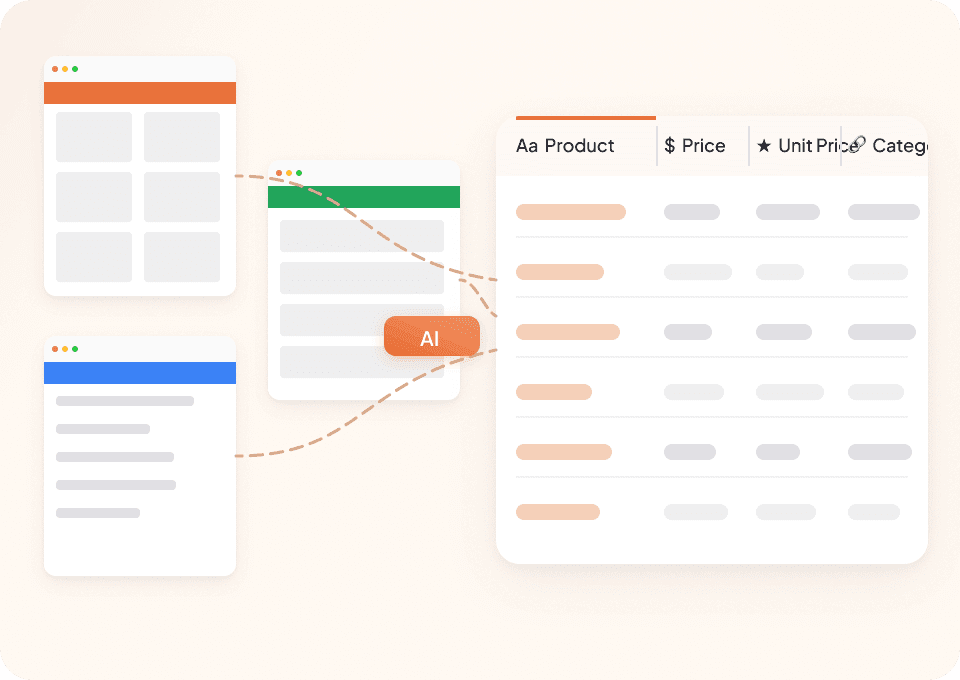
Thunderbit’s Whole Foods Market Scraper helps you turn Whole Foods Market pages into clean, structured data using AI. You can extract weekly sales, Prime member deals, and Food & Beverage Trend Index content, then export to Excel, Google Sheets, Airtable, or Notion. Thunderbit’s AI reads the page layout for you, suggests the right fields, and supports subpage scraping to enrich your dataset with detail-page information.
🥗 What is Whole Foods Market Scraper
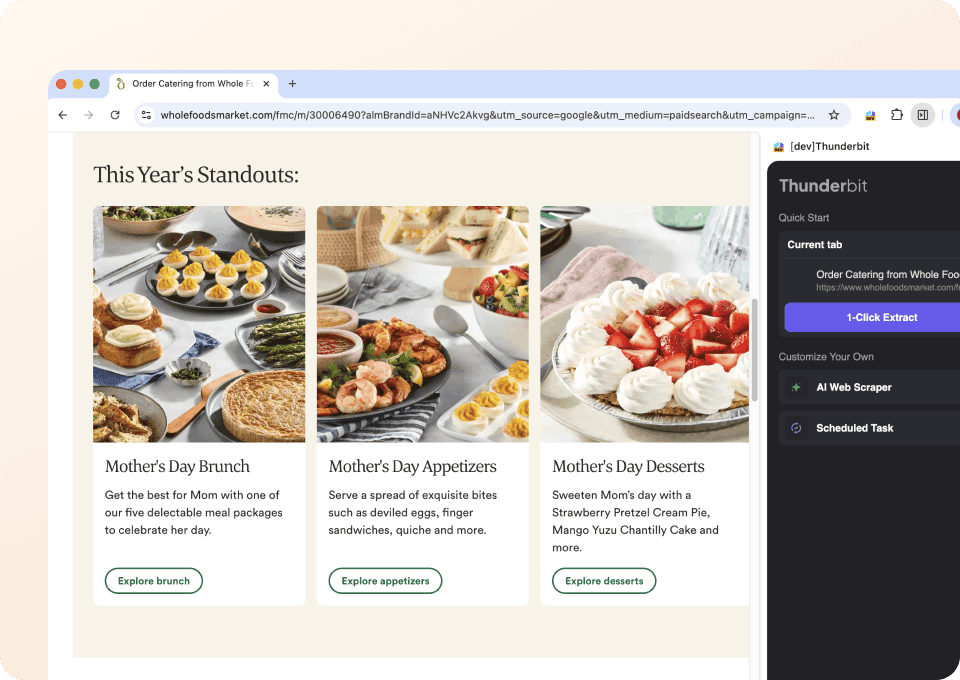
The Whole Foods Market Scraper is an AI Web Scraper built with that lets you scrape data from using AI to structure the data into a table. You simply open the page you want (like the or ), click AI Suggest Columns, then click Scrape.

It’s designed for business workflows like price tracking, promo monitoring, merchandising research, and content analysis, without writing code or maintaining brittle selectors.

🛒 What can you scrape with Whole Foods Market
Whole Foods Market has a mix of listing-style pages (great for bulk extraction) and detail pages (great for enrichment). With Thunderbit, you can scrape both by starting on a listing page and then using Subpage Scraping to visit each item’s page and append more fields.
Scrape Weekly Sales & Prime Member Deals
The is ideal for building a structured dataset of promotions, including product names, prices, discount messaging, and links to product details. This is useful for promo tracking, competitive analysis, and weekly reporting.

Steps:
- Download the and register an account.
- Go to the destination page, for example: .
- Click AI Suggest Columns to generate recommended column names and data types.
- Click Scrape to extract the data, then download or export it.
Column names
| Column | Description |
|---|---|
| 🏷️ Item Name | The product or deal title shown on the sales flyer. |
| 💲 Sale Price | The promotional price displayed for the item. |
| 🧾 Regular Price | The non-sale price when available on the page. |
| 🎯 Discount / Deal Text | Deal messaging such as “Prime Member Deal” or savings language. |
| 📦 Size / Unit | Pack size, weight, or unit details (for example, oz, lb, count) when shown. |
| 🗓️ Deal Valid Dates | The date range for the promotion if listed. |
| 🧩 Category | The section/category the item appears under (produce, meat, pantry, etc.) when available. |
| 🌐 Item URL | Link to the item detail page (useful for subpage scraping). |
| 🖼️ Image URL | The product image link for cataloging or reporting. |
| 📍 Store / Region Context | Any location context shown or inferred (helpful if the page varies by store). |
Scrape 2026 Food & Beverage Trend Index
The is great for scraping editorial-style content: trend titles, descriptions, sections, and supporting assets. This is useful for marketers, content teams, and product researchers who want to track themes and compile insights.

Steps:
- Download the and register an account.
- Go to the destination page, for example: .
- Click AI Suggest Columns to generate recommended column names and data types.
- Click Scrape to extract the data, then download or export it.
Column names
| Column | Description |
|---|---|
| 📈 Trend Name | The title of each trend in the index. |
| 🧠 Trend Summary | The short description or overview text for the trend. |
| 🧩 Trend Category / Section | The grouping or section header the trend belongs to (if present). |
| 🔎 Key Themes / Keywords | Notable phrases or keywords extracted from the trend text (can be AI-labeled). |
| 🌐 Trend URL | Link to the trend section or related page if available. |
| 🖼️ Hero / Section Image URL | Image associated with the trend or section. |
| 🧾 Source Page Title | The page title captured for documentation and traceability. |
| 🗓️ Scrape Date | The date you scraped the page for versioning and audits. |
🧑💼 Why Use Whole Foods Market Tool
Scraping Whole Foods Market data is useful when you need repeatable, structured datasets for analysis, reporting, and operations.
Common reasons you might scrape Whole Foods Market pages:
- E-commerce & retail ops: Track weekly promotions, identify pricing patterns, and build internal promo calendars from the .
- Marketing teams: Monitor messaging like “Prime member deals,” compile promo language, and compare weekly themes across time.
- Merchandising & category managers: Build a dataset of promoted items by category, size, and price to support assortment decisions.
- Analysts & researchers: Capture the into a table for thematic analysis, keyword clustering, and reporting.
- Content & strategy teams: Turn trend content into structured briefs, then export to Notion or Airtable for collaboration.
Thunderbit is especially helpful when pages change layout over time. Instead of maintaining selectors, you rely on AI to interpret the page structure each run. For more background, you can also read:
🧩 How to Use Whole Foods Market Chrome Extension
- Install the Thunderbit Chrome Extension: Get it from the and create your account.
- Navigate to a Whole Foods Market page: Open the page you want to scrape, like or the .
- Activate AI-Powered Scraper: Click AI Suggest Columns to generate fields, then adjust column names and data types if needed.
- Scrape and export: Click Scrape, then export to Excel, Google Sheets, Airtable, or Notion, or download as CSV/JSON (exports are free).
Tip: If your table includes item links, use Subpage Scraping to visit each item page and append fields like ingredients, nutrition notes, or additional promo details. This is one of Thunderbit’s strongest features for building richer datasets from listing pages.
💳 Pricing for Whole Foods Market
Thunderbit uses a credit system:
- 1 credit = 1 output row in your results table
- The AI-powered scraper experience (AI Suggest Columns + Scrape) is included, and you can start testing without a complex setup.
Free options:
- The Free tier lets you scrape 6 pages per month
- With a free trial, you can scrape 10 pages for free, which is enough to validate your workflow on the sales flyer or trends page
Paid plans (monthly and yearly) scale with your volume. If you scrape weekly deals or monitor trends over time, the yearly plan is typically more cost effective because it includes a discount compared to paying month-to-month.
You can review the latest options on .
❓ FAQ
-
What is the AI Powered Whole Foods Market Scraper?
The AI Powered Whole Foods Market Scraper is a workflow in Thunderbit that uses AI to read Whole Foods Market pages and convert them into structured rows and columns. You click AI Suggest Columns to generate fields, then click Scrape to extract the data into a table you can export.It works well for both listing pages (like weekly deals) and content pages (like the trend index), and you can enrich results using subpage scraping when item links are available.

-
What is Thunderbit?
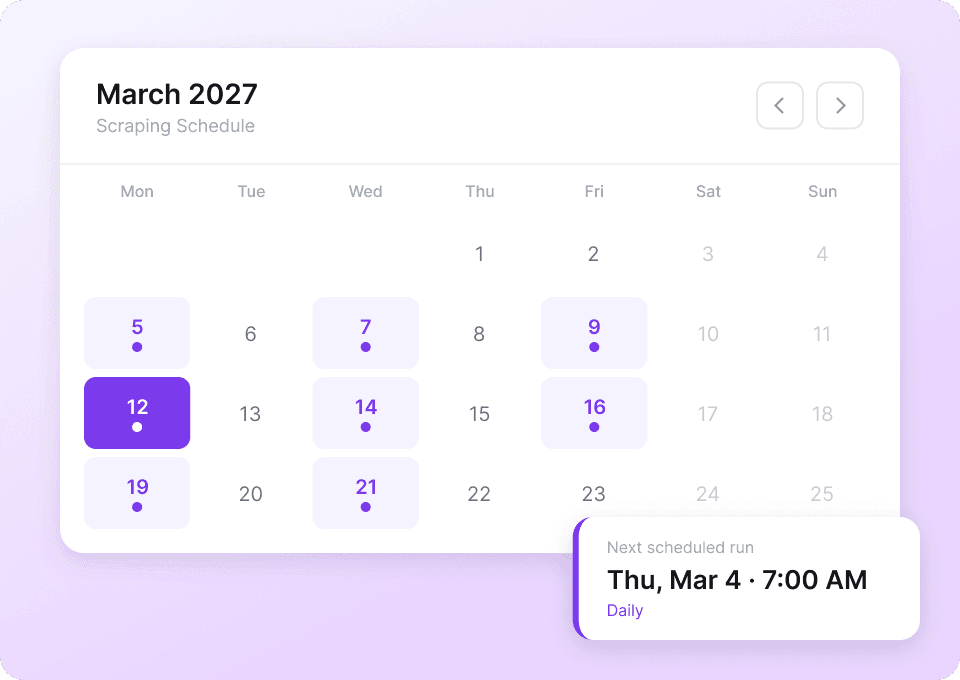
is an AI web scraping and productivity Chrome Extension that helps you extract data from websites, PDFs, and images into structured formats. It’s built for business users who want results quickly without writing code.You can also export your scraped data to Excel, Google Sheets, Airtable, or Notion, and use features like pagination scraping, subpage scraping, and scheduled scraping.
-
What data can I extract from the Whole Foods Market sales flyer page?
You can typically extract item names, sale prices, regular prices (when shown), deal labels (including Prime member deal messaging), sizes/units, images, and item URLs. If the page includes categories or sections, Thunderbit can often capture those as well.If you need more detail than the listing provides, you can scrape item URLs and then use subpage scraping to pull additional fields from each item page.
-
Can Thunderbit handle pagination or infinite scroll on Whole Foods Market pages?
Yes. Thunderbit supports pagination scraping for both click-based pagination and infinite scroll experiences. If the sales flyer or other pages load more items as you scroll, you can still capture the full dataset.When you run into dynamic loading, you can choose browser scraping (in your Chrome session) to match what you see on screen.
-
How does subpage scraping work for Whole Foods Market deals?
Subpage scraping means Thunderbit can open each item’s detail page (from the URL column) and extract extra fields, then append them back to your original table. This is useful when the listing page only shows partial information.For example, you can start with a deals table, then enrich it with additional descriptions, product attributes, or other details available on the item page.
-
Can I export Whole Foods Market scraped data to Google Sheets or Airtable?
Yes. Thunderbit supports exporting to Google Sheets, Airtable, and Notion, and you can also download CSV or JSON. Exporting and downloading are free, so you can focus your budget on scraping volume rather than data portability.If you include image fields, Thunderbit can also help keep image URLs organized for downstream workflows.
-
How much does it cost to scrape Whole Foods Market pages?
Cost is based on credits, where 1 credit equals 1 output row. If you scrape 200 deal items into 200 rows, that’s 200 credits.You can start with the Free tier (6 pages/month) or the free trial (10 pages) to estimate how many rows you typically generate per run, then choose a plan on the .
-
Do I need coding skills to use Thunderbit on Whole Foods Market?
No. Thunderbit is designed for non-technical workflows. The main flow is: open the page, click AI Suggest Columns, then click Scrape.If you want more control, you can rename columns, set data types (text, number, URL, image), and add field-level AI prompts to format or label data as it’s extracted.
-
Is it okay to scrape Whole Foods Market data for analysis?
Scraping can be allowed or restricted depending on the website’s terms and applicable laws, and your intended use matters. You should review Whole Foods Market’s terms and ensure your workflow respects privacy, security, and compliance requirements.In general, use scraping responsibly, avoid collecting sensitive personal data, and keep request volume reasonable.
📚 Learn More
- Get the extension:
- Explore product details:
- Guides and tutorials:
- Practical how-tos: