
If you’ve ever spent a Monday morning copy-pasting hundreds of rows from a website into a spreadsheet, you know the pain is real. It’s the kind of work that makes you question your life choices—and your coffee budget. But here’s the good news: in 2026, automated data extraction software isn’t just a luxury for tech giants. It’s become a must-have for sales, operations, and just about anyone who wants to turn web chaos into clean, actionable data. And trust me, the right data extraction automation tools can save your team hours every week, boost accuracy, and maybe even let you finish your coffee while it’s still hot.
The market for automated data extraction is exploding. By 2025, , and nearly every business I talk to—big or small—is looking for ways to automate the grunt work. Manual data entry is still the , and it’s not just slow—it’s expensive, error-prone, and scales about as well as a paper airplane in a hurricane. So, how do you pick the right tool for your team? I’ve spent years in SaaS and automation, and I’ve put together this list of the top 18 automated data extraction software solutions for 2026—each with its own strengths, quirks, and ideal use cases.
Let’s dive in and find the tool that’ll finally let you say goodbye to copy-paste marathons for good.
Why Automated Data Extraction Software Matters in 2026
Let’s get real: business data is growing faster than my unread emails. Sales, marketing, and operations teams are drowning in information—product listings, leads, pricing, reviews, compliance docs, you name it. But . Even the best spreadsheet ninja can only do so much before mistakes creep in or burnout sets in.
Automated data extraction software changes the game by:
- Eliminating repetitive work: No more copying fields one by one. Automation tools can extract thousands of rows in minutes.
- Boosting accuracy: AI and rules-based extraction reduce typos, missed fields, and duplicates ().
- Scaling with your business: Whether you need 100 records or 100,000, automation keeps up—no overtime required.
- Integrating with your workflow: Modern tools export directly to Google Sheets, CRMs, or data warehouses, so your team can act on fresh data instantly.
The bottom line? . And with the rise of no-code and AI-powered solutions, even non-technical teams can get in on the action.
How We Chose the Best Data Extraction Automation Tools
With so many options out there, picking the right automated data extraction software can feel like speed-dating at a tech conference. I looked at dozens of tools and narrowed it down based on:
- Ease of use: Can non-coders get started quickly? Is there a steep learning curve?
- Support for structured & unstructured data: Can the tool handle websites, PDFs, images, and more?
- Automation features: Does it support pagination, subpage scraping, scheduling, and real-time updates?
- Integration options: Can you export to Excel, Google Sheets, CRMs, or data warehouses?
- Scalability & flexibility: Is it good for one-off tasks, or can it handle enterprise-scale projects?
- Pricing & value: Are there free tiers? Is the cost transparent and reasonable for the features offered?
I also paid close attention to user reviews, support quality, and how well each tool fits different business use cases—especially for sales, ecommerce, and operations teams.
Now, let’s meet the top 18 data extraction automation tools for 2026.
1. Thunderbit
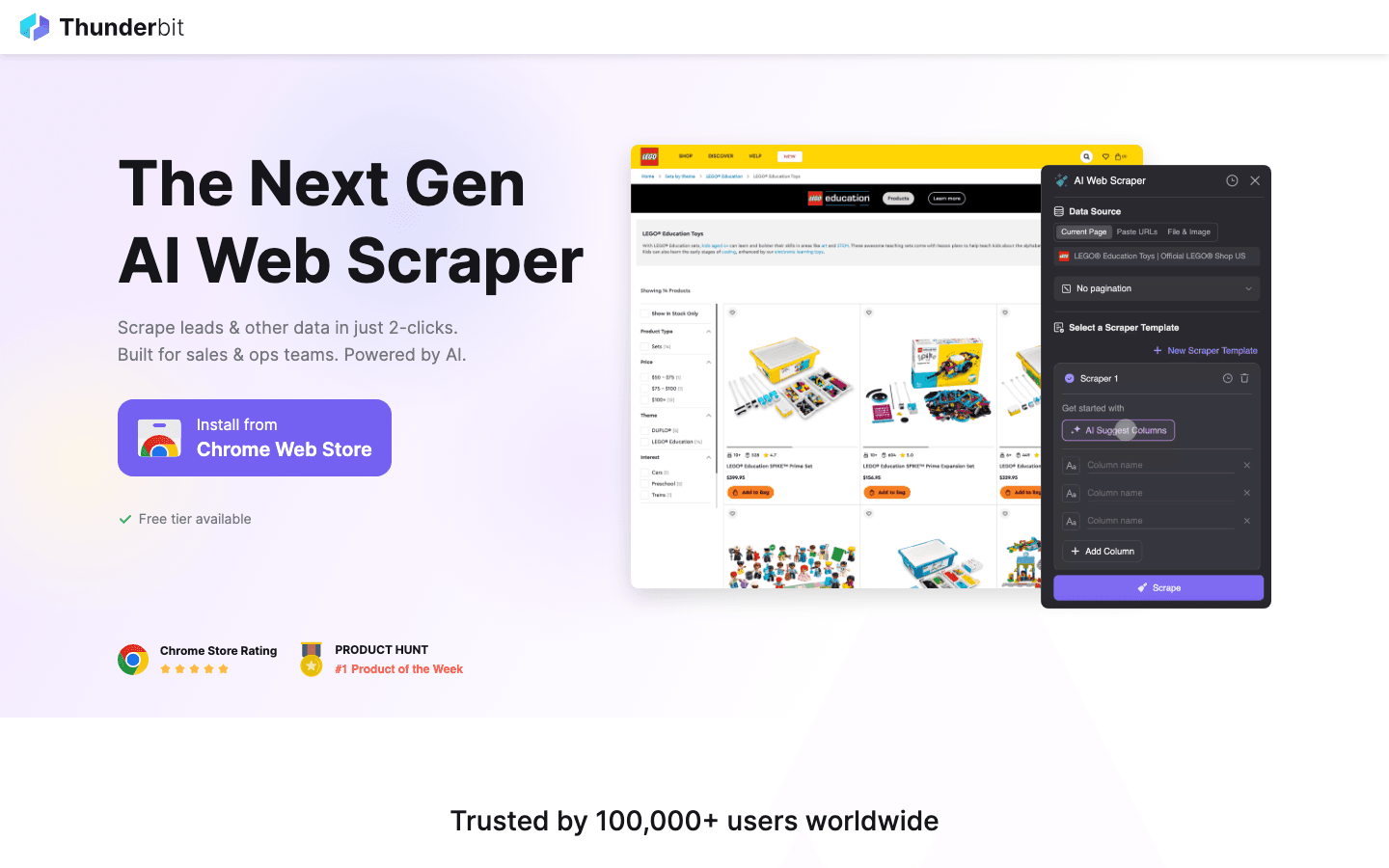
is my go-to pick for business users who want AI-powered data extraction without the tech headaches. As the co-founder, I’m a little biased—but our mission has always been to make web data extraction as easy as ordering takeout. Thunderbit is a that lets you describe what you want in plain English (“Grab all product names and prices from this page”), and the AI figures out the rest.
What makes Thunderbit stand out?
- AI Suggest Fields: Click once, and Thunderbit reads the page, suggests column names, and even creates extraction prompts for each field.
- 2-Click Setup: No templates, no code. Just “AI Suggest Fields” and “Scrape.”
- Subpage & Pagination Scraping: Thunderbit can follow links to subpages (like product details or profiles) and handle infinite scroll or click-based pagination—so you never miss hidden data.
- Instant Export: Send your data straight to Excel, Google Sheets, Airtable, or Notion. Download as CSV or JSON—free, no strings attached.
- Scheduled Scraping: Set up recurring jobs to keep your CRM or spreadsheet always up to date.
- Free Data Export: No paywall for exporting your hard-earned data.
- Supports 34 Languages: Great for global teams.
Thunderbit is especially popular with sales, ecommerce, and operations teams who need to scrape leads, monitor competitor prices, or aggregate listings—without waiting on IT. And with plans starting free (scrape up to 6 pages), it’s easy to try before you buy. Paid plans start at $15/month for 500 credits, with higher tiers for power users.
For a deeper dive, check out the or our .
2. Octoparse
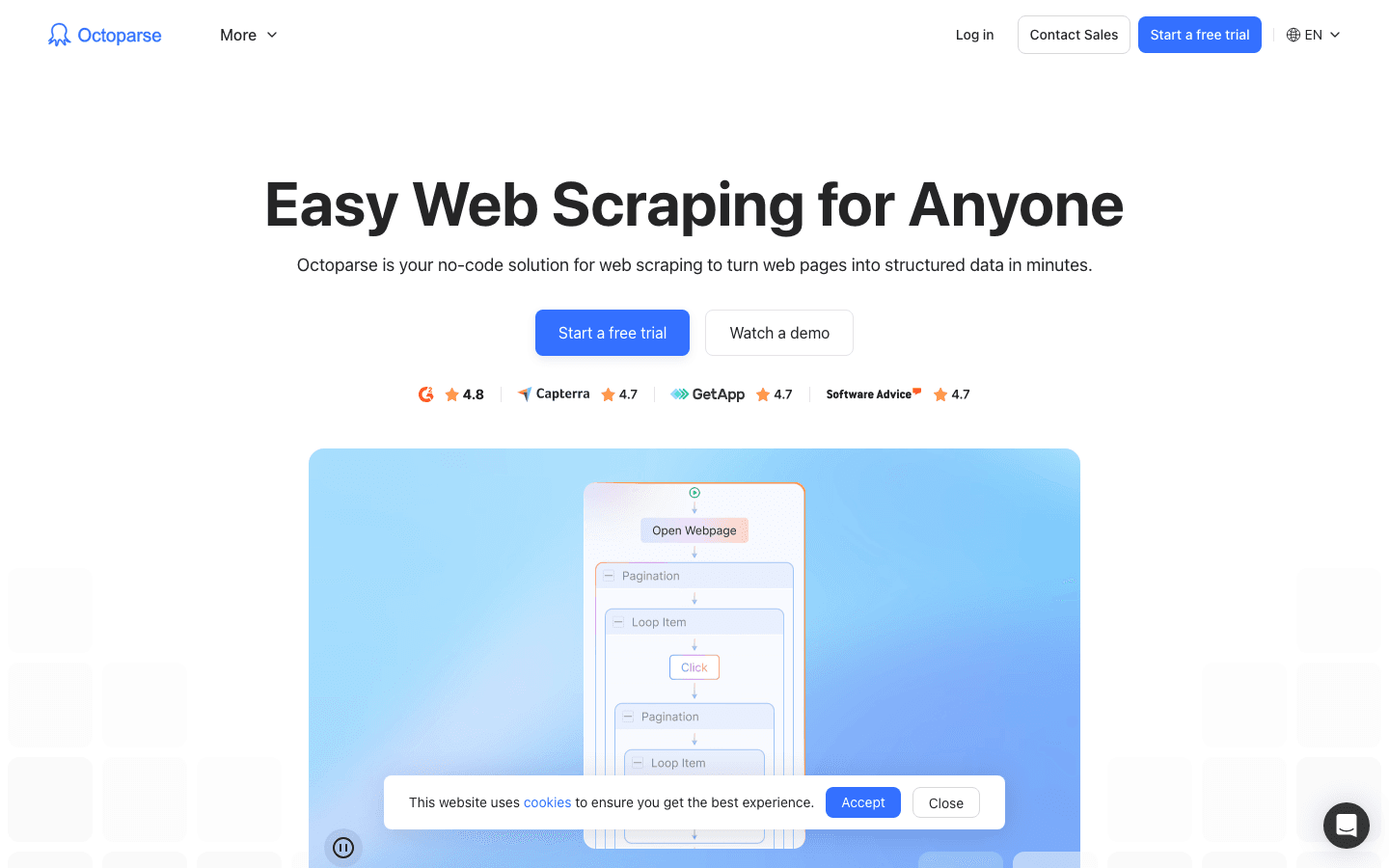
is a visual web scraping tool that’s earned a loyal following for its drag-and-drop workflow builder. It shines when you need to extract data from long, scrolling pages—think ecommerce catalogs or job boards with infinite scroll.
Why Octoparse is a favorite:
- Visual Workflow: Build scraping tasks by clicking elements on the page—no code required.
- Pagination & Infinite Scroll: Handles even the longest pages with ease.
- Template Library: Pre-built templates for popular sites like Amazon, Google Maps, and more.
- Cloud & Local Execution: Run jobs on your desktop or in the cloud for faster, larger-scale scraping.
- Scheduling: Set tasks to run automatically and keep your data fresh.
Octoparse is great for non-technical users who want flexibility and power, but it can get pricey for heavy users (paid plans start around $75/month). The free tier is generous for small jobs.
3. ParseHub
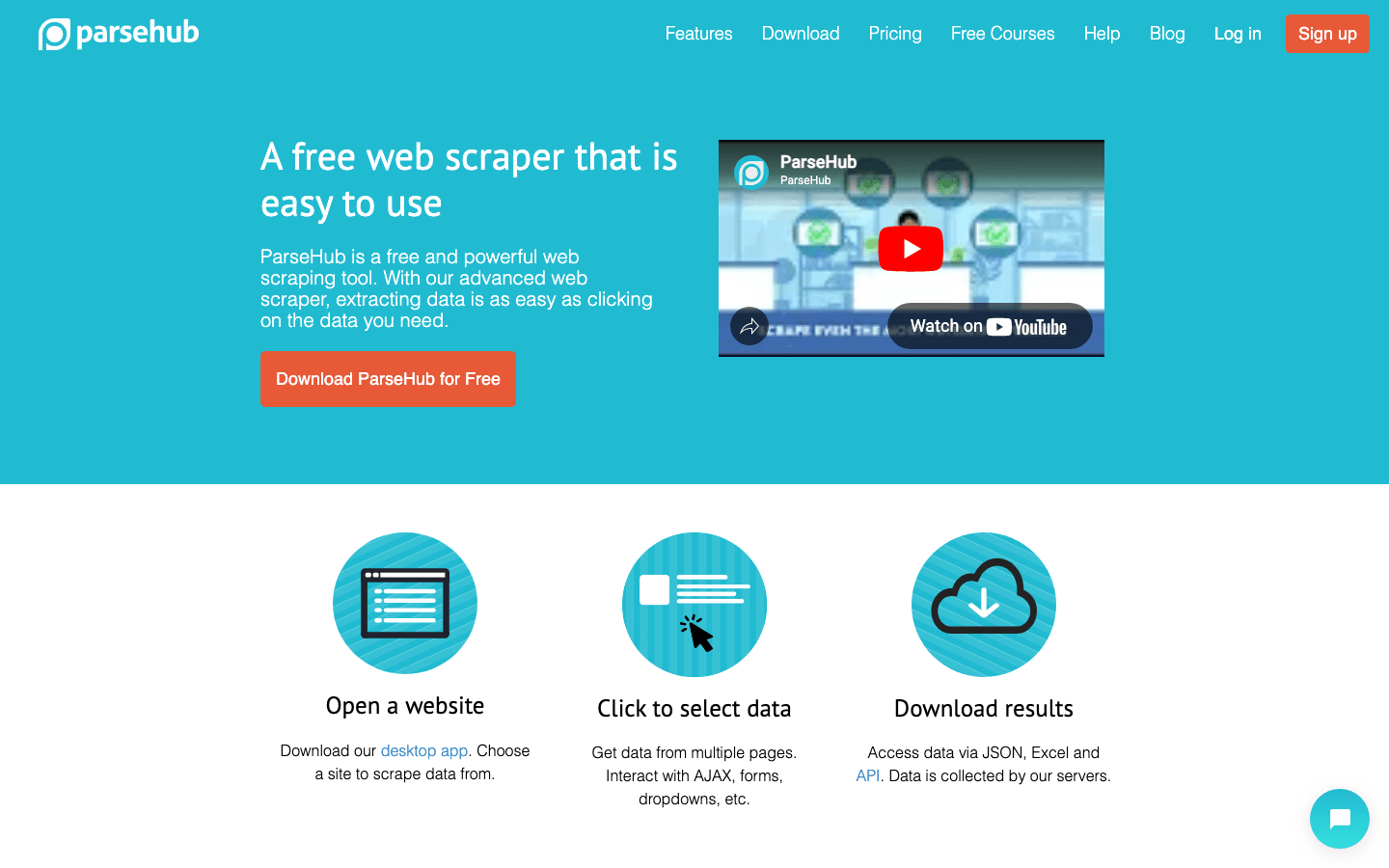
is all about flexibility. It’s a visual data parser that lets you build custom workflows for even the most complex websites—think multi-level navigation, dynamic content, and tricky layouts.
ParseHub’s strengths:
- Customizable Parsing: Point-and-click to select fields, set up loops, and handle conditional logic.
- Supports Complex Sites: Great for extracting data from maps, calendars, or sites with lots of JavaScript.
- Export Options: Download as CSV, Excel, or JSON; integrate with APIs.
- Cloud-Based: Run big jobs without tying up your computer.
ParseHub is ideal for teams that need to build highly customized scrapers, but it has a steeper learning curve than Thunderbit or Octoparse. Pricing is usage-based, with a free tier for light users.
4. Import.io
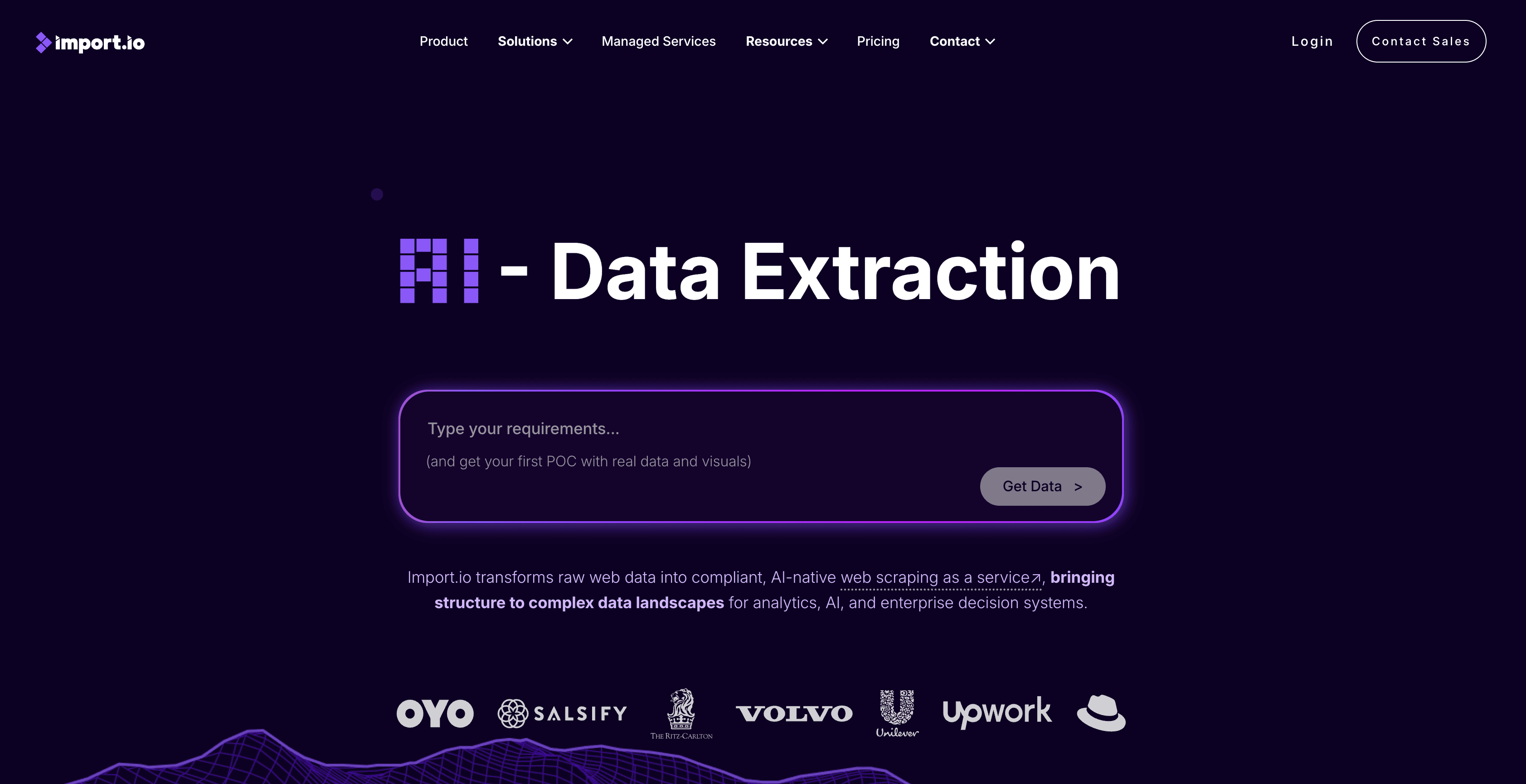
is an enterprise-grade data extraction platform built for scale. It’s used by Fortune 500s and data-driven companies that need robust automation, compliance, and integration features.
Import.io highlights:
- API-First: Extract data via API, integrate with BI tools, or automate workflows.
- Real-Time Data Feeds: Keep dashboards and analytics up to date with live data.
- Compliance & Security: Enterprise-grade controls for regulated industries.
- Scalability: Handles millions of records and complex sites.
Import.io is best for large organizations with serious data needs. Pricing is custom and typically starts around $299/month for enterprise features.
5. Scrapy
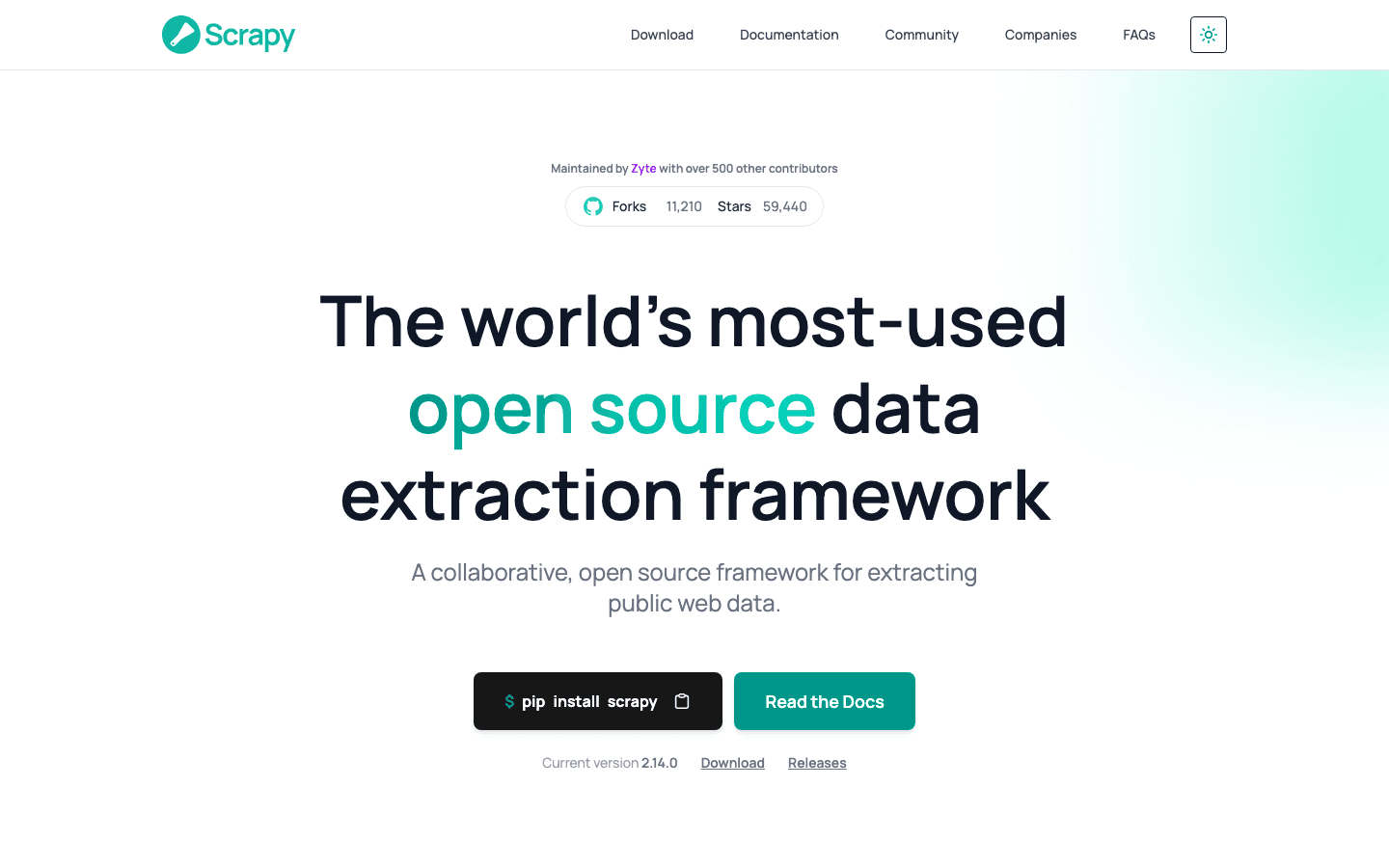
is the gold standard for developers who want full control. It’s an open-source Python framework that powers everything from price comparison engines to academic research.
Why developers love Scrapy:
- Highly Customizable: Write your own spiders, handle any website, and process data however you want.
- Fast & Scalable: Built for speed and large-scale crawling.
- Active Community: Tons of plugins, tutorials, and support.
Scrapy is not for the faint of heart—there’s a learning curve, and you’ll need to be comfortable with Python. But for technical teams, it’s hard to beat.
6. Apify
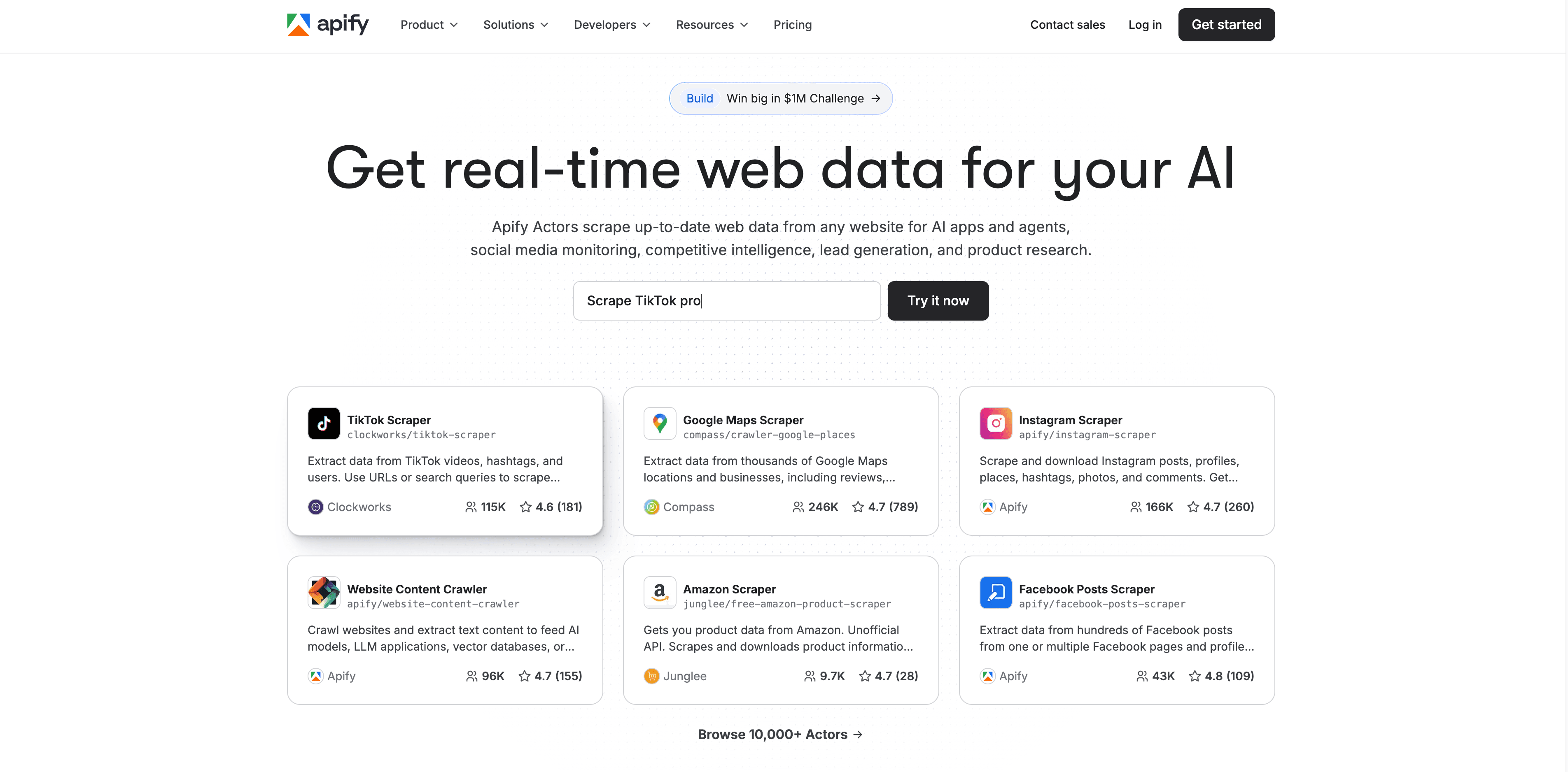
is an automation platform that goes beyond scraping. It offers a marketplace of pre-built “actors” (mini-apps) for everything from web crawling to PDF extraction.
Apify’s unique features:
- Actor Marketplace: Find ready-made solutions for common tasks, or build your own.
- Cloud Execution: Run jobs at scale without managing servers.
- API Integration: Connect to your data pipeline or workflow tools.
- Versatile Automation: Supports scraping, crawling, data transformation, and more.
Apify is great for teams that want flexibility and automation depth. Pricing is pay-as-you-go, with a free tier for light use.
7. Content Grabber
is built for enterprises that need custom, large-scale data extraction. It offers a point-and-click interface plus scripting for advanced users.
Content Grabber’s strengths:
- Custom Scripting: Use VB.NET for complex workflows.
- Enterprise Integration: Connect with databases, CRMs, and business systems.
- Deployment Options: Run on-premises or in the cloud.
- Data Privacy & Security: Meets strict compliance needs.
Content Grabber is best for organizations with unique requirements and in-house technical resources.
8. Kofax Kapow
blends robotic process automation (RPA) with data extraction. It’s designed for automating business processes end-to-end, not just scraping.
What sets Kapow apart:
- RPA + Data Extraction: Automate workflows across web, desktop, and enterprise apps.
- No-Code Bots: Build automation without coding.
- Structured & Unstructured Data: Extract from websites, PDFs, emails, and more.
- Enterprise Integration: Connect with ERP, CRM, and other systems.
Kapow is a strong fit for large enterprises looking to automate complex, multi-step processes.
9. Helium Scraper
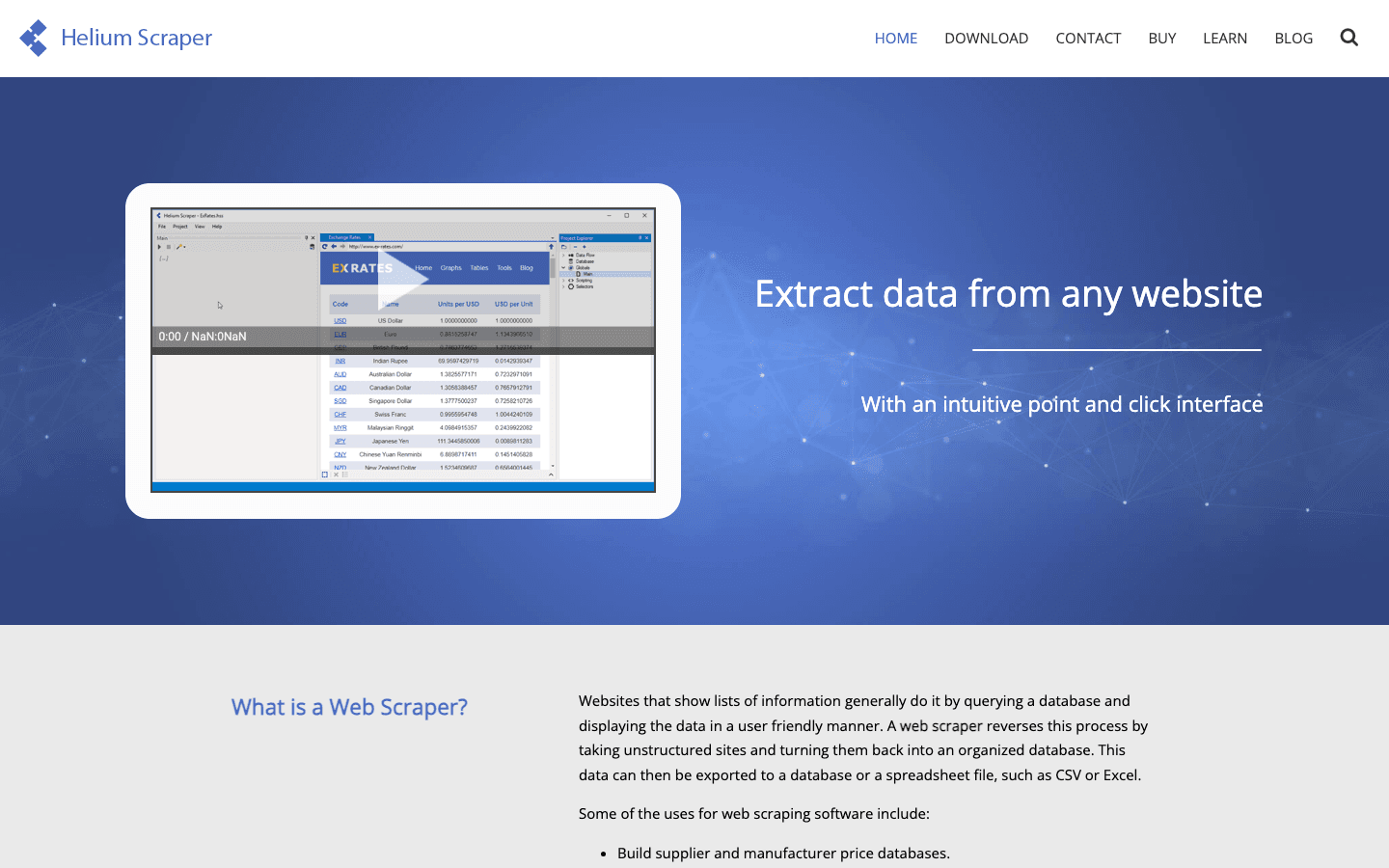
is a desktop tool with a drag-and-drop interface. It’s designed for non-technical users who want to build extraction workflows visually.
Helium Scraper highlights:
- Visual Workflow Builder: No coding required.
- Dynamic Site Support: Handles sites with JavaScript and AJAX.
- Data Aggregation: Combine data from multiple sources.
- Affordable Pricing: One-time license or subscription.
Helium Scraper is great for small businesses or researchers who want simplicity and power.
10. Data Miner
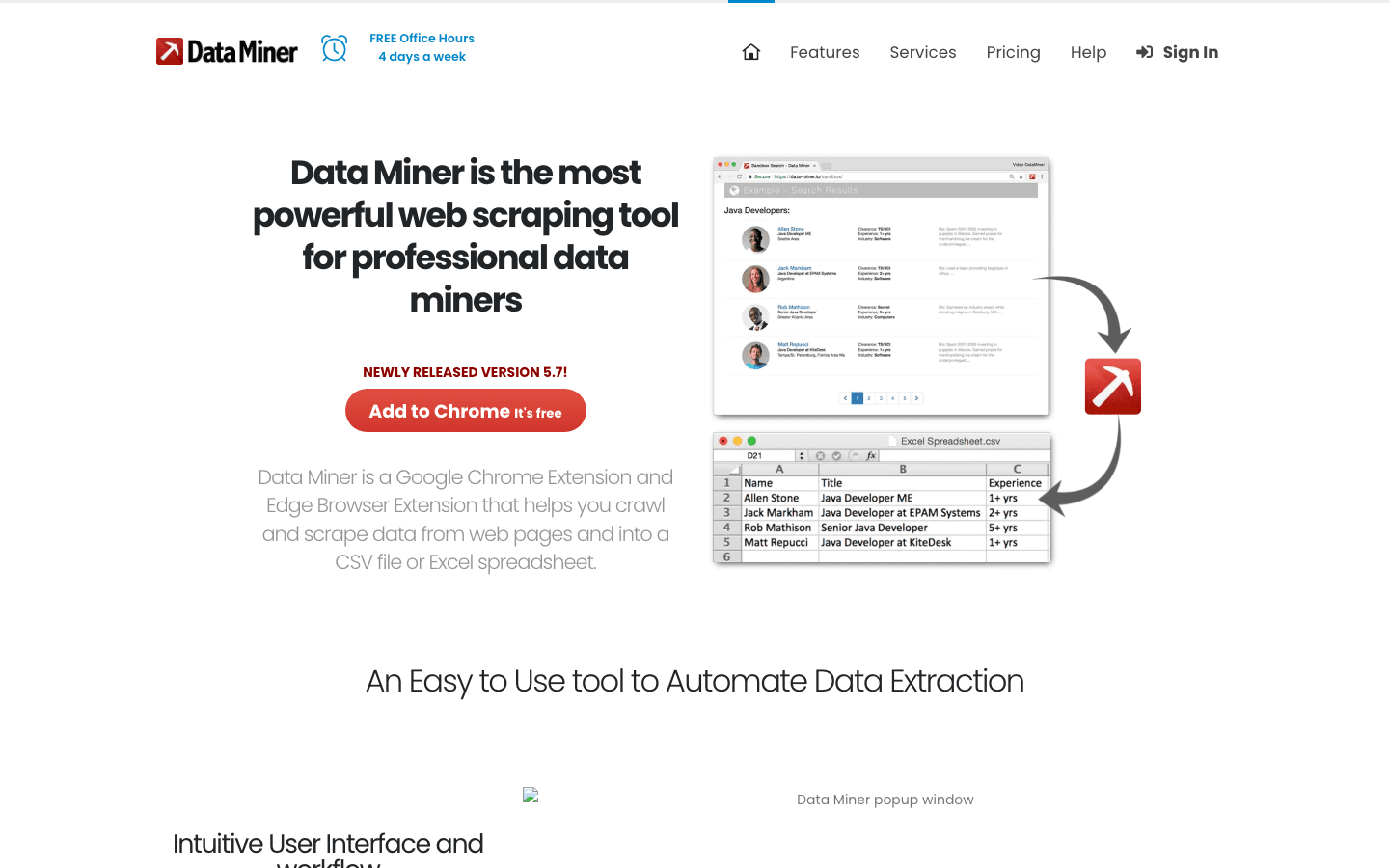
is a Chrome Extension focused on quick, template-driven data extraction. It’s perfect for grabbing data from tables, lists, and simple web pages.
Why Data Miner is handy:
- Template Library: Thousands of pre-built templates for popular sites.
- Point-and-Click Extraction: Select fields visually.
- Export to Sheets: Send data directly to Google Sheets or Excel.
- Team Sharing: Collaborate on templates.
Data Miner is ideal for small-scale, ad-hoc tasks. There’s a free tier, with paid plans for power users.
11. Mozenda
is a cloud-based platform built for business teams. It offers a point-and-click setup, scheduling, and robust integration options.
Mozenda’s business focus:
- Cloud Automation: Run jobs without local software.
- Scheduling: Keep data updated automatically.
- Integration: Export to databases, CRMs, or analytics tools.
- Team Collaboration: Share projects and results.
Mozenda is popular with research, marketing, and operations teams. Pricing starts around $99/month.
12. Automation Anywhere
is a leading RPA platform that enables businesses to build bots for repetitive tasks—including data extraction.
Automation Anywhere’s strengths:
- RPA Bots: Automate data entry, extraction, and workflow tasks.
- Integration: Connect with enterprise apps, websites, and legacy systems.
- AI & IDP: Intelligent Document Processing for PDFs, invoices, and more.
- Scalability: Built for large organizations.
It’s best for companies looking to automate end-to-end business processes, not just web scraping.
13. UiPath
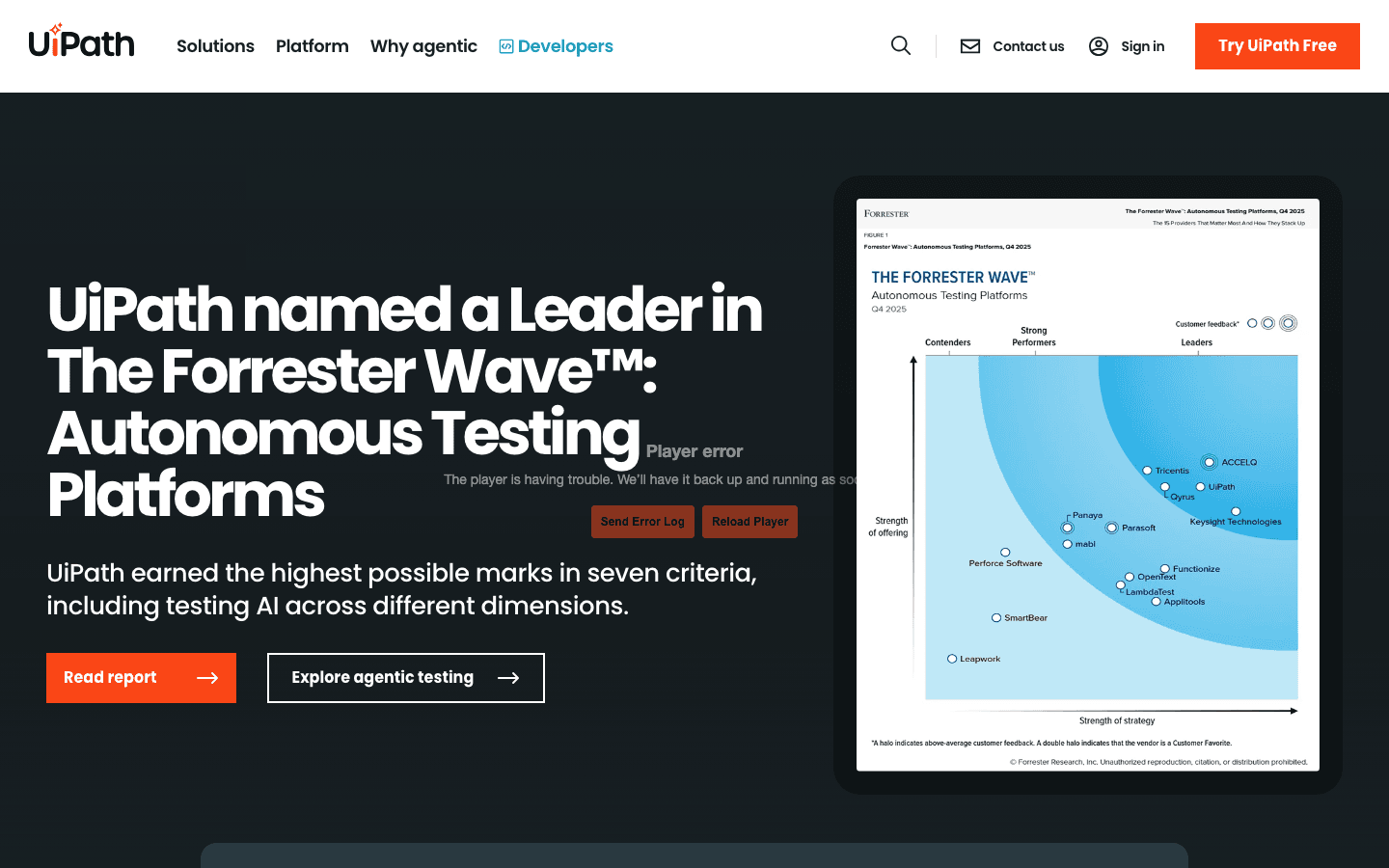
is another RPA giant, known for its ease of use and broad automation capabilities.
UiPath features:
- Drag-and-Drop Automation: Build bots visually.
- Data Extraction: Scrape from web, desktop apps, PDFs, and more.
- Enterprise-Ready: Governance, security, and scalability.
- Marketplace: Access pre-built automation components.
UiPath is widely used in finance, healthcare, and operations for automating repetitive data tasks.
14. Blue Prism
is an enterprise RPA platform focused on scalable, secure automation.
Blue Prism highlights:
- Scalable RPA: Automate data collection across systems and apps.
- Governance & Compliance: Strong controls for regulated industries.
- Integration: Connect with APIs, databases, and cloud services.
- AI & Analytics: Enhance bots with AI-driven insights.
Blue Prism is best for large enterprises with complex automation needs.
15. Datahut
offers managed data extraction services. If you want ready-to-use data without building your own scrapers, Datahut does the heavy lifting.
Why choose Datahut:
- Managed Service: Tell them what you need; they deliver clean, structured data.
- Custom Projects: Handle complex, large-scale extraction.
- No Setup Required: Ideal for teams without in-house technical resources.
Datahut is popular with companies that need custom datasets but don’t want to manage the process themselves.
16. Fivetran
is all about automated data pipelines. It extracts and syncs data from hundreds of sources—web, SaaS, databases—into your data warehouse.
Fivetran’s automation power:
- Connector Ecosystem: Hundreds of pre-built connectors.
- Real-Time Sync: Keep your analytics up to date.
- No-Code Setup: Get started in minutes.
- Secure & Reliable: Enterprise-grade uptime and compliance.
Fivetran is perfect for analytics teams who want to automate data integration, not just scraping.
17. Talend
is a comprehensive platform for data extraction, transformation, and integration (ETL).
Talend’s enterprise focus:
- Batch & Real-Time Processing: Handle big data and streaming sources.
- Data Governance: Ensure quality, lineage, and compliance.
- Integration: Connect with cloud, on-prem, and hybrid systems.
- Open Source & Commercial: Flexible deployment options.
Talend is ideal for large organizations with complex data workflows.
18. Skyvia
is a no-code, cloud-based platform for automating data extraction, integration, and sync.
Skyvia’s strengths:
- No-Code Interface: Set up pipelines without IT help.
- Broad Connector Library: Integrate with databases, SaaS, and cloud apps.
- Scheduling & Automation: Keep data flowing automatically.
- Affordable Pricing: Free tier and pay-as-you-go plans.
Skyvia is great for small businesses and teams that want easy, cloud-based data automation.
Automated Data Extraction Software Comparison Table
Here’s a quick side-by-side look at all 18 tools:
| Tool | Ease of Use | Data Sources Supported | Scheduling | Integrations | Best For | Pricing (2026) |
|---|---|---|---|---|---|---|
| Thunderbit | ⭐⭐⭐⭐⭐ | Web, PDF, Image | Yes | Excel, Sheets, CRM | Sales, Ecommerce, Ops | Free, from $15/mo |
| Octoparse | ⭐⭐⭐⭐ | Web | Yes | Excel, Sheets | Ecommerce, Research | Free, from $75/mo |
| ParseHub | ⭐⭐⭐⭐ | Web | Yes | Excel, JSON, API | Custom Projects | Free, usage-based |
| Import.io | ⭐⭐⭐ | Web, API | Yes | API, BI Tools | Enterprise, Analytics | Custom, from $299/mo |
| Scrapy | ⭐⭐ | Web | No | Custom (Python) | Developers | Free, open source |
| Apify | ⭐⭐⭐⭐ | Web, PDF, More | Yes | API, Workflow Tools | Automation, Dev Teams | Free, pay-as-you-go |
| Content Grabber | ⭐⭐⭐ | Web | Yes | DB, CRM, Custom | Enterprise, Custom | Custom, from $189/mo |
| Kofax Kapow | ⭐⭐⭐ | Web, PDF, Apps | Yes | ERP, CRM, RPA | Enterprise, RPA | Custom |
| Helium Scraper | ⭐⭐⭐⭐ | Web | No | CSV, Excel | SMB, Researchers | One-time/license |
| Data Miner | ⭐⭐⭐⭐ | Web | No | Sheets, Excel | Quick Tasks | Free, paid plans |
| Mozenda | ⭐⭐⭐⭐ | Web | Yes | DB, CRM, Analytics | Business Teams | From $99/mo |
| Automation Anywhere | ⭐⭐⭐ | Web, PDF, Apps | Yes | RPA, Enterprise | RPA, Ops | Custom |
| UiPath | ⭐⭐⭐⭐ | Web, PDF, Apps | Yes | RPA, Marketplace | RPA, Ops | Custom |
| Blue Prism | ⭐⭐⭐ | Web, Apps, API | Yes | RPA, Enterprise | Enterprise, Ops | Custom |
| Datahut | ⭐⭐⭐⭐⭐ | Web, Custom | Yes | Ready-to-use Data | Managed Services | Custom |
| Fivetran | ⭐⭐⭐⭐⭐ | Web, SaaS, DB | Yes | Data Warehouses | Analytics, Integration | Free, paid plans |
| Talend | ⭐⭐⭐ | Web, DB, Cloud | Yes | ETL, Data Gov | Enterprise, Integration | Free, paid plans |
| Skyvia | ⭐⭐⭐⭐⭐ | Web, DB, SaaS | Yes | Cloud, DB, SaaS | SMB, No-Code Teams | Free, pay-as-you-go |
Choosing the Right Data Extraction Automation Tool for Your Business
So, which automated data extraction software should you pick? Here’s my cheat sheet:
- For non-technical teams (sales, ops, ecommerce): Go with or for the easiest setup and fast results.
- For custom, complex projects: , , or offer deep customization.
- For enterprise-scale automation: , , , , and are built for big business.
- For managed services: delivers ready-to-use data—no setup required.
- For analytics and integration: , , and automate data pipelines and syncs.
Scenario-based picks:
- Need to scrape product listings and monitor prices? Thunderbit or Octoparse.
- Building a custom lead gen workflow? ParseHub or Apify.
- Automating invoice and document processing? UiPath or Automation Anywhere.
- Integrating multiple SaaS apps and databases? Fivetran or Skyvia.
Most tools offer free trials or tiers—so don’t be afraid to experiment and see what fits your workflow best.
Conclusion: Unlocking Business Efficiency with Automated Data Extraction
Manual data entry is on its way out—and not a moment too soon. In 2026, automated data extraction software is the secret weapon for teams who want to move faster, make smarter decisions, and leave the boring stuff to the bots. Whether you’re a sales pro building lead lists, an ecommerce manager tracking prices, or an ops leader wrangling reports, there’s a data extraction automation tool on this list that can save you hours (and a few headaches) every week.
My advice? Take a look at your current workflow, pick a tool that matches your needs, and start with a small pilot project. The ROI is real—. And who knows? You might even get to enjoy your coffee while it’s still hot.
Want to see how easy automation can be? and give it a spin—or check out the for more tips and deep dives.
FAQs
1. What is automated data extraction software?
Automated data extraction software is a tool that pulls structured or unstructured data from websites, documents, or apps—without manual copy-pasting. It uses AI, rules, or scripts to collect, clean, and export data for business use.
2. How do data extraction automation tools help sales and operations teams?
They save hours by automating repetitive tasks like lead scraping, price monitoring, and report building. This boosts productivity, reduces errors, and lets teams focus on higher-value work.
3. Can non-technical users use these tools?
Absolutely. Tools like Thunderbit, Octoparse, and Data Miner are built for non-coders, with visual interfaces and AI-powered setup. More technical tools (like Scrapy) require coding skills.
4. What features should I look for in automated data extraction software?
Key features include ease of use, support for pagination and subpages, scheduling, integration with your favorite apps, and the ability to handle both structured and unstructured data.
5. Is it legal to use automated data extraction tools?
Generally, yes—if you’re scraping publicly available data and respecting website terms of service. Always check the legal guidelines for your region and use case, and avoid scraping personal or sensitive data without permission.
Ready to automate your data extraction? Start with a free trial, and let the bots do the heavy lifting. Your future self (and your coffee) will thank you.
Learn More