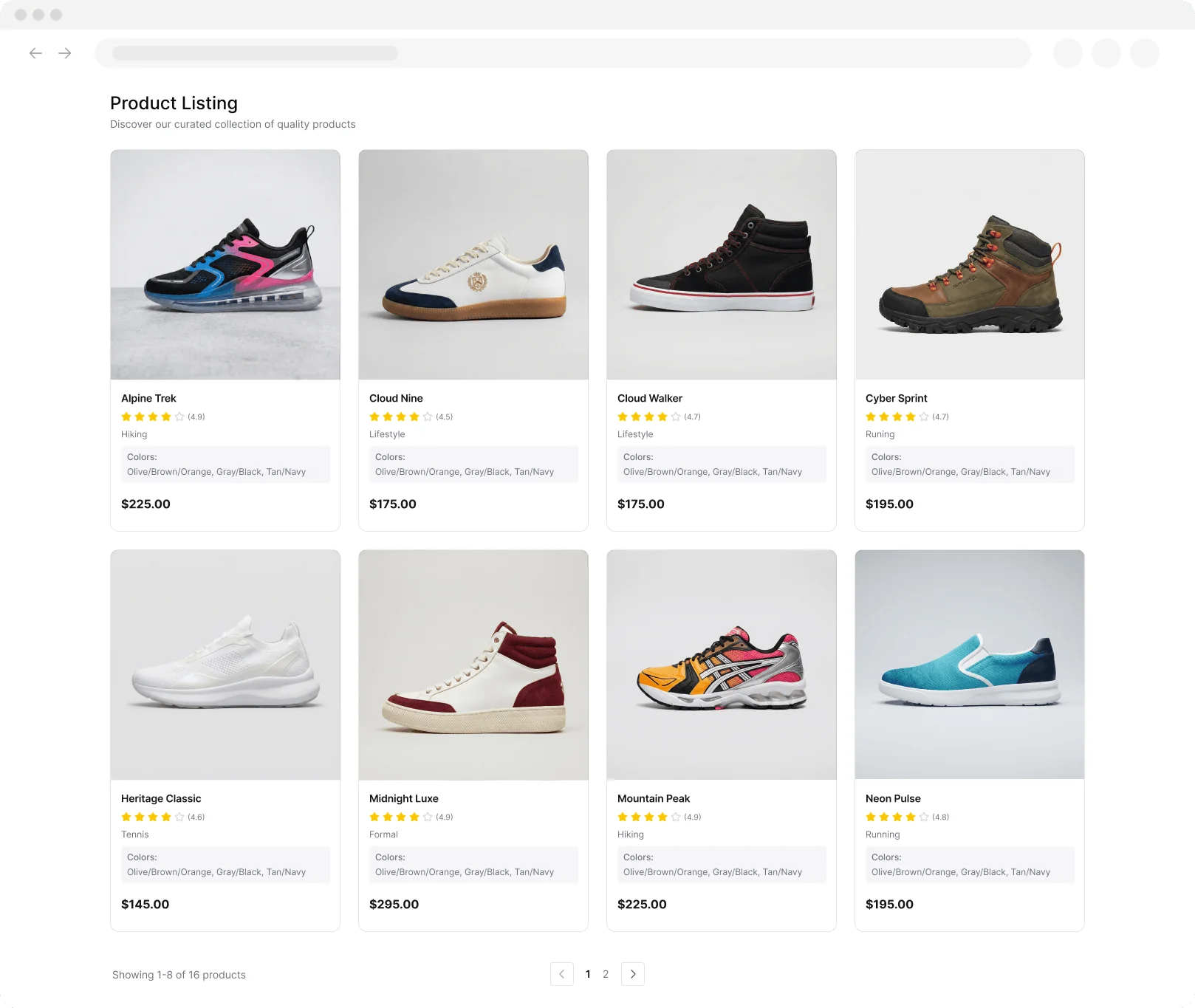
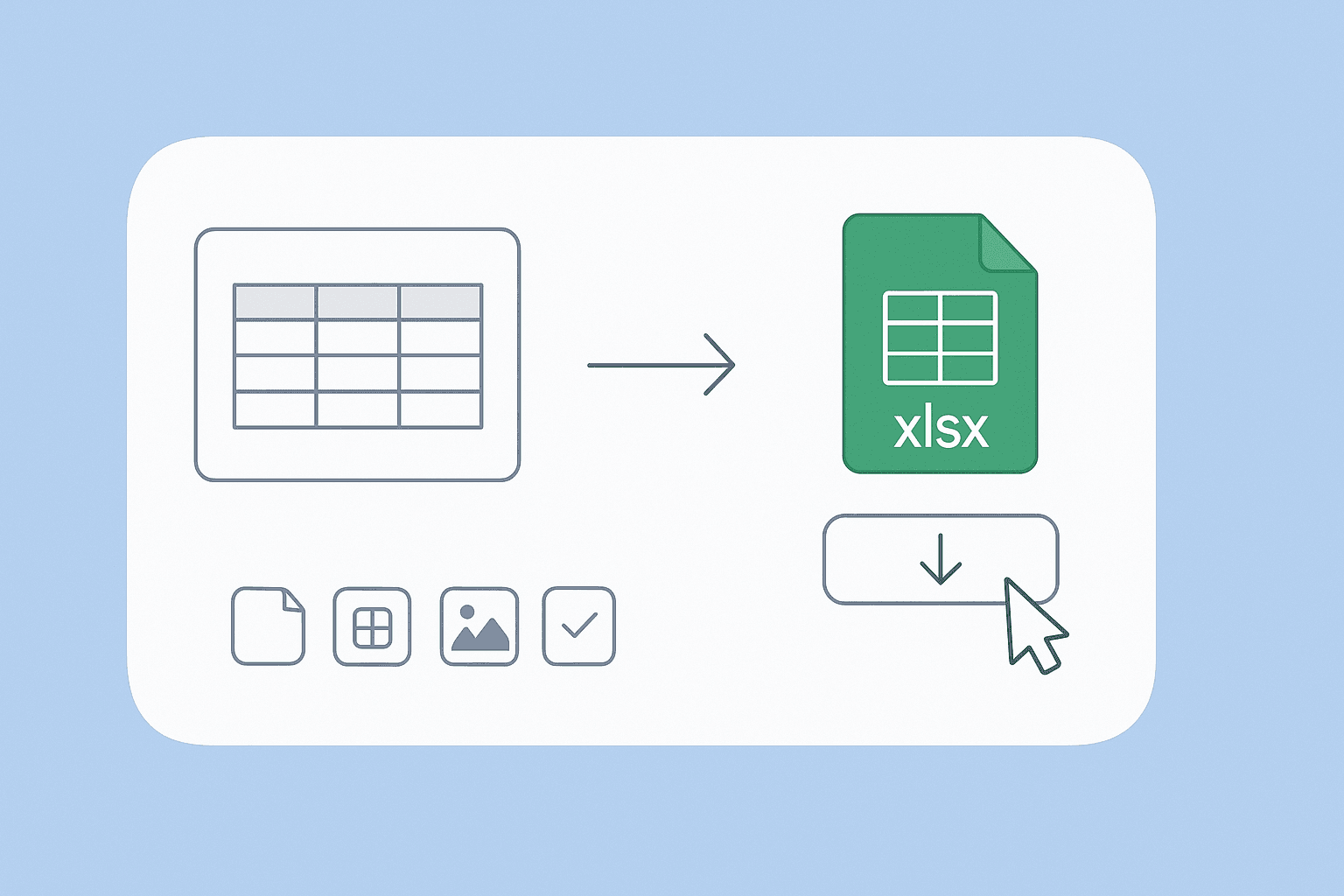
Table Extraction

Convert tables from images into downloadable Excel files(CSV.). Quickly turn visual or scanned tables into structured spreadsheets for easy analysis.

גרור תמונת PNG לכאן, או לחץ לעיון
PNG · ≤ 10 MB
📄
Loading PDF engine…
Up to 10 files · processed locally

רוצים לחלץ נתונים בכמות גדולה? נסו את Thunderbit בחינם.

Chrome Store Rating
PRODUCT HUNT#1 Product of the Week
Accenture logoCriteo logoGrammarly logoVerisk logoklook logoPuma logoRingCentral logoAccenture logoCriteo logoGrammarly logoVerisk logoklook logoPuma logoRingCentral logoAccenture logoCriteo logoGrammarly logoVerisk logoklook logoPuma logoRingCentral logoAccenture logoCriteo logoGrammarly logoVerisk logoklook logoPuma logoRingCentral logoAccenture logoCriteo logoGrammarly logoVerisk logoklook logoPuma logoRingCentral logoAccenture logoCriteo logoGrammarly logoVerisk logoklook logoPuma logoRingCentral logo
Transform Images to Excel(CSV.) Tables FastExtract tables from images and export them as Excel files(CSV.) in just a few clicks with Thunderbit.
chrome-web-store
התקנה מ-Chrome Web Store

Transform Images to Excel(CSV.) Tables Fast

Thunderbit’s Table Extraction tool lets you upload images containing tables and automatically converts them into structured Excel files(CSV.). No manual data entry or formatting required—just upload your file and download the results. Thunderbit’s AI-powered extraction works on scanned documents, PDFs, and images, making it ideal for digitizing reports, invoices, or research data. Export your tables directly to Google Sheets, Airtable, or Notion for further analysis and collaboration.

How to Extract Tables to Excel(CSV.) Using Thunderbit

step_01.png
STEP 1Download and InstallDownload and install the Thunderbit Chrome Extension from the Thunderbit Chrome Extension Download Page. Once installed, log in or create a free account to get started.
step_02.png
STEP 2Open ExtensionNavigate to the image containing the table you want to extract. Open the Thunderbit Chrome Extension and select the "Table Extraction" tool from the menu. Upload your image or document by dragging and dropping it into the provided area.
step03.png
STEP 3Click the Extract Table to Excel(CSV.) ButtonClick the "Extract Table to Excel(CSV.)" button. Thunderbit will analyze your file, detect all tables, and convert them into an Excel(CSV.) file. Once the extraction is complete, download the Excel(CSV.) file to your device for further use.

Learn how to convert tables from images into Excel files(CSV.)

Extract Tables from Images
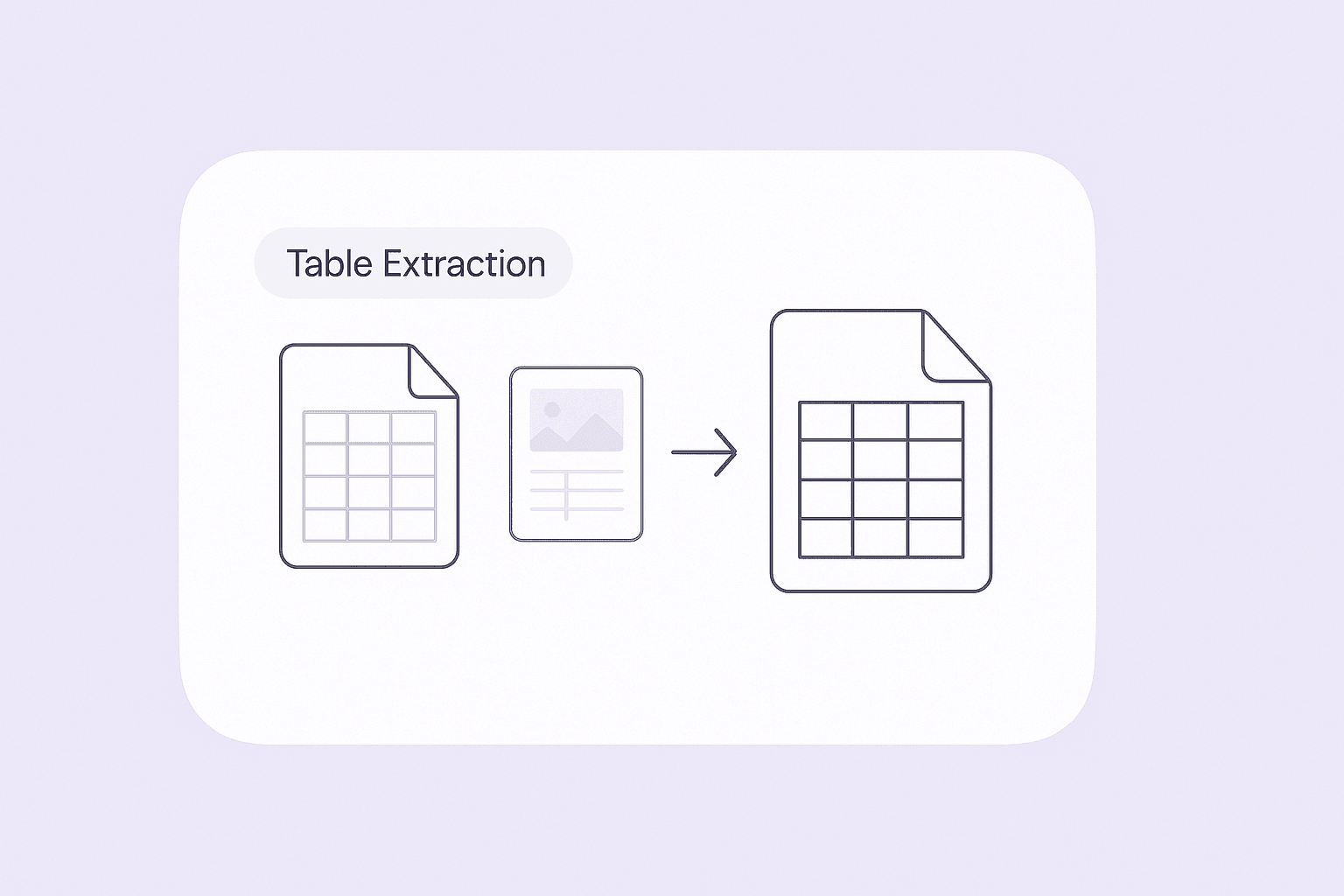
The Table Extraction tool allows you to upload images containing tables and automatically converts them into structured Excel files(CSV.). This feature is ideal for professionals who frequently receive data in non-editable formats, such as scanned reports or screenshots. By transforming these tables into editable spreadsheets, you can quickly analyze, edit, or share the data without manual re-entry, saving significant time and reducing errors.
להתחלה בחינם
ChatGPT Image Nov 24, 2025, 03_53_24 PM (1).png

Detect Multiple Tables and Preserve Structure
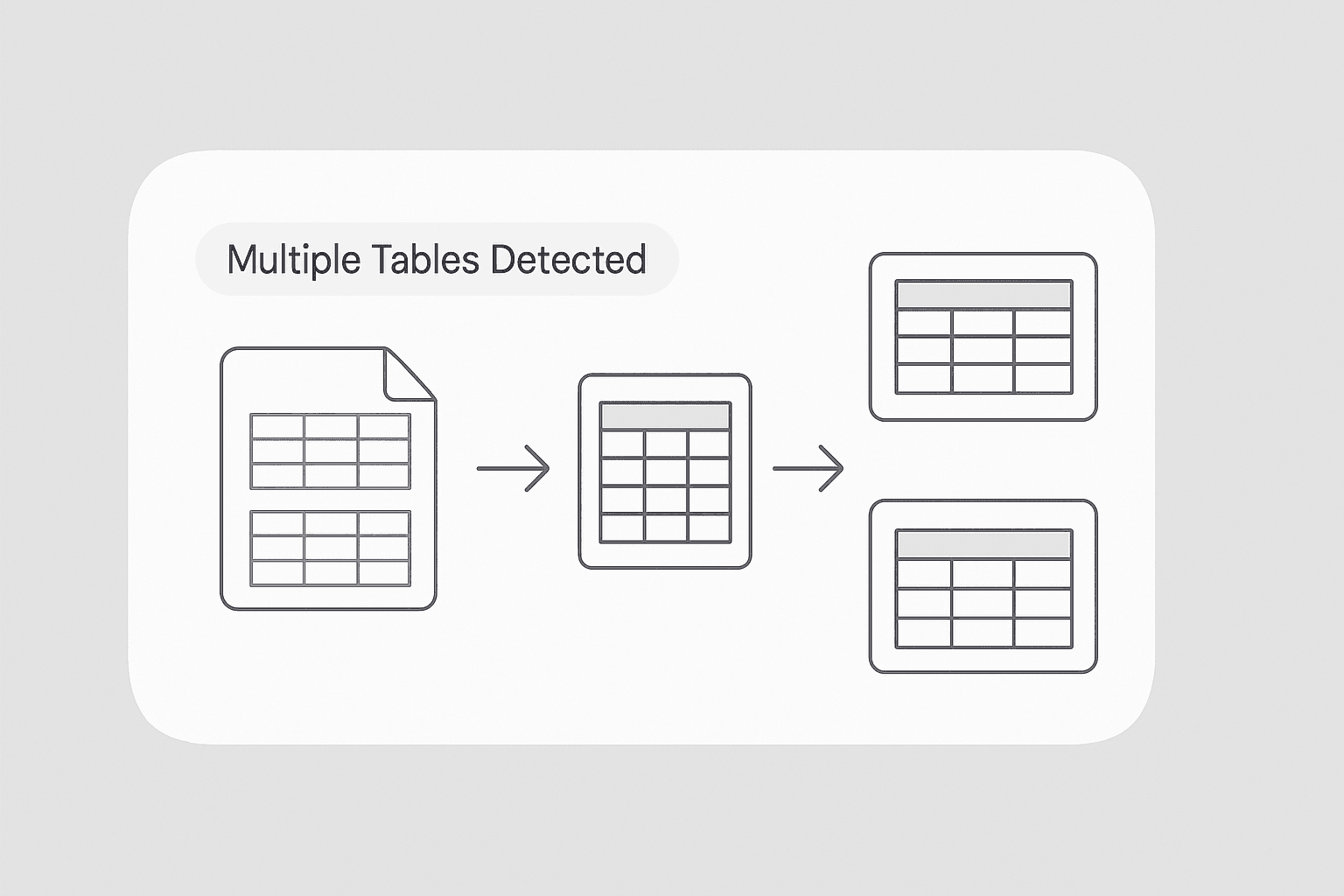
With advanced detection capabilities, the tool identifies all tables within a single file, even if there are multiple tables present. Each table is extracted with its original headers and row structure, ensuring that no information is lost or misrepresented. This is especially useful for users who work with complex documents, such as financial statements or research papers, where multiple tables need to be captured accurately.
להתחלה בחינם
ChatGPT Image Nov 24, 2025, 03_56_13 PM (1).png

Export Data Directly to Excel(CSV.)

Once the tables are extracted, you can download them as Excel files(CSV.) for immediate use. The exported data maintains the original table formatting, making it easy to integrate into your existing workflows. Whether you need to perform calculations, create charts, or share the data with colleagues, the Excel output ensures compatibility with popular productivity tools and streamlines your data management process.
להתחלה בחינם
ChatGPT Image Nov 24, 2025, 03_58_46 PM (1).png

Simplify Data Collection for Research and Reporting
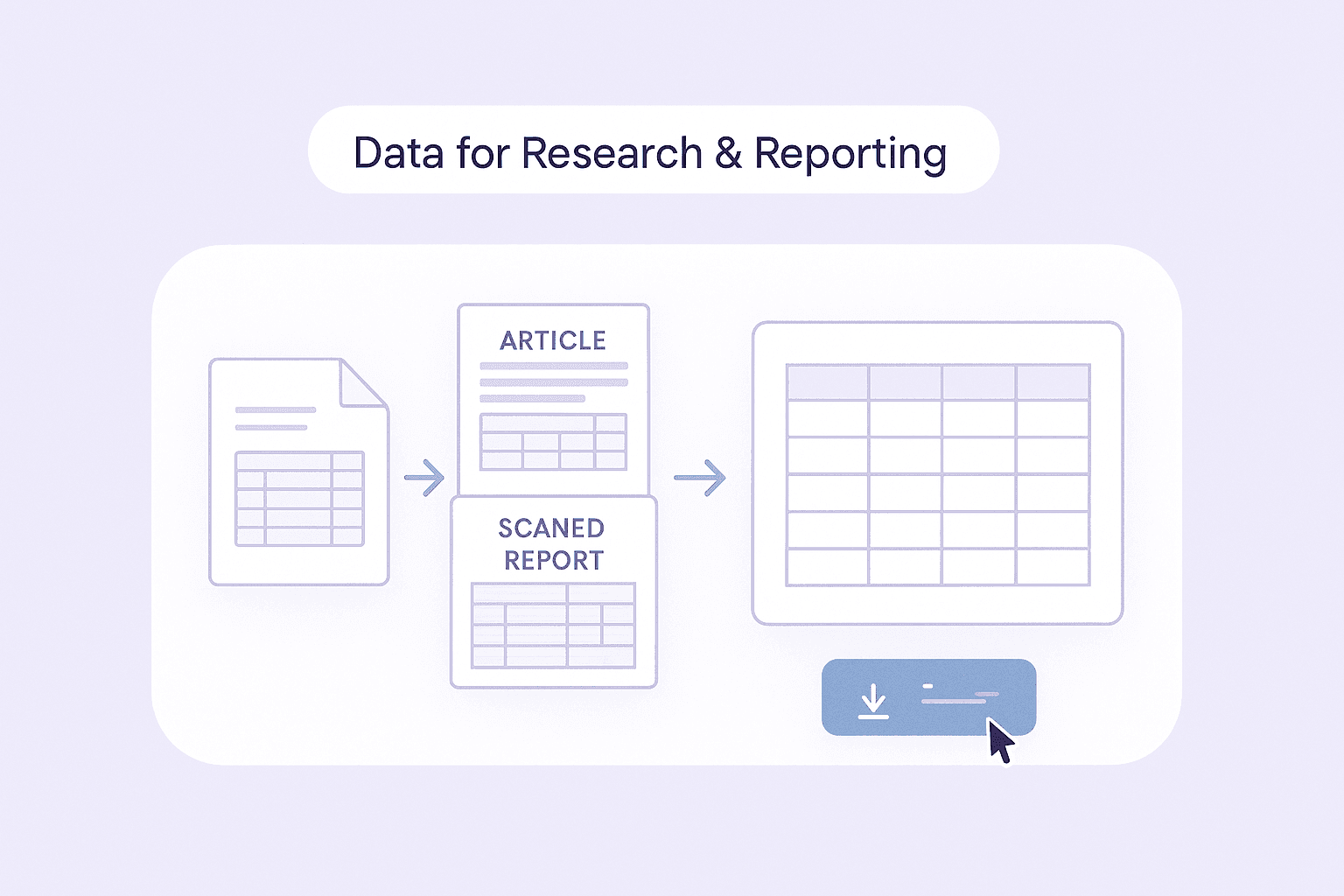
Researchers, analysts, and business professionals can use this tool to quickly gather tabular data from a variety of sources, including scanned documents, academic articles, and printed reports. By automating the extraction process, you can focus on analyzing the data rather than spending hours on manual data entry. This capability is particularly valuable for compiling large datasets or preparing reports that require accurate and organized information.
להתחלה בחינם
ChatGPT Image Nov 24, 2025, 04_03_11 PM (1).png

גלו עוד כלים בחינם

ממיר PDF ל-CSV

המרת טבלאות מקובצי PDF ל-CSV נקי שמתאים לגיליונות אלקטרוניים. מעלים PDF ומורידים שורות ועמודות מסודרות תוך שניות. אידיאלי לחשבוניות, דוחות ותדפיסים.

ממיר JPG ל-Excel

המרת תמונות JPG של טבלאות לקובצי Excel הניתנים לעריכה באמצעות OCR. חילוץ מדויק של שורות ועמודות כדי לחסוך זמן בהזנת נתונים ידנית.

ממיר JPG לטקסט

המר תמונות JPG לטקסט שניתן לעריכה באמצעות OCR. חלץ מילים מסריקות, צילומי מסך והערות כדי שתוכל להעתיק, לחפש ולהשתמש בתוכן במהירות.

ממיר PNG לטקסט

חלץ טקסט ניתן לעריכה מתמונות PNG באמצעות OCR. המר צילומי מסך וגרפיקה סרוקה לעותק שניתן לחיפוש, לשימוש חוזר ולעריכה.

ממיר PNG ל-Excel

המר תמונות של טבלאות PNG לגיליונות Excel מובנים בעזרת OCR. שמרו על שורות, עמודות ועיצוב מרכזי כדי להאיץ הזנת נתונים ודיווח.

ממיר תמונה לאקסל

המר תמונות של טבלאות, קבלות או רשימות למערכי JSON מובנים לייצוא קל לאקסל. חסכו זמן בהזנת נתונים ידנית והבטיחו דיוק.

Invoice OCR

Extracts text from invoice PDFs or images, making it easy to digitize and organize billing information for faster processing.

ממיר תמונה לטקסט

חלצו טקסט מכל תמונה בתוך שניות והפכו אותו לתוכן עריך ומובנה. חסכו זמן בהקלדה ידנית וייעלו את תהליך העבודה שלכם.

מייצא ביקורות מאמזון

חלצו ביקורות מפורטות על מוצרים באמזון באמצעות הדבקת כתובת ה-URL של המוצר. אספו מיד פרטי מבקרים, דירוגים ועוד—בטבלה מסודרת שמוכנה לניתוח.

מחלץ פרטי מוצר

חלצו פרטי מוצרים מאתרי מסחר אלקטרוני כמו Amazon, Walmart, Shein, Lazada ו‑Zalando. אספו שם, מותג, מחיר, תמונות, דירוגים וביקורות בפורמט מובנה לניתוח מהיר או לייצוא.

Amazon מוצרים Scraper

הדביקו כתובות URL של מוצרים מאמזון וחלצו במהירות מידע על המוצר. קבלו כותרות, מחירים, דירוגים ועוד — בטבלה מסודרת שמוכנה לייצוא ולסקירה מהירה.

AI Sales Email Generator

Create personalized sales emails in seconds with the free AI Sales Email Generator. Perfect for sales teams and entrepreneurs. Try it now and boost your outreach with Thunderbit’s suite of AI tools.

מחולל כותרות אימייל מבוסס AI

צרו שורות נושא אפקטיביות לאימייל מתוך תיאור קצר. שפרו את שיעורי הפתיחה בעזרת הצעות חכמות מבוססות AI. מהיר, פשוט, וללא צורך בהרשמה.

מחלץ מספרי טלפון

סרקו במהירות דפי אינטרנט, קבצים או טקסט כדי למצוא מספרי טלפון. קבלו רשימה נקייה וניתנת לייצוא בתוך שניות — אידיאלי לבניית רשימות אנשי קשר או לאימות נתונים.

מחלץ ומאמת כתובות אימייל

מצאו וחלצו כתובות אימייל באמצעות מחלץ האימיילים מדפי אינטרנט, קובצי PDF או טקסט. מהיר, מדויק ומוכן לייצוא בכל רגע.

בודק שורת נושא לדוא״ל

קבלו ציון לשורת הנושא לפי אורך, בהירות, דחיפות, התאמה אישית וסיכון לספאם. קבלו טיפים מעשיים לשיפור שיעורי הפתיחה.

מצאו עוד כלים עכשיו

מה משתמשים אומרים על Thunderbit

Taryn W.אסטרטגית צמיחה@Thunderbit שינה את האופן שבו אני עושה מחקר מתחרים. אני לוחצת על 'AI Suggest Fields', והוא בונה טבלה נקייה גם בין תוצאות מדורגות—בלי קוד, בלי CSS. חוסך המון זמן בניתוח נתוני מוצרים משווקים נישתיים.
Miles T.יועץ פיתוח מכירותאני משתמש ב-Thunderbit כדי לאסוף אימיילים ומספרי טלפון ממדריכים. הוא מחלץ פרטי קשר נקיים בלחיצה אחת, והייצוא ל-Sheets או Notion לוקח שניות. בלי הגדרה נוספת, בלי קוד—רק נתונים שימושיים ומוכנים לעבודה.
Rhea C.אנליסטית E-commerceThunderbit עוזר לי לעקוב אחר נתוני SKU בכמה דפים. אני מחלץ את הרשימות ואז משתמש ב-Subpage Scraping כדי לשלוף מפרטים מלאים, תמחור, ביקורות ומלאי. ה-AI מסדר הכול לעמודות שאני מגדירה.
Cassian B.יועץ נדל״ןScheduled Scraper של Thunderbit הופך מעקב נדל״ן לפשוט יותר. אני מתאר את המרווח בשפה פשוטה, והוא מושך אוטומטית רישומים מעודכנים, מחירים וקישורים בלי לגעת שוב בהגדרות. פשוט ומאוד פרקטי.
Dorian B.מומחה תוכן ו-SEOאני משתמש ב-Field AI Prompts של Thunderbit כדי לנקות ולתייג תוכן בלוג שחולץ. הוא מחלץ כותרות, מחברים ואפילו מציע קטגוריות. עובד מצוין באתרים דינמיים ובדפי משנה—מושלם לבניית מאגרי SEO מובְנים.
Lina K.Lead Operations בפלטפורמת מרקטפלייסאנחנו עוקבים אחרי SKU-ים מחנויות נישה בעזרת Thunderbit. Cloud Scraping מטפל ב-50 דפים בכל פעם, ובאתרים שדורשים התחברות אנחנו עוברים למצב דפדפן. זה מהיר, גמיש, ולא דורש תחזוקה שוטפת או עריכות ידניות.
Jorge F.מנהל מכירות InboundAI Autofill של Thunderbit הוא מציל חיים. אחרי שאני מחלץ פרטי קשר, אני משתמש בו כדי למלא טפסי לידים ישירות בדפדפן. אני רק בוחר את הלשונית, והוא ממלא הכול לפי השורה שחולצה. בלי הזנה ידנית.
Alina D.חוקרת פרילנסאני נשענת על Thunderbit כדי לחלץ נתונים מ-PDF, מאתרים מבוססי תמונות ומדפי infinite scroll. הוא מטפל בפורמטים מבולגנים בעזרת AI ומספק טבלאות מוכנות לייצוא שאפשר לשלוח ל-Google Sheets או Airtable בתוך שניות.
Taryn W.אסטרטגית צמיחה@Thunderbit שינה את האופן שבו אני עושה מחקר מתחרים. אני לוחצת על 'AI Suggest Fields', והוא בונה טבלה נקייה גם בין תוצאות מדורגות—בלי קוד, בלי CSS. חוסך המון זמן בניתוח נתוני מוצרים משווקים נישתיים.
Miles T.יועץ פיתוח מכירותאני משתמש ב-Thunderbit כדי לאסוף אימיילים ומספרי טלפון ממדריכים. הוא מחלץ פרטי קשר נקיים בלחיצה אחת, והייצוא ל-Sheets או Notion לוקח שניות. בלי הגדרה נוספת, בלי קוד—רק נתונים שימושיים ומוכנים לעבודה.
Rhea C.אנליסטית E-commerceThunderbit עוזר לי לעקוב אחר נתוני SKU בכמה דפים. אני מחלץ את הרשימות ואז משתמש ב-Subpage Scraping כדי לשלוף מפרטים מלאים, תמחור, ביקורות ומלאי. ה-AI מסדר הכול לעמודות שאני מגדירה.
Cassian B.יועץ נדל״ןScheduled Scraper של Thunderbit הופך מעקב נדל״ן לפשוט יותר. אני מתאר את המרווח בשפה פשוטה, והוא מושך אוטומטית רישומים מעודכנים, מחירים וקישורים בלי לגעת שוב בהגדרות. פשוט ומאוד פרקטי.
Dorian B.מומחה תוכן ו-SEOאני משתמש ב-Field AI Prompts של Thunderbit כדי לנקות ולתייג תוכן בלוג שחולץ. הוא מחלץ כותרות, מחברים ואפילו מציע קטגוריות. עובד מצוין באתרים דינמיים ובדפי משנה—מושלם לבניית מאגרי SEO מובְנים.
Lina K.Lead Operations בפלטפורמת מרקטפלייסאנחנו עוקבים אחרי SKU-ים מחנויות נישה בעזרת Thunderbit. Cloud Scraping מטפל ב-50 דפים בכל פעם, ובאתרים שדורשים התחברות אנחנו עוברים למצב דפדפן. זה מהיר, גמיש, ולא דורש תחזוקה שוטפת או עריכות ידניות.
Jorge F.מנהל מכירות InboundAI Autofill של Thunderbit הוא מציל חיים. אחרי שאני מחלץ פרטי קשר, אני משתמש בו כדי למלא טפסי לידים ישירות בדפדפן. אני רק בוחר את הלשונית, והוא ממלא הכול לפי השורה שחולצה. בלי הזנה ידנית.
Alina D.חוקרת פרילנסאני נשענת על Thunderbit כדי לחלץ נתונים מ-PDF, מאתרים מבוססי תמונות ומדפי infinite scroll. הוא מטפל בפורמטים מבולגנים בעזרת AI ומספק טבלאות מוכנות לייצוא שאפשר לשלוח ל-Google Sheets או Airtable בתוך שניות.

Frequently Asked Questions

חליצת נתונים באמצעות AI
העבירו נתונים בקלות ל-Google Sheets, Airtable או Notion
Chrome Store Rating
PRODUCT HUNT#1 Product of the Week