
The world of test automation is evolving at breakneck speed. In 2026, teams aren’t just looking for “what works”—they want tools that are smarter, faster, and easier for everyone on the team, not just the coding wizards. I’ve seen firsthand how the right automation platform can turn a QA bottleneck into a business advantage. But let’s be real: Selenium, the old workhorse of browser automation, is starting to show its age. From steep learning curves to endless maintenance and a lack of built-in features, the cracks are showing—and the search for Selenium alternatives has never been hotter.
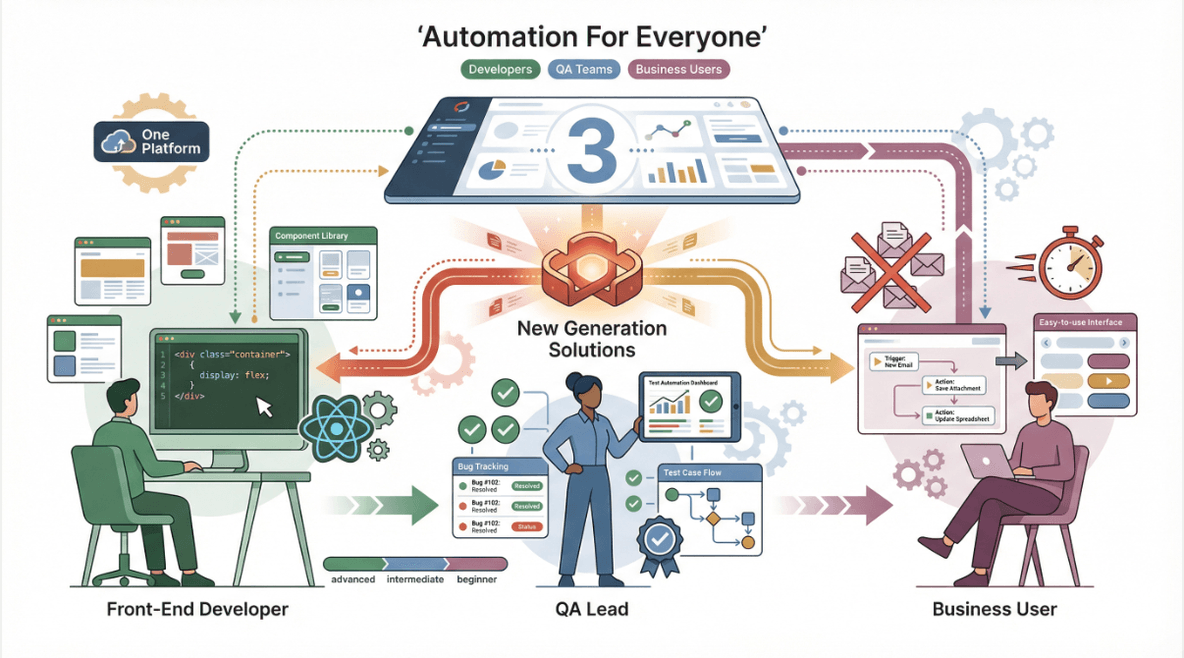 So, what’s driving this shift? Modern teams need tools that fit their workflows, not the other way around. Whether you’re a front-end developer, a QA lead, or a business user who just wants to automate a few repetitive tasks, there’s a new generation of solutions out there. I’ve pulled together the top 10 Selenium alternatives for 2026—each with its own strengths, quirks, and best-fit scenarios. Let’s dive in and find the perfect match for your automation needs.
Why Look for Selenium Alternatives in 2026?
Selenium has been the backbone of web automation for over a decade, but the landscape has changed. Here’s what I keep hearing from teams in the trenches:
- Steep Learning Curve: Selenium requires solid programming skills and a deep understanding of browser internals. For non-technical teams, it’s a tough sell.
- High Maintenance: Scripts break when the UI changes. Keeping up with browser updates and flaky tests can eat up more time than the automation saves.
- Limited Built-In Features: Out of the box, Selenium lacks robust reporting, parallel execution, and easy integrations. You’re left piecing together plugins and frameworks.
- Coding Dependency: Want to automate something? Get ready to write (and debug) a lot of code.
- Scaling Pains: As projects grow, so does the complexity—especially when you need to support multiple browsers, devices, or environments.
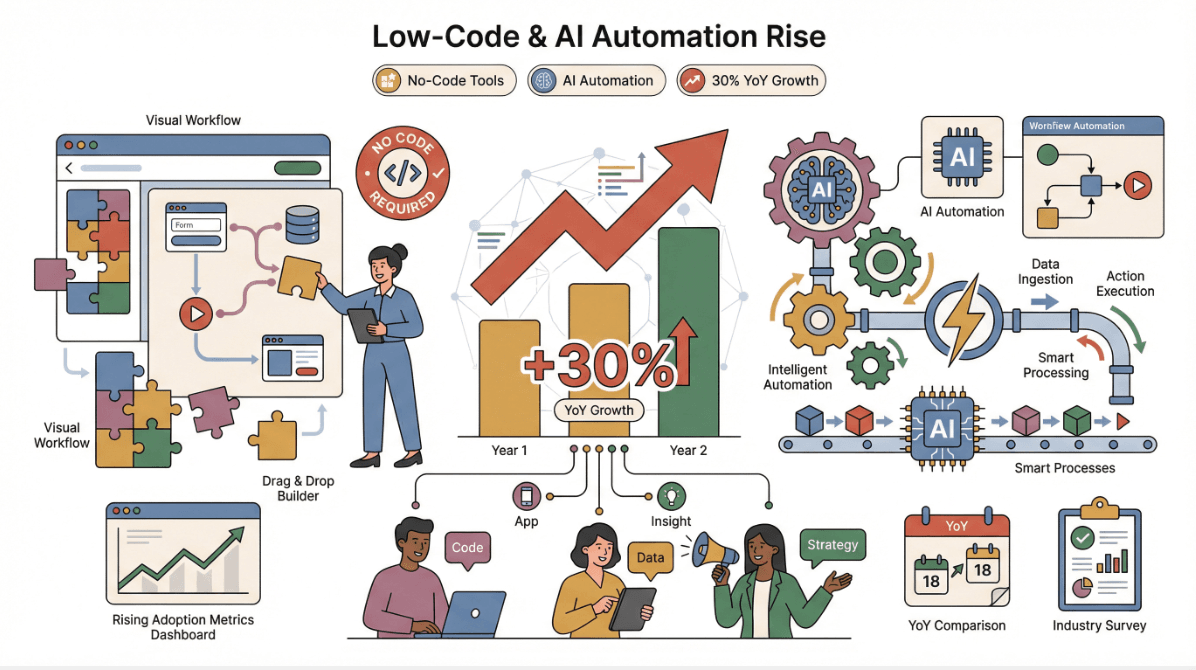 It’s no wonder that more teams are exploring alternatives. According to recent industry surveys, the adoption of low-code/no-code and AI-powered automation tools is up by . Businesses want faster onboarding, less maintenance, and automation that anyone can use—not just the resident Python guru.
How to Choose the Right Selenium Alternative for Your Team
Picking a Selenium alternative isn’t just about shiny features. It’s about finding the right fit for your team’s skills, your project’s needs, and your long-term strategy. Here’s my go-to checklist:
| Criteria | Why It Matters |
|---|---|
| Ease of Use | Can non-coders or business users get started quickly? |
| Supported Environments | Web, mobile, desktop, or all of the above? |
| Language Support | Does it fit your tech stack (JS, Python, Java, etc.)? |
| Integration | CI/CD, reporting, third-party tools? |
| Pricing | Free, open-source, or enterprise? |
| Community & Support | Active forums, docs, and vendor backing? |
Think about your team’s day-to-day: Do you need codeless automation for business users? Deep browser control for developers? Cross-browser or mobile support? The best tool is the one that fits your workflow—not the other way around.
Top 10 Selenium Alternatives for Test Automation in 2026
Let’s get to the good stuff. Here are the top Selenium alternatives, each with its own superpower.
1. Thunderbit
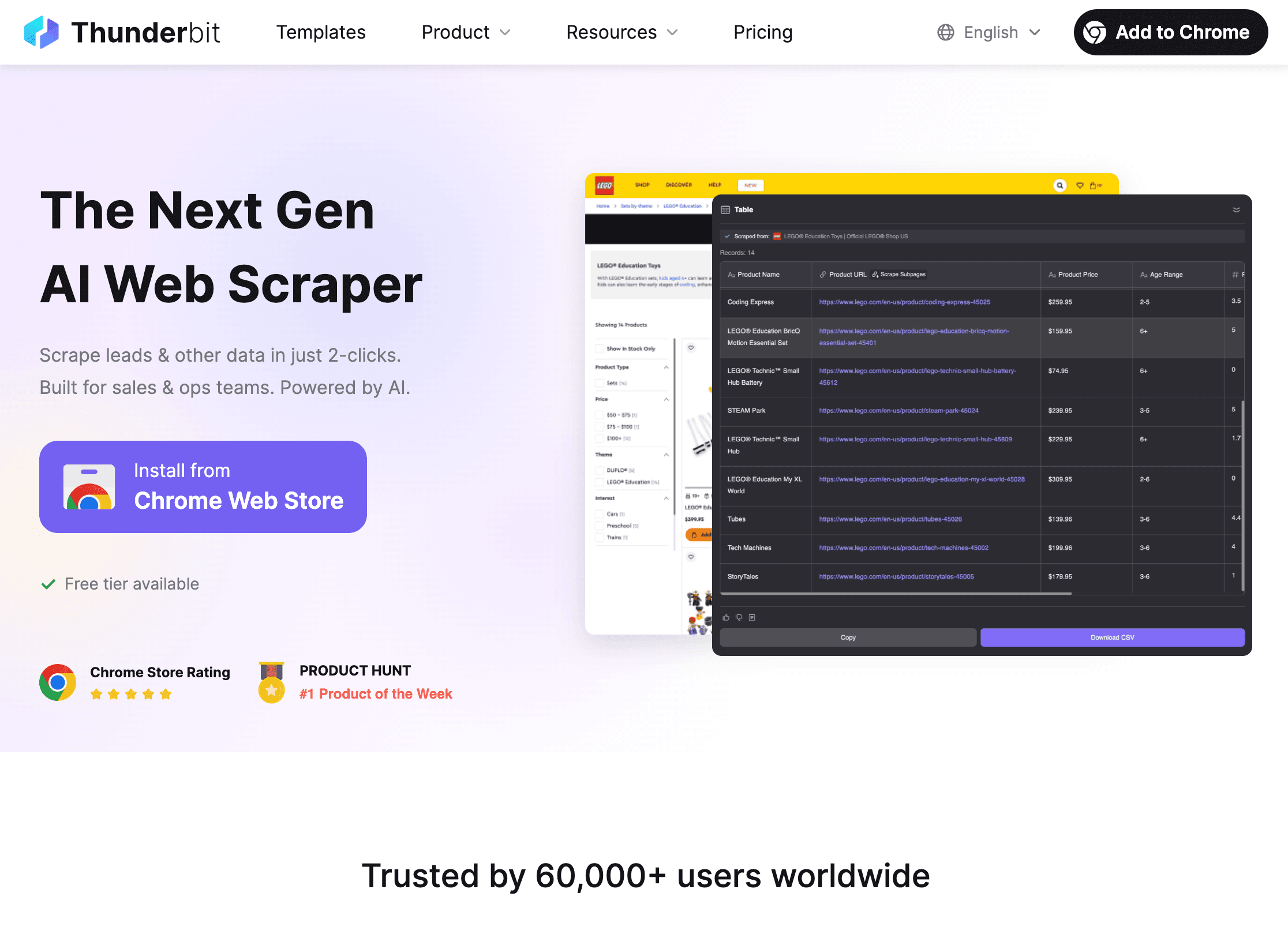
isn’t your traditional test automation tool—it’s an designed for business users and non-coders. But don’t let that fool you: Thunderbit’s natural language interface and AI-driven field suggestions make it a surprisingly powerful Selenium alternative for simple UI automation, data extraction, and workflow recording.
What sets Thunderbit apart?
- AI-Powered Simplicity: Just describe what you want (“Extract all product names and prices from this page”), and Thunderbit’s AI figures out the rest.
- No Coding Required: Anyone can automate repetitive web tasks or scrape data—no scripts, no selectors, no headaches.
- Subpage & Pagination Automation: Automatically follow links, handle multi-page flows, and enrich your data tables with a click.
- Instant Export: Push results to Google Sheets, Notion, Airtable, or download as CSV/Excel—free and unlimited.
- Best For: Sales ops, marketing, ecommerce, and teams who want to automate without IT bottlenecks.
Pricing: Free tier (6 pages per scrape), paid plans from $15/month. .
Pro tip: Thunderbit is ideal for automating simple UI flows, lead capture, and data entry tasks—especially when you want to empower non-technical teams. For more complex test scenarios, pair it with a developer-focused tool.
2. Cypress
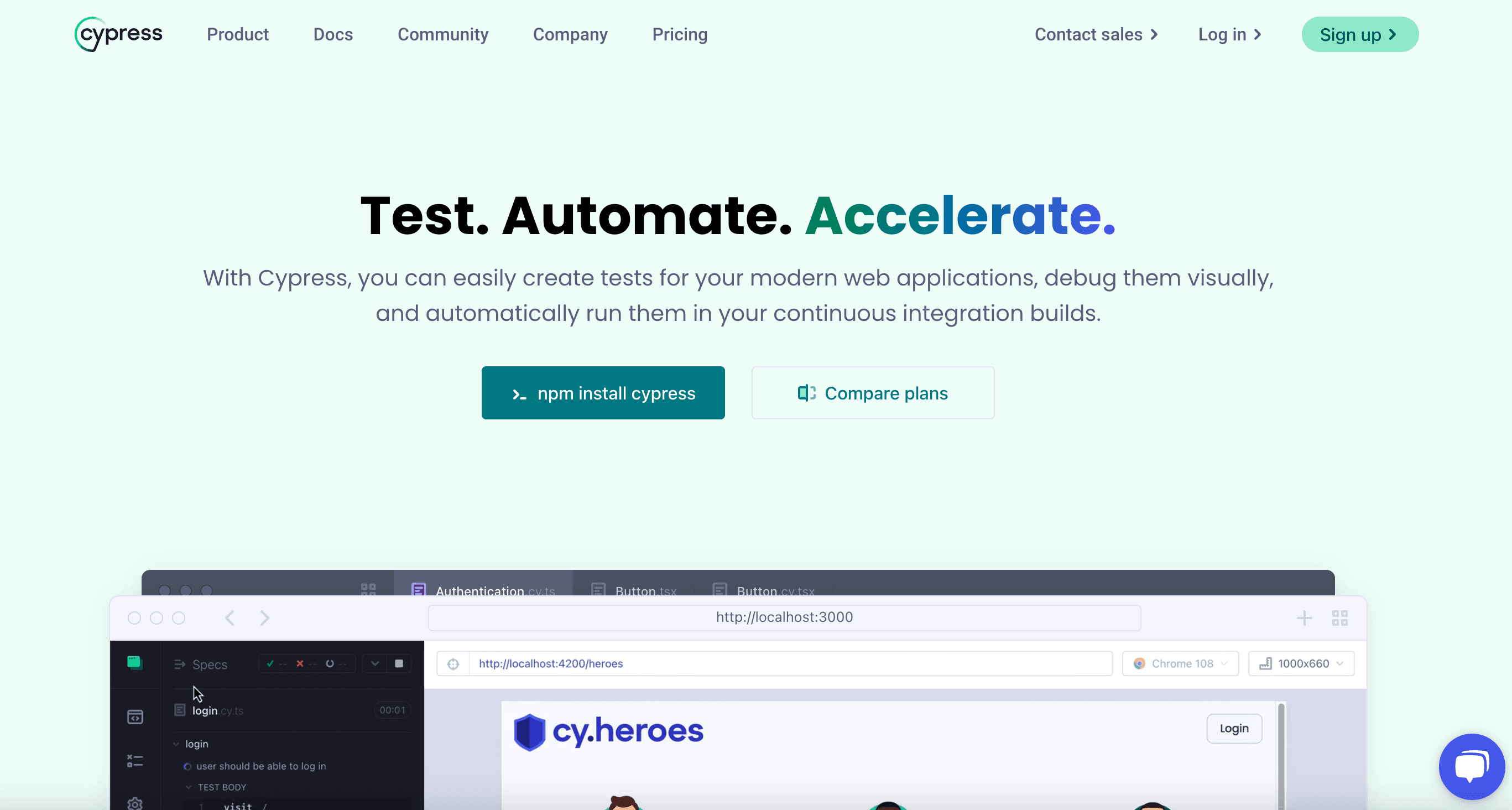
is the darling of front-end developers. It’s a fast, modern JavaScript framework built for testing anything that runs in the browser.
Why teams love Cypress:
- Real-Time Feedback: See tests run live in the browser, with instant reloads and detailed error logs.
- Modern JS Support: Works seamlessly with React, Angular, Vue, and other frameworks.
- Easy Debugging: Time-traveling debugger, screenshots, and video recording out of the box.
- CI/CD Friendly: Integrates with GitHub Actions, Jenkins, CircleCI, and more.
- Best For: Agile teams, front-end devs, continuous integration pipelines.
Pricing: Free and open-source; paid Dashboard for advanced features.
3. TestCafe
is a language-agnostic, plugin-free test automation tool that runs on Node.js.
What makes TestCafe unique:
- No Browser Plugins: Tests run in any browser, no WebDriver or plugins needed.
- Language Flexibility: Write tests in JavaScript or TypeScript—no need to learn a new DSL.
- Robust Cross-Browser Support: Chrome, Firefox, Safari, Edge, and more.
- Simple Setup: Install via npm and start testing in minutes.
- Best For: Teams with mixed tech stacks, multi-language projects, and those who want hassle-free setup.
Pricing: Free and open-source.
4. Puppeteer
is Google’s official Node.js library for controlling Chrome and Chromium browsers.
Where Puppeteer shines:
- Headless & Full Browser Automation: Perfect for web scraping, PDF generation, and performance audits.
- DevTools Integration: Deep access to browser internals for advanced scenarios.
- Granular Control: Automate clicks, navigation, screenshots, and more.
- Best For: Developers needing Chrome-centric automation, scraping, or custom workflows.
Pricing: Free and open-source.
5. Playwright
is Microsoft’s answer to cross-browser automation, supporting Chromium, Firefox, and WebKit.
Why Playwright is a top contender:
- Multi-Browser, Multi-Language: Automate across all major browsers in JS, Python, Java, or .NET.
- Advanced Features: Multi-tab/session testing, network interception, and robust selectors.
- Parallel Execution: Scale up tests for faster feedback.
- Best For: Teams needing true cross-browser coverage and flexibility.
Pricing: Free and open-source.
6. Robot Framework
is a keyword-driven automation platform that bridges the gap between technical and non-technical users.
Robot’s secret sauce:
- Keyword-Driven: Write tests in plain English using reusable keywords.
- Extensible: Huge library ecosystem for web, API, desktop, and more.
- Great for RPA: Automate business processes as well as tests.
- Best For: Teams who want structured, maintainable tests and easy onboarding.
Pricing: Free and open-source.
7. Katalon Studio
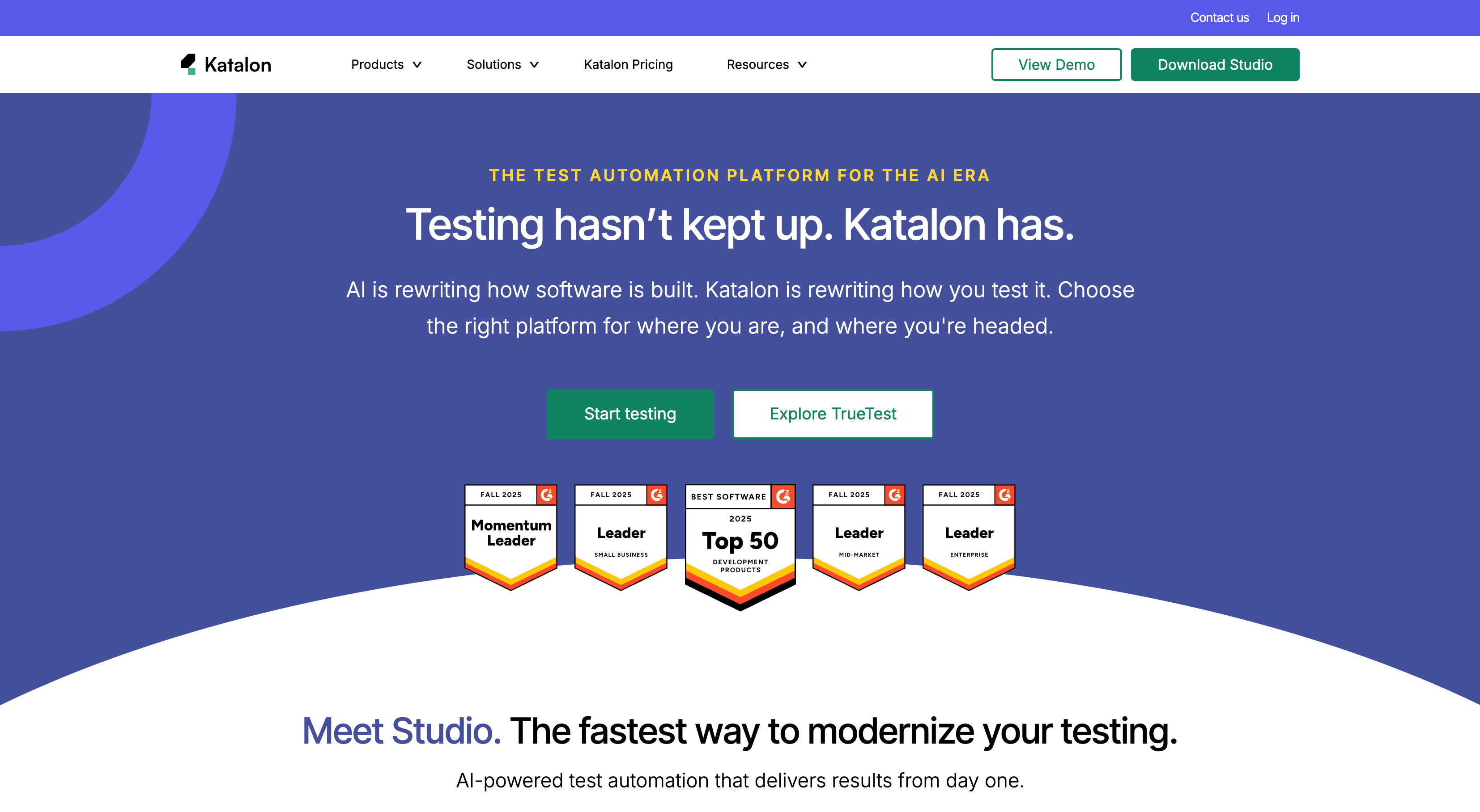
is an all-in-one, codeless automation platform with enterprise-grade features.
What makes Katalon stand out:
- Unified Platform: Web, mobile, API, and desktop testing in one tool.
- Codeless & Scripted: Drag-and-drop test creation, with scripting for advanced users.
- Built-In Reporting: Rich dashboards, analytics, and integrations.
- Best For: QA teams at scale, enterprises needing centralized management.
Pricing: Free tier; paid plans for advanced features and enterprise support.
8. Appium
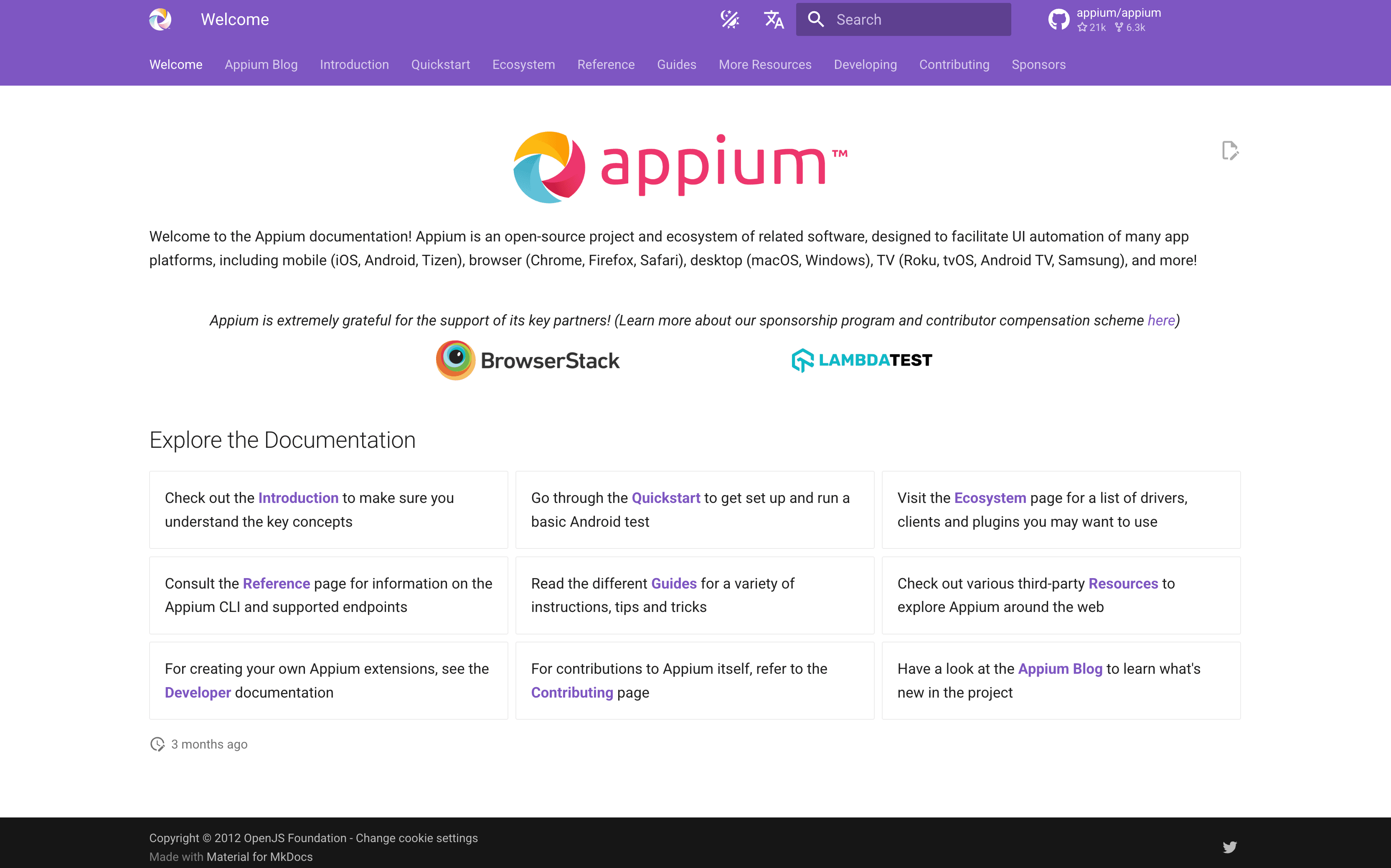
is the go-to open-source framework for mobile app automation.
Appium’s strengths:
- Cross-Platform: Automate iOS, Android, and Windows apps with one API.
- Language Agnostic: Write tests in Java, Python, JS, Ruby, and more.
- Web & Native Support: Test mobile browsers and native apps alike.
- Best For: Teams automating mobile workflows or integrating mobile and web testing.
Pricing: Free and open-source.
9. Ranorex
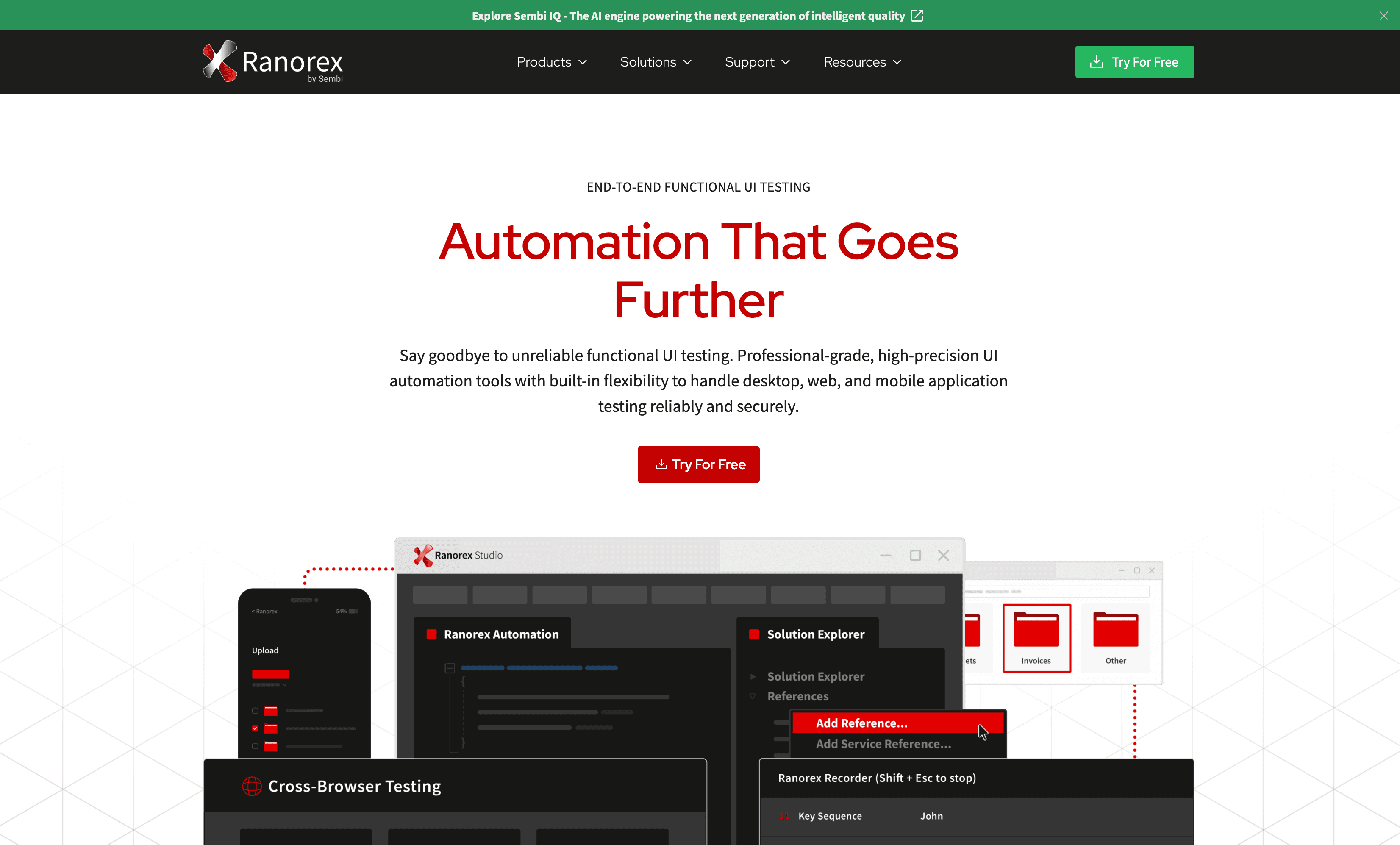
is a commercial UI automation tool with powerful record-and-playback features.
Why Ranorex is worth a look:
- Drag-and-Drop UI: Build tests visually—no coding required.
- Multi-Platform: Web, desktop, and mobile support.
- Robust Object Recognition: Handles dynamic UIs and complex controls.
- Best For: QA teams needing detailed reporting, reusable components, and minimal coding.
Pricing: Commercial; free trial available.
10. Testim
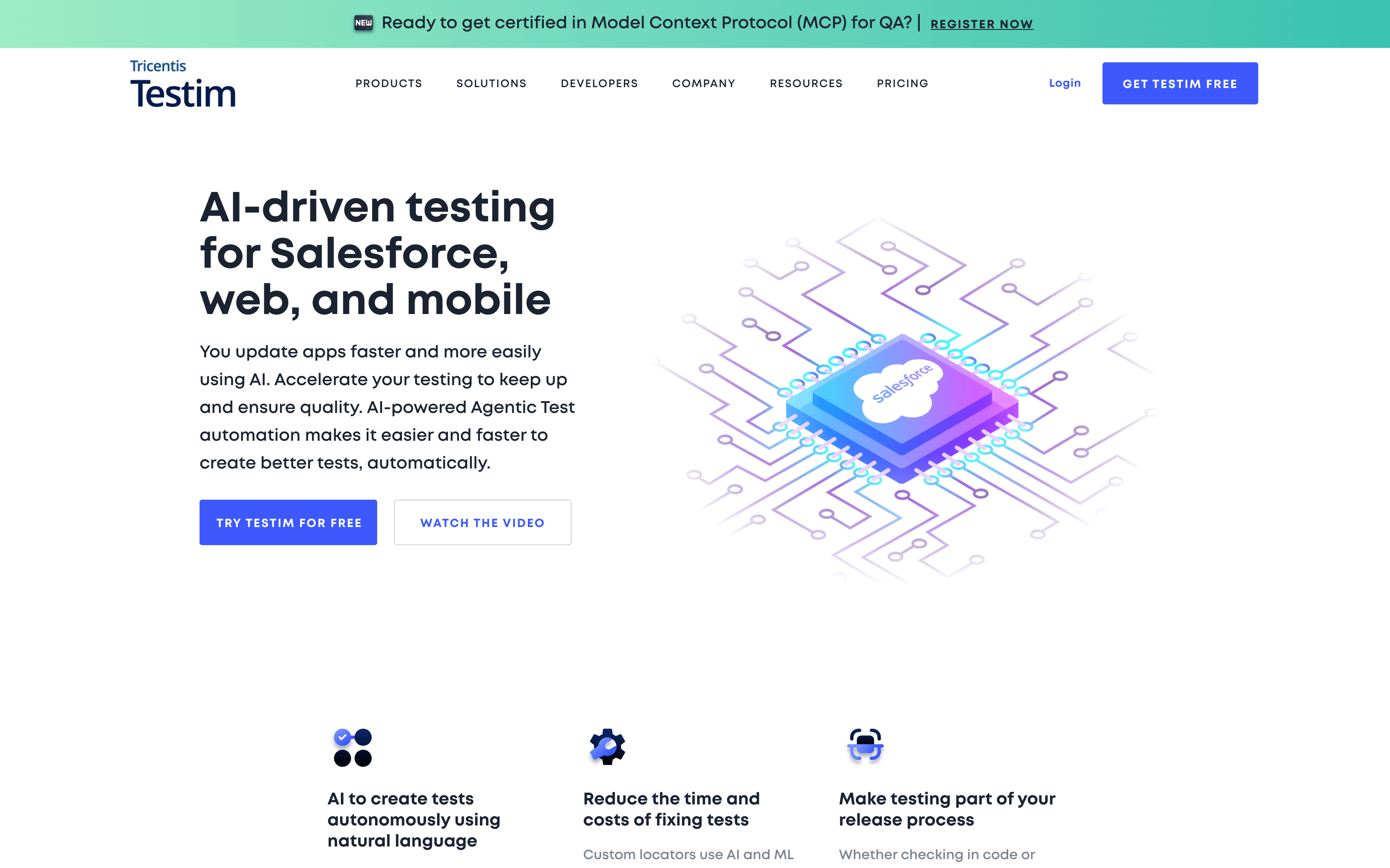
is an AI-powered automation platform built for scale.
Testim’s AI edge:
- Self-Healing Tests: AI adapts to UI changes, reducing maintenance.
- Reusable Components: Build modular, maintainable test flows.
- CI/CD Integration: Fits right into agile and DevOps pipelines.
- Best For: Fast-moving teams needing robust, scalable automation.
Pricing: Free tier; paid plans for advanced features and enterprise scale.
Quick Comparison: Selenium Alternatives at a Glance
Here’s a side-by-side snapshot to help you zero in on the right tool:
| Tool | Pricing | Key Features | Best For |
|---|---|---|---|
| Thunderbit | Free/$15+ | AI-driven, no-code, data scraping, subpages | Business users, simple UI automation |
| Cypress | Free | Modern JS, real-time, CI/CD | Front-end devs, agile teams |
| TestCafe | Free | Language-agnostic, plugin-free | Multi-language teams |
| Puppeteer | Free | Chrome/Chromium, DevTools, headless | Devs, scraping, PDF generation |
| Playwright | Free | Cross-browser, multi-language, parallel | Modern web apps, flexibility |
| Robot Framework | Free | Keyword-driven, extensible, RPA | Structured, reusable tests |
| Katalon Studio | Free/$ | Codeless, unified platform, reporting | Enterprise QA, centralized management |
| Appium | Free | Mobile automation, cross-platform | Mobile/web hybrid teams |
| Ranorex | Paid | Record/playback, UI object recognition | Non-coders, detailed UI testing |
| Testim | Free/$ | AI self-healing, reusable components | Scalable, agile automation |
Conclusion: Finding Your Best Selenium Alternative
The days of “one-size-fits-all” automation are over. Whether you’re looking for AI-driven simplicity, developer power, or enterprise-grade features, there’s a Selenium alternative that fits your needs. My advice? Start with your team’s strengths and your project’s requirements. Trial a few top contenders, involve both technical and non-technical users, and don’t be afraid to mix and match—sometimes the best stack is a blend.
And if you’re ready to see how AI can make automation accessible to everyone, give a spin. You might be surprised how much you can automate—without writing a single line of code.
For more deep dives into automation, scraping, and productivity, check out the .
FAQs
1. Why are teams moving away from Selenium?
Selenium’s steep learning curve, high maintenance, and lack of built-in features make it less appealing for modern, fast-moving teams. Newer tools offer easier onboarding, AI-driven maintenance, and better support for non-coders.
2. Can Thunderbit really replace Selenium for test automation?
Thunderbit is best for simple UI automation and data scraping—especially for business users and non-technical teams. For complex, code-driven test suites, pair it with developer-focused tools like Cypress or Playwright.
3. Which Selenium alternative is best for mobile app testing?
is the top choice for mobile automation, supporting both iOS and Android with cross-platform APIs.
4. What’s the easiest Selenium alternative for non-coders?
and both offer codeless automation, with Thunderbit focusing on AI-driven web tasks and Katalon providing a unified platform for web, mobile, and API testing.
5. How do I choose the right Selenium alternative for my team?
Consider your team’s technical skills, supported environments, integration needs, and long-term goals. Use the comparison table above to shortlist tools, then run pilot projects to see what fits best.
Ready to automate smarter? Start exploring these Selenium alternatives and future-proof your QA strategy for 2026.