
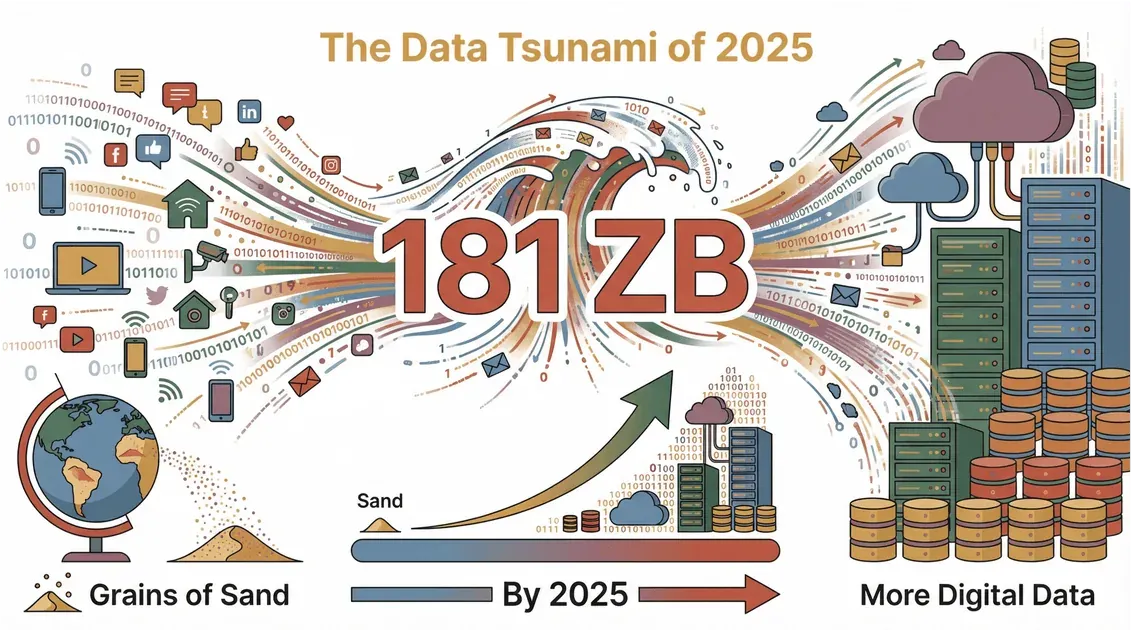
The web is growing faster than my coffee habit—and trust me, that's saying something. The world generated an estimated 181 zettabytes of data in 2025, and IDC's Global DataSphere forecast puts 2026 on track for roughly 221 zettabytes—more digital info than there are grains of sand on Earth. But here’s the catch: most of that data is scattered, messy, and locked away on websites, making it nearly impossible for businesses to use without help. And no, I’m not talking about grabbing a paint scraper from your toolbox. In the digital world, a “scraper” is a whole different animal.
I get asked all the time, “What does a scraper do, anyway?” Is it some kind of robot? A hacker’s tool? Or just a fancy way to copy-paste? The truth is, web scrapers are the unsung heroes behind the scenes—turning the chaos of the internet into neat, structured spreadsheets that power everything from sales leads to price tracking. Let’s dive into what a scraper really does, why it matters for modern business, and how tools like Thunderbit are making data extraction easier (and safer) than ever.
What Does a Scraper Do? Understanding the Basics
What is a Web Scraper? See Thunderbit in Action Get Started Free
Let’s clear up the confusion: in the world of data, a scraper isn’t something you use to clean your windshield. It’s a piece of software (sometimes called a “web scraper”) that automatically collects information from websites and organizes it into a format you can actually use—like a spreadsheet or database. Think of it as a super-speedy assistant who can visit hundreds of web pages, copy the info you need, and paste it neatly into rows and columns, all while you sip your morning coffee.
Here’s the simple version:
- A scraper “reads” web pages for you.
- It finds and grabs the data you want—like product prices, contact info, reviews, or property listings.
- It organizes that data into a structured table, ready for analysis or upload into your business tools.
In short, a scraper is your shortcut from “I wish I had all this info in Excel” to “Here’s my spreadsheet, ready to go.” No more endless copy-paste marathons.
The Core Functions and Use Cases of a Scraper
So, what exactly can a scraper do for you? Here are the core functions:
| Function | Description | Common Use Cases |
|---|---|---|
| Data Extraction | Pulling specific info from web pages (text, numbers, images, links) | Product listings, contact info, reviews |
| Data Transformation | Cleaning, formatting, or categorizing data as it’s collected | Standardizing phone numbers, categorizing SKUs |
| Data Organization | Structuring messy web data into tables or databases | Exporting to Excel, Google Sheets, Notion |
| Automation | Running scraping tasks on a schedule or in bulk | Daily price monitoring, bulk lead collection |
| Subpage Navigation | Visiting linked pages for deeper info | Scraping product details, author bios |
Typical application scenarios:
- Sales: Extracting leads from LinkedIn or business directories
- Ecommerce: Monitoring competitor prices and stock levels
- Marketing: Collecting user reviews, feedback, or social media mentions
- Real Estate: Aggregating property listings from sites like Zillow
- Research: Gathering news articles, academic papers, or market data
If you’ve ever wished you could “just get all this data into a spreadsheet,” that’s a job for a scraper.
How Different Industries Use Scrapers to Achieve Data Value Creation
Let’s get specific. Here’s how different industries are using scrapers to work smarter—not harder:
Ecommerce: Competitor Monitoring
Imagine you’re running an online store. Every day, prices and stock change across dozens of competitor sites. Manually checking each one? Forget it. With a scraper, you can automatically pull prices, product descriptions, and even images from competitor sites, then compare them in a single dashboard. This lets you react to price changes in real time and optimize your own pricing strategy (Scrapfly).
Marketing: User Feedback Collection
Marketers live and die by customer feedback. Scrapers can gather reviews from Amazon, Yelp, or niche forums, analyze sentiment, and spot emerging trends or pain points. Instead of reading thousands of reviews by hand, you get a summary of what people love (or hate) about your product—ready for your next campaign (DataForest).
Real Estate: Property Listings
Real estate agents and investors need up-to-date listings, fast. Scrapers can collect property details, prices, photos, and even historical trends from sites like Zillow or Realtor.com. This means faster market analysis, better comps, and smarter investment decisions (Scrapfly).
Mini-Case Study: Sales Lead Generation
A sales team wants to reach out to decision-makers in the SaaS industry. Instead of buying an outdated list, they use a scraper to pull fresh names, titles, and emails from company websites and LinkedIn. The result? More accurate leads, higher response rates, and less time wasted on dead ends (Thunderbit Blog).
The Evolution of Data Extraction Technologies: How AI Enhances Scraper Efficiency
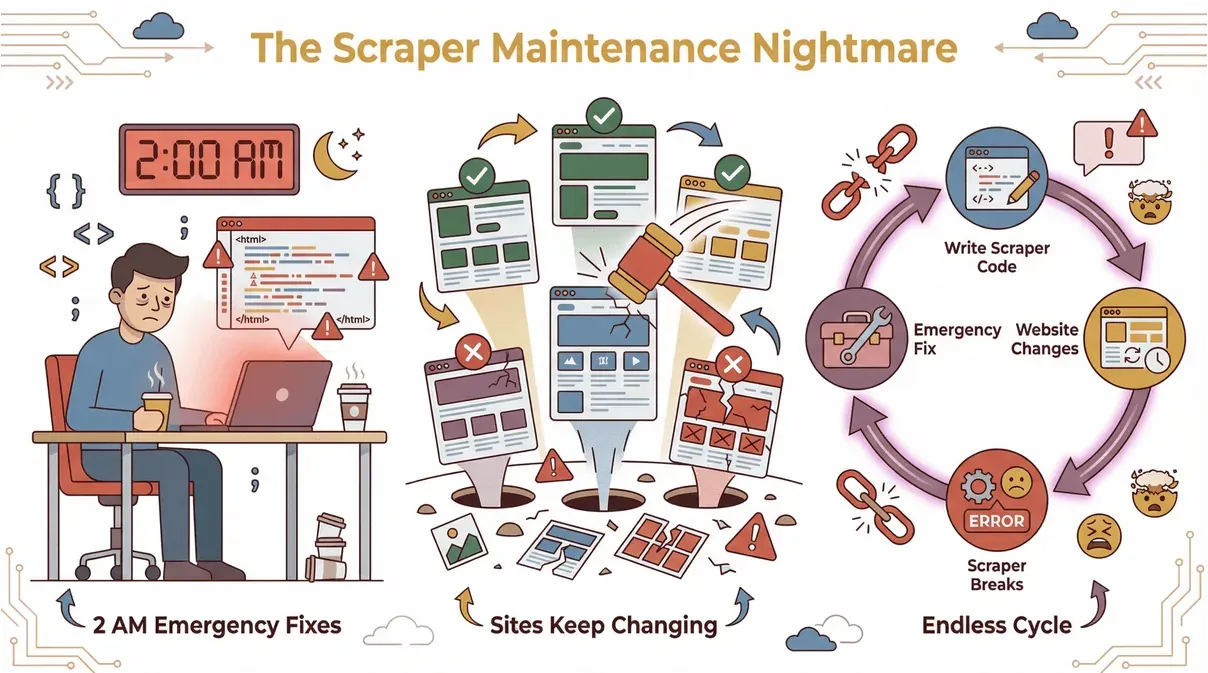
Back in the day, web scraping was a bit like playing whack-a-mole. You’d write code or set up templates for each site, but as soon as the website changed, your scraper would break. Cue the emergency fixes at 2 AM (Scrap.io).
 Enter AI. Modern scrapers—like Thunderbit—use artificial intelligence to read and understand web pages, just like a human would. Here’s what AI brings to the table:
- No coding required: Describe what you want (“Grab all product names and prices”), and the AI figures out how to extract it.
- Automatic field detection: AI suggests the best columns to scrape, even on complex or messy sites.
- Handles layout changes: If the website updates, the AI adapts—no more broken scripts.
- Works on any site: From ecommerce to real estate, AI-powered scrapers can handle different layouts, languages, and data types (ScrapeHero).
The result? Faster setup, less maintenance, and data extraction that anyone (not just developers) can use.
Try AI-Powered Scraping with Thunderbit
How Thunderbit Redefines the Traditional Scraper Usage Model
How to Scrape Website Data into Excel using AI Get Started Free
I’ll be honest: I built Thunderbit because I was tired of seeing business teams struggle with clunky, code-heavy scrapers. Thunderbit is designed to make scraping as easy as ordering takeout. Here’s how:
- Natural language prompts: Just tell Thunderbit what data you want. No need to fiddle with selectors or code.
- AI field suggestions: Click “AI Suggest Fields,” and Thunderbit scans the page, recommending columns like “Name,” “Price,” or “Email.”
- Subpage scraping: Need more details? Thunderbit can automatically visit each linked page (like product details or author bios) and enrich your table.
- Instant templates: For popular sites (Amazon, Zillow, Shopify), Thunderbit offers one-click templates—no setup required (Thunderbit Blog).
- Free data export: Send your results straight to Excel, Google Sheets, Notion, or Airtable—no hidden fees.
Those templates are especially useful when the site has a repeatable marketplace or directory structure. If you are researching website themes, WordPress templates, or creative assets, the ThemeForest Scraper gives you a ready-made path for listing and item details. If your workflow is software market research, the FinancesOnline Scraper can help pull software names, ratings, reviews, and feature fields into a structured table.
Simple workflow example:
- Open the Thunderbit Chrome Extension on your target site.
- Click “AI Suggest Fields” to let the AI recommend columns.
- Hit “Scrape”—Thunderbit grabs the data and structures it for you.
- Export to your favorite tool. Done.
Thunderbit is trusted by over 100,000 users worldwide, from sales teams to real estate pros. And yes, there’s a free tier—so you can try it without breaking the bank.
Download Thunderbit Chrome Extension
Data Security and Legal Compliance of Scrapers
With great scraping power comes great responsibility. It’s crucial to respect website terms, privacy laws, and data protection rules. Here’s what you need to know:
- Respect robots.txt: Many sites publish a
robots.txtfile to indicate what’s allowed to be scraped (BuiltIn). - Don’t collect sensitive data: Avoid scraping personal info unless you have permission and a valid reason (Thunderbit Blog).
- Use data ethically: Don’t republish or sell scraped content wholesale. Use it for analysis, research, or internal business purposes.
- Stay updated on laws: Regulations like GDPR (Europe) and CCPA (California) set strict rules for data collection.
Thunderbit helps users stay compliant by supporting scraping in 34 languages, respecting site rules, and encouraging responsible use (Thunderbit Blog).
Common Types of Scrapers and How to Choose the Right One
Not all scrapers are created equal. Here are the main types:
| Type | Pros | Cons | Best For |
|---|---|---|---|
| Browser Extensions | Easy to use, no install, fast setup | Limited to what’s visible in browser | Non-technical users |
| Cloud-Based Tools | Scalable, run in background, schedule jobs | May require subscription, setup time | Teams, recurring tasks |
| Custom Scripts | Fully customizable, powerful | Requires coding, high maintenance | Developers, unique jobs |
How to choose:
- If you want quick results and no coding, start with a browser extension like Thunderbit.
- For large-scale or scheduled jobs, cloud-based tools are a good fit.
- If you need total control (and don’t mind coding), custom scripts are the way to go.
For a deeper dive, check out Thunderbit’s guide to web scrapers for Chrome.
Future Trends of Scrapers: The Integration of AI and Automation
The future of scraping is all about AI and automation. Here’s what’s coming down the pipeline:
- Scheduled scraping: Set it and forget it—scrapers will run on a schedule, updating your data automatically (Thunderbit Blog).
- Integration with business apps: Scraped data will flow directly into CRMs, dashboards, and analytics tools.
- Multilingual support: Scrapers will handle websites in any language, opening up global data sources.
- Predictive extraction: AI will not only grab data, but also predict what info will be valuable next (Scrap.io).
- Zero-maintenance tools: No more fixing broken scripts—AI will adapt to website changes on the fly.
Thunderbit is already leading the way here, with features like scheduled scraping, subpage navigation, and AI-powered field suggestions. And we’re just getting started.
Conclusion: How Scrapers Empower Modern Businesses
So, what does a scraper do? In a world drowning in data, scrapers are the lifeboats—helping businesses collect, organize, and actually use the information that matters. Whether you’re in sales, ecommerce, marketing, or real estate, scrapers save time, boost accuracy, and unlock insights you can’t get any other way.
Modern tools like Thunderbit make scraping accessible to everyone—no coding, no headaches, just results. If you’ve ever wished for a faster, smarter way to get web data into your workflow, now’s the time to give it a try.
Curious to see what scraping can do for your team? Download Thunderbit’s Chrome Extension and start exploring. And for more tips, check out the Thunderbit Blog.
Try AI Web Scraper for Free Get Started Free
FAQs
1. What exactly does a web scraper do?
A web scraper is software that automatically collects specific information from websites and organizes it into structured formats like spreadsheets or databases. It saves you from manual copy-pasting and helps you analyze large amounts of web data efficiently.
2. Is using a scraper legal and safe?
Web scraping is legal when done responsibly—respecting website terms, privacy laws, and not collecting sensitive personal data without permission. Always check a site’s robots.txt and use scraped data ethically.
3. How is an AI-powered scraper different from traditional scrapers?
AI-powered scrapers like Thunderbit use artificial intelligence to understand web pages, suggest fields, and adapt to layout changes. This means no coding, less maintenance, and faster setup compared to traditional, template-based scrapers.
4. What are the main benefits of using a scraper for business?
Scrapers save time, reduce errors, and unlock insights by automating data collection. They’re used for lead generation, price monitoring, market research, and more—helping teams make smarter, data-driven decisions.
5. How do I choose the right scraper for my needs?
If you’re not technical, start with a browser extension like Thunderbit for quick, easy results. For larger jobs or recurring tasks, consider cloud-based tools. Developers needing full control might prefer custom scripts. Always consider your technical comfort, data volume, and integration needs.




