
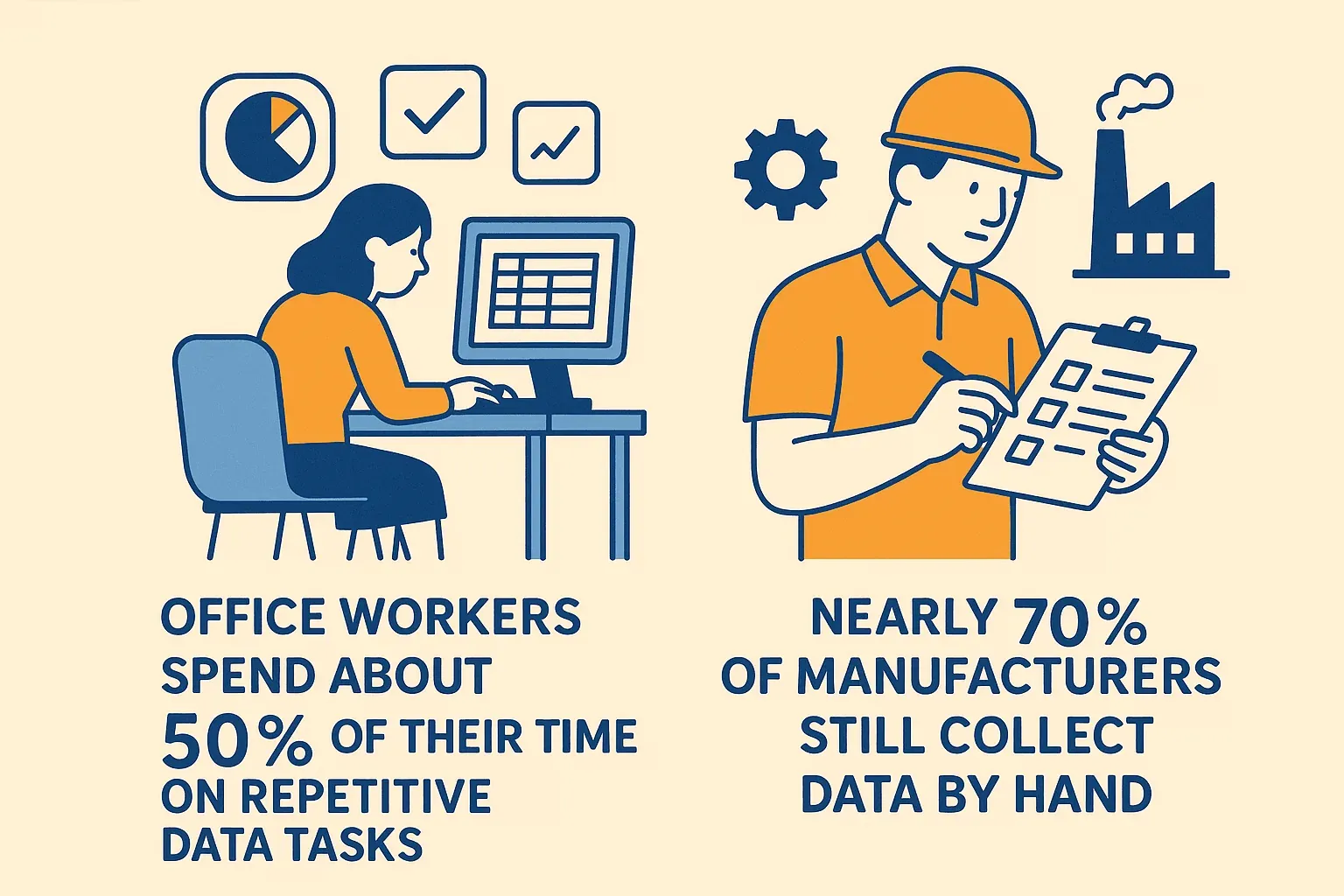
If you’ve ever tried to water your garden with a leaky hose, you know how frustrating it is when water doesn’t flow where you need it, when you need it. Now imagine that hose is your company’s data—and instead of a few drips, you’re trying to direct a raging river of information from dozens of sources, all at once. Welcome to the world of modern business data management. With 181 zettabytes of data expected to be created by 2025, organizations are scrambling to keep up. The stakes are high: office workers spend about 50% of their time on repetitive data tasks, and nearly 70% of manufacturers still collect data by hand. It’s no wonder so many teams feel like they’re bailing out a sinking boat with a teaspoon.
 That’s where data pipelines come in. Think of them as the plumbing system for your organization’s data: they connect, clean, and deliver information exactly where it’s needed—fast, reliably, and with minimal leaks. As someone who’s spent years in SaaS and automation (and yes, built more than a few “hose” systems that burst under pressure), I’ve seen firsthand how a good data pipeline can turn chaos into clarity. Let’s break down what a data pipeline really is, why it matters, and how new tools—especially AI-powered web scrapers like Thunderbit—are changing the game for everyone from sales teams to real estate agents.
What Is a Data Pipeline? A Simple Explanation
At its core, a data pipeline is a series of automated steps that move data from one place to another, transforming it along the way so it’s actually useful. If you like analogies (and who doesn’t?), imagine two classics:
- Plumbing Analogy: Just as pipes carry water from a reservoir to your faucet—filtering and cleaning it en route—a data pipeline carries raw data from sources (like databases, APIs, or websites) to destinations (like dashboards or data warehouses), transforming it as needed along the way (IBM).
- Assembly Line Analogy: Picture a pizza kitchen: dough, sauce, toppings, bake, box. A data pipeline works the same way for information—raw ingredients go in, each step adds value, and out comes a finished “pizza” ready for analysis (Medium).
In plain English: a data pipeline collects data from various sources, processes it (cleaning, merging, transforming), and delivers it to a place where your team can actually use it—automatically, and often in real time.
The Main Stages of a Data Pipeline
- Data Collection (Ingestion): Grabbing data from sources—databases, APIs, files, or even websites via web scraping.
- Processing/Transformation: Cleaning, standardizing, and enriching the data (think: fixing typos, merging lists, calculating totals).
- Storage and Delivery: Saving the processed data in a warehouse, dashboard, or app, ready for analysis or action.
Without a pipeline, you’re stuck with manual exports, endless spreadsheets, and a lot of crossed fingers that nothing gets lost in translation.
Why Data Pipelines Matter for Modern Businesses
Scrape data from any website using AI Get Started Free
Let’s get practical: why should anyone outside of IT care about data pipelines? Because they’re the secret sauce behind every fast, data-driven decision your company makes. Here’s how they deliver value across the board:
- Timely Insights & Faster Decisions: With pipelines, you get data in near real-time. For example, sales teams can see new leads instantly—contacting them within 5 minutes yields 21× higher qualification rates.
- Breaking Down Data Silos: Pipelines integrate data from different departments (sales, marketing, ops), giving everyone a unified view and ending the “whose spreadsheet is right?” debate. 83% of business leaders say data silos are a major barrier.
- Efficiency & Automation: Automating data tasks saves huge amounts of time. One marketing team saved 80 hours per month by automating their reporting pipeline.
- Data-Driven Culture: When everyone can access up-to-date data, self-service analytics becomes possible—no more waiting two weeks for IT to pull a report.
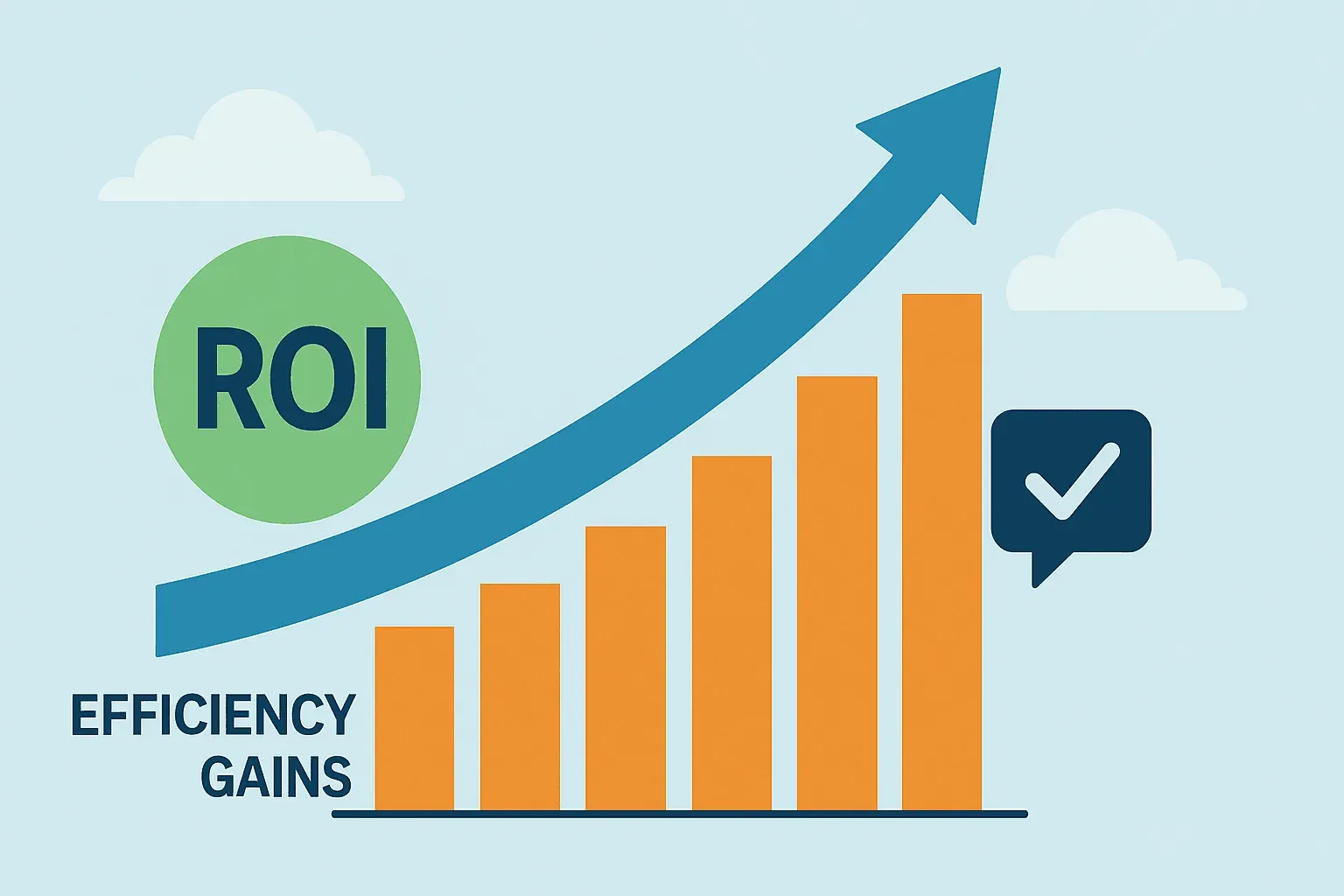
- ROI & Competitive Edge: Companies implementing modern pipelines see 170–295% ROI in three years, thanks to efficiency gains and better decisions.
 Here’s a quick table summarizing the benefits for different teams:
| Team | Pipeline Benefit | Example Impact |
|---|---|---|
| Sales | Real-time lead/customer data, CRM updates | Faster response = 21× higher lead qualification (Voiso) |
| Operations | Unified, up-to-date metrics | Accurate inventory = fewer stockouts, better forecasting (Aampe) |
| Marketing | Integrated analytics, campaign optimization | 80 hours/month saved on reporting (Coupler) |
| Finance | Automated consolidation, faster reporting | Real-time profit tracking, faster month-end closes |
| Analytics/BI | Centralized, clean data for analysis | Less time cleaning, more time delivering insights |
Bottom line: data pipelines turn your data from a headache into a strategic asset.
The Traditional Data Management Challenge: Why Change Was Needed
Before pipelines, data management was a bit like herding cats—manual, messy, and slow. Here’s what that looked like:
- Manual Data Transfers: Teams exported CSVs, emailed files, and copy-pasted between systems. This was time-consuming and error-prone. 50% of office time went to repetitive tasks.
- Data Silos: Each department had its own numbers, leading to conflicting reports and endless meetings to reconcile differences. 83% of executives said silos existed in their companies.
- Slow, Periodic Updates: Reports were updated weekly or monthly, so decisions were always a step behind reality. In retail, half of companies lack real-time sales data.
- Error-Prone Processes: Manual steps meant mistakes—copy-paste errors, outdated files, and logic bugs. 47% of new data records had at least one critical error.
- Lack of Agility: Need a new report or metric? It could take weeks of manual work or custom IT projects.
As data volumes exploded, these old-school methods simply couldn’t keep up. It was like running a marathon in flip-flops—slow, painful, and not something I’d recommend (unless you enjoy blisters and late nights with messy spreadsheets).
How Data Pipelines Transform Data Management
Data pipelines flip the script by automating and streamlining the entire data flow. Here’s what changes:
Before (Manual):
- Weekly sales reports take 8 hours to compile.
- Data is always a week old.
- Errors slip through, and every new request means more manual work.
After (Pipeline):
- Data is ingested, cleaned, and delivered daily (or even in real time).
- Reports update automatically—no more late-night Excel marathons.
- Errors are caught early, and everyone works from the same, current data.
For example, a retail company with a pipeline can see daily sales, inventory, and marketing performance in a dashboard every morning. If a product’s sales drop suddenly, the team knows right away—not a week later. That’s agility you can bank on.
Core Components of a Data Pipeline
Every data pipeline, no matter how fancy, is built from a few key building blocks:
- Data Sources: Where your data comes from—databases, apps, files, APIs, or websites (via web scraping).
- Ingestion/Extraction: The process of pulling data from those sources into the pipeline.
- Transformation/Processing: Cleaning, merging, and formatting the data so it’s ready for use.
- Storage: Saving the processed data in a warehouse, data lake, or database.
- Delivery (Consumption): Making the data available in dashboards, reports, or other apps.
Think of it as: Source → Ingestion → Transformation → Storage → Delivery.
For example, a sales pipeline might pull leads from a website (source), extract them (ingestion), clean up phone numbers (transformation), store them in a CRM (storage), and send alerts to reps (delivery).
Types of Data Pipelines: Batch vs. Real-Time
| Aspect | Batch Pipeline | Real-Time Pipeline |
|---|---|---|
| Data Frequency | Periodic (daily, hourly, weekly) | Continuous (seconds or milliseconds) |
| Latency | Higher (minutes to hours) | Low (almost instant) |
| Use Cases | Regular reporting, monthly finance, bulk loads | Live dashboards, fraud detection, real-time personalization |
| Advantages | Simpler, reliable, good for historical analysis | Immediate insights, enables fast reactions, great for time-sensitive ops |
| Challenges | Data may be stale between runs | More complex, needs robust streaming infrastructure |
Most businesses use a mix: batch for things like payroll or historical analysis, and real-time for anything where speed is a competitive advantage (think: stock trading, live inventory, or fraud alerts).
Where Does Web Scraping Fit in the Data Pipeline?
Here’s where things get fun (and where Thunderbit shines). Not all data lives in neat databases or comes with a friendly API. Sometimes, the information you need is buried in websites, PDFs, or images—unstructured, messy, and definitely not “export” friendly.
Web scraping is the art (and science) of automatically extracting data from websites. In a data pipeline, web scraping acts as a data ingestion method for sources that aren’t otherwise accessible.
Common Business Use Cases for Web Scraping in Data Pipelines
- Competitive Price Monitoring: Retailers scrape competitor websites to track prices and adjust their own dynamically (DataHen).
- Lead Generation: Sales teams scrape directories, LinkedIn, or event sites for new prospects, feeding those straight into their CRM.
- Market Research: Marketers pull reviews, forum posts, or social media comments for sentiment analysis and trend spotting.
- Real Estate: Agents aggregate listings from multiple sites to analyze local market trends or build their own databases (Outscraper).
- Public Data Collection: Scraping government, academic, or public portals for research or compliance.
Web scraping is the “first mile” of the pipeline for external, unstructured data—turning web pages into structured, actionable information.
Thunderbit: Optimizing the Data Collection Stage with AI Web Scraping
Try Thunderbit AI Web Scraper Extract data from any website in 2 clicks. Get Started Free
Now, I’m a little biased here, but let’s talk about how Thunderbit is making data collection not just easier, but smarter.
What Makes Thunderbit Different?
- 2-Click Scraping with AI Suggest: Just click “AI Suggest Fields” and Thunderbit’s AI reads the page, suggests the best columns (like “Product Name,” “Price,” “Rating”), and then extracts the data for you. No coding, no fiddling with selectors—just results (Skywork).
- Handles Any Website, PDF, or Image: Thunderbit can scrape not just web pages, but also PDFs and images using AI-powered OCR—across 34 languages.
- Subpage Scraping & Pagination: Need details from subpages (like individual profiles or product pages)? Thunderbit’s AI can click through, gather extra info, and merge it all back into your main dataset—no extra setup required.
- Instant Templates for Popular Sites: For sites like Amazon, Zillow, or LinkedIn, Thunderbit offers ready-made templates. Just pick one and go—no configuration needed.
- Direct Export to Your Tools: Export your data straight to Excel, Google Sheets, Airtable, or Notion. Or download as CSV/JSON for further processing.
- Scheduled Scraping: Set up recurring scrapes (“every Monday at 9am”) to keep your pipeline fed with fresh data—no more manual updates.
- AI Data Enrichment: Use Field AI Prompts to label, categorize, or even translate data as it’s scraped.
Try Thunderbit for AI-Powered Data Collection
Thunderbit in Action: A Real-World Pipeline Example
Let’s say you’re a marketing analyst tracking competitor reviews across three e-commerce sites. With Thunderbit:
- Open each site, click the extension, and let AI Suggest Fields pick out “Review Text,” “Rating,” and “Date.”
- Schedule weekly scrapes—Thunderbit pulls the latest reviews and exports them to Google Sheets.
- Use AI prompts to tag sentiment (positive/negative/neutral) right in the output.
- Your pipeline now delivers a consolidated, up-to-date review dashboard every week—no manual copy-paste, no data gaps.
I’ve seen teams go from spending hours on tedious data collection to getting everything they need in minutes. And because Thunderbit is so easy to use, even non-technical folks can build and maintain their own data pipelines.
The Future: AI-Driven Data Pipelines for Smart Business Decisions
Here’s where things get really exciting. The next generation of data pipelines isn’t just about moving data—it’s about making data smarter as it flows.
- Automated Data Prep: AI can clean, enrich, and even join datasets automatically. Imagine telling your pipeline, “Combine sales and weather data by region,” and the AI handles the rest (Airbyte).
- Real-Time Intelligence: Pipelines can analyze data as it streams in, flag anomalies, and even trigger actions (like alerting sales if a competitor drops prices).
- AI Recommendations: Instead of just delivering numbers, pipelines can surface insights—“Sales in Region X dropped 15%; likely due to a competitor promotion.”
- Natural Language Interfaces: Soon, you’ll be able to build or tweak pipelines by simply describing what you want in plain English.
Thunderbit is already pioneering this approach, with AI-powered field suggestions, automated enrichment, and natural language scheduling. The vision? Pipelines that not only move data, but also help you understand and act on it—no data engineering degree required.
Key Takeaways: Why Every Business Should Care About Data Pipelines
Let’s recap the essentials:
- A data pipeline is your data’s supply chain—automating the journey from messy sources to actionable insights.
- Pipelines solve traditional headaches like manual work, data silos, and slow, error-prone reporting.
- Every team benefits: Sales gets faster lead response, marketing gets real-time analytics, ops gets up-to-date inventory, and execs get a single source of truth.
- Web scraping is now a first-class citizen in pipelines, thanks to AI tools like Thunderbit that make external data accessible to everyone.
- The future is AI-driven: Pipelines are getting smarter, more automated, and easier to use—empowering business users to build, manage, and benefit from data flows without IT bottlenecks.
If your organization is still stuck in the copy-paste era, now’s the time to rethink your approach. Start small—automate a weekly report, try out a tool like Thunderbit, and see how much time (and sanity) you can save. The leap from spreadsheet chaos to pipeline-powered clarity is closer—and easier—than you think.
Want to dive deeper? Check out the Thunderbit Blog for more guides, or explore how to scrape website data into Excel using AI and build smarter lead lists.
Explore Thunderbit Blog for More Data Pipeline Guides
FAQs
1. What is a data pipeline in simple terms?
A data pipeline is an automated process that collects, transforms, and delivers data from various sources to a destination where it can be used—like a plumbing system for your company’s information.
2. Why are data pipelines important for business teams?
They save time, reduce errors, and ensure everyone works from the same, up-to-date data. This leads to faster decisions, better collaboration, and higher ROI across sales, marketing, operations, and more.
3. How does web scraping fit into a data pipeline?
Web scraping acts as a data source, pulling information from websites that don’t offer easy exports or APIs. It’s essential for collecting external, unstructured data—like competitor prices, reviews, or public directories.
4. What makes Thunderbit a good choice for data collection in pipelines?
Thunderbit uses AI to make web scraping simple and powerful—just two clicks to extract structured data from any website, with features like subpage scraping, instant templates, and direct export to your favorite tools.
5. What’s the future of data pipelines with AI?
AI-driven pipelines will automate not just data movement, but also cleaning, enrichment, and even analysis—empowering business users to build and manage pipelines with natural language, and enabling real-time, proactive decision-making.
Ready to see what a modern data pipeline can do for your business? Download Thunderbit and start building your own smarter, faster data flows today. Learn More
- What Is Data Ingestion? Understanding the Basics and Process
- Understanding Data Harvesting: Key Concepts and Uses
- What Is Data Harvesting? AI-Driven Collection in 2025
Try AI Web Scraper for Effortless Data Pipelines Get Started Free




