
If you’ve ever been on a B2B sales team, you know the feeling: that rush when a new lead pops into your inbox, the hope that this one might just be “the one.” I’ve been there myself—watching the pipeline, chasing down contacts, and realizing that, at the end of the day, business leads are the oxygen of any sales operation. Without them, the whole engine grinds to a halt. But what exactly is a business lead? Why does everyone in B2B sales obsess over them? And how are new tools—like RocketReach, Seamless AI, and Thunderbit—reshaping the way we find and manage leads?
Let’s dig in. In this article, I’ll break down what business leads are, why they matter so much for B2B sales, the main types you’ll encounter, and how both top-down and bottom-up strategies—plus the right tech—can help you turn a trickle of leads into a steady stream of sales opportunities.
What Are Business Leads? A Clear Definition
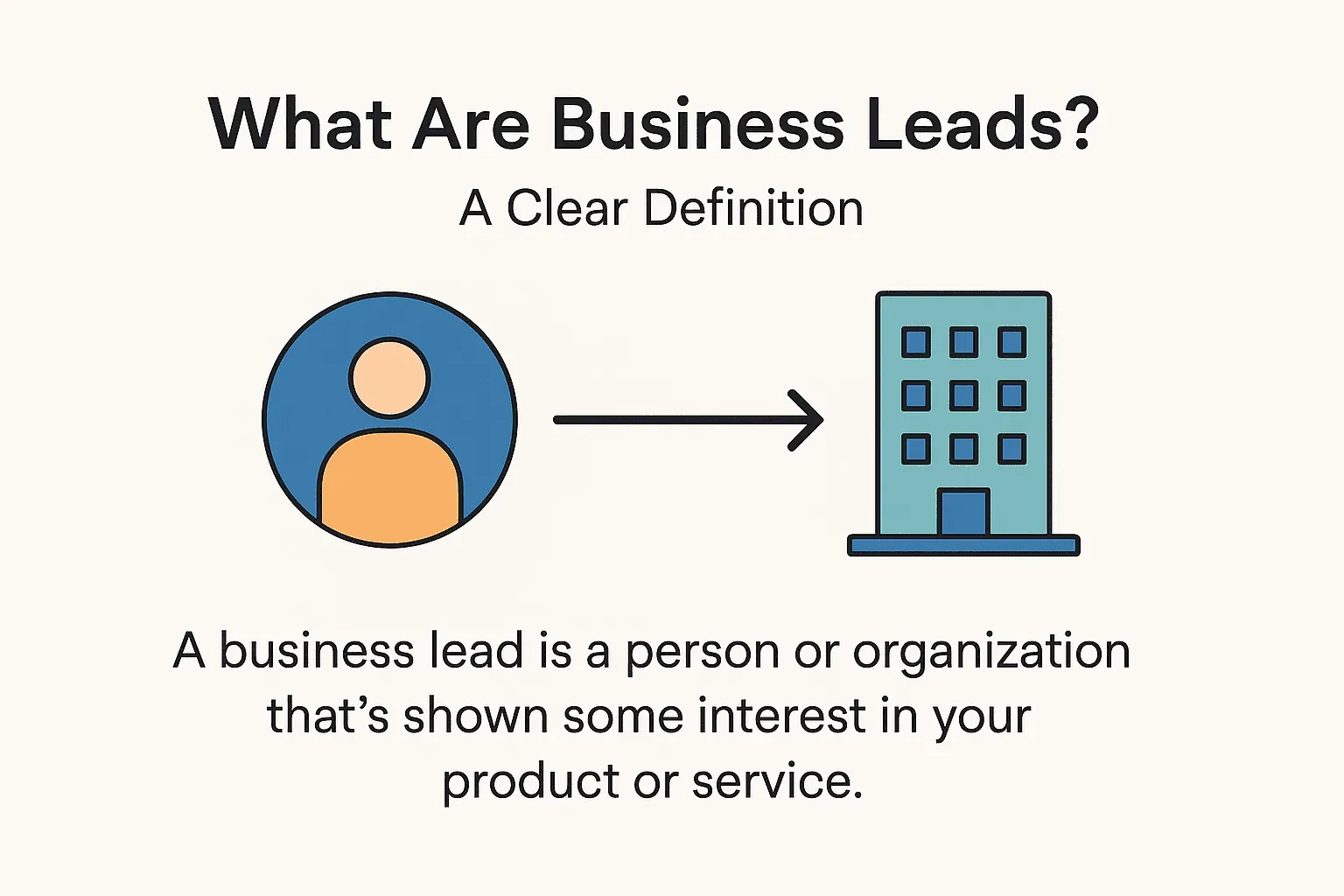
Let’s start simple: a business lead is a person or organization that’s shown some interest in your product or service, and could become a customer. Maybe they downloaded your whitepaper, filled out a “Contact Us” form, or just dropped their business card at your booth. They’re not a customer yet—but they’re on your radar.
But here’s where it gets a bit more nuanced. Not every lead is created equal, and not every lead is ready to buy. In B2B, we often talk about the difference between a lead and a prospect:
- Lead: Someone who’s shown initial interest. Maybe they signed up for your newsletter, or you found their info on a directory. They’re in your database, but you don’t know if they’re a good fit yet.
- Prospect: A lead that’s been qualified—meaning you’ve checked that they fit your target customer profile (right industry, job title, company size, etc.) and have some buying power or need.
Think of it like fishing: a lead is a fish you’ve spotted in the water; a prospect is one you’ve actually hooked and are reeling in.
The Stages of a Lead in the B2B Sales Funnel
Leads don’t just magically turn into customers. They move through stages in your sales funnel:
- Lead: Fresh contact—maybe just a name and email.
- Marketing Qualified Lead (MQL): Marketing says, “Hey, this one looks promising!” Maybe they’ve engaged with your content or fit your ideal customer profile.
- Sales Qualified Lead (SQL): Sales has vetted the lead—confirmed they have a real need, budget, and authority to buy.
- Opportunity: There’s a real sales conversation happening—maybe a demo or proposal.
- Closed Deal: The lead becomes a customer (or, sometimes, a “closed-lost” if things don’t work out).
Not every lead makes it all the way, and that’s okay. The key is to qualify and nurture them along the journey.
Why Business Leads Matter for B2B Sales Success
Let’s be real: no leads, no sales. It’s that simple. But it’s not just about quantity—it’s about quality. According to recent stats, 91% of marketers say lead generation is their top goal, but 45% of B2B companies struggle to get enough high-quality leads).
Here’s why leads are so critical:
- Revenue Growth: Every paying customer starts as a lead. No leads = no pipeline = no deals.
- Efficiency: Companies that excel at lead nurturing generate 50% more sales-ready leads at 33% lower cost.
- Faster Sales Cycles: Nurtured leads close 23% faster.
- Bigger Deals: Leads that are properly nurtured make 47% larger purchases.
- ROI: Companies that nurture leads see a 45% higher return on investment.
Here’s a quick table to sum up the ROI benefits:
| Benefit | Impact Statistics |
|---|---|
| Lead Generation Efficiency | 50% more sales-ready leads at 33% lower cost (source) |
| Pipeline Growth | Up to 20% more sales opportunities (source) |
| Faster Sales Cycles | 23% shorter sales cycles (source) |
| Higher Deal Values | 47% larger purchases (source) |
| Sales Performance Uplift | 9% higher quota attainment (source) |
Bottom line: Leads are the front-end of revenue. Managing them well can make or break your sales targets.
The Main Types of Business Leads (With Examples)
Not all leads are created equal. In B2B, we use a few key categories to keep things straight:
1. Marketing Qualified Lead (MQL)
- Definition: A lead that marketing says is a good fit and engaged (e.g., attended a webinar, downloaded a case study).
- Example: A VP at a target company downloads your whitepaper and matches your ideal customer profile. Marketing flags them as an MQL and hands them to sales.
- How tools help: RocketReach or Seamless AI can fill in missing info (like direct email or phone) so sales can reach out confidently.
2. Sales Qualified Lead (SQL)
- Definition: A lead vetted by sales—confirmed they have budget, authority, need, and timeline (BANT).
- Example: A sales rep calls the MQL, confirms they’re planning to buy in the next 3 months, and marks them as an SQL.
- **How tools help: Seamless AI can help find additional decision-makers at the company, supporting a top-down approach.
3. Information Qualified Lead (IQL)
- Definition: Someone who’s just requested info—maybe downloaded a free resource, but not ready to buy.
- Example: Someone subscribes to your newsletter after reading a blog post. Marketing nurtures them until they show more intent.
4. Product Qualified Lead (PQL)
- Definition: In SaaS, a lead who’s tried your product (free trial/freemium) and hit a usage milestone.
- Example: A user signs up for your free trial, uses it heavily for two weeks, and triggers a “PQL” flag for sales to reach out.
5. Cold, Warm, and Hot Leads
- Cold: No engagement yet (e.g., a list you scraped from a directory).
- Warm: Some engagement (e.g., replied to an email).
- Hot: Ready to buy (e.g., requested a demo or pricing).
Pro tip: Tools like RocketReach and Seamless AI are especially powerful for moving leads from “cold” to “warm” by giving you verified contact info for targeted outreach.
Top-Down vs. Bottom-Up: Two Approaches to Finding Business Leads
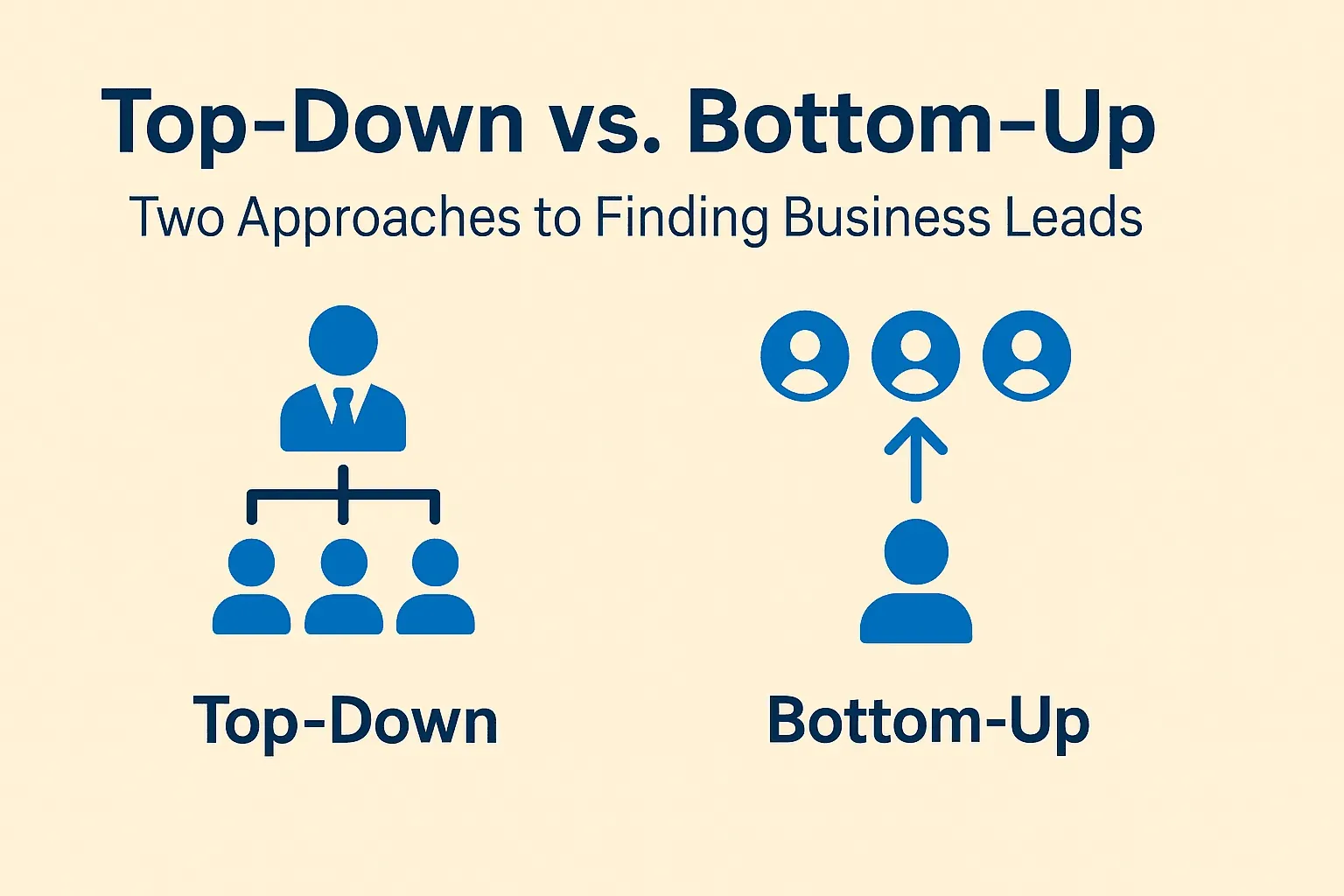
When it comes to finding leads, there are two main schools of thought: top-down and bottom-up. I’ve used both, and each has its place.
Top-Down Lead Generation
- How it works: Start with a target account or decision-maker in mind. You know who you want to reach—now you just need their contact info.
- Example: You want to sell to the CTOs of the top 100 manufacturing companies. You use RocketReach or Seamless AI to find their direct emails and phone numbers.
- Strengths: Highly targeted, great for enterprise sales, and perfect for Account-Based Marketing (ABM).
- Weaknesses: You might miss “hidden” opportunities outside your list. Can be time-consuming if done manually (but tools help a lot).
Real-world story: Morgan, a sales director, used to spend weekends scouring LinkedIn for contacts. After switching to Seamless AI, he could find the right decision-makers in minutes, not days (source). That’s top-down in action.
Bottom-Up Lead Generation
- How it works: Start broad—gather a large pool of potential leads (often from directories, forums, or public lists), then filter and qualify them.
- Example: You scrape all companies from a niche directory or all event attendees from a conference website using Thunderbit.
- Strengths: Great for discovering new opportunities you didn’t know existed. Ensures broad market coverage.
- Weaknesses: You’ll need to qualify and filter a lot of data. But with the right tools, this can be automated.
Scrape data from any website using AI Get Started Free
Personal tip: If you want to uncover leads in a new market or niche, bottom-up is your friend. And if you want to do it efficiently, Thunderbit is the tool I’d reach for.
Essential Tools for Business Lead Generation
Let’s face it: trying to find and qualify leads manually is a recipe for burnout. That’s why the right tools are a must. Here’s a quick rundown of the heavy hitters:
Thunderbit
- What it does: Thunderbit is an AI-powered Chrome extension that scrapes data from any website—think directories, forums, job boards, or even PDFs and images.
- Best for: Bottom-up lead generation—finding and structuring leads from public web sources.
- Pricing: Free tier (6 pages/month), paid plans from $15/month for 500 credits (source).
- Bonus: It can handle subpages automatically (e.g., clicking into each profile on a directory), and exports directly to Excel, Google Sheets, Airtable, or Notion.
Try Thunderbit for Lead Generation
RocketReach
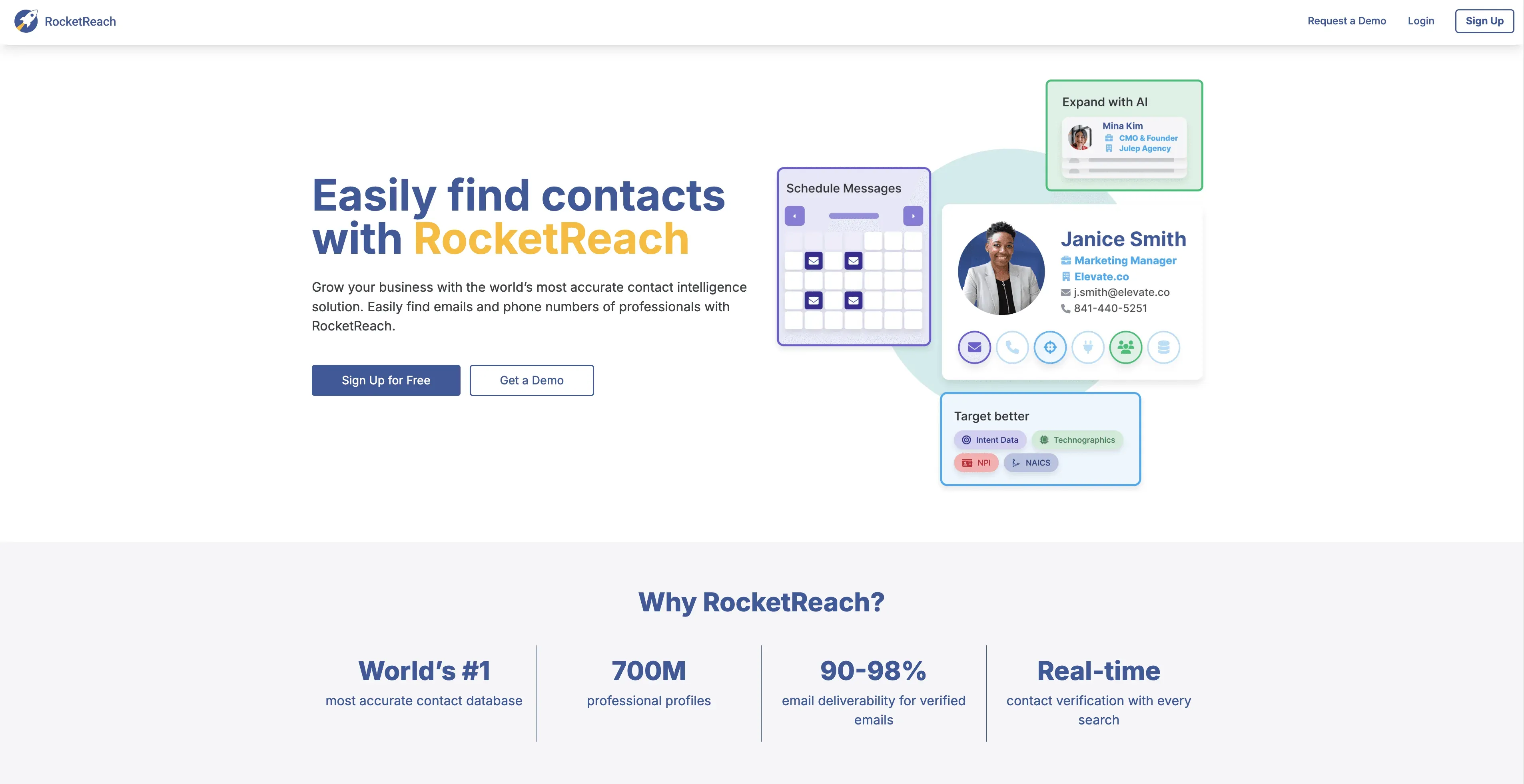
- What it does: Lets you search for professionals by name, company, or domain, and gives you verified emails, phone numbers, and social links.
- Best for: Top-down strategies—populating your target account list with real contacts.
- Pricing: Free plan (10 lookups/month), Pro at ~$49/month for 100 credits, Ultimate at ~$99/month for 500 credits (source).
- User feedback: “Very effective in our sales outreach. Lots of time is saved… gives accurate emails.” (source)
Seamless AI
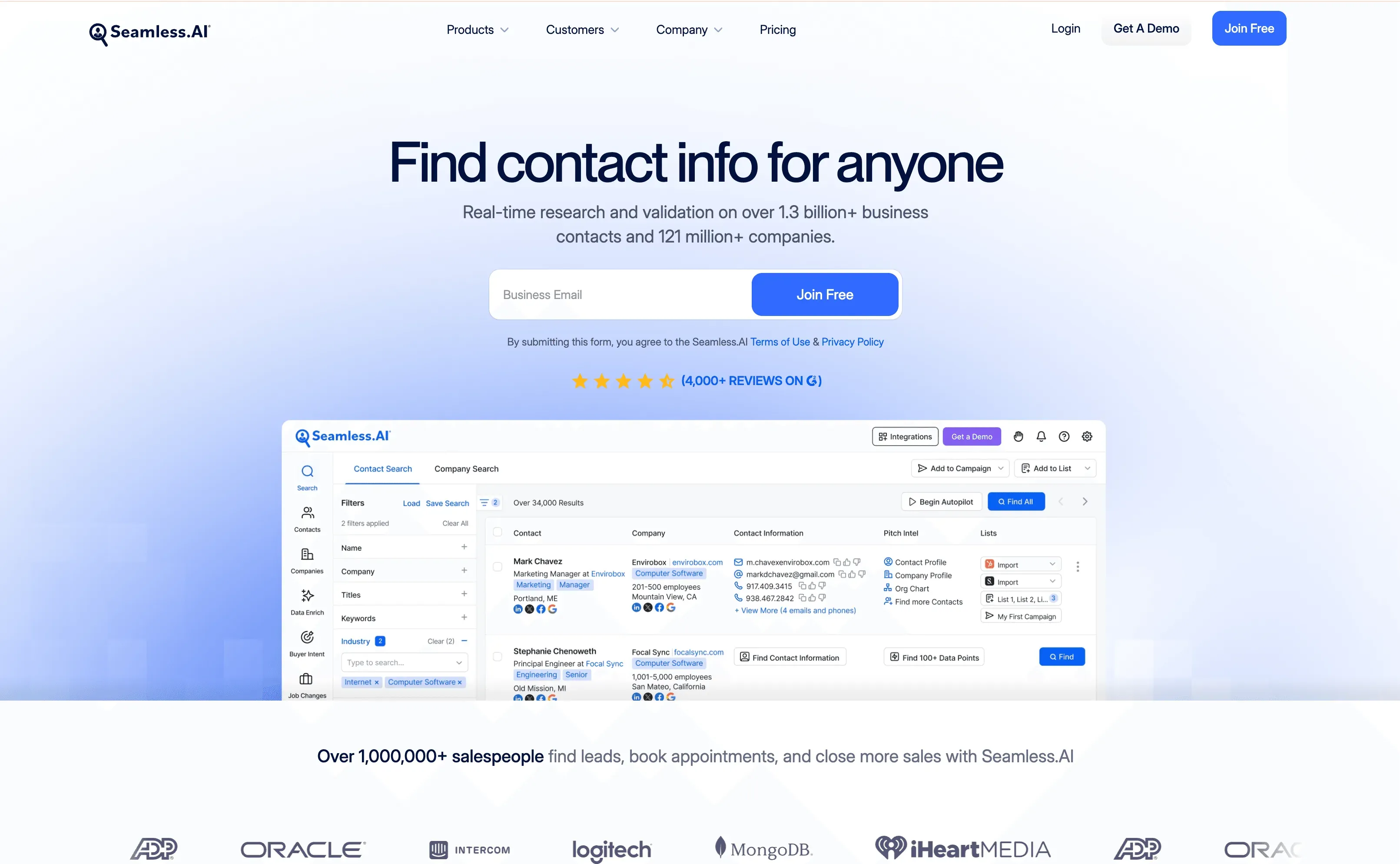
- What it does: AI-powered platform for finding real-time verified emails and phone numbers (even cell numbers) for leads.
- Best for: Building call lists, enriching inbound leads, and rapid prospecting.
- Pricing: Free trial (50 credits), Standard at ~$149/month for 500 credits (source).
- User feedback: “Eliminated days of research into just minutes.” (source)
Other Notable Tools
- ZoomInfo: Massive B2B contact database—great for enterprise, but pricey.
- LinkedIn Sales Navigator: Advanced filtering of LinkedIn’s user base; best for both top-down and bottom-up.
- Apollo.io, Lusha, Hunter.io: All-in-one prospecting and enrichment platforms.
My advice: Mix and match. Use RocketReach or Seamless AI for targeted outreach, and Thunderbit for uncovering new leads from the wild web.
How to Qualify and Organize Your Business Leads
Okay, so you’ve got a pile of leads. Now what? Time to qualify and organize.
1. Define Your Qualification Criteria
- Use frameworks like BANT (Budget, Authority, Need, Timeline) or define your Ideal Customer Profile (ICP).
- Assign points for traits (e.g., +10 for “Director” title, +5 for company size >100 employees).
2. Enrich Your Leads
- Use RocketReach or Seamless AI to fill in missing info (job title, company size, etc.).
- Look at behavioral signals (did they visit your pricing page?).
3. Score and Prioritize
- Use lead scoring in your CRM or marketing automation tool.
- AI-powered scoring can help—some platforms analyze historical data to predict which leads are most likely to convert (source).
4. Respond Fast
- Hot leads should get a response within minutes, not hours. There’s a 10x drop in qualification success if you wait more than 5 minutes.
5. Organize in a CRM or Spreadsheet
- Use a CRM (like HubSpot, Salesforce, or even a good spreadsheet) to track lead status (New, Contacted, Qualified, Nurture, Disqualified).
- Set reminders for follow-up and segment leads for targeted nurture sequences.
6. Automate Where You Can
- Use Thunderbit to update or enrich leads with fresh data.
- Automate lead routing and follow-up tasks in your CRM.
Automate Lead Enrichment with Thunderbit
7. Disqualify Ruthlessly
- If a lead doesn’t fit your ICP or isn’t ready, mark them as “Disqualified” or “Nurture” and move on.
8. Keep Marketing and Sales Aligned
- Agree on what makes a lead “qualified.”
- Set up a feedback loop so sales can tell marketing which leads are working (and which aren’t).
Key Takeaways: Turning Business Leads into Sales Opportunities
Let’s wrap up with the big lessons:
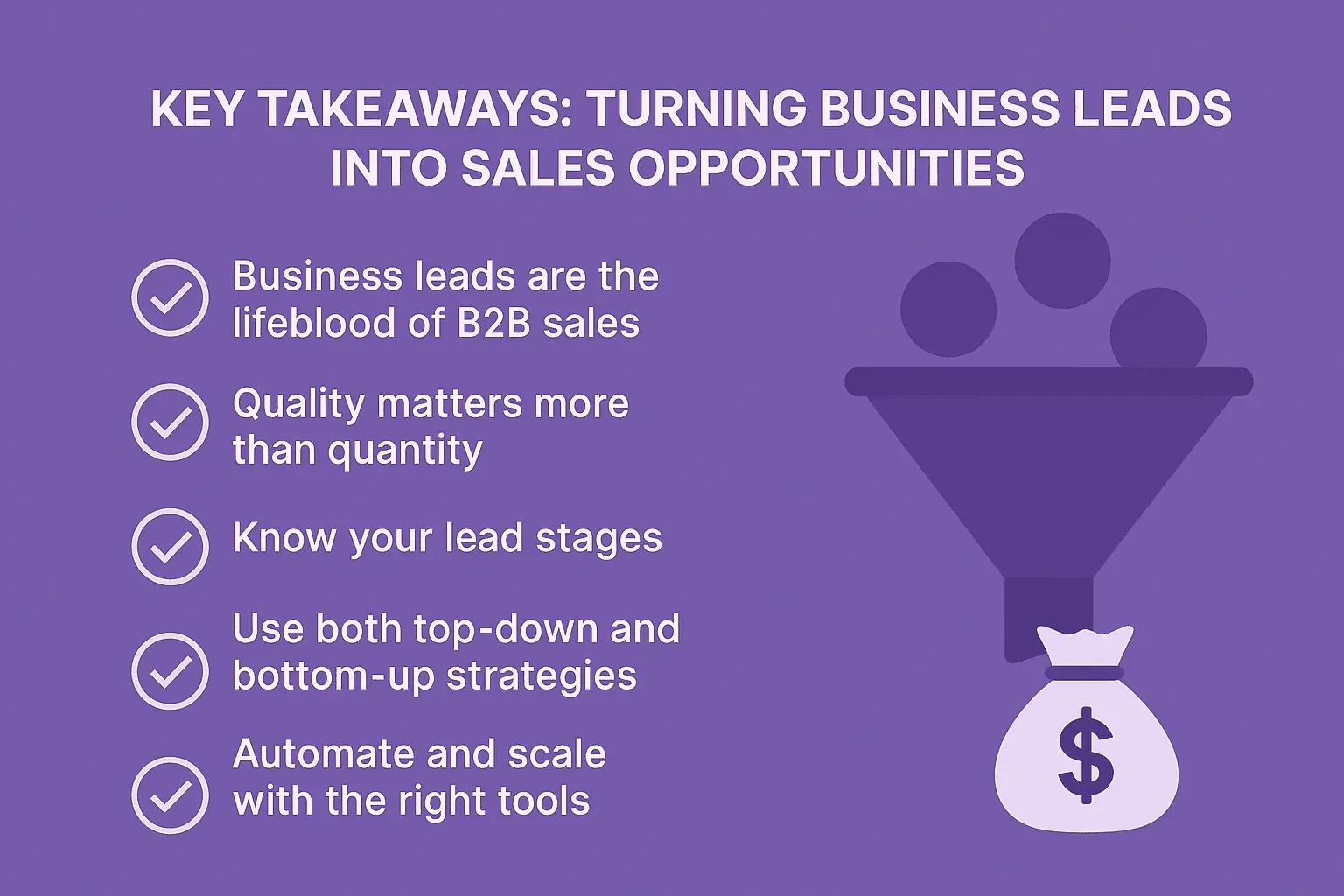
- Business leads are the lifeblood of B2B sales. Every customer starts as a lead.
- Quality matters more than quantity, but you need both. Nurtured, qualified leads close faster and buy more.
- Know your lead stages. Treat MQLs, SQLs, and cold leads differently.
- Use both top-down and bottom-up strategies. Top-down (with RocketReach or Seamless AI) targets known accounts; bottom-up (with Thunderbit) uncovers new opportunities.
- Automate and scale with the right tools. Manual research is out—AI-powered scraping and enrichment are in.
- Qualify and respond fast. The quicker you follow up, the better your odds.
- Organize and nurture. Keep your leads in a CRM, segment for follow-up, and don’t let any slip through the cracks.
- Measure and refine. Track what works, double down, and keep improving.
If you’re looking to boost your B2B sales, start by evaluating your lead generation strategy. Are you relying too much on one approach? Are you missing out on hidden leads? Maybe it’s time to try a new tool—like Thunderbit—to automate the grunt work and let your sales team focus on what they do best: closing deals.
Want to dive deeper into web scraping for lead generation? Check out Thunderbit’s blog for more tips, or download the Thunderbit Chrome Extension and see how easy it is to build your next lead list.
Remember: in B2B sales, the right leads—discovered and managed the right way—are your ticket to consistent, scalable growth. Now go out there and fill that pipeline (and maybe take a break from copy-pasting for once).
Frequently Asked Questions (FAQ)
- What is a business lead in B2B sales?
A business lead is an individual or organization that has shown interest in your product or service and may become a customer. In B2B, leads typically come from actions like filling out a form, attending a webinar, or being identified through tools like RocketReach or Thunderbit.
- What's the difference between a lead and a prospect?
A lead is someone who has shown initial interest, while a prospect is a qualified lead—meaning they fit your target profile and are more likely to buy. Prospects have been vetted for key criteria like budget, authority, and need.
- How do I qualify a business lead?
Use frameworks like BANT (Budget, Authority, Need, Timeline) or lead scoring models. Look at demographics (job title, company size), behavior (web activity), and engagement (email opens, demo requests).
- What’s the best way to organize leads?
Use a CRM like HubSpot, Salesforce, or even Google Sheets. Track lead stages (e.g., New, MQL, SQL), score leads, and set reminders for follow-up.
Read More: Business Lead Generation & Automation Tools
- Lead Qualification Frameworks Explained (MQL vs. SQL vs. PQL)
- Top 10 B2B Lead Generation Tools for 2025
- AI in Sales: How Automation is Transforming Lead Prospecting
Want to explore more about a specific strategy or tool? Let us know, and we’ll send a tailored guide.




