

Web data is the new oil, but unlike oil, it doesn't stain your shirt or make your accountant nervous. As of 2026, more than 65% of enterprises feed AI and machine-learning projects with scraped data, per Mordor Intelligence's web scraping market report (2026–2031 forecast). Whether you’re in sales, operations, or just trying to keep tabs on your competitors without hiring a private detective, structured web data is now mission-critical. And the best part? You don’t need to be a coder or a spreadsheet wizard to get in on the action—modern tools like Thunderbit have made website scraping as easy as ordering takeout.

Scrape data from any website using AI Get Started Free
In this guide, I’ll walk you through everything you need to know to start scraping websites in 2025—from the basics and the best tools (with a special focus on Thunderbit), to compliance, data cleaning, and how AI is making the whole process smarter and faster. Whether you’re a total beginner or looking to level up your data game, you’ll find practical, step-by-step advice to get you scraping like a pro (minus the stress and late-night debugging).
What Is Website Scraping and Why Does It Matter?
Let’s break it down: website scraping is the process of automatically extracting information from websites and turning it into structured data—think of it as hiring a super-speedy digital assistant to copy-paste what you need into a spreadsheet, but without the risk of carpal tunnel. Imagine a librarian who could read and copy every book in the library in seconds. That’s what a web scraper does for the internet (Medium).
Why is this so valuable? Because the web is overflowing with public information—prices, product details, property listings, reviews, contact info, you name it. Scraping lets you collect this data at scale, so you can:
- Build targeted lead lists for sales
- Monitor competitor prices and inventory
- Analyze market trends and customer sentiment
- Automate research and reporting
The typical workflow is simple:
- Select the data you want (what website, which fields)
- Extract the data (using a tool or script)
- Clean and organize (remove duplicates, fix formats)
- Export or integrate (send to Excel, Google Sheets, or your CRM)
Thanks to modern tools, you can now do all this with just a few clicks—no coding required.
Common Use Cases: How Teams Benefit from Website Scraping
Web scraping isn’t just for data geeks—it’s a practical superpower for all kinds of business teams. Here’s how different roles are putting it to work:
| Business Function | Scraping Application | Key Benefit |
|---|---|---|
| Sales & Lead Generation | Scrape directories, LinkedIn, or job boards for contacts | Build full lead lists in minutes; save hours, grow pipeline (ProWebScraper) |
| Marketing & Research | Scrape reviews, forums, social media for sentiment/trends | Real-time market feedback; data-driven campaign decisions |
| E-commerce Pricing | Scrape competitor product pages for prices, stock, promotions | Dynamic pricing, avoid being undercut; 81% of retailers use this |
| Retail Inventory Ops | Scrape product listings for availability and new products | Optimize inventory, reduce stockouts (Grepsr)) |
| Real Estate | Scrape property listing sites (Zillow, etc.) for new listings | Up-to-date market comps; identify investment opportunities quickly |
| Finance & Investing | Scrape news, filings, social media for data signals | Inform trading algorithms; alternative data edge (Kanhasoft) |
| Competitive Intelligence | Scrape competitor site content, pricing, customer feedback | Early warning on product launches, customer sentiment |
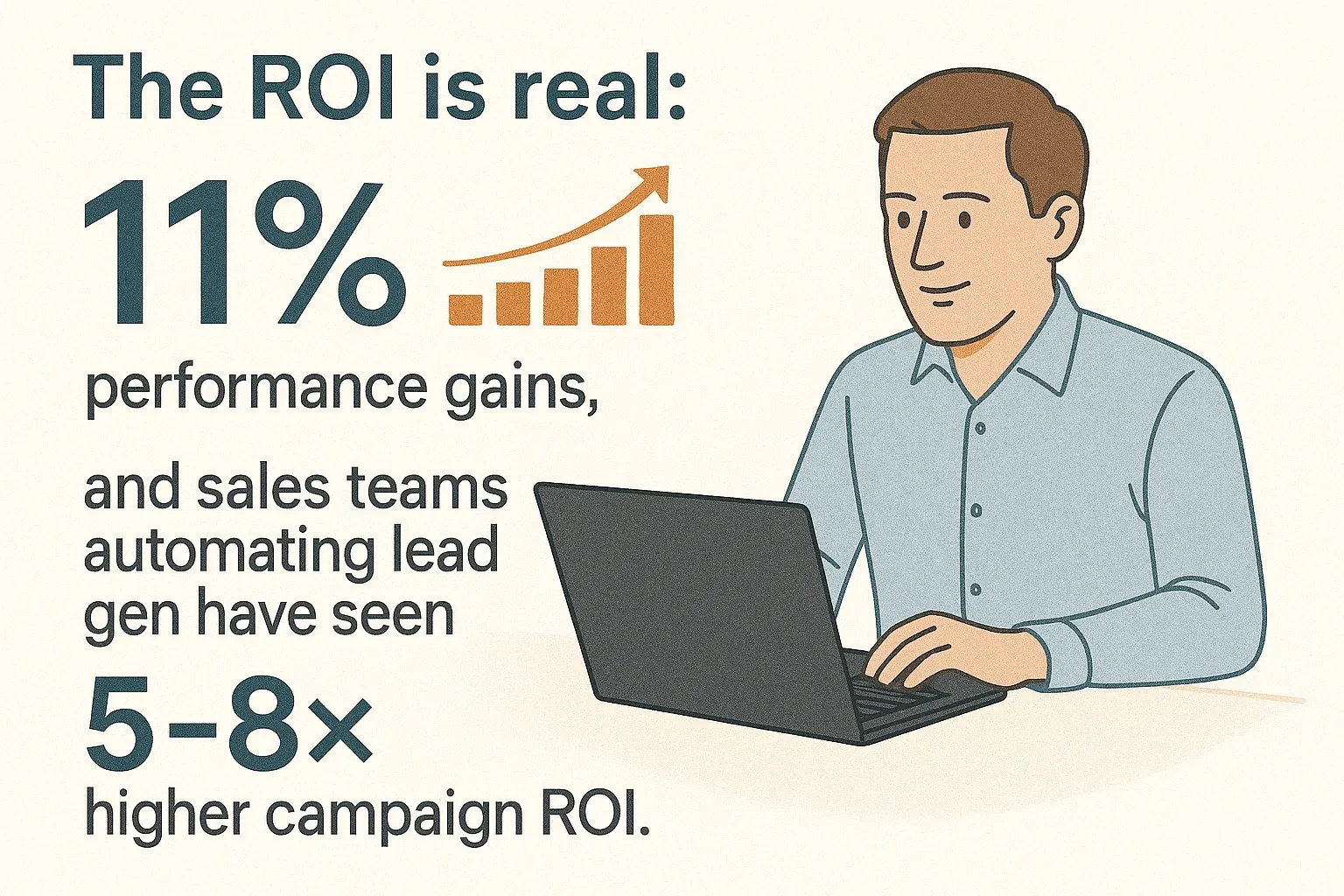
The ROI is real: businesses using web scraping for analytics report measurable performance gains (Grepsr), and sales teams using AI for lead generation see 50% more sales-ready leads and 60% lower customer acquisition costs. In short, if you’re still doing research by hand, you’re leaving money (and time) on the table.
Exploring Website Scraping Solutions: From Manual to AI-Powered Tools
Let’s be honest: scraping used to be a pain. Here’s how the landscape looks in 2025:
Manual Copy-Paste
- Pros: No tools or skills needed.
- Cons: Slow, error-prone, and only practical for a handful of data points. Like doing accounting on a napkin.
Coding (Python, JavaScript, etc.)
- Pros: Maximum flexibility, handles complex sites.
- Cons: Steep learning curve, requires programming, breaks when sites change. Great if you moonlight as a developer, not so much if you don’t.
Browser Extensions & Point-and-Click Tools
- Pros: No code, visual setup, handles moderate complexity.
- Cons: Still requires understanding “selectors” or “sitemaps.” Can be confusing for non-tech folks. Not truly “one-click.”
Cloud Platforms
- Pros: Scalable, robust, often have pre-built templates.
- Cons: Can be pricey, sometimes overkill, and often aimed at data teams or developers.
AI-Powered Web Scrapers (like Thunderbit)
- Pros: True no-code, AI figures out what to extract, adapts to site changes, handles pagination and subpages, exports anywhere.
- Cons: Sometimes needs a little guidance on weird sites, but 95% of the time, it just works.
Here’s a side-by-side look:
| Capability | Thunderbit (AI-Powered) | Traditional Scraper |
|---|---|---|
| Ease of Use | 2-click, AI finds data | Manual setup, selectors |
| Setup Time | Minimal | Can take hours |
| Handles Changes | AI adapts | Breaks easily |
| Pagination/Subpages | Built-in, AI-driven | Manual config |
| Export/Integration | Free, direct to Sheets/Excel | Often limited, sometimes paid |
| Learning Curve | Very low | High for non-tech users |
| Scalability | High (cloud/local) | High, but more complex |
| Maintenance | Minimal | Frequent fixes needed |
For most business users, AI-powered tools like Thunderbit are a breath of fresh air—no more wrestling with code or arcane settings.
Why Choose Thunderbit for Website Scraping?
I’ve seen a lot of web scraping tools come and go, but Thunderbit stands out for a few reasons—especially if you’re not a developer:
- 2-Click, No-Code Scraping: Just open the website, click “AI Suggest Fields,” and let Thunderbit’s AI do the heavy lifting. Then click “Scrape.” That’s it.
- AI-Powered Field Detection: Thunderbit reads the page and recommends the best columns—product name, price, rating, image, you name it. You can tweak or rename if you want, but the AI usually nails it.
- Handles Any Website, Pagination, and Subpages: Whether it’s a simple list or a multi-page, multi-level directory, Thunderbit can handle it. Need to grab extra info from subpages? The AI can visit each one and enrich your table automatically.
- Pre-Built Templates: For sites like Amazon, Zillow, Instagram, Shopify, and more, Thunderbit offers instant templates—one click and you’re done.
- Free, Unlimited Export: Send your data straight to Excel, Google Sheets, Airtable, or Notion. No extra fees, no locked-in data.
- Designed for Non-Tech Users: The interface is friendly, the onboarding is fast, and there’s no jargon. If you can browse the web, you can scrape with Thunderbit.
Real-world scenario: A sales rep scrapes 500 leads from a directory, enriches each with LinkedIn profile info via subpage scraping, and exports to Google Sheets—all before their coffee gets cold.
Try Thunderbit AI Web Scraper for Free
Getting Started: Thunderbit’s Ready-to-Use Scraping Templates
One of my favorite features for beginners? Thunderbit’s Instant Data Scraper Templates. These are pre-built setups for popular sites—no configuration needed. Here’s how it works:
- Amazon Scraper: Instantly grab product names, prices, ratings, and more from search or category pages.
- Zillow Scraper: Pull addresses, prices, property details, and agent info from real estate listings.
- Instagram Scraper: Gather post stats, follower counts, or profile bios for influencer research.
- Shopify Scraper: Export store names, categories, and social links from the Shopify directory.
How to use a template:
- Open Thunderbit and go to the Templates section.
- Select the template you want (e.g., “Amazon Product Scraper”).
- Navigate to the relevant page (or let the template guide you).
- Click “Scrape.” Done.
Templates are updated by the Thunderbit team, so they keep working even if the site changes. For sales, marketing, ecommerce, or real estate teams, these templates are a huge time-saver.
Step-by-Step: How to Scrape a Website with Thunderbit
Ready to try it yourself? Here’s a beginner-friendly walkthrough:
Step 1: Install and Set Up Thunderbit
- Go to the Thunderbit Chrome Extension page and click “Add to Chrome.”
- Pin the Thunderbit icon for easy access.
- Open the extension and sign up (email or Google login). The free tier lets you scrape 6 pages (or 10 with a trial boost).
Step 2: Select Your Target Website and Data
- Navigate to the page you want to scrape (e.g., an Amazon search results page, a Zillow listings page, or a company directory).
- Make sure the data you want is visible (log in if needed).
Step 3: Use “AI Suggest Fields” for Instant Data Structuring
- Open the Thunderbit panel.
- Click “AI Suggest Fields.”
- Thunderbit’s AI will scan the page and recommend columns (e.g., Product Name, Price, Rating, URL).
- Review and tweak the columns if needed (rename, add, or remove fields).
Step 4: Start Scraping and Handle Pagination/Subpages
- Click “Scrape.” Thunderbit will extract the data and show it in a table.
- If your data spans multiple pages, enable Pagination (Thunderbit can auto-detect “Next” buttons or infinite scroll).
- For extra details, use “Scrape Subpages”—Thunderbit will visit each item’s detail page and enrich your data automatically.
Step 5: Export and Use Your Data
- Click “Export” and choose your format: Excel, CSV, Google Sheets, Airtable, or Notion.
- Your data is now ready for analysis, outreach, or reporting.
Pro tip: For recurring tasks, save your scraper setup or use Thunderbit’s scheduling feature to automate regular data pulls.
Data Cleaning and Organization: Turning Raw Scrapes into Business Insights
Getting the data is just the start—cleaning and organizing it is where the magic happens. Here’s what to watch for:
- Remove duplicates: Use Excel or Google Sheets’ “Remove duplicates” feature.
- Validate formats: Check that emails, phone numbers, and dates are correct.
- Standardize: Make sure prices, dates, and names follow a consistent format.
- Handle missing values: Decide how to treat blanks (remove, fill, or flag).
- Enrich and label: Use Thunderbit’s AI prompts to auto-categorize, summarize, or translate fields as you scrape.
Example: Scraping event listings? Use an AI prompt to split “Date & Time” into separate columns, or to convert “Free” into $0 in the Price column. Thunderbit can handle a lot of this during extraction, saving you hours of manual cleanup.
Staying Compliant: Legal and Privacy Considerations for Website Scraping
Web scraping is powerful, but you need to play by the rules. Here’s a quick compliance checklist:
- Read the site’s Terms of Service and robots.txt: Don’t scrape if forbidden.
- Scrape only public data: Avoid login-only or paywalled content unless you have permission.
- Avoid personal data unless permitted: Be mindful of GDPR, CCPA, and other privacy laws—especially for names, emails, or profiles.
- Don’t overload sites: Thunderbit scrapes at human-like speeds and respects rate limits.
- Use data internally or add value: Don’t republish someone else’s content wholesale.
Thunderbit helps you stay compliant by:
- Only scraping what you can see in your browser session
- Warning you about strict sites
- Not storing your data on their servers
- Supporting 34 languages for global compliance
For more, check out Thunderbit’s guide to web scraping legality.
How AI Supercharges Website Scraping Efficiency and Value
AI isn’t just a buzzword—it’s what makes modern scraping tools like Thunderbit so powerful:
- Faster setup: AI figures out what to extract, so you don’t have to.
- Automatic adaptation: If a site changes, AI can still find the right data.
- Data cleaning on the fly: Use AI prompts to format, categorize, or enrich data during extraction.
- Multi-modal extraction: Thunderbit can even scrape data from PDFs or images using AI-powered OCR.
- Smarter insights: AI can label, summarize, or even score leads as you scrape.
Mini-case study: A retail chain used Thunderbit to monitor 50,000 competitor SKUs daily. The AI scraper not only collected prices but flagged new products and out-of-stock items, letting the team adjust pricing in real time and boost sales by 5% (Grepsr).
Read more AI web scraping tips Get Started Free
Web scraping in 2026 isn't just for techies—it's a must-have skill for any business team that wants to make smarter, faster decisions. With tools like Thunderbit, you can go from zero to data hero in minutes, no coding required.
Conclusion & Key Takeaways
Key points to remember:
- Web scraping unlocks huge value for sales, marketing, ecommerce, and more.
- AI-powered tools like Thunderbit make scraping accessible, fast, and reliable—even for beginners.
- Use pre-built templates for instant results on popular sites.
- Clean and organize your data for maximum impact.
- Always scrape responsibly and stay compliant with laws and site policies.
- AI isn’t just making scraping easier—it’s making your data smarter and more actionable.
Ready to try it? Download Thunderbit and see how easy web scraping can be. And if you’re hungry for more tips, check out the Thunderbit Blog for deep dives, tutorials, and the latest in AI-powered data extraction.
Start Scraping with Thunderbit
FAQs
1. Is web scraping legal in 2026?
Web scraping public data is generally legal in the US and many other regions, but you must respect each site’s Terms of Service, robots.txt, and privacy laws like GDPR. Avoid scraping personal data unless you have a lawful basis, and never scrape behind logins or paywalls without permission. For more, see Thunderbit’s legal guide.
2. Do I need to know how to code to scrape websites?
Not at all. With AI-powered tools like Thunderbit, you can scrape any website in just a couple of clicks—no programming required. The AI handles field detection, pagination, and even subpages for you.
3. What are Thunderbit’s most popular templates for beginners?
Thunderbit offers instant templates for Amazon, Zillow, Instagram, Shopify, and more. Just select a template, go to the relevant site, and click “Scrape”—perfect for sales, marketing, ecommerce, and real estate teams.
4. How can I clean and organize scraped data for business use?
Use Thunderbit’s AI prompts to format, categorize, and label data during extraction. After export, use Excel or Google Sheets to remove duplicates, validate formats, and standardize fields. Clean data is key for accurate analysis and outreach.
5. How does AI make web scraping more efficient?
AI automates field detection, adapts to site changes, cleans and enriches data on the fly, and can even extract from PDFs or images. This means faster setup, less maintenance, and smarter, more actionable data for your business.
Learn More
Try AI Web Scraper Get Started Free




