
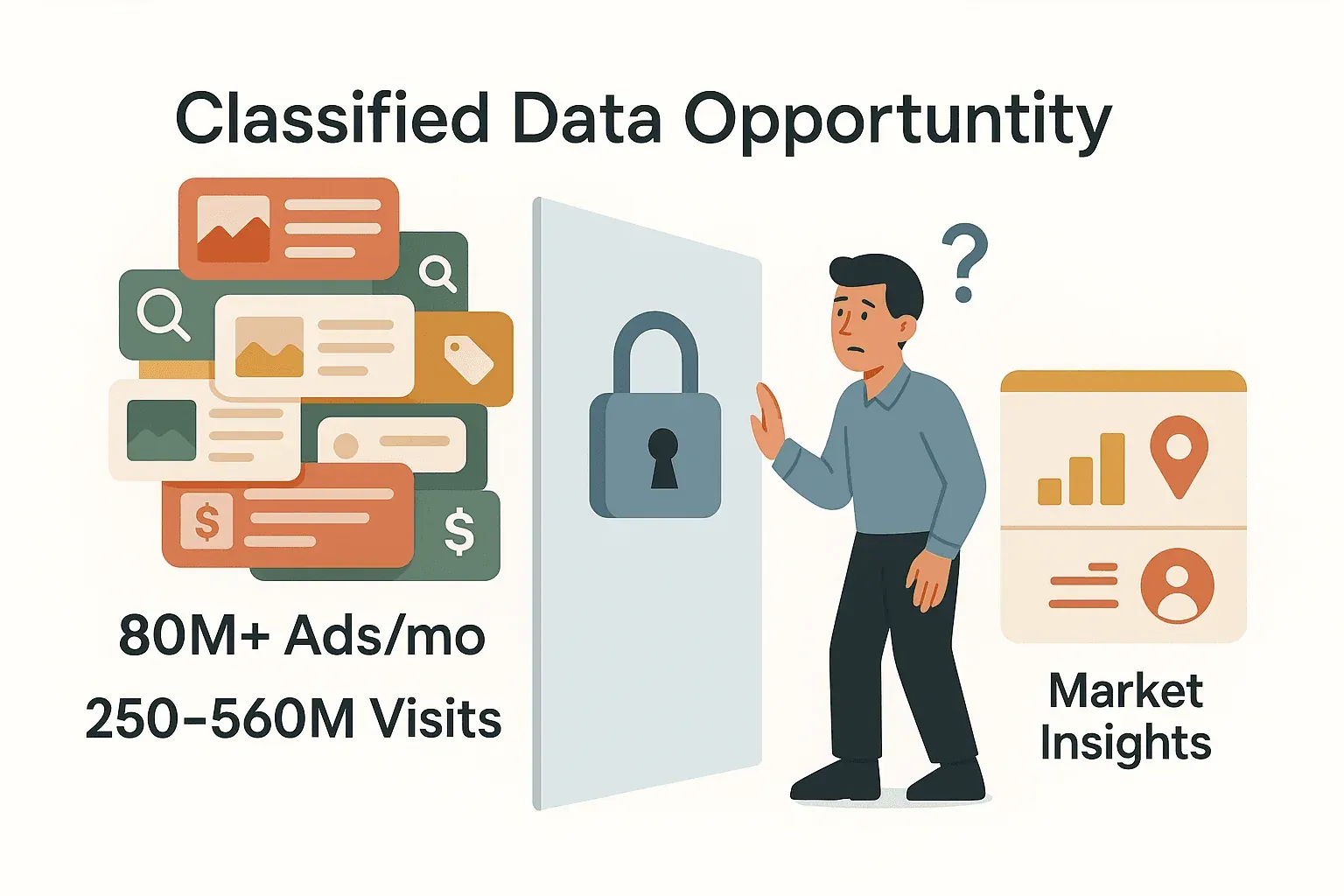
Collecting data from Craigslist for business use can feel like trying to empty the ocean with a teaspoon. With over 80 million new classified ads posted every month and 250–560 million monthly visits, it’s a goldmine for market research, sales leads, and price monitoring—but only if you can actually get the data out. I’ve seen teams spend hours (sometimes days) copying listings into spreadsheets, only to end up with incomplete, error-prone data and a serious case of spreadsheet fatigue. There’s a better way, and it starts with automation.
Scrape Craigslist Data with AI Get Started Free
That’s where a Craigslist scraper comes in. In this guide, I’ll show you how to use a Craigslist scraper (with a focus on Thunderbit) to supercharge your data efficiency—no coding, no templates, no headaches. Whether you’re tracking rental trends, monitoring secondhand prices, or building a local leads list, I’ll walk you through the practical steps, best practices, and a few pitfalls to avoid.
What is a Craigslist Scraper? Understanding the Basics
Let’s start with the basics: a Craigslist scraper is a tool that automates the extraction of structured data from Craigslist listings. Instead of manually clicking through pages and copy-pasting details, a scraper acts like a digital assistant—visiting pages, grabbing relevant info (titles, prices, locations, contacts), and organizing it into a spreadsheet or database (pixelscan.net). It’s like sending a robot to do your data chores while you focus on analysis and action.
Modern scrapers—especially AI-powered ones like Thunderbit—are designed for non-technical users. You don’t need to know HTML, write code, or build templates. Just point, click, and let the AI figure out the rest. Think of it as turning Craigslist’s messy pages into clean, structured tables you can actually use.
Analogy: If manual copy-pasting is like hand-transcribing every classified ad, a scraper is like having a high-speed scanner that instantly organizes everything into neat rows and columns.
Why Use a Craigslist Scraper? Key Benefits for Business Teams
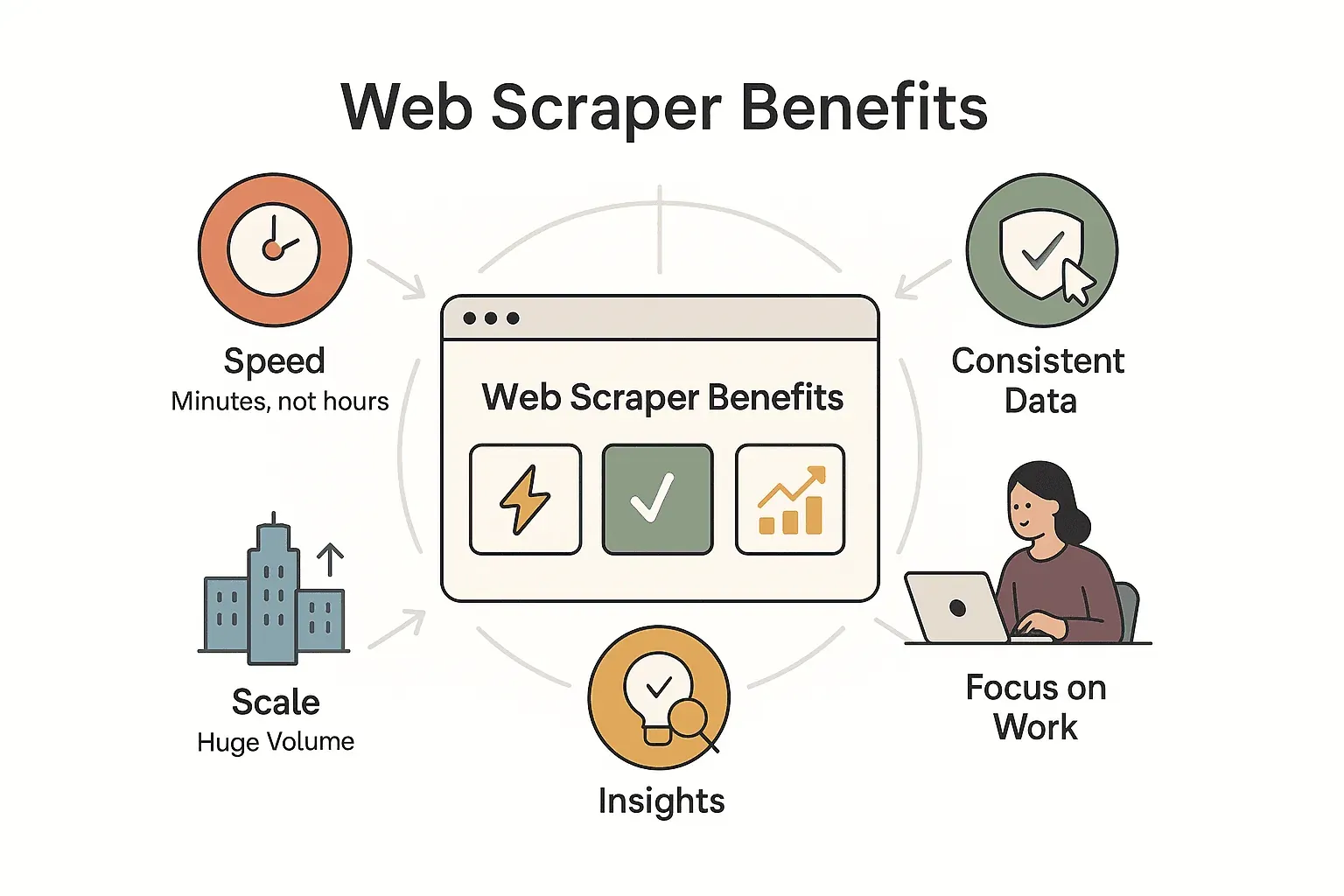
So, why bother with a Craigslist scraper? Here’s what I’ve seen firsthand:
- Speed: What takes hours (or days) by hand can be done in minutes. Need to check new listings every morning? A scraper can have your data ready before your coffee’s brewed (pixelscan.net).
- Accuracy: Automation means fewer typos, missed entries, or copy-paste mistakes. Every listing is captured, every field is consistent (mapex.io).
- Efficiency: Free up your team for higher-value work. Sales reps can focus on outreach, analysts on insights, not grunt work (thunderbit.com).
- Scale: Scrape hundreds or thousands of listings—across cities, categories, or time periods. Get the big picture, not just a handful of samples.
- Deeper Insights: More data means better analysis—track trends, benchmark competitors, or spot opportunities you’d never see with manual sampling.
Here’s a quick table of typical use cases and the business value:
| Use Case | Data Extracted | Business Value |
|---|---|---|
| Real Estate Listings | Price, location, details, contacts | Market trends, pricing, lead generation |
| Secondhand Market Research | Item, price, description, seller info | Price monitoring, arbitrage, inventory decisions |
| Local Services & Gigs | Service offered/needed, contacts | Lead generation, competitive analysis, quick response to opportunities |
| Competitor Price Monitoring | Listing content, price, frequency | Benchmarking, dynamic pricing, marketing strategy |
| General Market Research | Large samples of postings | Trend analysis, regional comparisons, demand forecasting |
Typical Scenarios Where a Craigslist Scraper Shines
Let’s dig into some real-world scenarios:
1. Market Research for Secondhand Goods
Small businesses and resellers use Craigslist to track prices and availability for used items—laptops, cars, furniture, you name it. Scraping lets you see price trends, spot underpriced deals, and make smarter buying or selling decisions. No more endless scrolling and guesswork (pixelscan.net).
2. Rental and Real Estate Demand Analysis
Real estate agents and investors scrape rental and for-sale listings to gauge supply, demand, and pricing in specific neighborhoods. By collecting data on rent, features, and time-on-market, you can make data-driven decisions and even generate leads from “For Sale By Owner” posts (pixelscan.net).
3. Small Business Product Price Monitoring
Local retailers and service providers keep tabs on competitors by scraping similar listings. Track how often competitors post, what prices they set, and how they describe their offers. It’s real-time market research, done automatically.
4. Lead Generation for Local Services
Craigslist’s services, gigs, and community sections are full of potential leads. Scrape postings that match your criteria (keywords, location, budget), and you’ll have a steady feed of prospects to reach out to—before your competitors even know they exist.
5. Academic and Market Research
Researchers use Craigslist data to study economic trends, job demand, migration patterns, and more. Scraping large samples enables insights that a few anecdotal listings could never provide.
Comparing Craigslist Scraper Solutions: From Manual to AI-Powered
There are a few ways to get data out of Craigslist. Here’s how they stack up:
| Approach | Ease of Use | Setup Time | Maintenance | Data Export Options | Accuracy |
|---|---|---|---|---|---|
| Manual Copy-Paste | Very high (but slow) | None | None | Manual (Excel, Sheets) | Error-prone |
| Code-Based Scraper | Low (needs coding) | High | High | Flexible (CSV, JSON, DB) | High (if coded well) |
| Template-Based Tool | Medium | Medium | Medium | CSV, Excel, API | Good (needs setup) |
| Thunderbit AI Scraper | Very high | Low | Low | Excel, Sheets, Notion, Airtable, CSV (free) | Very high |
Thunderbit stands out for its ease of use, instant AI field detection, and free, structured exports—no coding or template-building required (thunderbit.com).
Step-by-Step: How to Use Thunderbit as Your Craigslist Scraper
Ready to put this into action? Here’s how I use Thunderbit to scrape Craigslist data in minutes.
Installing Thunderbit and Getting Started
- Install the Chrome Extension: Head to the Thunderbit Chrome Extension Download Page and click “Add to Chrome.” You’ll see the Thunderbit icon appear in your toolbar.
- Sign Up or Log In: Open the extension and create an account (email or Google sign-in). The free tier gives you 6 pages per month, and a free trial bumps that to 10 pages—plenty to test out a few Craigslist categories (thunderbit.com).
- System Requirements: If you can run Chrome, you’re good to go. Thunderbit works on Windows, Mac, or any OS with Chrome.
Try Thunderbit Chrome Extension for Free
Selecting Data Fields with AI Suggest Fields
- Navigate to Craigslist: Go to the category or search results you want (e.g., “used bikes” in your city).
- Open Thunderbit: Click the extension icon.
- Click “AI Suggest Fields”: Thunderbit’s AI scans the page and suggests relevant columns—like Title, Price, Location, Date, and Listing URL. It even works for job listings, housing, or services (thunderbit.com).
- Customize Fields: Rename columns, change data types, or add your own. Want to extract just the numeric value from “Price”? Add a natural language prompt like “extract the numeric value in USD.” Thunderbit’s “Field AI Prompt” lets you fine-tune extraction and even summarize or categorize as you go.
Running the Scraper and Exporting Results
- Click “Scrape”: Thunderbit starts collecting data from the visible page (or, if you want, from all paginated results).
- Monitor Progress: Watch as rows fill up with structured data. Thunderbit handles pagination and can scrape 50 pages at a time in cloud mode (thunderbit.com).
- Export Data: When finished, export directly to Excel, Google Sheets, Notion, Airtable, or download as CSV/JSON. Exports are totally free, and images are uploaded to your destination if you choose Notion or Airtable (thunderbit.com).
- Save Templates: If you’ll scrape similar pages in the future, save your configuration as a template for one-click reuse.
Thunderbit’s Unique Features: Simplifying Your Data Workflow
Thunderbit isn’t just a basic scraper—it’s packed with features that make business data collection a breeze:
- AI Suggest Fields: Instantly detects and configures relevant columns. No more fiddling with selectors or templates.
- Scheduled Scraping: Automate recurring scrapes—set it to run daily, weekly, or on your schedule, and always have fresh data (pixelscan.net).
- Subpage Scraping: Need more details? Thunderbit can visit each listing’s detail page to grab extra info (like full descriptions, contact emails, or images). Perfect for sales and operations teams who need richer data (pixelscan.net).
- Free Export: Export to Excel, Google Sheets, Notion, Airtable, or download as CSV/JSON—no hidden fees.
- AI Autofill: Use AI to fill out forms or workflows (handy if you’re posting listings or updating CRMs).
- Email/Phone/Image Extractors: Instantly grab all emails, phone numbers, or images from any page—free and fast.
Learn More About Data Scraping with AI Get Started Free
Scheduled Scraping for Ongoing Monitoring
Want to track new listings or price changes automatically? Thunderbit’s scheduler lets you set up recurring scrapes using natural language (“every day at 8am”). Perfect for e-commerce teams monitoring prices, realtors tracking new rentals, or researchers building time series datasets. Just set it and forget it—your data will be waiting when you need it.
Subpage Scraping for Deep Data Collection
Craigslist often hides key info (like contact details or full descriptions) on the listing’s detail page. Thunderbit’s subpage scraping visits each link, extracts the extra fields, and merges them into your main table. For example, after scraping a list of rental properties, you can enrich your data with landlord emails, pet policies, or photos—without clicking through each listing yourself.
Staying Compliant: Best Practices for Using a Craigslist Scraper
Let’s talk about the elephant in the room: Craigslist’s Terms of Service explicitly prohibit automated scraping (multilogin.com). While tools like Thunderbit mimic regular user behavior, it’s important to use them responsibly:
- Moderate Your Scraping: Don’t try to scrape hundreds of thousands of listings at once. Stick to reasonable batches and space out your runs (scrapinghome.com).
- Respect Rate Limits: If you start seeing CAPTCHAs, slow down or switch to browser mode. Thunderbit’s cloud mode already spaces requests, but don’t push your luck.
- Use Data Internally: Craigslist’s terms forbid reselling scraped data or using it for spam. Use your data for internal analysis, pricing, or lead generation—not for mass marketing or public redistribution.
- Check for Official Feeds: Craigslist offers public RSS feeds for some categories. If your needs are simple, these are a safe, compliant alternative.
- Stay Updated: Craigslist’s policies and anti-bot measures can change. Keep an eye on updates, and always use scraping tools ethically.
Troubleshooting and Tips for Smooth Craigslist Scraping
Even with Thunderbit, you might hit a few bumps. Here’s how to keep things running smoothly:
- Listings Not Captured? Try “AI Improve Fields” or re-run AI Suggest. If a field is still missing, reach out to Thunderbit support—they’re quick to update field logic.
- CAPTCHA or Blocks? Slow down, use smaller batches, or switch to browser mode. Let your IP “cool off” if you’ve been scraping heavily.
- Layout Changes? Craigslist is pretty stable, but if something breaks, re-run AI Suggest Fields. Thunderbit’s AI adapts fast, and the team updates logic behind the scenes.
- Missing Details? Use subpage scraping to grab info that’s only on detail pages (like emails or full descriptions).
- Thunderbit Credit Limits? Free tier is 6 pages/month (or 10 with trial). Each page = one Craigslist results page (not one listing). Upgrade if you need more, or split jobs across months.
- Support: Check Thunderbit’s Help Center, community forum, or email support for help with tricky cases.
Conclusion & Key Takeaways
Craigslist is a data goldmine—but only if you can get the data out efficiently. Manual collection is slow, error-prone, and just not scalable for modern business needs. A Craigslist scraper automates the grunt work, giving you fast, accurate, and scalable access to the insights you need.
Thunderbit stands out as the easiest, most powerful solution for non-technical teams. With AI field suggestion, scheduled and subpage scraping, and free exports to all your favorite tools, it’s never been simpler to turn Craigslist chaos into business-ready data.
Ready to boost your data efficiency? Download the Thunderbit Chrome Extension, try scraping a few Craigslist pages, and see how much time (and sanity) you save. And if you want to dive deeper into web scraping, check out the Thunderbit Blog for more guides and tips.
Start Scraping Craigslist with Thunderbit
FAQs
1. Is it legal to use a Craigslist scraper for business data collection?
Craigslist’s terms of service prohibit automated scraping, so you should use scrapers responsibly and only for internal analysis. Avoid high-frequency or bulk scraping, and never resell or spam scraped data. When in doubt, consult legal counsel and always respect privacy.
2. What data can I extract from Craigslist with Thunderbit?
Thunderbit can extract titles, prices, locations, dates, descriptions, contact info (when available), images, and more. With subpage scraping, you can grab details hidden on individual listing pages.
3. How do I handle changes in Craigslist’s layout or missing data fields?
Thunderbit’s “AI Suggest Fields” adapts to layout changes automatically. If you notice missing fields, re-run the suggestion or contact Thunderbit support—they update field logic quickly.
4. Can I schedule recurring Craigslist scrapes with Thunderbit?
Yes! Thunderbit’s scheduler lets you set up daily, weekly, or custom-interval scrapes. Perfect for ongoing price monitoring, lead generation, or trend tracking.
5. What should I do if I hit CAPTCHAs or get blocked by Craigslist?
Slow down your scraping, use smaller batches, or switch to browser mode. Let your IP rest if you’ve scraped heavily. Thunderbit’s normal usage patterns are designed to avoid blocks for typical business needs.
Ready to make Craigslist data work for you? Try Thunderbit for free and see how easy business data collection can be.
Try AI Craigslist Scraper for Free Get Started Free
Learn More




