
The web is growing at a pace that’s honestly hard to keep up with—by 2026, nearly half of all internet traffic is bots, and a massive chunk of that is businesses scraping data to fuel sales, operations, and competitive research. I’ve seen firsthand how web scraping has gone from a “nice-to-have” for techies to an absolute must for everyone from sales teams to real estate agents. But here’s the catch: not all web scraping companies are created equal, and picking the right one can mean the difference between a smooth, automated workflow and a week of copy-paste headaches.
So, I’ve rolled up my sleeves and dug deep into the top web scraping companies for 2026. Whether you’re a non-technical user who just wants data in two clicks, or a developer looking for full control, this list covers the best of the best—plus some honest takes on where each shines (and where they don’t). Let’s dive in.
Why Businesses Need the Top Web Scraping Companies
Scrape data from any website using AI Get Started Free
If you’ve ever tried to build a lead list, monitor competitor prices, or pull product data from dozens (or thousands) of pages, you know the pain of manual data collection. It’s slow, error-prone, and—let’s be honest—no one’s idea of a good time. That’s why web scraping has become a $703 million industry, with businesses using it for everything from lead generation and price monitoring to market research and sentiment analysis.
The real magic? Automation. Modern web scraping companies let you:
- Automate repetitive research (no more copy-paste marathons)
- Scale up to thousands of pages without extra effort
- Integrate data directly into your favorite tools (Excel, Google Sheets, Notion, CRMs)
- Stay ahead of competitors by getting fresher, richer data—faster
But with so many options, how do you choose? That’s where this guide comes in.
How We Evaluated the Top Web Scraping Companies
Not all scrapers are built for the same user—or the same job. Here’s how I sized up the field:
- Ease of Use: Can a non-coder get results quickly? Is the interface intuitive?
- Automation & Features: Does it handle pagination, subpages, scheduling, and dynamic content?
- Scalability: Can it tackle big projects, or is it better for small jobs?
- Integration: How easily can you export or connect data to other tools?
- Pricing: Is there a free tier? Is it affordable for SMBs and scalable for enterprises?
- Support & Community: Are there tutorials, templates, and real help when you need it?
I also looked at what makes each company unique—because sometimes, the “best” tool is the one that fits your workflow, not just the one with the most features.
Alright, let’s get to the list.
1. Thunderbit
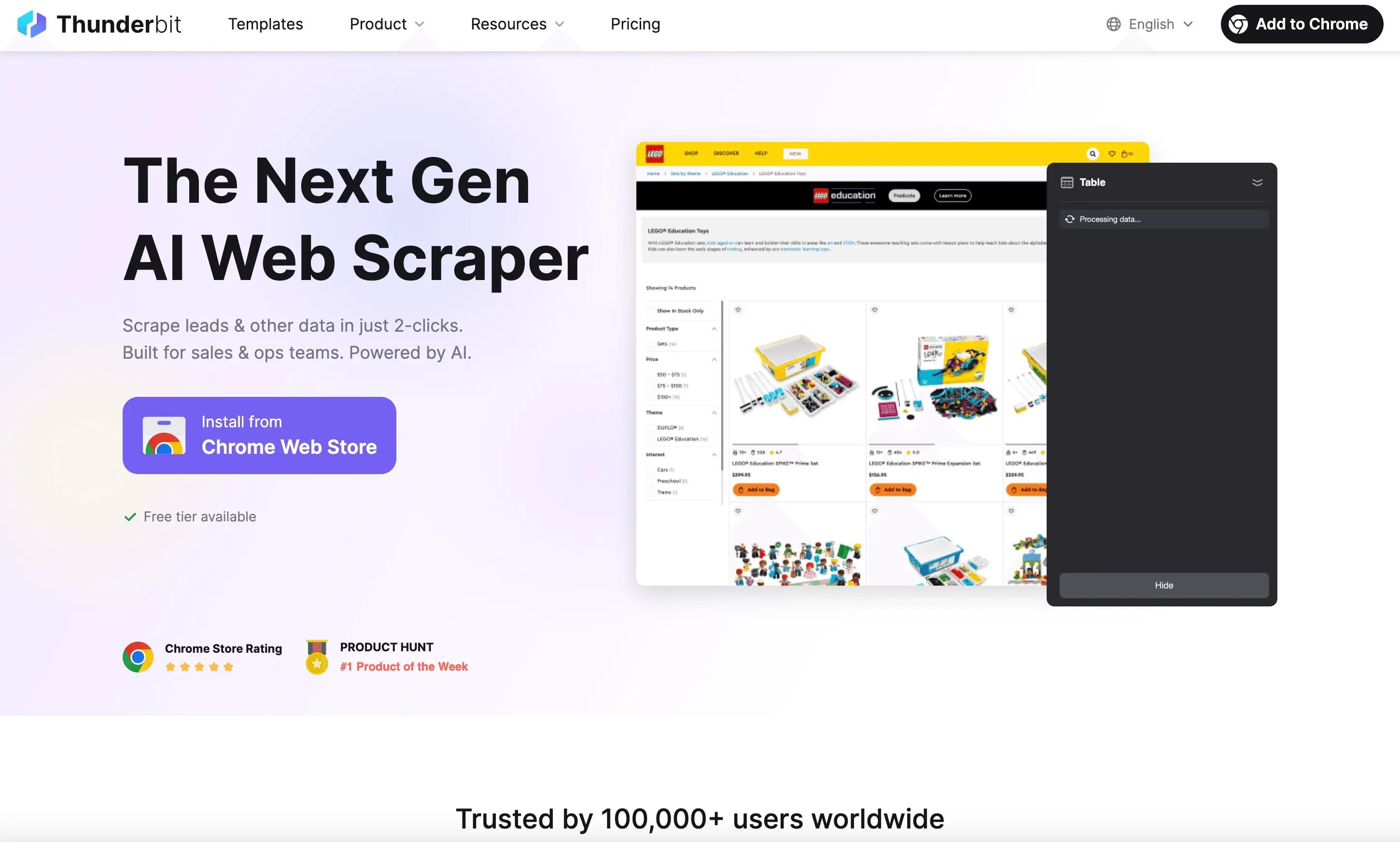 Thunderbit is the AI-powered web scraper that I’m most excited about for 2026—and not just because I helped build it! Thunderbit is designed for business users who want data, not headaches. Its Chrome extension lets you scrape any website using natural language prompts and AI-powered field suggestions. No coding, no templates, no stress.
Why Thunderbit Stands Out:
- 2-Click Scraping: Just click “AI Suggest Fields” and “Scrape”—Thunderbit’s AI figures out the rest.
- Subpage & Pagination Support: Easily scrape listings, then have the AI visit each subpage for more details.
- Instant Templates: For popular sites (Amazon, Zillow, Shopify, etc.), use pre-built templates for 1-click scraping.
- Free Data Export: Export to Excel, Google Sheets, Notion, or Airtable—no paywall for your own data.
- AI Data Enrichment: Label, categorize, and translate data as you scrape.
- Scheduled & Cloud Scraping: Set up recurring jobs or run scrapes in the cloud for speed.
- Totally Free Tier: Scrape up to 6 pages for free, or 10 with a trial boost. Paid plans start at $15/month.
Thunderbit is trusted by over 30,000 users worldwide, from sales teams to e-commerce operators. If you want the easiest, most user-friendly web scraping experience in 2026, Thunderbit is hard to beat.
Want to see how it works? Download the Chrome extension and try it for yourself.
2. Scrapy
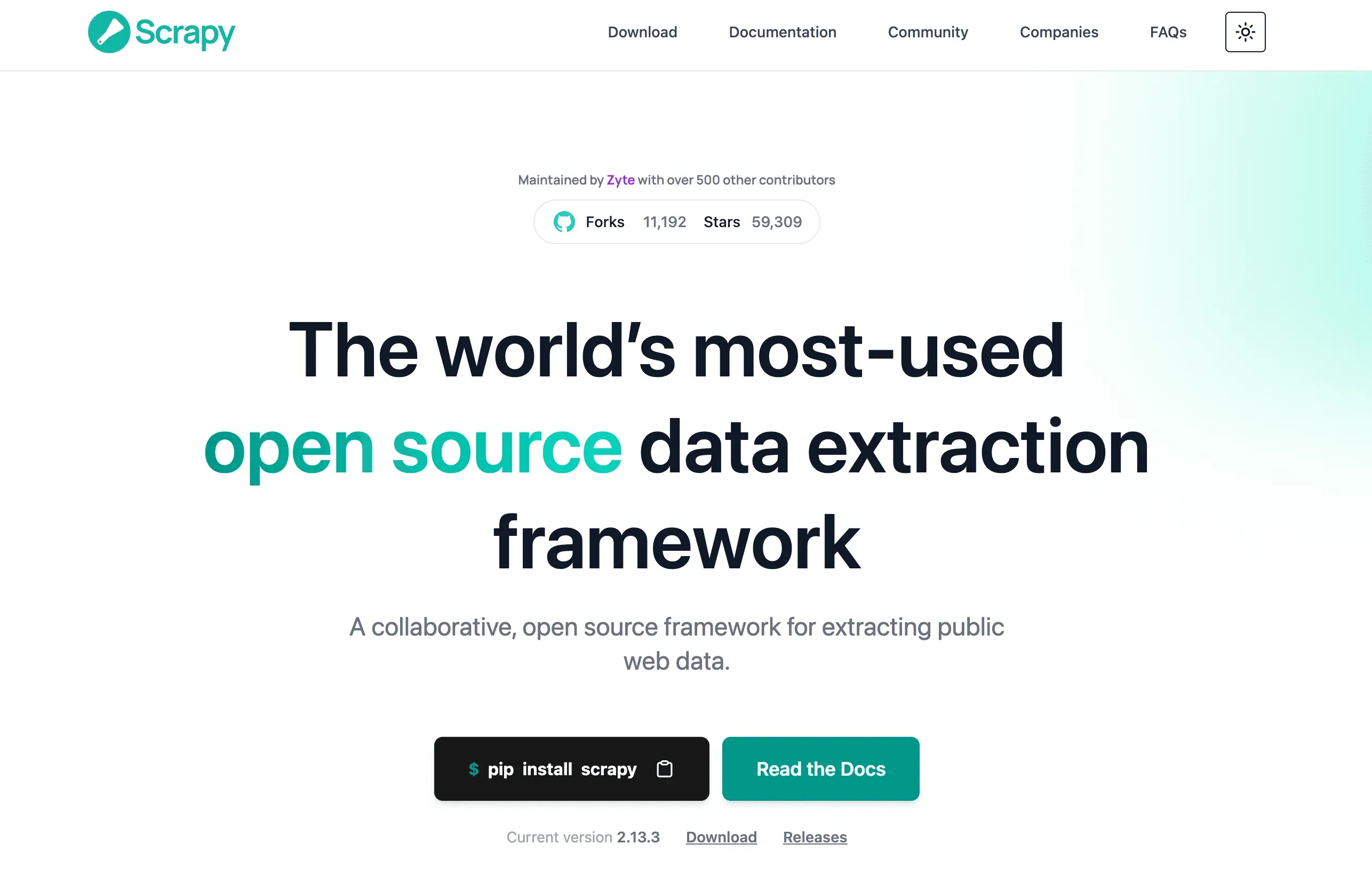 Scrapy is the go-to open-source Python framework for developers who want full control. It’s powerful, flexible, and battle-tested for everything from crawling small sites to scraping millions of pages.
Best For: Tech teams, data engineers, and anyone comfortable with Python.
Key Features:
- Custom Rule Creation: Build spiders to handle any site structure.
- Scalable & Fast: Handles large-scale scraping with robust error handling.
- Integrates with Python Ecosystem: Plug into Pandas, Jupyter, and more.
- Free & Open Source: No license fees, huge community support.
Heads Up: Scrapy has a learning curve. If you’re not a coder, you’ll want to look elsewhere. But for developers, it’s a powerhouse (ScraperAPI).
3. ParseHub
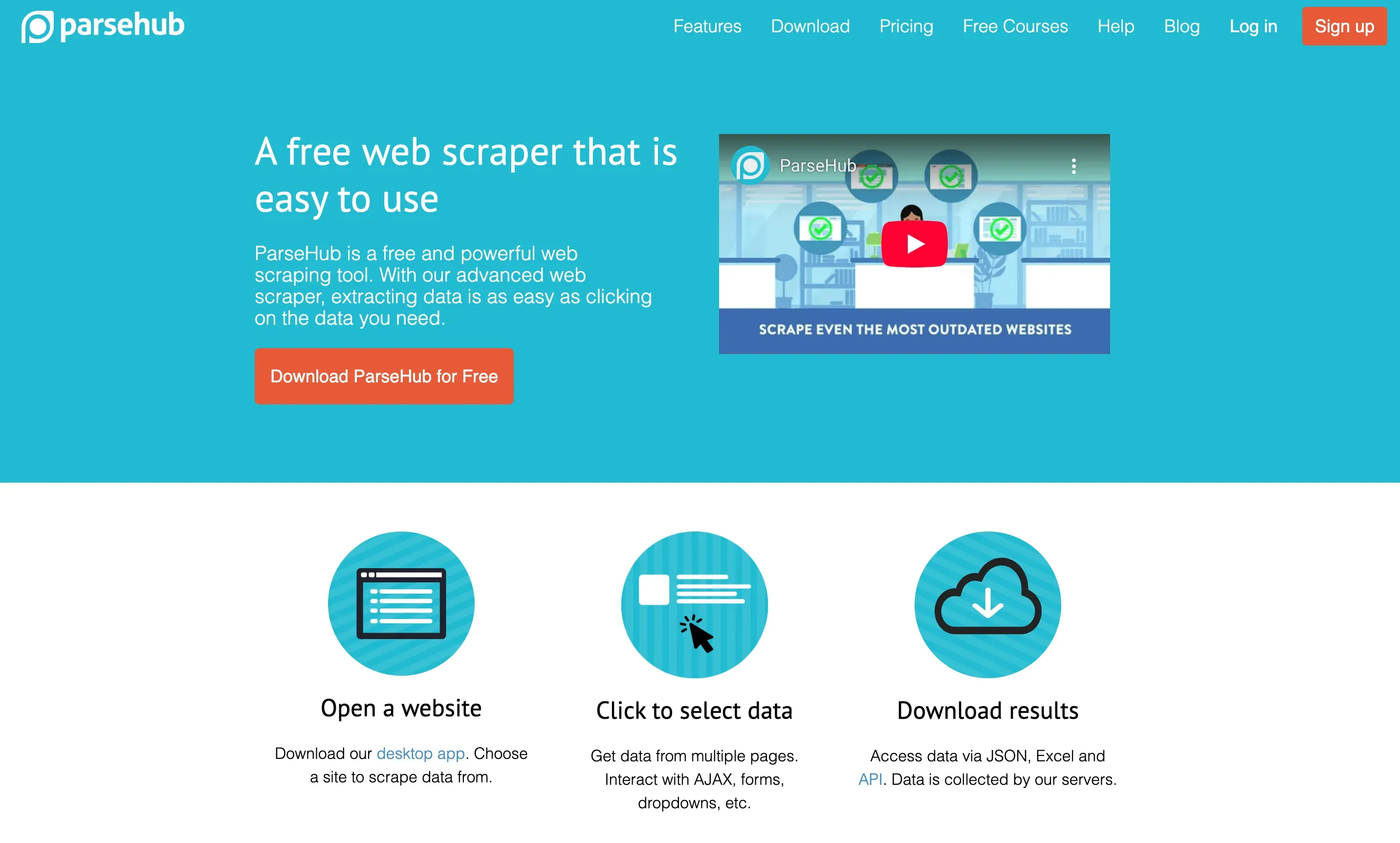 ParseHub is a desktop app that makes web scraping visual and accessible. Its point-and-click interface lets you build scrapers without writing code.
Best For: SMBs, researchers, and non-coders who want flexibility.
Key Features:
- Visual Workflow: Click to select data, build logic for pagination and subpages.
- Cloud-Based Scheduling: Run scrapes on a schedule, even when your computer is off.
- Export Options: Download as CSV, Excel, or JSON.
- Free Plan: 5 projects, up to 200 pages/run; paid plans start at $39/month.
ParseHub is especially popular for scraping listings, reviews, and e-commerce data (ScraperAPI).
4. Octoparse
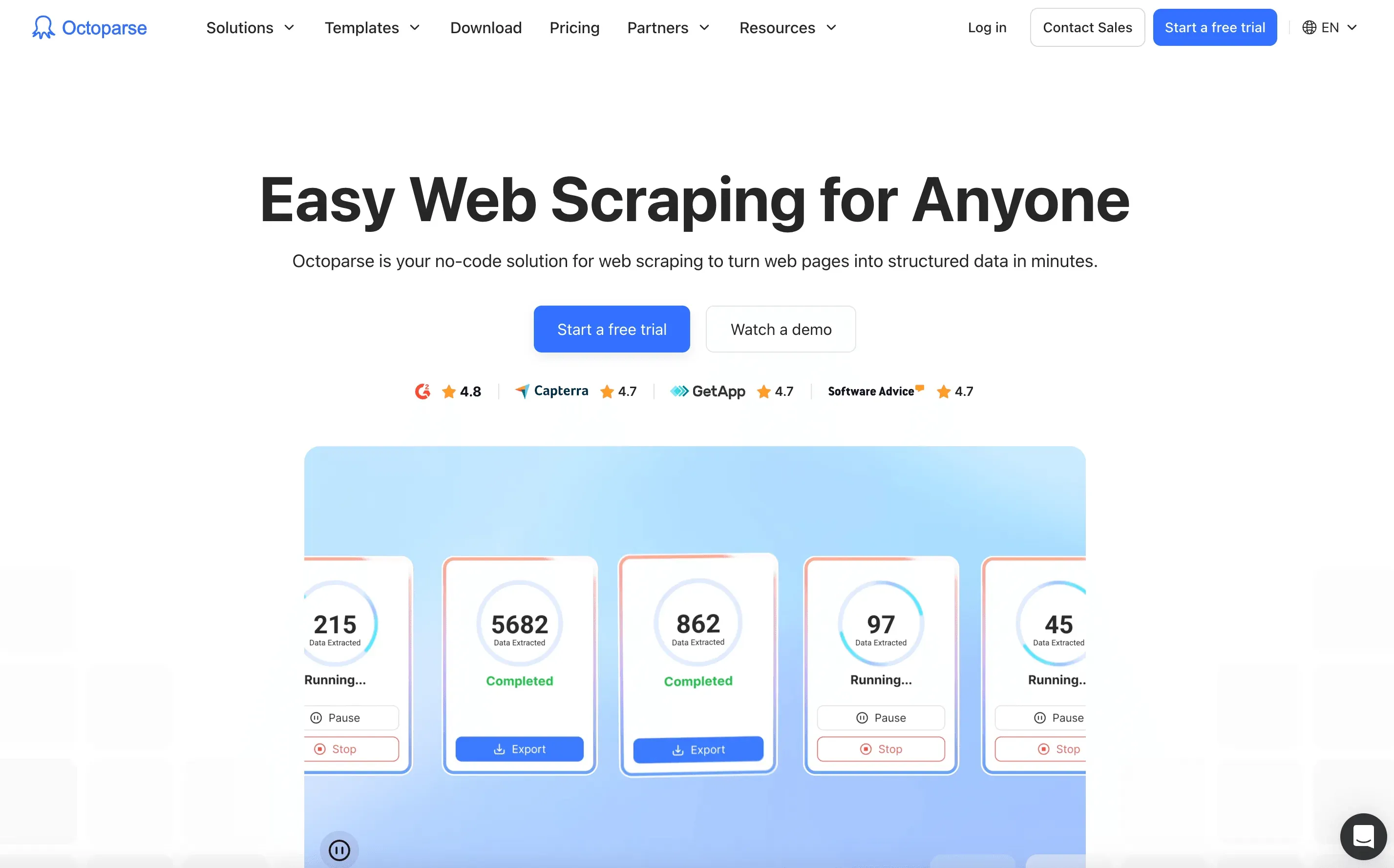 Octoparse is a no-code, drag-and-drop web scraping platform with a focus on automation at scale. It’s great for teams who want to set up complex jobs without writing scripts.
Best For: Marketing, research, and operations teams.
Key Features:
- Drag-and-Drop Workflow: Build scrapers visually, handle dynamic content and infinite scroll.
- Cloud Scraping & Scheduling: Run jobs in the cloud, schedule recurring tasks.
- IP Rotation & Anti-Block: Built-in features for scraping tough sites.
- Export to Excel, Sheets, Databases: Easy integration with your workflow.
- Free Tier: Up to 10,000 records/month; paid plans start at $75/month.
Octoparse is especially valued for its speed and ability to handle large-scale projects (ScraperAPI).
5. DataMiner
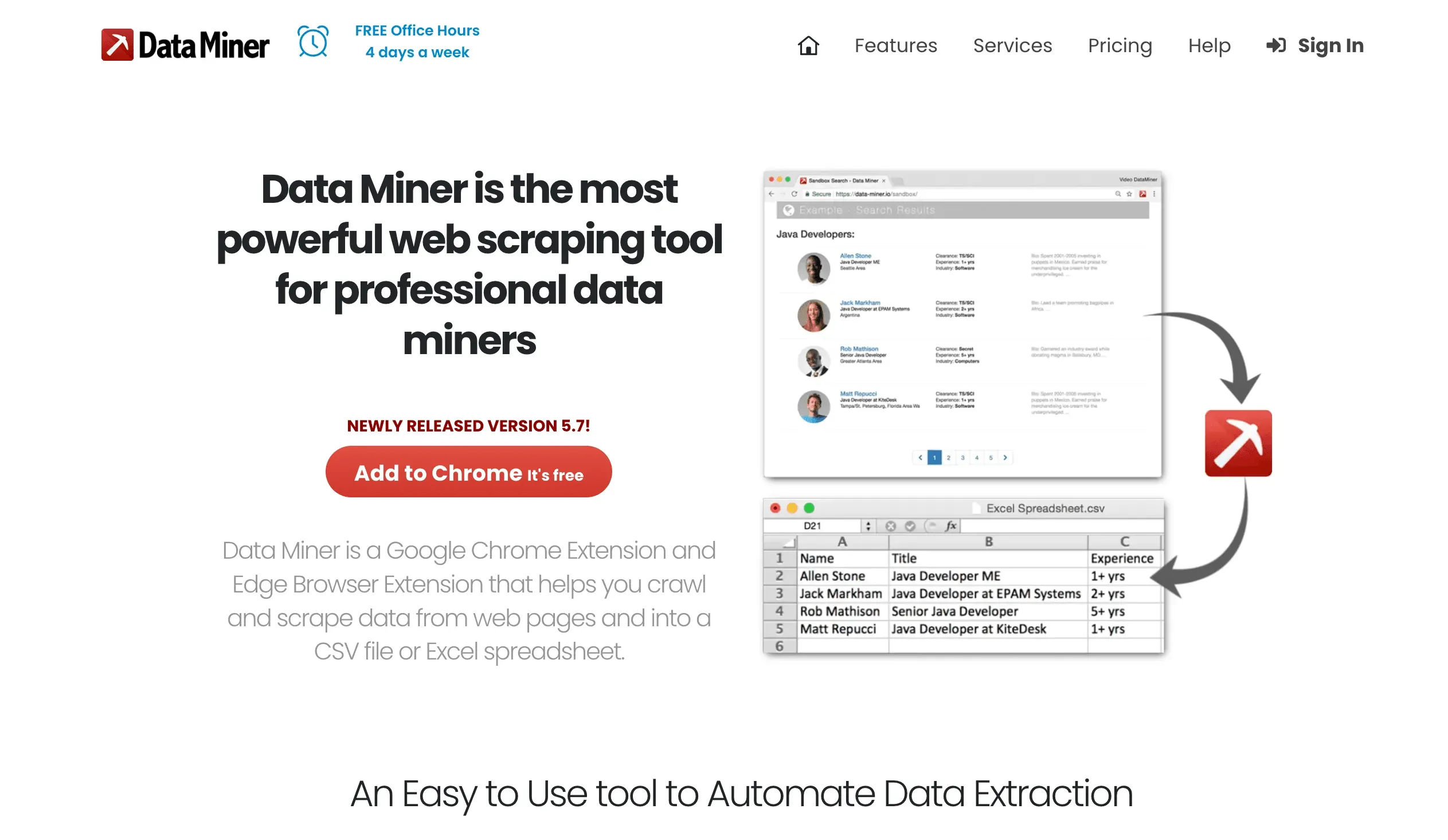 DataMiner is a Chrome extension that brings web scraping to your browser. It’s perfect for quick, template-based scraping of tables, lists, and simple sites.
Best For: Everyday users, sales ops, and anyone who lives in Chrome.
Key Features:
- Template Marketplace: 60,000+ pre-built recipes for popular sites.
- Point-and-Click Extraction: Select data visually, no code needed.
- Export to Excel/Google Sheets: One-click export.
- Free Plan: 500 pages/month; paid plans from $19/month.
DataMiner is a favorite for quick jobs and non-technical users (DataMiner).
6. Import.io
 Import.io is an enterprise-grade platform focused on turning web content into structured data for analytics and business intelligence.
Best For: Enterprises with big data needs and integration requirements.
Key Features:
- Managed Service Model: Import.io’s team can build and maintain scrapers for you.
- Visual UI: Build extraction workflows without code.
- API Access: Integrate scraped data directly into your apps and dashboards.
- Compliance & Security: Enterprise-level controls, PII masking, and more.
Pricing: Custom quotes, typically starting around $299/month (PromptCloud).
7. Apify
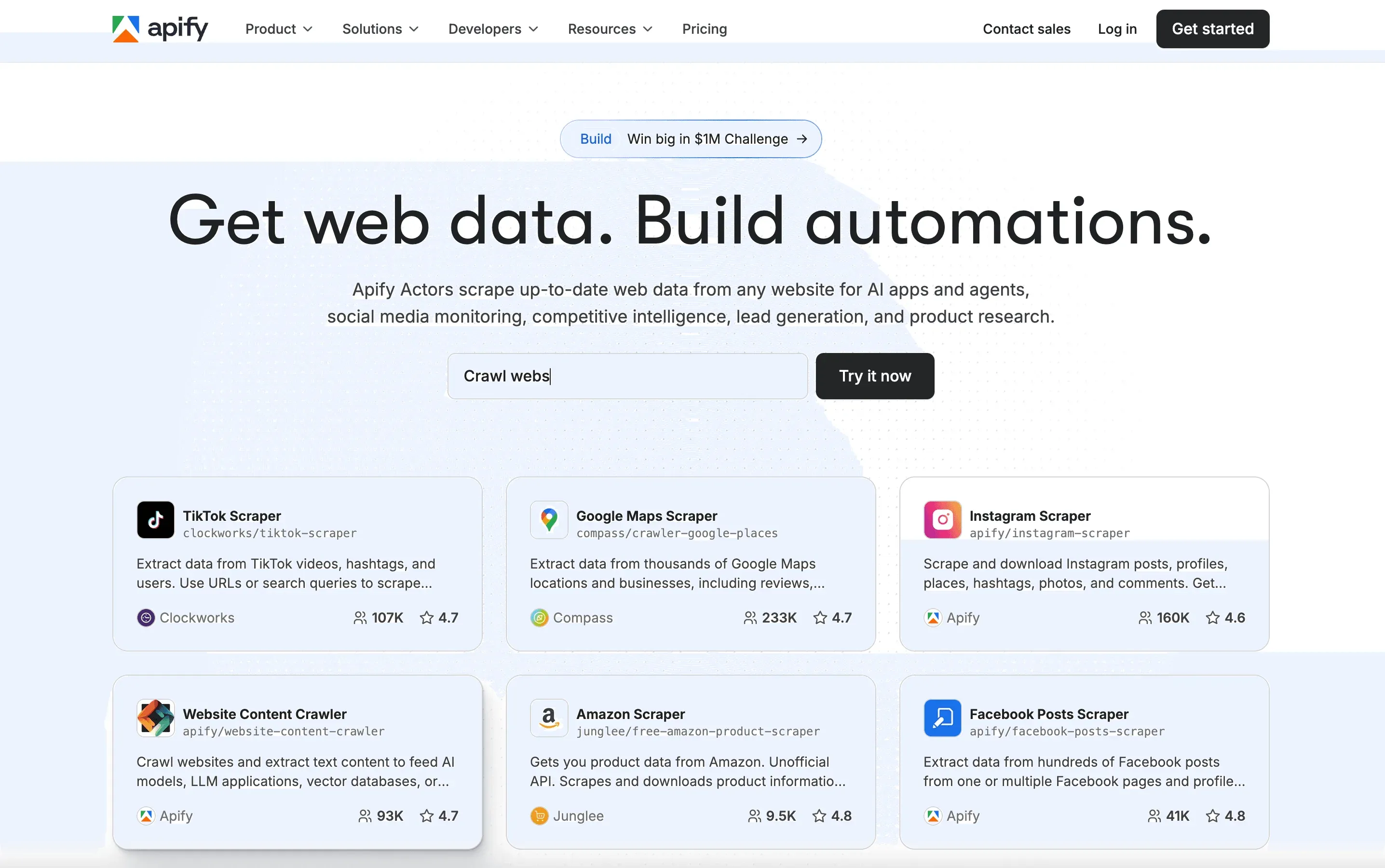 Apify is a developer-friendly automation platform with a huge marketplace of pre-built “Actors” (scraping bots) and the ability to build custom workflows.
Best For: Developers, agencies, and teams who want flexibility.
Key Features:
- Actor Marketplace: Ready-made scrapers for popular sites, or build your own.
- Cloud Infrastructure: Run scrapes at scale, schedule jobs, and integrate with APIs.
- GitHub Integration: Automate workflows and CI/CD.
- Pay-As-You-Go: Free credits, then usage-based billing; paid plans start at $39/month.
Apify is ideal for both simple and complex projects (Black Bear Media).
8. Diffbot
 Diffbot uses AI and knowledge graphs to transform unstructured web content into structured, machine-readable data. Think of it as the “brain” of web scraping.
Best For: Enterprises, researchers, and anyone needing large-scale, automated extraction.
Key Features:
- AI-Driven Extraction: Automatically recognizes articles, products, organizations, and more.
- Knowledge Graph: Access the world’s largest web data graph via API.
- Data Enrichment: Pull in related entities, news, and context.
- API-First: Integrate with BI tools and data pipelines.
Pricing: Starts at $299/month (Diffbot Pricing).
9. WebHarvy
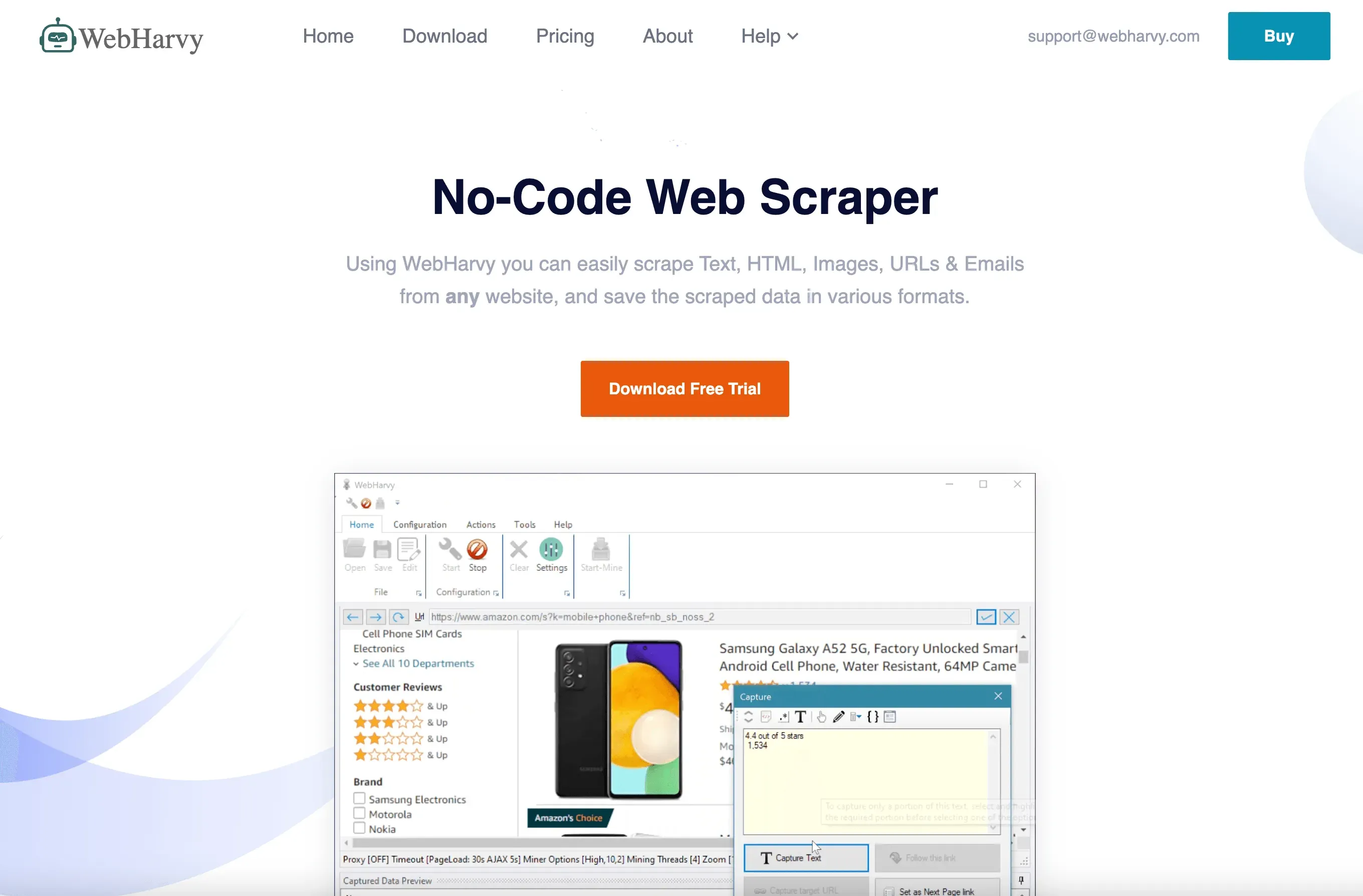 WebHarvy is a Windows-based desktop scraper with a visual, point-and-click interface. It’s great for users who want to avoid code and prefer a desktop app.
Best For: Windows users, researchers, and SMBs.
Key Features:
- Visual Selection: Click on data to define fields—no code needed.
- Handles Images & Multi-Page Navigation: Scrape text, images, and follow pagination.
- Export to Excel, XML, Databases: Flexible output options.
- One-Time License: Pay once, use forever (WebHarvy).
WebHarvy is especially popular for scraping e-commerce and classified sites (Thunderbit Blog).
10. Mozenda
 Mozenda is a cloud-based platform built for enterprise-scale data extraction and automation.
Best For: Large organizations, compliance-heavy industries.
Key Features:
- Cloud Automation: Schedule, monitor, and manage scraping jobs centrally.
- Data Transformation: Clean, enrich, and export data in multiple formats.
- Team Collaboration: Multi-user support and workflow management.
- Enterprise Support: Compliance, reliability, and dedicated help (Appvizer).
Pricing: Around $99/month; enterprise pricing available.
11. Sequentum
 Sequentum is an advanced desktop/web scraper for data professionals and agencies.
Best For: Data pros, agencies, and anyone needing deep automation.
Key Features:
- Advanced Scripting: Automate complex extraction logic.
- Reporting & Monitoring: Track jobs, get alerts, and manage large projects.
- Integration: Export to databases, APIs, or cloud storage.
- No Free Tier: Paid licenses only (DataOX).
Sequentum is built for high-volume, customizable extraction.
12. Helium Scraper
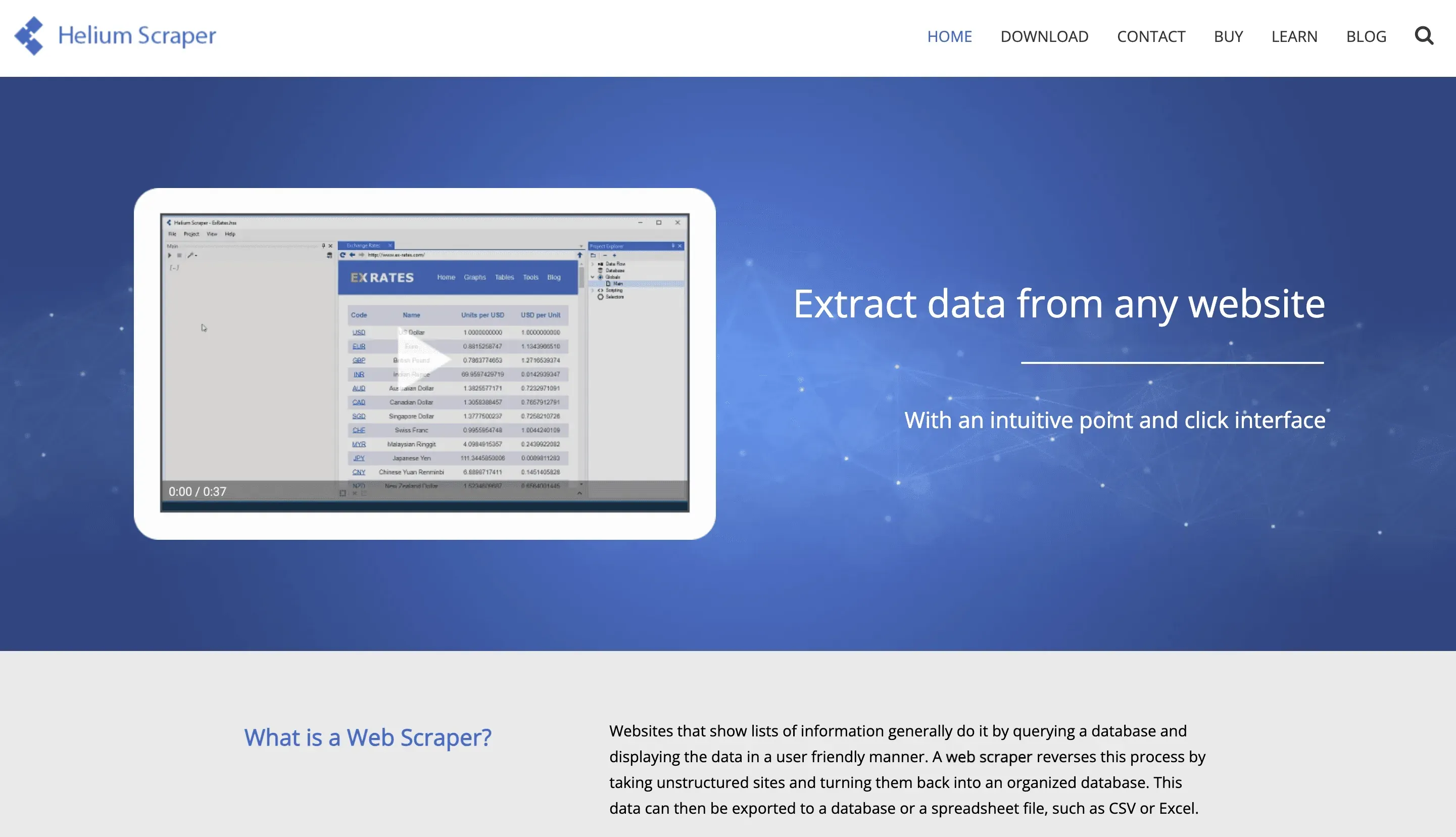 Helium Scraper is a desktop tool with a visual workflow builder, ideal for extracting data from complex and dynamic sites.
Best For: Power users, analysts, and anyone who wants flexibility without code.
Key Features:
- Visual Workflow: Drag-and-drop interface for building extraction logic.
- Handles Dynamic Content: Works with JavaScript-heavy sites.
- Data Transformation: Clean and organize data before export.
- Export Options: Excel, CSV, databases, and more.
- One-Time Fee: Around $199 for a perpetual license (Fahimai).
Helium Scraper is especially good for non-standard sites and custom workflows.
Comparing the Top Web Scraping Companies: Features at a Glance
Here’s a quick side-by-side to help you pick the right fit:
| Company | Best For | User-Friendliness | Automation & AI | Scalability | Export Options | Free Tier / Pricing |
|---|---|---|---|---|---|---|
| Thunderbit | Non-coders, SMBs | ⭐⭐⭐⭐⭐ | ⭐⭐⭐⭐⭐ | ⭐⭐⭐⭐ | Excel, Sheets, Notion | Free (6 pages), $15/mo+ |
| Scrapy | Developers | ⭐⭐ | ⭐⭐⭐⭐ | ⭐⭐⭐⭐⭐ | Python, CSV, DB | Free, open source |
| ParseHub | SMBs, researchers | ⭐⭐⭐⭐ | ⭐⭐⭐ | ⭐⭐⭐ | CSV, Excel, JSON | Free (5 projects), $39+ |
| Octoparse | Ops, marketing | ⭐⭐⭐⭐ | ⭐⭐⭐⭐ | ⭐⭐⭐⭐ | Excel, DB, API | Free (10k rows), $75+ |
| DataMiner | Chrome users | ⭐⭐⭐⭐⭐ | ⭐⭐ | ⭐⭐ | Excel, Sheets | Free (500 pages), $19+ |
| Import.io | Enterprises | ⭐⭐⭐ | ⭐⭐⭐⭐ | ⭐⭐⭐⭐⭐ | API, DB, Cloud | Custom, $299+/mo |
| Apify | Devs, agencies | ⭐⭐⭐ | ⭐⭐⭐⭐ | ⭐⭐⭐⭐⭐ | API, DB, Sheets | Free credits, $39+/mo |
| Diffbot | Research, analytics | ⭐⭐ | ⭐⭐⭐⭐⭐ | ⭐⭐⭐⭐⭐ | API, Knowledge Graph | $299+/mo |
| WebHarvy | Windows users | ⭐⭐⭐⭐ | ⭐⭐ | ⭐⭐ | Excel, XML, DB | One-time, $139+ |
| Mozenda | Enterprises | ⭐⭐⭐ | ⭐⭐⭐⭐ | ⭐⭐⭐⭐⭐ | Excel, API, Cloud | $99+/mo, enterprise |
| Content Grabber | Data pros, agencies | ⭐⭐⭐ | ⭐⭐⭐⭐ | ⭐⭐⭐⭐⭐ | DB, API, Cloud | Paid license only |
| Helium Scraper | Power users, analysts | ⭐⭐⭐⭐ | ⭐⭐⭐ | ⭐⭐⭐ | Excel, CSV, DB | One-time, $199 |
Quick Picks:
- For non-coders: Thunderbit, DataMiner, ParseHub, WebHarvy
- For developers: Scrapy, Apify, Content Grabber
- For enterprises: Import.io, Diffbot, Mozenda
- For flexible, visual workflows: Thunderbit, Octoparse, Helium Scraper
Conclusion: Choosing the Right Web Scraping Partner for Your Business
Explore more web scraping guides Get Started Free
Web scraping in 2026 isn’t just for techies—it’s a core business capability for anyone who needs data to make smarter decisions, faster. The right web scraping company can save you hours, boost your ROI, and unlock insights your competitors might miss.
Here’s my advice:
- Match the tool to your team: Non-technical users will love Thunderbit or DataMiner. Developers should check out Scrapy or Apify. Enterprises, look at Import.io or Diffbot.
- Think about scale and integration: Will you need to scrape thousands of pages? Do you want data in Sheets, Notion, or your CRM?
- Start with a free trial: Most tools offer a free tier—test them on a real project before you commit.
- Don’t be afraid to mix and match: Sometimes the best workflow combines a couple of tools.
And if you’re ready to see just how easy web scraping can be, give Thunderbit a try. Your spreadsheets (and your sanity) will thank you.
For more deep dives, tips, and tutorials, check out the Thunderbit Blog.
Start Scraping with Thunderbit
FAQs
1. What is web scraping and why is it important for businesses in 2026?
Web scraping is the automated process of extracting data from websites. It’s crucial for businesses because it enables fast, large-scale data collection for lead generation, price monitoring, market research, and more—saving time and improving decision-making.
2. Which web scraping company is best for non-technical users?
Thunderbit and DataMiner are top picks for non-coders, thanks to their AI-driven and visual interfaces. Both let you extract data in just a few clicks, with no coding required.
3. What features should I look for in a web scraping company?
Look for ease of use, automation (pagination, subpages, scheduling), scalability, export options (Excel, Sheets, APIs), and strong customer support. Choose a tool that fits your technical skills and business needs.
4. Are there free web scraping solutions available?
Yes! Thunderbit, DataMiner, ParseHub, and Octoparse all offer free tiers. Scrapy is open source and free for developers. Free plans are great for small projects or testing before you scale up.
5. How do I stay compliant and ethical when scraping data?
Always respect website terms of service and privacy policies. Scrape only publicly available data, avoid overloading sites, and be mindful of data privacy regulations like GDPR. Many top web scraping companies offer compliance features and best practice guides.
Ready to start scraping smarter? Try Thunderbit for free or explore more guides on the Thunderbit Blog.
Try AI Web Scraper Get Started Free
Learn More




