
The sales world in 2026 is moving at warp speed—and if you’re still stuck toggling between spreadsheets or waiting to get back to your desk to update your CRM, you’re missing out. Mobile sales tools have become the secret weapon for teams that want to close deals faster, automate the boring stuff, and stay connected with prospects no matter where they are—whether that’s in a coffee shop, at a client site, or, let’s be honest, in the pickup line at school. I’ve spent years building, testing, and relying on these tools, and I can tell you: the right mobile sales stack isn’t just a “nice-to-have”—it’s the difference between hitting quota and falling behind.
In this guide, I’ll walk you through the top 22 mobile sales tools for 2026, breaking down what makes each one unique, who it’s best for, and how it fits into the ever-evolving world of sales. Whether you’re a solo rep, a fast-growing startup, or a Fortune 500 sales leader, there’s something here for you. And yes, I’ll show you why Thunderbit (the tool my team and I built) is changing the game for real-time data extraction on mobile.
Why Mobile Sales Tools Are Essential in 2026
What Is Data Scraping and How to Do It in 2025 Get Started Free
Let’s face it: the days of sales being a desk job are long gone. In 2026, more than 65% of sales teams are mobile-first, and companies using advanced mobile sales tools see up to 29% more reps hitting their targets. Why? Because mobile tools let you:
- Respond to leads instantly (no more “Sorry, I’ll get back to you when I’m back at my computer”)
- Update deals, notes, and tasks on the go—no more forgotten follow-ups
- Access real-time data, so you’re never flying blind in a meeting
- Automate repetitive tasks, freeing up more time for actual selling
And the payoff is real: companies that go mobile see improved data accuracy, faster sales cycles, and better customer engagement. In a world where every minute counts, mobile sales tools are how you stay ahead.
How We Evaluated the Best Mobile Sales Tools
With so many options out there, picking the right mobile sales tool can feel like speed-dating at a SaaS convention. Here’s how I broke it down:
- Key Features: Mobile app quality, real-time sync, integrations, automation, analytics, and unique capabilities like AI data extraction.
- Pros & Cons: User-friendliness, feature depth, learning curve, and any deal-breakers.
- Best Fit: Is it for SMBs, enterprises, solo reps, or a specific industry?
- Use Cases: B2B, B2C, field sales, inside sales, or mixed teams.
- Pricing: Monthly cost, free plans, and trial options.
I’ve pulled insights from real user reviews, industry research, and my own hands-on experience to help you find the tool that matches your workflow—not the other way around.
1. Thunderbit
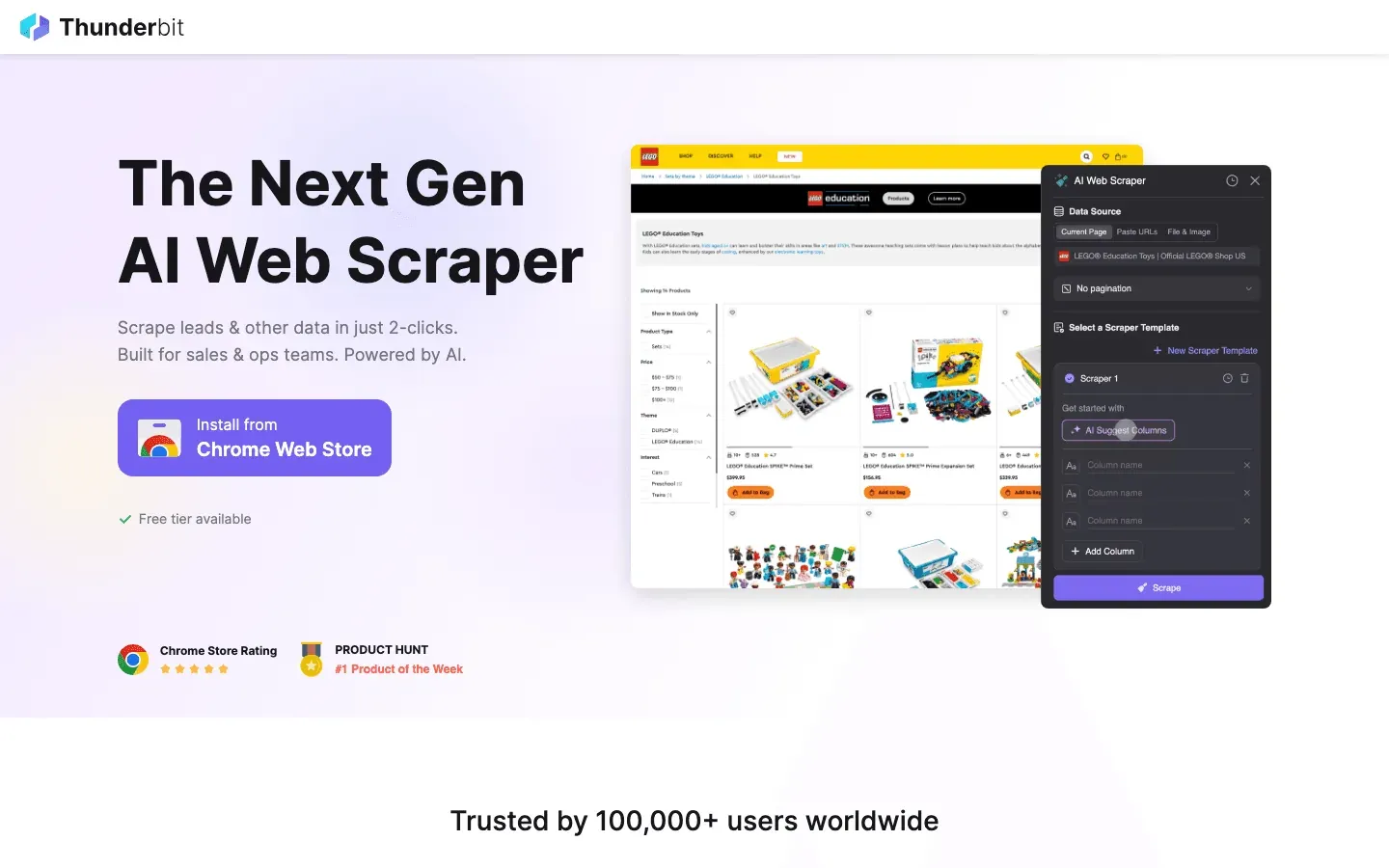 Thunderbit is my top pick for sales teams who need real-time data extraction and lead gen on the go. Unlike traditional CRMs, Thunderbit is an AI-powered web scraper Chrome Extension that lets you grab leads, contact info, and structured data from any website—right from your mobile device or laptop.
Key Features:
- AI Web Scraping: Just tap “AI Suggest Fields” and Thunderbit reads the page, suggests columns, and extracts data instantly.
- Instant Export: Send data directly to Excel, Google Sheets, Airtable, or Notion—no manual entry.
- Subpage Scraping: Need more details? Thunderbit can visit every subpage (like LinkedIn profiles or product pages) and enrich your table automatically.
- Free Contact/Image Extraction: Pull emails, phone numbers, and images from any page with one click.
- Scheduled Scraping: Automate recurring data pulls for price monitoring, lead lists, or competitor tracking.
Pros:
- Easiest-to-use data extraction tool—no code, no templates, just results
- Real-time, accurate data for sales prospecting
- Works on any website, PDF, or image
- Free tier available (scrape up to 6 pages, or 10 with trial boost)
Cons:
- Credit-based pricing (after free tier)
- Best for teams that need web data, not a full CRM
Best For:
Sales teams that rely on web research, lead scraping, or need to capture data from niche sites, directories, or events—especially in fast-moving industries.
Pricing:
Free for up to 6 pages; paid plans start at $15/month for 500 credits. See full pricing.
Mobile Use Case:
Perfect for reps who need to build or update lead lists on the fly, gather contact info at events, or monitor competitor pricing while in the field. Thunderbit’s mobile-friendly interface means you can scrape and export data in seconds—even between meetings.
Try Thunderbit Free for Mobile Sales
2. Salesforce Mobile
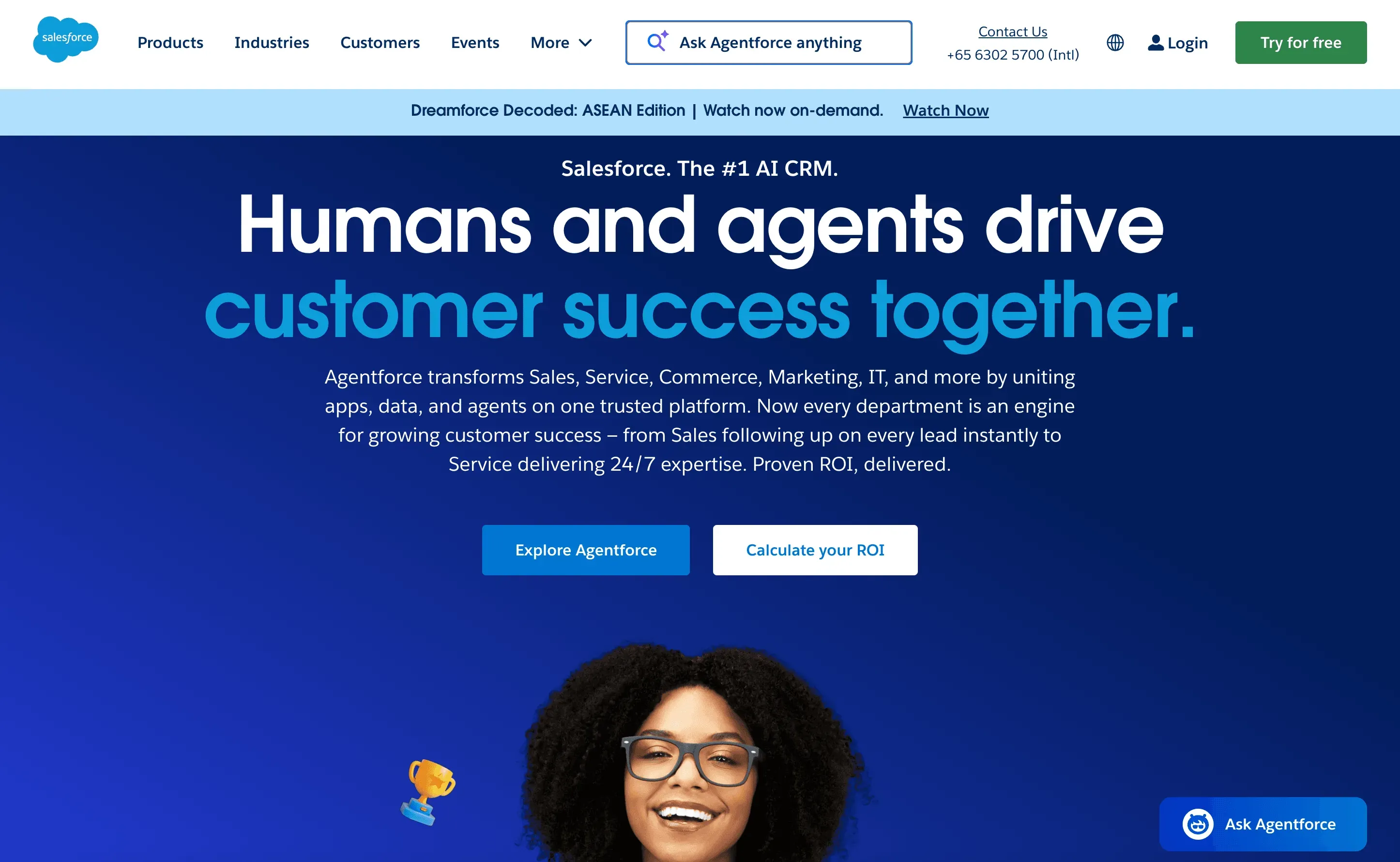 Salesforce Mobile brings the power of the world’s #1 CRM to your pocket. It’s packed with features—deal management, AI insights, voice commands, and a massive integration ecosystem.
Key Features:
- Full CRM access: contacts, deals, tasks, and analytics
- Einstein AI for predictive insights and recommendations
- Voice-activated updates and workflows
- Deep integrations with thousands of business apps
Pros:
- Enterprise-grade customization and scalability
- Advanced analytics and reporting
- Strong compliance and security
Cons:
- Steep learning curve
- Higher cost (plans often start at $25–$75/user/month and can go much higher)
- Can feel overwhelming for small teams
Best For:
Large enterprises, regulated industries, or teams needing advanced reporting and workflow automation.
Mobile Highlights:
Recent updates include improved offline access, customizable dashboards, and AI-powered deal scoring (see what’s new).
3. Microsoft Dynamics 365
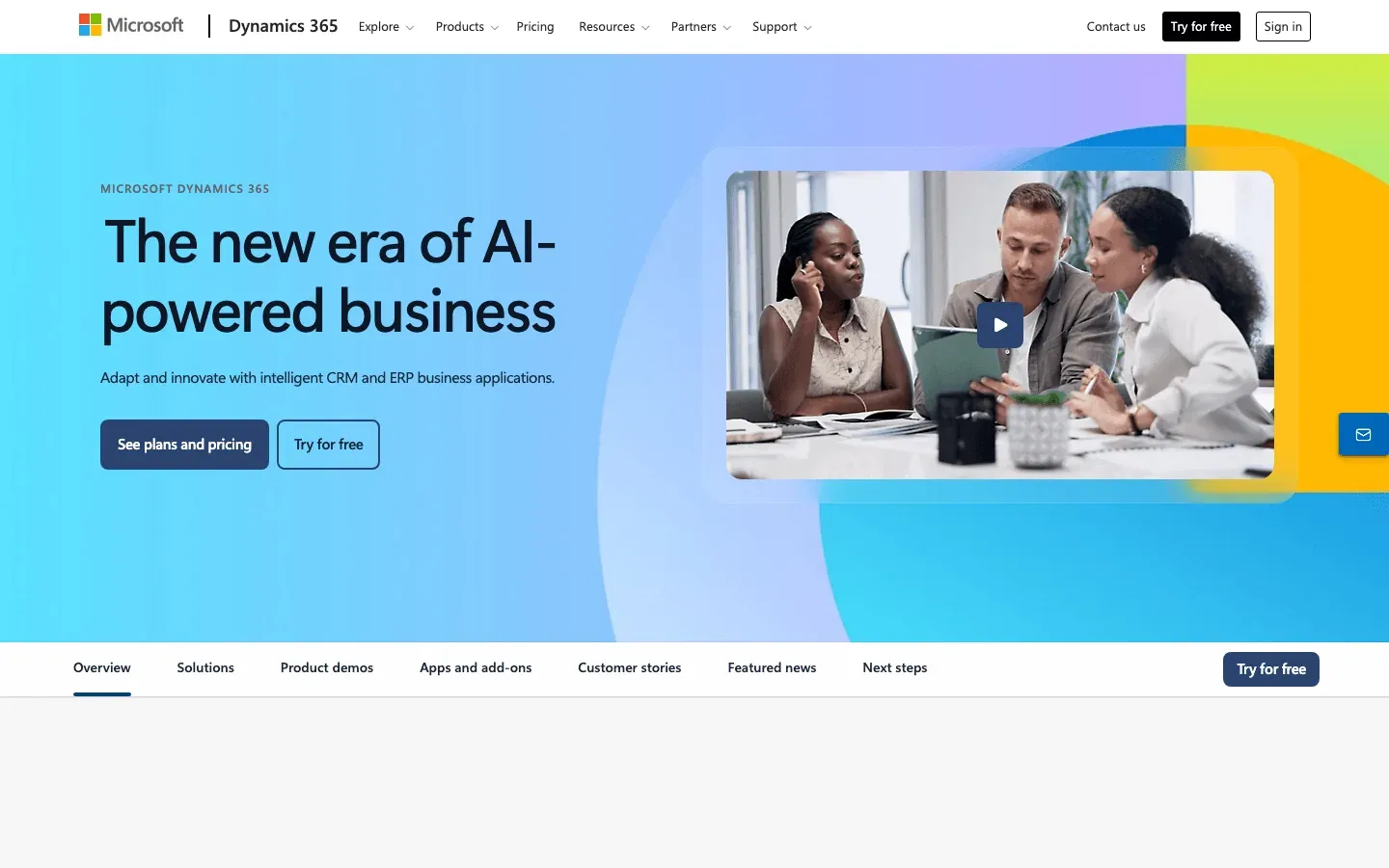 Microsoft Dynamics 365 unifies sales, marketing, and operations in one mobile-friendly platform—especially powerful if your team already lives in the Microsoft ecosystem.
Key Features:
- Mobile CRM with real-time sync
- Workflow automation and AI insights
- Native integration with Outlook, Teams, and Office 365
- Customizable dashboards and fields
Pros:
- Seamless Microsoft integration
- Flexible, customizable workflows
- Strong security and compliance
Cons:
- Complex setup and configuration
- Higher learning curve for new users
Best For:
Organizations using Microsoft tools, or those needing tailored, cross-departmental workflows.
Mobile Highlights:
Mobile app supports offline mode, quick note capture, and real-time updates (more details).
4. Pipedrive
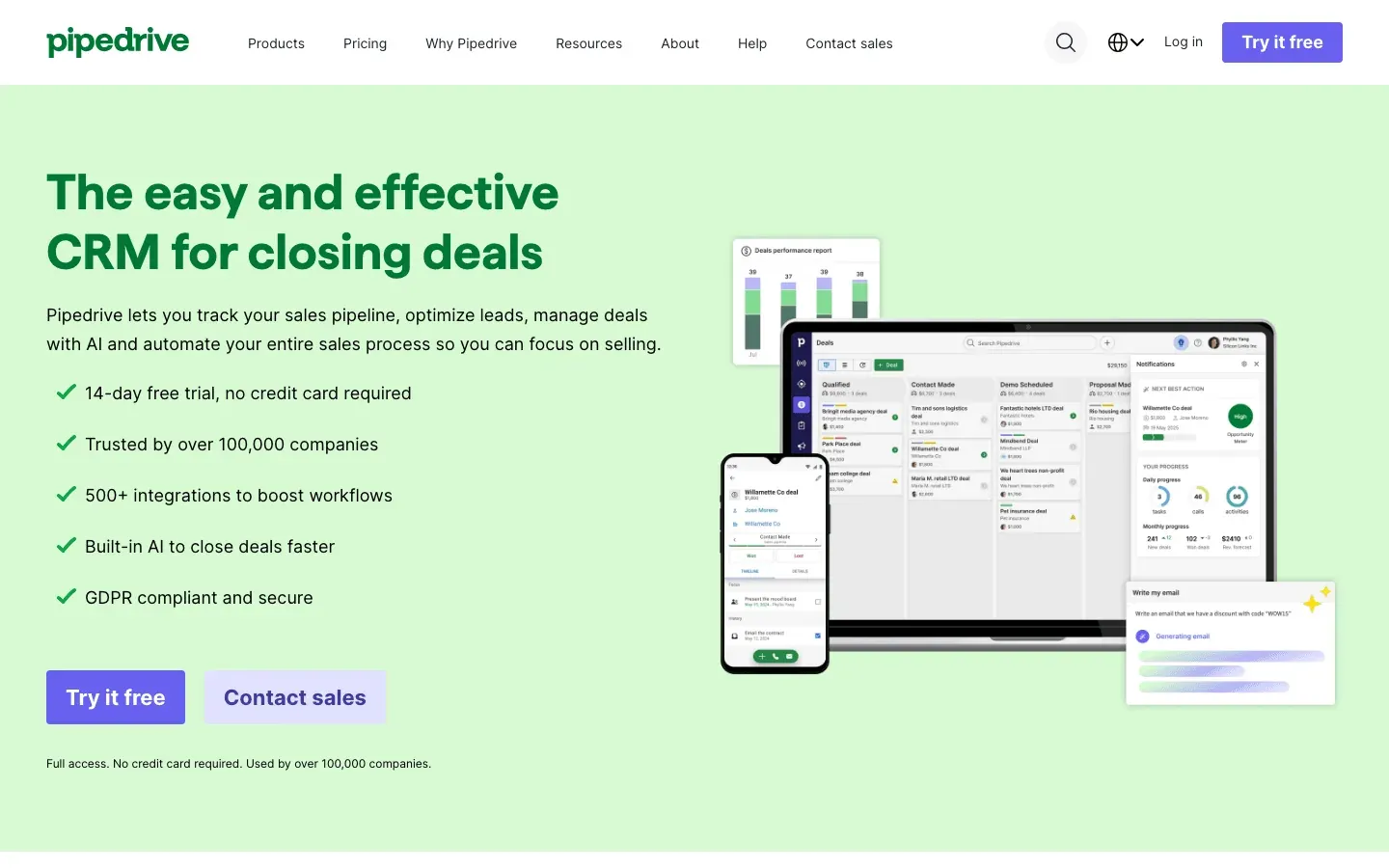 Pipedrive is a favorite for SMBs and visual thinkers. Its mobile app makes pipeline management, activity tracking, and deal updates a breeze.
Key Features:
- Visual sales pipeline and drag-and-drop deal management
- Activity scheduling and reminders
- Real-time sync and offline access
- Integrations with email, calendar, and more
Pros:
- Super simple, intuitive UI
- Affordable (plans start at $14.90/user/month)
- Great for pipeline visibility
Cons:
- Limited advanced reporting
- Basic marketing features
Best For:
Small to mid-sized teams that want a no-fuss, mobile-first CRM.
Mobile Highlights:
App syncs instantly, logs calls/emails, and works offline (see user feedback).
5. HubSpot CRM
 HubSpot CRM is the all-in-one sales and marketing platform with a robust, user-friendly mobile app.
Key Features:
- Contact management, pipeline tracking, and email integration
- Automated workflows and task reminders
- Free plan with core features
- App marketplace for integrations
Pros:
- Free forever plan for small teams
- Easy onboarding and intuitive interface
- Strong marketing-sales integration
Cons:
- Advanced features require paid tiers
- Some limitations on customization
Best For:
Small to mid-sized teams, or businesses wanting an integrated marketing and sales stack.
Mobile Highlights:
Mobile app supports contact updates, deal tracking, and quick note capture.
6. Zoho CRM
 Zoho CRM is known for flexibility, affordability, and a feature-rich mobile app.
Key Features:
- Customizable modules and fields
- Workflow automation and AI insights
- Multi-language support
- Integrations with hundreds of apps
Pros:
- Affordable (plans start at $14/user/month)
- Highly customizable
- Global support and localization
Cons:
- Interface can feel cluttered
- Occasional sync issues
Best For:
SMBs, global teams, or businesses needing tailored workflows.
Mobile Highlights:
App offers offline access, maps integration, and voice notes (see user reviews).
7. Freshsales
 Freshsales is an AI-powered CRM with a modern, mobile-first approach.
Key Features:
- AI lead scoring and deal insights
- Built-in phone, email, and chat
- Multi-channel engagement
- Automation workflows
Pros:
- Intuitive UI and fast onboarding
- Free plan available; paid tiers start at $9/user/month
- Scalable for growing teams
Cons:
- Advanced features in higher tiers
- Some reporting limitations
Best For:
Fast-growing teams, or those wanting AI-driven insights without breaking the bank.
Mobile Highlights:
Mobile app supports geo-tracking, call logging, and AI deal analysis (see full review).
8. Close CRM
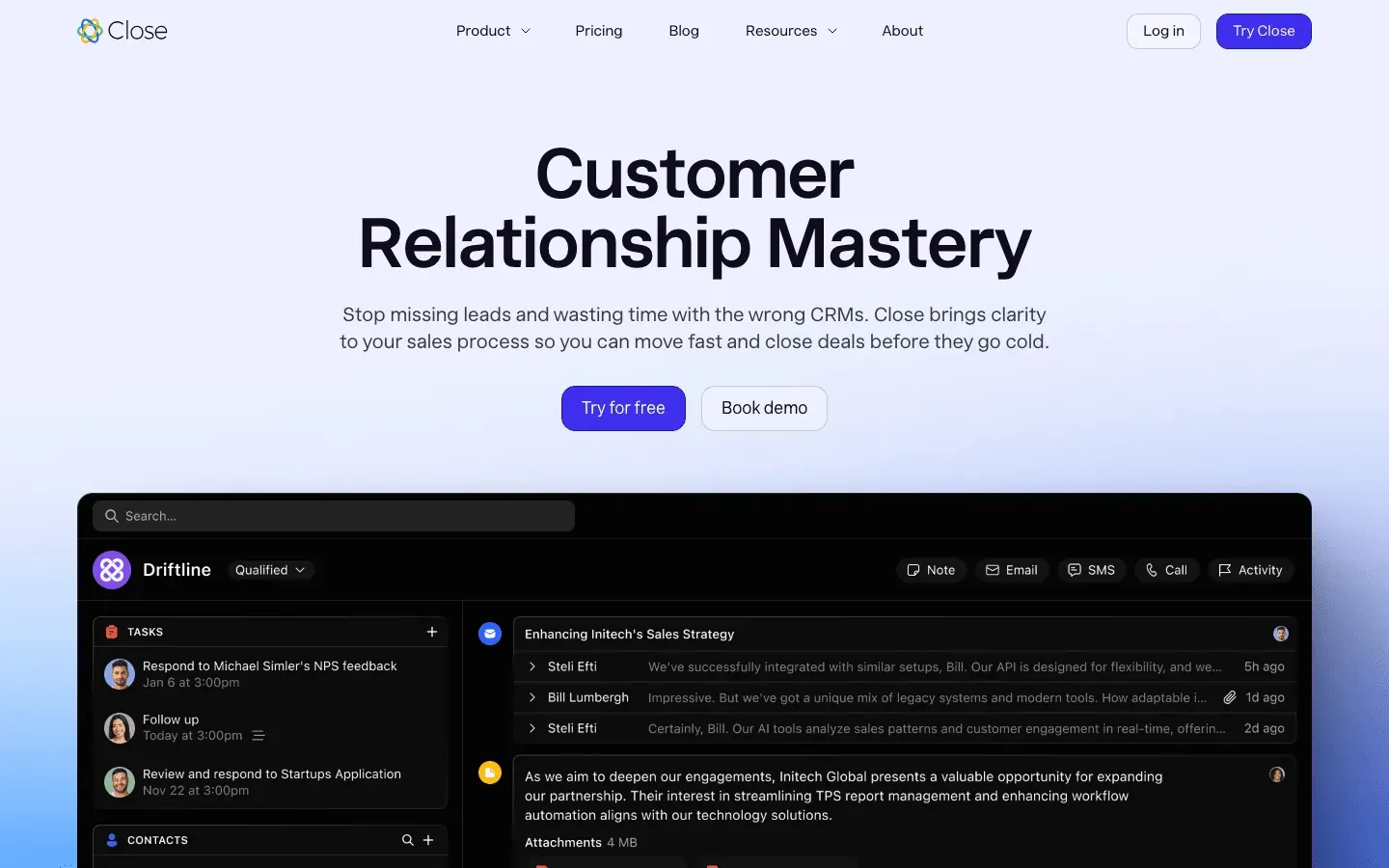 Close CRM is built for sales teams that live on their phones—think calling, texting, and emailing prospects all day.
Key Features:
- Built-in calling, SMS, and email
- Automated follow-ups and sequences
- Real-time reporting
- Mobile-optimized communication tools
Pros:
- Great for inside sales and remote teams
- Powerful automation
- Strong reporting
Cons:
- Limited customization
- Higher starting price ($49/user/month)
Best For:
Inside sales teams, remote reps, or anyone who needs robust communication on mobile.
Mobile Highlights:
App supports call/SMS logging and quick lead updates (see more).
9. Insightly
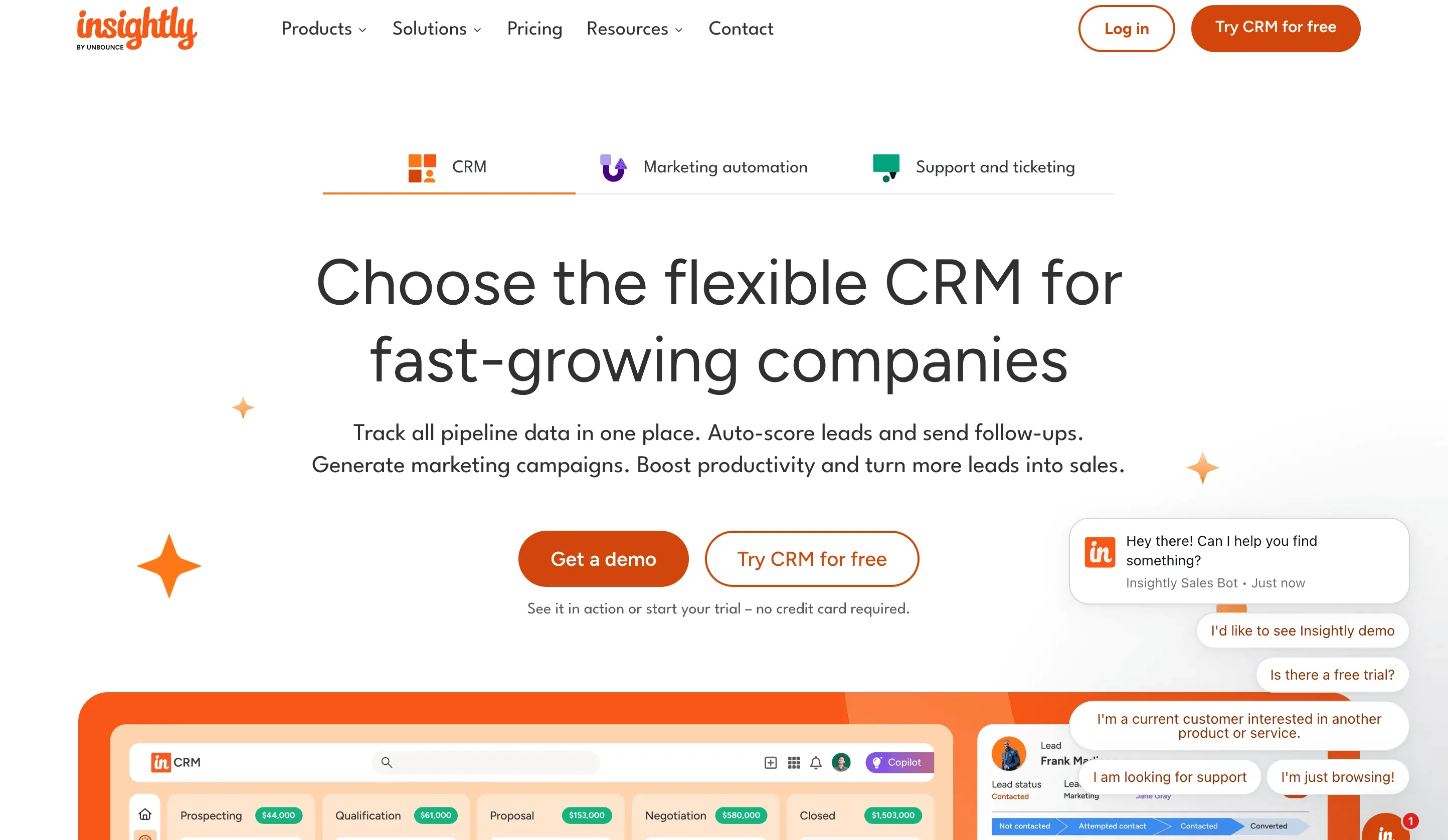 Insightly combines CRM and project management in a mobile-friendly package.
Key Features:
- Contact and project management
- Workflow automation
- Email tracking and templates
- Custom fields and dashboards
Pros:
- Project-sales integration
- User-friendly interface
- Free trial available
Cons:
- Advanced features require higher plans
- Can slow down with large datasets
Best For:
Project-driven sales teams, SMBs, or those needing both CRM and project tools.
Mobile Highlights:
App supports project updates, deal tracking, and workflow approvals (see review).
10. Copper
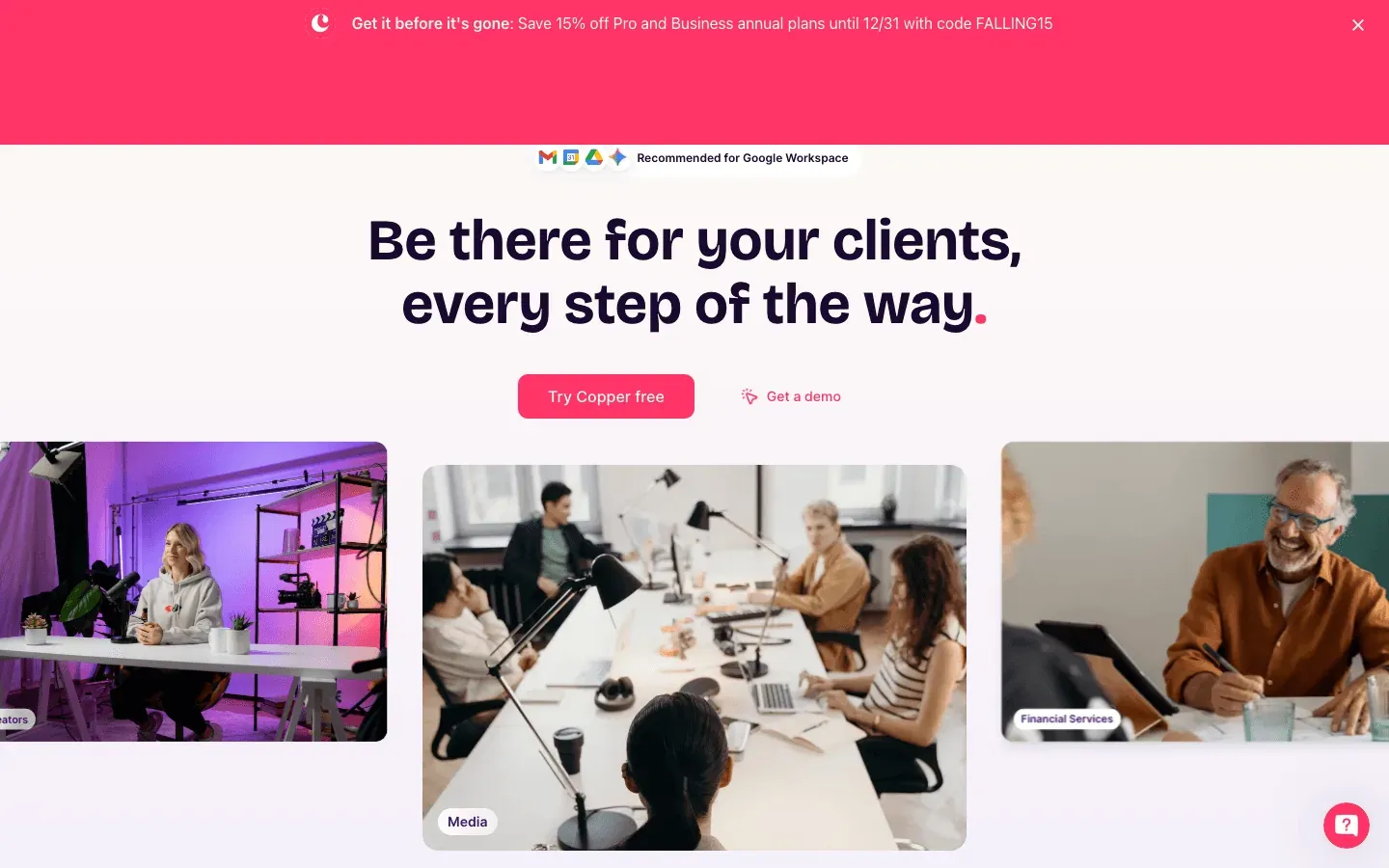 Copper is the go-to CRM for teams using Google Workspace.
Key Features:
- Seamless Gmail and Calendar integration
- Automated data entry
- Workflow automation
- Real-time sync
Pros:
- No learning curve for Google users
- Fast setup
- Strong automation
Cons:
- Limited outside Google ecosystem
- Fewer advanced CRM features
Best For:
Startups, SMBs, or any team living in Google Workspace.
Mobile Highlights:
App lets you manage deals, contacts, and tasks on the go (see user feedback).
11. Nimble CRM
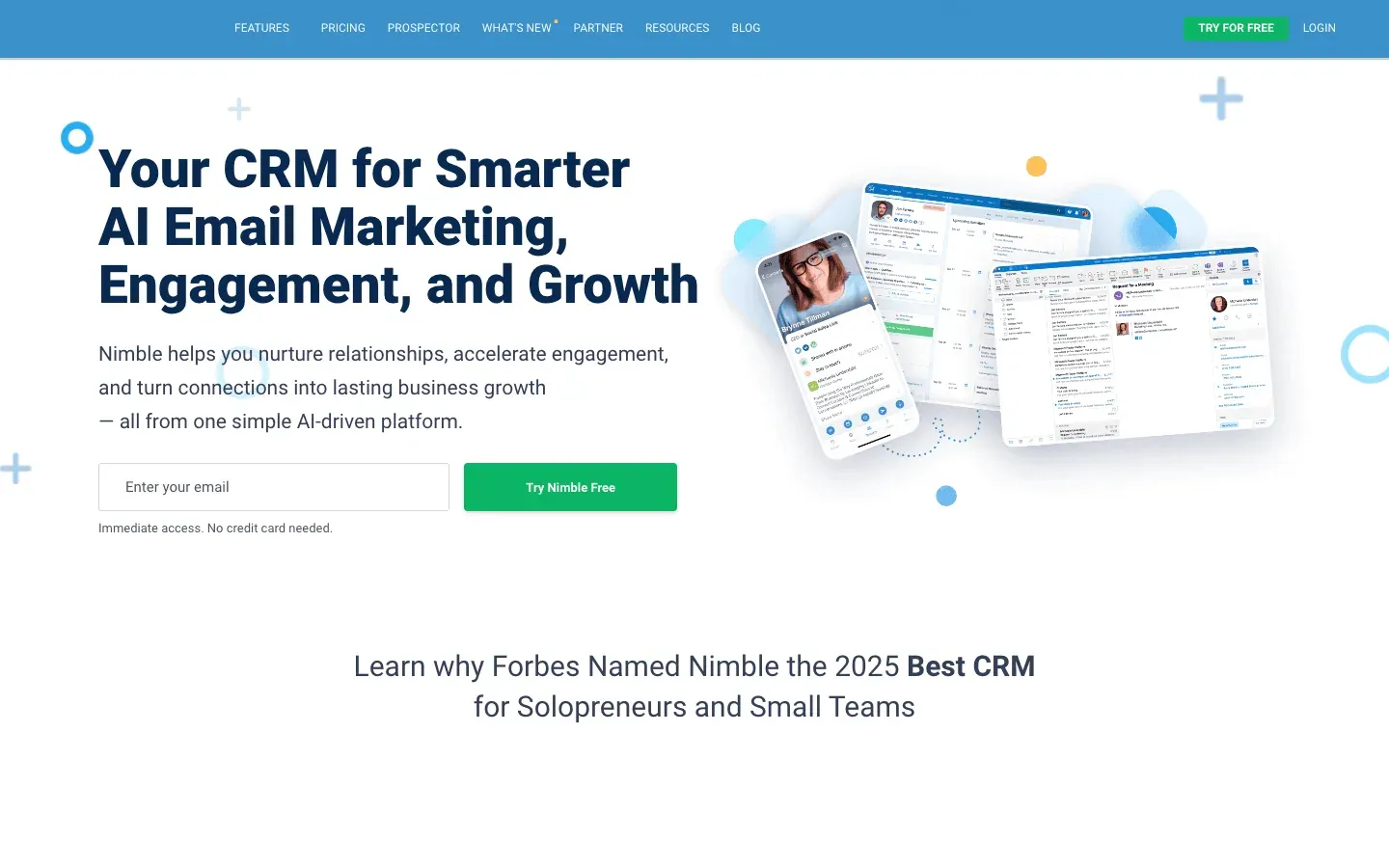 Nimble CRM is all about social selling and relationship management on mobile.
Key Features:
- Social profile enrichment
- Unified contact management
- Relationship tracking
- Email and calendar sync
Pros:
- Social integration for richer insights
- Easy to use
- Affordable ($24.90/user/month)
Cons:
- Limited advanced CRM features
- Weak pipeline management for scaling teams
Best For:
Consultants, relationship-driven sales, or social sellers.
Mobile Highlights:
App pulls in social data and supports quick contact updates (see review).
12. Thryv
 Thryv is a mobile CRM and automation powerhouse for small businesses.
Key Features:
- CRM, marketing automation, and invoicing
- Appointment scheduling
- Payment collection
- Mobile app for contact and task management
Pros:
- All-in-one for small business
- Powerful automation
- Great support
Cons:
- Advanced features get pricey
- Learning curve for automation
Best For:
Small businesses, service providers, or solopreneurs.
Mobile Highlights:
App supports invoicing, scheduling, and contact updates (see review).
13. Monday.com
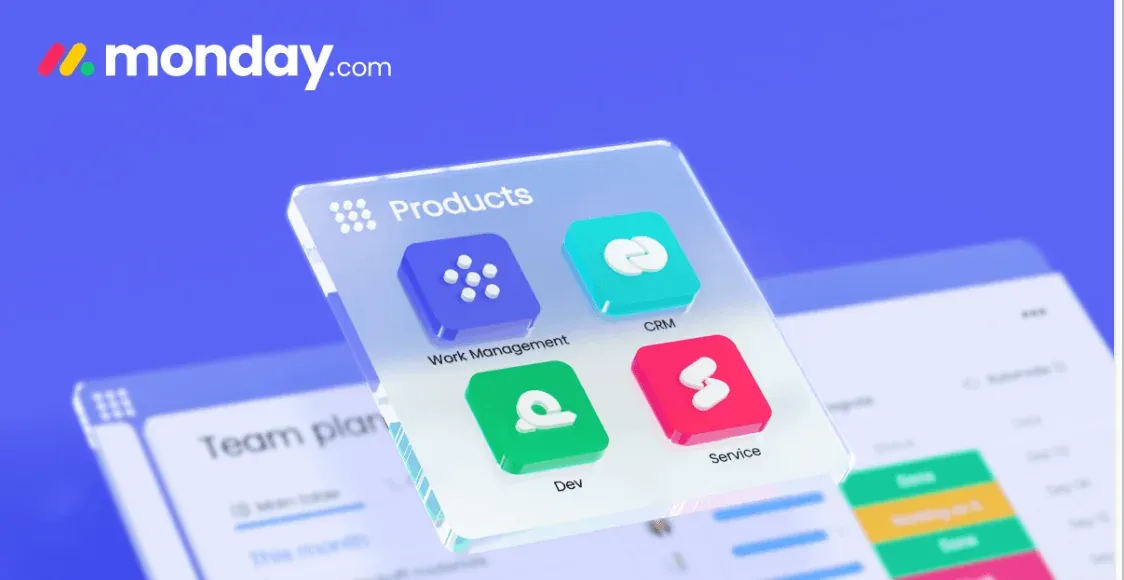 Monday.com is a flexible work OS that doubles as a collaborative sales CRM.
Key Features:
- Customizable boards and pipelines
- Task and project management
- Automation and integrations
- Mobile app for team collaboration
Pros:
- Fully customizable workflows
- Great for cross-team collaboration
- Affordable entry pricing
Cons:
- Reporting limited on basic plans
- Can feel overwhelming for solo users
Best For:
Teams needing flexible, collaborative sales and project management.
Mobile Highlights:
App supports board updates, notifications, and real-time collaboration (see more).
14. Zendesk Sell
 Zendesk Sell is a simple, mobile-first CRM for fast-moving sales teams.
Key Features:
- Contact and deal management
- Automated follow-ups
- Analytics and reporting
- Native Zendesk integration
Pros:
- Clean, simple interface
- Fast onboarding
- Great for support-driven sales
Cons:
- Fewer advanced features
- Limited customization
Best For:
SMBs, support-driven sales, or teams already using Zendesk.
Mobile Highlights:
App supports quick deal updates and automated reminders (see review).
15. SalesLoft
 SalesLoft is the mobile sales engagement platform for outbound teams.
Key Features:
- Multi-channel cadences (email, call, SMS)
- AI-powered analytics
- Workflow automation
- Mobile app for engagement tracking
Pros:
- Powerful automation and analytics
- Great for large, outbound teams
- Multi-channel support
Cons:
- Higher price point
- Learning curve for new users
Best For:
Enterprise or outbound sales teams needing advanced engagement tools.
Mobile Highlights:
App supports cadence management and real-time engagement insights (see review).
16. Claritysoft
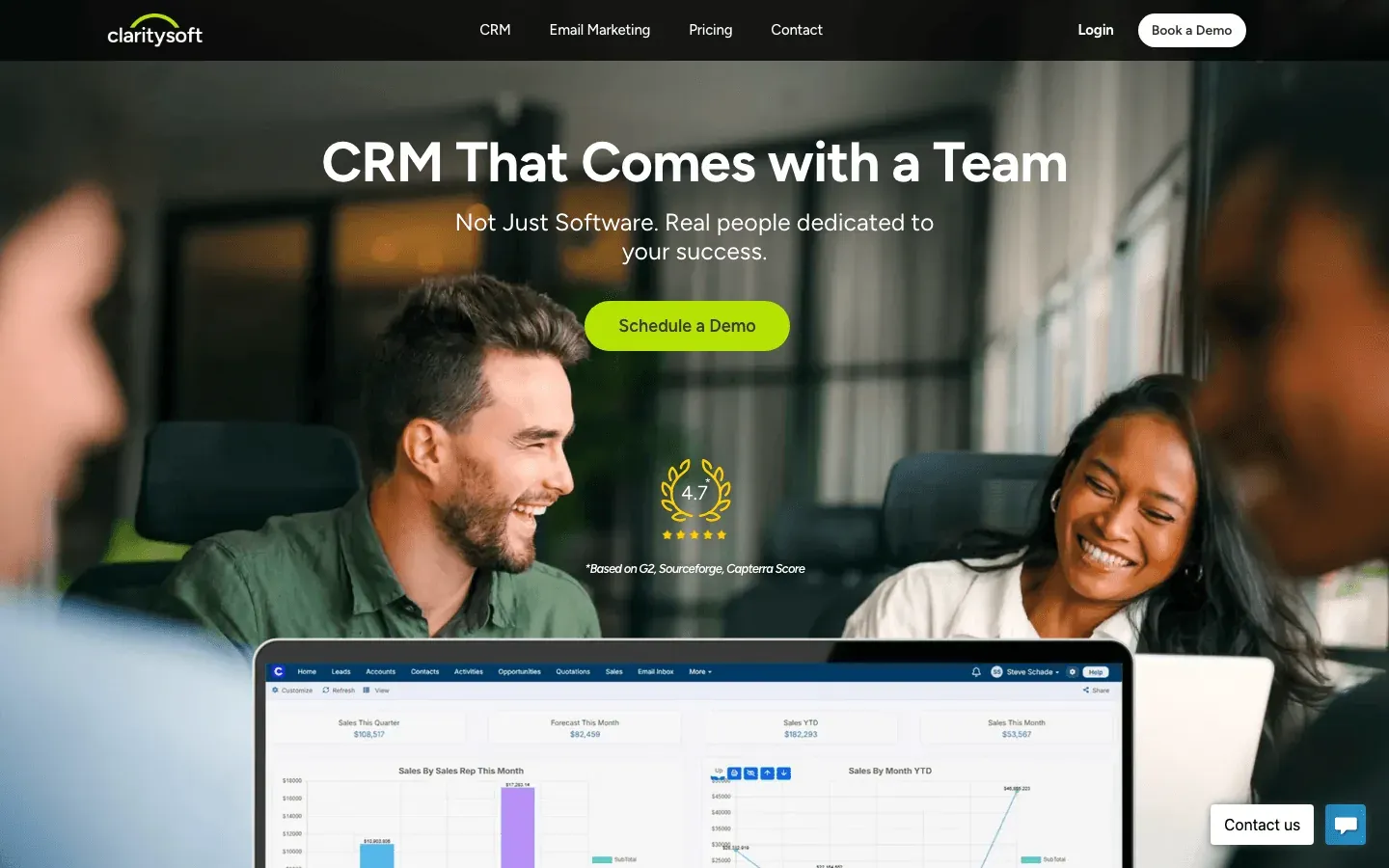 Claritysoft is an all-in-one CRM with a mobile app built for SMBs.
Key Features:
- Contact, pipeline, and task management
- Reporting and analytics
- Email integration
- Mobile app for on-the-go updates
Pros:
- Affordable and easy to use
- Unified CRM features
- Good support
Cons:
- Less advanced automation
- Mobile app less robust than some competitors
Best For:
SMBs wanting a unified, affordable CRM.
Mobile Highlights:
App supports contact and deal updates, but some users want deeper features (see reviews).
17. Creatio CRM
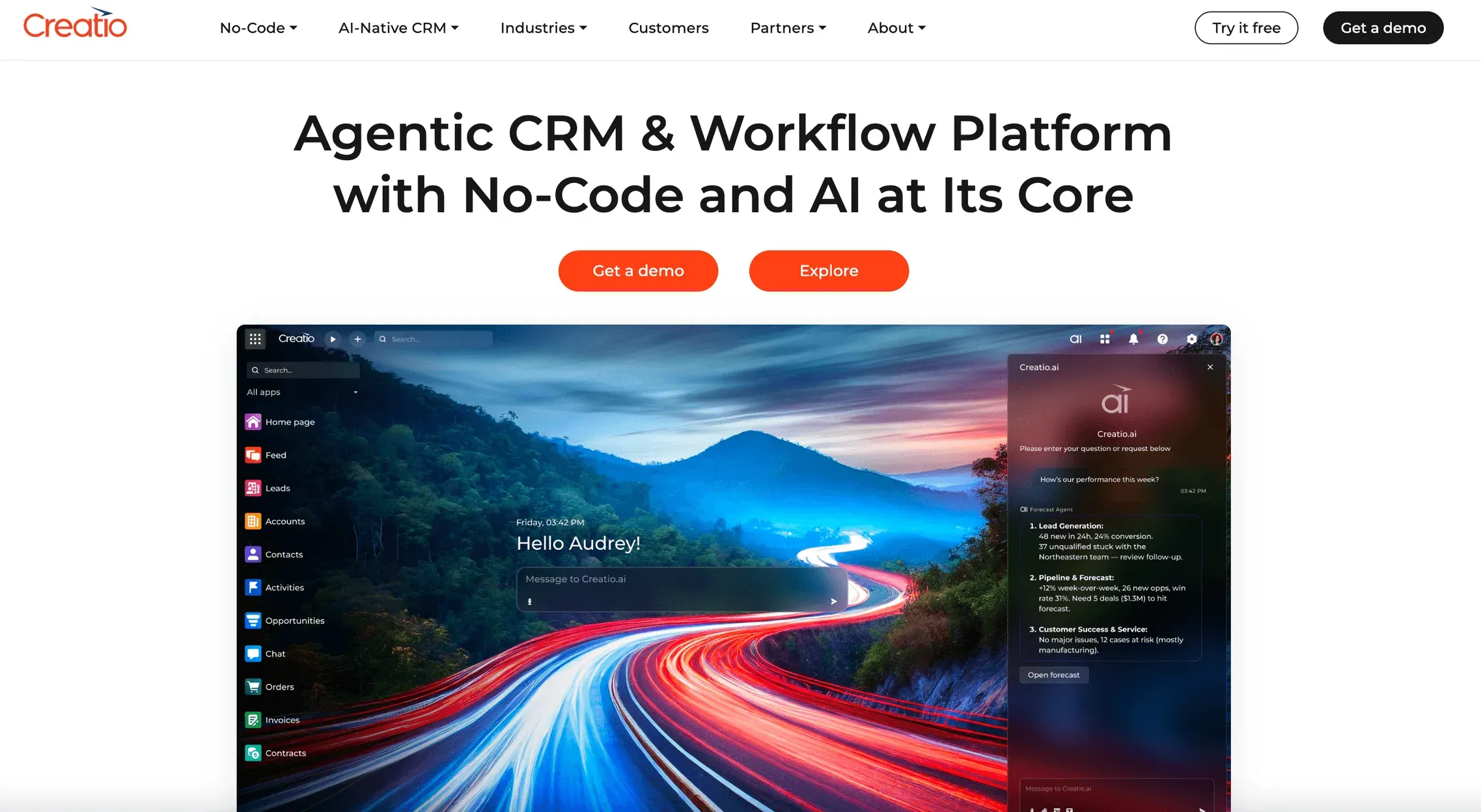 Creatio CRM is a no-code automation platform with a powerful mobile app.
Key Features:
- No-code workflow automation
- Customizable CRM modules
- AI-powered insights
- Mobile app for process management
Pros:
- Highly customizable
- Powerful automation
- Great for IT-light teams
Cons:
- Setup can be complex
- Higher learning curve
Best For:
Businesses needing tailored processes and automation without heavy IT support.
Mobile Highlights:
App supports workflow approvals, custom dashboards, and process tracking (see review).
18. Apptivo CRM
 Apptivo CRM is a modular, customizable CRM with a strong mobile app.
Key Features:
- Modular apps for CRM, project, and invoicing
- Custom fields and workflows
- Affordable pricing
- Mobile app for all modules
Pros:
- Highly customizable
- Great value for the price
- Wide range of integrations
Cons:
- UI can be complex
- Some features require setup
Best For:
Businesses with unique requirements or multi-industry teams.
Mobile Highlights:
App supports all modules and real-time updates (see review).
19. PipelineDeals
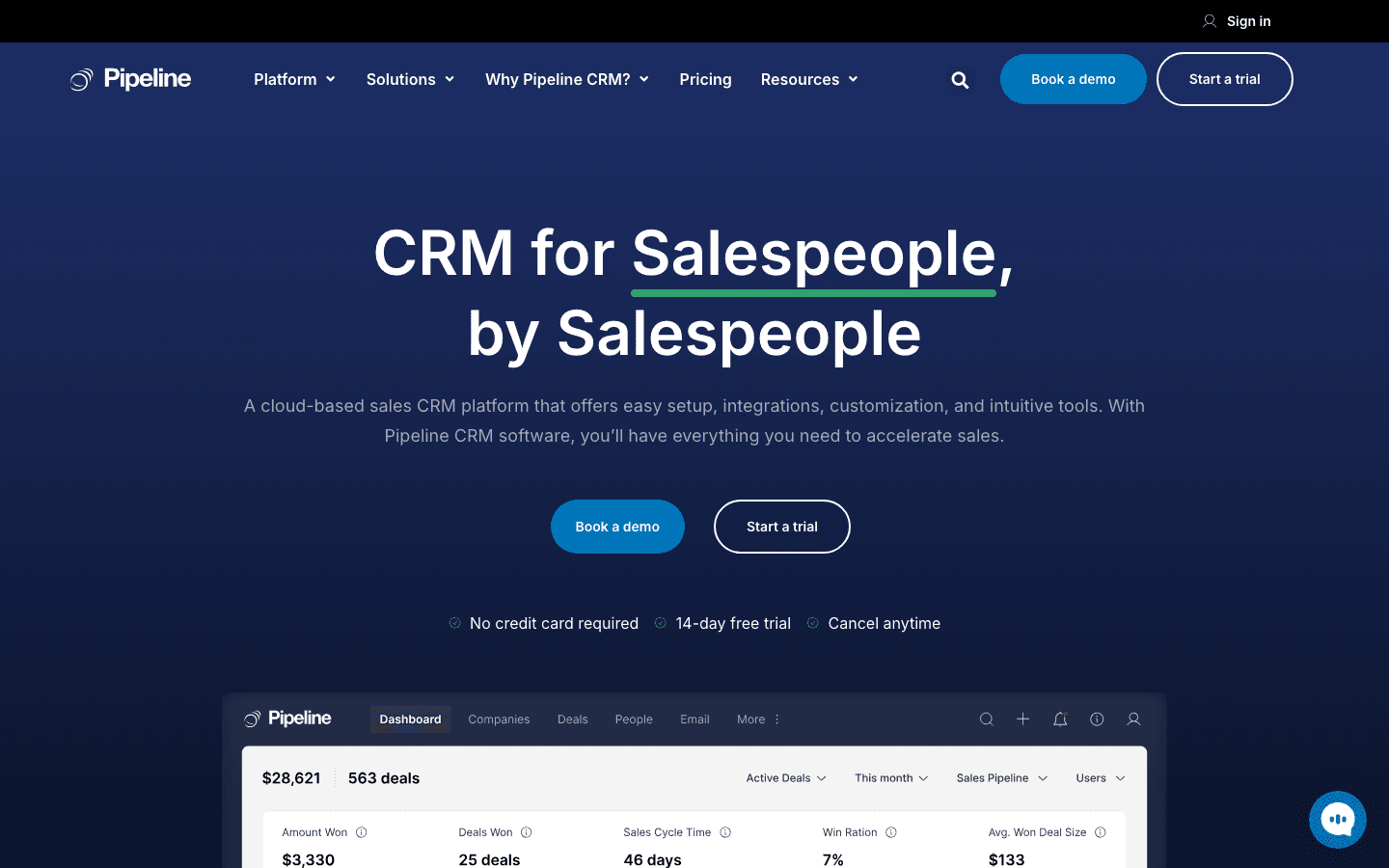 PipelineDeals is a pipeline-focused CRM with a simple, effective mobile app.
Key Features:
- Visual pipeline management
- Task and activity tracking
- Reporting and analytics
- Mobile app for deal updates
Pros:
- Pipeline-first design
- Simple and intuitive
- Affordable pricing
Cons:
- Limited advanced features
- Fewer integrations
Best For:
Sales teams prioritizing pipeline visibility and simplicity.
Mobile Highlights:
App supports quick deal updates and activity tracking (see reviews).
20. Nutshell
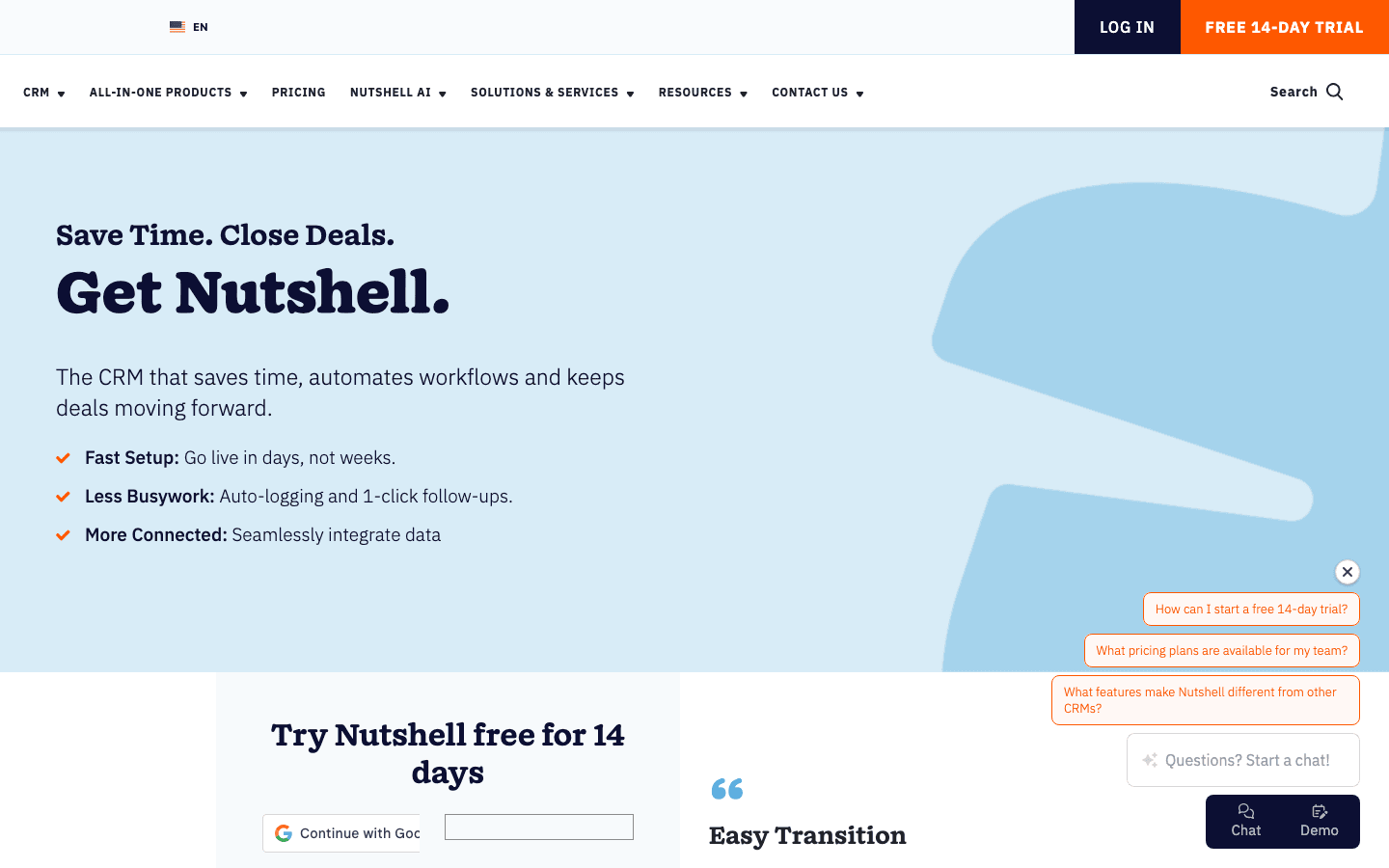 Nutshell is a user-friendly CRM with a mobile app designed for growing teams.
Key Features:
- Contact and deal management
- Reporting and automation
- Easy onboarding
- Mobile app for all features
Pros:
- Super easy to use
- Great onboarding and support
- Affordable for SMBs
Cons:
- Limited integrations
- Fewer advanced features
Best For:
Growing SMBs or teams new to CRM.
Mobile Highlights:
App supports contact, deal, and task management (see reviews).
21. Less Annoying CRM
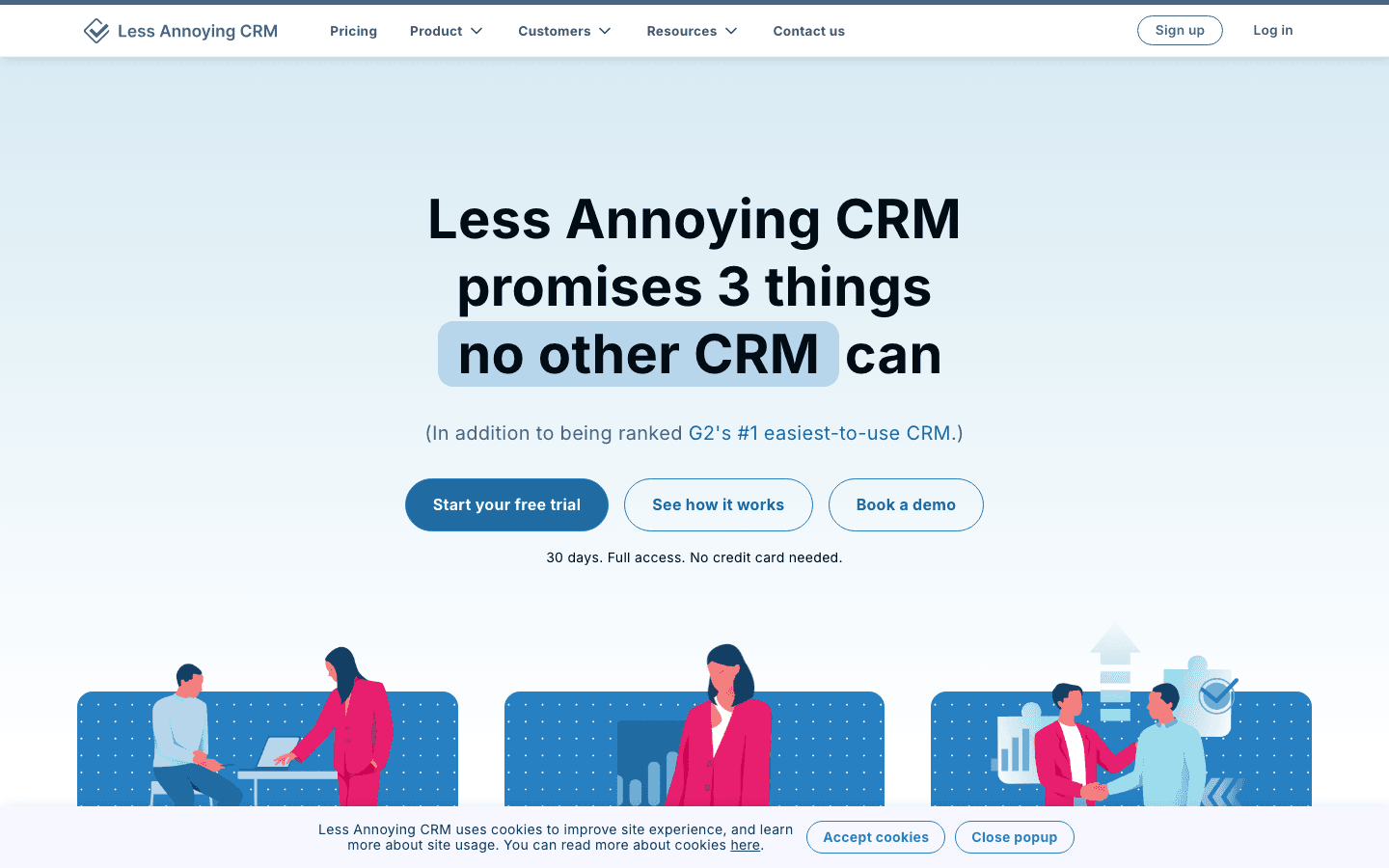 Less Annoying CRM is exactly what it sounds like: a simple, affordable CRM with a clean mobile interface.
Key Features:
- Contact and pipeline management
- Task tracking
- Mobile-friendly web app
- Low monthly cost ($15/user/month)
Pros:
- Super simple and fast onboarding
- Low cost
- Great support
Cons:
- Limited advanced features
- No native mobile app (web app is mobile-optimized)
Best For:
Micro-businesses, solo reps, or anyone who wants a no-fuss CRM.
Mobile Highlights:
Mobile web app supports all core features (see review).
22. Vtiger CRM
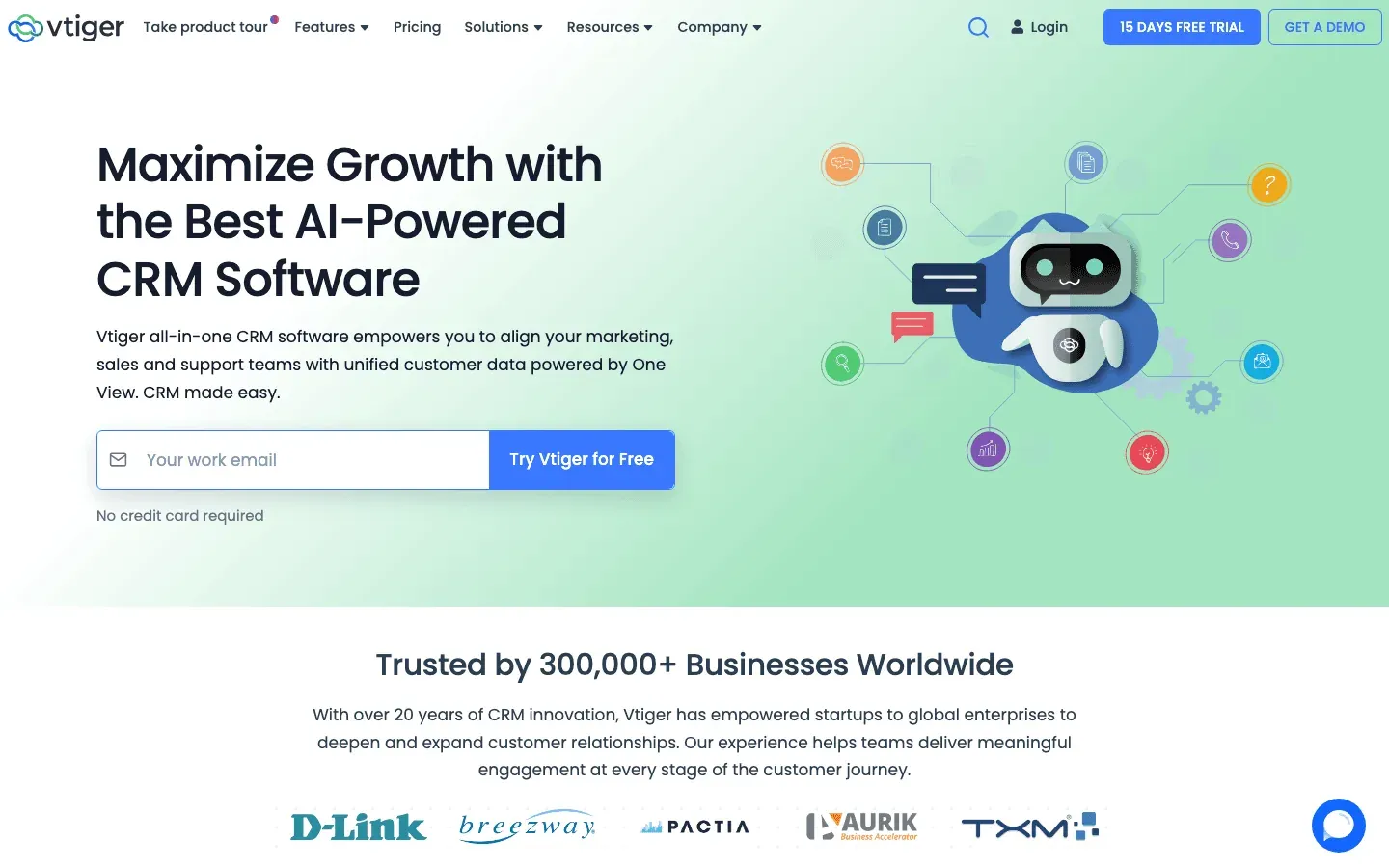 Vtiger CRM is a feature-rich, all-in-one CRM with a powerful mobile app.
Key Features:
- Contact, deal, and project management
- Automation and multi-channel support
- Custom fields and dashboards
- Mobile app for all features
Pros:
- Deep feature set
- Highly customizable
- Affordable for the features
Cons:
- Learning curve for new users
- Can feel overwhelming for small teams
Best For:
Businesses needing comprehensive CRM capabilities and automation.
Mobile Highlights:
App supports full CRM access, automation, and analytics (see reviews).
Mobile Sales Tools Comparison Table
| Tool | Key Features | Pros | Cons | Best For | Pricing (Starting) |
|---|---|---|---|---|---|
| Thunderbit | AI web scraping, instant export, subpage scraping | Easiest data extraction, real-time, mobile-friendly | Credit-based pricing, not a full CRM | Web data-driven sales, lead gen | Free, $15/mo+ |
| Salesforce Mobile | Full CRM, AI, voice, integrations | Enterprise-grade, analytics | Learning curve, cost | Enterprises, regulated | $25–$75/user/mo+ |
| Microsoft Dynamics 365 | Mobile CRM, workflow automation, MS integration | Customizable, secure | Complex setup | MS-based orgs | $65/user/mo+ |
| Pipedrive | Visual pipeline, offline access | Simple, affordable | Basic reporting | SMBs, pipeline-focused | $14.90/user/mo |
| HubSpot CRM | All-in-one, free plan, automation | Free, easy, integrated | Paid tiers for more | SMBs, marketing-sales | Free, $20/user/mo+ |
| Zoho CRM | Customizable, automation, global | Affordable, flexible | Cluttered UI | SMBs, global teams | $14/user/mo |
| Freshsales | AI scoring, built-in comms | Intuitive, scalable | Advanced in higher tiers | Growing teams, AI-driven | Free, $9/user/mo+ |
| Close CRM | Calling/SMS/email, automation | Communication-focused | Less customization | Inside/remote sales | $49/user/mo |
| Insightly | CRM + project mgmt, automation | Project-sales combo | Advanced in higher plans | Project-driven teams | $29/user/mo |
| Copper | Google integration, automation | Easy for Google users | Limited outside Google | Google-based teams | $23/user/mo |
| Nimble CRM | Social insights, contact mgmt | Social integration | Basic CRM features | Consultants, social | $24.90/user/mo |
| Keap | CRM, automation, invoicing | All-in-one, automation | Pricey advanced plans | Small biz, services | $24/user/mo |
| Monday.com | Custom boards, collab, automation | Customizable, collab | Reporting in basic | Flexible teams | $10/user/mo |
| Zendesk Sell | Simple CRM, automation, Zendesk | Simple, fast onboarding | Fewer features | SMBs, Zendesk users | $19/user/mo |
| SalesLoft | Multi-channel, AI, automation | Engagement, analytics | Price, learning curve | Outbound, enterprise | $75/user/mo |
| Claritysoft | All-in-one, reporting | Affordable, unified | Less automation | SMBs | $39/user/mo |
| Creatio CRM | No-code automation, custom CRM | Customizable, powerful | Setup complexity | Tailored workflows | $25/user/mo |
| Apptivo CRM | Modular, customizable, integrations | Customizable, value | Complex UI | Unique/multi-industry | $8/user/mo |
| PipelineDeals | Pipeline mgmt, task tracking | Simple, pipeline-first | Limited features | Pipeline-focused teams | $29/user/mo |
| Nutshell | User-friendly, automation | Easy, onboarding | Limited integrations | Growing SMBs | $19/user/mo |
| Less Annoying CRM | Simple CRM, task mgmt | Simple, low cost | Basic features | Micro-biz, solo reps | $15/user/mo |
| Vtiger CRM | Feature-rich, automation, analytics | Deep features, customizable | Learning curve | All sizes, automation | $30/user/mo |
How to Choose the Right Mobile Sales Tool for Your Team
Best AI Web Scraper Tools in 2025 Get Started Free
Picking the right tool isn’t about finding the “most features”—it’s about matching your workflow, team size, and sales style. Here’s what I recommend:
- Need real-time data extraction and lead gen? Go with Thunderbit—especially if your sales strategy relies on web research, scraping, or rapid data capture.
- Want deep CRM and compliance? Salesforce Mobile or Microsoft Dynamics 365 are your best bets.
- Running a small or mid-sized team? Freshsales and Zoho CRM offer great value and easy onboarding.
- Need flexible project-sales workflows? Monday.com and Zendesk Sell are strong picks.
- On Google Workspace? Copper is purpose-built for you.
- Solo or micro-business? Less Annoying CRM keeps things simple and affordable.
Questions to ask:
- Does it integrate with my existing tools (email, calendar, marketing)?
- Is the mobile app easy to use and reliable?
- Can I automate repetitive tasks or data entry?
- What’s my budget—and will I outgrow the tool soon?
- Do I need real-time web data, deep CRM, or both?
Trial periods and free plans are your friend—test a few, get your team’s feedback, and see which one actually makes your day easier.
Conclusion: Elevate Your Sales Team with the Right Mobile Tools
Mobile sales tools aren’t just a trend—they’re the backbone of high-performing sales teams in 2026. From real-time data extraction with Thunderbit to robust CRM platforms like Salesforce and intuitive tools for SMBs, there’s never been a better time to upgrade your sales stack.
My advice? Start by mapping your workflow, pick a tool (or two) to trial, and see how much more you can accomplish when your sales process fits in your pocket. And if you’re ready to supercharge your lead gen and data capture, give Thunderbit’s free tier a spin—you might just wonder how you ever lived without it.
For more tips, deep dives, and sales automation guides, check out the Thunderbit Blog.
Try Thunderbit AI Web Scraper for Sales Get Started Free
FAQs
1. Why are mobile sales tools so important in 2026?
Mobile sales tools let reps update deals, capture leads, and respond to prospects in real time—no matter where they are. This leads to faster sales cycles, improved data accuracy, and more deals closed (SPOTIO).
2. What makes Thunderbit different from traditional CRMs?
Thunderbit is focused on real-time data extraction and web scraping, not just CRM. It lets you grab leads, emails, and structured data from any site—ideal for teams that rely on web research or need to build lead lists fast (Thunderbit Blog).
3. Which mobile sales tool is best for small businesses?
Freshsales, Zoho CRM, and Less Annoying CRM are all affordable, easy to use, and designed for SMBs.
4. How do I choose between a full CRM and a specialized tool like Thunderbit?
If you need deep customer management, reporting, and automation, go with a full CRM. If your workflow depends on capturing and using web data, Thunderbit is a must-have. Many teams use both together.
5. Are there free mobile sales tools available?
Yes! Thunderbit, HubSpot CRM, and Freshsales all offer free plans or trials—perfect for testing before you commit.
Ready to take your sales process mobile? Try a few of these tools, and watch your productivity (and your pipeline) soar.
Learn More




