
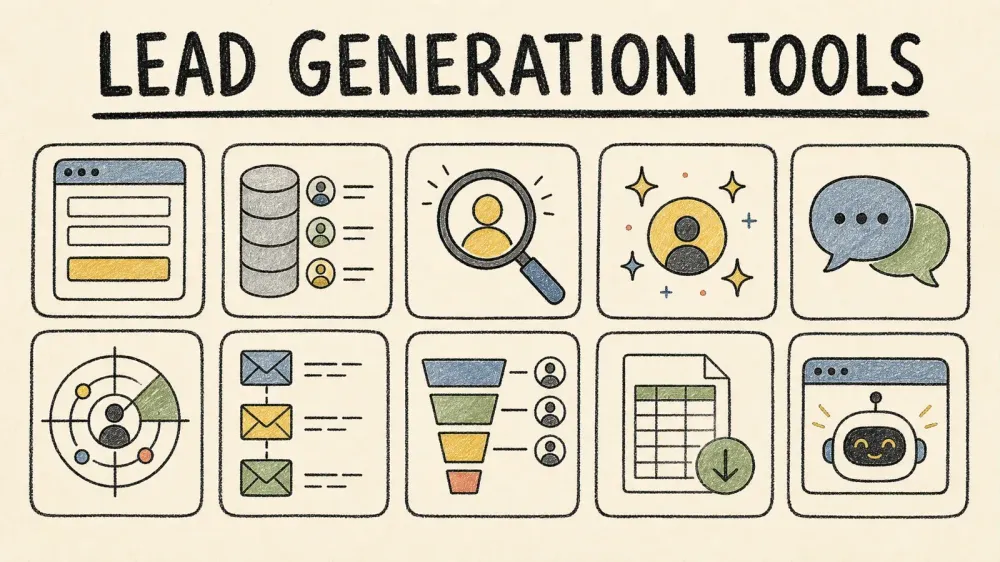
Six years ago, "lead generation software" basically meant a contact form and a spreadsheet. Now the wider marketing-technology landscape contains 15,384 products, and lead-generation buyers face seat pricing, credits, traffic limits, outcome fees, introductory discounts, and custom quotes. I compared ten tools that recur across buyer shortlists, checked their live pricing pages, and sorted them by something most rankings overlook: your team size and your actual budget.
There is no sensible "best overall" pick here. A five-person outbound team and a solo content creator building an email list have almost nothing in common, and pretending one tool wins for both is how you end up overpaying for features you'll never touch. A more useful approach is to map the tools across capture, prospecting data, enrichment, engagement, and automation, then match the category to the job.
Lead Generation Tools 101: The 5 Categories You Should Know Before You Buy
Here's something that bugged me while researching the category: every major roundup uses a different taxonomy. G2 splits the category into Lead Capture, Lead Intelligence, Lead Mining, Lead Scoring, and Visitor Identification, while CRM and sales engagement tools sit in entirely separate buckets on its site. Other sources use three "layers." None of it lines up, which makes cross-vendor comparison harder than it needs to be.
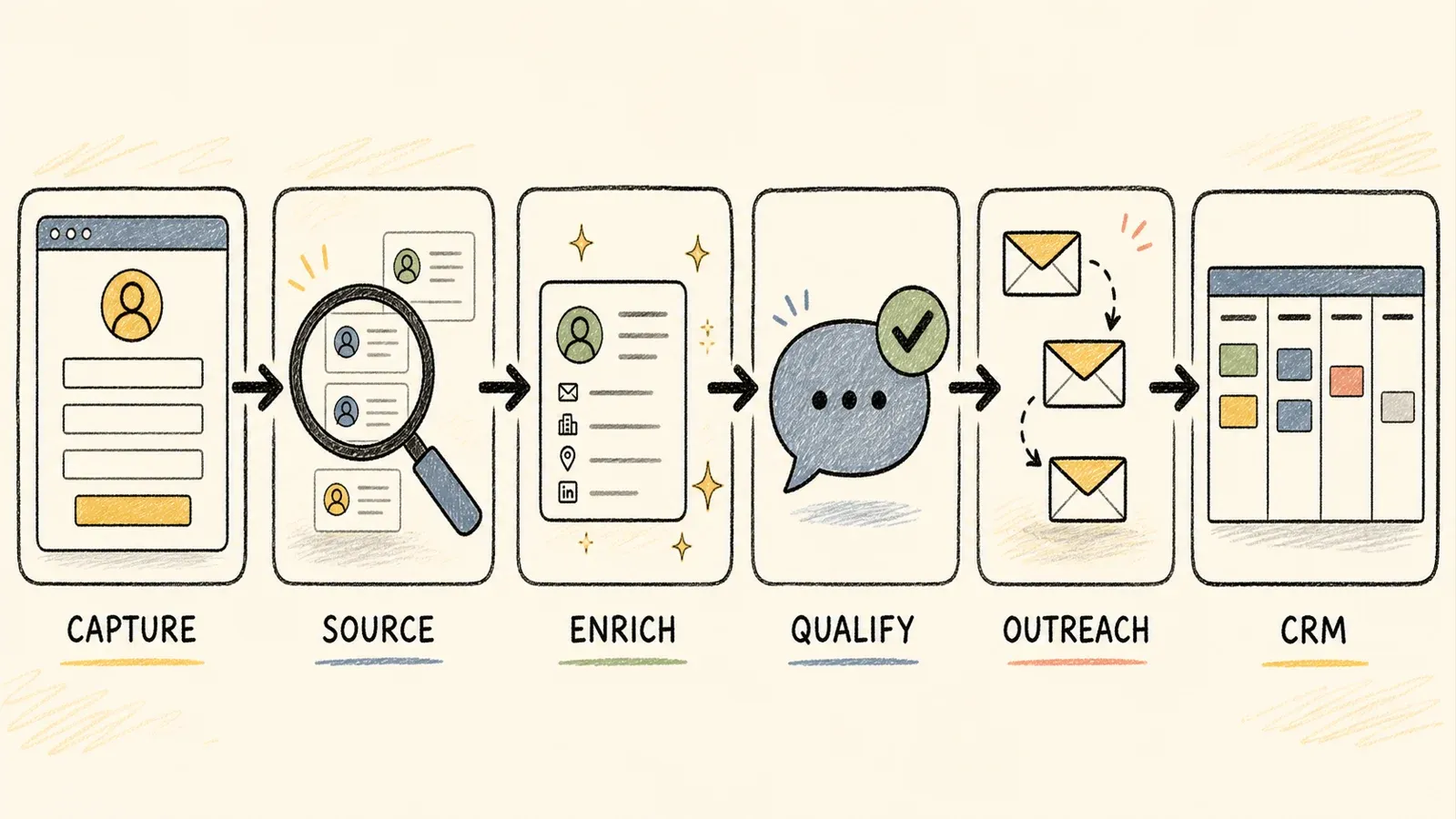
The framework below uses five categories and one primary tag per tool:
- Capture — turns an inbound visitor or form fill into a record (think HubSpot forms, OptinMonster popups)
- Prospecting/Data — searches an external universe of contacts you don't already have (Apollo, ZoomInfo, Cognism, Sales Navigator)
- Enrichment — adds or verifies attributes on records you already have
- Engagement/Qualification — talks to leads and routes or scores them (Intercom, sequencing tools)
- Automation/Orchestration — coordinates triggers, routing, and handoffs across systems
Most tools have secondary functions bleeding into other categories (Apollo does prospecting and enrichment and outreach), but every tool below gets exactly one primary tag in the comparison table, so you're not left guessing what job it's actually built to do.
How We Chose the Top Lead Generation Tools for This List
Ranking these products by abstract "quality" would be a fool's errand when the comparison includes both chat software and contact databases. Instead, each tool is evaluated on seven things: primary category fit, pricing transparency, free tier or trial availability, data accuracy signals with appropriate caveats, integration depth with CRMs and spreadsheets, setup effort for non-technical users, and how much AI or automation actually happens versus simply storing names in a database.
This matters more than it sounds. G2's 2026 Buyer Behavior Report, surveying over a thousand B2B software decision-makers, found that evaluation was the longest stage of the buying process for 40% of them — longer than research (36%) or the final decision itself (22%). People aren't stuck deciding what they want. They're stuck comparing vague claims against each other. Every price point below was checked against the vendor's live pricing page, and wherever a company only offers "custom quote," the comparison says exactly that instead of guessing a tidier number.
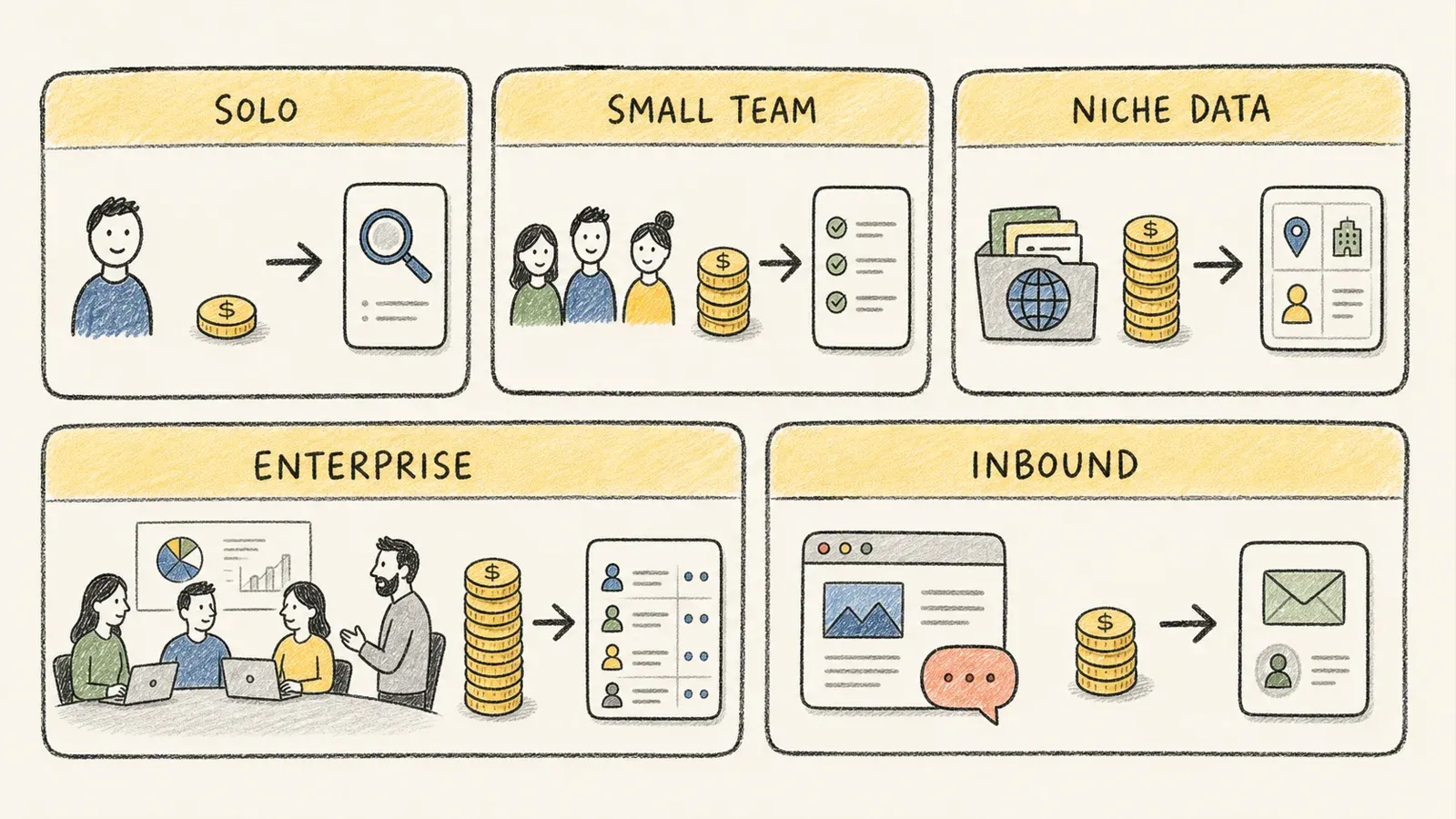
Quick Decision Guide: Best Lead Generation Tools by Team Size and Budget
Skip the scrolling if you already know your situation. Here's the shortcut:
| If you are... | Start with |
|---|---|
| Solopreneur / bootstrapped | HubSpot Free, OptinMonster |
| Small B2B sales team (1–10 reps) | Apollo.io, Instantly.ai |
| Team needing custom/niche data no database covers | Thunderbit (build your own dataset) |
| Enterprise with dedicated SDR org | ZoomInfo, Cognism |
| Content/inbound-heavy site | Leadfeeder, Intercom |
The logic behind each pairing is pretty simple once you see it. A solopreneur doesn't have budget for a data license and doesn't need one — they need a free CRM and a way to convert the traffic they already have. A small outbound team needs contacts and a way to reach them without buying two separate systems. Enterprise SDR orgs need volume and intent data that only a quote-based database can realistically deliver at scale. And if your ideal customer lives on some niche directory or marketplace that ZoomInfo has never heard of, no prepackaged database is going to solve that — you need something that can go extract it directly.
1. HubSpot: Best All-in-One Lead Generation Platform for Small Teams
HubSpot bundles a CRM, web forms, landing pages, and basic email follow-up into one system, which is exactly why it appears so often in small-team recommendations. Form submissions automatically create or update contact records, so a two-person team can run capture-to-CRM without stitching three tools together.
- Permanent free plan for up to 2 users and 1,000 contacts
- One automatic follow-up email workflow per form, included free
- Gmail, Outlook, and Microsoft Exchange connections on the free tier
- Claims 2,000+ integrations across its ecosystem
- Multi-step forms and conditional logic require Starter/Professional tiers
Pricing: The Free CRM is genuinely $0 forever, though it carries HubSpot branding. The current Starter Customer Platform promo runs $7/seat/month billed annually for new customers (base rate is listed at $20/seat/month), while Marketing Hub Professional jumps to $800/month plus a $3,000 onboarding fee — a steep cliff if you outgrow the free tier fast.
Best for: Solopreneurs and small teams who want one platform instead of five, and don't mind starting simple.
2. Apollo.io: Best for B2B Teams That Need Contacts and Outreach in One Place
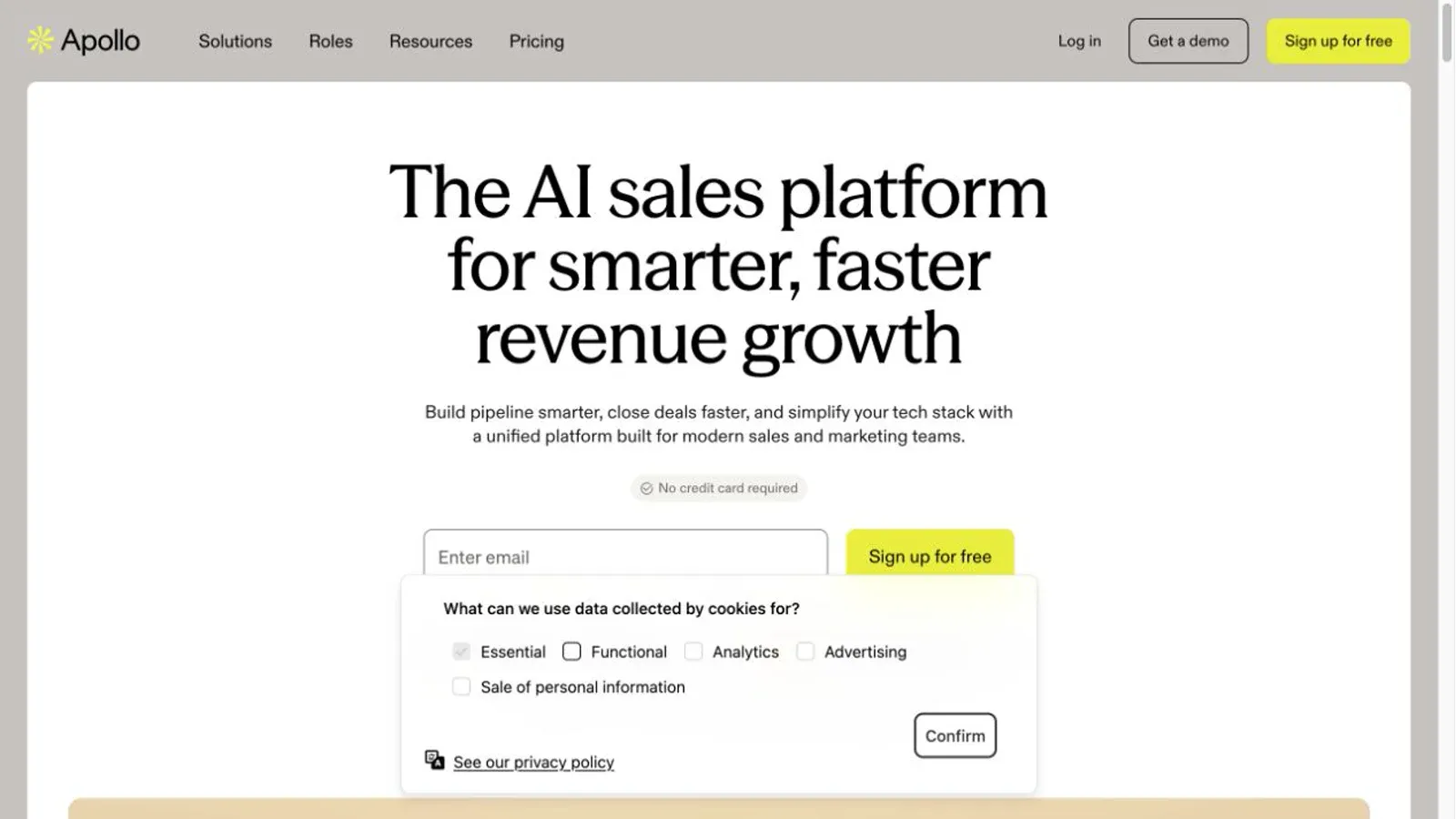
Apollo.io combines an external contact/company database with enrichment, scoring, and email sequencing, which makes it the closest option here to a true "prospecting plus outreach" bundle. It reports over 230 million contacts in its database and claims 98% email accuracy — a vendor number worth verifying against your own ICP before you trust it blindly.
- Credit-based system: verified emails cost 1 credit, phone numbers cost 8
- Free plan includes 900 credits/seat/year (about 75/month)
- Basic tier includes 30,000 annual credits upfront per seat
- Native sequencing, dialer, and CRM sync features
- Credits expire and don't roll over month to month
Pricing: Free at $0, Basic at $49/seat/month billed annually, Professional at $79, and Organization at $119 with a three-seat minimum. Reviewers on G2 and Gartner note mixed experiences with data freshness on phone numbers specifically — worth a small test batch before committing a whole team's workflow to it.
Best for: Small-to-mid B2B outbound teams that want contacts and sequencing under one roof instead of paying for two separate subscriptions.
3. ZoomInfo: Best for Enterprise Sales Teams With Buyer Intent Needs
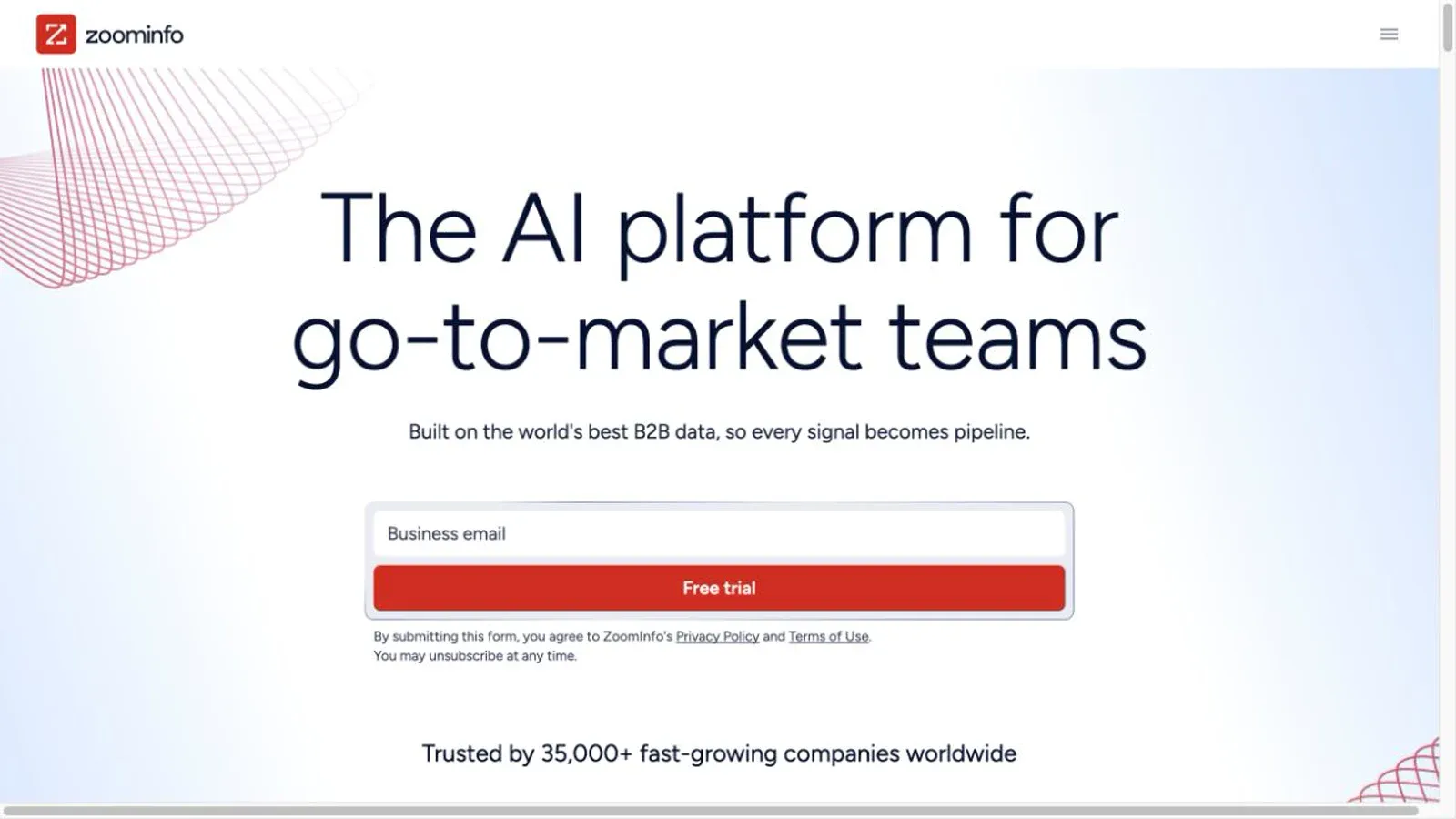
ZoomInfo is built for organizations with a dedicated SDR function, not for a five-person startup testing outbound for the first time. It combines company/contact data with over 300 search attributes, buyer intent signals, and workflow orchestration into what the company calls its "Intelligence Layer" and "Orchestration Layer" in its own 2025 annual report.
Pricing here is genuinely opaque — and that's by design, not an oversight. ZoomInfo's own filing states subscriptions depend on functionality, user count, and records under management, with contracts often running one to three years; 53% of its annualized contract value comes from multi-year deals. There's no standard public list price, and a free trial exists but its exact allowance isn't publicly disclosed.
Best for: Enterprise sales orgs with a real procurement process and the budget to negotiate a custom deal rather than self-serve their way in.
4. LinkedIn Sales Navigator: Best for Relationship-Based B2B Outreach
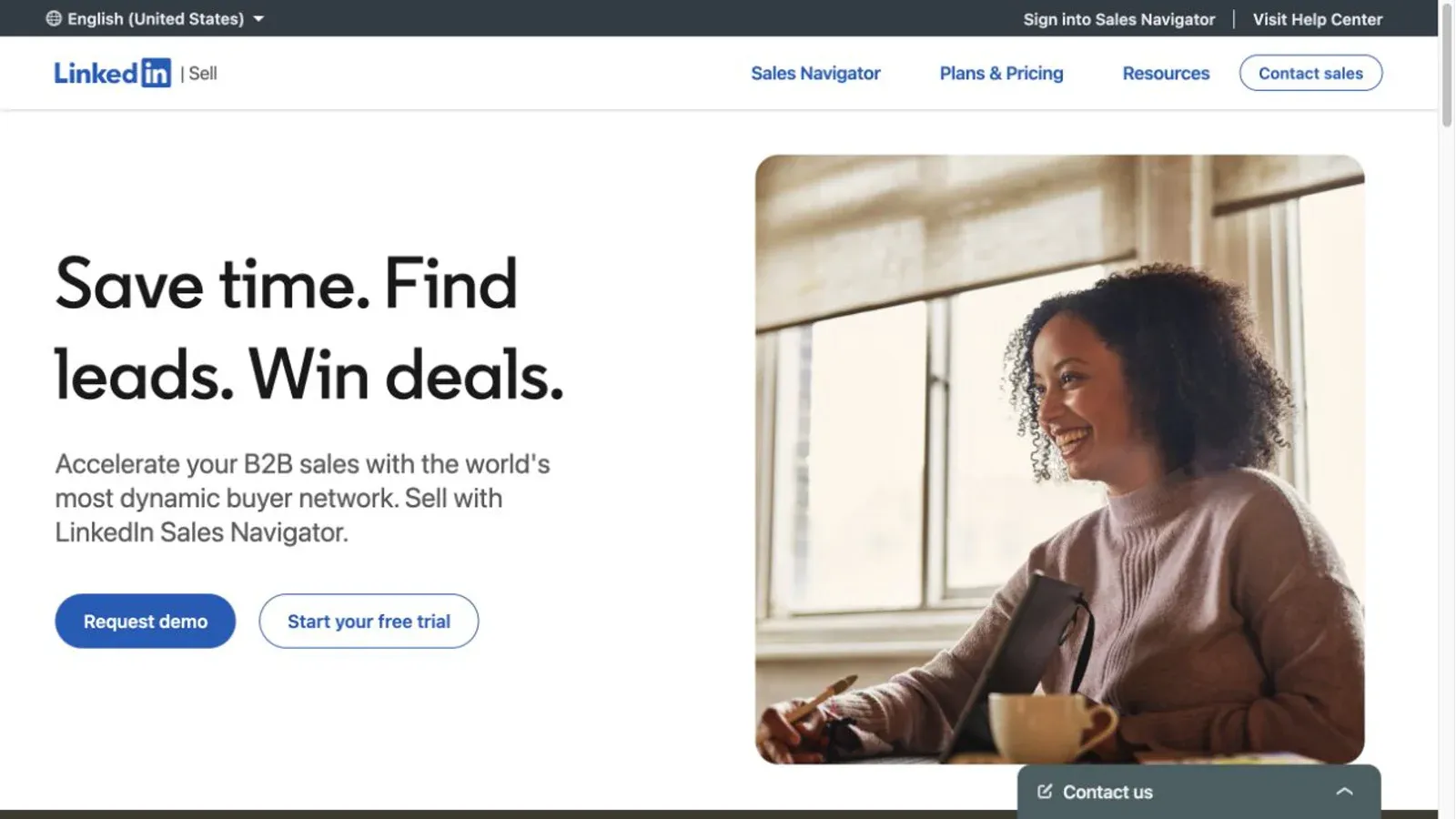
LinkedIn Sales Navigator gives sellers advanced filters, saved leads, alerts, and InMail access across LinkedIn's professional graph — currently used by over 1.5 million sellers according to LinkedIn's own product page. It's genuinely great for relationship-based selling, but there's a common misconception worth clearing up here.
Sales Navigator is not a verified email or phone database. InMail exists specifically because LinkedIn doesn't hand you someone's work email — any contact info you see is member-supplied or already synced from your CRM, not something the tool independently verifies. That's why so many teams pair it with a data tool like Apollo or Cognism rather than expecting it to do double duty.
Pricing: Core runs $119.99/month or $1,079.88/year; Advanced runs $159.99/month or $1,799.88/year and adds CSV account uploads and buyer intent signals. Full CRM sync (with HubSpot, Salesforce, Dynamics, or Oracle) requires the custom-quoted Advanced Plus tier. Eligible users can get a roughly one-month trial, though eligibility varies by region and account history.
Best for: Relationship-driven sellers who want to research and engage prospects directly inside LinkedIn, paired with a separate contact-data tool for verified emails.
5. Cognism: Best for International and EU-Compliant Prospecting
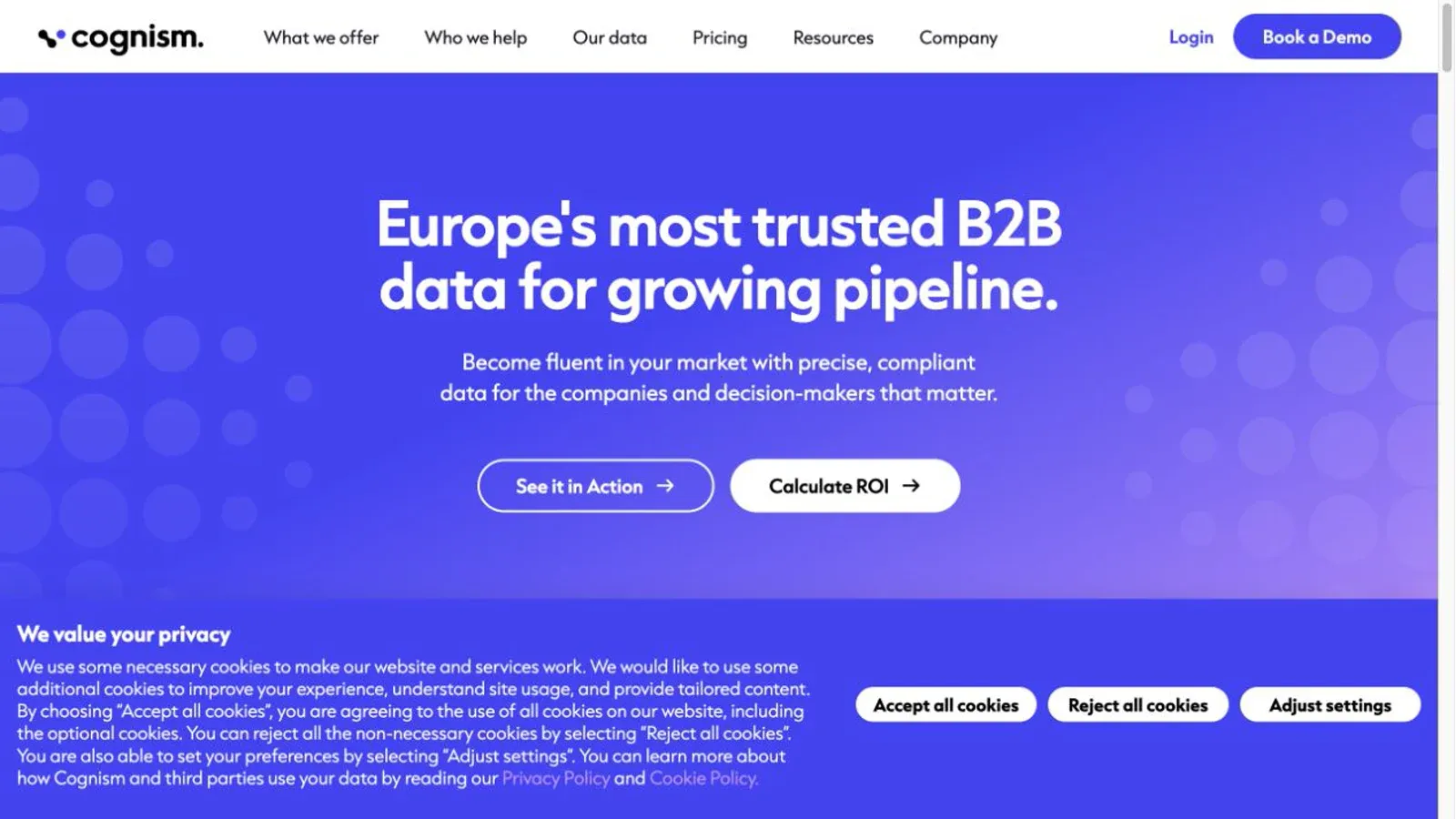
Cognism leans hard into phone-verified data and compliance, which is exactly why it tends to win over teams selling across the EU or other regulated markets. Its "Diamond" phone-verification process reports success rates in the range of 10–20% depending on the market — a useful reminder that phone verification isn't a guarantee applied to every record you request.
Pricing sits behind a personalized quote on Cognism's main pricing page, though a company blog post separately mentions Standard and Pro packages starting around $12,750 and $17,000 for five seats — figures I'd treat as a directional signal, not a locked-in number, since they don't appear on the official pricing page itself. If you want a taste before committing, Cognism offers a free 25-record data sample that typically returns within 72 hours. The company also lists ISO 27001, SOC 2 Type II, and screening against at least 14 global do-not-call lists as part of its compliance posture.
Best for: Mid-market to enterprise teams selling internationally who need compliance-conscious phone data, not just a US-centric email list.
A Pattern Worth Noticing
By tool number five, a pattern was pretty clear to me: almost none of these products stay neatly inside their assigned category. Apollo does prospecting and enrichment and outreach. Cognism does data and compliance. Even HubSpot's "free CRM" quietly does capture and light automation. The taxonomy in the earlier section is a mental model, not a fence — use it to figure out your primary job-to-be-done, then expect some overlap in what you actually buy.
6. Leadfeeder: Best for Turning Website Visitors Into Leads
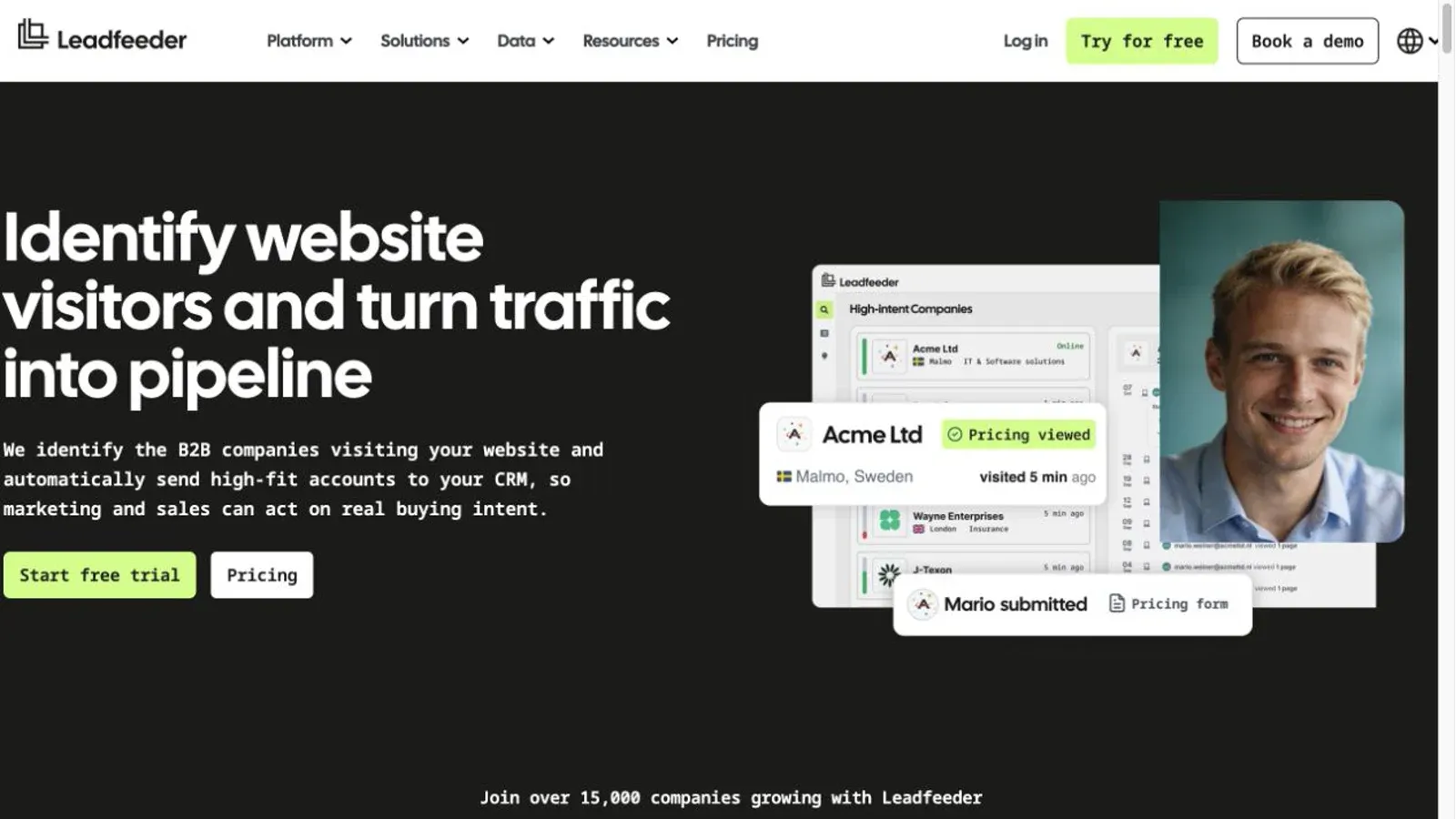
Leadfeeder identifies which companies are visiting your website using reverse-IP matching and first-party signals, then scores their intent on a 0–10 scale. Quick branding note, because I got tripped up on this myself while researching: Leadfeeder merged into "Dealfront" back in 2023, but as of March 2026 the whole platform unified back under the Leadfeeder name, with the original product now called Web Visitors.
- Identifies visiting companies, not anonymous individuals — an important distinction Leadfeeder's own documentation acknowledges
- Suggested contacts tied to a company are not proof a specific person visited
- Intent scoring based on visit frequency, pages viewed, and duration
- Free "Lite" tier with unlimited users, capped at the last 100 identified companies/month
Pricing: Lite is free forever; Discover starts at €79/month billed annually, with a 14-day no-card trial on paid tiers.
Best for: Inbound or content-heavy teams that already generate decent traffic and want to know which companies are quietly browsing before they ever fill out a form.
7. Intercom: Best for Chat-Based Lead Qualification at Scale
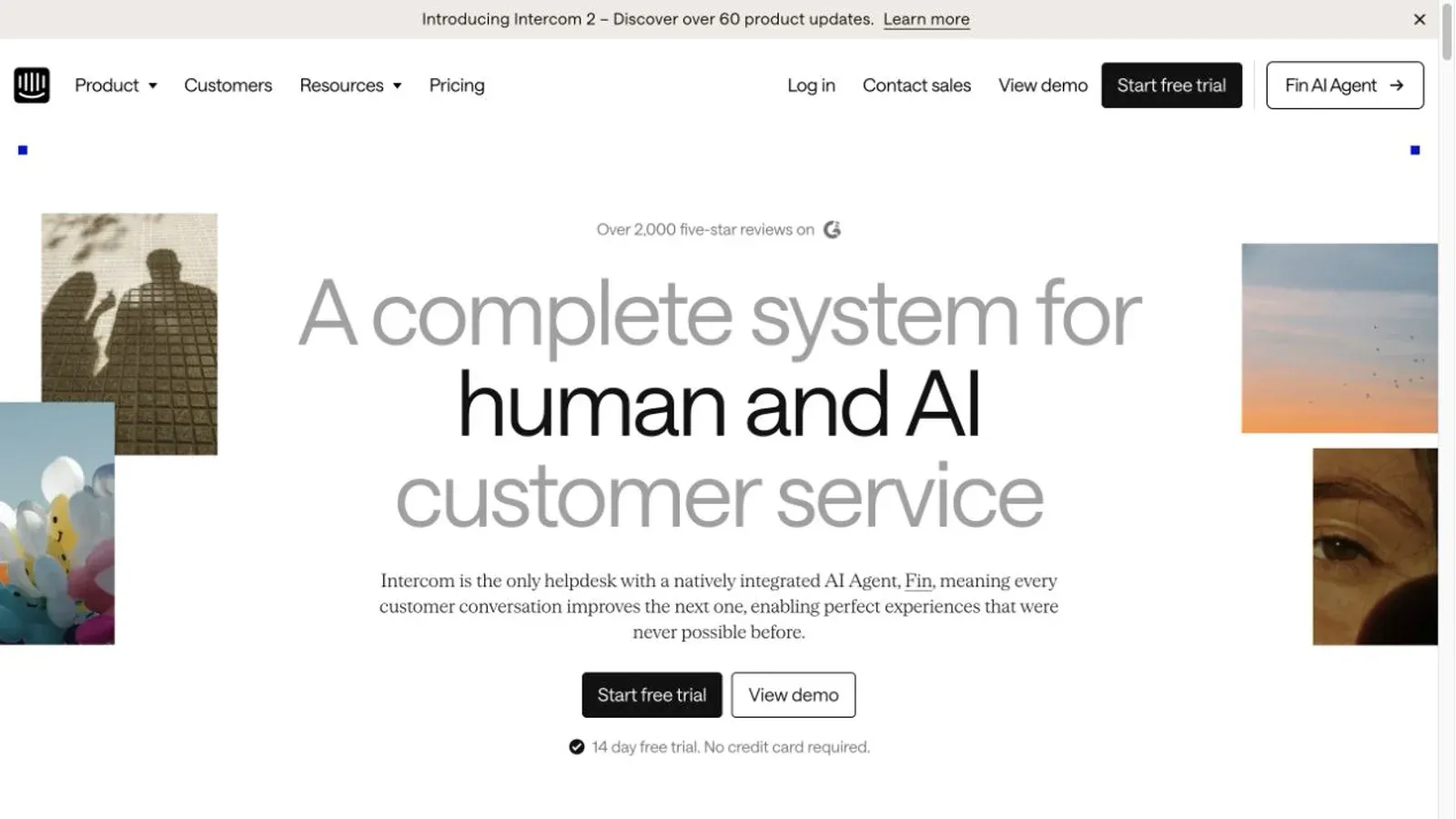
Intercom is primarily a customer messaging platform, but its Fin for Sales feature turns live chat into an automated qualification funnel — asking questions, following a playbook, and routing visitors to a demo, self-serve signup, or human handoff based on your own defined criteria.
The pricing model here has a twist worth flagging clearly, because I've seen other roundups get this backwards: a successful qualification through Fin costs $9.99, while a disqualification or simple resolution costs $0.99 — not the other way around. Seat pricing starts at $29/full seat/month billed annually for the Essential plan, with a 14-day no-card trial available.
Best for: Websites with meaningful traffic and a clear enough qualification logic that the cost-per-qualification math actually pencils out.
8. OptinMonster: Best for Converting Website Traffic Into Leads
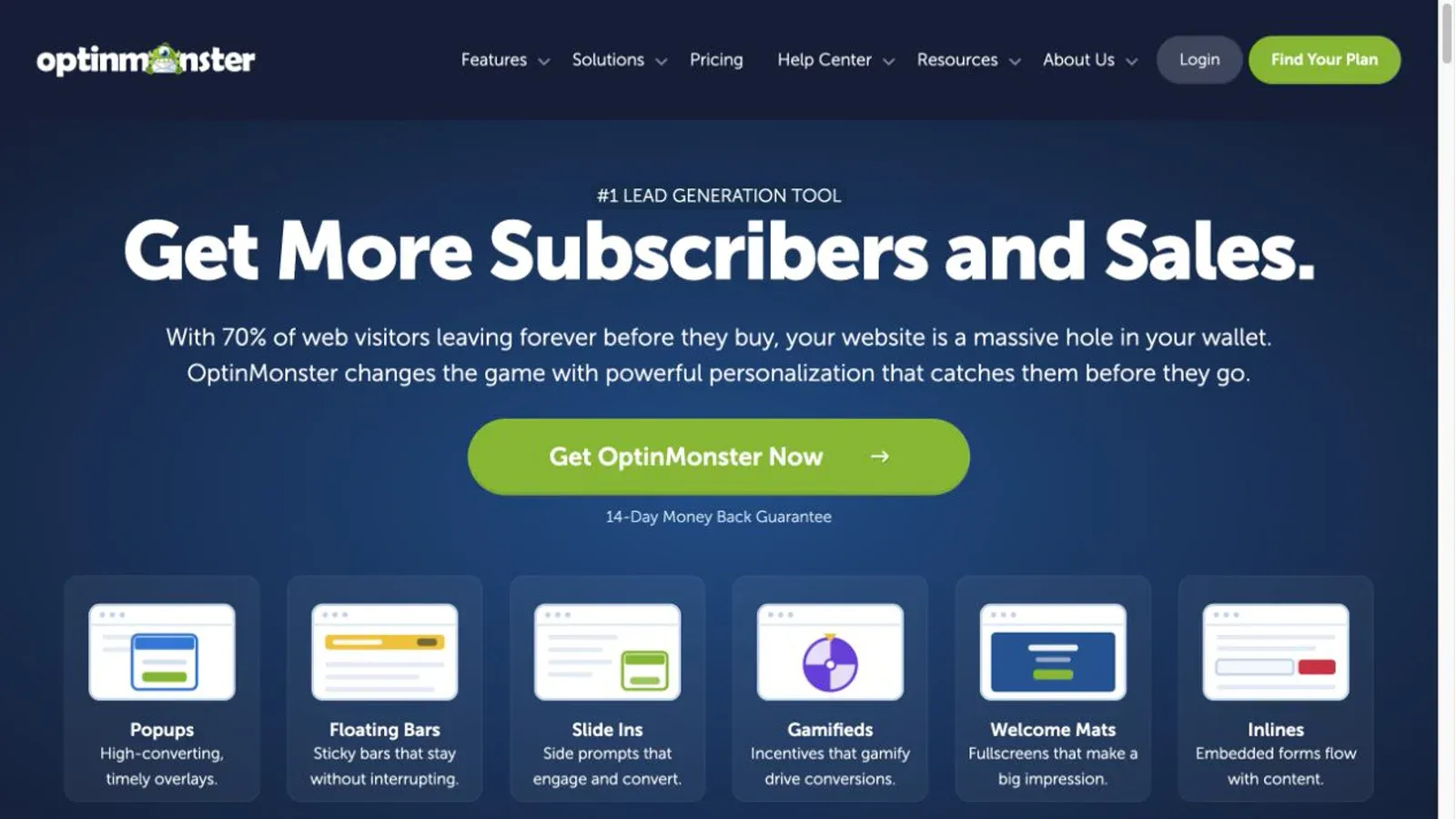
OptinMonster builds popups, floating bars, exit-intent overlays, and inline forms designed to convert traffic you already have into email subscribers or leads. It's squarely a capture tool — it doesn't search for new contacts, it just makes the ones already visiting your site easier to grab.
Worth knowing before you sign up: OptinMonster doesn't offer a free trial. The $7/month headline price is a 60%-off introductory rate for the first 12 months on annual billing; the standard monthly rate is $21/month for the base Basic tier. Instead of a trial, you get a 14-day money-back guarantee after purchase.
Best for: Content sites and ecommerce stores that already have traffic and want to squeeze more emails and leads out of it without touching prospecting or data at all.
9. Instantly.ai: Best for Cold Email Outreach at Volume
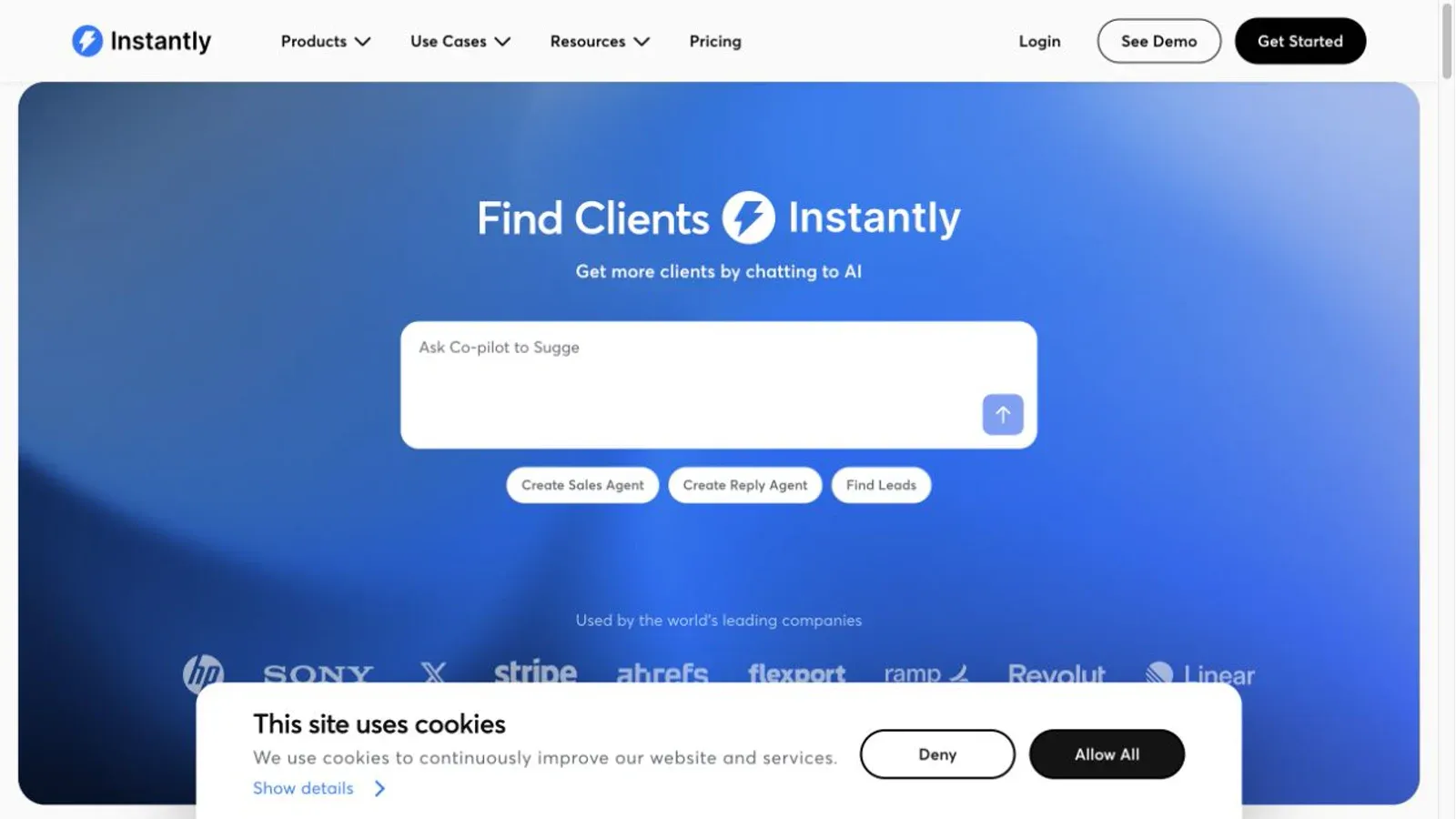
Instantly.ai is built for sending cold email at scale — mailbox warmup, rotation, and campaign infrastructure, rather than a contact database or a CRM. Its core plans start at Growth for $47/month, which includes 5,000 monthly emails and a 1,000-contact upload cap.
Here's the part that trips people up: the $47/month headline doesn't cover the whole stack. Prospect data credits, CRM access, and inbox placement testing are all separate add-on products, each roughly $47/month on their own. Stack four of them together and you're closer to $188/month before you've even paid for domains or mailboxes. Instantly's own deliverability documentation is upfront that inbox placement depends on provider reputation and can't be guaranteed regardless of how many warmup tools you buy.
Best for: Sales teams and agencies running high-volume outbound campaigns who need dedicated sending infrastructure, not a research team.
10. Thunderbit: Best for Teams Building a Custom Lead Dataset From the Web
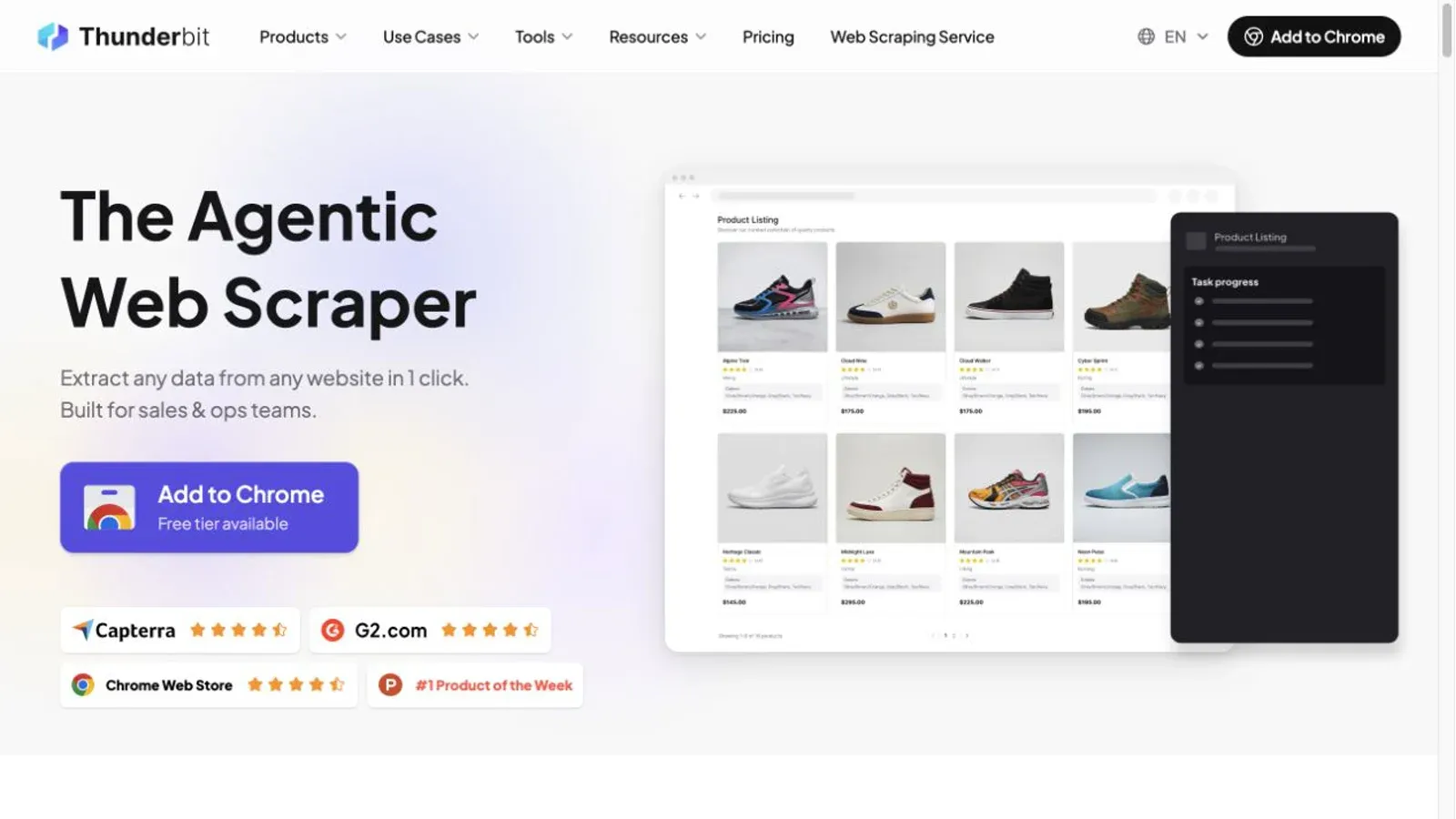
Thunderbit requires a different comparison frame. Thunderbit isn't a prepackaged contact database competing with ZoomInfo or Cognism — it's an AI web scraper for the moment when your ideal customer lives somewhere those databases do not cover. Think niche industry directories, regional supplier catalogs, local business listings, or event exhibitor pages: sources too specific for a broad database to index, but exactly where a certain kind of lead hides in plain sight.
The browser-extension workflow is simple: open a compatible, authorized page, click AI Suggest Fields, review or edit the proposed columns and instructions, and click Scrape to extract a structured table. The AI proposes the schema, so the user does not need to build CSS selectors by hand.
- AI Suggest Fields proposes columns and extraction instructions for review
- Field-level AI prompts for categorizing, formatting, or normalizing extracted data
- Common pagination and subpage-enrichment support on compatible pages
- Exports to Excel, Google Sheets, Airtable, and Notion
Pricing: Free at $0 for 6 pages/month, Starter at $15/month for 500 credits, Pro at $38/month for 3,000 credits, and Business on a custom quote.
Best for: Teams whose target market lives on a niche site no off-the-shelf database has bothered to index.
To be fair about the limits here: results depend entirely on the target page being compatible and something you're authorized to collect from — this isn't a way around a login wall or a CAPTCHA, and it's not a substitute for email verification or a compliance review before you actually contact anyone. It's a collection layer, not a legal shortcut. If you're weighing this approach against a more general AI web scraping tool or wondering how it stacks up against other AI web scrapers, that's a genuinely useful next read before you commit.
Free Lead Generation Tools: What's Actually Free vs. Just a Trial
"Freemium" gets thrown around so loosely that it is basically meaningless. The honest breakdown starts with what "free" actually means for each tool:
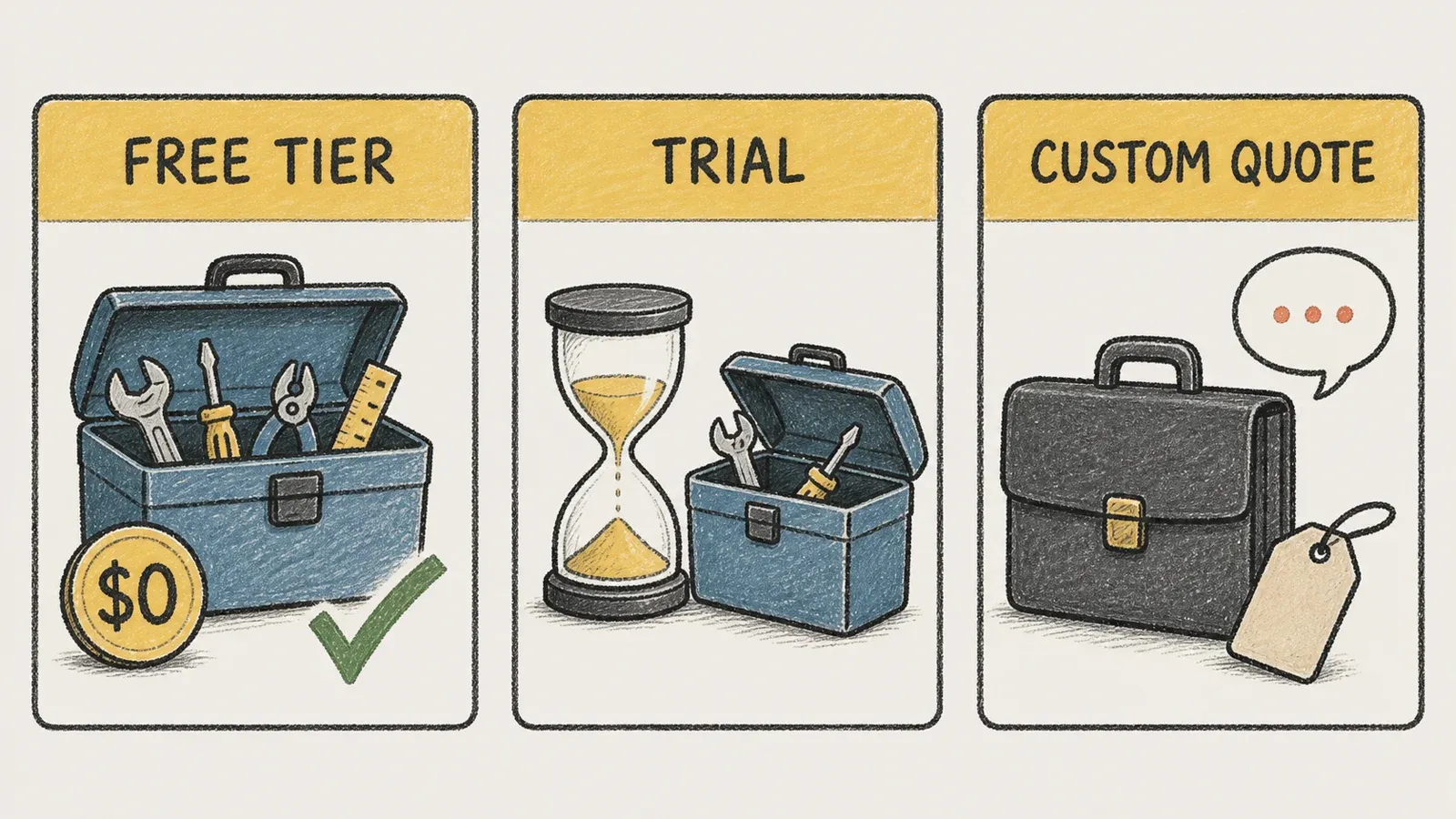
Genuinely free forever: HubSpot (2 users, 1,000 contacts), Apollo.io (75 credits/month equivalent), Leadfeeder Lite (100 identified companies/month), and Thunderbit (6 pages/month). None of these require a credit card, and none of them expire.
Trial only, then you pay or lose access: ZoomInfo, LinkedIn Sales Navigator (roughly one month, eligibility-dependent), Intercom (14 days), and Instantly.ai (14 days).
No free option at all: Cognism (though it offers a 25-record sample, not a self-serve free tier) and OptinMonster (a 14-day money-back guarantee after purchase, which is a refund policy, not a trial).
If you're budget-constrained, that middle category is the one to watch closely — a 14-day trial feels generous until you realize most teams don't fully evaluate a sales tool in two weeks.
Top Lead Generation Tools Compared Side by Side
Cross-reference this against the decision guide above: find your category need first, then check whether the pricing and free-tier reality actually fits your budget.
| Tool | Category | Best For | Starting Price | Free Tier | Key Differentiator |
|---|---|---|---|---|---|
| HubSpot | Capture / CRM | Small teams wanting one platform | Free; Starter promo $7/seat/mo | ✅ Yes (2 users, 1,000 contacts) | Native CRM + forms + landing pages bundled |
| Apollo.io | Prospecting/Data + Outreach | B2B teams needing contacts + sequencing | Free; Basic $49/seat/mo | ✅ Limited (~75 credits/mo) | All-in-one database + email sequencing |
| ZoomInfo | Prospecting/Data (intent) | Enterprise sales orgs with budget | Custom quote | ❌ Trial only | Deep firmographic + intent data |
| LinkedIn Sales Navigator | Prospecting/Social | Relationship-based B2B outreach | Core $119.99/mo | ⚠️ Trial only | Direct access to LinkedIn's professional graph |
| Cognism | Enrichment/Data | International/EU-compliant prospecting | Custom quote | ❌ 25-record sample only | Phone-verified data + compliance focus |
| Leadfeeder | Capture (visitor identification) | Teams wanting inbound intent signals | Free Lite; Discover from €79/mo | ✅ Yes (100 companies/mo) | Identifies companies visiting the website |
| Intercom | Engagement/Qualification | Website chat-based lead qualification | Essential $29/seat/mo | ⚠️ Trial only (14 days) | Conversational qualification at scale (Fin) |
| OptinMonster | Capture (pop-ups/forms) | Content sites converting traffic to leads | Intro $7/mo (1st yr); std. $21/mo | ❌ Refund policy only | On-site conversion optimization tools |
| Instantly.ai | Automation/Outreach | Cold email sequencing at volume | Growth $47/mo | ⚠️ Trial only (14 days) | Deliverability-focused sending infrastructure |
| Thunderbit | Custom data extraction | Teams building a custom lead dataset from the web | Free; Starter $15/mo (500 credits) | ✅ Yes (6 pages/mo) | AI Suggest Fields creates a reviewable extraction schema |
Which Lead Generation Tool Is Right for Your Team?
The choice is easier with three things in view: a category map that identifies the job, a decision guide based on team size and budget, and pricing checked against live vendor pages instead of copied from an old comparison.
In plain terms: start with HubSpot if you want one platform that does forms, CRM, and basic follow-up without paying anything. Reach for Apollo or Instantly if you're running outbound and need contacts plus sending infrastructure. Go to ZoomInfo or Cognism once you've got a real SDR org and a budget to negotiate a contract. Pull in Leadfeeder or Intercom if your traffic is already decent and you want to catch intent signals or qualify chat conversations automatically. And if your ideal customer sits on some niche site that none of the above have ever heard of, that's when Thunderbit — or a broader look at AI lead generation tools generally — becomes the more honest starting point than trying to force-fit a prepackaged database that simply doesn't cover your market.
There's no single winner here. Match the category to the job and the price to the budget, and you'll skip much of the evaluation fatigue that 40% of B2B buyers say is the longest part of the process.
FAQs About Lead Generation Tools
What's the difference between a lead generation tool and a CRM? A lead generation tool captures, finds, or qualifies potential customers — think forms, prospecting databases, or chat qualification. A CRM is where those leads live long-term as records you manage through a sales pipeline. HubSpot blends both; most other products feed into a separate CRM rather than replacing one.
Are there any genuinely free lead generation tools? Yes — HubSpot, Apollo.io, Leadfeeder (Lite), and Thunderbit all offer permanent free tiers with no credit card required, though each caps you differently (contacts, credits, identified companies, or pages). Tools like ZoomInfo, Intercom, and Instantly only offer time-limited trials, and OptinMonster offers no free tier at all, just a money-back guarantee.
How much should a small team expect to pay for lead generation software? It varies wildly by category. A solo operator can run entirely on free tiers. A small outbound team combining Apollo and Instantly might land somewhere between $100–$200/month total once seats and add-ons are included. Enterprise data tools like ZoomInfo and Cognism are quote-based and can run into thousands per year depending on seats and records.
Can I combine multiple lead generation tools, or should I pick just one? Most effective setups actually combine tools by category — for example, Sales Navigator for research plus Apollo for verified contact data plus a CRM to house it all. Very few teams get everything from a single platform unless they're firmly in HubSpot's all-in-one lane.
Is it legal to collect lead data from websites? Only collect data you're authorized to access, respect each site's terms of service, and follow applicable privacy laws and channel-specific outreach rules in your target region. This is general information, not legal advice; when compliance matters—especially for phone or EU-based outreach—get a review tailored to your situation.
Learn More




