
The world of business in 2026 is a data gold rush—except instead of pickaxes, we’re all wielding APIs, AI, and Chrome extensions. Every sales, operations, and e-commerce team I talk to is hungry for structured, up-to-date information to drive smarter decisions, generate leads, and outmaneuver the competition. But here’s the kicker: with so many data extraction companies popping up, picking the right one can feel like trying to choose the best donut in a bakery with a hundred flavors. (Spoiler: I always go for the one with sprinkles, but your business might need something a bit more… robust.)
In this guide, I’ll break down the top 6 leading data extraction companies in 2026—each with its own flavor, strengths, and quirks. Whether you’re a non-technical marketer, a developer building custom pipelines, or an enterprise with strict compliance needs, I’ll help you navigate the options, compare features, and find the perfect fit for your business goals.
Why Choosing the Right Data Extraction Company Matters for Business
What Is Data Scraping and How to Do It in 2025 Get Started Free
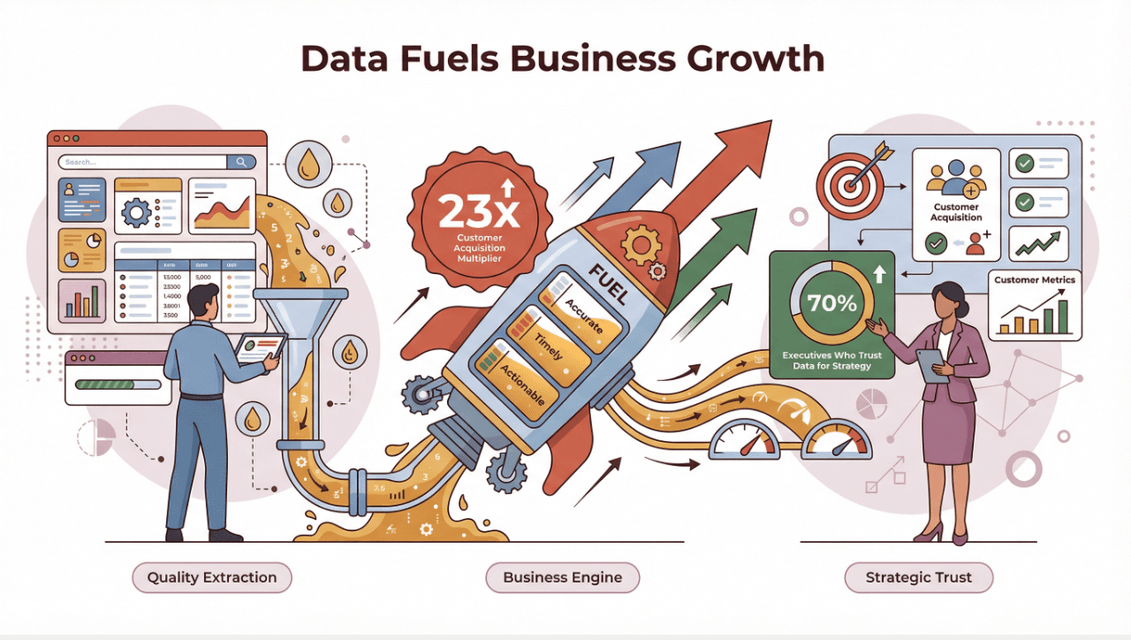
Let’s get real: data extraction isn’t just about pulling numbers from a website. It’s about fueling your business engine with the right fuel—accurate, timely, and actionable information. Companies that are data-driven are 23 times more likely to acquire customers, and 70% of executives say trusted data is critical to their strategy.
 But here’s the catch: choose the wrong data extraction provider, and you risk poor data quality, compliance headaches, wasted resources, and missed opportunities. I’ve seen teams spend weeks cleaning up messy exports or, worse, run afoul of privacy regulations because their vendor cut corners. The stakes are high, and the right partner can make or break your data-driven ambitions.
How We Selected the Top Data Extraction Companies
I didn’t just throw darts at a board (tempting as that was). To make this list, I looked at:
- Accuracy & Data Quality: Does the tool deliver reliable, structured data—even from messy or dynamic sites?
- Compliance & Privacy: How does the company handle data privacy, security, and regulatory requirements?
- Scalability: Can it handle everything from one-off scrapes to massive, ongoing projects?
- Ease of Use: Is it built for non-coders, developers, or both?
- AI & Automation: How smart is it at handling unstructured data, PDFs, images, and complex layouts?
- Pricing & Value: Is the cost transparent and reasonable for the features provided?
- Business Fit: Does it serve SMBs, enterprises, or everyone in between?
I also dug into user reviews, expert commentary, and real-world case studies to make sure each pick earns its spot.
1. Thunderbit
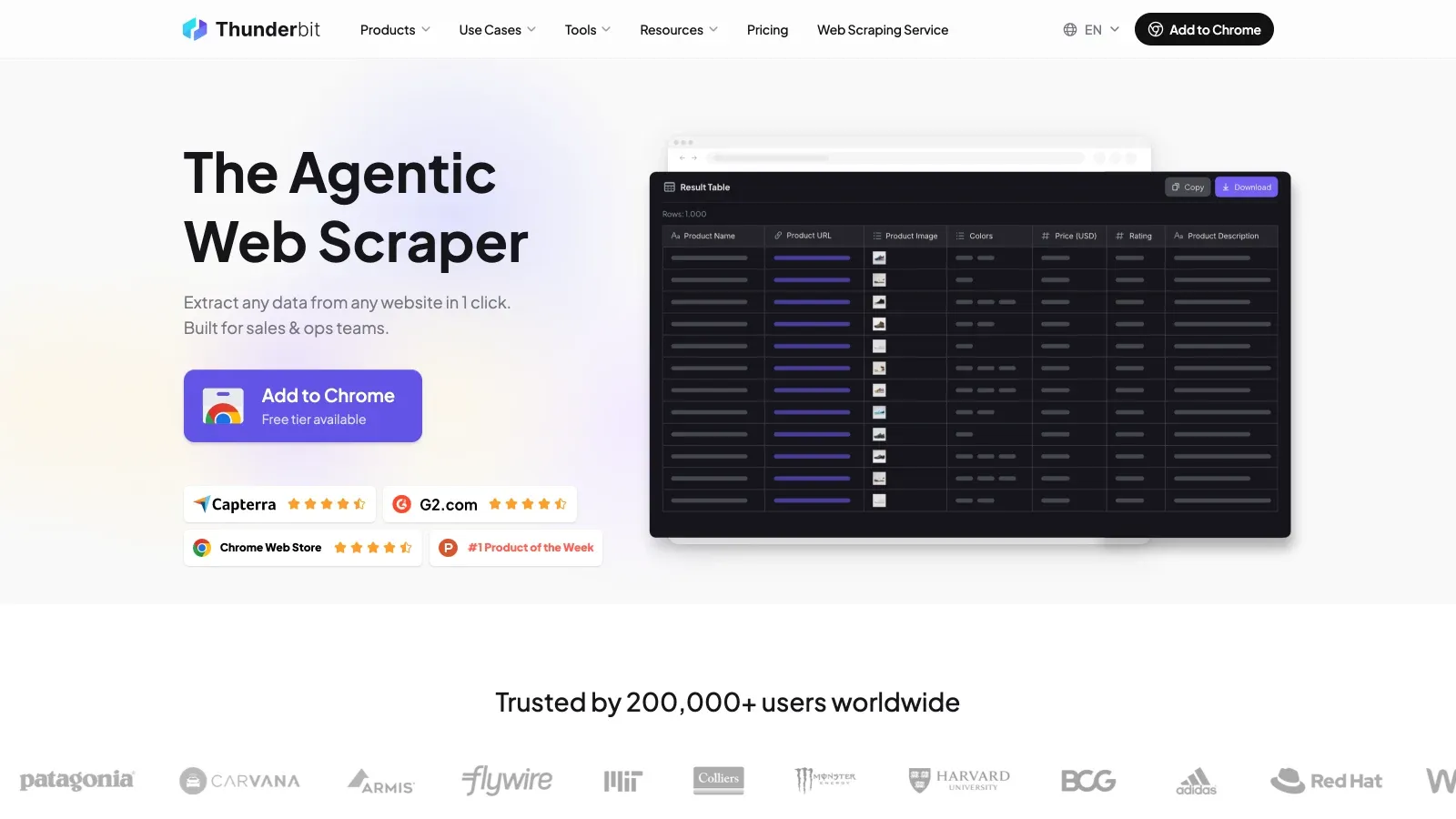
Thunderbit is the AI-powered web scraper Chrome Extension my team and I built for business users who want to turn the web into structured data—without writing a single line of code. I’m biased, but hear me out: Thunderbit is designed for sales, e-commerce, and operations teams who need quick, accurate, and actionable data from any website, PDF, or image.
Thunderbit’s Standout Features
- AI Suggest Fields: Just click “AI Suggest Fields,” and Thunderbit’s AI reads the page, recommends columns, and even creates custom extraction prompts. No more guessing what data you’ll get.
- Subpage & Pagination Scraping: Need to extract details from every product page or follow links to subpages? Thunderbit’s AI navigates and merges data automatically.
- Instant Templates: For popular sites like Amazon, Zillow, or Shopify, use pre-built templates for 1-click scraping—no setup required.
- Multi-Platform Export: Export your data directly to Excel, Google Sheets, Airtable, Notion, or download as CSV/JSON. And yes, export is free.
- AI Data Processing: Translate, categorize, summarize, or label data as you scrape—ideal for messy, unstructured sources.
- Cloud & Browser Scraping: Choose fast cloud scraping for public sites or browser mode for logged-in pages.
- Scheduled Scraping: Set up recurring jobs with natural language scheduling (e.g., “every Monday at 8am”) to keep your data fresh.
- Free Data Extractors: Extract emails, phone numbers, and images from any website in a single click.
Thunderbit is trusted by over 200,000 users worldwide, and our pricing is simple: free for up to 6 pages, with paid plans starting at $15/month for 500 credits (each credit = one output row).
Why Thunderbit Stands Out
Thunderbit shines when you need to:
- Scrape complex, non-standard, or long-tail websites where templates fail.
- Extract structured data from PDFs or images (think invoices, product specs, or real estate flyers).
- Empower non-technical teams to build scrapers, schedule jobs, and export data—no IT bottleneck.
- Stay compliant: Thunderbit encourages responsible scraping, respects robots.txt, and supports secure, user-controlled workflows.
Try Thunderbit AI Web Scraper for Free
2. Scrapy
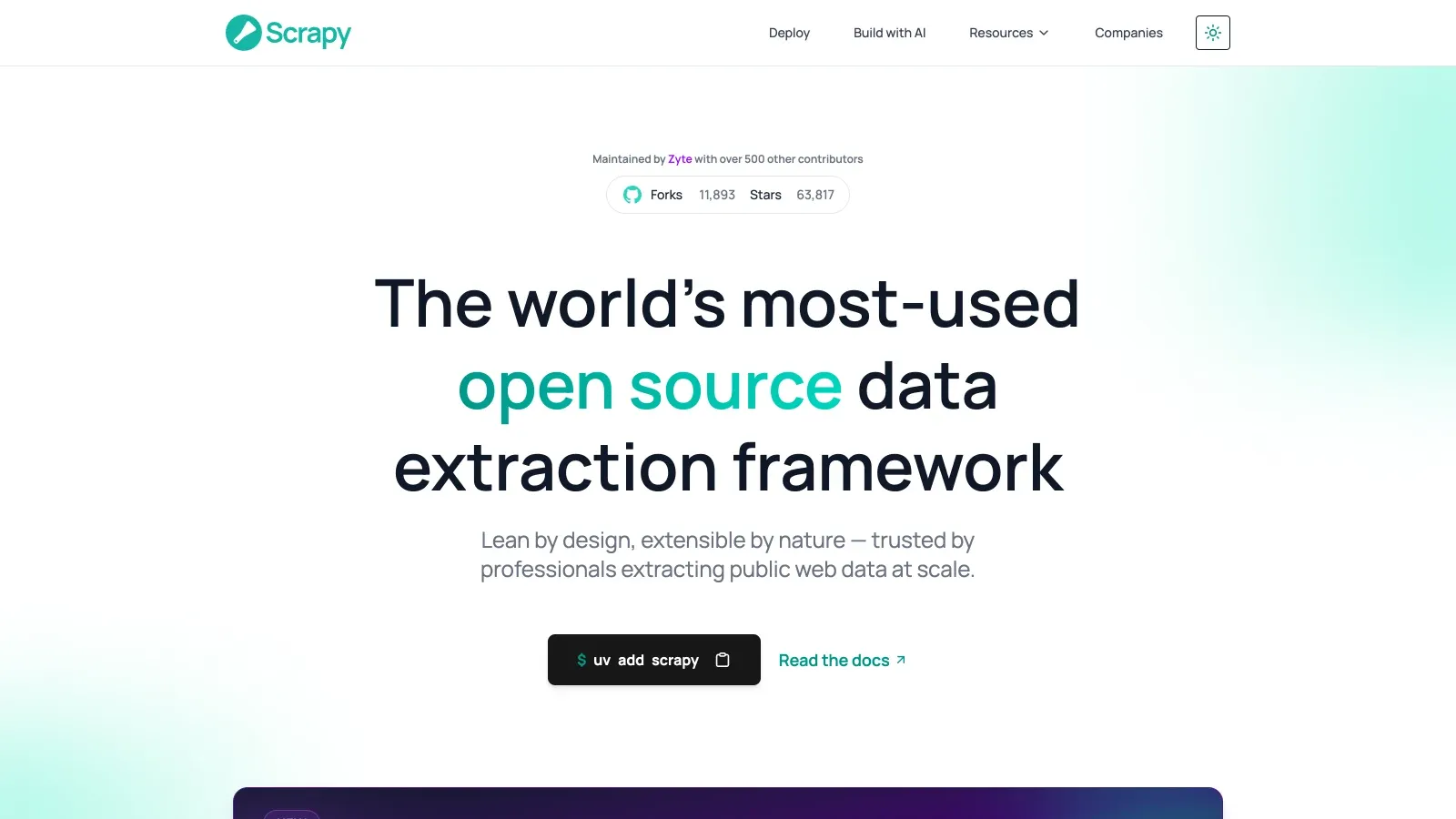
Scrapy is the open-source powerhouse beloved by developers and data engineers. If you want full control, custom pipelines, and the ability to scale web scraping across thousands of sites, Scrapy is your go-to.
Scrapy’s Technical Advantages
- Extensibility: Build custom spiders, pipelines, and middlewares for any data extraction scenario.
- Scalability: Efficiently crawl and extract from massive websites, with built-in support for distributed crawling.
- Community Support: A vibrant open-source community, tons of plugins, and active development (over 55,000 stars on GitHub).
- Integration: Seamlessly plug into Python data pipelines, machine learning workflows, and cloud infrastructure.
Where Scrapy Excels
- Custom, large-scale projects with complex logic or integration needs.
- Teams with strong Python skills who want to own the entire extraction process.
- Enterprises building proprietary data pipelines or integrating with internal systems.
Limitations: Scrapy is not for the faint of heart—there’s a learning curve, ongoing maintenance, and no built-in UI for non-coders. But for technical teams, it’s a powerhouse (Scrapfly).
3. Octoparse
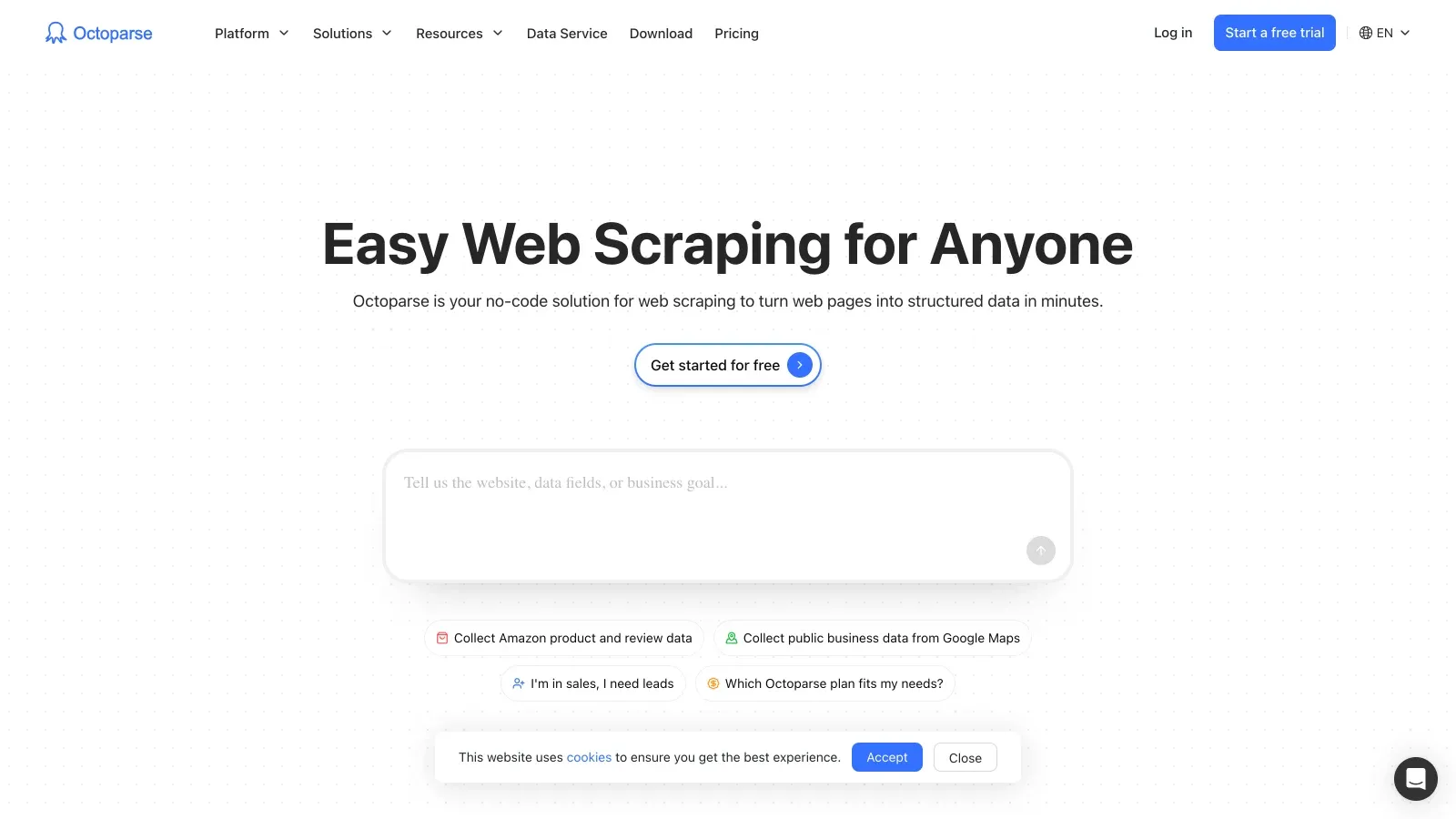
Octoparse is a no-code SaaS platform that brings web data extraction to the masses. Its drag-and-drop interface, cloud-based scheduling, and pre-built templates make it a favorite for business users who want power without programming.
Octoparse’s Business-Focused Features
- Point-and-Click Extraction: Select elements visually, set up workflows, and preview results in real time.
- Cloud Scraping & Scheduling: Run jobs in the cloud, schedule recurring tasks, and avoid local resource limits.
- Pre-Built Templates: Scrape popular sites with ready-made templates—great for e-commerce, job boards, and social media.
- Data Export: Download results as CSV, Excel, or push directly to databases and APIs.
Where Octoparse Shines
- Non-technical users who want to scrape data from standard or moderately complex sites.
- Teams needing recurring, automated data pulls without IT involvement.
- SMBs and marketing teams looking for a balance of power and usability.
User feedback: Some users mention a learning curve for advanced features, but overall, Octoparse is praised for making web data accessible to everyone.
Pricing: Free tier available; paid plans start around $69/month (Octoparse Pricing).
4. Import.io
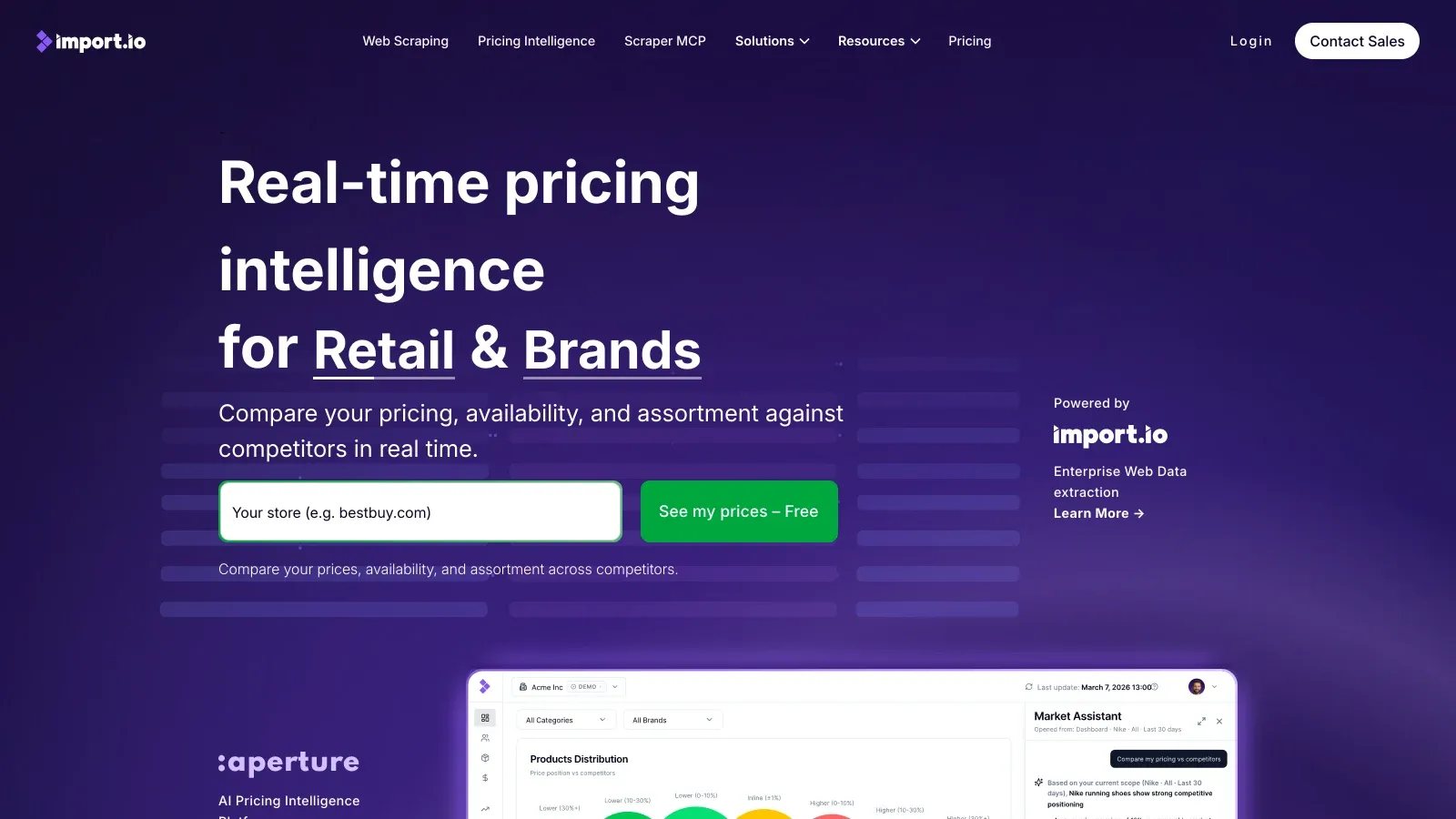
Import.io is the enterprise-grade, end-to-end managed data extraction service. If you want someone else to handle the heavy lifting—from project kickoff to delivery—Import.io’s team of experts has your back.
Import.io’s Enterprise Solutions
- Managed Services: Import.io’s team builds, maintains, and scales your data pipelines—ideal for complex, high-volume, or mission-critical projects.
- Custom Data Delivery: Get data delivered in your preferred format, on your schedule, with integration into existing BI tools or databases.
- Compliance & Security: Strong focus on legal, ethical, and regulatory compliance (Import.io Compliance).
- Support: Dedicated account managers, SLAs, and expert troubleshooting.
Who Should Use Import.io?
- Large enterprises with complex, ongoing data needs and strict compliance requirements.
- Teams that want a “done for you” solution with minimal in-house technical work.
- Organizations needing guaranteed delivery, support, and integration.
Pricing: Custom quotes based on project scope; expect enterprise-level pricing (Import.io Pricing).
5. ParseHub
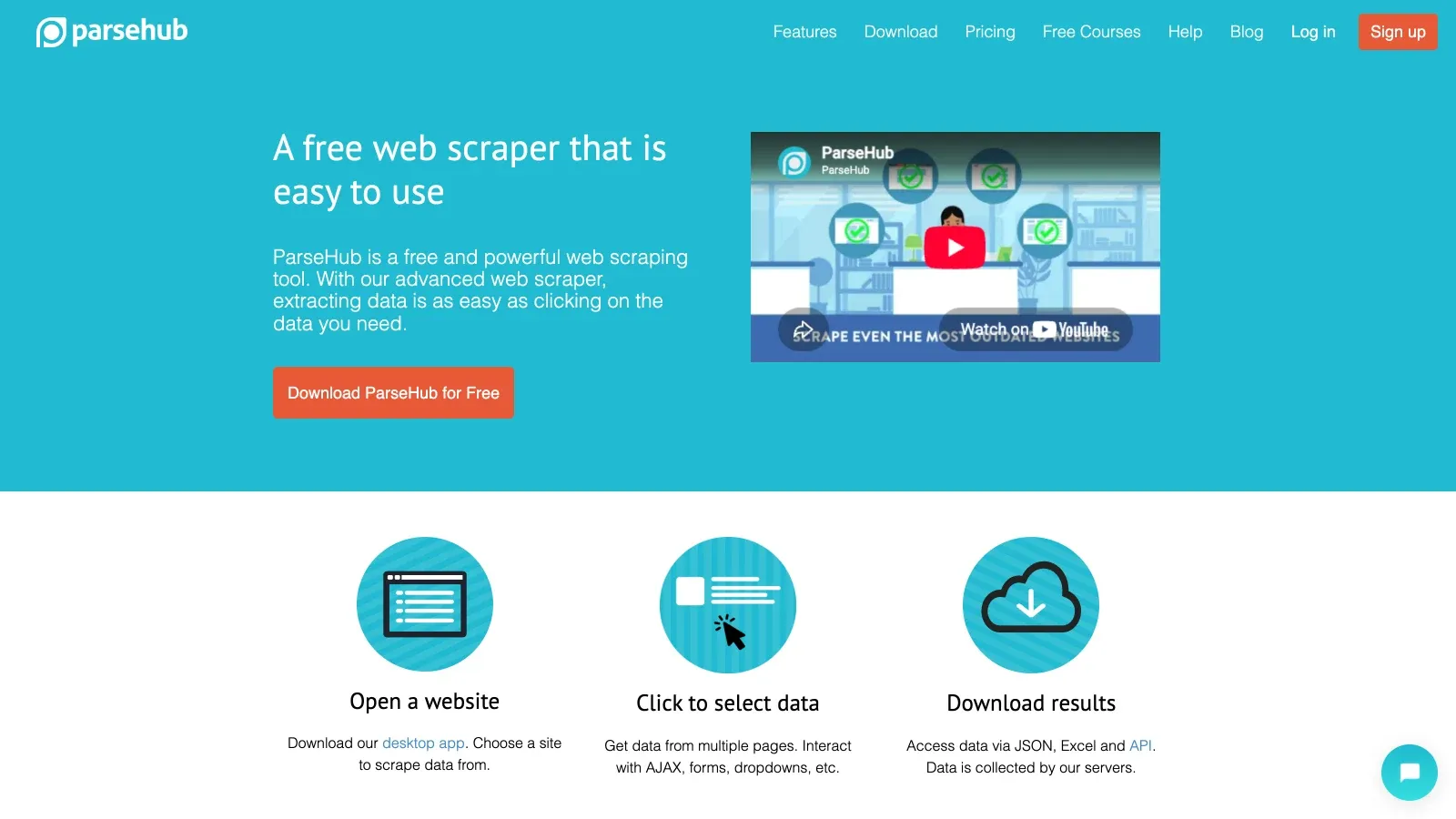
ParseHub is a visual web scraping tool that bridges the gap between no-code simplicity and advanced extraction power. It’s especially strong on dynamic, JavaScript-heavy, or unstructured websites.
ParseHub’s Versatility for Non-Technical Users
- Visual Workflow Builder: Point-and-click to select elements, set up navigation, and handle AJAX or infinite scroll.
- Multi-Page Navigation: Crawl categories, subpages, and detail pages with ease.
- Data Transformation: Clean, filter, and transform data as you extract.
- Export Options: Download as CSV, Excel, or JSON; API access for automation.
Where ParseHub Excels
- Scraping data from sites with complex layouts, dynamic content, or interactive elements.
- Non-technical users who want more power than basic no-code tools.
- Teams needing flexible scheduling and cloud-based runs.
Pricing: Free plan available; paid plans start at $189/month (ParseHub Pricing).
User reviews: Praised for versatility, but some users report a steeper learning curve for advanced projects (G2).
6. Mozenda
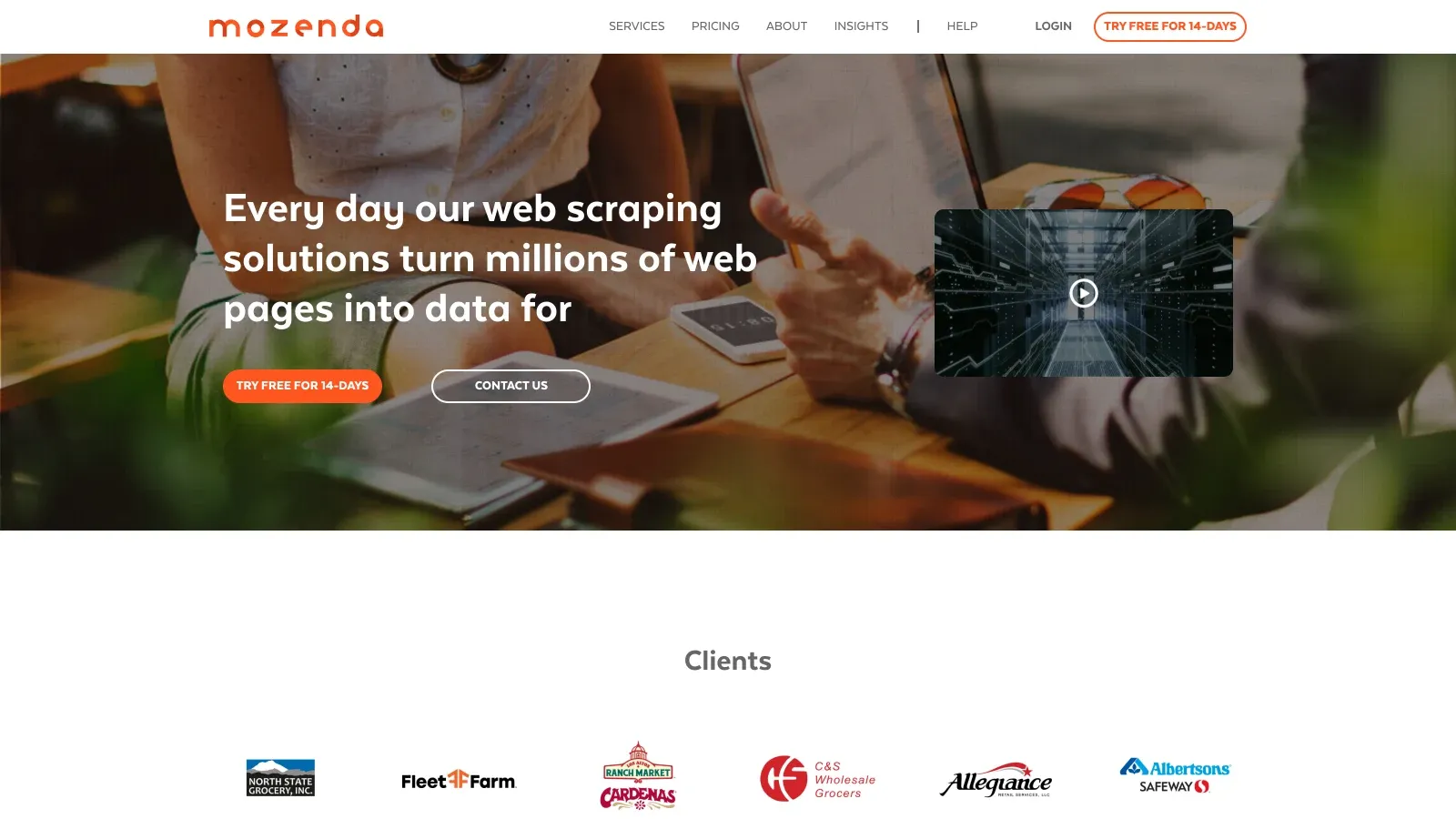
Mozenda is the compliance-first data extraction company built for enterprises that can’t afford to take risks with privacy or security. If your industry is regulated or your board is allergic to legal gray areas, Mozenda is worth a look.
Mozenda’s Approach to Data Privacy and Security
- Compliance Certifications: Adheres to GDPR, CCPA, and other global privacy standards (Mozenda Terms).
- Audit Trails & Security: Detailed logs, permission controls, and enterprise-grade security.
- Managed & Self-Service: Choose between building your own agents or having Mozenda’s team handle everything.
- Scalable Projects: Designed for repeatable, large-scale data extraction across industries like finance, healthcare, and retail.
When to Choose Mozenda
- Enterprises with strict compliance, audit, or regulatory requirements.
- Teams needing both flexibility (self-service) and white-glove managed options.
- Organizations where data privacy is non-negotiable.
Pricing: Free 14-day trial; Pilot $500/month; Enterprise by quote (Mozenda Pricing).
Comparing the Top Data Extraction Companies: Features & Pricing
Here’s a quick side-by-side to help you decide:
| Company | Best For | Technical Skill Needed | AI/No-Code | Compliance Focus | Export Options | Pricing (Starting) |
|---|---|---|---|---|---|---|
| Thunderbit | Sales, ops, e-comm, SMBs | None | Yes | Strong | Excel, Sheets, Notion, CSV | Free, $15/mo+ |
| Scrapy | Devs, custom pipelines | High (Python) | No | User-managed | Any (custom) | Free, open-source |
| Octoparse | No-code, SMBs, marketers | Low | Yes | Moderate | CSV, Excel, DB, API | Free, $69/mo+ |
| Import.io | Enterprise, managed services | None | Yes (team) | Very strong | Custom, API, DB | Custom quote |
| ParseHub | Visual, dynamic sites, SMBs | Low | Yes | Moderate | CSV, Excel, JSON, API | Free, $189/mo+ |
| Mozenda | Enterprise, compliance | Low/None | Yes | Very strong | CSV, Excel, API, DB | Custom quote |
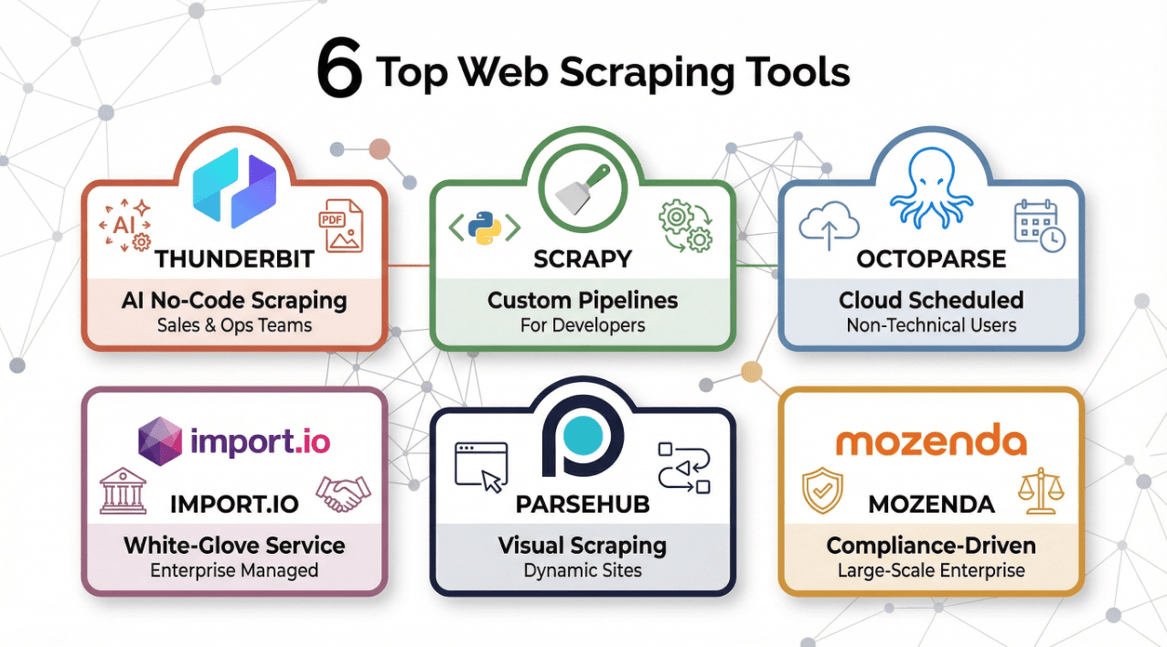
- Thunderbit: Best for AI-powered, no-code scraping across any website, PDF, or image—especially for sales and ops teams.
- Scrapy: Best for developers building custom, scalable pipelines.
- Octoparse: Best for non-technical users who want cloud-based, scheduled scraping.
- Import.io: Best for enterprises needing white-glove, managed extraction.
- ParseHub: Best for visual scraping of dynamic or complex sites.
- Mozenda: Best for compliance-driven, large-scale enterprise projects.
Best Practices for Choosing and Using Data Extraction Companies
How to Scrape Any Website Using AI Get Started Free
1. Match the tool to your technical skills and business needs.
If you’re a non-coder, prioritize no-code or AI solutions like Thunderbit, Octoparse, or ParseHub. Developers may prefer Scrapy for custom control.
2. Consider compliance and privacy from day one.
If you’re in a regulated industry, choose providers with strong compliance track records like Mozenda or Import.io. Always check terms of service and privacy policies.
3. Think about data sources and formats.
Need to extract from PDFs, images, or dynamic web apps? Make sure your tool supports these formats natively.
4. Plan for scalability and automation.
Recurring data needs? Look for scheduling, cloud scraping, and API integration. Thunderbit and Octoparse both offer robust scheduling.
5. Test before you commit.
Most tools offer free trials—run a pilot project, check data quality, and see how well the tool integrates with your workflow.
6. Integrate with your business systems.
Export directly to your CRM, BI tool, or spreadsheet to maximize value and minimize manual work.
7. Stay organized and ethical.
Label your data, respect website terms, and avoid scraping sensitive or personal information unless you have consent.
Conclusion: Maximizing Value from Data Extraction in 2026
The right data extraction company can supercharge your business—fueling better decisions, sharper lead gen, and faster market moves. But the landscape is evolving fast, with AI, compliance, and SaaS models all raising the bar.
- Thunderbit is my top pick for teams who want AI-powered, no-code extraction from any web source—fast, accurate, and accessible to everyone.
- Scrapy and Octoparse offer power and flexibility for devs and business users, respectively.
- Import.io and Mozenda are the go-tos for enterprises with complex, compliance-heavy needs.
- ParseHub is perfect for visual scraping of dynamic, JavaScript-heavy sites.
My advice? Test a few, talk to vendors about your unique needs, and don’t be afraid to ask for a demo or proof of concept. In 2026, structured data isn’t just a nice-to-have—it’s your competitive edge.
Want to see Thunderbit in action? Download the Chrome extension and try scraping your first site in minutes. And for more tips, check out the Thunderbit Blog.
Explore Thunderbit's AI Web Scraper
FAQs
1. What is a data extraction company and why do businesses need one?
A data extraction company provides tools or services to collect, structure, and deliver data from websites, documents, or other digital sources. Businesses use them to fuel decision-making, lead generation, market research, and competitive analysis.
2. How do I choose between a no-code tool and a developer-focused solution?
If your team lacks coding skills, opt for no-code or AI-powered tools like Thunderbit or Octoparse. If you have in-house developers and need custom pipelines, Scrapy is a great choice.
3. What compliance risks should I consider when extracting data?
Always ensure your provider follows privacy laws (like GDPR, CCPA), respects website terms, and offers secure data handling. Mozenda and Import.io are leaders in compliance-focused extraction.
4. Can these tools extract data from PDFs or images?
Yes—Thunderbit, for example, can extract structured data from PDFs and images using AI. Always check if your chosen tool supports the formats you need.
5. How much does data extraction cost?
Pricing varies: Thunderbit starts free, with paid plans from $15/month; Octoparse and ParseHub have free and paid tiers; Import.io and Mozenda offer custom enterprise pricing. Always factor in your data volume, frequency, and support needs.
Ready to unlock the power of data? The right extraction partner is just a click away.
Try Thunderbit AI Web Scraper Today Get Started Free
Learn More
- Top 5 Best Web Data Scraping Software in 2026
- Top 6 Essential Web Scraper Tools for 2025 Success
- 7 Most Popular Web Scraping Tools to Use in 2026
- Top 6 Business Data Providers for Smart Decision-Making
- The 6 Best Data Collection Software Tools to Try
- The Best Web Scraping Tools & Software in 2025
- Top 15 AI Scrapers for Data Extraction in 2025
- Top 12 Best Data Extractors to Use for Maximum Efficiency




