
The web is overflowing with data, but here’s the catch: manually collecting it is about as fun as watching paint dry—and about as productive, too. In 2026, businesses are swimming in more web content than ever, with the average company’s daily web data intake jumping from 1.2 TB in 2020 to 8 TB in 2025 (Actowiz Solutions). Whether you’re in sales, marketing, ecommerce, or operations, the need for fast, structured, and accurate web data isn’t just a “nice to have”—it’s an operational necessity. And let’s be real: nobody has time for endless copy-paste marathons.
Scrape data from any website using AI Click once and the AI reads the page, works out its structure, and returns a clean table. Free tier covers 6 pages a month. Get Started Free
That’s why content crawling tools have exploded in popularity. These tools—ranging from AI-powered Chrome extensions to enterprise-grade platforms—let you automate the entire process, turning chaotic web pages into clean spreadsheets, databases, or real-time dashboards. I’ve spent years in SaaS and automation, and I can tell you: the right tool doesn’t just save time, it can transform how your team works. So, let’s dive into the top 16 content crawling tools for efficient web scraping in 2026, with a focus on what makes each one unique, how they fit different business needs, and how to pick the best fit for your workflow.
Why Businesses Need Top Content Crawling Tools
If you’ve ever tried building a lead list, monitoring competitor prices, or tracking market sentiment by hand, you know how quickly manual data collection turns into a nightmare. It’s slow, error-prone, and by the time you’re done, your data might already be out of date. That’s why over 70% of enterprises have adopted automated web extraction by 2025, slashing manual effort by about 60% (Actowiz Solutions).
Content crawling tools automate the extraction of structured data from websites, making it possible to:
- Feed fresh leads into your CRM (no more copy-pasting from directories)
- Monitor competitor prices and stock levels in real time
- Aggregate reviews, news, and social media mentions for marketing insights
- Build custom datasets for research or analytics
- Schedule recurring data pulls for ongoing reporting
And the ROI is real: businesses using web scraping reported saving over $500 million collectively between 2020 and 2025, with operational efficiency gains of 20–40% (Actowiz Solutions). The bottom line? Content crawling tools free up your team to focus on strategy, not drudgery.
How We Selected the Top Content Crawling Tools
Not all web scrapers are created equal. When I built this list, I looked at tools through the lens of real business users—sales, marketing, ops, and research teams who need results, not headaches. Here’s what mattered most:
- Ease of Use: Can non-technical users get started quickly? Is there a point-and-click interface or AI assistance?
- Automation & Features: Does the tool handle pagination, subpages, scheduling, and dynamic content? Can it run in the cloud for speed and scale?
- Data Output & Integration: Can you export to Excel, CSV, Google Sheets, Airtable, Notion, or connect via API?
- Scalability: Is it suitable for one-off jobs or massive, ongoing projects?
- Customization: Can you tweak extraction logic, add custom fields, or handle tricky sites?
- Compliance & Privacy: Does the tool help you stay on the right side of GDPR, CCPA, and website terms?
- Support & Community: Is there documentation, support, or a user community to help you troubleshoot?
- Cost: Is there a free tier or trial? Does the pricing fit your scale and budget?
And of course, I put a special spotlight on Thunderbit—the tool my team and I built—because I genuinely believe it’s the easiest way for business users to get started with AI-powered web scraping.
Top 18 Content Crawling Tools for Efficient Web Scraping
Let’s break down the best of the best, from AI-powered simplicity to developer powerhouses and everything in between.
1. Thunderbit
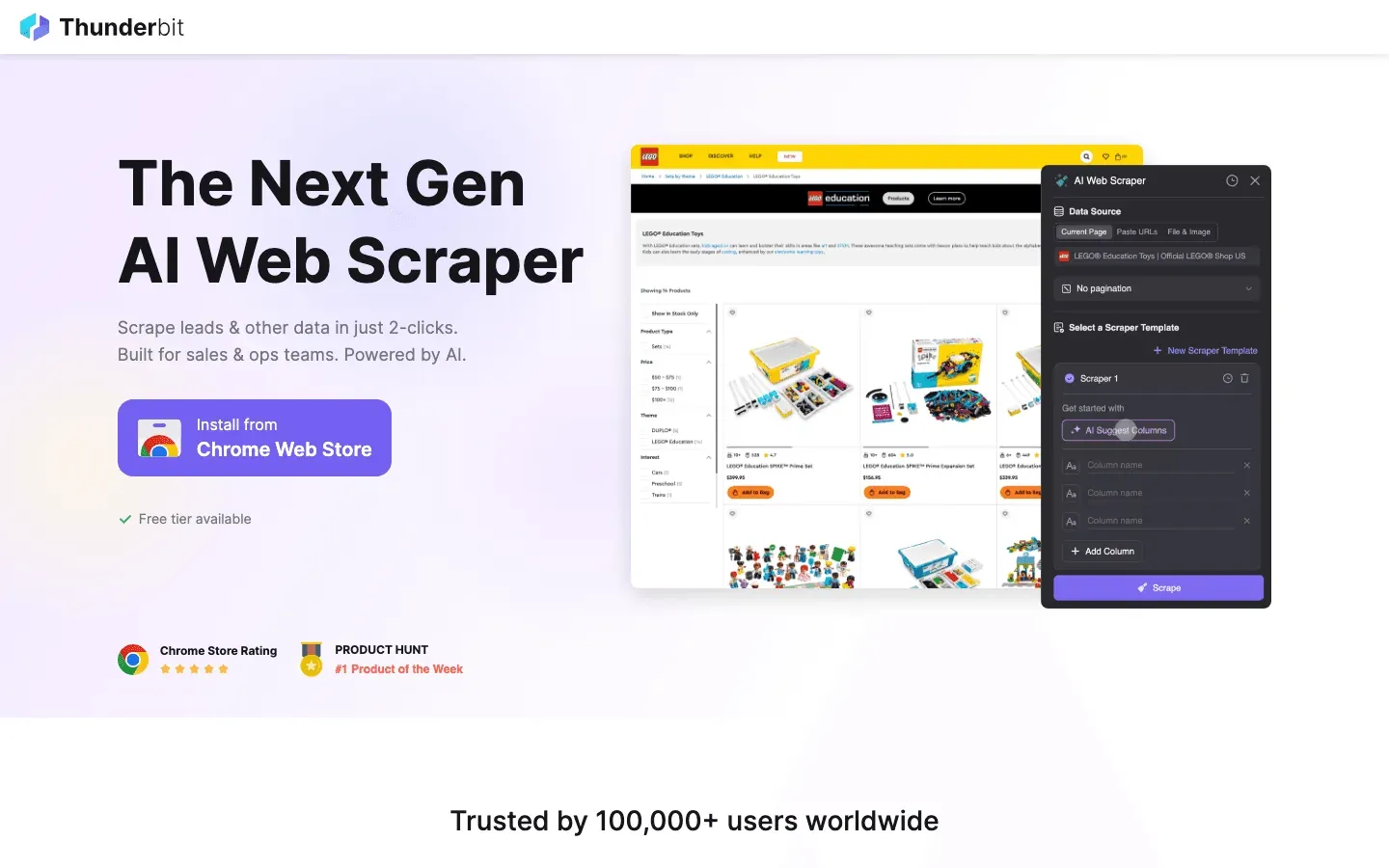 Thunderbit is an AI web scraper Chrome extension designed for business users who want results—fast. Its standout feature is One Click Extract: just visit a webpage, click once, and Thunderbit’s AI reads the page, works out the fields, and sets up the scraper for you. No coding, no fiddling with selectors—just click, scrape, and export.
- Subpage Scraping: Thunderbit can automatically visit each subpage (like product or profile details) and enrich your dataset, perfect for lead generation or e-commerce research.
- Pagination & Templates: Handles multi-page lists and offers instant templates for sites like Amazon, Zillow, and Instagram.
- Free Data Export: Export to Excel, Google Sheets, Airtable, Notion, CSV, or JSON—no paywall.
- AI Autofill: Automate online form filling with AI, extending beyond scraping into workflow automation.
- Cloud & Browser Scraping: Choose fast cloud scraping for public sites or browser mode for logged-in sessions.
- Pricing: Free for up to 6 pages (or 10 with a trial), with paid plans starting at just $15/month.
Thunderbit is perfect for sales, marketing, and operations teams who want to automate data collection without technical headaches. It’s the tool I wish I’d had years ago—now, anyone can build a lead list or monitor competitors in minutes.
Try Thunderbit AI Web Scraper for Free No crawler to configure, no selectors to maintain. Export to Excel, Google Sheets, Airtable, or Notion at no extra cost. Get Started Free
2. Scrapy
 Scrapy is the open-source powerhouse for developers. It’s a Python-based framework that lets you write custom spiders to crawl and extract data at scale. Scrapy is built for speed and flexibility, supporting asynchronous crawling, custom pipelines, proxy rotation, and integration with databases or APIs.
- Best for: Developers and data engineers building large, complex, or recurring scraping projects.
- Strengths: Full control, extensibility, huge community, and battle-tested reliability.
- Drawbacks: Steep learning curve for non-coders; no visual interface.
If you have Python chops and want to build robust, scalable crawlers, Scrapy is the gold standard.
3. Octoparse
 Octoparse is a no-code, cloud-based web scraper with a visual drag-and-drop interface. You can point and click to select data, set up pagination, and even use AI-assisted pattern detection to speed up setup.
- Pre-built Templates: Extract data from popular sites like Amazon, Twitter, and Google Maps in minutes.
- Cloud Scraping & Scheduling: Run jobs on Octoparse’s servers, schedule recurring tasks, and handle large-scale projects.
- Export Options: CSV, Excel, JSON, API integration.
- Pricing: Free tier with limits; paid plans start around $75/month.
Octoparse is ideal for business analysts and non-programmers who want powerful scraping without writing code.
4. ParseHub
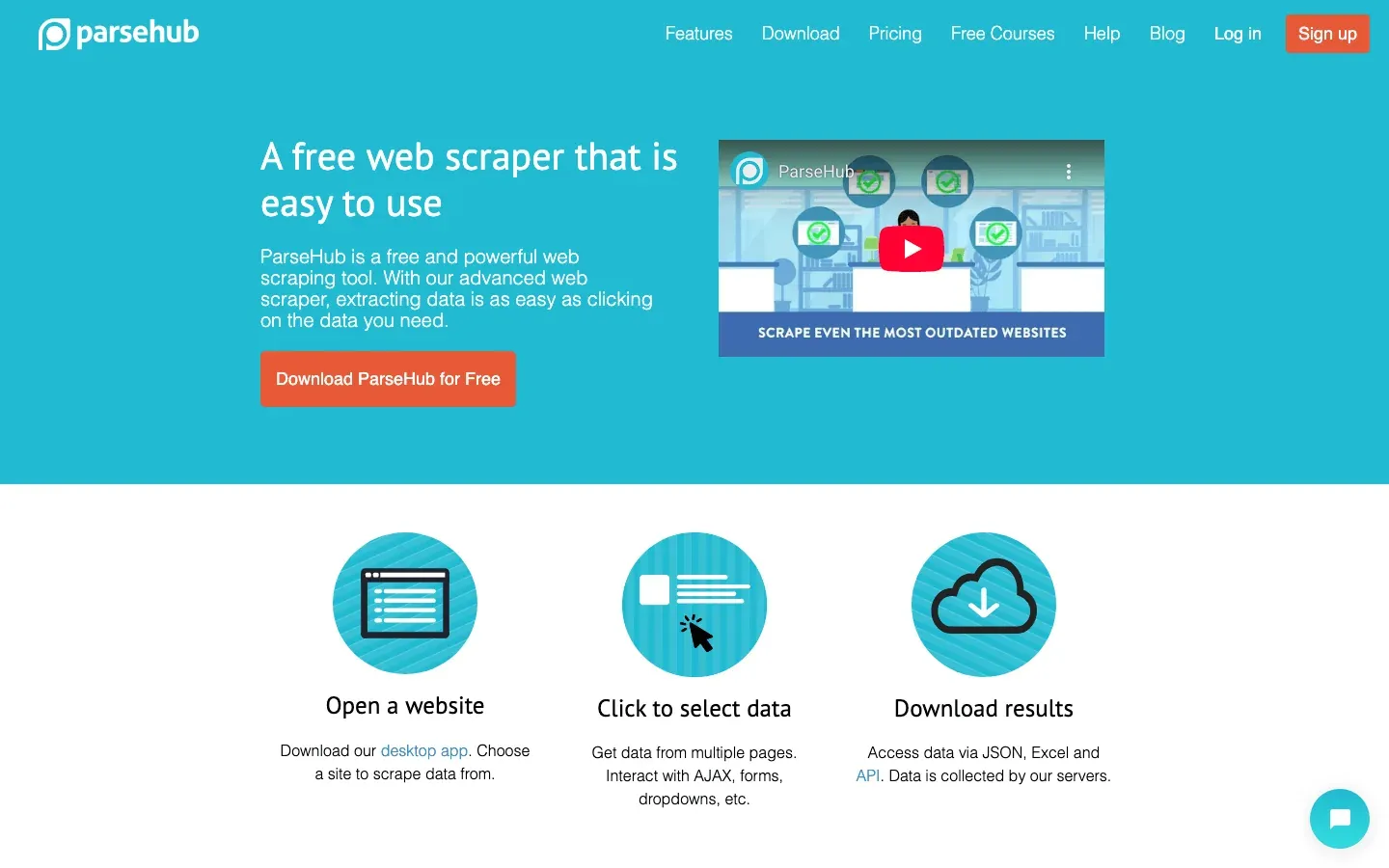 ParseHub is a visual web scraper that excels at handling dynamic content and complex site structures. Its point-and-click interface lets you build workflows with conditional logic, loops, and multi-level navigation.
- Dynamic Content: Handles dropdowns, infinite scroll, and interactive elements.
- Cloud & Local Runs: Run projects in the cloud (paid) or locally for smaller jobs.
- Export: CSV, Excel, JSON, API.
- Pricing: Generous free tier; paid plans from $49/month.
ParseHub is great for non-coders who need flexibility and power for tricky websites.
5. Data Miner
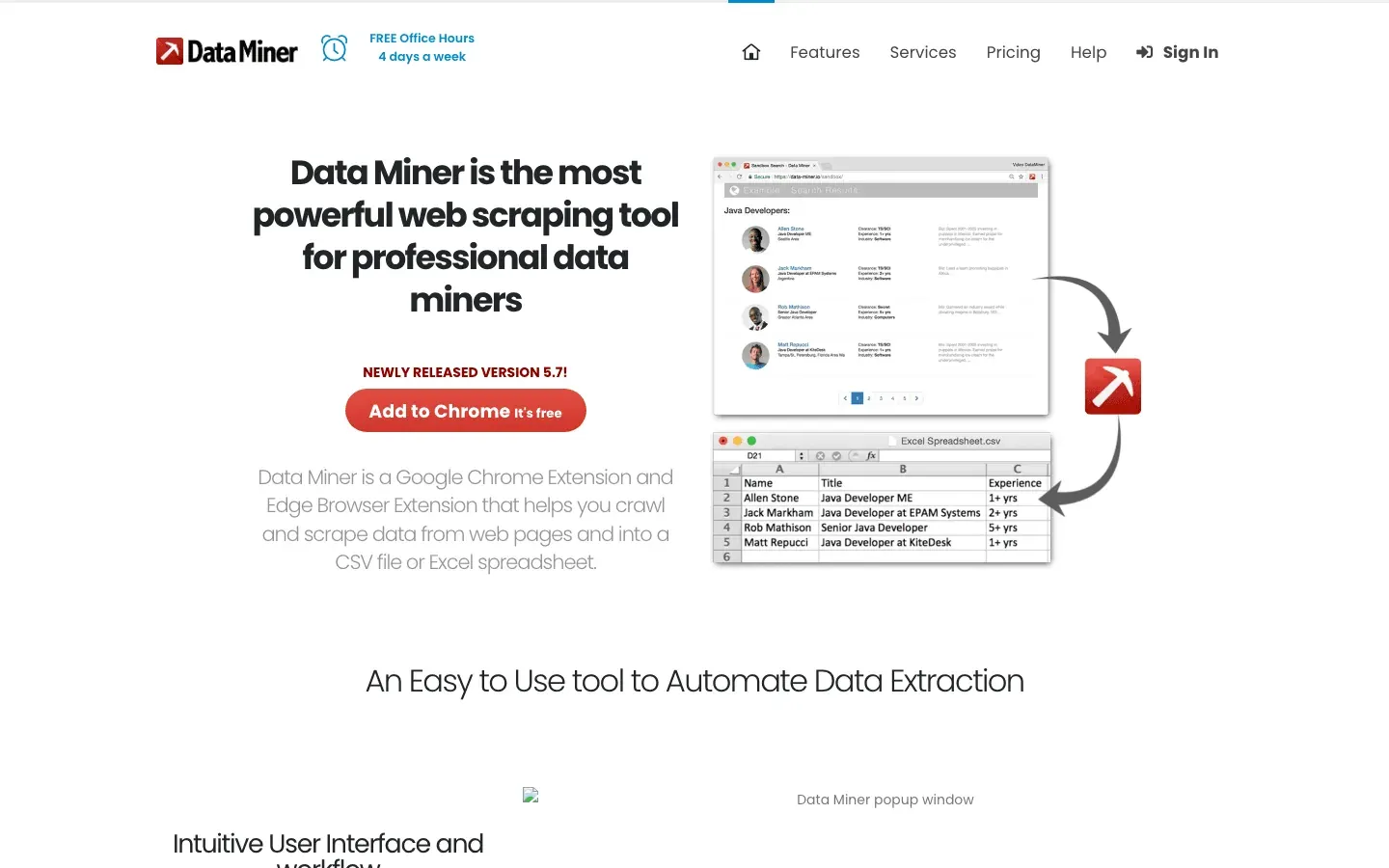 Data Miner is a Chrome/Edge extension for quick, template-based scraping. With over 50,000 public extraction recipes for 15,000+ websites, you can often scrape a page in one click.
- Google Sheets Integration: Upload scraped data directly to Sheets.
- Custom Recipes: Build your own extraction logic with point-and-click or XPath.
- Pagination & Automation: Handles multi-page scraping and scheduled runs.
- Pricing: Free tier; paid plans from $19/month.
Perfect for analysts and marketers who need fast, small-to-medium data grabs right from the browser.
6. WebHarvy
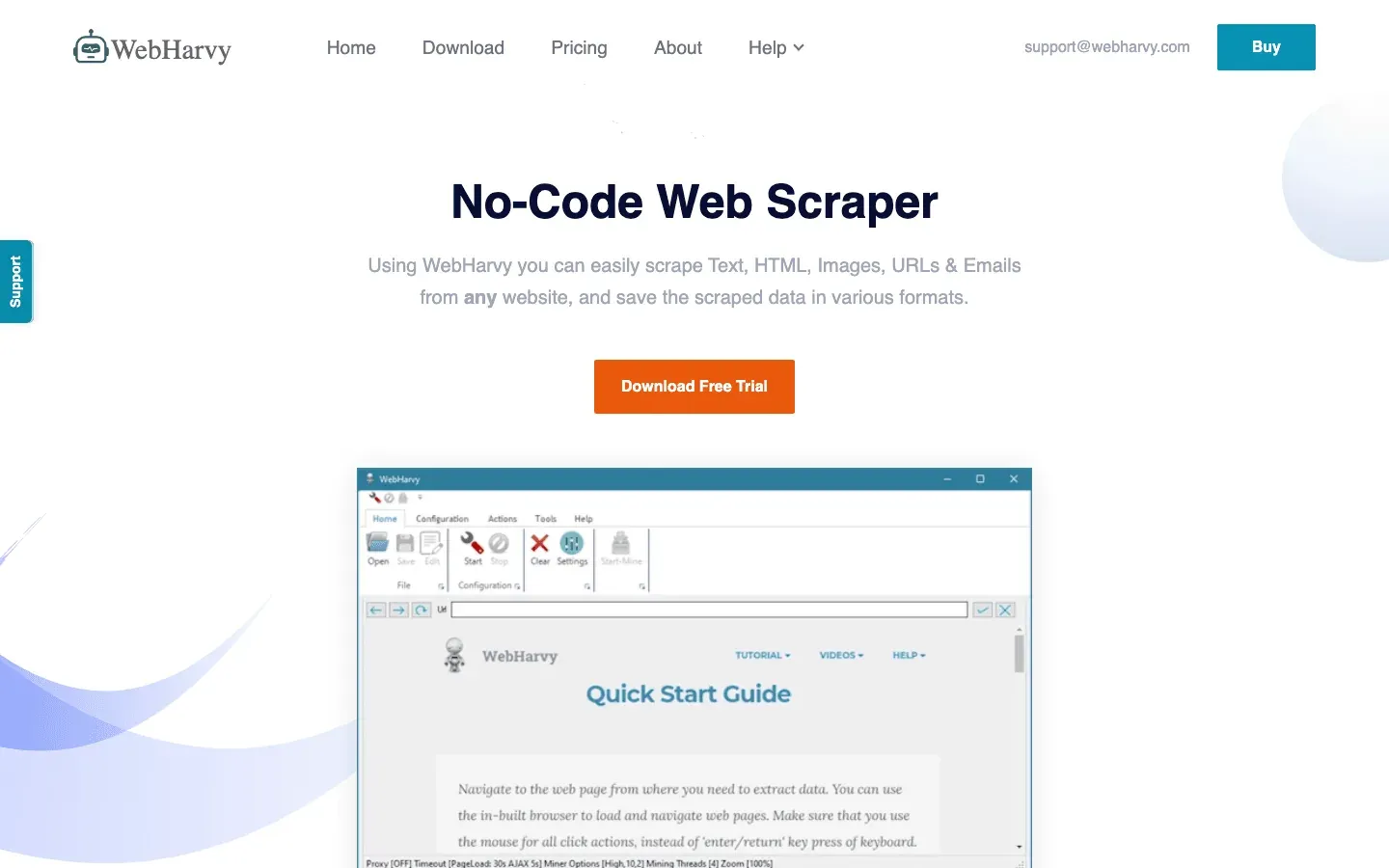 WebHarvy is a Windows desktop app with a point-and-click interface and automatic pattern detection. Just click an element, and WebHarvy highlights all similar items for extraction.
- Supports Images, Text, Pagination: Scrape product photos, emails, URLs, and more.
- Desktop Scheduling: Schedule scrapes on your PC.
- One-Time License: Around $199 per PC.
Great for small business users who want a simple, no-subscription tool for periodic scraping.
7. Import.io
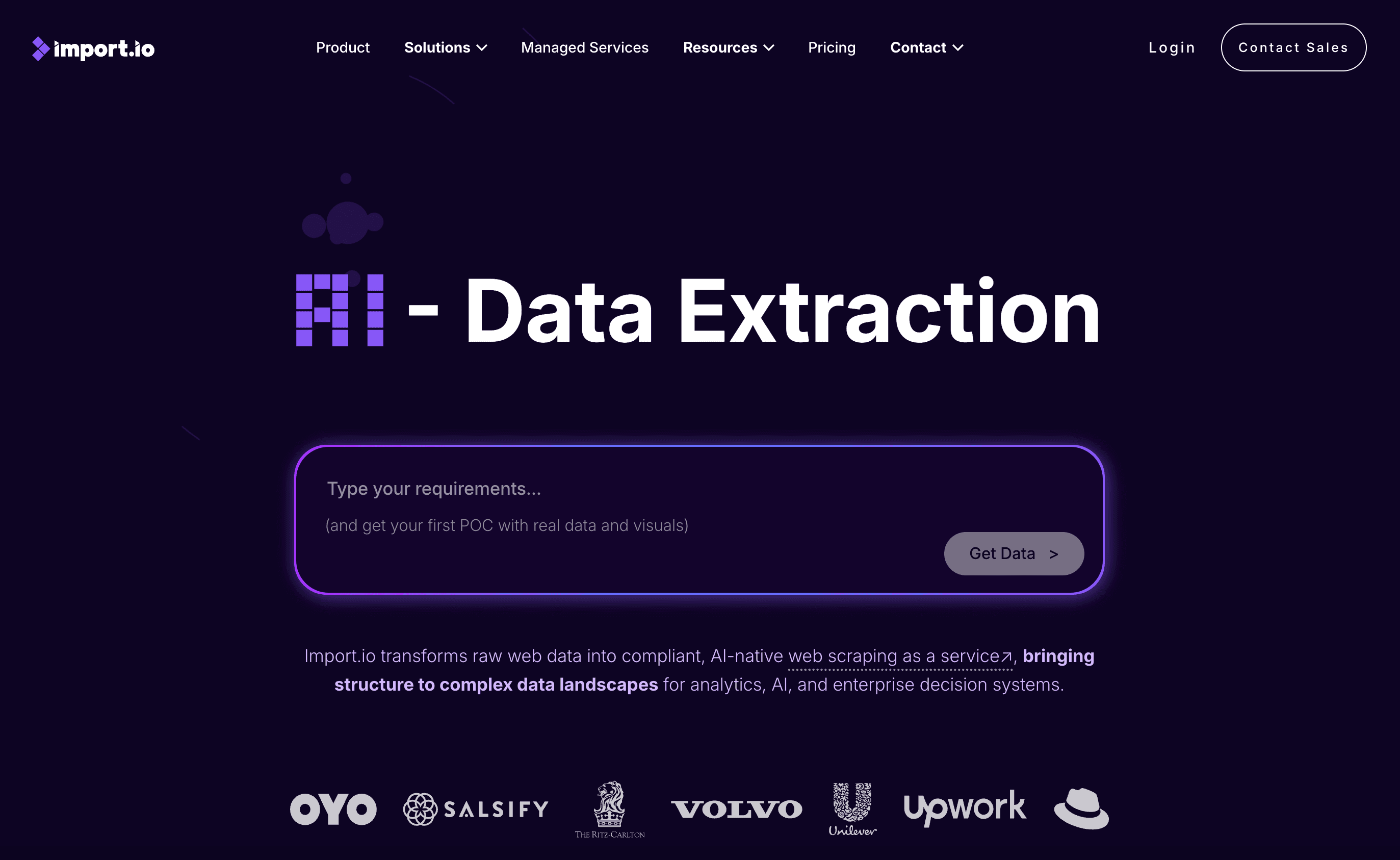 Import.io is an enterprise-grade, cloud-based platform for large-scale data extraction. It offers AI-powered data cleaning, real-time monitoring, and robust compliance features.
- API Integrations: Deliver data directly to databases, BI dashboards, or applications.
- Compliance: Built with GDPR and CCPA in mind.
- Pricing: Enterprise contracts; higher-end.
Best for large organizations needing reliable, compliant, and scalable web data pipelines.
8. Apify
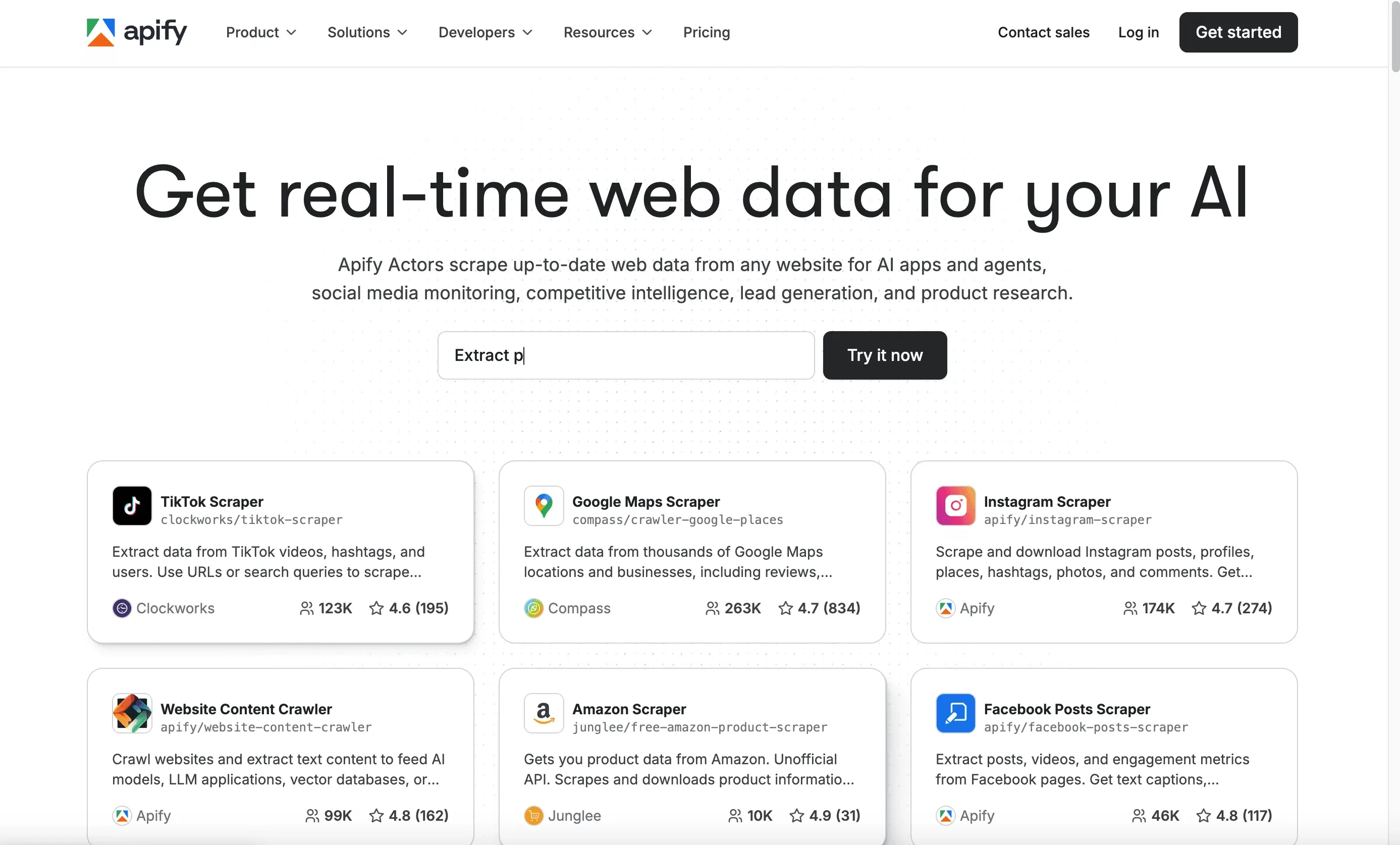 Apify is a cloud automation platform and marketplace for web scraping “actors” (bots). Use pre-built actors for common sites or build your own in JavaScript or Python.
- Marketplace: Hundreds of ready-to-use scrapers for sites like LinkedIn, Amazon, and more.
- Scheduling & API: Run, schedule, and integrate actors via API.
- Pricing: Free tier; paid usage starts at $49/month.
Ideal for developers and tech-savvy teams who want automation, flexibility, and community-driven solutions.
9. Dexi.io
 Dexi.io is a cloud-based platform for collaborative web data projects. It offers workflow automation, scheduling, and team management features.
- Workflow Automation: Build and share data pipelines across teams.
- API & Export: Integrate with databases, cloud storage, or BI tools.
- Pricing: Custom; aimed at teams and enterprises.
Great for organizations managing ongoing, collaborative data projects.
10. Helium Scraper
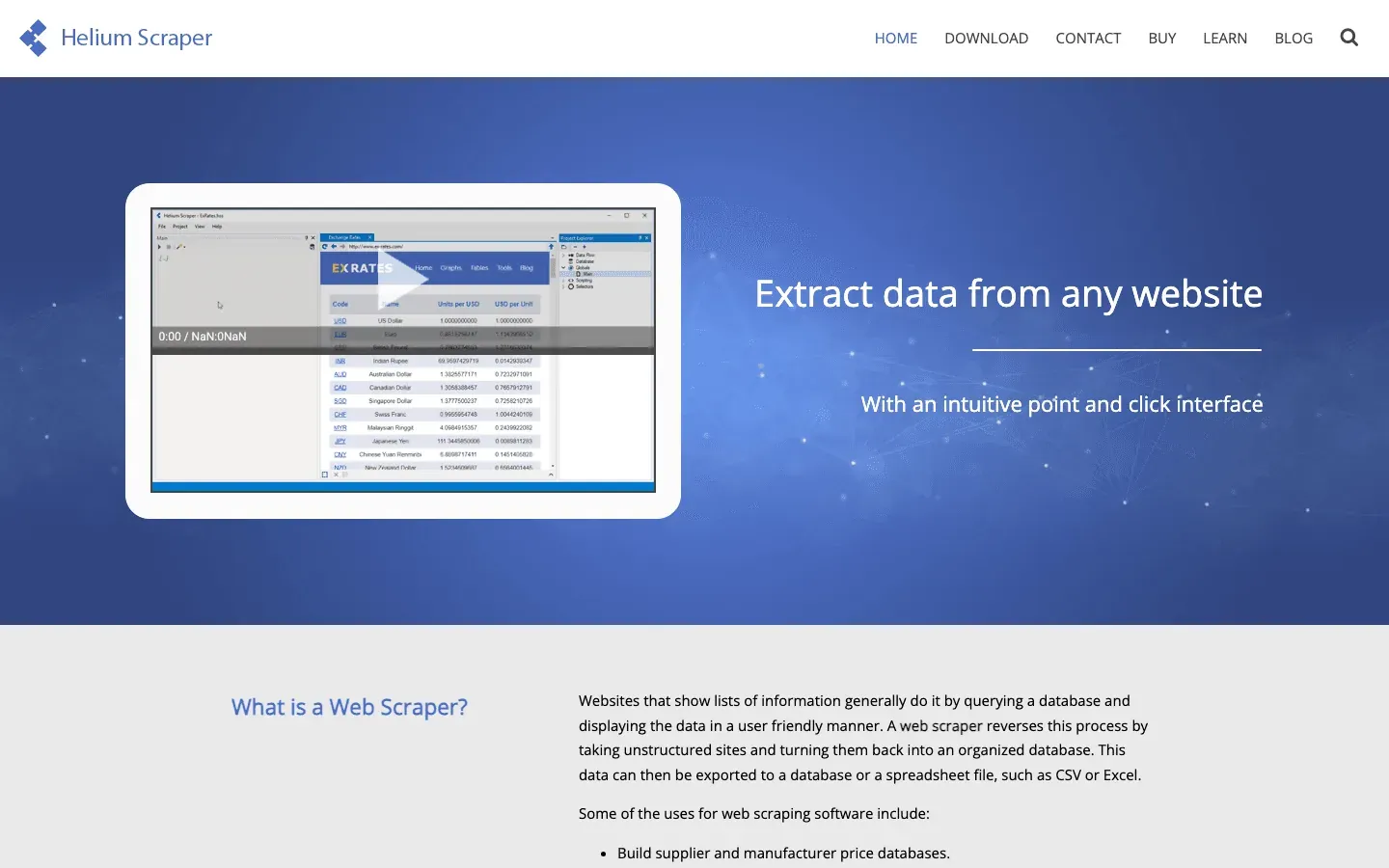 Helium Scraper is a desktop tool blending visual extraction with scripting flexibility. Use point-and-click for most tasks, or drop into custom JavaScript for advanced logic.
- Handles Dynamic Content: Scrape AJAX-heavy sites.
- Data Cleaning & Transformation: Built-in scripting for custom workflows.
- One-Time License: Around $99.
Perfect for power users who want flexibility without a subscription.
11. Web Scraper
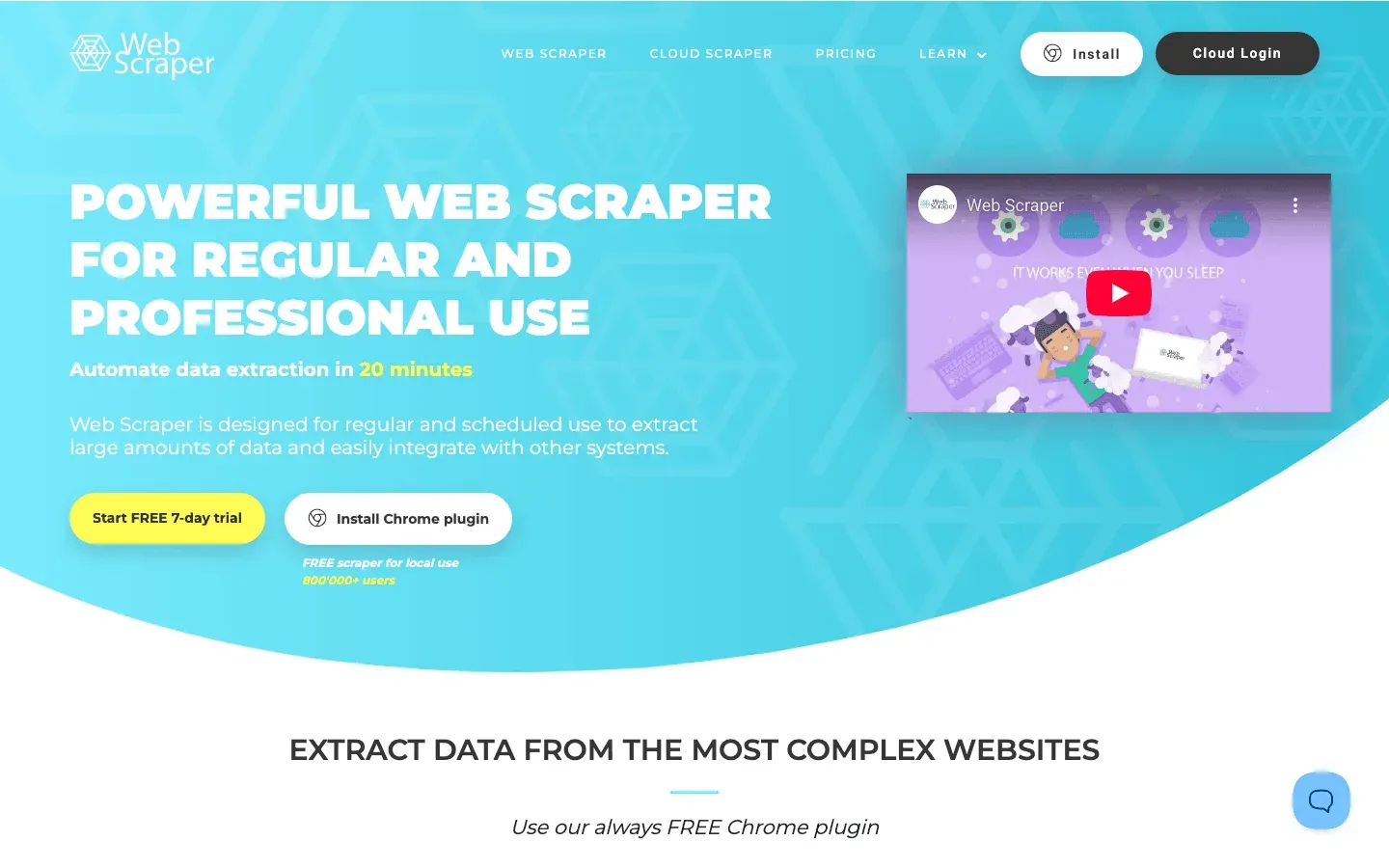 Web Scraper is a free Chrome extension that introduces many to web scraping. Define a sitemap, click to select elements, and export to CSV or JSON.
- Multi-Level Crawling: Follow links, handle pagination, and scrape nested data.
- Free for Local Use: Paid cloud version available for scheduling and scale.
Ideal for beginners, students, or anyone needing a quick, free solution for small jobs.
12. Mozenda
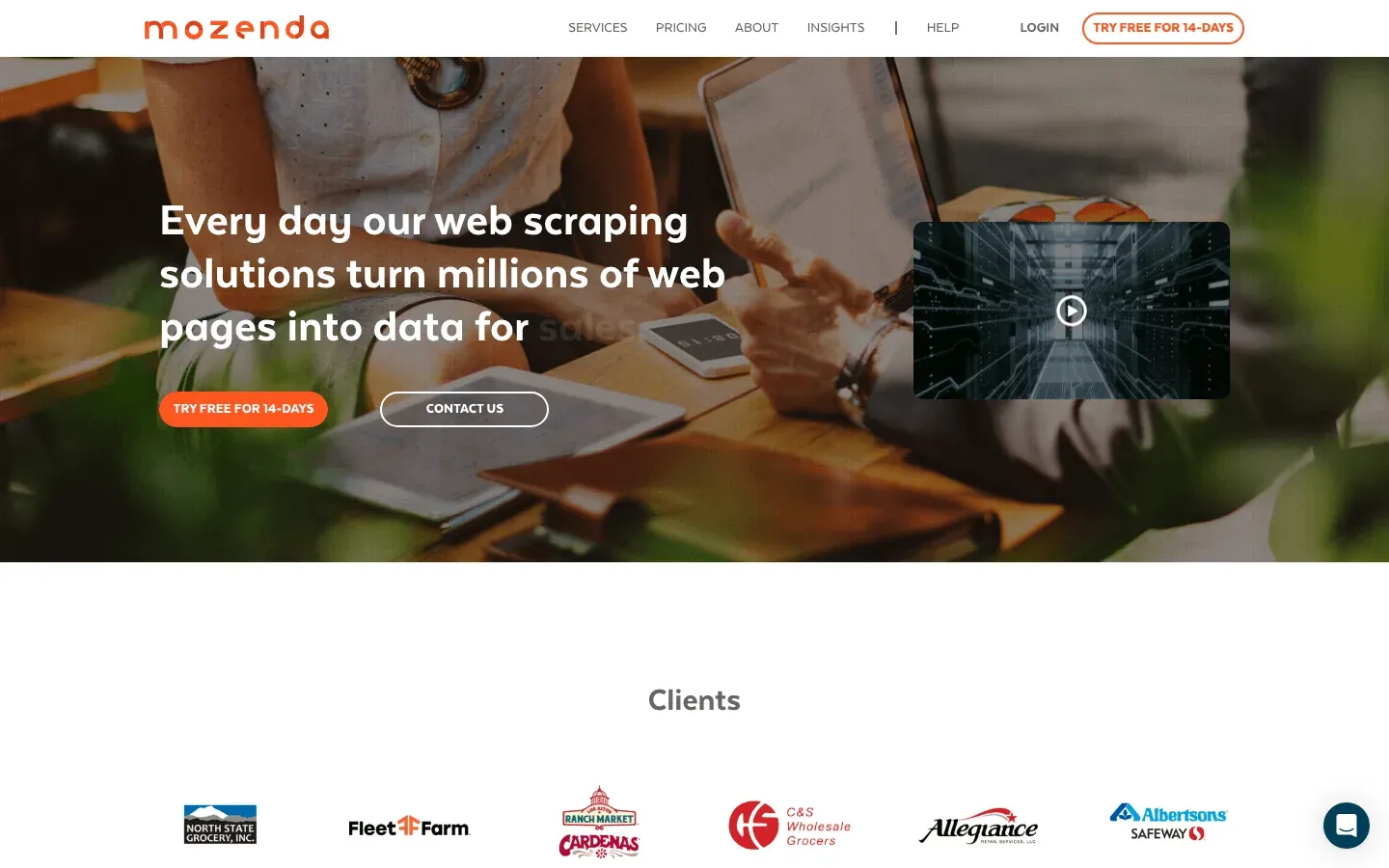 Mozenda is an enterprise cloud platform with a focus on compliance, scalability, and managed services. Its point-and-click interface lets you build “agents” for data extraction.
- Managed Services: Mozenda’s team can build and maintain scrapers for you.
- Compliance & Support: Strong focus on GDPR, CCPA, and enterprise needs.
- Pricing: Starts around $500/month.
Best for large organizations wanting a turnkey, scalable web data solution with strong support.
13. SimpleIndex
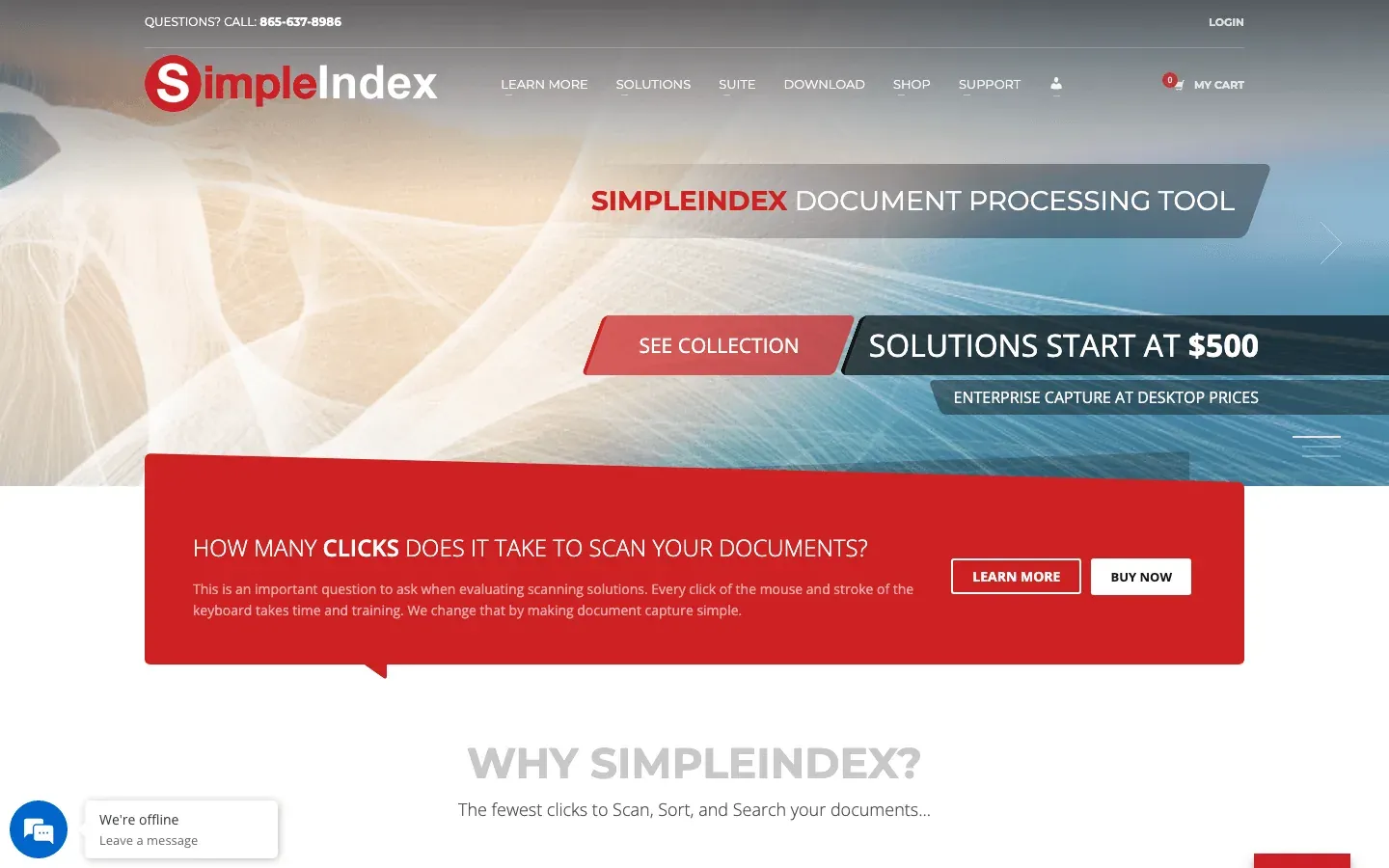 SimpleIndex is an automation tool for both document and web data extraction, with a focus on OCR and indexing.
- Screen Scraping OCR: Extract data from scanned documents, PDFs, or even on-screen web forms.
- Integration: Output to databases, document management systems.
- One-Time License: A few hundred dollars per workstation.
Great for organizations combining document and web data workflows.
14. Datastreamer (formerly Spinn3r)
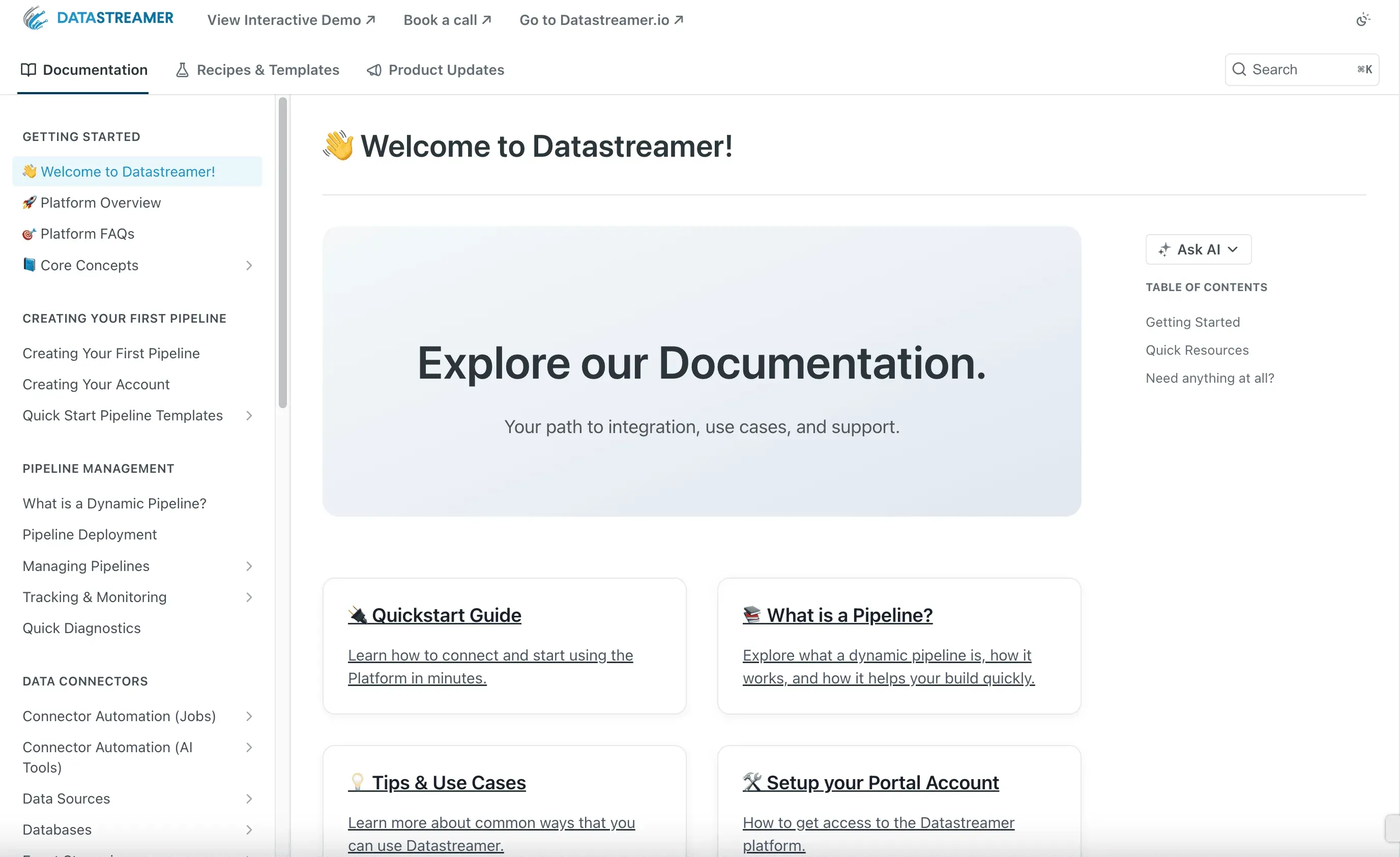 Datastreamer (formerly Spinn3r) is a real-time content crawling platform for blogs, news, and social media. Its Firehose API delivers a continuous stream of new content from millions of sources.
- Spam Filtering & Language Processing: Clean, structured data feeds.
- API Access: Integrate directly into your systems.
- Subscription Pricing: Based on usage.
Best for media monitoring, news aggregation, or research teams needing real-time content streams.
15. FMiner
 FMiner is a visual workflow builder for complex web crawls. Its drag-and-drop interface lets you design multi-level, conditional scraping routines.
- Python Scripting: Insert custom code for advanced logic.
- Cross-Platform: Available for Windows and Mac.
- One-Time License: Starts around $168.
Perfect for analysts or data scientists who want to map out sophisticated workflows visually.
16. G2 Webscraper
 G2 Webscraper (referring to highly-rated tools on G2) is praised for its simplicity and effectiveness. Users love tools that are free, easy, and save tons of time—like the Web Scraper Chrome extension or Data Miner.
- Strong User Reviews: High ratings for ease of use and reliability.
- Quick Setup: Minimal learning curve for basic to intermediate tasks.
If you want a tool that “just works” for straightforward scraping, user favorites from G2 are a safe bet.
Comparison Table: Top Content Crawling Tools at a Glance
| Tool | Ease of Use | Automation & Features | Export Formats | Compliance & Privacy | Pricing | Best For |
|---|---|---|---|---|---|---|
| Thunderbit | ⭐⭐⭐⭐⭐ | AI fields, subpages, cloud | Excel, CSV, Sheets, Notion, Airtable, JSON | User-guided | Free, from $15/mo | Non-coders, sales, ops |
| Scrapy | ⭐ | Full code, async, plugins | CSV, JSON, DB | User-managed | Free, open source | Developers, big projects |
| Octoparse | ⭐⭐⭐⭐ | Visual, templates, cloud | CSV, Excel, JSON, API | User-guided | Free, from $75/mo | Analysts, e-commerce, no-coders |
| ParseHub | ⭐⭐⭐⭐ | Visual, dynamic, cloud | CSV, Excel, JSON, API | User-guided | Free, from $49/mo | Non-coders, complex sites |
| Data Miner | ⭐⭐⭐⭐⭐ | Templates, browser, Sheets | CSV, Excel, Sheets | User-guided | Free, from $19/mo | Quick browser jobs |
| WebHarvy | ⭐⭐⭐⭐⭐ | Visual, pattern detect | Excel, CSV, XML, JSON | User-guided | $199 one-time | Windows users, small biz |
| Import.io | ⭐⭐⭐⭐ | AI, cloud, monitoring | CSV, API, DB | GDPR, CCPA | Enterprise | Large orgs, compliance |
| Apify | ⭐⭐⭐ | Cloud, marketplace, API | JSON, API, Sheets | User-managed | Free, from $49/mo | Devs, automation, integrations |
| Dexi.io | ⭐⭐⭐ | Cloud, team, workflow | CSV, API, DB, Storage | User-guided | Custom | Teams, ongoing projects |
| Helium Scraper | ⭐⭐⭐ | Visual + scripting | CSV, DB | User-guided | $99 one-time | Power users, custom logic |
| Web Scraper | ⭐⭐⭐⭐⭐ | Sitemap, browser | CSV, JSON | User-guided | Free (local) | Beginners, small jobs |
| Mozenda | ⭐⭐⭐ | Cloud, managed, compliance | CSV, API, DB | GDPR, CCPA | $500+/mo | Enterprise, managed service |
| SimpleIndex | ⭐⭐⭐ | OCR, web, docs | DB, DMS | User-guided | $500 one-time | Docs + web data |
| Datastreamer | ⭐⭐ | Real-time, API | JSON, API | User-guided | Subscription | Media, news, research |
| FMiner | ⭐⭐⭐ | Visual workflow, Python | CSV, DB | User-guided | $168 one-time | Complex, visual workflows |
| G2 Webscraper | ⭐⭐⭐⭐⭐ | Simple, browser | CSV, JSON | User-guided | Free/varies | Simplicity, quick wins |
Two tools previously listed here are no longer included. Visual Web Ripper has not been maintained by Sequentum since 2018, and Content Grabber's site now returns a 404 with its product line replaced by Sequentum Cloud. Confirm current availability before planning a workflow around either.
How to Choose the Right Content Crawling Tool for Your Business
Picking the right tool is all about matching your needs to the tool’s strengths. Here’s my quick checklist:
- Define Your Use Case: One-off or ongoing? Small or massive scale? Public or logged-in data?
- Match to Skill Level: Non-coders should start with Thunderbit, Octoparse, ParseHub, or WebHarvy. Developers can dive into Scrapy or Apify.
- Check Export Needs: Need Excel, Sheets, or API integration? Make sure your tool supports it.
- Consider Compliance: If you’re in a regulated industry or scraping personal data, prioritize tools with compliance features (Import.io, Mozenda).
- Start Small: Use free tiers or trials to test on real data before you commit.
- Think Ahead: Will your needs grow? Choose a tool you can scale with.
And remember: sometimes the simplest tool is the best fit. Don’t overcomplicate things if you just need a quick spreadsheet.
Data Privacy and Compliance: What to Watch Out For
Web scraping opens up a world of possibilities—but also responsibilities. Here’s how to stay on the right side of the law and good practice:
- Respect robots.txt and site policies: Always check if a site allows scraping and follow their guidelines.
- Avoid scraping personal data unless you have a legitimate reason and consent: GDPR and CCPA are no joke.
- Don’t hammer servers: Use built-in throttling, delays, and scheduling to avoid getting blocked (and to be a good internet citizen).
- Use tools with compliance features if you’re in a sensitive industry: Import.io and Mozenda are built with GDPR/CCPA in mind.
- Document your actions: Keep records of what you scrape and why, especially for business or regulated use cases.
Ethical scraping is sustainable scraping—and it keeps your business out of trouble.
Conclusion: Empower Your Team with the Right Content Crawling Tool
The web is your business’s biggest, messiest database—and with the right content crawling tool, you can finally put it to work. Whether you’re building lead lists, tracking competitors, or feeding real-time dashboards, these 18 tools cover every scenario, skill level, and budget.
If you want the fastest path to results, Thunderbit is my top pick for business users: AI-powered, no-code, and ready to turn any website into a structured dataset in minutes. But whatever your needs, start with a free trial, experiment, and see what fits your workflow best.
Download Thunderbit Chrome Extension Install it, open the page you need, click once. The Email, Phone Number, and Image Extractors are free on every plan. Get Started Free
Ready to ditch the copy-paste grind? Download the Thunderbit Chrome Extension and see how easy web data can be. And if you want to dive deeper into web scraping, check out the Thunderbit Blog for more guides, tips, and tutorials.
Try Thunderbit AI Web Scraper Get Started Free
FAQs
1. What is a content crawling tool, and how is it different from a regular web scraper?
A content crawling tool is a type of web scraper designed to automate the extraction of structured data from websites. While all web scrapers collect data, content crawling tools often offer features like scheduling, subpage navigation, AI field detection, and integration with business workflows—making them more powerful and user-friendly for business teams.
2. Which content crawling tool is best for non-technical users?
Thunderbit, Octoparse, ParseHub, Data Miner, and WebHarvy are all excellent for non-coders. Thunderbit stands out for its AI-powered simplicity and instant export to Excel, Sheets, Airtable, or Notion.
3. How do I ensure my web scraping is legal and compliant?
Always respect website terms, robots.txt, and privacy laws like GDPR and CCPA. Avoid scraping personal data unless you have a legitimate reason and consent. For sensitive industries, choose tools with built-in compliance features (e.g., Import.io, Mozenda).
4. Can these tools handle dynamic websites with JavaScript or infinite scroll?
Yes—tools like Thunderbit, Octoparse, ParseHub, Apify, and FMiner can handle dynamic content, infinite scroll, and multi-level navigation. Some may require extra setup or cloud runs for complex sites.
5. What should I consider when choosing a content crawling tool for my business?
Consider your team’s technical skills, the scale of your data needs, export/integration requirements, compliance concerns, and budget. Start with a free tier or trial, and test the tool on your real use case before committing.
Happy scraping—and may your data always be fresh, structured, and ready for action.
Learn More




