
Picture this: you are running an ecommerce store in 2026. It is 8:00 a.m., you are sipping your coffee, and your phone pings. A competitor just dropped the price on your best-selling SKU again. You open your laptop and realize you are already late to the move.
That is the real problem competitor analysis tools solve. Shopify's says global ecommerce sales are expected to reach , after . The same report notes that . When the market is that large and that fast-moving, pricing, assortment, search visibility, and review sentiment can change before your weekly spreadsheet is even updated.
As someone who has spent years building SaaS and automation products for ecommerce teams, I have seen the same pattern repeatedly: the teams that win are not the ones with the prettiest dashboards. They are the ones that can collect the right competitive signals quickly and act on them before everyone else does.
This guide is built for that job. I re-checked the official product pages, pricing signals, and workflow fit on May 11, 2026, then narrowed this list to ten tools that are still useful for real ecommerce operations.
When Do E-Commerce Teams Need Competitor Analysis Tools?
Let us start with the practical question: when does competitor analysis actually matter for ecommerce operations?
Here are the most common scenarios where ecommerce teams reach for these tools:
| Scenario | What You Need to Track | Tool Type Needed |
|---|---|---|
| Pricing Strategy | Competitor prices, discounts, coupons | Web scraper, price tracker |
| Product Assortment Planning | Competitor SKUs, new launches, stock levels | Web scraper, catalog aggregator |
| Marketing & SEO Campaigns | Competitor keywords, traffic, backlinks, ad copy | SEO and marketing analytics |
| Customer Sentiment | Reviews, ratings, complaints, praise | Review scraper, sentiment analysis |
| Brand Positioning | Messaging, PDP copy, content, social engagement | Content and competitive monitoring |
Why this matters:
- React faster to price drops, stock changes, or new launches
- Spot assortment gaps before customers notice them first
- Benchmark SEO and ad visibility against stronger competitors
- Mine reviews for positioning by learning what buyers dislike about rival products
- Reduce manual work by moving recurring checks into repeatable workflows
Types of E-Commerce Competitor Analysis: What Can You Track?
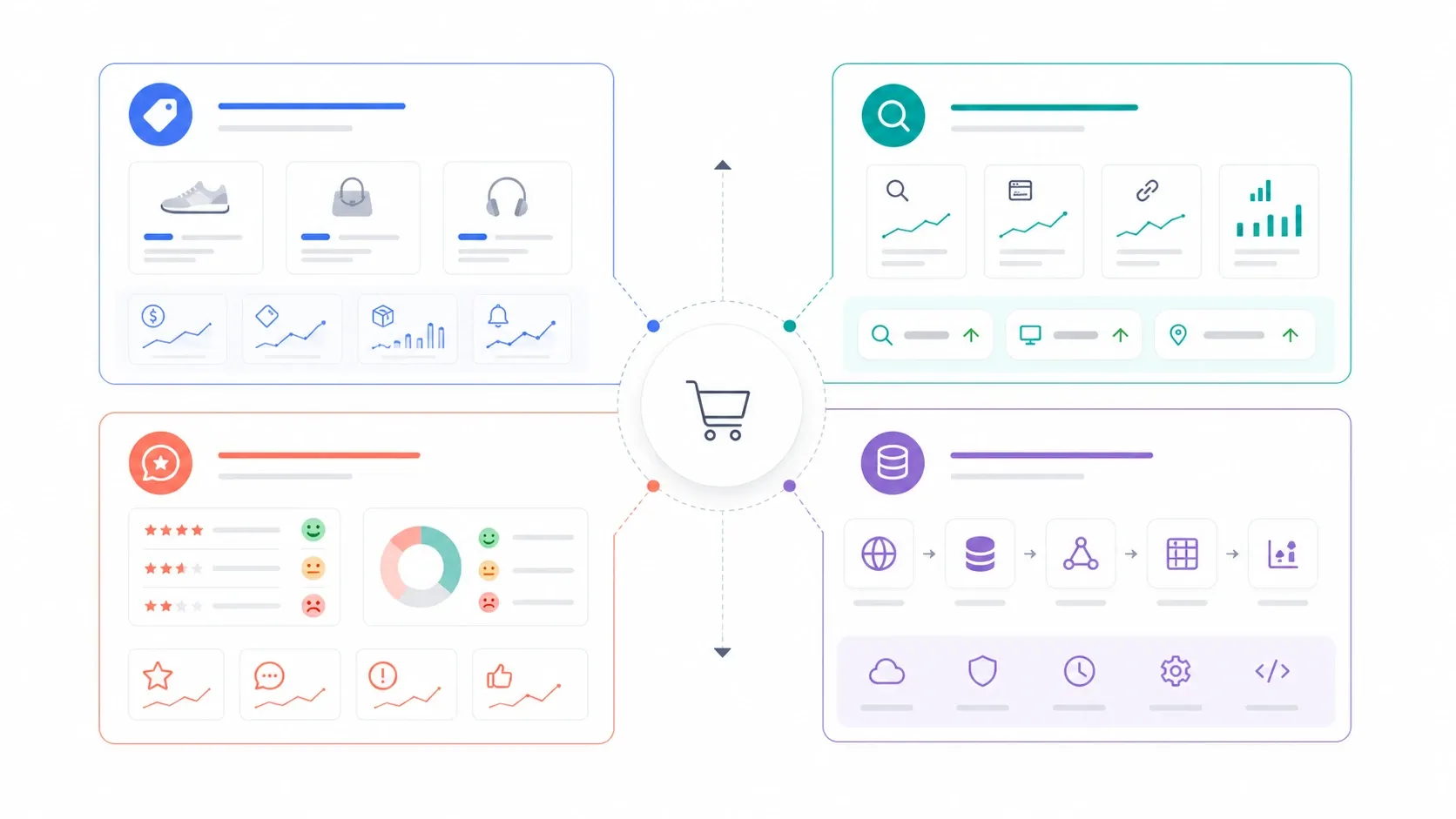
Most ecommerce teams focus on three categories of competitor intelligence:
1. Product and Pricing Intelligence
- What it covers: prices, SKUs, stock status, promotions, product content
- Why it matters: helps you react to market moves quickly and protect margin without flying blind
2. Marketing and SEO Intelligence
- What it covers: organic and paid keywords, traffic estimates, backlinks, ad copy, content performance
- Why it matters: shows where competitors are winning attention and where your brand can close the gap
3. Customer Review and Sentiment Analysis
- What it covers: star ratings, review text, recurring complaints, feature-level praise
- Why it matters: turns competitor reviews into product and messaging intelligence
How to Choose the Right Competitor Analysis Tool
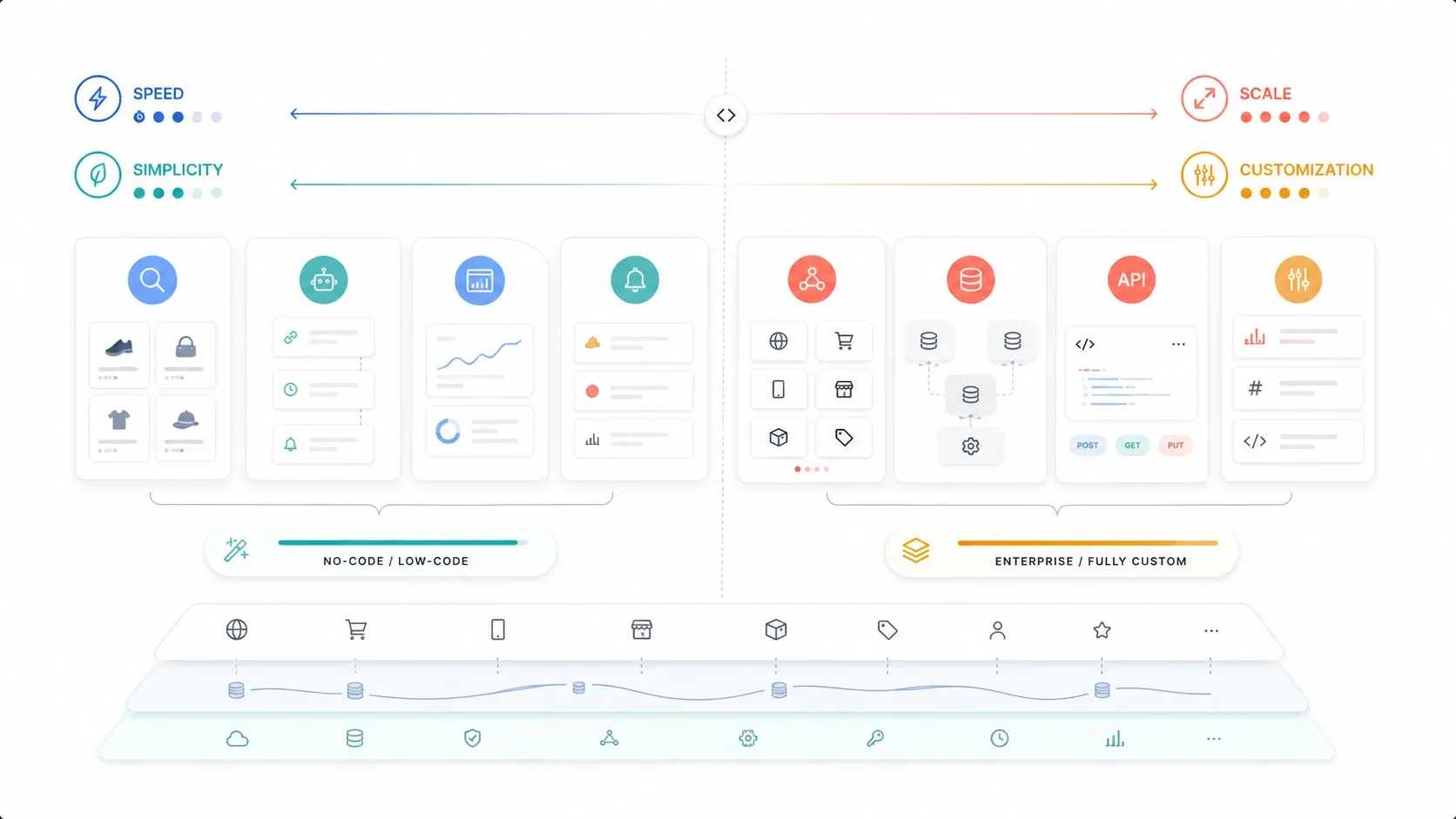
There is no one-size-fits-all winner here. The right tool depends on what you need to monitor, how often you need fresh data, and whether your team wants no-code workflows or developer-grade infrastructure.
Use this checklist:
- Data freshness: Can the tool surface changes quickly enough for pricing and merchandising decisions?
- Ease of use: Can an ops or marketing manager run it without engineering support?
- Integration: Does it export cleanly into Sheets, Airtable, BI tools, or your own data stack?
- Pricing model: Is it predictable for your usage pattern, or will costs spike as volume grows?
- Scraping depth: Can it handle pagination, subpages, dynamic sites, and review pages?
- Support and compliance: Is there clear documentation, troubleshooting help, and a legitimate approach to web access?
If you need a quick visual of how modern scraping and monitoring platforms differ, this Apify explainer is a useful orientation point before you compare the tools below:
Top 10 Competitor Analysis Tools for E-Commerce in 2026
| Tool | Main Use Case | Web Scraping? | Free Version | Integrations | Starting Price | Ease of Use |
|---|---|---|---|---|---|---|
| Thunderbit | Product and pricing data | Yes (AI, no-code) | Yes (6-page free plan) | Sheets, Airtable, Notion, API | From $15/mo | Super easy |
| Browse AI | Competitor monitoring | Yes (no-code) | Yes (50 credits/month) | Sheets, Airtable, Zapier, API | From $19/mo | Very easy |
| Octoparse | Bulk product and review scraping | Yes (no-code) | Yes (10 tasks, up to 10,000 rows/export) | CSV, Sheets, database, API | From $69/mo | Moderate |
| Apify | Custom scraping workflows | Yes (cloud and code) | Yes ($5 free monthly usage) | API, webhooks, cloud storage | From $29/mo plus usage | Moderate |
| Zyte | Enterprise-scale scraping | Yes (API and browser) | Yes ($5 free credit) | API, SDKs | PAYG from $0.13 per 1,000 HTTP requests | Advanced |
| SEMrush | SEO and marketing analysis | No | Trial and limited free tools | GA, GSC, Looker Studio, API | From $139.95/mo | Moderate |
| Ahrefs | SEO, keywords, backlinks | No | Limited Ahrefs Free access | CSV export, enterprise API | From £99/mo | Moderate |
| Moz Pro | SEO rankings and domain authority | No | Yes (free trial) | CSV export, Moz API | From $49/mo | Easy |
| Revuze | Customer sentiment intelligence | No | Demo and pilot options | BI, CRM, ecommerce integrations | Custom | Easy |
| Bright Data | Enterprise data collection | Yes (API and no-code) | Yes (1,000-request free trial) | API, JSON/CSV, cloud delivery | PAYG from $1.5 per 1,000 records | Advanced |
1. Thunderbit: Fastest Way to Pull Live Competitor Data
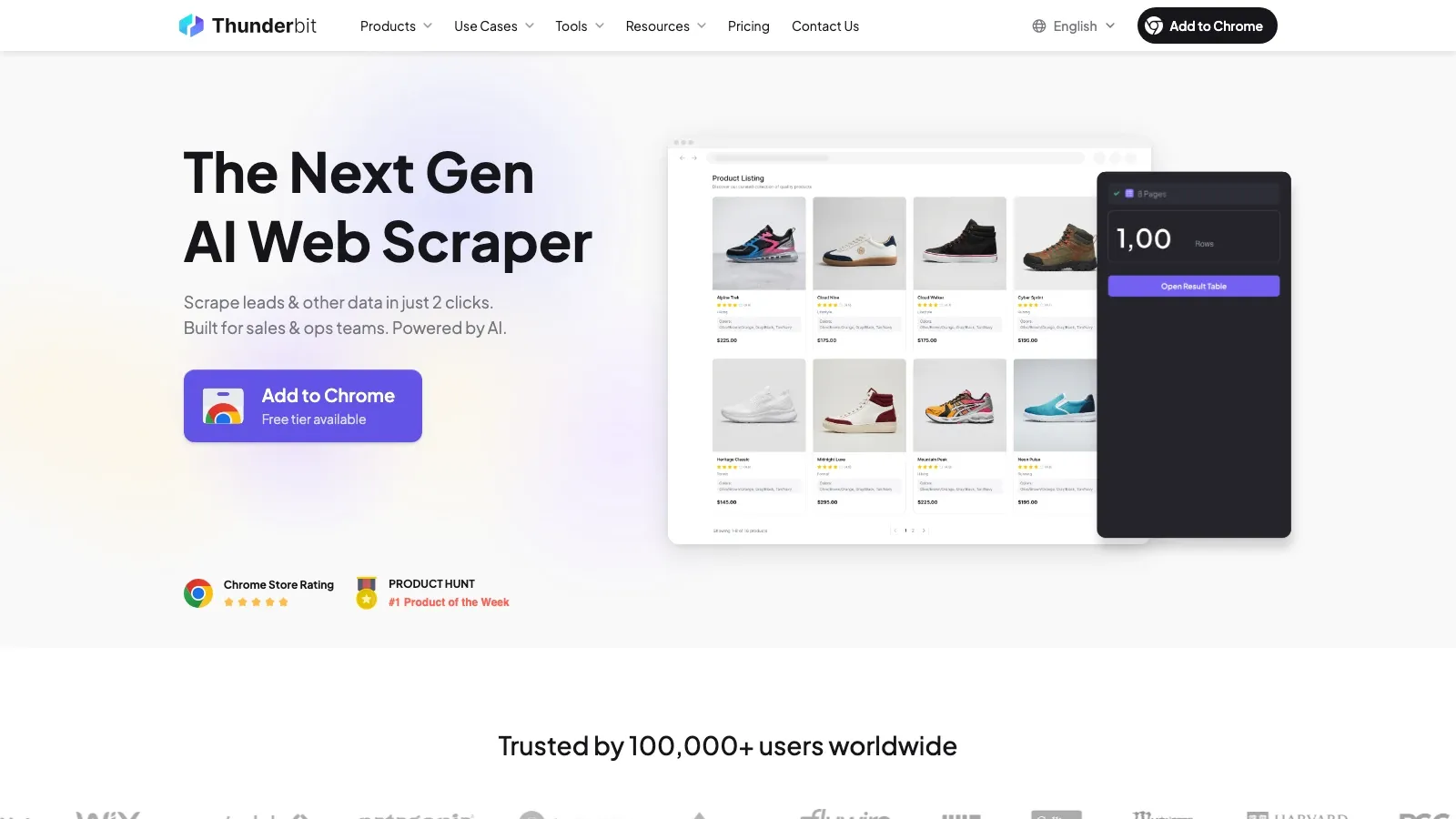
is an AI web scraper Chrome extension built for business users. You can extract structured data from product pages, category pages, or marketplaces in a couple of clicks without touching CSS selectors.
Key features:
- AI field suggestion: Thunderbit reads the page and suggests the columns you probably need, such as product name, price, SKU, promo text, and image URL.
- Subpage and pagination support: scrape a listing page, then have the tool follow into product detail pages for deeper specs or reviews.
- Template-based scraping: ready-made flows for common websites help new users move quickly.
- Export flexibility: send results to Excel, Google Sheets, Airtable, or Notion without paying extra to export.
- Scheduling: useful for recurring price checks and stock monitoring.
Best for: ecommerce operators, pricing teams, and marketers who want live competitor data without building a custom pipeline.
Pricing highlight: Thunderbit's current pricing FAQ says the free plan supports up to 6 pages, while the Starter plan provides 500 credits per month. Public pricing references across Thunderbit's current product pages and documentation put paid plans at $15/month as the entry point.
Why it stands out: it is the fastest option on this list for non-technical teams who mainly need live product and pricing data in a spreadsheet, not a months-long data engineering project.
2. Browse AI: No-Code Monitoring for Repeated Competitor Checks
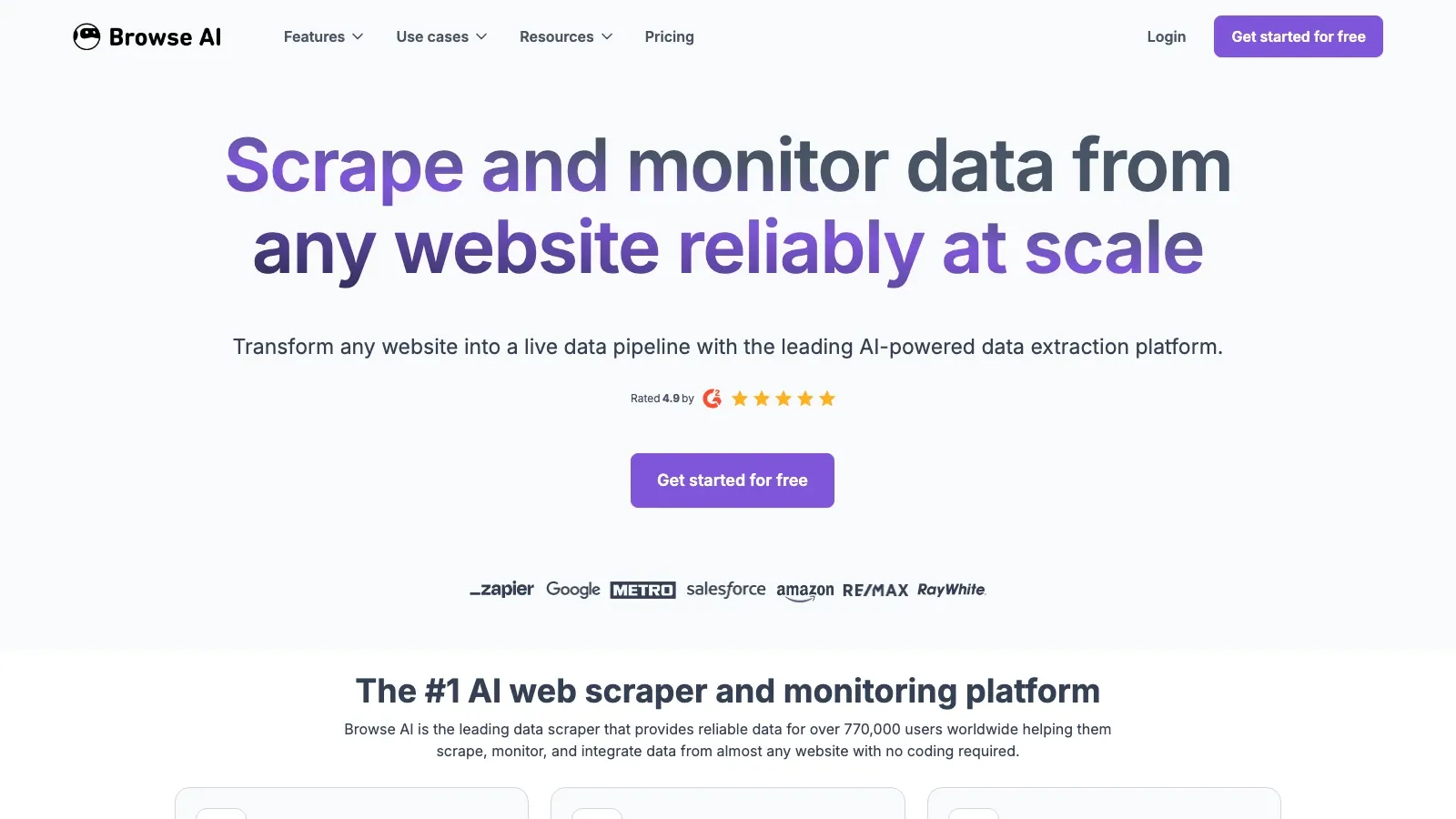
is a cloud-based no-code scraper built around training robots by clicking on the data you want. It is especially good for repeat monitoring jobs, such as watching pricing changes or content changes on a fixed list of competitor pages.
Key features:
- visual robot training without code
- built-in monitoring and change detection
- integrations with Google Sheets, Airtable, Zapier, and APIs
- support for deep scraping and scheduled runs
Best for: teams that want a straightforward cloud monitor for repetitive competitor checks.
Pricing highlight: Browse AI's official pricing page currently shows a free plan with 50 credits/month and a Personal plan starting at $19/month.
3. Octoparse: Stronger for Large Review and Catalog Pulls
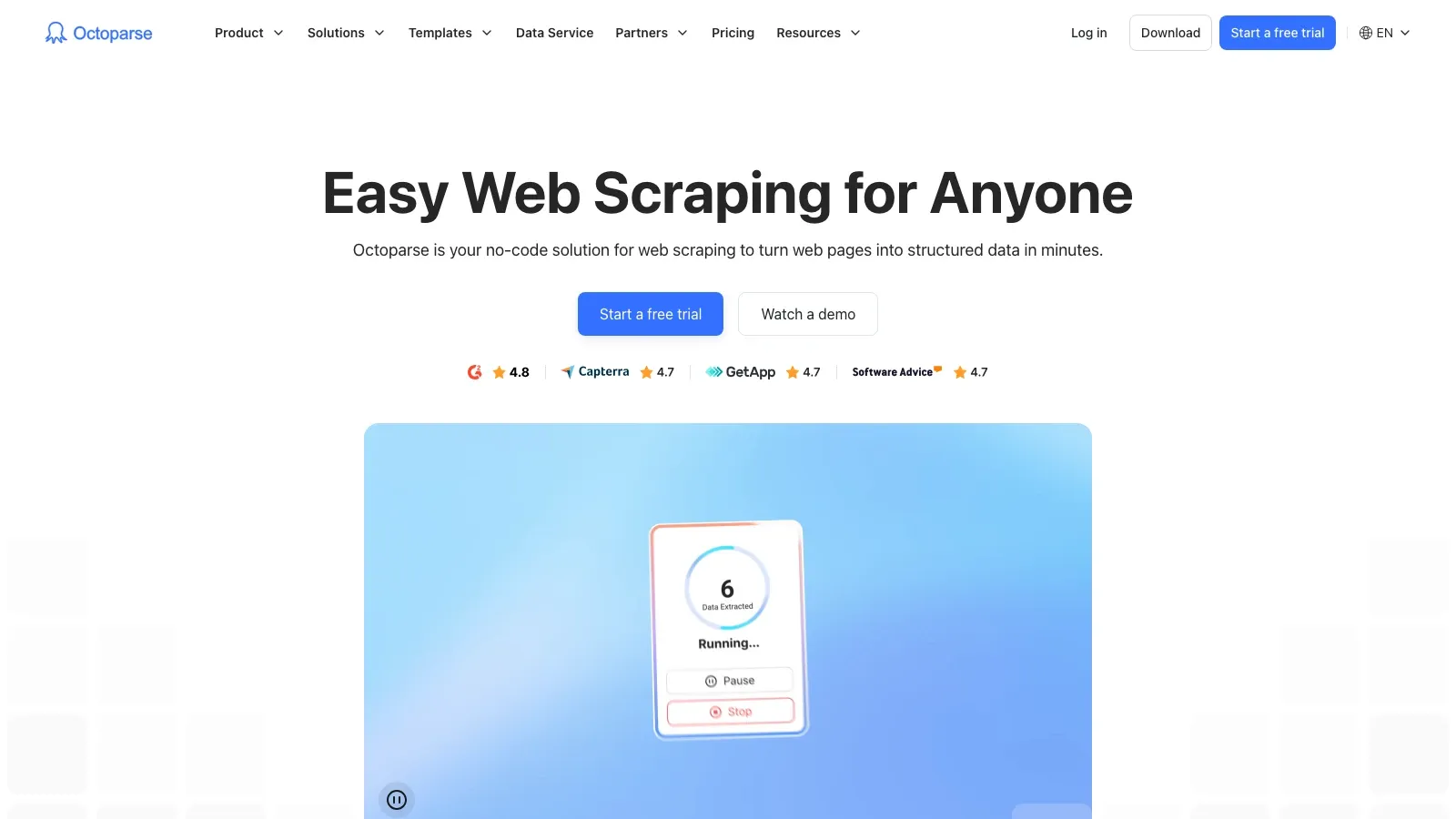
is a no-code scraper with a heavier-duty workflow builder than most browser extensions. It works well when you need to scrape a lot of review pages, product listings, or long multi-step page flows.
Key features:
- point-and-click workflow builder
- smart list detection
- cloud extraction and task scheduling
- support for dynamic content, logins, and anti-bot-heavy targets
Best for: power users who need more scale and control than a lightweight extension usually offers.
Pricing highlight: Octoparse's official pricing page currently advertises a free plan and a Standard plan starting at $69/month. The free tier supports 10 tasks and up to 10,000 rows per export.
4. Apify: Flexible Platform for Teams That Need Custom Workflows
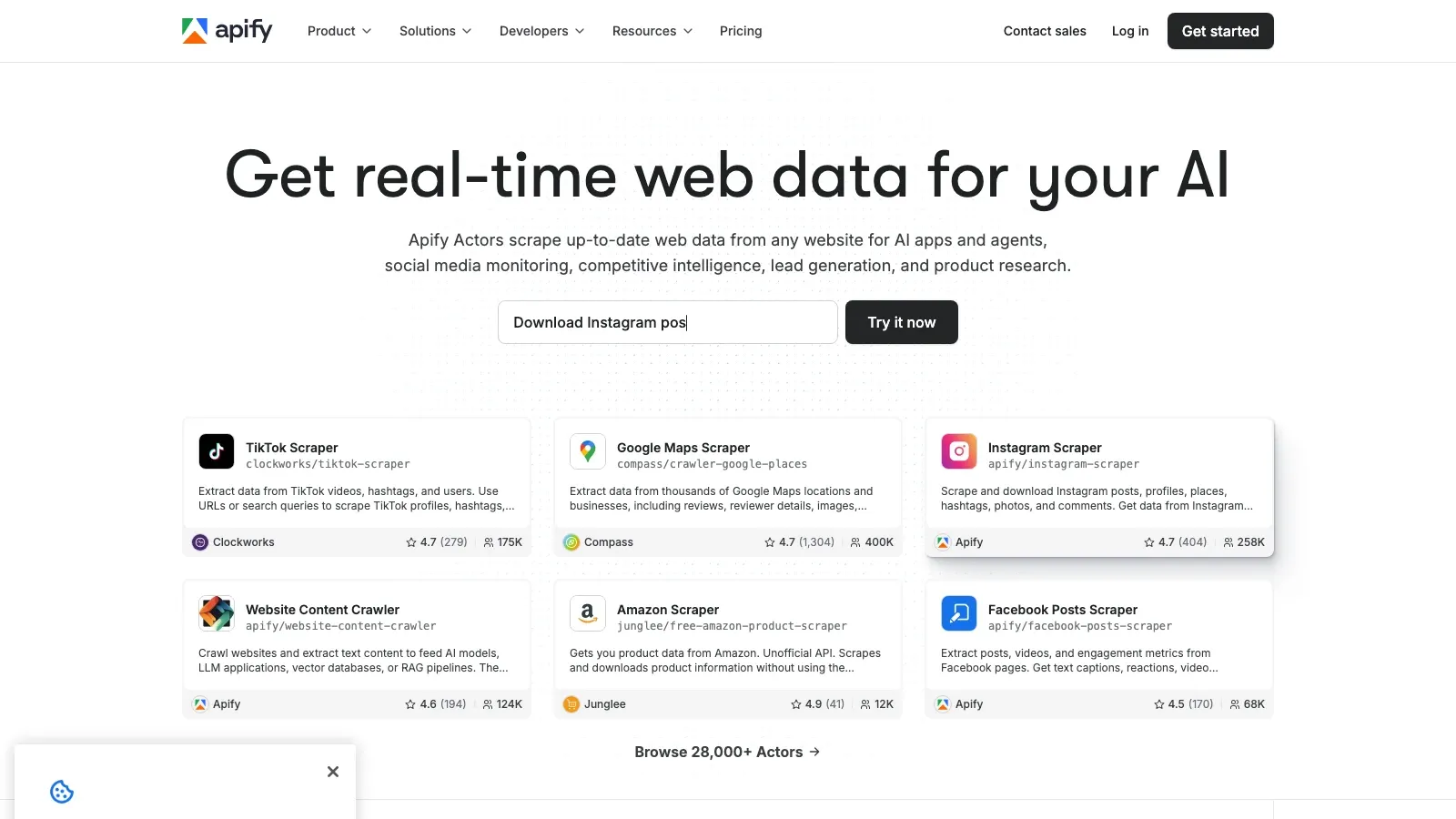
is a cloud platform for web scraping and automation. You can use marketplace Actors, run developer-built scrapers, or create your own workflows in JavaScript or Python.
Key features:
- thousands of ready-made Actors
- developer support for custom scripts
- scheduling, webhooks, and API-first workflows
- cloud execution so jobs do not depend on a local machine
Best for: teams with mixed technical skill levels that want marketplace speed now and developer extensibility later.
Pricing highlight: Apify's official pricing page currently lists a free plan with $5/month prepaid usage and a Starter plan at $29/month plus pay-as-you-go usage.
5. Zyte: Best for Engineering-Led, Large-Scale Collection
is built for teams that need reliable, large-scale web data extraction with serious unblocking, browser rendering, and API-driven control.
Key features:
- automatic request tiering and pricing by website complexity
- browser rendering and anti-detection support
- API-first workflow for production-scale systems
- pricing calculator and compliance-oriented enterprise support
Best for: data teams, marketplace intelligence teams, and enterprises that need durable data collection infrastructure.
Pricing highlight: Zyte's official pricing page currently offers $5 free credit, pay-as-you-go pricing from $0.13 per 1,000 HTTP requests, and commitment tiers starting at $100/month.
6. SEMrush: Best for SEO and Search Competition Analysis
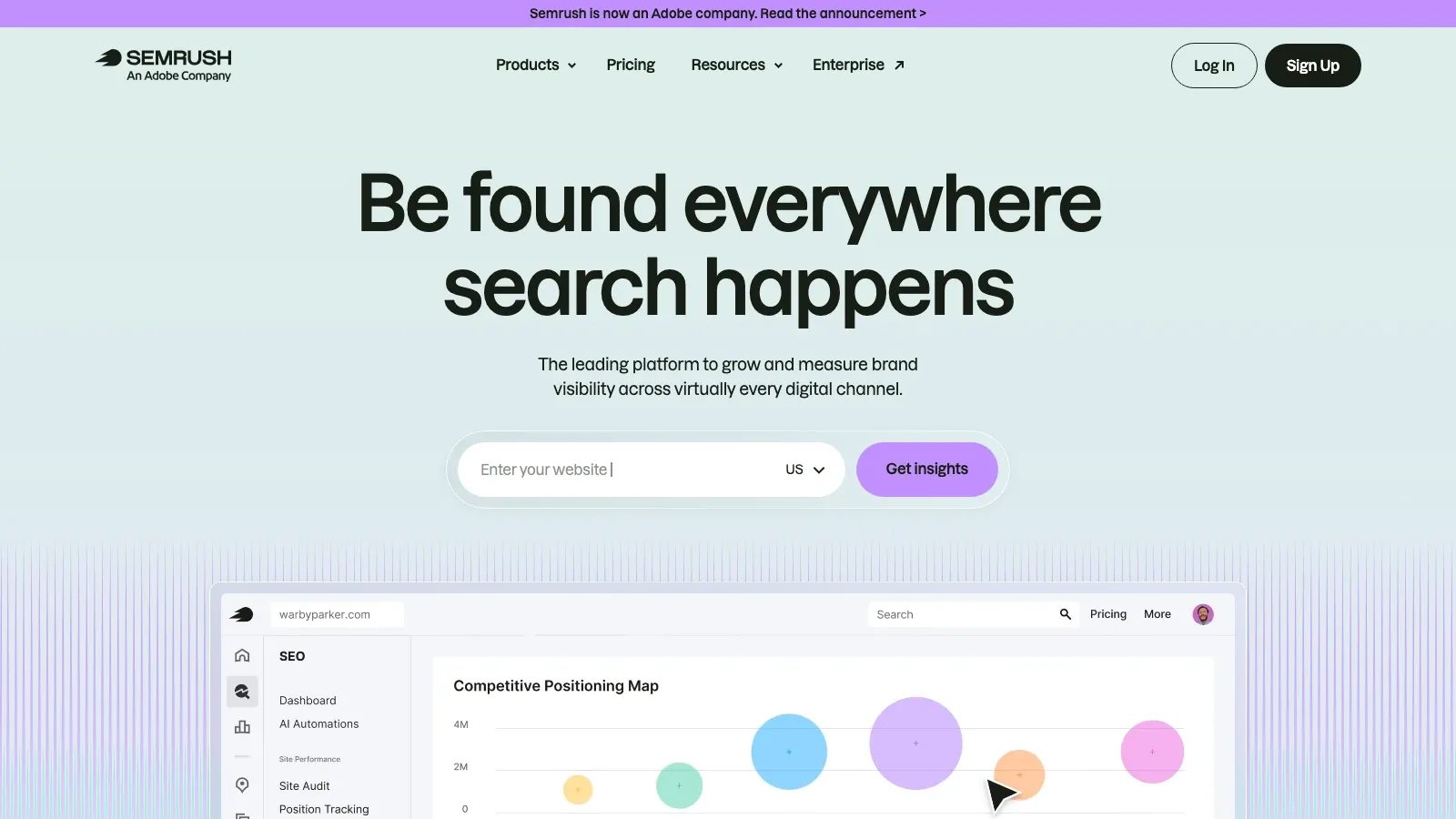
remains one of the strongest platforms for SEO and digital marketing competitive analysis. It is what you use when you care less about live product page scraping and more about keyword gaps, backlink overlap, traffic benchmarks, and search visibility.
Key features:
- domain and traffic overview
- keyword gap and position tracking
- backlink analysis
- reporting integrations and broader marketing toolkits
Best for: marketing teams benchmarking organic search performance, content strategy, and paid search direction.
Pricing highlight: Semrush's official SEO Toolkit pricing documentation currently lists Pro at $139.95/month, Guru at $249.95/month, and Business at $499.95/month, with a 7-day trial available.
If SEO visibility is a large part of your competitor analysis workflow, this official Semrush toolkit overview is the right context layer to add here:
7. Ahrefs: Excellent for Backlinks, Content Gaps, and Organic Search
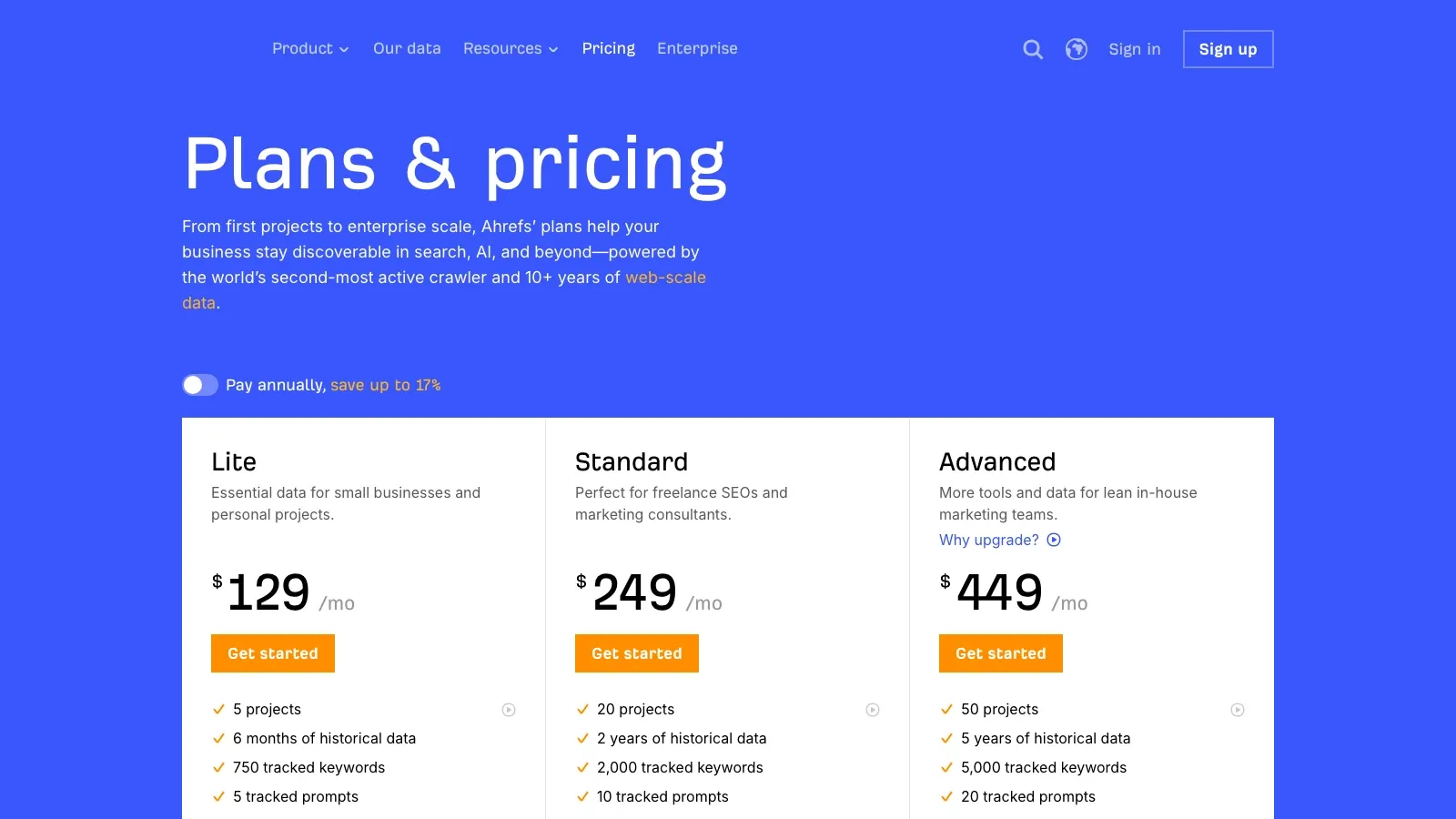
is still one of the best tools for backlink intelligence, content gap analysis, and organic competitor research.
Key features:
- site explorer for backlinks and organic traffic
- content gap analysis
- rank tracking
- content explorer for topic and SERP research
Best for: SEO teams that want strong link intelligence and page-level organic visibility analysis.
Pricing highlight: Ahrefs' public pricing page currently lists Lite from £99/month and also offers Ahrefs Free for limited verified-site access.
8. Moz Pro: Straightforward SEO Tracking for Smaller Teams
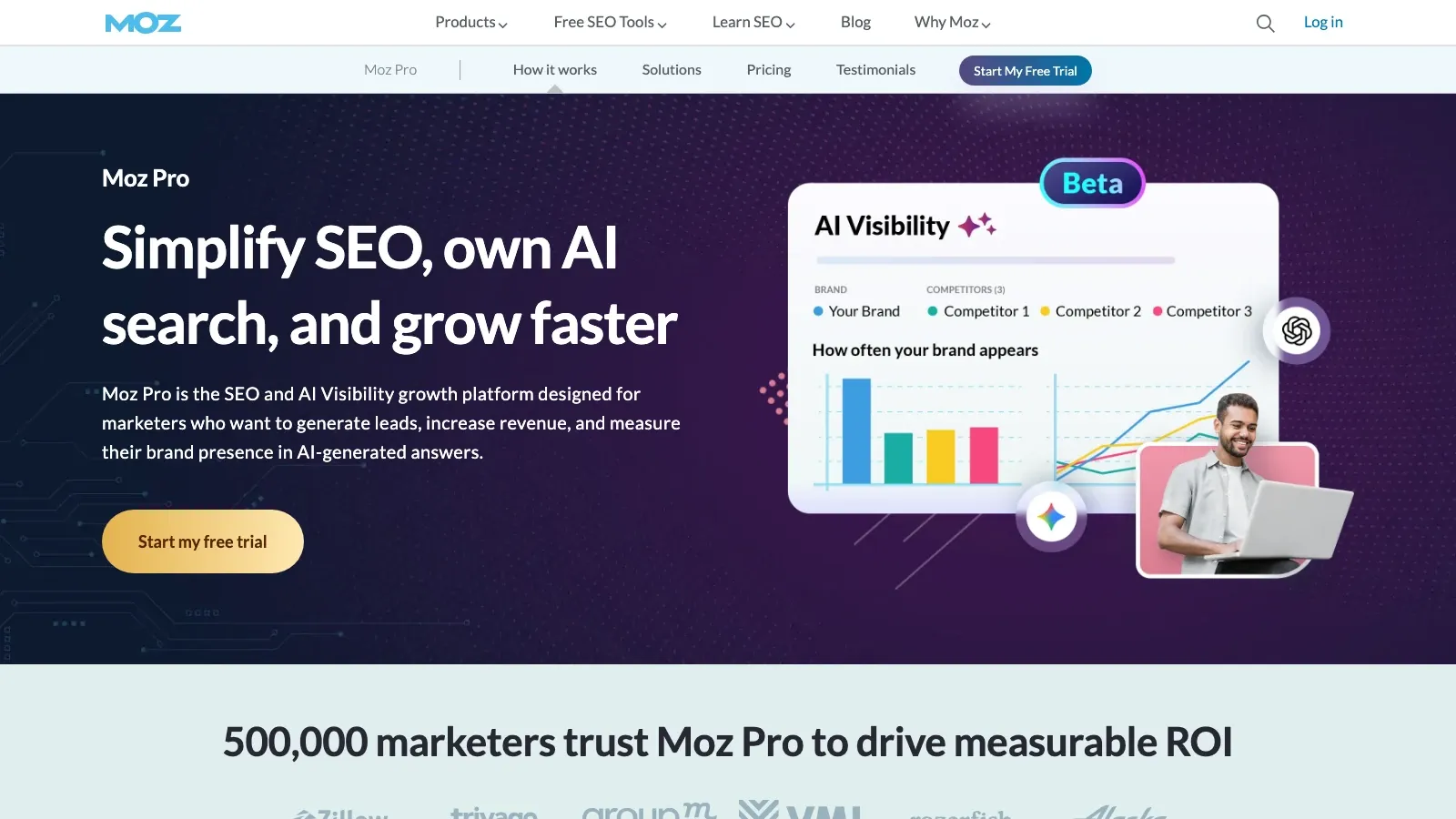
is a more approachable SEO platform for teams that want competitor rank tracking, domain authority monitoring, and keyword research without the complexity of a larger stack.
Key features:
- keyword explorer and SERP analysis
- rank tracking
- link overview
- domain authority and on-page analysis
Best for: smaller ecommerce brands or newer SEO teams that want a simpler workflow.
Pricing highlight: Moz Pro currently offers a free trial, and current public plan references put entry pricing at $49/month.
9. Revuze: Review and Sentiment Intelligence at Category Scale
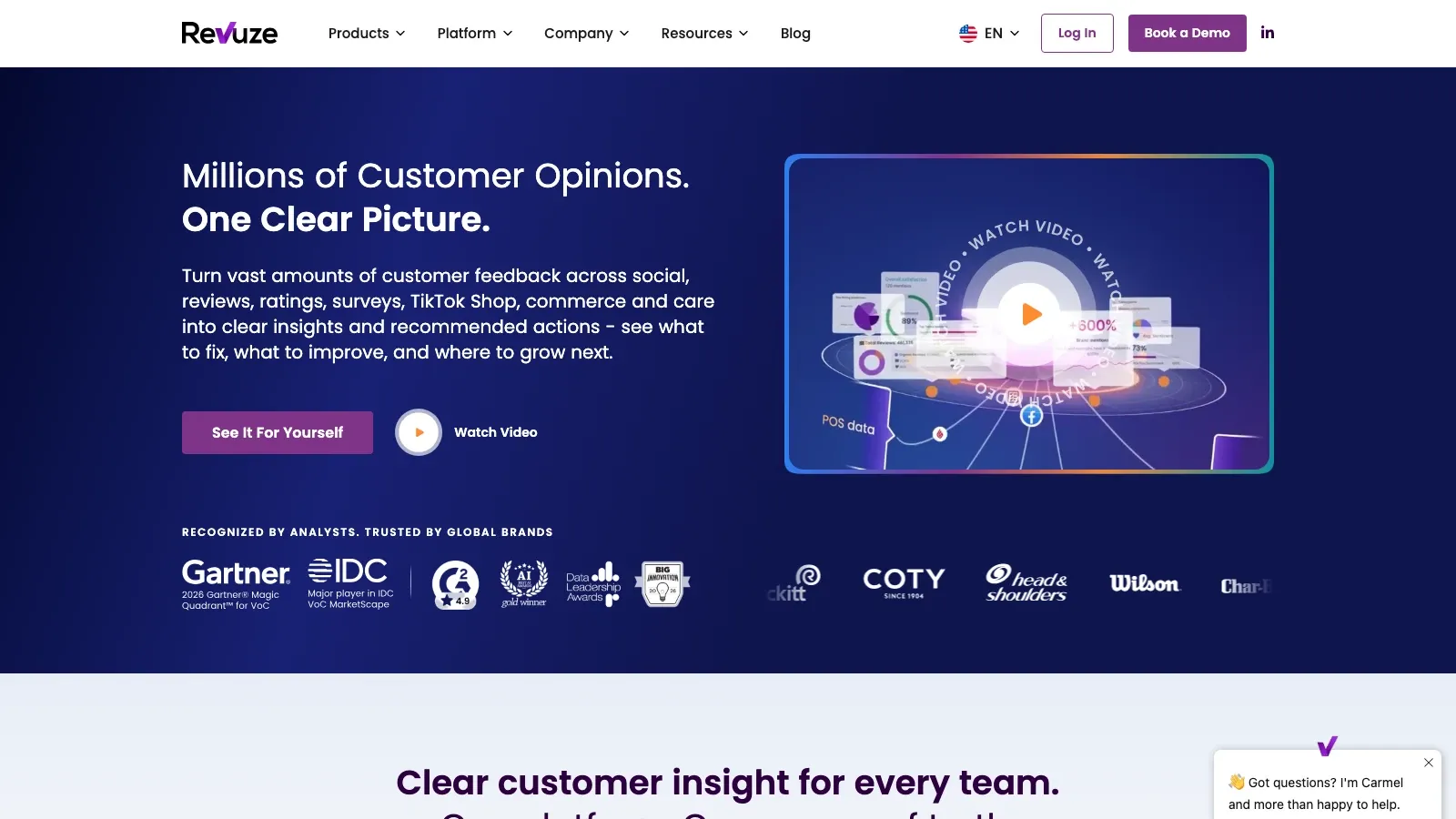
is built for turning large volumes of customer feedback into structured intelligence. Instead of scraping pages yourself and then running ad hoc sentiment checks, Revuze focuses on aggregating and organizing the voice of customer layer.
Key features:
- sentiment dashboards by theme and feature
- retailer and product-level competitive intelligence
- product assortment, rating, and price-tier analysis
- integrations for broader insight workflows
Best for: product, insights, and ecommerce teams that want to benchmark customer perception, not just pricing or traffic.
Pricing highlight: Revuze uses custom pricing, with demo and pilot motions rather than a public self-serve ecommerce plan.
10. Bright Data: Best for Enterprise Collection Infrastructure
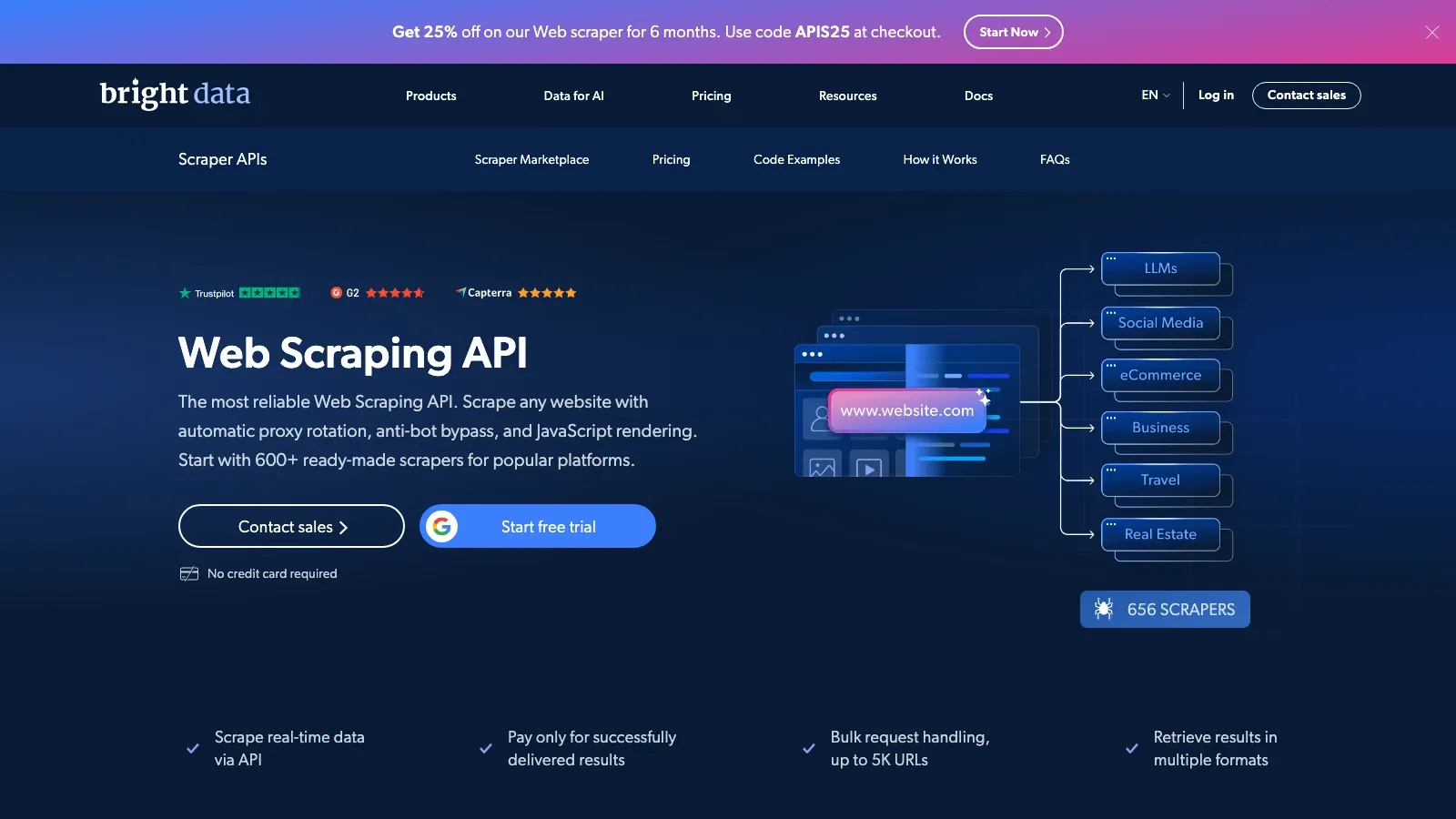
is an enterprise-grade data collection platform with no-code collectors, APIs, and heavy-duty scraping infrastructure.
Key features:
- web scraper API with managed unblocking
- no-code collectors and developer tooling
- large-scale proxy and delivery infrastructure
- flexible output into APIs, files, and cloud destinations
Best for: teams that need high-volume, production-grade data acquisition across many sources.
Pricing highlight: Bright Data's official Web Scraper API pricing currently offers a 1,000-request free trial, pay-as-you-go pricing from $1.5 per 1,000 records, and a Scale plan from $499/month.
Building an E-Commerce Competitor Analysis Workflow
Here is the simplest modern workflow for most ecommerce teams:
- Define the exact questions first. Decide whether your immediate need is pricing, assortment, SEO, or review intelligence.
- Pick the right data collection layer. Use Thunderbit or Browse AI for fast no-code collection, Octoparse or Apify for larger structured jobs, and Zyte or Bright Data when engineering reliability matters most.
- Add search intelligence. Use SEMrush, Ahrefs, or Moz Pro to understand where competitors are winning organic demand.
- Layer in customer sentiment. Use Revuze, or scrape reviews separately if you need raw inputs for your own analysis.
- Centralize outputs. Push everything into Sheets, Airtable, or your BI environment so the data can actually drive decisions.
- Set alerting and cadence. Monitor price changes daily, SEO visibility weekly, and sentiment shifts on a recurring cycle.
- Review actions, not just dashboards. Use the data to change price, update merchandising, rewrite PDP copy, or launch new content.
If you want an execution-oriented walkthrough after narrowing your shortlist, Octoparse's onboarding video is a useful example of what a production scraping setup actually looks like in practice:
Key Takeaways
- Competitor analysis is operational infrastructure now, not optional research.
- Use no-code scrapers for fast product and pricing visibility. Thunderbit and Browse AI are the easiest starting points for non-technical teams.
- Use heavier platforms when scale justifies them. Octoparse, Apify, Zyte, and Bright Data make more sense when volume or complexity rises.
- Do not stop at prices. SEO visibility and review sentiment explain why competitors are gaining ground, not just where they moved first.
- Choose for workflow fit, not brand recognition. The best tool is the one your team will actually run every week.
In the end, the strongest competitor analysis stack is the one that helps you answer a very practical question quickly: what changed, why does it matter, and what should we do next?
FAQs
Q1: What are the main categories of ecommerce competitor analysis tools?
There are three core buckets:
- Product and pricing intelligence for SKUs, stock, promos, and price checks
- Marketing and SEO intelligence for keywords, backlinks, traffic, and ad visibility
- Customer sentiment intelligence for reviews, ratings, and recurring feature-level feedback
Q2: When should ecommerce teams use competitor analysis tools?
The most common use cases are:
- pricing strategy
- assortment planning
- SEO and search benchmarking
- review and sentiment tracking
- brand and PDP positioning analysis
Q3: What is the easiest way for a non-technical team to collect live competitor product data?
For most business users, the easiest starting point is a no-code scraper such as or . They are faster to operationalize than developer-first platforms and are usually enough for recurring SKU, promo, stock, and price monitoring.