
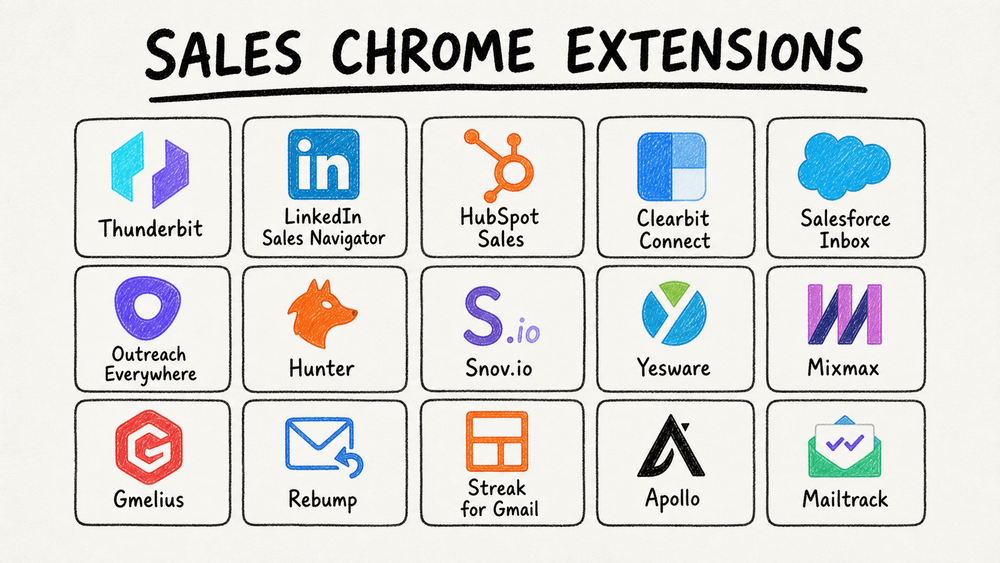
Sales in 2026 is less about piling on more tools and more about reducing the friction between prospecting, outreach, follow-up, and CRM hygiene. Salesforce said in its State of Sales update published on February 3, 2026 that the average seller spends only 40% of their time actually selling, while 87% of sales organizations already use some form of AI. That gap is exactly why Chrome extensions still matter: they are the fastest way to bring automation, context, and capture workflows directly into the tabs where reps already work.
This annual list is built for shortlist-making, not for padding. If you need website lead extraction, LinkedIn prospecting, Gmail-native CRM, sequencing, or lightweight email tracking, these are the Chrome extensions most worth evaluating right now. I reviewed the product pages, extension experience, and current workflow fit in August 2026, then kept the list focused on tools that still solve a real sales bottleneck.
Quick Picks by Workflow
If you already know your bottleneck, start here:
- Need lead data from websites, directories, PDFs, or niche lists? Start with Thunderbit.
- Need social selling on LinkedIn’s 1.3B+ member network? Go straight to Sales Navigator.
- Need CRM context inside Gmail or Outlook? Look first at HubSpot Sales, Streak, or Salesforce Inbox.
- Need sequences, templates, and follow-up automation? Shortlist Mixmax, Yesware, Outreach Everywhere, and Rebump.
- Need quick contact enrichment or email discovery? Compare Hunter, Snov.io, Clearbit, and Apollo.
Why Sales Chrome Extensions Matter in 2026
The case for extensions is stronger now than it was a year ago. Salesforce’s February 3, 2026 release says 48% of sales professionals still lack the bandwidth for adequate cold outreach, even though prospecting remains essential to pipeline creation. The same update says sellers expect AI agents to cut prospect research time by 34% and email drafting time by 36% once fully implemented. In practice, Chrome extensions are the thin workflow layer that makes those gains usable day to day: they shorten copy-paste loops, keep data close to the inbox, and turn browsing activity into pipeline activity.
That matters even more on LinkedIn. In LinkedIn’s Q3 FY26 business highlights published on April 30, 2026, the company said it now has more than 1.3 billion members. For sellers, that means social selling and account research still happen in the browser first. The right extension stack helps you move from “I found a prospect” to “I enriched, logged, and followed up” without losing momentum.
How We Evaluated These Extensions
I optimized this list for reader intent: help a sales rep or sales leader build a shortlist fast.
- Workflow fit: Does the extension solve a clear sales job like prospecting, enrichment, sequencing, CRM logging, or follow-up?
- Official product quality: Is the extension backed by a maintained product page, real workflow, and ongoing platform support?
- Integration depth: Can it work with the sales tools people actually use, especially Gmail, Outlook, LinkedIn, Salesforce, and HubSpot?
- Pricing signal: Is there a free plan, trial, or clear paid path that makes evaluation realistic for individuals and teams?
- 2026 relevance: Does the tool still match how modern sales teams work with AI, browser research, and leaner ops?

1. Thunderbit
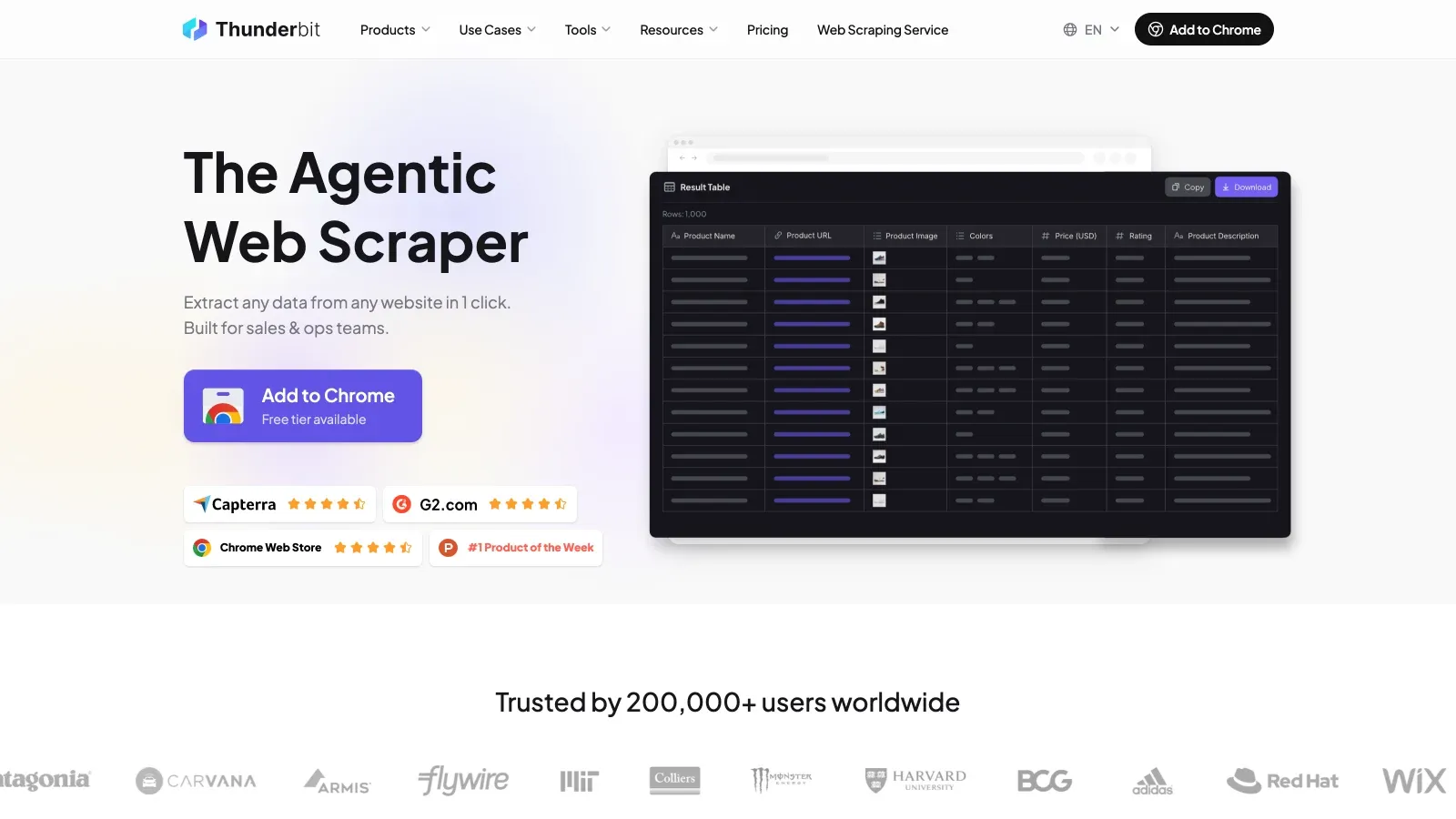
Thunderbit is the strongest pick here if your sales workflow starts with gathering messy lead data from the open web. Instead of forcing you to build scrapers or maintain selectors, it lets you point at a page, let AI suggest the fields, and export structured results in a few clicks.
What makes it stand out:
- AI Suggest Fields: Thunderbit reads the page and proposes the columns you actually need, such as name, company, email, title, or phone.
- 2-click extraction: You can pull structured data from directories, search results, listings, or profile collections without writing code.
- Subpage enrichment: Thunderbit can open each result page and add richer fields to your sheet automatically.
- Useful exports: Send results into Excel, Google Sheets, Airtable, or Notion instead of manually cleaning browser copy.
If your team struggles with prospecting capacity, this category matters. Salesforce’s February 3, 2026 sales update says 48% of sales professionals still lack bandwidth for adequate cold outreach. Thunderbit is the kind of browser-native tool that attacks that problem directly by shrinking the time between “I found a list” and “I have usable outreach data.”
Pricing signal: Free trial available; paid plans available depending on credit volume. See the official pricing.
Try Thunderbit for AI-Powered Lead Generation
2. Sales Navigator for LinkedIn

Sales Navigator for LinkedIn remains the benchmark for social selling because it sits on top of the largest professional network in the market. LinkedIn said on April 30, 2026 that it now has more than 1.3 billion members, which keeps Navigator highly relevant for account research, trigger monitoring, and targeted outreach.
Why it still belongs on the shortlist:
- Advanced lead and account filtering: Industry, seniority, geography, company size, function, and more.
- Lead recommendations: Useful for account expansion and adjacent prospect discovery.
- Real-time signals: Job changes, company movement, and member activity make outreach more contextual.
- InMail and CRM sync: Still one of the cleanest ways to bridge LinkedIn activity with formal pipeline motion.
Sales Navigator is especially strong for B2B teams whose qualification work starts on LinkedIn and then branches into CRM, email, and meeting booking.
Pricing signal: Paid plans available; check the official Sales Navigator pricing for current tiers.
3. HubSpot Sales
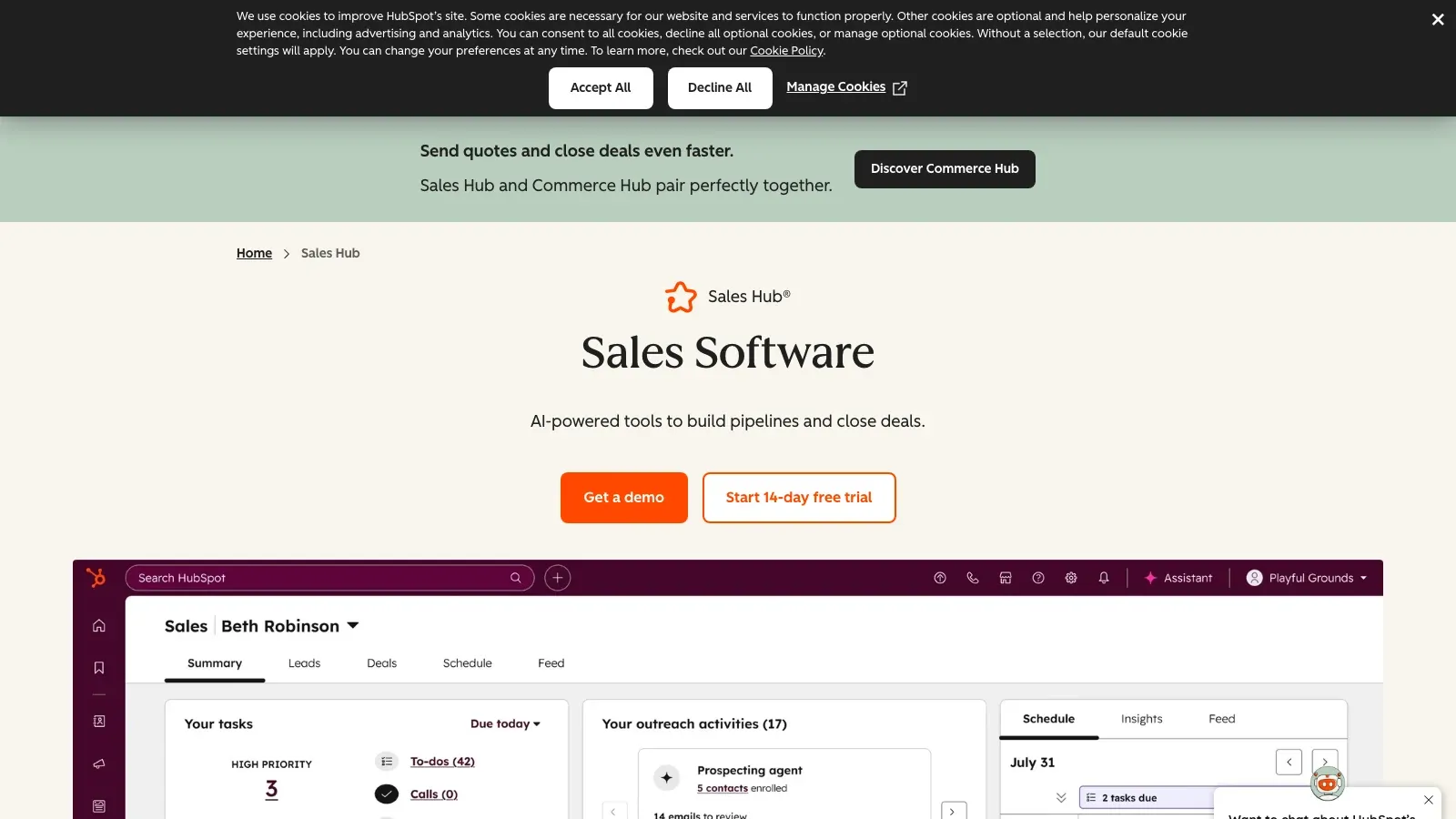
HubSpot Sales is one of the best inbox-side choices if you want CRM visibility, email tracking, templates, and scheduling in one place. It works especially well for smaller teams that want one stack instead of stitching together separate outreach and CRM extensions.
Key reasons to evaluate it:
- Email tracking and notifications: Helpful for follow-up timing.
- CRM sidebar: Contact history, deal context, and notes stay in view while you work.
- Templates and snippets: Good for repeatable outbound workflows.
- Meeting links and sequencing: Strong fit for reps who live in Gmail.
This is the most balanced option on the list if you want general sales enablement rather than a single-point solution.
Pricing signal: Free tools available; paid Sales Hub seats and automation tiers available. See official HubSpot pricing.
4. Clearbit Connect
Clearbit has joined HubSpot, and its Connect add-on covered lightweight inbox enrichment rather than full outbound orchestration—looking up people and companies without leaving Gmail or Outlook. Check HubSpot for what is currently offered under that banner.
What it does well:
- Contact lookup inside the inbox: Good for fast pre-send context.
- Company enrichment: Helpful when you need firmographic detail without opening extra tabs.
- Role and social context: Better personalization with less manual research.
- Low-friction entry point: If your team is already on HubSpot, this enrichment layer comes along with the stack rather than needing its own evaluation.
For teams already leaning into HubSpot’s data stack, this capability lives on inside HubSpot rather than as a separate product you buy — so treat it as a reason to look at HubSpot’s data tier, not as a standalone pick.
Pricing signal: Now folded into HubSpot’s data offering rather than sold standalone. Check the current official page.
5. Salesforce Inbox
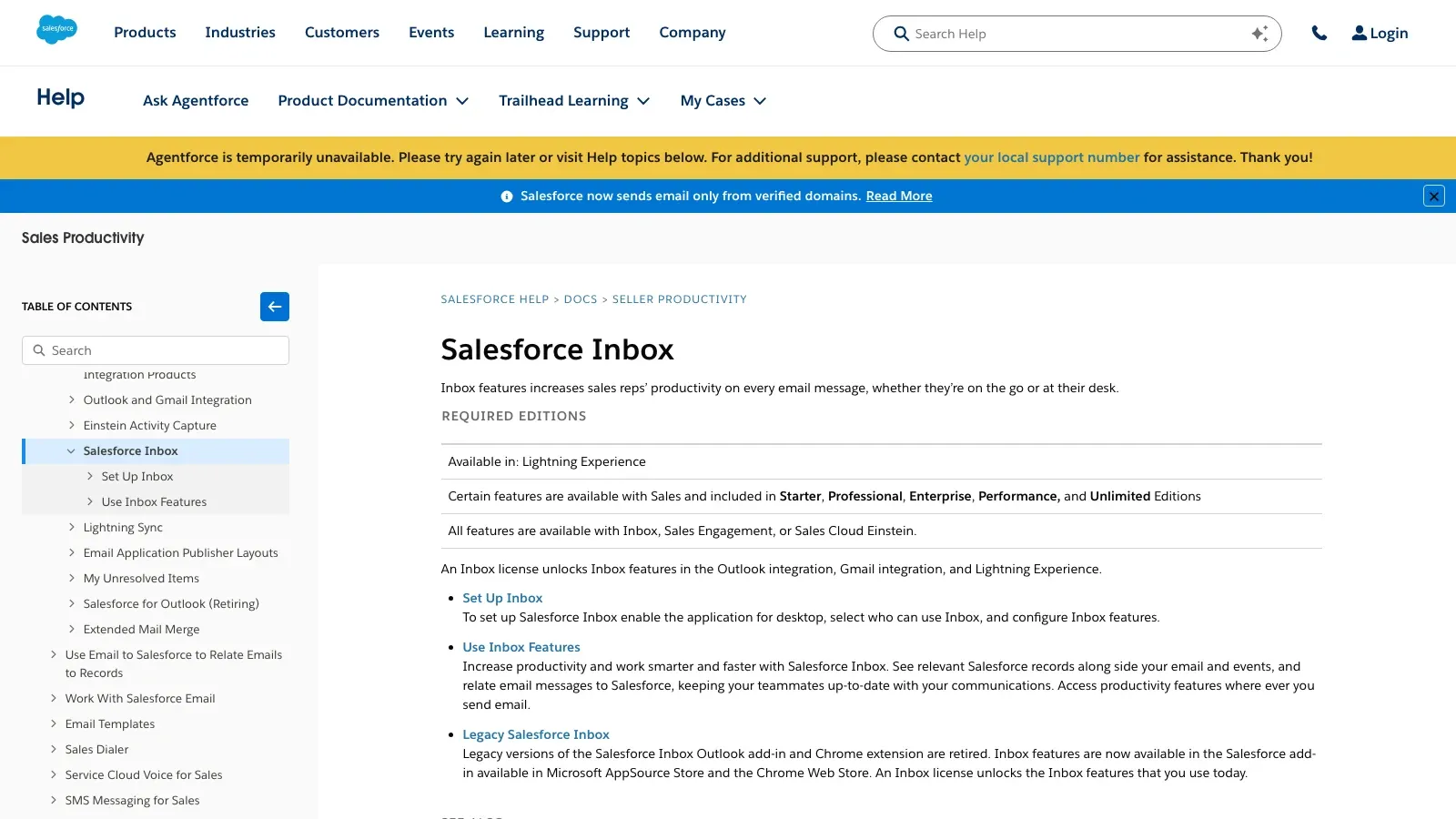
Salesforce Inbox is best understood as a workflow bridge for teams that are already standardized on Salesforce and want tighter email-to-CRM discipline. It is not the flashiest extension here, but it is still relevant if your sales org cares most about logging consistency and pipeline hygiene.
Its value is straightforward:
- Email and event logging: Reduce the manual work of updating Salesforce.
- CRM context in the inbox: Keep opportunity and account info nearby during reply work.
- Templates and tracking: Better follow-up consistency for Salesforce-heavy teams.
- Scheduling support: Useful when your workflow is centered on calendar conversion.
If your team already lives in Salesforce, this can be a more pragmatic choice than adding a separate inbox CRM overlay.
Pricing signal: Availability and pricing vary by Salesforce edition and add-on mix. Verify against your current Salesforce plan.
6. Outreach Everywhere
Outreach Everywhere is a strong pick for outbound teams that already run Outreach as their engagement backbone. The extension matters because it lets reps act inside Gmail, LinkedIn, or Salesforce without breaking their sequence and task flow.
Why teams still use it:
- Multichannel cadence execution: Email, calls, and LinkedIn tasks stay coordinated.
- Task visibility in the inbox: Good for SDR teams working high activity volumes.
- CRM sync: Keeps Salesforce or Dynamics records aligned.
- Lead capture from browsing: Helpful when reps prospect in-browser and need instant enrollment.
This is less a standalone extension and more a browser control surface for teams already committed to Outreach.
Pricing signal: Outreach subscription required; pricing is typically quote-based.
7. Hunter
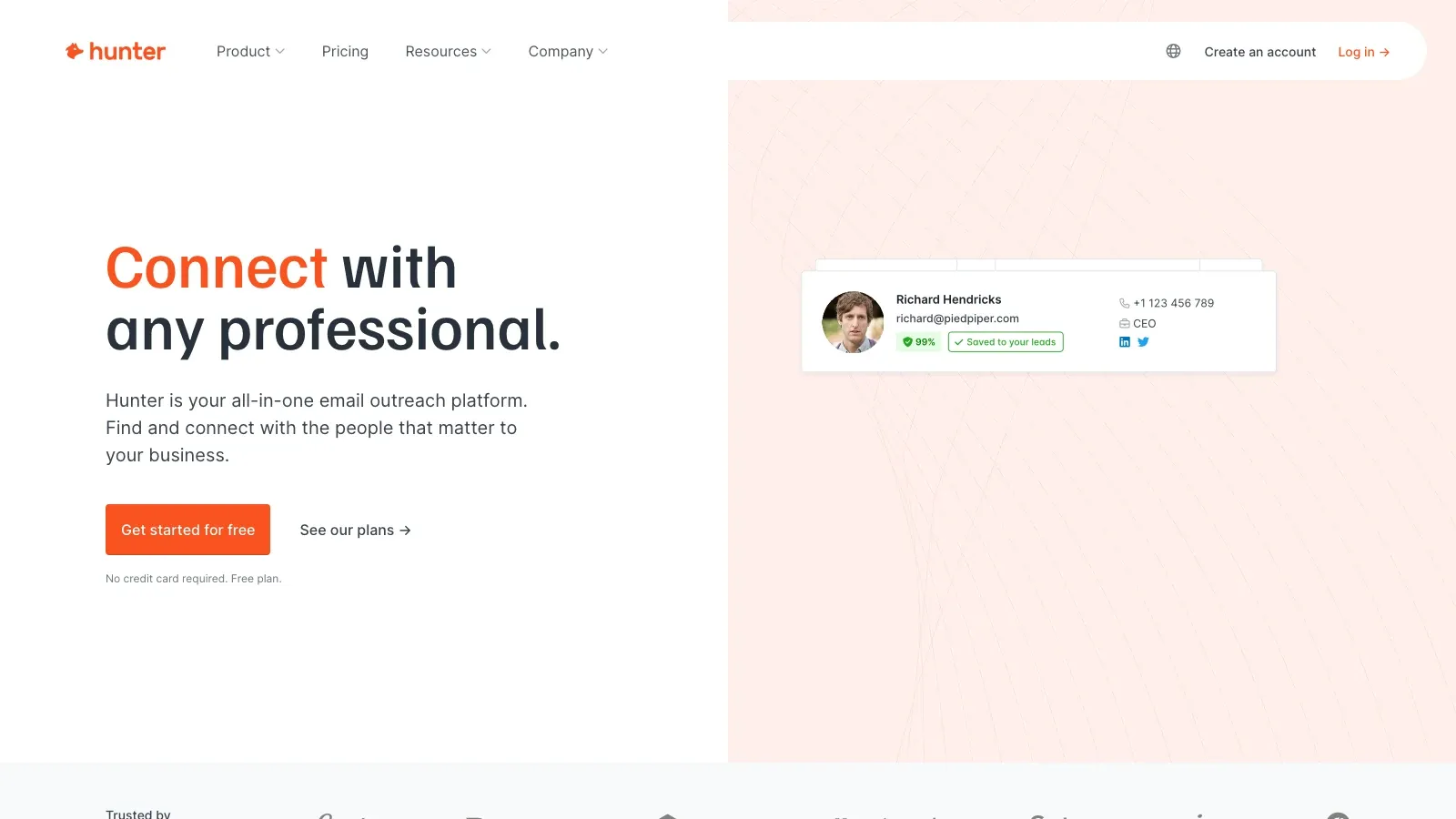
Hunter stays relevant because it is simple. If your primary use case is finding and verifying professional email addresses quickly, Hunter still does that job better than most bloated alternatives.
What makes it dependable:
- Domain search: Useful for finding contacts at a target company.
- Name search: Fast when you already know the likely buyer.
- Email verification: Good hygiene before sending outbound.
- Bulk workflows: Practical for list cleanup or campaign prep.
Hunter is the tool I would shortlist first for teams that want focused email discovery without adopting a heavier engagement suite.
Pricing signal: Free plan available; paid tiers available. See official pricing.
8. Snov.io
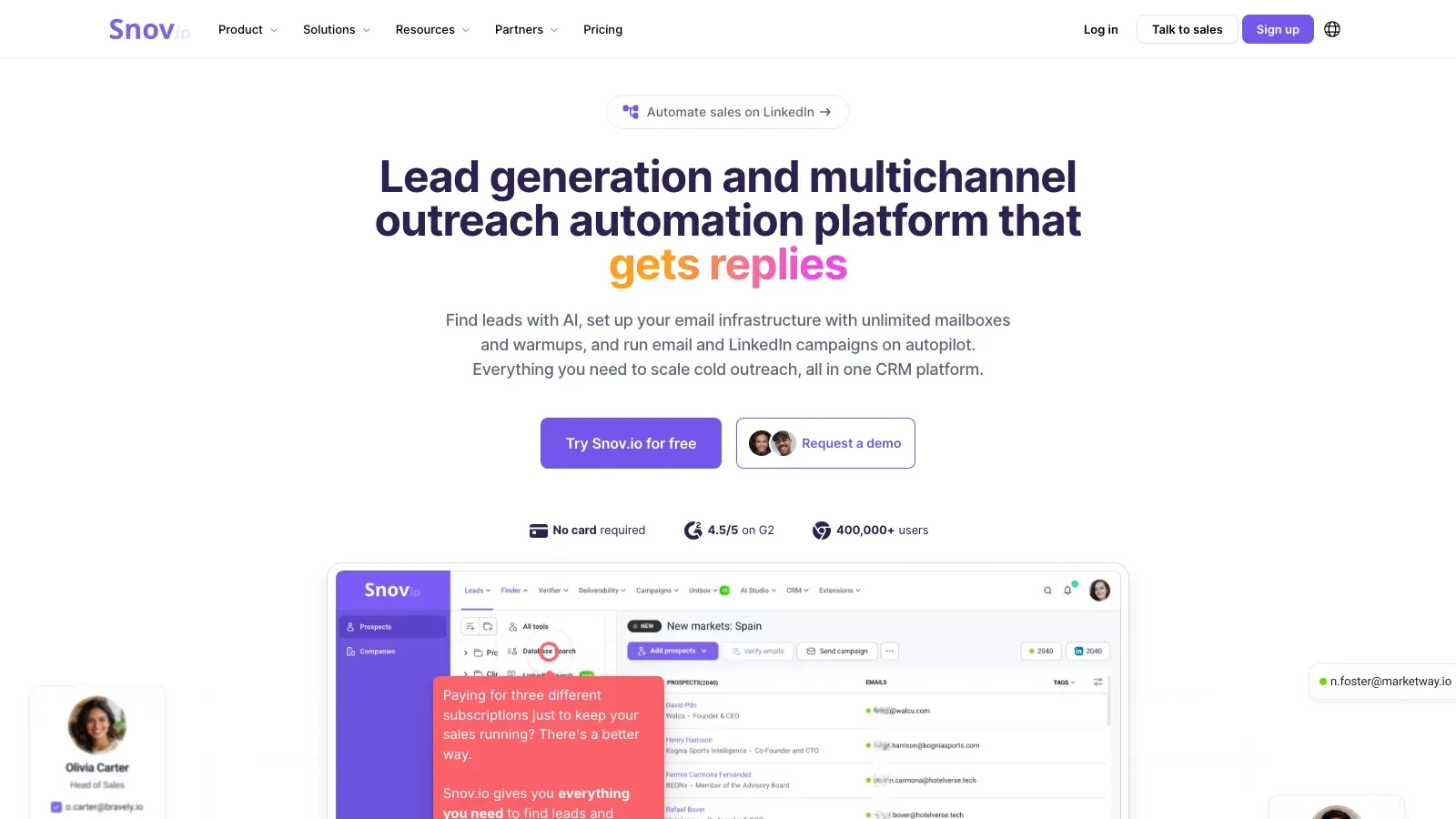
Snov.io is appealing because it combines lead discovery and outreach in one workflow. If you do not want separate tools for finding emails, verifying them, and sending initial sequences, Snov.io is worth a look.
Core strengths:
- Website and LinkedIn lead extraction: Easy to test for prospecting.
- Bulk company search: Helpful for account-based list building.
- Email drip workflows: Useful for lightweight outbound automation.
- Tech stack context: Can improve targeting when product fit depends on current tools.
It is especially useful for lean teams that want one tool to cover the transition from list building to first-touch outreach.
Pricing signal: Free trial or credits available; paid plans available. Check official pricing.
9. Yesware
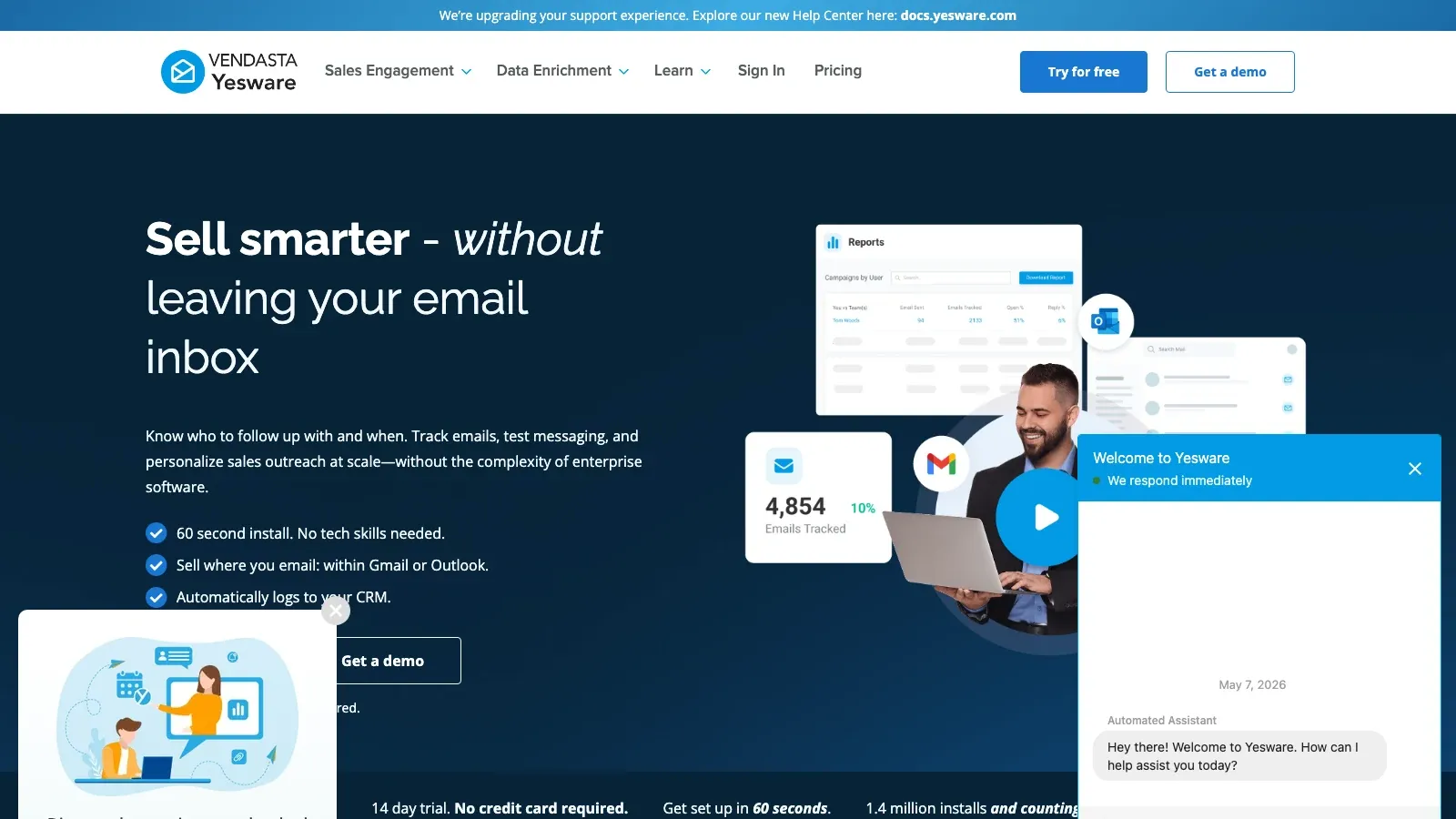
Yesware remains a strong inbox productivity option for teams that care about reply timing, reusable messaging, and lightweight analytics without moving to a full sales engagement platform.
Where it helps most:
- Open and click tracking: Good for follow-up judgment.
- Templates and analytics: Useful for iterating on messaging.
- Mail merge workflows: Practical for controlled outbound sends.
- Salesforce connection: Helpful if email activity needs to stay visible in CRM.
Yesware is a good middle ground for teams that want more than Mailtrack but less than Outreach.
Pricing signal: Free trial available; paid seat-based plans available. See official pricing.
10. Mixmax
Mixmax is still one of the best choices for email-heavy sellers who care about scheduling, sequences, and inbox efficiency more than raw data enrichment.
Standout capabilities:
- Real-time tracking: Good for better-timed replies.
- Scheduling links: Removes meeting coordination drag.
- Templates and sequences: Useful for repeatable outreach.
- Embedded polls and lightweight interaction: Handy for qualification and follow-up.
- Salesforce and Slack integrations: Good operational fit for revenue teams.
If your browser workflow is mostly “email, meetings, and follow-up,” Mixmax is still easy to justify.
Pricing signal: Free plan available; paid plans available. Check official pricing.
11. Gmelius
Gmelius is better thought of as a collaboration layer for teams that want to run more of their shared sales motion directly from Gmail. It is less about prospecting and more about inbox coordination, ownership, and visibility.
Why it stands out:
- Shared inboxes: Strong for team-owned pipelines and aliases.
- Kanban-style workflow views: Useful if your team works visually.
- Notes and mentions inside email threads: Better handoff quality.
- Automation rules: Good for routing and assignment.
For revenue teams that use Gmail as the operational center of gravity, Gmelius can reduce a surprising amount of internal friction.
Pricing signal: Paid team plans available; see official pricing.
12. Rebump
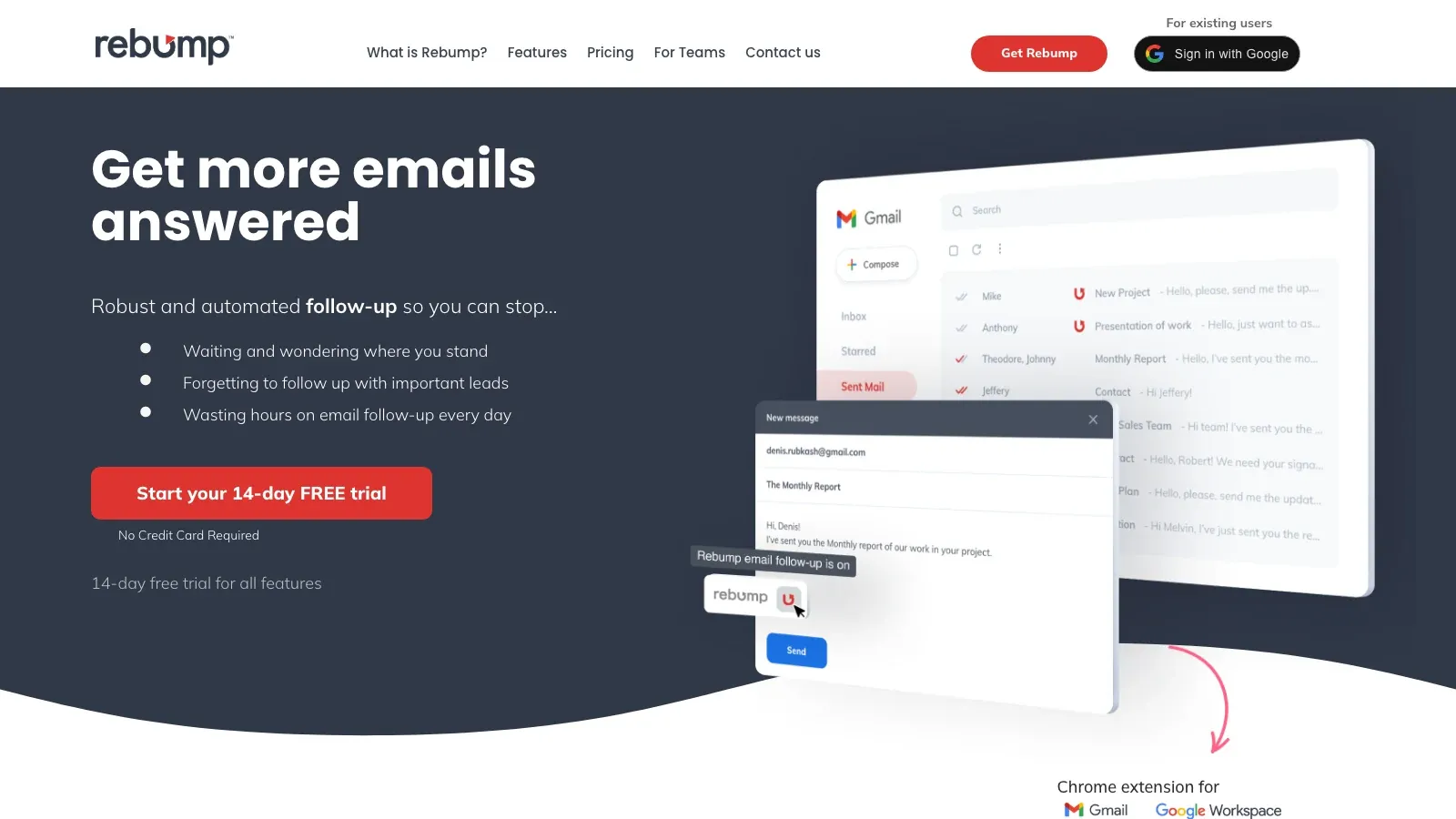
Rebump solves a very specific and very common problem: reps forget to follow up, or they delay follow-up because writing another nudge feels tedious. Rebump automates that part without trying to become an entire outbound platform.
Why it earns a place:
- Automatic follow-up bumps: Simple and effective for no-reply threads.
- Custom sequences: You can define the cadence and wording.
- Stops on reply: Keeps the workflow safe.
- Lightweight setup: Easy to adopt without a broader sales stack change.
For solo reps and small teams, Rebump is often enough to improve reply rates without adding a complex system.
Pricing signal: Paid plans available. Check the official site for current tiers.
13. Streak for Gmail
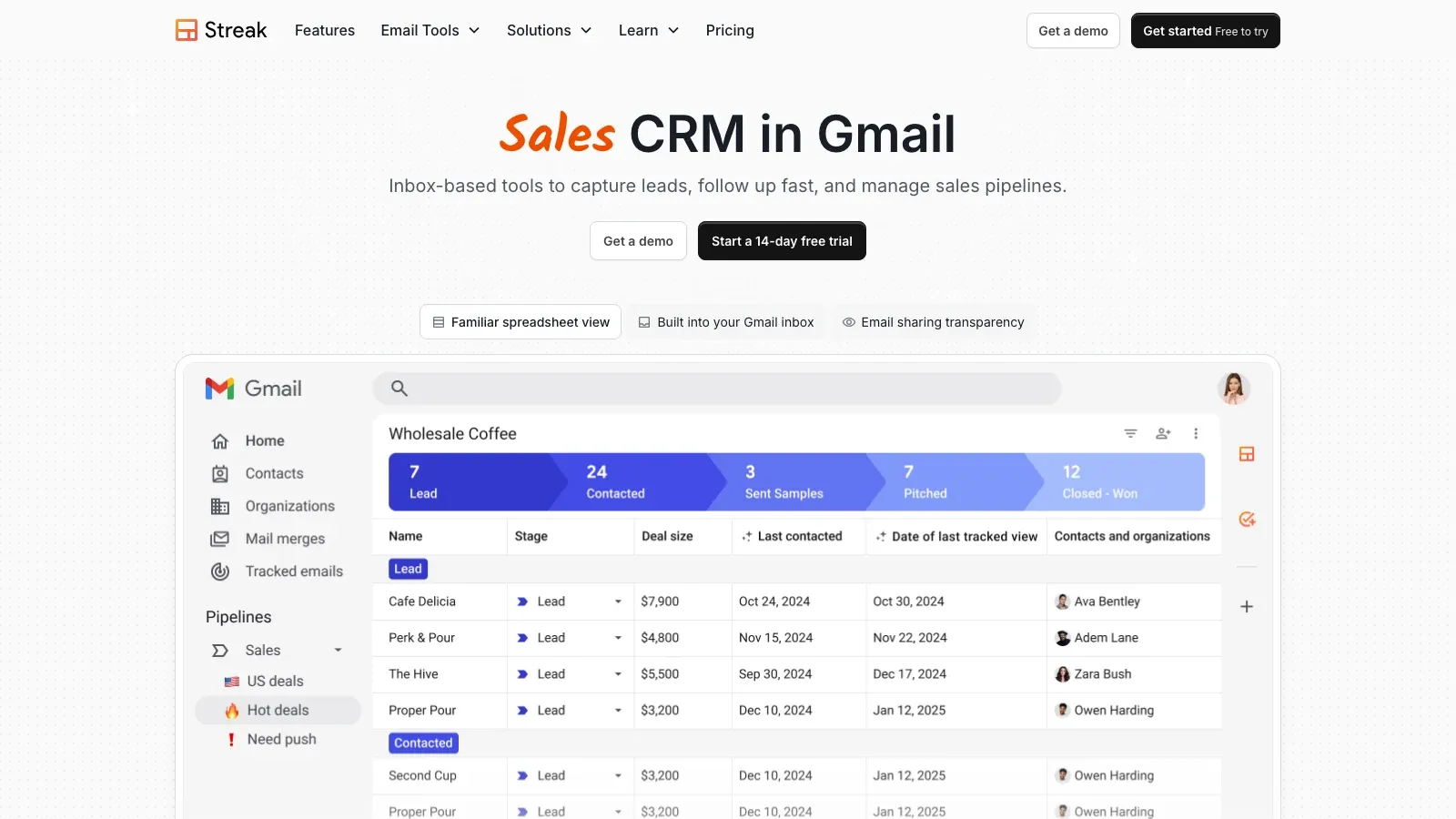
Streak for Gmail remains one of the cleanest answers for people who want CRM inside Gmail and do not want to maintain a separate tab-heavy workflow. It is especially strong for founder-led sales, small teams, and relationship-heavy pipelines.
Why people still choose it:
- Pipelines inside Gmail: Deal stages stay attached to actual conversations.
- Custom fields and notes: Enough structure without much admin.
- Mail merge and tracking: Good for lightweight outbound.
- Team sharing: Practical for smaller collaborative teams.
If you want CRM behavior without feeling like you are “using a CRM,” Streak is still one of the most intuitive options on the market.
Pricing signal: Free plan available; paid CRM tiers available. See official pricing.
14. Apollo
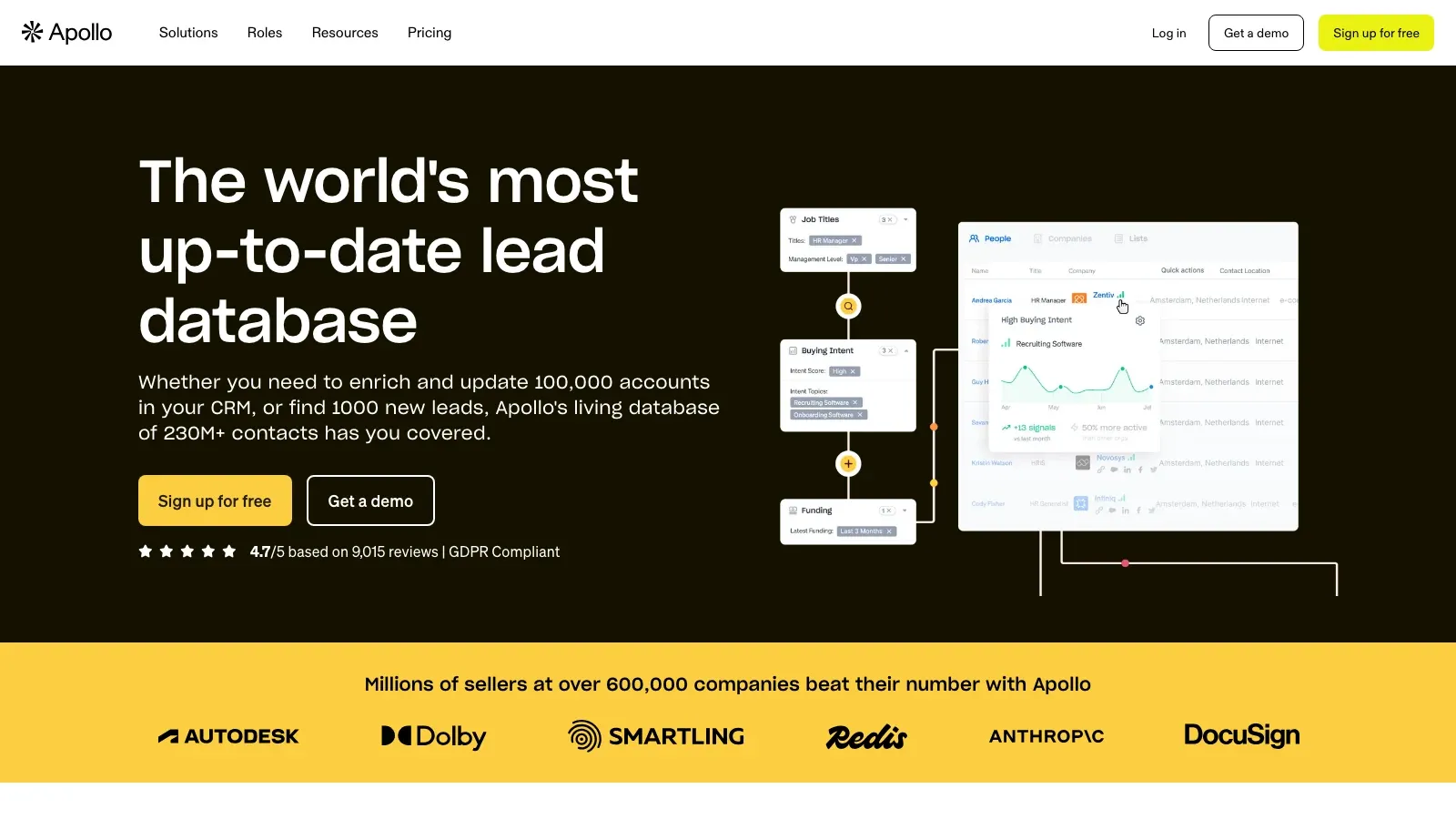
Apollo remains compelling because it packages data access and outbound execution together. Teams evaluating Apollo are usually trying to reduce the number of separate tools needed to go from target account to active sequence.
What keeps it relevant:
- Large B2B contact database: Useful for broad prospecting.
- Browser-side enrichment on websites and LinkedIn: Speeds up qualification.
- Sequencing and outreach workflows: Practical for teams that want fewer moving parts.
- CRM sync: Important when data capture needs to flow downstream quickly.
Apollo makes the most sense when your team values one connected prospecting-and-engagement environment over best-of-breed point tools.
Pricing signal: Free plan available; paid tiers available. Check official pricing.
15. Mailtrack
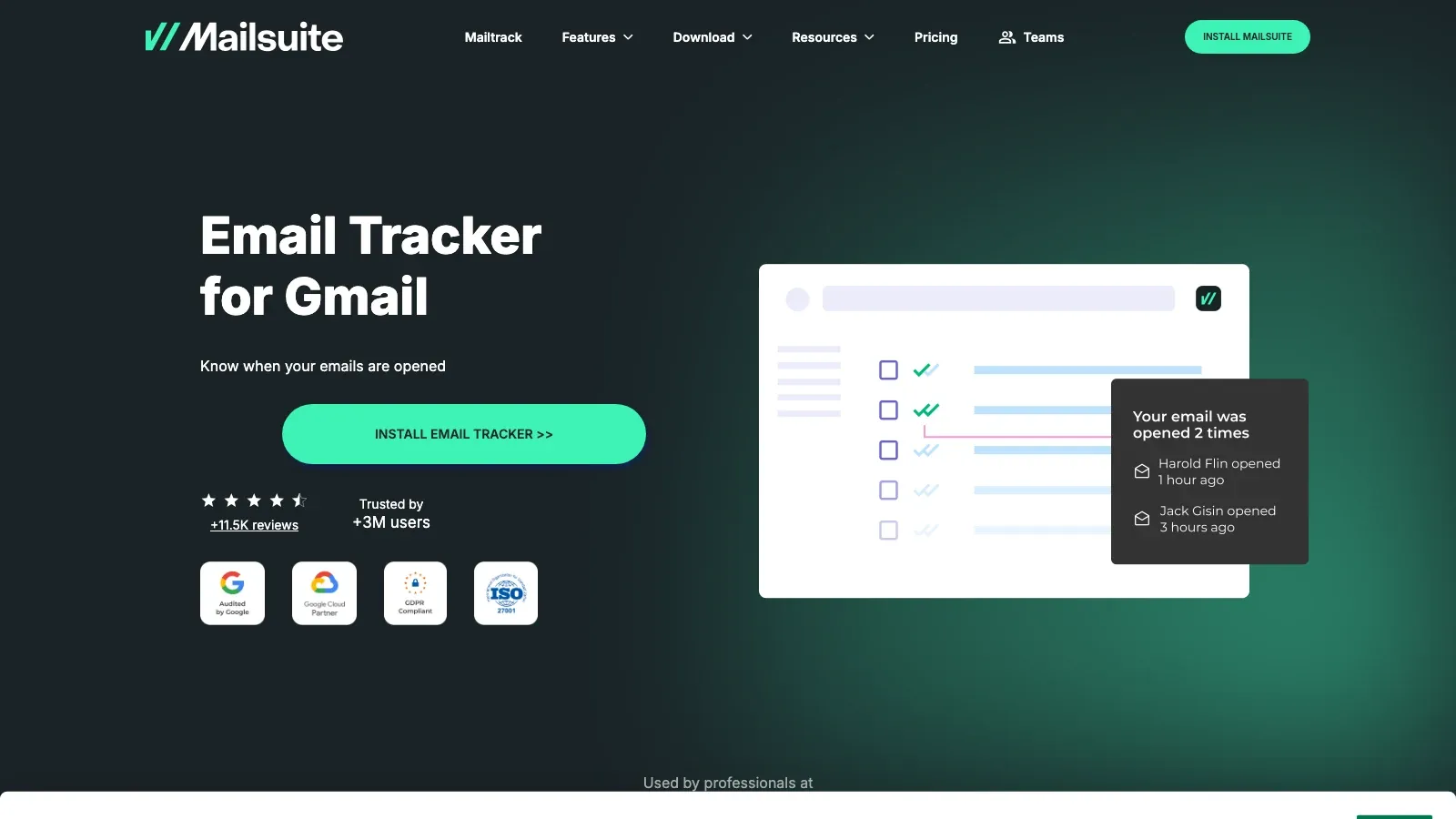
Mailtrack still wins on simplicity. If all you want is a lightweight read-receipt workflow in Gmail, it is one of the easiest tools to adopt and explain.
Why it still works:
- Simple read receipts: No learning curve.
- Real-time notifications: Enough signal for timing follow-up.
- Minimal UI: Good for people who dislike heavy extensions.
- Low-friction entry point: Easy first step for sellers who are not ready for a fuller engagement stack.
Mailtrack is best for solo sellers, founders, and anyone who wants a narrow feature set that starts working immediately.
Pricing signal: Free plan available; paid tiers available. See official pricing.
At-a-Glance Comparison Table
| Extension | Best For | Key Strengths | Pricing Signal (verified May 2026) | Why It Makes the List |
|---|---|---|---|---|
| Thunderbit | Website lead extraction and list building | AI field suggestions, subpage scraping, export to Sheets/Notion/Airtable | Free trial; paid plans available | Fastest path from messy web pages to structured lead data |
| Sales Navigator | LinkedIn-based prospecting | Advanced filters, lead signals, InMail, CRM sync | Paid plans available | Best social-selling workflow on LinkedIn |
| HubSpot Sales | Inbox-side CRM and automation | Tracking, templates, scheduler, CRM sidebar | Free tools; paid Sales Hub seats | Best all-around inbox sales toolkit |
| Clearbit Connect | Lightweight contact enrichment | Inbox lookup, role and company context | Pricing varies by plan | Fast enrichment without a heavy workflow change |
| Salesforce Inbox | Salesforce-first email workflow | Logging, context, templates, scheduling | Salesforce edition/add-on pricing | Best fit for Salesforce-centric teams |
| Outreach Everywhere | High-volume outbound execution | Sequences, task management, CRM sync | Outreach subscription required | Best browser layer for Outreach users |
| Hunter | Email finding and verification | Domain search, verifier, bulk tasks | Free plan; paid tiers | Cleanest focused email discovery tool |
| Snov.io | Combined lead gen and outreach | Extraction, verification, drip campaigns | Free credits/trial; paid plans | Good all-in-one option for lean teams |
| Yesware | Inbox productivity and analytics | Tracking, templates, mail merge, CRM sync | Free trial; paid plans | Strong middle ground between light and heavy outreach tools |
| Mixmax | Email scheduling and sequences | Tracking, meetings, templates, sequences | Free plan; paid plans | Great for email-heavy sellers |
| Gmelius | Team collaboration in Gmail | Shared inboxes, Kanban, notes, automation | Paid team plans | Best for collaborative inbox operations |
| Rebump | Follow-up automation | Automated bumps, stop-on-reply logic | Paid plans | Easiest way to improve no-reply follow-up discipline |
| Streak | CRM inside Gmail | Pipelines, notes, mail merge, collaboration | Free plan; paid tiers | Best lightweight CRM for Gmail-native teams |
| Apollo | Prospecting plus engagement | Data access, enrichment, sequences, CRM sync | Free plan; paid tiers | Strong data-plus-outreach bundle |
| Mailtrack | Lightweight email read receipts | Simple tracking, notifications, minimal UI | Free plan; paid tiers | Best no-frills tracking option |
How to Choose the Right Extension Stack
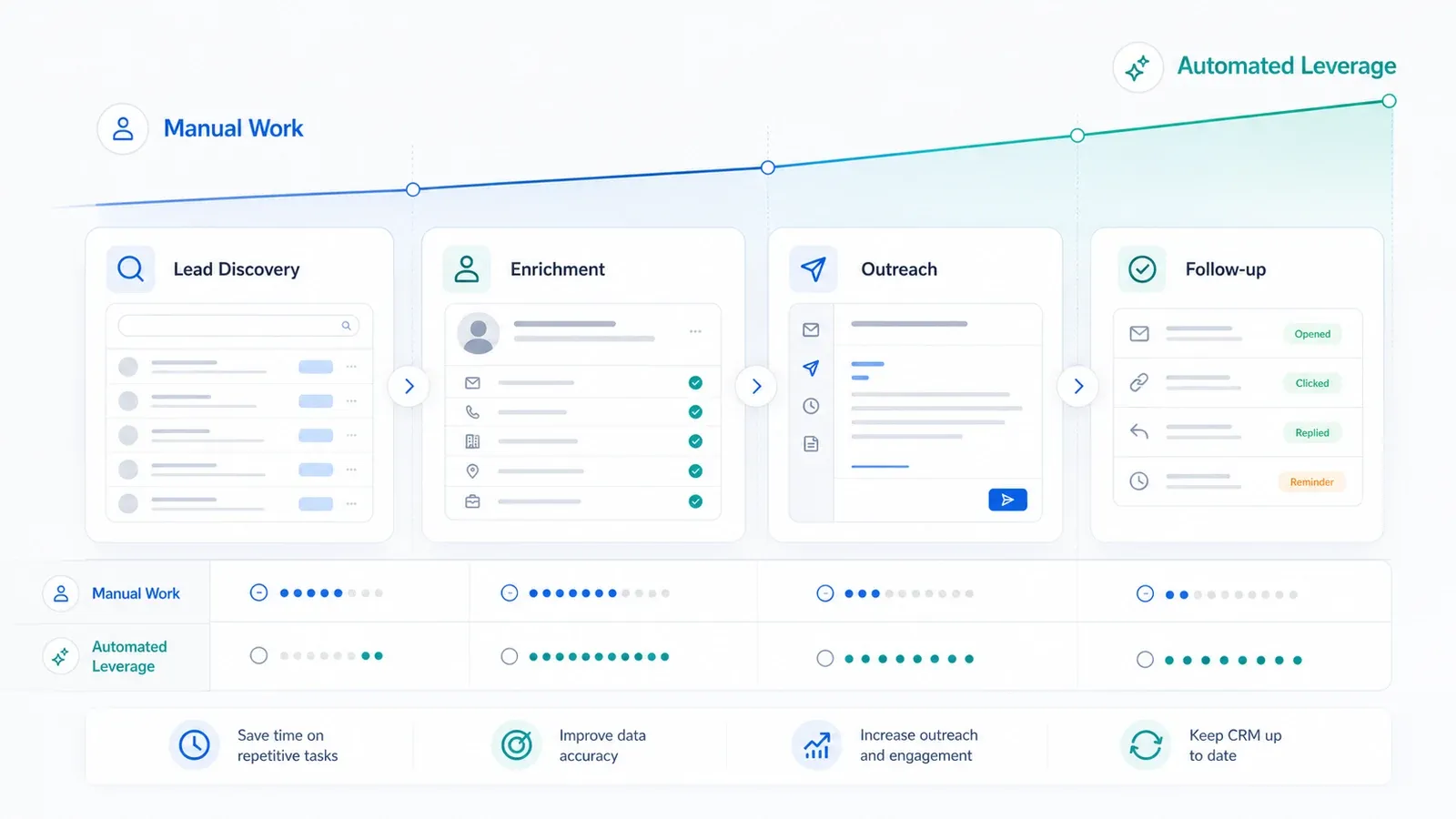
Do not pick by headline ranking alone. Pick by the step in your workflow that currently costs the most time.
- If lead research is the bottleneck: Start with Thunderbit, Hunter, Snov.io, or Apollo.
- If LinkedIn research and account mapping drive your pipeline: Prioritize Sales Navigator.
- If your team loses time switching between inbox and CRM: Compare HubSpot Sales, Streak, and Salesforce Inbox.
- If follow-up discipline is the weak point: Shortlist Mixmax, Yesware, Outreach Everywhere, and Rebump.
- If you need shared inbox collaboration: Start with Gmelius.
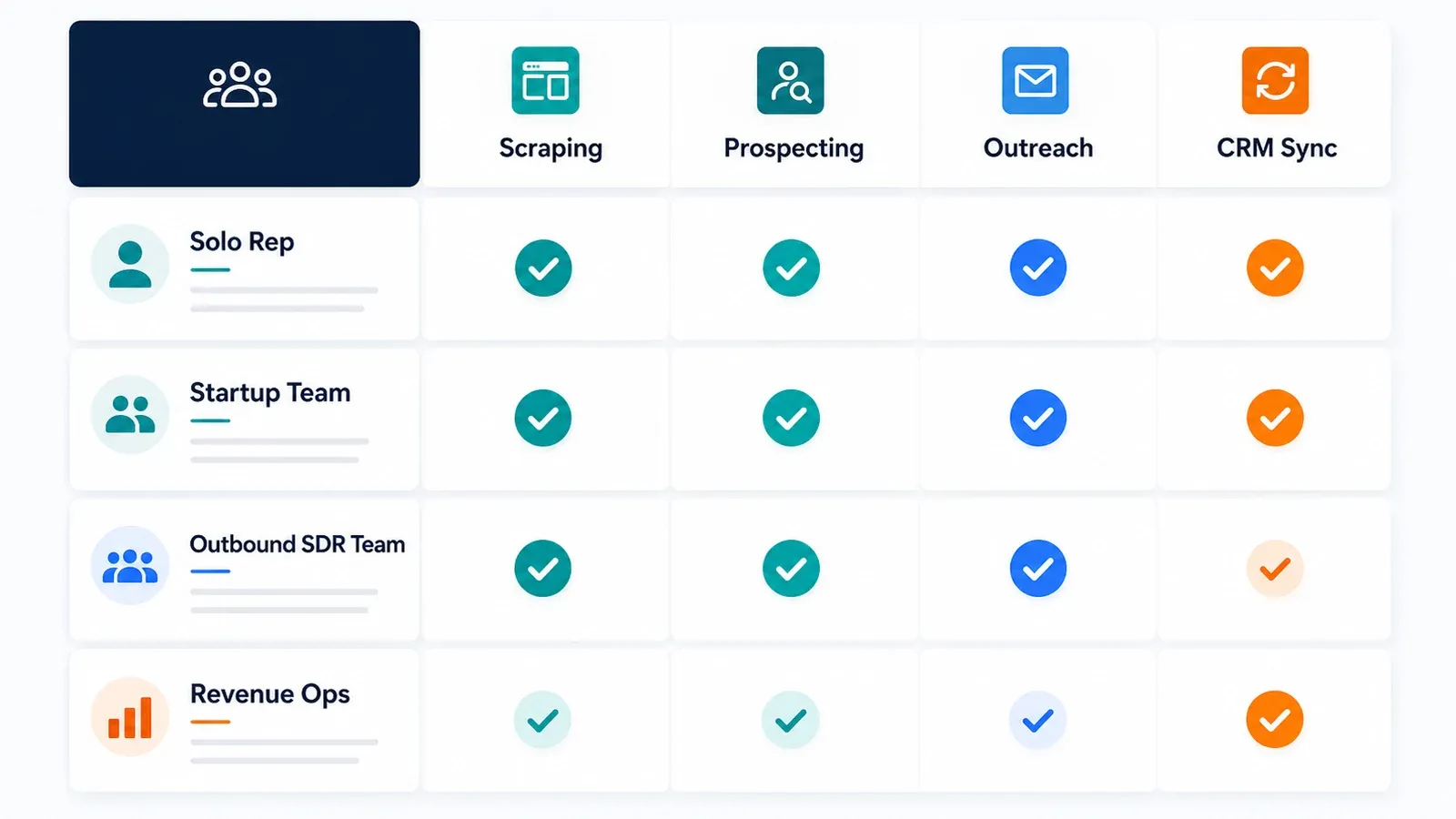
A good stack usually combines one data capture tool, one prospecting or enrichment layer, and one execution layer. For many teams that means something like Thunderbit plus Sales Navigator plus Mixmax, or Thunderbit plus HubSpot Sales if they want a tighter all-in-one motion.
Final Recommendation
The best sales Chrome extension in 2026 depends on where your process breaks.
- If your team wastes time building lists from scattered websites, Thunderbit is the most immediately useful option here.
- If pipeline quality depends on LinkedIn research and warm account signals, Sales Navigator still sets the standard.
- If reps live in Gmail and need better orchestration, HubSpot Sales, Mixmax, and Streak are the first tools I would compare.
- If your sales org is already standardized on a platform, choose the browser layer that reinforces that system rather than fighting it.
What matters most is not how many extensions you install. It is whether the stack reduces admin work, speeds up prospecting, and makes follow-up more consistent without creating another layer of operational noise.
Try Thunderbit AI Web Scraper for Sales Teams Get Started Free
FAQs
1. Why are Chrome extensions still important for sales teams in 2026?
Because sellers still lose too much time to admin, research, and context switching. Browser extensions shrink that gap by putting data capture, CRM context, and outreach tools directly into the tabs reps already use.
2. Which extension is best for website lead generation?
Thunderbit is the strongest option on this list for turning messy web pages, directories, and listings into structured prospect data quickly.
3. Which option is best for LinkedIn prospecting?
Sales Navigator is still the top pick if LinkedIn is central to your prospecting workflow.
4. Which tools are best for Gmail-first sales teams?
For Gmail-native teams, start by comparing HubSpot Sales, Streak, Mixmax, and Yesware. They solve different layers of the inbox workflow.
5. Should I use multiple sales extensions at once?
Yes, but keep the stack tight. One data capture tool, one prospecting layer, and one outreach or CRM layer is usually enough. Too many overlapping trackers or sequencers will create noise instead of leverage.




