
The sales intelligence category has changed a lot since the first wave of "find me an email address" tools. In 2026, the best teams are not just buying a static contact database. They are building a repeatable intelligence workflow: find the right accounts, pull fresh signals from the web, enrich what is missing, validate the data, route it into the CRM, and help reps act before the signal goes cold.
That shift is happening because AI is finally good enough to help with the messy parts of sales research. Salesforce reported that 81% of sales teams are experimenting with or have implemented AI, and teams using AI were more likely to report revenue growth than teams without it. At the same time, frontier model announcements like Claude Fable 5 point to where the market is going: longer autonomous tasks, better document and chart reasoning, stronger vision, and more reliable agentic workflows. The practical lesson for sales teams is simple: models are getting better, but the winning stack still depends on giving those models clean, current, structured data.
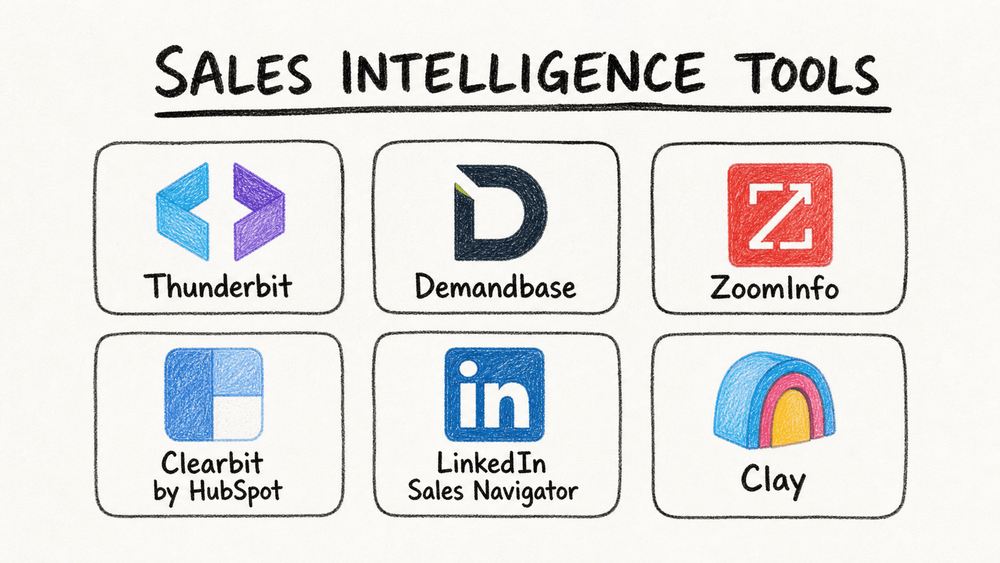
So, which tools are actually worth your time and budget in 2026? I rebuilt this list around the way modern revenue teams work now: traditional B2B data platforms, CRM-native enrichment, social selling, no-code web extraction, and newer AI GTM workflow tools. Here are the six automated sales intelligence platforms I would put on the shortlist.
Why Automated Sales Intelligence Matters in 2026
See What Live Web Data Adds to Your Stack Point the AI at a company list or directory and get a clean, current table in 1 click. Get Started Free
Automated sales intelligence is the process of using software and AI to collect, enrich, analyze, and activate sales data without making reps do every step by hand. A few years ago, that usually meant "append firmographics to my CRM" or "buy a contact list." In 2026, it is broader:
- Source discovery: finding accounts, leads, job changes, funding events, product pages, directories, communities, and other public signals.
- Data extraction: turning messy web pages, lists, PDFs, profiles, and tables into structured rows.
- Enrichment and verification: filling gaps, checking emails, validating company data, and refreshing stale records.
- Signal detection: spotting buying intent, technology changes, hiring patterns, leadership moves, and website activity.
- Activation: pushing the result into Salesforce, HubSpot, outreach tools, spreadsheets, or an AI agent workflow.
That last step matters. Sales intelligence is not valuable because a dashboard looks smart. It is valuable when the right rep knows the right account is worth contacting today, with enough context to say something useful.
AI also changes the benchmark for "good enough." If a model can read a website, interpret a screenshot, summarize a 20-page report, and help draft a first-touch email, then the bottleneck becomes data access and workflow design. Can your tool reach the sources your team actually cares about? Can it keep the fields structured? Can it preserve source links for QA? Can it hand off to the systems where your reps already work?
How We Chose the Best Automated Sales Intelligence Tools
I used five criteria for this refresh:
- Data coverage and freshness: Does the tool cover the sources you need, and can it keep data current?
- AI and automation depth: Does it only show records, or can it automate research, enrichment, alerts, scoring, and handoff?
- Workflow fit: Does it work with your CRM, sales engagement tools, spreadsheets, or AI agent stack?
- Usability: Can sales, marketing, and ops users run it without a long technical setup?
- Pricing clarity and ROI: Is the pricing model realistic for the team that should use it?
One important update: I removed DiscoverOrg as a standalone pick. DiscoverOrg and ZoomInfo combined back in 2019, and DiscoverOrg is no longer a modern standalone product to evaluate. If you need those enterprise B2B data capabilities today, you are really evaluating ZoomInfo.
1. Thunderbit
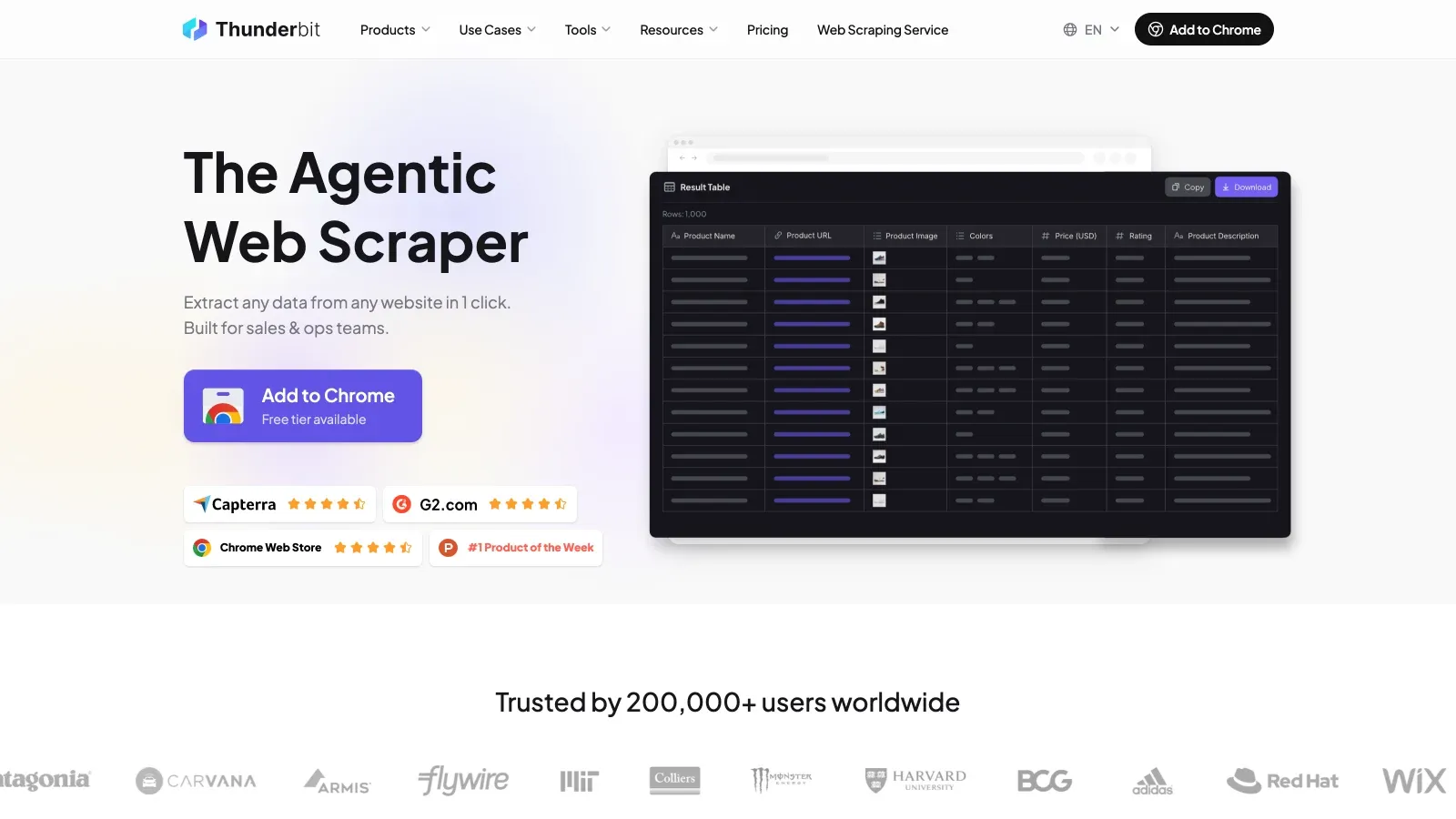
Thunderbit is the best fit when your sales intelligence problem starts with the open web, not a prepackaged database. Think niche directories, conference attendee pages, local business listings, competitor catalogs, marketplace seller pages, partner portals, association member lists, job boards, review sites, or any source where the data is useful but not neatly packaged for your CRM.
Thunderbit is an AI web scraper built for business users. Open the Chrome extension, go to a page, click "AI Suggest Fields," and Thunderbit reads the page and proposes columns such as company name, contact name, price, category, location, profile URL, email, phone number, or whatever the page actually contains. Then it turns the page into structured data you can export to Excel, Google Sheets, Airtable, or Notion.
Why Thunderbit Stands Out for Sales Intelligence
- It handles messy, real-world sources: Many sales teams need data that does not exist in ZoomInfo or HubSpot yet. Thunderbit is useful when the source is a website, a directory, a table, or a page your team keeps manually checking.
- AI field suggestion makes setup fast: Instead of writing selectors or building a scraper from scratch, you let AI infer the fields and adjust them if needed.
- Subpage scraping adds depth: Thunderbit can open each profile or detail page and enrich the main table with extra fields, which is useful for lead lists, company directories, product pages, and event pages.
- Pagination and browser/cloud modes cover more cases: Use cloud mode for speed or browser mode when the source requires login, location, or a normal browser session.
- Exports are workflow-friendly: Sales ops can send results to spreadsheets and databases without waiting on engineering.
- AI-agent workflows are becoming possible: Technical teams can also look at Thunderbit's MCP server and CLI docs when they want web extraction to become part of a larger AI or developer workflow.
Thunderbit is not trying to be a giant proprietary B2B database. That is the point. It is a flexible collection layer for custom, fresh, long-tail sources. In a 2026 stack, I would use it alongside enrichment and CRM tools: Thunderbit finds and structures the niche web data, then the team enriches, validates, scores, and routes it.
Pricing: Free tier available; paid plans start at $15/month for 500 credits, with higher tiers for more volume. Check the pricing page for the latest credit details.
Best for: Sales teams, founders, marketers, and ops teams that need custom web data, niche lead lists, competitor monitoring, or repeatable research from sources that traditional databases miss.
See how Thunderbit compares to other web scrapers.
Try Thunderbit for Automated Sales Intelligence Turn any prospect list, directory, or company page into enriched rows in 1 click. Get Started Free
2. Demandbase Sales Intelligence (InsideView)
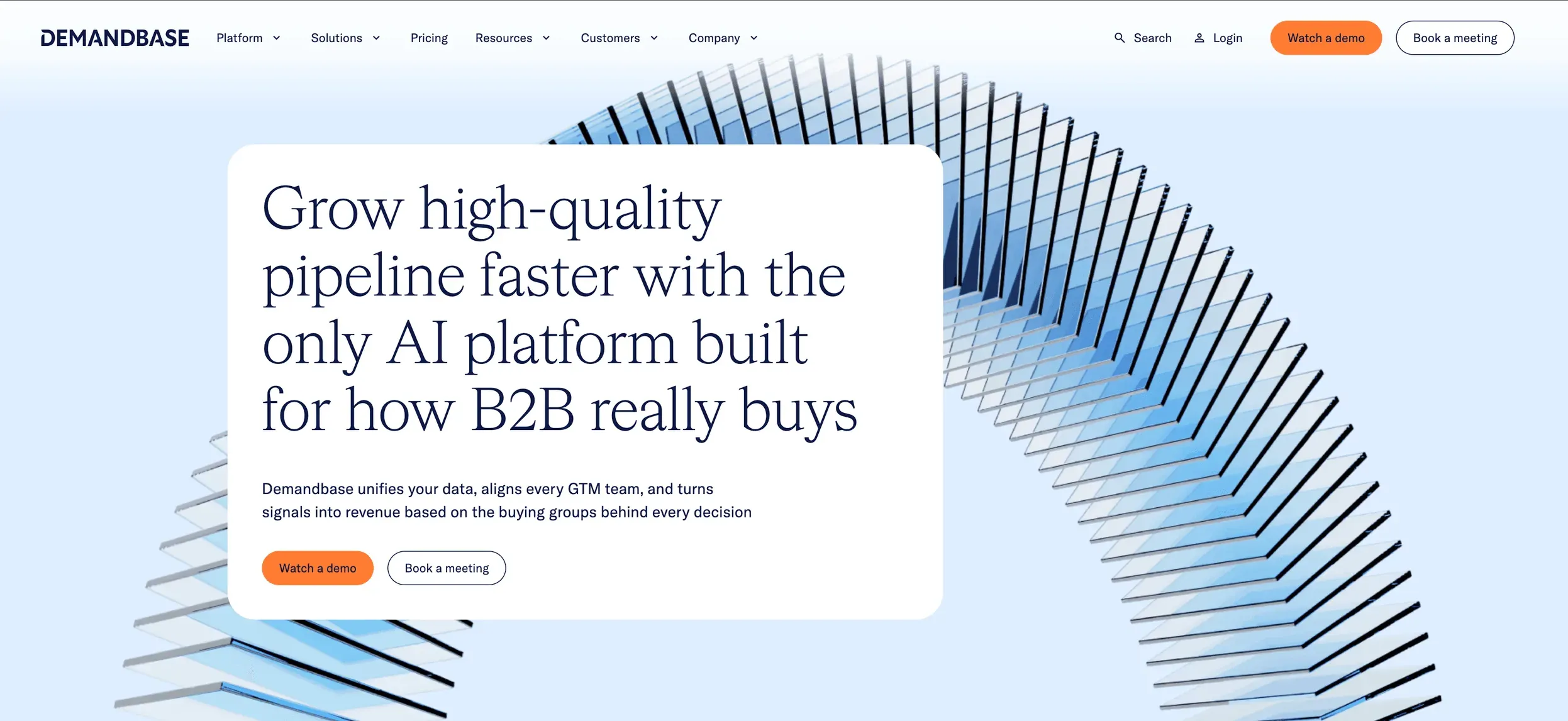
Demandbase Sales Intelligence is the modern home for what many buyers still remember as InsideView. It is best understood as an account intelligence and ABM platform for teams that want CRM-connected company data, buying signals, and account prioritization.
Demandbase is strongest when sales and marketing are already running a coordinated account-based motion. Instead of only enriching a contact record, it helps teams decide which accounts and buying groups deserve attention, which signals matter, and how reps should act inside their existing workflow.
What Sets Demandbase Apart
- Account and buying-group focus: Demandbase is built around target accounts, engagement, fit, and buying signals, not just contact lookup.
- CRM and sales workflow alignment: Reps can work from richer account context without bouncing across disconnected tools.
- Prioritization over raw volume: The value is not "millions of names." It is helping sellers focus on the accounts most likely to move.
- ABM fit: It works well for enterprise and mid-market teams where sales, marketing, and RevOps are already aligned around named accounts.
Demandbase is not the first tool I would choose for a tiny team that just needs a quick spreadsheet of prospects. It is much more useful when you have a real CRM process, account ownership, marketing programs, and sales plays that depend on shared account intelligence.
Pricing: Custom quote. Demandbase now positions pricing as flexible and customized, so old InsideView-style public per-seat pricing is not reliable.
Best for: Mid-market and enterprise B2B teams focused on ABM, account prioritization, CRM enrichment, and sales-marketing alignment.
3. ZoomInfo
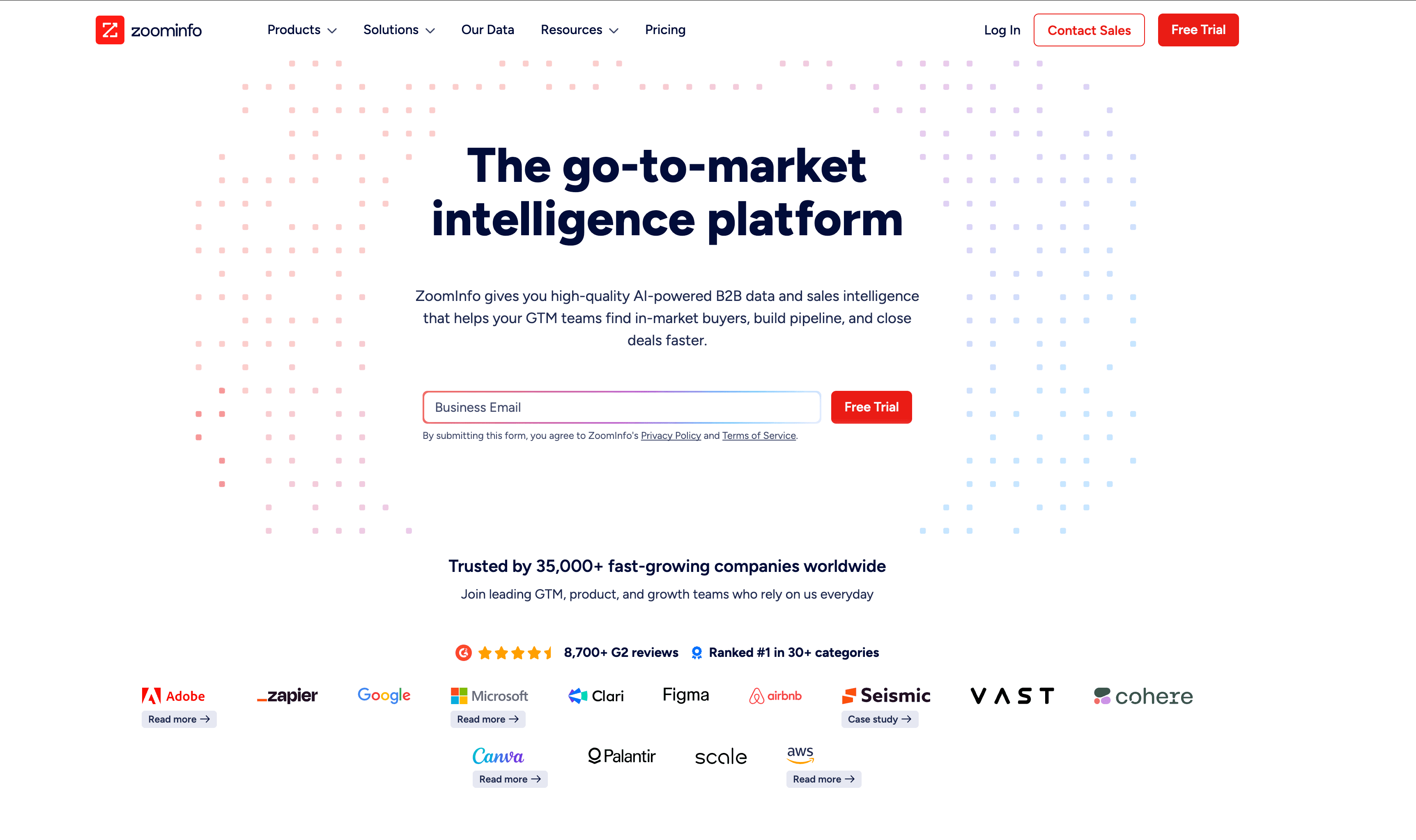
ZoomInfo remains one of the biggest names in B2B sales intelligence. If your team wants a broad contact and company database, intent signals, enrichment, sales workflows, and deep CRM integrations in one enterprise-grade platform, ZoomInfo is still a serious shortlist tool.
The important nuance for 2026: ZoomInfo is not just "a contact list." It has been moving toward a broader AI GTM platform, with data, workflows, enrichment, engagement, intent, and recommendations layered together. That makes it powerful, but also more complex and more expensive than lightweight prospecting tools.
Why ZoomInfo Still Matters
- Large B2B database: ZoomInfo is designed for teams that need broad company and contact coverage at scale.
- Intent and signal layers: Buyer intent, technographics, org charts, and alerts help teams prioritize outreach.
- Workflow automation: ZoomInfo can trigger workflows, route leads, alert reps, and connect with sales engagement platforms.
- Enterprise integrations: Salesforce, HubSpot, Outreach, Salesloft, Marketo, and other GTM systems are common use cases.
ZoomInfo makes the most sense when the team has enough volume, process maturity, and budget to use it fully. It can be overkill if all you need is a small, niche list or a one-time research pull.
Pricing: Custom quote. ZoomInfo says pricing is customized around licenses, credit consumption, and data depth, and its FAQ explicitly frames pricing as tailored rather than a fixed public starting price.
Best for: Larger sales, marketing, and RevOps teams that need broad B2B data, intent signals, enrichment, and enterprise workflows.
4. Clearbit by HubSpot
Clearbit is no longer best described as a standalone enrichment vendor in the old sense. Clearbit has joined HubSpot, and HubSpot now frames much of this capability through its data enrichment, buyer intent, form shortening, and Breeze AI ecosystem.
For teams already living in HubSpot, that is a meaningful change. Enrichment is closer to the CRM, workflows, forms, scoring, segmentation, and marketing automation. Instead of exporting data from a separate tool and wiring everything together, HubSpot users can enrich contact and company records where the go-to-market motion already runs.
What Makes Clearbit by HubSpot Useful
- CRM-native enrichment: HubSpot data enrichment can update contact and company records with cleaner company and buyer profiles.
- Automatic and continuous enrichment: HubSpot supports automatic enrichment for new records and monthly refreshes for existing records.
- Buyer intent and form shortening: Enrichment can support lead scoring, routing, segmentation, and shorter forms.
- Breeze AI context: HubSpot's AI layer can use CRM context to support sales, marketing, and service workflows.
The tradeoff is that Clearbit by HubSpot is now most attractive if HubSpot is already your system of record. If your stack is Salesforce-first or you need provider-agnostic enrichment across many systems, you may compare it against ZoomInfo, Clay, Apollo, or specialized enrichment APIs.
Pricing: Depends on HubSpot subscriptions and credit/usage rules. HubSpot documentation notes that data enrichment behavior and credit consumption vary by plan and feature, so check current HubSpot billing before turning on automated usage.
Best for: HubSpot-first growth, marketing, and sales teams that want real-time enrichment, better lead scoring, form shortening, and CRM-native automation.
5. LinkedIn Sales Navigator
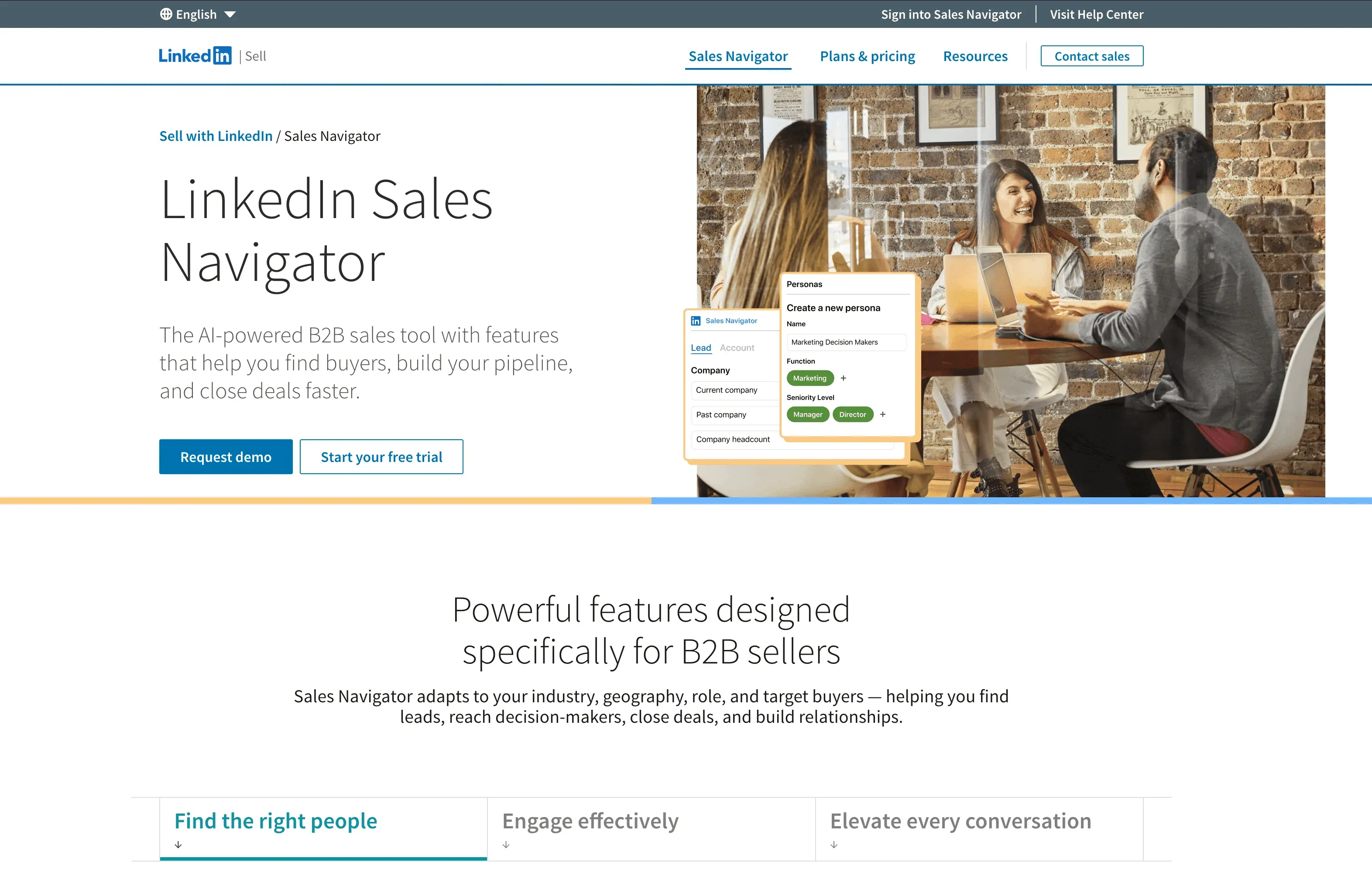
LinkedIn Sales Navigator is still the strongest tool for relationship-driven selling. It is not the same kind of product as a web scraper or enrichment API. Its strength is the LinkedIn professional graph: people, job changes, shared connections, company updates, posts, and relationship paths.
In 2026, Sales Navigator also has more AI-assisted research baked in. LinkedIn lists Account IQ and Lead IQ for account and lead insights, and Message Assist is in public beta for AI-assisted outreach. That makes Sales Navigator more useful as a daily seller workspace, not just a search interface.
Why Sales Navigator Is Still a Must-Have
- Professional graph: LinkedIn's network is hard to replicate, especially for relationship mapping and warm introductions.
- Advanced search filters: Reps can segment by role, company, geography, seniority, industry, and more.
- Lead and account alerts: Job changes, account news, buyer activity, and content updates can create timely outreach moments.
- AI-assisted account and lead research: Account IQ, Lead IQ, and Message Assist reduce some of the manual prep work.
- CRM integrations: Higher tiers support deeper CRM integration, including Salesforce, HubSpot, Microsoft Dynamics, and other tools.
Sales Navigator is especially strong for enterprise sales, recruiting-adjacent sales motions, consulting, partnerships, and any deal where credibility and timing matter. It is also a natural complement to ZoomInfo or Thunderbit: use databases and scraping for coverage, then use LinkedIn to understand the people and relationships.
Pricing: LinkedIn lists Sales Navigator Core starting at US$119.99/month per license, Advanced starting at US$159.99/month per license, and Advanced Plus as custom pricing. Always verify current regional pricing and annual discounts.
Best for: Social selling, warm outreach, relationship mapping, enterprise sales, and teams that rely heavily on LinkedIn signals.
6. Clay
Clay is the tool I would add to this list for the 2026 AI automation era. It is not a traditional sales intelligence database and not a simple scraper. It is closer to a GTM workflow builder: combine data providers, run waterfall enrichment, use AI research agents, score accounts, personalize outreach, and sync results into the tools your team already uses.
Clay is popular with GTM engineering, growth, RevOps, and outbound teams because it sits between raw data sources and action. You can pull in a list, enrich it from many providers, use AI to research custom fields, classify or score the account, and send the output to a CRM, sequencer, webhook, or spreadsheet.
Why Clay Belongs in a 2026 Sales Intelligence Stack
- Waterfall enrichment: Clay can query multiple providers in sequence, improving coverage without forcing teams to manage every vendor manually.
- Claygent AI research: Claygent can research custom company and contact data points from the web, which is useful when ordinary databases do not have the exact signal you need.
- Signals and workflow automation: Teams can track job changes, company news, web intent, hiring, and other GTM triggers.
- Frontier model access: Clay says Claygent can run on frontier models or Clay-tuned models, which matters as model capabilities keep improving.
- Ops-friendly integrations: CRM auto-sync, HTTP APIs, webhooks, data warehouses, and campaign tools make it useful for teams that want to operationalize research.
Clay is powerful, but it is not the simplest choice for a rep who only wants to search a contact database. It shines when someone owns the workflow: a growth lead, GTM engineer, sales ops manager, or founder who wants to build repeatable plays.
Pricing: Free plan available. Clay uses actions and data credits; its pricing page lists self-serve paid plans and custom Enterprise options. Because pricing depends on actions, credits, AI usage, and data providers, model your expected workflow before scaling.
Best for: GTM engineering, growth teams, AI-assisted outbound, waterfall enrichment, custom account research, and teams building repeatable signal-based sales plays.
Comparison Table: Automated Sales Intelligence Tools at a Glance
| Tool | Data Coverage & Strengths | Automation & AI Features | Integrations | Ease of Use | Pricing | Best For |
|---|---|---|---|---|---|---|
| Thunderbit | Any website, directories, marketplaces, niche sources | AI field suggestion, subpage scraping, pagination, browser/cloud scraping, API/CLI/MCP options | Excel, Google Sheets, Airtable, Notion, API/CLI/MCP | Very easy, no-code | Free; paid from $15/mo for 500 credits | Custom web data, niche lead lists, sales ops research |
| Demandbase Sales (InsideView) | Account intelligence, contacts, buying groups, engagement signals | Account prioritization, alerts, enrichment, next actions | CRM, sales engagement, Demandbase One | Enterprise workflow | Custom quote | ABM, CRM hygiene, account prioritization |
| ZoomInfo | Large B2B contact/company database, intent, technographics, org charts | Workflows, intent alerts, enrichment, engagement, AI GTM features | Salesforce, HubSpot, Outreach, Salesloft, MAPs | Powerful, setup required | Custom quote; trials available | Scaled outbound, RevOps, enterprise GTM |
| Clearbit by HubSpot | HubSpot commercial dataset, contact/company enrichment, buyer intent | Automatic/continuous enrichment, form shortening, lead scoring, Breeze AI | HubSpot CRM and workflows | Easy for HubSpot users | HubSpot subscription and credits model | HubSpot teams, inbound enrichment, lead routing |
| LinkedIn Sales Navigator | LinkedIn professional graph, profiles, relationships, social signals | Lead/account recommendations, Account IQ, Lead IQ, Message Assist beta, alerts | Salesforce, HubSpot, Dynamics, Salesloft, more | Familiar LinkedIn UI | Core from US$119.99/mo; Advanced from US$159.99/mo; Advanced Plus custom | Social selling, warm outreach, relationship mapping |
| Clay | 150+ data providers, waterfall enrichment, custom web research | Claygent AI research, signals, scoring, model choice, automated workflows | CRM, data warehouse, HTTP API, webhooks, sequencers | Flexible, ops-oriented | Free; paid self-serve plans and Enterprise custom | GTM engineering, AI research workflows, outbound ops |
How to Choose the Right Automated Sales Intelligence Tool
Fill the Gaps Your Database Vendor Misses Scrape the niche sources no provider covers — 1 click, then export to your CRM. Get Started Free
Here is the simple decision framework I would use:
- Choose Thunderbit if your sales intelligence starts with data trapped on websites, directories, marketplaces, PDFs, public lists, or logged-in web pages.
- Choose Demandbase Sales if your organization runs ABM and needs account intelligence, buying-group context, and sales-marketing alignment.
- Choose ZoomInfo if you need a broad enterprise B2B database with intent signals, enrichment, and GTM workflows.
- Choose Clearbit by HubSpot if HubSpot is your CRM and you want enrichment, scoring, form shortening, and buyer intent close to your existing workflows.
- Choose LinkedIn Sales Navigator if relationship intelligence, job changes, shared connections, and social selling are central to your motion.
- Choose Clay if you want to build AI-assisted GTM workflows that combine many providers, custom web research, scoring, and automation.
Most teams will not use just one. A common 2026 stack might look like this:
- ZoomInfo or Demandbase for core account and contact data.
- Thunderbit for custom web sources and niche list building.
- Sales Navigator for relationship context and timely outreach.
- HubSpot/Clearbit or Clay for enrichment, routing, and workflow automation.
The mistake is buying the biggest database and assuming the work is done. The better question is: where does your pipeline intelligence break today? If the break is "we cannot find the right niche accounts," start with web extraction. If it is "our CRM is stale," start with enrichment. If it is "reps do not know who to contact or why now," focus on signals and prioritization. If it is "we have signals but no repeatable play," look at workflow builders.
Explore Thunderbit for Sales Automation Free tier included. Build live prospect lists from the open web without a new seat license. Get Started Free
What Changed in AI Sales Intelligence for 2026
The biggest trend is that AI is moving from "write this email" to "run this research workflow." That changes how sales intelligence tools are evaluated.
First, custom data matters more. If every competitor can buy the same database, the edge comes from sources they are not collecting: job posts, product launches, marketplace movement, event pages, local directories, partner ecosystems, review velocity, pricing pages, and public support docs. Tools like Thunderbit and Clay are useful because they help teams turn these messy sources into structured signals.
Second, agentic workflows need grounded data. A model like Claude Fable 5 can represent a capability leap in reasoning, vision, and long-horizon work, but even the best model needs source access, validation, and structured outputs. In sales, "agentic" should not mean letting a model guess. It should mean giving the model clear source data, a defined task, QA checks, and a handoff into the CRM or outreach system.
Third, CRM-native AI is becoming normal. HubSpot Breeze, LinkedIn's AI-assisted research, ZoomInfo's AI GTM direction, and Demandbase's account intelligence all point the same way: AI features are becoming embedded where sellers already work.
Finally, governance is now part of the buying decision. Sales intelligence tools touch personal data, company data, outreach workflows, and sometimes regulated regions. Before you automate enrichment or outreach at scale, review consent, opt-out, data retention, regional compliance, and how your team will audit AI-generated fields.
Conclusion: Build the Workflow, Not Just the List
Automated sales intelligence in 2026 is not about owning the biggest spreadsheet. It is about building a workflow that turns fresh signals into better sales action.
If you need custom data from the web, start with Thunderbit. If you need enterprise account intelligence, look at Demandbase. If broad B2B coverage and intent are the priority, evaluate ZoomInfo. If HubSpot is your operating system, Clearbit by HubSpot is the natural enrichment layer. If relationships drive deals, Sales Navigator is hard to replace. If you want to build AI-assisted GTM plays across providers and signals, Clay belongs on the shortlist.
The best sales teams will combine these tools thoughtfully. They will use AI to reduce manual research, but they will still care about source quality, field structure, workflow fit, and human judgment. That is where automation becomes real pipeline, not just a shiny dashboard.
For more sales automation and web data guides, check out the Thunderbit Blog.
FAQs
1. What is automated sales intelligence in 2026?
Automated sales intelligence is the use of AI and software to collect, enrich, validate, analyze, and activate sales data. In 2026, it includes more than contact lookup: web extraction, CRM enrichment, buying signals, AI research, workflow automation, and CRM handoff all matter.
2. How are AI agents changing sales intelligence?
AI agents are making it easier to run multi-step research workflows, summarize sources, classify accounts, and draft outreach. But they work best when connected to reliable source data and clear workflows. The model helps with reasoning; the sales intelligence stack still has to provide fresh data, validation, and activation.
3. Is Thunderbit a replacement for ZoomInfo?
Usually, no. Thunderbit and ZoomInfo solve different problems. ZoomInfo is a broad B2B data and GTM platform. Thunderbit is better when you need to extract custom data from websites or niche sources that are not already packaged in a database. Many teams can use both.
4. Is DiscoverOrg still available as a standalone sales intelligence tool?
No. DiscoverOrg and ZoomInfo combined in 2019, and DiscoverOrg is no longer a modern standalone product to evaluate. If you are looking for DiscoverOrg-style enterprise B2B data today, evaluate ZoomInfo.
5. Which tool is best for real-time enrichment?
It depends on your stack. HubSpot teams should look at Clearbit by HubSpot and HubSpot data enrichment. Enterprise teams may compare ZoomInfo, Demandbase, Clay, and other enrichment providers. Teams with custom web sources may use Thunderbit first, then enrich the extracted data elsewhere.
6. Can I combine multiple sales intelligence tools?
Yes, and many teams should. For example: use Thunderbit for niche web data, ZoomInfo for broad B2B coverage, Sales Navigator for relationship context, HubSpot or Demandbase for CRM/account workflows, and Clay for AI-assisted enrichment and signal-based plays.
Ready to automate your sales intelligence? Try Thunderbit for free or explore more on the Thunderbit Blog.
Learn More
- How to Use AI in Sales
- Best AI Sales Agent Tools
- Top Automated Lead Generation Software
- AI Sales Prospecting Tools
- Best Web Scraping Tools
Try Thunderbit AI Web Scraper for Sales Intelligence Get Started Free




