
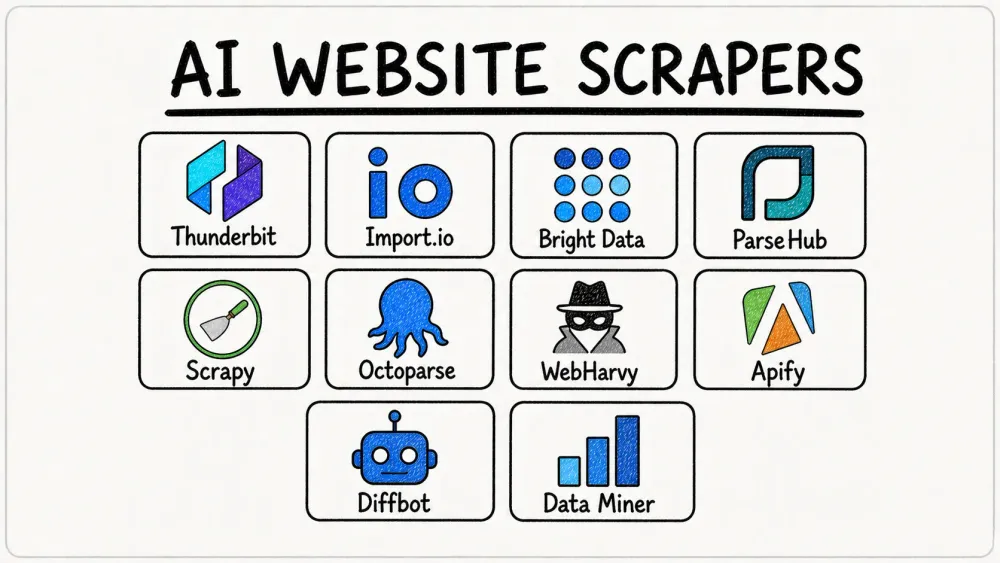
The web is overflowing with data—so much so that by 2025, we’re looking at a staggering 463 exabytes created every single day. If you’re in sales, ecommerce, operations, or research, you know the pain of trying to turn that chaos into something useful. Manual copy-paste? Forget it. It’s slow, error-prone, and about as fun as watching paint dry. That’s why more teams—78% of organizations, in fact—are now using AI to automate web data extraction, making what used to take weeks happen in minutes.
I’ve spent years in SaaS and automation, and I’ve seen firsthand how the right AI-powered web scraping tool can be a total productivity booster. But with so many options out there, how do you pick the best one for your needs? Let’s break down the top 10 tools that use AI to scrape websites efficiently—covering everything from point-and-click Chrome extensions to enterprise-scale cloud platforms.
Why Use AI to Scrape Websites? Unlocking New Possibilities
Scrape data from any website using AI Thunderbit's agentic web scraper reads any website itself and extracts data in one click, no manual setup required. Get Started Free
Traditional web scraping tools are like those old GPS units—you know, the ones that get lost as soon as the road changes. They rely on fixed rules and selectors that break every time a website updates its layout. AI-powered scrapers, on the other hand, use machine learning and natural language processing to recognize patterns, adapt to changes, and even understand what you want just from a plain English description (Bright Data).
Here’s what AI brings to the table:
- Speed: AI scrapers can turn weeks of manual research into minutes of automated extraction (KanhaSoft).
- Accuracy: They use computer vision and NLP to distinguish between, say, a product title and a description, so your data is cleaner and more reliable.
- Resilience: When a site changes, AI adapts—no more constant maintenance.
- Accessibility: Non-technical users can now scrape data just by describing what they want, opening up use cases like lead generation, price monitoring, and market research to everyone.
- Cost Savings: Teams report 30–40% faster extraction times and huge reductions in manual labor.
In short, using AI to scrape websites means you get faster, more reliable data—without needing a PhD in regex or a developer on speed dial.
How We Chose the Best Tools to Use AI to Scrape Websites
With so many tools on the market, I looked at a few key criteria to pick the top 10:
- Ease of Use: Can non-coders get value quickly? Is there a visual interface or natural language support?
- AI Capabilities: Does the tool use AI for field detection, adapting to layout changes, or understanding natural language instructions?
- Feature Set: Support for pagination, scheduling, proxy management, CAPTCHA solving, and output formats.
- Scalability: Can it handle everything from a few pages to millions? Is there a cloud option?
- Pricing & Accessibility: Is there a free tier? Is it affordable for individuals, SMBs, and enterprises?
- Support & Community: Good documentation, responsive support, and an active user base.
- Reputation: Real user reviews, testimonials, and a track record of reliability.
I’ve included a mix of browser extensions, desktop apps, cloud platforms, and developer frameworks—so whether you’re a solo founder, a data analyst, or an enterprise team, you’ll find a fit.
1. Thunderbit
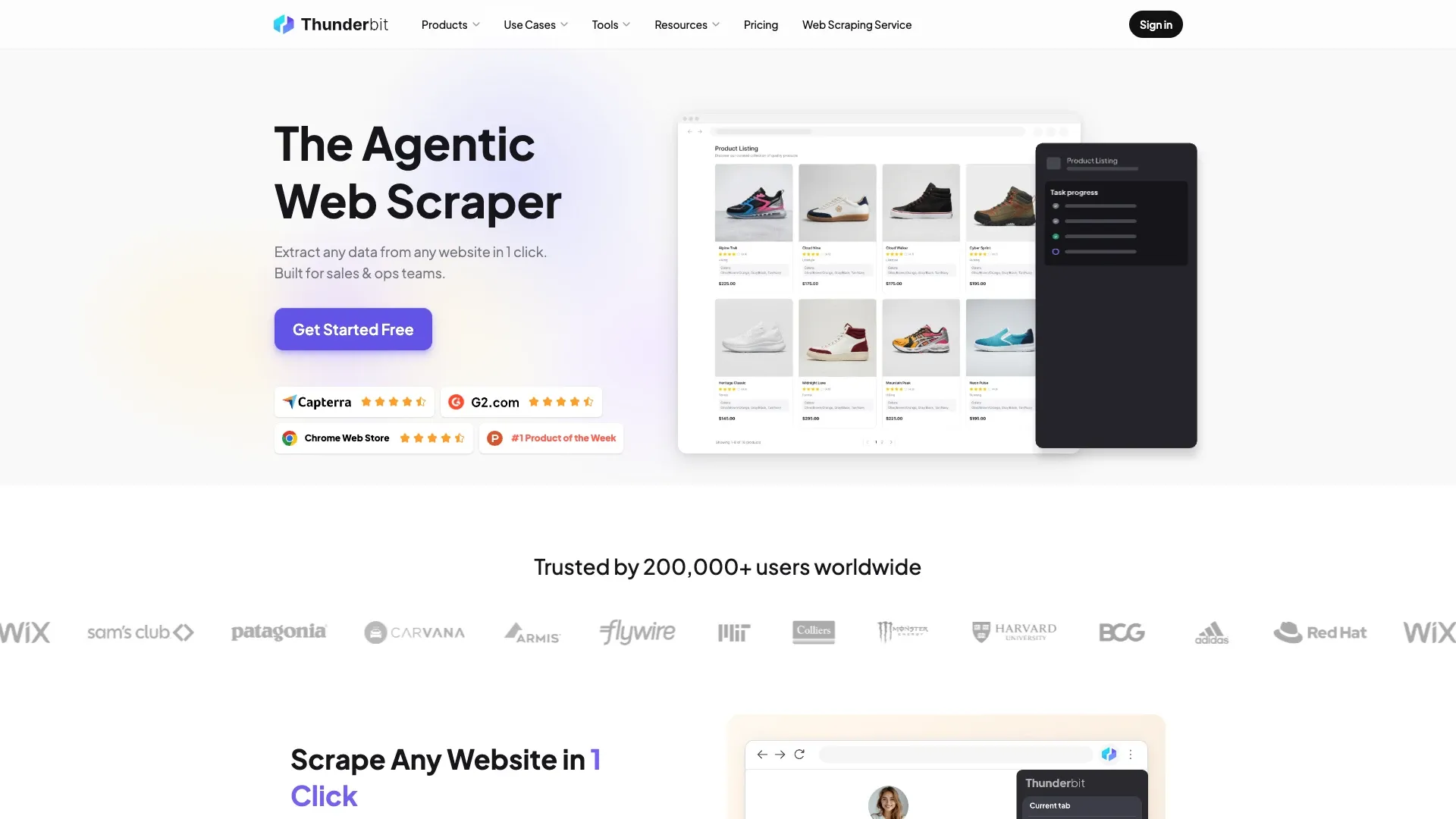 Thunderbit is my go-to recommendation for business users who want to use AI to scrape websites—fast. As a Chrome extension, Thunderbit acts like an AI assistant that reads any webpage (even PDFs or images) and outputs structured data in a single click.
What sets Thunderbit apart?
- Natural Language Interface: Just describe what you want (“Extract all product names, prices, and images from this page”) and Thunderbit’s AI figures out the rest.
- One Click Extract: Click one button and the AI scans the page, suggesting the best columns to extract. You can tweak or accept them, then hit “Scrape.”
- Subpage & Pagination Scraping: Thunderbit can automatically follow links to subpages (like product details) and handle pagination, even with infinite scroll.
- Instant Data Export: Export directly to Excel, Google Sheets, Airtable, or Notion—no extra charge.
- Free Contact Extractors: One-click email, phone, and image extraction—completely free.
- Scheduled Scraping: Set up recurring jobs with natural language (“every Monday at 9am”) and let the AI handle the rest.
Thunderbit is especially strong when you’re dealing with messy, complex, or non-standard web pages—think niche directories, real estate listings, or ecommerce product pages that would make other scrapers cry. User reviews consistently praise its simplicity and power, with a 4.6★ rating on the Chrome Web Store.
Pricing: Free for up to 6–10 pages; paid plans start at around $15/month for 500 credits (pages), with higher tiers for bigger needs. Data export is always free.
Best for: Sales, marketing, ecommerce ops, and anyone who wants to scrape data without coding or headaches.
Try Thunderbit Agentic Web Scraper for Free Free plan covers 6 pages a month, no credit card required — a fast way to test AI-driven extraction. Get Started Free
2. import.io
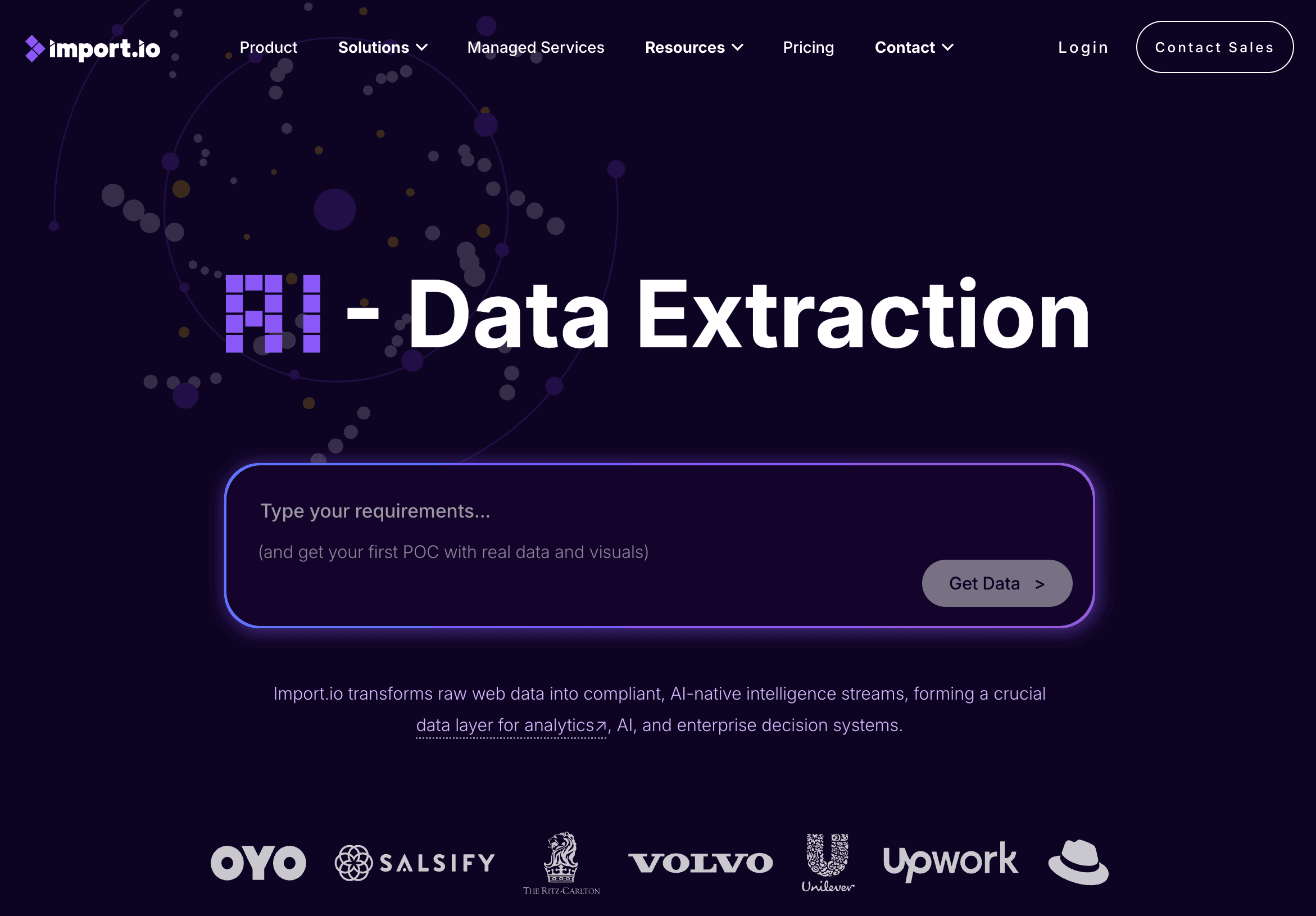 import.io is an enterprise-grade extraction platform trusted by big names like Unilever and Volvo. Worth knowing before you evaluate it: the product now leads with real-time pricing intelligence for retail and eCommerce, with general-purpose data extraction sitting alongside it rather than out front. If your use case is competitive price monitoring, that focus is an advantage; if you want a general scraper, weigh it against tools built for that first.
Why choose import.io?
- AI “Self-Healing” Pipelines: If a website changes, import.io’s AI can automatically adapt—no more broken scrapers.
- Prompt-Based Extraction: Set up extractions with high-level instructions; the AI figures out the details.
- Automated Compliance: Built-in filters for privacy laws (GDPR, CCPA) and customizable PII masking.
- Fully Managed Cloud: Handles proxy rotation, scheduling, and infrastructure for you.
- API Integration: Turn any website into a live API for your analytics or business systems.
Pricing: Starts at ~$299/month, with custom enterprise plans. Free trial available.
Best for: Enterprises and data teams that need reliable, large-scale, and compliant web data pipelines.
3. Bright Data
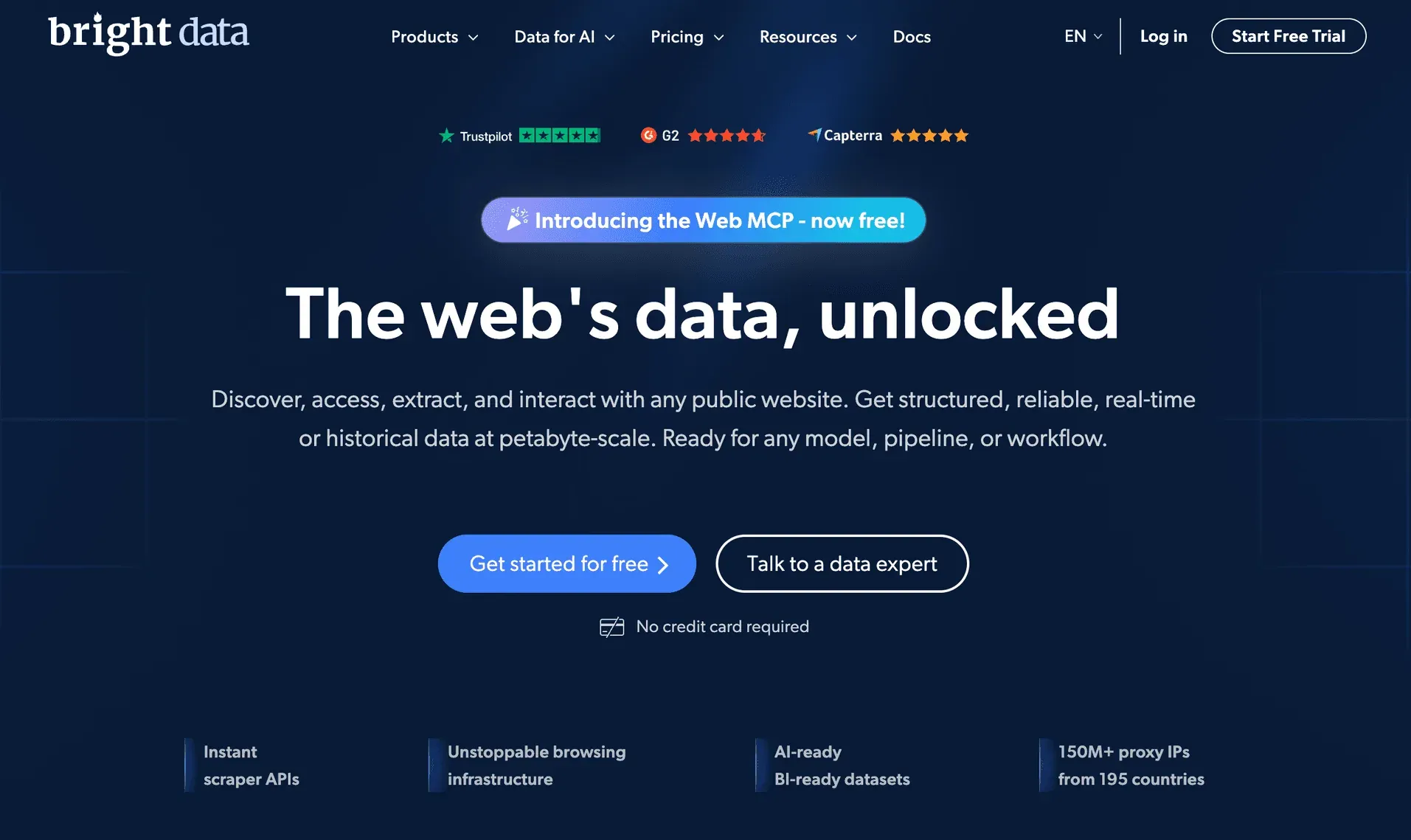 Bright Data is all about scale. If you need to scrape millions of pages, monitor prices across the globe, or feed data into AI models, this is your tool.
Key features:
- 100M+ Proxy Network: Residential, mobile, and datacenter IPs for unbeatable anti-blocking.
- AI-Powered Unblocker: Solves CAPTCHAs, rotates headers, and adapts to anti-bot measures in real time.
- Pre-Built Scrapers: APIs for 120+ popular sites (Amazon, LinkedIn, Google, etc.).
- Dataset Marketplace: Buy or access massive pre-scraped datasets.
- LLM-Ready Data Streams: Feed real-time web data directly into AI systems.
Pricing: Usage-based; can get expensive at scale. Free trial and some free datasets available.
Best for: Large organizations, AI projects, and anyone who needs massive, reliable, and compliant web data.
4. ParseHub
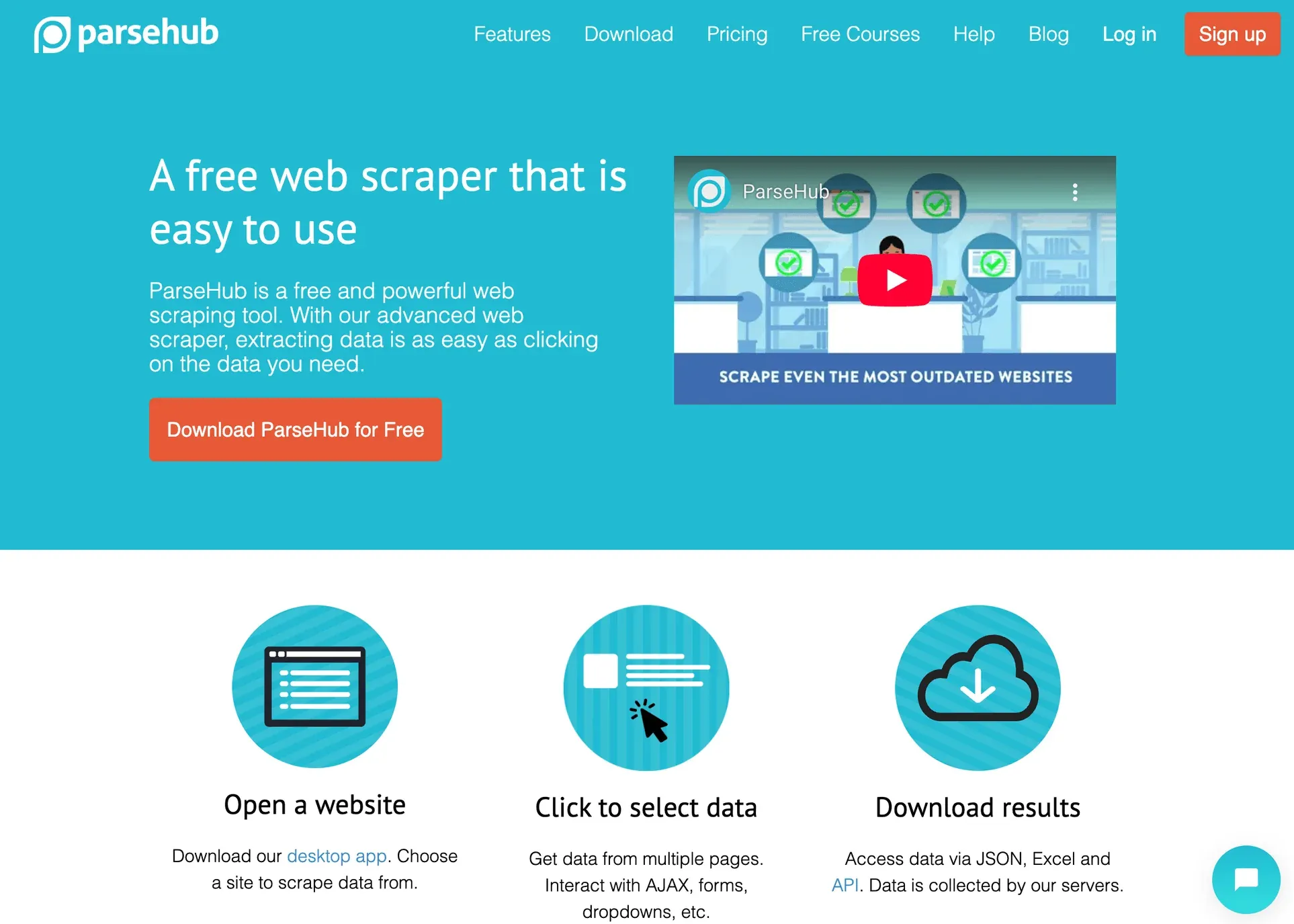 ParseHub is a desktop app (Windows, Mac, Linux) that makes visual web scraping easy—even for dynamic, JavaScript-heavy sites.
Why ParseHub?
- Machine Learning Pattern Detection: Click on one item and ParseHub finds all similar elements automatically.
- Handles Dynamic Content: Works with AJAX, infinite scroll, and interactive elements.
- Visual Workflow Builder: Set up multi-step scraping flows without code.
- Cloud Scheduling: Run jobs in the cloud and schedule recurring tasks.
- Flexible Export: CSV, Excel, JSON, or API.
Pricing: Free for up to 5 projects (200 pages/run); paid plans start at $189/month.
Best for: Analysts, researchers, and small businesses who want a powerful, point-and-click scraper for complex sites.
5. Scrapy
 Scrapy is the developer’s toolkit for web scraping. It’s a Python framework, open-source, and highly extensible.
What makes Scrapy special?
- Ultimate Flexibility: Write custom spiders to scrape anything, at any scale.
- AI Integrations: Use extensions like Scrapy-LLM to parse data with large language models (LLMs) or integrate NLP for smarter extraction.
- Asynchronous Crawling: Super fast and efficient for large jobs.
- Open Ecosystem: Tons of plugins for proxies, browser automation, and more.
Pricing: Free and open-source; you just pay for your own infrastructure.
Best for: Developers and technical teams who want full control and the ability to integrate AI into custom scraping workflows.
6. Octoparse
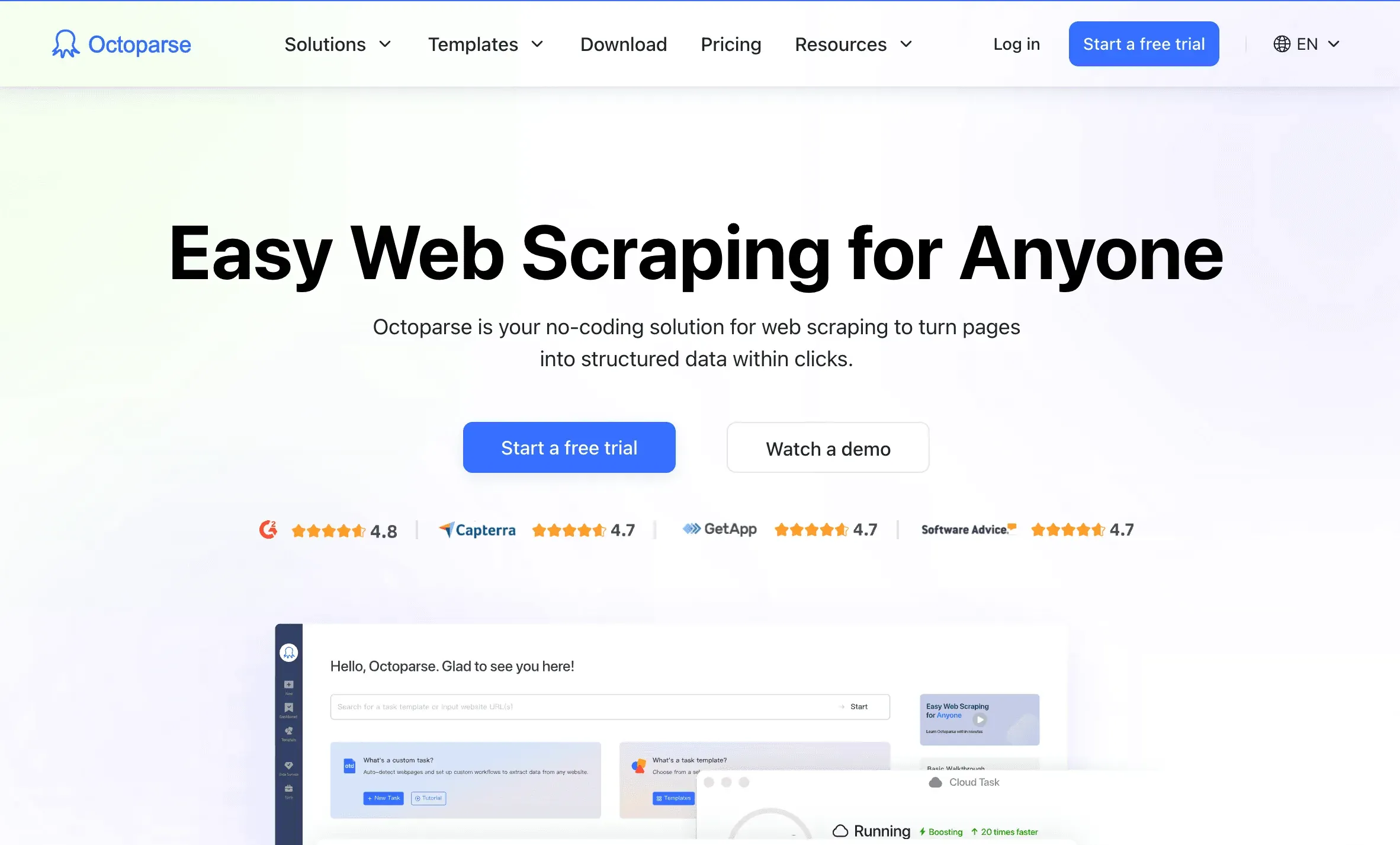 Octoparse is a no-code, cloud-based web scraper designed for business users and teams.
Standout features:
- AI Auto-Detect: The AI scans a page and suggests what data to extract—no manual setup needed.
- Drag-and-Drop Workflow: Build scrapers visually, with support for login, pagination, and dynamic content.
- Pre-Built Templates: Hundreds of ready-to-use templates for popular sites.
- Cloud Scheduling: Run and schedule scrapes in the cloud; export to Sheets, Excel, or via API.
- AI Regex Helper: Generate regex patterns with AI assistance.
Pricing: Free tier (10 tasks); paid plans start at ~$75/month.
Best for: Non-coders, marketing teams, and SMBs who want a user-friendly, no-code scraping solution.
7. WebHarvy
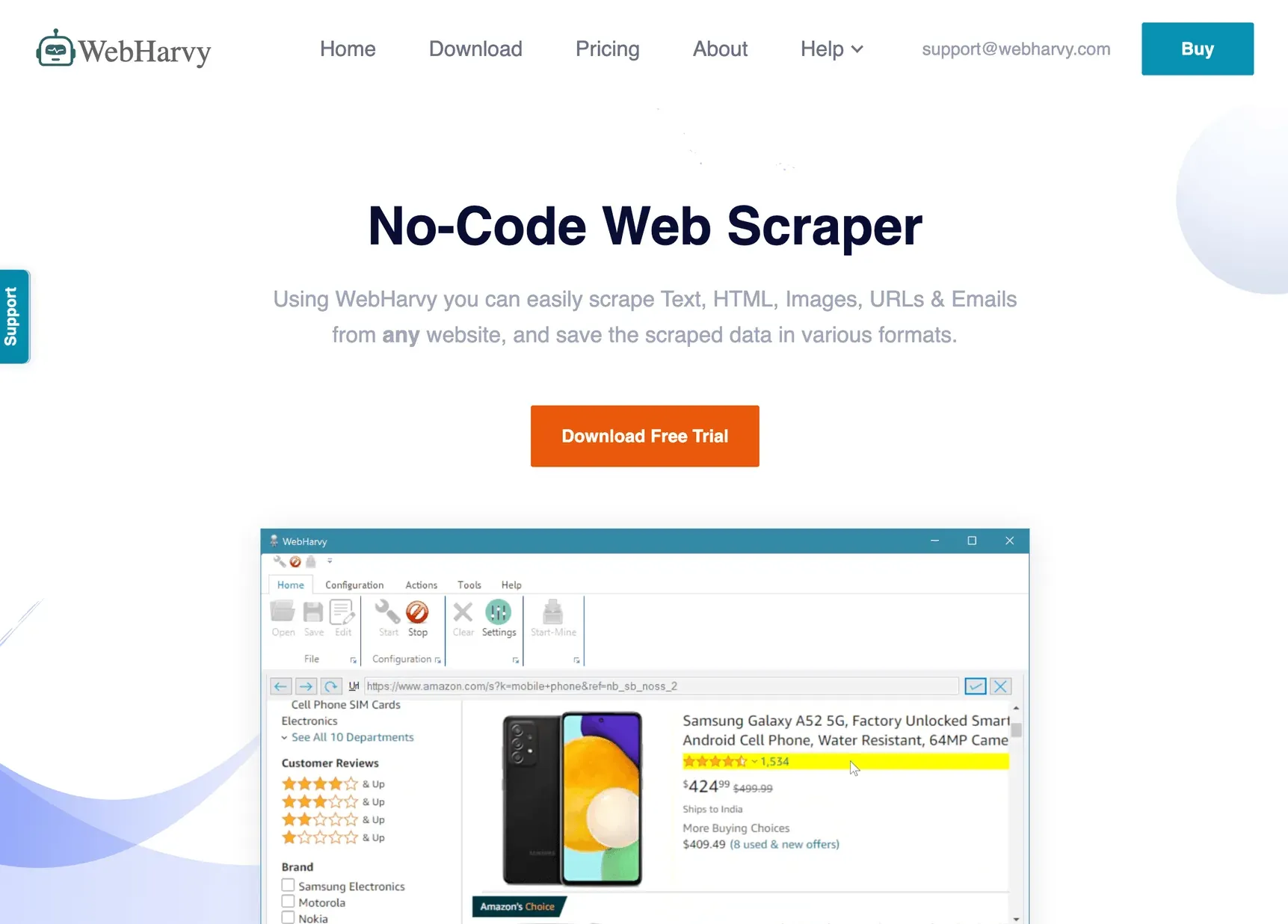 WebHarvy is a Windows desktop app known for its intelligent pattern detection and one-time license model.
Why pick WebHarvy?
- Automatic Pattern Detection: Click one item and WebHarvy finds all similar data on the page.
- Visual Scraping: Built-in browser lets you select data by clicking, no code required.
- Image & Email Scraping: Download images or extract emails with ease.
- One-Time Purchase: Lifetime license (from $129) with optional paid updates.
Pricing: Starts at $129 one-time for a single user.
Best for: Small businesses, researchers, or anyone on Windows who wants a cost-effective, offline scraping tool.
8. Apify
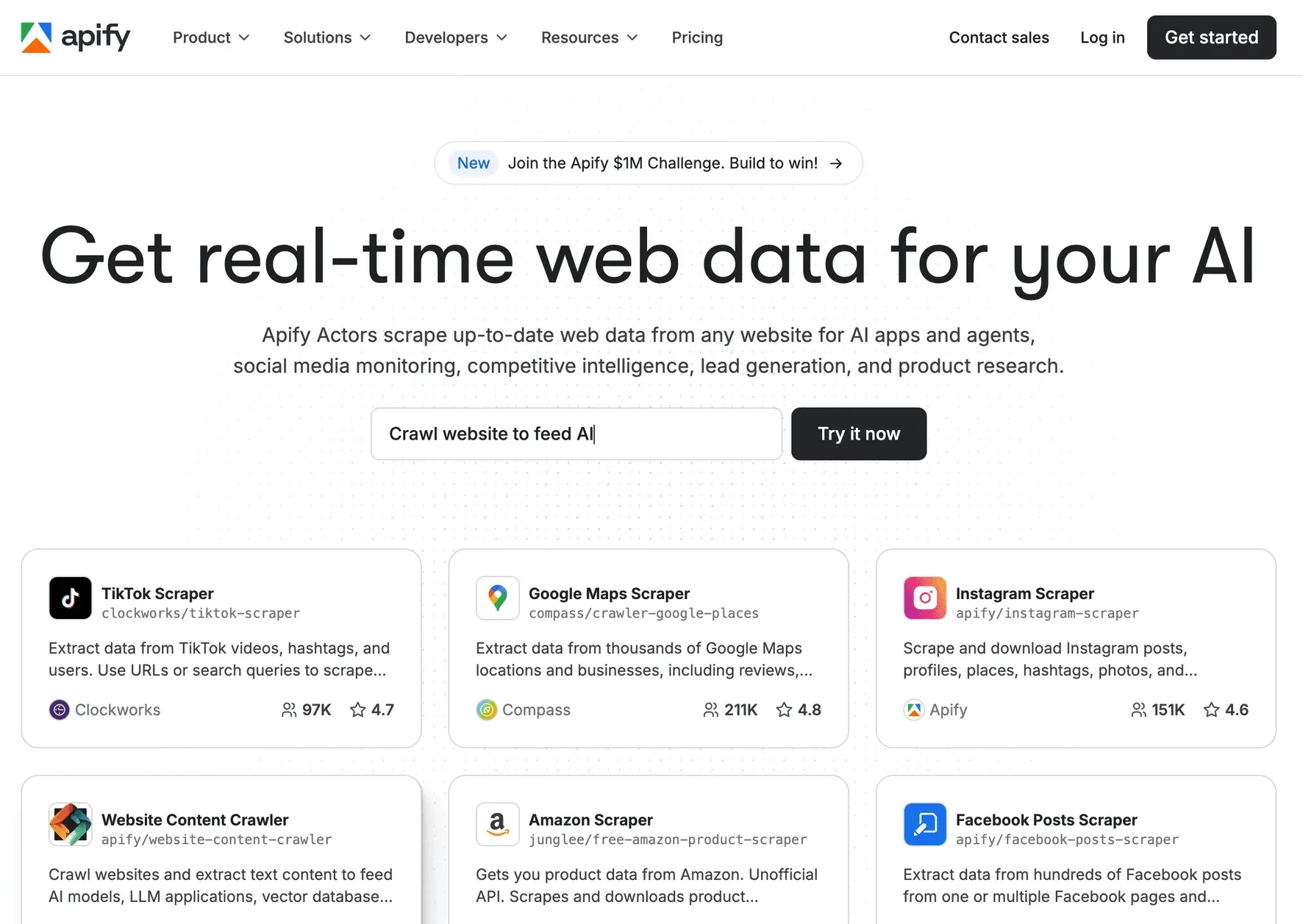 Apify is a cloud automation platform for web scraping and workflow integration, used by both developers and non-coders.
Key features:
- Actors Marketplace: 200+ pre-built bots for common scraping tasks.
- Custom Actors: Write your own bots in JavaScript/Python, or use visual tools.
- AI Integrations: Feed scraped data into LLMs, or trigger scrapers from AI agents.
- Cloud Scheduling & Storage: Run jobs at scale, store results, and integrate with APIs or workflow tools.
- Proxy & Headless Browser Support: Handle dynamic sites and anti-bot measures.
Pricing: Free tier ($5 monthly credit); paid plans start at $49/month.
Best for: Developers, startups, and teams who want scalable, automated scraping with workflow integration.
9. Diffbot
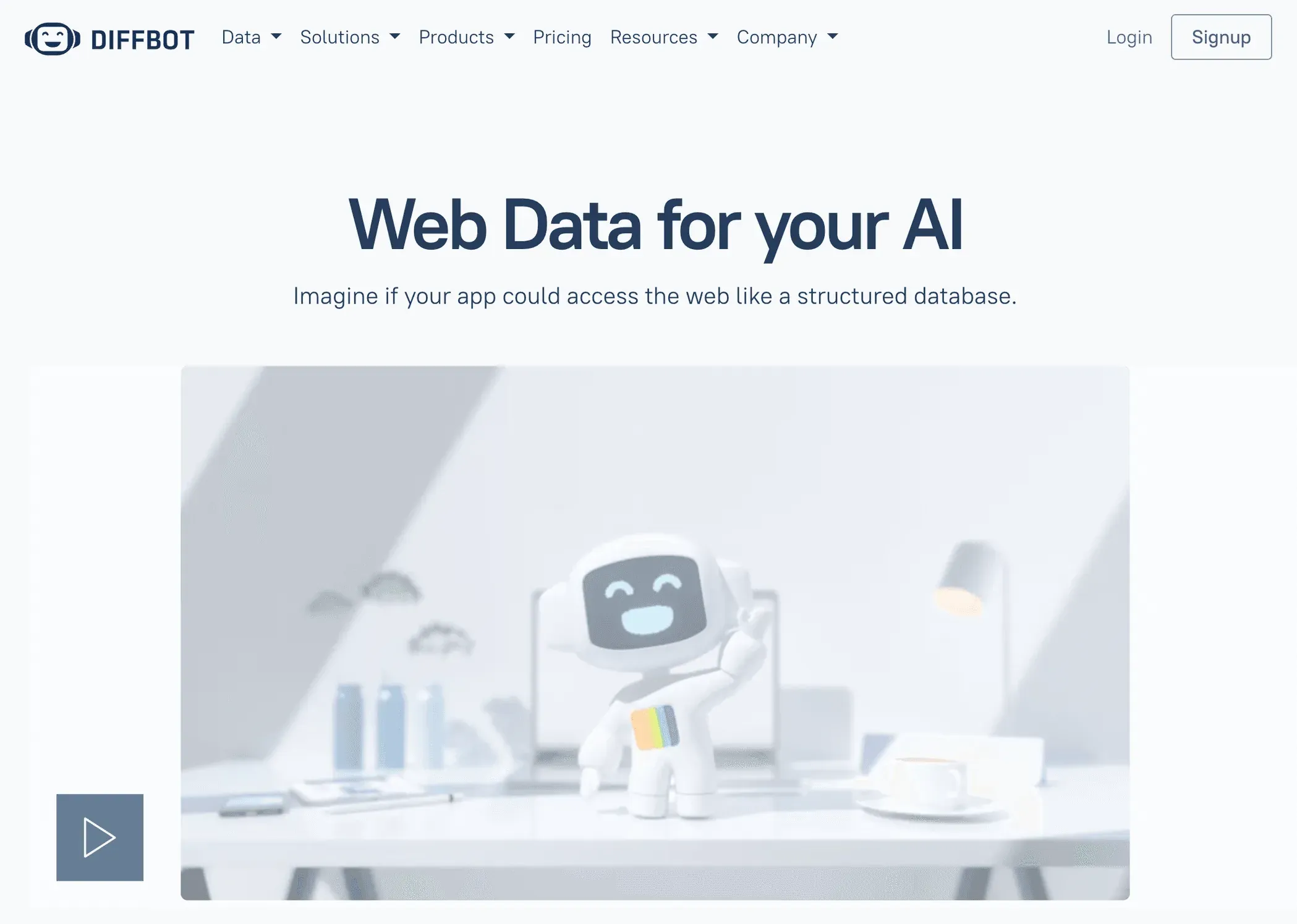 Diffbot is the king of AI-powered web data extraction and knowledge graphs.
What makes Diffbot unique?
- Fully AI-Driven Extraction: Feed any URL to Diffbot’s API and get structured JSON—no setup needed.
- Knowledge Graph: Access a massive, constantly-updated graph of 10B+ entities (companies, people, products, articles).
- Computer Vision + NLP: Extracts data from text, images, and even infers relationships.
- Fact-Grounded LLM: Ask questions and get answers with citations from the web.
Pricing: Free developer trial (10,000 calls/month); Startup plan $299/month for 250k credits.
Best for: Enterprises, AI companies, and researchers who want instant, structured data from any page—or a ready-to-query web knowledge base.
10. Data Miner
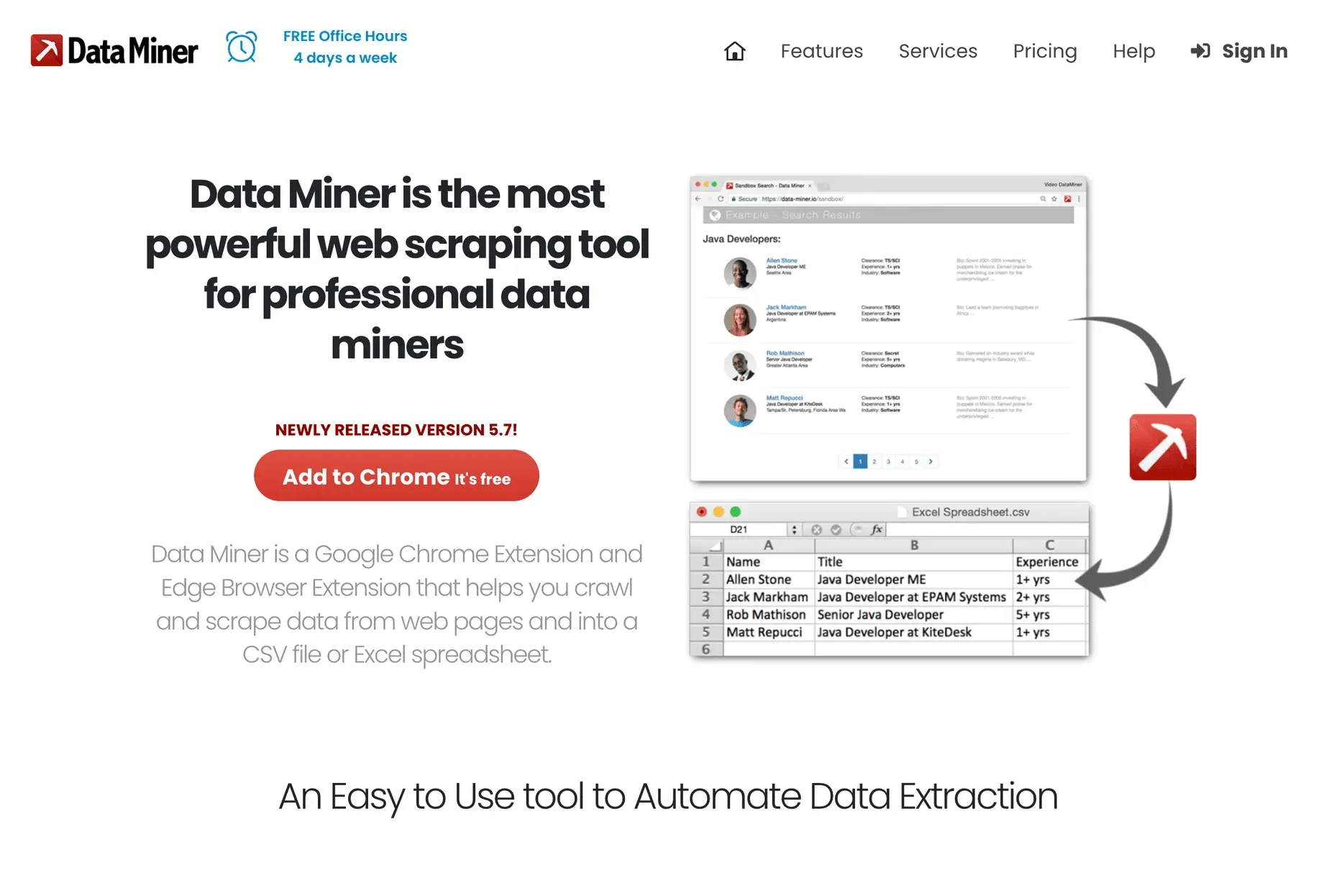 Data Miner is a Chrome/Edge extension that makes quick, template-based scraping accessible to everyone.
Why Data Miner?
- 50,000+ Public Recipes: One-click scraping for 15,000+ sites (LinkedIn, Yellow Pages, Amazon, etc.).
- Point-and-Click Customization: Build your own scraping recipes visually.
- Pagination & Automation: Scrape multiple pages or a list of URLs in your browser.
- Direct Export: Download to CSV/Excel or upload to Google Sheets.
Pricing: Free for up to 500 pages/month; paid plans start at ~$19/month.
Best for: Non-technical users who want fast, browser-based scraping for small to medium jobs.
Comparing the Top Tools That Use AI to Scrape Websites
Here’s a quick comparison of all 10 tools:
| Tool | Best For | AI Features | Ease of Use | Scalability | Pricing | Support/Community |
|---|---|---|---|---|---|---|
| Thunderbit | Non-coders, business users | LLM field detection, NL UI | Very easy | Medium (cloud) | Free, from $15/mo | Fast email, active dev |
| import.io | Enterprises, data teams | Self-healing, prompt AI | Moderate | Very high | From $299/mo | Dedicated enterprise |
| Bright Data | Large orgs, AI projects | Unblocker, 100M+ proxies | Moderate | Extremely high | Usage-based | Enterprise, docs |
| ParseHub | Analysts, SMB, dynamic sites | ML pattern detection | Easy/moderate | Medium-high | Free, from $189/mo | Docs, forum |
| Scrapy | Developers, custom workflows | LLM/NLP plugins | Hard (code) | Very high | Free (OSS) | Community, docs |
| Octoparse | SMBs, non-coders, teams | AI auto-detect, templates | Very easy | High (cloud) | Free, from $75/mo | Live chat, tutorials |
| WebHarvy | Windows users, SMB, researchers | Pattern detection | Very easy | Medium | $129 one-time | Email, reviews |
| Apify | Devs, startups, automation | AI integrations, actors | Moderate | Very high | Free, from $49/mo | Docs, Slack, support |
| Diffbot | AI/data science, enterprises | Full AI extraction, KG | Easy (API) | Extremely high | Free, from $299/mo | Dedicated, academic |
| Data Miner | Non-tech, quick browser jobs | 50k+ recipes, pattern AI | Very easy | Low-medium | Free, from $19/mo | Office hours, recipes |
How to Choose the Right AI Web Scraping Tool for Your Needs
Here’s my cheat sheet for picking the right tool:
- Non-coders, quick tasks: Thunderbit, Octoparse, Data Miner, or WebHarvy.
- Large-scale, enterprise needs: import.io, Bright Data, Diffbot.
- Custom, developer workflows: Scrapy, Apify.
- Dynamic or complex sites: ParseHub, Octoparse, Apify (with browser automation).
- Need instant, structured data from any page: Diffbot.
- Want a one-time purchase (no subscription): WebHarvy.
Pro tip: Sometimes, combining tools works best. For example, use Thunderbit to quickly structure messy data, then process it further with WebHarvy’s pattern detection for a smooth workflow.
Key decision factors:
- Budget: Free tiers are great for testing; enterprise tools cost more but offer scale and support.
- Technical skill: No-code tools for business users; frameworks for devs.
- Data volume: Browser tools for small jobs; cloud platforms for big ones.
- Support needs: Enterprise tools offer SLAs; others rely on community or email.
Conclusion: The Future of Using AI to Scrape Websites
See How Thunderbit Compares See how Thunderbit's agentic web scraper compares to the other approaches covered in this guide. Get Started Free
AI is transforming web scraping from a niche developer task into a mainstream business capability. Whether you’re building lead lists, monitoring prices, or feeding data into AI models, there’s now a tool that fits your needs and your skillset. The ten tools above show just how diverse—and powerful—this ecosystem has become.
As AI continues to evolve, expect web scraping to get even smarter: more natural language interfaces, better adaptation to web changes, and deeper integration with business workflows. My advice? Try a few of these tools, see what fits your workflow, and don’t be afraid to mix and match for the best results.
If you want to see what modern, AI-powered scraping looks like, give Thunderbit a spin or check out more guides on the Thunderbit Blog. The future of web data is here—and it’s a lot more fun (and productive) than copy-paste marathons.
See How Agentic Web Scraping Works Thunderbit's AI reads a page like a person would and picks the fields itself, one click replacing manual scraper setup. Get Started Free
FAQs
1. Why should I use AI to scrape websites instead of traditional tools?
AI-powered scrapers adapt to changing web layouts, recognize patterns automatically, and let non-technical users extract data just by describing what they want. This means faster, more reliable data extraction with less maintenance and fewer headaches.
2. Which AI web scraping tool is best for non-coders?
Thunderbit, Octoparse, Data Miner, and WebHarvy are all excellent for non-technical users. They offer visual interfaces, natural language support, and require no coding skills.
3. What’s the best tool for large-scale or enterprise web scraping?
import.io, Bright Data, and Diffbot are built for scale, reliability, and compliance. They handle millions of pages, offer robust APIs, and provide dedicated support for enterprise clients.
4. Can I combine different tools to optimize my web scraping workflow?
Absolutely! Many teams use a combination—such as Thunderbit for quick structuring, then WebHarvy for pattern detection, or Apify for workflow automation. Mixing tools lets you play to each one’s strengths.
5. Is there a free way to try these AI web scraping tools?
Yes! Most tools offer a free tier or trial. Thunderbit, Octoparse, Data Miner, and Apify all have free plans, so you can experiment before committing to a paid plan.
Ready to level up your web data game? Try out a few of these tools and see how much time (and sanity) you can save. And if you want more tips on web scraping, automation, and AI, check out the Thunderbit Blog or subscribe to our YouTube channel. Happy scraping!
Try Thunderbit Agentic Web Scraper Get Started Free
Read More




