
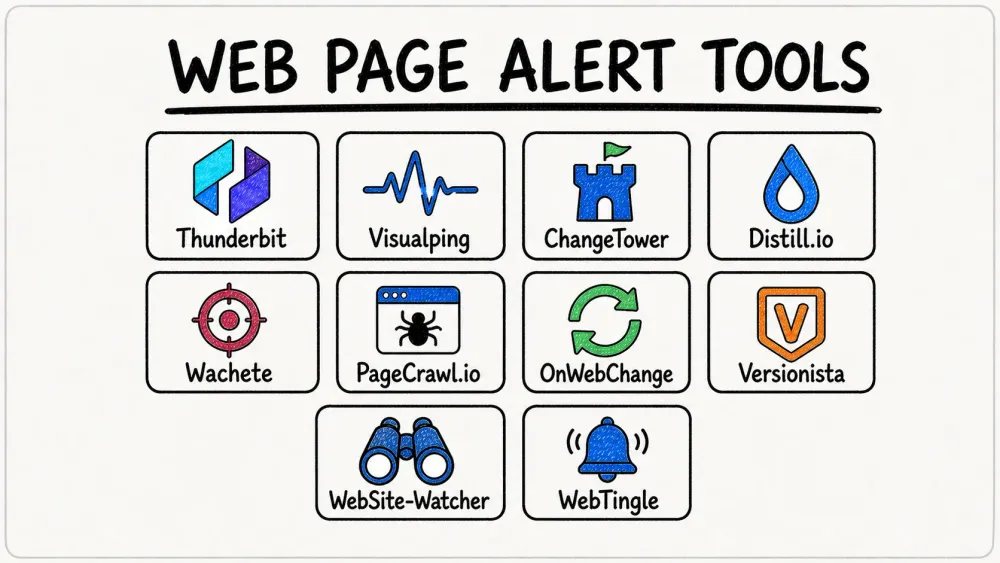
The web never sleeps—nor do competitors, regulators, or the store page you are watching for a restock. Prices, policies, product pages, and job listings can change without an announcement. A website change alert turns that manual checking into a repeatable workflow: define what matters, watch it on a schedule, and route the signal to the person or system that can act.
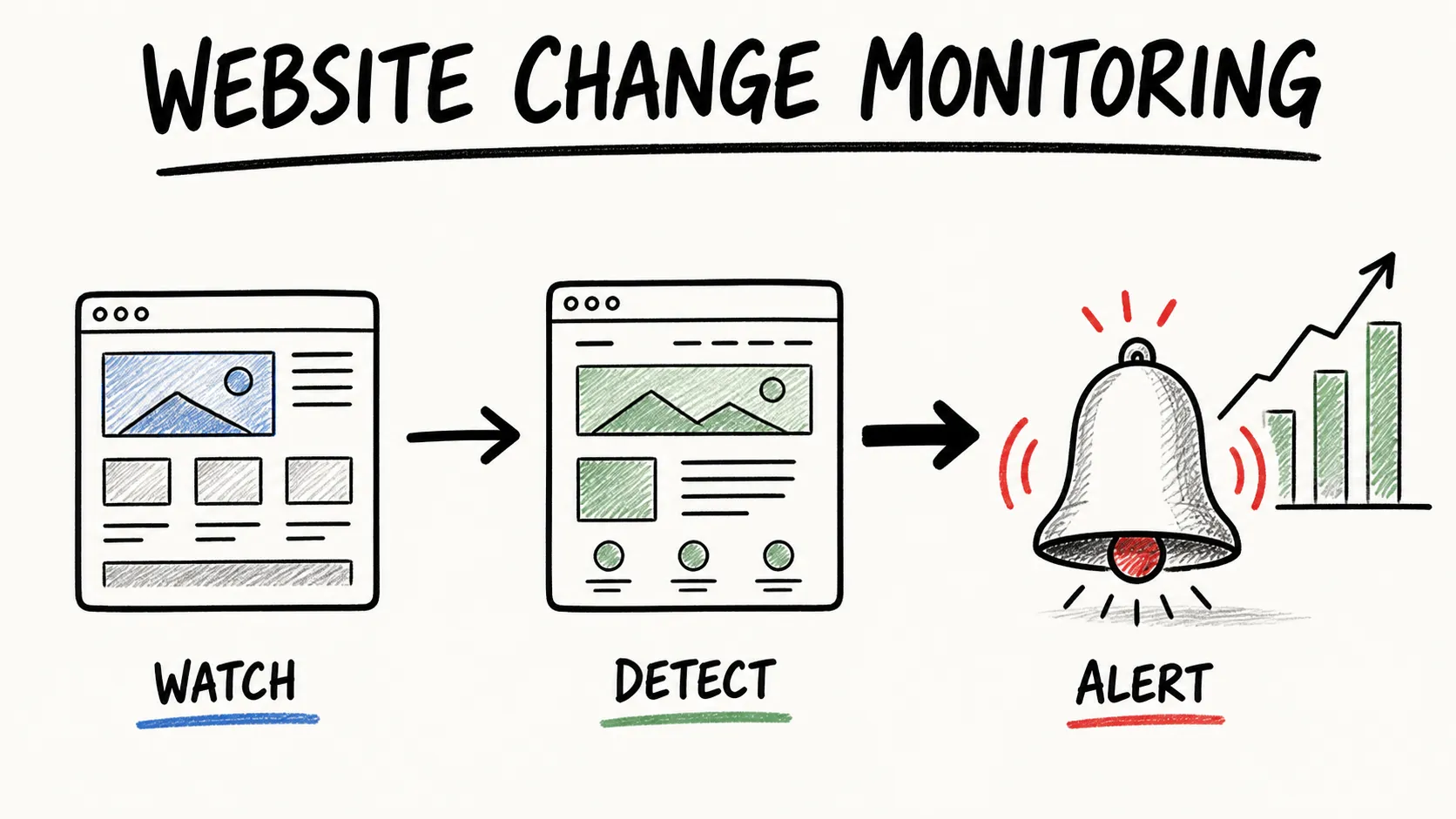
The best tool depends less on a generic “real-time” promise than on the kind of change you need to catch. Are you monitoring a single visual element, a structured list of competitor products, a password-protected dashboard, or a regulator’s PDF? This guide compares 10 current options—from AI-powered structured-data monitoring to simple visual-diff alerts—so you can choose the right fit without living in your browser’s refresh button.
Why You Need to Get Alerts When a Web Page Changes
See How Agentic Web Scraping Works Thunderbit's AI reads a page like a person would, so it can extract the exact data you want to monitor for changes. Get Started Free
The modern web is a moving target. For businesses and professionals, missing a key change is not just inconvenient—it can create avoidable risk.
- Competitive price tracking: Track price, stock, product, and messaging changes before they become a surprise in a sales call or campaign review.
- Regulatory and policy monitoring: Watch the source page for a new rule, filing, or terms update instead of relying on an email round-up that may arrive late.
- Content and product intelligence: Product, marketing, and research teams can catch launches, release notes, new listings, and partner updates as they happen.
- Security and brand protection: Monitoring your own critical pages can surface unexpected edits or defacement quickly.
The important shift is from “did the page change?” to “did a change that matters to my work occur?” A useful monitor should give you enough context—an extracted value, a text diff, a screenshot, or an AI summary—to make that decision without reopening every page.
How to Choose the Right Tool to Get Alerts When a Web Page Changes
Not all monitoring tools solve the same problem. Before choosing one, check these six things:
- What counts as a change: Choose between a visual diff, text or HTML diff, a selected element, a keyword rule, or a structured field such as price or availability.
- Always-on frequency: A local browser monitor can check very quickly, but it only runs while your computer is on. Cloud monitors continue when your device is closed; compare the actual interval and monthly check allowance.
- Dynamic or authenticated pages: If content needs a click, scroll, login, or filter selection, look for browser actions or macro support.
- Alert quality: Screenshots, before/after diffs, change history, conditions, and AI summaries all help cut alert noise.
- Workflow handoff: Email is enough for a personal watch. Teams may need Slack, Teams, webhooks, Sheets, or an API to turn a change into a task or report.
- Pricing model: “Unlimited monitors” can still mean a limited number of monthly checks. Compare pages, checks, speed, history, and notification channels together.
1. Thunderbit
Thunderbit is the best fit when you need to monitor structured business data rather than receive a generic page-diff email. Use it to capture fields such as product name, price, availability, or a competitor’s feature list, then compare scheduled results in a table.
Thunderbit’s One Click Extract helps set up extraction without selectors or templates. It can also follow subpages and pagination, which is useful when a competitor’s product category or directory—not one URL—is the thing that changes. Results can be exported to Excel, Google Sheets, Airtable, and Notion.
Best For: Business users monitoring structured data across product, ecommerce, sales, or operations workflows.
Pricing: Start free; paid usage is credit-based. Check Thunderbit pricing for the current allowance and plan details.
Standout Features:
- AI-powered field suggestions
- Subpage and pagination extraction
- Scheduled scraping in natural language
- Structured exports to Sheets, Airtable, Notion, and Excel
- Works with complex, dynamic, and multilingual pages
Try Thunderbit Agentic Web Scraper for Free Set Thunderbit to revisit a page on a schedule and export the results, so you catch changes without manual checks. Get Started Free
2. Visualping
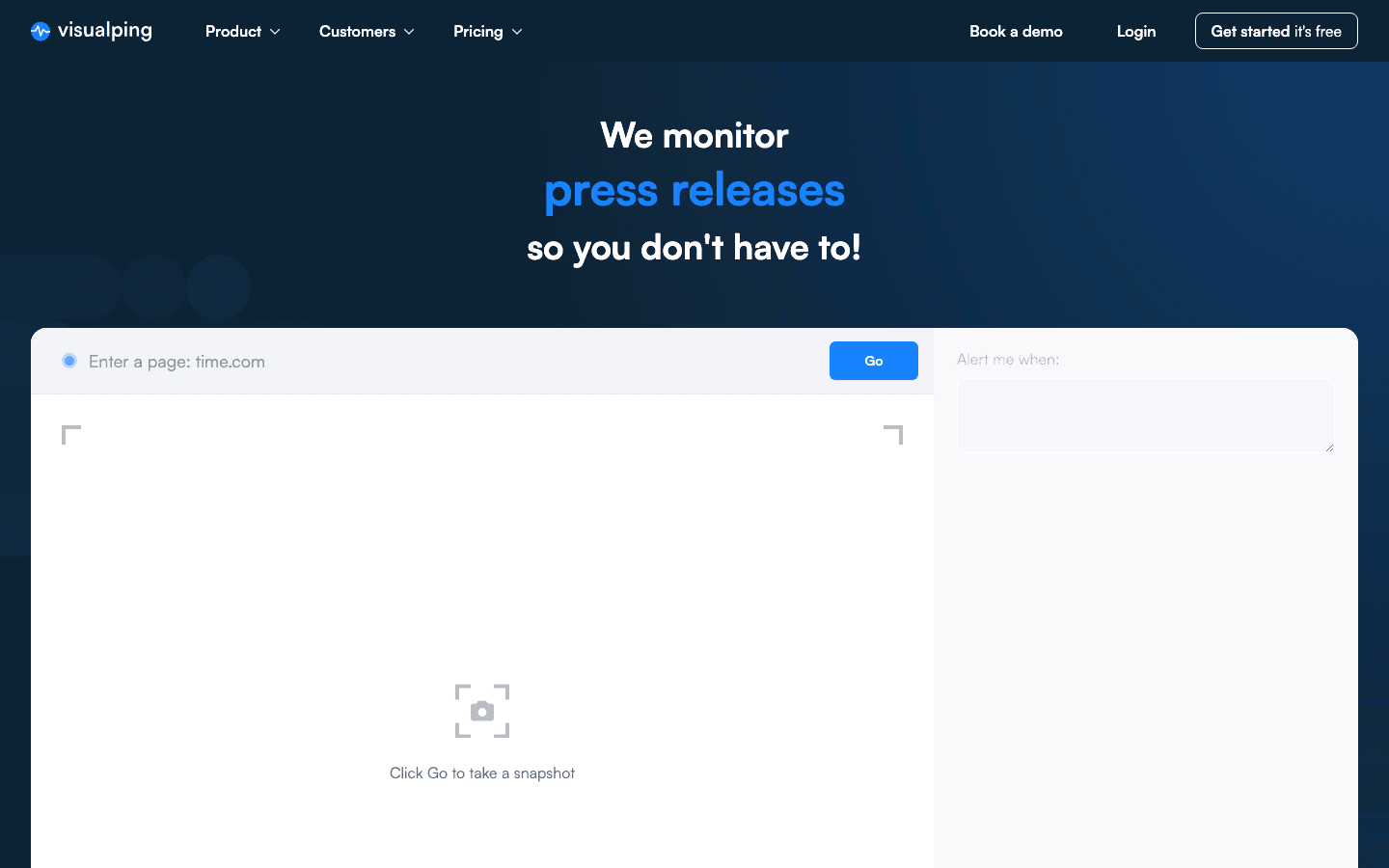
Visualping is a strong choice for non-technical users who want to select part of a page and receive a visual or text-based alert. Its element, text, and visual modes are useful for catching a price change, a policy update, or an image swap without writing a rule.
Every plan includes AI-powered change summaries; the free plan currently covers five monitored pages and 150 checks per month, with a 60-minute minimum interval. Personal plans start at $10 per month, while collaboration features such as shared workspaces and native Slack or Teams integrations are aimed at business plans.
Best For: Easy visual or text monitoring for a handful of public pages.
Standout Features:
- Visual, text, and selected-element comparison
- AI summaries that explain what changed
- Browser extension for quick setup
- API, webhooks, and automation integrations
3. ChangeTower
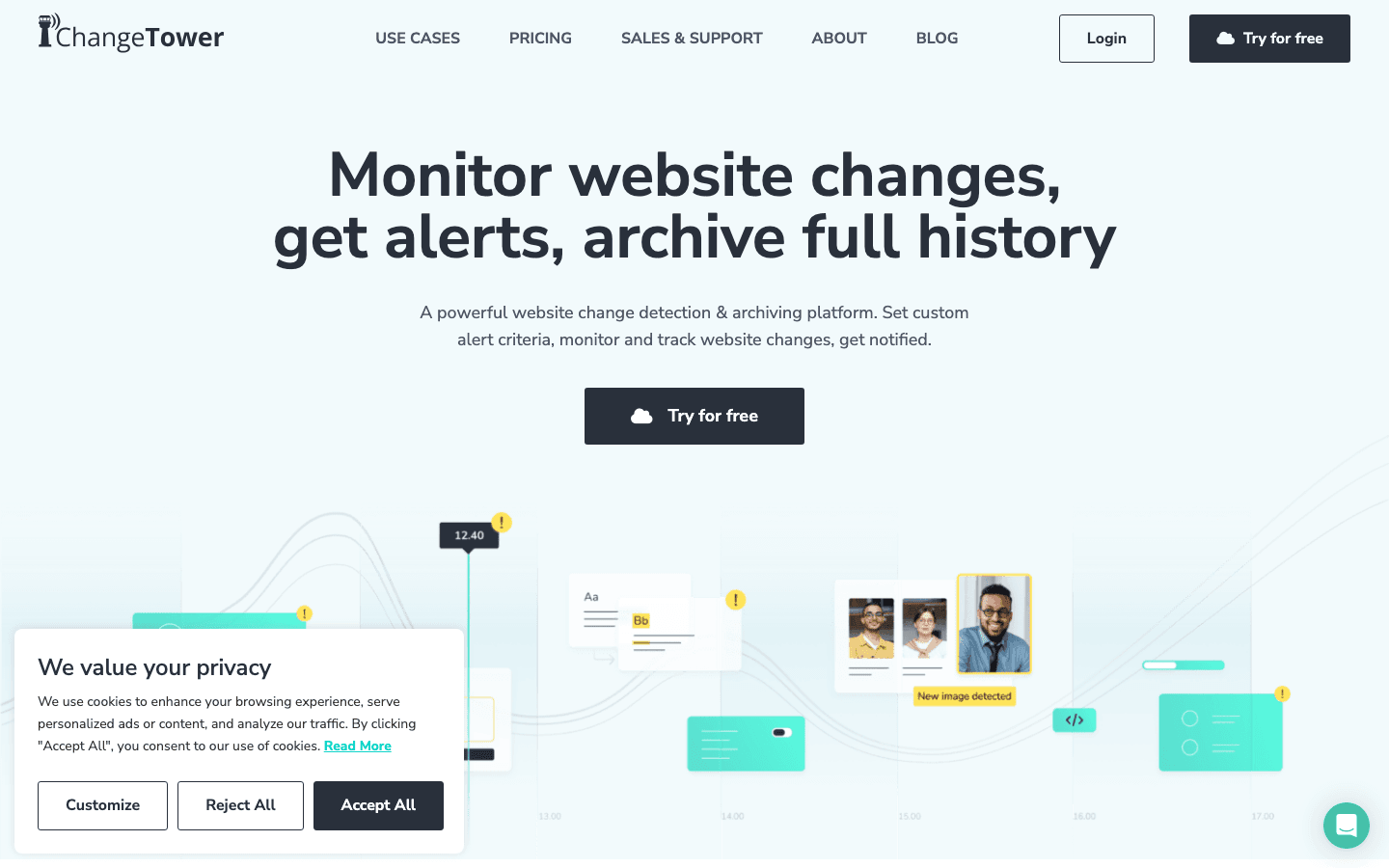
ChangeTower is built for organizations that need a clear record of monitored changes, access controls, and reporting. Its current plans combine content and keyword monitoring with AI-powered monitoring; higher tiers add selected page sections, custom interactions, longer history, and enterprise review workflows.
The free tier covers three monitored pages with daily checks. Paid plans begin at $12 per month for 25 pages, while hourly monitoring and more team capacity begin on higher tiers. That makes it a better fit for compliance or brand-monitoring programs than a one-off restock alert.
Best For: Teams that need auditable change records, keyword tracking, and governed access.
Standout Features:
- Content and keyword change detection
- AI-powered monitoring and alert context
- Custom interactions for dynamic pages on eligible plans
- Role-based access and enterprise review workflows
4. Distill.io
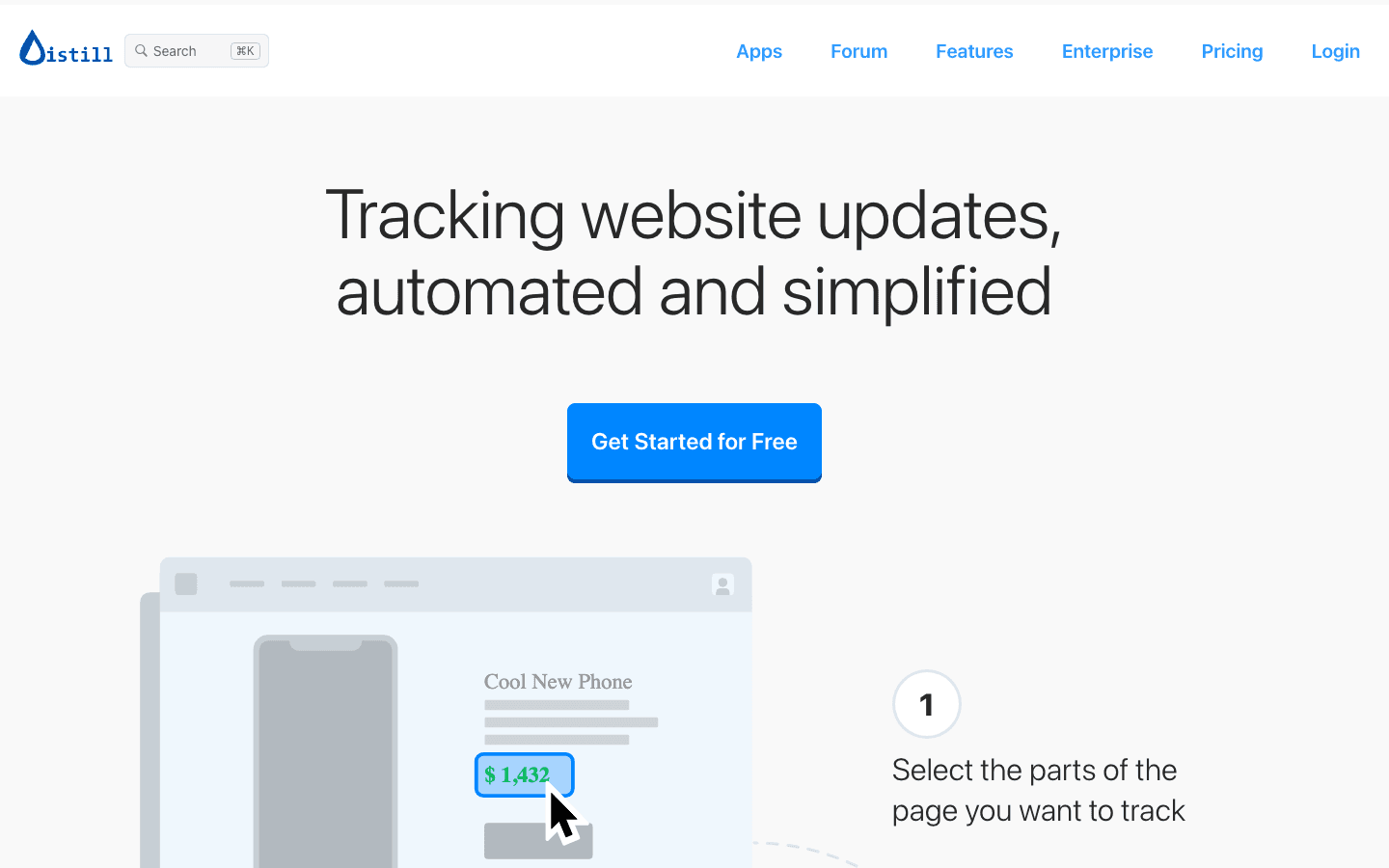
Distill.io is the power-user option for monitoring complex pages. It supports local browser monitors as well as cloud monitors, conditional rules, macros, and many notification channels. That split matters: local monitoring can run as often as every five seconds, but your browser or desktop app must stay on; cloud monitoring keeps running independently.
The free plan includes 25 monitors, five of them in the cloud, and 1,000 cloud checks a month. Its cloud interval is six hours; paid plans start at $15 per month and reduce cloud intervals as volume and urgency increase.
Best For: Technical users who need macros, conditions, local high-frequency checks, or authenticated-page workflows.
Standout Features:
- Local and cloud monitoring modes
- Macro recording for click, login, and multi-step flows
- Conditions and keyword rules to reduce noise
- Email, SMS, push, Slack, Teams, Discord, and webhook options
5. Wachete

Wachete is a flexible cloud monitor for web pages and documents. It can watch text in PDFs, Word files, spreadsheets, and password-protected pages as well as ordinary public URLs. Its pricing is based on pages and interval rather than a shared monthly check pool, so it is worth comparing the interval you need instead of just the headline plan price.
The free tier currently includes five static pages, and Wachete says it does not impose a monthly check cap once you choose a plan. It also offers browser extensions, multiple selection points on a page, historical data, and location-aware monitoring.
Best For: Document-heavy monitoring and teams that prefer page-and-interval pricing.
Standout Features:
- Web, PDF, DOCX, XLSX, and password-protected page monitoring
- Multiple selected areas on one page
- Browser extensions for Chrome, Firefox, and Edge
- Location-aware checks and change history
6. PageCrawl.io
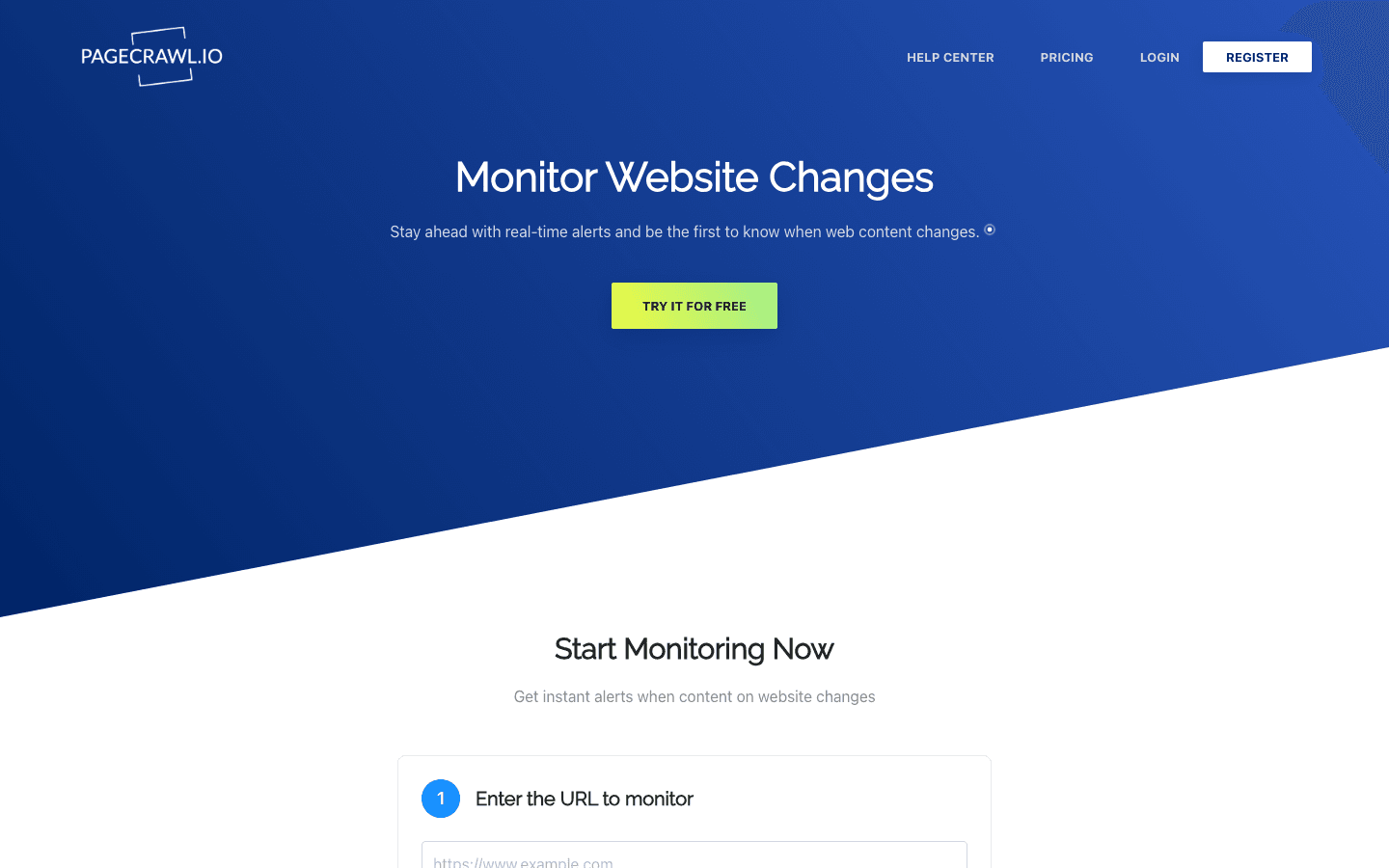
PageCrawl.io combines website monitoring with collaborative review and automation. It supports visual and text change detection, JavaScript-enabled crawling, alerts through common team channels, archives, and monitor organization through folders and review boards.
It is also notably current for AI-assisted workflows: PageCrawl offers AI summaries and an MCP server, so compatible AI assistants can help create monitors and answer questions from a team’s monitoring history. Its free plan currently includes six pages, 220 checks, 60-minute monitoring, and 15 AI summaries; paid plans scale page count, check volume, frequency, and history.
Best For: Teams that want monitoring, collaboration, and AI-assisted analysis in one cloud workspace.
Standout Features:
- Review boards, folders, tags, and team workspaces
- AI summaries and filtering
- Slack, Discord, Telegram, Teams, webhooks, Sheets, Zapier, n8n, and API integrations
- MCP server for conversational monitor setup and history analysis
7. OnWebChange
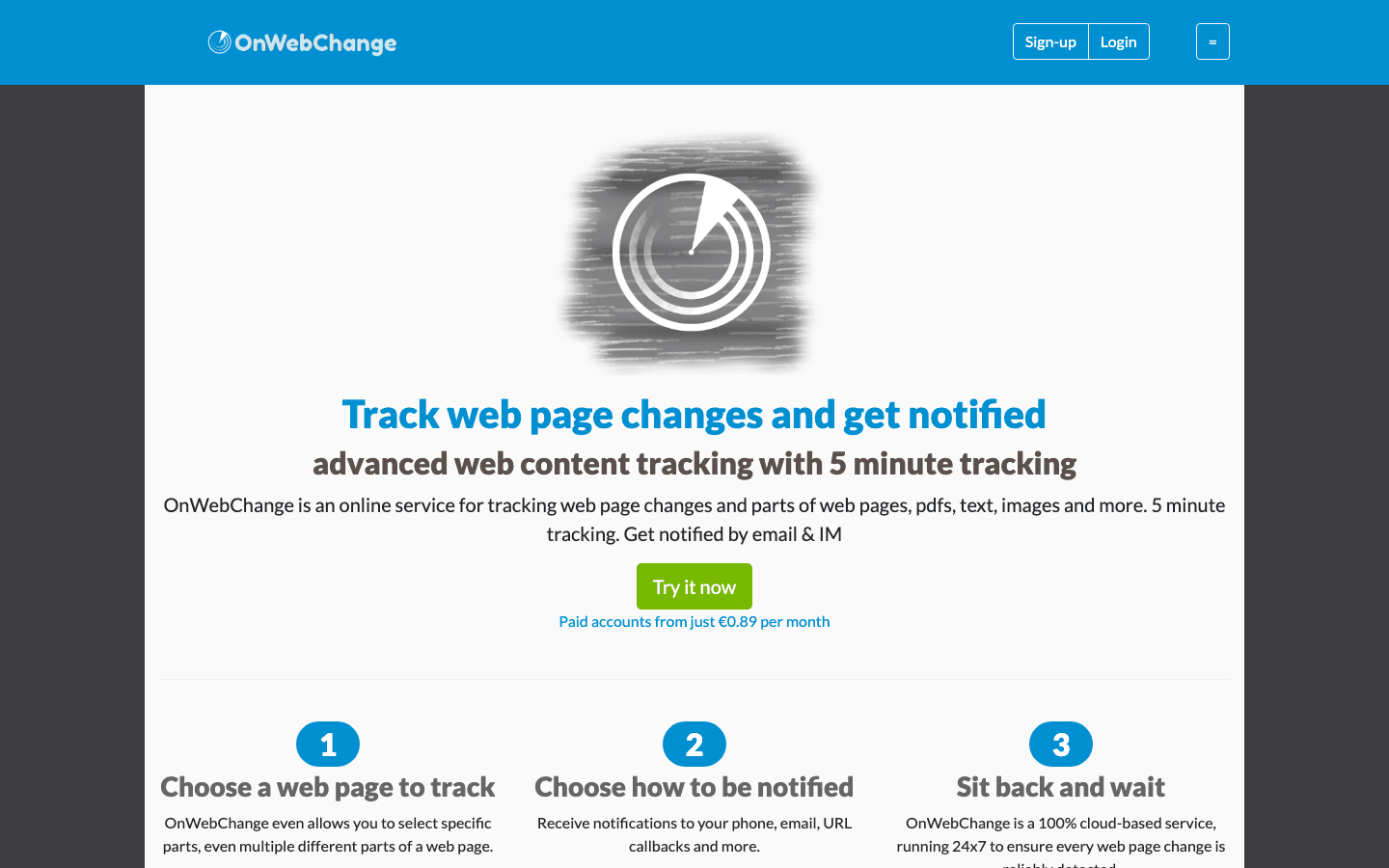
OnWebChange is a straightforward cloud option for tracking specific public-page elements, prices, headlines, images, and documents. Its current product also includes mobile and webhook alerts, AI summaries, AI translation, and location-aware tracking—useful additions when the monitored source is international or a change needs to trigger another workflow.
Best For: Individuals and small teams that want a simple monitor with modern alert and AI options.
Standout Features:
- Specific-element, price, headline, and document monitoring
- Email, mobile, and webhook notifications
- AI translation and summaries
- Global monitoring locations
8. Versionista
Versionista remains an enterprise-oriented option for organizations that need comprehensive change history, configurable schedules, and a reviewable audit trail. It is most relevant when regulatory, legal, or communications teams need to show not only that a page changed, but precisely when and how it changed.
Best For: Enterprise compliance, legal, and policy-monitoring programs.
Standout Features:
- Detailed change history and side-by-side comparison
- Configurable monitoring schedules and locations
- Team access controls and shareable change views
- Broad language and Unicode support
9. WebSite-Watcher
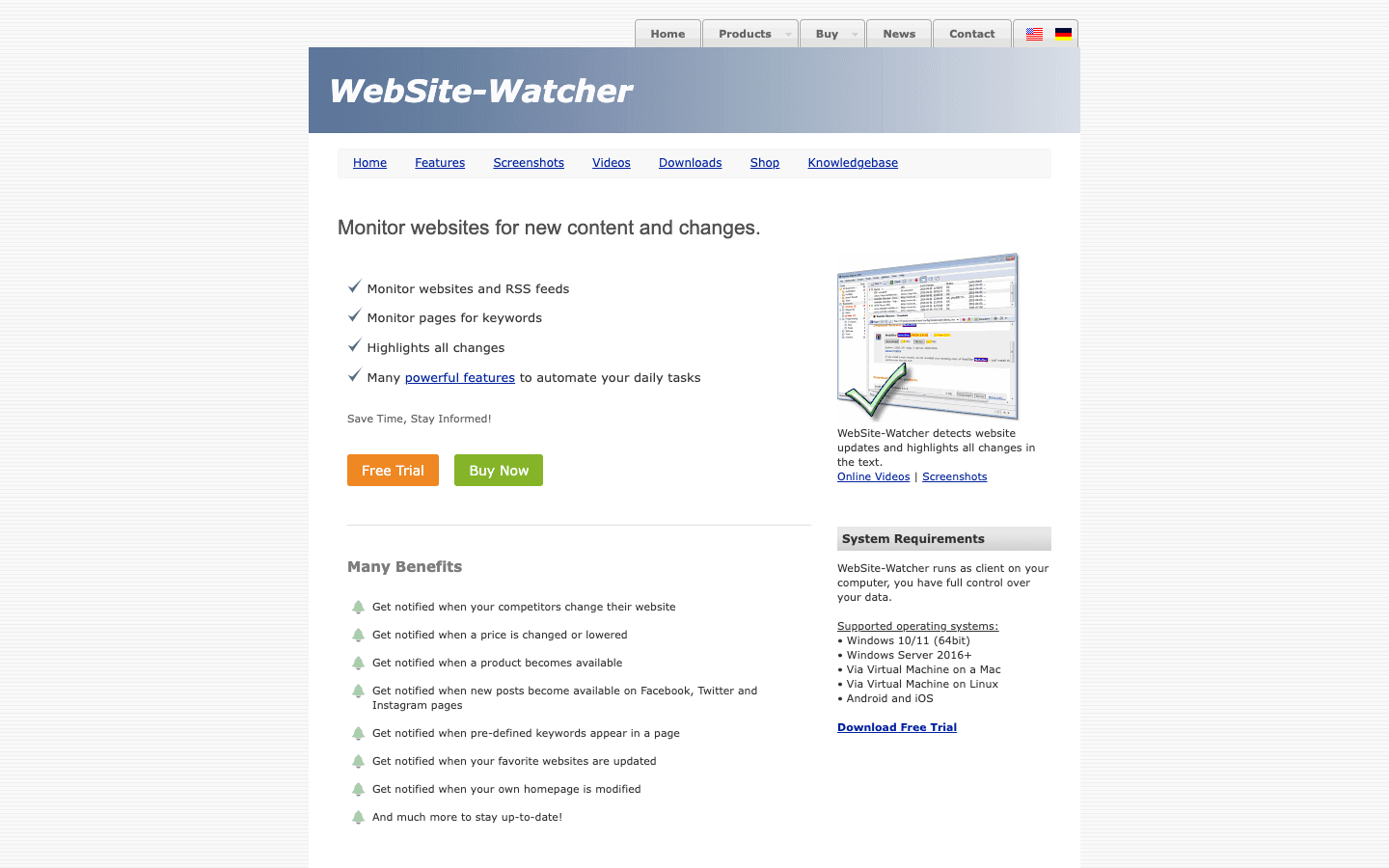
WebSite-Watcher is a Windows desktop application for people who want monitoring data and automation to stay local. It remains actively maintained and can monitor web pages, feeds, PDFs, and Office documents; it also supports keyword filtering, interaction macros, and automated follow-up actions.
Because it runs locally, it is a better choice for a power user who values control than for a distributed team that needs an always-on shared dashboard.
Best For: Windows power users who want local control, advanced filtering, and automation.
Standout Features:
- Local monitoring and archiving
- Keyword filtering and change highlighting
- Login and interaction macros
- Triggers for email, exports, AI workflows, and custom tools
10. WebTingle
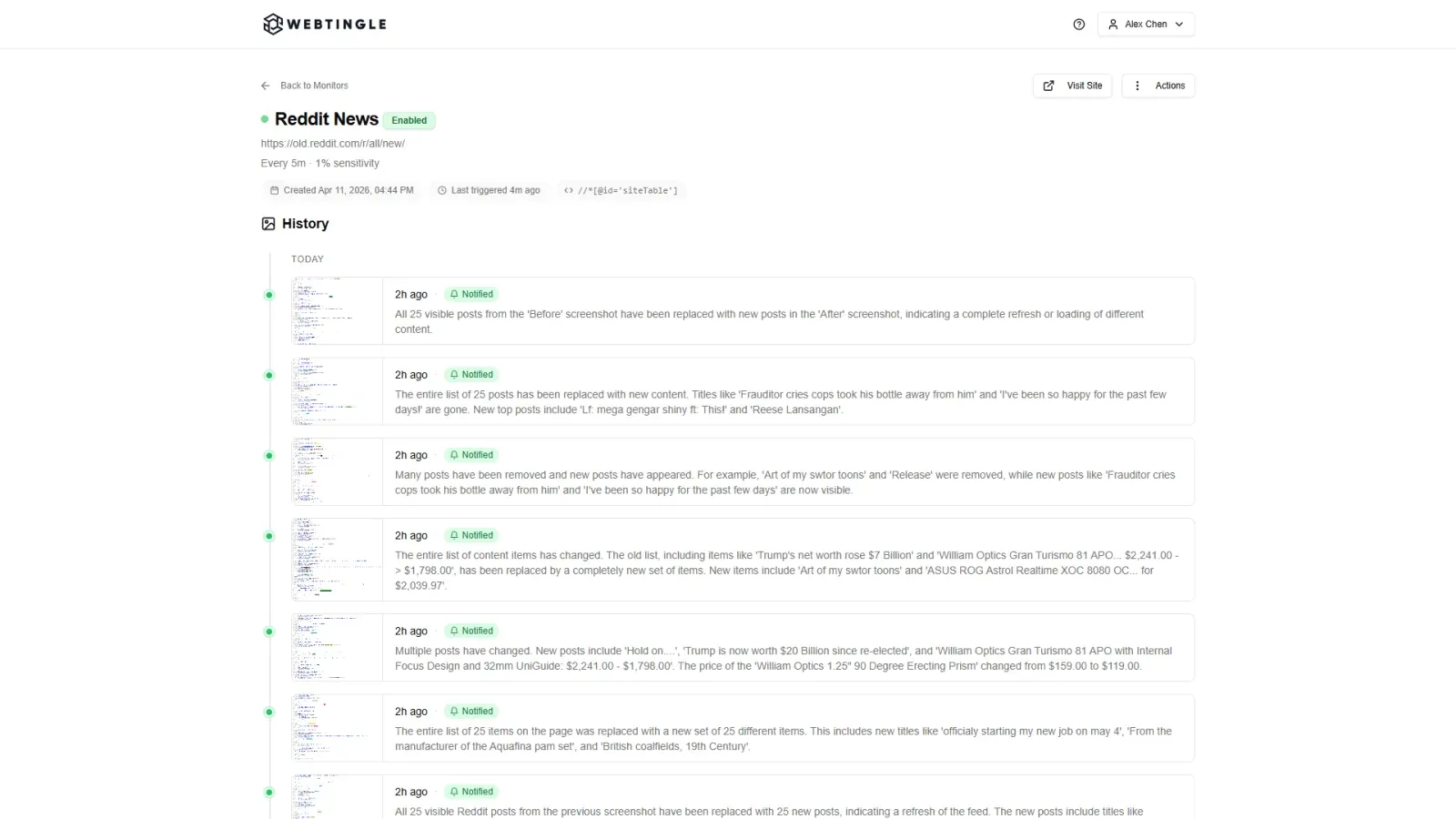
WebTingle is a simple hosted monitor for people who want visual change alerts delivered where their team already works. Set a monitor for a page element, then receive visual before/after context and AI-generated summaries through email, Slack, Discord, Microsoft Teams, Telegram, or webhooks.
The tradeoff is its pricing model: WebTingle has a 14-day free trial rather than a permanent free tier, and its “unlimited websites” are governed by a monthly check allowance. Its Standard plan is currently $9.99 per month for up to 3,000 checks, checks as often as every 10 minutes, two notification channels, and three months of history. That makes it a sensible option for a small team that values fast setup and multi-channel alerts over a large free allowance.
Best For: Small teams that want visual alerts, AI summaries, and multi-channel delivery without a technical setup.
Standout Features:
- Visual before/after comparisons and change history
- AI summaries and custom AI notification rules
- Email, Slack, Discord, Teams, Telegram, and webhooks
- Cloud monitoring with plans as fast as two minutes
Comparison Table: Which Tool Is Best for Your Needs?
| Tool | Best For | Change Signal | How Alerts Fit the Workflow | Availability Model |
|---|---|---|---|---|
| Thunderbit | Structured business-data monitoring | Extracted fields, tables, and scheduled results | Export to Sheets, Airtable, Notion, or Excel | Start free; credit-based usage |
| Visualping | Easy visual or text alerts | Visual, text, or selected element | Email plus automation options; business plans add collaboration | Free plan and paid plans |
| ChangeTower | Compliance and governed monitoring | Content, keywords, and AI context | Team access and enterprise review workflows | Free tier and paid plans |
| Distill.io | Complex and authenticated pages | Selected content plus conditions | Local or cloud alerts across many channels | Free plan and paid plans |
| Wachete | Documents and page-and-interval pricing | Selected page content and files | Cloud alerts, extensions, and location-aware checks | Free tier and paid plans |
| PageCrawl.io | Team monitoring with AI assistance | Text, visual, and monitored actions | Review boards, team channels, API, and MCP | Free plan and paid plans |
| OnWebChange | Simple monitoring with modern alert options | Elements, prices, headlines, images, and docs | Email, mobile, webhook, AI summaries, and translation | Free and paid plans |
| Versionista | Enterprise audit trails | Detailed visual and textual comparisons | Shared review and compliance workflows | Enterprise-oriented plans |
| WebSite-Watcher | Local Windows power users | Local content, documents, and feeds | Local automation, exports, and notifications | Desktop software with trial |
| WebTingle | Lightweight team visual alerts | Selected element with visual before/after | Email, Slack, Discord, Teams, Telegram, and webhooks | 14-day trial and paid plans |
Conclusion: Picking the Best Tool to Get Alerts When a Web Page Changes
Extract Data From Any Website in One Click Point Thunderbit's agentic web scraper at any page you want to monitor and it extracts structured data in one click. Get Started Free
Choose based on the decision you need to make after an alert—not just on how quickly a tool polls a URL. For prices, stock, listings, and other data you want to compare over time, Thunderbit turns the page into structured, reusable data. For simple visual or text watches, Visualping remains an easy starting point; WebTingle is a good alternative when a small team needs visual evidence and multi-channel notifications.
For governed monitoring, ChangeTower and Versionista are better aligned with compliance and audit needs. For dynamic or authenticated workflows, Distill.io and WebSite-Watcher offer more control. And for a shared monitoring workspace that can connect with AI assistants, PageCrawl.io is worth a close look.
Start with a small, high-value set of pages: a competitor’s pricing page, release notes, careers page, and one critical policy source. Define what counts as a meaningful change, route alerts to the owner who can act, and review false positives before scaling up.
Get Started with Thunderbit AI Monitoring Free plan covers 6 pages a month, no credit card required — enough to test change monitoring on a few pages. Get Started Free
FAQs
1. What’s the main benefit of getting alerts when a web page changes?
Automated alerts replace manual checks with a repeatable workflow. You can react to price, stock, policy, competitor, or content changes when they occur and keep a record of the evidence behind the alert.
2. How do I choose the right web page monitoring tool?
Start with the change signal you need: a visual diff, page text, a selected element, or structured data. Then compare always-on frequency, dynamic-page support, alert destination, history, and the plan’s actual page and check limits.
3. Can I monitor password-protected or dynamic pages?
Often, yes. Tools such as Distill.io and WebSite-Watcher support macros or browser actions for workflows that need logins, clicks, or filters. Always verify that the exact page works in a trial before relying on it.
4. What’s the difference between visual and text change detection?
Visual detection compares screenshots, which can catch layout or image changes. Text or element monitoring focuses on the underlying content, such as a price, a heading, or a policy clause. Structured-data monitoring extracts the values you need into a table so you can compare them over time.
5. Is there a free way to get alerts when a web page changes?
Yes. Several tools here have free plans for light use, including Thunderbit, Visualping, Distill.io, Wachete, and PageCrawl.io. Check the current monitoring interval and monthly check limit before choosing; WebTingle offers a 14-day trial rather than a permanent free tier.
Learn More
- Tools to Analyze and Monitor Website Rankings
- Brand Monitoring and Social Listening Tools
- How to Use AI to Power Accurate Hotel Pricing Monitoring
- Price Monitoring Software for Business
Try Agentic Web Scraper Get Started Free




