

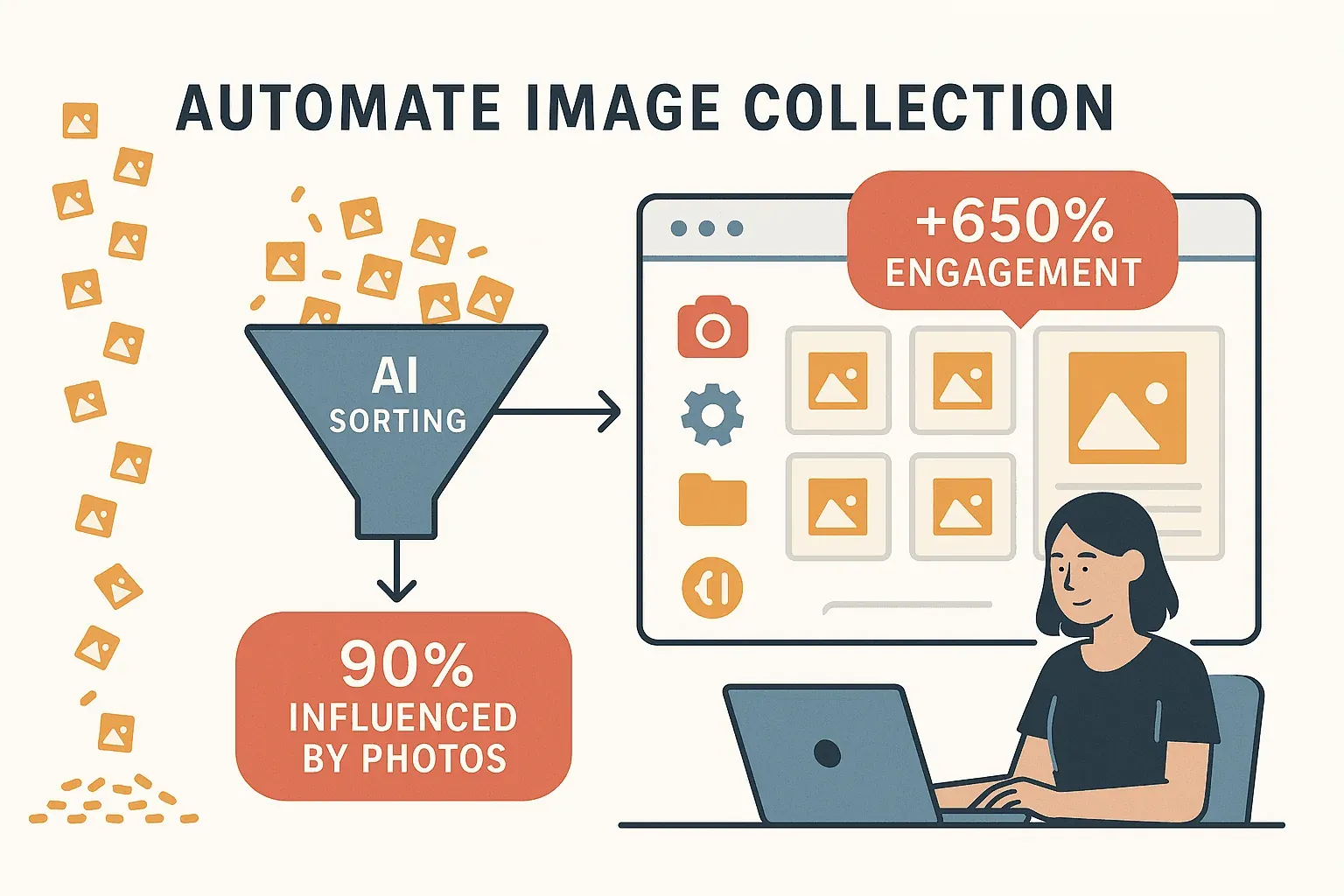
The web is overflowing with images—product photos, social media visuals, real estate galleries, and design assets. If you’ve ever tried to gather a batch of images for a business project, you know the pain: right-click, save as, repeat… and repeat… and repeat. It’s the digital equivalent of counting grains of rice by hand. In a world where over 90% of online shoppers say high-quality product photos influence their buying decisions and social posts with images get 650% more engagement than text-only updates, the need to collect and organize images at scale has never been greater (grabon.com, renderform.io).
Scrape images from any website using AI Get Started Free
I’ve seen teams spend hours—sometimes days—manually collecting hundreds of images for ecommerce, marketing, or competitor research. It’s tedious, error-prone, and frankly, a waste of talent. That’s why I’m excited to show you how Thunderbit, our AI-powered web scraper, turns image data scraping from a dreaded chore into a two-click breeze. Whether you’re a sales analyst, marketer, designer, or just someone who wants to automate the boring stuff, this guide will walk you through how to use Thunderbit for fast, accurate, and scalable image data extraction—no coding required.
What is Data Scraping Images and Why Does It Matter?
Data scraping images means automatically extracting images (and related info) from websites, instead of downloading each one by hand. Think of it as sending a digital assistant to fetch all the pictures you need while you focus on more important work. This is a game-changer for:
- Ecommerce & Sales: Collecting competitor product photos, building catalogs, or monitoring how product images change over time. Since 83% of US shoppers find product images extremely influential (convertcart.com), having a systematic way to track and compare visuals is essential.
- Marketing & Social Media: Gathering visuals from social posts, blogs, or user-generated content to analyze trends, inspire campaigns, or build creative libraries.
- Real Estate & Operations: Scraping property photos for market analysis, compiling storefront images for audits, or digitizing scanned documents via OCR (docs.thunderbit.com).
In short, automating image collection means teams can spend time analyzing and using images, not just collecting them. It’s about turning the web’s visual chaos into structured, actionable data.
Why Choose Thunderbit for Data Scraping Images?
Let’s be honest: most traditional image scraping tools are either too technical (hello, Python scripts and XPath selectors) or too clunky for dynamic, modern websites. That’s where Thunderbit comes in.
Thunderbit is an AI-powered Chrome extension designed to make image data extraction accessible to everyone—even if your coding skills stop at “copy-paste.” Here’s what sets it apart:
- No-Code, AI-Driven Simplicity: Just open the Thunderbit sidebar, click “AI Suggest Fields,” and the AI scans the page to find all the images (and other useful fields) for you. No need to mess with HTML or selectors.
- Handles Complex Sites: Thunderbit can deal with infinite scrolls, dynamic galleries, and images hidden on subpages. If there’s a “load more” button or a detail page with more images, Thunderbit’s AI will figure it out.
- Natural Language Customization: Want to scrape only images with certain file types, or grab alt-text as captions? Just tell Thunderbit in plain English.
- Instant Export: Send your scraped images (and data) directly to Excel, Google Sheets, Airtable, Notion, CSV, or JSON—free and unlimited, even on the free tier.
- Minimal Maintenance: Thunderbit’s AI adapts to website changes, so you’re not constantly fixing broken scrapers. One study found AI-based scrapers like Thunderbit cut down maintenance by around 85% compared to traditional methods (aloa.co).
 Thunderbit is now trusted by over 100,000 users worldwide, from solo entrepreneurs to large teams. The mission stays the same: make web scraping so easy that anyone—yes, even your grandma—can do it.
Thunderbit’s 2-Click Scraping: Fast-Tracking Data Scraping Images
Here’s where Thunderbit really shines: image scraping in just two clicks. Seriously. Here’s how it works:
- AI Suggest Fields: With the Thunderbit extension open on your target page, click “AI Suggest Fields.” Thunderbit’s AI scans the page and automatically suggests fields to extract—like “Image,” “Product Name,” or “Price.” For most image scraping tasks, the “Image” field is spot-on.
- Scrape: Click “Scrape.” Thunderbit fetches all the images (and any other fields you selected) into a structured table—handling infinite scrolls, subpages, and dynamic content behind the scenes.
No coding, no templates, no fiddling with settings. Just two clicks and you’re done. I’ve watched marketers go from “I need 100 product images for a campaign” to “Here’s the spreadsheet, ready to go” in under five minutes. That’s the power of AI-driven automation.
Try Thunderbit for Image Scraping
Comparing Thunderbit to Traditional Image Data Scraping Solutions
| Aspect | Traditional Scraping (Scripts/Legacy Tools) | Thunderbit AI Web Scraper |
|---|---|---|
| Ease of Use | Requires coding or complex setup | No-code, point-and-click |
| Setup Speed | Hours/days to configure | Ready in minutes |
| Adaptability | Breaks if site layout changes | AI adapts automatically |
| Maintenance | High (constant fixes needed) | Low (AI handles changes) |
| Technical Skill | High (dev skills needed) | None (business-friendly) |
| Accuracy | May require manual cleaning | Clean, structured output |
| Dynamic Content | Needs extra tools (e.g., Selenium) | Built-in handling |
| Pagination/Subpages | Manual scripting needed | One-click option |
| Integration | Manual export/import | One-click to Sheets, etc. |
| Scalability | Hard to scale, needs infra | Cloud mode: 50 pages at once |
| Cost | High dev/labor cost or pricey SaaS | Free tier + affordable plans |
Thunderbit gives you the power of a sophisticated image scraper, minus the headaches. For most business users, it’s the difference between “I’ll need IT to help” and “I’ll just do it myself before lunch.”
Step-by-Step Guide: How to Use Thunderbit for Data Scraping Images
Ready to see Thunderbit in action? Here’s your step-by-step walkthrough.
Step 1: Install and Set Up Thunderbit
- Go to the Thunderbit Chrome Extension page and click “Add to Chrome.”
- Pin the Thunderbit icon to your browser toolbar for easy access.
- Click the icon, sign up (or log in), and you’re ready to roll. Setup takes under a minute.
Step 2: Navigate to Your Target Website
- Open the webpage with the images you want—this could be a product catalog, social media gallery, real estate listing, or any page with lots of visuals.
- Scroll through the page to load any lazy-loaded images (Thunderbit can auto-scroll, but it helps to have content in view).
Step 3: Use “AI Suggest Fields” for Image Data
- Open the Thunderbit sidebar.
- Click “AI Suggest Fields.”
- Thunderbit’s AI will suggest fields like “Image,” “Product Name,” or “Caption.” You can rename, delete, or add fields as needed.
- For most image scraping, just make sure the “Image” field is selected.
Step 4: Click “Scrape” and Review Results
- Hit “Scrape.”
- Thunderbit extracts all images (and other fields) into a table in the sidebar.
- Preview the results—Thunderbit shows image URLs (and thumbnails in some exports).
- If you need more images (e.g., from subpages), enable subpage scraping or pagination.
Step 5: Export Image Data to Your Workflow
- Click “Export” and choose your destination:
- Excel/CSV: Get image URLs in a spreadsheet.
- Google Sheets: Send data directly to a new or existing Sheet.
- Airtable/Notion: Thunderbit uploads the actual images as attachments—so you see thumbnails, not just links.
- JSON: For developers or advanced workflows.
- All exports are free and unlimited—even on the free plan.
Real-World Use Cases: Thunderbit for Business Image Data Scraping
Let’s get practical. Here’s how teams are using Thunderbit to supercharge their image workflows:
Ecommerce: Competitive Product Catalogs
A merchandising team scrapes competitor category pages to collect product names, prices, and images. With Thunderbit’s subpage scraping, they grab both thumbnails and high-res images from detail pages. The result? A side-by-side visual catalog for analysis, updated in minutes—not days. Scheduled scraping keeps their data fresh, so they’re always on top of new product launches.
Marketing & Social Media: Trend Analysis and Content Libraries
Marketers use Thunderbit to scrape images from Instagram hashtags, Pinterest boards, or competitor blogs. Instead of saving each image by hand, they build a library of hundreds of visuals for inspiration, trend spotting, or campaign planning. One user scraped all images from a popular Pinterest board to analyze design trends—something that would’ve taken hours manually.
Advertising/Design: Creative Asset Collection
Creative agencies gather banner ads, logos, or campaign images from multiple sites. Thunderbit’s AI detects even images embedded as CSS backgrounds or loaded dynamically. Exporting to Airtable or Notion creates a searchable, visual database of assets for future projects.
Real Estate: Property Photo Aggregation
Real estate analysts scrape listing sites for property photos, compiling them into a database for market analysis. With scheduled scraping, they monitor new listings and image updates automatically—no more missing out on fresh data.
Leveraging Thunderbit’s AI Autofill for Efficient Image Data Scraping
Some sites make you jump through hoops—logins, search forms, dropdowns—before you can see the images you want. Thunderbit’s AI Autofill feature is a lifesaver here:
- Automate Logins: AI Autofill enters your credentials and logs you in, so you can scrape member-only images.
- Fill Search Forms: Want images of “red running shoes”? AI Autofill types the query, hits search, and lands you on the right page.
- Multi-Step Workflows: For sites that require several clicks (e.g., select city, pick dates, click search), AI Autofill automates the entire sequence.
- Handle Pop-ups: AI Autofill clicks through pop-ups or confirmation dialogs, keeping your scraping flow uninterrupted.
It’s like having a mini RPA bot for the web—no code, just results. This is especially useful for bulk image collection from dynamic or interactive sites.
Keeping Image Data Fresh: Thunderbit’s Scheduled Scraping for Images
Image data gets stale fast—new products, updated galleries, changing trends. Thunderbit’s Scheduled Scraping keeps your datasets up to date:
- Natural Language Scheduling: Just type “every day at 8am” or “every Monday”—Thunderbit sets the schedule.
- Bulk Scraping: Schedule scrapes for multiple URLs at once (e.g., all your competitor’s category pages).
- Cloud Mode: Scrape up to 50 pages in parallel—fast and hands-off.
- Auto-Export: Results go straight to your chosen workflow (Sheets, Airtable, Notion) after each run.
Use cases:
- Ecommerce teams monitor competitor images daily.
- Real estate firms update property photo databases weekly.
- Marketers track new social media visuals every morning.
Set it and forget it—Thunderbit acts as your always-on image scout.
Tips and Best Practices for Effective Data Scraping Images with Thunderbit
Want to get the most out of Thunderbit? Here are my top tips:
- Use Subpage and Pagination Features: Many sites hide images behind “next” buttons or detail pages. Enable subpage scraping and pagination to capture every image, not just the first batch.
- Organize and Label Fields: Scrape image captions, product names, or IDs alongside images for easier sorting and analysis.
- Stay Legal and Ethical: Only scrape publicly available images and respect website terms of service. Don’t use copyrighted images commercially without permission (is web scraping legal?).
- Batch Large Jobs: For thousands of images, break tasks into batches and use cloud mode for speed.
- Validate Data: Spot-check your results to ensure accuracy. Use AI Prompts to filter out unwanted images (e.g., exclude icons or ads).
- Keep Thunderbit Updated: Chrome updates extensions automatically, but check for new features—Thunderbit’s always adding improvements.
Conclusion & Key Takeaways
Data scraping images doesn’t have to be a slog. With Thunderbit, you get:
- Speed: Go from “I need these images” to “Here’s my dataset” in minutes.
- Simplicity: No code, no templates, just two clicks.
- Accuracy: AI-driven extraction means clean, structured results.
- Integration: Export directly to Excel, Sheets, Notion, or Airtable—images and all.
- Automation: Scheduled scraping and AI Autofill keep your data fresh and your workflow smooth.
If you’re tired of right-clicking images or wrangling with clunky scripts, give Thunderbit a try. The free tier lets you scrape and export without risk, and you’ll see the productivity boost immediately. For more tips, deep dives, and advanced scraping guides, check out the Thunderbit Blog.
Download Thunderbit and Start Scraping Images
Happy scraping—and may your image libraries always be full, organized, and ready for action.
FAQs
1. Can Thunderbit scrape images from any website, including dynamic or infinite scroll pages?
Yes. Thunderbit’s AI handles dynamic content, infinite scrolls, and images hidden on subpages. It can scroll, click “load more,” and follow links automatically to ensure you get every image.
2. How does Thunderbit export images to platforms like Notion or Airtable?
When exporting to Notion or Airtable, Thunderbit uploads the actual image files as attachments. You’ll see image thumbnails in your database, not just URLs—making it easy to build visual galleries or catalogs.
3. Is Thunderbit’s image scraping feature free?
Thunderbit offers a generous free tier (scrape up to 6 pages, or 10 with a trial boost). All export options—including images—are free and unlimited. For higher volume, affordable paid plans are available.
4. What if the images I need are behind a login or require filling out a form?
Thunderbit’s AI Autofill can automate logins, fill forms, and handle multi-step workflows. Just describe what you need in plain English, and the AI will do the rest—no manual typing required.
5. Is it legal to scrape images from websites?
Always check the website’s terms of service and copyright rules. Only scrape publicly available images and avoid using copyrighted visuals for commercial purposes without permission. Thunderbit is a tool—how you use it should always follow legal and ethical guidelines.
Ready to transform your image data workflow? Download Thunderbit and see how easy image scraping can be. For more inspiration and advanced guides, visit the Thunderbit Blog.
Try Thunderbit AI Web Scraper for Images Get Started Free




