
Social media isn’t just where we share memes and cat videos anymore—it’s the world’s loudest, fastest, and most opinionated focus group. With over 5.45 billion users worldwide spending more than two hours a day on platforms, the sheer volume of data generated is mind-boggling. For sales, marketing, and operations teams, this data is a goldmine—if you can actually get your hands on it. But let’s be real: manually copying posts, profiles, or comments is about as fun as watching paint dry (and about as productive). That’s why I’ve spent a lot of time exploring and building tools that make social media data extraction not just possible, but practical for real business users.
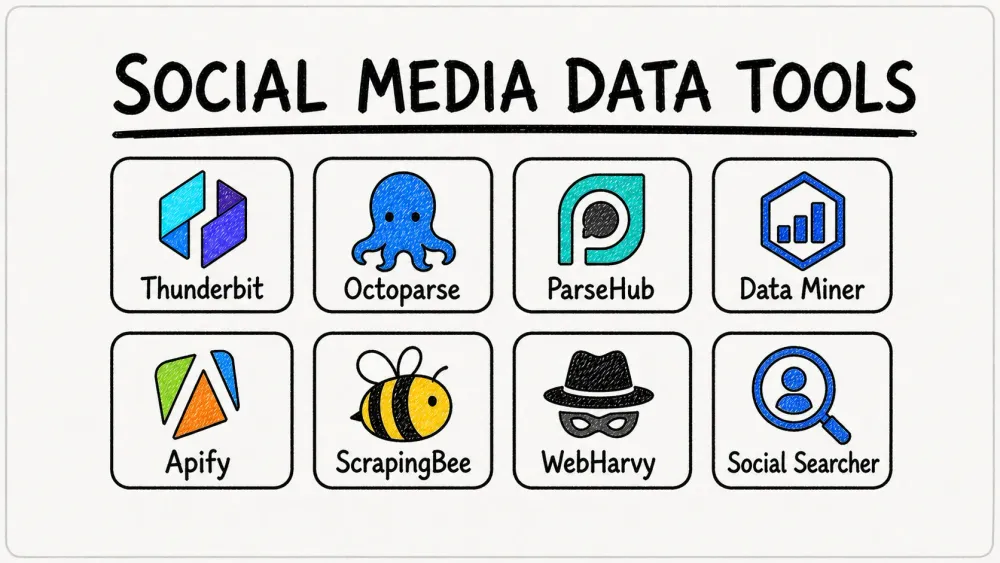
In this guide, I’ll break down the top 8 tools for how to scrape social media data in 2025—covering everything from AI-powered Chrome extensions to developer APIs and real-time monitoring dashboards. Whether you’re a non-coder, an analyst, or a developer, you’ll find the right fit for your workflow, plus a few tips on staying ethical and compliant along the way.
Why Scraping Social Media Data Matters for Business
See How Agentic Web Scraping Works Thunderbit's AI reads a public profile or post page like a person would, extracting data in one click without CSS selectors. Get Started Free
If you’ve ever tried to spot a trend before it goes viral, track what customers really think, or build a targeted lead list, you know the value of social media data. Here’s why businesses are scrambling (pun intended) to automate social media data extraction:
- Real-Time Trend Tracking: Social platforms are where trends are born and die—sometimes in the same afternoon. Scraping for mentions, hashtags, or keywords lets you spot what’s catching fire (or fizzling out) before your competitors do (Scrapfly).
- Customer Sentiment Analysis: Want to know what people really think about your brand or product? Scraping comments, reviews, and posts gives you unfiltered feedback that surveys often miss (Scrapfly).
- Lead Generation: Social profiles are packed with valuable info—names, job titles, interests, and sometimes even emails. Scraping this data can fill your CRM with high-intent prospects (Scrapfly).
- Competitor Monitoring: Keep tabs on what your rivals are posting, how their followers are reacting, and what’s working for them (or not).
- Content & Market Research: Aggregate millions of posts, comments, or video stats to uncover what drives engagement in your industry (Scrapfly).
And let’s not forget: 90% of local businesses use social media for marketing, and 78% rely on it to drive revenue. If you’re not extracting and acting on social insights, you’re probably leaving money (and market share) on the table.
How We Chose the Best Tools to Scrape Social Media Data
There are dozens of scraping tools out there, but not all are built for the quirks of social media—think infinite scrolls, dynamic content, and anti-bot roadblocks. Here’s how I picked the top 8:
- Ease of Use: From “I’ve never coded” to “I dream in Python,” there’s something for everyone.
- Supported Platforms: Can it handle Instagram, Twitter/X, TikTok, Reddit, YouTube, and other permitted public sources?
- Automation & Features: Scheduling, pagination, subpage scraping, templates, and more.
- Pricing & Scalability: Free plans for small jobs, affordable upgrades for bigger projects.
- Compliance & API Access: Does it help you stay within the lines (and out of trouble)?
I’ve included tools for every user type—so whether you’re a solo marketer, a sales team, or a developer building a custom pipeline, you’ll find your match.
1. Thunderbit
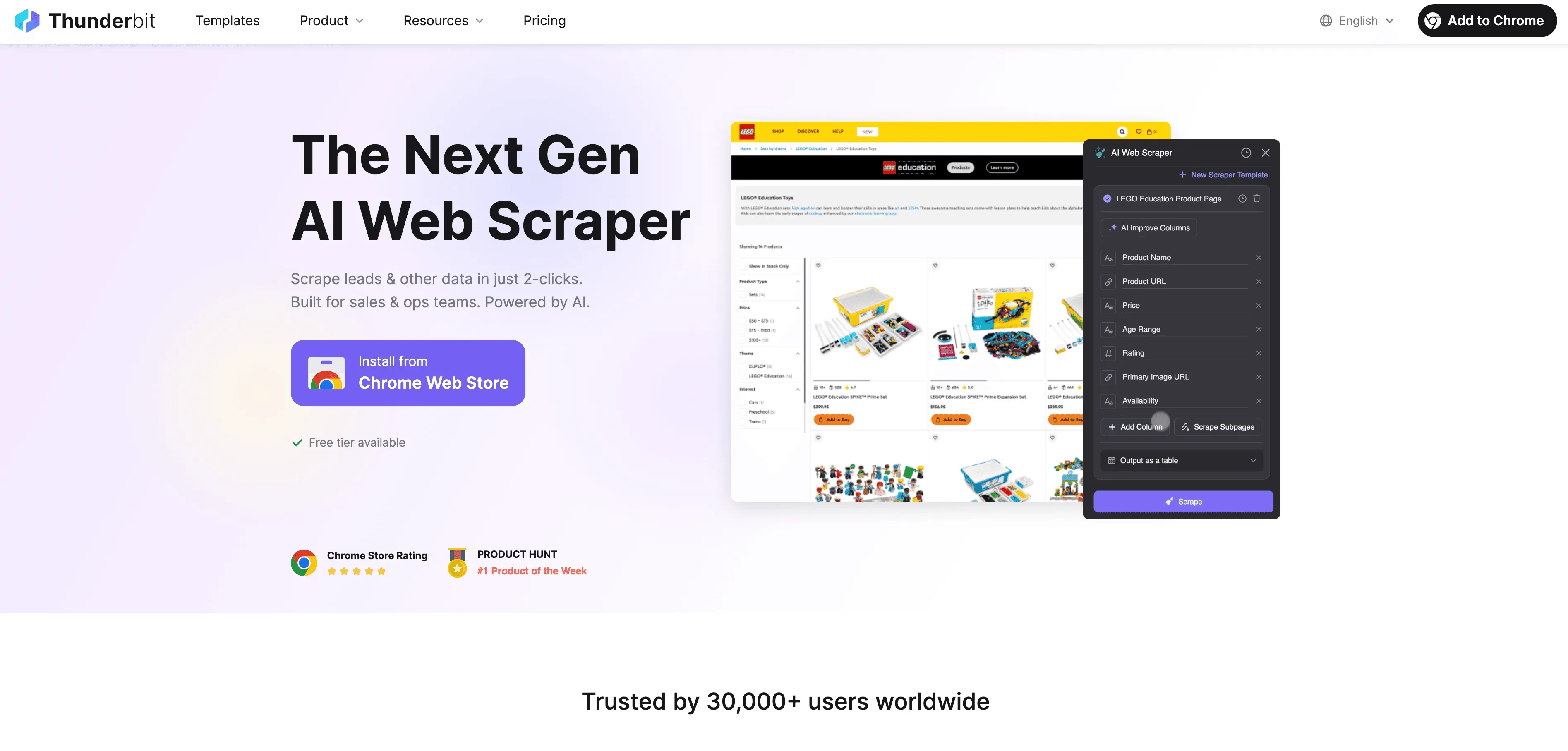
Thunderbit is my go-to for business users who want to scrape social media data without the headaches. As the co-founder, I’m a little biased—but after seeing how many teams struggle with clunky scrapers, I wanted Thunderbit to be as easy as ordering takeout: pick what you want, click, and enjoy.
Thunderbit is an AI-powered Chrome Extension designed for sales, marketing, and operations teams. You just open a social media page (say, an Instagram profile or a list of tweets), click “One Click Extract,” and Thunderbit’s AI figures out what data you probably want—usernames, posts, likes, comments, dates, and more. One more click (“Scrape”) and your data is structured in a table, ready to export to Excel, Google Sheets, Notion, or Airtable. No code, no templates, no drama.
Key Features for Social Media Data Extraction
- One Click Extract: Thunderbit reads the page, works out the columns, and extracts them—works great on Instagram, Twitter/X, Reddit, public content pages, and more (Thunderbit Instagram Scraper).
- Subpage Scraping: Need more details? Thunderbit can click into each post or profile and enrich your table automatically.
- Instant Templates: One-click scrapers for Instagram, Twitter/X, Reddit, and other permitted public sources—no setup needed (Thunderbit Templates).
- Pagination & Infinite Scroll: Handles “Load More” buttons and endless feeds.
- Cloud or Local Scraping: Scrape up to 50 pages at a time in the cloud, or run in your browser for login-required sites.
- Scheduler: Set up recurring scrapes in plain English (“every 6 hours Mon-Fri”).
- Free Data Export: Export to Excel, Google Sheets, Notion, or Airtable at no extra cost.
- Pricing: Free for 6 pages/month; paid plans start at $15/month for 500 rows (Thunderbit Pricing).
Thunderbit is especially handy for extracting structured data from permitted public social pages, posts, reviews, directories, and business pages. It’s the fastest way I know to go from “I need this data” to “Here’s my spreadsheet.”
Try Thunderbit Free for Public Web Data Extraction Install the free Chrome extension and extract data from any public social media page in one click. Get Started Free
2. Octoparse
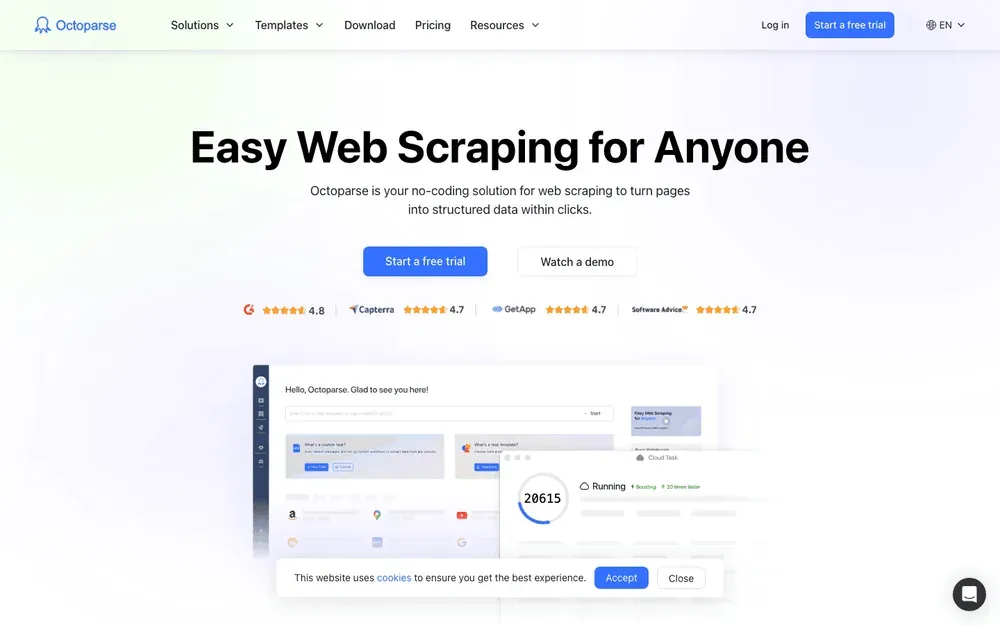
Octoparse is a favorite among data analysts and growth hackers who want a no-code solution with a massive template library. It’s a Windows desktop app (with cloud features) that lets you point, click, and extract data from almost any site.
Why It’s Great for Social Media
- Template Hub: 60,000+ pre-built templates, including for Twitter/X, YouTube, Reddit, TikTok, and other social sources (Octoparse Social Media Templates).
- Auto-Detection: Click on a post or profile, and Octoparse tries to build the workflow for you.
- Cloud Extraction & Scheduling: Run scrapes on Octoparse’s servers and schedule recurring jobs.
- Beginner-Friendly: Visual workflow builder—no code required.
- Pricing: Free limited plan; paid plans from $99/month.
If you’re a data analyst who wants to pull public posts, scrape YouTube comments, or monitor approved social/search sources, Octoparse’s templates can save you hours of setup.
3. ParseHub
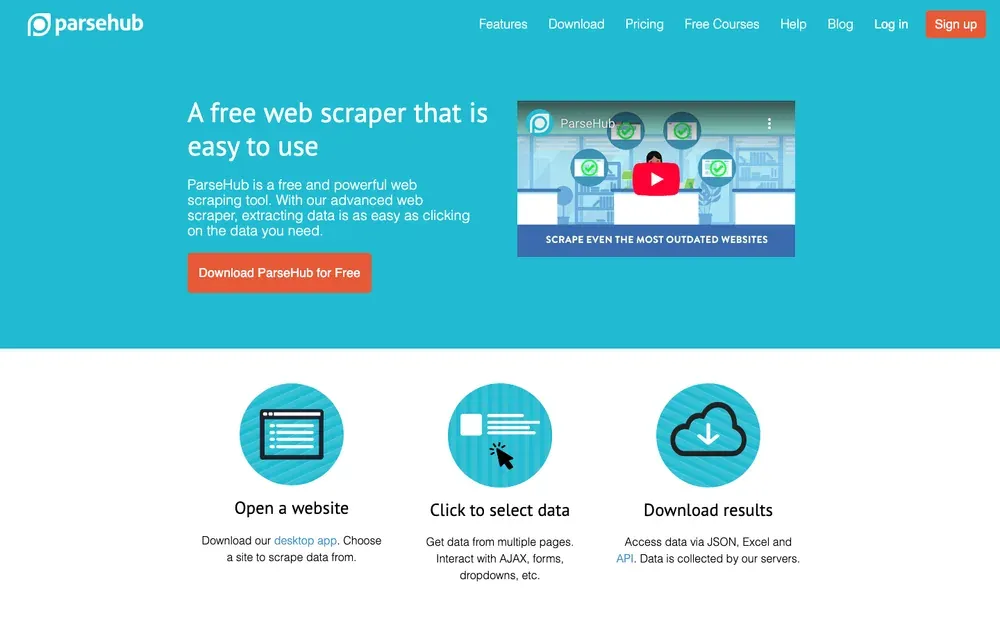
ParseHub is the tool I recommend for users who need to automate complex, multi-step scraping on dynamic social media sites. It’s available on Windows, Mac, and Linux, and offers a visual workflow builder with advanced logic.
Why It’s Great for Social Media
- Handles Dynamic Content: Can click “Show more,” scroll, and interact with JavaScript-heavy sites.
- Conditional Logic & Loops: Great for scraping all comments on a post, or multi-layered data.
- Cloud Scheduling: Run jobs on ParseHub’s cloud and schedule them for continuous monitoring.
- Cross-Platform: Works on Windows, Mac, and Linux.
- Pricing: Free tier (200 pages/run); paid plans from $189/month.
ParseHub is perfect for scraping YouTube comments, Instagram post details, or any social site that requires clicking through multiple layers or handling infinite scroll.
4. DataMiner
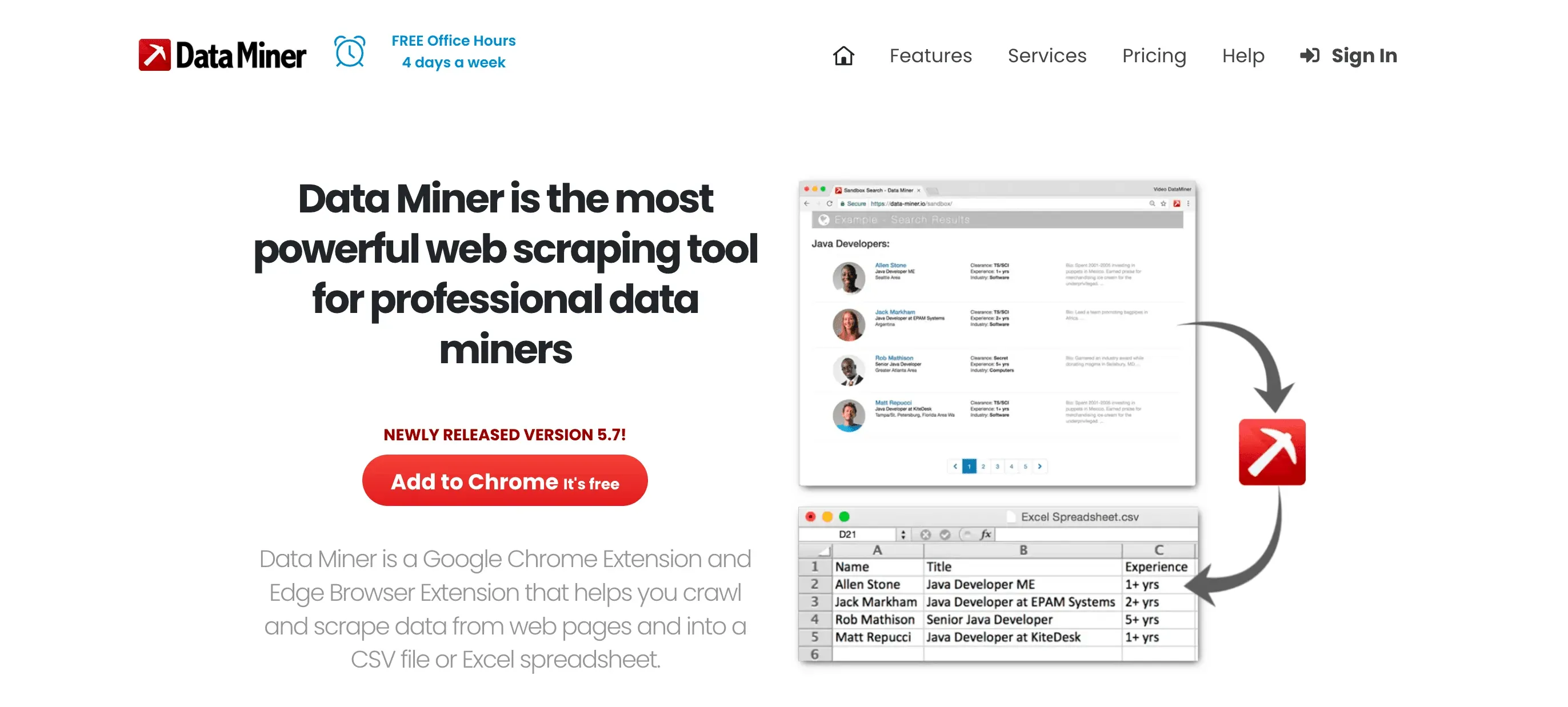
DataMiner is a lightweight Chrome/Edge extension that’s a hit with small teams and non-technical users. It’s all about quick, in-browser scraping—no software to install, no coding, just click and go.
Why It’s Great for Social Media
- Huge Recipe Library: 60,000+ pre-built “recipes” for sites like Twitter/X, Facebook Groups, public directories, and more.
- Point-and-Click: Select a name or post, and DataMiner grabs the whole list.
- Google Sheets Export: Send data straight to Sheets for easy sharing.
- Pricing: Free for 500 pages/month; paid plans start at $19.99/month (Solo) with higher tiers for more volume.
If you need to capture a small permitted list from a public page, Twitter/X workflow, or Facebook group you are allowed to access, DataMiner is a friendly, fast option—especially for smaller jobs.
5. Apify
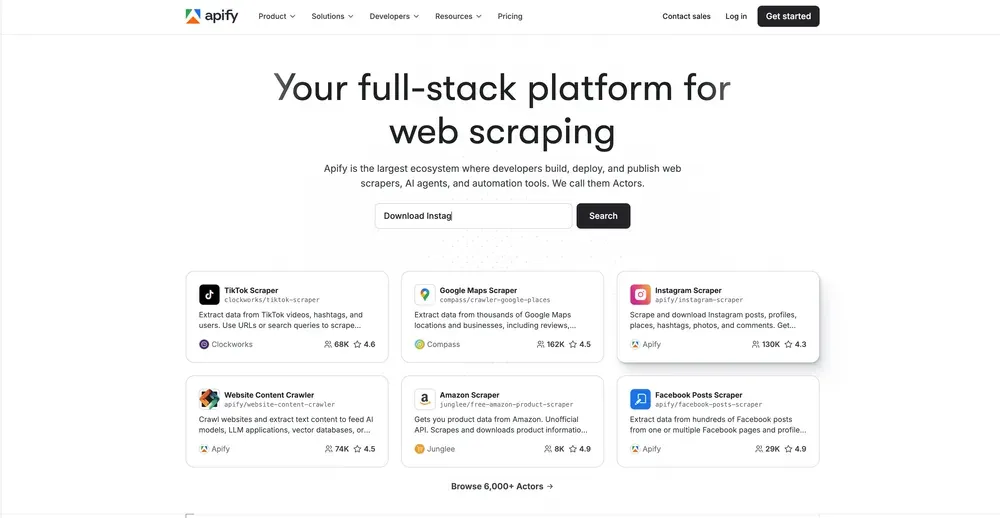
Apify is the powerhouse for advanced users and businesses that need scalable, automated social media scraping and monitoring. Think of it as the AWS of web scraping—cloud-based, flexible, and packed with pre-built “actors” (scrapers).
Why It’s Great for Social Media
- 4,500+ Ready-Made Actors: Scrapers for Instagram, TikTok, Facebook, Twitter/X, YouTube, Reddit, and more (Apify Social Media Actors).
- Cloud Scheduling: Set scrapers to run every hour, day, or week—no computer required.
- API Integration: Pull data into your own systems, dashboards, or CRMs.
- Proxy Support: Handles anti-bot measures with rotating IPs.
- Pricing: Free tier ($5 credits/month); paid from $49/month (usage-based).
Apify is ideal for continuous brand monitoring, competitor tracking, or integrating social data into business intelligence pipelines.
6. ScrapingBee
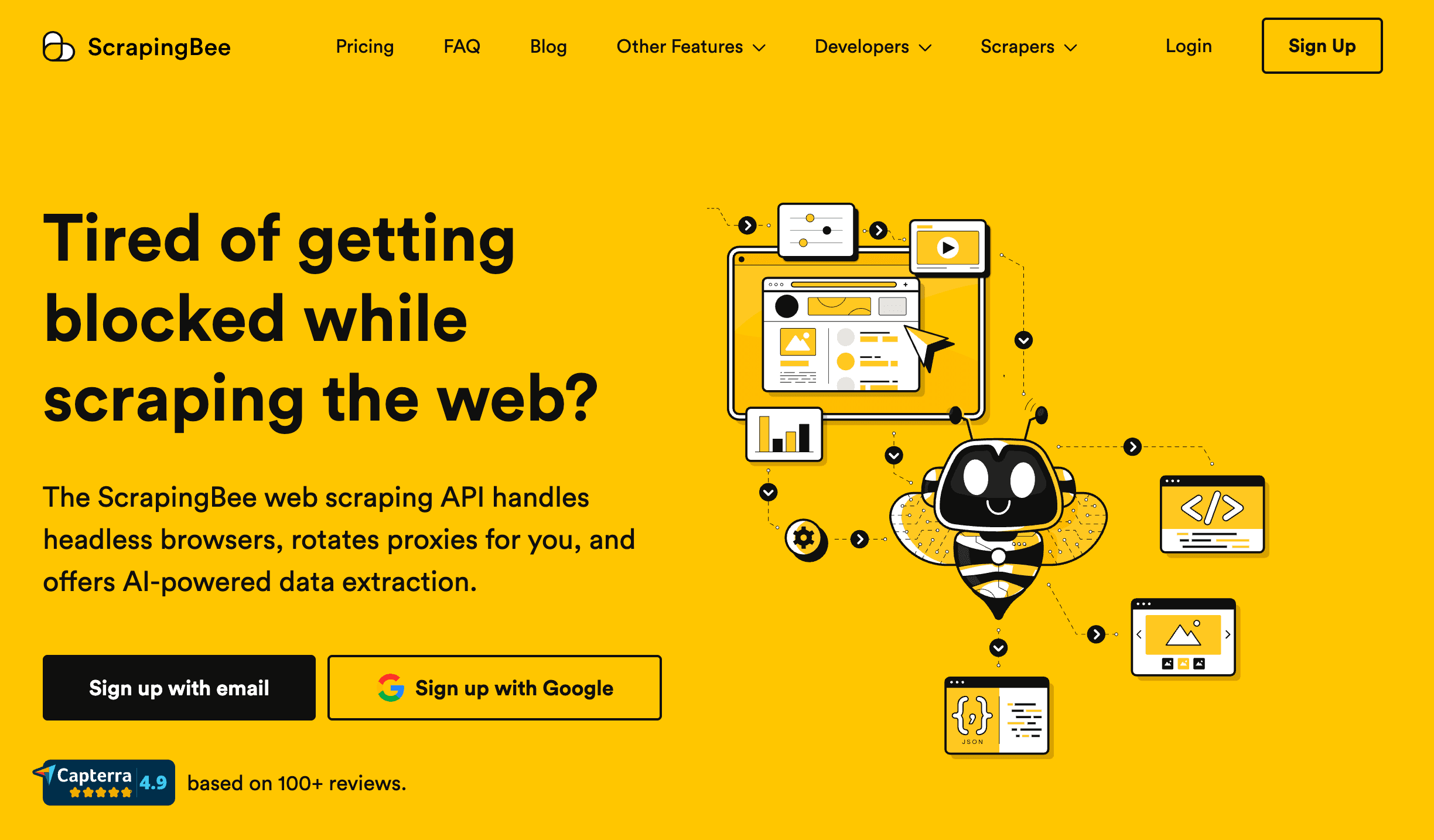
ScrapingBee is a developer-focused, API-driven tool that takes care of the hard parts of scraping—headless browsers, proxies, CAPTCHAs—so you can focus on parsing the data.
Why It’s Great for Social Media
- API-First: Integrate scraping directly into your code or automation workflows.
- Handles Tough Sites: Great for Instagram, Twitter/X, TikTok, and any site with heavy anti-bot measures (ScrapingBee TikTok Guide).
- Custom Headers, Cookies, and Sessions: Scrape behind logins if needed (with your own credentials).
- Scalable: Fire off thousands of API requests for high-volume jobs.
- Pricing: $49/month (250,000 API calls); higher plans for more volume.
If you’re building a custom dashboard, data pipeline, or want to automate social scraping at scale, ScrapingBee is a developer’s best friend.
7. WebHarvy
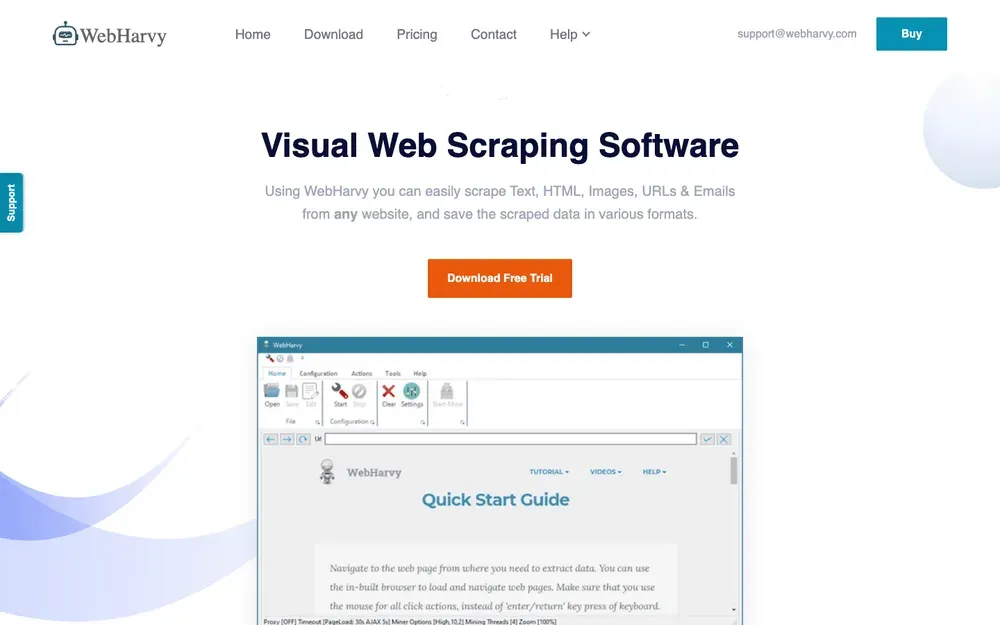
WebHarvy is a Windows desktop app that makes visual scraping a breeze. It’s perfect for researchers, marketers, or anyone who likes a good point-and-click interface.
Why It’s Great for Social Media
- Intelligent Pattern Detection: Click one post or profile, and WebHarvy auto-selects the rest.
- Image & Multimedia Scraping: Easily grab images, thumbnails, or video links.
- Pagination & Keyword Scraping: Handles “Next” buttons and can search multiple hashtags or profiles in one go.
- One-Time License: $129 for lifetime use (1 year of updates).
- Scheduling: Run scrapes on a schedule using Windows Task Scheduler.
WebHarvy is great for scraping lists of posts, profiles, or images from social sites—especially if you want a tool you own outright, with no recurring fees.
8. Social Searcher
Social Searcher isn’t a scraper in the traditional sense—it’s a real-time social media search and analytics dashboard. Think of it as Google Alerts for social media.
Why It’s Great for Social Media
- Multi-Platform Search: Query keywords or hashtags across Twitter/X, Facebook, Instagram, YouTube, LinkedIn, and more—all at once.
- Sentiment Analysis: See whether mentions are positive, negative, or neutral.
- Top Hashtags, Users, and Locations: Get instant insights into who’s talking and where.
- Email Alerts: Get notified when your brand or keywords are mentioned.
- Pricing: Free for basic use; premium from ~$10/month for more alerts, history, and exports.
If you want to monitor brand mentions, track campaign buzz, or get a pulse on social sentiment without scraping raw data, Social Searcher is a smart, no-fuss solution.
Comparison Table: Choosing the Right Social Media Scraping Tool
| Tool | Best For | Supported Platforms | Unique Features | Starting Price |
|---|---|---|---|---|
| Thunderbit | Non-coders, business teams | Instagram, Twitter/X, Reddit, public web pages where permitted | AI field detection, subpage scraping, templates | Free/From $15/mo |
| Octoparse | Data analysts, template lovers | Twitter/X, YouTube, Reddit, TikTok, public sources | 60k+ templates, cloud scheduling | Free/From $99/mo |
| ParseHub | Technical users, complex tasks | Any site (dynamic/JS-heavy) | Advanced logic, JS execution, cloud scheduling | Free/From $189/mo |
| DataMiner | Small teams, quick jobs | Twitter/X, Facebook, public HTML pages | 60k+ recipes, browser-based, Sheets export | Free/From $19.99/mo |
| Apify | Devs, business, automation | Instagram, TikTok, Facebook, Twitter, YouTube, etc. | 4,500+ actors, API, cloud, proxy support | Free/From $49/mo |
| ScrapingBee | Developers, API integration | Any site (JS, anti-bot) | API, headless browser, CAPTCHA solving | From $49/mo |
| WebHarvy | Visual users, researchers | Any static/moderate dynamic site | Pattern detection, image scraping, lifetime license | $129 one-time |
| Social Searcher | Marketers, PR, real-time alerts | Twitter/X, Facebook, Instagram, YouTube, web mentions | Real-time search, sentiment, alerts, analytics | Free/From $10/mo |
Privacy, Compliance, and Ethical Considerations in Social Media Scraping
Extract Data From Any Website in One Click Thunderbit's agentic web scraper reads any public page and picks the fields itself, one click at a time. Get Started Free
Before you go wild scraping every post in sight, let’s talk about the rules of the road:
- Respect Platform Terms: Most social media sites prohibit unauthorized scraping in their terms of service. Use official APIs when possible, and stick to public data.
- Mind Privacy Laws: If you’re collecting personal data from users in the EU, GDPR applies. The same goes for CCPA in California. Aggregate and anonymize whenever possible.
- Don’t Overload Servers: Scrape slowly, respect rate limits, and avoid hammering sites with requests.
- Avoid Private Data: Don’t try to scrape behind logins or access data users expect to be private.
- Ethical Use: Use scraped data for insights, not spam or shady profiling.
For more on ethical scraping, check out this guide.
Conclusion: Picking the Best Tool for Your Social Media Data Needs
There’s no one-size-fits-all answer to how to scrape social media data. The best tool depends on your goals, your technical skills, and the platforms you care about:
- Need quick, AI-powered scraping for business? Thunderbit is your best bet.
- Want templates and cloud scheduling? Go with Octoparse or ParseHub.
- Prefer browser-based, lightweight scraping? DataMiner is a solid pick.
- Need to automate or scale up? Apify and ScrapingBee are built for you.
- Love visual tools or want a one-time purchase? WebHarvy is a great choice.
- Just want to monitor mentions and sentiment? Social Searcher is fast and easy.
My advice? Try a few free trials, see which interface clicks for you, and always keep compliance in mind. Social media data is a treasure trove—just make sure you’re digging responsibly.
If you want to see Thunderbit in action, check out our YouTube Channel or dive deeper into scraping tips on the Thunderbit Blog.
Start Scraping Social Media Data with Thunderbit Free plan covers 6 pages a month, no credit card required — enough to test social data extraction. Get Started Free
FAQs
1. Is it legal to scrape social media data?
Scraping public data is generally legal, but you must respect each platform’s terms of service and privacy laws like GDPR or CCPA. Always use official APIs when possible and avoid scraping private or login-protected content.
2. Which tool is best for non-technical users?
Thunderbit and DataMiner are both beginner-friendly, with point-and-click interfaces and no coding required.
3. Can I schedule recurring social media scrapes?
Yes! Tools like Thunderbit, Octoparse, ParseHub, and Apify all support scheduled scraping for ongoing monitoring.
4. What’s the difference between a scraper and a social listening tool?
Scrapers extract raw data (posts, profiles, comments) for analysis, while social listening tools like Social Searcher provide real-time monitoring, sentiment analysis, and dashboards—no raw data export needed.
5. How do I avoid getting blocked when scraping social media?
Scrape slowly, use proxies if needed, and stick to public data. Tools like Apify and ScrapingBee offer built-in proxy rotation and anti-bot features to help you stay under the radar.
Ready to unlock social media insights for your business? Start with a free trial of Thunderbit or explore more scraping strategies on the Thunderbit Blog. Happy scraping—and may your mentions always be trending.
Learn More
- Social Media Marketing Stats 2026: What the Data Tells Us
- Finding Social Media Accounts: A Quick How-To Guide
- Top 16 Social Media Search Engines to Explore Now
- How to Find Social Media by Phone Number: A Complete Guide
- What Is a Social Media Scraping Tool and How Does It Work?
Try Thunderbit for Public Web Data Extraction Get Started Free




