
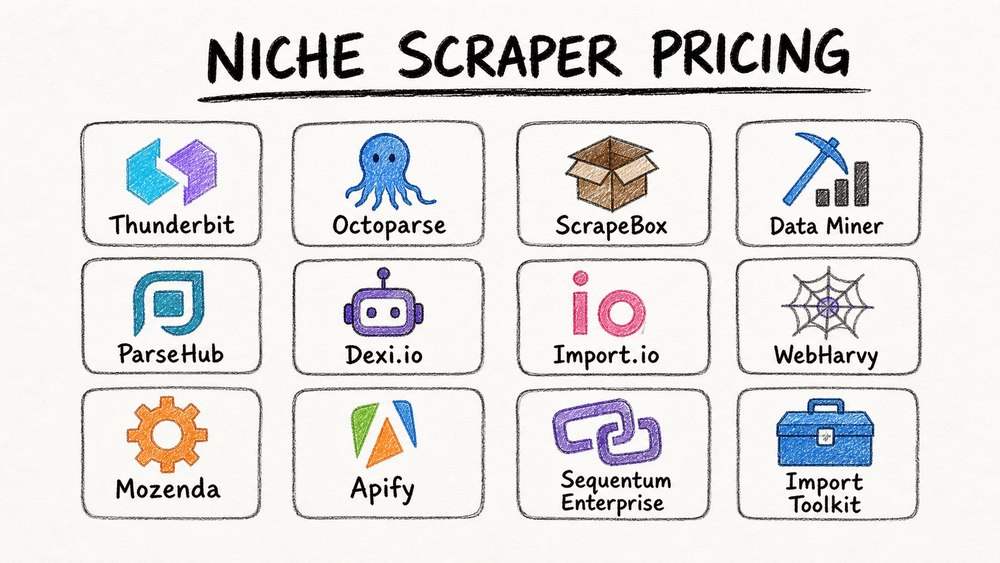
The web is now more automated than human. Imperva’s 2026 Bad Bot Report says bots accounted for more than 53% of web traffic in 2025, up from 51% in 2024 (Imperva). For ecommerce, sales, and operations teams, the right niche scraper can turn scattered web pages into usable rows without hours of manual copy-paste. The hard part is pricing: some tools sell one-time desktop licenses, while others charge by credits, pages, compute units, add-ons, or custom contracts.
I’ve spent years in SaaS and automation, and I know firsthand how confusing (and expensive) this landscape can be. That’s why I’ve pulled together this no-nonsense guide to the top 12 niche scraper tools for 2026, breaking down what you get, what you pay, and who each tool is really for. If you’re tired of hidden costs, feature FOMO, or feeling like you need a PhD to compare plans, you’re in the right place.
What to Look for in Niche Scraper Pricing and Cost
Before we dive into the list, let’s talk about what actually drives the cost of a niche scraper—and why it matters for your team’s bottom line.
1. Features & Automation:
The more a tool can do—think AI-powered extraction, instant templates, cloud scheduling, or subpage scraping—the more you’ll usually pay. But don’t get dazzled by bells and whistles you’ll never use. Focus on what actually fits your workflow.
2. Data Volume & Usage:
Some tools charge by the number of pages, credits, or compute units you use. Others offer unlimited scraping for a flat fee, or cap your usage on lower tiers. If you’re scraping thousands of pages a week, watch out for overage fees.
Scrape data from any website using AI Get Started Free
3. Support & Integrations:
Need priority support, API access, or direct exports to Google Sheets, Notion, or Airtable? These features often live behind higher paywalls.
4. Pricing Transparency & Flexibility:
Free trials, pay-as-you-go credits, and clear upgrade paths are a must—especially for non-technical teams who want to start small and scale up as they grow.
5. Use Case Fit:
Some scrapers are built for SEO pros, others for sales teams, and some (like Thunderbit) aim to bridge the gap for everyone. Make sure the tool matches your industry and technical comfort level.
Common Pricing Models:
- Subscription: Pay monthly or yearly for a set of features and usage limits.
- One-Time License: Pay once, use forever (with or without updates).
- Credit-Based: Buy credits, spend them as you scrape.
- Pay-As-You-Go: Only pay for what you use, no commitment.
The details that change your bill are usually the boring ones: page limits, row limits, proxy costs, API access, export limits, support level, and whether a "monthly price" is really prepaid usage. I’ve called those out below wherever vendors publish them.
1. Thunderbit Pricing: AI-Powered Niche Scraper for Every Team
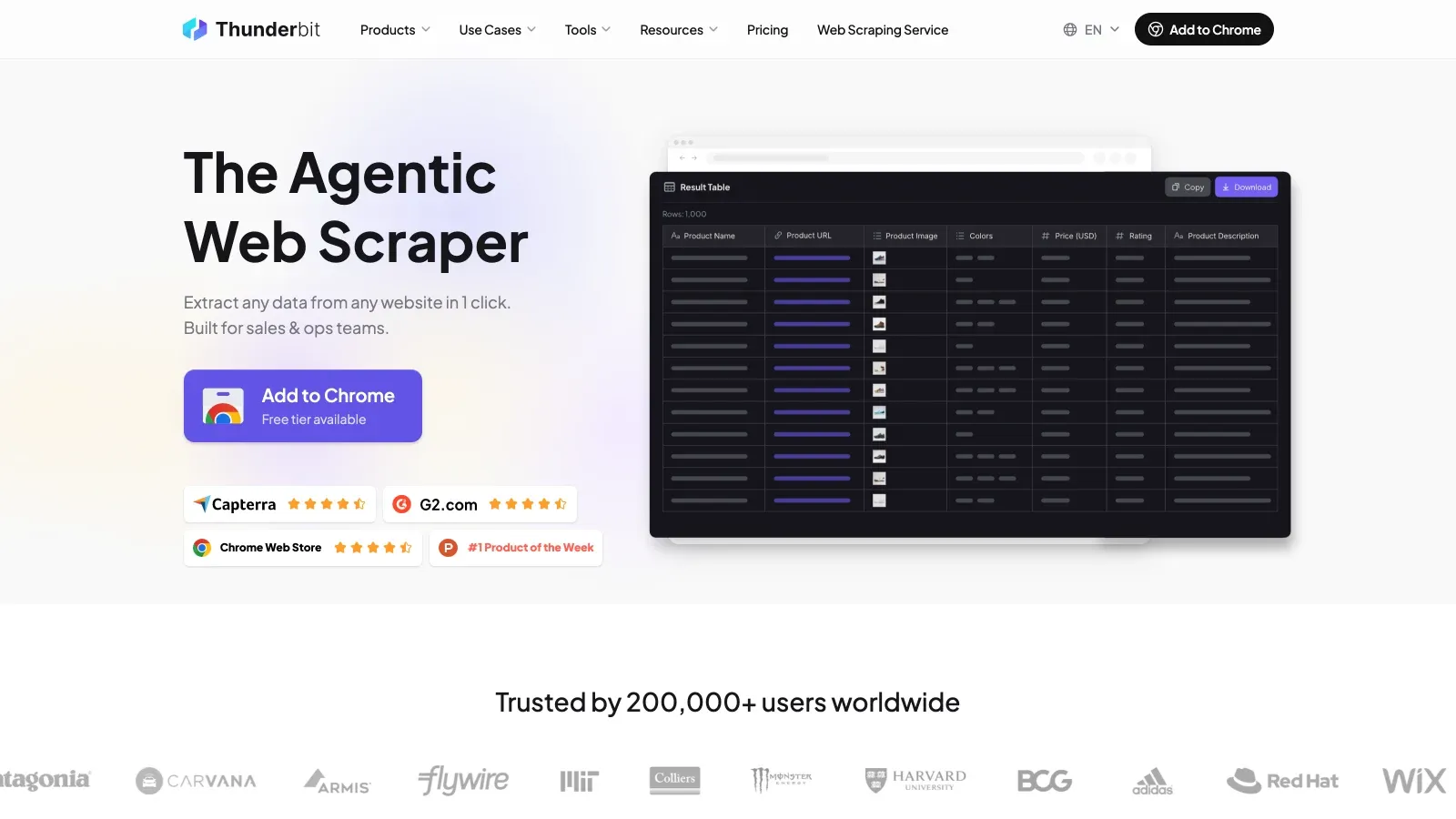
Thunderbit is my go-to for business users who want AI-powered scraping without the headaches. Here’s how the pricing shakes out:
- Free Tier: Scrape up to 6 pages (or 10 with a trial boost), with all features unlocked. No credit card required.
- Credit System: 1 credit = 1 output row. Starter is $15/month billed monthly for 500 credits a month, or $9/month billed yearly for 5,000 credits a year. Pro scales up to 30,000 credits a year (Thunderbit pricing).
- All Features Included: AI field suggestion, instant templates for popular sites, cloud or browser scraping, subpage and pagination support, and free exports to Excel, Google Sheets, Notion, and Airtable.
- No Hidden Fees: You only pay for what you scrape. No extra charges for templates, exports, or support.
Why Thunderbit Stands Out:
Thunderbit is designed for non-technical users—sales, ecommerce, real estate, you name it. The AI suggests fields, supports subpage and pagination workflows, and exports to spreadsheet-friendly formats without making users build selectors. With both cloud and browser scraping, you can choose speed or login flexibility as needed.
User Feedback:
Teams love Thunderbit’s low entry cost and the fact that you don’t need to pay extra for features like subpage scraping or data export (Thunderbit Blog). It’s a high-value pick for anyone who wants to automate data collection without a steep learning curve.
Cons:
Credits are metered per output row, so a recurring high-volume job costs more over a year than a one-time desktop license like ScrapeBox or WebHarvy. The free tier is also small at 6 pages a month, which is enough to evaluate the tool but not to run on.
2. Octoparse Pricing: Visual Scraping with Flexible Plans
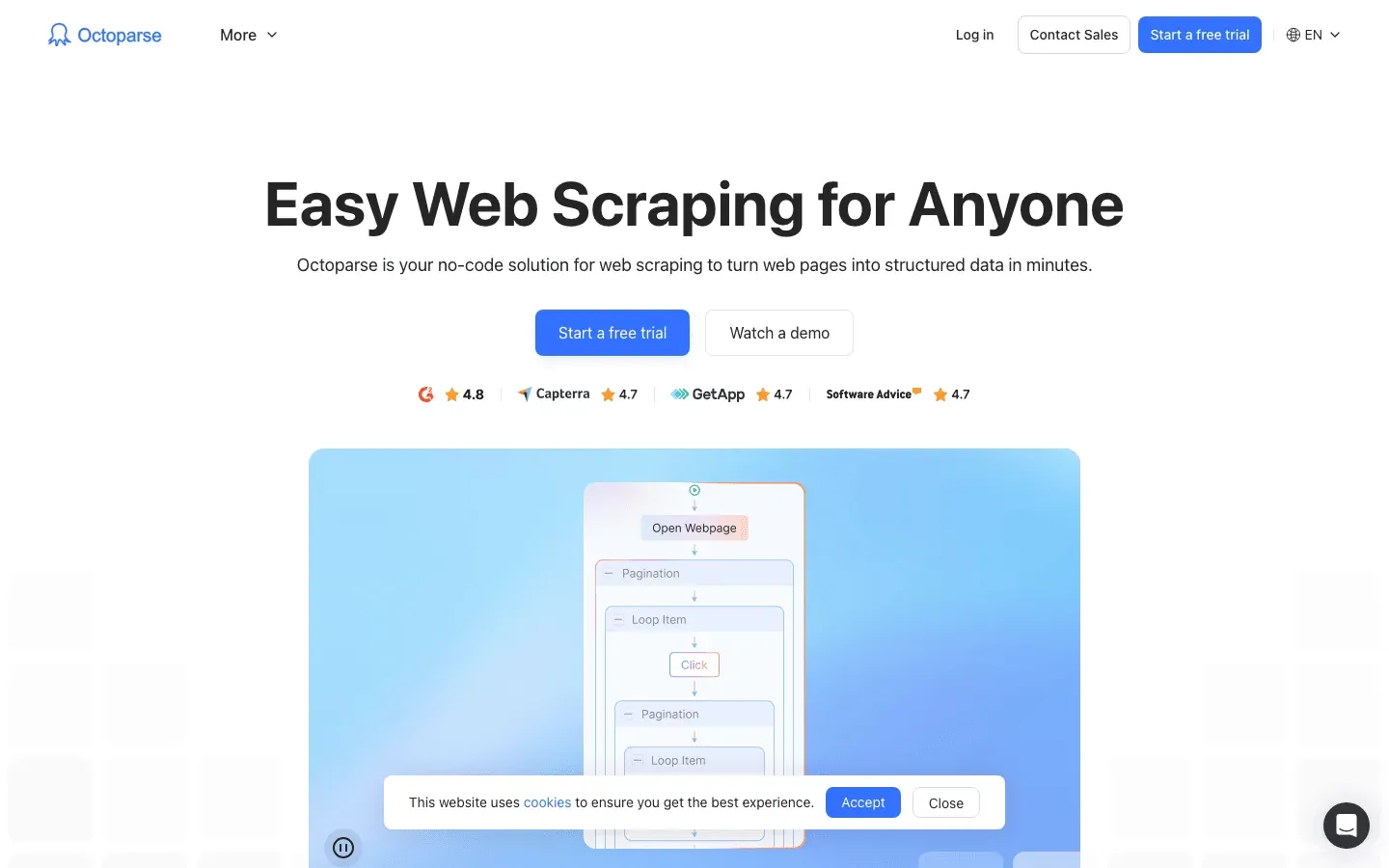
Octoparse is a visual, no-code web scraper with a drag-and-drop workflow builder.
- Free Plan: 10 tasks, 1 device, 2 local concurrent runs, and up to 50,000 rows of monthly export.
- Standard Plan: From $69/month billed annually, with 100 tasks, cloud extraction, up to 3 concurrent cloud processes, scheduling, and API access.
- Professional Plan: $249/month billed annually, with 250 tasks, up to 20 concurrent cloud processes, cloud monitoring, cloud-storage exports, Advanced API, priority support, and task review.
- Enterprise: Custom pricing.
- Add-Ons: Residential proxies are listed at $3/GB, CAPTCHA solving at $1-$1.5 per thousand, crawler setup from $399, and data service from $599 (Octoparse Pricing).
Pros:
Great for teams who want visual workflow design and cloud automation. The free plan is generous for light users.
Cons:
Costs can climb as you move from local extraction into cloud runs, higher concurrency, proxies, CAPTCHA solving, or done-for-you crawler setup.
3. ScrapeBox Cost: One-Time Fee for Power Users
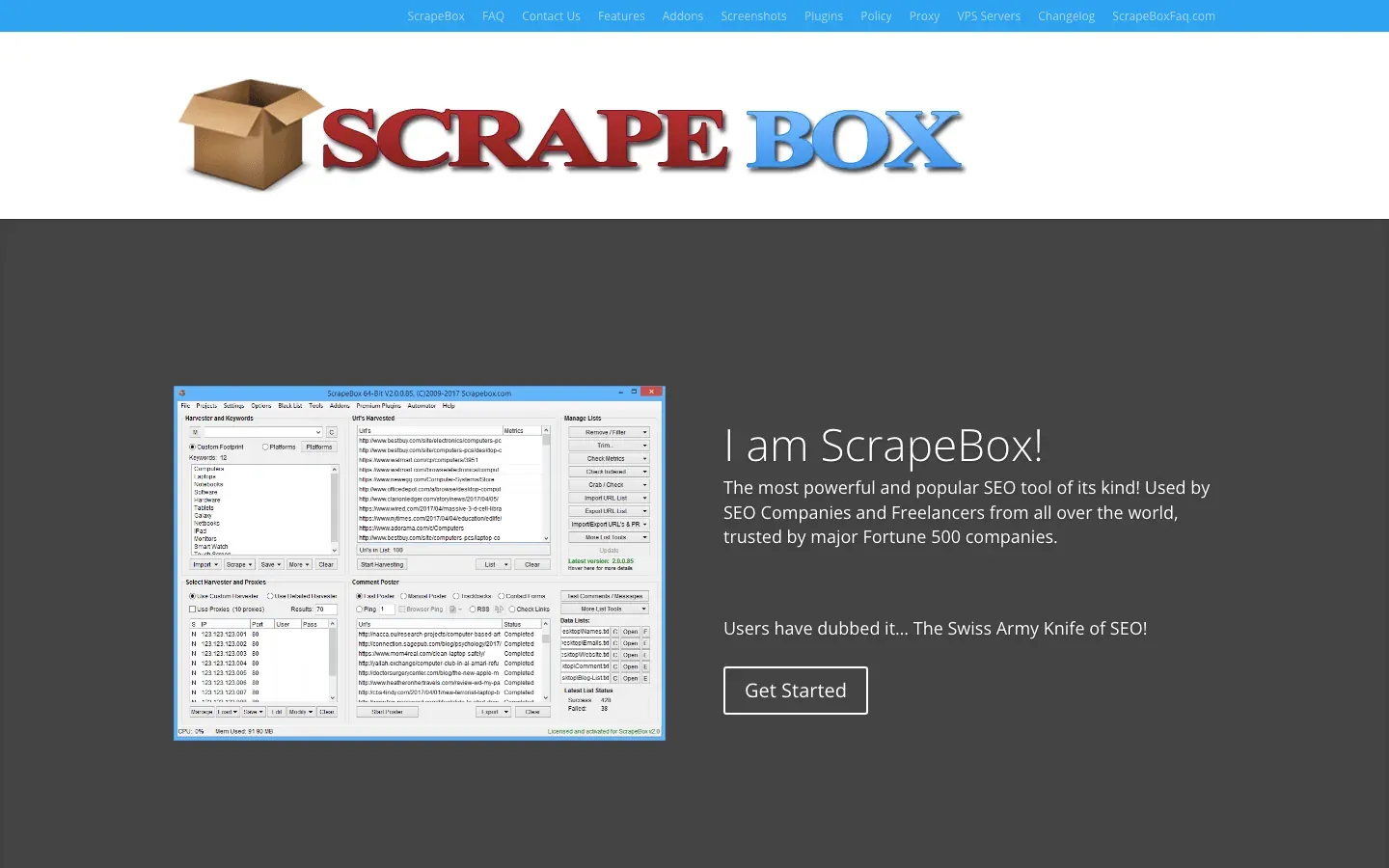
ScrapeBox is the “Swiss Army knife of SEO scraping,” built for bulk data extraction, link harvesting, and more.
- One-Time License: $97 for a single-PC license. ScrapeBox says it is not a monthly or yearly subscription, and the official site lists the latest version as released January 29, 2026 (ScrapeBox).
- No Monthly Fees: Pay once, use forever.
- Add-Ons: Some premium plugins cost extra, but most core features are included.
Pros:
Perfect for SEO specialists and content teams who want bulk scraping without ongoing costs.
Cons:
Desktop software with a steeper learning curve, and not as user-friendly for non-technical folks. No cloud runs or visual workflow; ScrapeBox lists Windows 10/11, Windows Server, and Apple Mac support.
4. Data Miner Pricing: Pay-As-You-Go and Subscription Options
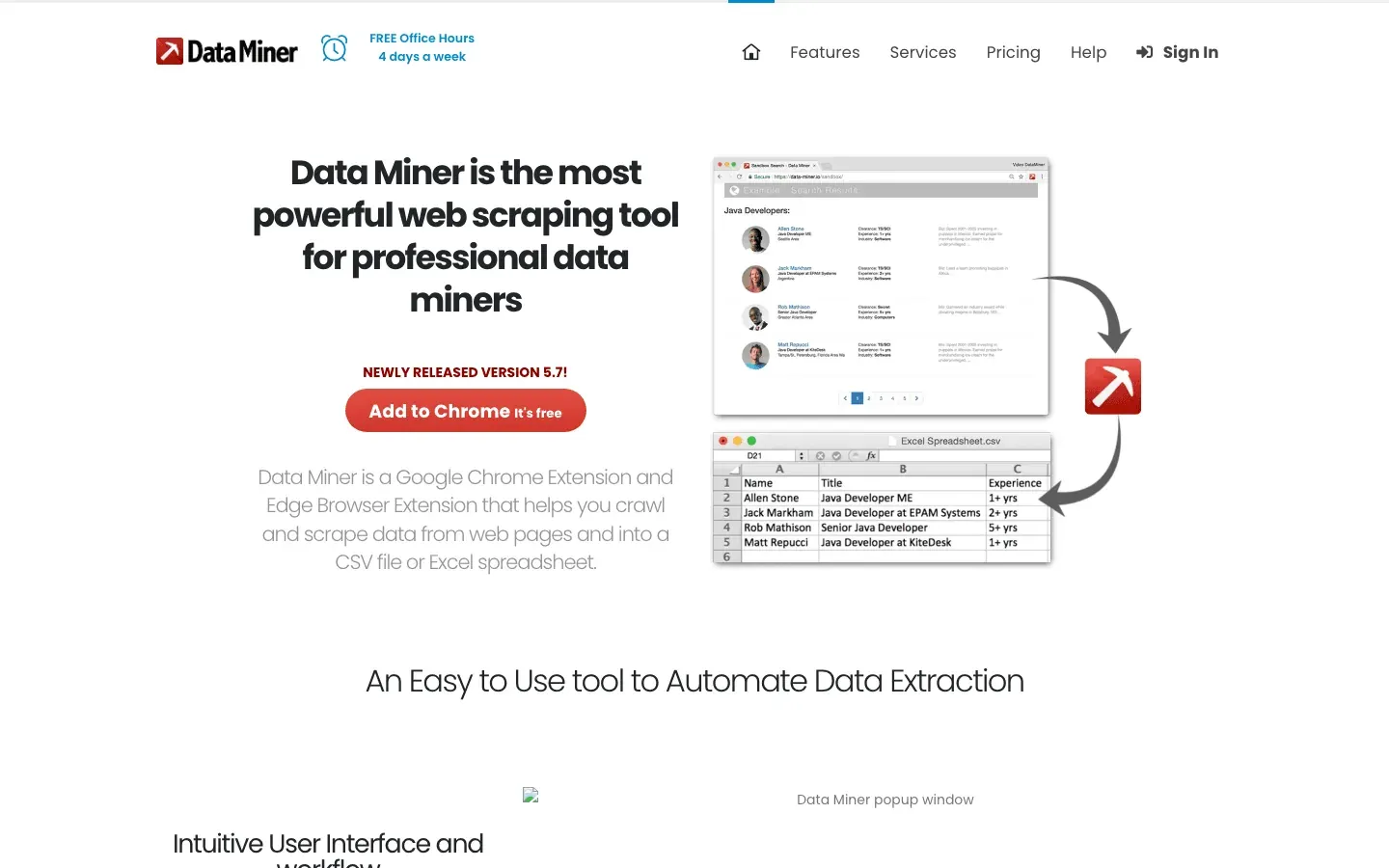
Data Miner is a Chrome extension for scraping tabular data from web pages.
- Free / Starter Plan: $0/month, 500 pages/month, public recipes, recipe creation, and next-page automation, with domain restrictions.
- Solo Plan: $19.99/month, 500 pages/month, custom JavaScript, all-domain scraping, Google Sheets connection, and email support.
- Small Business: $49/month, 1,000 pages/month.
- Business: $99/month, 4,000 pages/month.
- Business Plus: $200/month, 9,000 pages/month.
- Enterprise: Custom pricing for higher scrape limits and server-side scraping (Data Miner Pricing).
Pros:
Flexible for occasional or heavy users. Templates for common sites.
Cons:
Pay-as-you-go credits can add up fast if you’re scraping at scale. Some features (like advanced automation) are only in higher tiers.
5. ParseHub Pricing: Visual Scraper with Tiered Plans
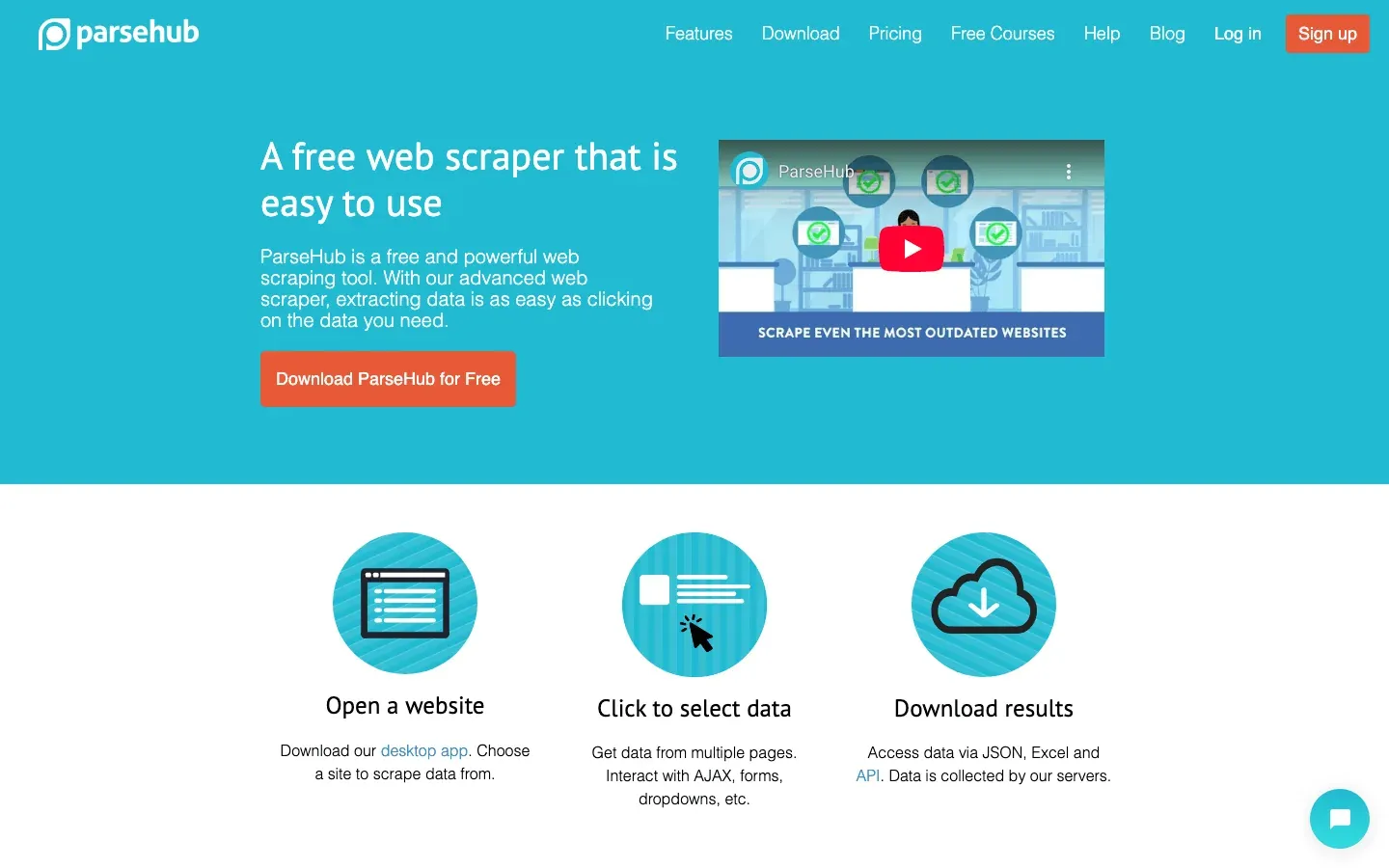
ParseHub offers a visual, point-and-click interface for building scrapers.
- Free Plan: Available, with up to 5 projects.
- Paid Plans: Start at $189/month and add faster project speeds, higher pages-per-run limits, more projects, IP rotation, Dropbox/Amazon S3 integration, and project scheduling.
- Custom Plans: Available for higher project or feature limits (ParseHub Help Center).
Pros:
Great for non-coders who want to automate scraping visually. API and scheduling included in paid plans.
Cons:
Entry price is higher than some competitors, and scaling up can get expensive.
6. Dexi.io Pricing: Automation for Advanced Users
Dexi.io is a sales-led data platform for digital shelf and commerce intelligence, with self-service and managed-services options.
- Free Trial: Dexi’s current site still points users to a free-trial flow.
- Pricing: Dexi’s current public site routes buyers toward demo/contact flows instead of a clear public tier table.
- Business/Enterprise: Best handled as quote-based pricing for larger retail, brand, ecommerce, and analytics workflows.
Pros:
Powerful for teams needing advanced automation, data enrichment, and integration with other systems.
Cons:
Overkill for simple scraping tasks. Costs can climb with scale and custom features.
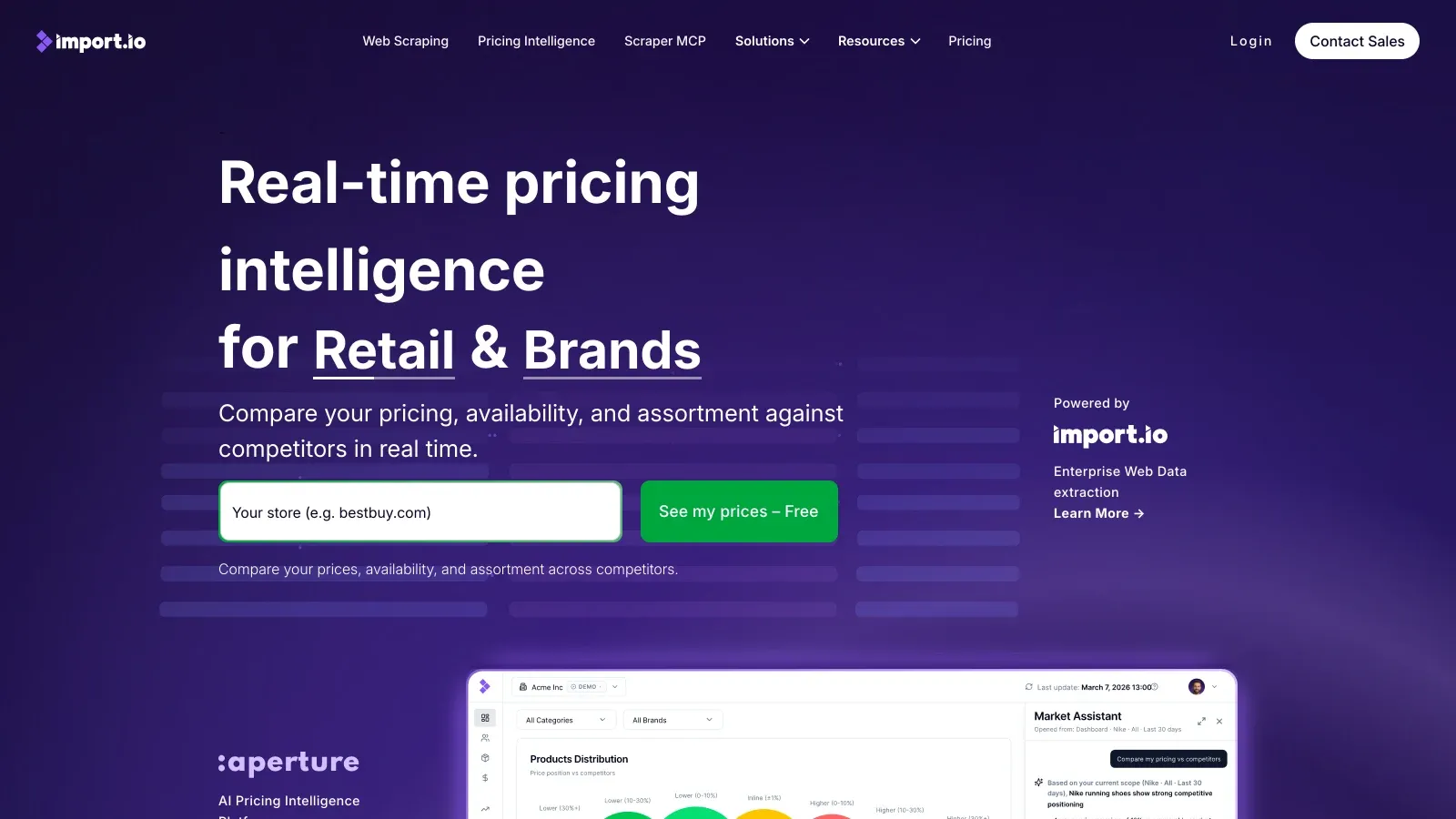
7. Import.io Pricing: Enterprise-Grade Data Extraction
Import.io is an enterprise-focused platform for large-scale, managed data extraction.
- Free Trial: 14 days, with Standard plan features.
- Self-Service / Managed Pricing: Import.io says pricing depends on data volume, automation level, and support needs; buyers can start with self-service or request a custom managed/enterprise quote.
- Overage Fees: Import.io lists query overages at $7 per 1,000 on Standard, $3.50 per 1,000 on Professional, and $2.50 per 1,000 on Advanced.
- Extras: Residential proxies incur extra costs on SaaS accounts (Import.io Pricing).
Pros:
Best for companies needing robust compliance, analytics, and integration with BI tools.
Cons:
Priced for enterprise budgets. Not ideal for small teams or one-off projects.
8. WebHarvy Pricing: Desktop Scraper with Lifetime License
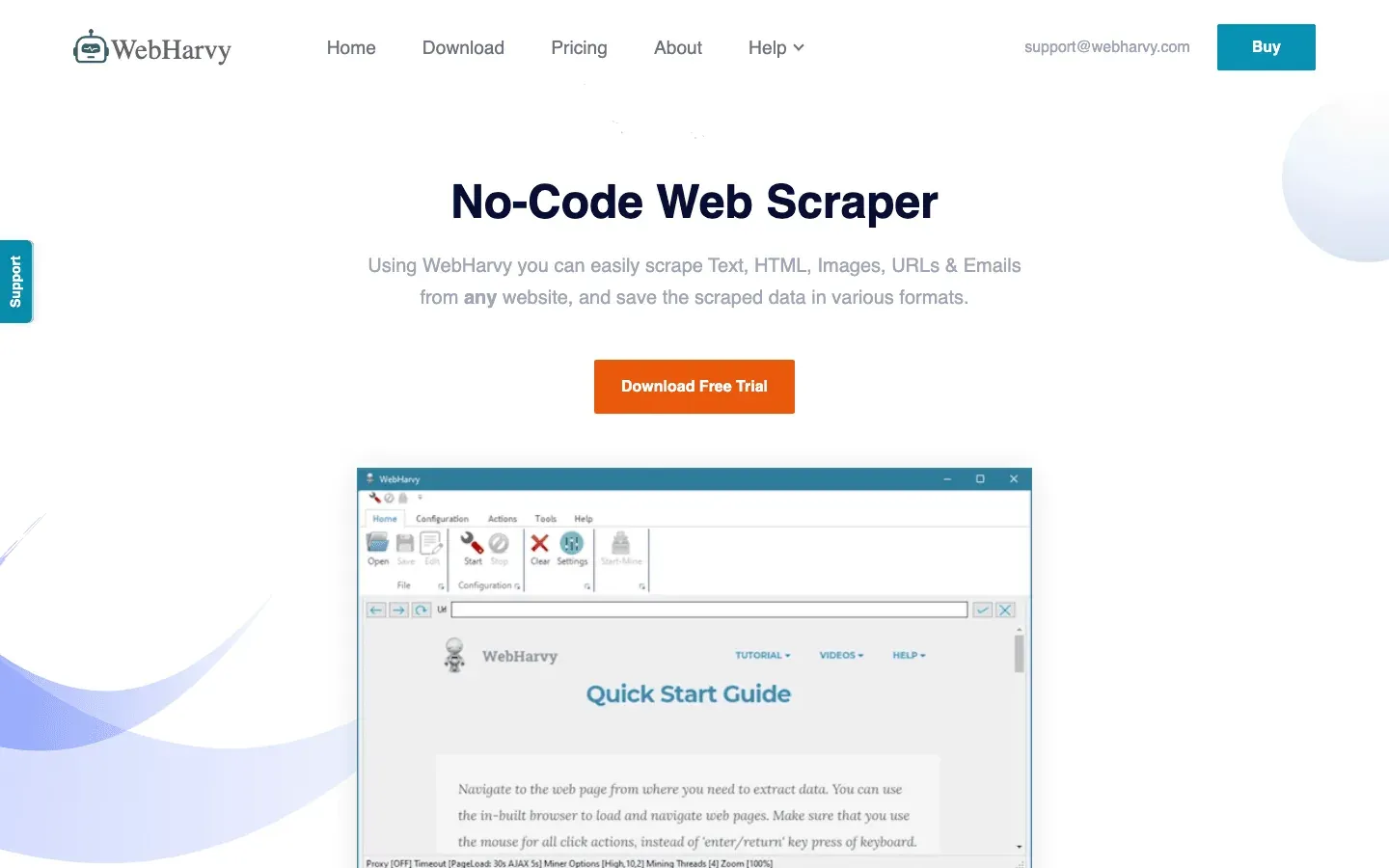
WebHarvy is a Windows desktop scraper with a visual interface.
- One-Time License: $99 for a single-user license, $169 for 2 users, $219 for 3 users, $269 for 4 users, and $699 for a site license.
- No Monthly Fees: Pay once, with lifetime access to valid versions.
- Updates and Support: The purchase includes 1 year of free updates and 1 year of email support; later-version access requires a license upgrade (WebHarvy Buy).
Pros:
Great for teams who want a desktop solution with no recurring costs.
Cons:
No cloud runs or team collaboration. Windows-only.
9. Mozenda Pricing: Scalable Cloud Scraping
Mozenda is a cloud-based scraper for business and enterprise users.
- Trial: Free 14-day trial with 1 user, 500 processing credits/month, 5 agents, 1GB storage, and 1 concurrent job.
- Pilot: $500/month paid monthly, with 1 user, 5,000 processing credits/month, 10 agents, 10GB storage, and 1 concurrent job.
- Enterprise: Custom quote, paid yearly, for multiple users and custom limits (Mozenda Pricing).
Pros:
Scalable for teams needing managed cloud scraping and automation.
Cons:
Higher entry price than most competitors. Best for established businesses.
10. Apify Pricing: Pay-As-You-Go and Subscription Flexibility
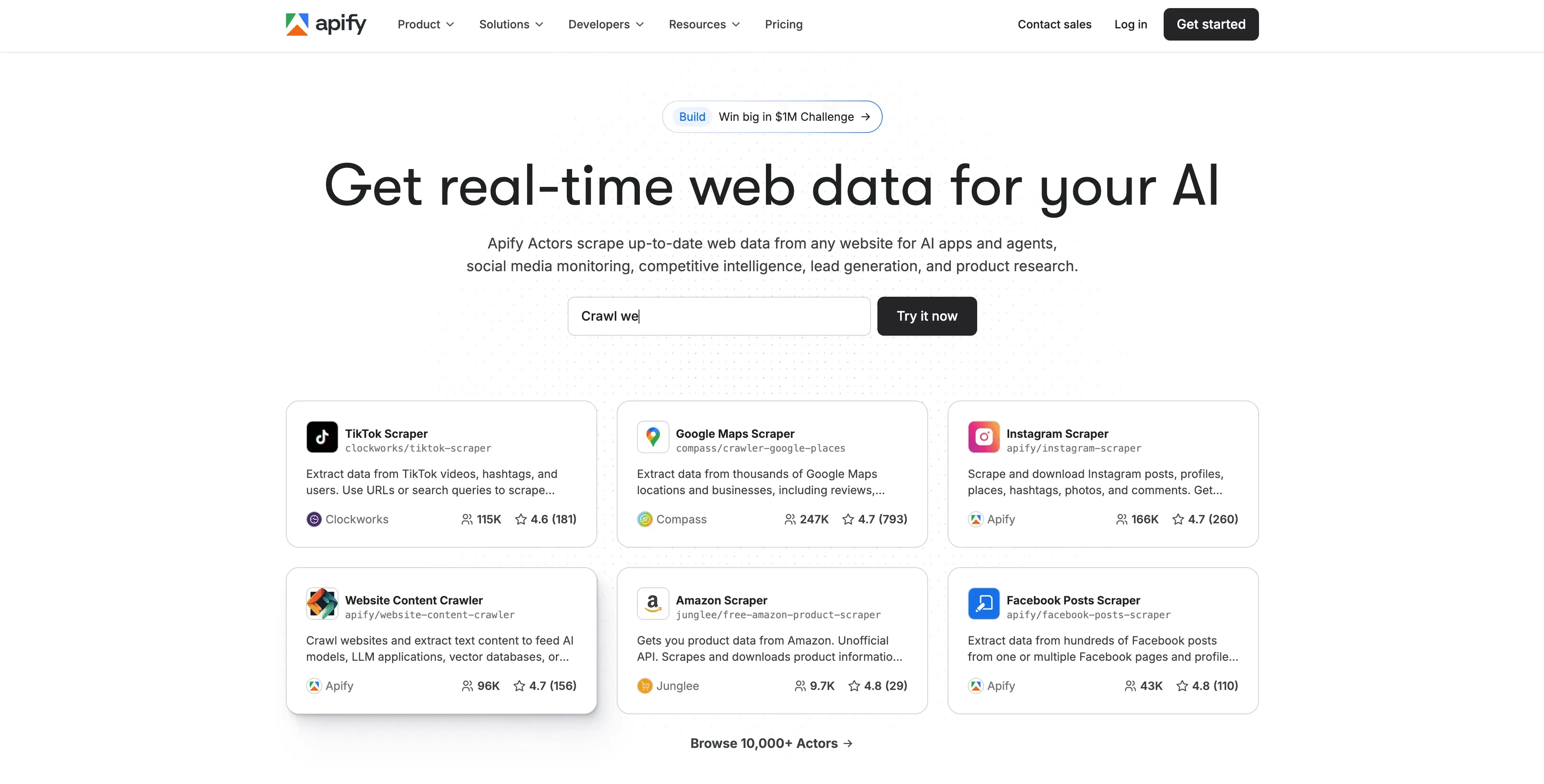
Apify is a developer-friendly platform with a marketplace of “actors” (scraping scripts).
- Free: $0/month, with $5/month prepaid usage, $0.20 per compute unit, 8GB Actor RAM, and 25 max concurrent runs.
- Starter: $29/month plus pay-as-you-go, with $29/month prepaid usage and $0.20 per compute unit.
- Scale: $199/month plus pay-as-you-go, with $199/month prepaid usage and $0.16 per compute unit.
- Business: $999/month plus pay-as-you-go, with $999/month prepaid usage and $0.13 per compute unit.
- Enterprise: Custom pricing (Apify Pricing).
Pros:
Flexible for custom or large-scale scraping. Marketplace makes it easy to find pre-built solutions.
Cons:
Pricing can be confusing for non-developers. Compute units may not map directly to “pages scraped.”
11. Sequentum Enterprise (Formerly Content Grabber) Pricing: Professional Automation for Enterprises
Content Grabber has changed. Sequentum says Content Grabber Enterprise was renamed Sequentum Enterprise in 2020, while Content Grabber Premium, Professional, and Server Editions were sunset in June 2021 and support ended after June 2022.
- Team Package: $27,500 annual subscription, including three Sequentum Enterprise Desktop seats, Agent Control Center, two Enterprise Server licenses, clustering, load balancing, job queues, and failover.
- Enterprise: Quote-based pricing for larger corporate data operations.
- Additional Licenses: Available for teams that need to scale between renewal periods (Sequentum Enterprise).
Pros:
Best for organizations needing advanced automation, governance, compliance, and enterprise-grade data operations.
Cons:
Priced for serious enterprise data teams. Overkill for small teams or basic scraping.
12. Import Toolkit Pricing: Chrome Extension Simplicity
Import Toolkit is a lightweight Chrome extension for quick data imports.
- Free Version: Basic features, limited runs.
- Premium Upgrade: ~$5–$15/month for advanced features (varies by region and updates).
Pros:
Ideal for teams needing fast, browser-based scraping without setup.
Cons:
Limited compared to full-featured scrapers. Best for simple, one-off tasks.
Niche Scraper Pricing Comparison Table
Here’s a side-by-side look at all 12 tools:
| Tool | Free Trial | Entry Price | Key Features | Best For |
|---|---|---|---|---|
| Thunderbit | ✅ | $9/mo (yearly) | AI, templates, cloud/local, export | Sales, ecommerce, real estate |
| Octoparse | ✅ | $69/mo (annual) | Visual builder, cloud, scheduling | Non-tech, automation-heavy |
| ScrapeBox | ❌ | $97 (one-time) | Bulk SEO, link scraping | SEO, content teams |
| Data Miner | ✅ | $19.99/mo | Chrome, recipes, automation | Browser-based scraping |
| ParseHub | ✅ | $189/mo | Visual, API, scheduling | Non-coders, automation |
| Dexi.io | ✅ | Sales-led | Workflow, integrations, automation | Advanced, integration-heavy |
| Import.io | ✅ | Self-serve/custom | Managed extraction, API delivery | Large orgs, managed services |
| WebHarvy | ✅ | $99 (one-time) | Desktop, visual, no recurring fee | Desktop users |
| Mozenda | ✅ | $500/mo Pilot | Cloud, scheduling, support | Business/enterprise |
| Apify | ✅ | $29/mo + usage | Marketplace, pay-as-you-go | Devs, custom/large-scale |
| Sequentum | ❌ | $27,500/yr Team | Enterprise automation, governance | Enterprise, compliance |
| Import Toolkit | ✅ | ~$5–$15/mo | Chrome, quick import | Simple, browser-based tasks |
Prices checked in May 2026 where vendors publish them. Sales-led and custom plans can change by contract, so use the vendor site as the source of truth before buying.
How to Choose the Right Niche Scraper for Your Budget
What Is Data Scraping and How to Do It in 2025 Get Started Free
Picking the right tool isn’t just about the sticker price—it’s about matching your business needs to the features (and costs) that matter most. Here’s my cheat sheet for making a smart choice:
- What’s your data volume? If you’re scraping a handful of pages a week, a free or low-cost plan may be all you need. For daily, high-volume scraping, watch out for credit overages or page limits.
- How technical is your team? Non-coders will love tools like Thunderbit, Octoparse, or ParseHub. Developers might prefer Apify or ScrapeBox.
- Do you need cloud runs or desktop? Cloud-based tools are better for team collaboration and scheduling. Desktop tools can be cheaper long-term but lack remote access.
- What integrations matter? If you want to push data to Google Sheets, Notion, or your CRM, make sure your tool supports it out of the box.
- Support and compliance: For regulated industries or mission-critical workflows, prioritize tools with strong support and compliance features—even if they cost more.
Pro tip: Always start with a free trial or the lowest tier. Run a real-world test project, check the data quality, and see if the workflow fits your team before scaling up.
Conclusion: Finding the Best Value in Niche Scraper Pricing
The world of niche scrapers is more crowded—and more powerful—than ever. But with great power comes great pricing confusion. The best value isn’t always the cheapest tool; it’s the one that fits your workflow, scales with your needs, and doesn’t nickel-and-dime you for every feature.
Thunderbit stands out for its AI-driven simplicity, low entry cost, and all-in-one approach—especially for non-technical teams who want to get up and running fast. But every tool on this list has its sweet spot, whether you’re a solo SEO, a data-hungry enterprise, or just need to grab a few tables for a side project.
Ready to see which tool fits your needs? Sign up for a free trial, make a checklist of must-have features, and don’t be afraid to ask vendors for a custom quote if your needs are unique. And if you want more deep dives on scraping, automation, and data workflows, check out the Thunderbit Blog for tips and tutorials.
Try Thunderbit AI Web Scraper Free Get Started Free
FAQs
1. Why do niche scraper prices vary so much?
Pricing depends on features, automation level, data volume, support, and whether you’re paying for cloud infrastructure or a desktop license. Enterprise tools cost more for compliance and support, while browser extensions are cheaper for simple tasks.
2. Is it better to pay monthly or buy a one-time license?
Monthly plans are flexible and include updates, but can add up over time. One-time licenses (like ScrapeBox or WebHarvy) are cheaper long-term if you don’t need ongoing support or cloud features.
3. What hidden costs should I watch for?
Look out for extra charges on exports, proxies, premium templates, or overage fees if you exceed your plan’s limits. Always read the fine print and ask about upgrade triggers.
4. Which scraper is best for non-technical teams?
Thunderbit, Octoparse, and ParseHub are all designed for business users who want visual, no-code workflows. Thunderbit is especially easy for fast setup and AI-powered field suggestions.
5. How do I know if a scraper fits my business needs?
Start with a free trial, run a real project, and check if the tool integrates with your workflow (exports, scheduling, support). If you hit a wall on features or costs, try another tool before committing long-term.
Want to compare on a real project? Download Thunderbit’s Chrome extension or explore more guides on the Thunderbit Blog.
Learn More




