
If you’ve ever tried to keep up with Amazon’s ever-shifting prices by hand, you know it’s like trying to bail out a leaky boat with a teaspoon. Amazon’s catalog now boasts , and—get this—each product in the US alone sees . That’s nearly three price tweaks per day, per item. Manual tracking? Forget it. In 2026, web scraping for ecommerce isn’t just a nice-to-have—it’s the backbone of any serious product data extraction strategy.
But here’s the kicker: the market for Amazon price scrapers has exploded, with tools ranging from no-code browser extensions for small teams to enterprise-grade platforms that crunch millions of data points daily. Whether you’re a solo seller, a scrappy ecommerce startup, or a Fortune 500 pricing analyst, there’s a tool out there tailored for your needs. I’ve spent years in SaaS and automation (and more hours than I’d like to admit wrangling messy product data), so I’ve rounded up the 10 best Amazon price scrapers for 2026—each with its own strengths, quirks, and ideal use cases.Let’s dive in and find the right fit for your ecommerce data extraction workflow.
If you’re looking for a fast way to extract Amazon product data, is built to get you from page to spreadsheet in just a couple of clicks.
Why Use an Amazon Price Scraper for Ecommerce Product Data Extraction?
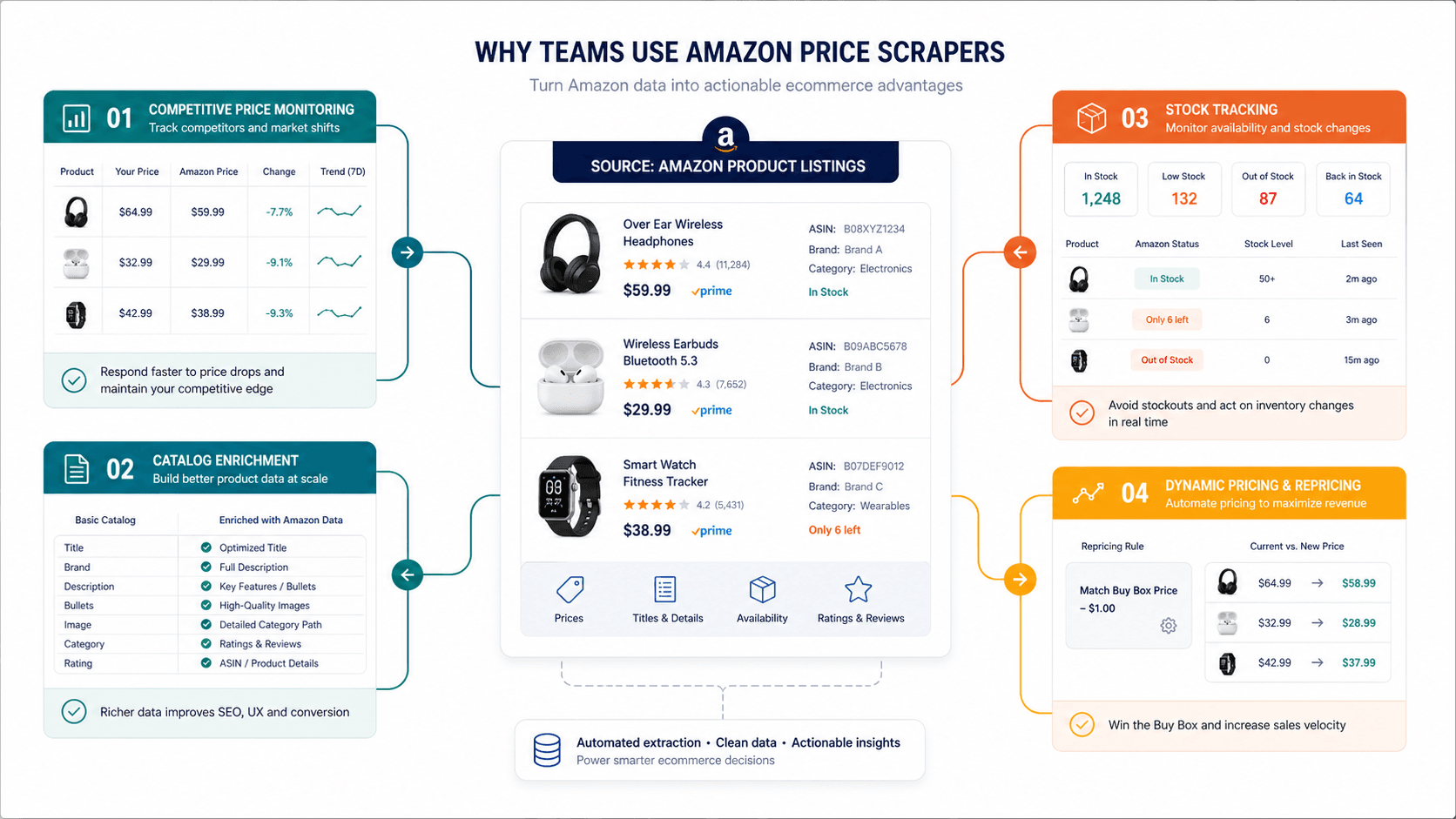
Let’s be honest: Amazon is the wild west of ecommerce pricing. With , prices can swing wildly based on competition, inventory, and even the weather (okay, maybe not the weather—but you get the idea). For ecommerce teams, this means:
- Competitive Price Monitoring: Stay ahead of rivals by tracking price changes in real time.
- Catalog Enrichment: Pull product titles, ASINs, images, reviews, and more to keep your own listings fresh and accurate.
- Inventory & Stock Tracking: Monitor availability and stock-outs to adjust your own supply chain or ad spend.
- Dynamic Pricing: Feed scraped data into pricing engines to automate your own price adjustments.
- Trend Spotting: Analyze historical price movements to spot deal cycles, discount patterns, and new product launches.
Manual data collection is not just slow—it’s a recipe for errors, missed opportunities, and wasted hours. According to , switching to automated ecommerce product data extraction tools can save teams dozens of hours per month and dramatically reduce mistakes.
And the market is only getting bigger: the global web scraping tools market is projected to hit , with ecommerce leading the charge. In short, if you’re not automating your Amazon data extraction, you’re already behind.
How We Chose the Best Amazon Price Scrapers in 2026
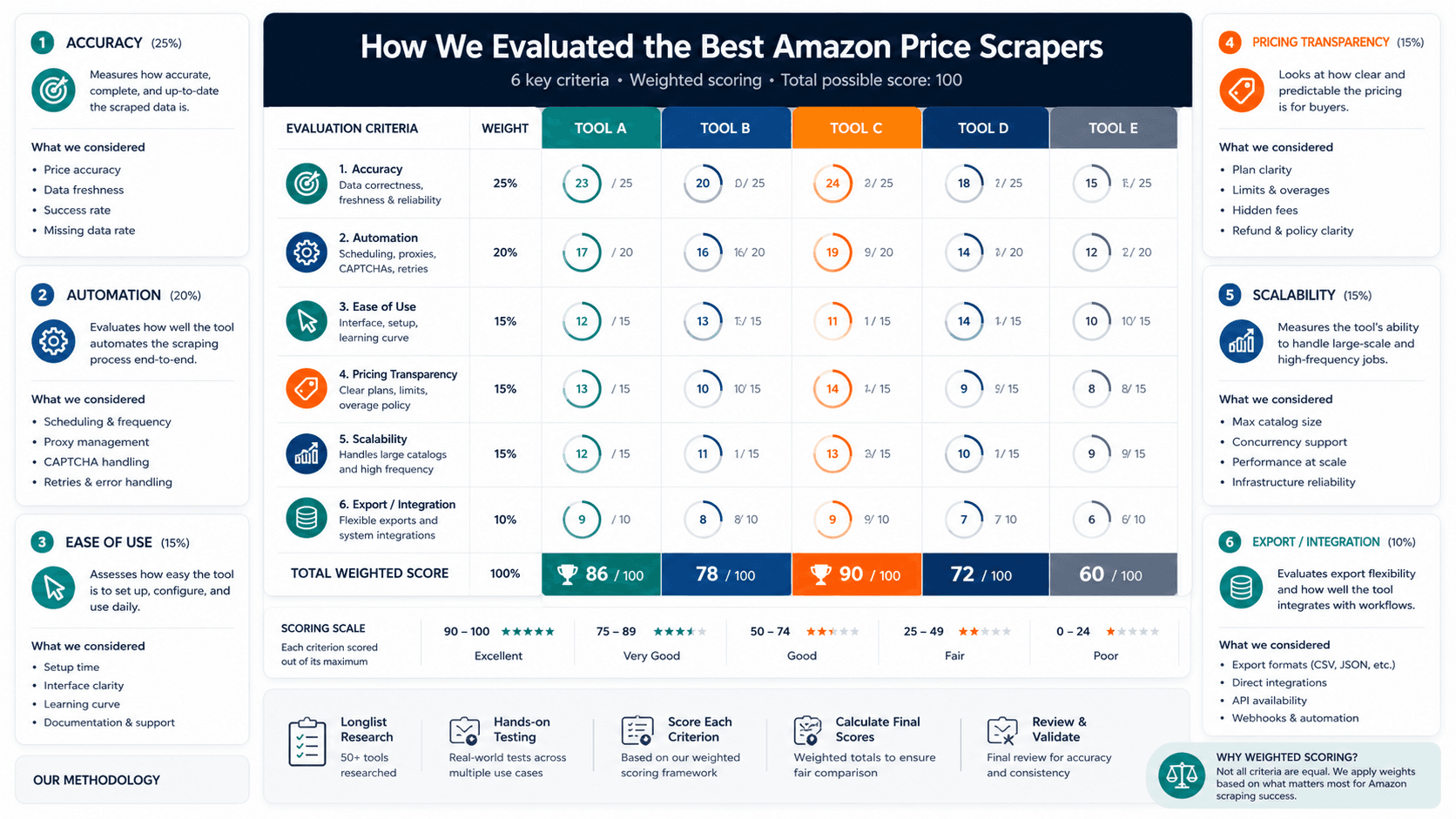
Not all scrapers are created equal—especially when it comes to Amazon’s ever-evolving site structure and anti-bot defenses. Here’s how I picked the top 10:
- Accuracy & Data Freshness: Can the tool reliably extract the right fields (price, ASIN, title, etc.) even as Amazon’s layout changes? Does it support scheduled scraping or real-time updates?
- Automation Features: Look for scheduling, batch processing, change detection, and the ability to handle pagination or subpages.
- Ease of Use: Is it truly no-code? Can a non-technical user get up and running fast, or does it require developer resources?
- Pricing & Transparency: Are costs clear and predictable, or are there hidden overages and “call for quote” traps?
- Scalability: Can it handle hundreds or thousands of products at once? Does it offer cloud scraping, proxy support, or browser-based fallback for tricky pages?
- Export & Integration: Does it export to the tools your team already uses—like Google Sheets, Excel, Airtable, Notion, or via API?
- User Feedback: I dug into recent reviews, ratings, and real-world case studies to see how these tools perform for actual ecommerce teams.
One thing I learned: there’s no universal “best” Amazon price scraper. The right tool depends on your workflow, technical skills, and scale. So, I’ve highlighted who each tool is best for—whether you’re a solo seller, a small team, or a data-hungry enterprise.
1. Thunderbit: AI-Powered Amazon Price Scraper for Non-Technical Teams
is my top pick for small ecommerce teams, virtual assistants, and anyone who wants to go from “I need Amazon prices in a spreadsheet” to “Done” in two clicks—no coding, no templates, no headaches.
Why Thunderbit stands out:
- AI-Powered Field Detection: Just click “AI Suggest Fields,” and Thunderbit scans the Amazon page, recommends columns (like price, title, ASIN, rating), and builds the extraction logic for you.
- No-Code, Chrome Extension: Install the , open Amazon, and start scraping—no setup, no scripts.
- Subpage & Pagination Scraping: Need to grab details from product pages, reviews, or variants? Thunderbit’s subpage scraping handles it automatically.
- Scheduled Scraping: Set it and forget it—Thunderbit can run on a schedule to keep your price data fresh.
- Browser & Cloud Modes: Scrape as a logged-in user (browser mode) or blast through hundreds of pages at once (cloud mode).
- Unlimited Template API: For power users, build custom templates or automate scraping via API.
- Free Data Export: Push data directly to Google Sheets, Excel, Airtable, or Notion—no CSV wrangling required.
- Beginner-Friendly Pricing: Free tier lets you scrape up to 6 pages (10 with a trial boost). Paid plans start at $15/month ($9/month billed yearly) for 500 credits (1 credit = 1 output row).
User feedback: Thunderbit boasts , a 4.6/5 rating on the Chrome Web Store, and rave reviews for its time-saving automation. One Trustpilot reviewer called it “expensive but still a major time saver versus manual work”—a fair trade if you value your evenings.
Best for: Small ecommerce teams, VAs, and non-technical operators who want fast, accurate Amazon price/product extraction with minimal setup.
2. Octoparse: Visual Scraping for Amazon Price Monitoring
is a heavyweight in the no-code web scraping world, offering a visual, drag-and-drop interface and a massive library of pre-built templates—including for Amazon.
Key features:
- Visual Workflow Builder: Click to select fields, build extraction logic, and preview results in real time.
- Ready-Made Amazon Templates: Start scraping Amazon prices, titles, images, and more with minimal setup.
- Cloud Scraping & Scheduling: Run jobs in the cloud, schedule recurring scrapes, and avoid local machine bottlenecks.
- Batch Processing: Scrape thousands of products at once, with built-in anti-blocking and proxy rotation.
- API Access: Integrate scraped data directly into your own apps or dashboards.
- Flexible Export: Download as CSV, Excel, JSON, or push to databases.
Pricing: Free forever plan includes 10 tasks and 50,000 exported rows/month. Paid plans start at $69/month (official site) for the Standard tier. (Note: Some directories still show $99/month—always check the for the latest.)
User feedback: Octoparse scores 4.7/5 on Capterra from 106 reviews, with users praising its speed and ability to “import web data to a spreadsheet in minutes.” Some note a learning curve for advanced features, but the template library makes it accessible for most.
Best for: Ecommerce startups, ops teams, and analysts who want no-code recurring scraping with robust automation.
3. ParseHub: Flexible Amazon Scraper with Advanced Customization
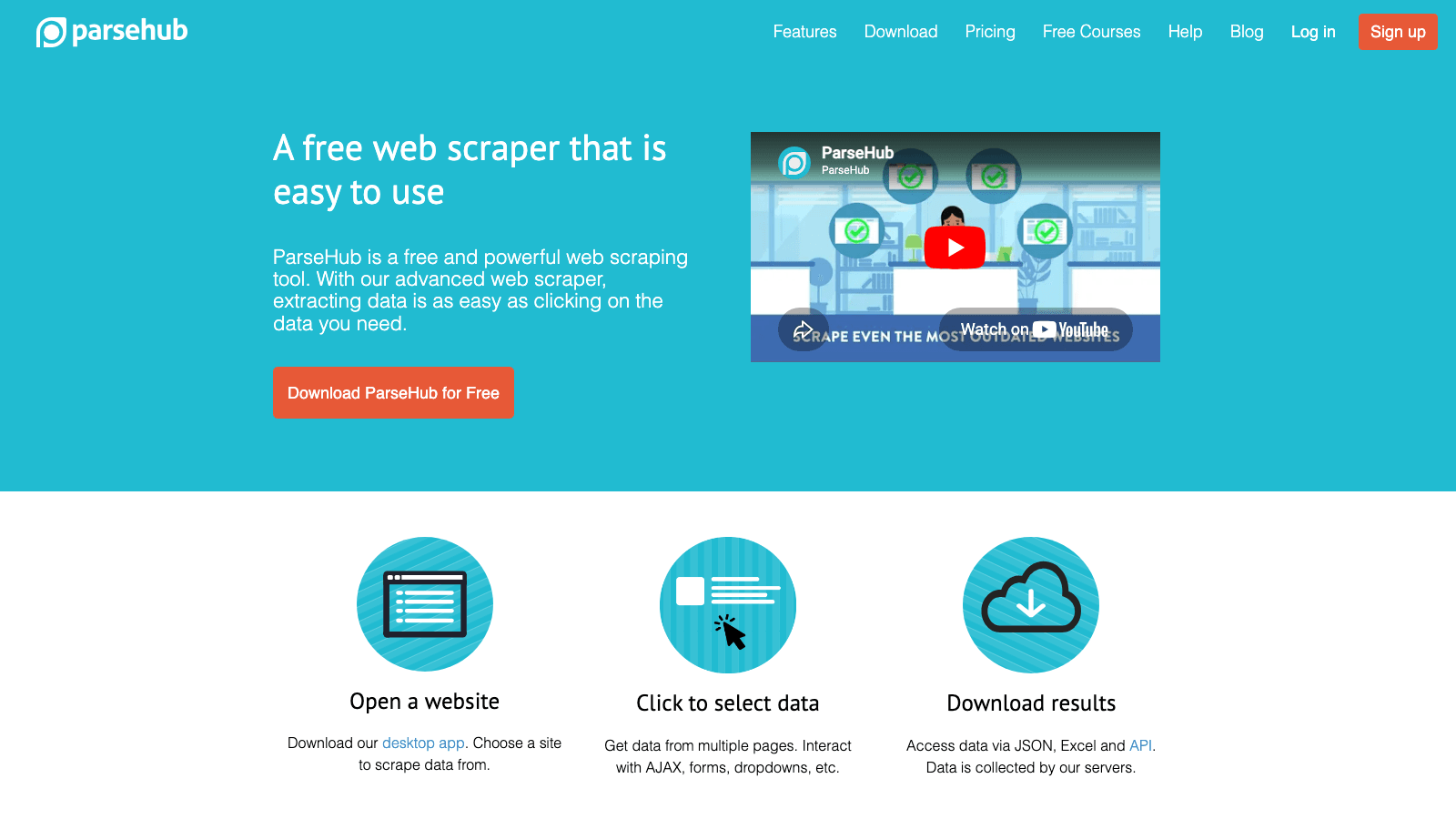
sits between no-code simplicity and developer-level control. It’s a visual scraper that handles complex site structures, dynamic content, and multi-level navigation—perfect for Amazon’s ever-changing layouts.
Key features:
- Visual Workflow Builder: Select elements, handle pagination, click through variants, and extract nested data.
- Dynamic Content Support: Works with JavaScript-heavy pages and can interact with dropdowns, pop-ups, and more.
- Scheduling & Cloud Runs: Automate recurring scrapes and run jobs in the cloud.
- Export Options: Download as CSV, Excel, JSON, or push to Dropbox/Amazon S3.
- Regex & Advanced Selectors: For power users who want granular control.
Pricing: Free plan allows up to 5 projects. Paid plans start at $189/month (according to the ), with more workers, scheduling, and integrations at higher tiers.
User feedback: ParseHub scores 4.5/5 on Capterra. Some users love its flexibility and scheduling; others find the setup complex for intermediate-to-advanced scraping. Entry price is higher than most no-code tools.
Best for: Power users and analysts who need custom visual workflows for complex Amazon targets.
4. Import.io: Real-Time Amazon Data Extraction for Enterprises
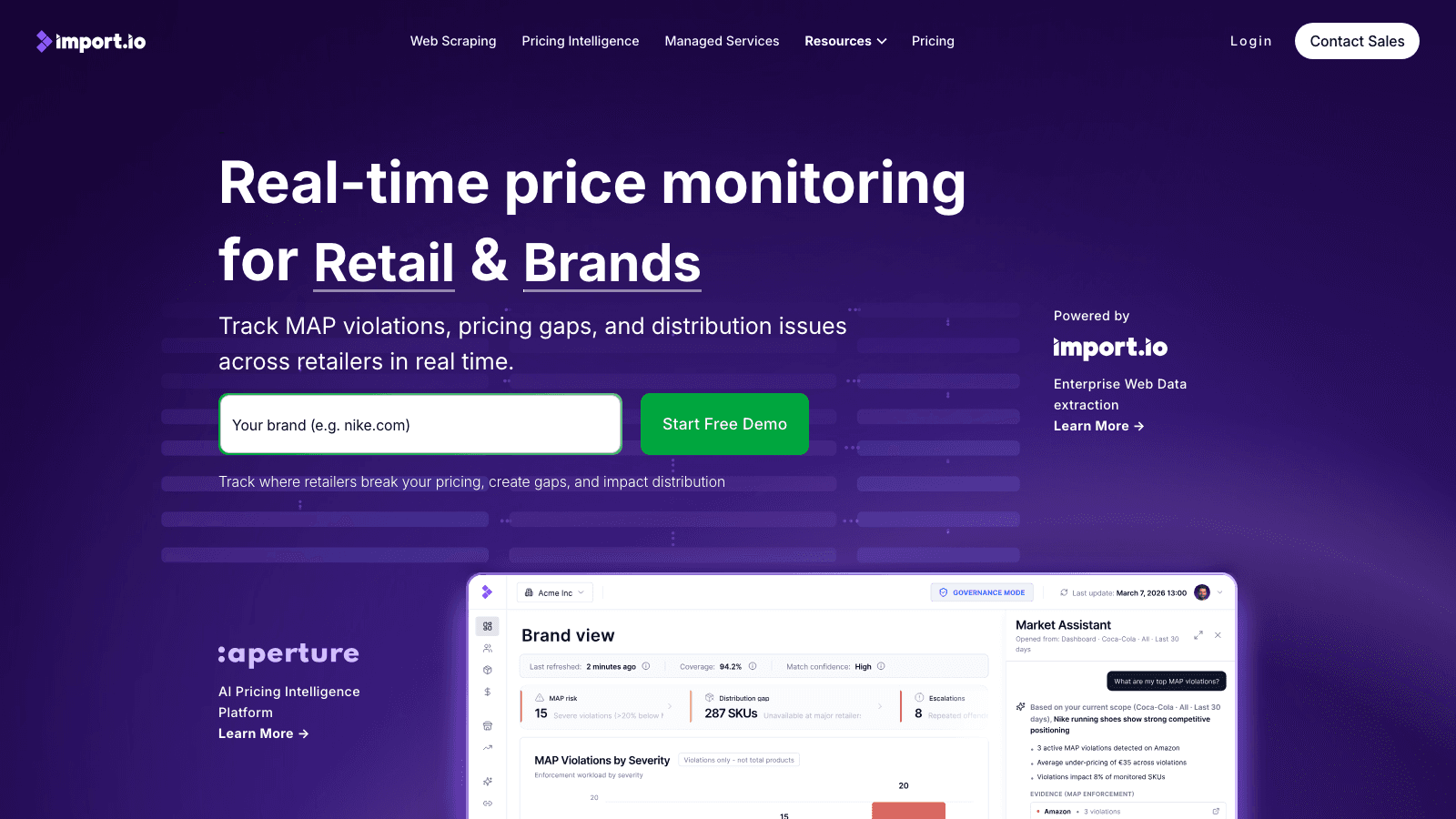
is not just a scraper—it’s an enterprise-grade pricing intelligence platform. If you’re managing millions of SKUs, need audit trails, or want to monitor competitors at scale, Import.io is built for you.
Key features:
- Real-Time Price & Product Monitoring: Track prices, availability, reviews, and rankings across Amazon and other marketplaces.
- AI Product Matching: Automatically match products across sites, even with messy data.
- Alerts & Compliance: Get notified of MAP violations, stock-outs, or suspicious price changes.
- Historical Data & Auditability: Maintain a full record of price changes for compliance or analytics.
- API & Export Feeds: Integrate with BI tools, dashboards, or custom workflows.
Pricing: No public plan table—pricing depends on data volume, automation, and support needs. Capterra lists a starting price of $299/month, but you’ll need to for enterprise features. A 14-day free trial is available.
User feedback: 3.6/5 on Capterra. Import.io is best for enterprises that need more than just raw scraping—it’s about governance, matching, and market intelligence.
Best for: Large ecommerce operations, pricing analysts, and compliance teams who need enterprise-scale monitoring and intelligence.
5. WebHarvy: Point-and-Click Amazon Scraper for Quick Data Extraction
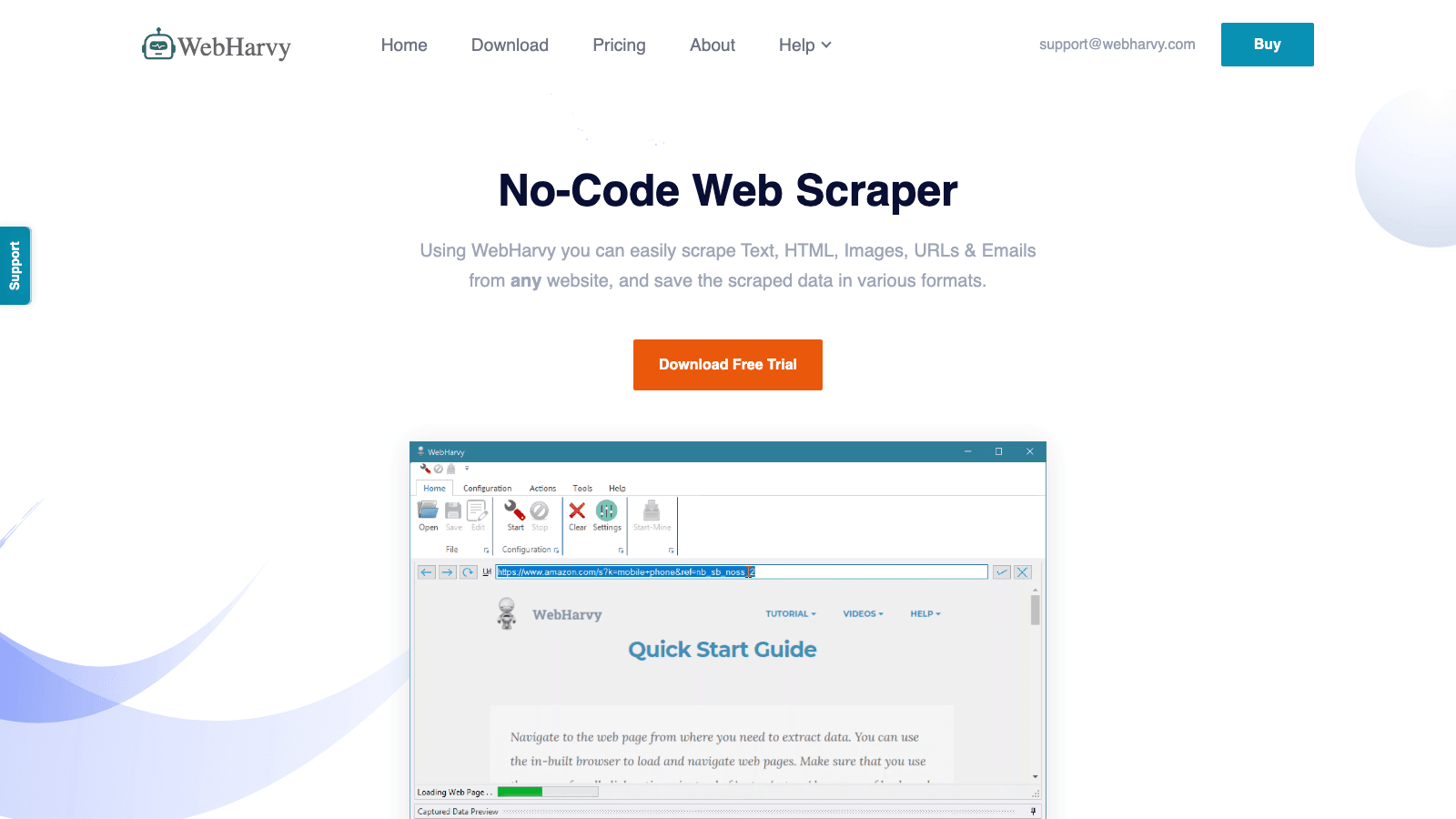
is an old-school desktop scraper with a loyal following among small businesses and budget-conscious teams.
Key features:
- Point-and-Click Interface: Select data visually from Amazon pages—no code, no templates.
- Scheduler & Proxies: Automate recurring scrapes and bypass anti-bot measures.
- Image, Review, and Variant Extraction: Grab product images, reviews, and all variants in one go.
- Export to Excel, CSV, JSON, XML, TSV: Flexible data output.
- Desktop App: Runs on Windows; no cloud or browser extension required.
Pricing: One-time license—Basic $99, Professional $199, Business $399, Enterprise $699. No monthly fees. (Note: Some directories show $129 as the starting price, but the lists $99.)
User feedback: 4.6/5 on Capterra from 74 reviews. Recent updates (Feb. 2026) added scroll list support, custom user-agent strings, and full-page HTML capture.
Best for: Small businesses and technical users who want a perpetual desktop license for quick Amazon data extraction.
6. DataMiner: Chrome Extension for Amazon Price Scraping
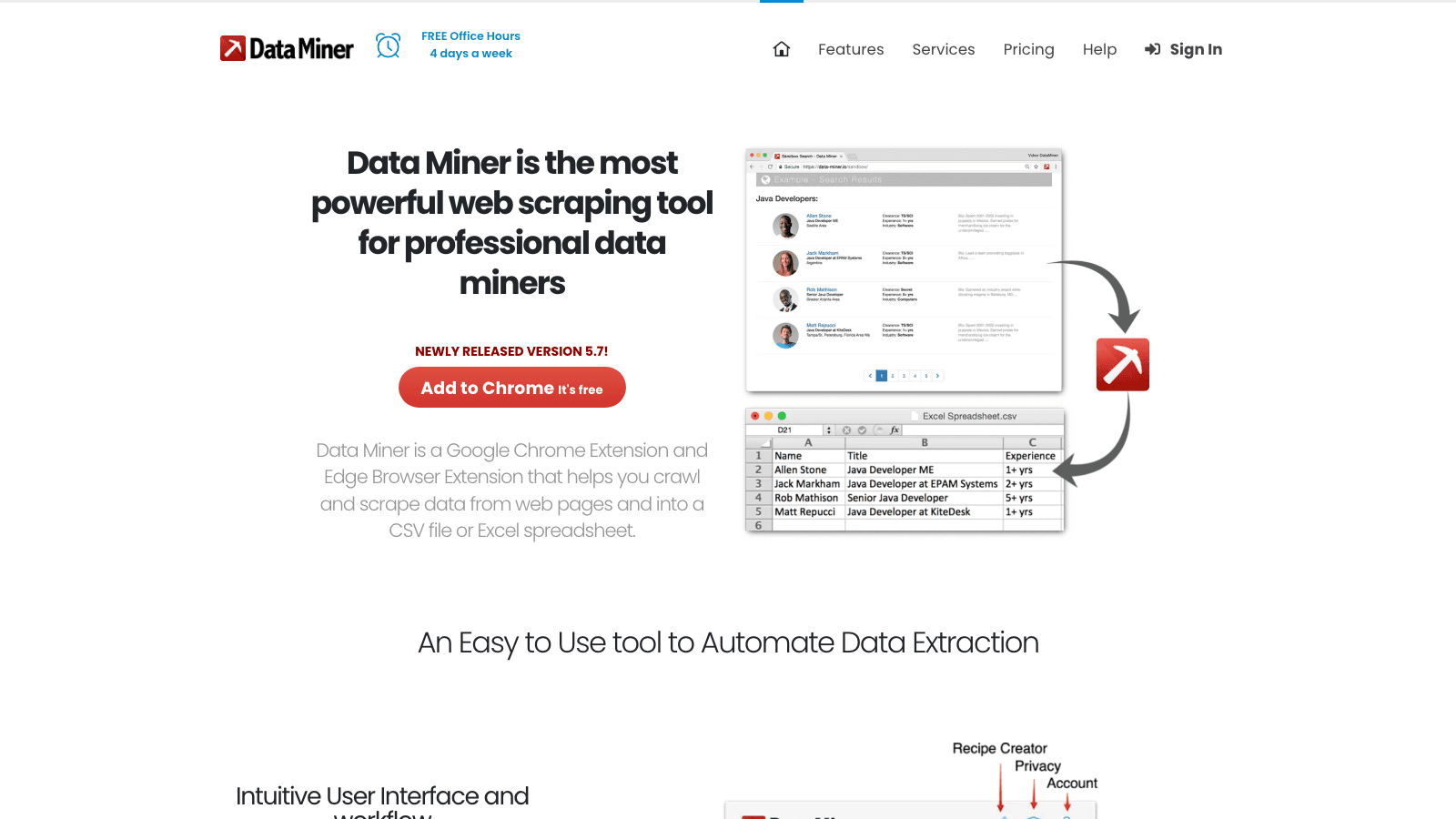
is a browser extension that turns any Amazon page into a structured spreadsheet in seconds.
Key features:
- Template Library: Use built-in recipes for Amazon price, title, ASIN, and more—or build your own.
- One-Click Extraction: Scrape data directly from your browser, then export to CSV, Excel, or Google Sheets.
- Batch Processing: Scrape multiple pages with a single click (within browser limits).
- Manual & Semi-Automated Workflows: Great for tactical research and small-scale projects.
Pricing: Free for up to 500 pages/month. Solo plan is $19.99/month (500 pages), Small Business $49/month (1,000 pages), Business $99/month (4,000 pages), Business Plus $200/month (9,000 pages).
User feedback: 4.7/5 on G2. Users love the ease of use and template flexibility, but note that it’s less suitable for large-scale, recurring automation.
Best for: Individual sellers, analysts, and teams who need fast, in-browser Amazon extraction without heavy automation.
7. Apify: Actor-Based Amazon Scraper for Custom Workflows
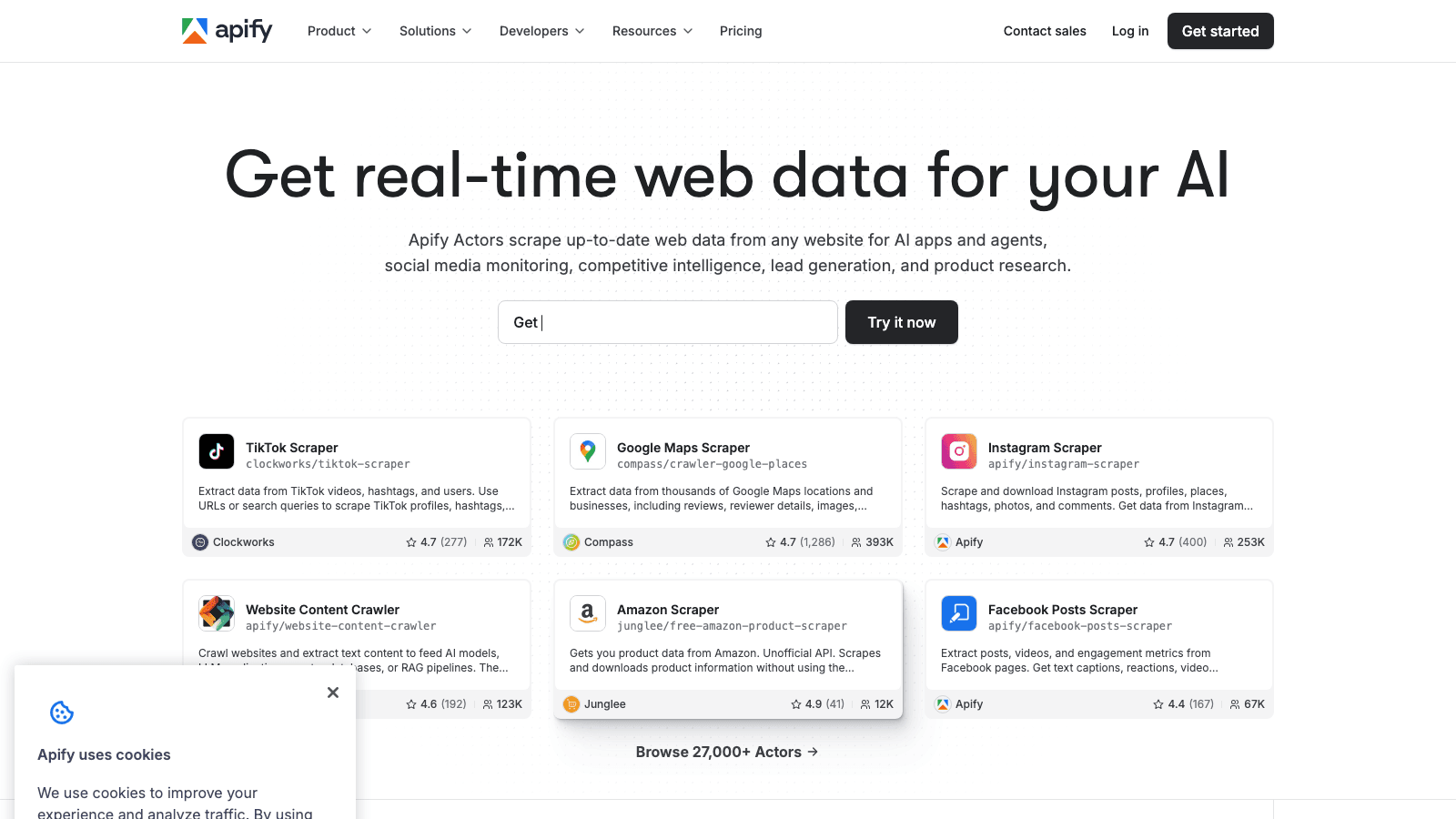
is a developer-friendly cloud platform with a massive library of “Actors”—pre-built and custom scraping scripts for Amazon and beyond.
Key features:
- Actor Ecosystem: Hundreds of ready-made Amazon scrapers for prices, reviews, rankings, and more.
- Cloud Execution & Scheduling: Run jobs in the cloud, schedule recurring scrapes, and scale up as needed.
- API-First Integration: Pull data directly into your own apps, dashboards, or databases.
- Proxy & Anti-Bot Support: Handle Amazon’s defenses with rotating proxies and browser rendering.
- Custom Workflows: Build your own Actors or tweak community scripts for bespoke needs.
Pricing: Free tier available. Paid plans start at $29/month (Starter), $199/month (Scale), $999/month (Business). Usage-based billing; proxy costs are separate.
User feedback: 4.7/5 on G2 (452 reviews), 4.8/5 on Capterra (387 reviews). One user described building 7 Actors that collected 250,000+ marketplace rows in six weeks—impressive scale for advanced teams.
Best for: Developers, data teams, and advanced growth ops who want cloud/API Amazon extraction and custom automation.
8. Scrapy: Open-Source Framework for Custom Amazon Price Scraping
is the gold standard for Python-based, open-source web scraping—perfect for engineering teams who want total control.
Key features:
- Custom Pipelines: Build spiders to crawl Amazon product, search, or review pages with full logic control.
- Integration with Playwright/Selenium: Handle JavaScript-heavy pages and login flows.
- Scalability: Run on your own infrastructure, scale horizontally, and manage proxies, retries, and queues.
- Community & Ecosystem: Over 61,000 GitHub stars and active development as of April 2026.
Pricing: Free software. Real cost is developer time, maintenance, hosting, and proxy management.
User feedback: Community-driven, not a commercial product. Best fit for technical teams who want to own the stack and customize every step.
Best for: Engineering-led teams building custom Amazon price scraping pipelines at scale.
9. Helium Scraper: Desktop Amazon Scraper with Visual Workflow
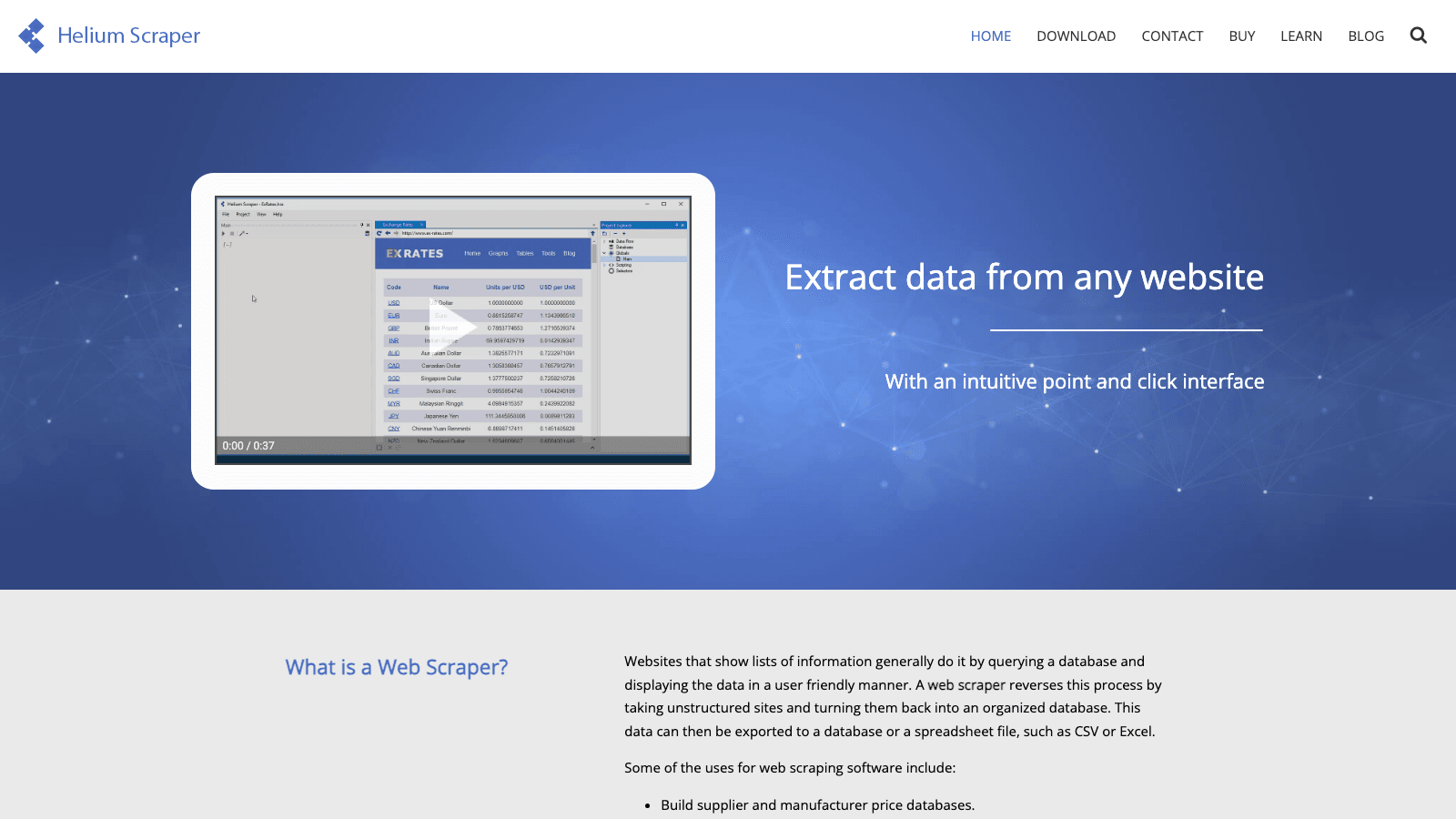
is a desktop visual scraper with a SQL-like workflow builder—somewhere between WebHarvy and ParseHub in complexity.
Key features:
- Visual Workflow Builder: Drag-and-drop interface for building extraction logic.
- Automation & Scheduling: Run recurring scrapes, handle dynamic content, and block requests as needed.
- Export to Database or Spreadsheet: Flexible output for further analysis.
- One-Time License: No recurring fees.
Pricing: Basic $99, Professional $199, Business $399, Enterprise $699 (one-time).
User feedback: Sparse—few public reviews, but the product is actively maintained and offers a 10-day free trial.
Best for: Technical Windows users who want a perpetual license and visual workflow control.
10. Diffbot: Automated Amazon Data Extraction Using AI
is an AI-powered data extraction platform that goes beyond scraping—it builds structured knowledge graphs from the web, including Amazon.
Key features:
- Automated Data Structuring: Feed it a URL or domain, and Diffbot returns structured product, company, or article data.
- API Delivery: Integrate with BI tools, dashboards, or custom apps.
- Global Coverage: Extracts data from Amazon and thousands of other ecommerce sites.
- Focus on Data Quality: AI-powered normalization, deduplication, and enrichment.
Pricing: Free 14-day trial. Paid plans start at $299/month (Startup), $899/month (Plus), with custom enterprise tiers.
User feedback: 4.9/5 on G2 (29 reviews), 4.5/5 on Capterra. One reviewer said Diffbot helped bring a product to market in under a month, saving weeks of development and ongoing maintenance.
Best for: Data products, analytics teams, and enterprises who want structured, large-scale Amazon data via API.
Comparison Table: Amazon Price Scraper Tools at a Glance
| Tool | Main Features | Best For | Automation | Pricing (2026) | Free Trial | Data Export Options | Ease of Use | G2/Capterra Score |
|---|---|---|---|---|---|---|---|---|
| Thunderbit | AI no-code, subpage, scheduling, API, exports | Small teams, non-tech ops | High | Free, $15/mo ($9/yr) | Yes | Sheets, Excel, Airtable, Notion, CSV | Very High | 4.6/5 (Chrome) |
| Octoparse | Visual, templates, cloud, scheduling, API | Startups, analysts | High | Free, $69/mo | Yes | CSV, Excel, JSON, DB | High | 4.7/5 |
| ParseHub | Visual, dynamic, scheduling, regex | Power users, analysts | Med-High | Free, $189/mo | Yes | CSV, Excel, JSON, S3 | Med | 4.5/5 |
| Import.io | Enterprise, AI matching, alerts, audit | Enterprises, compliance | Very High | Free trial, $299+/mo | Yes | API, feeds, CSV, JSON | Med | 3.6/5 |
| WebHarvy | Desktop, point-and-click, scheduler, proxies | Small biz, desktop users | Medium | $99 one-time | No | Excel, CSV, JSON, XML | High | 4.6/5 |
| DataMiner | Chrome ext, templates, batch, quick export | Solo sellers, analysts | Low-Med | Free, $19.99/mo | Yes | CSV, Excel, Sheets | Very High | 4.7/5 |
| Apify | Cloud, Actors, API, proxies, custom | Dev/data teams, advanced | Very High | Free, $29/mo | Yes | API, CSV, JSON, DB | Med | 4.7/5 |
| Scrapy | Python, open-source, full control | Engineers, custom stacks | Very High | Free (OSS) | N/A | Any (custom) | Low | N/A (OSS) |
| Helium Scraper | Desktop, visual, SQL, automation | Tech desktop users | Medium | $99 one-time | 10-day | DB, spreadsheet | Med | Sparse |
| Diffbot | AI, API, knowledge graph, global coverage | Data products, analytics | High | Free trial, $299+/mo | Yes | API, JSON, CSV | Med | 4.9/5 |
How to Choose the Right Amazon Price Scraper for Your Ecommerce Needs
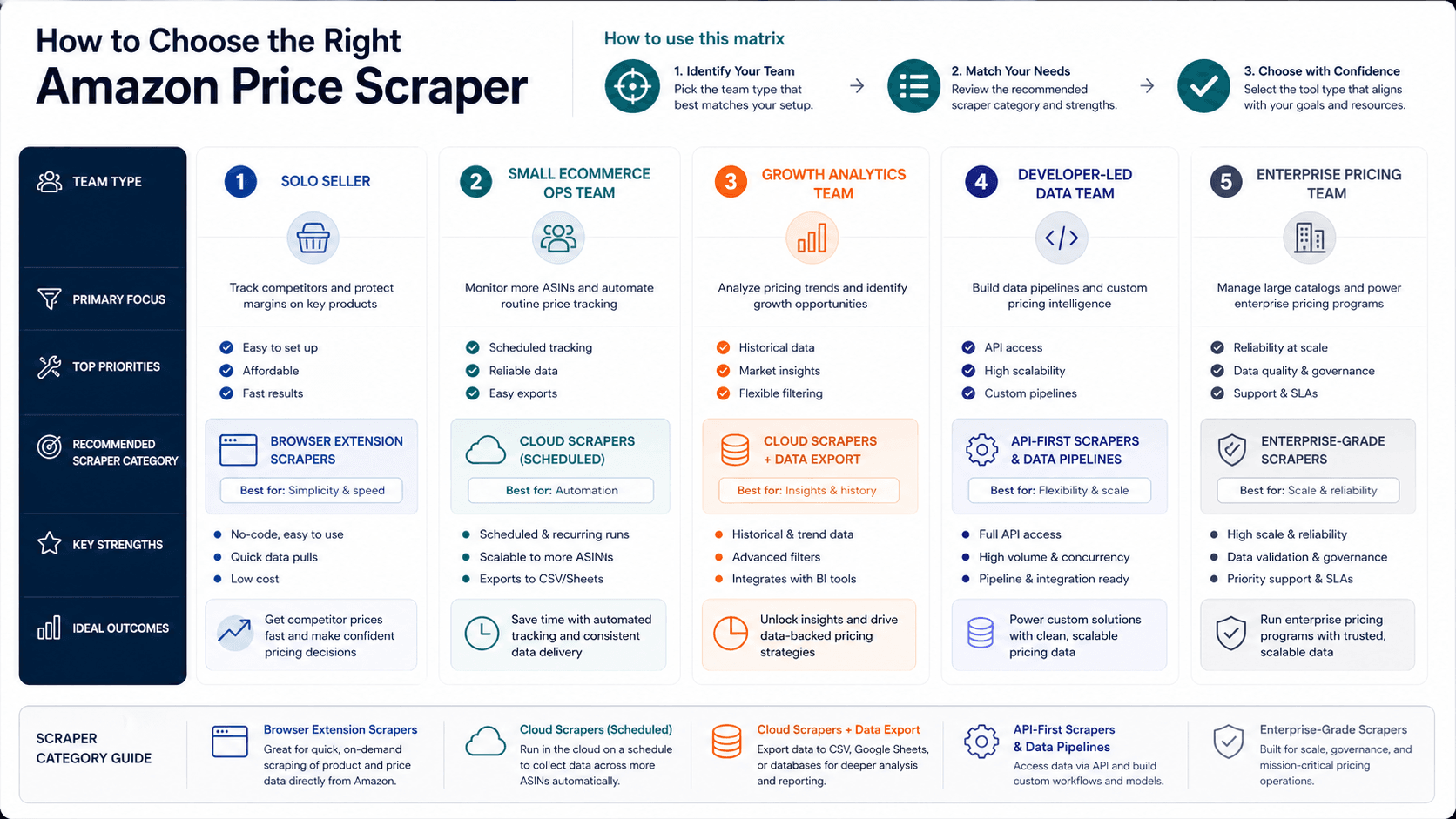
Picking the right Amazon price scraper is less about “the most features” and more about fit. Here’s a quick decision guide based on what I’ve seen in the trenches:
- Solo Seller / VA: or —fastest path from Amazon page to spreadsheet, no coding required.
- Small Ecommerce Ops Team: , , or —balance of ease, exports, and recurring runs.
- Growth / Analytics Team: , , or —mix of no-code speed and scalable automation.
- Developer-Led Data Team: , , or —API-first or fully custom control.
- Enterprise Pricing / Compliance: , , or Enterprise—better fit for matching, governance, auditability, and scale.
- Lowest Software Spend: , , or —one-time license or open source, but higher operational tradeoffs.
Key questions to ask:
- Do you need recurring, automated price monitoring—or just one-off extraction?
- Is your team technical, or do you need a true no-code solution?
- What’s your budget—and do you prefer monthly, usage-based, or one-time pricing?
- Where does your data need to go (Sheets, Excel, API, etc.)?
- How much scale do you need (dozens, hundreds, or millions of products)?
Remember: the best tool is the one your team will actually use—consistently and reliably.
Key Takeaways: Maximizing Ecommerce Product Data Extraction in 2026
- Amazon’s catalog is massive and volatile: With and , manual tracking is a non-starter.
- Web scraping for ecommerce is now operational infrastructure: The market for data extraction tools is projected to reach , with ecommerce as the top use case.
- Automation, accuracy, and ease of use matter most: The right Amazon price scraper should handle scheduling, batch processing, and export—without breaking when Amazon tweaks its layout.
- AI and no-code tools are closing the gap: Tools like and make advanced scraping accessible to non-technical teams, while platforms like and offer power and flexibility for developers and enterprises.
- Pricing transparency is a real issue: Always check the official site for the latest pricing—directory listings are often out of date.
- The best tool is the one that fits your workflow: Whether you need a quick export, recurring monitoring, or enterprise-scale intelligence, there’s a scraper for you.
If you’re ready to stop copy-pasting and start scaling, give one (or more) of these tools a spin. And if you want to see how AI-powered scraping can transform your workflow, or check out our for tutorials.
FAQs
1. Why do I need an Amazon price scraper for my ecommerce business in 2026?
Because Amazon’s catalog is enormous and prices change constantly—. Manual tracking is impossible at scale. Automated price scrapers let you monitor competitors, update your own listings, and make smarter pricing decisions in real time.
2. What’s the difference between no-code, developer, and enterprise Amazon scrapers?
No-code tools (like or ) are designed for business users—just point, click, and export. Developer tools (like or ) offer more control and integration, but require technical skills. Enterprise platforms (like or ) focus on large-scale monitoring, compliance, and analytics.
3. How do these tools handle Amazon’s anti-bot measures and layout changes?
Top tools use a mix of browser rendering, rotating proxies, AI field detection, and template updates to stay resilient. Tools like and are especially good at adapting to layout changes and handling pagination, variants, and subpages.
4. Can I export scraped Amazon data directly to Google Sheets or Excel?
Yes! Most leading tools—including , , and —offer direct export to Sheets, Excel, Airtable, Notion, or via API. Always check the export options before you commit.
5. What’s the best Amazon price scraper for non-technical users?
is my top pick for non-technical teams in 2026. Its AI-powered, no-code interface, instant templates, and free data export make it ideal for small ecommerce teams, VAs, and anyone who wants fast, accurate Amazon price/product extraction without coding.
Ready to level up your ecommerce data extraction? and start scraping smarter—not harder. And for more tips, deep dives, and automation guides, check out the . Happy scraping!
Learn More