
Amazon’s prices are like the weather in April—if you don’t like what you see, just wait a few hours. Whether you’re a deal hunter hoping to snag that 4K TV at a steal, or a business buyer managing inventory costs, missing a price drop on Amazon can feel like watching your favorite team lose in overtime. The stakes are real: Amazon changes prices on popular items daily, and savvy shoppers who track these drops can save $50 or more in just a few weeks (Moonsift). No wonder searches for “Amazon price tracker” are surging, and everyone from casual shoppers to procurement pros is looking for smarter, faster ways to keep tabs on those ever-shifting numbers (Accio).
If you’re tired of playing the refresh-and-hope game, you’re in the right place. In this guide, I’ll show you how to track Amazon price drops the easy way—using modern, automated tools (including Thunderbit), so you never miss a deal, a flash sale, or a chance to save big. Let’s dive in and turn price tracking from a chore into a superpower.
Why Track Amazon Price Drops? Unlock Savings and Smarter Shopping
Track Amazon Price History with AI Get Started Free
Let’s get real: Amazon’s pricing is designed to keep you guessing. According to Jungle Scout’s 2024 report, electronics and appliances can swing up to 50% in price over two years. That means today’s “deal” could be tomorrow’s regret—or vice versa.
So, why bother tracking price drops?
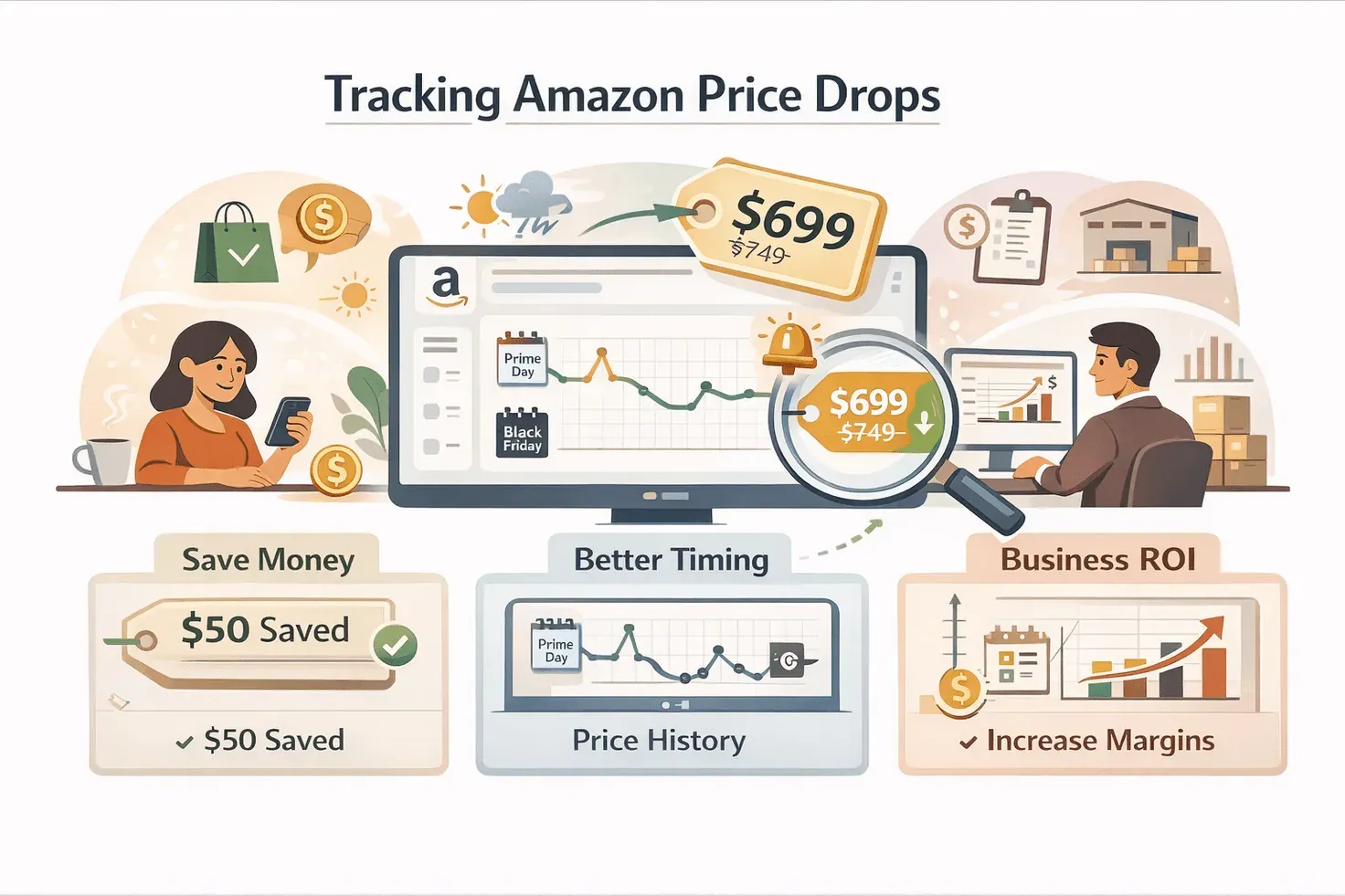
- Save Money: By waiting for a dip, you can score significant savings. One user saved about $50 in a few weeks just by catching the right moment (Moonsift).
- Better Timing: Historical price data shows that many products go on sale cyclically—think Prime Day, Black Friday, or random Tuesday markdowns (Thunderbit Blog).
- Business ROI: For retailers and procurement teams, tracking price drops isn’t just about saving a few bucks—it’s about maximizing margins and making smarter bulk purchases (Thunderbit Blog).
- Peace of Mind: Automated alerts mean you can stop obsessively checking prices and trust that you’ll be notified when it’s time to buy (Moonsift).
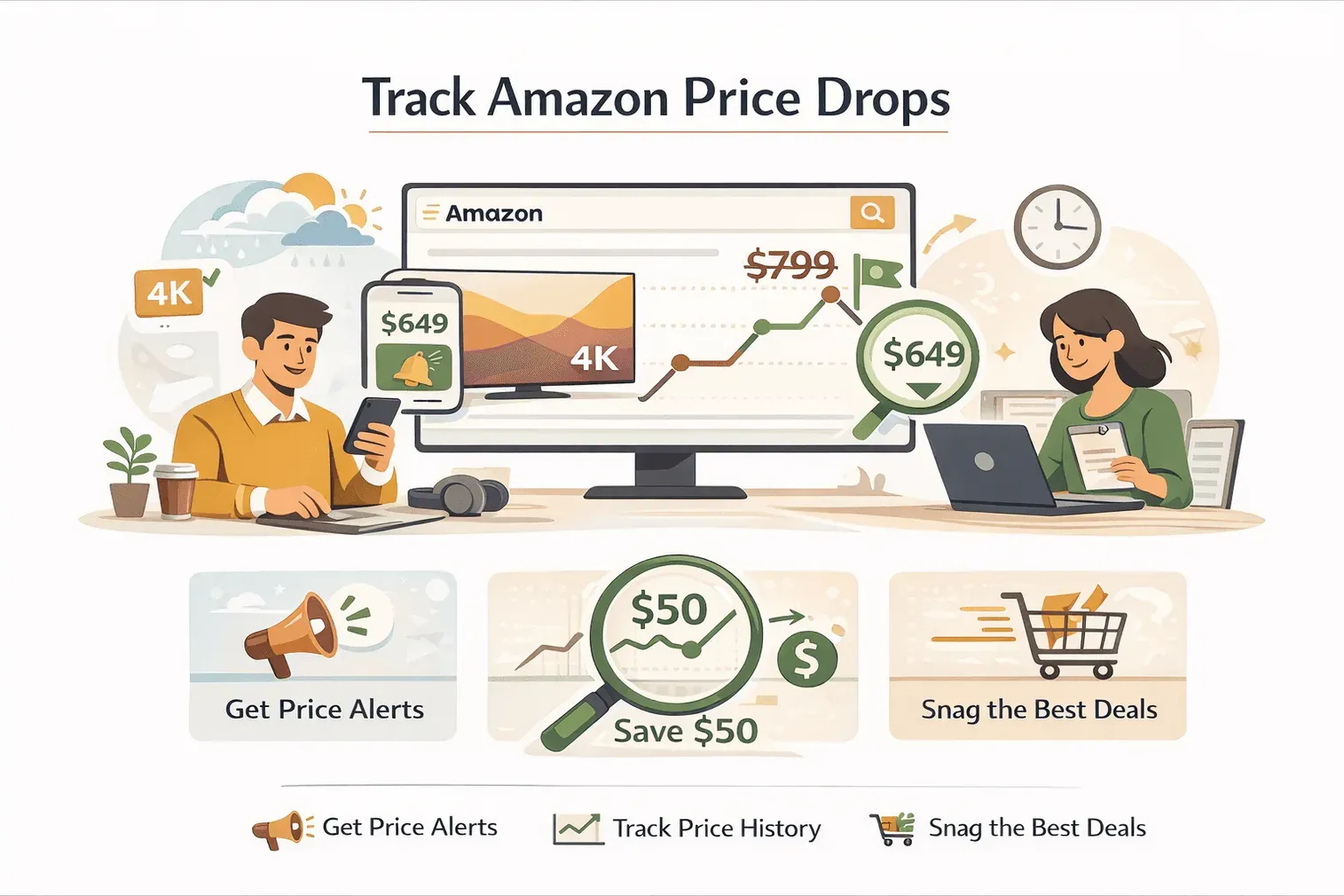
In short, tracking Amazon price drops isn’t just for coupon clippers—it’s a smart move for anyone who wants to make their money go further.
Common Ways to Track Amazon Price Drops: Manual vs. Automated
Let’s talk tactics. Most people start with the basics: bookmarking product pages, adding items to wishlists, or checking prices daily. I’ve been there—refreshing a page like it’s the scoreboard at the end of a close game. But manual tracking is a grind. It’s easy to miss flash sales, and unless you’ve got the patience of a monk, you’ll probably give up before you catch the best deal.
Manual Tracking Methods:
- Bookmarking product pages
- Adding items to Amazon wishlists
- Setting calendar reminders to check prices
- Keeping a spreadsheet (for the truly dedicated)
Automated Tracking Tools:
- Browser extensions (like Keepa, CamelCamelCamel, Thunderbit)
- Dedicated price tracking websites and apps
- Custom scripts or AI web scrapers
Here’s a quick comparison:
| Method | Advantages | Disadvantages |
|---|---|---|
| Manual (bookmarks, wishlists) | Free, simple, no setup | Time-consuming, easy to miss deals, not scalable, error-prone |
| Automated tools | 24/7 monitoring, instant alerts, scalable | Requires setup (installing extension, configuring alerts), some features may require payment |
Manual tracking works if you’re watching one or two items. But if you want to track dozens—or just value your time—automation is the way to go (Thunderbit Blog).
Meet Thunderbit: The Easiest Way to Track Amazon Price Drops
Scrape Amazon Price Drops with AI Get Started Free
Now, let me introduce you to Thunderbit, the AI Web Scraper Chrome Extension I helped build with the goal of making price tracking as easy as possible for everyone—no coding, no headaches, just results.
What makes Thunderbit different from traditional trackers?
- AI-Powered Field Suggestion: With one click, Thunderbit’s AI scans the Amazon page and suggests which columns to extract—like Product Name, Current Price, ASIN, and more (Thunderbit Blog).
- Subpage Scraping: Unlike most trackers that only monitor the main product page, Thunderbit can automatically visit each product’s detail page (or even each seller’s offer) to pull deeper data—like price by seller, stock status, and more (Thunderbit Blog).
- Instant Templates: For Amazon and other popular sites, Thunderbit has pre-built templates so you can start tracking with one click—no setup required (Thunderbit Blog).
- Free Data Export: Send your results directly to Excel, Google Sheets, Airtable, or Notion—no extra fees, no messy formatting (Thunderbit Blog).
- Scheduled Scraping: Set it and forget it—Thunderbit can scrape Amazon prices on a schedule (daily, weekly, you name it) and build your own price history database (Thunderbit Blog).
- Natural Language Setup: Just tell Thunderbit what you want (“Track all laptops under $800, update daily”) and the AI handles the rest (Thunderbit Blog).
Thunderbit is designed for everyone—from first-time users to power shoppers and business teams. And yes, there’s a free tier so you can try it out risk-free.
Track Amazon Price Drops with Thunderbit
Step-by-Step: How to Track Amazon Price Drops with Thunderbit
Ready to get started? Here’s how I use Thunderbit to track Amazon price drops—no technical skills required.
1. Install Thunderbit Chrome Extension
Head to the Thunderbit Chrome Extension page and click “Add to Chrome.” Sign up for a free account. (The free plan lets you scrape up to 6 pages a month—plenty to test things out.)
2. Navigate to the Amazon Product or Search Page
Open the Amazon product page you want to track, or a search/category results page if you’re monitoring multiple items.
3. Use AI Suggest Fields
Click the Thunderbit icon in your Chrome toolbar, then hit “AI Suggest Fields.” Thunderbit’s AI will scan the page and suggest fields like Product Name, Current Price, ASIN, Seller, and more. You can edit or add fields as needed (Thunderbit Blog).
4. Enable Pagination and Subpage Scraping
If you’re tracking a list of products, turn on pagination—Thunderbit will click through all result pages automatically. For deeper data (like price by seller or variant), enable subpage scraping so Thunderbit visits each product’s detail page (Thunderbit Blog).
5. Click “Scrape”
Thunderbit will collect all the data into a neat table—handling all pages and subpages for you.
6. Export Your Results
Click “Export” to send your data directly to Google Sheets, Excel, Airtable, or Notion. Now you’ve got a live price tracker and a historical record, ready for analysis or sharing (Thunderbit Blog).
7. Set Up Scheduled Scraping
Want to track price changes over time? In the Thunderbit dashboard, schedule your scrape (e.g., “every day at 9am”). Each run will append new rows to your spreadsheet, building a price history automatically (Thunderbit Blog).
Setting Up Smart Price Alerts and Automated Notifications
Here’s where Thunderbit really shines for deal hunters and business users alike. You can set up custom alerts so you’re notified the moment a price drop meets your criteria.
- Define Your Alert Rule: For example, “Notify me when this laptop drops below $800” or “Alert me if the price drops by 10%.”
- Choose Your Notification Channel: Thunderbit can email you, ping you on Slack or SMS, or update your spreadsheet so you see the change instantly (Thunderbit Blog).
- Automate Record-Keeping: By exporting to Google Sheets or Excel, you can use formulas or scripts to trigger notifications, create charts, or even automate purchase orders when your target price is hit.
This is next-level price tracking: you set your rules, and Thunderbit does the rest—no more FOMO, no more missed deals.
Using Thunderbit’s Natural Language Setup for Fast Price Tracking
One of my favorite features is Thunderbit’s natural language interface. Instead of fiddling with dropdowns or technical settings, you just tell Thunderbit what you want:
- “Track all wireless headphones under $100, update every Friday.”
- “Alert me when this monitor drops by 15%.”
- “Scrape all laptops in Electronics, export to Google Sheets.”
Thunderbit’s AI reads your instructions, configures the scraping template, and sets the schedule—no manual setup required (Thunderbit Blog). It’s like having a personal assistant who actually listens (and doesn’t take coffee breaks).
Deep Dive: AI Web Scraper for Multi-Level Amazon Price Tracking
Most price trackers only monitor the main product page, which is fine if you’re just watching the lowest price. But what if you care about different sellers, bundled offers, or product variations? That’s where Thunderbit’s subpage scraping comes in.
- Multi-Level Scraping: Thunderbit can visit each product’s detail page, pull prices from all sellers, check stock status, and even grab ratings or historical price chart data if it’s available (Thunderbit Blog).
- Deeper Insights: This lets you compare offers, spot hidden deals, and analyze trends that basic trackers miss. For example, you might find that a third-party seller drops their price every Sunday night, or that a specific color variant is always cheaper.
In my experience, this level of detail is a game-changer for business buyers, resellers, or anyone who wants to squeeze every last drop of value from their Amazon shopping.
Building a Price History Database with Scheduled Scraping
Tracking a single price drop is great—but building your own price history database is even better. With Thunderbit’s scheduling feature, you can automatically scrape Amazon prices at set intervals (daily, weekly, etc.), creating a rich dataset for trend analysis.
- Set Your Schedule: In Thunderbit, just describe your schedule (“every morning at 8am”) and the AI will handle the rest (Thunderbit Blog).
- Analyze Trends: Over weeks or months, you’ll see patterns—like holiday discounts, weekend drops, or seasonal swings.
- Smarter Buying Decisions: Use your price history to time purchases, negotiate with suppliers, or plan inventory. Once you've got a few weeks of data, the patterns earn their keep — categories that consistently dip on weekends, bundles that drop right before holiday cycles, third-party sellers whose markdowns follow a schedule (Thunderbit Blog).
And because the data is yours, you can slice, dice, and visualize it however you want—no more relying on third-party charts or limited reports.
Choosing Your Price Tracking Strategy: Automated vs. Manual
Still wondering if you should stick with manual tracking or go automated? Here’s a quick decision guide:
| Factor | Manual Tracking | Automated (Thunderbit & others) |
|---|---|---|
| Time Investment | High (daily checks) | Low (set up once, runs automatically) |
| Accuracy | Prone to errors, easy to miss deals | Reliable, catches every change |
| Scalability | 1-2 products at best | Hundreds or thousands of SKUs |
| Customization | Limited | Highly customizable (fields, alerts, schedules) |
| Peace of Mind | Constant worry | Relax—alerts do the watching for you |
If you’re tracking just one item for fun, manual might be enough. But for consistent savings, business use, or anyone who values their time, automated tools like Thunderbit are the clear winner (Moonsift).
Key Takeaways: Smarter Ways to Track Amazon Price Drops
- Amazon prices are always changing—and tracking those changes pays off, whether you’re shopping for yourself or your business (Jungle Scout).
- Manual tracking is tedious and unreliable for more than a couple of items.
- Modern, AI-powered tools like Thunderbit make it easy to set up custom price monitors, smart alerts, and even build your own price history database (Thunderbit Blog).
- Thunderbit’s natural language setup, subpage scraping, and scheduled exports mean anyone can track Amazon price drops like a pro—no coding, no hassle.
- Automate your tracking, set your alerts, and let the savings come to you. Your wallet (and your stress levels) will thank you.
Ready to give it a try? Download Thunderbit and start tracking Amazon price drops today. For more tips, tutorials, and deep dives into smart shopping, check out the Thunderbit Blog.
Learn More About Amazon Price Tracking
FAQs
1. How often do Amazon prices change, and why does it matter?
Amazon updates prices on popular products daily, and some categories (like electronics) can fluctuate by up to 50% over time (Jungle Scout). Tracking these changes helps you buy at the lowest price and avoid overpaying.
2. What’s the difference between manual and automated price tracking?
Manual tracking means checking prices yourself—bookmarking, wishlists, spreadsheets. Automated tools like Thunderbit monitor prices 24/7, send alerts, and can track hundreds of products at once, saving you time and reducing the risk of missing deals (Thunderbit Blog).
3. How does Thunderbit simplify Amazon price tracking for beginners?
Thunderbit uses AI to suggest the best fields to track, supports natural language setup (“Track all laptops under $800”), and has instant templates for Amazon. You can set up monitoring and alerts in just a couple of clicks—no technical skills needed (Thunderbit Blog).
4. Can Thunderbit track price changes on Amazon subpages, like different sellers or product variations?
Yes! Thunderbit’s subpage scraping feature lets you pull prices from each seller, variant, or bundled offer—giving you a much deeper view than most basic trackers (Thunderbit Blog).
5. How do I set up scheduled price tracking and alerts with Thunderbit?
Just describe your schedule (“every day at 9am”) and your alert criteria (“notify me if price drops below $X”). Thunderbit will scrape prices at those intervals, update your spreadsheet, and send alerts when your conditions are met (Thunderbit Blog).
Happy tracking—and may your next Amazon purchase be the best deal yet.
Try AI Amazon Price Tracker Free Get Started Free
Learn More




