
Hotel prices are like the stock market—one minute you’re celebrating a great deal, the next you’re staring at the same room for $100 less and wondering if you should’ve waited. I’ve seen this play out countless times, both as a traveler and as someone obsessed with making tech work for real people. The truth is, hotel rates are in constant motion, and keeping up with those swings by hand is about as fun as watching paint dry (except the paint sometimes gets more expensive while you’re watching).
Track hotel prices with AI Monitor hotel prices in real time and never miss a deal with Thunderbit's AI-powered web scraper. Get Started Free
That’s where hotel price trackers come in. These tools are quietly transforming how travelers plan, budget, and book their stays—saving money, time, and a whole lot of stress. Whether you’re a family planning a summer vacation, a business traveler with a tight budget, or just someone who hates the feeling of missing out on a better deal, understanding hotel price trackers is your ticket to smarter travel. Let’s dive into what they are, how they work, and why tools like Thunderbit are changing the game for travelers everywhere.
Hotel Price Tracker: The Smart Traveler’s Secret Weapon
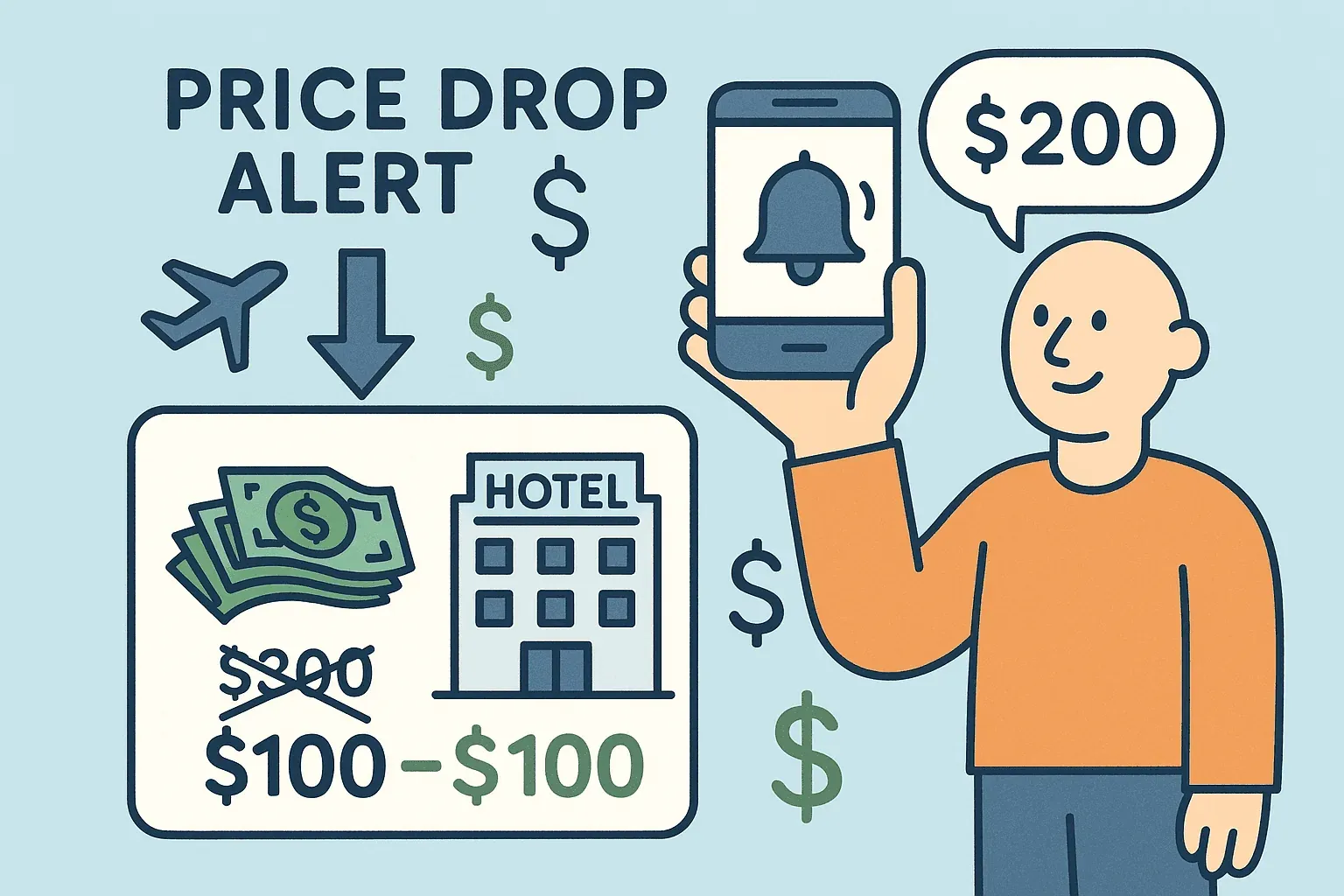
A hotel price tracker is your personal assistant for hotel deals. It’s a tool—often a website, app, or browser extension—that keeps an eye on hotel room prices for you, around the clock. Instead of refreshing booking sites every day (or hour) hoping for a price drop, you set your tracker and let it do the heavy lifting. When a price falls, a special offer appears, or a deal matches your criteria, you get an alert—no more FOMO, no more endless browser tabs.
For price-sensitive travelers, this is a game-changer. Imagine you’re planning a family trip to Orlando. You find a hotel you like, but you’re worried the price might drop. With a hotel price tracker, you can book a refundable rate and let the tracker monitor for drops. If the price falls, you get an alert and can rebook at the lower rate—sometimes saving $100, $200, or more on a single trip (Pruvo). Real travelers have reported saving $150 on a Berlin stay, or $400 on a New York business trip, just by acting on a timely alert.
 But it’s not just about the money. A hotel price tracker helps you:
- Plan with confidence: No more second-guessing if you booked too early or too late.
- Optimize your budget: Stretch your travel dollars further, or upgrade your experience for the same price.
- Reduce stress: Set your criteria, get on with your life, and let the tracker worry about the price swings.
It’s like having a travel-savvy friend who never sleeps, never gets distracted, and always has your back.
How a Hotel Price Tracker Works: Behind the Scenes
So, how does a hotel price tracker pull off this magic? It’s all about data, automation, and a bit of AI smarts.
The Core Mechanisms
- Continuous Price Monitoring: The tracker checks hotel prices for you—sometimes dozens of times a day—across multiple booking sites. It’s like having a robot refresh the page while you’re out living your life.
- Historical Trend Analysis: Many trackers build a history of price changes for each hotel. They can show you charts or graphs of how the price has moved over days or weeks, helping you spot patterns or know if you’re seeing a real deal.
- Price Prediction: Advanced trackers use machine learning to predict future price movements. They might say, “Prices are likely to drop, hold off booking,” or “Now’s the time to book—prices are as low as they’ll get” (The Verge).
All of this happens in the background. When a significant change is detected—a price drop, a new perk, or a flash sale—the tracker sends you an alert by email, push notification, or however you prefer.
Key Features of a Hotel Price Tracker
Let’s break down the features that make hotel price trackers so effective:
- Automated Price Alerts: Get notified instantly when your hotel’s price drops, or when a deal matches your criteria. You can set thresholds (“alert me if the price falls below $150/night” or “if there’s a 10% drop”).
- Multi-Platform Tracking: Track prices across Booking.com, Expedia, the hotel’s own site, and more. This ensures you catch the lowest price, no matter where it pops up.
- Price History Charts: See how a hotel’s price has changed over time. Is this the lowest price in weeks, or just a blip?
- Smart Recommendations: Some trackers offer “book now” or “wait” advice, using AI to analyze trends and predict the best timing.
- Flexible Filters: Track specific room types, perks (like free breakfast), or multiple hotels at once. Some tools even let you set alerts for value-added changes, not just raw price drops (Visualping).
These features combine to give travelers a real edge—turning the chaos of hotel pricing into actionable, money-saving insights.
Why Manual Hotel Price Checks No Longer Work
Let’s be honest: the old way of tracking hotel prices—manually checking sites, keeping spreadsheets, and hoping for the best—isn’t just tedious, it’s downright ineffective in today’s market.
Here’s why:
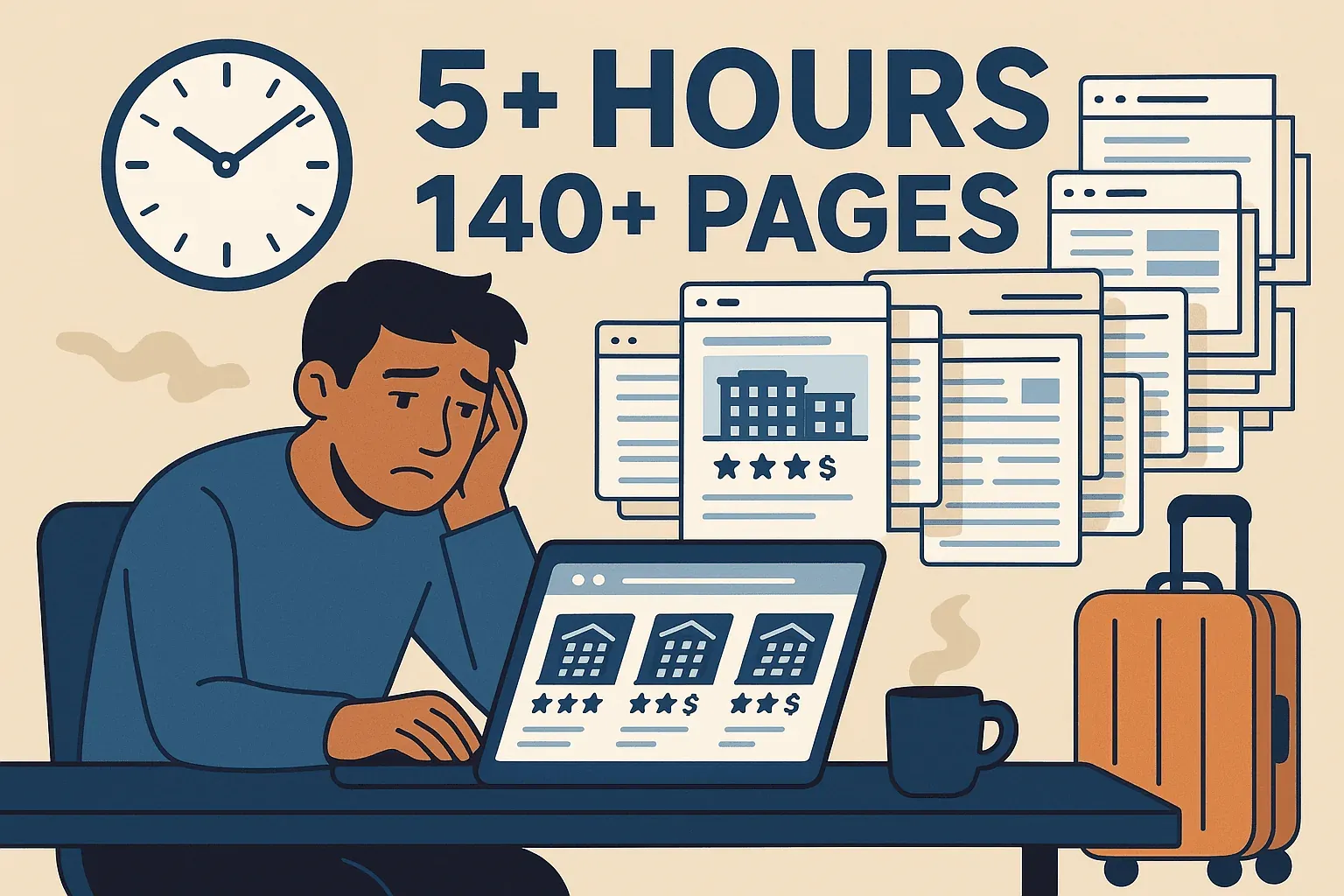
- Time Sink: Research shows travelers can spend over 5 hours and view 140+ pages just comparing hotel deals before booking. That’s a part-time job!
- Fragmented Info: Prices vary across platforms. You’d have to check Booking.com, Expedia, the hotel’s own site, and maybe a few others—every day, sometimes multiple times a day.
- Constant Fluctuations: Hotel prices can change several times a day, driven by algorithms that react to demand, cancellations, and even your browsing history (RatePunk). You’re likely to miss a short-lived deal unless you’re glued to your screen.
- Missed Deals: Flash sales, last-minute drops, or perks like free breakfast can appear and disappear in hours. Manual checkers almost always miss these windows.
- Stress and Uncertainty: The constant “what if the price drops tomorrow?” anxiety can take the fun out of trip planning.
 No wonder 80% of travelers want AI-powered assistance with trip planning, and price monitoring tops the list of desired features.
Here’s a quick comparison:
| Factor | Manual Price Checking | Using a Price Tracker |
|---|---|---|
| Time Invested | Hours | Minutes (setup only) |
| Consistency & Speed | Prone to misses | Always-on, instant |
| Accuracy | Easy to lose track | Automatic, precise |
| Savings Potential | Hit or miss | Maximized |
| Stress Level | High | Low |
Hotel price trackers don’t just save you money—they save your sanity.
Thunderbit: Real-Time Hotel Price Monitoring with an Edge
Now, let’s talk about how Thunderbit takes hotel price tracking to the next level. As someone who’s spent years in SaaS and automation, I’m genuinely excited about what we’ve built at Thunderbit—and how it’s helping travelers get smarter about hotel deals.
Thunderbit is an AI-powered web scraper Chrome Extension that can monitor hotel prices in real time, across any website. Whether your hotel is listed on a major OTA, a boutique booking site, or just its own homepage, Thunderbit can track it.
What Sets Thunderbit Apart?
- Speed & Scale: Thunderbit can check dozens of hotel listings at once, using cloud scraping to work faster than any human (or most other tools). Want to track 50 hotels in Paris? No problem.
- Real-Time Scheduling: With the Scheduled Scraper, you can set Thunderbit to re-check your hotel pages every hour, every morning, or on any schedule you want. The moment a price changes, you’ll know.
- AI-Powered Field Detection: Thunderbit’s “AI Suggest Fields” reads the page and automatically identifies the key info—hotel name, price, rating, perks, and more. No coding, no setup headaches.
- Multi-Platform & Subpage Scraping: Track the same hotel across Booking.com, Expedia, and its own site. Thunderbit can even follow links to grab the final price with taxes, or check different room types.
- Instant Data Export: Export your tracked prices directly to Excel, Google Sheets, Airtable, or Notion—free and instant. Perfect for sharing with friends or keeping your own price history.
- No-Code, Non-Technical Friendly: If you can browse the web, you can use Thunderbit. The interface is point-and-click, available in 55 languages, and designed for everyone.
Thunderbit is like having a personal web robot that tirelessly checks your hotels for you—no more missed deals, no more manual grunt work.
Start Tracking Hotel Prices with Thunderbit
Thunderbit’s AI-Powered Features for Travelers
Let’s dig into the features that make Thunderbit especially powerful (and easy to use):
- AI Field Recognition: One click, and Thunderbit’s AI identifies all the important data on a hotel page. No need to mess with HTML or selectors.
- Two-Click Scraping: Click “AI Suggest Fields,” then “Scrape.” That’s it. Your data appears in a neat table, ready to use.
- Subpage Scraping: Need the price for a specific room or with certain perks? Thunderbit can click into each hotel’s detail page and grab exactly what you need.
- Scheduled Scraping: Set Thunderbit to check your hotels every day (or hour) and log the results. You’ll always have the latest prices, and can even set up alerts with integrations.
- Custom AI Prompts: Want to track only rooms under $200, or flag when breakfast is included? Use custom prompts to tailor your tracking.
- Instant Export: Send your data straight to Sheets, Notion, or Excel—no paywalls, no extra steps.
Thunderbit brings enterprise-grade web scraping to everyday travelers, with a no-code interface anyone can use.
Core Benefits: How Hotel Price Trackers Help Travelers Save
Let’s sum up what hotel price trackers actually do for you:
- Save Money: About 40% of hotel bookings see a price drop, with average drops around 14%. That’s real cash back in your pocket.
- Save Time: No more endless searching—set your tracker and move on.
- Book at the Best Time: Trackers (especially with predictive features) help you book when prices are lowest, not just when you happen to check.
- Reduce Stress: No more “did I book too soon?” anxiety. If the price drops, you’ll know.
- Maximize Value: Sometimes it’s not just about price—a tracker can alert you to perks like free breakfast or upgrades, letting you get more for your money.
Here’s a quick side-by-side:
| Benefit | Manual Tracking | Hotel Price Tracker |
|---|---|---|
| Money Saved | Hit or miss | Consistently more |
| Time Invested | High | Low |
| Booking Timing | Guesswork | Data-driven |
| Stress Level | High | Low |
| Value/Perks | Often missed | Tracked & alerted |
Practical Strategies for Using a Hotel Price Tracker
Want to get the most out of your hotel price tracker? Here are some tips I’ve picked up (and seen work for real travelers):
- Start Early, Book Smart: Track prices as soon as you know your dates. Book a refundable rate if you see a good deal, then keep tracking for drops.
- Use Free Cancellation: Always book rooms with free cancellation when possible, so you can rebook if your tracker finds a better deal.
- Track the Total Price: Make sure you’re tracking the final price (with taxes and fees), not just the nightly rate.
- Set Meaningful Alerts: Don’t get pinged for every $5 change—set thresholds that matter to you (like 10% drops or specific perks).
- Track Multiple Hotels: Don’t put all your eggs in one basket. Track a few comparable hotels to maximize your chances of a great deal.
- Adjust Frequency: As your trip gets closer, increase how often your tracker checks—especially near cancellation deadlines or during big sales.
- Act Fast: When you get an alert, move quickly. The best deals can disappear in hours.
- Watch for Value-Adds: Sometimes a rate stays the same, but perks get added. Track for “free breakfast” or “room upgrade” keywords.
- Combine with Flight Tracking: If you’re flexible, coordinate your flight and hotel bookings for the best overall package.
- Keep Tracking on the Road: For flexible trips, keep your tracker running—you might catch last-minute deals even during your travels.
Real-World Examples: Travelers Winning with Hotel Price Trackers
- Family Vacation: Booked a week in Berlin, got an alert, rebooked, and saved $150—enough for a few extra nice dinners (Pruvo).
- Business Traveler: Saved $400 on a New York hotel by jumping on a last-minute luxury rate drop.
- Frequent Traveler: Tracks every booking with a price tracker, saves $30–$50 per trip—over a year, that’s nearly $1,000 back in the travel budget (PointMeToThePlane).
- Event Attendee: Beat conference surge pricing by tracking multiple hotels—snagged a 25% discount when a competitor dropped rates last minute.
These aren’t just lucky breaks—they’re the result of smart, automated tracking.
Comparing Top Hotel Price Trackers: What to Look For
There are plenty of hotel price trackers out there, but not all are created equal. Here’s a quick comparison of some top options:
| Tool | How It Works & Features | Ease of Use | Best For |
|---|---|---|---|
| Thunderbit | AI-powered Chrome extension. Tracks any site, multi-platform, scheduled scraping, instant export, subpage scraping, no-code. | Very easy (point-and-click) | Power users, deal hunters, DIY travelers |
| Google Hotel Alerts | Integrated into Google search. Track individual hotels (rolled out globally April 2026) or specific cities/dates and get email alerts on rate changes. | Easiest (just a toggle, signed-in required) | Casual travelers, Google users |
| Hopper | Mobile app. Predicts price trends, “book/wait” advice, push alerts, in-app booking. | Easy, engaging | App lovers, flexible planners |
| Pruvo | Post-booking tracker. Forward your booking, get alerts if the price drops. | Effortless | Anyone booking in advance |
Thunderbit stands out for its flexibility and depth—you can track any hotel, on any site, with custom schedules and instant data exports. It’s perfect for travelers who want total control, or who need to track hotels not covered by mainstream apps.
Key Takeaways: Smarter Hotel Booking with Price Trackers
- Hotel price trackers are essential tools for modern travelers. They save you money, time, and stress by automating the hunt for deals.
- Manual price checking just can’t keep up with today’s dynamic, algorithm-driven hotel pricing.
- Thunderbit brings real-time, AI-powered price tracking to everyone, with a no-code interface and powerful features like scheduled scraping, subpage tracking, and instant export.
- Smart strategies—like booking refundable rates, tracking multiple hotels, and setting meaningful alerts—can maximize your savings.
- Real travelers are saving hundreds (sometimes thousands) of dollars by using price trackers—don’t leave money on the table.
Ready to level up your hotel booking game? Download Thunderbit and see how easy it is to start tracking prices and catching deals. For more tips and deep dives on travel tech, check out the Thunderbit Blog.
Learn More About Hotel Price Monitoring
FAQs
1. What is a hotel price tracker, and how does it work?
A hotel price tracker is a tool that monitors hotel room prices across booking sites and alerts you when prices drop or deals appear. It works by automatically checking prices, building a history of changes, and notifying you when it’s the right time to book.
2. How much money can I really save with a hotel price tracker?
Studies show that about 40% of hotel bookings see a price drop, with average savings around 14%. Real travelers have reported saving $100–$400 or more per trip by acting on tracker alerts.
3. What makes Thunderbit different from other hotel price trackers?
Thunderbit is an AI-powered Chrome extension that can track prices on any website, not just major OTAs. It offers scheduled scraping, instant data export, subpage tracking, and a no-code interface—making it powerful yet easy to use for everyone.
4. Can I use a hotel price tracker after I’ve already booked?
Absolutely. Many travelers book a refundable rate, then use a tracker to monitor for drops. If the price falls, they rebook at the lower rate and cancel the original—no penalty, just savings.
5. What’s the best way to use a hotel price tracker for maximum savings?
Start tracking early, book refundable rates, set meaningful alert thresholds, track multiple hotels, and act quickly when you get an alert. Tools like Thunderbit make it easy to automate and customize your tracking for the best results.
Safe travels—and may your next hotel deal be the best one yet. Learn More
- How to Use AI to Power Accurate Hotel Pricing Monitoring
- What Is Hotel Rate Intelligence and Why It Matters
Try Thunderbit AI Hotel Price Tracker Get Started Free




