How to Find Email Associated with YouTube Account: A Guide

Last Updated on November 3, 2025

Ever tried reaching out to a YouTube creator and felt like you were shouting into the void? You’re not alone. In today’s influencer-driven world, making direct contact with YouTubers can mean the difference between a viral campaign and a missed opportunity. I’ve seen firsthand how a single well-placed email can spark collaborations that drive sales, boost brand awareness, and even turn critics into advocates. But here’s the catch: finding the right email—legally and efficiently—isn’t always as simple as scrolling through a channel’s About page.

With influencer marketing projected to hit and brands seeing up to from creator partnerships compared to traditional ads, the stakes have never been higher. Whether you’re in sales, PR, or marketing, knowing how to find the email associated with a YouTube account—the right way—is now a must-have skill. Let’s break down the best strategies, the legal guardrails, and how tools like make the whole process a breeze. ChatGPT Image Nov 3, 2025, 02_48_32 PM (1).png

Why Finding the Email Associated with a YouTube Account Matters

Let’s get real: direct email outreach is the backbone of successful influencer marketing. DMs get lost, comments get buried, but a well-crafted email lands right in a creator’s business inbox—where deals actually get done.

Here’s why this matters for your business:

  • Influencer Marketing & Sponsorships: Brands that reach out via email for sponsored videos or product reviews see . One e-commerce brand saw an 11% sales bump after emailing micro-influencers for collaborations.
  • Brand Partnerships & Affiliates: Email lets you negotiate terms, align on deliverables, and build long-term ambassador relationships.
  • PR & Media Outreach: Need coverage for a product launch? Email gets your pitch noticed over social DMs.
  • Customer Engagement & Support: Address concerns or invite creators to beta test—privately and professionally.
  • Business Development: Propose joint ventures, co-created content, or even recruitment, all through direct proposals.

Here’s a quick table to sum up the business value:

Business Use CaseBenefit of Direct Email Outreach
Sponsored Product ReviewsHigher ROI, authentic content, direct negotiation
Brand PartnershipsFaster deal-making, long-term relationships
PR & Media OutreachTimely coverage, higher response rates
Customer EngagementTurn critics into advocates, handle sensitive issues privately
Business DevelopmentExplore joint ventures, recruit talent, or invite creators to special events

Real-world example: Kettle & Fire, a food brand, worked with influencers found via email and repurposed their content in ads—resulting in . That’s the power of having the right contact info. ChatGPT Image Nov 3, 2025, 02_51_30 PM (1).png

Before you go on an email hunt, let’s talk compliance. YouTube wants creators to be reachable for business, but they also want to protect against spam and privacy violations. Here’s what you need to know:

  • Use Official Channels: Always check the YouTube About page for a “For business inquiries” email. Creators may also list contact info on their websites or social media bios—these are fair game because they’re shared publicly ().
  • Don’t Circumvent Protections: YouTube limits email reveals to 5 per day per account and requires a CAPTCHA. Don’t use bots to bypass these—violating YouTube’s Terms of Service can get you blocked ().
  • Respect Privacy and Consent: If a creator doesn’t list an email or says “no business inquiries,” respect that. Focus on those who do provide contact info.
  • Follow Email Laws: Comply with (US) and (EU). Don’t mass-spam, always include an opt-out, and be transparent about your intent.
  • Ethical Data Use: Treat influencer emails as sensitive data—don’t resell, share, or spam. Personalize your outreach and keep it professional.

Bottom line: stick to public info, use approved tools, and always be respectful. It’s not just about legality—it’s about building trust with creators.

Manual Methods: How to Find Email Associated with YouTube Account

Sometimes, old-school is still the best place to start—especially if you only need a handful of contacts. Here’s how to do it, step by step:

1. Check the YouTube “About” Tab

  • Go to the creator’s channel page.
  • Click the “About” section.
  • Look for “For business inquiries: View email address.”
  • Click, solve the CAPTCHA, and copy the email.

Limitations: Not all creators list an email, and you’re limited to 5 reveals per day per account.

2. Scan Video Descriptions and Channel Banner

  • Some creators put their email in video descriptions, pinned comments, or even in their channel banner.
  • Use Ctrl+F to search for “@” or “email” on the page.

3. Google Search Tricks

  • Try searching: "<Creator Name> email address" or site:youtube.com "<channel name>" "email"
  • Sometimes, you’ll find a public mention or a cached page with their contact info.

4. Cross-Reference Social Media

  • Check for Instagram, Twitter (X), or TikTok links on the channel.
  • Many creators list their email in their social bios or link to a contact form on their website.

5. Email Lookup Services

  • If the creator has a custom domain (like creatorname.com), try tools like Hunter.io or Apollo.
  • These work best for creators with business domains, not personal Gmail addresses.

Why Manual Methods Fall Short: If you’re building a list of 50+ creators, manual lookup is a recipe for carpal tunnel (and a lot of wasted time). YouTube’s daily limits and CAPTCHAs make it impractical for bulk outreach ().

Using Thunderbit to Extract Public Contact Information from YouTube Creators

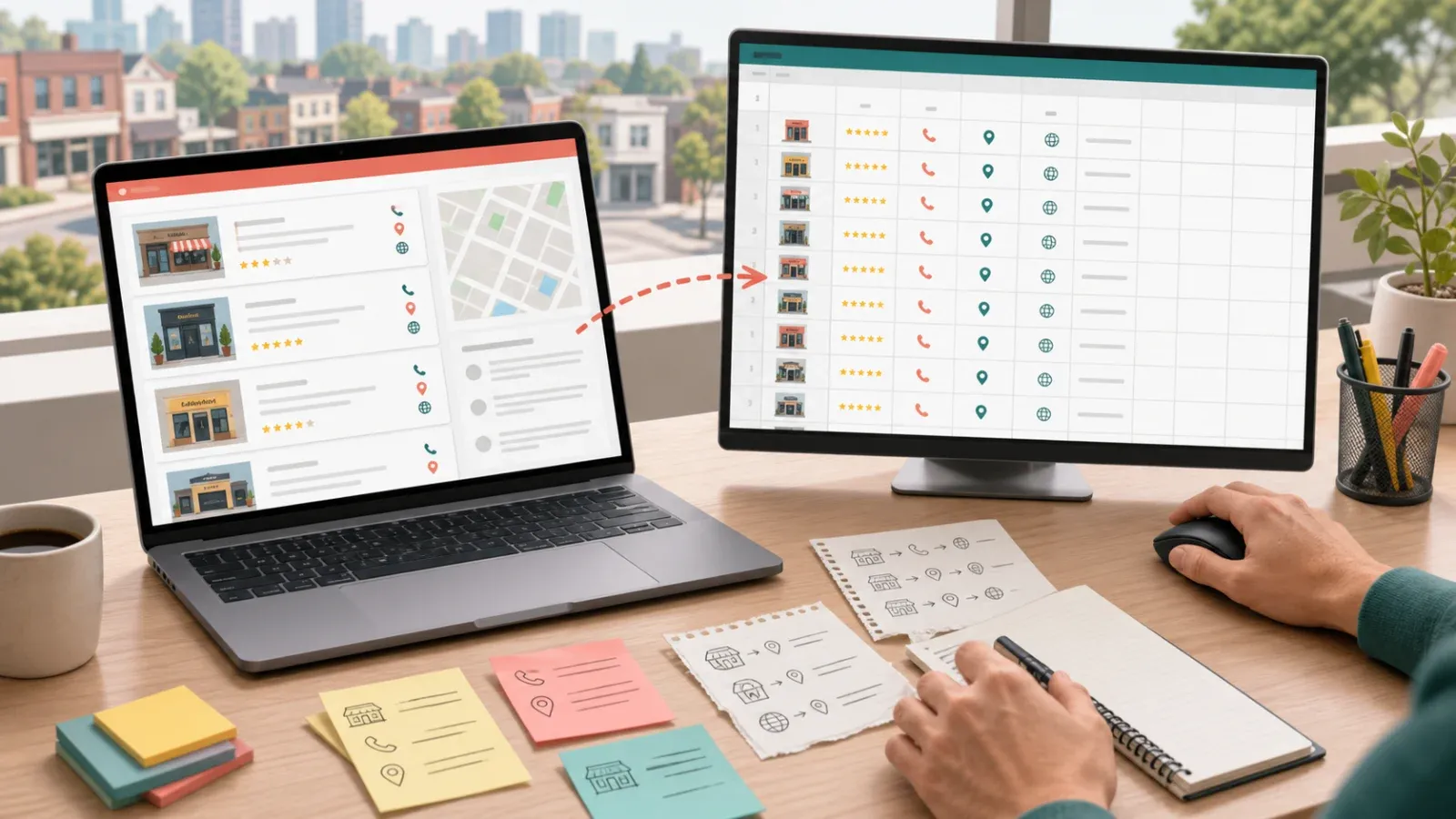
Here’s where things get fun—and fast. is an AI-powered web scraper Chrome extension designed for business users who want results, not headaches.

How Thunderbit Works for YouTube Email Extraction

  1. Install the .
  2. Navigate to the YouTube channel’s About page.
  3. Reveal the email (if hidden behind a CAPTCHA, solve it manually).
  4. Open Thunderbit and click “AI Suggest Fields.”
    • Thunderbit’s AI scans the page and suggests fields like Channel Name, Email Address, Subscriber Count, etc.
  5. Click “Scrape.”
    • Thunderbit pulls the data into a structured table.
  6. Export your data to Excel, Google Sheets, Airtable, or Notion—free and instant.

Bonus: If the creator links to a website or social profile, Thunderbit can follow those links (subpage scraping) and extract emails or contact forms from there too. It even uses OCR to read emails hidden in images or PDFs.

Why Thunderbit Is a Game-Changer for Outreach

  • No coding required: Just click, scrape, and export.
  • Handles tricky cases: Works with images, PDFs, and subpages.
  • Bulk scraping: Paste up to 50 channel URLs and let Thunderbit do the heavy lifting in Cloud Mode.
  • Compliant by design: You handle CAPTCHAs, Thunderbit only scrapes what’s visible—keeping you within YouTube’s rules.
  • Free data export: No paywalls for getting your data out.

One user told us, “I built a list of 200 leads in less than 10 minutes. It used to take me half a day!” (). That’s the kind of productivity boost that makes your boss wonder if you’ve discovered a time machine.

Comparing Thunderbit and Other Email Discovery Tools

Thunderbit isn’t the only tool in the toolbox, but it’s uniquely suited for business users who want speed, compliance, and flexibility. Here’s how it stacks up:

Tool/MethodEase of UseCompliance & Data FreshnessScalabilityBest For
Manual (YouTube UI)Very easy, no toolsFully compliant, real-time dataPoor (5/day limit)Small one-off needs
ThunderbitNo-code, intuitiveCompliant (public data, user solves CAPTCHA), real-timeHigh (bulk, 50 at once)Teams needing dozens/hundreds of contacts
Modash/ImpulzeUser-friendly, searchCompliant, but data may be cachedVery highAgencies/brands with large influencer programs
PhantombusterModerate (setup req’d)Compliant if used carefullyHigh (with planning)Tech-savvy users, custom workflows
Email FindersVariesCompliant, but hit-or-miss for creatorsLow for YouTubersFinding company/agent emails

Thunderbit’s sweet spot? When you already know which creators you want, or you’re working from a list, and you need their latest, public contact info—fast.

Thunderbit in Action: Use Cases for Media and Marketing Teams

Thunderbit isn’t just for solo marketers—it’s a secret weapon for PR, influencer, and business development teams:

  • PR Teams: Scrape and contact 50–100 tech YouTubers for a product launch, lining up reviews and coverage in days, not weeks.
  • Marketing Teams: Build a list of 200 fashion creators, sort by relevance, and launch a personalized outreach campaign.
  • Sales & Biz Dev: Identify creators in your niche, propose partnerships, or even recruit talent for webinars or events.
  • Journalists: Quickly find and contact creators for interviews or expert commentary.

Thunderbit’s bulk scraping and export features mean you can build, categorize, and manage creator lists at scale—without needing a data scientist on staff.

Avoiding Common Pitfalls When Finding YouTube Account Emails

Let’s talk about what not to do:

  • Don’t use unauthorized scrapers or bots to bypass YouTube’s limits. That’s a fast track to getting blocked.
  • Don’t buy sketchy email lists. They’re often outdated, collected without consent, and can hurt your sender reputation.
  • Don’t blast generic emails. Personalize your outreach—mention the creator’s name, reference their content, and explain why you’re reaching out.
  • Don’t ignore legal requirements. Always include an opt-out, identify yourself, and be transparent about your intent.
  • Don’t neglect “Do Not Disturb” signals. If a creator says “not looking for collabs,” respect it.

A simple checklist for ethical outreach:

  • [x] Only use publicly available emails.
  • [x] Personalize every email.
  • [x] Include an opt-out or clear reply instructions.
  • [x] Never resell or share email lists.
  • [x] Verify emails before sending to avoid bounces.

Step-by-Step Guide: How to Find Email Associated with YouTube Account (Summary Table)

Here’s a quick-reference table of all the methods:

MethodComplianceScalabilityRecommended Use Case
YouTube About Page (manual)✅ Yes❌ Low (5/day)1–5 contacts, one-off outreach
Video Descriptions/Social Links✅ Yes❌ LowWhen About page is blank
Google/Social Search✅ Yes❌ LowDetective work for high-value creators
Thunderbit AI Scraper✅ Yes (public data)⚡ High (bulk)Teams needing 10–500+ contacts
Modash/Impulze (DB platforms)✅ Yes⚡ Very HighLarge-scale influencer programs
Phantombuster (automation)⚠️ If careful⚡ HighCustom workflows, recurring data pulls
Email Finders (Hunter.io, etc.)âś… Yesâť“ Low for creatorsFinding company/agent emails

Key Takeaways: Finding YouTube Account Emails the Right Way

  • Direct email outreach is the most effective way to connect with YouTube creators for collaborations, PR, and business development.
  • Stick to legal, ethical methods: Use public info, respect YouTube’s limits, and always personalize your outreach.
  • Manual methods work for small needs, but tools like make bulk contact discovery fast, compliant, and scalable.
  • Avoid shortcuts like unauthorized scraping or buying lists—they’re risky and rarely effective.
  • Thunderbit empowers teams to build and manage influencer lists in minutes, freeing up time for what really matters: building relationships and driving results.

Ready to supercharge your influencer outreach? and see how easy it is to find the right emails, the right way. For more tips and guides, check out the .

FAQs

1. Is it legal to find and use a YouTube creator’s email for outreach?
Yes—if you use publicly available emails (from the About page, video descriptions, or linked websites) and comply with laws like CAN-SPAM and GDPR. Never use unauthorized scraping or buy sketchy lists.

2. What if a creator doesn’t list an email on their YouTube channel?
Check their video descriptions, social media bios, or official website for contact info. If there’s no public email, respect their privacy and consider reaching out via social DMs to request their preferred contact method.

3. How does Thunderbit help with finding YouTube emails?
Thunderbit is an AI web scraper Chrome extension that lets you extract emails and other contact info from YouTube channels, linked websites, and social profiles—no coding required. It’s fast, compliant, and exports data directly to your favorite tools.

4. Can I use Thunderbit to scrape hundreds of YouTube emails at once?
Yes—Thunderbit’s Cloud Mode lets you process up to 50 channels in parallel, making it ideal for building large outreach lists. Just remember to solve any CAPTCHAs manually and always comply with YouTube’s limits.

5. What are the biggest mistakes to avoid when finding and using YouTube emails?
Avoid unauthorized scraping, buying low-quality lists, sending generic or spammy emails, and ignoring legal requirements. Always personalize your outreach, verify emails, and respect creators’ boundaries for the best results.

Happy connecting—and may your next email spark the partnership that takes your brand to the next level.

Learn More

Try Thunderbit AI Web Scraper for YouTube
Shuai Guan
Shuai Guan
Co-founder/CEO @ Thunderbit. Passionate about cross section of AI and Automation. He's a big advocate of automation and loves making it more accessible to everyone. Beyond tech, he channels his creativity through a passion for photography, capturing stories one picture at a time.
Topics
EmailYoutube accountYoutube
Table of Contents

Try Thunderbit

Scrape leads & other data in just 2-clicks. Powered by AI.

Get Thunderbit It's free
Extract Data using AI
Easily transfer data to Google Sheets, Airtable, or Notion
Chrome Store Rating
PRODUCT HUNT#1 Product of the Week