

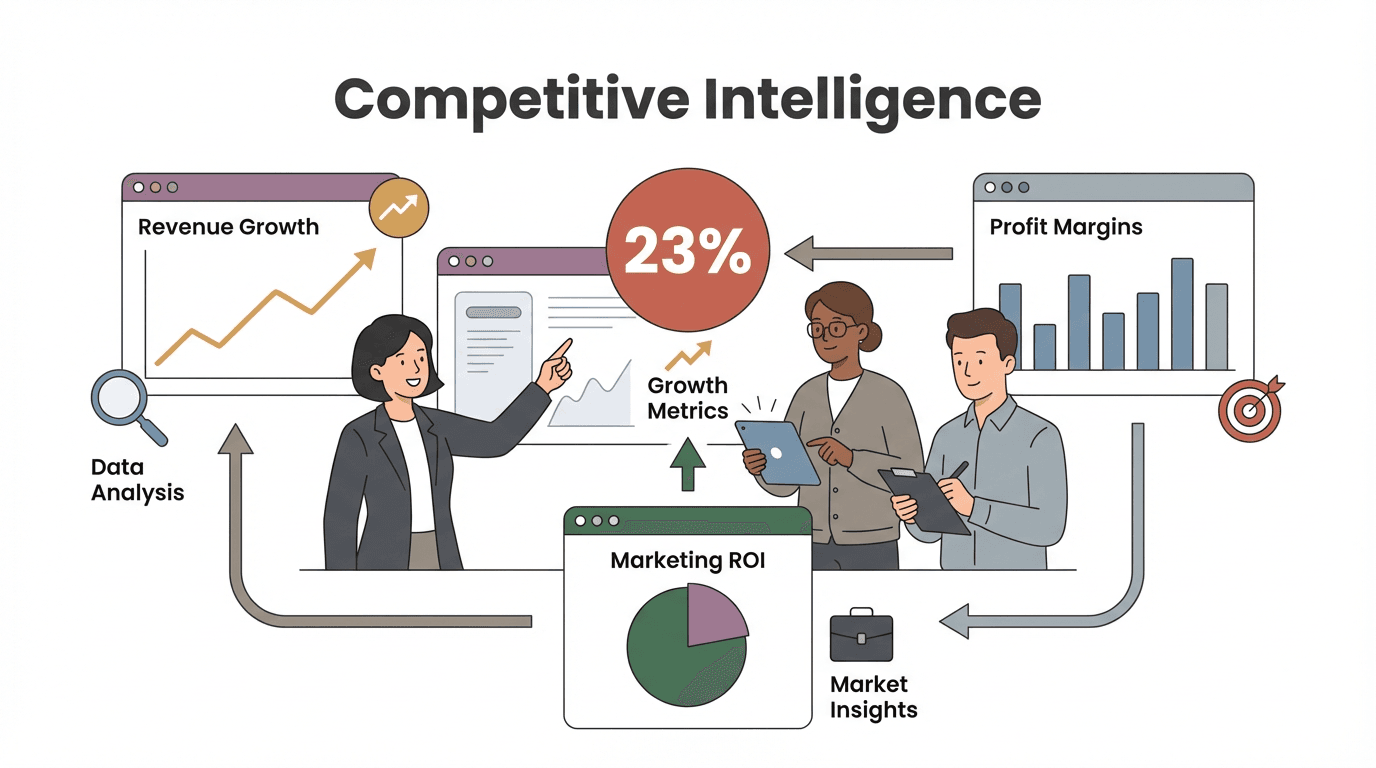
Uncovering where your competitors get their website traffic isn’t just a marketing curiosity—it’s the secret sauce behind smarter campaigns, better sales targeting, and, let’s be honest, a little bit of competitive satisfaction. I’ve seen firsthand how knowing your rivals’ traffic sources can transform a marketing strategy from “throw spaghetti at the wall” to “laser-focused and ROI-positive.” In fact, companies with strong competitive intelligence programs see 23% higher revenue growth and 18% better profit margins, while marketers who leverage competitor analytics report 5–8% higher marketing ROI. That’s not just a small bump—it’s the difference between leading your market and playing catch-up.
 But here’s the real kicker: most sales and ops teams still struggle to get beyond surface-level analytics. Juggling Similarweb, SEMrush, and a dozen browser tabs is tedious, and you’re often left with more questions than answers. The good news? With the right approach—and a tool like Thunderbit—even non-technical teams can dig deep, uncover actionable insights, and turn competitor traffic analysis into a true growth engine. Let’s break down exactly how to find competitors’ traffic sources, why it matters, and how to go from “just numbers” to real, strategic action.
What Does It Mean to Find Competitors' Traffic Sources?
When we talk about “finding competitors’ traffic sources,” we’re really asking: How are people discovering and reaching your competitors online? Are they typing in the URL directly, clicking from another website, searching on Google, scrolling through social media, or responding to ads? Here’s a quick breakdown of the main types of traffic sources:
| Traffic Source | What It Means | Example |
|---|---|---|
| Direct | Visitors type the URL or use a bookmark—brand is already known. | Typing “brand.com” into the browser |
| Referral | Visitors click a link from another website, blog, or email. | Clicking a link in a news article or directory |
| Organic Search | Visitors find the site via unpaid search engine results. | Googling “best CRM software” |
| Social | Visitors come from social media platforms like Facebook, Twitter, or LinkedIn. | Clicking a link in a LinkedIn post |
| Paid | Visitors arrive via paid ads—search, display, or social. | Clicking a Google Ad or sponsored Instagram post |
Just knowing how much traffic a competitor gets isn’t enough. Understanding where it comes from tells you what’s actually working for them—are they SEO powerhouses, social media darlings, or just outspending everyone on ads? Each source reveals a different piece of their strategy, and that’s where the real gold lies.
What Is Data Scraping and How to Do It in 2025 Get Started Free
Let’s get practical. Why should you care about your competitors’ traffic sources? Because it’s not just trivia—it’s actionable intelligence that can drive real business results. Here’s how:
- Benchmarking: See how you stack up against the competition. If your rival gets 150,000 visits a month and you’re at 50,000, you know there’s room to grow—and you can see how they’re getting there (Thunderbit Blog).
- Lead Generation: Discover new channels for outreach. If a competitor is crushing it on LinkedIn or getting tons of referrals from an industry blog, that’s your cue to get listed or active there.
- Market Research: Uncover new markets or segments. If a competitor has lots of visitors from a country you haven’t targeted, maybe it’s time to expand.
- Campaign Benchmarking: Compare channel mix and engagement. If your bounce rate is higher than a competitor’s from search traffic, maybe your landing pages need work.
- Workflow Optimization: Align sales and ops with market demand. If a competitor’s flash sale causes a traffic spike, be ready with a counter-offer.
Here’s a quick table to sum up the business impact:
| Use Case | Benefit |
|---|---|
| Lead Generation | Focus outreach on high-quality channels and sources |
| Market Research | Identify untapped markets or segments |
| Campaign Benchmarking | Improve marketing efficiency and ROI |
| Workflow Optimization | Align operations and sales with real-time market shifts |
And remember: Product launches guided by competitive intel see a 67% higher success rate. That’s a stat worth taping to your monitor.

Essential Steps to Find Competitors' Traffic Sources
Let’s get into the nitty-gritty. Here’s a step-by-step process I use (and recommend) for uncovering and analyzing competitors’ traffic sources:
Step 1: Identify Your Key Competitors
Start by listing the obvious players—those you run into in deals, see at trade shows, or hear about from customers. But don’t stop there:
- Google high-intent keywords for your industry and see who ranks (these are your SEO/content competitors).
- Check “best of” listicles and directories (like G2, Capterra, Yelp) for your category.
- Use tools like SEMrush’s Market Explorer to find sites with overlapping audiences.
- Browse forums and communities (Reddit, Quora) to spot emerging or niche competitors.
- Ask your sales and support teams who prospects mention as alternatives.
Pro tip: Differentiate between primary (direct) and secondary (indirect/niche) competitors. Keep your list focused—5–10 is usually manageable.
Step 2: Gather Traffic Data Using Traditional Tools
Now, let’s get some numbers. The big players here are:
- Similarweb: Great for all-channel traffic estimates, engagement metrics, and top referring sites. Very intuitive, but detailed data is often behind a paywall.
- SEMrush: Comprehensive marketing suite—shows organic vs. paid traffic, top keywords, and traffic journey. Powerful, but can be overwhelming for non-marketers.
- Ahrefs: Best for SEO and backlink analysis—tells you which pages and keywords drive organic traffic.
- Others: Moz, SpyFu, Ubersuggest—each has its strengths, especially for SEO and keyword research.
Most of these tools offer free versions or trials—use them to get a high-level view, but remember: the most detailed data is usually paid.
Step 3: Break Down Traffic by Source
Once you’ve got the data, segment it:
- Direct: High = strong brand or loyal users.
- Referral: Check which sites send the most traffic—these are partnership or PR opportunities.
- Organic Search: What keywords are driving traffic? Is it branded or non-branded?
- Social: Which platforms matter? Is their audience on LinkedIn, Instagram, or TikTok?
- Paid: Are they spending big on ads? Which keywords or platforms?
Look for patterns and anomalies. For example, if a competitor’s referral traffic jumps, maybe they landed a big press hit or partnership. If their search traffic is mostly branded, they’ve got strong brand recognition.
Here’s a sample comparison table:
| Site | Monthly Visits | % Search | % Social | Bounce Rate | Top Country |
|---|---|---|---|---|---|
| Your Company | 80k | 50% | 10% | 55% | US |
| Competitor A | 120k | 40% | 5% | 60% | UK |
| Competitor B | 60k | 70% | 2% | 70% | DE |
Why Web Scraper Tools Deepen Your Competitor Traffic Analysis
Traditional tools are fantastic for the big picture, but they have limits. They show you what is happening, but not always why. That’s where web scrapers—like Thunderbit—come in.
What can web scrapers do that analytics tools can’t?
- Extract content from high-traffic pages: See exactly what’s on your competitor’s most popular blog posts, landing pages, or product listings.
- Pull keywords and meta tags: Find out which keywords they’re targeting on-page, not just what they rank for.
- Monitor content changes and new pages: Get alerted when a competitor launches a new campaign, blog series, or product.
- Scrape social and community mentions: Gather Reddit threads, tweets, or forum posts that mention your competitor—see what’s driving referral or social buzz.
- Combine multiple data sources: Mash up scraped data with analytics for custom insights.
For example, if Similarweb says a competitor’s blog post is a top page, Thunderbit can scrape the headings, keywords, and even the comments—giving you the “why” behind the traffic.
Try Thunderbit for Competitor Analysis
How to Use Thunderbit to Quickly Uncover Competitors' Traffic Clues
Let’s get hands-on. Here’s how I use Thunderbit to dig deeper into competitor traffic sources—no coding required.
Scraping High-Exposure Pages and Keywords
- Install the Thunderbit Chrome Extension and log in (the free tier is generous for small jobs).
- Navigate to a competitor’s high-traffic page (identified via Similarweb or SEMrush).
- Open Thunderbit and click “AI Suggest Fields.” Thunderbit scans the page and suggests fields like Title, Headings, Publish Date, Comments, etc.
- Select the fields you want and hit “Scrape.” Thunderbit pulls the data into a neat table.
- Export to Google Sheets, Excel, or Notion for further analysis.
Want to go bigger? Use Thunderbit’s Subpage Scraping to grab all blog post titles, meta descriptions, or product names from a competitor’s listing page—then drill down into each post or product for deeper insights.
Analyzing Social and Community Mentions
- Search Reddit or Twitter for your competitor’s name or product.
- Use Thunderbit to scrape the search results: Post titles, subreddit, upvotes, comments, etc.
- (Optional) Scrape subpages: Grab the full text of top posts or comments for sentiment analysis.
- Export and analyze: Spot which forums or hashtags are driving buzz, and what users are actually saying.
This isn’t just about “5% of traffic comes from Reddit”—it’s about which threads, what sentiment, and who the influencers are.
Integrating Thunderbit with Your Existing Competitor Analysis Toolkit
Thunderbit isn’t here to replace Similarweb or SEMrush—it’s the perfect sidekick. Here’s how to make them work together:
- Export Thunderbit data to Google Sheets, Excel, Airtable, or Notion.
- Combine scraped data with analytics reports for a 360° view—e.g., match high-traffic blog posts (from Similarweb) with scraped content (from Thunderbit).
- Share findings with your team—Thunderbit’s exports are easy to collaborate on, even for non-technical users.
- Automate regular scrapes to keep your data fresh and actionable.
This workflow means you get both the “what” (traffic stats) and the “why” (content, keywords, sentiment) in one place.
How to Scrape Any Website Using AI Get Started Free
This workflow means you get both the “what” (traffic stats) and the “why” (content, keywords, sentiment) in one place.
Dynamic Monitoring: Why Ongoing Tracking Beats Static Analysis
One-off competitor analysis is like checking the weather once a year. The real value comes from ongoing, dynamic monitoring. Here’s why:
- Spot trends and shifts early: If a competitor suddenly ramps up on YouTube or gets a wave of Reddit mentions, you’ll catch it before it’s old news.
- Benchmark progress: See if your actions are closing the gap—or if competitors are pulling ahead.
- Catch new entrants: Regular monitoring helps you spot rising stars before they become threats.
With Thunderbit’s Scheduled Scraper, you can automate data collection—scrape competitor blogs, pricing pages, or social mentions weekly or monthly. Export to Sheets, set up alerts, and visualize trends over time. It’s like having a 24/7 competitive radar.
Comparing Thunderbit and Traditional Traffic Analysis Tools
Let’s put it all side by side:
| Aspect | Thunderbit (AI Web Scraper) | Traditional Tools (Similarweb, SEMrush, etc.) |
|---|---|---|
| Data Depth | High—extract any content, keywords, reviews, or mentions you want | Moderate—predefined reports, limited custom data |
| Source Coverage | Any public webpage, forum, or social platform | Broad for digital metrics, but qualitative info is limited |
| Ease of Use | Very easy—point-and-click, AI suggests fields | Varies—user-friendly dashboards, but can be complex for non-marketers |
| Automation | Excellent—schedule scrapes, batch subpages, export to Sheets/Notion | Limited—some alerts, but no custom data collection |
| Collaboration | High—export to CSV, Excel, Sheets, Notion, Airtable | Medium—some exports, but often extra cost for team features |
| Cost | Freemium—free tier, then credit-based plans starting around $9/month | Subscription—$100+/month for full features |
| Accuracy & Timeliness | Real-time—scrape current data directly from the source | Estimates—modeled data, updated monthly |
| Use Case Strengths | Qualitative insights, custom queries, content/SEO/social/community deep dives | Quantitative benchmarking, high-level trends, cross-channel analytics |
Bottom line: Traditional tools are your binoculars; Thunderbit is your microscope. Use both for the best results.
Key Takeaways: Turning Competitor Traffic Insights into Action
Let’s wrap it up with some practical advice:
- Know where and how competitors get their visitors. Use traffic source analysis to find strategic opportunities—don’t operate in a vacuum.
- Mix tools for a full picture. Combine high-level analytics (Similarweb, SEMrush) with deep dives (Thunderbit).
- Act fast on insights. Every finding should trigger a concrete action—new content, outreach, campaign tweaks, or product adjustments.
- Share insights across teams. Sales, ops, product, and execs all benefit from competitor intelligence.
- Monitor continuously. Set up regular scrapes and reviews—don’t let your analysis go stale.
- Use competitor analysis to innovate, not just imitate. Look for gaps and opportunities to leapfrog the competition.
- Automate where possible. Let Thunderbit handle the grunt work so you can focus on strategy.
With the right approach and tools, even a small team can gain the kind of competitive intelligence that used to be reserved for big-budget enterprises. Ready to start? Download Thunderbit, set up your first competitor scrape, and see what insights you can uncover in just a few clicks.
Want more deep dives on competitive analysis, web scraping, and sales automation? Check out the Thunderbit Blog for guides, tutorials, and the latest in AI-powered business tools.
Start Competitor Traffic Analysis with Thunderbit
FAQs
1. What are the main types of competitor traffic sources?
The main types are direct (typed URL/bookmark), referral (links from other sites), organic search (unpaid search engine results), social (from social media platforms), and paid (ads). Each source reveals a different aspect of your competitor’s marketing strategy.
2. How accurate are tools like Similarweb and SEMrush for competitor traffic analysis?
They provide useful estimates and trends, but the data is modeled—not exact. Use them for benchmarking and spotting patterns, but supplement with direct data (like web scraping) for deeper insights.
3. What can Thunderbit do that traditional analytics tools can’t?
Thunderbit can extract any public content—blog posts, keywords, reviews, forum mentions, social posts—directly from competitor sites or platforms. It’s perfect for qualitative insights and custom research.
4. How do I integrate Thunderbit with my existing analysis workflow?
Export Thunderbit data to Google Sheets, Excel, Airtable, or Notion. Combine it with analytics reports for a holistic view. Use scheduled scrapes to keep your data fresh and actionable.
5. Why is ongoing competitor monitoring better than one-time analysis?
The digital landscape changes fast. Ongoing monitoring helps you spot trends, catch new competitors, and respond to shifts before they impact your business. With Thunderbit’s automation, it’s easy to stay ahead.
Ready to outsmart your competition? Try Thunderbit for free and turn competitor traffic analysis into your new growth engine.
Try AI Web Scraper for Competitor Analysis Get Started Free
Learn More




