
The world of ecommerce in 2026 is a lot like a high-speed chess match—except every piece is a competitor, and the board changes every hour. I’ve spent years in SaaS and automation, and if there’s one thing I know for sure, it’s this: pricing is no longer a “set it and forget it” game. With dynamic pricing on the rise and Amazon tweaking prices millions of times a day, the only way to stay in the game is to track your competitors’ prices as relentlessly as they track yours. Manual price checks? That’s like bringing a calculator to a Formula 1 race.
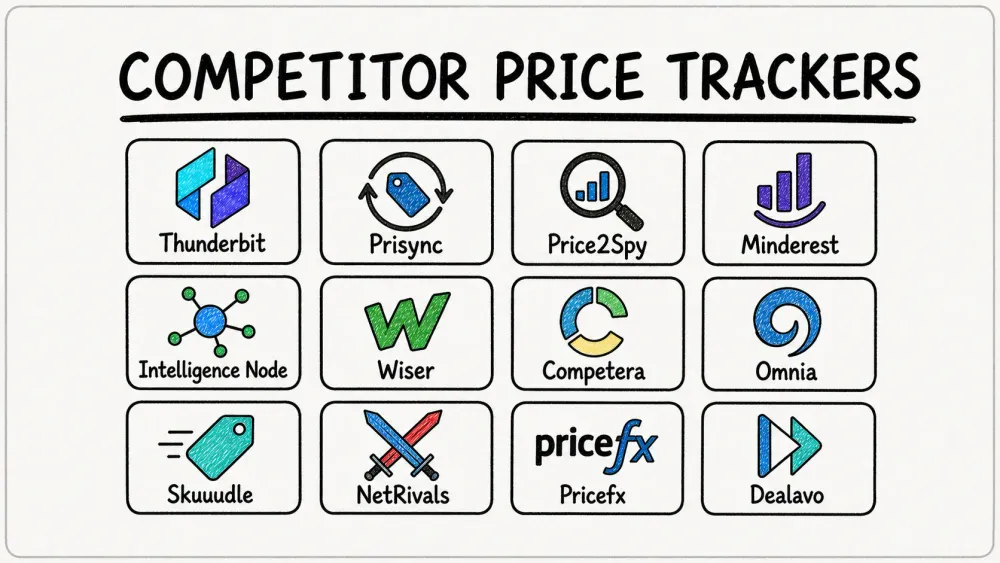
That’s why I’ve pulled together this deep dive into the 15 best competitor price monitoring tools for 2026—from AI-powered web scrapers like Thunderbit (yes, the tool my team and I built) to enterprise-grade pricing engines. Whether you’re running a lean Shopify store, managing a sprawling retail catalog, or just tired of losing margin to a competitor’s secret sale, this guide will help you find the right price comparison software for your ecommerce strategy.
Why Competitor Price Monitoring Tools Matter for Ecommerce and SaaS
See How Agentic Web Scraping Works Thunderbit's AI reads a pricing page like a person would and extracts the data in one click — no selectors needed. Get Started Free
Let’s get real: in today’s ecommerce landscape, prices can change by the minute. The global market for dynamic pricing software is expected to double to nearly $7 billion by 2030, and companies using real-time price monitoring see 1–5% margin improvement and up to 40–70% time savings over manual checks. That’s not just a nice-to-have—it’s survival.
Why does this matter? Because a single price drop by a competitor can instantly shift demand and market share. If you’re not monitoring, you’re missing out on sales, eroding your margins, and letting your competitors set the pace. The best competitor price tracking software gives you the data to react—sometimes within minutes—so you can adjust, promote, or reprice before you lose out.
How to Choose the Best Competitor Price Tracking Software: Key Criteria
Not all price monitoring tools are created equal. Here’s what I look for (and what I recommend every ecommerce manager, SaaS operator, or retail exec consider):
| Criteria | What to Look For |
|---|---|
| Features | Automated multi-source tracking, real-time alerts, historical analytics, MAP monitoring, AI product matching |
| Pricing | Transparent plans, scalability, free trials, cost per SKU or per competitor |
| Integration | API access, direct export to Excel/Sheets, ecomm platform plugins, workflow fit |
| Customization | Rule-based pricing, custom dashboards, flexible alerts, language support |
| User-Friendliness | No-code setup, natural language prompts, onboarding support, clear UI |
The right tool should fit your business size, catalog complexity, and technical resources. For SMBs, ease of use and affordability are key; for large enterprises, look for AI, automation, and deep integration.
Top 15 Competitor Price Monitoring Tools in 2026
Let’s break down the best options, from nimble web scrapers to enterprise pricing engines.
1. Thunderbit
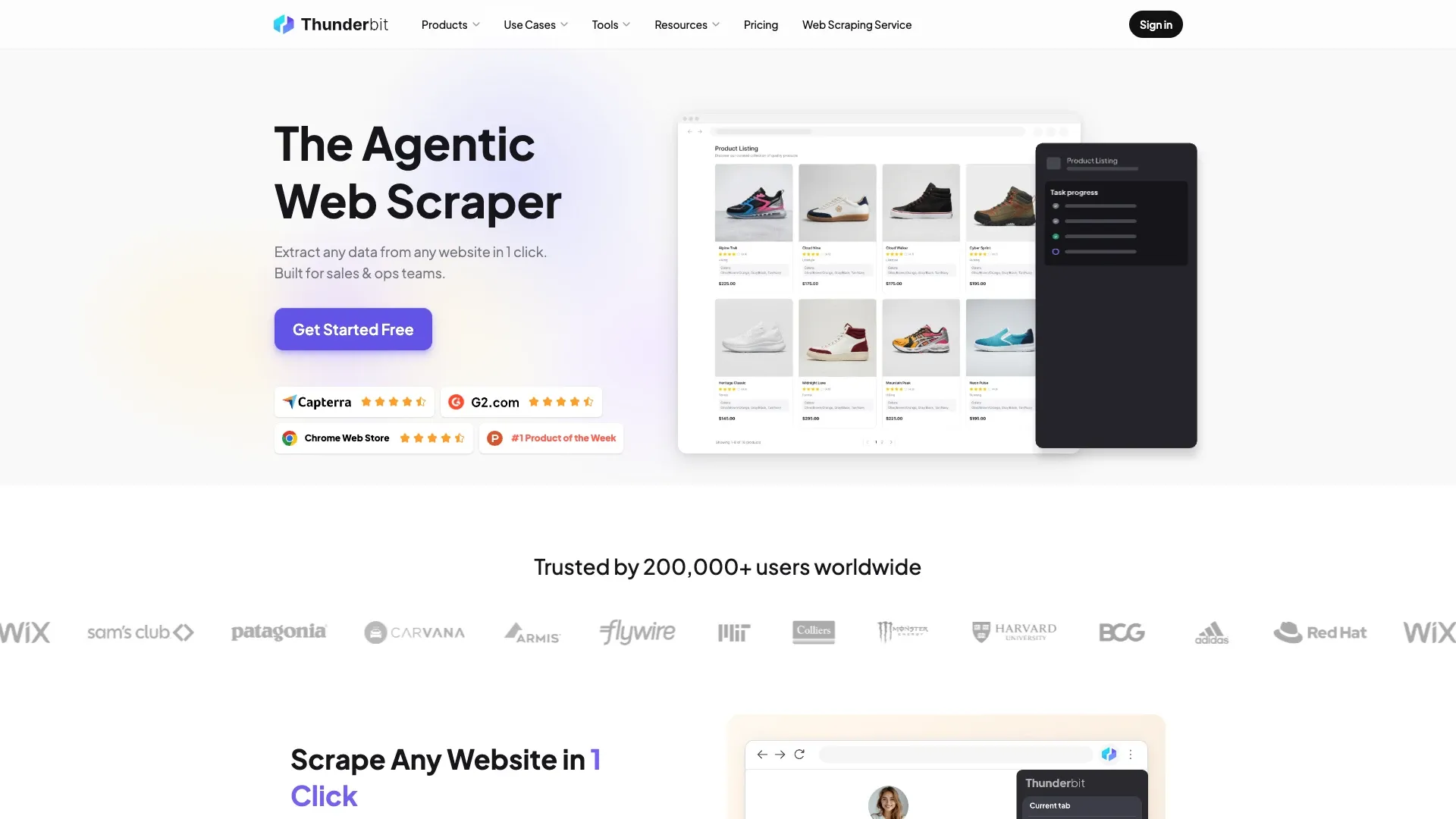 Thunderbit is my go-to for AI-powered price monitoring—especially if you want fast, accurate data from any website, even the messy ones. As a Chrome extension, Thunderbit lets you scrape competitor prices, stock, and more in a single click. Hit “One Click Extract,” and the AI figures out what to extract—no coding, no templates, no headaches.
Why Thunderbit stands out:
- Agentic web scraping: Handles structured and unstructured sites, PDFs, images, and more.
- Subpage & pagination scraping: Follows links to product detail pages, grabs data across multi-page listings.
- Scheduled scraping: Set it and forget it—hourly, daily, or weekly.
- Instant export: Push data to Excel, Google Sheets, Airtable, or Notion for free.
- Cloud or browser scraping: Scrape 50 pages at a time in the cloud, or use browser mode for login-required sites.
- Affordable: Free tier with 6 pages per month, no credit card; paid plans start at $9/month (Starter, billed yearly).
Best for: SMBs, sales ops, ecommerce teams needing dynamic, accurate price data—especially when competitors’ sites are messy or non-standard.
See how Thunderbit compares to traditional scrapers.
Try Thunderbit for Price Monitoring Point Thunderbit at any competitor's pricing page and it reads the page itself, no manual field-mapping required. Get Started Free
2. Prisync
 Prisync is a favorite among ecommerce teams for its multi-channel price tracking and dynamic pricing engine. Import your products and competitor URLs, and Prisync does the rest—updating prices up to three times a day and even adjusting your store’s prices automatically if you want.
Key features:
- Multi-channel tracking: Monitor prices across your website, marketplaces, and more.
- Dynamic pricing: Set rules to always be X% below competitors, or match the lowest price.
- Stock monitoring: See when competitors run out of stock.
- Integrations: Shopify, Magento, WooCommerce, and more.
- MAP alerts: Get notified if anyone breaks your minimum advertised price.
Pricing: Starts at $99/month for 100 products; 14-day free trial.
Best for: Ecommerce stores on Shopify/Magento looking for plug-and-play price tracking and automated repricing.
3. Price2Spy
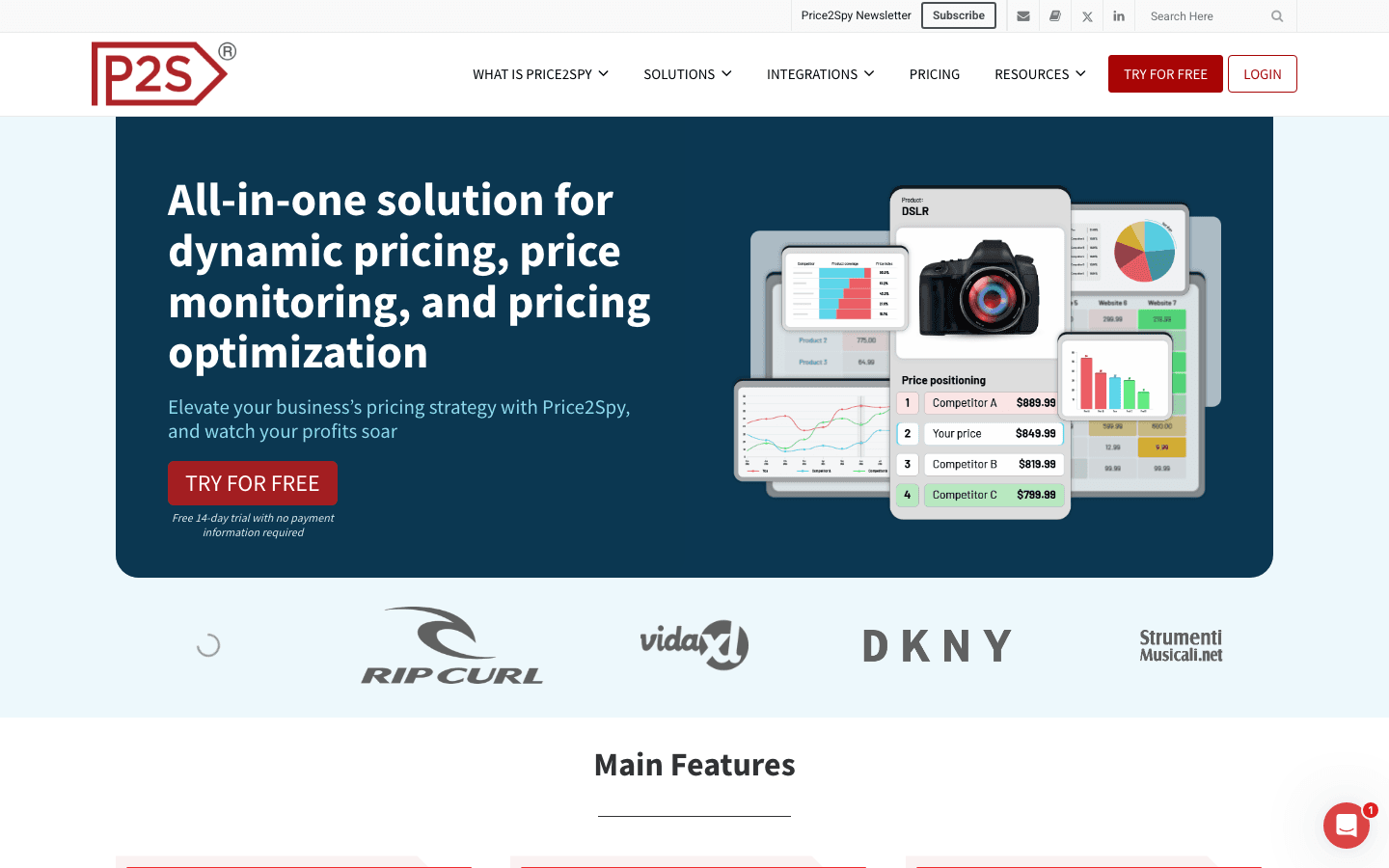 Price2Spy is a veteran in the price monitoring world, offering flexible plans and advanced reporting. It’s especially popular with SMBs that want hands-on control.
Highlights:
- Manual & automated tracking: Monitor competitor prices, get email alerts, and set custom rules.
- Advanced reporting: Price history, anomaly detection, and comparison charts.
- Repricing module: Suggests new prices based on your rules.
- API & CSV export: Integrate with your own systems.
Pricing: Starter plan starts at $39.95/month for 500 URLs; higher tiers add Automatch and repricing as paid add-ons. 30-day free trial.
Best for: Small and mid-sized ecommerce businesses wanting granular control and historical analytics.
4. Minderest
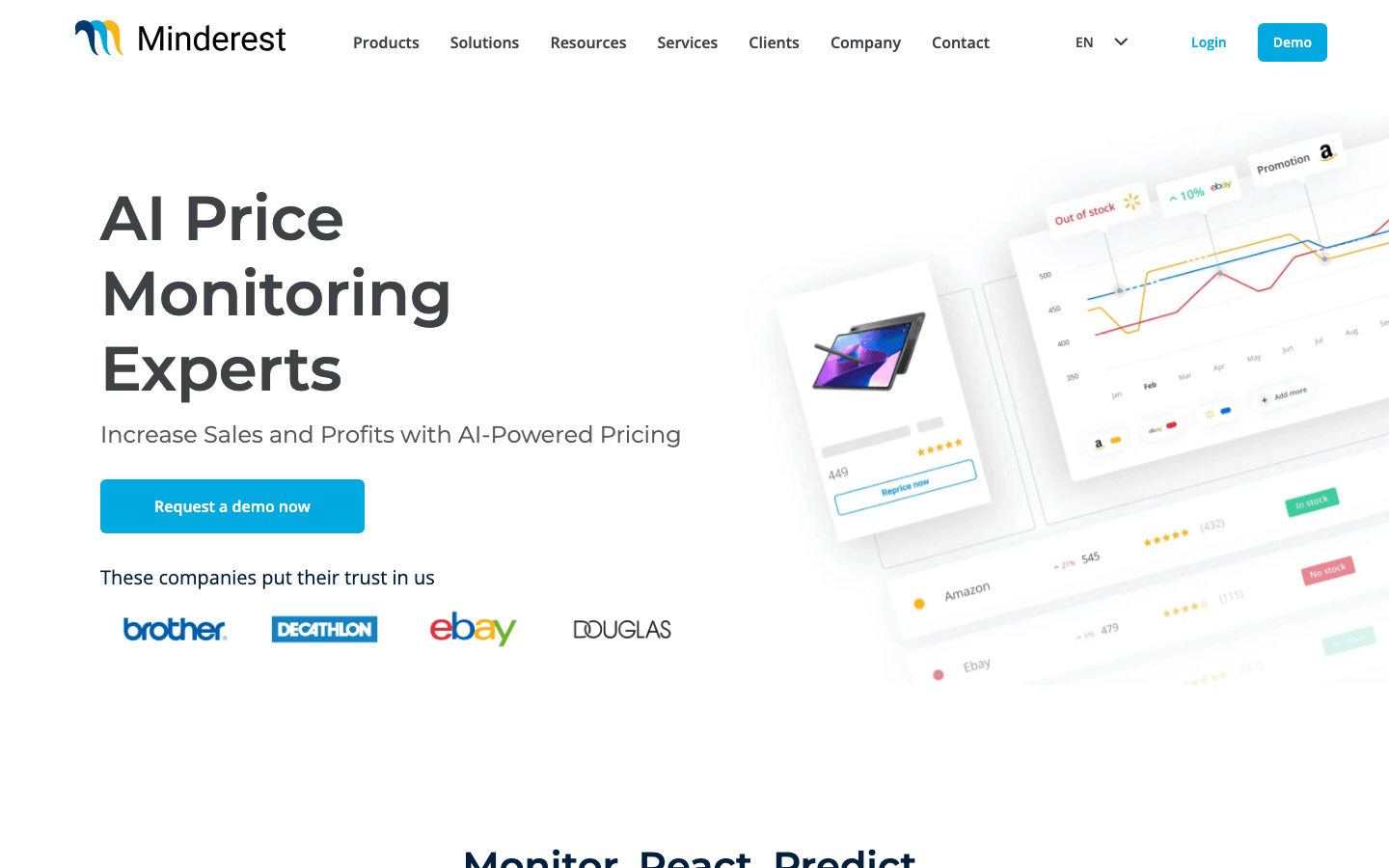 Minderest is built for large retailers and brands who need automated price comparison, MAP monitoring, and advanced analytics.
What makes Minderest unique:
- Automated price & promo tracking: Daily updates across global marketplaces.
- MAP/MSRP compliance: Detects violations instantly.
- Advanced calculation engine: Handles complex pricing rules and automation.
- API integration: Plug Minderest data into your ERP or BI tools.
Pricing: Custom (enterprise-focused); 14-day free trial.
Best for: Large retailers and brands with complex pricing and compliance needs.
5. Intelligence Node
 Intelligence Node is all about speed and scale, offering real-time price monitoring with AI-driven product matching.
Key features:
- Ultra-fast refresh: Updates as often as every 10 seconds.
- 99% matching accuracy: AI matches products across millions of SKUs.
- Smart price recommendations: Suggests optimal prices based on demand and competition.
- Global coverage: Supports multiple languages and currencies.
Pricing: Enterprise (custom quote).
Best for: Enterprises with huge catalogs and a need for real-time, global price intelligence.
6. Wiser
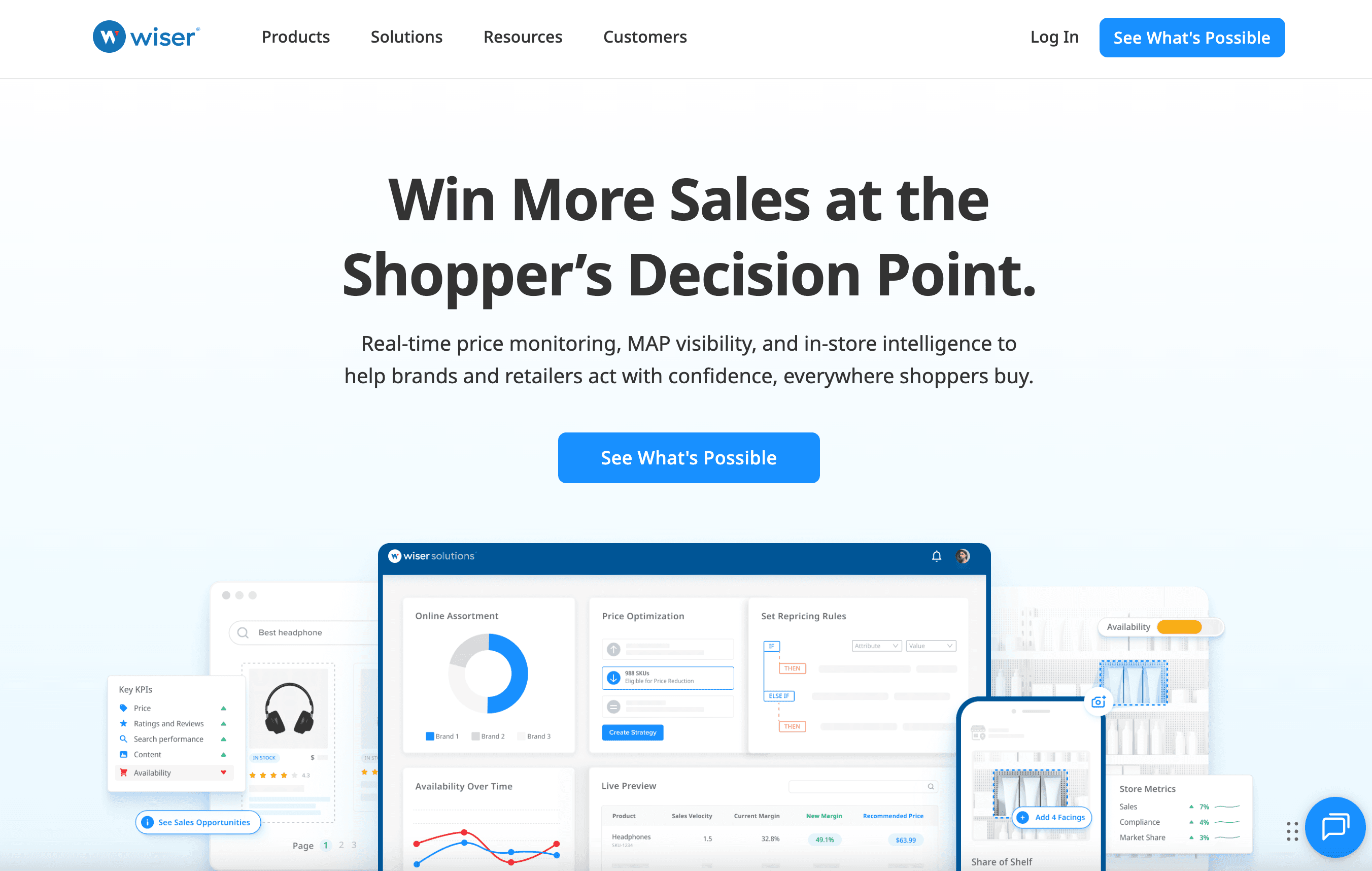 Wiser delivers unified pricing, promotion, and assortment intelligence—online and in-store.
Why Wiser?
- Omnichannel tracking: Online and brick-and-mortar price monitoring.
- Flexible rule engine: Set custom pricing rules for different segments.
- Promotion tracking: See competitor deals and markdowns.
- Custom dashboards: Tailor analytics to your team’s needs.
Pricing: Enterprise (custom).
Best for: Large retailers needing a single view of pricing and promotions across all channels.
7. Competera
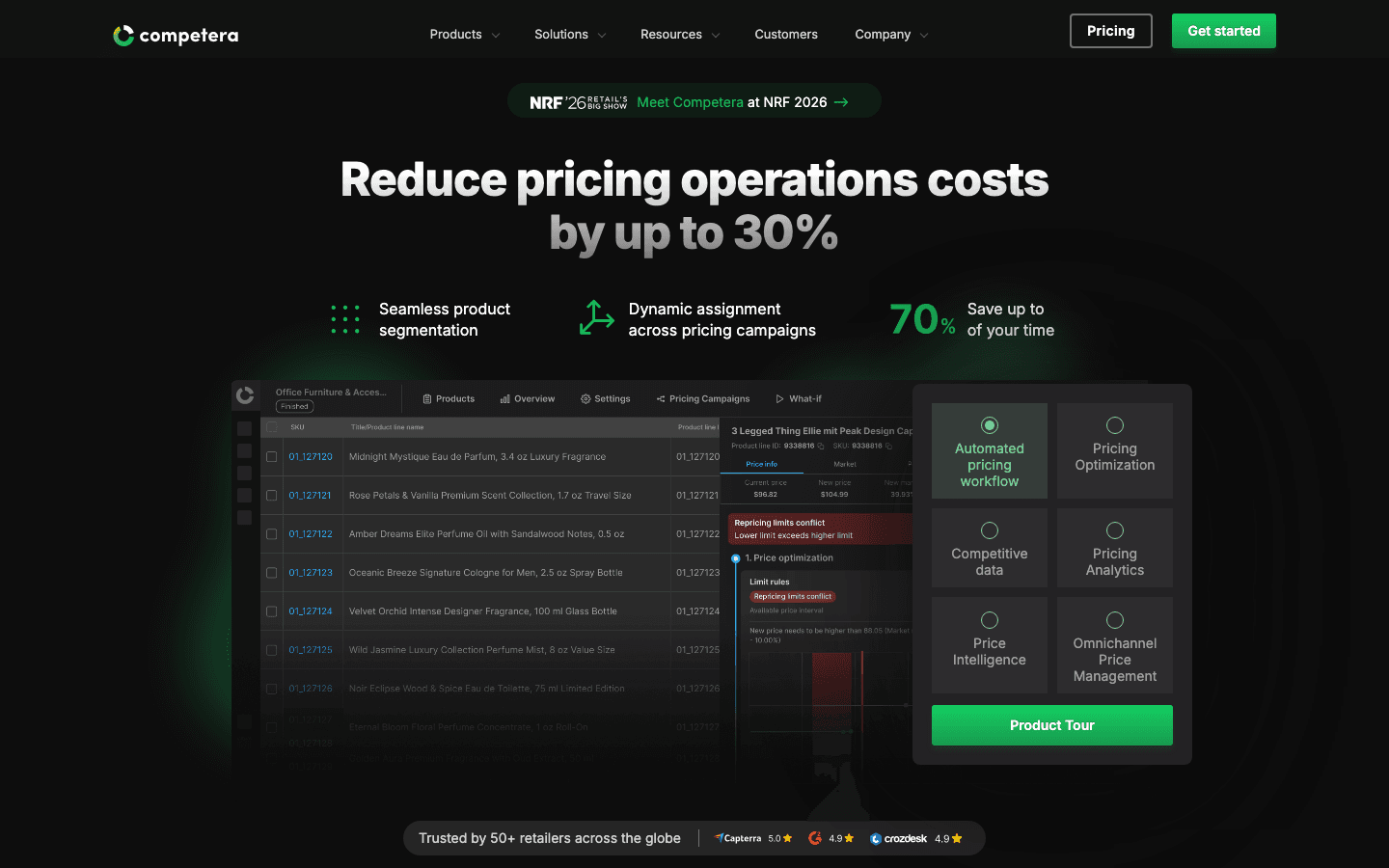 Competera is a powerhouse for automated price optimization, blending AI with rule-based pricing.
Features:
- AI-powered recommendations: Predicts sales and margin impact of price changes.
- Scenario modeling: Simulate different pricing strategies.
- MAP monitoring: Stay compliant across channels.
- Integration: Connects with ERP/POS systems.
Pricing: Enterprise (custom).
Best for: Agile retailers with large assortments and a need for advanced price optimization.
8. Omnia
 Omnia specializes in multi-channel price consistency and automation, with a focus on transparency.
What sets Omnia apart:
- Pricing Strategy Tree™: Visualize and control your pricing logic.
- Marketplace integration: Sync prices across Amazon, eBay, and your webstore.
- Scheduled & real-time updates: Stay in sync with the market.
- Marketing automation: Manage Google Shopping bids alongside pricing.
Pricing: Enterprise (custom; popular in Europe).
Best for: Retailers managing prices across multiple channels and markets.
9. Skuuudle
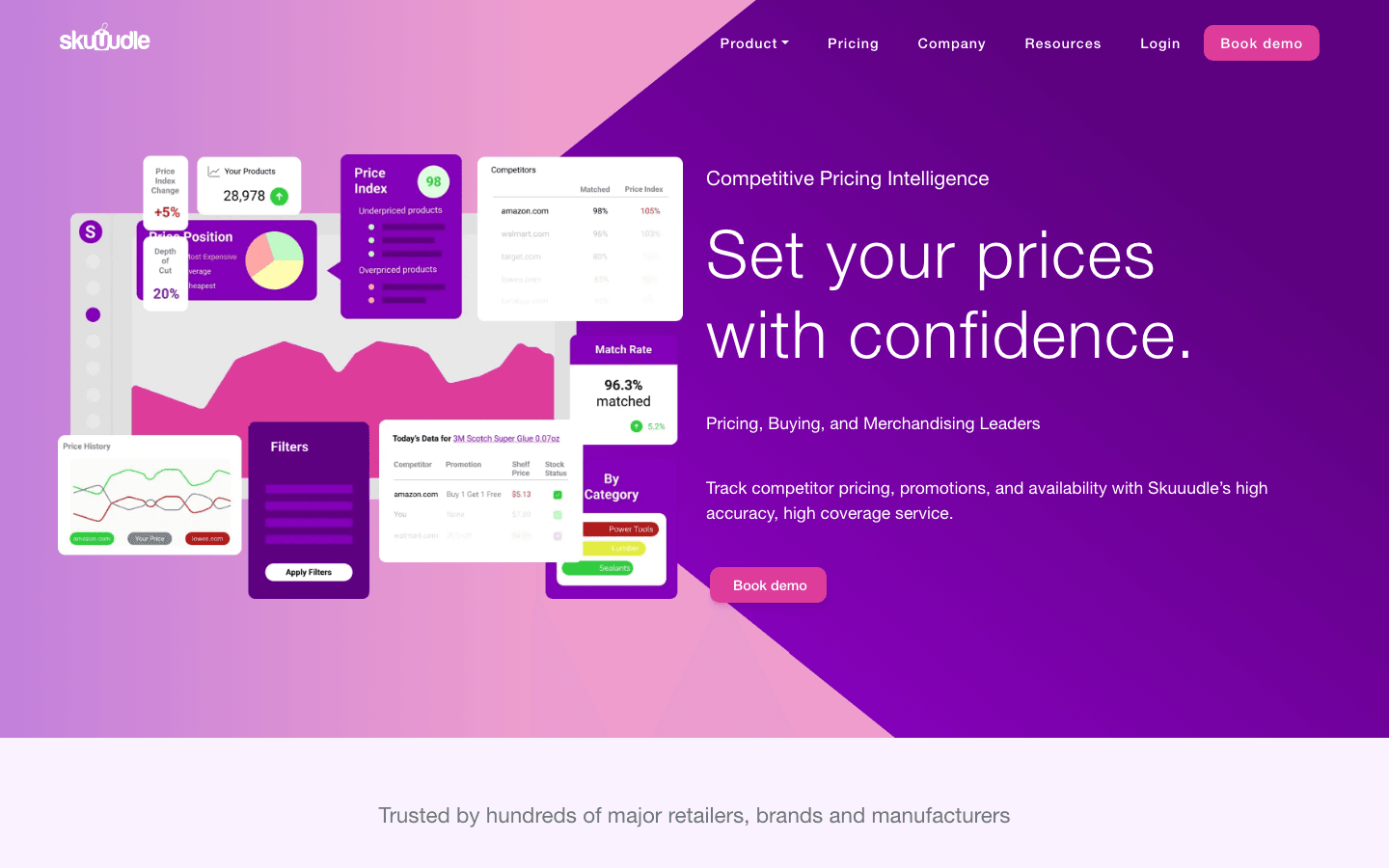 Skuuudle offers a managed service—think of it as outsourcing your price intelligence to a team of humans (with AI backup).
Key benefits:
- Human QA: Every data point is verified for accuracy.
- Custom reports: Delivered in your preferred format (Excel, API, etc.).
- Hands-off: Skuuudle handles setup, mapping, and maintenance.
Pricing: Custom (service-based).
Best for: Companies that want high-accuracy data without managing tools themselves.
10. NetRivals
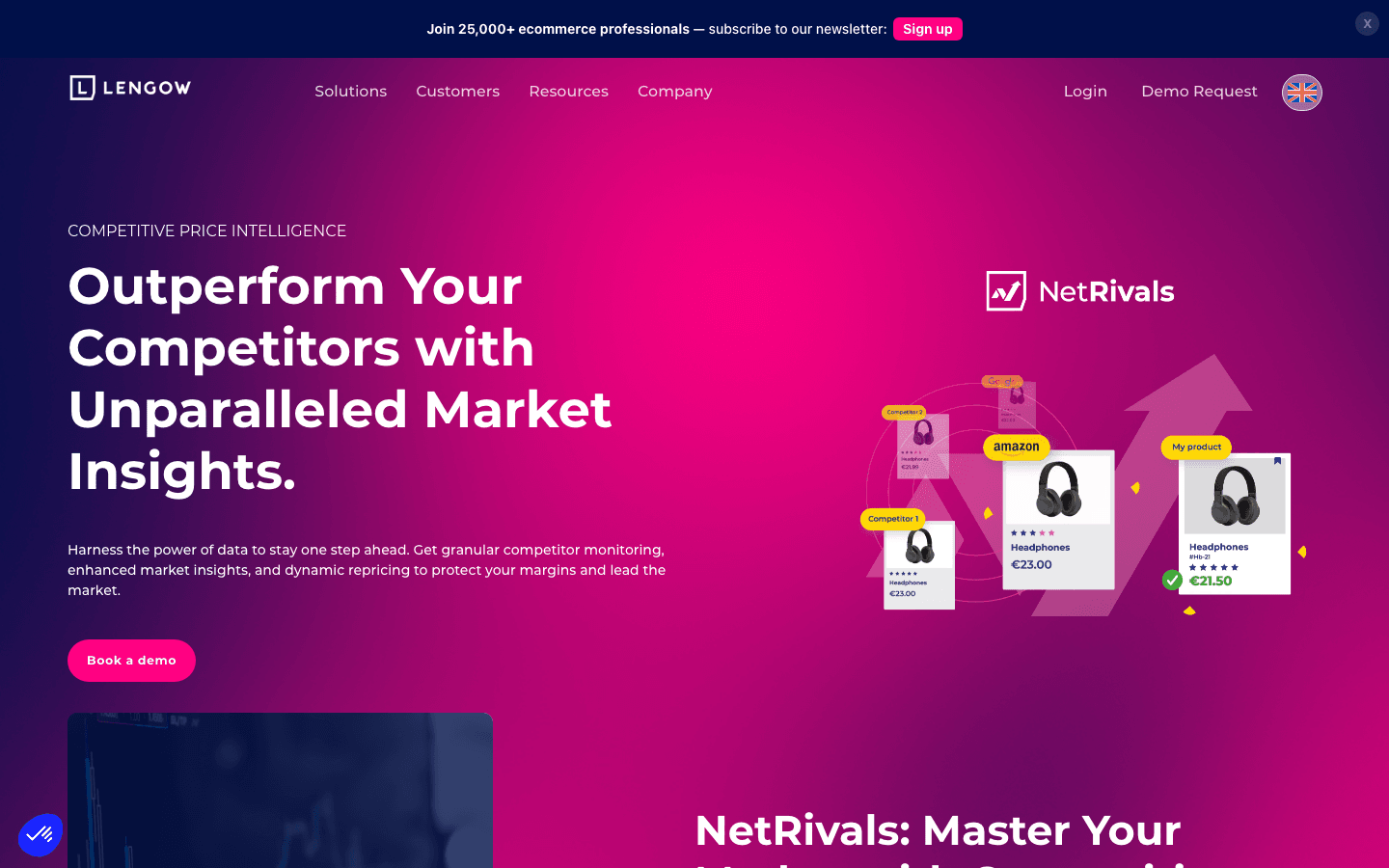 NetRivals is a robust platform for brands and retailers needing real-time price intelligence and dynamic pricing.
Features:
- Continuous tracking: Real-time updates across thousands of SKUs.
- Dynamic pricing module: Rule-based price changes.
- Powerful analytics: Price index, margin opportunities, and more.
- Multi-country support: Great for international retailers.
Pricing: Enterprise (custom).
Best for: Large online retailers with complex, global catalogs.
11. Pricefx
 Pricefx is all about real-time price optimization and integration with your existing systems.
Why Pricefx?
- AI-powered analytics: Dynamic pricing for both B2B and B2C.
- ERP/CRM integration: Plug into your business stack.
- Scenario planning: Test pricing strategies before going live.
Pricing: Enterprise (custom).
Best for: Companies needing deep integration and real-time optimization.
12. Dealavo
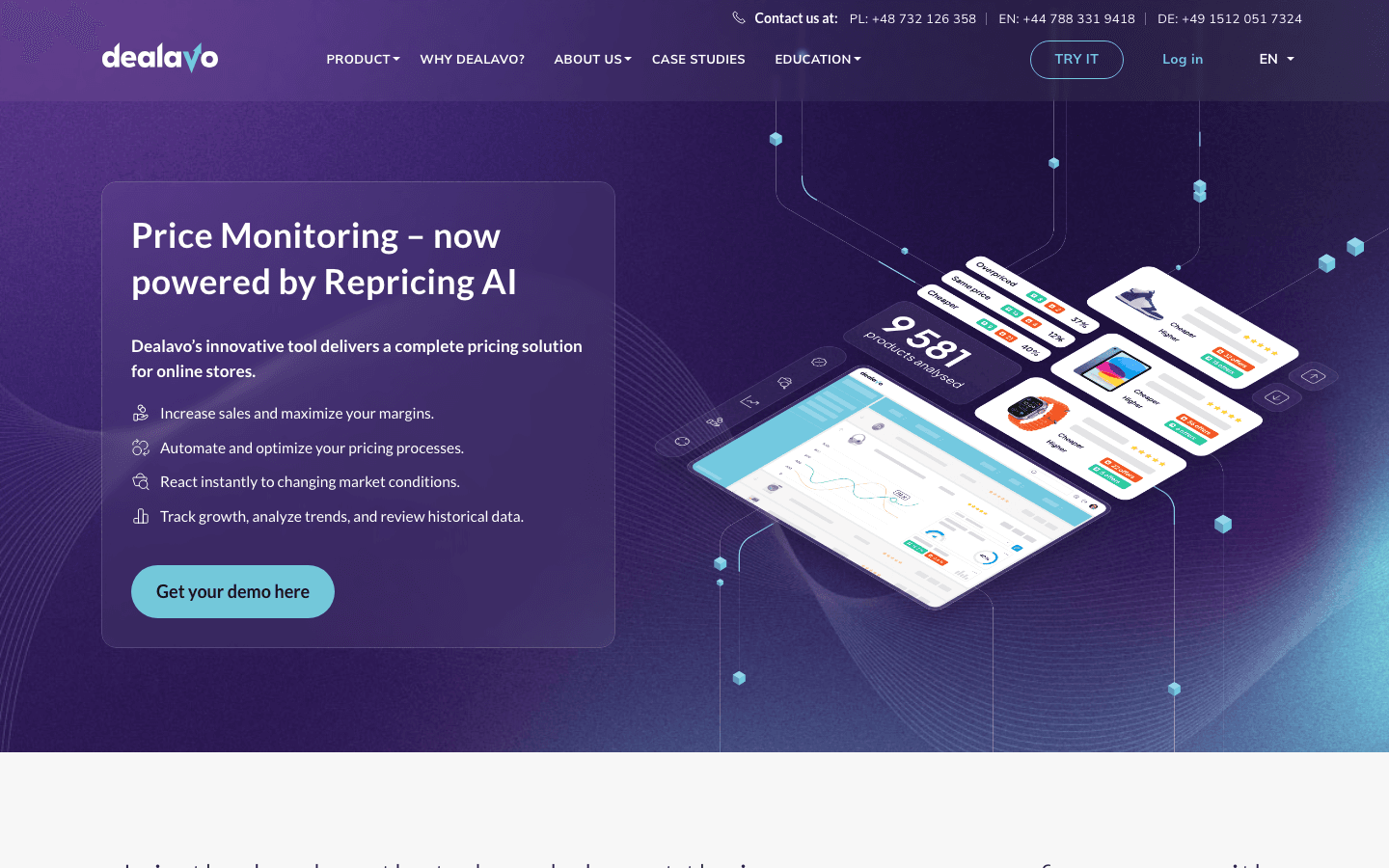 Dealavo delivers smart price monitoring and market trend analysis, with strong multi-platform integration.
Highlights:
- Actionable analytics: See trends, outliers, and opportunities.
- Multi-platform: Track prices across webstores and marketplaces.
- User-friendly: Clean dashboards and export options.
Pricing: Custom.
Best for: SMBs and mid-sized retailers wanting actionable insights without enterprise complexity.
13. Informed.co
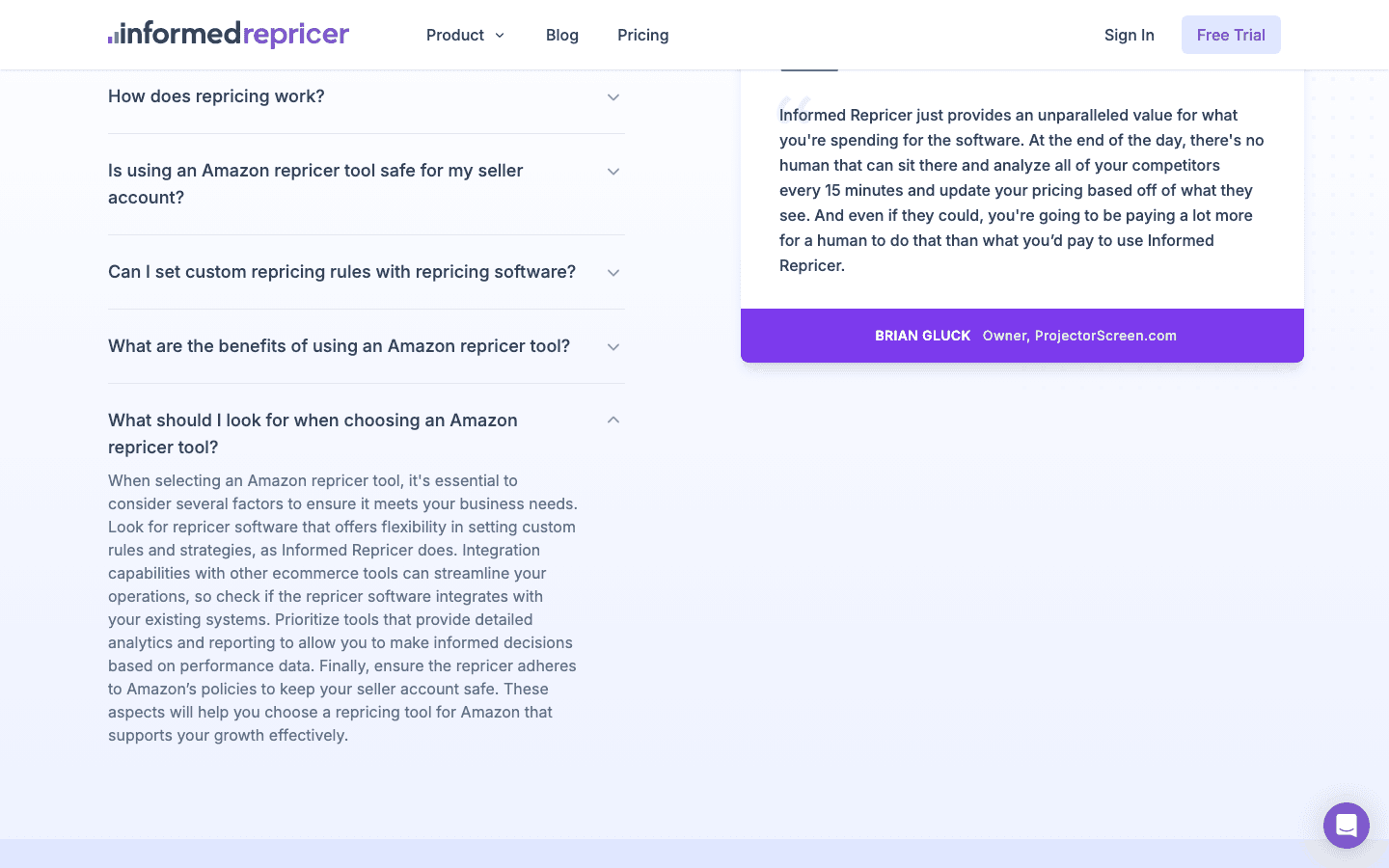 Informed.co is built for marketplace sellers who want to automate repricing and win the buy box.
Key features:
- Rule-based repricing: Maximize buy box wins on Amazon, eBay, and more.
- Marketplace focus: Tailored to the quirks of each platform.
- Performance analytics: See what’s working and tweak your strategy.
Pricing: Subscription with four tiers from $99 to $399/month; the $49 figure that's circulated online is the add-on price for managing additional stores within the same marketplace, not the base plan.
Best for: Marketplace sellers who live and die by the buy box.
14. Camelcamelcamel
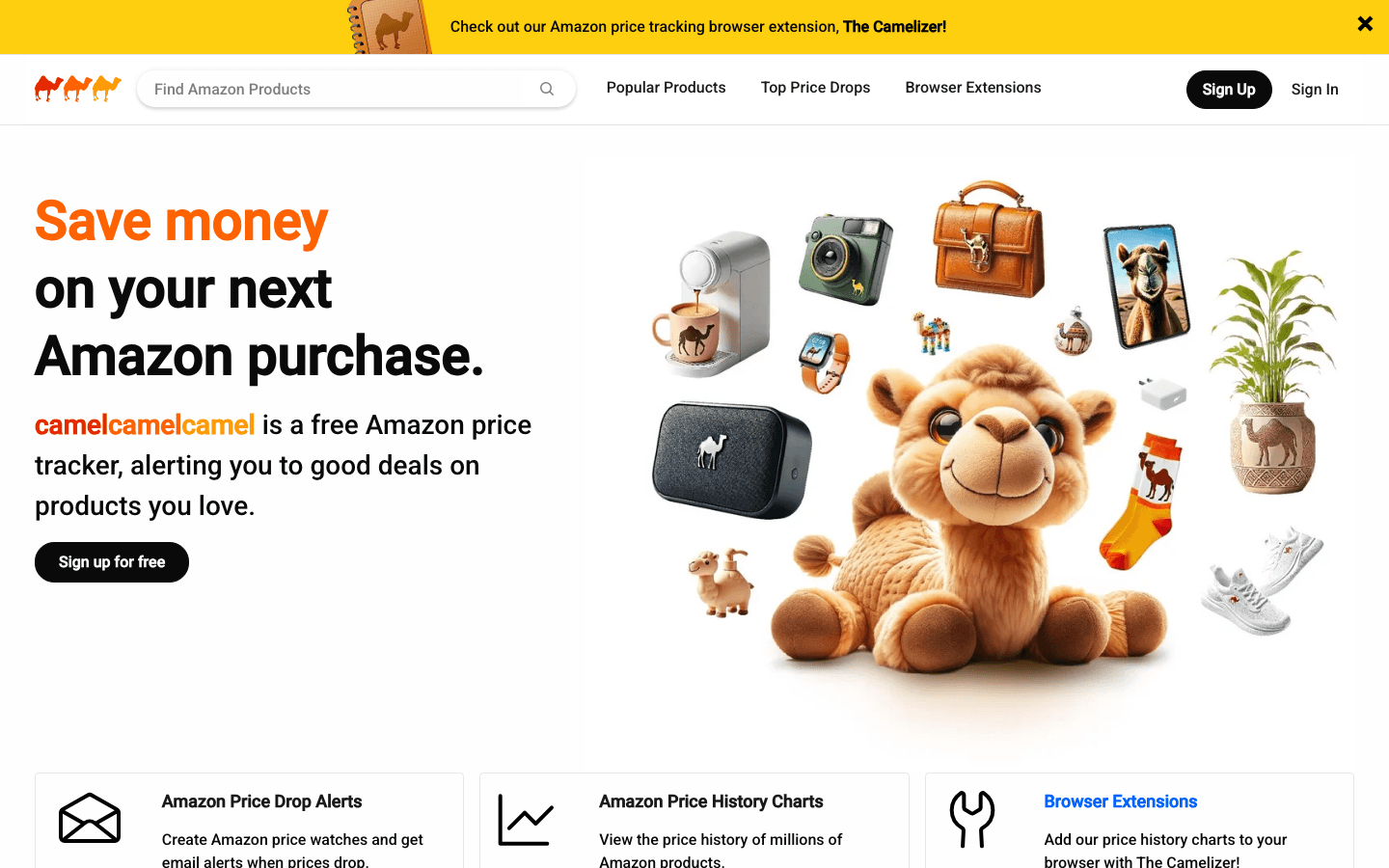 Camelcamelcamel is a classic for Amazon price tracking and deal hunting.
What it does:
- Free Amazon price tracking: Set alerts for drops, view historical charts.
- Simple interface: No setup, just paste the product URL.
- Great for benchmarking: Spot trends and time your promotions.
Pricing: Free.
Best for: Ecommerce teams and consumers focused on Amazon.
15. TrackStreet
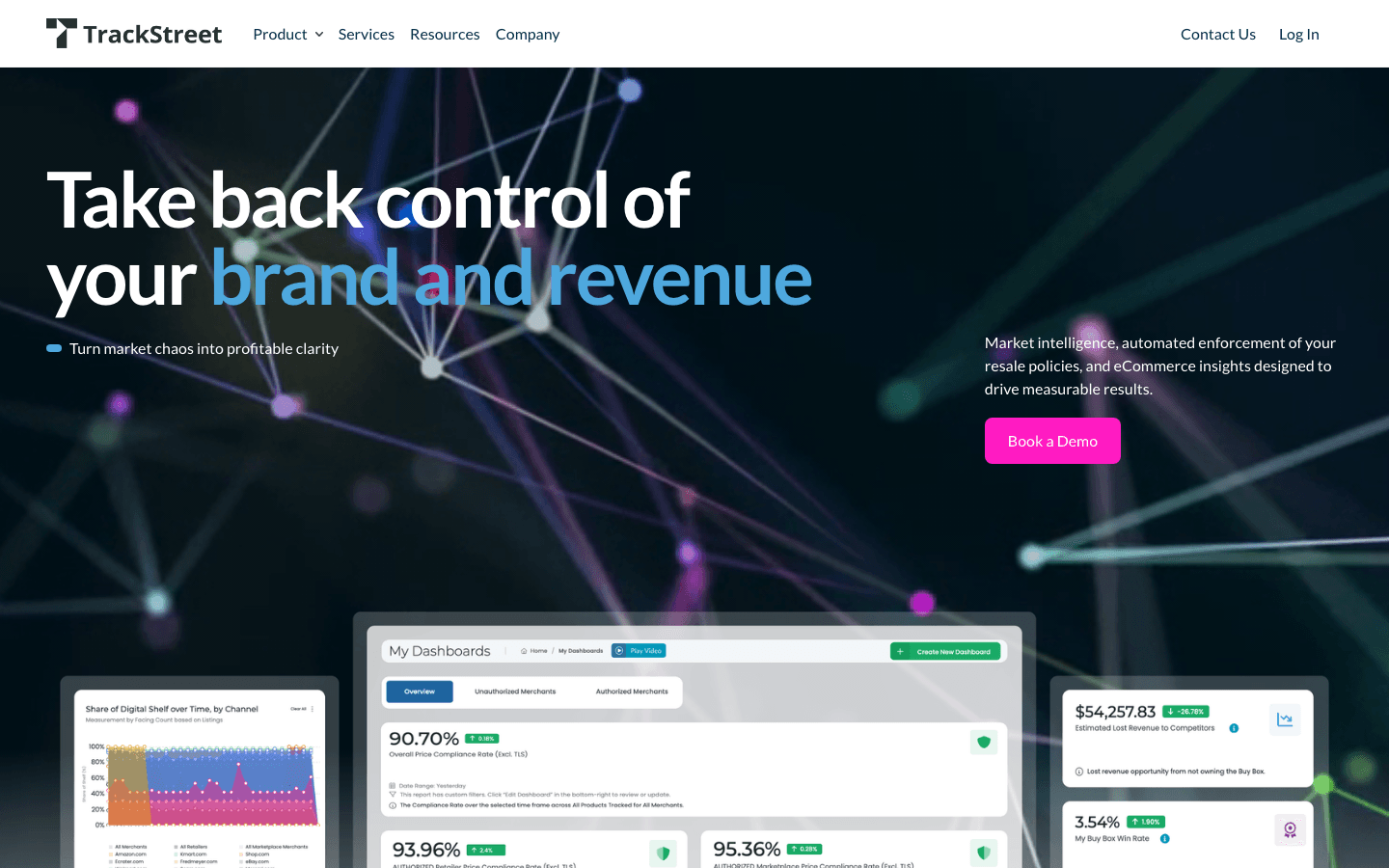 TrackStreet is the go-to for MAP monitoring and brand protection.
Key features:
- Automated MAP enforcement: Get alerts for policy violations.
- Brand protection: Identify unauthorized sellers and pricing issues.
- Multi-channel: Monitor across web, marketplaces, and more.
Pricing: Custom (brand-focused).
Best for: Brands needing to enforce pricing policies and protect their reputation.
Feature and Pricing Comparison Table
Here’s a quick side-by-side to help you spot the right fit:
| Tool | Core Features | Best For | Starting Price |
|---|---|---|---|
| Thunderbit | agentic web scraping, subpage/pagination, scheduled, instant export | SMBs, dynamic data needs | $9/mo |
| Prisync | Multi-channel, dynamic pricing, stock, integrations | Shopify/Magento stores | $99/mo |
| Price2Spy | Manual/auto tracking, reporting, API | SMBs, hands-on control | $39.95/mo |
| Minderest | Automated, MAP, analytics, global | Large retailers, brands | Custom |
| Intelligence Node | Real-time, AI matching, global | Enterprises, huge catalogs | Custom |
| Wiser | Omnichannel, flexible rules, promotions | Large retailers | Custom |
| Competera | AI optimization, scenario modeling | Agile, large retailers | Custom |
| Omnia | Multi-channel, strategy tree, automation | Multi-market retailers | Custom |
| Skuuudle | Managed service, human QA | Outsourcing price intelligence | Custom |
| NetRivals | Real-time, dynamic pricing, analytics | Large online retailers | Custom |
| Pricefx | Real-time optimization, integration | B2B/B2C, deep integration | Custom |
| Dealavo | Analytics, multi-platform | SMBs, actionable insights | Custom |
| Informed.co | Marketplace repricing, buy box | Marketplace sellers | From $99/mo |
| Camelcamelcamel | Amazon tracking, alerts, history | Amazon-focused teams/consumers | Free |
| TrackStreet | MAP enforcement, brand protection | Brands, policy compliance | Custom |
How to Select the Right Price Comparison Software for Ecommerce
Track Competitor Prices in One Click Thunderbit's agentic web scraper tracks competitor prices automatically and exports them to Sheets or Excel for free. Get Started Free
Here’s my cheat sheet:
- Manual control & rules: Go with Price2Spy or Prisync if you want hands-on tweaking and are running a small to mid-sized shop.
- Automated price updates & complex calculations: Minderest or Competera shine for large retailers needing advanced automation.
- Multi-channel consistency: Omnia is built for retailers managing prices across web, marketplaces, and stores.
- Dynamic data extraction: Thunderbit is perfect if you need to pull real-time prices from tricky or unstructured sites.
- Brand protection/MAP: TrackStreet and Minderest have you covered.
- Marketplace sellers: Informed.co or Camelcamelcamel are your best bets.
Pro tip: Always run a custom test before you commit. Most tools offer free trials or demo periods—use your own product and competitor list to see if the tool delivers the data and insights you need.
Try Thunderbit for Competitor Price Monitoring Set Thunderbit to revisit competitor pricing pages on a schedule so your price data never goes stale. Get Started Free
Conclusion: Boosting Your Competitive Edge with the Right Price Monitoring Tool
In 2026, competitor price monitoring isn’t just a “nice-to-have”—it’s the backbone of any smart ecommerce or SaaS pricing strategy. The right tool can help you boost margins, react to the market in real time, and free your team from hours of manual work. Whether you’re a solo founder or managing a global retail operation, there’s a solution on this list that fits your needs.
My advice? Match the tool’s features to your business goals, test before you buy, and don’t underestimate the value of accurate, timely data. In a world where your competitor can change prices in seconds, you can’t afford to be the last to know.
Want to see how AI-powered price monitoring works in action? Try Thunderbit’s free tier or check out more guides on the Thunderbit Blog.
Try Thunderbit for AI Price Monitoring Get Started Free
FAQs
1. What is competitor price monitoring software?
Competitor price monitoring software automatically tracks your rivals’ prices, stock, and promotions across websites and marketplaces. It helps you react quickly to market changes, optimize your pricing, and protect your margins.
2. How does AI improve price tracking tools?
AI enables smarter product matching (even when names differ), faster data refresh, and can even suggest optimal prices based on demand and competition. Tools like Thunderbit and Intelligence Node use AI to boost accuracy and speed.
3. What’s the difference between manual and automated price monitoring?
Manual monitoring means checking competitor sites by hand—slow, error-prone, and impossible to scale. Automated tools scrape data continuously, send real-time alerts, and can even adjust your prices automatically.
4. Which tool is best for small ecommerce businesses?
Thunderbit, Prisync, and Price2Spy are affordable, easy to use, and perfect for SMBs or teams without technical resources.
5. How do I know which price monitoring tool is right for me?
Consider your catalog size, need for automation, integration requirements, and budget. Run a trial with your own products and competitors to see which tool delivers the data and insights you need.
Ready to outsmart your competitors? Start monitoring, start optimizing, and let the data drive your next pricing win.
Learn More




