
The web has gotten a little wild lately. Between bots, geo-blocks, and privacy concerns, just browsing or collecting data at scale can feel like you’re dodging digital potholes every few clicks. I’ve seen this firsthand—both as a SaaS founder and as someone who’s spent way too many late nights troubleshooting why a scraper gets blocked on page 12,001. The truth is, proxies have become the unsung heroes for anyone who wants secure, fast, and reliable access to the web—whether you’re a business user, a growth hacker, or just someone who values their privacy.
And it’s not just a niche thing anymore. The global proxy server market is booming, hitting $4.3 billion in 2023 and projected to reach $7.6 billion by 2032. Over half of all web traffic is now bot-driven, much of it powered by proxies—especially in sales, marketing, and operations teams who need to bypass restrictions, protect their data, and automate at scale (WholeWhale). If you’re serious about web scraping, market research, or just want to keep your browsing private and fast, picking the right paid proxy isn’t optional—it’s essential.
So, let’s break down the 15 best paid proxies for secure and fast browsing in 2026. I’ll walk you through what makes each one unique, who they’re best for, and how to choose the right fit for your needs (and your budget).
Why Choose the Best Paid Proxies for Secure and Fast Browsing?
Let’s get real: free proxies are like gas station sushi—tempting, but you’ll probably regret it. They’re slow, unreliable, and often log or sell your data (Private Internet Access). Paid proxies, on the other hand, are built for speed, security, and reliability. Here’s why businesses and professionals are making the switch:
- Enhanced Privacy & Security: Paid proxies mask your real IP, keep your browsing anonymous, and (with reputable providers) don’t log your activity. This is crucial for journalists, researchers, and anyone handling sensitive data (VPNMentor).
- Faster Speeds & Unlimited Bandwidth: Premium proxies use high-bandwidth data centers or optimized peer networks. Many offer unmetered bandwidth or generous data caps, so you’re not throttled mid-task (BestProxyFinder).
- Reliable Access to Geo-Blocked Content: Top providers have servers in 100+ countries, with city-level targeting. This is a must for ad verification, market research, or managing accounts across regions (Thunderbit Blog).
- Web Scraping & Automation at Scale: For any serious web scraping, rotating residential proxies are essential to avoid IP bans. Paid proxy networks manage rotation, handle CAPTCHAs, and keep your automation running smoothly (Thunderbit Blog).
- Compliance and Support: Paid proxies come with compliance guarantees, ethical IP sourcing, and actual customer support. If something breaks, you’re not left hanging (Thunderbit Blog).
If you’re in sales, marketing, or operations, paid proxies are now a basic part of the toolkit for any serious web automation project — without one, Google’s bot defenses and rate limits stop you well before you collect anything useful.
How We Selected the Best Paid Proxies
With so many options out there, how do you pick the right one? Here’s what I looked for (and what you should, too):
- Reliability & Uptime: >99% uptime is non-negotiable. Downtime means lost data and missed opportunities.
- Speed & Bandwidth: Fast response times and generous (or unlimited) bandwidth are crucial for scraping, streaming, and automation.
- IP Pool Size & Diversity: The bigger and more diverse the pool, the less likely you’ll get blocked.
- Geographic Coverage: Need proxies in Paris, São Paulo, or Singapore? Top providers offer global (and often city-level) coverage.
- Proxy Types & Protocol Support: Residential, datacenter, mobile, ISP, SOCKS5, HTTP/HTTPS—different jobs need different tools.
- Ease of Use & Management: Clean dashboards, API access, and features like auto-rotation or session control make life easier.
- Customer Support: 24/7 support and responsive help are a must, especially for business-critical workflows.
- Pricing & Value: From pay-as-you-go to enterprise plans, I looked for options that fit every budget.
- Compliance & Privacy: Only reputable, ethical providers made the cut—no sketchy IP sourcing or data logging.
Now, let’s dive into the list.
1. Thunderbit
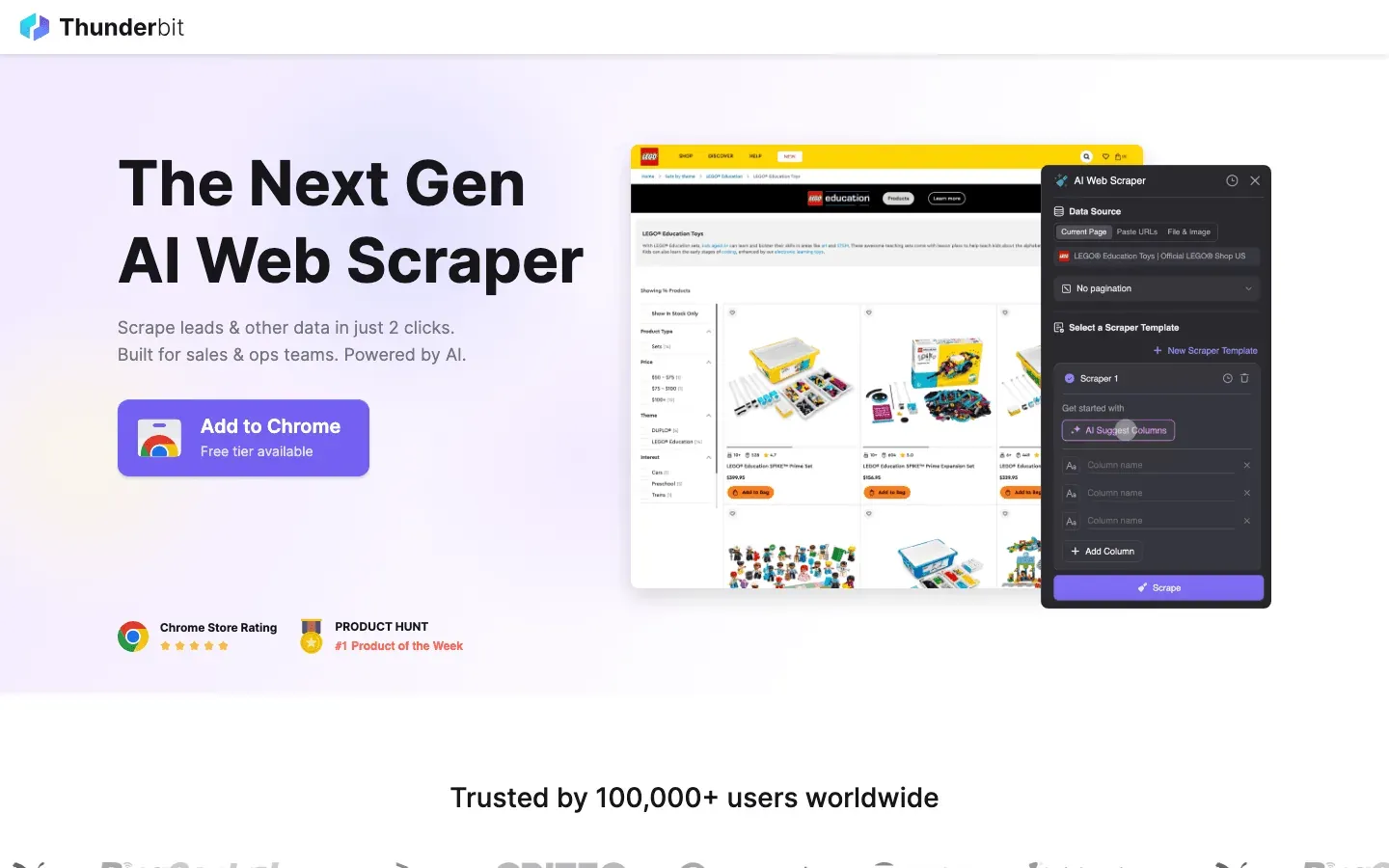 Thunderbit isn’t your typical proxy provider—it’s an AI-powered web scraping Chrome extension that handles proxies for you, behind the scenes. For anyone who wants to scrape websites at scale without managing proxy lists, Thunderbit is a breath of fresh air.
- All-in-One Solution: Thunderbit combines AI web scraping and managed proxy rotation. Just open a webpage, click “AI Suggest Fields,” and Thunderbit’s AI figures out what data to extract. Then, hit “Scrape”—the proxies, anti-bot tricks, and even CAPTCHA solving are handled automatically (Thunderbit Blog).
- Subpage & Pagination Scraping: Need to grab details from subpages or handle infinite scroll? Thunderbit automates it all, enriching your dataset with just a couple of clicks.
- Cloud & Browser Modes: Use Thunderbit’s cloud IPs for speed (scraping 50 pages at a time in parallel) or your own browser for logged-in sessions.
- Compliance & Privacy: Thunderbit uses cloud servers in the US, EU, and Asia, and positions itself as an ethical, compliant solution—no sketchy IP sourcing.
- Who’s It For? Sales, marketing, and ops teams who want web data without the technical headache. It’s perfect for lead scraping, price monitoring, and content research.
- Pricing: Free tier (scrape 6–10 pages), then credit-based. No separate proxy fees—it’s all built in.
Thunderbit is the only tool on this list that is both a scraper and a proxy solution, making it a unique one-stop shop for business users.
Try Thunderbit AI Web Scraper Free
2. Oxylabs
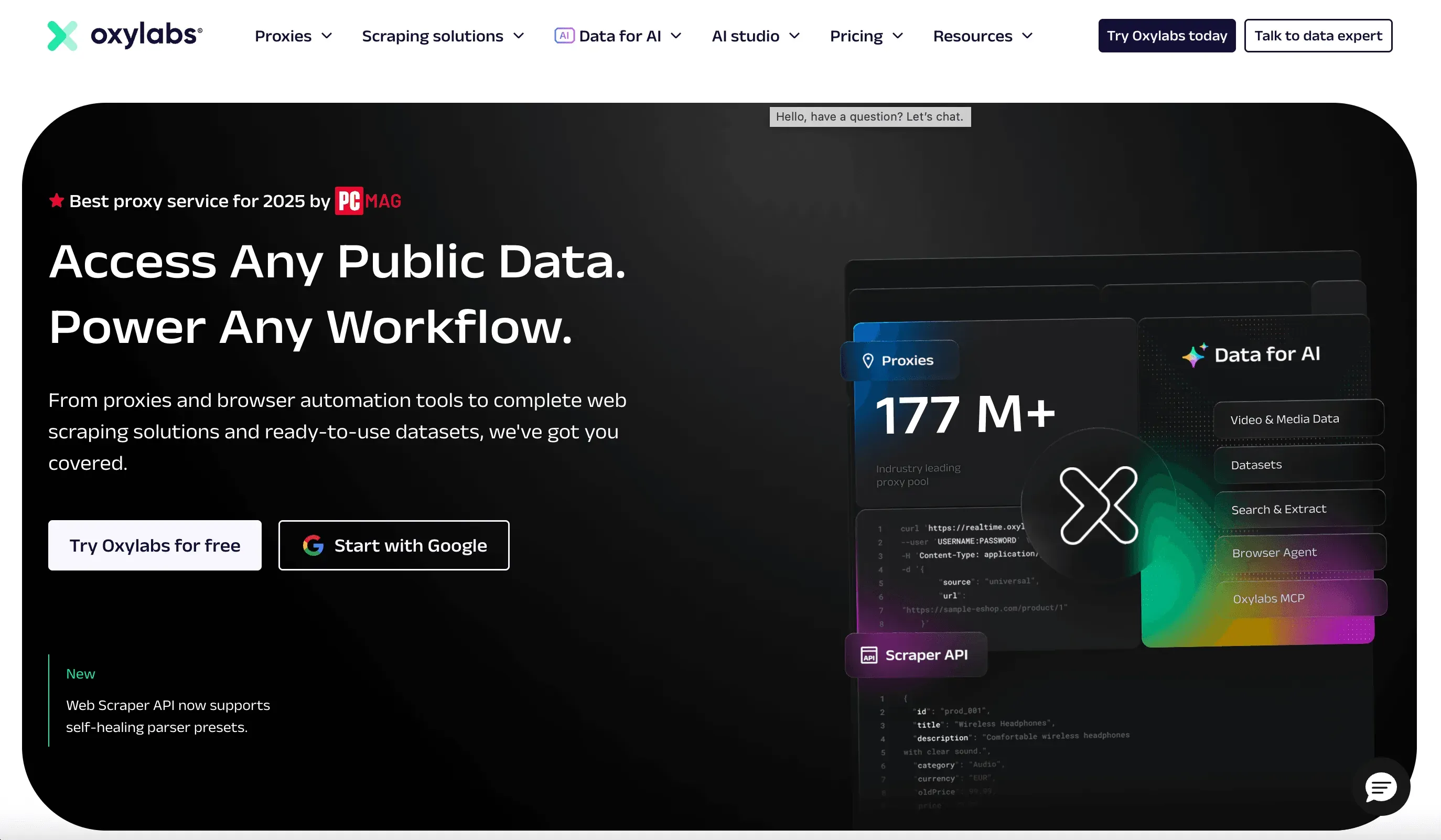 Oxylabs is the gold standard for enterprise-grade proxies. If you need to scrape millions of pages a day, monitor global prices, or run high-volume research, this is your go-to.
- Massive Pool: 175M+ residential IPs, 2M+ datacenter IPs, plus ISP and mobile proxies in 180+ countries.
- Unlimited Threads: No cap on simultaneous connections—even on entry plans.
- Advanced Tools: Web Unblocker and domain-specific Scraper APIs handle CAPTCHAs and anti-bot measures for you.
- Compliance: Ethically sourced IPs, dedicated account managers, and 24/7 support.
- Pricing: Starts around $300/month. Premium, but worth it for large-scale, mission-critical projects.
Best for enterprises and data teams who need scale, reliability, and compliance.
3. Bright Data
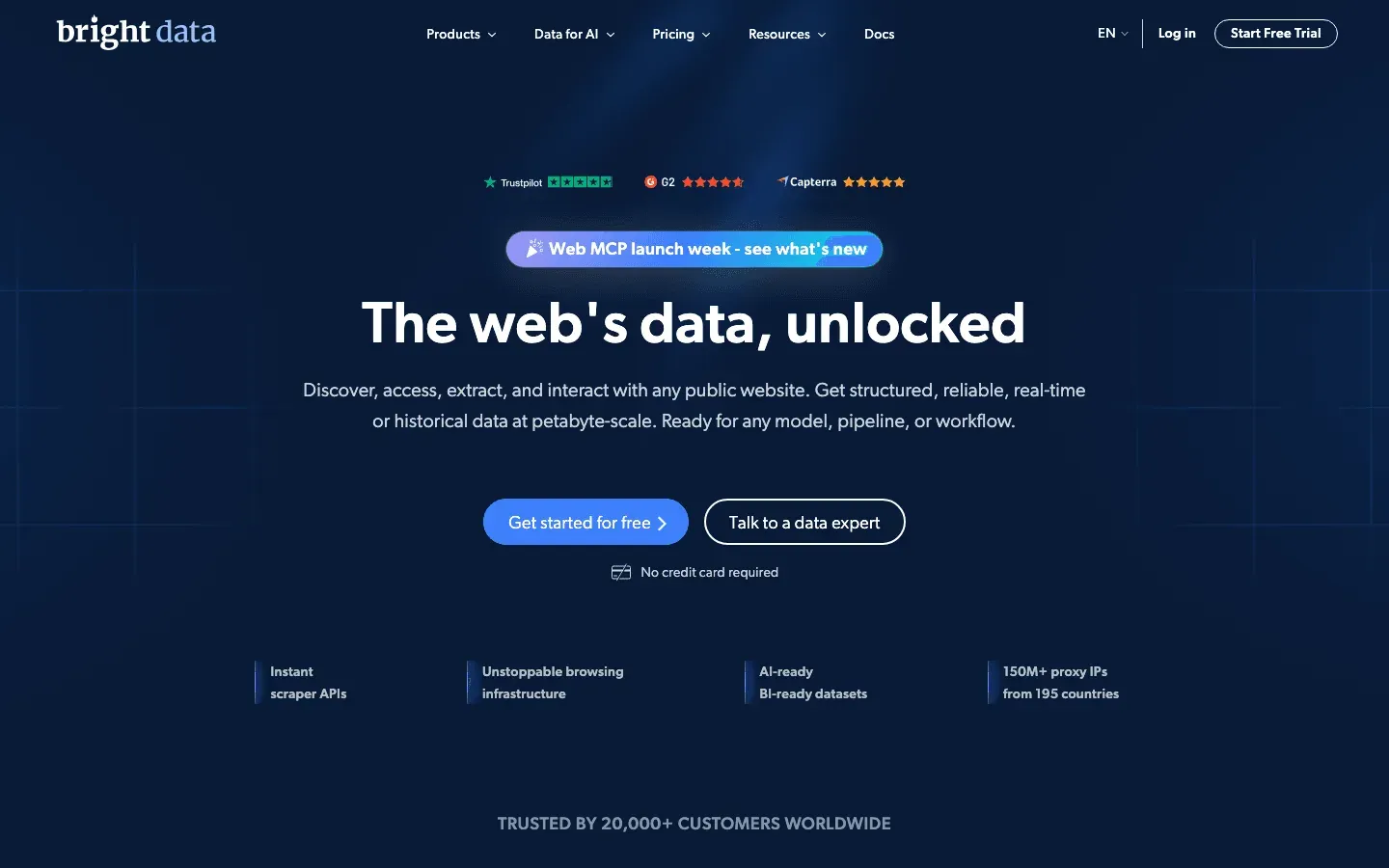 Bright Data (formerly Luminati) is the Rolls Royce of proxies—feature-rich, massive IP pool, and built for power users.
- Largest Network: 72M+ residential IPs, plus datacenter, mobile, and ISP proxies in 195+ countries.
- Granular Targeting: Country, city, ZIP, and ASN-level targeting.
- Proxy Manager & Web Unlocker: Advanced tools for managing rotations, handling CAPTCHAs, and automating scraping.
- Compliance: Strong focus on ethical sourcing and business verification.
- Pricing: ~$4.20/GB (7-day free trial for qualified users). Complex but flexible plans.
Ideal for businesses and researchers who need every possible feature and granular control.
4. Decodo (formerly Smartproxy)
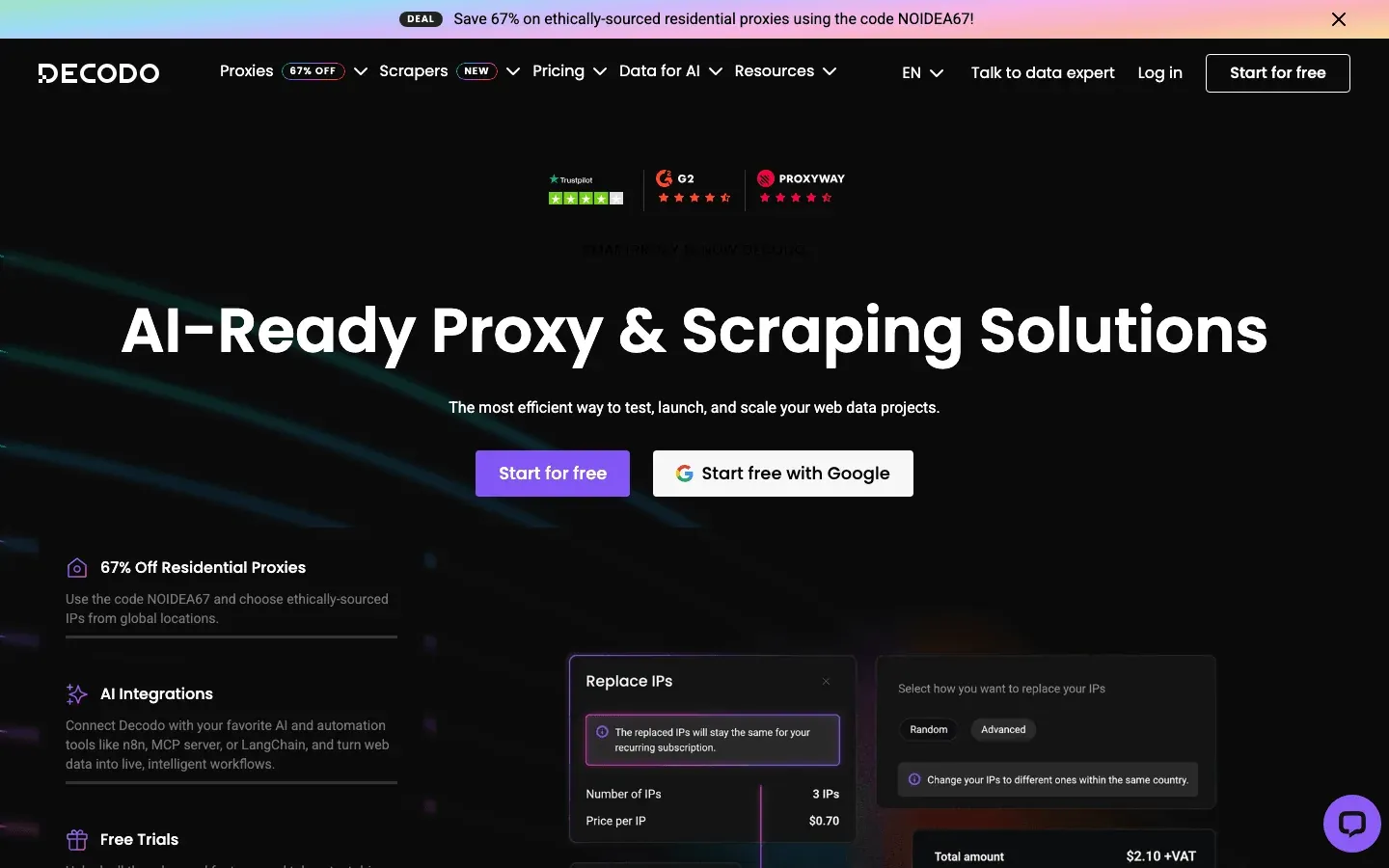 Decodo (the company formerly known as Smartproxy, rebranded April 2025) is all about making premium proxies accessible and easy to use. Existing Smartproxy accounts and endpoints continue to work; only the brand and domain changed.
- Huge Pool: 115M+ residential IPs, datacenter, ISP, and mobile proxies in 195+ countries.
- User-Friendly: Clean dashboard, Chrome extension, and multi-login browser for managing accounts.
- AI Parser: Extract structured data from any website—no coding required.
- 24/7 Support: Responsive and helpful, with a strong community.
- Pricing: $75 for 5GB (3-day refund policy). Great value for SMBs and developers.
Perfect for small-to-medium businesses and anyone who wants a balance of features and price.
5. Private Internet Access
 Private Internet Access (PIA) is best known as a VPN, but every subscription includes a SOCKS5 proxy server.
- Privacy-Focused: Strict no-logs policy, verified in court and by independent audits.
- SOCKS5 Proxy: Fast, simple, and included with VPN plans—great for masking your IP or torrenting.
- Global Network: 30k+ VPN servers in 80+ countries.
- Pricing: ~$2–3/month (VPN subscription).
Best for privacy-conscious users and those who want a VPN and proxy in one. Not ideal for large-scale scraping.
6. MyPrivateProxy
 MyPrivateProxy is a veteran in the dedicated datacenter proxy space.
- Fast & Stable: 100k+ IPs across 24 US/EU data centers, 1 Gbps servers, and unlimited bandwidth.
- Specialized Packages: SEO, social media, ticketing, and sneaker bots.
- Affordable: ~$2.49/IP per month, with bulk discounts.
- Support: Responsive, with a solid reputation.
Ideal for social media managers, SEO specialists, and anyone needing consistent, fast IPs.
7. IPRoyal
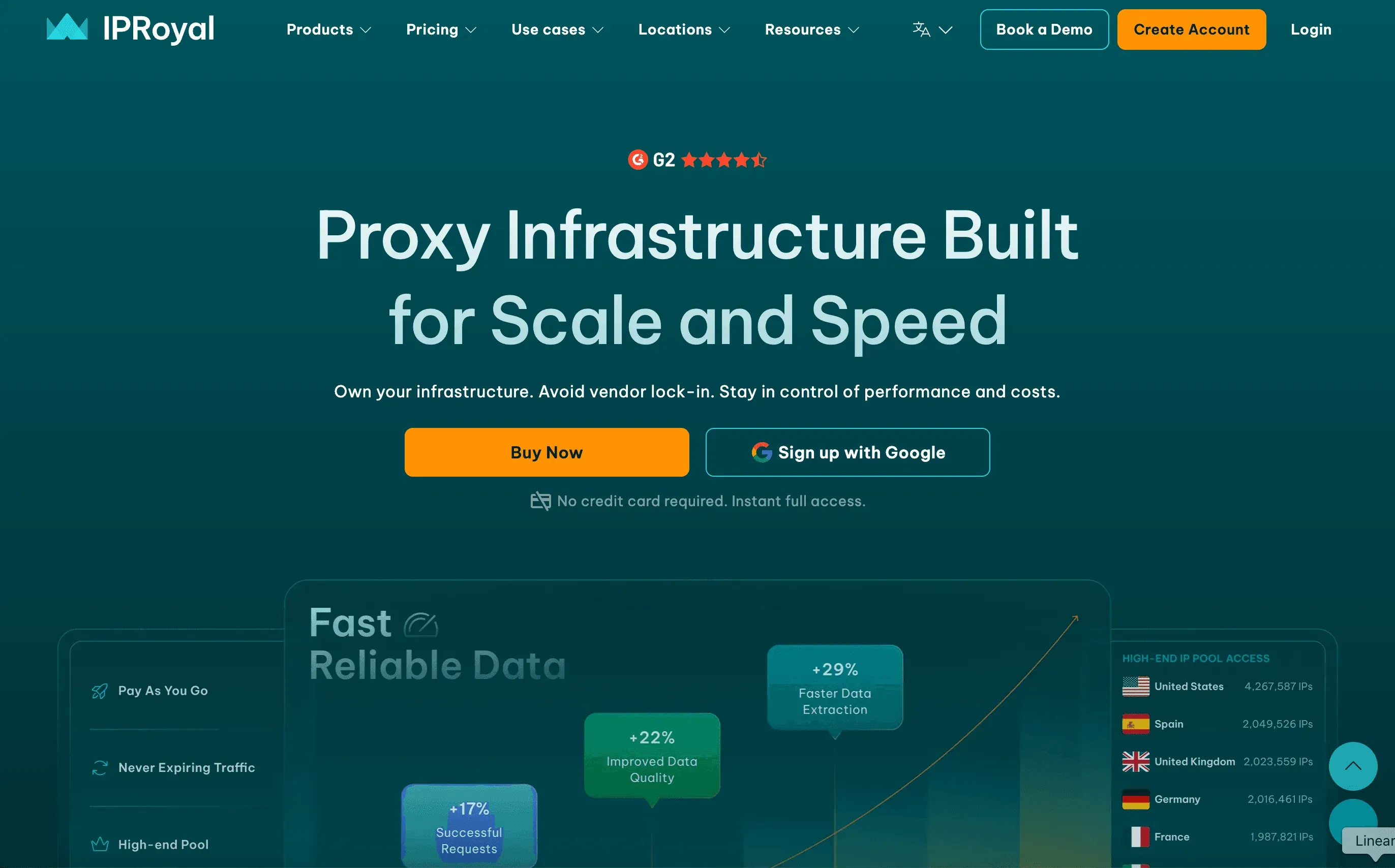 IPRoyal is all about affordability and flexibility.
- Pay-As-You-Go: Residential proxies at ~$1.75/GB, with no expiration—buy what you need, use it anytime.
- Proxy Types: Residential, datacenter, mobile, and sneaker proxies.
- Unlimited Threads: No cap on concurrent connections.
- Global Coverage: 195+ countries.
Great for startups, hobbyists, or anyone with variable or small-scale proxy needs.
8. Proxy-Seller
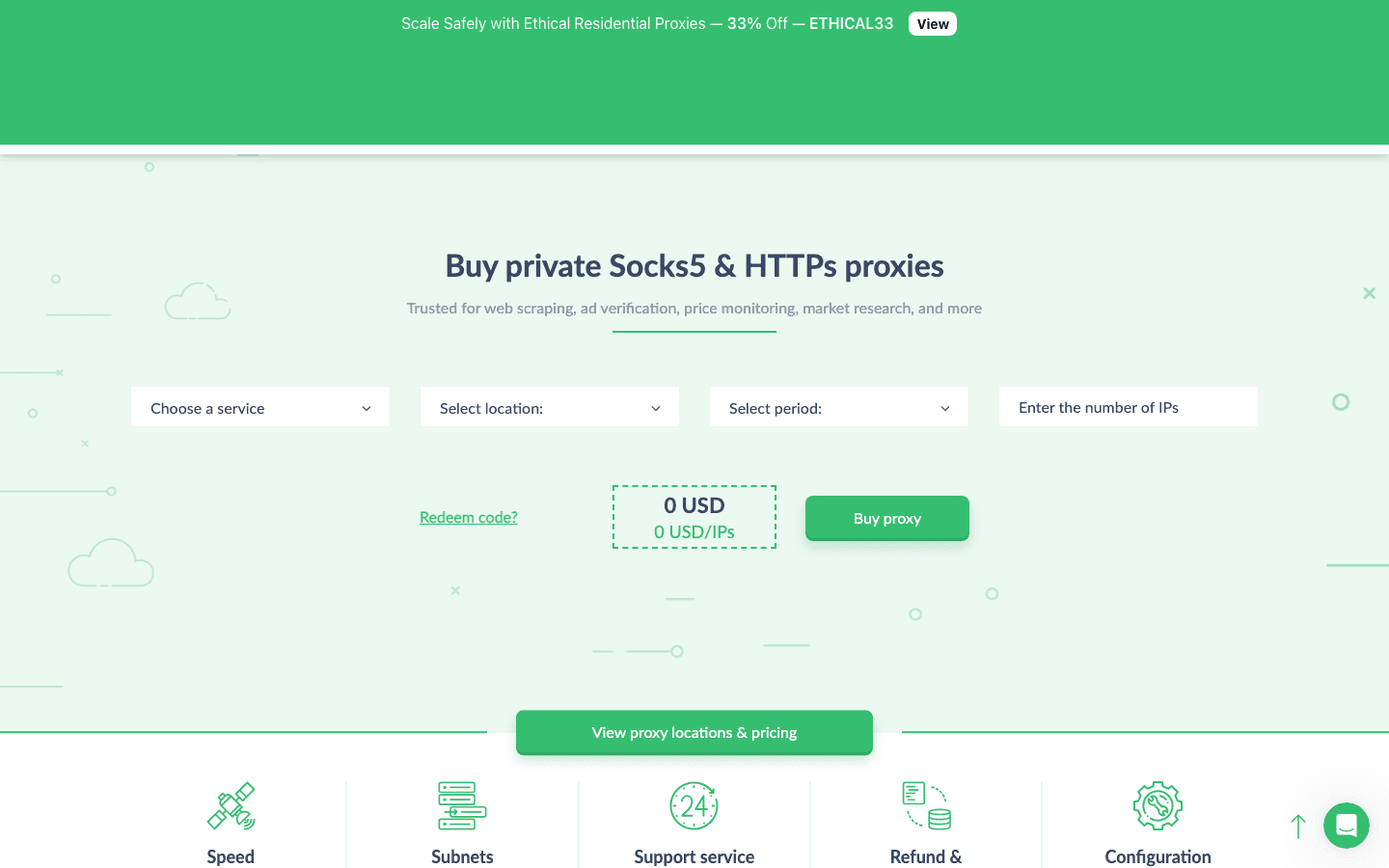 Proxy-Seller specializes in tailored proxies for social media, gaming, and more.
- 220+ Locations: IPv4/IPv6 datacenter, residential, ISP, and mobile proxies.
- Custom Plans: Pick proxies optimized for Instagram, Facebook, TikTok, gaming, etc.
- Flexible Payments: Rent for a week or a year, with big discounts for longer terms.
- Affordable: Starting at ~$0.75/IP.
Perfect for social media managers, gamers, and anyone needing specialized proxies on a budget.
9. ProxyEmpire
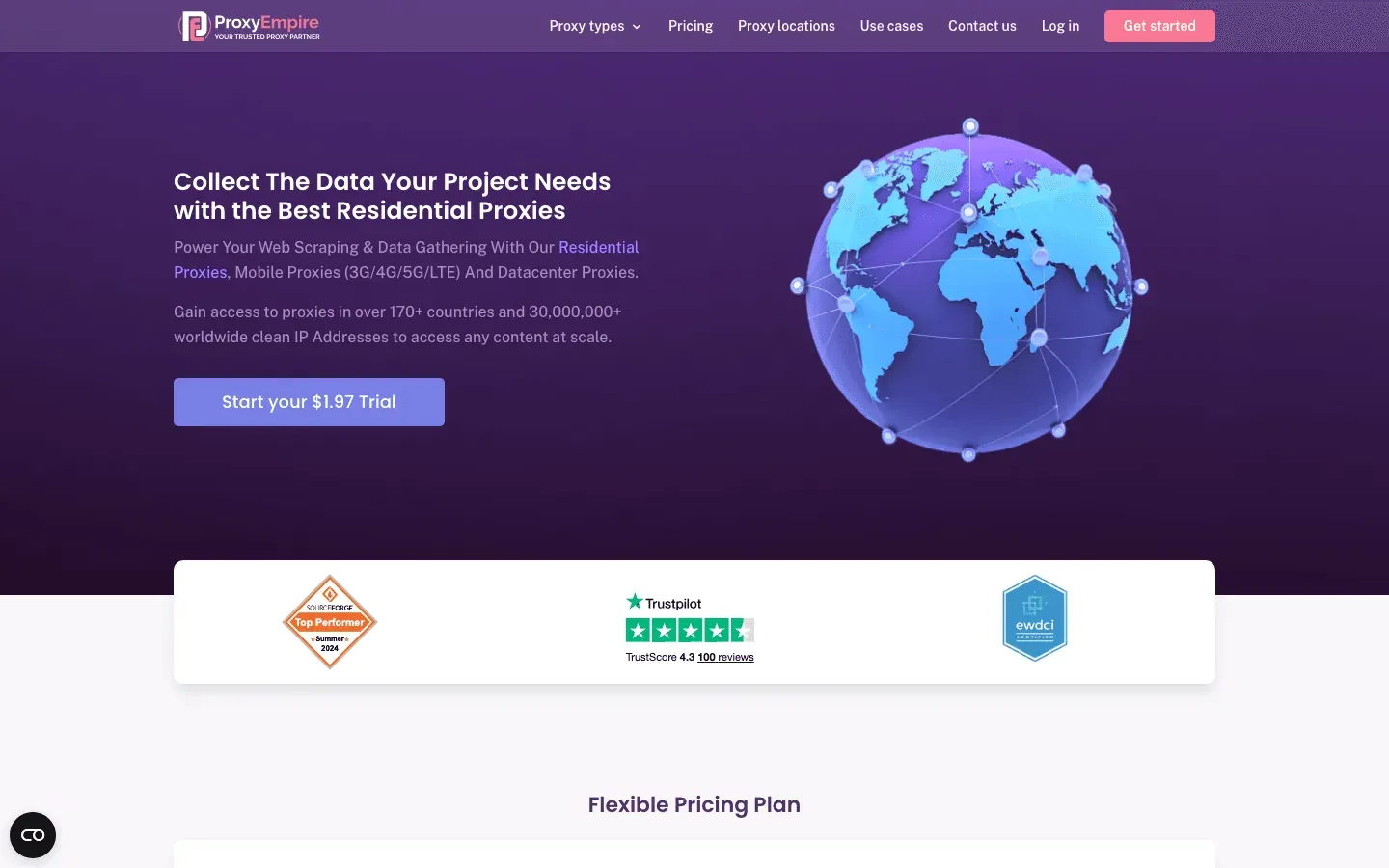 ProxyEmpire offers cost-effective, customizable proxies with global reach.
- 9.5M+ IPs: Residential, mobile, and datacenter proxies in 170+ countries.
- Rollover Data: Unused data carries over to the next month.
- Affordable Trials: $1.97 trial, then flexible plans.
- No Hidden Fees: Transparent pricing and unlimited concurrent sessions.
Best for startups and data enthusiasts who want flexibility and global coverage.
10. Rayobyte (formerly Blazing SEO Proxy)
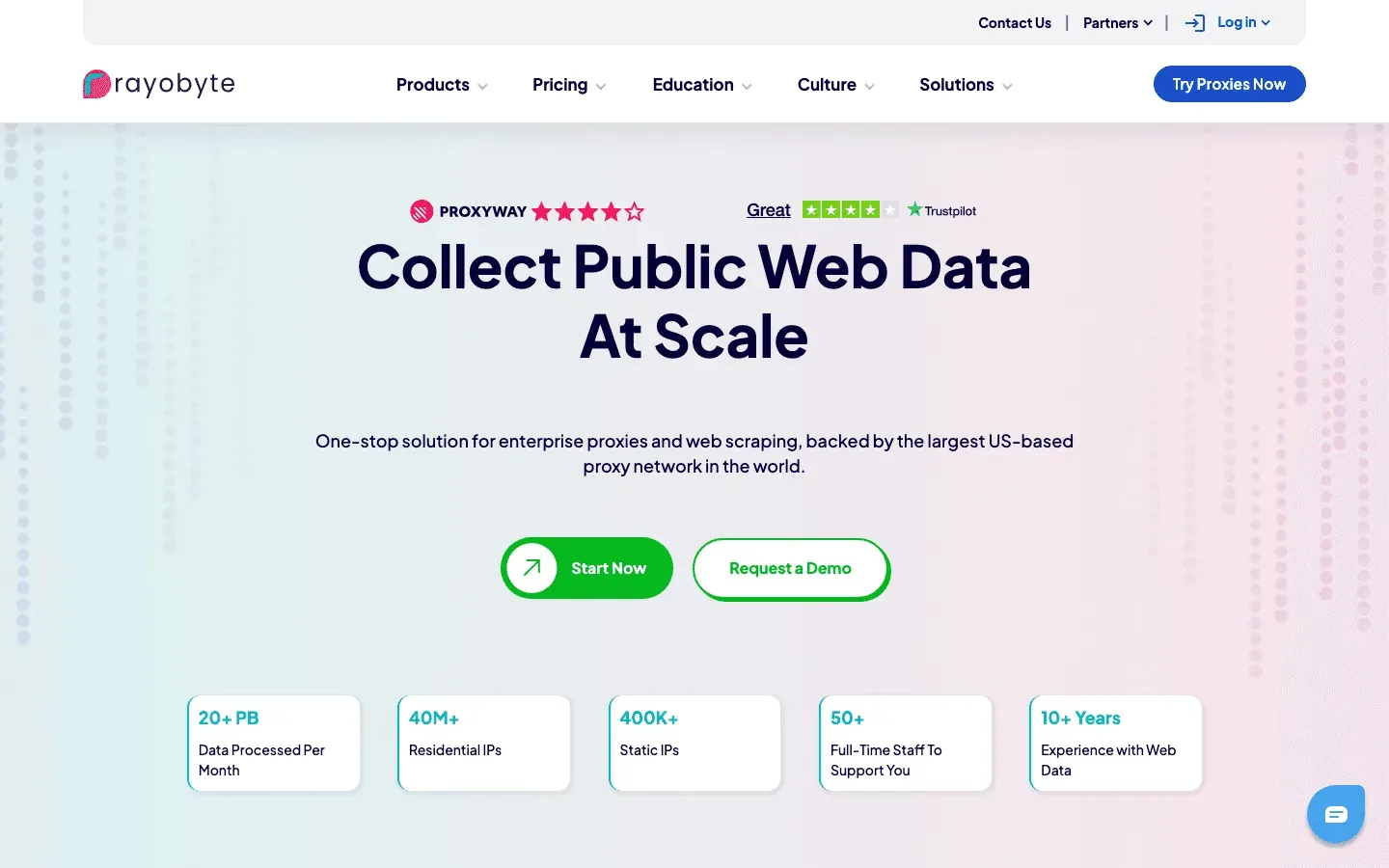 Rayobyte (the rebrand of Blazing SEO Proxy, completed in 2022) is known for high performance and flexible scaling.
- All Proxy Types: Residential, datacenter, ISP, and mobile.
- Flexible Plans: Buy as few as 5 proxies or scale to thousands.
- Affordable: $15/GB for residential, $2.50/IP for datacenter.
- Ethical Sourcing: Opt-in residential peers.
Great for market research, sales prospecting, and anyone who needs to scale up (or down) quickly.
11. HighProxies
 HighProxies is trusted for social media and classifieds.
- Dedicated & Shared Proxies: Optimized for Instagram, Facebook, Craigslist, etc.
- 33 Locations: 68k IPs in 11 countries, with city-level targeting.
- Unlimited Bandwidth: Up to 100 threads per proxy.
- Affordable: $1.40/IP (private), $2.60 for specialized proxies.
Ideal for social media managers, classified ad posters, and those needing stable, clean datacenter IPs.
12. Shifter
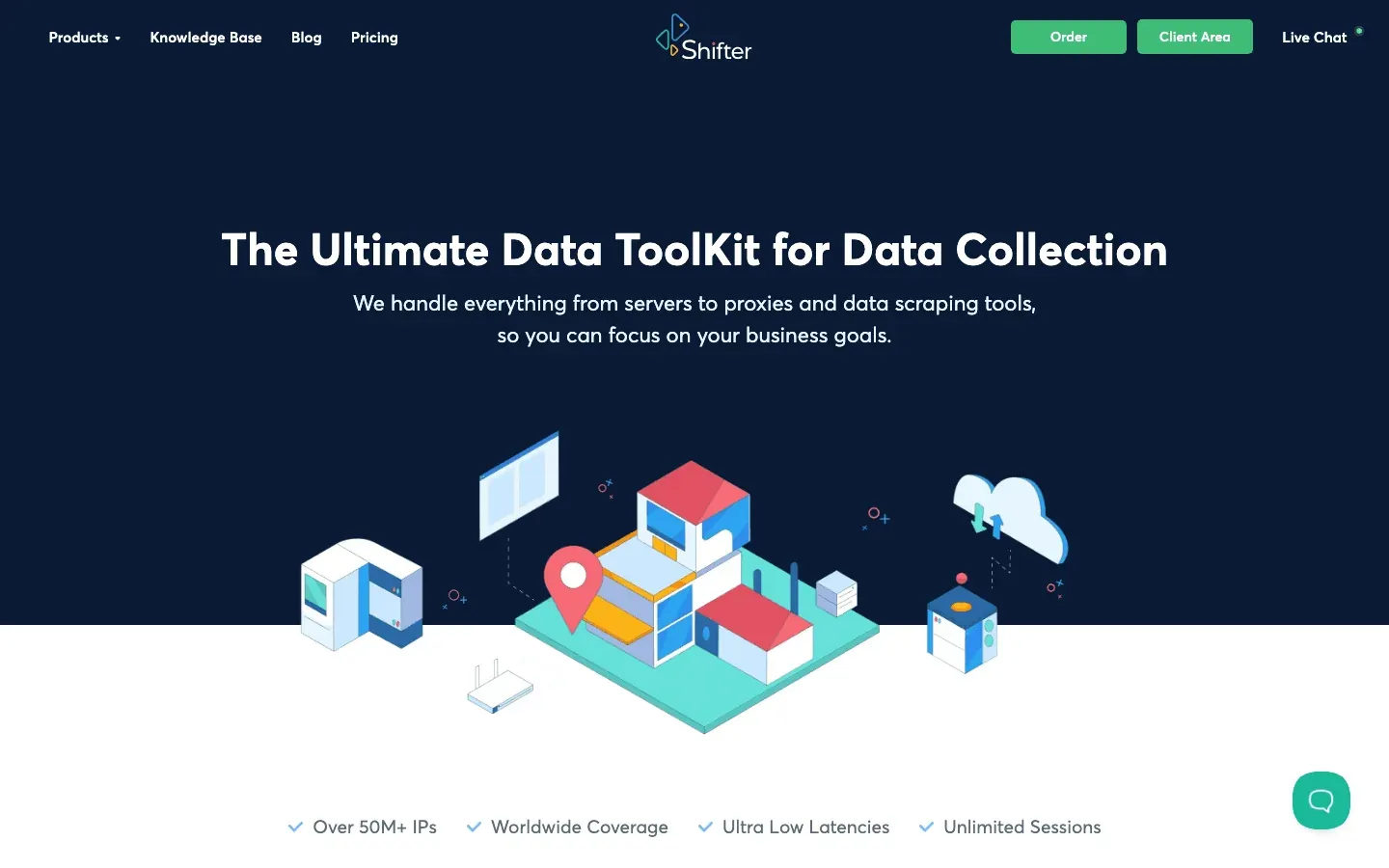 Shifter stands out for unlimited bandwidth residential proxies.
- 31M+ IPs: Massive peer-to-peer network.
- Unlimited Data: Pay per port, not per GB—great for high-volume scraping.
- Geo-Targeting: Available on “Special” plans.
- Pricing: $299.99 for 25 ports (unlimited data).
Best for heavy-duty scraping, streaming, or any task where bandwidth is king.
13. Geonode
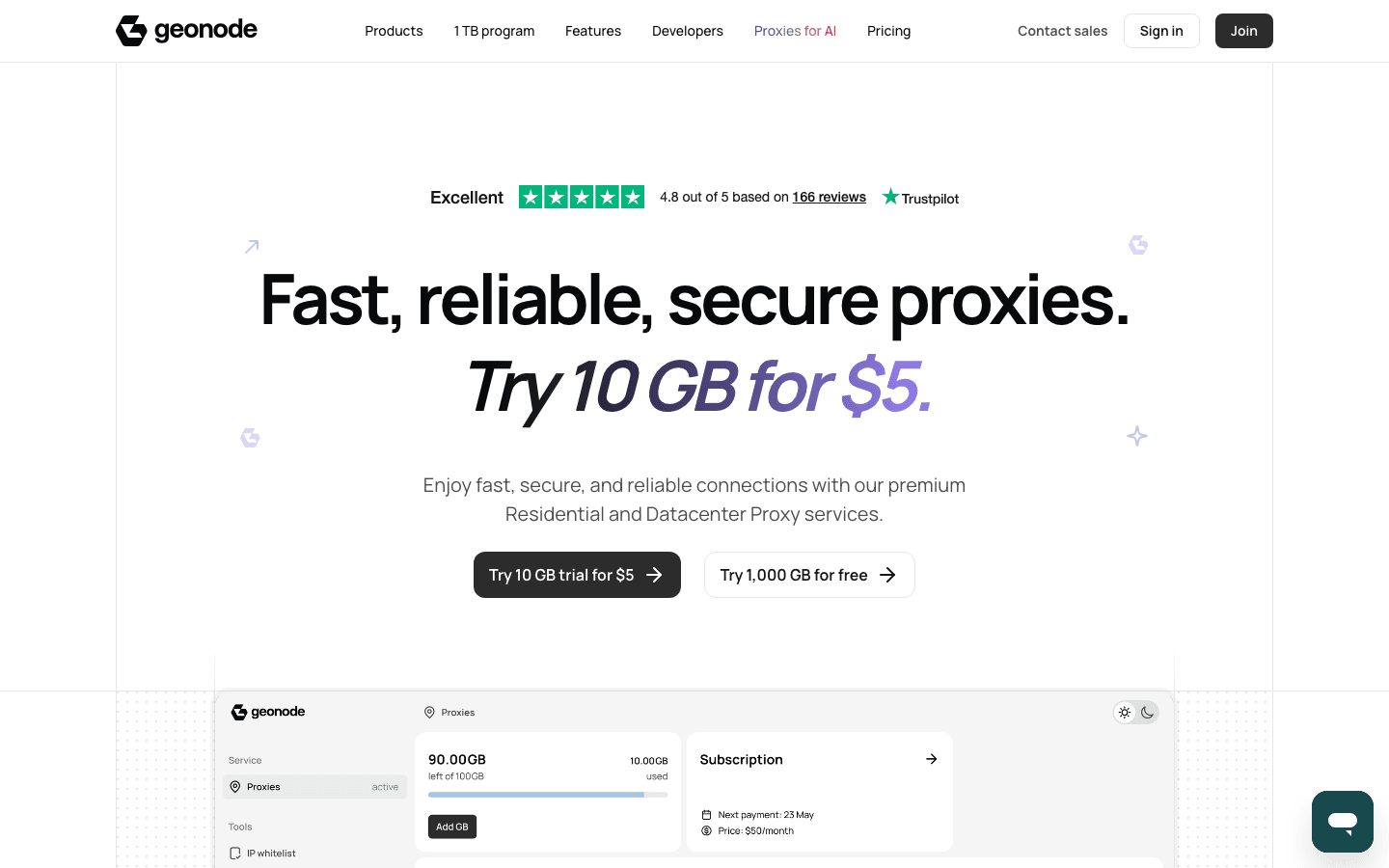 Geonode is the budget-friendly choice for startups and small teams.
- Flat-Rate Pricing: $50/month for 100GB ($0.50/GB).
- 30M+ IPs: Rotating residential proxies in 190+ countries.
- Unlimited Connections: No extra fees for targeting or sticky sessions.
- Simple Plans: One plan fits all, with data rollover.
Perfect for cash-strapped startups, researchers, or anyone who wants simple, cheap proxies.
14. NetNut
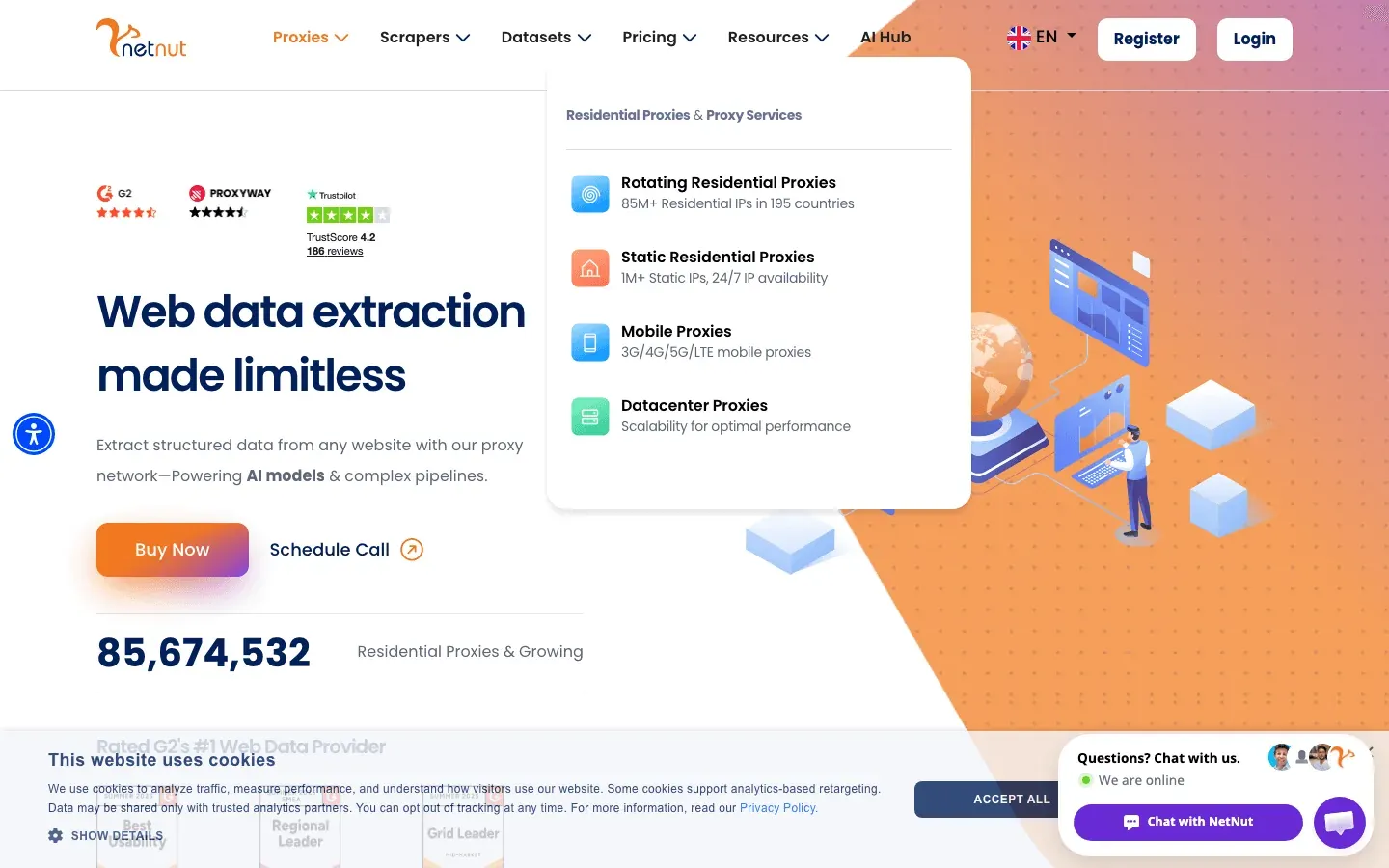 NetNut is built for large-scale, high-volume operations.
- Direct ISP Connections: Static residential proxies sourced from ISPs, not end-user devices.
- 20M+ Residential, 5M+ Mobile IPs: Fast, stable, and reliable.
- Enterprise-Grade: Unlimited concurrent connections, 24/7 support, and robust compliance.
- Pricing: Starts around $300/month.
Best for enterprises, real-time data monitoring, and anyone who needs speed and reliability at scale.
15. ProxyRack
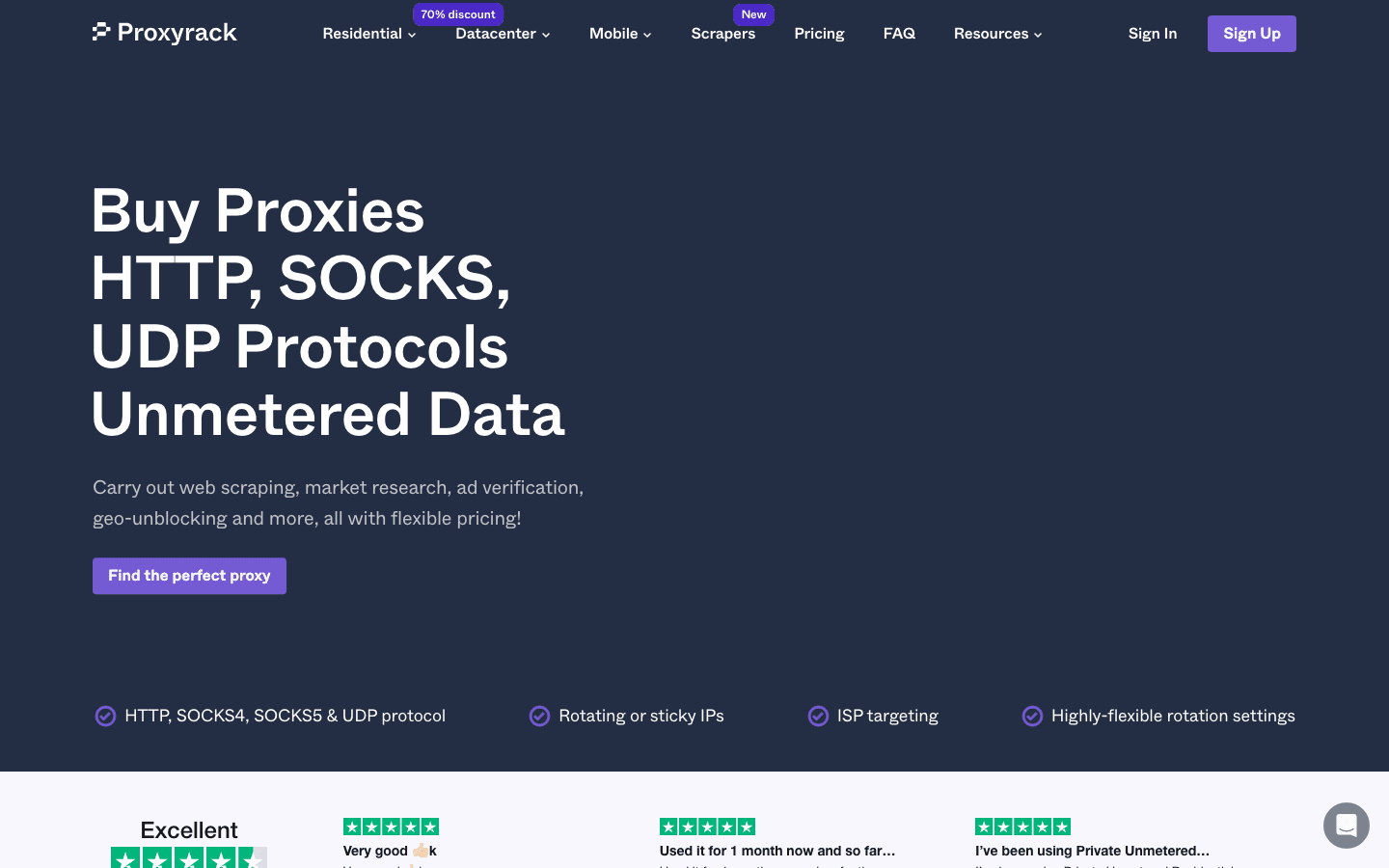 ProxyRack is all about versatility and protocol support.
- Multiple Proxy Types: Rotating residential, datacenter, and mobile proxies.
- Unmetered Plans: Unlimited bandwidth on many plans.
- Protocol Support: HTTP, HTTPS, SOCKS5, and even UDP.
- Affordable: $49.95/month for unmetered starter, or ~$2/GB pay-as-you-go.
Great for developers, QA testers, and anyone who needs broad compatibility and flexible integration.
Comparison Table: Best Paid Proxies at a Glance
| Provider | Proxy Types | Network Size / Geo | Pricing (Starting) | Best For |
|---|---|---|---|---|
| Thunderbit | AI Web Scraper + Proxies | Cloud (US/EU/Asia) | Free, then credit-based | No-code scraping, sales/marketing teams |
| Oxylabs | Res, DC, Mobile, ISP | 175M+ IPs, 180+ countries | ~$300/month | Enterprise scraping, compliance |
| Bright Data | Res, DC, Mobile, ISP | 72M+ IPs, 195+ countries | ~$4.20/GB | Business intelligence, advanced targeting |
| Decodo (Smartproxy) | Res, DC, Mobile, ISP | 115M+ IPs, 195+ countries | $75/5GB | SMBs, devs, user-friendly setup |
| PIA | SOCKS5 Proxy + VPN | 30k+ servers, 80+ countries | ~$2–3/month | Personal privacy, light proxy use |
| MyPrivateProxy | Datacenter (Private/Shared) | 100k+ IPs, US/EU | ~$2.49/IP | Social media, SEO, sneaker bots |
| IPRoyal | Res, DC, Mobile, Sneaker | Millions, 195+ countries | ~$1.75/GB | Budget, pay-as-you-go, small projects |
| Proxy-Seller | Res, ISP, DC, Mobile | 40M+ IPs, 220+ countries | ~$0.75/IP, $7/GB | Social media, gaming, flexible plans |
| ProxyEmpire | Res, Mobile, DC | 9.5M+ IPs, 170+ countries | $1.97 trial, $49/3GB | Startups, global reach, rollover data |
| Blazing SEO | Res, DC, Mobile, ISP | 100k+ IPs, 100+ countries | $15/GB, $2.50/IP | Market research, flexible scaling |
| HighProxies | Datacenter (Private/Shared) | 68k IPs, 11 countries | $1.40/IP | Social/classifieds, stable DC IPs |
| Shifter | Rotating Residential, DC | 31M+ IPs, global | $299.99/25 ports | Unlimited bandwidth, heavy scraping |
| Geonode | Rotating Residential | 30M+ IPs, 190+ countries | $50/100GB | Startups, simple flat pricing |
| NetNut | Rotating Res, Static ISP | 20M+ res, 5M+ mobile | ~$300/month | Enterprise, speed, static residential |
| ProxyRack | Rotating Res, Mobile, DC | 5M+ IPs, 140+ countries | $49.95/month, $2/GB | Versatile, devs, protocol support |
How to Choose the Best Paid Proxy for Your Needs
Best Private Proxy Services in 2026 Explore our in-depth guide to the best private proxy services for every use case. Get Started Free
Here’s my cheat sheet for picking the right proxy:
- Web Scraping on Tough Sites: Go with Oxylabs, Bright Data, or NetNut for robust residential/mobile proxies and high success rates.
- Social Media Management: HighProxies, MyPrivateProxy, or Proxy-Seller for stable, dedicated IPs and city-level targeting.
- Market Research & Sales Prospecting: Blazing SEO, ProxyEmpire, or Smartproxy for affordable, flexible plans and good support.
- Budget or Ad-Hoc Projects: IPRoyal or Geonode for pay-as-you-go or flat-rate pricing.
- No-Code Automation: Thunderbit if you want scraping and proxies in one tool, with no setup.
- Personal Privacy: PIA for a VPN + proxy combo with a strict no-logs policy.
- Heavy Data Transfer: Shifter or ProxyRack for unlimited bandwidth and unmetered plans.
- Global/Geo-Targeted Needs: Bright Data, Proxy-Seller, or ProxyEmpire for the widest location options.
Pro tip: Always start with a free trial or low-cost plan. Test your use case—every proxy network behaves differently depending on your target sites.
Get Thunderbit Chrome Extension
Conclusion: Finding Your Ideal Paid Proxy
The proxy world has never been more diverse—or more essential. Whether you’re scraping millions of pages, managing dozens of social accounts, or just want to browse securely, there’s a paid proxy on this list that fits your needs. The key is matching the right tool to your workflow, scale, and compliance requirements.
And don’t be afraid to mix and match—many savvy users keep a couple of providers in their toolkit, using each where they shine. The best part? Most of these services offer free trials or money-back guarantees, so you can experiment and find your perfect fit.
Happy proxy hunting—and may your connections be fast, your data secure, and your IPs always unbanned.
Try Thunderbit AI Web Scraper & Proxy Solution Get Started Free
FAQs
1. Why should I use a paid proxy instead of a free one?
Paid proxies offer faster speeds, higher reliability, better privacy, and actual customer support. Free proxies are often slow, unstable, and may log or sell your data (Private Internet Access).
2. What’s the difference between residential, datacenter, and mobile proxies?
Residential proxies use real devices’ IPs, making them harder to block. Datacenter proxies are faster and cheaper but more easily detected. Mobile proxies use cellular networks, offering the highest trust but at a premium price.
3. Which proxy is best for web scraping?
For tough targets, go with Oxylabs, Bright Data, or NetNut for residential/mobile proxies. For no-code scraping with built-in proxies, Thunderbit is a unique all-in-one choice.
4. How do I stay compliant and protect privacy when using proxies?
Choose reputable providers with ethical IP sourcing and clear privacy policies. Avoid scraping sites that prohibit it, and always respect local laws and terms of service.
5. Can I use more than one proxy provider?
Absolutely! Many users keep multiple providers for different needs—using one for scraping, another for social media, and a third for backup or budget tasks.
Want to dig deeper? Check out the Thunderbit Blog for more guides, tips, and hands-on reviews of the best proxy tools in 2026.
Learn More




