
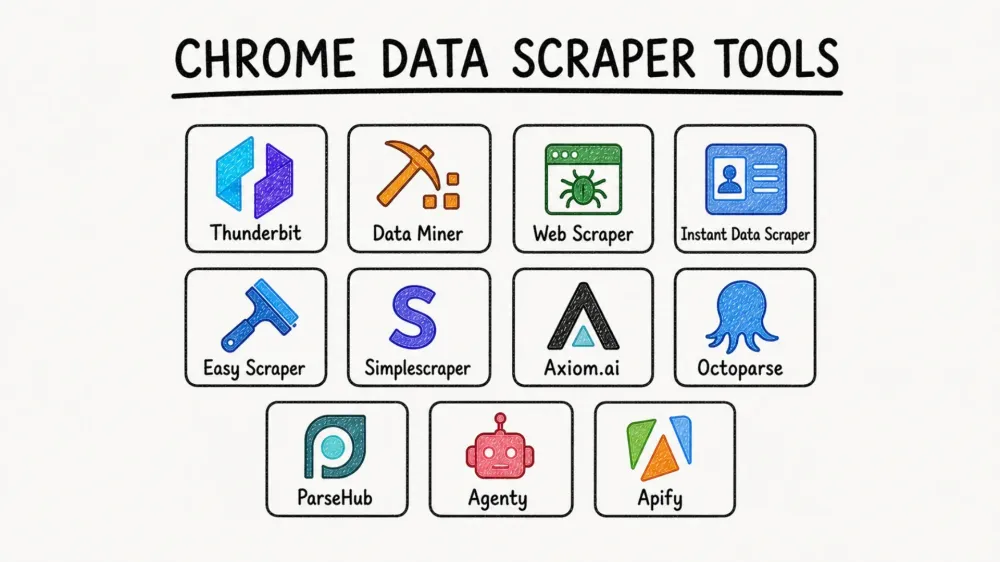
If you have ever stared at a directory, marketplace, or search results page and thought, "I just need this in a spreadsheet," this list is for you. In 2026, Chrome extension data scraper tools are no longer niche utilities for analysts and developers. They are practical workflow tools for sales, ecommerce, recruiting, operations, and research teams that need to move from page to table without writing code.
The big shift is not just speed. The best tools now combine browser-native extraction, AI-assisted field detection, pagination, subpage enrichment, and direct exports into the apps teams already use. That makes the category much more useful for non-technical operators than the older generation of selector-heavy scraping tools.
If your goal is to get from browser page to structured table with the least setup, Thunderbit remains the fastest place to start. But it is not the only good option. Some tools are stronger for repeatable template-based extraction, some are better for dynamic websites, and some are better when you need full browser automation instead of pure scraping.
Why Chrome Extension Data Scraper Tools Matter in 2026
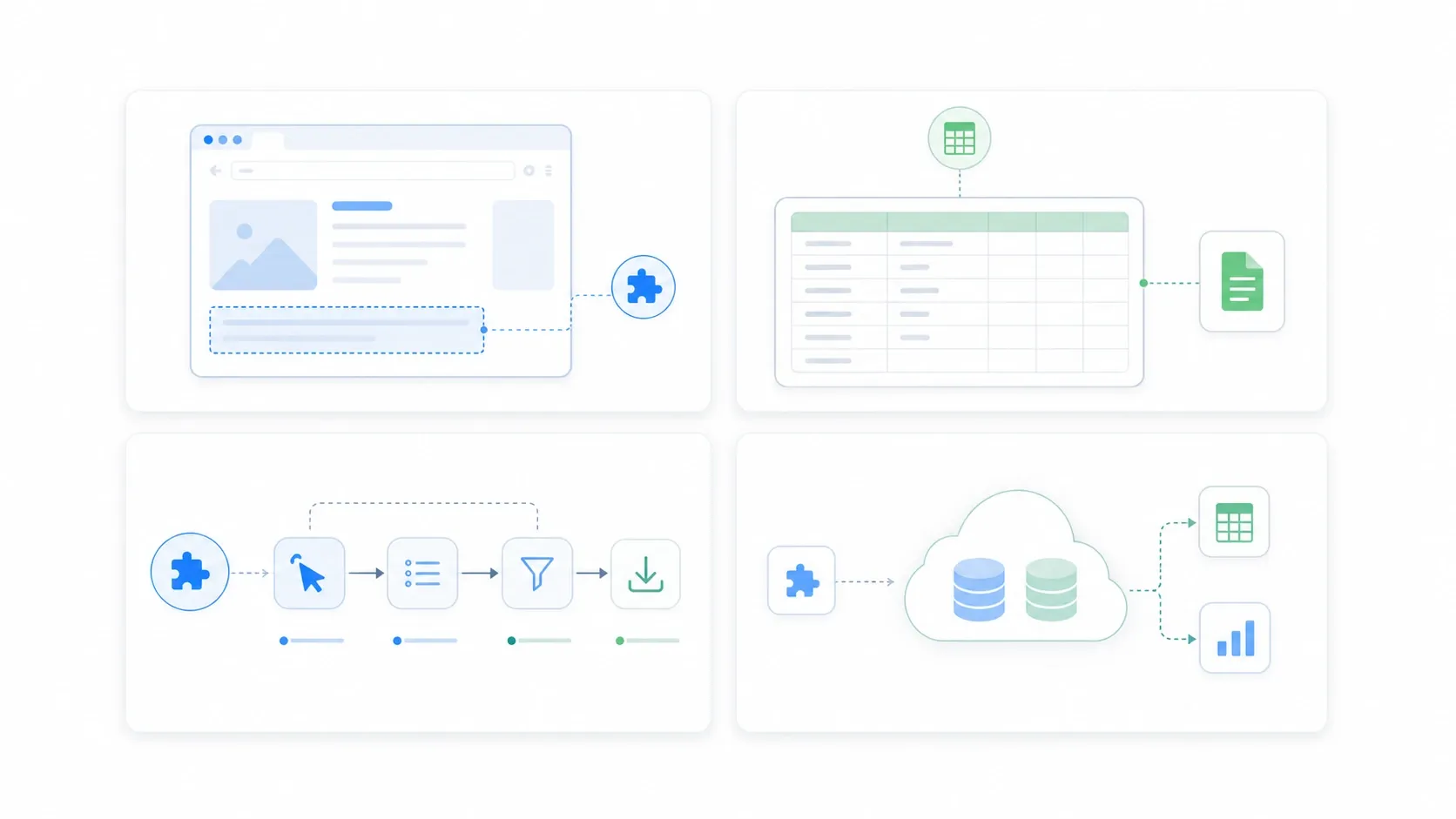
The reason these tools matter is simple: manual copy-paste does not scale, and API access is often missing exactly where teams want data most. The best extension-first scrapers fill that gap by letting business users extract structured data directly from what they already see in the browser.
That matters for several common jobs:
- building lead lists from public directories and search results
- pulling product, pricing, and inventory signals from ecommerce pages
- collecting research datasets from listings, review pages, and comparison sites
- moving tabular data into Google Sheets, Excel, Airtable, or downstream automation
How I Evaluated These Tools
I narrowed the list using five criteria that matter in real workflows, not just marketing screenshots:
- Ease of use: How quickly can a non-technical user get the first useful export?
- Data depth: Can the tool handle pagination, subpages, logins, or dynamic content?
- Export flexibility: Can it move data into Sheets, Excel, CSV, Airtable, Notion, or an API workflow?
- Scaling path: Is it only good for one-off grabs, or can it support recurring jobs?
- Fit for search intent: This refresh favors tools that are genuinely extension-first or browser-native, not generic enterprise platforms that happen to support web data collection.
1. Thunderbit
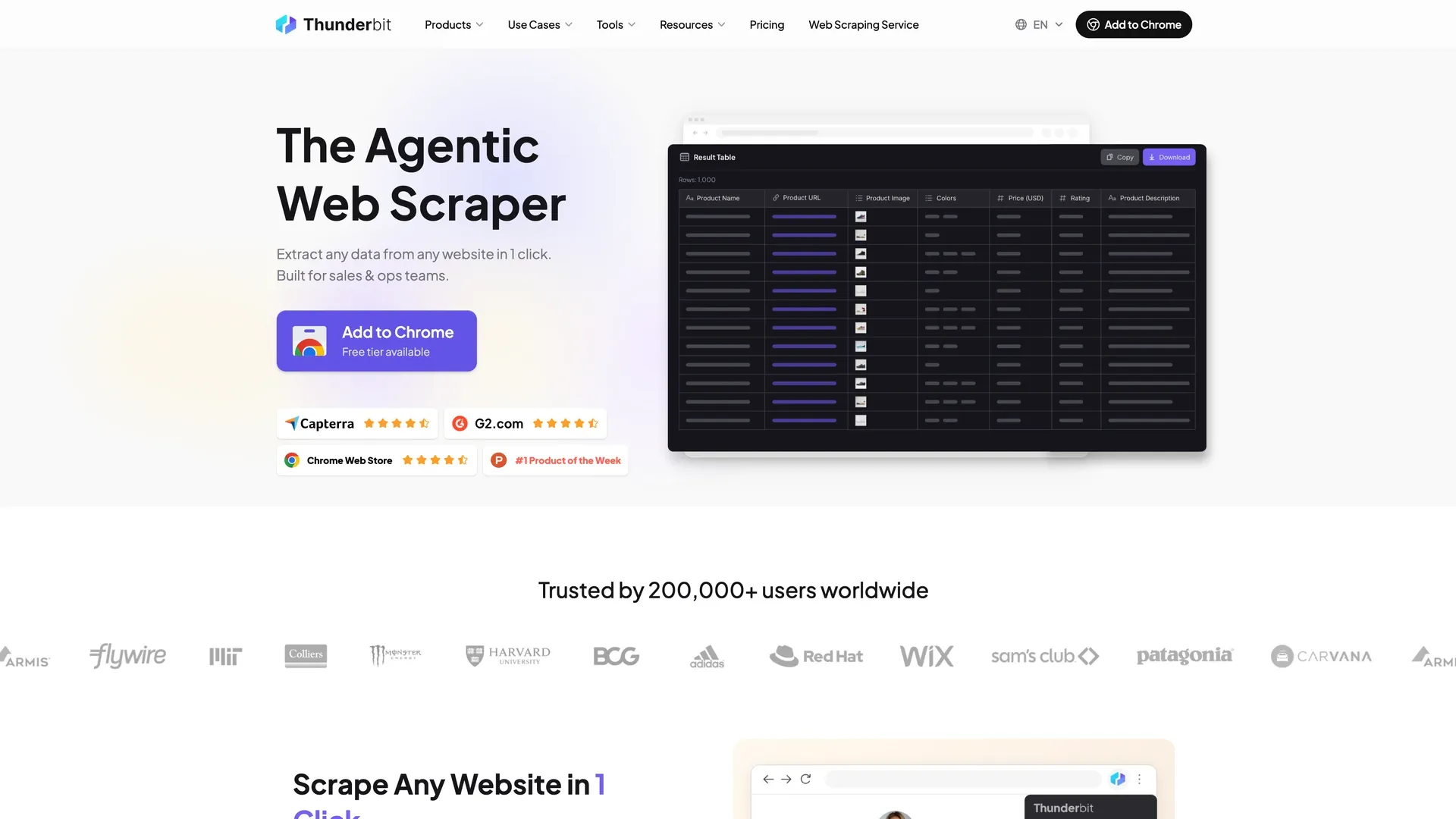
Thunderbit is still the best fit for non-technical teams that want the shortest path from website to spreadsheet. Its Chrome extension uses AI to identify the extractable fields, structure rows automatically, and handle pagination or subpages without forcing users into CSS selectors. A user who needs a narrower result can describe the target data instead.
Why it stands out:
- AI field detection: The extension inspects the page layout and assembles the column set automatically.
- 1-click setup: It is optimized for "one click, then let the AI decide what to pull" instead of manual recipe building. Typing out what you need in plain language is the other supported path.
- Subpage enrichment: It can visit linked pages and append deeper data into the same table.
- Flexible exports: It supports Excel, Google Sheets, Airtable, Notion, CSV, and JSON workflows.
- Strong extension footprint: The Chrome Web Store listing shows 100,000 users and direct support links for tutorials and pricing.
Best for: Sales, ops, ecommerce, and research teams that want AI-assisted scraping without a learning curve.
2. Data Miner
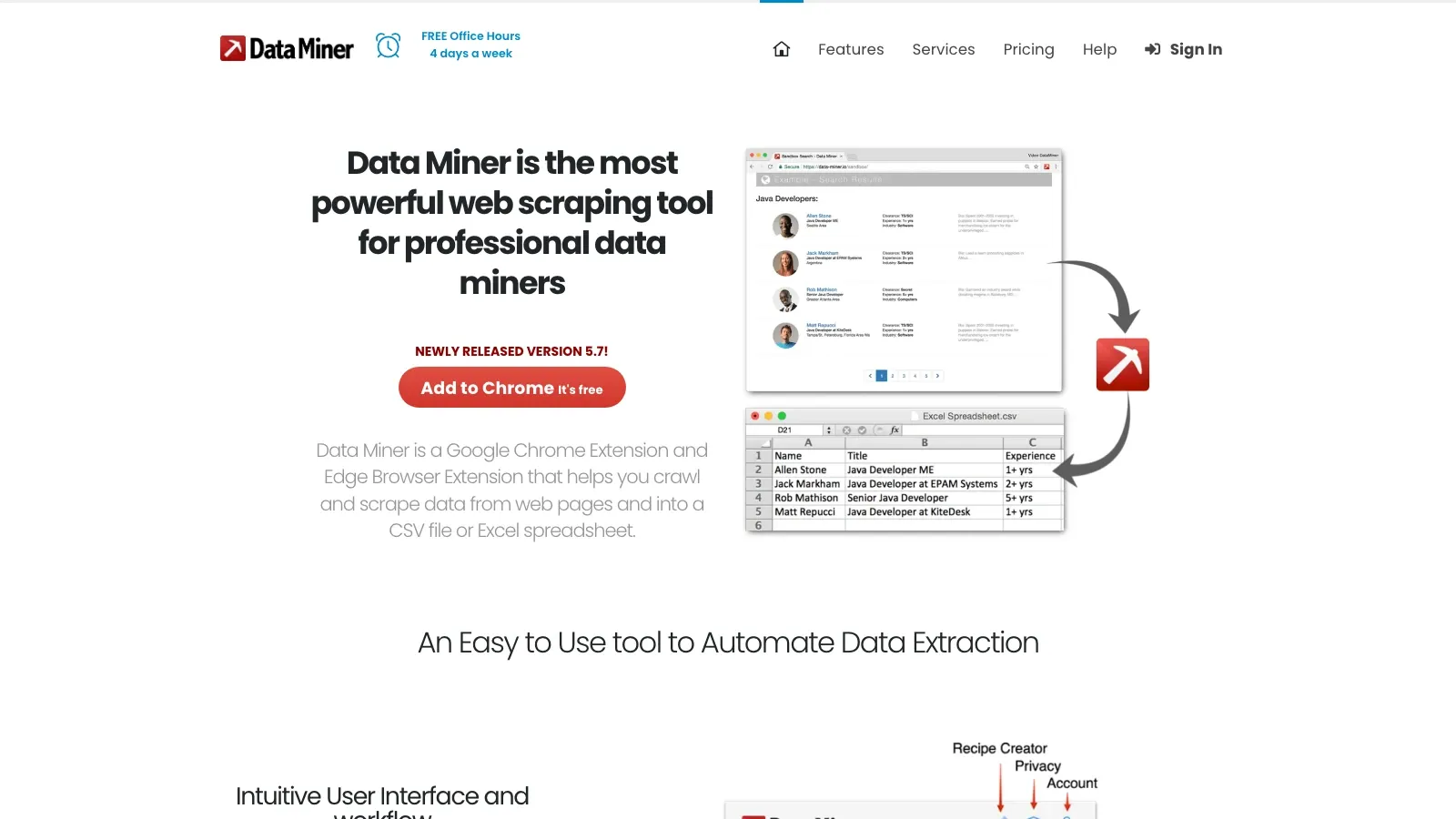
Data Miner remains one of the most practical template-driven Chrome scraping tools. It is built for users who want to turn common websites into CSV or Excel exports without creating an entire scraping workflow from scratch.
Why it stands out:
- Browser-first extraction: It is explicitly built as a Chrome and Edge extension.
- Single-page and multi-page crawling: It can scrape lists, search results, and linked pages.
- Spreadsheet-friendly output: CSV and Excel remain the core workflow.
- Good for repeatable jobs: Once you have the right recipe, it is efficient for recurring collection.
Best for: Users who prefer recipe-style scraping and tactical browser exports over AI-first automation.
3. Web Scraper
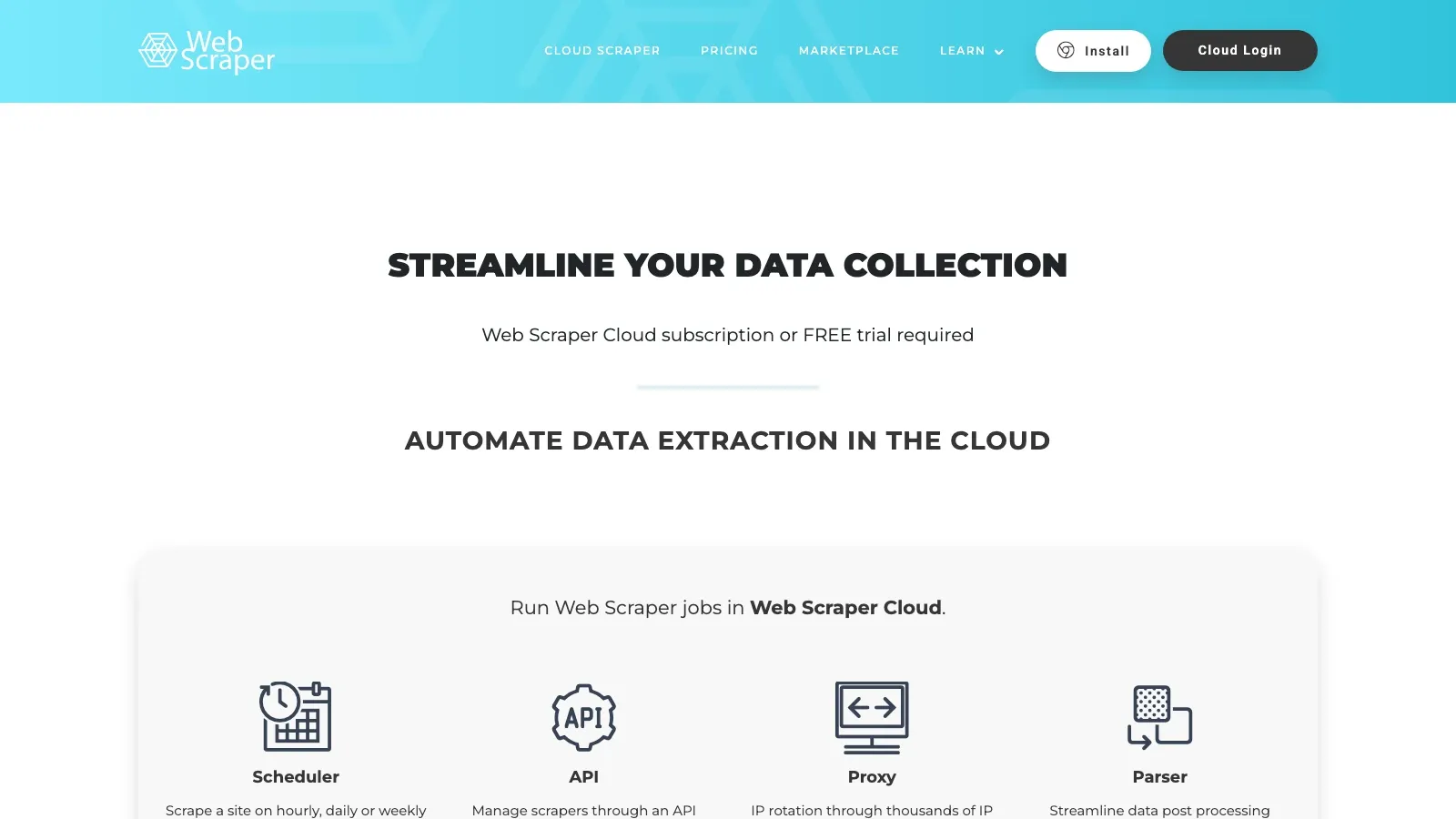
Web Scraper is still the strongest extension-led option when you need more control than one-click tools provide. It gives you a point-and-click way to build sitemaps and then scale them in its cloud product if local runs are not enough.
Why it stands out:
- Free local extension: The browser extension is free for unlimited local use.
- Cloud path when needed: Paid cloud plans start at $50/month, with scheduling, API access, and proxy options.
- Dynamic site support: It is designed for JavaScript-heavy pages and multi-level navigation.
- Large user base: The official site says it serves 800,000+ users.
Best for: Power users who need a Chrome extension today but want a clearer path to scheduled cloud scraping later.
4. Instant Data Scraper
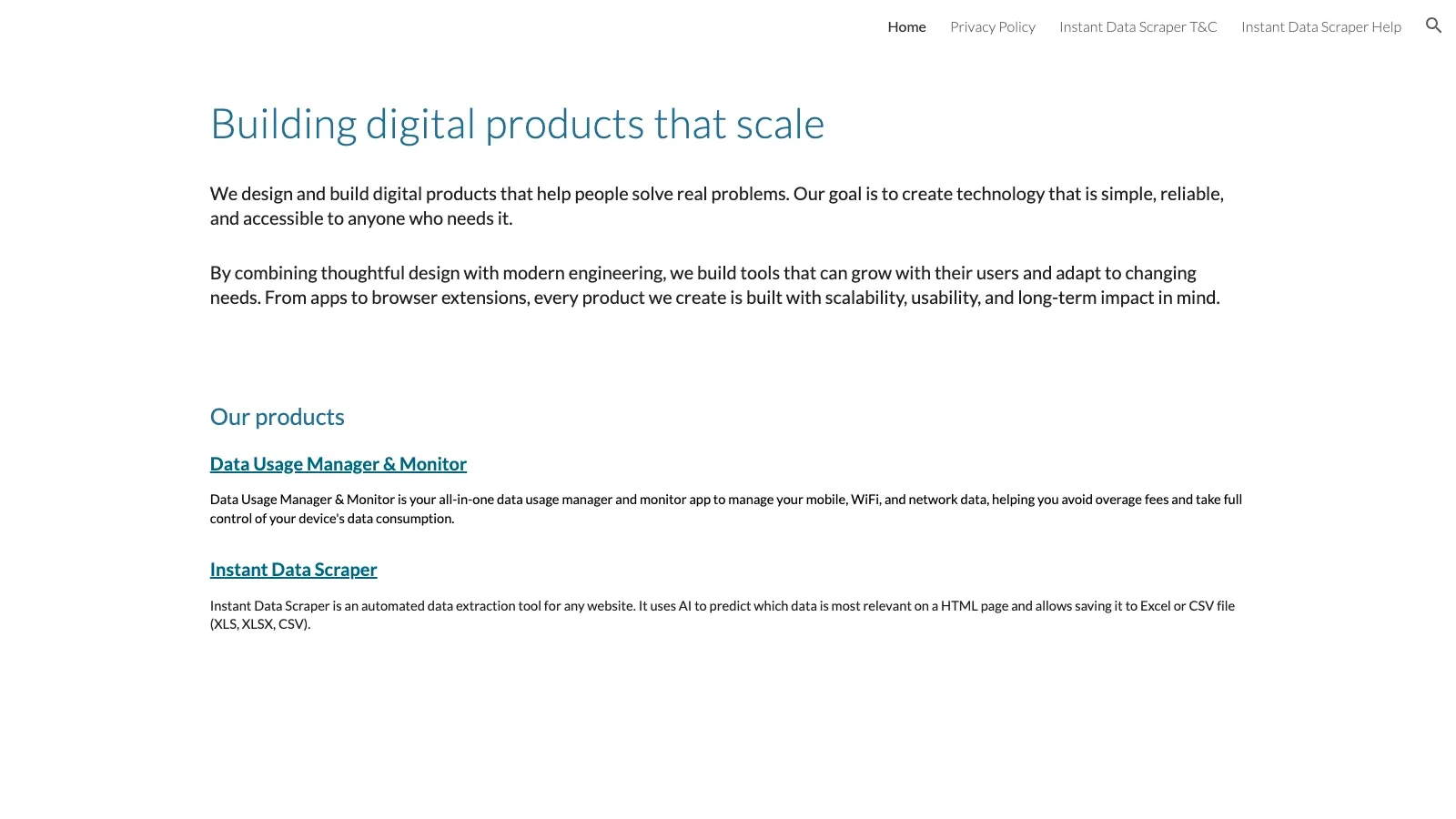
Instant Data Scraper is still the cleanest answer for quick table extraction. It focuses on identifying visible structured data fast and exporting it as Excel or CSV without asking users to configure much.
Why it stands out:
- Very low setup cost: Open the extension, detect data, and export.
- Excel and CSV output: It stays focused on the most common spreadsheet workflow.
- Massive adoption: The Chrome Web Store listing shows 1,000,000 users.
- High user satisfaction: The store metadata currently shows a very strong rating footprint relative to most scraping extensions.
Best for: Fast ad hoc extraction when you want the simplest possible tool.
5. Easy Scraper
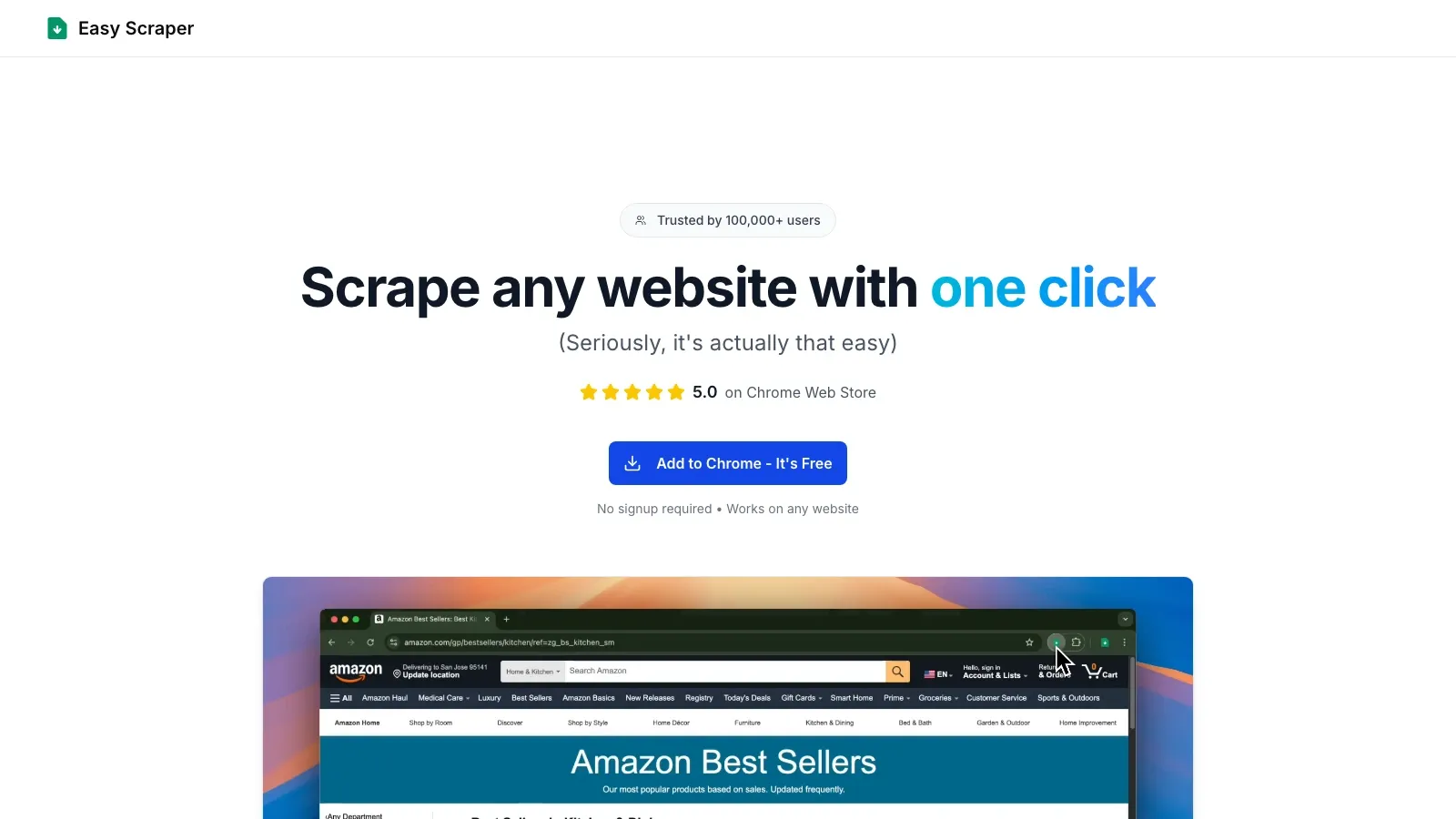
Easy Scraper is a better fit for this keyword than the older legacy Scraper extension because it is explicitly positioned as a one-click Chrome scraper for non-technical users.
Why it stands out:
- One-click positioning: The homepage is built around instant extraction with minimal setup.
- Chrome-first workflow: The product is designed specifically as a browser extension.
- Strong adoption signal: The official site highlights 100,000+ users and a strong Chrome Web Store rating.
Tradeoff: It is optimized for speed and simplicity, so it is not the right choice when you need deep workflow logic or heavy cloud orchestration.
Best for: Users who want a cleaner alternative to legacy selector-driven scraping extensions.
6. Simplescraper
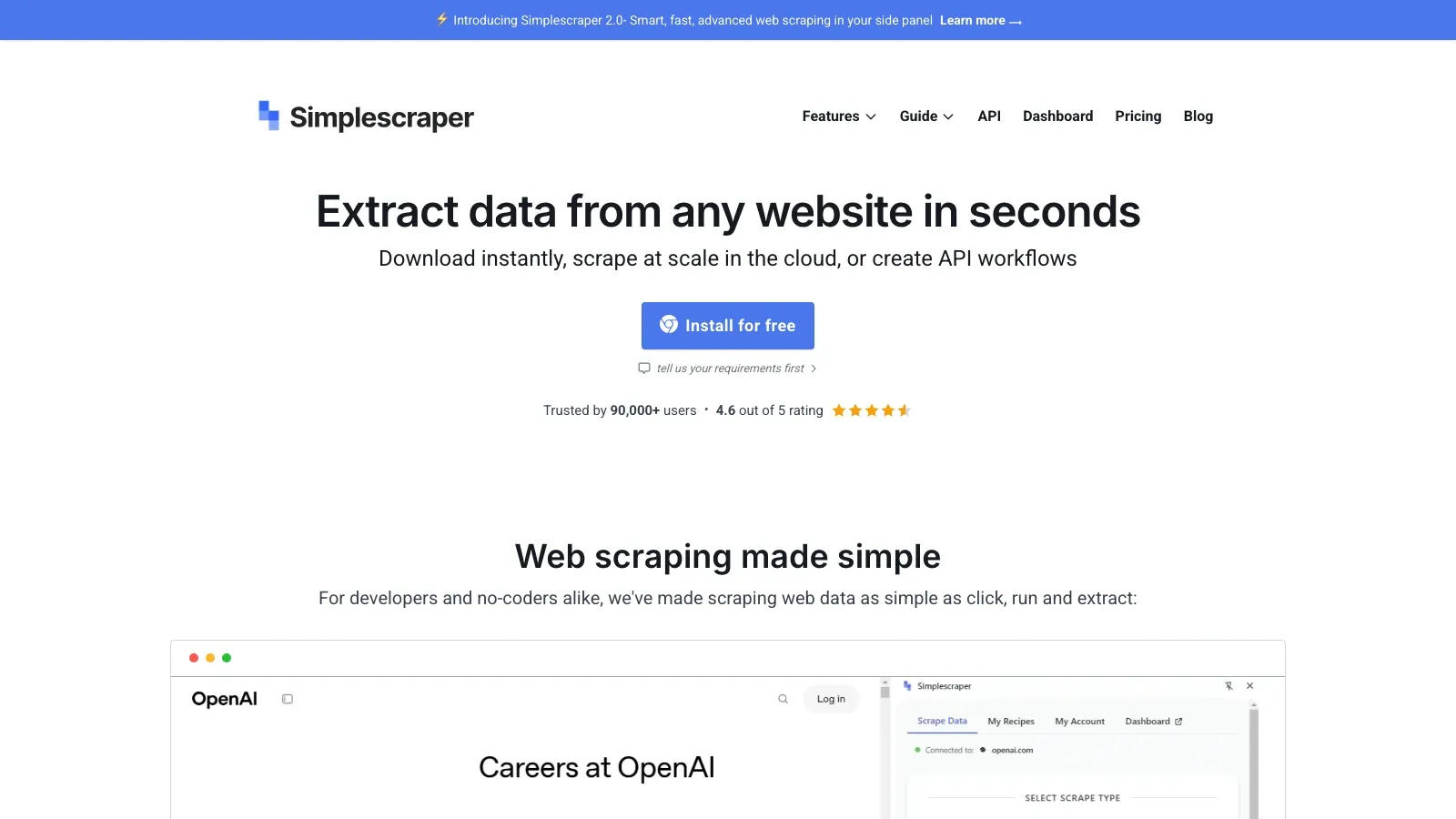
Simplescraper is a solid middle ground between lightweight browser scraping and more operational workflows. It keeps the extension experience simple, but adds batch scraping, scheduling, Sheets/Airtable integrations, and newer AI features.
Why it stands out:
- Free extension entry point: The product positions itself as fast, free, and simple to use.
- Modern feature set: AI extraction, pagination, batch scraping, and login scraping are documented as core capabilities.
- Workflow integrations: Google Sheets, Airtable, Make, Zapier, and API-style flows are part of the product story.
- Healthy install base: The current homepage highlights 90,000+ users.
Best for: Operators who want a lighter-weight extension than cloud-heavy scraping suites but need more than one-off exports.
7. Axiom.ai
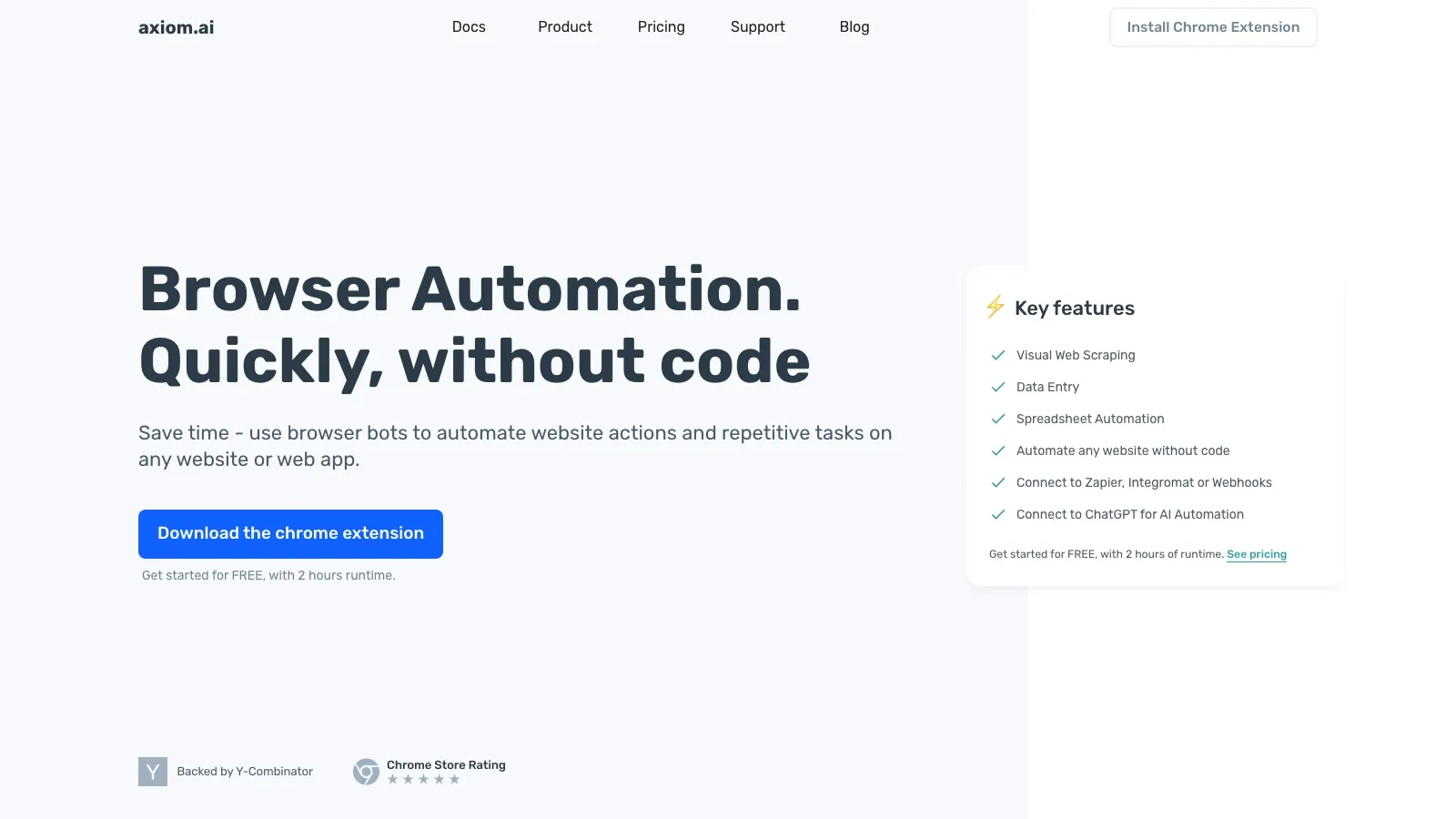
Axiom.ai is not just a data scraper. It is a browser automation platform with strong scraping capability. That makes it especially useful when the real workflow is "open page, click through, extract data, then send it somewhere" rather than just "grab a table."
Why it stands out:
- Chrome extension-first builder: It is built around no-code browser automation inside Chrome.
- Free start: The pricing page offers 2 hours of free runtime.
- Paid entry is approachable: Paid plans start at $15/month.
- Automation depth: Scheduling, cloud runs, APIs, Make, Zapier, and Sheets integration are available as you move up plans.
Best for: Teams that need scraping plus browser actions, not just scraping alone.
8. Octoparse
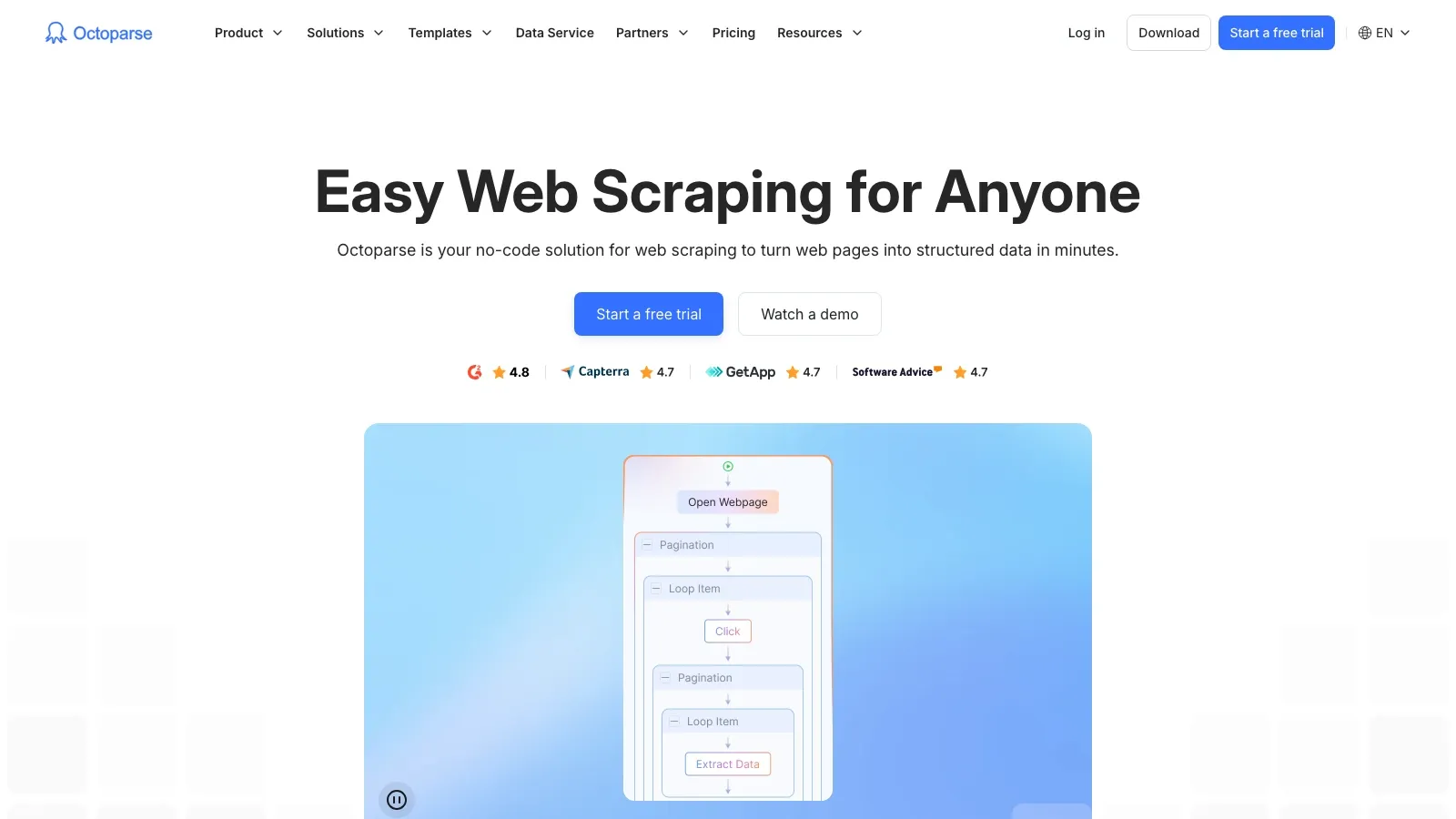
Octoparse is one of the most established no-code scraping platforms in the category. It is heavier than pure Chrome extensions, but it remains a strong option when browser-first tools stop being enough.
Why it stands out:
- Visual workflow builder: Strong fit for non-coders who still need structured logic.
- Free plan available: The pricing page still includes a free tier.
- Cloud automation: Paid plans unlock cloud runs, scheduling, and anti-blocking add-ons.
- Clear growth path: Good fit when you are graduating from tactical extraction into repeatable data operations.
Best for: Teams that want more structure and automation than lightweight extensions provide.
9. ParseHub
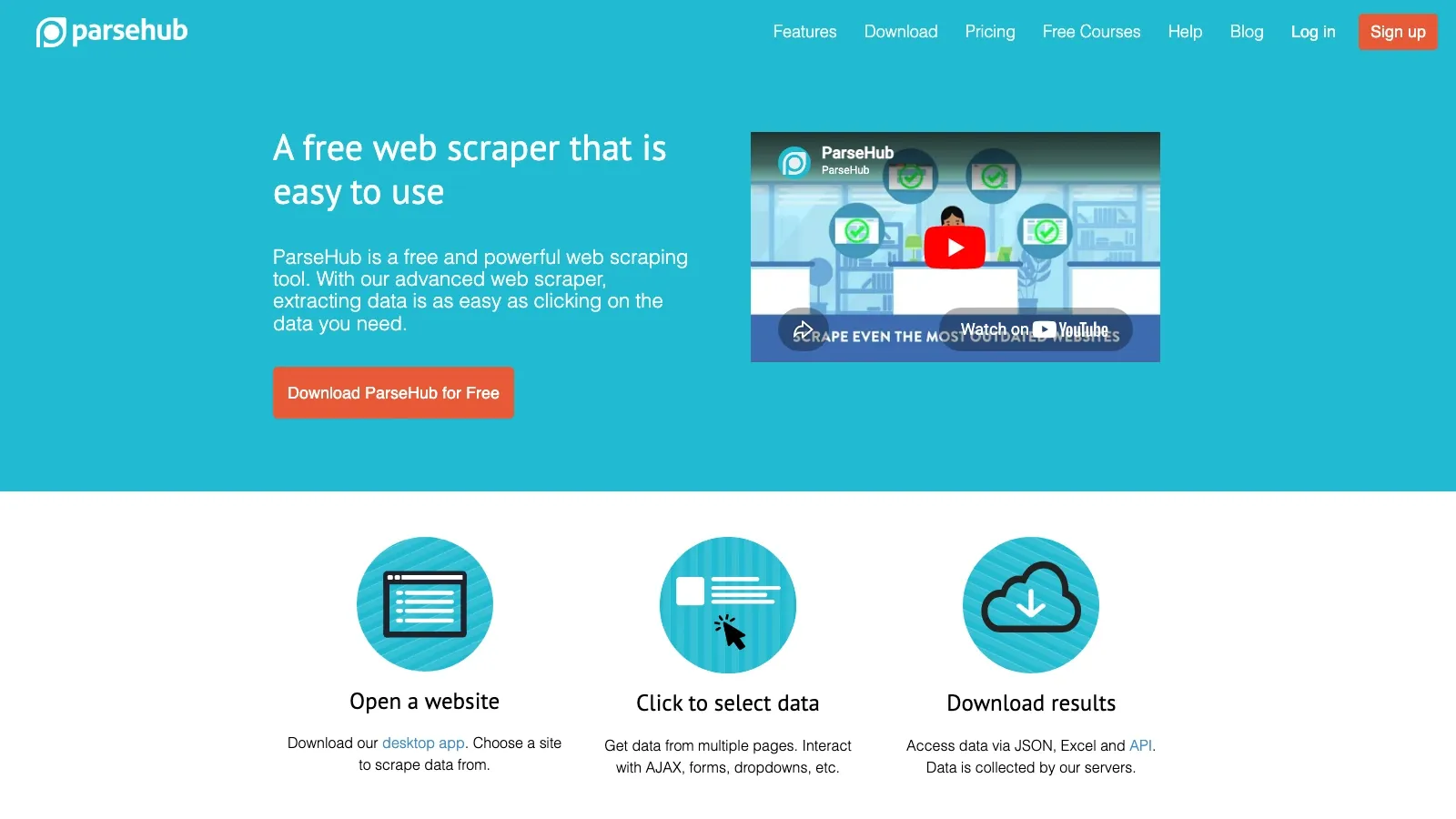
ParseHub still makes sense for users tackling complex, dynamic pages who want a visual tool instead of custom code. It supports the kind of interaction-heavy extraction jobs that simpler extensions often fail on.
Why it stands out:
- Visual project builder: Select elements and define actions without coding.
- Dynamic content support: Better suited than basic extensions for JavaScript-heavy pages.
- Cloud runs and scheduling: Available on paid plans.
- Known paid entry point: The official help center says paid plans start at $189/month.
Best for: Researchers and analysts scraping complex sites where simpler extensions break.
10. Agenty
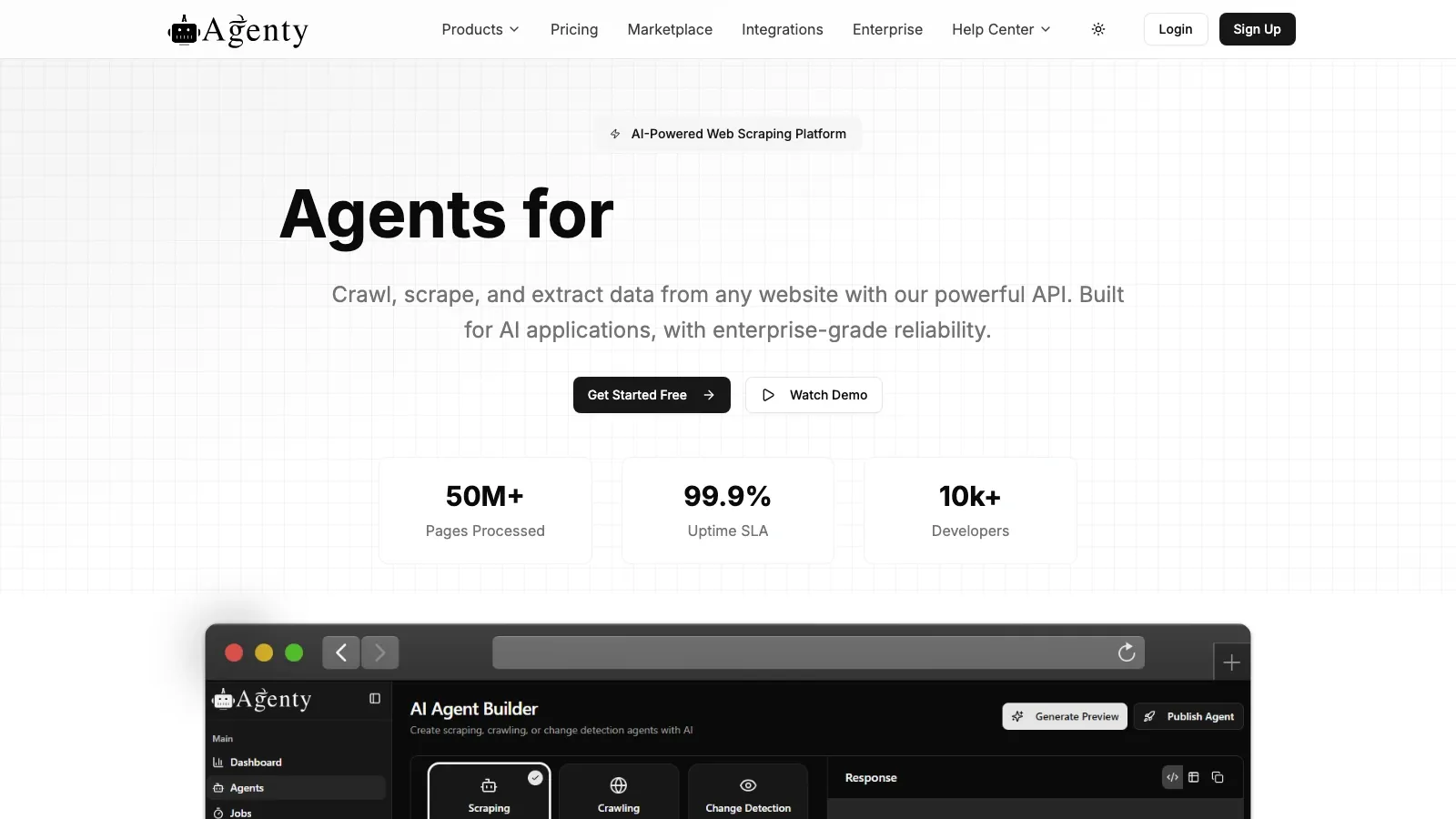
Agenty is one of the better "extension-plus-cloud" products for businesses that care about scheduling, agent management, proxies, and API access more than consumer simplicity.
Why it stands out:
- Point-and-click Chrome extension setup: The official pricing page still describes a no-code Chrome extension workflow.
- Cloud execution and monitoring: Good for repeated jobs and team use.
- Clear starter pricing: Paid plans start at $29/month, with a 14-day free trial and 100-page credit.
- Enterprise-friendly controls: Agent limits, team accounts, retention windows, and proxy options are explicit on the pricing page.
Best for: Small teams and businesses that need recurring scheduled extraction rather than one-off exports.
11. Apify
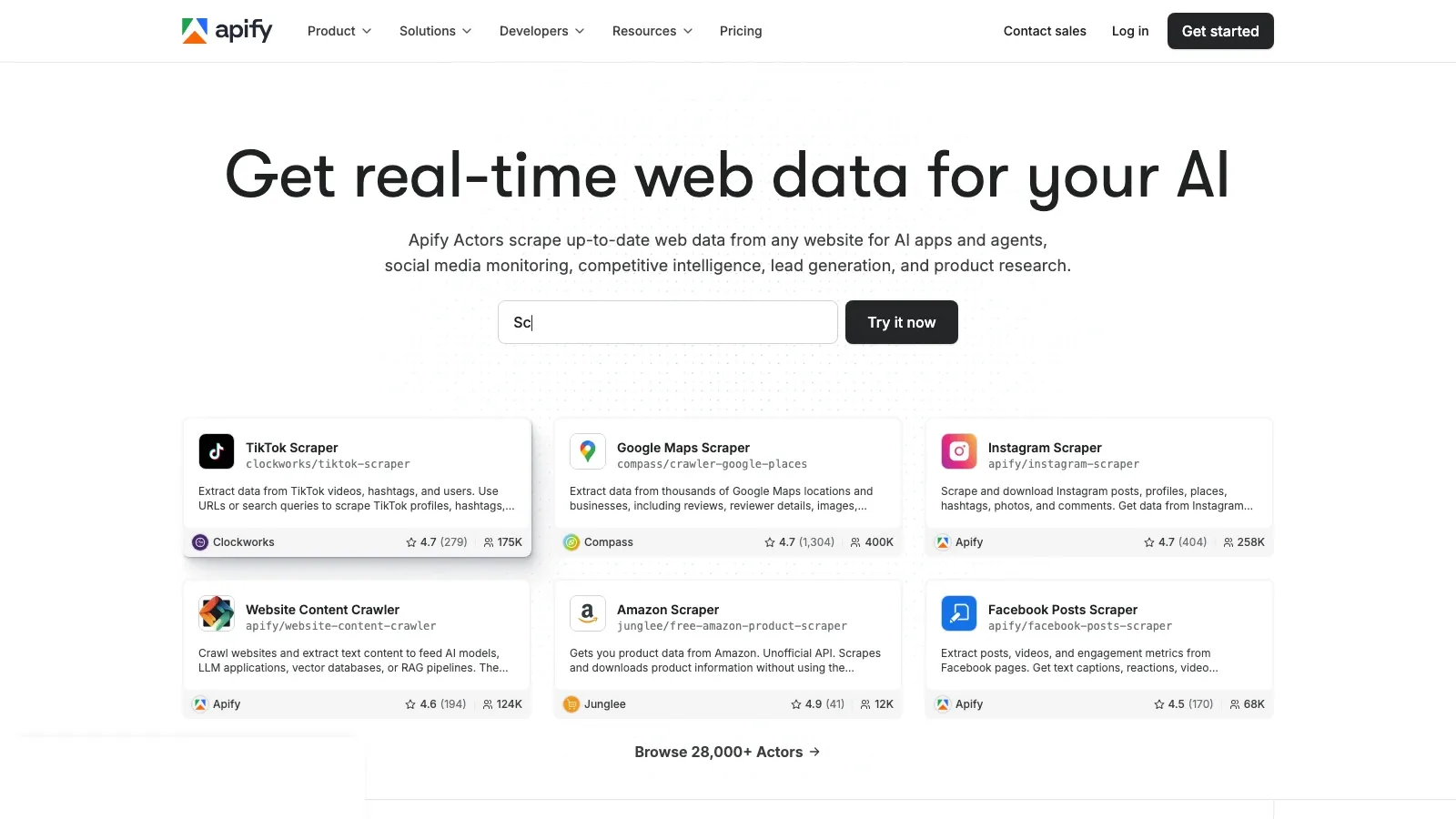
Apify is the tool on this list for users who have outgrown extension-only scraping and want a serious automation platform. It is less about quick one-click browser extraction and more about scale, customization, and actor-based automation.
Why it stands out:
- Flexible pricing: Free plan available; paid plans currently start at $39/month.
- Actor ecosystem: Strong for reusable scraping workflows and integrations.
- API-first design: Good fit for developers or operations teams building repeatable pipelines.
- Scale path: Better than browser-only tools when volume, concurrency, and orchestration matter.
Best for: Developers and advanced ops teams that need to scale beyond pure extension workflows.
Chrome Extension Data Scraper Comparison Table
| Tool | Free start | Standout strength | Best for | Main tradeoff |
|---|---|---|---|---|
| Thunderbit | Free tier available | AI field detection, subpages, exports | Non-technical teams | Paid usage scales by credits |
| Data Miner | Free plan available | Recipe-based browser scraping | Repeatable browser tasks | Less AI-assisted than newer tools |
| Web Scraper | Free local extension | Visual sitemap builder + cloud upgrade path | Power users | More setup than one-click tools |
| Instant Data Scraper | Free | Fast table detection and export | Ad hoc extraction | Limited workflow depth |
| Easy Scraper | Free | One-click scraping with a modern UX | Fast browser-side extraction | Less depth than workflow-heavy tools |
| Simplescraper | 100 free credits | Simple extension with batch + AI features | Lightweight ops workflows | Pricing is more credit-based than transparent on-site |
| Axiom.ai | 2 hours free runtime | Scraping plus browser automation | Automating multi-step browser work | Not as simple as pure scraping tools |
| Octoparse | Free plan | Structured visual scraping workflows | Teams graduating from extensions | Heavier product footprint |
| ParseHub | Free plan | Dynamic site handling | Complex page extraction | Paid plans start high |
| Agenty | 14-day free trial | Scheduled agents and cloud automation | Business monitoring workflows | More operational than beginner-friendly |
| Apify | Free plan | Actor ecosystem and API scale | Advanced teams and developers | Overkill for quick spreadsheet grabs |
How to Choose the Right Tool
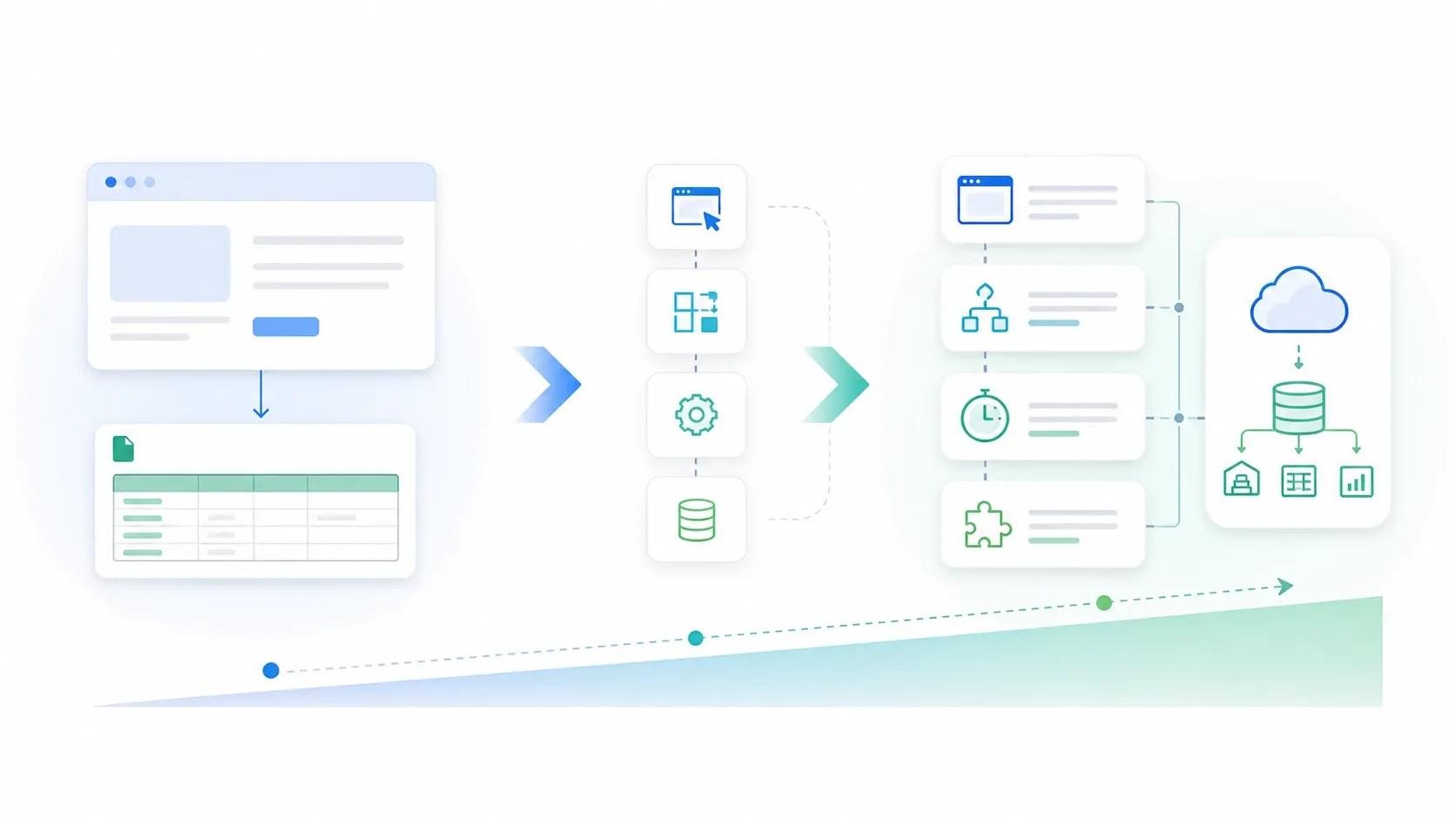
If you are choosing quickly, use this framework:
- Fastest path from page to spreadsheet: Start with Thunderbit or Instant Data Scraper.
- Best for recipe-driven browser work: Choose Data Miner or Simplescraper.
- Best for more complex browser navigation: Choose Web Scraper or Axiom.ai.
- Best when you need recurring cloud jobs: Choose Agenty, Octoparse, or ParseHub.
- Best when browser tools stop being enough: Move up to Apify.
Shortlist by Team Type
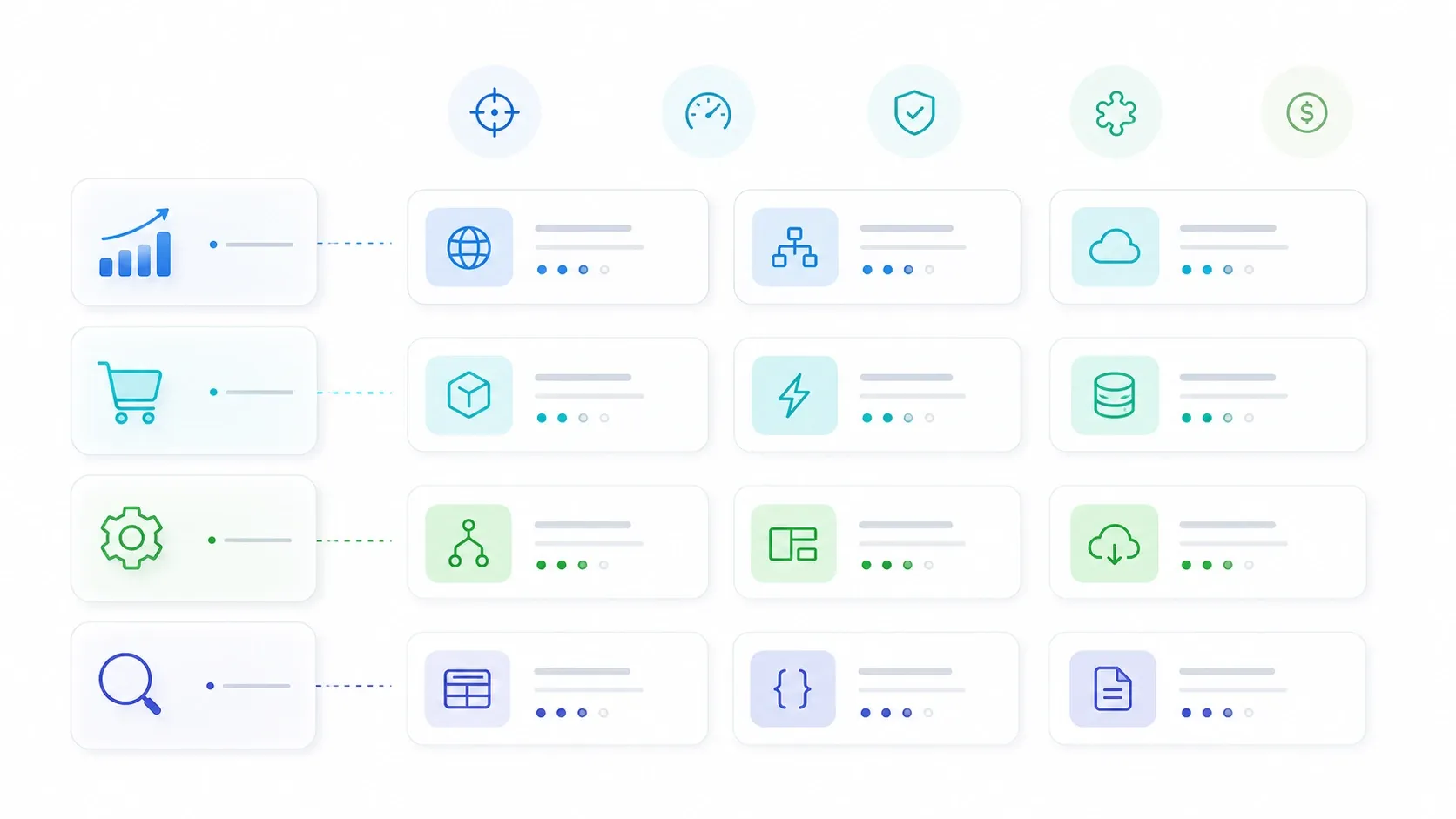
- Sales and lead generation: Thunderbit, Data Miner, Simplescraper
- Ecommerce monitoring: Thunderbit, Web Scraper, Octoparse
- Operations and browser automation: Axiom.ai, Thunderbit, Agenty
- Research and analyst workflows: Web Scraper, ParseHub, Apify
Conclusion
Chrome extension data scraper tools are now good enough to save real teams real time, not just serve as side utilities for technical users. The right choice depends less on brand popularity and more on what job you need finished: quick export, recurring browser scraping, multi-step automation, or scalable pipeline building.
If you want the lowest-friction starting point, Thunderbit is still the easiest recommendation. If you need more structured recipe control, Data Miner and Web Scraper remain strong. If you are already thinking in workflows instead of one-off exports, Axiom.ai and Apify give you more headroom.
Explore Thunderbit AI Web Scraper
Related Reading
FAQs
1. What is a Chrome extension data scraper?
A Chrome extension data scraper is a browser add-on that extracts structured data from websites directly inside Chrome and exports it into spreadsheet- or workflow-friendly formats.
2. Are these tools only for developers?
No. The category has split. Some tools, like Thunderbit and Instant Data Scraper, are optimized for non-technical users. Others, like Apify, are better for advanced teams.
3. What is the difference between a simple scraper and a browser automation tool?
A simple scraper focuses on extracting visible data. A browser automation tool, such as Axiom.ai, combines extraction with clicks, form filling, scheduling, and downstream actions.
4. Can these tools scrape dynamic or JavaScript-heavy sites?
Some can, but not equally well. Web Scraper, ParseHub, Octoparse, and Axiom.ai are generally better fits when heavy client-side rendering or interaction is involved.
5. Which tool should most teams test first?
Most non-technical teams should test Thunderbit first because it has the lowest setup friction. If the workflow is more template-driven or XPath-oriented, Data Miner or Web Scraper may be a better fit.
Try Thunderbit AI Web Scraper for Free Get Started Free




