

Zillow tracks roughly 173 million homes across the U.S. and pulls in over 235 million average monthly unique users.
That's an enormous amount of property data sitting behind one website — prices, Zestimates, agent contacts, tax histories, neighborhood stats. The problem? Actually getting that data out of Zillow at scale is a different beast entirely.
Most "best Zillow scraper" roundups online point you toward API tools and proxy vendors built for developers. That's fine if you write Python for a living, but from what I've seen working with real estate teams, investors, and marketing folks at Thunderbit, a huge chunk of people searching for Zillow scrapers just want listing data in a spreadsheet — fast, no code, no headaches.
So I put together this guide to cover all three types of Zillow scrapers: browser extensions for non-technical users, cloud APIs for developers, and proxy-based infrastructure for high-volume operations. I've also included free tier comparisons, export workflow breakdowns, and use-case matching so you can skip straight to the tool that fits your situation.
What Is a Zillow Scraper (and What Data Can You Actually Pull)?
A Zillow scraper is any tool that automatically collects structured property data from Zillow — so you don't have to copy-paste listing details one by one into a spreadsheet. Whether you're pulling comp data for an investment analysis or building a lead list of FSBO properties, a scraper does the tedious part for you.
Here's what you can typically pull from Zillow listing pages:
- Listing and pricing data: current price, sold price, Zestimate, Rent Zestimate, price history, days on market
- Property details: beds, baths, square footage, lot size, year built, home type, stories, parking, HOA fees
- Location info: full address, ZIP code, neighborhood name
- Listing metadata: listing status (for sale, pending, sold), listing agent or provider, listing URL
- Media: property photos, descriptions
- History and financials: sales history, tax history, annual tax amount
- Extras (depending on tool depth): Walk Score, Transit Score, nearby schools, travel times, parcel/lot details
Not all of these fields are equally easy to grab. Headline data like price, address, and beds/baths is usually straightforward. But Zestimate history charts, agent phone numbers, and tax details often load dynamically or sit behind JavaScript rendering — which is exactly why your choice of scraper architecture matters.
How We Evaluated the Best Zillow Scrapers
Before the list, a quick look at how I compared these tools. These criteria matter because Zillow is not a typical website to scrape — it's one of the most heavily protected sites on the web.
Ease of Use: No-Code vs. Code-Required
The range is wide. Some tools let you scrape Zillow in two clicks from your browser. Others need API keys, Python scripts, and proxy configuration. Since 75% of agents use comparable-home price history regularly and many of them are not developers, ease of use is a bigger deal than most competitor articles acknowledge.
Anti-Bot Success Rate on Zillow
Zillow's anti-bot stack (more on this below) is the single biggest reason scrapers fail. A tool that's cheap but only succeeds 40% of the time costs more per record than a pricier tool that works every time.
Pricing Model and Cost per 1,000 Records
I tried to normalize cost-per-1,000-records (CPM) across tools where possible. Some tools charge per API call, others per page, others per successful result. The sticker price can be misleading if you don't account for success rates and retries.
Free Tier and Trial Availability
Many readers want to test a scraper before committing. I've included a dedicated free tier comparison later in this article — something I noticed no competing roundup bothers to do.
Export Formats and Integrations
Real estate pros care about getting data into their spreadsheets and CRMs, not about parsing raw JSON. Tools that export directly to Excel, Google Sheets, Airtable, or Notion save a ton of downstream work.
Pagination and Bulk Handling
Zillow search results span many pages. Tools that handle pagination natively save you from building custom page-turning logic.
Scraper Architecture: Extension vs. API vs. Proxy
Most articles skip this entirely. The type of scraper you use — browser extension, cloud API, or proxy infrastructure — fundamentally changes your experience, your success rate, and your workflow. I'll break this down next.
Three Types of Zillow Scrapers: Which One Fits You?
When I first dug into this space, I couldn't find a single article that explained the architecture differences clearly. Every Zillow scraper falls into one of three architecture categories, and the right one for you depends on your technical skills, your volume needs, and how you want to use the data.
Browser Extension Scrapers (No-Code)
These run inside your real Chrome browser. You visit Zillow, click a button, and the extension extracts data from the page you're looking at. Because they use your actual browser session — real cookies, real fingerprint, real login state — they naturally sidestep a lot of anti-bot detection without any proxy setup.
Best for: real estate agents, investors doing comp analysis, small marketing teams, anyone who wants data in a spreadsheet fast.
Example: Thunderbit (2-click workflow, 1-click Zillow template, direct export to Sheets/Excel).
Cloud API Scrapers (Developer-Friendly)
You send a URL to an API endpoint and get structured JSON or CSV back. These require some technical setup — API keys, scripting, maybe a scheduling tool — but they scale well and slot neatly into recurring pipelines.
Best for: PropTech developers, data engineers, teams building SaaS products or internal data pipelines.
Examples: Bright Data, Zyte, ScraperAPI, ScrapingBee.
Proxy-Based Scrapers (High-Volume Infrastructure)
These provide the IP rotation and anti-bot bypass layer, but you bring your own scraping logic. Think of them as the plumbing, not the faucet.
Best for: large-scale operations that already have scraping code and need reliable IP infrastructure.
Examples: Oxylabs, Decodo/Smartproxy, NetNut.
Here's a quick decision framework:
- Just need data fast, no coding? → Browser extension (Thunderbit)
- Building a product or pipeline? → API-based (Bright Data, Zyte, ScraperAPI)
- Need high-volume proxy rotation? → Proxy-first (Oxylabs, Decodo, NetNut)
Best Zillow Scrapers at a Glance: Side-by-Side Comparison
Before diving into each tool, here's the full comparison table. I've tried to be as specific as possible — vague "yes/no" answers don't help when you're choosing a tool for a real project.
| Tool | Type | No-Code? | Free Tier | Zillow Template | Export Options | Pagination | Subpage Enrichment |
|---|---|---|---|---|---|---|---|
| Thunderbit | Chrome Extension | ✅ | ✅ (6 pages free) | ✅ (1-click template) | Excel, Sheets, Airtable, Notion, CSV, JSON | ✅ | ✅ |
| Bright Data | API + Dataset Marketplace | ⚠️ Partial | ⚠️ Trial only | ✅ | JSON, NDJSON, CSV, webhooks, S3, GCS, Snowflake | ✅ | ✅ |
| Oxylabs | API + Proxy | ❌ | ⚠️ Trial (2,000 results) | ⚠️ Partial (guide, no template) | JSON, CSV via workflow | ✅ | ✅ |
| Zyte | API + Auto-Extract | ⚠️ Partial | ✅ ($5 credit) | ❌ | JSON, CSV | ✅ | Partial |
| ScrapingBee | API | ❌ | ✅ (1,000 credits) | ❌ | JSON, HTML | ✅ | Custom |
| Apify | Cloud Actors | ⚠️ Partial | ✅ ($5/mo credits) | ✅ (community actor) | JSON, CSV, XML, Excel, JSONL | ✅ | ✅ |
| Decodo / Smartproxy | API + Proxy | ❌ | ✅ (7-day trial, 1,000 requests) | ✅ | HTML, JSON, parsed CSV | ✅ | Partial |
| ScraperAPI | API + Pipeline | ❌ | ⚠️ (7-day trial) | ✅ | HTML, JSON, CSV, Markdown | ✅ | ✅ |
| Outscraper | Cloud Scraper | ⚠️ Partial | ✅ (free before 500 listings) | ✅ | CSV, Excel, Parquet, JSON | ✅ | Partial |
| NetNut | Proxy / Unblocker | ❌ | ⚠️ Trial only | ❌ | None built in | ❌ | ❌ |
One pattern jumps out: Thunderbit is the only tool that combines no-code, a dedicated Zillow template, subpage enrichment, and free export to business tools like Sheets and Airtable. If you're a developer, Bright Data and ScraperAPI offer the deepest Zillow-specific API coverage.
1. Thunderbit
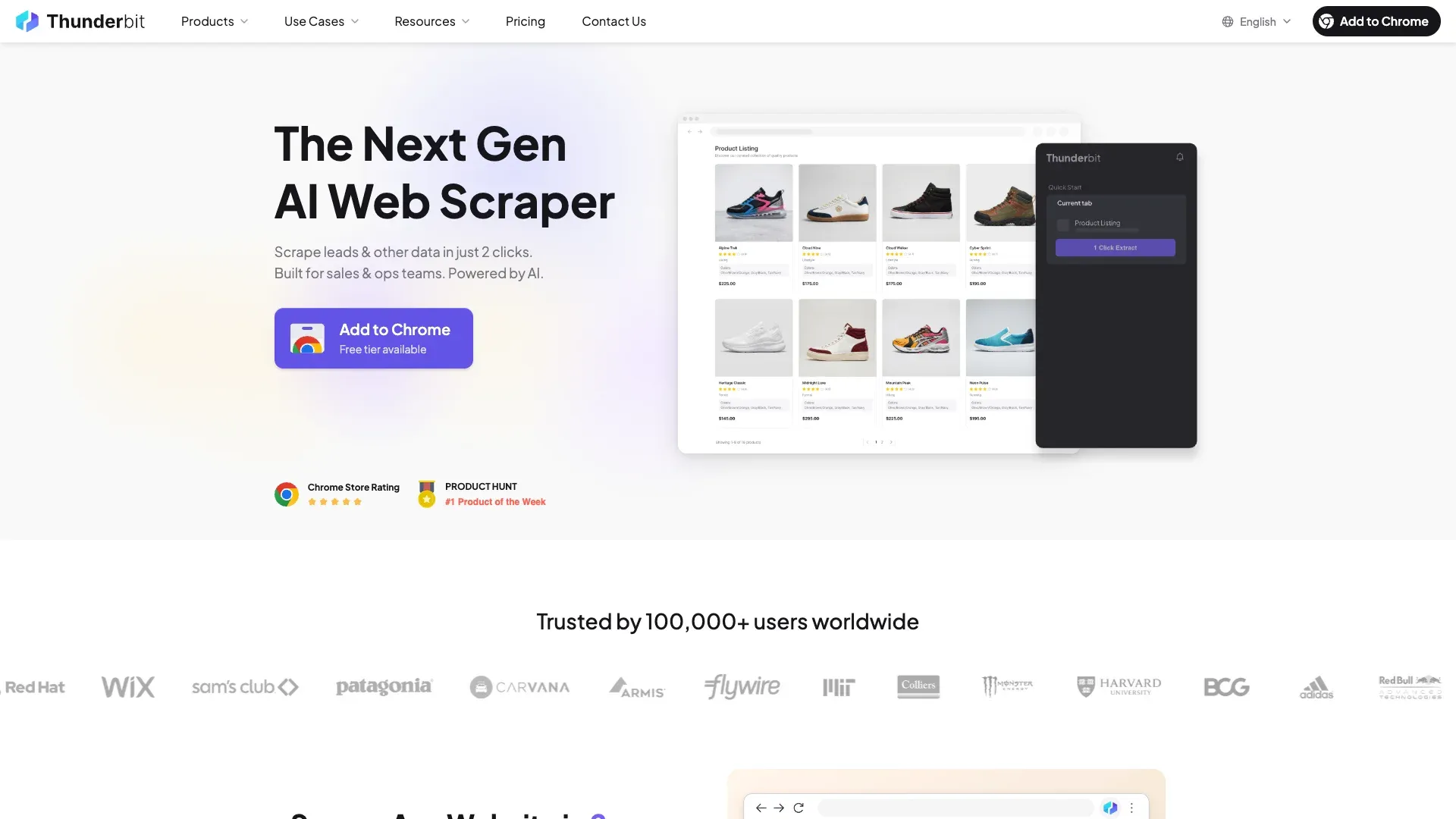 Thunderbit is the tool my team and I built specifically for people who want web data without writing code. It's an AI-powered Chrome extension that works right in your browser — you visit a page, click a button, and get structured data exported to your favorite tool.
Key Features for Zillow Scraping
For Zillow specifically, Thunderbit offers a 1-click Zillow Scraper Template that's pre-built to extract listing data instantly. No AI credits needed for template-based scraping — the template already knows what fields to grab (address, price, beds, baths, sqft, agent info, Zestimate, listing URL, images, and more).
If you're on a non-standard Zillow page or want custom fields, the AI Suggest Fields feature reads the page and proposes column names automatically. You can also use subpage scraping: scrape a Zillow search results page, then click "Scrape Subpages" to enrich each listing with detailed property data like price history, tax history, HOA fees, Walk Score, and Transit Score.
Pagination handling works with both click-based and infinite-scroll layouts. There are also free email and phone extractors for pulling agent contact info from listings at no cost, and a scheduled scraper you can set up in plain English (e.g., "every Monday at 9am") for ongoing price monitoring.
Export and Integration Options
This is where Thunderbit really pulls ahead for non-technical users. Export to Excel, Google Sheets, Airtable, Notion, CSV, or JSON is completely free — no paywall on exports. When you export to Airtable or Notion, property photos appear as actual image fields, not just URLs. That matters if you're maintaining a property database or sharing listings with clients.
Pricing and Free Tier
- Free tier: 6 pages (10 with free trial), plus completely free email/phone/image extractors and data export
- Credit-based system: 1 credit = 1 output row; template scraping doesn't consume AI credits
- Paid plans start around $15/mo monthly or $9/mo yearly
- Browser scraping uses your login session; cloud scraping handles up to 50 pages at a time for publicly available data
Why It Stands Out
Because Thunderbit runs inside your real Chrome browser, it inherits your actual cookies, fingerprints, and logged-in state — which naturally bypasses many of Zillow's fingerprinting checks without any proxy setup. The AI reads the site fresh each time, so when Zillow changes its layout (which happens often), you don't need to rebuild your scraper. Two clicks: "AI Suggest Fields" → "Scrape" → done. And it supports 34 languages, which is a nice bonus if you're working with international teams.
Best for: real estate agents, investors, marketing teams, and anyone who wants Zillow data in a spreadsheet without touching an API key.
2. Bright Data
 Bright Data is the biggest, deepest data platform on this list. If Thunderbit is the pocket knife you grab for everyday tasks, Bright Data is the full machine shop for enterprise teams building production pipelines.
Key Features for Zillow Scraping
Bright Data offers a dedicated Zillow Scraper as part of its 437+ scraper library. It extracts city, state, home status, rooms, year built, Zestimate, price history, agent info, photos, and more. There's also a Zillow Dataset product — pre-collected U.S. property records for bulk historical analysis without running any scraper yourself.
On the infrastructure side, Bright Data has a dedicated Zillow CAPTCHA solver for PerimeterX challenges, a Scraping Browser (managed cloud browser with built-in unblocking), 400M+ residential IPs across 195 countries, and an MCP Server for AI/LLM agent workflows.
Pricing
- Pay-per-success: ~$2.50 per 1,000 successful records for the web scraper
- Dataset pricing from $0.50 per 100K records at scale
- Residential proxies from $8.40/GB
- Free trial with 1,000 requests, no credit card required
Pros and Cons
- Pros: Highest independent benchmark success rate (reported at 98.44%), integrated ecosystem covering scraper + dataset + proxy + delivery, pay-per-success model
- Cons: Higher upfront cost for small projects, the sheer number of product options can be overwhelming for beginners, not designed for non-technical spreadsheet users
Best for: enterprise data teams, PropTech companies, and anyone building a large-scale Zillow data pipeline.
3. Oxylabs
 Oxylabs is an enterprise-grade proxy and scraping API provider. It doesn't have a consumer-facing Zillow template page, but it does have a detailed Zillow scraping guide built on its Web Scraper API.
Key Features
- Web Scraper API with residential proxy rotation
- 100M+ residential proxies
- JavaScript rendering for Zillow's dynamic pages
- Dedicated account management for enterprise clients
- Documented Zillow field extraction: address, prices, photos, beds/baths/sqft, listed-by info, time on Zillow, views/saves, estimated market value, price history, public tax history
Pricing and Access
- Free trial up to 2,000 results on Web Scraper API
- Plans start around $49/mo
- Generic "Other" targets priced from about $1.50 per 1,000 results; JS-rendered from about $3.50
- Output: JSON, CSV via client workflow
Pros and Cons
- Pros: Very high success rates in independent benchmarks, enterprise-grade support, massive proxy pool
- Cons: Code required, no Zillow-specific template UI, not suitable for non-technical users
Best for: enterprise development teams that need robust proxy infrastructure and high reliability for Zillow data collection.
4. Zyte
 Zyte was founded by the creators of Scrapy, so if your team already lives in the Scrapy ecosystem, Zyte is a natural fit. Its API offers AI-powered automatic extraction that can parse structured data from web pages without custom selectors.
Key Features
- Zyte API with automatic extraction (AI-powered)
- Smart proxy rotation and anti-bot handling
- Deep Scrapy integration
- Fast response times in independent benchmarks
- Real-estate data type support for pricing, property specs, descriptions, images, location, and availability
Pricing and Free Tier
- $5 free credit for 30 days
- Usage-based pricing; competitive CPM in benchmarks
- No dedicated Zillow template — uses generic auto-extraction
Pros and Cons
- Pros: Very fast response times, strong Scrapy ecosystem integration, AI-powered extraction reduces selector maintenance
- Cons: Partial no-code support only, no Zillow-specific template, JSON-only output, requires technical setup
Best for: technical teams already using Scrapy or needing AI-powered auto-extraction for long-term Zillow pipelines.
5. ScrapingBee
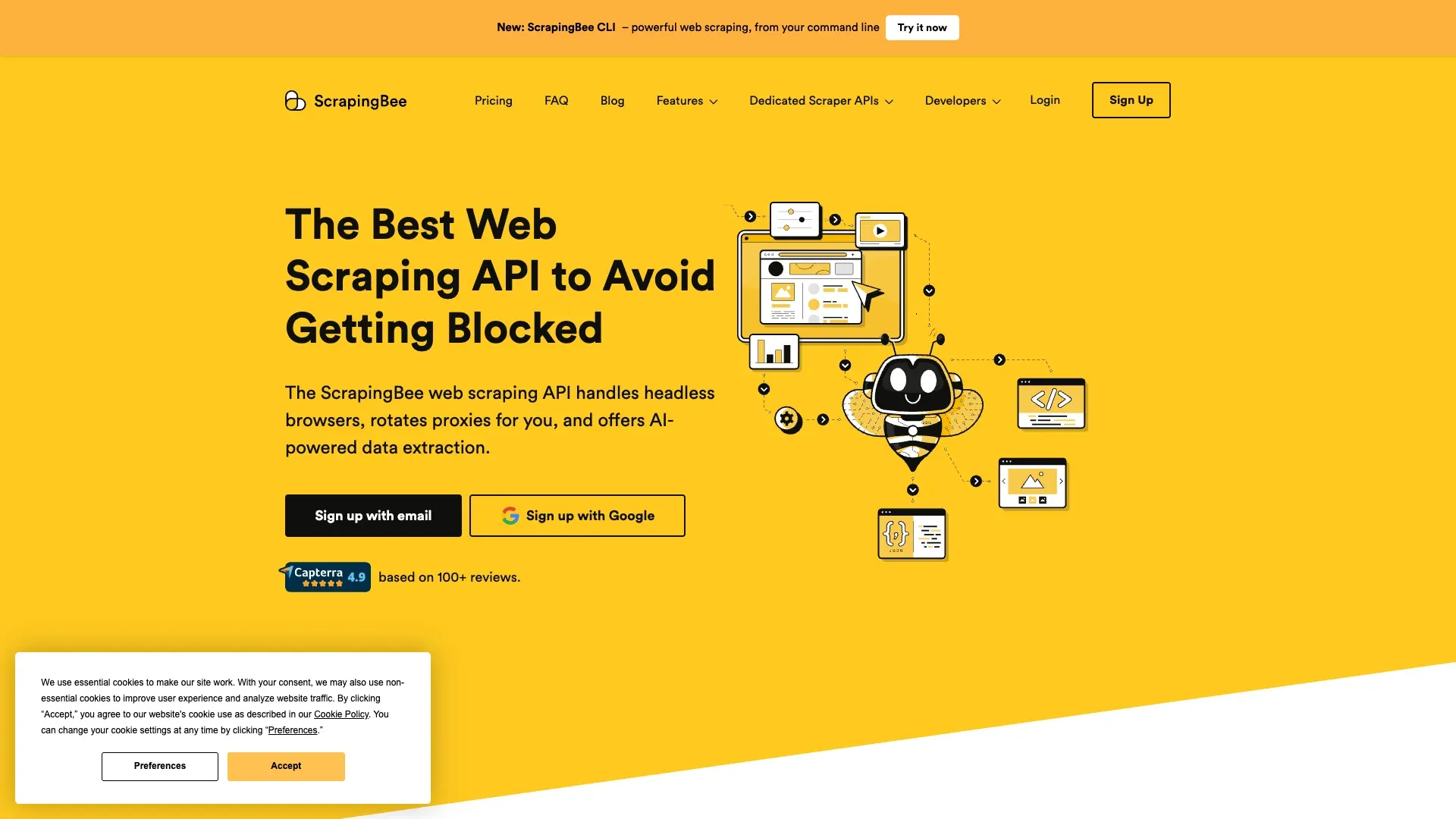 ScrapingBee is one of the simplest scraping APIs out there. Send a URL, get rendered HTML or JSON back. It's not Zillow-specific, but it handles JavaScript rendering and proxy rotation out of the box.
Key Features
- Simple REST API: one request, rendered output
- JavaScript rendering included
- Built-in proxy rotation and anti-bot handling
- Straightforward documentation — I found the setup to be one of the fastest among API tools
Pricing and Free Tier
- 1,000 free API credits on signup (enough for roughly 50–100 Zillow pages depending on retries)
- Paid plans start at $49/mo
Pros and Cons
- Pros: Generous free tier, simple API design, good documentation, reliable for prototyping
- Cons: Code required, no Zillow template, output is JSON/HTML (you'll need to parse it yourself), no subpage enrichment, no native spreadsheet export
Best for: developers who want to prototype a Zillow scraping pipeline quickly without heavy infrastructure setup.
6. Apify
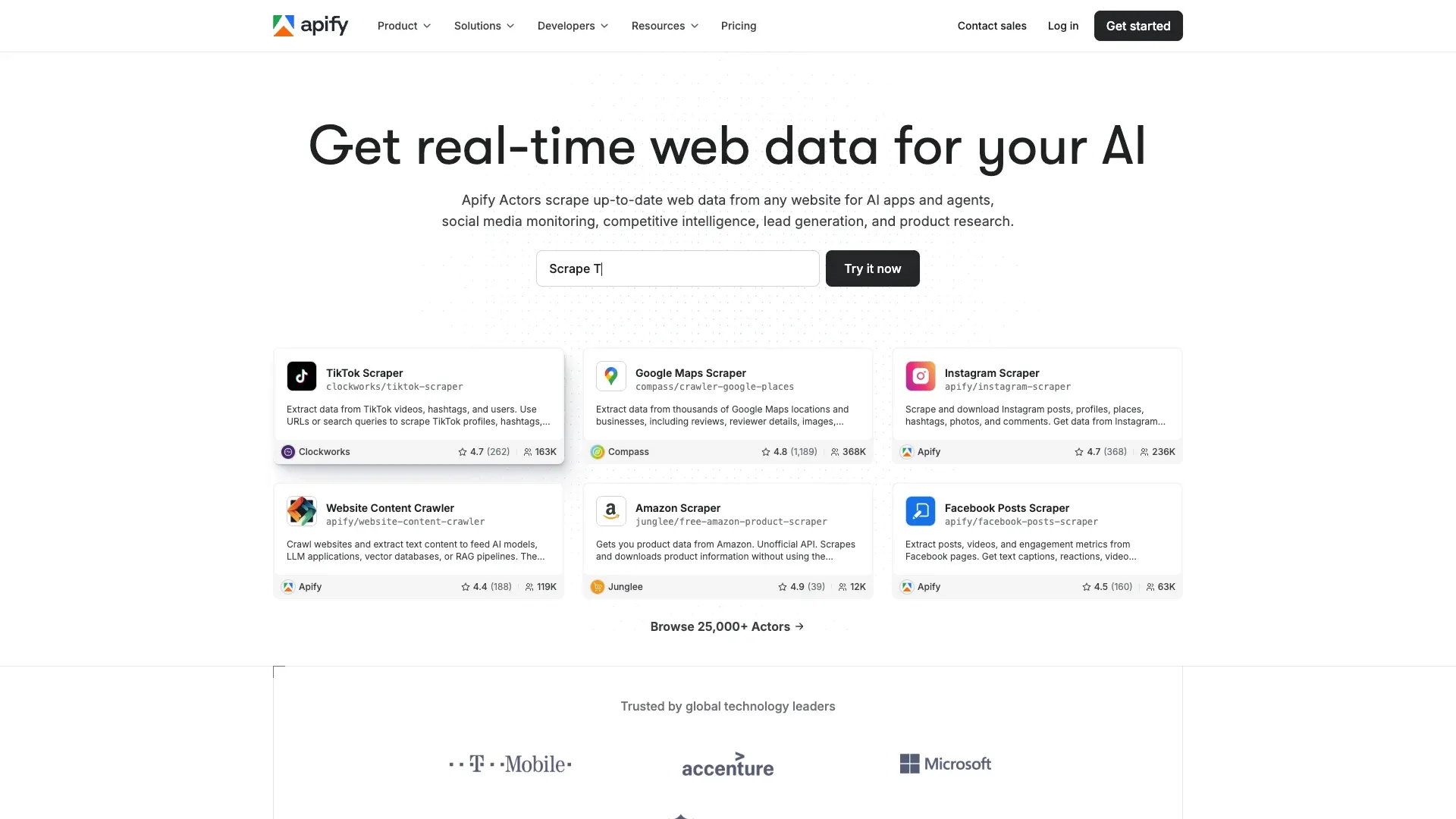 Apify is a cloud platform with a marketplace of ready-made scraping "actors." For Zillow, there are multiple community-built actors — Search Scraper, Detail Scraper, API Scraper, ZIP Code Scraper — that you can run without writing your own extraction logic.
Key Features
- 4+ community-built Zillow actors with documented field coverage: zpid, status, price, Zestimate, Rent Zestimate, beds, baths, sqft, lot size, year built, property type, HOA fee, price per sqft, days on Zillow, address, broker, agent, phone, description, photos, price history, tax history, schools, features
- Built-in scheduling, proxy rotation, and pagination
- Two-pass scraping pattern: Search Actor collects URLs, Detail Actor enriches each listing
- Output in JSON, CSV, XML, Excel, or JSONL
Pricing and Free Tier
- $5 free monthly credits on the platform free plan
- Paid plans from $49/month; pay-as-you-go at $0.25 per Compute Unit
Pros and Cons
- Pros: Purpose-built Zillow actors with strong field depth, scheduling built in, partial no-code experience via platform UI
- Cons: Community actors may become outdated if Zillow changes layout, subpage enrichment depends on actor quality, steeper learning curve than a browser extension
Best for: users comfortable with a cloud platform UI who want ready-made Zillow workflows with scheduling.
7. Decodo (Smartproxy)
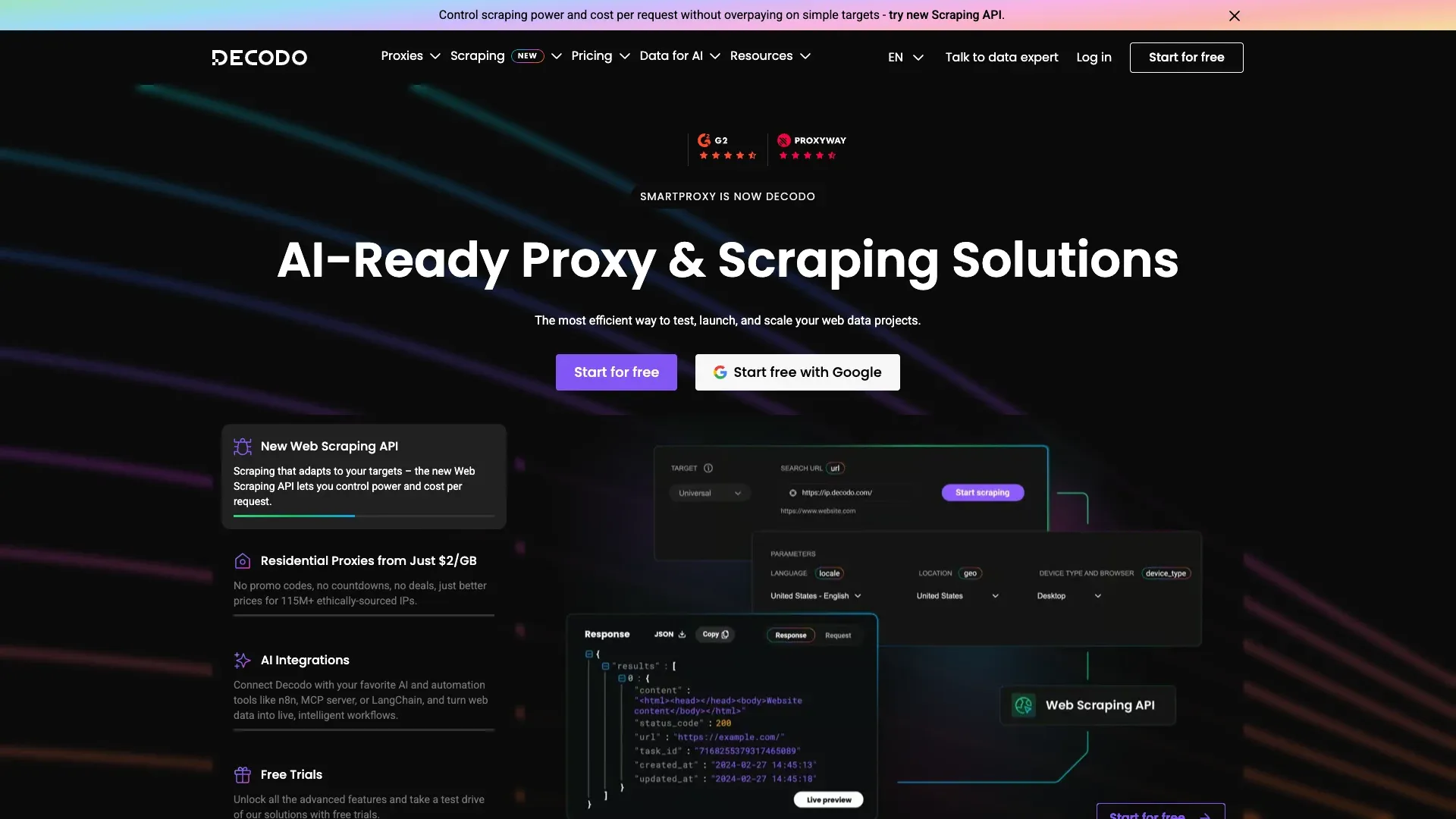 Decodo (formerly Smartproxy) offers a dedicated Zillow Scraper API page — which is more than most proxy vendors provide. It combines scraping API functionality with residential proxy rotation and has shown near-perfect success rates on Zillow in Proxyway's 2025 benchmark.
Key Features
- Dedicated Zillow Scraper API with target-specific positioning
- Documented Zillow fields: pricing data, property details, rental listings, location data, nearby properties, listing status, tax, agent info, facts and features
- JavaScript rendering support
- Residential proxy rotation
Pricing and Access
- 7-day free trial with 1,000 requests
- Paid tiers from $9, $49, $99, and custom
- Output: HTML, JSON, parsed CSV in some modes
Pros and Cons
- Pros: Strong Zillow-specific documentation, competitive pricing, high benchmark success rate on Zillow (reported at 99.98% in Proxyway testing)
- Cons: Code required, no no-code option, limited subpage enrichment, no native spreadsheet export
Best for: developers who want a Zillow-specific managed API with strong anti-bot handling at a competitive price.
8. ScraperAPI
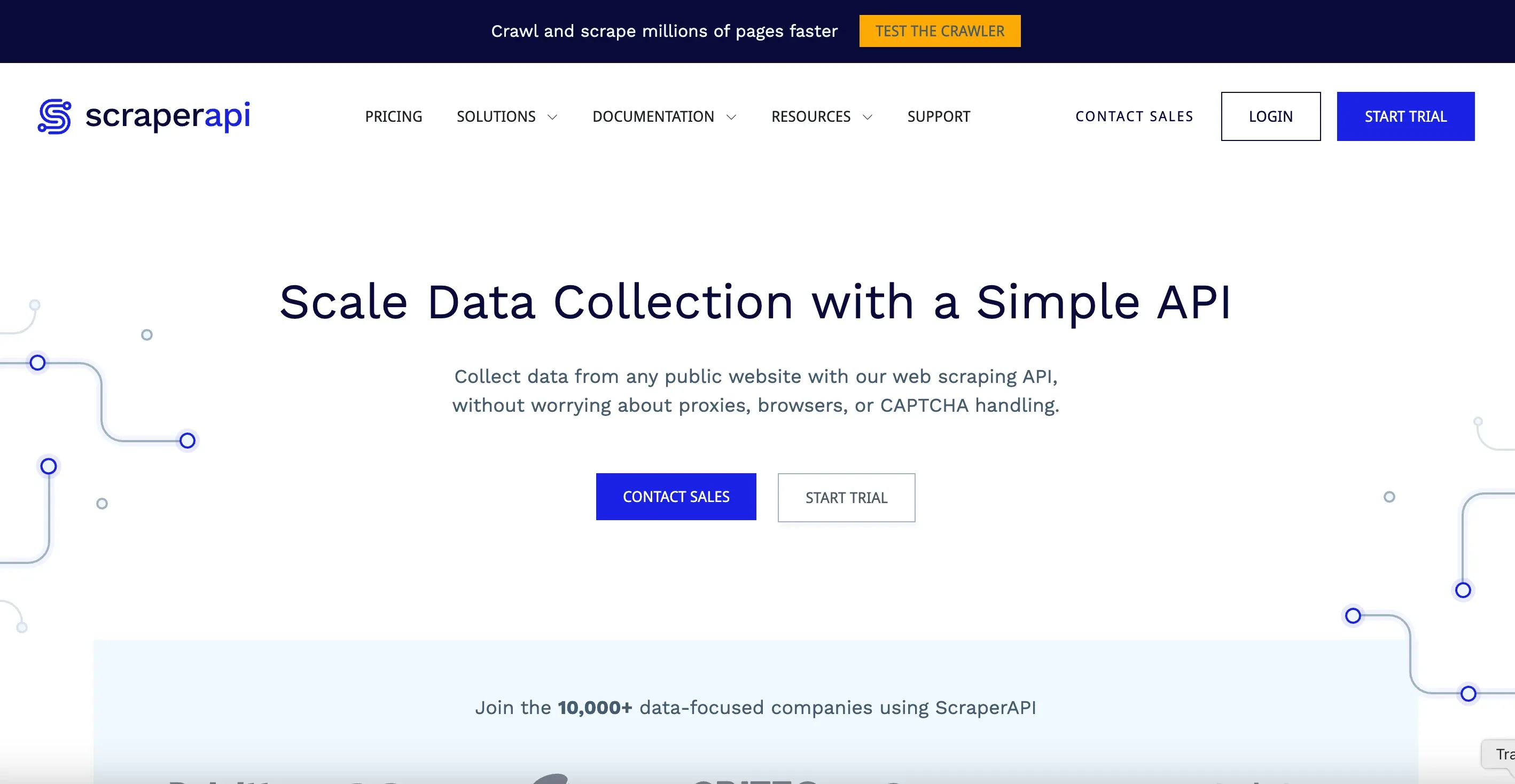 ScraperAPI has one of the most explicit Zillow solution pages among API tools. It documents extraction of property prices, addresses, photos, Zestimate, sqft, HOA, views/saves, listing update time, listing provider, travel times, facts and features, annual tax amount, date on market, and parcel/lot details.
Key Features
- Dedicated Zillow Scraper API page with deep field documentation
- One-line API integration
- Automatic proxy rotation and anti-bot handling
- JavaScript rendering
- DataPipeline product for scheduling (including hourly via cron)
- Output: HTML, JSON, CSV, Markdown, text
Pricing and Free Tier
- 7-day free trial
- Paid plans from $49/mo (Hobby plan upward)
Pros and Cons
- Pros: One of the strongest documented Zillow enrichment stories, good pipeline tools for recurring jobs, explicit field-level documentation
- Cons: Code required, no no-code option, API-first output requires parsing for spreadsheet use
Best for: developers building production Zillow data pipelines who want detailed field extraction and scheduling.
9. Outscraper
 Outscraper is a cloud-based scraping service with a dedicated Zillow Search Scraper page. It's one of the simpler options for users who need occasional Zillow data pulls without heavy setup.
Key Features
- Cloud-based UI with Zillow-focused scraping
- Structured output: listings, prices, addresses, descriptions, photos
- Export to CSV, Excel, Parquet, JSON
- Partial no-code experience via web dashboard
Pricing and Free Tier
- Free before 500 listings
- About $2 per 1,000 records after 500 listings
- Business rate about $1 per 1,000 after 5,000 listings
Pros and Cons
- Pros: Zillow-focused, partial no-code experience, multiple export formats, very affordable at scale
- Cons: Small free quota, no subpage enrichment, lighter documentation than the leaders, limited integration options compared to Thunderbit
Best for: one-off or occasional Zillow data pulls on a budget.
10. NetNut
 NetNut is primarily a proxy and website-unblocker provider. It doesn't have a dedicated Zillow scraping template or endpoint — just a blog tutorial about building a Zillow scraper yourself using their proxy infrastructure.
Key Features
- Large residential and ISP proxy network
- Fast response times in benchmark testing
- Website Unblocker product for anti-bot bypass
- API access for integration with custom scraping scripts
Pricing and Access
- No public free tier; form-based free trial available
- Website Unblocker starts at $99/mo
- No Zillow template — requires custom scraping setup
- Output: none built in (you handle it)
Pros and Cons
- Pros: Fast proxy infrastructure, strong network for high-volume use
- Cons: Code required, no no-code option, no Zillow template, no native export, no subpage enrichment — it's infrastructure, not a turnkey scraper
Best for: teams that already have their own scraping logic and need reliable proxy/unblocker infrastructure for large-scale Zillow data collection.
Zillow's Anti-Bot Defenses: Why Your Scraper Choice Matters
This deserves its own section because it's the single most common frustration I hear from people trying to scrape Zillow. If you understand why scrapers fail, you'll pick the right tool faster.
What Zillow's Anti-Bot Stack Actually Does
ScrapeOps rates Zillow at 8/10 scraping difficulty. That's not a typo. Zillow uses PerimeterX (now HUMAN Security) alongside Cloudflare protections and AWS WAF Captcha. These systems:
- Fingerprint browser behavior (mouse movements, rendering patterns, JavaScript execution)
- Detect automation patterns (headless browsers, rapid-fire requests)
- Block datacenter IPs on sight
- Use obfuscated CSS selectors — auto-generated class names that change frequently, breaking DOM-based scrapers
If you've ever gotten a 403 error or a "press and hold" CAPTCHA while trying to scrape Zillow, that's PerimeterX at work.
How Different Scraper Types Handle Anti-Bot
Browser extensions (like Thunderbit) run in the user's real Chrome session. They inherit real cookies, real fingerprints, and logged-in state — which naturally bypasses many fingerprinting checks without any proxy setup. Thunderbit also offers cloud scraping with built-in anti-bot handling for publicly available pages.
API and proxy tools handle anti-bot via rotating residential proxies, server-side browser rendering, and retry logic. They're effective but require configuration — and you're paying for that infrastructure.
DIY Python scripts (using BeautifulSoup, Selenium, etc.) require manual proxy rotation, header management, and constant maintenance when Zillow updates its defenses. Forum users consistently report these break frequently: "Scraping projects need to be on constant maintenance due to changes."
This is why architecture isn't just a technical detail — it directly affects whether your scraper actually works on Zillow.
The Free Tier Showdown: Scraping Zillow on a $0 Budget
I couldn't find a single competing article that covers free options in any real detail — which is a miss, because a lot of readers want to test before paying. Here's what you can actually do for free:
| Tool | Free Allowance | Zillow-Specific? | Enough for a Test Run? |
|---|---|---|---|
| Thunderbit | 6 pages (10 with trial) + free export + free email/phone extractors | ✅ Zillow template included | ✅ Enough for 1–2 neighborhoods |
| ScrapingBee | 1,000 API credits | ❌ Generic | ⚠️ ~50–100 pages depending on retries |
| ScraperAPI | 7-day trial | ❌ Generic | ✅ Decent test volume |
| Apify | $5 monthly credits | ⚠️ Community Zillow actor | ⚠️ Actor may be outdated |
| Zyte | $5 credit for 30 days | ❌ Generic | ⚠️ Requires setup |
| Outscraper | Free before 500 listings | ✅ Zillow-focused | ✅ Good for small tests |
| Decodo | 7-day trial, 1,000 requests | ✅ Zillow API | ✅ Decent test volume |
| Bright Data | Trial with 1,000 requests | ✅ Zillow scraper | ⚠️ Trial only |
| Oxylabs | Trial up to 2,000 results | ⚠️ Partial | ⚠️ Trial only |
| NetNut | Form-based trial | ❌ | ⚠️ Infrastructure only |
One thing worth highlighting: Thunderbit's free data export (Excel, Google Sheets, Airtable, Notion, CSV, JSON) is completely free with no paywall. Most API tools require you to build your own export pipeline even on their free tiers.
If you just need to test-scrape one or two neighborhoods to see if a tool works for your workflow, Thunderbit's free tier and Outscraper's free-before-500 model are the most practical starting points for non-technical users. For developers, ScrapingBee's 1,000 credits and Decodo's 7-day trial give you enough room to prototype.
From Scrape to Spreadsheet: Export Workflows That Actually Matter
I keep coming back to this point because it's the gap I see most often. Nobody wakes up thinking "I want to scrape Zillow." They want Zillow data in their spreadsheet, CRM, or property database so they can make decisions. The scraping is just the means.
What Export Formats Each Tool Supports
Most API tools output raw JSON. That's fine for developers, but for a real estate agent who needs a comp analysis in Google Sheets, raw JSON means extra steps — writing a parser, using Zapier, or manually reformatting data. The comparison table above shows the full picture, but the short version is:
- Thunderbit: direct export to Excel, Google Sheets, Airtable, Notion, CSV, JSON — all free
- Apify: JSON, CSV, XML, Excel, JSONL
- Outscraper: CSV, Excel, Parquet, JSON
- Everyone else: primarily JSON/HTML via API, requiring additional scripting to reach a usable format
Getting Zillow Data into Google Sheets or Excel with Thunderbit
The workflow is genuinely simple: scrape a Zillow search results page → click the export button → choose Google Sheets or Excel → done. No parsing, no Zapier, no additional tools. If you export to Airtable or Notion, property photos appear as actual image fields — not just URL strings — which is useful if you're maintaining a visual property database.
Why This Matters More Than You Think
For teams maintaining property databases, running CRM imports, or building market analysis spreadsheets, the "last mile" from scrape to usable data is where most tools fall short. A tool that outputs clean, structured data directly into your business tools saves hours of downstream work per project. In my experience, this is the difference between a scraper that gets used once and one that becomes part of a team's daily workflow.
Which Zillow Scraper Fits YOUR Workflow? Use-Case Recommendations
If you don't want to read all ten entries, here's the shortcut based on what you're actually trying to do.
Real Estate Agent: Lead Generation and Contact Extraction
You need FSBO or expired listing contacts, phone numbers, email addresses, and basic property details — exported to a spreadsheet or CRM.
Best pick: Thunderbit. The combination of a 1-click Zillow template, free email/phone extractors, and direct Google Sheets export is built for this exact use case.
Real Estate Investor: Deal Analysis, Comps, and Property Details
You need bulk property data plus price history, tax history, and enriched detail-page fields for ARV analysis or cash flow modeling.
Best picks: Thunderbit (subpage scraping for enriched property details) for smaller batches, or Bright Data (173M+ record dataset) for large historical or multi-market analysis.
Marketing Team: Market Reports and Competitive Snapshots
You need listing snapshots across ZIP codes, scheduled scrapes for ongoing monitoring, and export to Sheets for client-facing reports.
Best pick: Thunderbit (scheduled scraper + Google Sheets export) for teams that want a no-code workflow. Apify is a solid alternative if your team is comfortable with a cloud platform and wants actor-based scheduling.
PropTech Developer: Building a SaaS Product or Data Pipeline
You need high-volume API access, reliable uptime, structured JSON responses, and strong anti-bot infrastructure.
Best picks: Bright Data, Oxylabs, ScraperAPI, or Zyte — all offer strong API infrastructure with Zillow-specific documentation or endpoints.
Wrapping Up: Picking the Best Zillow Scraper for Your Needs
The "best" Zillow scraper depends entirely on your technical skill level, your budget, and what you're trying to accomplish.
If you're a non-technical user who wants Zillow data in a spreadsheet fast, Thunderbit is the clear choice. It's the only tool on this list that combines no-code, a dedicated Zillow template, subpage enrichment, free export to business tools, and a browser-based architecture that naturally handles Zillow's anti-bot protections. You can try Thunderbit's free Zillow scraper template and see for yourself — no credit card, no API key, no code.
If you're a developer building production pipelines, Bright Data, Oxylabs, and Zyte offer the most robust infrastructure. ScraperAPI and Decodo are strong mid-tier options with explicit Zillow support.
If you're budget-conscious and want to test before committing, start with free tiers from Thunderbit, Outscraper, or ScrapingBee.
And if you need high-volume proxy infrastructure, Decodo and NetNut provide strong plumbing — just bring your own scraping logic.
Whatever you choose, the real estate data landscape in 2026 is too fast-moving for manual copy-paste. Pick a tool, test it on a neighborhood or two, and get back to the work that actually matters — analyzing deals, closing clients, and making smarter decisions.
Try Thunderbit Zillow Scraper Get Started Free
FAQs
Is it legal to scrape Zillow?
Zillow publicly displays a large amount of property information, but its Terms of Use explicitly restrict automated scraping, robots, and CAPTCHA bypass. The legal picture around scraping publicly available data is still shifting. For commercial or large-scale use, it's worth reviewing Zillow's terms and consulting legal counsel. This article is about tools and technology, not legal advice.
Can I scrape Zillow without coding?
Yes. Browser extension tools like Thunderbit allow 2-click scraping with pre-built Zillow templates. No API keys, no code, no developer required. You visit a Zillow page, click "Scrape," and export directly to Excel or Google Sheets.
How many Zillow listings can I scrape for free?
It depends on the tool. Thunderbit offers 6 pages free (10 with trial) plus completely free export. Outscraper is free before 500 listings. ScrapingBee gives 1,000 free API credits. Apify provides $5 in monthly free credits. Decodo offers a 7-day trial with 1,000 requests. For most users, Thunderbit's free tier is enough to test-scrape one or two neighborhoods.
What is the best Zillow scraper for real estate agents?
Thunderbit — it combines a 1-click Zillow template, free email and phone extractors, direct Google Sheets export, scheduled scraping, and a no-code interface designed for non-technical users. You don't need to configure APIs, manage proxies, or write any code.
Why do Zillow scrapers get blocked?
Zillow uses PerimeterX (HUMAN Security) and Cloudflare to detect automated requests. These systems fingerprint browser behavior, block datacenter IPs, and use dynamic CSS selectors that break DOM-based scrapers. Tools that use datacenter IPs or lack browser fingerprint management get blocked quickly. Browser extensions and residential proxy-based tools handle this better because they more closely mimic real user behavior.
Learn More




