
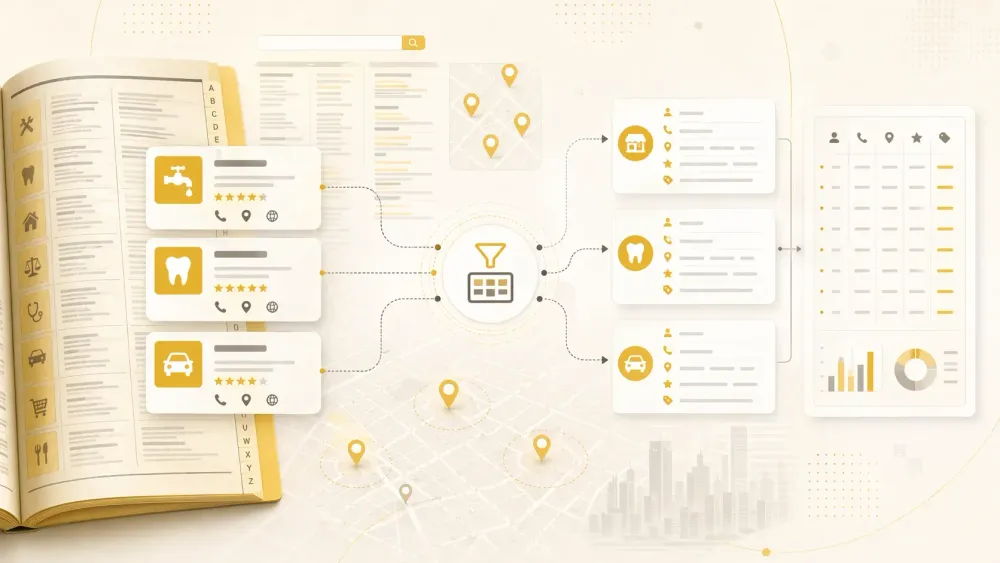
Every few months, someone on Reddit posts a variation of the same complaint: "I scraped Yellow Pages and got 500 rows of phone numbers and addresses… but zero emails." It's the most common frustration I see in lead-gen communities, and after years of building automation tools at Thunderbit, I can tell you the problem is structural, not accidental.
Most Yellow Pages scrapers grab what's visible on the search results page — business name, phone, address, maybe a website link. But emails? They're almost never on the listing card. They're buried on individual business profile pages, or they're not on Yellow Pages at all.
So if your scraper doesn't visit those subpages, you're leaving the most valuable contact data on the table. This article covers 9 tools I've researched and evaluated specifically on whether they actually deliver emails from Yellow Pages — not just phone numbers and zip codes. I'll also cover anti-bot handling, pricing, and which tool fits which type of user.
Why Most Yellow Page Scrapers Fail to Get Emails
Before we get into the tools, it helps to understand why this problem exists in the first place.
Yellow Pages listing pages are designed around phone numbers, addresses, open hours, and website links. Email is not a standard field on the search-result card. Current scraper documentation and page examples consistently confirm this: email is usually absent from the listing card and must be found either on the individual business profile page or on the business's own website.
Apify's ParseBird Yellow Pages Scraper is unusually transparent about this. It separates "listing mode" from "detail mode" and reports that email yield is typically only 15–25% of listings even when detail-page extraction is enabled. That means even the best-case scenario for email recovery from Yellow Pages is modest — and most tools don't even attempt it.
There are three common failure modes:
- The scraper only reads the search-result page. No subpage visits, no email.
- The scraper follows the detail page but doesn't parse email fields. Still no email.
- The business never published an email on Yellow Pages at all. No tool can extract what doesn't exist.
Some businesses also route contact through forms or "Email Business" buttons rather than displaying a raw email address. A scraper can be technically "working" and still produce an output that's 95% phone-and-address.
The takeaway: if email extraction matters to you, the critical feature to look for is subpage scraping — the ability to visit each business's detail page and pull data that isn't on the main listing.
What to Look For in the Best Yellow Page Scrapers
I evaluated all 9 tools against seven criteria, each grounded in real pain points from Reddit threads, scraping forums, and lead-gen communities.
Email Extraction Reliability
The whole reason this article exists. Does the tool actually return email addresses, or just names and phone numbers? The key capability is subpage scraping — visiting each business's profile page to find emails hidden from the listing card.
Anti-Bot and Blocking Handling
Yellow Pages runs Cloudflare Bot Management, including JavaScript rendering requirements, browser fingerprinting, rate limiting, and CAPTCHA challenges. A live request I tested on April 27, 2026 returned a Cloudflare block page within seconds. Tools that don't handle this natively will leave you staring at error pages.
Pricing and Free Tier Availability
Multiple Reddit users specifically ask for "free or cheap scrapers ideally." There's a real split between fully free browser extensions, cloud tools with starter credits, and enterprise platforms with custom pricing.
Pagination Support
Yellow Pages shows roughly 30 results per page, and broader searches can return 500–2,000+ results. A scraper without auto-pagination captures a fraction of available data.
Export Options
Sales teams need CRM-ready output: CSV, Excel, Google Sheets, Airtable. Some tools only output JSON or raw HTML, which means extra processing before the data is usable.
Technical Skill Required
The audience is split. Sales reps and agency owners want two-click tools. Developers want API access and Python flexibility. I've rated each tool from Beginner to Expert.
Lead Scoring and Data Enrichment
As one Reddit user put it, "raw data without scoring is just a spreadsheet." Tools that can label, categorize, or enrich data during scraping save hours of post-processing.
Best Yellow Page Scrapers at a Glance
The full comparison across all 9 tools is below. A quick guide to the symbols: ✅ means the tool handles this well out of the box, ⚠️ means it's possible but requires extra configuration or has limitations, and ❌ means the tool doesn't support this natively.
| Tool | Type | Free Tier | Emails? | Anti-Bot | Pagination | Skill Level | Export Formats | Best For |
|---|---|---|---|---|---|---|---|---|
| Thunderbit | Chrome ext. + cloud | ✅ (6 pages/mo) | ✅ (subpage + email extractor) | ✅ Cloud/browser toggle | ✅ Auto | Beginner | Excel, CSV, JSON, Sheets, Airtable, Notion | Non-technical sales & ops teams |
| Apify YP Scraper | Cloud actor | ✅ ($5 credits) | ⚠️ 15–25% with detail pages | ✅ Proxy pool | ✅ Built-in | Intermediate | JSON, CSV, Excel, XML | Cloud-scale scraping |
| WebScraper.io | Chrome ext. + cloud | ✅ (free ext.) | ⚠️ Manual config | ✅ Cloud plans | ✅ Selector-based | Intermediate | CSV, XLSX, JSON, Sheets | Visual scraper users |
| Instant Data Scraper | Chrome ext. | ✅ Fully free | ❌ Unreliable | ❌ None | ⚠️ Manual | Beginner | CSV, XLSX | Quick one-off scrapes |
| Outscraper | API/Cloud | ✅ (500 businesses) | ⚠️ Enrichment needed | ✅ Managed | ✅ Auto | Beginner–Intermediate | CSV, JSON, XLSX | Budget directory jobs |
| Octoparse | Desktop app + cloud | ✅ (10 tasks, 50K/mo) | ⚠️ Template-based | ✅ Built-in | ✅ Auto-detect | Intermediate | CSV, Excel, JSON, DBs | Desktop visual scraping |
| ScrapingBee | API | ✅ (1,000 calls) | ❌ Raw HTML only | ✅ Managed proxies | ❌ Manual | Advanced | JSON, HTML | Developers needing rendered HTML |
| Bright Data | Platform | ❌ Paid (1K trial) | ✅ Data products | ✅ Enterprise-grade | ✅ Built-in | Advanced | JSON, CSV, NDJSON, S3, more | Enterprise-scale |
| Python DIY | Code | ✅ Free (OSS) | ⚠️ Manual parsing | ❌ Self-managed | ❌ Manual | Expert | Any | Engineers with custom needs |
1. Thunderbit — Best Yellow Page Scraper for Non-Technical Teams
Try Thunderbit for Yellow Pages Scraping
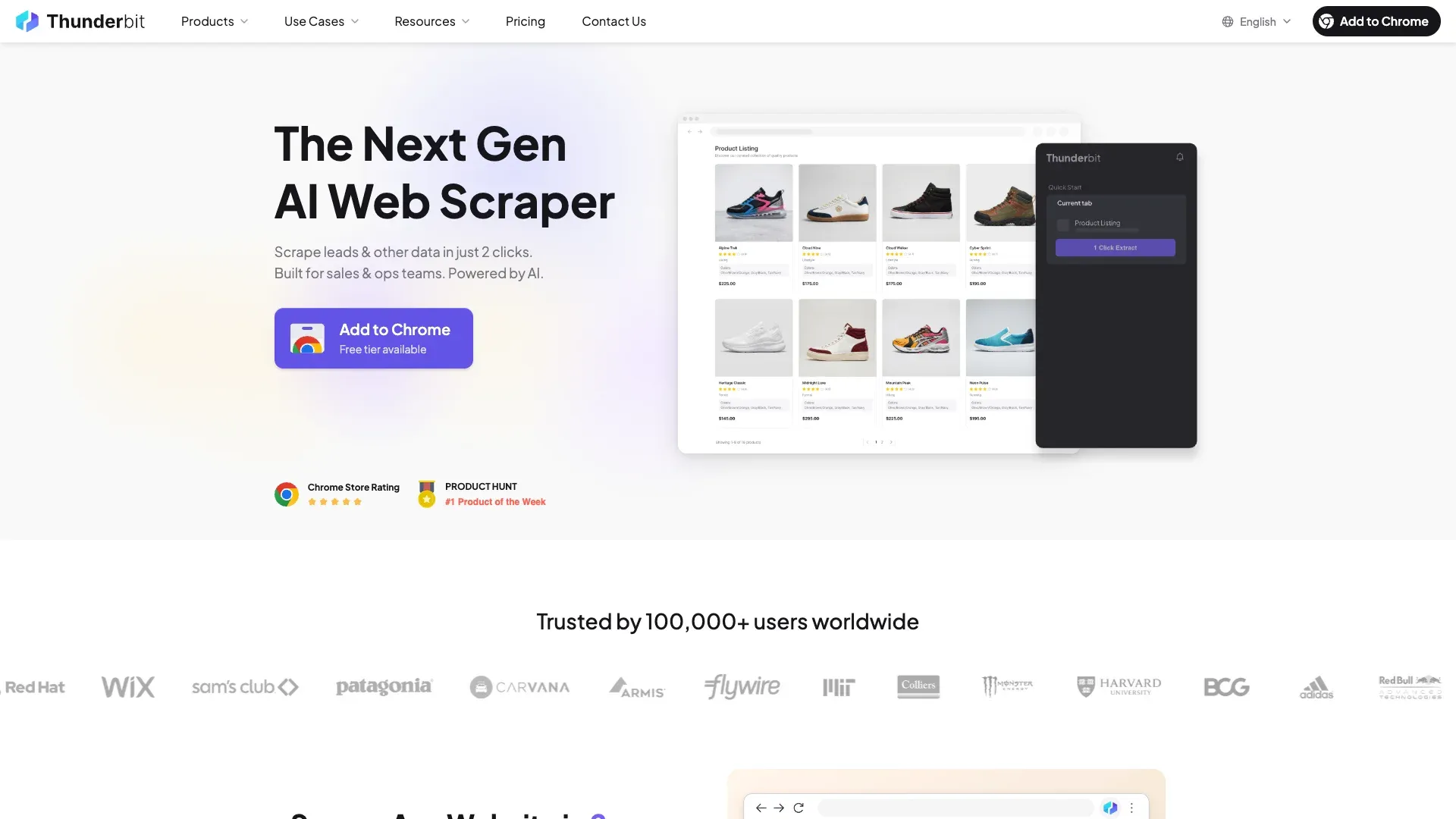
Thunderbit is an AI-powered Chrome extension that my team and I built specifically to make web scraping accessible to people who aren't developers. Instead of configuring CSS selectors or writing code, you click "AI Suggest Fields" and the AI reads the page, figures out what data is available, and proposes columns for you. Then you click "Scrape." That's it — two clicks to structured data.
For Yellow Pages specifically, the workflow addresses the email problem head-on. After scraping the listing page, you can click Scrape Subpages and Thunderbit visits each business's detail page to find emails, website URLs, hours, reviews, and other fields that aren't visible on the main listing card. We also built a dedicated Email Extractor and Phone Number Extractor as standalone tools, so you can run those on any page with a single click.
How Thunderbit Handles Email Extraction from Yellow Pages
The core differentiator is subpage scraping. Most scrapers stop at the search-result page and return whatever's visible — which, on Yellow Pages, means no email. Thunderbit's subpage feature visits each business profile and pulls data from that deeper layer. You can also use the Field AI Prompt to add instructions like "extract email from the contact section" or "flag businesses without a website" to improve extraction accuracy and add context during the scrape itself.
Based on current page structures and scraper documentation, listing-card emails on Yellow Pages are effectively zero. Detail-page scrapers like Thunderbit's subpage feature recover emails from roughly 15–25% of businesses — which is the realistic ceiling for Yellow Pages email extraction in 2026. That's not a Thunderbit limitation; it's a Yellow Pages data limitation.
Anti-Bot Handling and Pagination
Thunderbit offers two scraping modes: cloud scraping (which routes through US/EU/Asia servers with automatic proxy rotation) and browser scraping (which uses your local browser session). If cloud mode gets blocked by Cloudflare, you can switch to browser mode as a fallback — your authenticated session often bypasses protections that block headless cloud requests.
Pagination is fully automatic. Thunderbit handles both click-based "Next" buttons and infinite scroll without any configuration.
Pricing and Export
- Free tier: 6 pages per month
- Free trial: 10 pages
- Starter plan: from ~$9/month billed yearly for 500 credits (1 credit = 1 row)
- Export: Excel, CSV, JSON are available on free tier; Google Sheets, Airtable, and Notion integration on paid plans
You can check the latest details on our pricing page.
Best for: Sales reps, agencies, and ops teams who need lead data fast without writing code or managing proxies.
2. Apify Yellow Pages Scraper — Best for Scaled Cloud Scraping
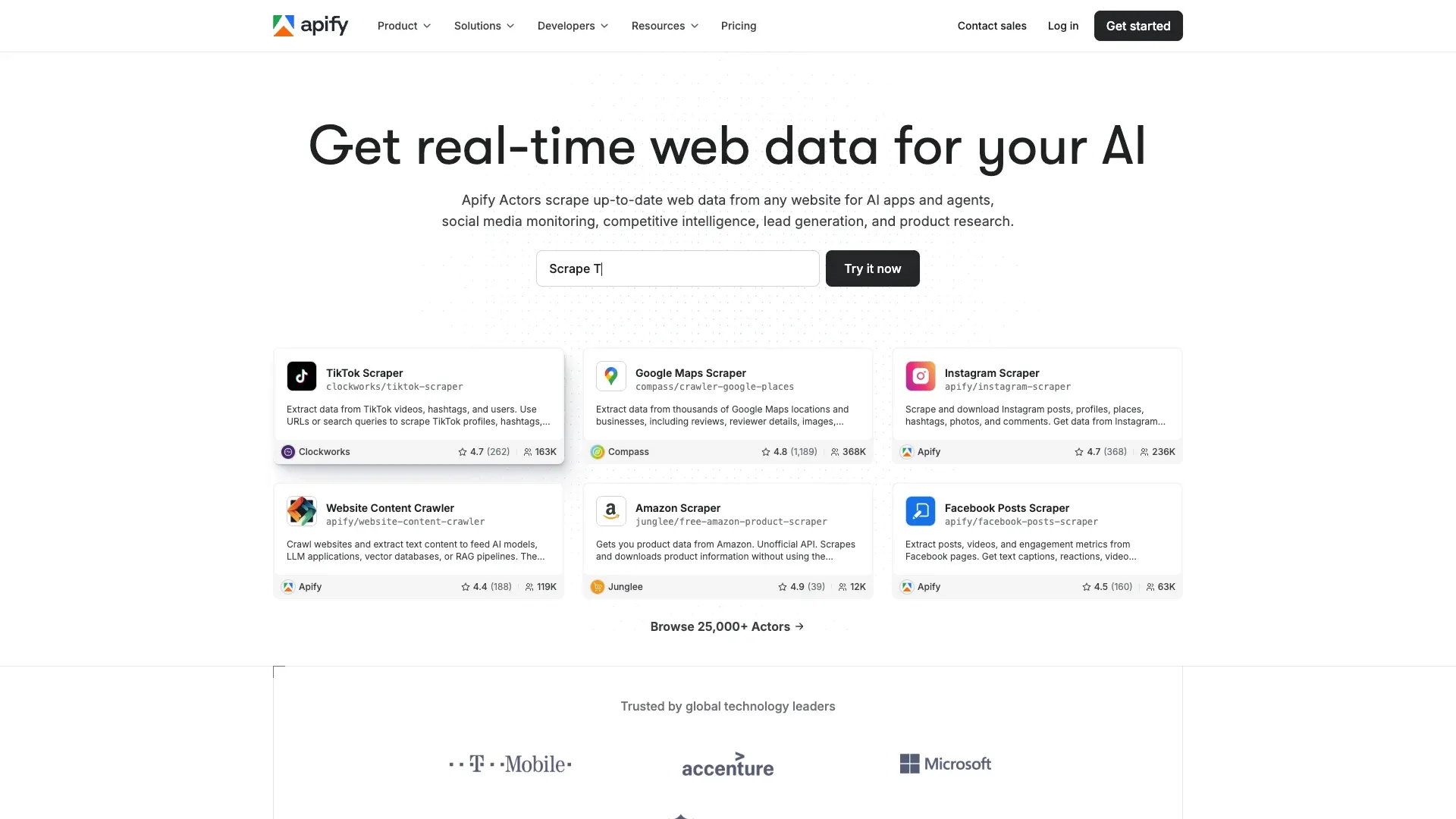 Apify is a cloud-based scraping platform with a marketplace of pre-built "actors" — including several designed specifically for Yellow Pages. You configure a scrape in the Apify console (search term, location, number of results), and it runs in the cloud without needing a browser or local machine.
The ParseBird Yellow Pages actor is the most transparent about email extraction I've found anywhere. It explicitly separates listing mode from detail mode and documents that email yield is typically 15–25% of listings when detail pages are enabled. Detail-mode scraping costs roughly $6 per 1,000 businesses versus $1 per 1,000 in listing mode — a direct reflection of the extra compute needed to visit each subpage.
- Proxy pool included with residential proxy support
- Built-in pagination for multi-page result sets
- Export: JSON, CSV, Excel, XML, HTML, RSS, JSONL
- Pricing: Free plan with $5 in credits; paid plans at $49, $99, and $499/month
Best for: Intermediate-to-advanced users running larger lead-gen campaigns across multiple cities or categories.
3. WebScraper.io — Best for Building Custom Yellow Pages Sitemaps
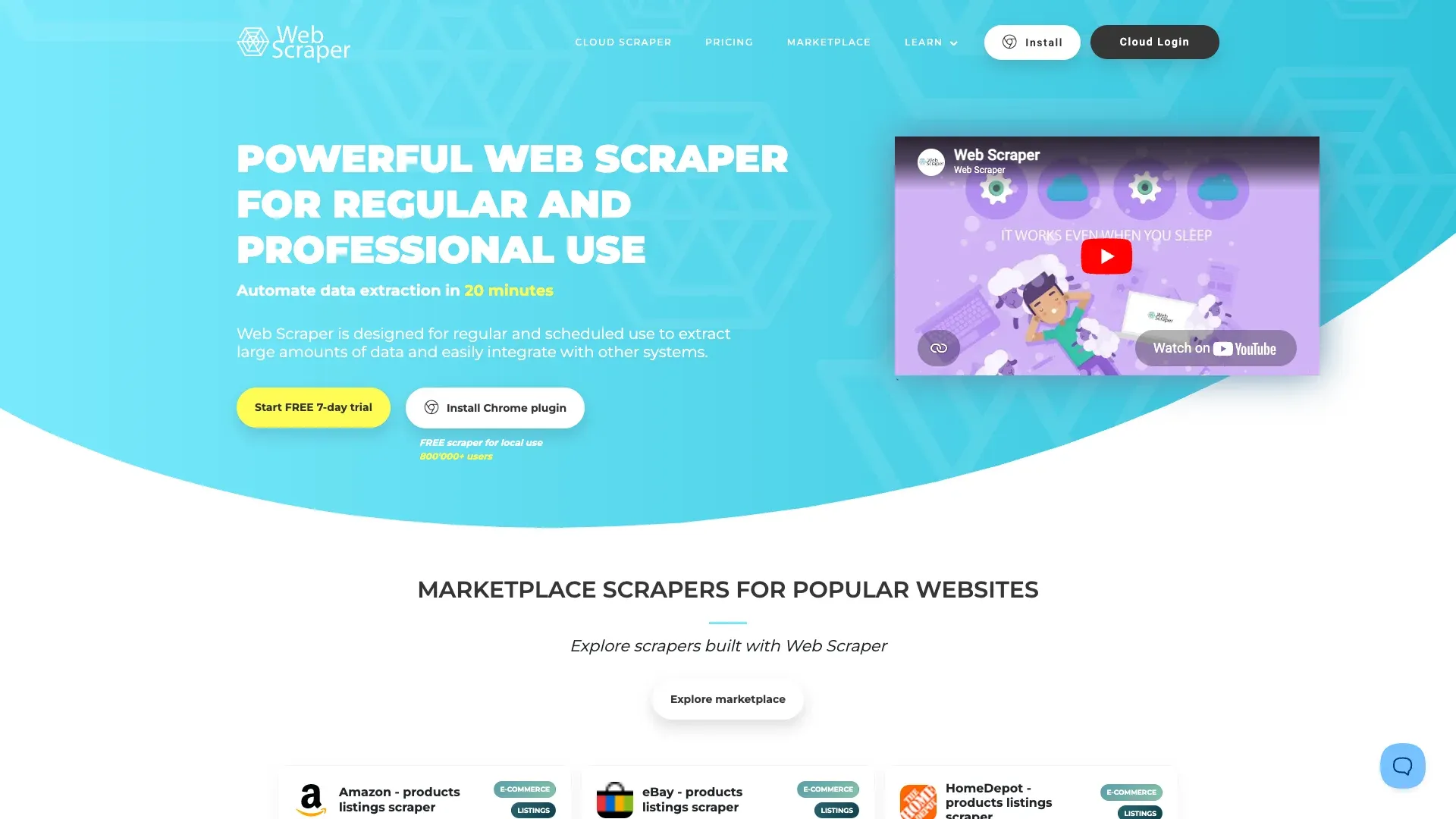 WebScraper.io offers a Chrome extension with a visual "Sitemap Wizard" that auto-detects listing structure on Yellow Pages. It's the tool behind one of the top-ranking Yellow Pages scraping tutorials, and for good reason — it gives you granular control over what gets scraped and how.
The trade-off: control requires configuration. Email extraction isn't automatic; you need to manually set up selectors to target email fields and configure the scraper to follow links to business detail pages. If you set it up well, it works. If you don't, you'll get the same phone-and-address output as every other tool.
WebScraper.io's marketplace notes are also unusually honest about Yellow Pages' defenses: they document Cloudflare bot management, JavaScript rendering requirements, and browser fingerprinting as specific obstacles.
- Pagination: Handled via selector-based "Next" button configuration
- Export: CSV, XLSX, JSON; cloud version adds Google Sheets, Dropbox, S3, Azure, API, webhooks
- Pricing: Free Chrome extension; cloud plans from $50/month
Best for: Users comfortable with point-and-click selector tools who want flexibility to customize their scrape structure.
4. Instant Data Scraper — Best Free Yellow Page Scraper (with Caveats)
 Instant Data Scraper is the answer to "what can I try right now for free?" It's a fully free Chrome extension — no account, no credits, no limits — that auto-detects tabular data on web pages. Open a Yellow Pages results page, click the extension icon, and it detects the listing data.
The problem is everything it doesn't do. It scrapes what's visible on the page, which means no subpage visits and no email extraction in most real workflows. It has no anti-bot handling, so if Yellow Pages serves a CAPTCHA or blocks your IP, you're stuck. Pagination support is basic — you may need to manually click "Next" or rely on limited auto-scroll.
- Export: CSV, XLSX
- Pricing: Free forever
Best for: Beginners who need a quick, free scrape of one page of results and don't need emails. Not suitable for email-focused campaigns or large-scale lead generation.
5. Outscraper — Best Managed API for Yellow Pages and Google Maps
 Outscraper is a cloud/API-based platform with managed infrastructure for scraping directories like Yellow Pages and Google Maps. The value proposition is simplicity: you don't manage proxies, anti-bot logic, or pagination yourself.
For Yellow Pages, Outscraper's first 500 businesses are free, then pricing is roughly $1 per 1,000 businesses. Email extraction from Yellow Pages itself is limited to what's on the page; for deeper email enrichment, Outscraper offers separate enrichment features that can be combined with the base scrape.
Where Outscraper shines is cross-directory support. If you're scraping Yellow Pages and Google Maps for the same campaign, you can run both from one platform.
- Auto-pagination included
- Export: CSV, JSON, XLSX, API
- Pricing: Free tier (500 businesses); pay-per-result beyond that
Best for: Sales ops teams who want reliable, hands-off scraping across multiple directories without managing infrastructure.
6. Octoparse — Best Desktop App for Visual Yellow Pages Scraping
 Octoparse is a desktop application (Windows/Mac) with a visual, point-and-click workflow builder. It offers pre-built templates for Yellow Pages and similar directory sites, plus built-in anti-bot features including IP rotation, residential proxies, and automatic CAPTCHA solving.
Email extraction depends on the template. When the template is configured to visit business detail pages or linked websites, it can pull emails. But templates can break when Yellow Pages updates its layout, and users report mixed results depending on the category and geography.
- Free plan: 10 tasks, 50,000 exports per month
- Auto-detect pagination
- Export: CSV, Excel, JSON, HTML, XML, databases, Google Sheets, API
- Pricing: Free tier; paid plans for cloud execution
Best for: Intermediate users who prefer a desktop app with a visual workflow builder and don't mind some template tuning.
7. ScrapingBee — Best API for Developers Who Need Rendered HTML
 ScrapingBee is an API-first web scraping service. It handles JavaScript rendering, proxy rotation, and CAPTCHA solving — then returns raw HTML, JSON, or Markdown. It does not extract emails or structured fields out of the box. That's your job.
ScrapingBee's own Yellow Pages tutorial demonstrates manual pagination by appending &page=n to the URL, which reinforces that this is a developer tool, not a point-and-click solution.
- Free tier: 1,000 API credits
- No built-in pagination or field extraction
- Export: JSON, HTML
- Pricing: From $49/month
Best for: Developers who need reliably rendered HTML with anti-bot handling and are comfortable writing their own parsing logic.
8. Bright Data — Best Enterprise-Grade Platform for Large-Scale Scraping
 Bright Data operates the largest proxy network in the industry and offers a full suite of scraping APIs, browser tools, and pre-built datasets. It's designed for organizations that need massive-scale data collection with compliance features.
For Yellow Pages specifically, Bright Data's strength is infrastructure — residential proxies, CAPTCHA solving, browser fingerprinting defense, and downstream delivery to JSON, CSV, NDJSON, S3, Snowflake, GCS, Azure, and SFTP. I did not find a currently documented Yellow Pages-specific template, so the positioning here is enterprise-grade platform, not dedicated YP email product.
- Pricing: Web Scraper API starts with a 1K request free trial, then $2.5 per 1K records on pay-as-you-go; $499/month at scale
- No free tier for most products
- Built-in pagination for all scraping tools
Best for: Large enterprises or agencies with significant data budgets who need scale, compliance, and proxy infrastructure.
9. Python DIY (BeautifulSoup + Playwright) — Best for Full Control
 This is the open-source route: BeautifulSoup for HTML parsing and Playwright for browser automation. Free libraries, maximum flexibility, highest technical bar on this list.
Email extraction requires writing custom parsing logic to navigate to each business detail page and locate email fields. Proxy rotation, CAPTCHA handling, rate limiting, and pagination must all be implemented or purchased separately. As one Reddit user put it: "Once you try Playwright, you will never go back to Selenium" — but you'll also never stop debugging your proxy setup.
- Pricing: Free (open-source libraries); infrastructure costs extra
- Export: Any format you code
- No built-in anything — you build every piece yourself
Best for: Expert developers with specific scraping requirements that no off-the-shelf tool handles, who are comfortable managing infrastructure end to end.
What Actually Happens When Yellow Pages Blocks You (Anti-Bot Reality Check)
I want to spend a moment on this because it's the #1 pain point by mention count in scraping communities, and most articles gloss over it with "use proxies."
When I tested a basic scripted request to a Yellow Pages search URL on April 27, 2026, the response was a Cloudflare block page: "Sorry, you have been blocked. This website is using a security service to protect itself from online attacks." That happened on the first request. No warning, no gradual throttle — just a wall.
Yellow Pages' anti-bot stack includes Cloudflare Bot Management, JavaScript rendering requirements, browser fingerprinting, rate limiting, and reCAPTCHA. IPRoyal's scraping guide adds that symptoms can include hard blocks, soft bans, CAPTCHAs, redirects to splash pages, session tracking, and rate limits.
The broader context makes this worse, not better. Imperva's 2025 report found that automated traffic hit 51% of all internet traffic in 2024, and DataDome's 2025 report covering nearly 17,000 sites found only 2.8% were fully protected. Sites like Yellow Pages that do invest in protection are getting better at catching scrapers, not worse.
A practical breakdown of how each tool handles it:
| Tool | Proxy Rotation | CAPTCHA Handling | Rate-Limit Resilience | Fallback When Blocked |
|---|---|---|---|---|
| Thunderbit | ✅ Cloud mode with US/EU/Asia servers | ✅ Managed via cloud | ✅ Auto-throttle | Switch to browser scraping |
| Apify | ✅ Including residential proxies | ✅ Via actor/browser infra | ✅ Configurable | Retry with new proxy |
| WebScraper.io | ✅ Cloud plans + proxy add-on | ✅ Cloud plans | ✅ Strong | Use cloud execution |
| Instant Data Scraper | ❌ None | ❌ None | ❌ Weak | Manual retry or stop |
| Outscraper | ✅ Managed backend | ⚠️ Limited documentation | ✅ Moderate | Managed service handles it |
| Octoparse | ✅ Including residential | ✅ Automatic CAPTCHA solving | ✅ Strong | Cloud templates + anti-block |
| ScrapingBee | ✅ Managed proxies | ✅ Built-in | ✅ Strong | Tune code, premium proxies |
| Bright Data | ✅ Enterprise-grade | ✅ Built-in | ✅ Very strong | Full infra tuning |
| Python DIY | ❌ Self-managed only | ❌ Self-managed only | ❌ Variable | Whatever you build |
Beyond Raw Data: Turning Yellow Pages Scrapes Into CRM-Ready Leads
A pattern I see constantly: someone scrapes 500 Yellow Pages listings, exports to a spreadsheet, and then spends three hours manually Googling each business to find emails, check websites, and figure out which ones are worth contacting. The scraping took 10 minutes. The enrichment took all afternoon.
This is where the "raw data without scoring is just a spreadsheet" complaint comes from. A raw Yellow Pages export looks like this:
| Business Name | Phone | Address | Website | Category |
|---|---|---|---|---|
| Example Plumbing Co. | 555-0199 | 123 Main St | exampleplumbing.com | Plumbers |
| NoSite HVAC | 555-0112 | 456 Oak Ave | None | HVAC |
An enriched lead table — the kind that's actually useful for outreach — looks like this:
| Business Name | Phone | Address | Website | Reviews | Has Website? | Prospect Note | |
|---|---|---|---|---|---|---|---|
| Example Plumbing Co. | 555-0199 | 123 Main St | exampleplumbing.com | info@exampleplumbing.com | 42 | Yes | Contact page present |
| NoSite HVAC | 555-0112 | 456 Oak Ave | None | None | 8 | No | Possible agency prospect |
Using Subpage Scraping to Enrich Leads
Thunderbit's subpage scraping visits each business detail page and adds fields like email, website URL, hours, reviews, and categories. For a 500-listing scrape, that's the difference between 10 minutes of automated work and 3+ hours of manual research.
Apify's detail-mode scraping does something similar, but at a higher cost per record (roughly $6 per 1,000 businesses vs. $1 per 1,000 in listing mode).
Labeling and Categorizing Leads During Scraping
Thunderbit's Field AI Prompt lets you add instructions during the scrape itself — things like "flag businesses without a website" or "categorize by business size." The AI processes these labels as it extracts data, so you get a pre-qualified lead list instead of a raw dump.
One caveat from the research worth noting: a missing website might not always mean a business is a good prospect. It's a useful signal for agency outreach, but it shouldn't be the only qualification criterion.
Export-to-CRM Workflow
The most common workflow I see from our users:
- Thunderbit → Google Sheets or Airtable → CRM (direct export, no intermediate steps)
- Apify → Webhook → CRM (requires some configuration)
- Outscraper → CSV download → CRM import (manual but straightforward)
If your CRM integrates with Google Sheets or Airtable, Thunderbit's direct export cuts out the file-download step entirely. You can learn more about web scraping without coding on our blog.
Best Yellow Page Scraper by Use Case: Quick Recommendation Guide
Not every tool is right for every user. My recommendations by user type:
Best for non-technical sales reps and agency owners: Thunderbit (2-click AI scraping, free email extractor, subpage scraping) and Instant Data Scraper (free, simple — but no emails)
Best for scaled lead generation ops: Apify (cloud actors, multi-city jobs, detail-page email extraction) and Outscraper (managed API, multi-directory support)
Best completely free option: Instant Data Scraper (fully free forever) and Thunderbit free tier (6 pages/month with AI features)
Best for developers: Python DIY with Playwright (maximum control) and ScrapingBee API (managed rendering + proxies)
Best for enterprise / large-scale: Bright Data (largest proxy network, compliance features, enterprise pricing)
We've also written a roundup of the best AI web scrapers and a deeper guide to AI lead generation if you want to go further.
Yellow Pages vs. Google Maps vs. Other Directories: When to Use What
Most lead-gen professionals don't scrape Yellow Pages in isolation. They're pulling from multiple directories and cross-referencing. A quick comparison based on current data availability:
| Factor | Yellow Pages | Google Maps | Facebook Business |
|---|---|---|---|
| Email availability | Low (detail pages only) | Very low (not a standard field) | Medium (pages can include email) |
| Phone numbers | ✅ Consistently listed | ✅ Consistently listed | ⚠️ Sometimes hidden |
| Reviews/ratings | ✅ Available | ✅ Richer data | ✅ Available |
| Categories/niches | ✅ Strong for local niche | ✅ Broad and rich | ⚠️ Inconsistent |
| Best scraper tool | Thunderbit, Apify YP actor | Outscraper, Apify Maps actor | Thunderbit (AI Suggest Fields works on any site) |
Yellow Pages is strongest for niche local category coverage — if you need every plumber in a specific metro area, it's hard to beat. Google Maps offers richer review data and recency signals. Facebook Business Pages can sometimes outperform both on direct email visibility because page owners often publish their email.
Thunderbit's AI Suggest Fields works on any website, so you can scrape Yellow Pages, Google Maps, and Facebook with the same extension. That versatility matters when you're building a multi-source lead list. Our guide to what is web scraping covers the fundamentals if you're newer to this.
Legal and Ethical Considerations for Scraping Yellow Pages
This section is brief, but it matters.
Yellow Pages data is publicly accessible, but YP.com's Terms of Service explicitly state that access is for "individual, non-commercial, informational purposes" and that users may not use "bots, scrapers, crawlers, spiders" to extract data. The current U.S. legal landscape around web scraping is nuanced — public visibility can reduce CFAA risk relative to logged-in pages, but contract law, privacy regulations (CCPA), and marketing compliance still apply.
The FTC sent warning letters to 21 healthcare plan marketers and lead generators in December 2024 about how consumer information is used in lead-gen workflows. The takeaway: scrape responsibly, respect rate limits, don't resell raw data without understanding legal boundaries, and use scraped data for legitimate business purposes.
This article is informational and does not constitute legal advice.
Conclusion
Most Yellow Pages scrapers miss emails because they stop at the listing page. The tools that do better are the ones that can reach business detail pages, follow links to business websites, or run enrichment workflows on top of the base scrape. Even then, Yellow Pages email availability tops out around 15–25% of listings — so setting realistic expectations matters as much as picking the right tool.
If you're a non-technical team that needs leads with actual contact data, give Thunderbit's free tier a try — the subpage scraping and email extraction features are specifically designed for this problem. If you're running larger campaigns, Apify and Outscraper offer solid cloud infrastructure. And if you're a developer who wants full control, Python with Playwright and ScrapingBee will get you there, though you'll be building more of the pipeline yourself.
Start with the comparison table above, pick based on your skill level and budget, and remember: the best scraper is the one that actually gets you the data you need for outreach, not the one with the longest feature list.
You can also explore our Thunderbit Chrome Extension directly, or check out tutorials on our YouTube channel.
FAQs
Can you actually scrape emails from Yellow Pages?
Yes, but most emails are on business detail (sub)pages, not the main listing card. Current scraper documentation suggests only about 15–25% of businesses expose an email that a detail-page scraper can recover. You need a tool with subpage scraping capability — like Thunderbit or Apify's detail-mode actors — for the best results.
What is the best free Yellow Pages scraper?
Instant Data Scraper is fully free with no account or credit limits, but it doesn't extract emails reliably and has no anti-bot handling. Thunderbit offers a free tier (6 pages/month) with AI-powered scraping, subpage access, and email extraction — a stronger option if email matters to your workflow.
How do I avoid getting blocked when scraping Yellow Pages?
Yellow Pages uses Cloudflare Bot Management, CAPTCHAs, rate limiting, and browser fingerprinting. Use tools with built-in proxy rotation and CAPTCHA handling (Thunderbit, Apify, Octoparse, ScrapingBee, Bright Data). Thunderbit's cloud-to-browser toggle provides a practical fallback — if cloud scraping gets blocked, browser mode uses your local session to bypass some protections.
Yellow Pages scraper vs. Google Maps scraper — which is better for leads?
It depends on your needs. Yellow Pages has stronger niche local category coverage and consistently lists phone numbers. Google Maps offers richer review data and more frequent updates. Neither is great for email — Facebook Business Pages actually tend to have higher email availability. Ideally, cross-reference multiple directories for the most complete lead profiles.
Is it legal to scrape Yellow Pages?
Yellow Pages data is publicly accessible, but YP.com's Terms of Service restrict automated data collection and commercial use of search results. The U.S. legal landscape around scraping public data is evolving. Users should review the site's Terms of Service, comply with applicable privacy regulations (CCPA, GDPR where relevant), and use scraped data responsibly. This article is informational and does not constitute legal advice.
Try Thunderbit for Yellow Pages Scraping Get Started Free
Learn More




