
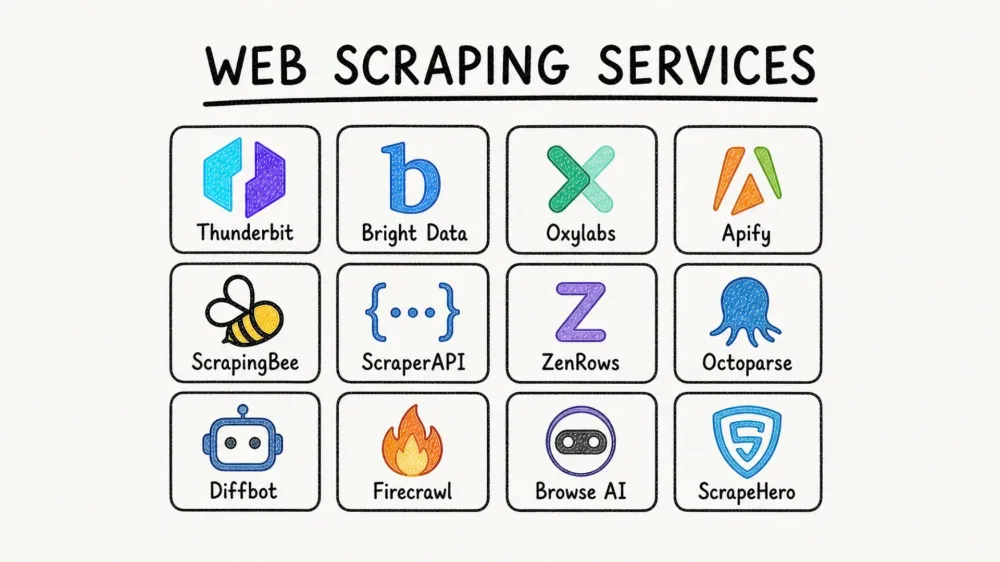
Somewhere around the fourteenth browser tab and the third pricing calculator, I realized that choosing a web scraping service in 2026 is harder than the actual scraping. The market has exploded — no-code Chrome extensions, raw APIs, proxy-heavy enterprise stacks, AI extractors, and full-service agencies all competing for the same budget line.
I spent several weeks testing 12 web scraping services against real tasks: pulling product data from ecommerce sites, extracting leads from business directories, and scraping job listings with pagination and subpages. The goal was not to rank features in a vacuum but to answer one practical question: which service actually fits which team?
According to Bright Data's public web data report, 82% of organizations now consider public web data critical to their future. ScrapeOps' 2025 market report found that more than 65% of organizations use web scraping to build datasets for analytics and AI. And yet, Apify's 2026 survey shows 46.7% of professionals still rely entirely on internal code, with the maintenance tax that comes with it.
Before we get to the tools, here is a short explainer on the legal side of scraping.
How I Evaluated the Best Web Scraping Services
Here is what I looked at. I picked these after watching what goes wrong past the demo phase, not off a features page.
- Ease of setup / technical skill required — Can a non-developer get value in under 10 minutes?
- Anti-bot & proxy handling — Does the service manage proxies and CAPTCHA solving, or is that your problem?
- JavaScript rendering — Does it handle dynamic, JS-heavy pages out of the box?
- Data export formats & integrations — Can you get data into Sheets, Airtable, or Notion without writing glue code?
- Scheduling / automated monitoring — Can you set up recurring scrapes without cron jobs?
- Scalability — Does it work at 100 pages and still work at 1M?
- Pricing transparency & cost at scale — Can you predict next month's bill, or is it a surprise?
- AI-powered extraction vs. manual selectors — Does it use AI to infer fields, or do you write CSS/XPath by hand?
- Maintenance burden over time — What happens when the target site redesigns?
That last one deserves emphasis. User reviews for tools like Octoparse, Apify, Browse AI, and Bright Data surface the same complaints over and over: credit pricing confusion, selector breakage after site changes, cloud runs failing on protected pages, and steep learning curves past the initial demo. "Maintenance burden" is not a nice-to-have evaluation axis. It is the one that determines whether you are still using the tool six months from now.
Which Type of Web Scraping Service Fits Your Team?
Before comparing individual tools, the most useful thing I can do is help you skip to the right category. The web scraping market is not one market. It is five overlapping markets, and picking the wrong category wastes more time than picking the wrong tool within the right category.
| Your Situation | Recommended Service Type | Why | Good Fits from This List |
|---|---|---|---|
| Non-technical team (sales, marketing, ops) needing data fast | No-code Chrome extension | Fastest path from website to spreadsheet, lowest setup friction | Thunderbit, Browse AI, Octoparse |
| Developer building scraping into an app or pipeline | Scraping API | More control, webhooks, async jobs, better CI/CD fit | ScrapingBee, ScraperAPI, ZenRows |
| Team feeding data into AI/LLM workflows | AI-native extraction API | Markdown/JSON-first output, less HTML cleanup | Thunderbit API, Firecrawl, Diffbot |
| Enterprise needing proxy infrastructure + high-volume scale | Full-stack data collection platform | Bundled proxies, anti-bot, SLAs, high concurrency | Bright Data, Oxylabs, Apify |
| Company that wants data delivered, not tools operated | Managed service / agency | Vendor owns build, monitoring, QA, and delivery | ScrapeHero |
This is not theoretical. Zyte's 2026 build-vs-buy guidance makes the tradeoff explicit: DIY gives control but creates constant maintenance; mixed stacks create operational patchwork; managed services remove the internal burden but reduce self-serve flexibility.
AI-Powered Extraction vs. Traditional CSS/XPath Selectors
This is the single biggest technical fork in the market right now.
Traditional scraping is like following a treasure map with exact coordinates. You inspect the page, find a selector like .product-title, write an extraction rule, test it, and hope the site looks the same tomorrow. When the frontend team changes a class name or wraps content in a new div, your scraper breaks.
AI-powered scraping works more like asking a smart assistant: "Find the product name, price, and stock status on this page." Instead of hard-coding the route, you describe the destination.
Here is what the two flows look like in practice:
Traditional flow:
- Inspect element in DevTools
- Identify
.product-titleclass or XPath - Write extraction rule
- Test on sample pages
- Fix whenever the site changes class names
AI-powered flow (e.g., Thunderbit):
- Open the page and click once
- The AI picks the columns — product name, price, rating
- Step in if you want something different, or just tell it what you need
- Otherwise it just runs, and you get the table
The published research is narrower than the marketing. A 2025 Scientific Reports paper reports 35% better extraction accuracy and 40% better processing efficiency for an AI crawler over conventional ones, but the test bed is newspaper archives, not product pages or business directories, so I would not carry those numbers over to the sites in this article. The 2025 Springer review is the more useful read: AI models adapt better to dynamic structures but still need retraining or fallback logic when domains or patterns shift materially.
| Dimension | Traditional (CSS/XPath) | AI-Powered Extraction |
|---|---|---|
| Setup time | 15–60 min per site | ~30 seconds |
| Technical skill | Developer-level | None required |
| Handles layout changes and new sites | Breaks — new rules after every redesign, new rules for every new site | Usually adapts — reads the page fresh each run |
| Predictability | Deterministic — the same rule pulls the same field every run | Probabilistic — can pick the wrong field, so results need spot-checking |
| Data labeling / transformation | Separate post-processing step | Can label, translate, categorize during scrape |
| Best for | Stable, high-volume dev-owned pipelines | Long-tail sites, varied layouts, non-dev users |
The sharpest real-world difference is maintenance. There is no reliable public number for how often scrapers break, so I am not going to put one here. What is consistent is the shape of the complaints in G2 and Capterra reviews of the selector-based tools in this list: rarely that a tool could not get the data at all, almost always that it stopped getting the data after the site changed.
Thunderbit is the cleanest example of the AI-first model in this list. Its AI picks the fields worth pulling after a single click, or you can describe the data you want in one line, and its Field AI Prompts can label, translate, summarize, or categorize data during extraction — not just after. Its Open API exposes both Distill and Extract endpoints so the same AI extraction model works programmatically too.
Try AI-powered scraping with Thunderbit
All 12 Best Web Scraping Services at a Glance
| Service | Type | Best For | Anti-Bot/Proxy | JS Rendering | AI Extraction | Free Tier | Starting Price (month-to-month) | Export Options |
|---|---|---|---|---|---|---|---|---|
| Thunderbit | No-code Chrome ext + API | Non-technical teams | ⚠️ Cloud-based handling | ✅ | ✅ AI-mapped fields | ✅ 6 pages free | Free; paid from $15/mo | Excel, CSV, JSON, Sheets, Airtable, Notion |
| Bright Data | Full-stack platform | Enterprise-scale pipelines | ✅ Best-in-class proxy network | ✅ | ⚠️ Partial / newer AI layers | ✅ 5K records/mo | No monthly minimum | JSON, CSV, API, webhook |
| Oxylabs | Enterprise proxy + scraping | SERP scraping, protected sites | ✅ Residential/DC proxies | ✅ | ⚠️ Limited | ⚠️ Trial | ~$49/mo | JSON, CSV, API |
| Apify | Platform + marketplace | Developers, automation builders | ✅ Via proxy config | ✅ | ⚠️ Some actors | ✅ $5 free/mo | $29/mo + usage | JSON, CSV, Excel, API |
| ScrapingBee | API service | Developer pipelines | ✅ Built-in | ✅ | ⚠️ Some AI extraction | ✅ 1,000 credits | $49/mo | JSON, HTML, Markdown, API |
| ScraperAPI | API service | Price monitoring at scale | ✅ Built-in rotation | ✅ | ❌ | ⚠️ 7-day trial, 5K credits | $49/mo | JSON, CSV, API |
| ZenRows | API service | Anti-bot-heavy sites | ✅ Premium anti-bot | ✅ | ⚠️ Beta | ✅ 5K credits/mo | $19/mo | JSON, API |
| Octoparse | No-code desktop + cloud | Visual no-code scraping | ✅ Built-in | ✅ | ⚠️ Limited auto-detect | ✅ Free plan (10 tasks) | $39/mo | Excel, CSV, JSON, HTML, XML, DB, Sheets |
| Diffbot | AI/NLP platform | Structured enterprise data | ⚠️ Basic-to-moderate | ✅ | ✅ NLP-based | ✅ 10K credits/mo | $299/mo | JSON, CSV, API |
| Firecrawl | Developer API (AI) | LLM/RAG pipelines | ✅ Built-in | ✅ | ✅ Markdown + structured | ✅ 1,000 credits/mo | $19/mo | Markdown, JSON, HTML, API |
| Browse AI | No-code monitoring | Change detection, non-devs | ⚠️ Basic | ✅ | ⚠️ Template-based | ✅ 50 credits/mo | $48/mo | CSV, JSON, Sheets, Airtable, API |
| ScrapeHero | Managed service/agency | Enterprises wanting hands-off | ✅ Fully managed | ✅ | N/A | ❌ | From $199/mo | Custom delivery |
The pattern is straightforward.
Thunderbit, Browse AI, and Octoparse optimize for speed of setup. ScrapingBee, ScraperAPI, and ZenRows optimize for developer control. Bright Data, Oxylabs, and Apify optimize for scale and infrastructure. Firecrawl and Diffbot optimize for AI-shaped outputs. ScrapeHero optimizes for not having to operate anything yourself.
1. Thunderbit
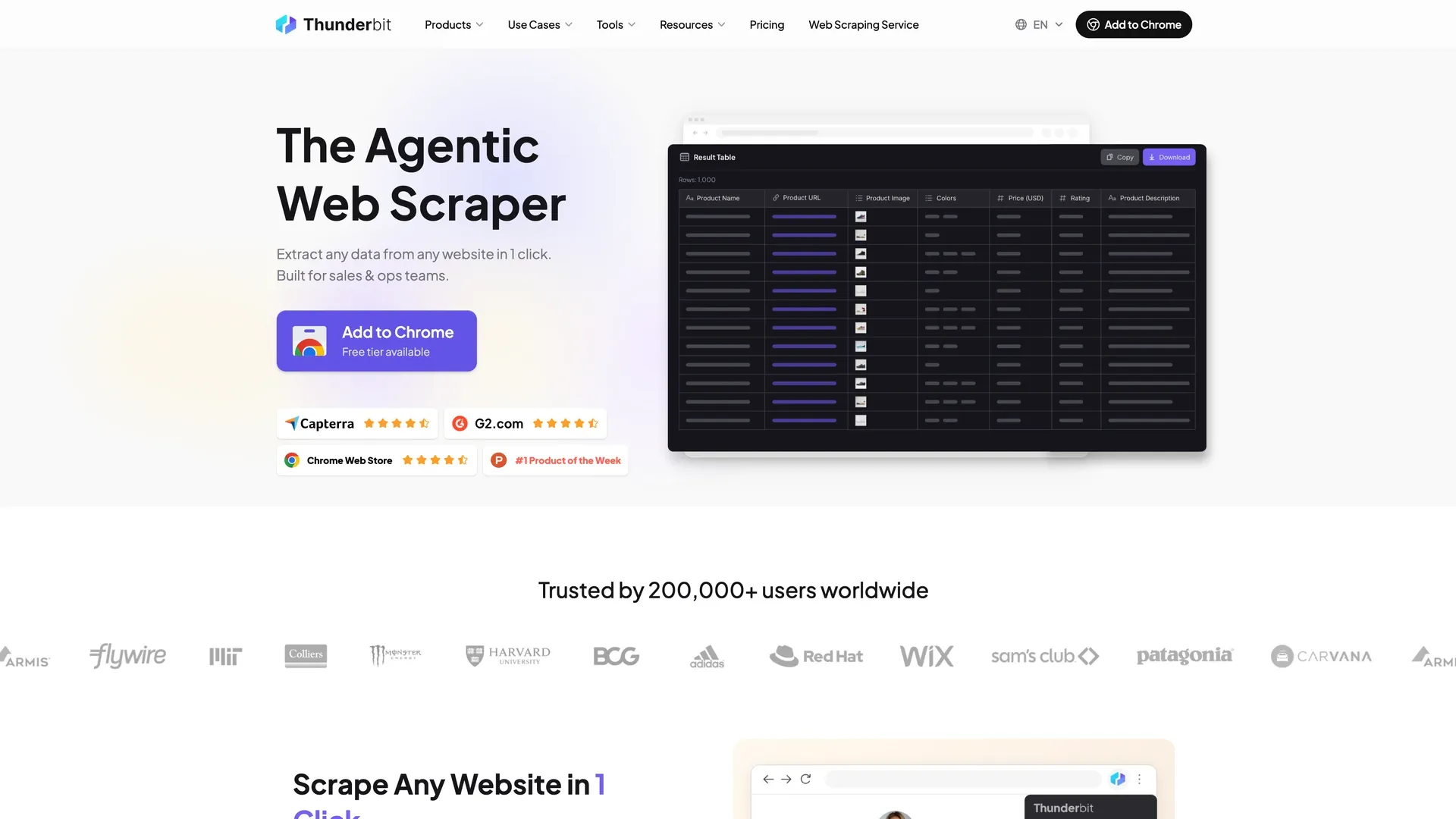 Thunderbit is the easiest product in this list for non-technical users who want to go from a website to a spreadsheet without touching a single selector. The core workflow is unusually direct: open the Chrome extension on any page and click once — the AI figures out which fields are worth pulling and runs the job on its own, and if you want something specific, you can just describe it in plain English. That is genuinely the whole process for most pages. No CSS selectors. No XPath. No inspecting elements.
What sets Thunderbit apart is that it is not just extracting fields. It can also label, translate, summarize, categorize, and reformat data during the scrape using Field AI Prompts. That matters because the real bottleneck for business users is often not extraction itself but the cleanup that happens after export. With Thunderbit, you can scrape a French product page and get English output with sentiment labels — in one pass.
Key features:
- Zero-selector setup — one click and the AI picks the columns for you, or you can just tell it what you want
- Browser mode for logged-in pages and cloud mode (50 pages at a time) for fast public-page scraping
- Subpage scraping to enrich list pages with detail-page data automatically
- Pagination and infinite-scroll handling built in
- Natural-language scheduling for recurring monitoring (e.g., "every Monday at 9 AM")
- Instant scraper templates for popular sites like Amazon, Zillow, Google Maps, and Indeed
- Open API with
DistillandExtractendpoints for developer use cases - 34-language support including translation during extraction
The export story is one of Thunderbit's clearest advantages. It offers free, native export to Excel, CSV, JSON, Google Sheets, Airtable, and Notion — including image handling in Airtable and Notion exports. For a sales team that lives in Sheets or a marketing team that organizes research in Notion, this removes an entire transformation step that API-first tools leave to you.
Pricing: Credit-based. Free tier with 6 pages per month, plus a 7-day trial of the Pro features. Paid browser plans start at $15/mo month-to-month or $9/mo billed yearly. The API has its own pricing: 600 free units to start, then $29/mo for 6,000 units on Starter, $72/mo for 60,000 on Pro 1, $120/mo for 120,000 on Pro 2, and a slider that tops out at 480,000 units a month. Billed yearly it is $16/mo for 60,000 units a year on Starter and $40/mo for 600,000 on Pro 1.
Pros:
- Lowest setup friction in this entire comparison
- Native spreadsheet-first exports (not JSON-then-figure-it-out)
- AI transformation during extraction, not just after
- Strong fit for sales, ecommerce, research, and real estate
Cons:
- Two credit systems in different units: the extension charges 1 credit per output row (2 with subpage scraping), the API charges 1 unit per Distill page and 20 per Extract page — you have to budget them separately
- The free tier is 6 pages a month, well below what the API vendors here give away (Firecrawl 1,000 credits/mo, ZenRows 5,000, Diffbot 10,000)
- Self-serve stops short of enterprise volume: the top published browser plan is Pro at $38/mo month-to-month, and past that it is a custom Business quote
Best for: Sales lead generation, ecommerce competitor monitoring, marketing research, job and directory scraping, real estate listings.
2. Bright Data
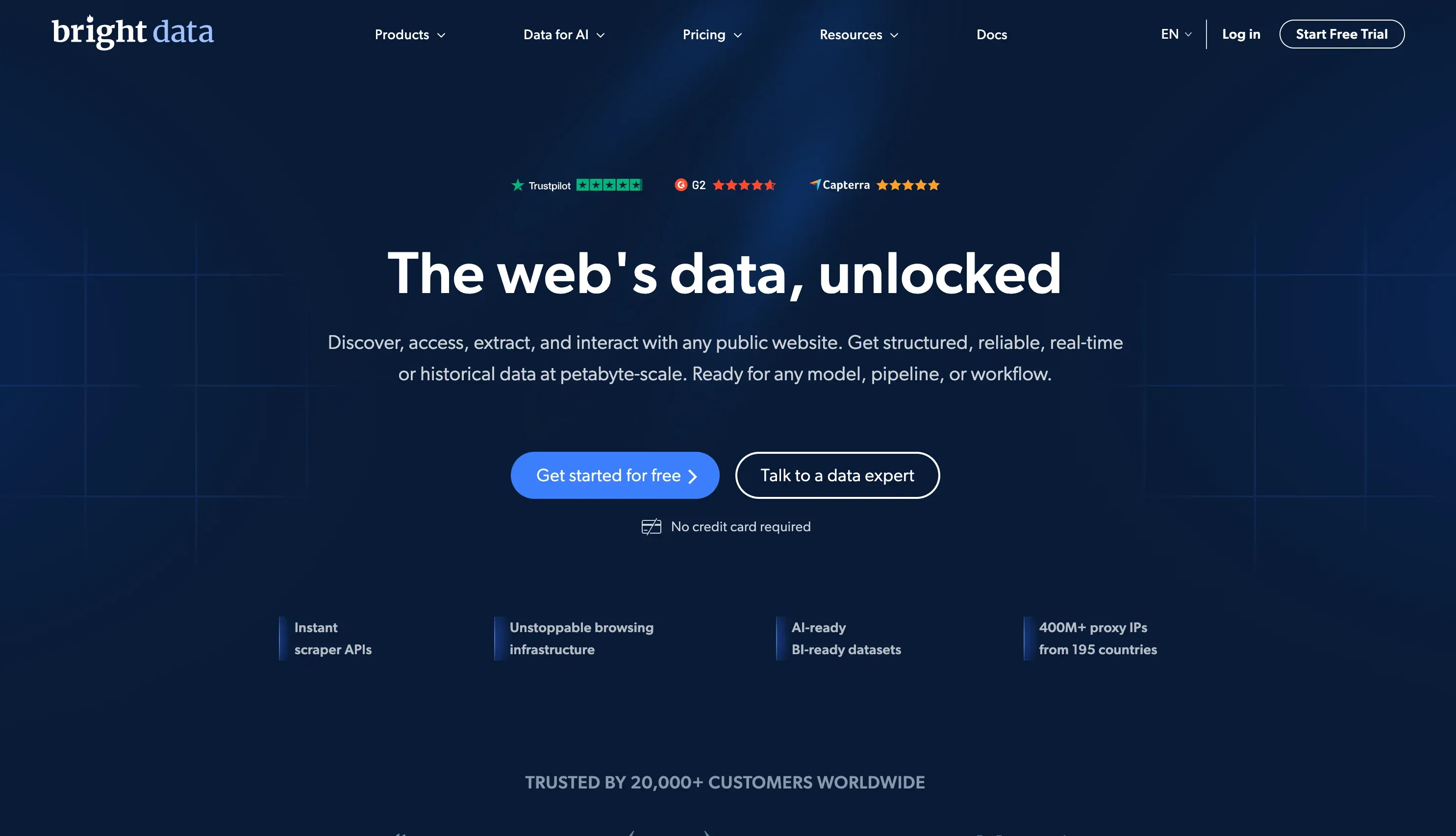 Bright Data is what enterprise buyers choose when they want a single vendor for proxies, scraping APIs, datasets, SERP APIs, and increasingly AI-assisted extraction. It is less a single product than a full data acquisition stack.
The Web Scraper API pricing is public: a free tier of 5,000 records per month, pay-as-you-go at ~$1.50 per 1,000 records, and a scale plan at $499/mo with 384,000 included records and $1.30 per 1,000 after that. A record here is one extracted item — one row in the table — not one page loaded. Residential proxies start at $4/GB. There are also structured datasets, Scraper Studio, AI scrapers, and MCP support.
Key features:
- Extremely strong proxy network (residential, datacenter, mobile, ISP)
- Full browser rendering and CAPTCHA solving included in Web Scraper API pricing
- Datasets marketplace for pre-collected data
- Enterprise compliance posture with Trust Center and certifications
Pricing: Pay-as-you-go from ~$1.50/1K records; scale plan from $499/mo.
Pros: Unmatched scale and proxy infrastructure. Broad enterprise governance. Cons: More complexity than most mid-market teams need. Pricing gets expensive when combining APIs, proxies, and add-on layers. Platform still assumes a technical owner even with newer AI features.
Best for: Fortune 500 pipelines, data teams scraping millions of pages, cross-geo scraping where proxy quality matters, enterprises needing formal compliance.
3. Oxylabs
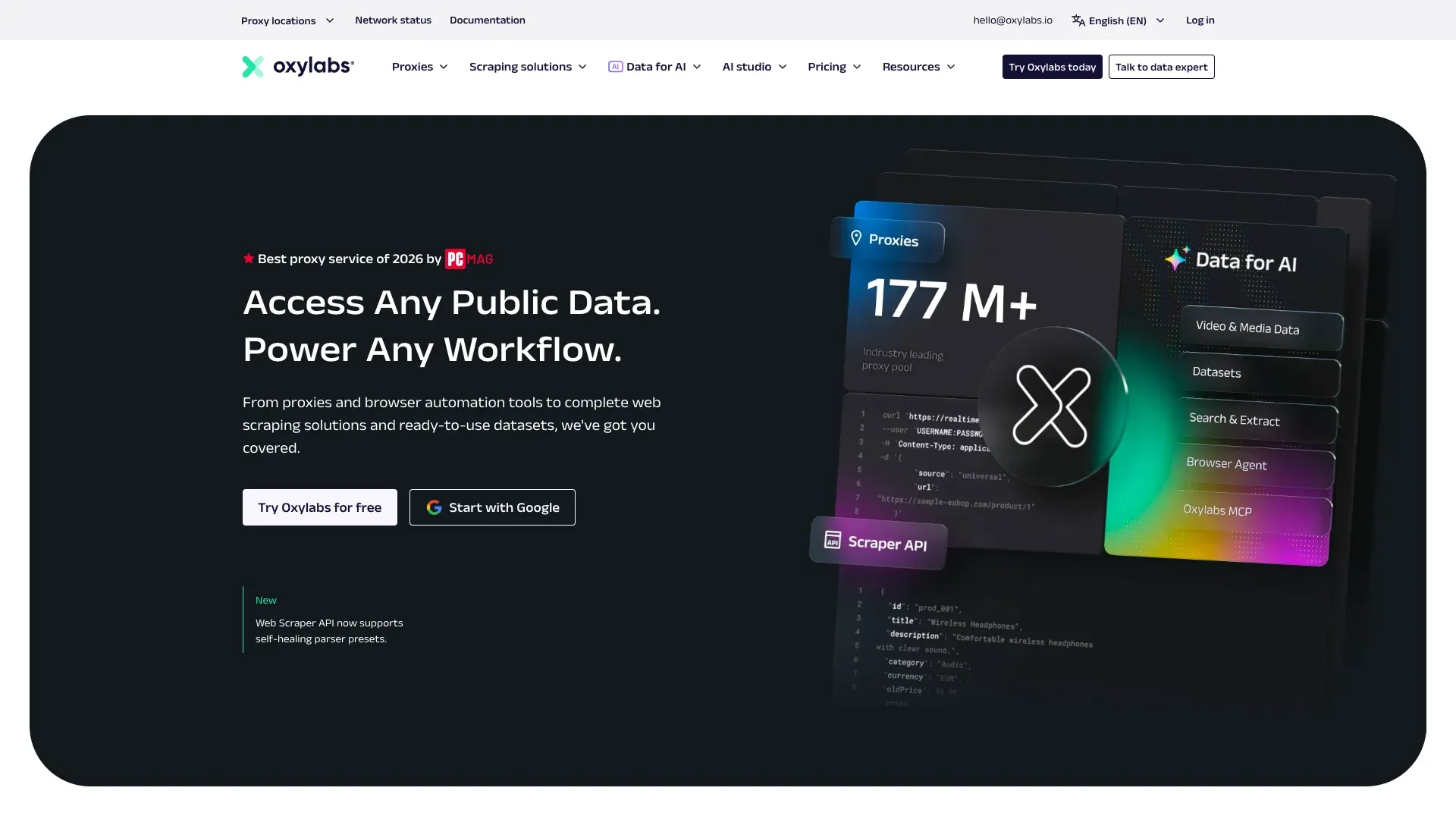 Oxylabs is the strongest pure enterprise proxy-and-scraping option for teams that care most about reliability on protected targets. It offers residential and datacenter proxies, Web Scraper API, SERP Scraper API, Web Unblocker, and a newer Headless Browser layer.
Pricing starts at $49/mo for Web Scraper API, and the per-result rate depends on both the target site and the plan you are on. On the $49 Micro plan, a general site — anything that is not Amazon or Google — costs $1.15 per 1,000 results without JS rendering and $1.35 with it; by the $249 Advanced plan those two numbers are $0.95 and $1.25, and they keep falling on the tiers above it. Residential proxies start at $6/GB and drop to $2.50/GB at 1TB.
Key features:
- Very strong proxy infrastructure with automatic rotation and session management
- SERP Scraper API purpose-built for search engine monitoring
- Pay-only-for-success framing on major products
- Clear Trust Center and compliance posture
Pricing: From $49/mo; no ongoing free tier (trial-based).
Pros: Reliable proxies, excellent for SERP scraping, strong enterprise trust posture.
Cons: The headline result count on each plan assumes Amazon with no JS rendering — on a general site the $49 Micro plan is about 42,600 results, not 98,000. Because the per-1,000 rate moves with both the target site and the plan tier, two teams scraping the same volume can get very different invoices.
Best for: SEO teams, enterprise SERP monitoring, large-scale proxy-heavy workloads.
4. Apify
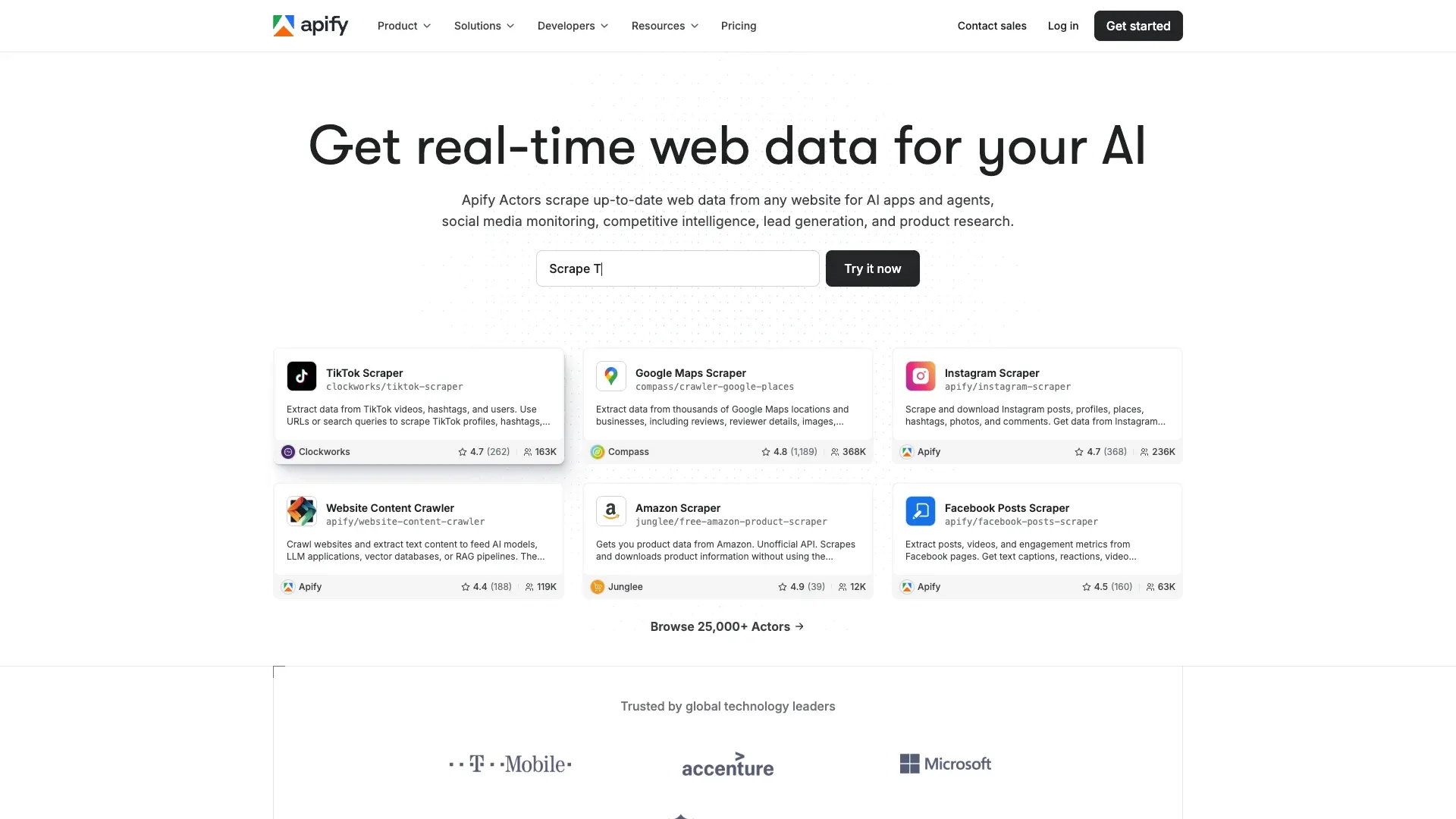 Apify is the most flexible marketplace-style platform here. It combines cloud execution, storage, scheduling, logs, APIs, and a massive ecosystem of pre-built "Actors" — the Apify Store now lists more than 59,000 Actors. Instead of building every scraper yourself, you can often start from an existing actor for Google Maps, Amazon, Instagram, TikTok, or a general website content crawler.
Key features:
- Huge marketplace of ready-made scrapers
- Apify SDK for custom actor development
- Built-in proxy management and cloud execution
- Strong API, storage, scheduling, and logs
Pricing is usage-based: free plan with $5 in spend, then $29/mo on Starter, $199 on Scale, $999 on Business — all with compute-unit billing layered in. That flexibility is powerful, but forecasting monthly cost is harder than with simpler API products.
Pros: Huge community, many ready-made scrapers, good for both hobby-to-production and serious automation.
Cons: Customizing or debugging actors has a learning curve. Compute-unit pricing plus actor fees plus proxies can be hard to predict. Better for builders than for spreadsheet-first business users.
Best for: Developers and automation builders, teams that want to reuse existing scrapers, mixed build-and-buy workflows.
5. ScrapingBee
 ScrapingBee is one of the simplest scraping APIs to understand and integrate. It focuses on headless Chrome rendering, proxy rotation, and clean API ergonomics instead of trying to be a visual platform.
Pricing starts at $49/mo for 250,000 credits and 50 concurrent requests, with Startup at $99/mo for 1,000,000 credits and 100 concurrent requests. New users get 1,000 free API credits. The catch: JS rendering, premium proxies, screenshots, and AI extraction all consume credits at higher multiplier rates.
Key features:
- Very clean REST API
- Dedicated endpoints for Amazon, Google, YouTube, Walmart, and ChatGPT
- Can return HTML, JSON, Markdown, or plain text
- Nice fit for AI/LLM pipelines because Markdown output reduces cleanup
Pros: Developer-friendly, reliable JS rendering, transparent base pricing.
Cons: The $49 plan is 250,000 credits, but that is 250,000 plain requests only — JS rendering, premium proxies, screenshots, and AI extraction each cost more than one credit per call, so on real targets you get far fewer pages than the headline number. Concurrency is tied to the plan (50 parallel requests on Freelance), so throughput can push you up a tier before volume does. Still requires code ownership.
Best for: Developers embedding scraping into backends, teams that want simple API ergonomics, LLM pipelines that want text-first outputs.
6. ScraperAPI
 ScraperAPI remains one of the strongest structured API options for ecommerce monitoring and recurring bulk scraping. The product focus is simple: one endpoint that bundles proxies, retries, JS rendering, geotargeting, and structured output.
Pricing starts at $49/mo for 100,000 credits and 20 threads, with Startup at $149/mo for 1,000,000 credits and 50 threads. There is also a 7-day trial with 5,000 credits, no card required. Where ScraperAPI gets interesting is the structured layer: async APIs, webhook delivery, DataPipeline for lower-code projects, and structured endpoints for Amazon, eBay, Google, Redfin, and Walmart.
Key features:
- Strong structured endpoints for major ecommerce and search domains
- Good async and webhook support
- Competitive for high-volume monitoring
- Broad geotargeting and rendering options
Pros: Generous trial credits, good documentation, reliable for ecommerce monitoring.
Cons: Credit multipliers make cost modeling harder. No true AI extraction for arbitrary pages. Developer-only.
Best for: Ecommerce price monitoring, competitive intelligence, search and marketplace pipelines.
7. ZenRows
 ZenRows is the anti-bot specialist. It focuses on beating Cloudflare, DataDome, Akamai, Imperva, and similar protections while still presenting a modern developer experience.
Pricing starts at $19/mo on the Build plan (45,000 credits, 20 concurrent requests). Build is itself a slider — $29 for 80,000 credits, $39 for 120,000 — and above it sit Launch at $69/mo for 250,000 credits and 50 concurrent requests and Growth at $199/mo for 1.2 million; those are monthly-billing prices, and annual billing takes 17% off. The cost model is multiplier-based: JS rendering is 5x, premium proxies are 10x, and using both is 25x.
Key features:
- Excellent focus on heavily protected sites
- Broad anti-bot documentation and coverage
- Modern integration ecosystem including LangChain, LlamaIndex, and MCP
- Charges only for successful requests
Pros: Excellent anti-bot success rate on hard targets.
Cons: Cost escalates fast on protected workloads. A page that needs both JS rendering and a premium proxy costs 25 credits instead of 1, so the $19 plan that looks like 45,000 pages is 1,800 pages on hard targets.
Best for: Developers scraping hard targets, anti-bot-heavy monitoring jobs, teams that care more about getting through than about spreadsheet UX.
8. Octoparse
 Octoparse is the classic no-code desktop scraper: a visual workflow builder with desktop execution, cloud scheduling, built-in browser navigation, and a wide export surface. If Thunderbit is the AI-first "one-click" option, Octoparse is the visual flow-builder option for users who want to model extraction logic step by step.
Pricing is more complex than it first looks. The help center lists the monthly rates — Basic at $39/mo, Standard from $83/mo, and Professional at $299/mo — while the main pricing page defaults to annual billing, which is why its headline prices are $69/mo for Standard and $249/mo for Professional. Those are the same plans on two billing terms, not two conflicting price lists; the one real gap is Basic, which the pricing page does not show at all. So check which billing term a price is quoted on before you compare it with anything else. The pricing page also emphasizes add-ons like residential proxies, CAPTCHA solving, crawler setup, and fully managed data service.
Key features:
- Mature visual workflow builder
- Broad export: Excel, CSV, JSON, HTML, XML, Google Sheets, databases
- Cloud scheduling and automation built in
- Scraper templates for common sites
Pros: No coding required, good for mid-scale recurring scraping, broad export options.
Cons: More maintenance than AI-native tools when layouts change (selector-based). Dynamic or protected sites can still create friction. Desktop-first UX can feel heavier than browser-first tools.
Best for: No-code users who need more control than a simple AI prompt, mid-scale recurring scraping, teams comfortable with visual flows.
9. Diffbot
 Diffbot is the most enterprise-grade AI extraction platform in the list. Its pitch is not "scrape this page" but "understand this page type and turn it into structured data at scale." Products include Extract, Crawl, Natural Language, and the Knowledge Graph.
Pricing starts at free with 10,000 credits, then $299/mo for Startup (250,000 credits), $899 for Plus (1,000,000 credits), and custom enterprise plans. A standard extracted web page costs one credit; Knowledge Graph record export is much more expensive.
Key features:
- Strong automatic page-type understanding (articles, products, discussions)
- Very good fit for knowledge-graph building and entity pipelines
- NLP-based extraction — no selectors needed
- Premium support and enterprise positioning
Pros: Powerful AI understanding of page structure, excellent for knowledge graph building.
Cons: Expensive for small or casual projects. DQL and KG workflows have a learning curve. Overkill for simple spreadsheet scraping.
Best for: Enterprises building structured datasets, knowledge graph and entity resolution projects, NLP-heavy ingestion pipelines.
10. Firecrawl
 Firecrawl is the most developer-native LLM ingestion tool in the group. It turns URLs into clean Markdown, HTML, screenshots, or structured JSON, and it is built around a simple API surface rather than a visual app.
Pricing is clear: free with 1,000 credits per month, Hobby with 5,000 credits, Standard with 100,000, Growth with 500,000, Scale with 1,000,000, and Enterprise beyond that. The entry plan is $19/mo, or $16/mo billed yearly.
Key features:
- Clean Markdown output for RAG and LLM pipelines
- Structured JSON support with schema or prompt
- Good developer docs and active open-source adoption
- Strong concurrent browser tiers at higher plans
Pros: Purpose-built for feeding data into LLMs. Affordable entry price. Clean output.
Cons: Built for developers. There is a playground and a set of free single-page tools, but neither runs a repeatable job — anything you want to schedule, batch, or wire into a pipeline is an API call or an SDK. Credits expire at the end of the month on every plan below the $749 Scale tier. And the plan ladder has a gap in the middle: the credit slider goes 5,000, 6,500, 8,000 pages a month, and then jumps straight to 100,000 — the $99 Standard plan.
Best for: RAG pipelines, AI agents, content ingestion and analysis.
11. Browse AI
 Browse AI is best understood as a monitoring product that also scrapes, not just a scraper that also monitors. Its strongest fit is recurring change detection: prices, inventory, text, screenshots, and page changes over time.
Pricing starts with a free plan of 50 credits a month, then Personal at $48/mo for 2,000 credits and Professional on a slider — $87 for 5,000 credits, $162 for 10,000, up to $399 for 30,000 — with Premium quoted from $500/mo on annual billing. On yearly billing Personal is $19/mo and Professional $69. Credits are consumed based on rows and task complexity: a page you open for its own data is one task with a one-credit minimum, ten rows also cost one credit, and premium sites cost two to ten times more.
Key features:
- Excellent monitoring and alerting orientation
- Good fit for recurring price or stock checks
- Integrates with Sheets, Airtable, webhooks, and API workflows
- Fast first setup for non-technical users
Pros: Great for "what changed" use cases, easy setup for non-devs.
Cons: Less flexible than general-purpose scrapers on unfamiliar or complex sites. Limited native AI transformation compared with Thunderbit.
Best for: Ecommerce teams monitoring competitor prices, non-technical users needing change alerts.
12. ScrapeHero
 ScrapeHero is the outlier because it is not mainly a software tool. It is a managed scraping service. You tell them what data you need, and their team builds, maintains, QA-checks, and delivers the dataset.
Pricing reflects the service model: on-demand projects start at $550 per site, the monthly Business plan from $199 for up to two sites at 1–5K pages each, Enterprise Basic from $1,500/mo for up to four sites with pages bundled across them and extra volume at $650–$2,200 per million, and Enterprise Premium from $8,000. Setup is a separate one-time fee on Business and Enterprise Basic. The delivery process includes dedicated project teams, human QA, and custom formats.
Key features:
- Near-zero maintenance for the client
- Human QA and custom delivery formats
- Good fit for complex multi-site projects
- Compliance posture for enterprise requirements
Pros: Zero maintenance, handles complex projects, white-glove service.
Cons: Expensive relative to self-serve tools. Slower initial turnaround than doing it yourself. Not self-serve at all.
Best for: Enterprises outsourcing scraping, teams that care more about delivery than tool ownership, complex multi-site projects with frequent changes.
The Real Cost of Web Scraping Services at 10K, 100K, and 1M Pages
Comparing these services on price is awkward because vendors bill in different units — pages, records, credits, compute time, rows, or project minimums. So the table below reports the one number that survives translation: what your card actually gets charged that month. Every figure is a month-to-month list price on the cheapest plan that covers the volume in plain pages — no JavaScript rendering, no premium proxies — with the vendor's own monthly free allowance already subtracted. Proxy fees, CAPTCHA add-ons, and engineering hours are never folded into the number; they are named in the last column. Where nothing a vendor publishes reaches that volume, the cell says Custom quote rather than stretch the top plan to fit. And where a vendor doesn't sell by the page, the cell says what it does sell instead of inventing a page price.
| Service | Free tier | Monthly bill at 10K pages | Monthly bill at 100K pages | Monthly bill at 1M pages | How it meters, and what the number leaves out |
|---|---|---|---|---|---|
| Thunderbit API | 600 units, one-time | $72 Pro 1 | $120 Pro 2 | Custom quote | Distill bills 1 unit per page, Extract 20. The free units are a one-time grant, not a monthly allowance, so there is nothing to subtract. Self-serve stops at 480,000 units a month. |
| Bright Data | 5,000 records/mo | $7.50 for 10K records | $142.50 for 100K records | $1,293 for 1M records | Bills per record — one extracted item, one row in the table — not per page loaded, so one list page can cost many records. The 5,000 free records are subtracted from all three. At 1M, Scale beats pay-as-you-go: $499 plus 611,000 extra records at $1.30/1K. |
| Oxylabs | Trial, 2K results | $49 Micro | $249 Advanced | $999 Business | Bills per successful result at a rate set by the target site and the plan tier. The headline result counts assume Amazon with no JS rendering — on a general site at $1.15 per 1,000, the $49 Micro plan is about 42,600 results, not 98,000. Trial results do not renew, so nothing is subtracted. |
| Apify | $5 of usage/mo | From $29/mo plus usage | From $29/mo plus usage | From $29/mo plus usage | Not billed by the page. The plan fee is prepaid usage — $29 Starter, $199 Scale, $999 Business — spent on compute units and on Store Actors that set their own per-result price, so page count alone does not fix the bill. Proxies are a separate add-on. |
| ScrapingBee | 1,000 credits, one-time | $49 Freelance | $49 Freelance | $99 Startup | 1 credit per plain request. JS rendering, premium proxies, screenshots and AI extraction each cost several credits, so a real target buys far fewer pages than the headline count. The signup credits do not renew, so nothing is subtracted. |
| ScraperAPI | 7-day trial, 5,000 credits | $49 Hobby | $49 Hobby | $149 Startup | 1 credit per plain request, but 5 on Amazon and 25 on Google. At 100K pages the Hobby plan is exactly full, with nothing left for a retry. Trial credits do not renew, so nothing is subtracted. |
| ZenRows | 5,000 credits/mo | $19 Build | $39 Build | $199 Growth | 1 credit per plain page, 25 for one that needs JS plus a premium proxy. The free 5,000 credits are subtracted first — 5,000, 95,000 and 995,000 chargeable pages — which does not change which step you land on. |
| Octoparse | Free plan, 10 tasks | From $39/mo | From $39/mo | From $39/mo | Priced by task count and cloud concurrency, not by page, so no page volume maps to a tier: Basic $39, Standard $83, Professional $299 month-to-month. Residential proxies and CAPTCHA solving are sold as add-ons: $3/GB and $1–1.5 per thousand solves. |
| Diffbot | 10,000 credits/mo | $0, free tier covers it | $299 Startup | $899 Plus | 1 credit per extracted page. The free 10,000 credits a month are subtracted here exactly as they are everywhere else: at 10K they cover the whole month, at 100K there are 90,000 pages left to buy, at 1M there are 990,000. |
| Firecrawl | 1,000 credits/mo | $99 Standard | $99 Standard | $749 Scale | 1 credit per scraped page. Subtracting the free credits leaves 9,000 pages to buy at the 10K mark, still past Hobby's 5,000, so the tier does not move. Credits do not roll over below Scale. |
| Browse AI | 50 credits/mo | $162 Professional | Custom quote | Custom quote | Bills in credits: a detail page is one task with a one-credit minimum, and ten rows also cost one credit, so a fifty-row list page costs five. Premium sites cost two to ten times more. Self-serve stops at 30,000 credits a month, so anything above that is quoted. |
| ScrapeHero | None | From $199/mo | From $1,500/mo | From $1,500/mo | Quoted per site, complexity and refresh frequency rather than per page: Business covers up to 2 sites at 1–5K pages each, Enterprise Basic bundles pages across up to 4 sites and adds $650–$2,200 per extra million. Setup fees are one-time and billed separately. |
A few important notes:
- Thunderbit's browser product is row-based and user-facing, so the row above uses the API — and specifically the Distill endpoint, one unit per page of Markdown, because that is what the other API rows are doing. Structured Extract is 20 units a page, which would put 10K pages at $240 instead of $72.
- Apify cost depends heavily on actor runtime, memory, and extra services like proxies.
- ZenRows, ScrapingBee, and ScraperAPI all look cheap on basic public pages but get more expensive quickly once JS rendering, premium proxies, or anti-bot-heavy targets enter the mix.
- ScrapeHero's unit economics are different because you are paying for engineering, QA, and project management — not just compute.
The hidden cost almost every pricing page underplays is maintenance. Proxy-only costs look cheaper on paper, but once you include retries, parser upkeep, blocked sessions, and engineering hours, bundled scraping services often win on total cost of ownership.
If you only scrape occasionally, the no-code side is cheaper to start on: Thunderbit's free plan includes 6 pages a month, and its paid browser plans start at $15/mo, or about $9/mo on yearly billing. The API services here are not uniformly more expensive at the door — ZenRows and Firecrawl both start at $19/mo — but the smallest block any of them sells is thousands of pages a month, so you are paying for capacity you will not use. For enterprise pipelines at 1M+ pages, full-stack platforms or managed services make more economic sense despite higher sticker prices because they bundle proxy costs.
Where Does Your Scraped Data Go? Export and Integration Compared
JSON is not the same thing as Google Sheets. For non-developers, the destination of scraped data is just as important as the extraction itself.
| Service | CSV | JSON | Excel | Google Sheets | Airtable | Notion | CRM/API/Webhook |
|---|---|---|---|---|---|---|---|
| Thunderbit | ✅ | ✅ | ✅ | ✅ Native | ✅ Native | ✅ Native | API available |
| Bright Data | ✅ | ✅ | ❌ No native | Indirect | Indirect | Indirect | Strong API/webhook |
| Oxylabs | ✅ | ✅ | ❌ No native | Indirect | Indirect | Indirect | Strong API |
| Apify | ✅ | ✅ | ✅ | Via integrations | Via integrations | Via integrations | Strong API |
| ScrapingBee | Via tooling | ✅ | ❌ | ❌ | ❌ | ❌ | Strong API |
| ScraperAPI | ✅ on structured endpoints | ✅ | ❌ | ❌ | ❌ | ❌ | Strong API/webhook |
| ZenRows | Limited | ✅ | ❌ | ❌ | ❌ | ❌ | Strong API |
| Octoparse | ✅ | ✅ | ✅ | ✅ Native | ⚠️ Via Zapier | ❌ | API, DB, Zapier |
| Diffbot | ✅ | ✅ | ❌ | Supported workflows | Indirect | Indirect | API |
| Firecrawl | ❌ | ✅ | ❌ | ❌ | ❌ | ❌ | API |
| Browse AI | ✅ | ✅ | ❌ | ✅ Native | ✅ Native | ❌ | API, webhook, Zapier/Make |
| ScrapeHero | ✅ | ✅ | ✅ | Custom delivery | Custom delivery | Custom delivery | Custom API/DB delivery |
This is one of Thunderbit's clearest advantages. If you are a business team that lives in Google Sheets or Notion, API-only services add extra steps: write code to transform JSON, upload manually, repeat. Thunderbit's free export to Sheets, Airtable, and Notion — including image uploads to Notion and Airtable — eliminates this friction entirely. Combined with scheduled scraping, data can flow automatically into a specific destination on a regular cadence without any glue code.
What Happens When the Website Changes? Maintenance and Reliability
Scrapers break. That is the number-one pain point in this entire market.
The market splits into three maintenance profiles:
- Selector-based tools (Octoparse, many Apify actors, Browse AI templates): break when sites change layout, require manual rule updates.
- API services with parser abstractions (ScraperAPI structured endpoints, Bright Data structured datasets): handle common sites well but struggle on long-tail or niche pages where the parser was not pre-built.
- AI-powered tools (Thunderbit, Firecrawl, Diffbot): read the page fresh on each run, so most layout changes do not require rule updates. The failure mode shifts from "selector broke" to "AI misinterpreted" — which is usually easier to fix with a prompt tweak than a full selector rewrite.
There is a second reliability bottleneck beyond layout drift: anti-bot handling.
- Bright Data, Oxylabs, and ZenRows are the strongest here.
- ScraperAPI and ScrapingBee are solid for mainstream protected targets.
- Browse AI and Octoparse are more likely to show pain on heavily protected dynamic sites.
- Thunderbit's browser mode helps on logged-in and personalized pages where API-only tools often add complexity.
The bottom line: if you want the lowest maintenance burden, AI-powered extraction (Thunderbit, Firecrawl, Diffbot) handles layout drift better than selector-based tools. If your primary reliability concern is anti-bot protection, Bright Data, Oxylabs, and ZenRows are the strongest options. Most teams face both problems, which is why the "which type fits your team" decision at the top of this article matters more than any individual feature comparison.
Legal and Ethical Considerations for Web Scraping
Scraping publicly available data is often legal, but that does not make every use case safe. Teams should still respect robots.txt where appropriate, check terms of service, and comply with privacy laws like GDPR and CCPA when personal data is involved. The hiQ v. LinkedIn line of cases supports the idea that scraping public data is not automatically a CFAA violation in the US, but contract, copyright, and privacy issues remain separate risks. Enterprise vendors like Bright Data, Oxylabs, and ScrapeHero explicitly market compliance and governance features. For everyone else: get legal advice specific to your use case before scraping at scale. For more background, see our guide on web scraping legal implications.
Which Web Scraping Service Should You Actually Pick?
Enough comparison tables. Here is the short version after testing all 12:
Non-technical business teams (sales, ops, marketing): Thunderbit. One-click AI scraping, free exports to Sheets/Airtable/Notion, and far less rework when a site changes its layout. It eliminates the two biggest sources of friction — setup complexity and post-scrape export friction — at the same time.
Developers building scraping pipelines:
- ScrapingBee if you want the cleanest API UX
- ScraperAPI if you want structured endpoints and recurring ecommerce monitoring
- ZenRows if your real problem is anti-bot protection
Teams feeding data to AI/LLM workflows:
- Firecrawl if your output needs to be Markdown or schema-based JSON
- Thunderbit API if the same team also needs a no-code path, since the extension and the API run the same extraction model
- Diffbot if you are building an enterprise knowledge layer
Enterprise needing massive scale + proxy infrastructure:
- Bright Data for the broadest enterprise stack
- Oxylabs if reliability on protected targets matters most
Teams wanting a marketplace of pre-built scrapers: Apify.
Companies wanting hands-off delivery: ScrapeHero.
Budget-conscious teams needing no-code monitoring: Browse AI.
No-code users wanting a visual desktop builder with more manual control: Octoparse.
For the widest range of business users, Thunderbit still wins because it removes the two barriers that kill adoption: technical setup and export friction. Try the free tier or grab the Chrome extension to see for yourself. And if Thunderbit is not the right fit, try a few others from this list — there has never been a better time to stop copying and pasting by hand. For a video walkthrough of how these tools work in practice, check out the Thunderbit YouTube channel.
Try the Thunderbit Chrome extension
FAQs
What is a web scraping service?
A web scraping service is a tool or managed provider that collects data from websites for you. Some are no-code apps you run in your browser, some are APIs for developers, and some are fully managed agencies that deliver cleaned data without requiring you to run any infrastructure.
Do I need coding skills to use web scraping services?
Not always. Tools like Thunderbit, Browse AI, and Octoparse are built for non-technical users. API services like ScrapingBee, ScraperAPI, Firecrawl, and ZenRows assume developer involvement. ScrapeHero sits at the other end — their team runs the entire project for you.
Which web scraping service is best for small businesses?
For most small businesses, Thunderbit is the safest recommendation. It has a free plan that does not expire (6 pages a month), low setup friction, and direct exports to business-friendly destinations like Google Sheets, Airtable, and Notion. Browse AI is also a good fit if the primary use case is monitoring changes over time.
How much do web scraping services cost?
The range is wide. Some services offer free tiers or trials. The developer APIs in this list start between $19 and $49 per month, and the enterprise AI platforms start much higher — Diffbot at $299. No-code tools start between about $15 and $48 per month. Enterprise and managed services can quickly move into the hundreds or thousands per month. The bigger cost story is not just subscription price but also multipliers for JS rendering, premium proxies, and the internal time needed to keep scrapers working.
Are web scraping services legal to use?
Usually yes for public data, but legality depends on the site, the data type, your jurisdiction, and what you do with the output. Privacy, copyright, and contract issues still matter, even when scraping public pages. Consult legal guidance for your specific use case.
Try Thunderbit for AI web scraping Get Started Free
Learn More




