
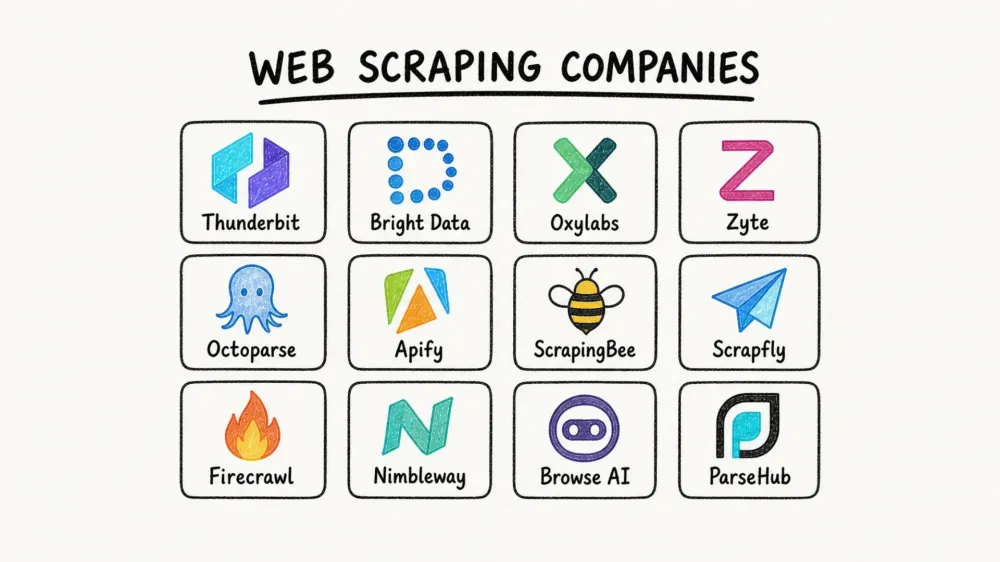
The web scraping market hit $754 million in 2024 and is on track to reach $2.87 billion by 2034. Yet most buyers still pick the wrong vendor on their first try.
That mismatch is not surprising. "Web scraping company" is an umbrella term that covers everything from a Chrome Extension you install in ten seconds to a multi-million-dollar enterprise data pipeline. Throw in opaque pricing pages, constant scraper breakage (one Reddit user reported 10–15% of scrapers breaking every single week), and hundreds of providers all claiming they "scrape any website," and the confusion makes sense.
I work on the Thunderbit Official Website team, so I have a front-row seat to the questions buyers ask before they commit — and the frustration they carry from past tools that stopped working the moment a target site updated its layout. This guide is the resource I wish existed when I started researching the space: 12 companies, three distinct categories, real 2026 pricing, a unified comparison table, and a decision framework that actually helps you choose.
Why Finding the Right Web Scraping Company Matters in 2026
Web scraping is no longer a developer side project. It is a business input that feeds pricing intelligence, lead generation, market research, content aggregation, and increasingly, AI and LLM pipelines. Market.us attributes 25.8% of the web scraping market to price monitoring and dynamic pricing alone. Mordor Intelligence puts the 2026 market at $1.17 billion, with price and competitive monitoring growing at a 19.23% CAGR. The two firms define the category differently, which is why their numbers do not line up — treat both as a rough sense of scale rather than a precise figure.
The upside is measurable. Vendor case studies put numbers on it: Zyte reports 25% development time saved per spider for one global retailer. An Apify lead-generation case cites 40+ hours of manual work eliminated per campaign cycle.
But the pain points are equally consistent:
- Scrapers break constantly when target sites change layouts or add anti-bot layers.
- Pricing becomes unpredictable at scale, especially with usage-based models.
- Many tools still assume developer time that most business teams simply do not have.
Choosing the wrong category — not just the wrong vendor — is the most expensive mistake. A sales team that signs up for a developer-focused API will burn weeks before realizing they needed a no-code tool. An engineering team that picks a point-and-click builder will hit volume limits within a month. The category decision comes first. The vendor decision comes second.
Three Types of Web Scraping Companies (and Why It Matters)
Before evaluating individual providers, you need to understand the three operating models hiding behind the single label "web scraping company." Mixing these up is the root cause of most buyer regret.
| Category | What You Get | Best For | Examples From This List |
|---|---|---|---|
| Full-service / managed scraping | They build and maintain scrapers for you; you receive clean, structured data | Teams with no dev resources or complex, high-volume targets | Bright Data (datasets), Zyte, Nimbleway |
| Scraping APIs & infrastructure | You call an API; they handle proxies, rendering, and anti-bot | Developers who want control but not infra management | ScrapingBee, Scrapfly, Oxylabs, Firecrawl, Apify |
| No-code / browser-based tools | Point-and-click interface; minimal or zero coding | Business users in sales, e-commerce, marketing, real estate | Thunderbit, Octoparse, Browse AI, ParseHub |
Full-Service / Managed Web Scraping Companies
These providers own the entire pipeline. You define what data you need; they handle extraction, anti-bot, rendering, maintenance, and delivery. The trade-off is simple: lowest maintenance burden, highest cost. If your team has zero developer bandwidth and needs data from heavily protected targets at scale, this is the category to start with.
Scraping APIs and Infrastructure Providers
You send a URL or task to an endpoint. They return rendered HTML, structured data, or screenshots — handling proxies, browser rendering, retries, and CAPTCHA solving behind the scenes. You still own the integration code, parsing logic, and downstream workflows. The trade-off: medium cost, medium-to-high maintenance, and full control over the pipeline.
No-Code / Browser-Based Web Scraping Tools
These tools are built for operators, not engineers. Most use a browser extension, a visual workflow builder, or an AI-guided interface to produce structured data fast. The trade-off: fastest to start, but volume ceilings are typically lower than API-first providers.
Thunderbit fits squarely in this third category. You open a page, click once, and the AI works out what to pull and fills in the table without further input. The point is to get a sales rep or an e-commerce analyst from page to spreadsheet in a couple of minutes, with free exports to Excel, Google Sheets, Airtable, and Notion.
Try Thunderbit's AI Web Scraper
How We Evaluated the Best Web Scraping Companies
We applied the same seven criteria across all 12 providers.
| Criteria | Why It Matters |
|---|---|
| Company type (full-service / API / no-code / extension) | Determines who actually does the work |
| Anti-bot & proxy handling | The #1 technical pain point — getting blocked usually eats more time than writing the parser |
| Maintenance burden | Scrapers break; the key question is who fixes them |
| Transparent pricing (actual 2026 plan costs, free tier) | "Contact sales" is not an answer |
| No-code friendliness | A large share of buyers are non-technical |
| Data export formats & integrations | Output compatibility shapes the entire downstream workflow |
| Best-for use case tag | Helps readers match provider to scenario quickly |
These criteria map directly to what users complain about in public communities. On Hacker News, a 2025 discussion argued that APIs are contracts while scraping is inherently fragile. On GitHub, a Firecrawl issue titled "All scraping engines failed!" was a useful reminder that even modern AI-friendly tools still hit edge cases.
1. Thunderbit
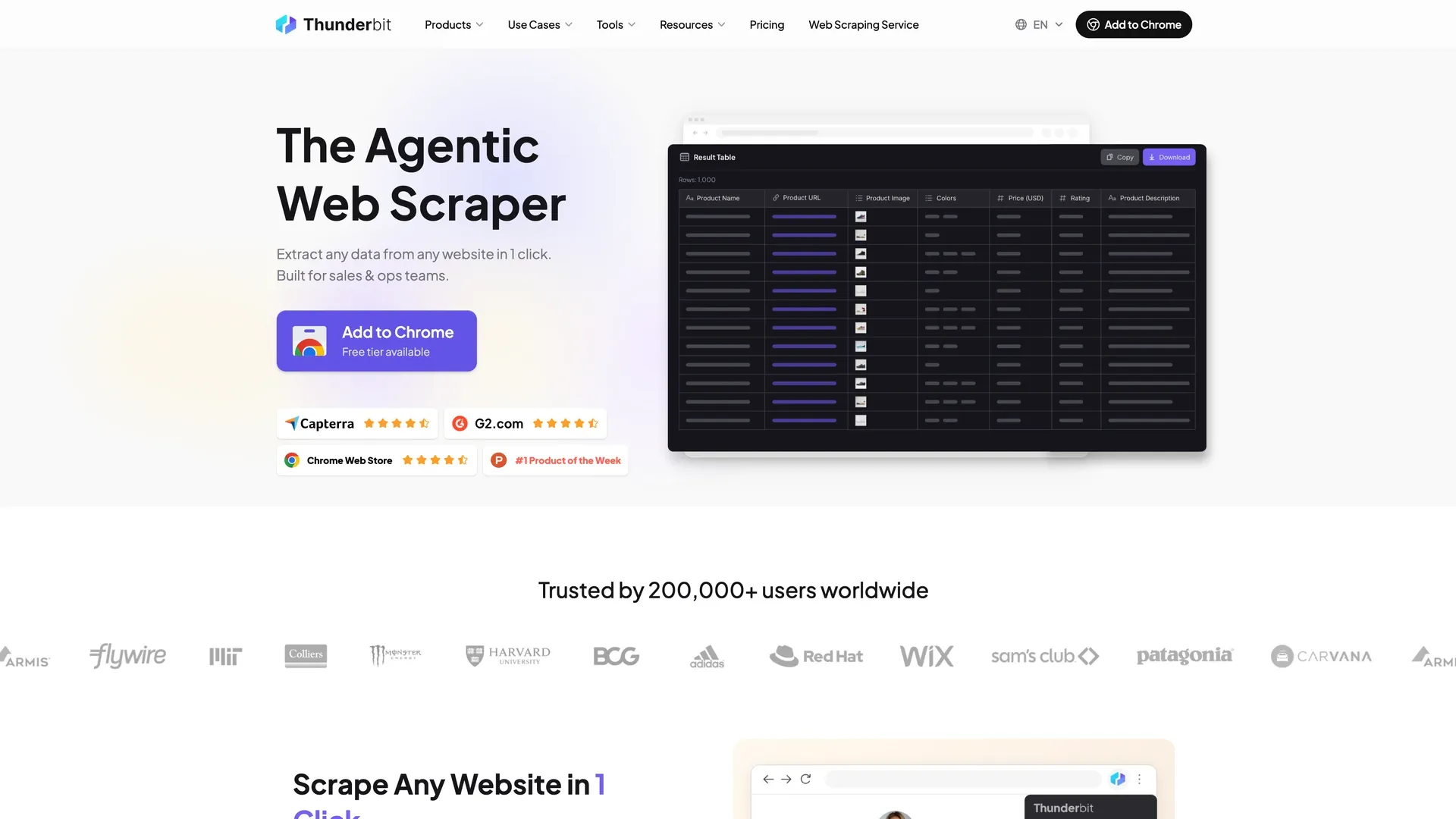 Thunderbit is an AI-powered Chrome Extension built for non-technical users who need structured data from websites, PDFs, and images without writing code or managing selectors.
Category: No-code / browser-based tool with optional API
Core workflow: Open any page → click once → the AI works out which fields to pull and runs through to a finished table on its own. If you want specific fields, say so in plain English and it uses those instead. For most jobs, that is the whole process.
Key features:
- Automatic field detection: Identifies the data columns on the page and extracts them with no setup on your side.
- Subpage scraping: Visits each detail page and enriches the main table — no manual configuration.
- Scheduled scraping: Describe the interval in plain English; the system runs on schedule in the cloud.
- Cloud vs. browser mode: Use browser mode for login-protected pages, cloud mode for speed (50 pages at a time).
- Free email, phone, and image extractors: Useful for lead-gen workflows without additional tools.
- Free exports: Excel, Google Sheets, Airtable, Notion, CSV, JSON — no export surcharge.
Anti-bot & maintenance: The AI reads each page fresh on every scrape, adapting to layout changes automatically. This eliminates the most common breakage vector for business users scraping diverse, long-tail websites. It is not maintenance-free (nothing is), but it attacks the specific failure mode that frustrates non-technical teams most.
Pricing: Free plan (6 pages a month), plus a 7-day trial of the Pro features. Starter $15/month, or $9/month billed annually. Pro $38/month, or $24/month billed annually. Business is custom. Thunderbit's Web Scraper API is billed separately, from $29/month ($16/month billed annually), with 600 free units to start. Credits are counted per output row: 1 per row, 2 when the row comes from a subpage, and 30 for each personal-data enrichment query. See Thunderbit Pricing for current details.
Developer option: Thunderbit Open API includes a Distill endpoint (webpage → Markdown) and an Extract endpoint (webpage → structured JSON via schema).
Best for: Sales teams (lead generation from directories), e-commerce ops (price monitoring, competitor SKU scraping), real estate agents (listing data), marketers and operators who need structured web data without engineering help.
Limitations: Not the best fit for 100K+ page enterprise SERP monitoring, or for sites with heavy bot protection — that is what the proxy and API providers on this list are for. Volume ceiling is lower than dedicated API infrastructure providers.
2. Bright Data
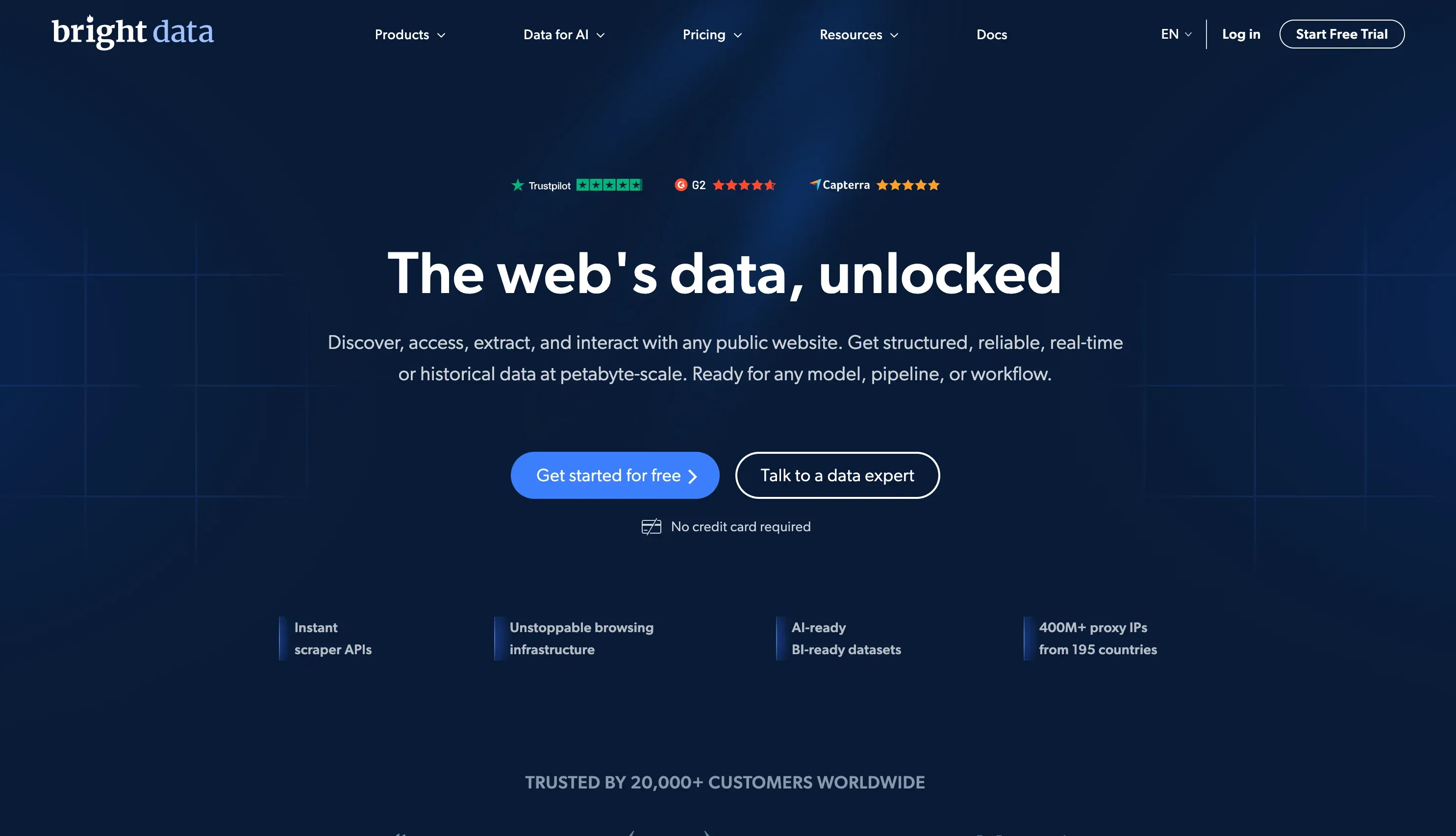 Bright Data is one of the broadest web data platforms globally, combining a massive proxy network, scraper APIs, a Web Scraper IDE, and pre-built datasets.
Category: Hybrid — managed service + API infrastructure
Key features:
- 400M+ IP proxy network (residential, datacenter, mobile, ISP)
- Web Scraper API, Web Unlocker, browser-based scraping IDE
- 350+ datasets and 437+ pre-built scrapers
- Enterprise delivery and compliance infrastructure
Anti-bot & maintenance: Handles Cloudflare, CAPTCHAs, JS rendering at scale. Managed datasets absorb maintenance entirely.
Pricing: Web Scraper API at $1.5 / 1K records PAYG, Scale plan at $499/month. Proxy costs can spike at volume — budgeting requires careful monitoring.
Best for: Large enterprises with complex, high-volume scraping needs and budget to match.
Limitations: Steep learning curve for non-technical users. Pricing complexity and potential cost spikes at scale.
3. Oxylabs
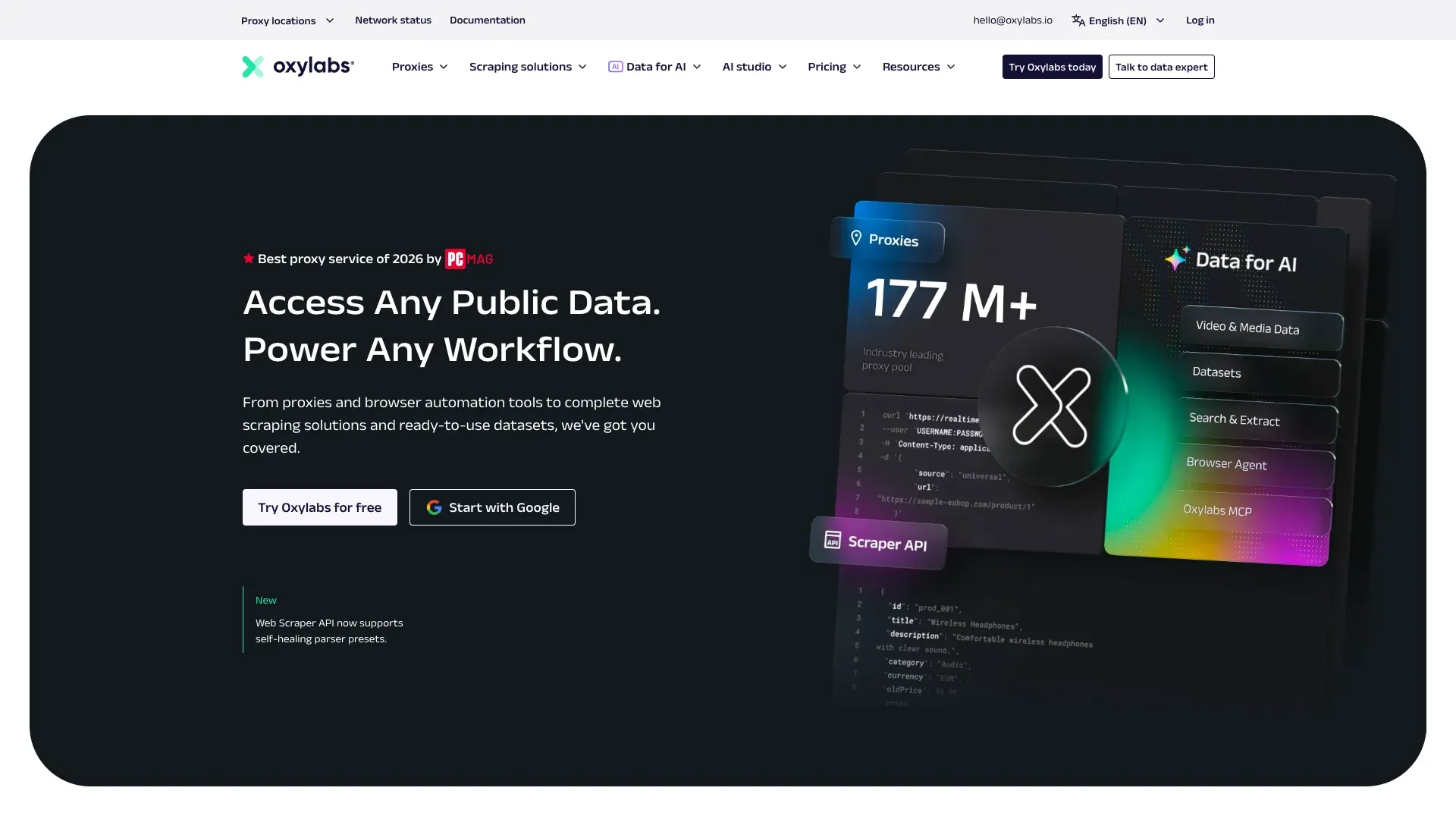 Oxylabs is a premium proxy and scraping infrastructure provider with one of the largest IP pools in the industry.
Category: Scraping API + proxy infrastructure
Key features:
- Residential and datacenter proxies with advanced geo-targeting
- Web Scraper API, SERP Scraper API, E-commerce Scraper API
- AI Web Scraping API / OxyCopilot for enhanced parsing
- Free trial for up to 2,000 results
Anti-bot & maintenance: Robust unblocking for high-volume, IP-intensive scraping. Strong for recurring extraction at scale.
Pricing: Web Scraper API from $49/month. Proxy bundles and IP pool add-ons can increase total cost.
Best for: Developer teams needing reliable proxy infrastructure for large-scale, recurring data extraction — especially SERP and product intelligence.
Limitations: No real no-code path for business users. Total cost rises once proxies and advanced use cases stack up.
4. Zyte
 Zyte was founded by the creators of the open-source Scrapy framework and combines AI-assisted scraping APIs with Scrapy Cloud hosting and managed extraction services.
Category: Hybrid — API + managed service
Key features:
- Zyte API with AI-assisted automatic extraction
- Scrapy Cloud for deploying and managing spiders
- Smart proxy management and browser rendering built in
- Zyte Data managed extraction for enterprise clients
Anti-bot & maintenance: Built-in smart proxy rotation and AI features that help reduce selector maintenance.
Pricing: $5 free credit to start. Usage-based Zyte API pricing. Scrapy Cloud from $9/unit/month.
Best for: Python/Scrapy teams who want a managed cloud environment with AI-assisted extraction.
Limitations: Steeper learning curve for non-developers. No-code story is limited compared with browser-based tools.
5. Octoparse
 Octoparse is one of the most established no-code web scraping brands, built around a visual point-and-click workflow builder.
Category: No-code tool
Key features:
- Visual workflow builder with drag-and-drop logic
- Desktop app plus cloud-based scheduled execution
- Handles pagination, infinite scroll, and login-protected pages
- Pre-built templates for popular websites
- Exports to CSV, Excel, JSON, HTML, and XML
Anti-bot & maintenance: Built-in CAPTCHA handling and cloud scraping with IP rotation. Users still need to update workflows when site layouts change.
Pricing: Free forever plan (10 tasks, 50,000 exported rows a month). Standard $83/month, or $69/month billed annually. Professional $299/month, or $249/month billed annually. Enterprise is custom.
Best for: Marketers, researchers, and e-commerce teams who want a visual scraping interface without code.
Limitations: Desktop software requires installation. Workflow maintenance still lands on the user when target sites change, because the workflow runs on saved selectors rather than re-reading the page each time.
6. Apify
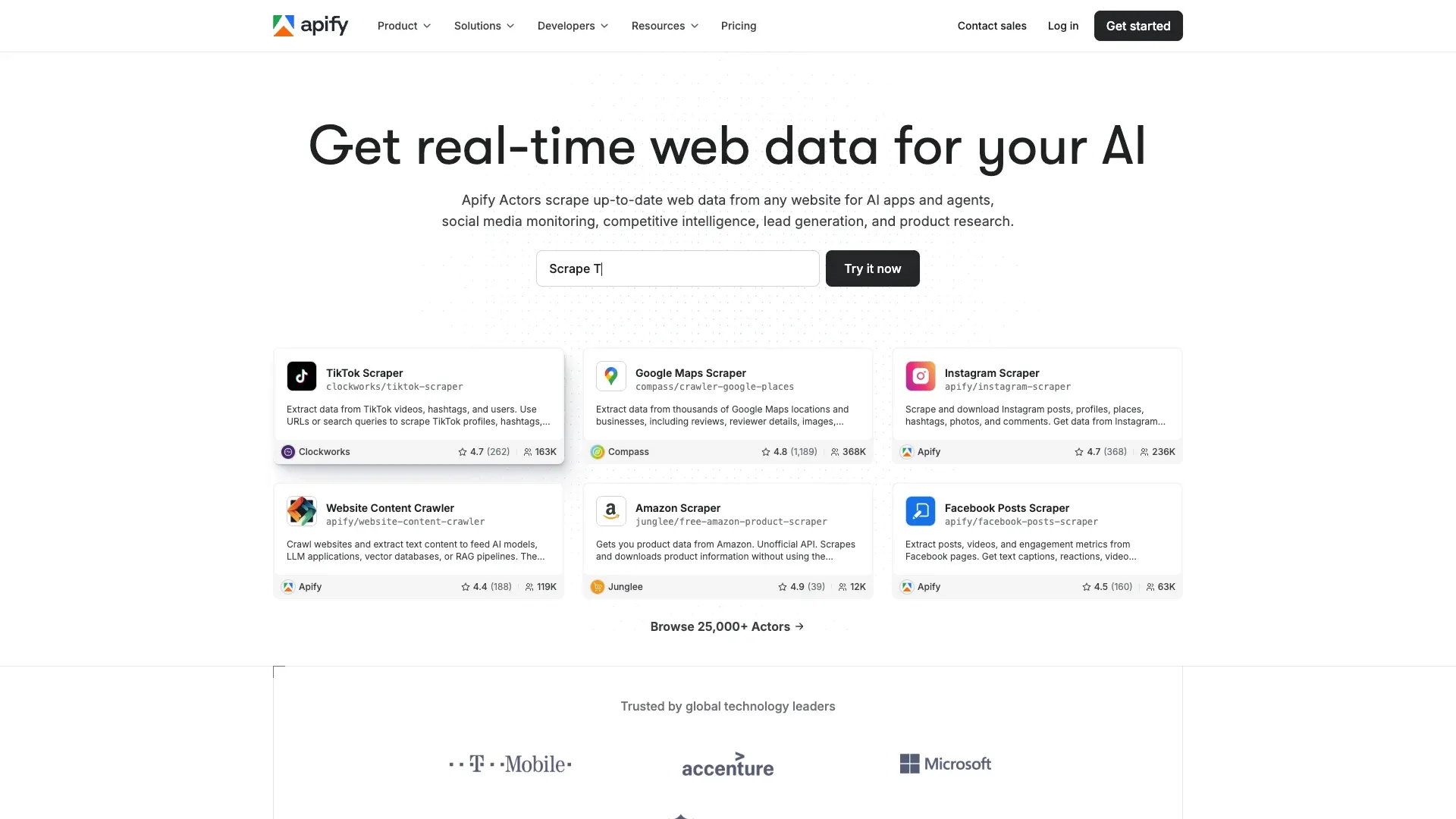 Apify is not just a scraper — it is a platform plus a marketplace. That makes it uniquely strong when a ready-made scraper already exists for the site you care about.
Category: API / developer platform with marketplace
Key features:
- Actor marketplace with roughly 59,000 ready-made scrapers and automations (Apify Store, August 2026)
- Apify SDK for custom crawlers
- Integrations with Zapier, Google Sheets, webhooks, and APIs
- Proxy management included in platform plans
Anti-bot & maintenance: Depends on individual Actor quality. Official Actors are well-maintained; community Actors can break without notice.
Pricing: Free plan with $5 usage credit. Starter from $29/month. Usage-based compute credits on top.
Best for: Teams that want a ready-made scraper for a specific popular site (Google Maps, Amazon, Instagram) without building from scratch.
Limitations: Quality varies across community Actors. Complex or niche sites still require custom development. Not truly no-code for custom scrapers.
7. ScrapingBee
 ScrapingBee is one of the cleanest developer APIs in the category — focused on making page fetching, rendering, and proxy rotation as simple as a single API call. It is now part of the Oxylabs group and still runs as a separate product, which is worth knowing if you are shortlisting both.
Category: Scraping API
Key features:
- Single-call REST API (send URL, get HTML or JSON)
- Built-in headless Chrome rendering
- Residential and datacenter proxy rotation
- Google Search API and screenshot API
- Newer Markdown and AI extraction options
Anti-bot & maintenance: Handles JS rendering and proxy rotation automatically. You own the parsing logic and schema design.
Pricing: 1,000 free credits on trial. Plans from $49/month.
Best for: Developers who want a clean, simple API for rendering and fetching pages — then parse the data themselves.
Limitations: Core product is still page fetching. You handle extraction, structuring, and downstream reliability.
8. Scrapfly
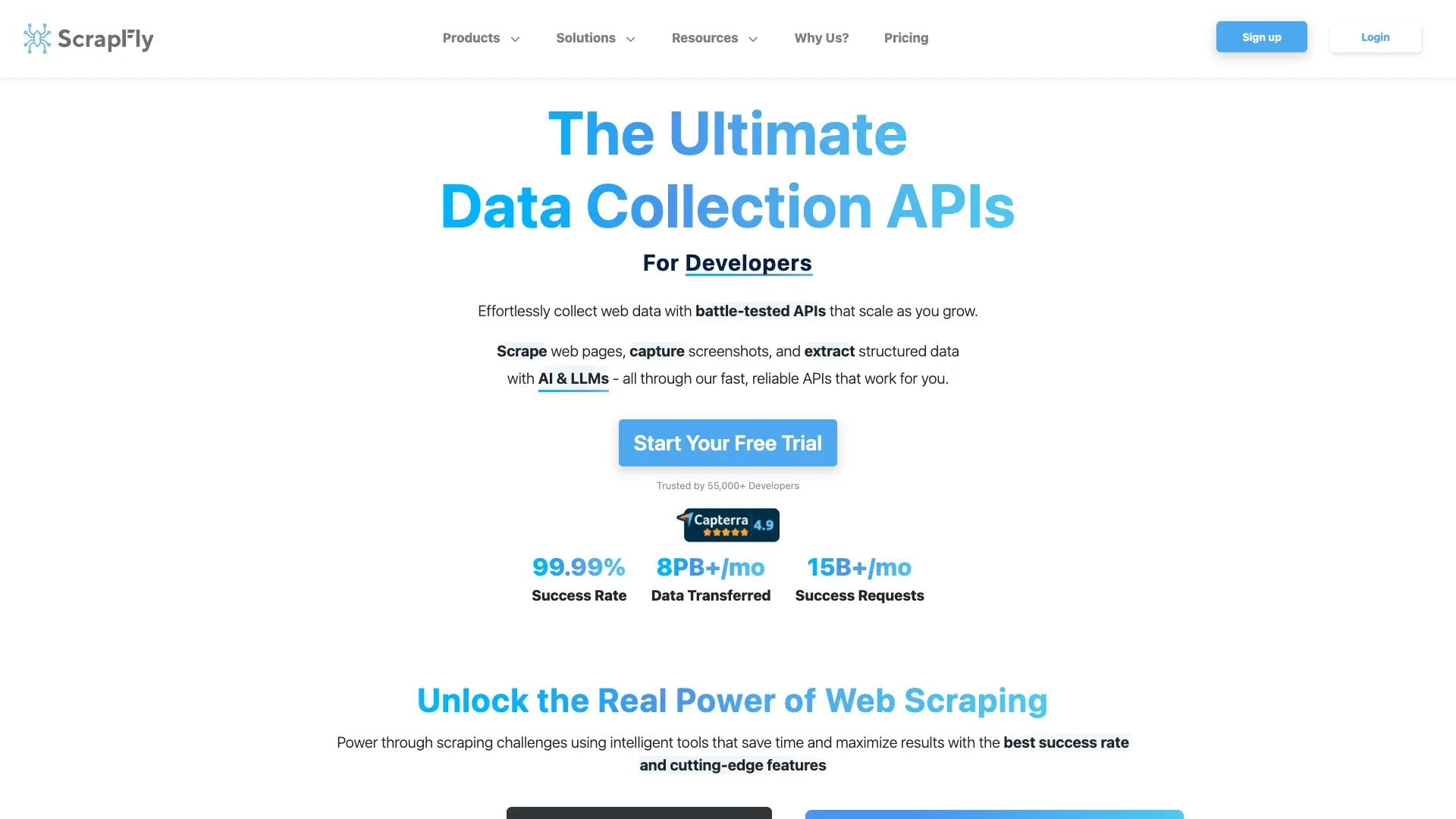 Scrapfly is the most explicitly anti-bot-focused API in this list, built for developers targeting heavily protected websites.
Category: Scraping API
Key features:
- Anti-bot bypass for Cloudflare, DataDome, PerimeterX, and similar defenses
- Headless browser rendering
- Residential proxy rotation
- Webhook delivery, automatic retries, and screenshot capture
Anti-bot & maintenance: Specializes in hard-to-scrape targets. Absorbs most anti-bot complexity. You still handle parsing.
Pricing: Free tier with 1,000 credits. Paid plans from $30/month.
Best for: Developers scraping sites with aggressive anti-bot protection who need a high success rate without managing their own proxy/bypass stack.
Limitations: Focused on fetching and rendering — structured extraction is your responsibility. Smaller ecosystem than Bright Data or Oxylabs.
9. Firecrawl
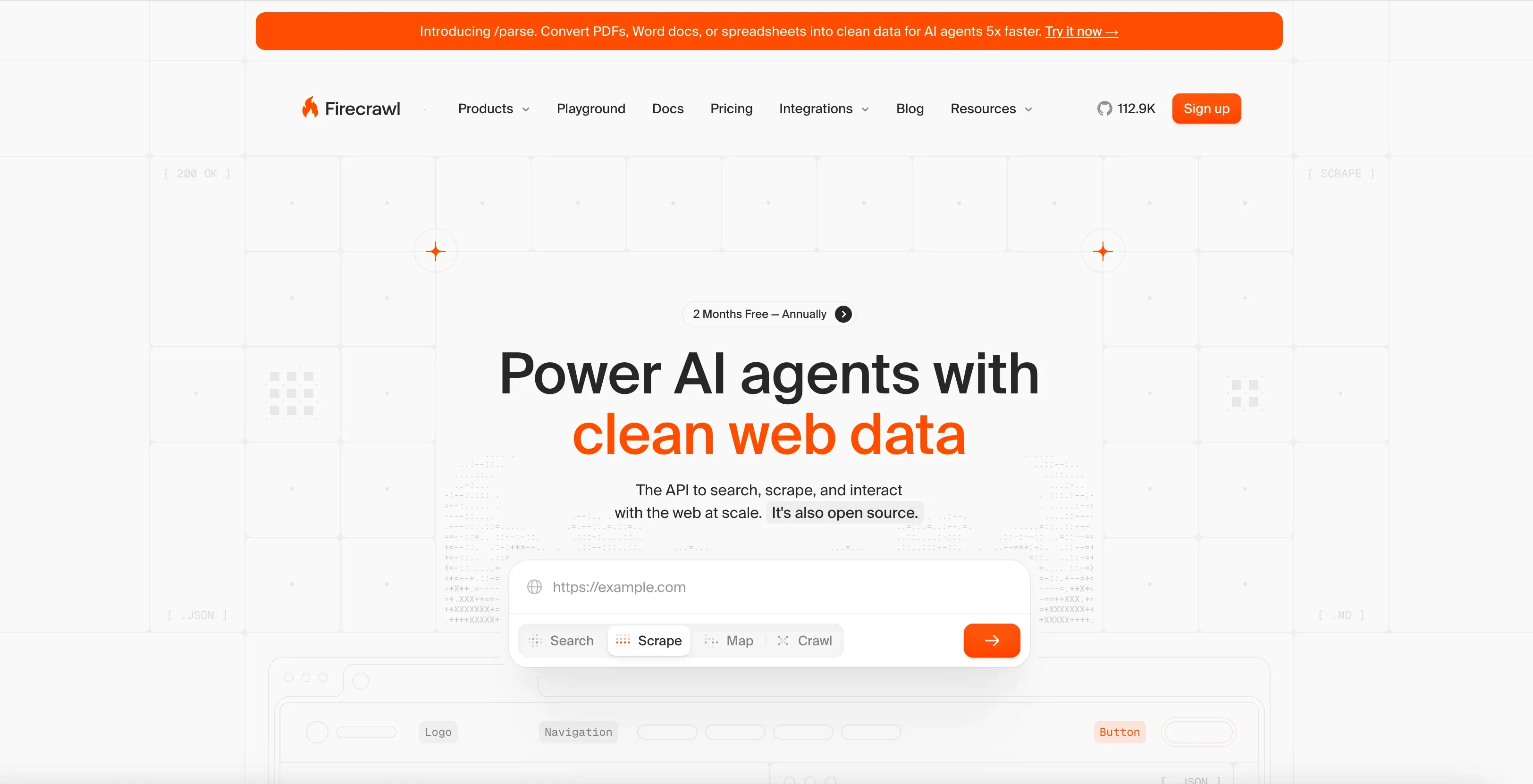 Firecrawl is designed for developers who want clean web content for AI workflows — not just raw HTML.
Category: Scraping API for AI / LLM pipelines
Key features:
- Scrape and crawl endpoints
- Markdown-first output (purpose-built for RAG and LLM ingestion)
- Structured data extraction via LLM
- JS rendering and proxy modes
- Batch-friendly workflow for agent systems
Anti-bot & maintenance: Handles rendering and basic anti-bot. Optimized for content quality rather than raw volume.
Pricing: 1,000 free credits per month. Hobby $19/month, or $16/month billed annually. Standard $99/month, or $83/month billed annually.
Best for: AI/ML teams and developers building RAG pipelines, knowledge bases, or LLM-powered apps that need clean web content.
Limitations: Newer product with a smaller feature set than enterprise providers. Not designed for high-volume e-commerce monitoring. Developer-only — no no-code option.
10. Nimbleway
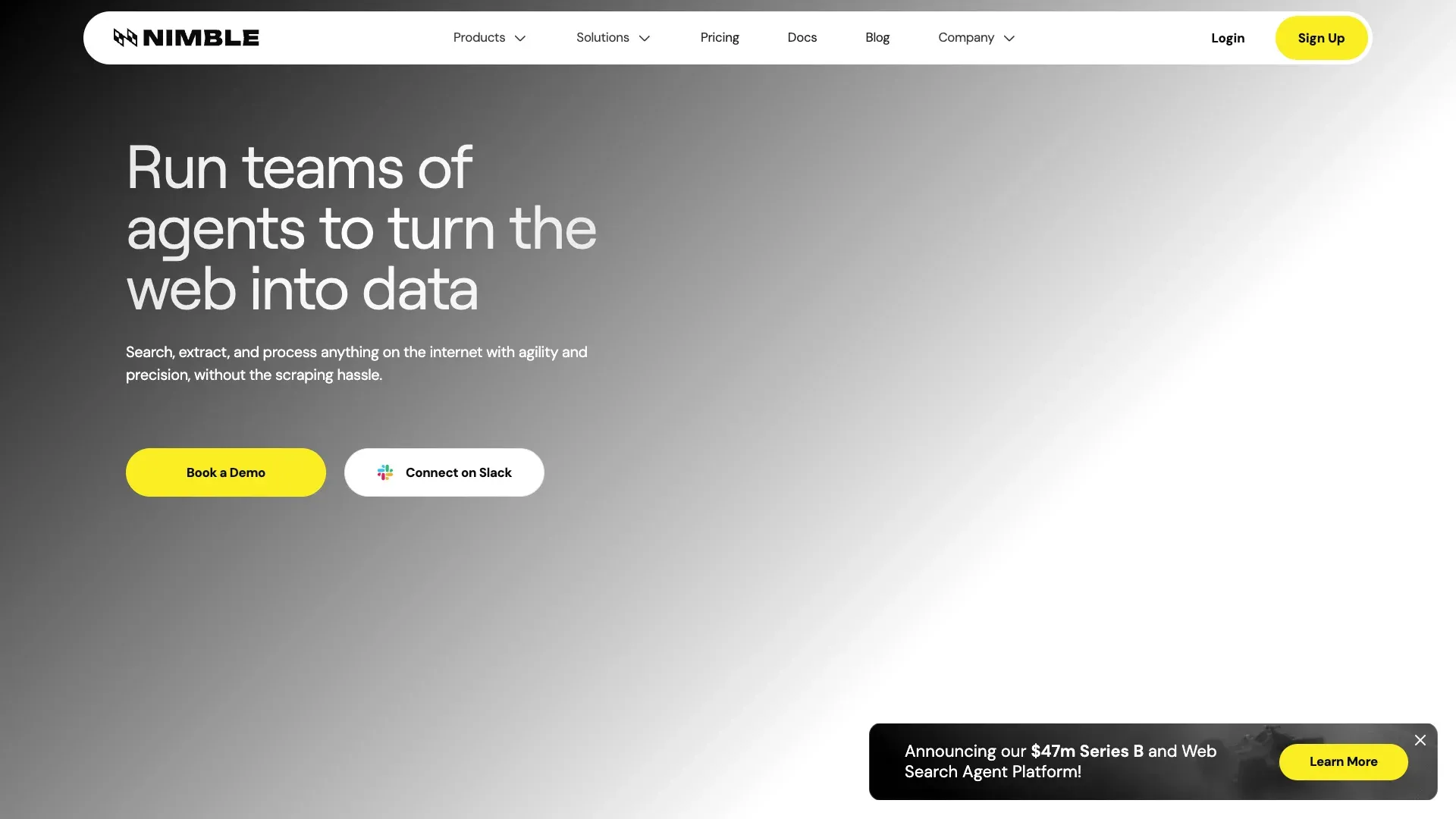 Nimbleway is positioned more like a structured data delivery platform than a self-serve scraping tool for SMBs.
Category: Full-service / managed scraping with API layer
Key features:
- Nimble Browser (cloud browser for scraping)
- Real-time structured data APIs for search, e-commerce, and maps
- AI-based parsing and unblock infrastructure
- Managed pipeline delivery
Anti-bot & maintenance: Fully managed. Nimbleway handles pipeline maintenance, anti-bot, and data delivery.
Pricing: Pay-as-you-go from $1 per 1,000 requests for extract, crawl, and map, and $3 per 1,000 for the prebuilt extraction templates. Managed Data Services start at $2,500/month, billed annually.
Best for: Mid-to-large businesses that want clean, structured data delivered without managing scrapers themselves.
Limitations: Pricing is too high for many SMB workflows. Overkill for simple or one-off scraping jobs.
11. Browse AI
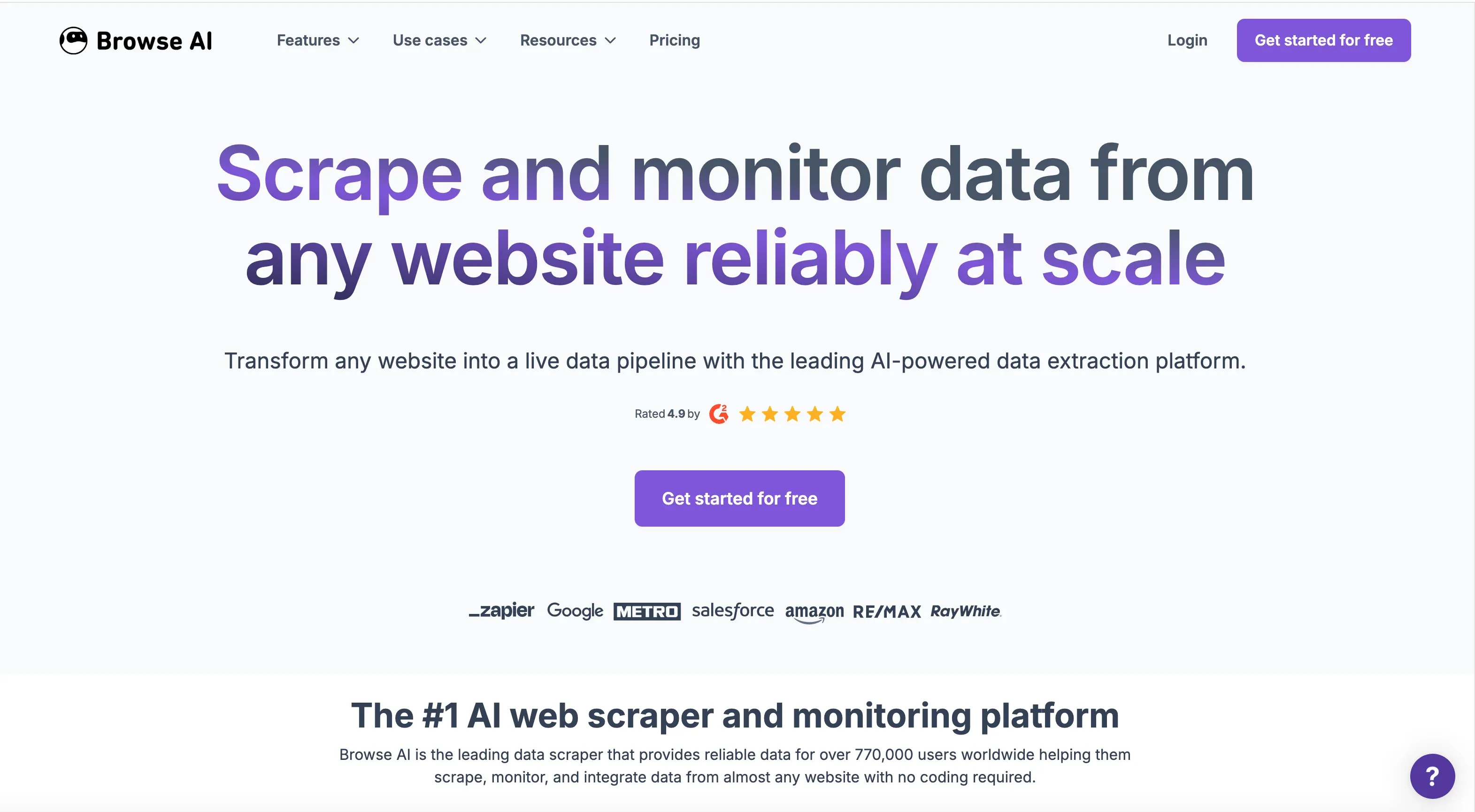 Browse AI is strongest when the workflow is less about one-time extraction and more about recurring monitoring with alerts.
Category: No-code tool
Key features:
- Point-and-click robot training
- Change detection and monitoring with alerts
- Google Sheets, Airtable, Zapier, webhook, and API integrations
- Bulk extraction and recurring scheduled runs
Anti-bot & maintenance: Handles basic anti-bot. Robots may need retraining when site structure changes significantly.
Pricing: Free forever plan (50 credits a month). Personal $48/month, or $19/month billed annually. Professional $87/month, or $69/month billed annually.
Best for: Business users monitoring competitor prices, job listings, or product availability over time.
Limitations: Can struggle with heavily dynamic or JS-intensive sites. Robot retraining is required on layout changes.
12. ParseHub
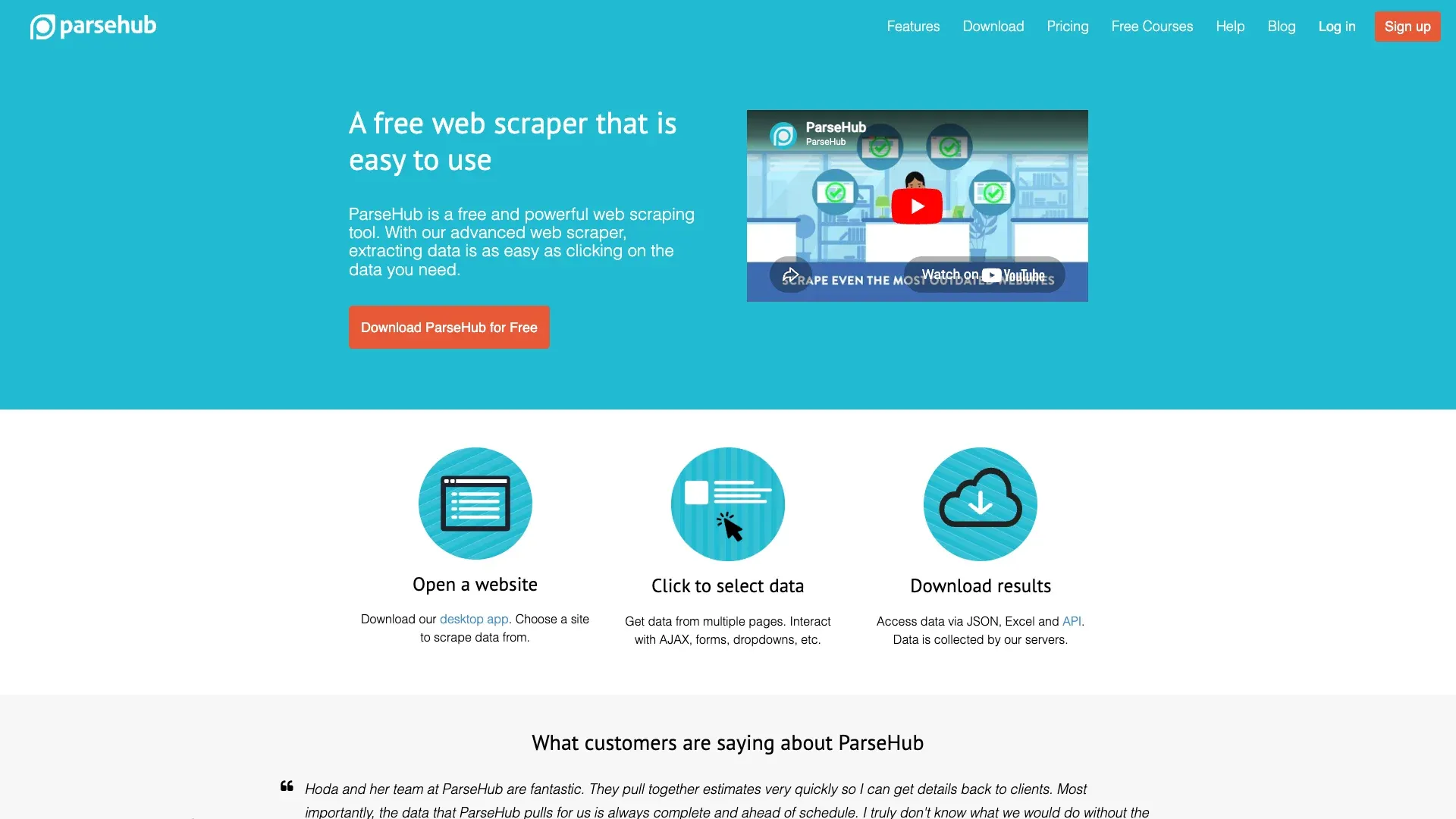 ParseHub still has a place for small projects, students, and teams testing scraping for the first time.
Category: No-code tool
Key features:
- Visual point-and-click extraction
- JS-rendered page handling
- CSV, JSON, Excel, API, and webhook outputs
- Recognizable free tier (5 projects, 200 pages/run)
Anti-bot & maintenance: Basic handling. No advanced proxy infrastructure. Workflows may break on site changes.
Pricing: Free plan available. Paid plans from $189/month.
Best for: Budget-conscious small projects or users exploring scraping without committing to infrastructure.
Limitations: Paid pricing is high for the feature depth. Older product feel compared with AI-native competitors. Slower and less flexible than modern cloud-first options.
Best Web Scraping Companies Compared: The Master Table
Everything above in one place. Entry prices are the month-to-month rate, with the annual-billing rate in brackets where a vendor offers one. Under "Free Tier?", "Yes" means an allowance that renews or never expires; "Trial" means a one-time allowance.
| Company | Category | Best For | Free Tier? | Entry Price | Pricing Model | Anti-Bot | Maintenance Burden | No-Code? | Key Export Formats |
|---|---|---|---|---|---|---|---|---|---|
| Thunderbit | No-code + API | Business teams, diverse sites | Yes (6 pages/mo) | $15/mo ($9/mo annual) | Per-row credits; API units | Moderate | 🟡 | Yes | Excel, Sheets, Airtable, Notion, CSV, JSON |
| Bright Data | Hybrid managed + API | Enterprise-scale extraction | Yes (5K records/mo) | $1.5/1K records or $499/mo | Per-result, per-request, dataset | Very strong | 🟢 datasets / 🟠 API | Partial | API outputs, dataset delivery |
| Oxylabs | API + proxy infra | Proxy-heavy recurring extraction | Trial | $49/mo | Results-based + proxy bundles | Very strong | 🟠 | No | API / user-defined |
| Zyte | Hybrid managed + API | Scrapy/Python teams | Yes ($5 credit) | Usage-based; cloud $9/unit/mo | Usage-based API + cloud | Strong | 🟢 Zyte Data / 🟠 Zyte API | Limited | CSV, JSON, XML, storage |
| Octoparse | No-code | Visual scraping workflows | Yes (10 tasks) | $83/mo ($69/mo annual) | Subscription + add-ons | Moderate | 🟡 | Yes | CSV, Excel, JSON, HTML, XML |
| Apify | Platform + marketplace | Site-specific pre-built scrapers | Yes | $29/mo | Subscription + usage + Actor | Good (varies) | 🟠 | Partial | Datasets, API, integrations |
| ScrapingBee | API | Simple rendering/unblocking | Trial | $49/mo | Monthly credits | Good | 🟠 | No | HTML, Markdown, JSON |
| Scrapfly | API | Hard anti-bot targets | Yes | $30/mo | Monthly API credits | Very strong | 🟠 | No | HTML, screenshots, JSON |
| Firecrawl | AI/LLM scraping API | Markdown and AI data pipelines | Yes (1K credits/mo) | $19/mo ($16/mo annual) | Credit-based | Moderate-strong | 🟠 | No | Markdown, HTML, JSON |
| Nimbleway | Managed + API | Structured enterprise data | Yes (5K requests/mo) | $1/1K requests or $2,500/mo managed | PAYG API + annual plans | Strong | 🟢 managed / 🟠 API | No | Structured feeds, APIs |
| Browse AI | No-code | Monitoring and change alerts | Yes (50 credits/mo) | $48/mo ($19/mo annual) | Credits + site limits | Basic-moderate | 🟡 | Yes | Sheets, Airtable, Zapier, API |
| ParseHub | No-code | Small free projects | Yes (200 pages/run) | $189/mo | Subscription tiers | Basic | 🟡 | Yes | CSV, JSON, Excel, API |
Maintenance burden scale:
- 🟢 Lowest: vendor owns most maintenance
- 🟡 Low-medium: vendor handles fetching and parsing, user runs the workflow and fixes it when a target site changes
- 🟠 Medium-high: vendor handles fetch/unblock, user owns parsing and integration
- 🔴 Highest: user owns almost everything
Reliability and Maintenance: What Breaks and Who Fixes It
This section matters more than any feature comparison.
The main reason buyers become unhappy with scraping vendors is not that the first run fails. It is that the fifth, fiftieth, or five-hundredth run fails — and someone on the team has to own the mess.
| Maintenance Level | Provider Type | You Handle | They Handle |
|---|---|---|---|
| 🟢 Lowest | Full-service (Bright Data datasets, Zyte managed, Nimbleway) | Requirements and output validation | Scraping, anti-bot, layout changes, QA, delivery |
| 🟡 Low-Medium | No-code tools (Thunderbit, Octoparse, Browse AI, ParseHub) | Running the workflow, checking the output, and rebuilding it when a tool relies on saved selectors | Fetching, parsing, hosting, and scheduling |
| 🟠 Medium-High | Scraping APIs (ScrapingBee, Scrapfly, Oxylabs, Apify, Firecrawl) | Integration code, parsing, retries, schema checks | Proxies, rendering, part of unblock layer |
| 🔴 Highest | DIY / open-source frameworks | Everything | Nothing |
No-code tools sit in the middle here. None of them remove every failure mode, and the ones built on saved selectors still break when a page gets rebuilt. That is the specific failure the AI-first approach goes after: Thunderbit reads each page fresh instead of relying on fixed selectors a user has to maintain. For business users dealing with a long tail of inconsistent sites, this is materially easier to live with than a traditional visual workflow builder.
Full-service vendors still absorb the most maintenance overall. They also charge the most. There is no free lunch — you are always deciding who owns the operational pain.
Actual 2026 Pricing: A Transparent Cost Comparison
Most roundup articles dodge this section. "Contact sales" is not a pricing page. Here is what the numbers actually look like. Same conventions as the master table above, plus a column for the costs that do not show up in the headline price.
| Company | Free Tier? | Entry Price | Pricing Model | Hidden Cost Risks |
|---|---|---|---|---|
| Thunderbit | Yes (6 pages/mo) | $15/mo ($9/mo annual) | Per-row credits | Subpage rows cost 2 credits, enrichment queries 30 |
| Bright Data | Yes (5K records/mo) | $1.5/1K records, or $499/mo on the Scale plan | Per-result or per-request | Proxy costs spike at volume |
| Oxylabs | Trial (2,000 results) | $49/mo | Per-request + proxy bundles | IP pool add-ons |
| Zyte | Yes ($5 credit) | Usage-based | API usage + cloud units | Rendering and complexity tiers |
| Octoparse | Yes (10 tasks) | $83/mo ($69/mo annual) | Subscription + extras | Proxy, CAPTCHA, and service add-ons |
| Apify | Yes ($5 credit) | $29/mo | Subscription + compute + Actor fees | Actor and usage variance |
| ScrapingBee | Trial (1,000 credits) | $49/mo | Credit-based | Rendering options use more credits |
| Scrapfly | Yes (1,000 credits) | $30/mo | Credit-based | Residential and enhanced modes cost more |
| Firecrawl | Yes (1,000 credits/mo) | $19/mo ($16/mo annual) | Credit-based | Enhanced proxy and richer extraction modes |
| Nimbleway | Yes (5K requests/mo) | $1/1K requests or $2,500/mo managed | API + annual plans | Managed plans are billed annually |
| Browse AI | Yes (50 credits/mo) | $48/mo ($19/mo annual) | Credits + limits | Premium sites and website caps |
| ParseHub | Yes (200 pages/run) | $189/mo | Subscription tiers | Clear pricing, weaker value at paid tiers |
Among the tools with a flat monthly price, Thunderbit ($15) and Firecrawl ($19) are the cheapest way in, with Apify ($29) and Scrapfly ($30) close behind; Octoparse ($83) and ParseHub ($189) are the most expensive way into no-code. Bright Data and Zyte bill by usage instead, so a small pilot with either can come in under all of them. Bright Data, Oxylabs, and Nimbleway make more sense when volume, target difficulty, and enterprise requirements outweigh simple budgeting.
Which Web Scraping Company Is Right for You? A Decision Framework
Use this sequence to narrow the field quickly.
1. What is your data volume?
- Under 1,000 pages/month → no-code tools (Thunderbit, Browse AI, Octoparse, ParseHub)
- 10K+ pages/month → APIs (Oxylabs, ScrapingBee, Apify, Scrapfly, Firecrawl)
- 100K+ pages/month → enterprise managed (Bright Data, Nimbleway, Zyte Data)
2. Do you have developers on staff?
- Yes → API tools give you control (Oxylabs, ScrapingBee, Apify, Scrapfly, Firecrawl, Zyte API)
- No → no-code (Thunderbit, Browse AI, Octoparse) or full-service (Bright Data datasets, Nimbleway)
3. How many target sites?
- A few known, stable sites → templates and pre-built Actors work fine
- Diverse, long-tail sites that change often → AI adaptability matters (Thunderbit excels here)
4. What is your budget ceiling?
- Under $50/month → free tiers (Thunderbit, ParseHub, Apify, Scrapfly, Firecrawl)
- $50–$500/month → mid-tier APIs and paid no-code plans
- $500+/month → enterprise managed services
5. One-time extraction or ongoing monitoring?
- Ongoing → scheduled scraping capability matters (Thunderbit, Browse AI, Bright Data datasets)
- One-time → almost any tool works; optimize for setup speed
Quick-answer summary:
- Non-technical team, diverse websites, no dev resources → Thunderbit
- Developer building a data pipeline at scale → Oxylabs, ScrapingBee, or Apify
- Want someone else to handle everything → Bright Data or Zyte managed services
- Building AI/LLM data pipelines → Firecrawl or Thunderbit API
Real Use Cases: Which Web Scraping Company Fits Which Scenario
E-Commerce Price Monitoring
For an ops team tracking competitor pricing on a Shopify store, Thunderbit is the fastest path. Open the collection page and click once. The AI works out which fields to pull — usually product title, price, availability, and URL — and fills in the table on its own. If you want a different set of fields, describe them in a sentence and it uses those instead. Then run it on a schedule in cloud mode. If you need each product detail page checked too, subpage scraping enriches the table automatically. Export to Google Sheets and let your pricing workflow run from there.
Bright Data solves the same problem from the other end. Instead of operating the workflow, you can buy a managed e-commerce dataset or use the enterprise stack. That is more hands-off, but the cost profile is entirely different.
B2B Lead Generation (Emails and Phone Numbers)
For small and mid-sized prospecting projects, Thunderbit's free email and phone extractors are practical for public directories, local listing pages, and niche business sites. The value is speed: pull a list, export it, move it into your CRM without technical setup.
Apify is stronger when the source is a large, popular platform with a mature Actor ecosystem. If you want Google Maps lead lists at high volume, a prebuilt Actor gets you running faster than starting from scratch.
Large-Scale SERP Monitoring
Honesty matters here. Thunderbit is not the best fit for 100K+ daily SERP queries. At that scale, you should be looking at Oxylabs SERP APIs, Bright Data SERP products, or similar enterprise-grade infrastructure where success rate, IP quality, and rate management matter more than ease of use.
Feeding Scraped Data into AI / LLM Pipelines
If your goal is to turn public pages into clean content for RAG or agent workflows, Firecrawl is an obvious shortlist candidate because of its Markdown-first design. Thunderbit is worth comparing because its Distill API converts webpages to Markdown and its Extract API turns pages into structured JSON using a schema — meaning one platform can serve both business-user scraping (Chrome Extension) and developer-facing AI pipelines (API layer). For more on how Thunderbit handles AI data extraction for business, we have a deeper walkthrough.
Tips for Getting the Most Out of Any Web Scraping Company
- Start with the free tier or trial before committing budget. Every provider on this list offers one.
- Define your schema before you scrape. Decide which fields, formats, and destinations you need first. This one step prevents most downstream frustration.
- Test with 50–100 pages to evaluate data quality and success rate before estimating cost at scale.
- Confirm the export format up front. Not every tool supports every destination equally. If you need Airtable or Notion, verify that before you start.
- For recurring work, schedule runs instead of relying on manual ad-hoc scrapes. Thunderbit, Browse AI, Octoparse, and Bright Data all support this.
- Monitor quality drift over time. Even managed services can degrade when targets change.
- Understand credit consumption and rate limits before you scale the workflow. Usage-based pricing can balloon if you are not tracking it.
The beginner mistake is usually not technical. It is operational. Teams start scraping before they decide what output shape they need or how they will consume it downstream. If you want to learn more about what data scraping is and how to do it, we have a beginner-friendly guide that covers the fundamentals.
Conclusion
The right way to buy in this market: choose the category first, then choose the provider.
If you need someone else to own the entire pipeline, start with managed providers like Bright Data, Zyte Data, or Nimbleway. If you have developers and want direct infrastructure control, APIs like Oxylabs, ScrapingBee, Scrapfly, Apify, and Firecrawl are the better fit. If you need a fast path for operators and business users who cannot write code, the no-code layer is where the real leverage is — and that is where Thunderbit was built to live.
The strongest picks by scenario:
- Fastest start for non-technical teams: Thunderbit
- Most powerful enterprise infrastructure: Bright Data or Oxylabs
- Best developer API for simplicity: ScrapingBee
- Best for AI/LLM pipelines: Firecrawl or Thunderbit API
- Best free option for small projects: ParseHub or Apify free tier
For most non-technical teams scraping a mix of diverse websites, Thunderbit is the most practical place to start. The free plan lowers the risk, the setup is minimal, and the AI-first workflow is better aligned with the maintenance realities of 2026 than older visual scraping builders. Give the Thunderbit Chrome Extension a try and see how far one click can get you. And if you want to see the tool in action before installing anything, the Thunderbit YouTube Channel has walkthroughs for the most common use cases.
Try Thunderbit AI Web Scraper Get Started Free
FAQs
1. What is the difference between a web scraping company and a web scraper tool?
A web scraping company may provide the full service — infrastructure, maintenance, support, and data delivery. A web scraper tool is software you operate yourself. Some vendors (like Bright Data and Zyte) span both models. Others (like Thunderbit) are primarily tools with an optional API layer for developers.
2. Are web scraping companies legal to use?
Scraping publicly available data is broadly legal in many jurisdictions, but the details depend on the website, the data being collected, and local regulations. Always respect Terms of Service, robots.txt, and data privacy laws like GDPR and CCPA. Reputable providers build compliance considerations into their platforms. For a deeper look, see our guide on web scraping legal implications.
3. How much do web scraping companies cost in 2026?
The market ranges from free tiers and entry plans under $50/month to enterprise managed services starting around $500/month and running far higher. Thunderbit, ParseHub, and Apify offer free tiers. Mid-range APIs like ScrapingBee and Scrapfly start at $30–$49/month. Enterprise providers begin higher: Bright Data's Scale plan is $499/month and Nimbleway's managed plans start at $2,500/month.
4. Can I use a web scraping company without coding?
Yes. No-code tools like Thunderbit, Octoparse, Browse AI, and ParseHub are designed for non-technical users. Thunderbit requires zero coding: install the Chrome Extension, open a page, and click once — the AI works out which fields to pull and finishes the job on its own. You can also just describe the data you want in plain English. Data flows directly into your spreadsheet or database.
5. Which web scraping company is best for small businesses?
Thunderbit is the strongest default recommendation for small businesses that need structured data from diverse websites without developer setup. Its free plan and per-row credit pricing make it easy to start, and easy to forecast the bill once you know roughly how many rows you need. Apify is also attractive when a ready-made Actor exists for the specific site you need, and ParseHub works for small free-tier projects where volume is low.
Learn More




