
Last quarter, our ops team spent 40 hours a week copy-pasting competitor data into spreadsheets. This quarter, it takes 20 minutes.
The difference? Automated web scraping tools. They’ve gone from developer-only to something any sales rep or marketer can set up over lunch.
I’ve been building SaaS and automation tools for years (and yes, I co-founded Thunderbit). The 2026 crop of tools is the strongest yet — AI-native, self-healing, and genuinely usable by non-technical people.
Here are 10 I’ve evaluated hands-on, compared by use case and skill level.
Why Automated Web Scraping Tools Matter for Business Users
Let’s face it: the days of manually copying and pasting data from websites are over (unless you enjoy repetitive stress injuries and existential dread). Automated web scraping tools have become mission-critical for businesses of all sizes. In fact, over 97% of organizations are now investing in big data and AI initiatives, and web scraping is a key part of that strategy.
Here’s why these tools are so valuable:
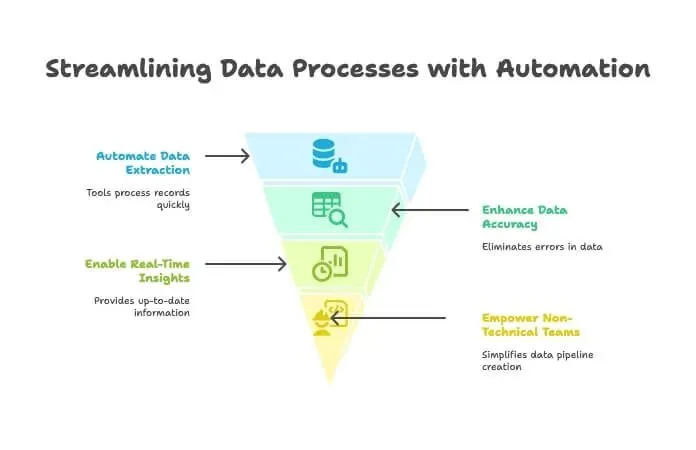
- Save Time & Reduce Manual Work: Automated scrapers can process thousands of records in minutes, freeing up your team for higher-value tasks. One tool user reported saving “hundreds of hours” by automating data collection (browsercat.com).
- Improve Data Accuracy: No more typos or missed entries. Automated extraction means cleaner, more reliable data.
- Support Faster Decision-Making: With real-time data feeds, you can monitor competitors, track prices, or build lead lists without waiting for the monthly intern report.
- Enable Non-Technical Teams: Thanks to no-code and AI-driven tools, even folks who think “XPath” is a yoga pose can now build web data pipelines (cpomagazine.com).
It’s no surprise that 100% of surveyed data professionals use public web data in their workflows, and nearly 80% say their organization couldn’t operate effectively without it. In 2026, if you’re not automating your data collection, you’re probably leaving money—and insights—on the table.
How We Chose the Best Automated Web Scraping Tools
With the web scraping software market projected to more than double by 2032, picking the right tool can feel like shopping for shoes in a store with 10,000 options. Here’s how I narrowed it down:
- Ease of Use: Can a non-developer get started quickly? Is there a steep learning curve?
- AI Capabilities: Does the tool use AI to auto-detect data fields, handle dynamic sites, or let you describe your needs in plain English?
- Data Export & Integration: How easily can you get your data into Excel, Google Sheets, Airtable, Notion, or your CRM?
- Pricing: Is there a free trial? Are the paid plans accessible for individuals and small teams, or are they enterprise-only?
- Scalability: Can the tool handle both small one-off jobs and large, scheduled extractions?
- Target User: Is it built for business users, developers, or both?
- Unique Strengths: What makes this tool stand out from the crowd?
I’ve included tools for every skill level—from “I just want a spreadsheet” to “I want to crawl the entire internet.” Let’s get into the list.
1. Thunderbit: The AI-Powered Web Scraper Tool for Everyone
Scrape data from any website using AI Get Started Free
Let me start with the tool I know best—because, well, my team and I built it to solve the exact headaches I’ve seen business users face for years. Thunderbit isn’t your typical “drag-and-drop” or “write-your-own-selector” scraper. It’s an AI-powered data assistant that lets you describe what you want, and then does the heavy lifting—no code, no fiddling with XPath, no tears.
Why Thunderbit Tops the List
Thunderbit is the closest thing I’ve seen to “turning any website into a database.” Here’s how it works:
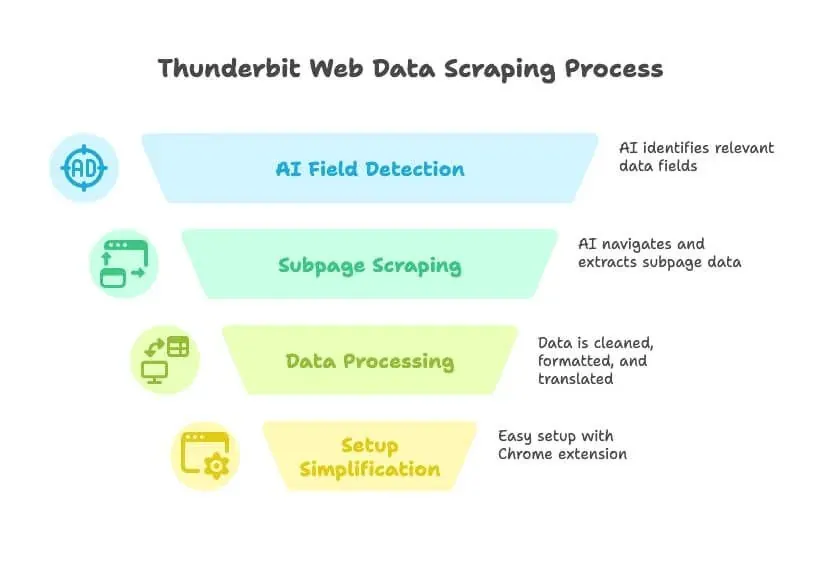
- Natural Language-Driven: Just tell Thunderbit what data you need (“I want all the company names, emails, and phone numbers from this directory”), and the AI will auto-detect the relevant fields.
- AI Suggest Fields: With one click, Thunderbit reads the page and suggests the best columns to extract—no more guessing or trial-and-error.
- Subpage & Multi-Level Scraping: Need details from each listing’s subpage? Thunderbit can click through, grab the extra info, and append it to your table.
- Data Cleaning, Translation, and Classification: Thunderbit doesn’t just grab raw data—it can clean, format, translate, and even categorize fields as it scrapes.
- No Setup Headaches: Install the Chrome extension, click “AI Suggest Fields,” and you’re scraping in under a minute.
- Free Trial & Low Cost: Generous free tier (scrape up to 6 pages for free), with paid plans starting at just $9/month. That’s less than what I spend on coffee in a week.
Thunderbit is built for sales, marketing, and operations teams who need data—fast. No coding, no plugins, no training required. It’s like having a data intern who actually listens and never complains.
Thunderbit’s Standout Features
- AI-Driven Scraping: The AI understands page structure, adapts to layout changes, and even handles pagination and subpages automatically (cpomagazine.com).
- Instant Data Export: Send your results directly to Excel, Google Sheets, Airtable, Notion, or download as CSV/JSON.
- Cloud or Local Runs: Run scrapes in the cloud for speed and scale, or in your browser if you need to use your login/session.
- Scheduled Scraping: Set up recurring jobs to keep your data fresh—perfect for price monitoring or regular lead updates.
- Maintenance-Free: Thunderbit’s AI adapts to website changes, so you spend less time fixing broken scrapers (cpomagazine.com).
Who’s it for? Anyone who wants to go from “I need this data” to “Here’s your spreadsheet” in minutes—especially non-technical users. With over 200,000 users and a 4.2★ rating, Thunderbit is quickly becoming the go-to for business teams who want results, not headaches.
Want to see it in action? Check out the Thunderbit YouTube Channel or browse more Thunderbit blog guides.
Try Thunderbit AI Web Scraper for Free
2. Clay: Automated Data Enrichment Meets Web Scraping
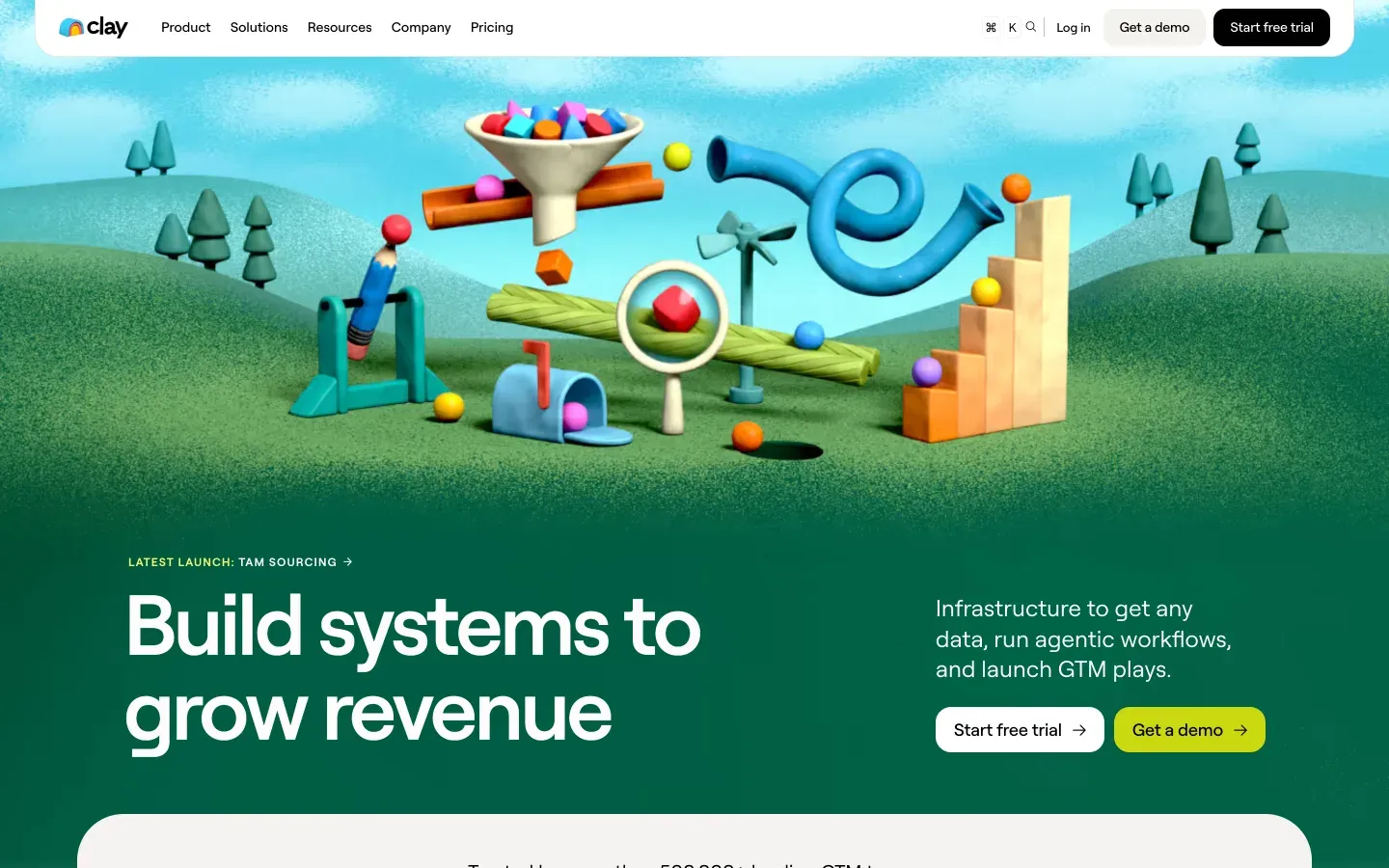
Clay is like the Swiss Army knife for growth teams. It’s not just a web scraper—it’s an automation spreadsheet that connects to 150-200+ live data sources (think Apollo, LinkedIn, Crunchbase) and uses embedded AI to enrich leads, write outreach emails, and score prospects.
- Workflow Automation: Every row is a lead, every column can pull data or trigger an action. Want to scrape a company list, enrich with LinkedIn profiles, and send a personalized email? Clay’s got you.
- AI Integration: Uses GPT-4 for writing icebreakers, summarizing bios, and more.
- Integrations: Connects natively to HubSpot, Salesforce, Gmail, Slack, and more.
- Pricing: Starts around $167/month (or ~$60/month billed annually) for the Launch plan, with a free trial for light use.
Best for: Outbound sales, growth hackers, and marketers who want to build custom lead pipelines—combining scraping, enrichment, and outreach in one place. It’s powerful, but there’s a learning curve if you’re new to automation tools (lindy.ai).
3. Bardeen: Browser-Based Web Scraper Tool for Workflow Automation
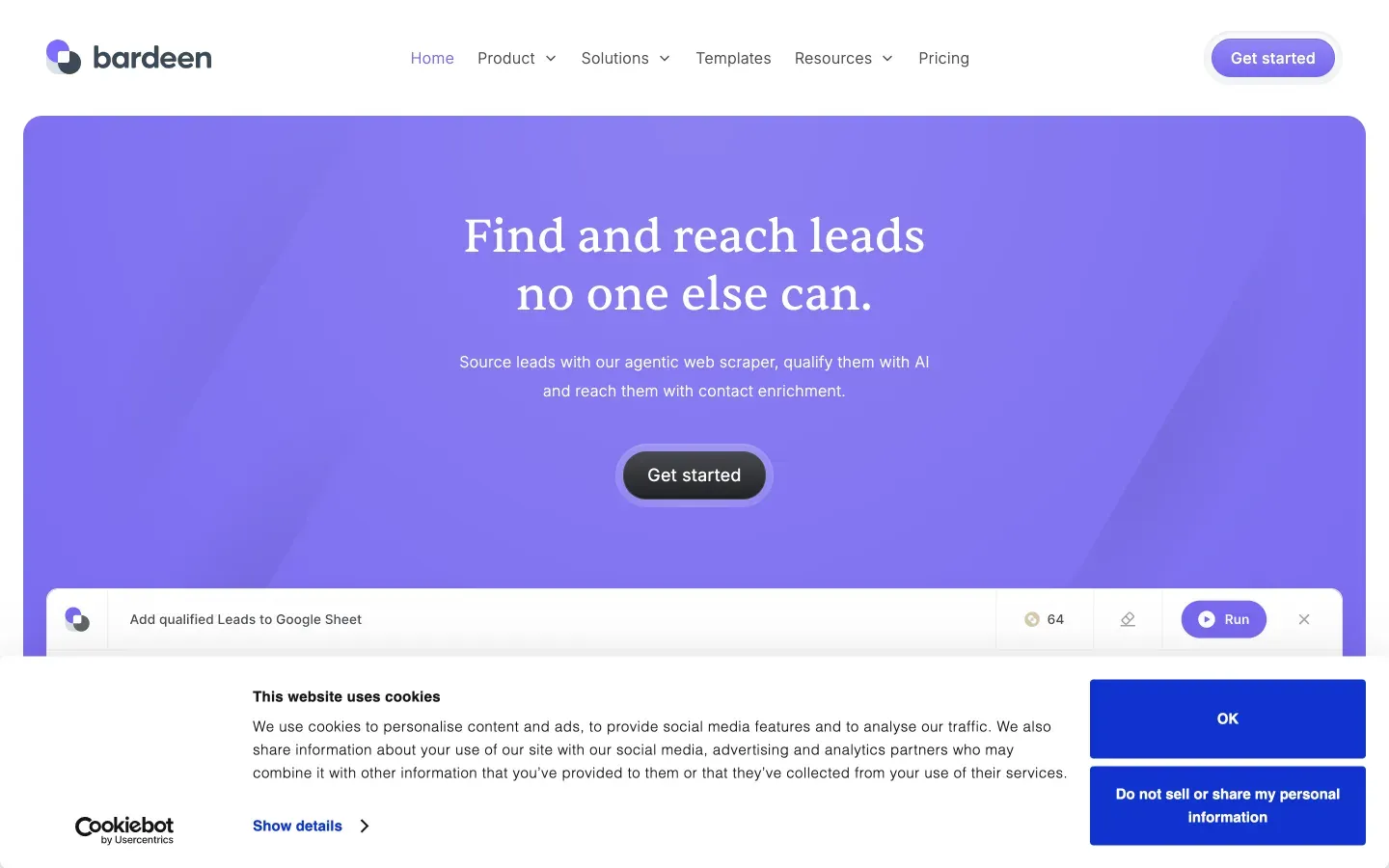
Bardeen is like having a browser robot that can scrape data and automate repetitive web tasks—all from a Chrome extension.
- No-Code Automation: Over 500 “Playbooks” for scraping, filling forms, moving data between apps, and more.
- AI Command Builder: Describe your task in plain English, and Bardeen builds the workflow.
- Integrations: Works with Notion, Trello, Slack, Salesforce, and 100+ other apps.
- Pricing: Starts at $10/month for the Basic plan (100 credits/month), with Premium at $50/month (or $480/year) for teams.
Best for: Power users and go-to-market teams who want to automate scraping and follow-up actions across multiple apps. There’s a lot of flexibility, but beginners may find the learning curve a bit steep (Thunderbit blog comparison).
4. Bright Data: Enterprise-Grade Automated Web Scraping Tools
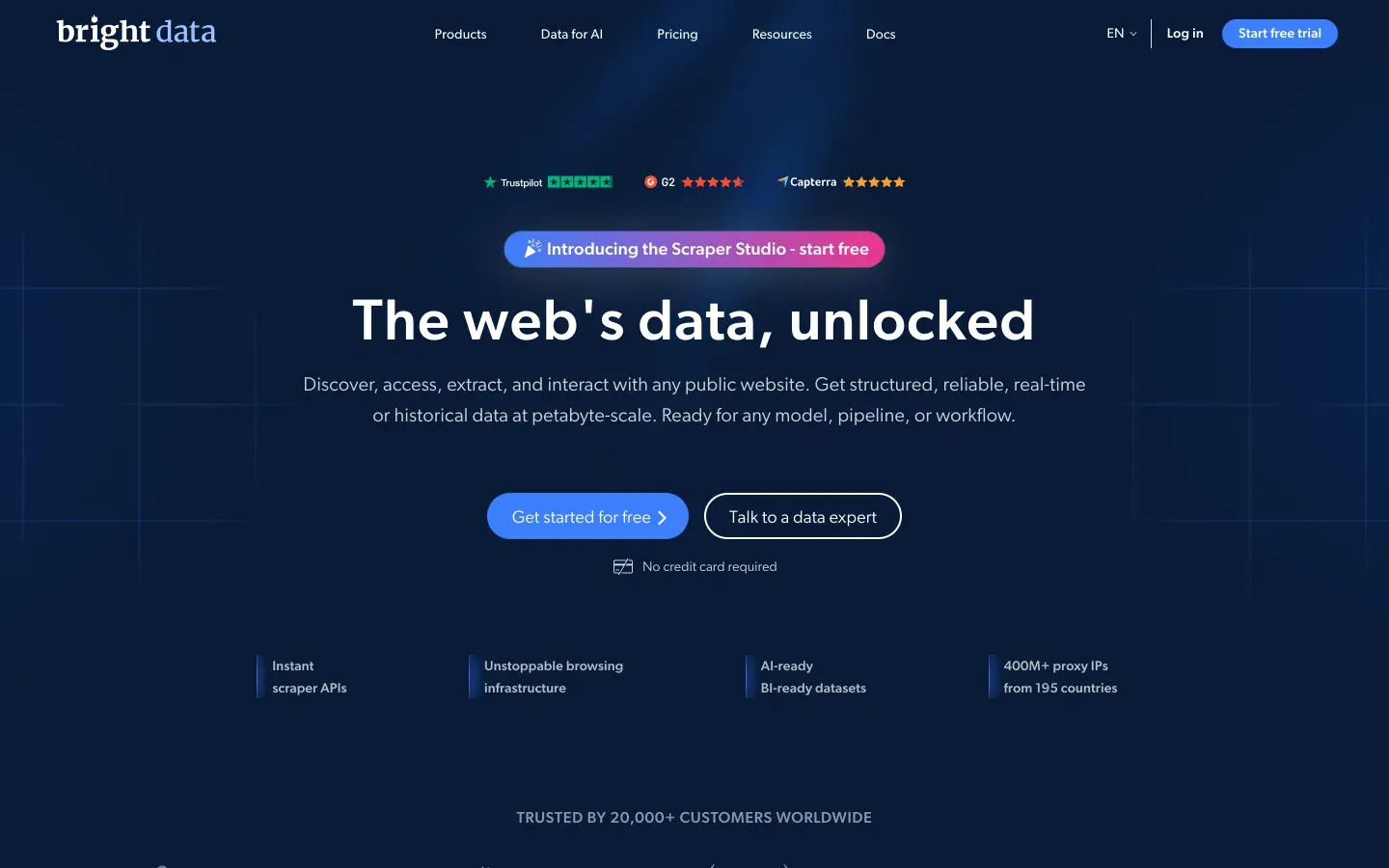
Bright Data (formerly Luminati) is the heavy machinery of web scraping—think global proxy networks, advanced APIs, and the ability to crawl thousands of pages per day.
- Enterprise-Scale: Over 400 million IPs, Web Scraper API, Web Unlocker for bypassing anti-bot measures.
- Customizable: Build complex, large-scale extractions with high reliability.
- Pricing: Starts at $499/month for the Web Scraper API, with a free tier and pay-as-you-go pricing also available.
Best for: Large enterprises, data aggregators, and advanced users who need robust, scalable solutions. If you’re crawling thousands of pages daily and need to avoid IP blocks, Bright Data is built for you (blog.apify.com).
5. Octoparse: Visual Web Scraper Tool for Intermediate Users
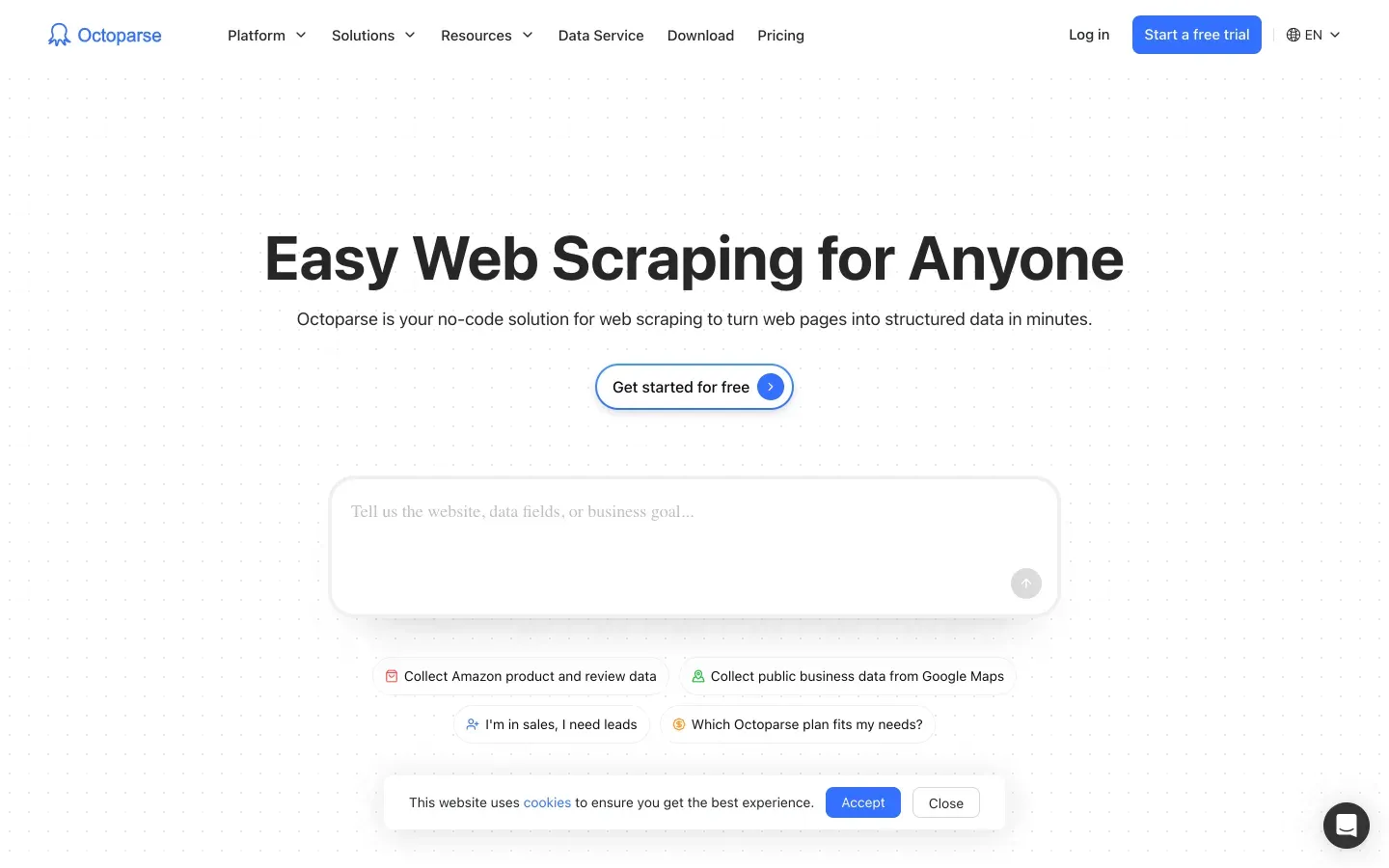
Octoparse is a popular no-code tool with a visual, point-and-click interface—perfect for users who want power without programming.
- Drag-and-Drop UI: Click elements to define what to extract, handle logins, pagination, and more.
- Templates: 500+ ready-made templates for common sites (Amazon, Twitter, etc.).
- Cloud Scraping: Run jobs on Octoparse’s servers, schedule extractions, and use IP rotation.
- Pricing: Free plan with limits; paid plans start at $69/month.
Best for: Non-programmers and data analysts who want a capable scraper without writing code. Great for price monitoring, product listings, and research projects (thunderbit.com).
6. Import.io: Data Scraping Platform for Businesses
![[Import.io]](https://strapi.thunderbit.com/uploads/import_io_official_fa23d5c420.webp)
Import.io is one of the OGs of web scraping, now evolved into a full-scale data extraction platform.
- Point-and-Click Extraction: Handles logins, dropdowns, and interactive elements.
- Cloud-Based: Process thousands of URLs concurrently, schedule extractions, and access APIs.
- Enterprise Focus: Used for price monitoring, market research, and building machine learning datasets.
- Pricing: Standard plan at $199/month, Professional at $399/month, Advanced at $699/month (annual); Enterprise custom.
Best for: Mid-to-large enterprises and data teams who need reliable, maintained solutions for big jobs. Probably overkill for hobby projects, but a powerhouse for business-scale needs (import.io).
7. Parsehub: Flexible Web Scraper Tool with Visual Editor
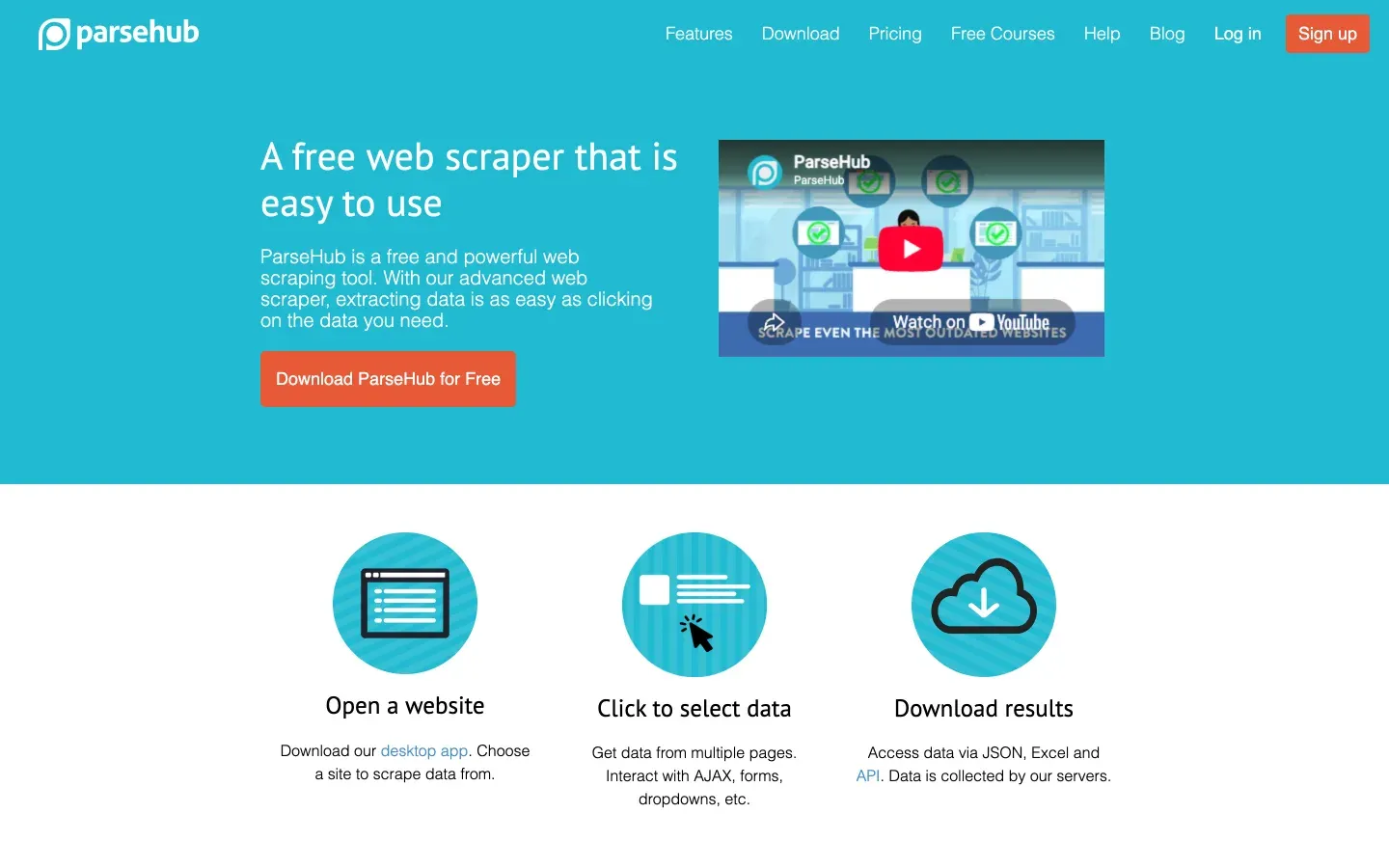
Parsehub is a desktop app (Windows, Mac, Linux) that lets you build scrapers by clicking through a website’s interface.
- Visual Workflow: Select elements, set up extraction rules, and handle logins, dropdowns, and infinite scroll.
- Cloud Features: Run scrapes in the cloud, schedule jobs, and use API access.
- Pricing: Free tier for small jobs; paid plans start at $149/month.
Best for: Researchers, small businesses, or individuals who want more control than a browser extension but aren’t ready to code their own scraper (scrapingbee.com).
8. Common Crawl: Open Web Data for AI and Research
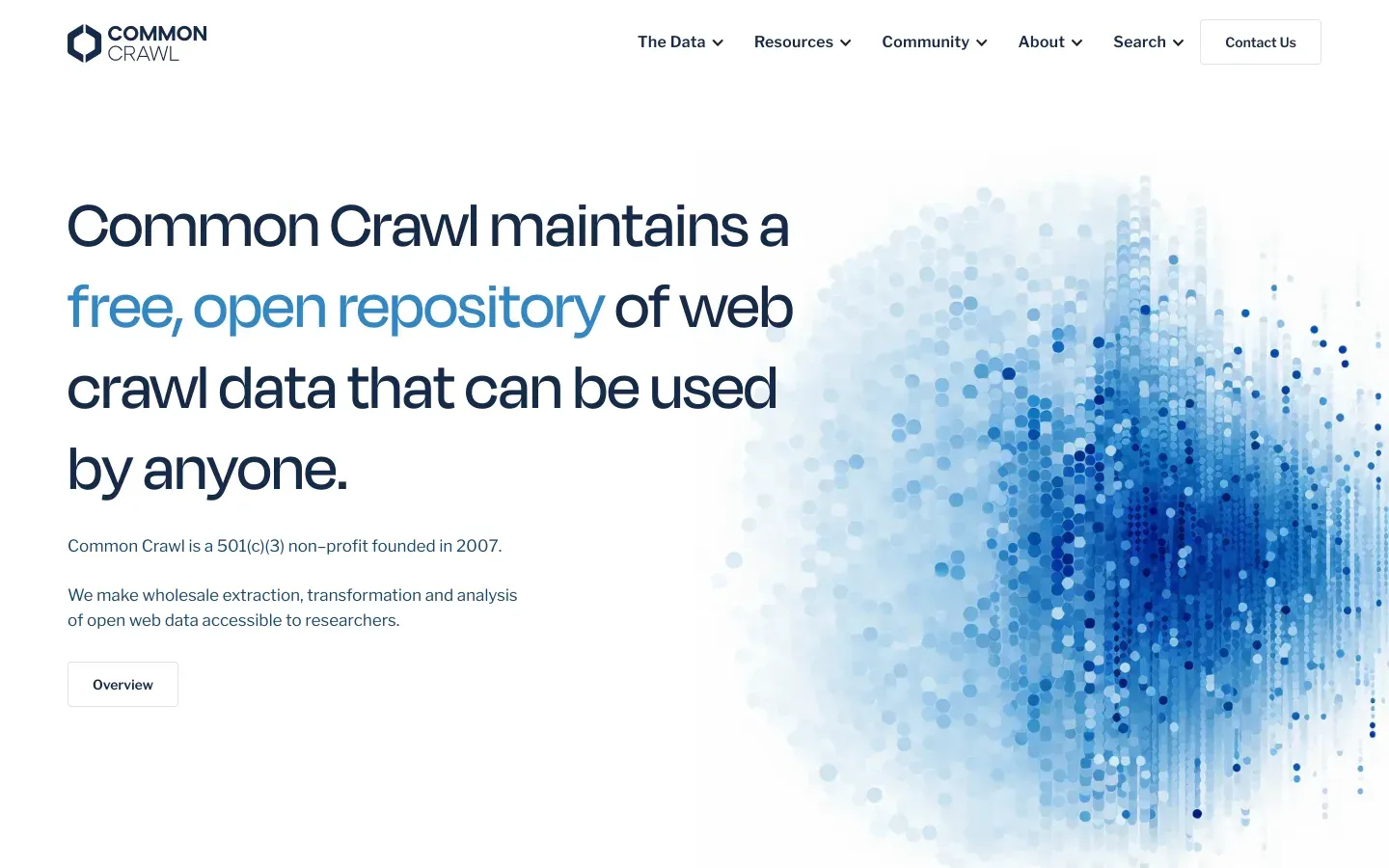
Common Crawl isn’t a tool in the traditional sense—it’s a massive open dataset of web crawl data, updated monthly.
- Scale: ~400 TB of web data, covering billions of web pages.
- Free & Open: No need to run your own crawler.
- Technical Skills Required: You’ll need big data tools and some engineering chops to filter and parse the data.
Best for: Data scientists and engineers building AI models or doing large-scale research. If you need general web text or long-term archives, it’s a goldmine (scrapingbee.com).
9. Crawly: Lightweight Automated Web Scraping Tool for Startups
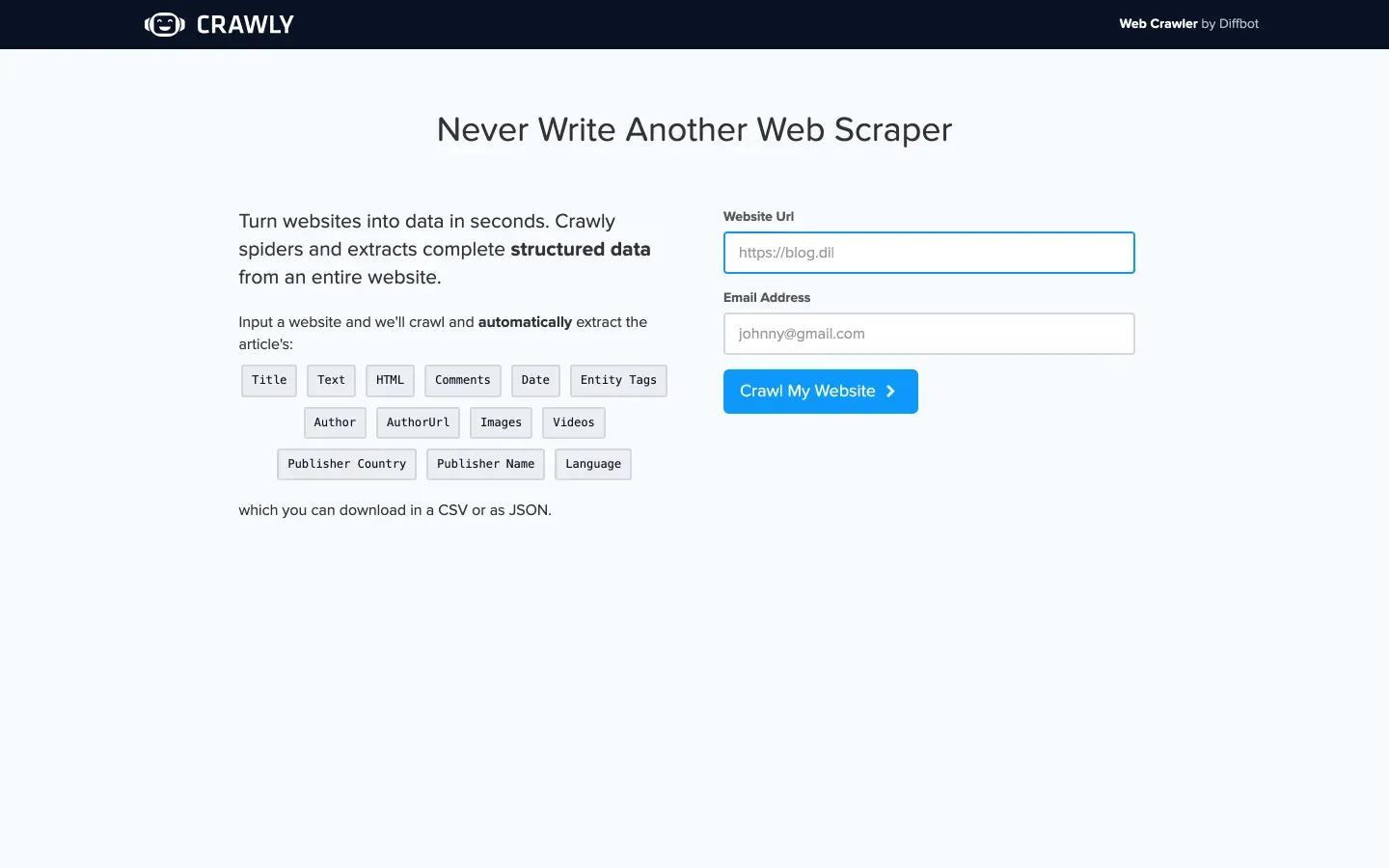
Crawly (by Diffbot) is a cloud-based, AI-powered crawler that can capture data from millions of websites and return structured results—no parsing rules required.
- AI Extraction: Uses machine vision and NLP to identify and extract content.
- API Access: Query the collected data and integrate with analytics or databases.
- Pricing: Free tier available (10,000 credits/month via Diffbot); paid plans start at $299/month.
Best for: Startups and teams with some technical skills who need large-scale, intelligent web data extraction without building their own scrapers (aitoptools.com).
10. Apify: Developer-Friendly Web Scraper Tool with Marketplace
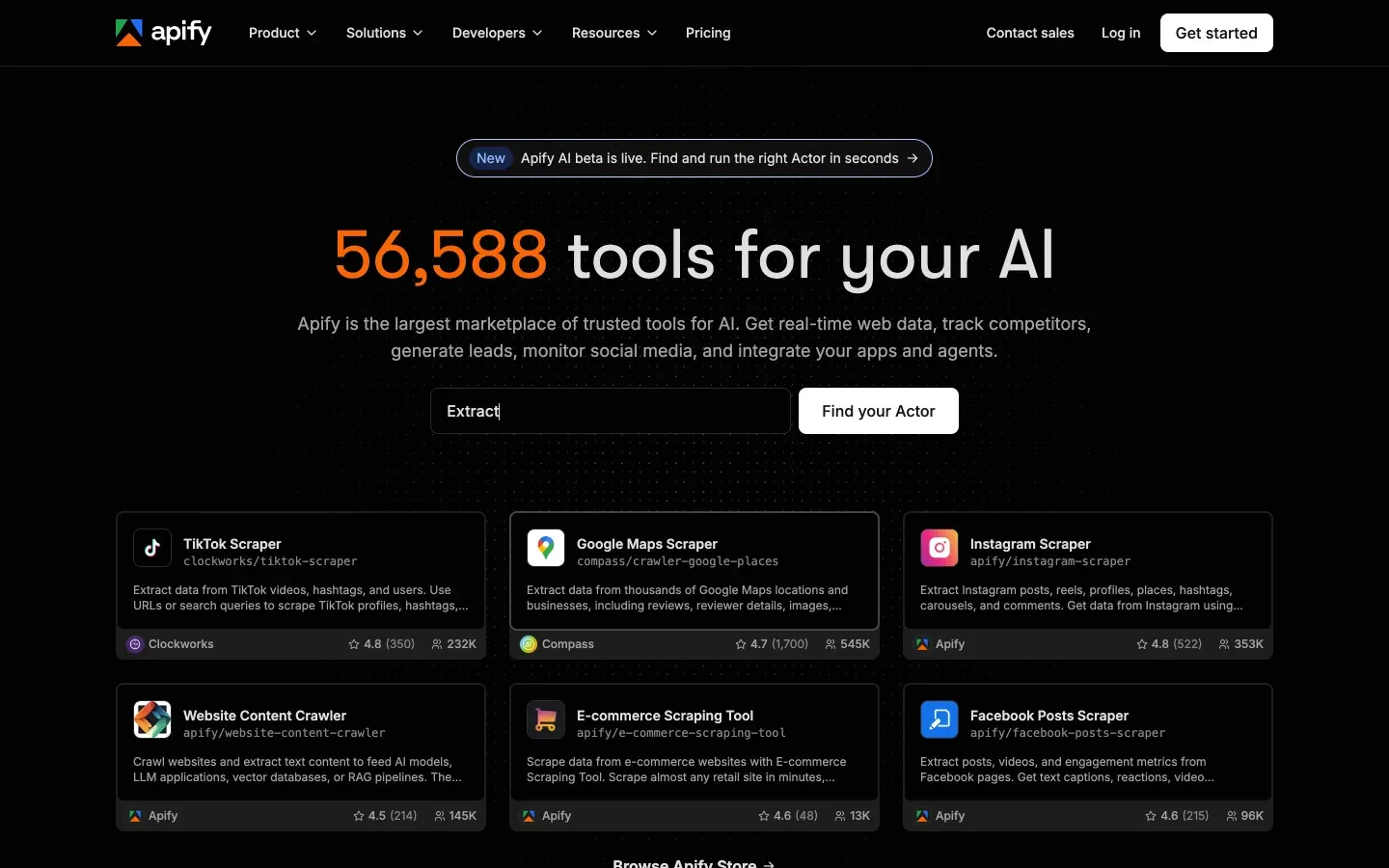
Apify is a cloud platform where you can build your own scrapers (“Actors”) or use a library of pre-built community scrapers.
- Developer Flexibility: Supports JavaScript/Python-based scraping, headless Chrome, proxy management, and scheduling.
- Marketplace: Extensive library of ready-made scrapers for common sites.
- Pricing: Free tier with $5/month in credits; paid plans start at $29/month.
Best for: Developers and tech-savvy analysts who want full control and scalability. Even non-coders can use pre-made Actors for common tasks (blog.apify.com).
Automated Web Scraping Tools Comparison Table
| Tool | Ease of Use | AI Features | Pricing (Starting) | Target User | Unique Strengths |
|---|---|---|---|---|---|
| Thunderbit | ★★★★★ | Natural language, AI Suggest Fields, subpage scraping | $9/mo | Non-technical business users | 2-click setup, no code, instant export, free trial |
| Clay | ★★★★☆ | AI enrichment, GPT-4 | $167/mo | Growth/sales ops | Automation spreadsheet, enrichment, outreach |
| Bardeen | ★★★★☆ | AI command builder | $10/mo | Power users, GTM teams | Browser RPA, 500+ playbooks, deep integrations |
| Bright Data | ★★☆☆☆ | Proxy rotation, anti-bot AI | $499/mo | Enterprises, devs | Scale, reliability, global proxies |
| Octoparse | ★★★★☆ | Visual AI detection | $69/mo | Analysts, non-coders | Drag-and-drop, templates, cloud scraping |
| Import.io | ★★★☆☆ | Interactive extractors | $199/mo | Enterprises, data teams | Concurrency, scheduling, API, support |
| Parsehub | ★★★★☆ | Visual workflows | $149/mo | Researchers, SMBs | Desktop app, handles dynamic sites |
| Common Crawl | ★☆☆☆☆ | N/A (dataset only) | Free | Data scientists, engineers | Massive open dataset, web-scale archives |
| Crawly | ★★☆☆☆ | AI extraction | Free / $299+/mo | Startups, tech teams | AI-powered, no parsing rules, API access |
| Apify | ★★★★☆ | Actor marketplace | $29/mo | Developers, tech analysts | Build/marketplace, cloud automation, flexibility |
How to Choose the Right Web Scraper Tool for Your Needs
What Is Data Scraping and How to Do It Get Started Free
Picking the best automated web scraping tool depends on your team’s size, technical skills, and business goals. Here’s my quick guide:
- For Non-Technical Users (Sales, Marketing, Ops): Go with Thunderbit. It’s built for you—no code, no setup, just results. Perfect for lead generation, price monitoring, and quick data projects.
- For Automation-Obsessed Teams: Clay and Bardeen shine if you want to combine scraping with enrichment, outreach, or workflow automation.
- For Enterprises & Developers: Bright Data, Import.io, and Apify are your best bets for large-scale, highly customizable projects.
- For Researchers & Analysts: Octoparse and Parsehub offer visual interfaces and powerful features without needing to code.
- For AI & Data Science Projects: Common Crawl and Crawly provide massive datasets and AI-powered extraction for those who want to build or train models.
Ask yourself: Do you want to get started in minutes, or do you need to build a custom, enterprise-grade solution? If you’re not sure, start with a free trial—most tools offer one.
Start Scraping with Thunderbit Now
Thunderbit’s Unique Value: AI Assistant for Business Data
Among all these tools, Thunderbit stands out as the only one that truly acts as an “AI assistant” for web scraping and data transformation. It’s not just about grabbing data—it’s about turning messy websites into clean, structured insights with zero technical hurdles.
- Natural Language Interface: Describe your needs in plain English, and Thunderbit handles the rest.
- Full Workflow Automation: From extraction to cleaning, translation, and export—Thunderbit covers the entire process.
- Perfect for Rapid Experimentation: Need to validate a new market, build a lead list, or monitor competitors? Thunderbit is the fastest, lowest-cost starting point.
It’s like having a data analyst built into your browser—one who never asks for a raise or takes a vacation.
Conclusion: Start Smarter with the Right Automated Web Scraping Tool
The scraping landscape in 2026 is unrecognizable from two years ago. Self-healing AI scrapers, LLM-native pipelines, and genuinely usable no-code tools have changed the game. Whether you’re a solo founder, a scrappy sales team, or an enterprise data scientist, there’s a tool on this list that fits your needs. The key is to match your workflow and skills to the right platform—so you can stop wrestling with code and start unlocking insights.
If you’re ready to ditch manual copy-paste and start smarter, download Thunderbit for free and see how easy web scraping can be. Or, explore the other options above based on your goals. Either way, the future of data-driven business belongs to those who automate.
Curious to learn more? Check out Thunderbit’s blog for deep dives, tutorials, and tips on getting the most from your web data. Happy scraping—and remember, may your data always be clean and your scrapers never break (but if they do, let the AI handle it).
Try Thunderbit AI Web Scraper for Free Get Started Free
FAQs
1. Why are automated web scraping tools important for business users in 2026?
Automated web scraping tools streamline data collection, saving time and reducing manual work. They enhance data accuracy, support real-time decision-making, and empower non-technical teams to extract and use web data without writing code. These tools are now critical for sales, marketing, and operations functions.
2. What makes Thunderbit different from other web scraping tools?
Thunderbit uses AI to allow users to describe what data they want in plain English. It automatically detects data fields, handles subpages and pagination, and exports results instantly to platforms like Excel and Airtable. It's designed for non-technical users and offers powerful features like data cleaning and scheduled scraping at a low price point.
3. Which tool is best for large-scale enterprise scraping projects?
Bright Data and Import.io are ideal for enterprise use. They offer features like proxy rotation, anti-bot measures, large-scale concurrency, and API access, making them suitable for organizations that need to process thousands of web pages reliably and at scale.
4. Are there any tools that combine scraping with automation and outreach?
Yes, tools like Clay and Bardeen not only scrape web data but also integrate it into workflows. Clay enriches leads and automates outreach, while Bardeen lets users automate browser-based tasks and workflows with AI-driven playbooks.
5. What is the best option for users with no technical background?
Thunderbit stands out for non-technical users due to its natural language interface, AI-driven setup, and ease of use. It requires no coding or setup and is ideal for business users who need quick, reliable data without the technical complexity.




