

The web is overflowing with forms—lead capture forms, order forms, onboarding forms, you name it. And let’s be honest: nobody dreams of spending their workday copy-pasting data into endless fields or chasing down missing submissions. I’ve seen firsthand how manual web form processes can grind sales and ops teams to a halt. In fact, recent studies show that office workers spend up to 10% of their workweek on manual data entry, and the error rate for manual entry can cost companies up to 3% of annual revenue fixing mistakes (vegaitglobal.com, retica.ai). That’s time and money down the drain.
But here’s the good news: web form automation tools have come a long way. Whether you’re a sales pro desperate to speed up lead imports, an ops manager tired of approval bottlenecks, or just someone who wants to stop losing hours to repetitive form-filling, there’s a solution for you. I’ve pulled together the 15 best web form automation tools for 2026—covering everything from AI-powered autofill for complex workflows (like Thunderbit) to drag-and-drop builders, e-commerce forms, and enterprise-grade workflow engines. Let’s break down what makes each tool shine, and help you find the right fit to boost your team’s efficiency.
Why Web Form Automation Matters for Business Teams
How to Use Auto Filler Tools to Save Time Get Started Free
Web form automation is all about letting software handle the tedious, repetitive tasks of filling out, submitting, and routing form data—so your team can focus on work that actually moves the needle. Instead of retyping the same info into multiple systems, an automation tool can do it in seconds (Thunderbit Blog). Here’s why it’s a must-have for modern sales and ops teams:
- Time Savings: Automation can save organizations up to 77% of their time on routine tasks (ServiceNow). Even light users save about 30 minutes a week, while power users save 7+ hours weekly (Thunderbit Blog).
- Error Reduction: Manual entry has a 1–5% error rate, but automation can cut errors by up to 95% (retica.ai).
- Faster Lead Response: Automated form-to-CRM workflows can push new leads to your sales team within seconds, dropping first-response time under 3 minutes and boosting conversion rates (archizsolutions.com).
- Consistency & Compliance: Automation enforces business rules and required fields, reducing compliance risks and missing data (Thunderbit Blog).
- Employee Morale: Let’s face it—nobody loves mind-numbing copy-paste work. Automation frees your team for higher-value tasks, reducing burnout and turnover (retica.ai).
No wonder 94% of businesses see automation as a key to cutting repetitive work (ServiceNow).
How We Selected the Best Web Form Automation Tools
With dozens of options out there, I focused on the tools that deliver real-world value for business users—especially sales, operations, and anyone who needs to automate web forms at scale. Here’s what I looked for (DevOpsSchool):
- Ease of Use: No-code or low-code interfaces, drag-and-drop builders, and plenty of templates.
- Automation Features: Conditional logic, approval workflows, multi-step forms, notifications, and bulk entry.
- Integration: Compatibility with CRMs, spreadsheets, payment gateways, and workflow tools like Zapier or Power Automate.
- Scalability & Security: Can the tool handle growing teams, sensitive data, and compliance needs (GDPR, HIPAA)?
- Pricing & Value: Free plans or trials, transparent pricing, and a good balance of features for the money.
I’ve included everything from AI-powered autofill (Thunderbit) to enterprise workflow engines (Microsoft Power Automate), so you’ll find a fit whether you’re a solo founder or a Fortune 500 ops lead.
The Top 15 Web Form Automation Tools for 2026
1. Thunderbit
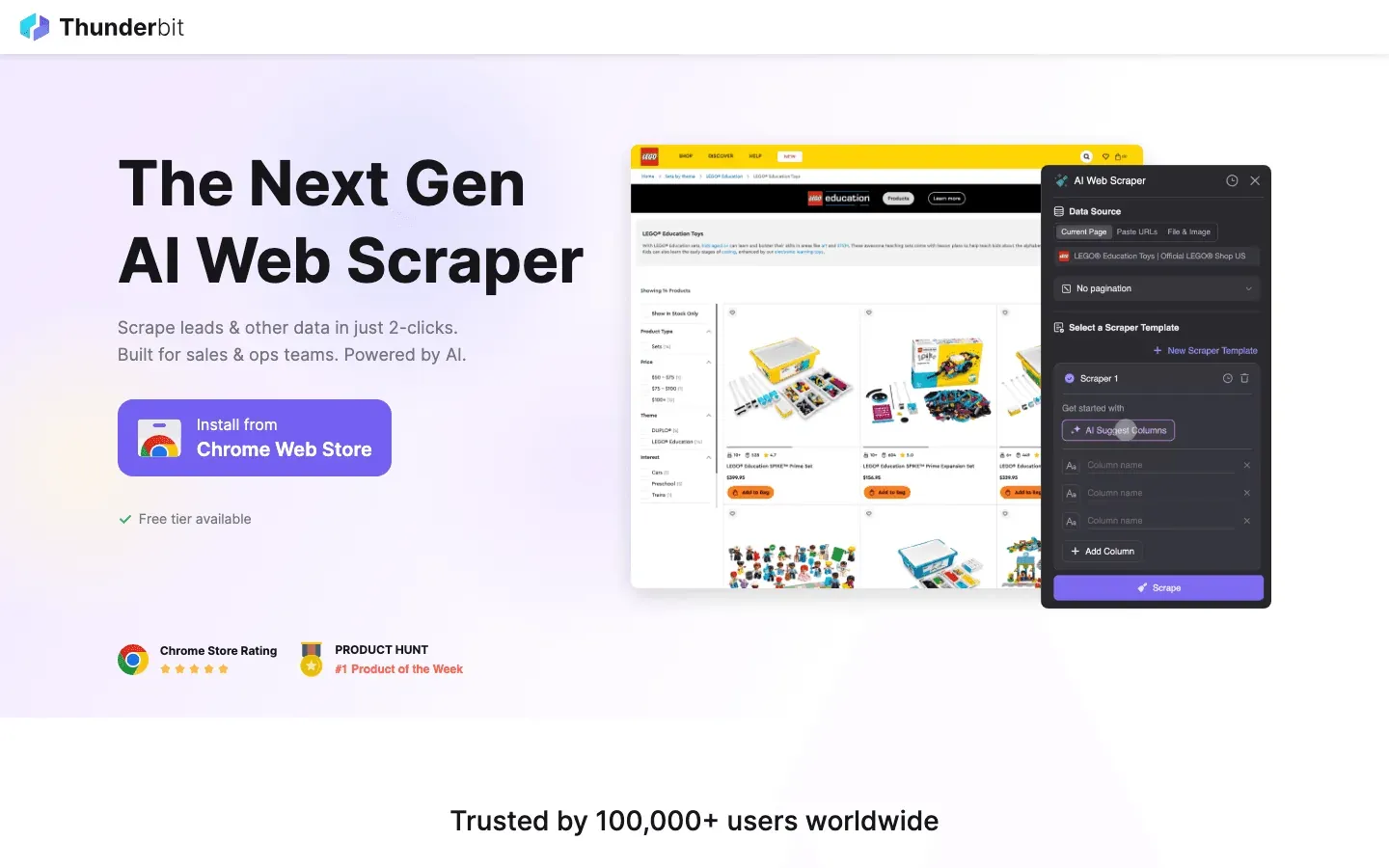 Thunderbit is my go-to for automating complex web forms—especially on sites that don’t play nice with traditional integrations. As the co-founder, I’m a little biased, but here’s why Thunderbit stands out:
- AI Autofill for Any Website: Thunderbit’s AI reads web forms like a human, automatically recognizing fields—even on non-standard or multi-step forms. Just select your data source (spreadsheet, PDF, browser tab), and Thunderbit fills out the form, clicks “Next” buttons, and even handles subpages (Thunderbit Blog).
- Bulk Data Entry: Need to upload 100 leads to a CRM that only has a web interface? Thunderbit loops through your list and submits each entry, saving hours of copy-paste.
- Natural Language Instructions: Tell Thunderbit what you want in plain English, and it figures out the rest.
- Data Validation & Transformation: The AI can validate emails, reformat phone numbers, and apply custom rules on the fly.
- Integration with Sheets, Excel, Airtable, Notion: Scrape data, export it, and use it as input for form automation—all in one workflow.
- Free Tier: Try it out with 10 pages free, then pay per row of output.
Best for: Automating complex, external web forms; sales lead imports; bulk data entry; workflows that other tools can’t touch.
Try Thunderbit AI Autofill for Free
2. Formstack
 Formstack is a powerhouse for businesses that need more than just a form—it’s a full workflow automation platform.
- Drag-and-Drop Builder: Create forms in minutes, no coding required.
- Workflow Automation: Multi-step approvals, document generation, and e-signatures.
- Compliance: SOC 2, GDPR, HIPAA (with signed BAA), encryption, and audit logs.
- Integrations: Connects with Salesforce, HubSpot, Stripe, PayPal, Google Sheets, and more.
- Analytics: Track conversion rates, run A/B tests, and optimize forms over time.
Best for: Mid-size to enterprise teams, especially in regulated industries (healthcare, finance) needing secure, multi-step form processes.
3. JotForm
 JotForm (now often just “Jotform”) is all about speed and flexibility.
- 10,000+ Templates: Find a form for any use case—lead capture, event registration, order forms, surveys.
- Visual Builder: Drag-and-drop, real-time editing, and custom branding.
- Advanced Features: Conditional logic, multi-page forms, file uploads, 40+ payment gateways, and approval workflows.
- Integrations: 200+ direct integrations (Salesforce, HubSpot, Google Sheets, Dropbox, Mailchimp).
- PDF Generation: Turn submissions into PDFs automatically.
Best for: Teams needing quick deployment and lots of customization—marketing, education, nonprofits, and small businesses.
4. Typeform
 Typeform brings a conversational, one-question-at-a-time experience that keeps users engaged.
- Conversational Interface: Forms feel like a chat, boosting completion rates (average 47.3%—over double the industry average) (PR Newswire).
- Custom Design: Add images, videos, and logic jumps for a polished look.
- Integrations: Connects to HubSpot, Slack, Mailchimp, Salesforce, Google Sheets, and more.
- Analytics: Track completion and drop-off rates.
Best for: Customer surveys, feedback, quizzes, and lead gen—when you need high response rates and a modern user experience.
5. Zoho Forms
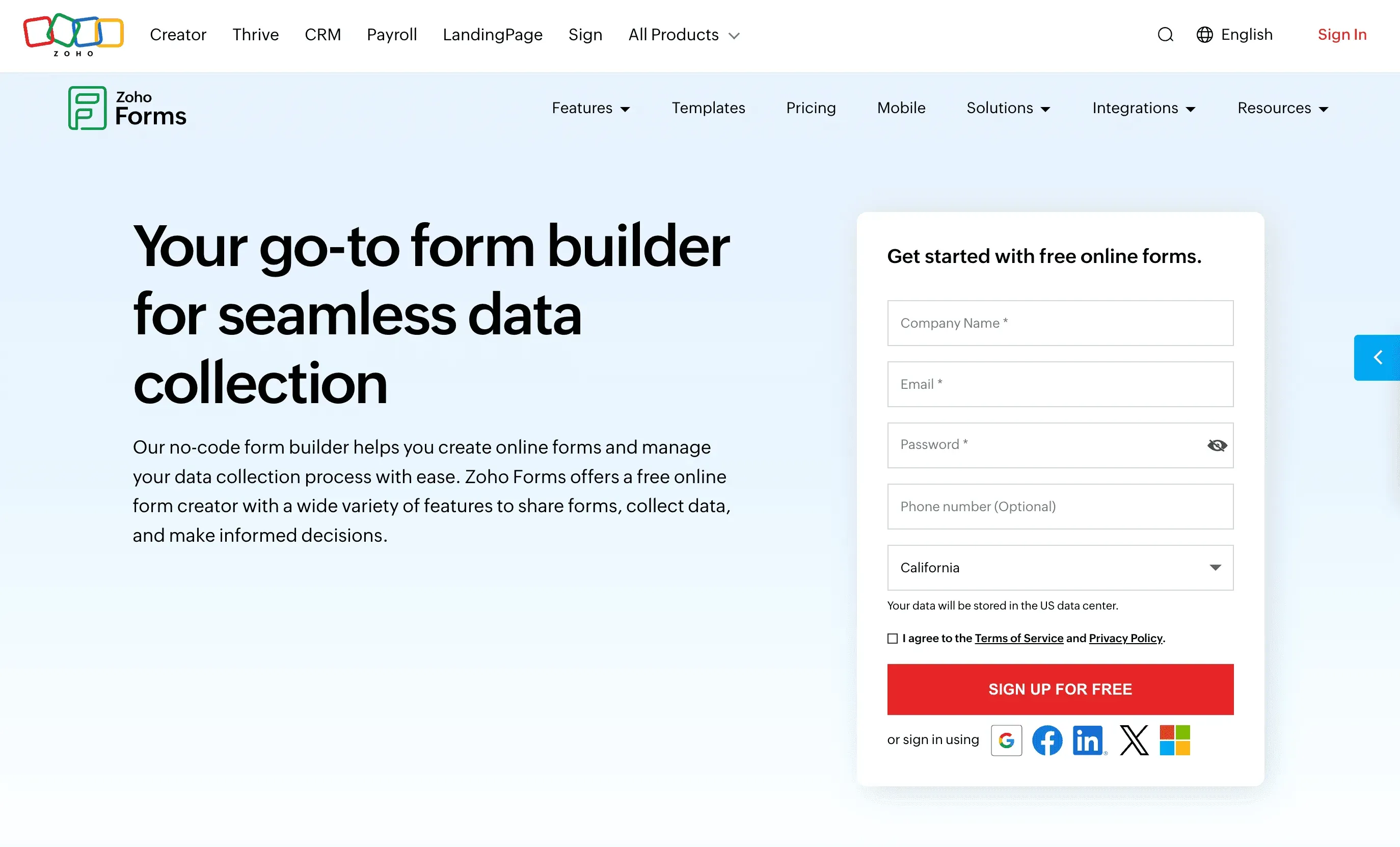 Zoho Forms is the natural choice for businesses already using the Zoho suite.
- Deep Zoho Integration: Automatically create records in Zoho CRM, Desk, Sheets, and more.
- Multi-Level Approvals: Route submissions for manager or finance approval.
- Dynamic Email Triggers: Custom notifications based on form responses.
- Collaboration: Assign forms to team members, share via link or embed.
- Affordable Pricing: Free tier for up to 3 forms, paid plans start around $10/month.
Best for: Organizations using Zoho products, or anyone needing end-to-end workflow automation with approvals.
6. Wufoo
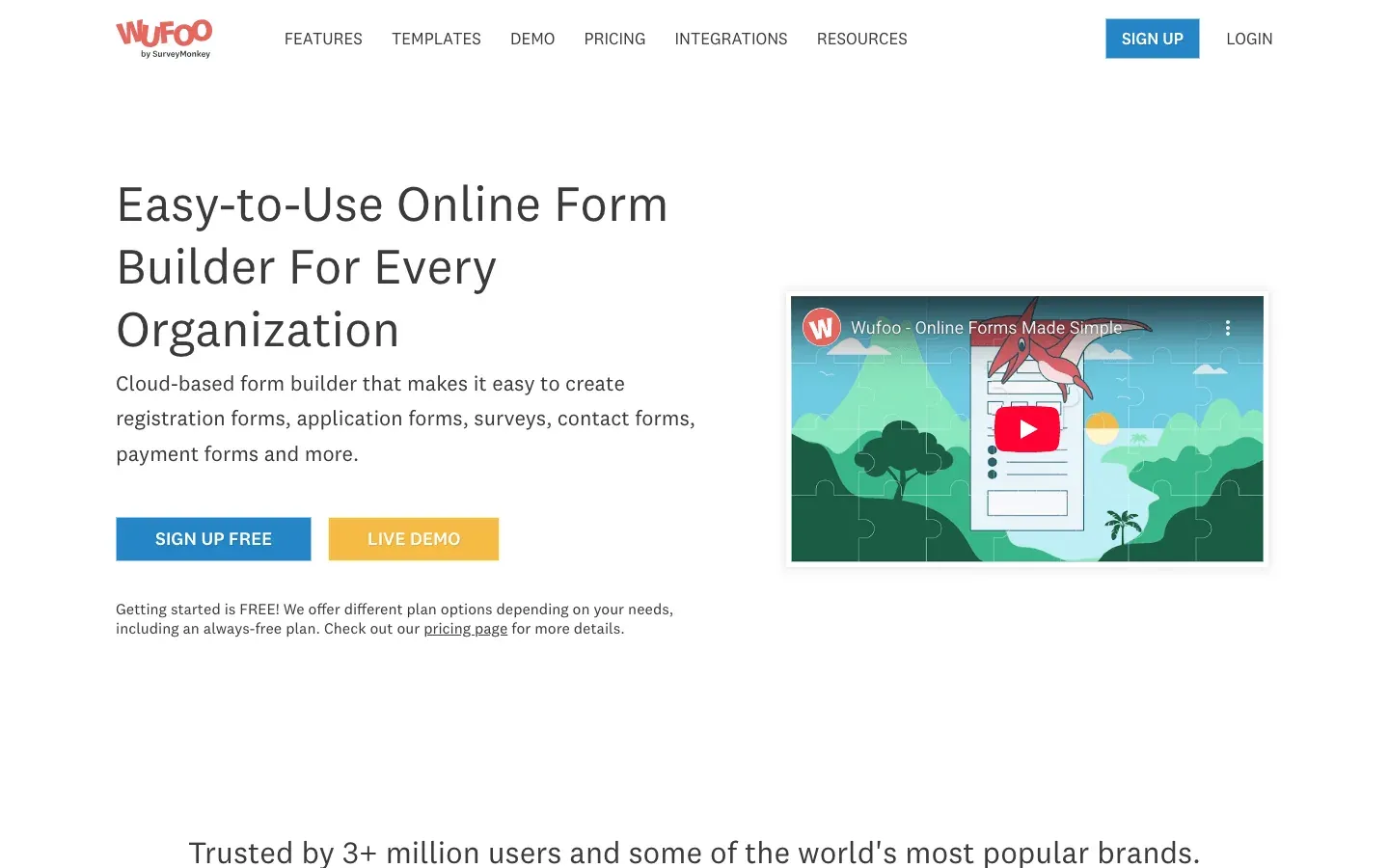 Wufoo is the OG of easy online forms—now part of SurveyMonkey.
- Drag-and-Drop Simplicity: Build forms in minutes, no tech skills required.
- 400+ Templates: Contact forms, order forms, surveys, and more.
- Integrations: Salesforce, Mailchimp, Dropbox, Asana, plus Zapier for everything else.
- Reporting: Built-in graphs and charts for quick insights.
- Security: SSL, CAPTCHA, and SOC 2 certified data centers.
Best for: Small businesses, nonprofits, and anyone who wants a simple, reliable form solution.
7. Cognito Forms
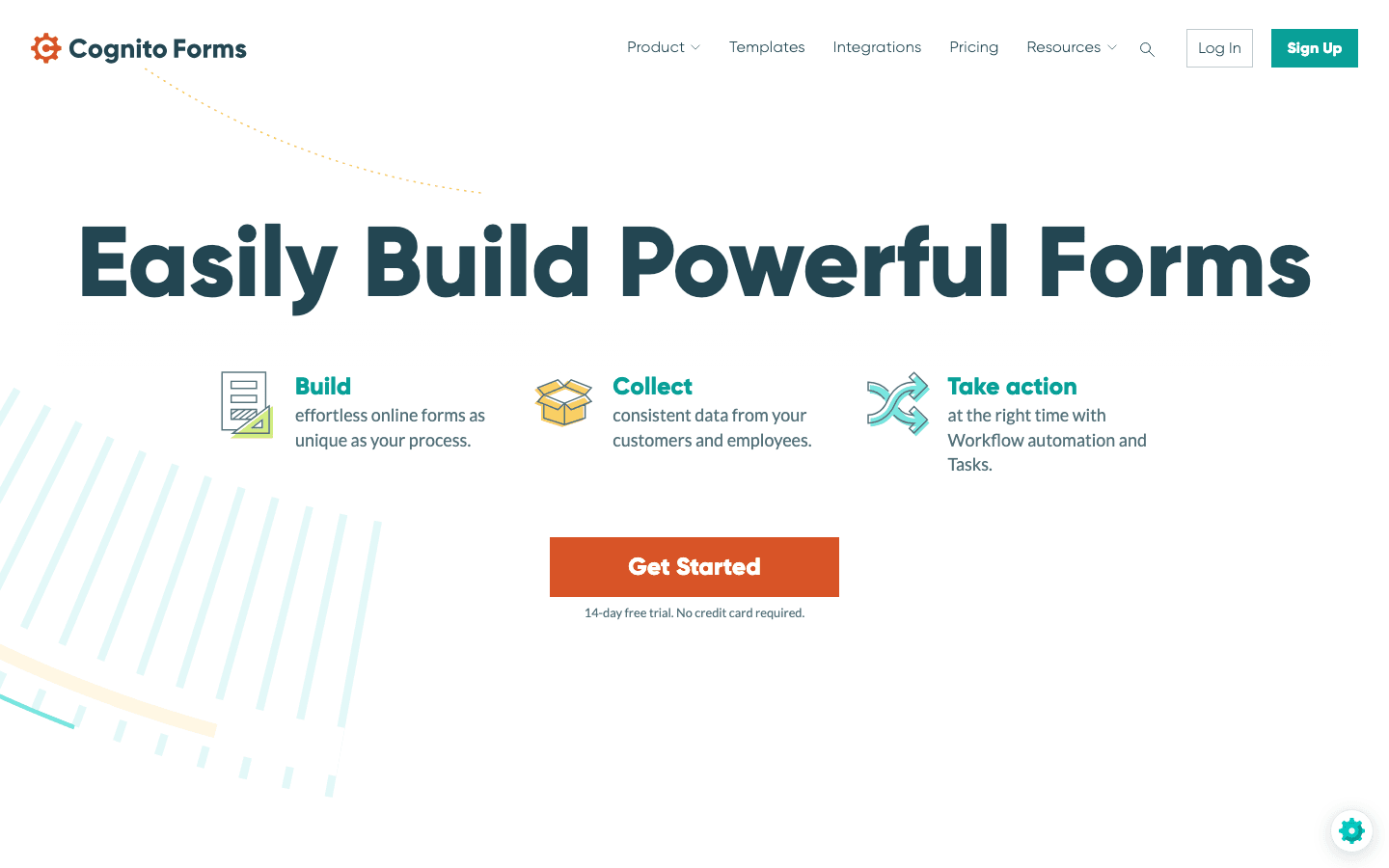 Cognito Forms is a favorite for advanced logic and data management.
- Conditional Logic & Calculations: Show/hide fields, compute totals, validate inputs, and more.
- Repeating Sections: Let users add multiple entries (e.g., expense reports).
- Workflow Automation: Approvals, e-signatures, and task assignments.
- Data Encryption: All form data is encrypted at rest, with HIPAA-compliant plans.
- Integrations: Microsoft 365, Google Drive, Zapier, Power Automate.
Best for: Operations, finance, and technical users who need forms to function like mini-applications.
8. Microsoft Power Automate
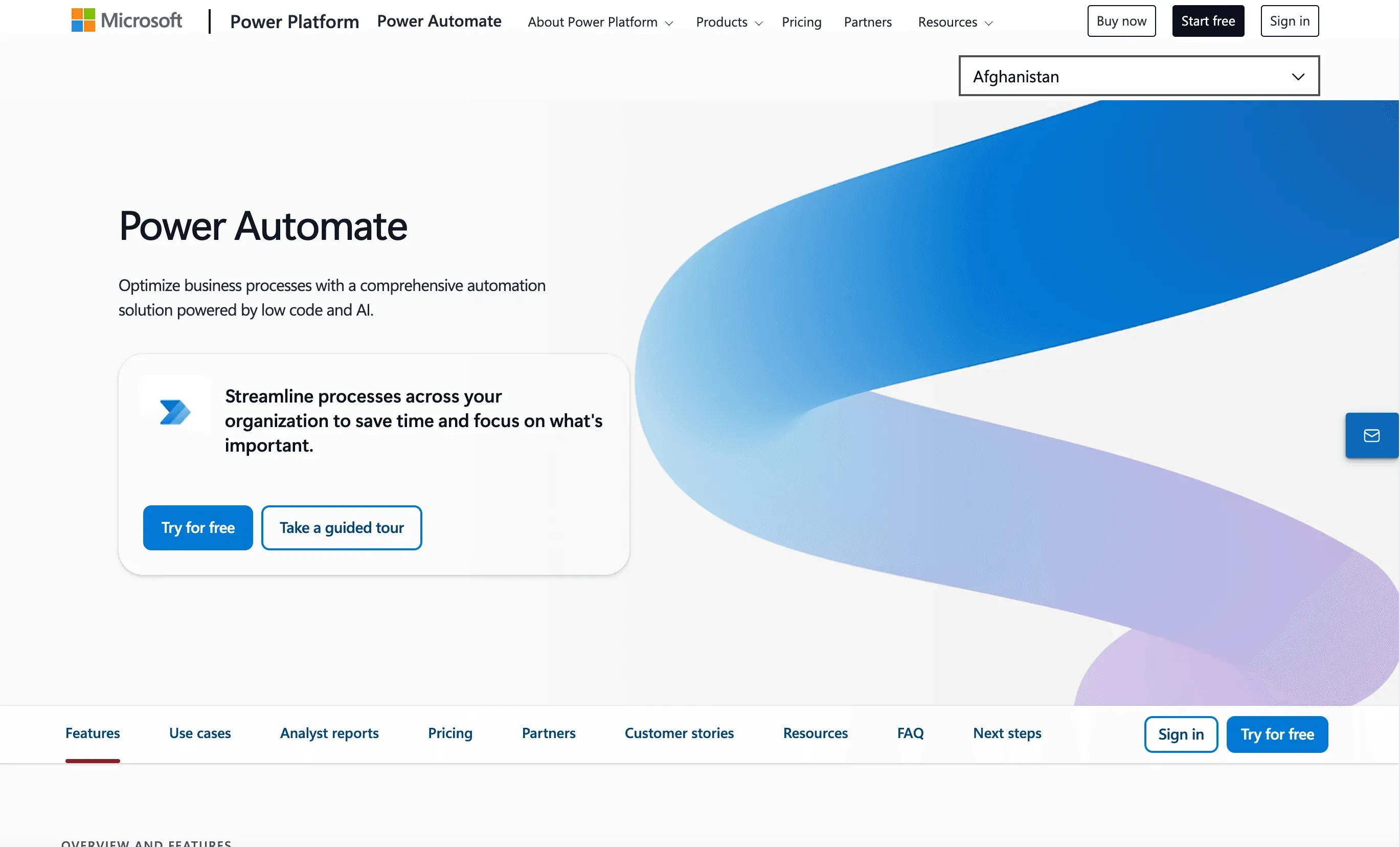 Microsoft Power Automate is the workflow engine for enterprise teams—especially if you’re already on Microsoft 365.
- Connects to 500+ Services: Automate workflows across Microsoft Forms, SharePoint, Dynamics, Salesforce, and more.
- Multi-Step Approvals: Route requests, trigger actions, and handle exceptions.
- RPA Capabilities: Automate legacy apps and websites by simulating clicks and keystrokes.
- AI Integration: OCR, sentiment analysis, and field prediction.
- Enterprise-Grade Security: Deep integration with Microsoft’s compliance and user management.
Best for: Large organizations needing to automate complex, multi-app processes—especially in a Microsoft-centric environment.
9. Paperform
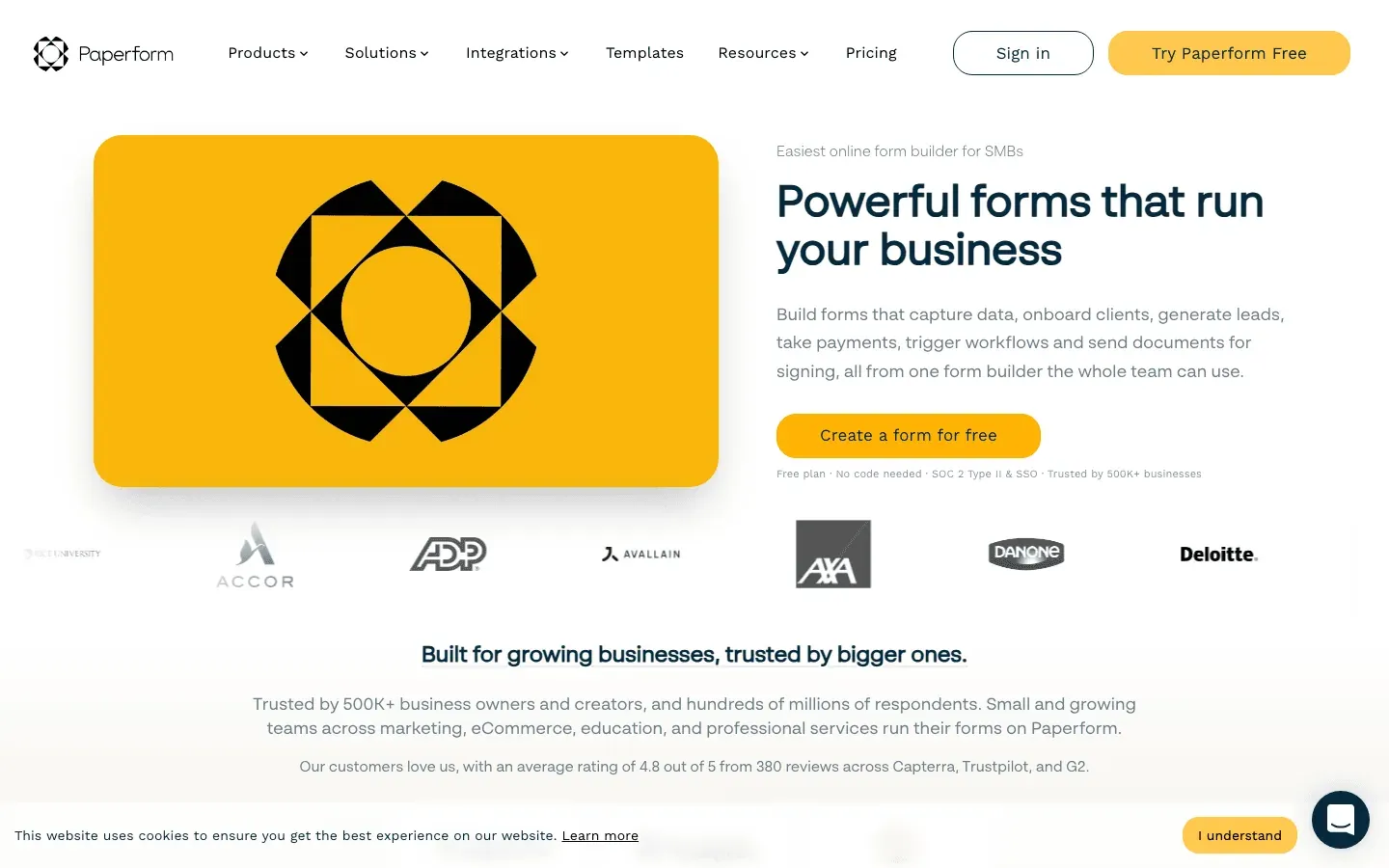 Paperform is where forms meet landing pages and e-commerce.
- Customizable Design: Build forms that look like branded web pages, with rich text, images, and videos.
- E-Commerce Ready: Product catalogs, dynamic pricing, discount codes, and payment integrations (Stripe, PayPal, Square).
- Automation: Generate invoices, send custom emails, and connect to 2,000+ apps via Zapier.
- Multi-Step Forms: Break long forms into pages, use conditional logic to skip irrelevant sections.
Best for: Small businesses, entrepreneurs, and event organizers who want beautiful, functional forms with built-in payments.
10. 123FormBuilder
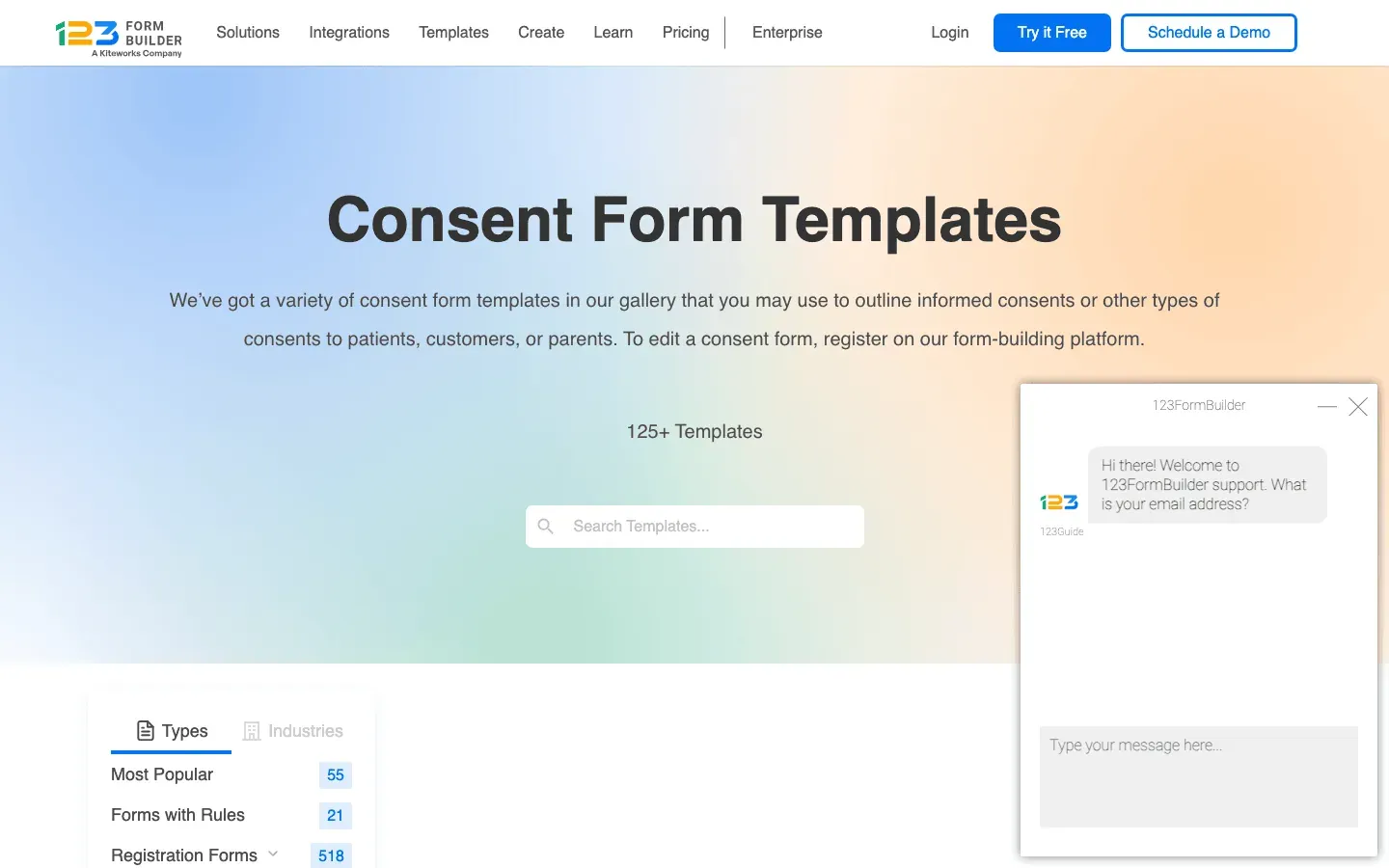 123FormBuilder is a versatile, template-rich solution for any business.
- 3,000+ Templates: Covering everything from contact forms to patient intake and customer surveys.
- Conditional Logic: Unlimited on all plans, even free.
- Integrations: Google Sheets, Salesforce, Mailchimp, Dropbox, Stripe, PayPal, and more.
- Data Management: Online database, analytics, scheduled exports, and PDF/Excel downloads.
- Security: SSL, GDPR, and HIPAA compliance on higher tiers.
Best for: Teams needing a general-purpose form builder with lots of templates and integrations.
11. Google Forms
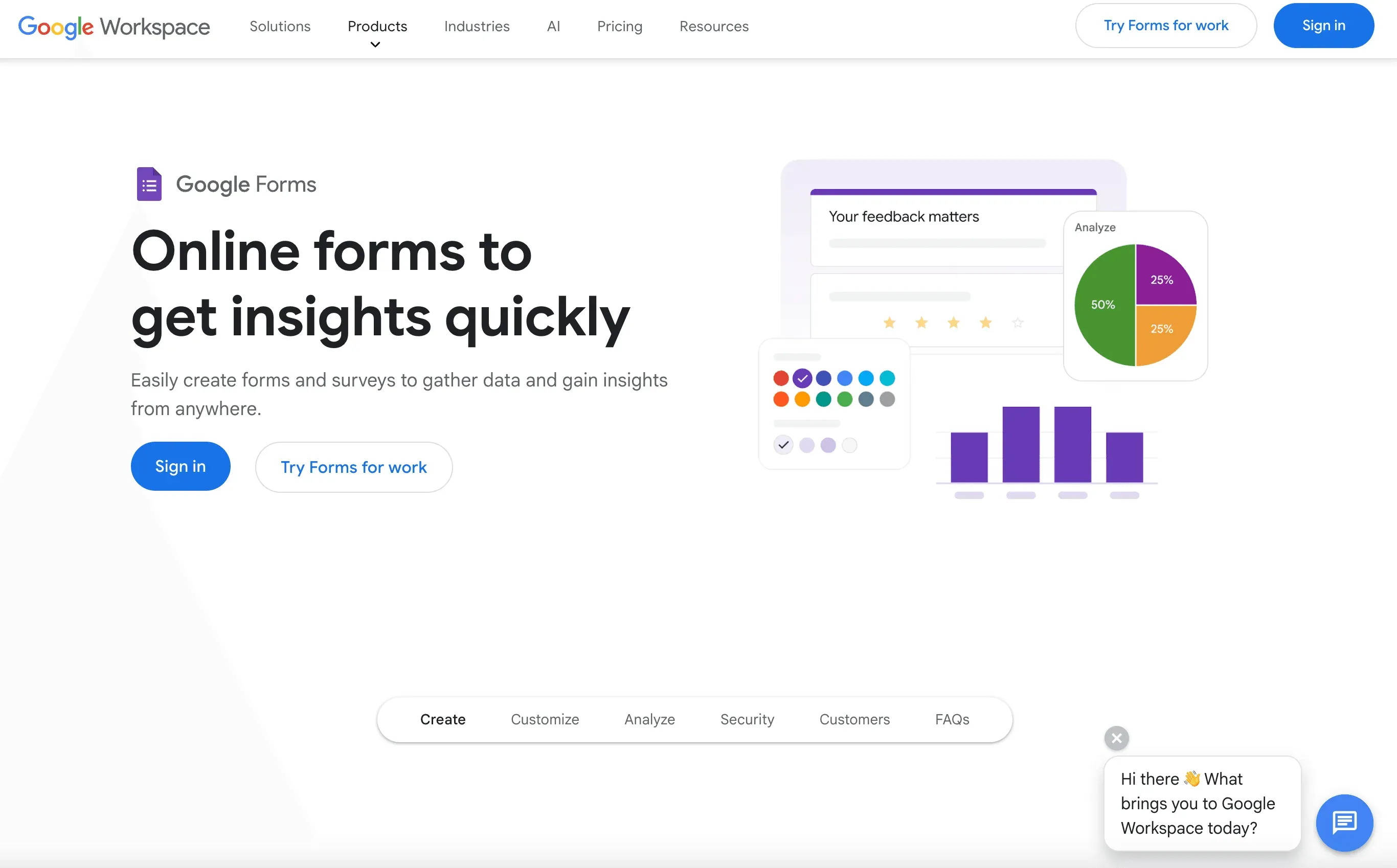 Google Forms is the go-to for quick, free data collection.
- Completely Free: Unlimited forms and responses for anyone with a Google account.
- Auto Data Capture: Responses go straight into Google Sheets for easy analysis.
- Basic Automation: Use Google Apps Script or Zapier for notifications and integrations.
- Simple Design: No-frills, but gets the job done fast.
Best for: Internal surveys, quick polls, education, and small businesses who need a free, easy solution.
12. Ninja Forms
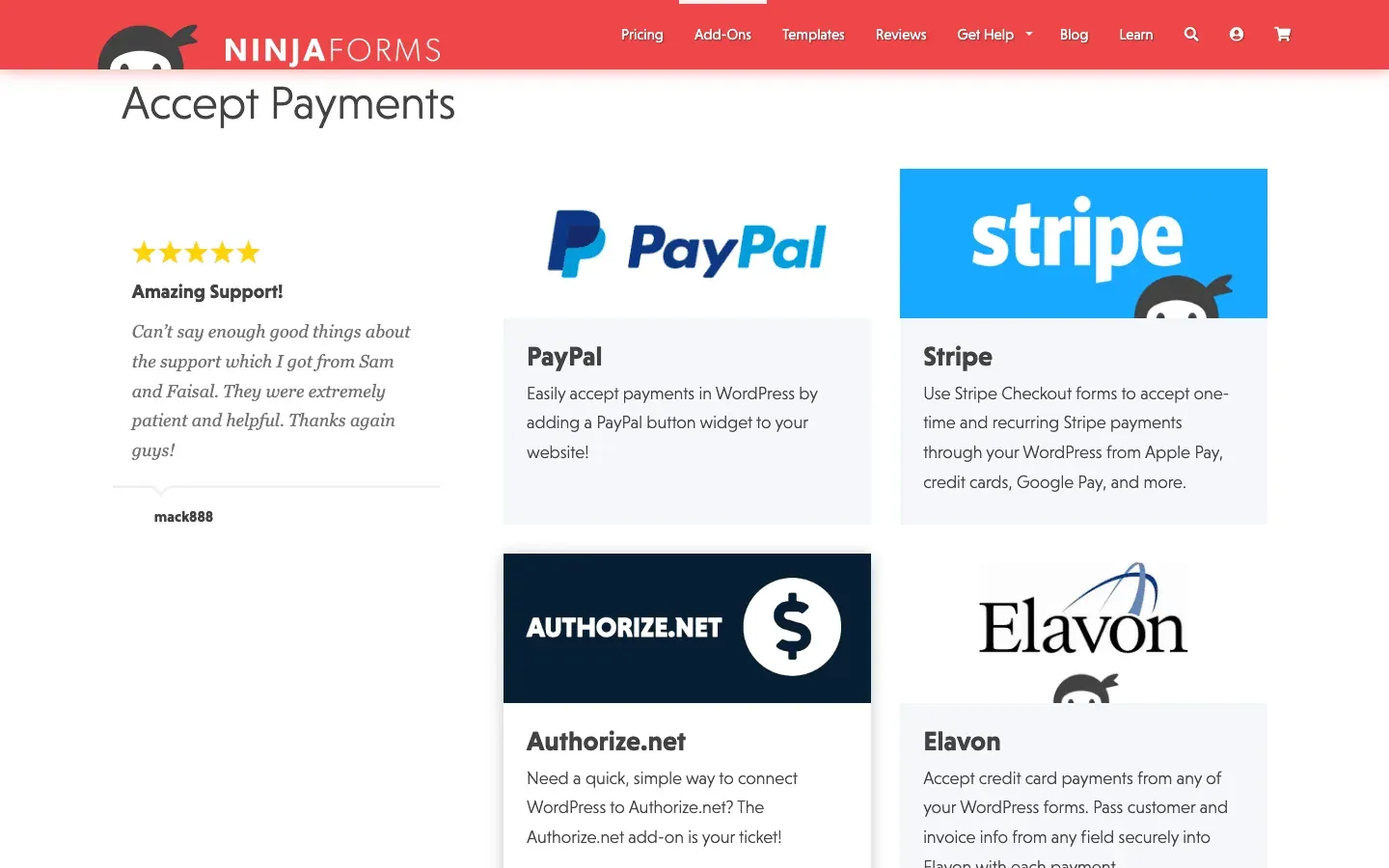 Ninja Forms is a WordPress plugin that makes web form automation easy for site owners.
- Drag-and-Drop Builder: Create forms right in your WordPress dashboard.
- Add-Ons for Automation: Conditional logic, multi-step forms, payments, CRM integrations, Zapier, and more.
- Flexible Pricing: Core plugin is free; pay only for the add-ons you need.
- Community Support: Large user base and plenty of tutorials.
Best for: WordPress site owners who want a native, extendable form solution.
13. Gravity Forms
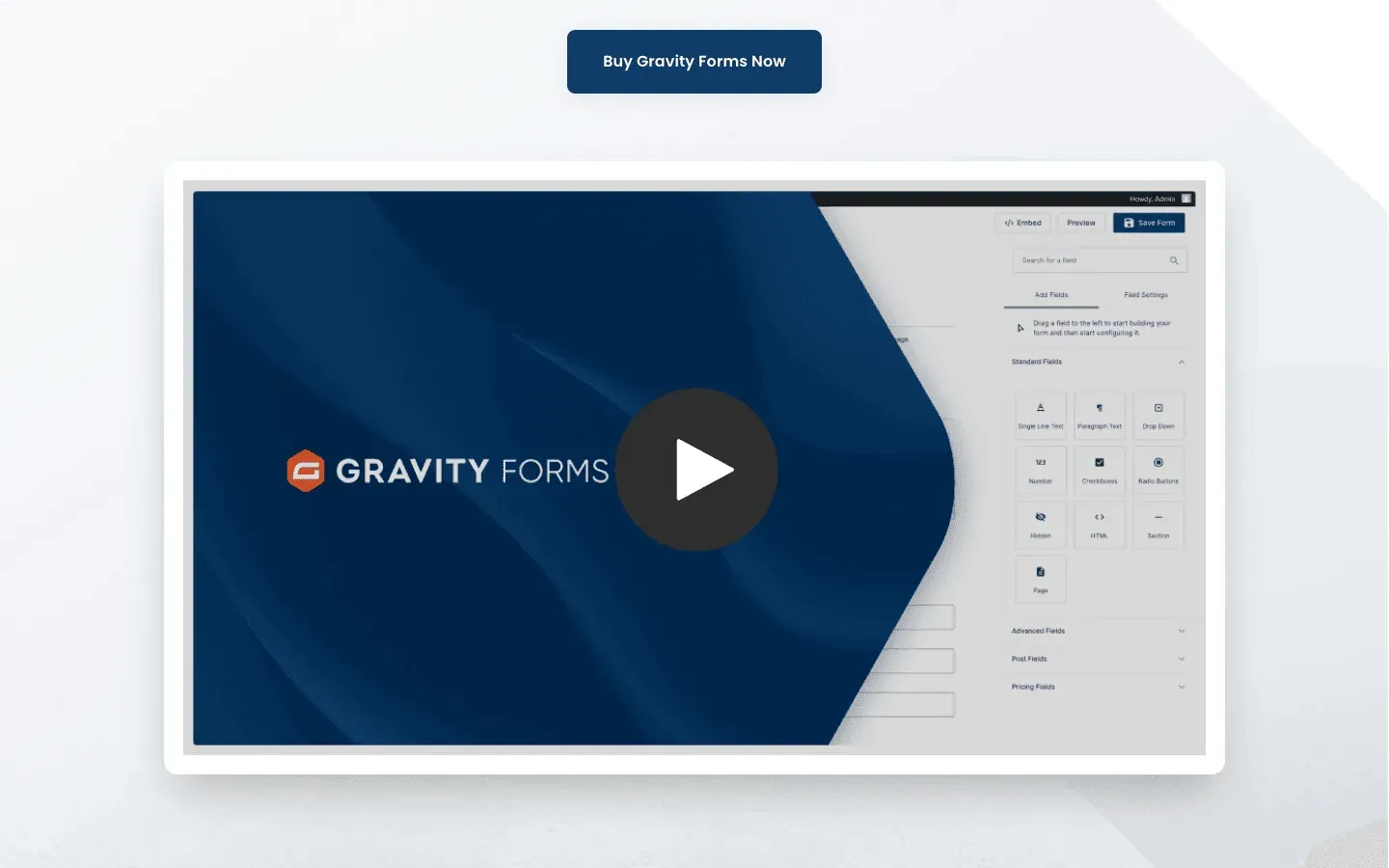 Gravity Forms is the pro’s choice for advanced WordPress form automation.
- 30+ Field Types: Multi-page forms, save-and-continue, file uploads, calculations, and more.
- Official Add-Ons: Payments, CRM, email marketing, surveys, polls, and quizzes.
- Developer-Friendly: APIs, webhooks, and custom post creation.
- Workflow Extensions: Gravity Flow add-on turns forms into approval workflows.
Best for: Power users and developers on WordPress who need robust, customizable forms.
14. Wix Forms
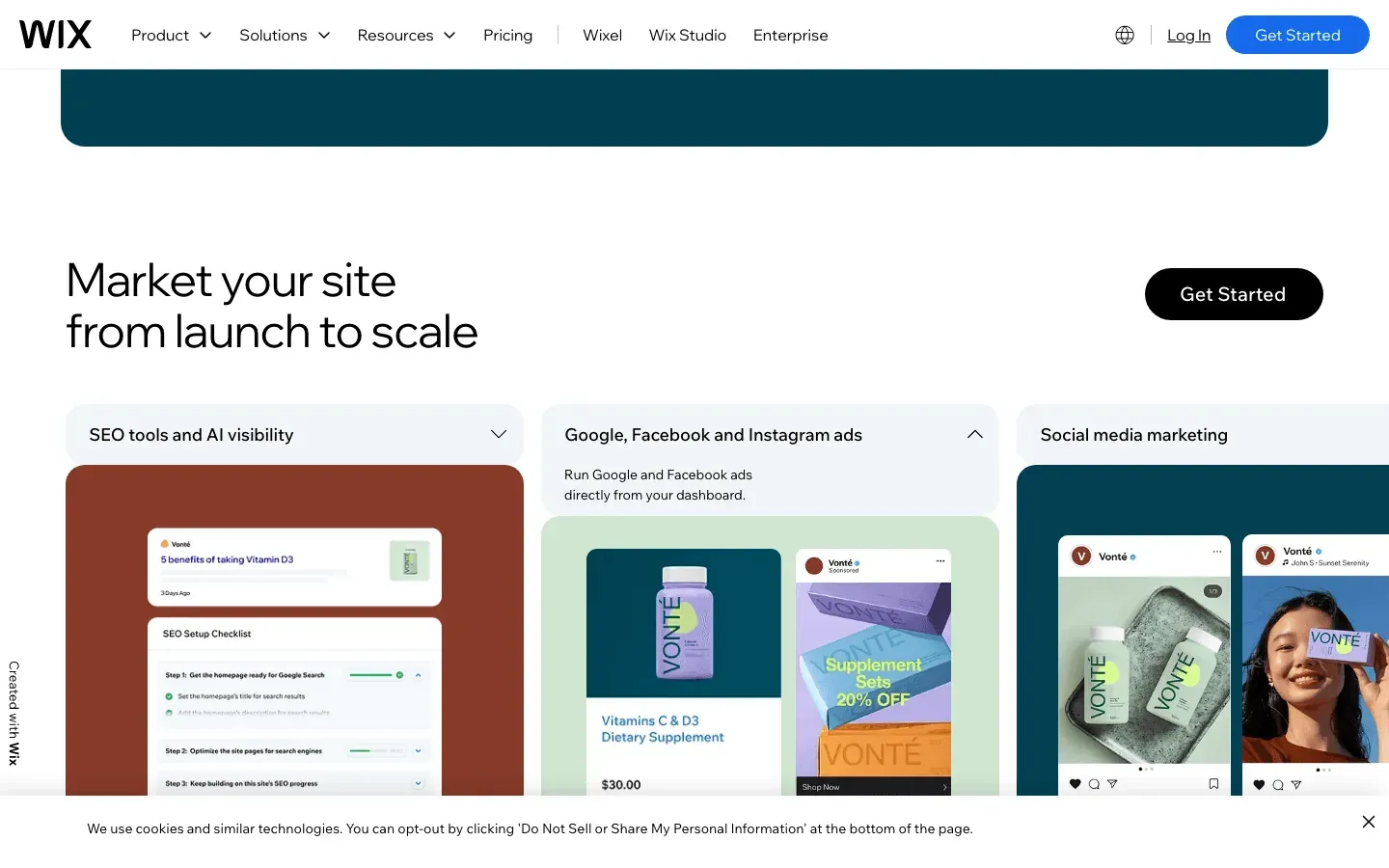 Wix Forms is built right into the Wix website builder.
- Easy Addition: Drag forms onto any Wix page, with templates for common needs.
- CRM Integration: Submissions go straight into Wix Contacts and the dashboard.
- Automations: Trigger emails, assign tasks, or send coupons on form submission.
- Design Flexibility: Match your site’s branding with custom themes.
Best for: Wix website users who want integrated forms, lead capture, and basic automations.
15. Formsite
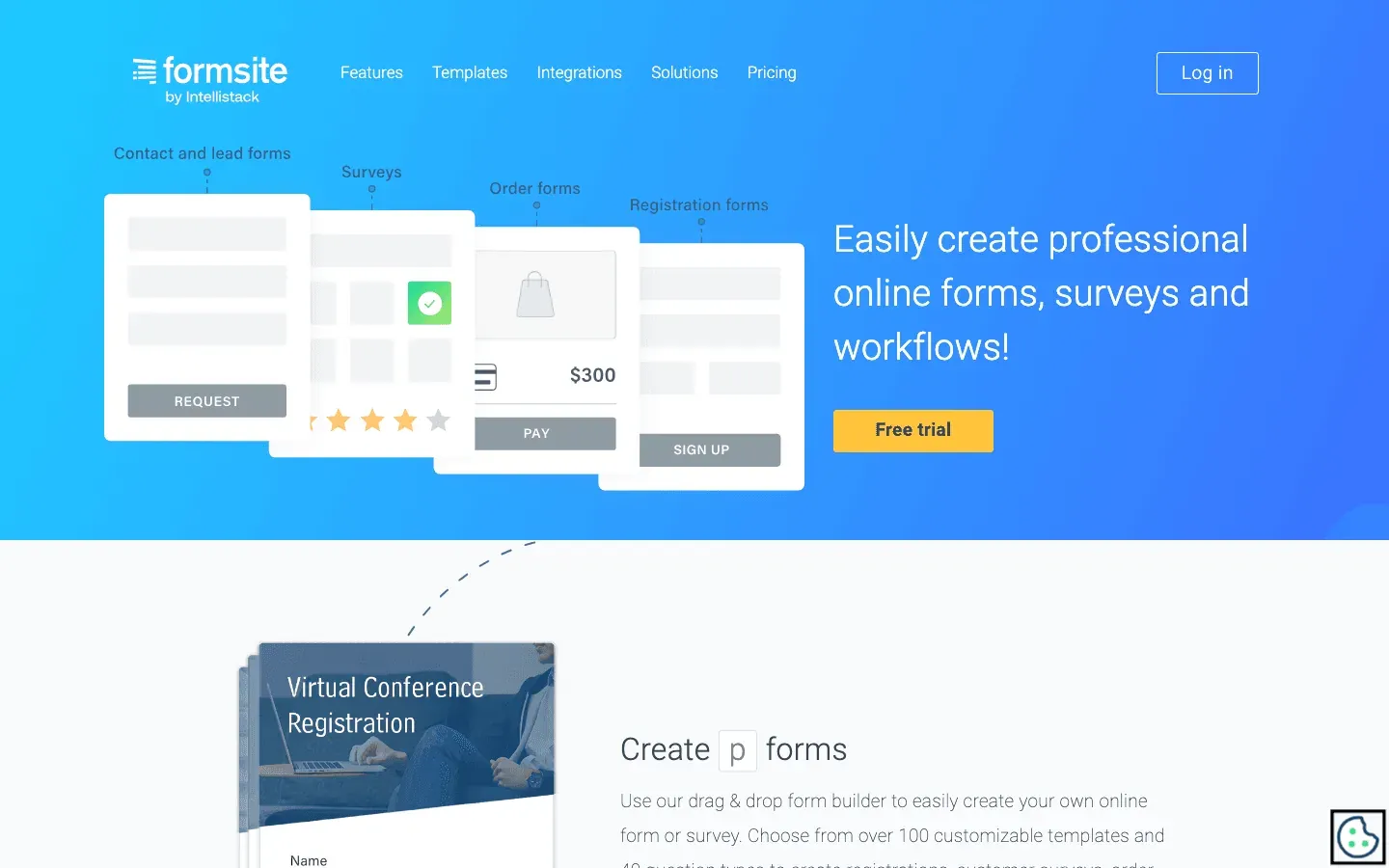 Formsite is all about security and customization.
- Strong Security: SSL and AES-256 encryption for all form data, with HIPAA-compliant options.
- Custom Workflows: Multi-page forms, branching, and flexible notifications.
- Reporting & Exports: Analyze results, export to Excel/CSV/PDF, and integrate with Google Sheets, Salesforce, Dropbox, and more.
- Password-Protected Forms: For sensitive or private data collection.
Best for: Healthcare, government, finance, and any business needing strict data privacy and compliance.
Compare Web Form Automation Tools: Features & Pricing at a Glance
Here’s a quick comparison to help you zero in on the right tool:
| Tool | Notable Features/Strengths | Best For | Pricing (starting) |
|---|---|---|---|
| Thunderbit | AI autofill for any web form, bulk entry, subpage navigation, data validation, Sheets/Excel export | Complex external forms, sales ops, bulk data entry | Free trial, pay-per-row |
| Formstack | Drag-and-drop builder, workflow automation, compliance (GDPR, HIPAA), CRM/payment integrations | Regulated industries, multi-step workflows | Forms tier from $83/mo (annual) |
| JotForm | 10,000+ templates, visual builder, approval flows, PDF gen, 200+ integrations | Quick deployment, marketing, SMBs | Free plan, Bronze from $39/mo ($34/mo annual) |
| Typeform | Conversational interface, high completion rates, polished design, CRM/marketing integrations | Customer surveys, feedback, lead gen | Basic from $39/mo ($25/mo annual) |
| Zoho Forms | Deep Zoho integration, multi-level approvals, dynamic triggers, collaboration | Zoho users, enterprise workflows | Free tier, paid from $10/mo |
| Wufoo | Simple drag-and-drop, 400+ templates, basic automation, reporting, Zapier integrations | Small teams, nonprofits, quick forms | Free plan, paid from $15/mo |
| Cognito Forms | Advanced logic, calculations, repeating sections, workflow automation, encryption | Ops/finance, technical users, complex forms | Free tier, paid from $19/mo |
| Power Automate | 500+ integrations, multi-step approvals, RPA, AI, enterprise security | Microsoft-centric orgs, complex workflows | Included in O365, or $15/mo |
| Paperform | Customizable forms/landing pages, e-commerce, dynamic pricing, 2,000+ integrations | SMBs, entrepreneurs, event organizers | Free tier or Essentials from $24/mo (annual) |
| 123FormBuilder | 3,000+ templates, conditional logic, many integrations, analytics, GDPR/HIPAA compliance | Versatile, all-purpose, template-driven forms | Free plan, paid from $25/mo |
| Google Forms | 100% free, Sheets integration, basic automation via scripts/Zapier | Internal surveys, education, quick polls | Free |
| Ninja Forms | WordPress plugin, drag-and-drop, modular add-ons for automation/payments/CRM | WordPress sites, small businesses | Free core, add-ons $30–$100 |
| Gravity Forms | Advanced WordPress forms, 30+ field types, workflow add-ons, developer-friendly | Power users, agencies, complex WP forms | Paid, from $59/yr |
| Wix Forms | Built into Wix, CRM integration, automations, design flexibility | Wix website users | Included with Wix |
| Formsite | Strong security, HIPAA, custom workflows, reporting, password-protected forms | Healthcare, finance, gov, privacy-focused orgs | Paid, from $25/mo |
How to Choose the Right Web Form Automation Tool for Your Team
How to Automate Forms with AI Get Started Free
Here’s my cheat sheet for picking the right tool:
- Need to automate complex, external web forms or bulk data entry? Go with Thunderbit.
- Want quick, beautiful forms with lots of templates? Try JotForm or 123FormBuilder.
- Already using Zoho, Microsoft, WordPress, or Wix? Stick with Zoho Forms, Power Automate, Ninja Forms/Gravity Forms, or Wix Forms for seamless integration.
- Need top-notch security and compliance? Formsite or Formstack are your best bets.
- Want to boost survey response rates? Typeform is hard to beat for engagement.
Pro tips:
- Check your integration needs—does the tool connect to your CRM, Sheets, or workflow apps?
- Consider your team’s technical skills—no-code tools are best for non-developers.
- Start with a free trial or plan, and test with a real-world use case.
- If you’re handling sensitive data, prioritize tools with encryption and compliance certifications.
Automate Web Forms with Thunderbit
Conclusion: Unlock Efficiency with the Right Web Form Automation Solution
Manual web form processes are a silent drain on productivity, accuracy, and morale. But with the right automation tool, you can reclaim hours every week, reduce costly errors, and accelerate your business workflows. Whether you’re looking to supercharge sales lead imports, streamline approvals, or just stop the endless copy-paste, there’s a tool on this list that fits your needs.
Don’t let outdated processes hold your team back. Try out a few of these web form automation tools—most offer free plans or trials—and see how much time and sanity you can save. And if you’re facing a particularly thorny workflow that nothing else can automate, give Thunderbit a spin. Your future self (and your team) will thank you.
For more guides on automating your business, check out the Thunderbit Blog.
Try Thunderbit AI Web Form Automation Get Started Free
FAQs
1. What is web form automation, and why does it matter?
Web form automation uses software to handle repetitive tasks like filling out, submitting, and routing form data—saving time, reducing errors, and speeding up business processes. It’s essential for sales, ops, and any team that deals with lots of forms.
2. How do I choose the right web form automation tool?
Consider your integration needs, technical skills, workflow complexity, data sensitivity, and budget. Start with a free trial, and pick a tool that fits your existing systems and business goals.
3. Can web form automation tools handle approvals and multi-step workflows?
Yes! Tools like Formstack, Zoho Forms, Cognito Forms, and Microsoft Power Automate all support multi-step approvals, conditional routing, and complex workflows.
4. What if I need to automate form filling on external websites?
Thunderbit is designed for exactly that—its AI can fill out any web form, even on sites without integrations, and handle bulk data entry, subpages, and more.
5. Are these tools secure for handling sensitive data?
Most leading tools offer SSL encryption, and some (like Formsite, Formstack, and Cognito Forms) provide HIPAA and GDPR compliance. Always check a tool’s security features before using it for sensitive information.
Ready to work smarter, not harder? Start automating your web forms today and watch your productivity soar.
Learn More




