If you’ve ever tried to make sense of Twitter’s (or should I say, X’s) endless stream of tweets for work, you know it’s like trying to drink from a firehose—except the water is hashtags, memes, and breaking news, all coming at you at 500 million tweets a day. With over 561 million active users in 2025, Twitter remains the go-to platform for real-time trends, brand buzz, and public sentiment. But here’s the catch: native search is clunky, APIs are paywalled, and manually tracking conversations is a recipe for missed opportunities (and carpal tunnel).
That’s why I’ve put together this practical, comparison-focused guide to the top 15 Twitter tools for search efficiency—tailored for business users, marketers, and anyone who needs to turn Twitter chaos into actionable insights. From AI-powered data extraction (yep, that’s Thunderbit) to influencer analytics and campaign tracking, these tools help you find, analyze, and act on the conversations that matter. Let’s dig in and see which ones can actually save your sanity—and maybe even your weekend.
Why Twitter Tools Search Matters for Business Users
See the Best Twitter Scrapers in 2025 Get Started Free
Twitter isn’t just a place for hot takes and trending hashtags—it’s a goldmine for businesses. Whether you’re tracking brand mentions, running hashtag campaigns, scouting for leads, or keeping tabs on competitors, Twitter’s real-time pulse is invaluable. But here’s the rub: Twitter’s native search is built for casual browsing, not business intelligence.
- Manual searching is time-consuming and incomplete. Advanced search operators help, but you’re still stuck copy-pasting, scrolling, and filtering by hand.
- Real-time monitoring is tough. There’s no built-in way to get alerts for spikes in mentions or to track multiple keywords and hashtags at once.
- Data extraction is a pain. Need to export tweets, user profiles, or campaign data for analysis? Good luck—unless you love spreadsheets and repetitive tasks.
For sales, marketing, and operations teams, these limitations mean missed leads, slow responses, and incomplete reporting. That’s why specialized Twitter tools—especially those focused on search, monitoring, and data extraction—have become essential for anyone who wants to turn Twitter noise into business value.
How We Selected the Best Twitter Tools Search Solutions
With so many tools out there, how do you pick the right one? Here’s how I approached this list:
- Search Efficiency: How quickly and accurately can the tool surface relevant tweets, users, or trends?
- Data Extraction: Can you export structured data (tweets, profiles, analytics) for deeper analysis?
- Analytics & Reporting: Does it offer insights, visualizations, or campaign measurement?
- Integration & Workflow: Can it plug into your existing stack (Excel, Google Sheets, Notion, etc.)? Does it support teams?
- Pricing & Value: Is it affordable for individuals, SMBs, or only enterprises?
- Ease of Use: Can non-technical users get value quickly, or do you need a PhD in “tweetology”?
I’ve included tools for every use case—from raw data scraping (Thunderbit) to real-time dashboards, influencer discovery, and unified social management. Let’s break down the top 15, starting with the only AI-powered Twitter scraper in the bunch.
1. Thunderbit
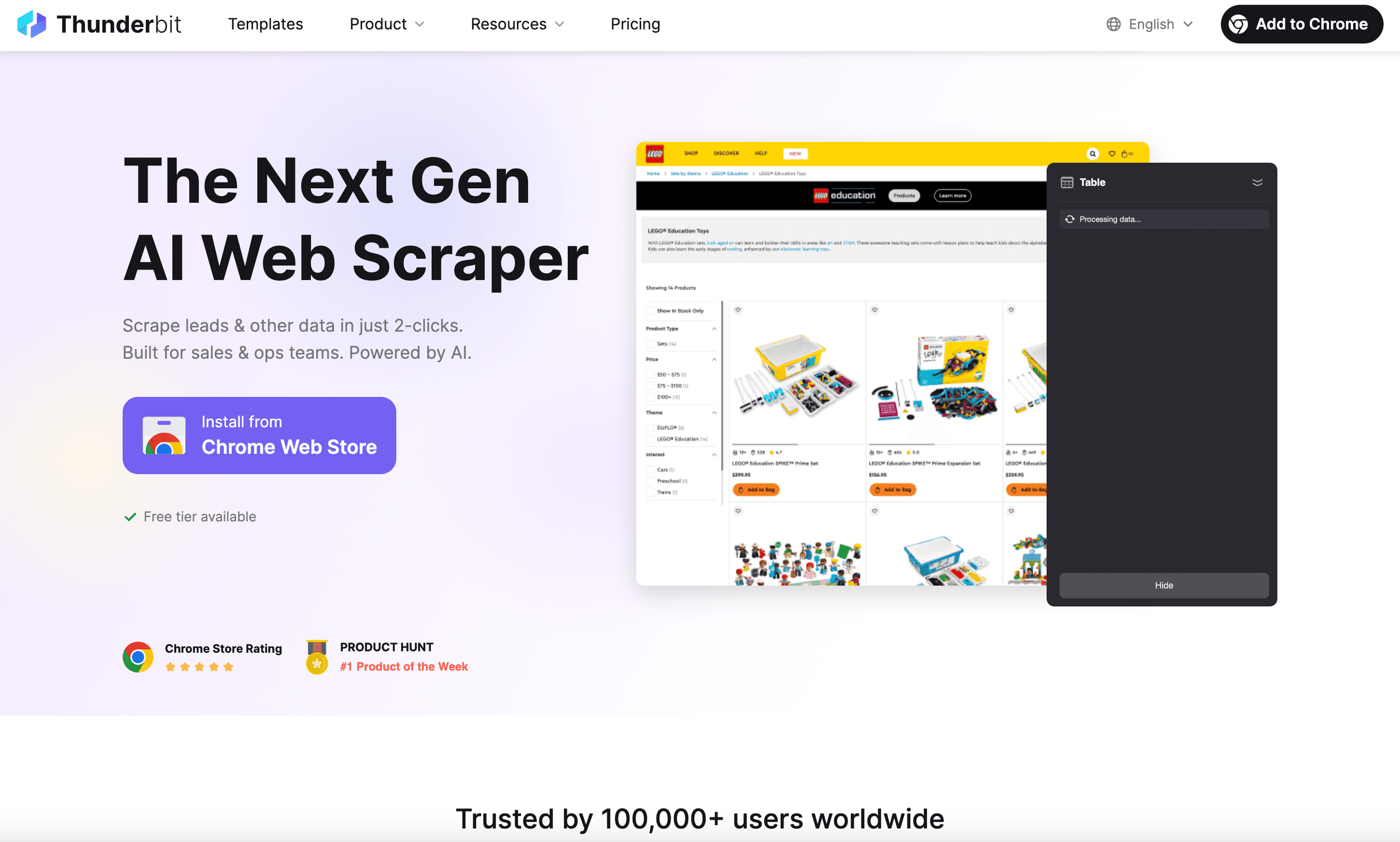 Thunderbit is the only AI-powered web scraper on this list, and it’s a lifesaver for anyone who needs to extract structured Twitter data—fast. Whether you’re a marketer tracking campaign hashtags, a sales pro hunting for leads, or a researcher archiving conversations, Thunderbit turns Twitter’s messy web pages into clean, exportable tables in just two clicks.
Why it stands out:
- AI Suggest Fields: Thunderbit reads any Twitter page—search results, user profiles, hashtag feeds—and auto-detects the right data fields (tweet text, username, timestamp, engagement, etc.).
- Subpage Scraping: Want to grab replies to each tweet or details from user profiles? Thunderbit’s AI can follow links and enrich your dataset automatically.
- Handles Infinite Scroll: It can keep scrolling and scraping, so you’re not limited to what’s visible on the page.
- Export Anywhere: One-click export to Excel, Google Sheets, Airtable, Notion, or CSV—no extra fees.
- Cloud or Browser Scraping: Run jobs in the cloud for speed, or in your browser for login-required data.
- Flexible Pricing: Free tier (6 pages/month), with paid plans starting at $15/month for 500 credits (rows). That’s a lot of tweets for the price of a fancy coffee.
Best for:
- Structured data extraction for marketing analysis, lead gen, or research.
- Teams that want to automate Twitter data collection without coding or API headaches.
Limitations:
- No built-in analytics or dashboards (it’s a data extraction tool, not an analytics suite).
- Heavy users may need to manage credits, but plans are generous.
Pro tip: Use Thunderbit to scrape all tweets from a campaign hashtag, then analyze the data in Excel or feed it into your favorite BI tool. It’s like having a supercharged research assistant—minus the coffee breaks.
Want to see Thunderbit in action? Check out the Thunderbit Chrome Extension or dive into our blog on Twitter scrapers.
Try Thunderbit for Twitter Data Extraction
2. Tweepi
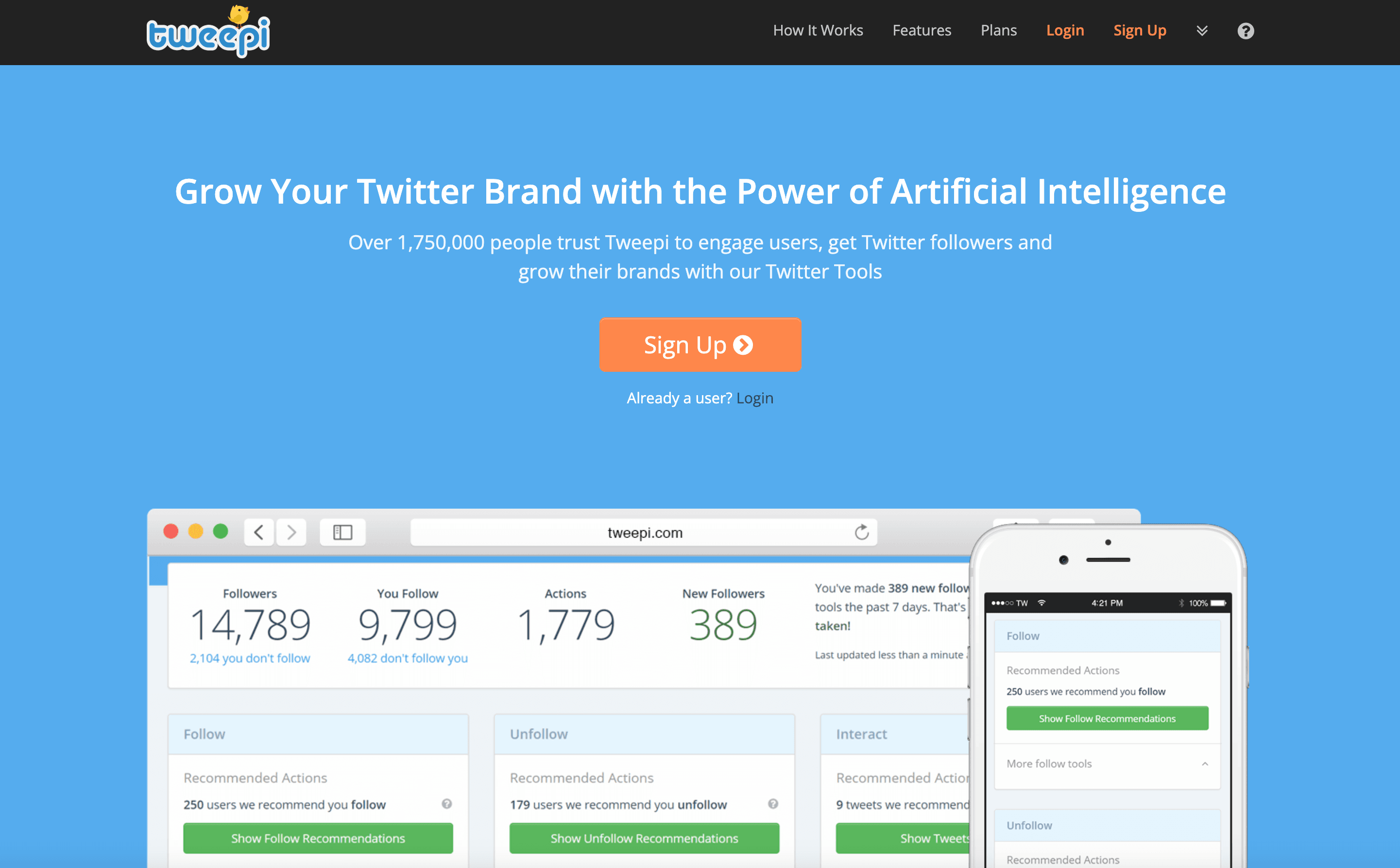 Tweepi was a favorite for AI-driven follower management and engagement—helping users grow relevant followers, clean up their lists, and target prospects by hashtag or competitor. It used to suggest who to follow or unfollow, making audience growth a breeze.
Why it stands out:
- AI-powered recommendations for who to engage with, based on hashtags, interests, and competitor followers.
- Bulk actions (follow, unfollow, flush inactives) to keep your account tidy.
- Geo-targeting and filtering for local campaigns.
Best for:
- Rapid follower growth and audience targeting (when it was active).
- Marketers and small businesses focused on organic Twitter growth.
Limitations:
- As of April 2023, Tweepi shut down due to Twitter API changes. It’s included here for context and as a reminder to always have a backup plan!
3. TweetDeck
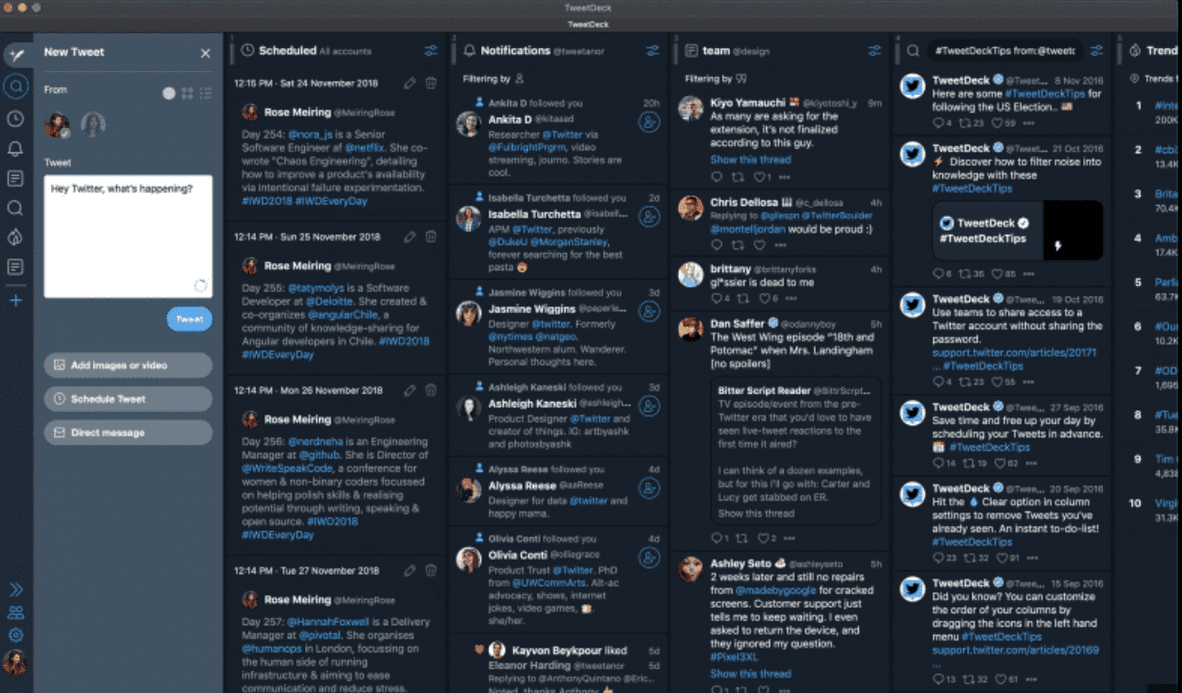 TweetDeck (now X Pro) is the OG real-time Twitter dashboard. If you need to monitor multiple streams—mentions, hashtags, lists, DMs, and more—TweetDeck’s multi-column interface is unbeatable.
Why it stands out:
- Live multi-column monitoring: Watch hashtags, keywords, competitor feeds, and more—all updating in real time.
- Multi-account management: Post, reply, and schedule tweets across multiple accounts.
- Scheduling: Plan tweets and threads for optimal times.
Best for:
- Social media managers, journalists, and teams who need to monitor and engage in real time.
- Anyone managing multiple Twitter accounts or live events.
Limitations:
- Now paywalled behind X Premium ($8/month).
- No analytics or export features—purely for monitoring and engagement.
4. Hootsuite
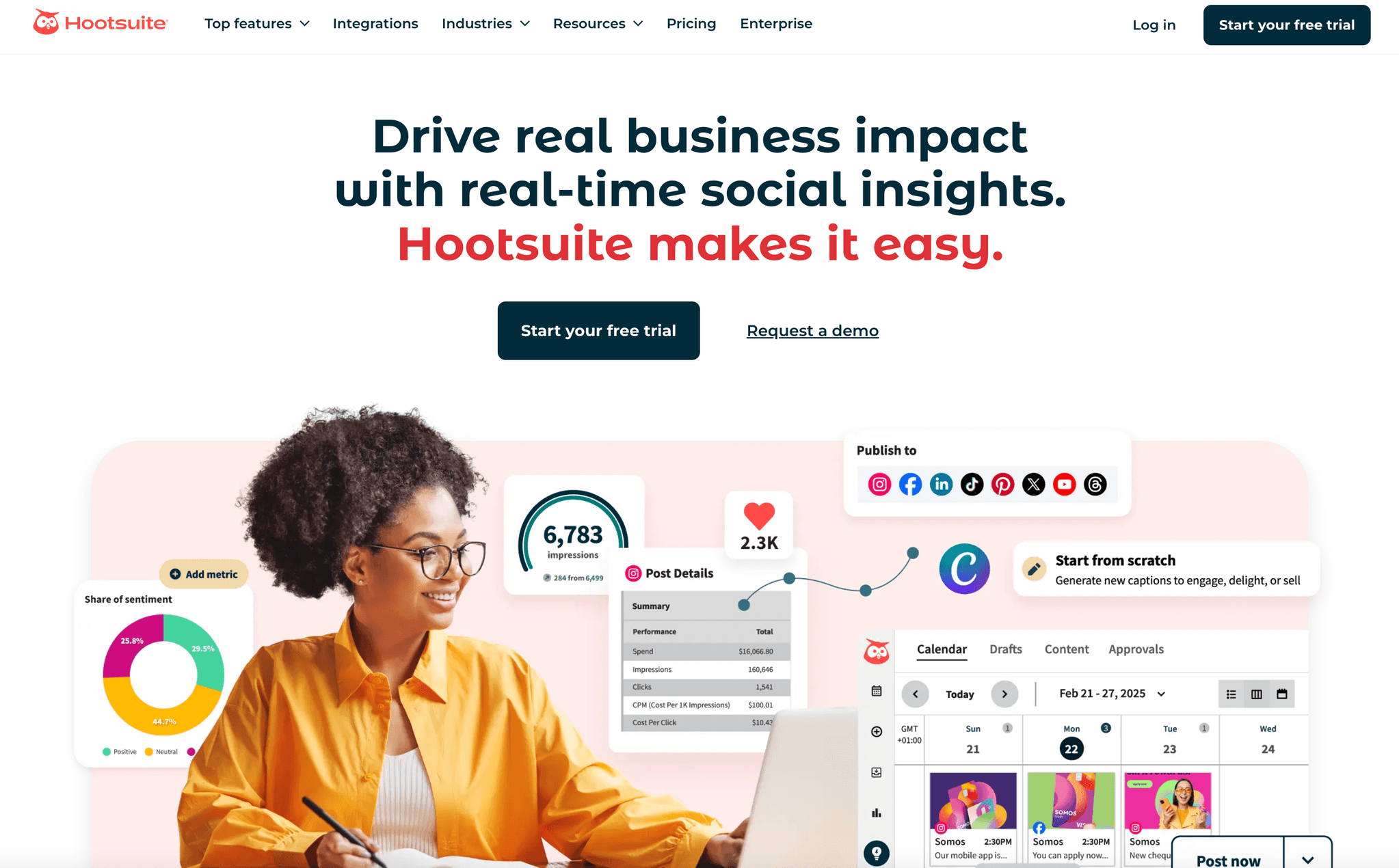 Hootsuite is the all-in-one social media management giant. For Twitter, it offers scheduling, streams for mentions and keywords, team collaboration, and basic analytics—all in one dashboard.
Why it stands out:
- Streams: Set up columns for mentions, hashtags, keywords, and more.
- Unified scheduling: Plan and publish tweets (and posts for other platforms) from one calendar.
- Team workflows: Assign messages, approvals, and content libraries.
Best for:
- Enterprises and agencies managing multiple social profiles and platforms.
- Teams needing collaboration, scheduling, and basic analytics.
Limitations:
- No free plan; entry pricing starts at $99/month.
- Advanced analytics and features require higher-tier plans.
5. SocialBee
 SocialBee is a favorite for small businesses and solo marketers who want to automate Twitter content without breaking the bank. Its category-based scheduling and evergreen recycling keep your feed active with minimal effort.
Why it stands out:
- Content categories: Organize tweets by topic and set custom posting schedules.
- Evergreen recycling: Automatically re-share your best content.
- Integrations: Canva for design, Bitly for link tracking, and more.
Best for:
- SMBs and agencies focused on consistent, organized posting.
- Anyone who wants to “set and forget” their Twitter content calendar.
Limitations:
- Limited analytics compared to enterprise tools.
- Real-time engagement and listening features are basic.
6. Keyhole
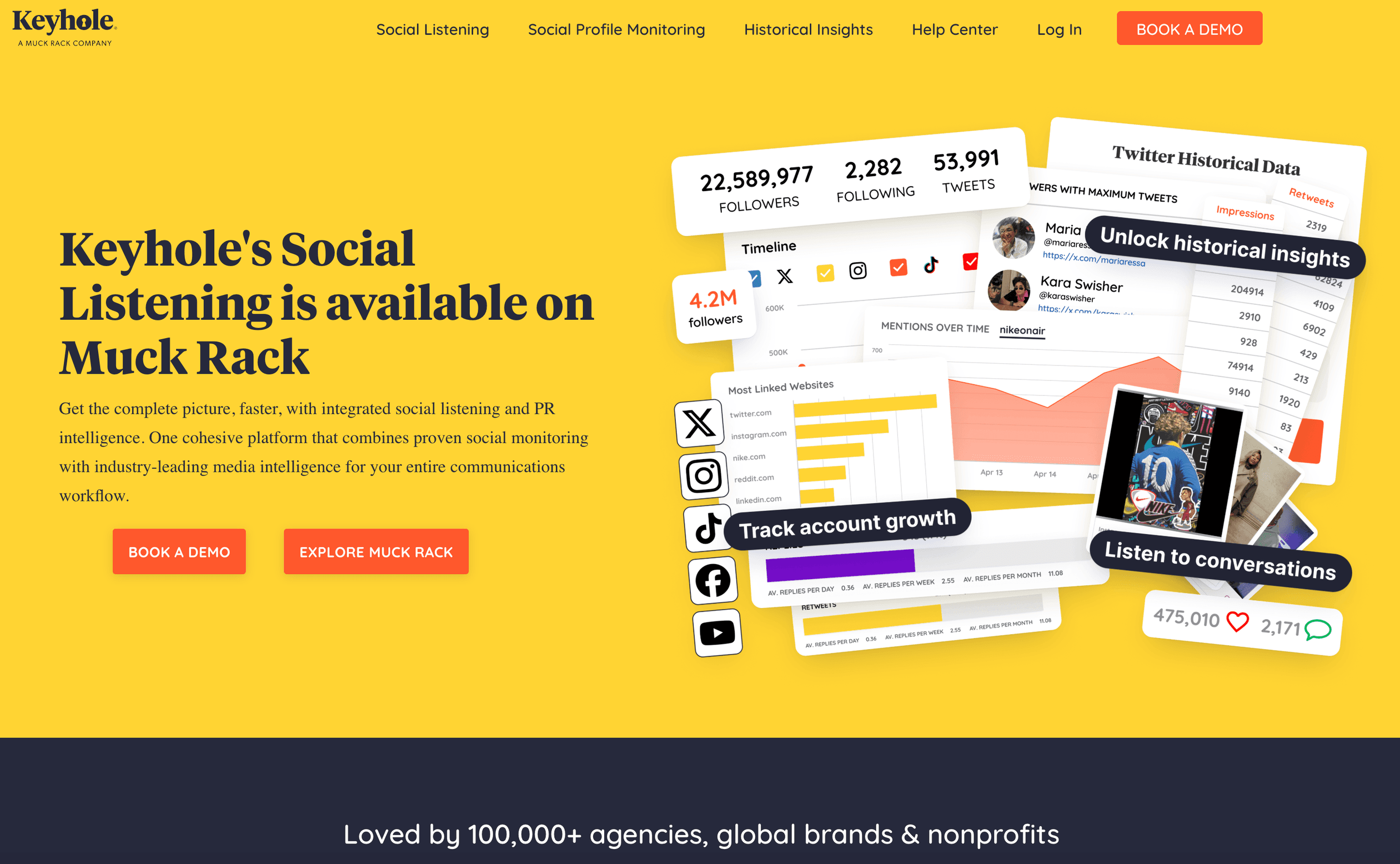 Keyhole is all about real-time hashtag and campaign analytics. If you’re running a Twitter campaign or tracking brand buzz, Keyhole gives you instant insights into reach, engagement, and sentiment.
Why it stands out:
- Live hashtag and keyword tracking: See tweet volume, reach, impressions, and sentiment in real time.
- Influencer analytics: Identify top contributors and amplifiers.
- Visual reports: Export client-ready dashboards and graphs.
Best for:
- Marketing teams and PR agencies running campaigns or monitoring brand health.
- Anyone who needs to measure hashtag performance and ROI.
Limitations:
- Pricing starts around $157/month; best suited for teams with ongoing analytics needs.
- Not a publishing or engagement tool—analytics only.
7. BuzzSumo
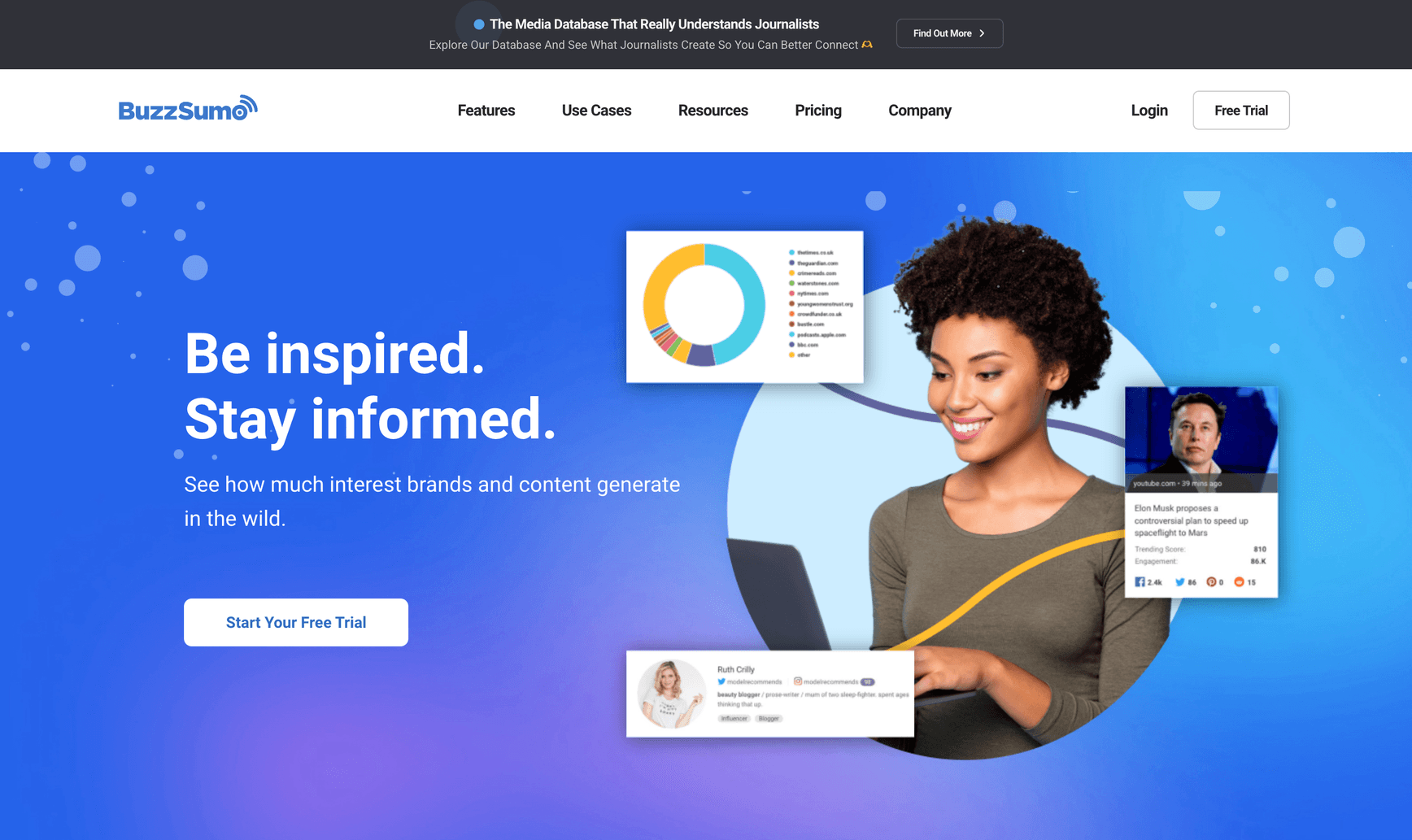 BuzzSumo is the king of content discovery and influencer research. It helps you find what’s trending on Twitter (and beyond), analyze top-performing content, and identify key influencers in your niche.
Why it stands out:
- Content research: See which articles, topics, or domains are getting the most Twitter shares.
- Influencer search: Find Twitter users with real reach and engagement.
- Sharer lists: See who’s amplifying content in your space.
Best for:
- Content marketers, PR pros, and anyone shaping Twitter strategy with data.
- Teams focused on content curation and influencer outreach.
Limitations:
- Twitter share counts are estimates (since Twitter removed public share counts).
- Pricing starts at $99/month; free tier is limited.
8. TweetReach
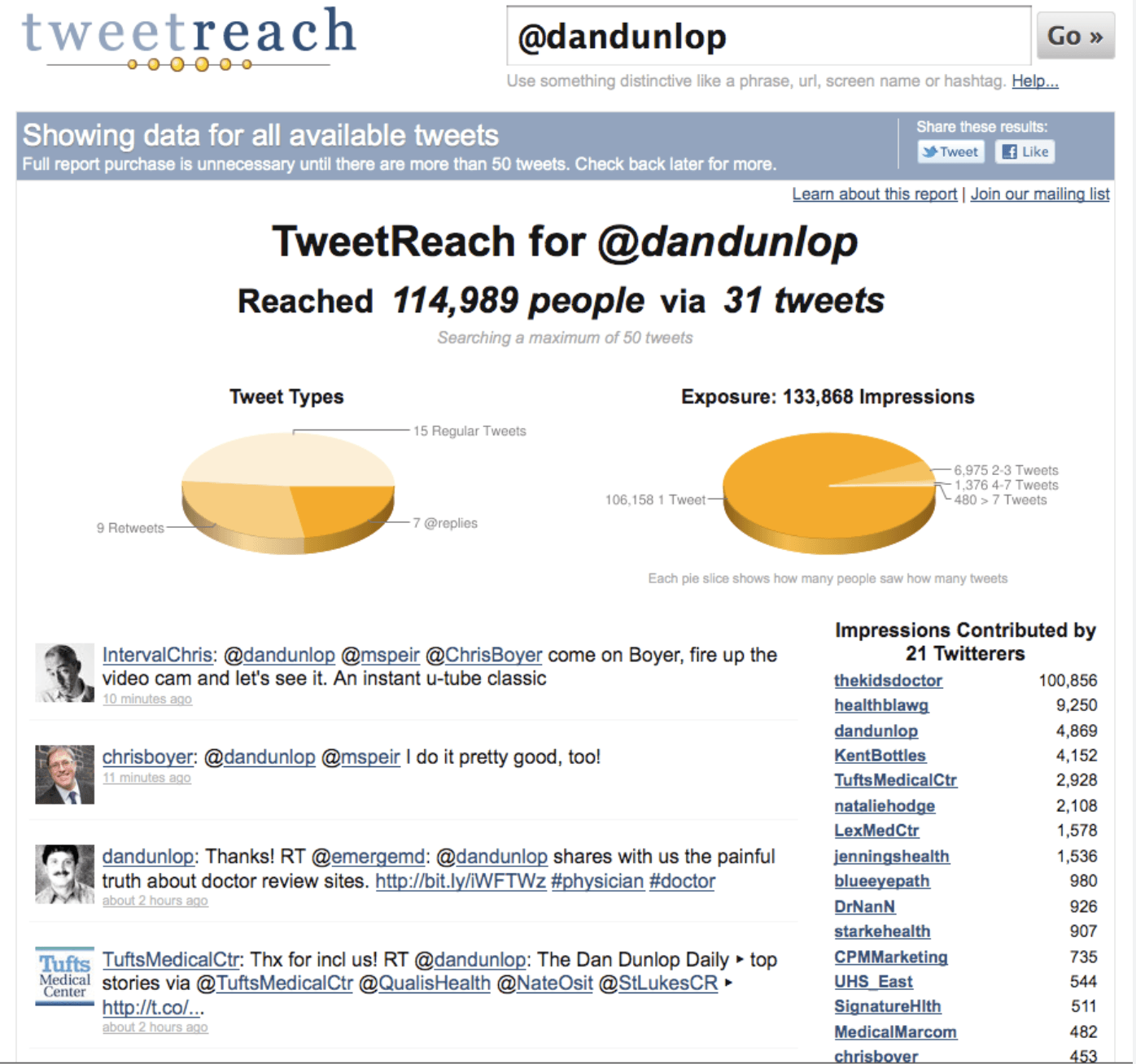 TweetReach (now part of Brandwatch/Union Metrics) specializes in measuring the reach and impact of tweets, hashtags, or campaigns. If you need to answer “How many people saw our hashtag?”—this is your tool.
Why it stands out:
- Impression and reach reports: Quantify the audience and exposure of campaigns.
- Top contributors: Identify who drove the most reach.
- Snapshot and ongoing tracking: Great for events and campaign wrap-ups.
Best for:
- PR and marketing teams measuring campaign impact.
- Anyone needing concrete “reach” numbers for reports.
Limitations:
- Free reports limited to 100 tweets; advanced tracking is now enterprise-only via Brandwatch.
- Not a publishing or engagement tool.
9. Followerwonk
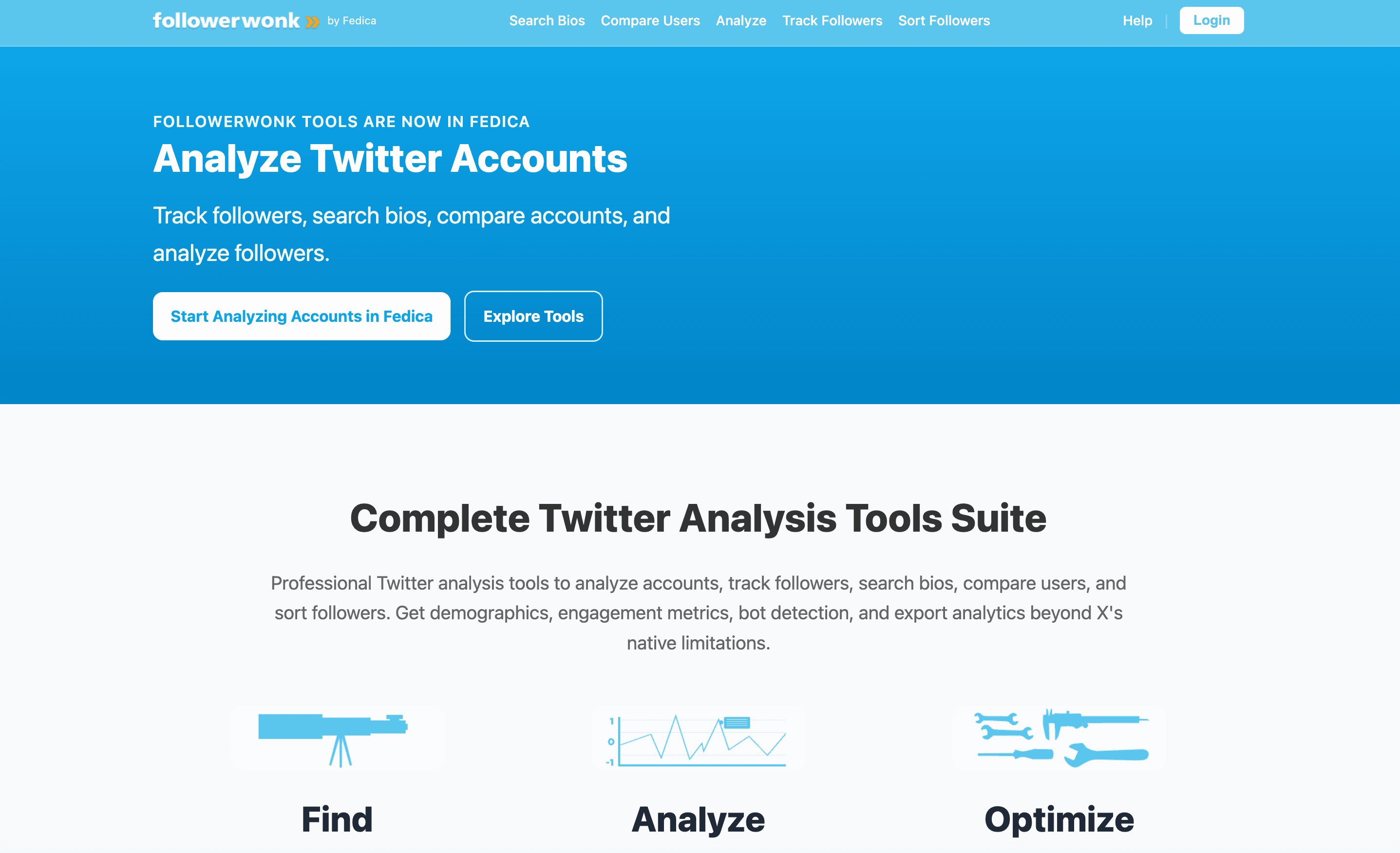 Followerwonk is your go-to for Twitter audience analysis and growth. It digs into follower demographics, optimal posting times, and bio keywords—helping you understand and grow your audience.
Why it stands out:
- Follower analytics: See where your followers are, when they’re active, and what they care about.
- Compare accounts: Find overlap with competitors or partners.
- Bio search: Discover influencers and prospects by keyword.
Best for:
- Social media managers optimizing posting times and audience targeting.
- Marketers doing competitor and influencer research.
Limitations:
- Focused on follower data, not tweet content or engagement.
- Free tier is limited; paid plans start at $29/month.
10. Socialert
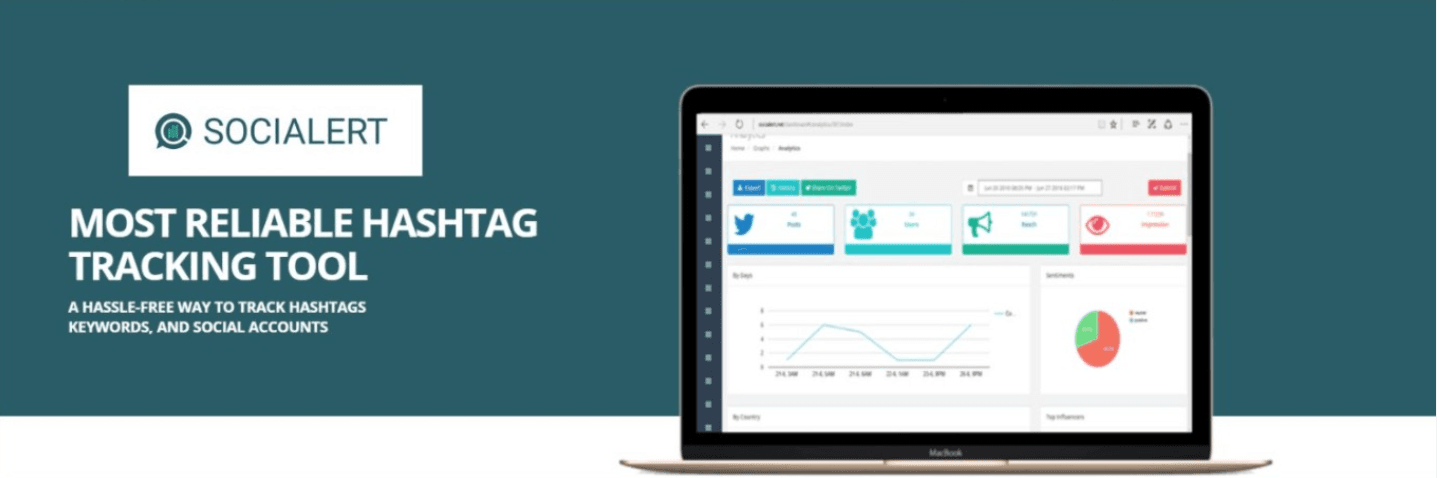 Socialert is a budget-friendly tool for real-time hashtag and keyword tracking on Twitter. It’s perfect for campaign monitoring, event tracking, and basic brand listening.
Why it stands out:
- Live hashtag tracking: See tweet counts, top users, and engagement metrics.
- Alerts: Get notified when your brand or keyword is mentioned.
- Competitor tracking: Monitor rival campaigns and mentions.
Best for:
- SMBs and event organizers needing quick, affordable hashtag analytics.
- Teams wanting real-time alerts for brand mentions.
Limitations:
- Analytics are basic compared to enterprise tools.
- Limited historical data and customization.
11. Agorapulse
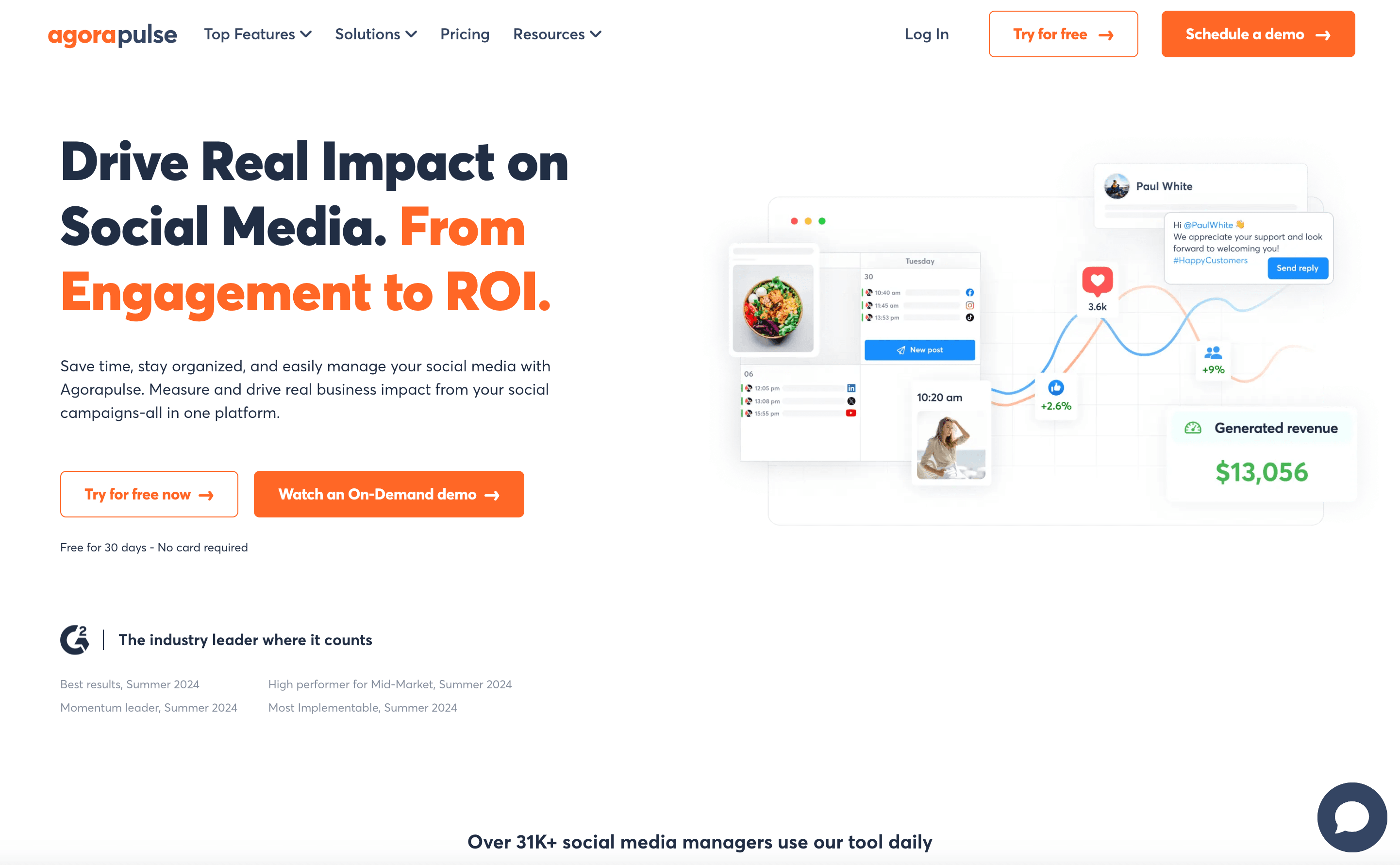 Agorapulse is a unified social media management suite with a standout “inbox zero” approach for Twitter. It combines scheduling, monitoring, team collaboration, and analytics in one friendly interface.
Why it stands out:
- Unified inbox: Manage mentions, DMs, and keyword searches in one place.
- Team workflows: Assign, approve, and label conversations.
- Analytics and reporting: Track engagement, response times, and ROI.
Best for:
- Teams handling high volumes of Twitter engagement and customer support.
- Agencies managing multiple client accounts.
Limitations:
- Pricing is per user (starts at $69/month); can add up for larger teams.
- Advanced listening features are less robust than enterprise suites.
12. Brandwatch
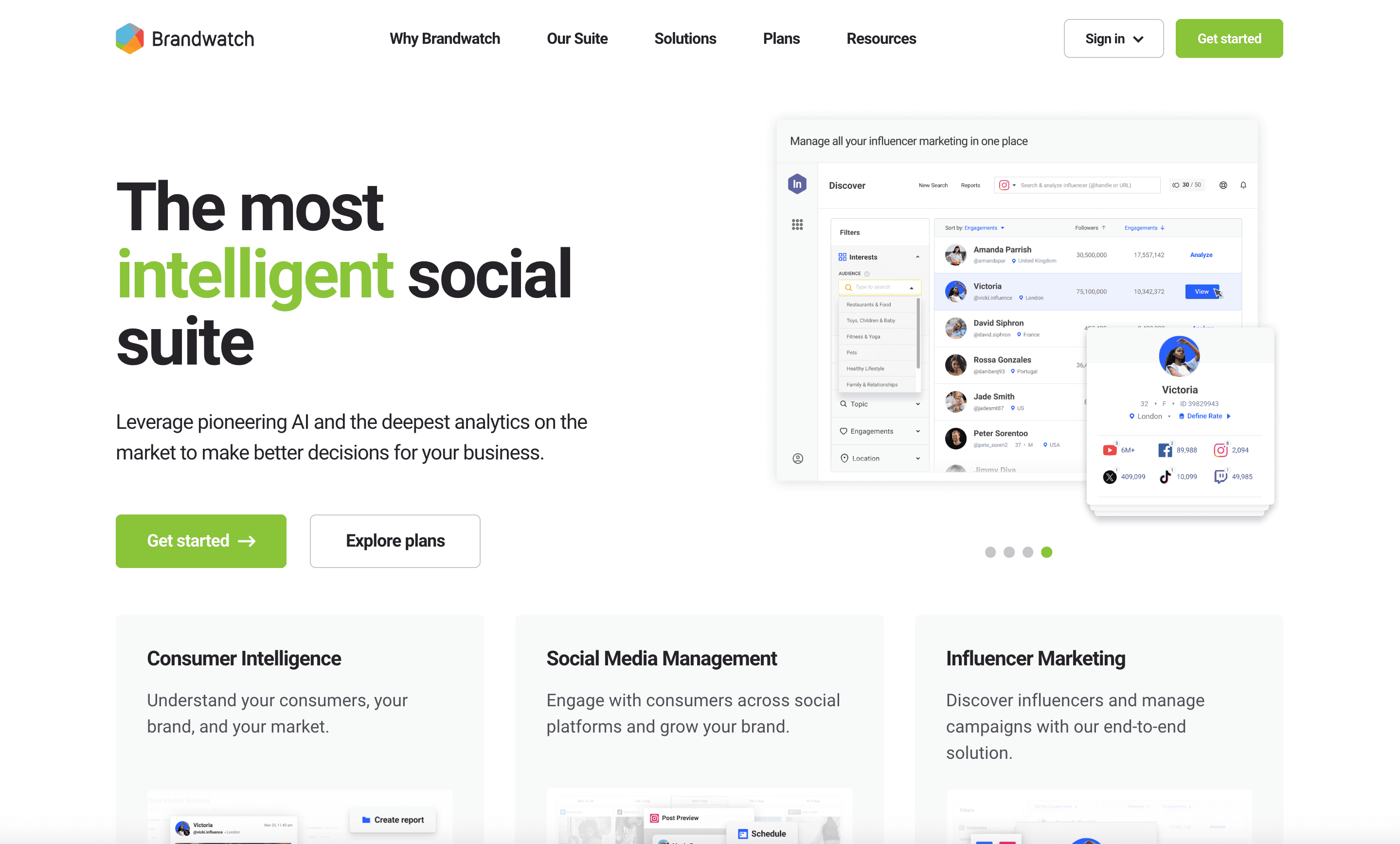 Brandwatch is the enterprise heavyweight for social listening and analytics. With full-firehose Twitter data, advanced sentiment analysis, and historical trends, it’s built for brands that need deep insights.
Why it stands out:
- Enterprise listening: Analyze years of Twitter data, track sentiment, and spot trends.
- Custom dashboards: Slice and dice data by demographics, geography, and more.
- Crisis alerts: Get notified of spikes or negative sentiment.
Best for:
- Large brands, agencies, and researchers needing comprehensive Twitter intelligence.
- Teams with complex reporting and compliance needs.
Limitations:
- Pricing is enterprise-only (typically $800–$3,000+/month).
- Overkill for SMBs or individuals.
13. Mention
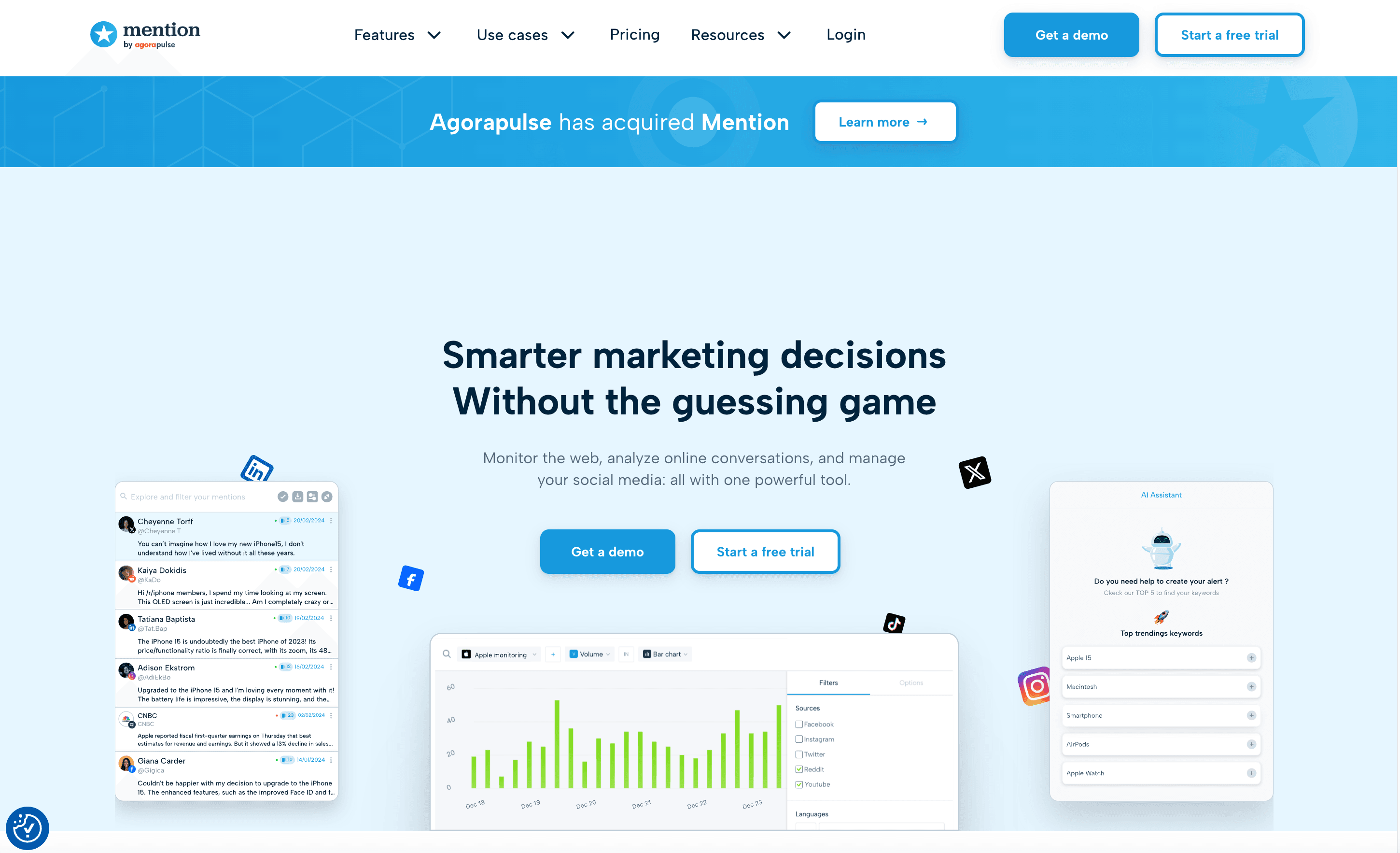 Mention is all about real-time brand and keyword monitoring—on Twitter and across the web. It’s a favorite for PR teams and anyone managing online reputation.
Why it stands out:
- Real-time alerts: Get notified instantly when your brand or keywords are mentioned.
- Sentiment analysis: Track positive, negative, or neutral mentions.
- Team collaboration: Assign and respond to mentions from one dashboard.
Best for:
- PR, marketing, and brand management teams.
- Anyone needing broad listening across Twitter, news, blogs, and more.
Limitations:
- Pricing starts at $599/month for company plans.
- Focused on monitoring, not publishing or analytics.
14. Klear
 Klear is the influencer marketing platform for Twitter (and other networks). It helps brands discover, vet, and manage influencer campaigns with deep analytics.
Why it stands out:
- Influencer discovery: Search by category, audience, and engagement.
- Campaign management: Track influencer posts and measure impact.
- Audience insights: See who influencers are really reaching.
Best for:
- Brands and agencies running influencer campaigns on Twitter.
- Teams needing detailed influencer analytics and reporting.
Limitations:
- Custom pricing; geared toward medium and large brands.
- Not a publishing or engagement tool.
15. Union Metrics
 Union Metrics (now part of Brandwatch) provides Twitter analytics for campaign performance, engagement, and audience trends. It’s known for user-friendly dashboards and the original TweetReach reports.
Why it stands out:
- Campaign analytics: Track hashtags, keywords, and account performance.
- Visual dashboards: Easy-to-read charts and reports.
- Ongoing tracking: Monitor conversations over time.
Best for:
- Marketing teams and agencies needing accessible Twitter analytics.
- Anyone wanting to measure campaign reach and engagement.
Limitations:
- Now bundled into Brandwatch’s enterprise suite.
- No publishing or engagement features.
Twitter Tools Search Comparison Table
Here’s a side-by-side look at the top 15 tools, so you can quickly spot the best fit for your needs:
| Tool | Main Features | Best Use Case | Pricing (approx.) | Unique Strength |
|---|---|---|---|---|
| Thunderbit | AI web scraping, structured export, subpages | Data extraction & research | Free–$15/mo+ | 2-click Twitter data extraction |
| Tweepi | AI user engagement, follower management | Audience growth (legacy, now closed) | $10–$20/mo (defunct) | AI-powered follower targeting |
| TweetDeck | Real-time multi-column monitoring, scheduling | Live monitoring, multi-account | $8/mo (X Premium) | Fastest real-time dashboard |
| Hootsuite | Scheduling, streams, analytics, team workflows | Cross-platform management | $99/mo+ | All-in-one social suite |
| SocialBee | Category scheduling, evergreen recycling | SMB content automation | $29–$99/mo | Content category automation |
| Keyhole | Hashtag/campaign analytics, influencer tracking | Campaign measurement | $157/mo+ | Real-time hashtag analytics |
| BuzzSumo | Content discovery, influencer search | Content curation, influencer outreach | $99/mo+ | Trending content & sharer lists |
| TweetReach | Impressions/reach analytics | Campaign reporting | $49–$99/mo+ (Brandwatch) | Concrete reach metrics |
| Followerwonk | Follower analytics, optimal timing, bio search | Audience analysis & growth | Free–$29/mo+ | Deep follower insights |
| Socialert | Hashtag/keyword tracking, alerts | Budget campaign monitoring | $25–$100/mo | Affordable real-time tracking |
| Agorapulse | Unified inbox, scheduling, analytics | Team engagement & support | $69–$99/mo/user | Inbox zero & team workflows |
| Brandwatch | Enterprise listening, sentiment, dashboards | Deep analytics & compliance | $800–$3,000+/mo | Full-firehose Twitter intelligence |
| Mention | Real-time alerts, sentiment, web monitoring | PR & reputation management | $599/mo+ | Web-wide mention tracking |
| Klear | Influencer discovery, campaign analytics | Influencer marketing | Custom | Detailed influencer analytics |
| Union Metrics | Campaign analytics, dashboards | Accessible campaign reporting | $49–$199/mo (Brandwatch) | User-friendly campaign analytics |
Choosing the Right Twitter Tools Search Solution for Your Needs
Compare the Best Twitter Scrapers Get Started Free
So, which tool (or combo) should you pick? Here’s my cheat sheet:
- Need raw Twitter data for analysis or lead gen? Start with Thunderbit for AI-powered scraping and export.
- Want to monitor and engage in real time? TweetDeck (X Pro) is your best bet.
- Managing multiple platforms and need scheduling? Hootsuite or Agorapulse have you covered.
- Running campaigns or tracking hashtags? Keyhole or Socialert offer real-time analytics.
- Content curation and influencer outreach? Pair BuzzSumo with SocialBee for a winning combo.
- Enterprise-level listening and compliance? Brandwatch is the gold standard (if your budget allows).
Most teams mix and match: scrape data with Thunderbit, analyze with Keyhole, and manage engagement with Agorapulse or TweetDeck. The key is to match the tool to your workflow and budget—don’t pay for features you’ll never use.
Conclusion: Boosting Search Efficiency with the Right Twitter Tools
Twitter’s firehose of data isn’t slowing down anytime soon, but with the right tools, you can turn chaos into clarity—and insights into action. Whether you’re extracting structured data with Thunderbit, tracking campaign performance with Keyhole, or managing engagement with Agorapulse, the right stack will save you time, boost your results, and maybe even make Twitter fun again.
Ready to level up your Twitter search game? Start with a free trial of Thunderbit or your tool of choice, and see how much more you can accomplish when you’re not drowning in tweets. For more tips, deep dives, and tool comparisons, check out the Thunderbit Blog.
FAQs
1. What makes Thunderbit unique among Twitter tools for search and data extraction?
Thunderbit is the only tool on this list that uses AI to scrape and structure Twitter data directly from the web—no coding, no API keys, and no manual copy-pasting. It can extract tweets, user profiles, images, and more, then export to Excel, Google Sheets, Airtable, or Notion in just a couple of clicks.
2. Can I use multiple Twitter tools together for better results?
Absolutely. Many teams combine tools—using Thunderbit for data extraction, Keyhole for campaign analytics, and Agorapulse or TweetDeck for engagement. This lets you cover all the bases: data collection, analysis, and real-time response.
3. Are there free Twitter tools for search and monitoring?
Some tools, like TweetDeck (with X Premium) and Thunderbit’s free tier, offer limited free access. SocialBee and Followerwonk also have free plans for basic use. However, advanced analytics, export, and team features usually require a paid plan.
4. How do I choose the best Twitter tool for my business?
Start by defining your goals: Do you need data extraction, campaign analytics, real-time monitoring, or influencer discovery? Consider your team size, workflow, and budget, then match those needs to the tool’s strengths. Use free trials to test fit before committing.
5. Is it safe and compliant to use AI web scrapers like Thunderbit on Twitter?
Thunderbit is designed to respect website terms and user privacy. It only scrapes publicly available data and doesn’t access private messages or protected accounts. Always use scraping tools responsibly and in line with Twitter’s terms of service, especially for business use.
Ready to supercharge your Twitter search? Download Thunderbit or explore more guides on the Thunderbit Blog. Happy searching!
Try AI Twitter Scraper Free Get Started Free
Learn More