
The humble spreadsheet—love it or hate it, it’s the backbone of modern business. I’ve seen everything from million-dollar sales pipelines to last-minute marketing budgets built on Google Sheets or Excel. But let’s be honest: as powerful as spreadsheets are, they can quickly turn into a productivity black hole. Manual data entry, endless copy-pasting, and version control chaos? Been there, survived that. The good news? The right spreadsheet extension can turn your favorite grid into a true productivity powerhouse, automating the boring stuff and unlocking new ways to collaborate, analyze, and visualize your data.
Supercharge Google Sheets with AI Web Scraper Get Started Free
With 90% of organizations relying on spreadsheets for critical operations, and two-thirds of office workers using Excel hourly (LinkedIn), it’s no wonder the spreadsheet extension ecosystem is booming. I’ve spent years in SaaS and automation, and I’m always on the hunt for tools that make teams faster, smarter, and a little less grumpy on Monday mornings. So, I’ve put together a list of the top 18 spreadsheet extension tools that will help you boost efficiency—whether you’re in sales, ops, finance, or just trying to survive your next team meeting.
Why Spreadsheet Extensions Are Essential for Modern Teams
Let’s break it down: a spreadsheet extension is a third-party add-on or plugin that plugs into Google Sheets, Excel, or similar platforms to add superpowers you won’t find out of the box (Google Developers). Unlike built-in features, extensions can automate repetitive tasks, connect your sheet to live business systems, enable real-time collaboration, and even turn your spreadsheet into a mini-app or dashboard.
Here’s why they matter:
- Automation: No more endless copy-paste. Extensions can sync, clean, and update your data automatically.
- Collaboration: Share live dashboards, assign tasks, and keep everyone on the same page—literally.
- Data Integration: Pull in data from your CRM, marketing tools, accounting software, or even the web.
- Visualization: Go beyond basic charts with interactive maps, dashboards, and scenario modeling.
The result? Less time wrangling data, more time making decisions. And, hopefully, fewer “who has the latest version?” emails.
How We Chose the Best Spreadsheet Extension Tools
With hundreds of add-ons out there, I focused on tools that:
- Are easy to use (even for non-coders)
- Integrate smoothly with Google Sheets, Excel, or both
- Offer real automation or collaboration value—not just bells and whistles
- Have strong user reviews and active support
- Cover a range of needs: AI scraping, workflow automation, visualization, app building, and more
I also paid close attention to pricing, scalability, and whether the tool solves a real pain point (because nobody needs another button that just makes your spreadsheet blink).
Ready to see what made the cut? Let’s dive in.
1. Thunderbit
 Thunderbit is my go-to for anyone who wants to supercharge Google Sheets with real-world data—without writing a single line of code. As the co-founder, I might be a little biased, but hear me out: Thunderbit is an AI-powered web scraper Chrome Extension that lets you extract data from any website, PDF, or image in just two clicks, then export it directly to Google Sheets, Airtable, Notion, or Excel.
What makes Thunderbit different? The AI Suggest Fields feature reads the page and recommends exactly what to extract—names, prices, emails, phone numbers, you name it. Need to grab data from subpages or handle pagination? Thunderbit’s got you covered. I’ve seen sales teams scrape hundreds of LinkedIn leads, ecommerce ops monitor competitor SKUs, and real estate agents pull property listings—all without the usual copy-paste marathon.
And the best part? It’s free to try (scrape up to 6 pages, or 10 with a trial boost), and you can export your results instantly. If you’re tired of manual data entry, Thunderbit is the spreadsheet extension you didn’t know you needed.
2. Sheetgo
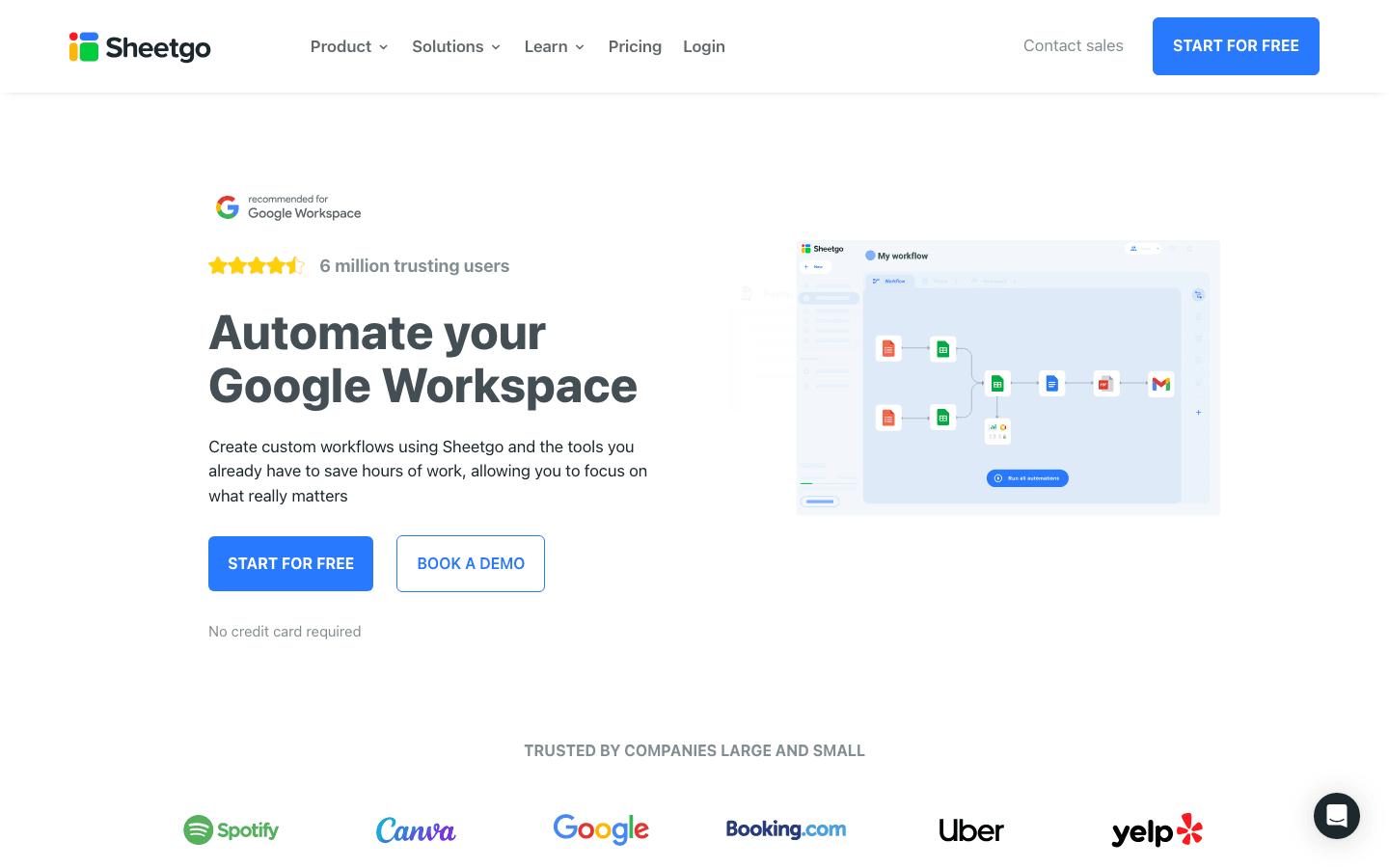 Sheetgo is the king of spreadsheet workflow automation. It connects Google Sheets, Excel, CSVs, and even BigQuery, letting you build automated workflows that sync data across files and teams. Imagine your sales report updating itself every morning, or your finance dashboard pulling in numbers from every department—no more chasing down the latest numbers.
Sheetgo is especially powerful for cross-team collaboration. You can set up scheduled data transfers, use pre-built templates, and even build approval workflows. For anyone managing multiple spreadsheets (and who isn’t?), Sheetgo is a massive time-saver.
3. Airtable
 Airtable is what happens when a spreadsheet and a database have a very productive child. It’s got the familiar grid interface, but with rich field types, drag-and-drop views (Kanban, calendar, gallery), and powerful automations. Airtable is perfect for project management, content calendars, lightweight CRM, and anything that needs more structure than a basic sheet.
It integrates with Google Sheets and tons of other apps, so you can keep your data flowing wherever you need it. If you want to organize your work without getting lost in a maze of tabs, Airtable is a breath of fresh air.
4. Smartsheet
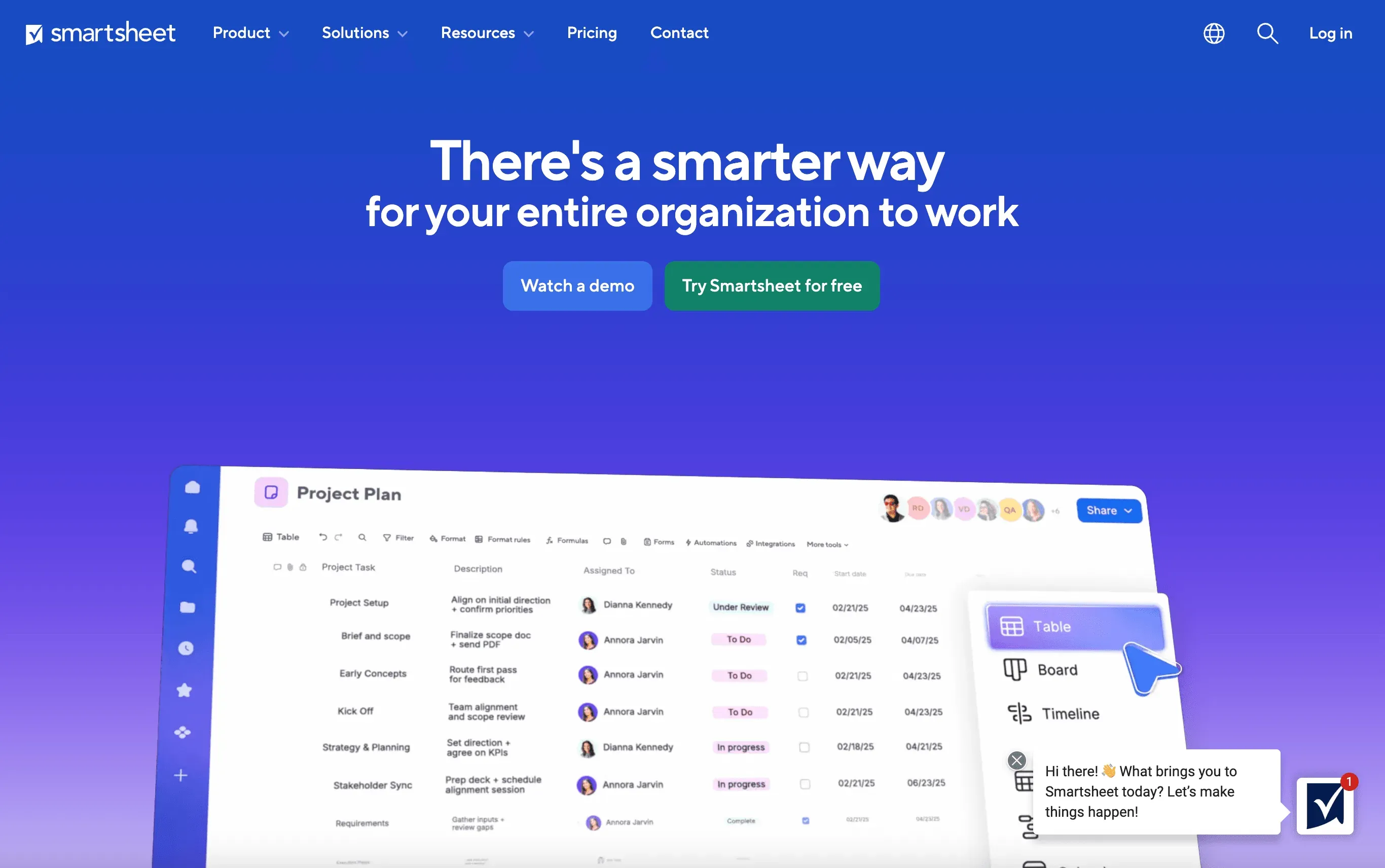 Smartsheet takes the spreadsheet interface and layers on serious project management muscle. Think Gantt charts, dashboards, automated alerts, and real-time commenting. It’s built for teams that need to track projects, assign tasks, and keep everyone in the loop.
Smartsheet integrates with your favorite business tools and is especially popular with sales, ops, and marketing teams who want more than what Google Sheets or Excel alone can offer.
5. Coefficient
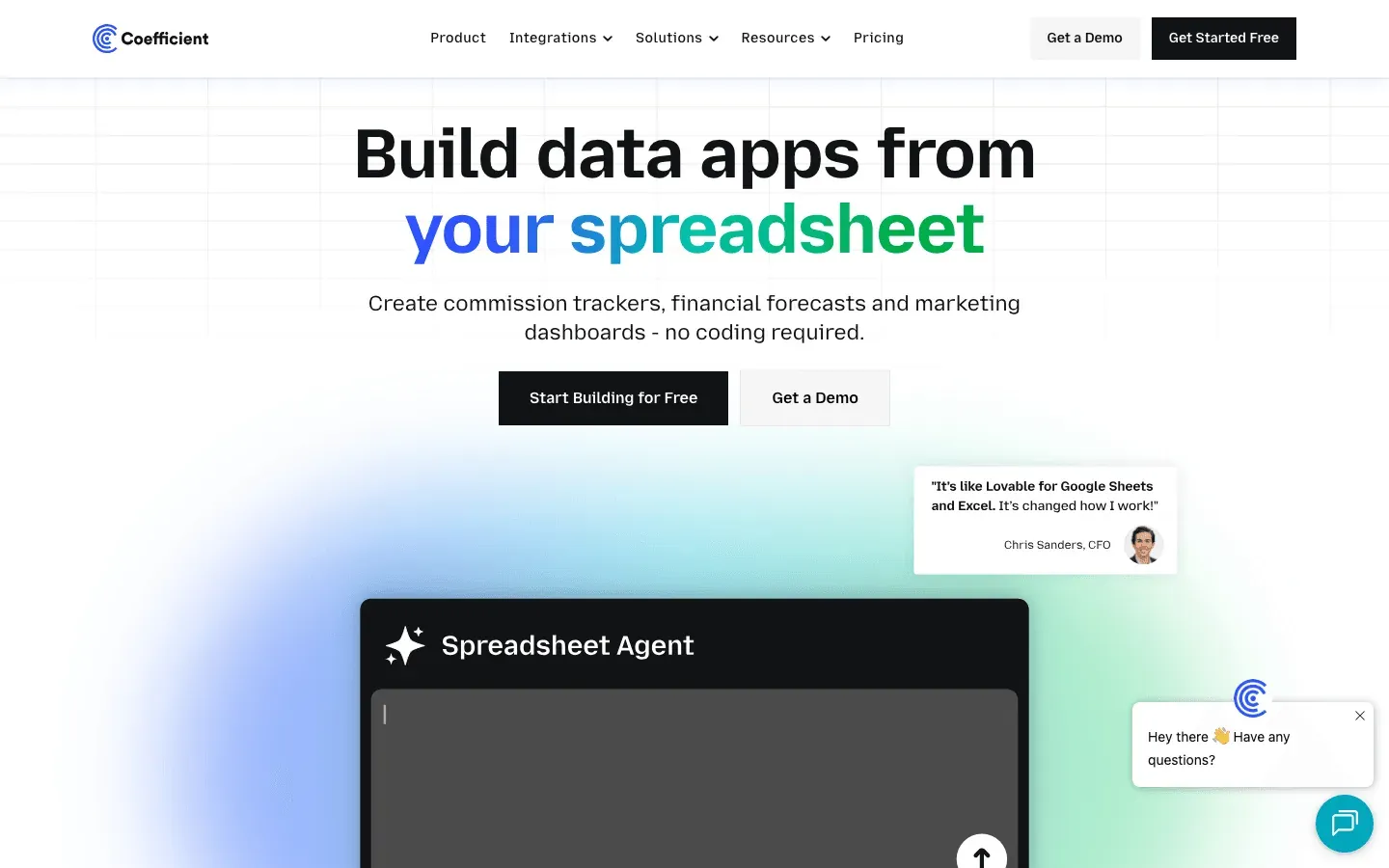 Coefficient is a spreadsheet extension that connects your Google Sheets or Excel directly to 100+ live data sources—think Salesforce, HubSpot, SQL databases, and more. No more downloading CSVs or copy-pasting from your CRM. With Coefficient, your reports and dashboards update in real time, so you always have the latest numbers.
It comes with pre-built templates for sales, finance, and marketing, making it easy to get started. If you need live data in your spreadsheet, Coefficient is a must-have.
6. Supermetrics
 Supermetrics is the go-to for marketers who want to pull campaign data into their spreadsheets. It connects to over 100 ad and analytics platforms (Google Ads, Facebook, LinkedIn, etc.), automates reporting, and keeps your dashboards up to date without manual work.
You can schedule data refreshes, use ready-made templates, and combine data from multiple channels. For marketing teams, Supermetrics is a serious upgrade from basic spreadsheet exports.
7. Crmble
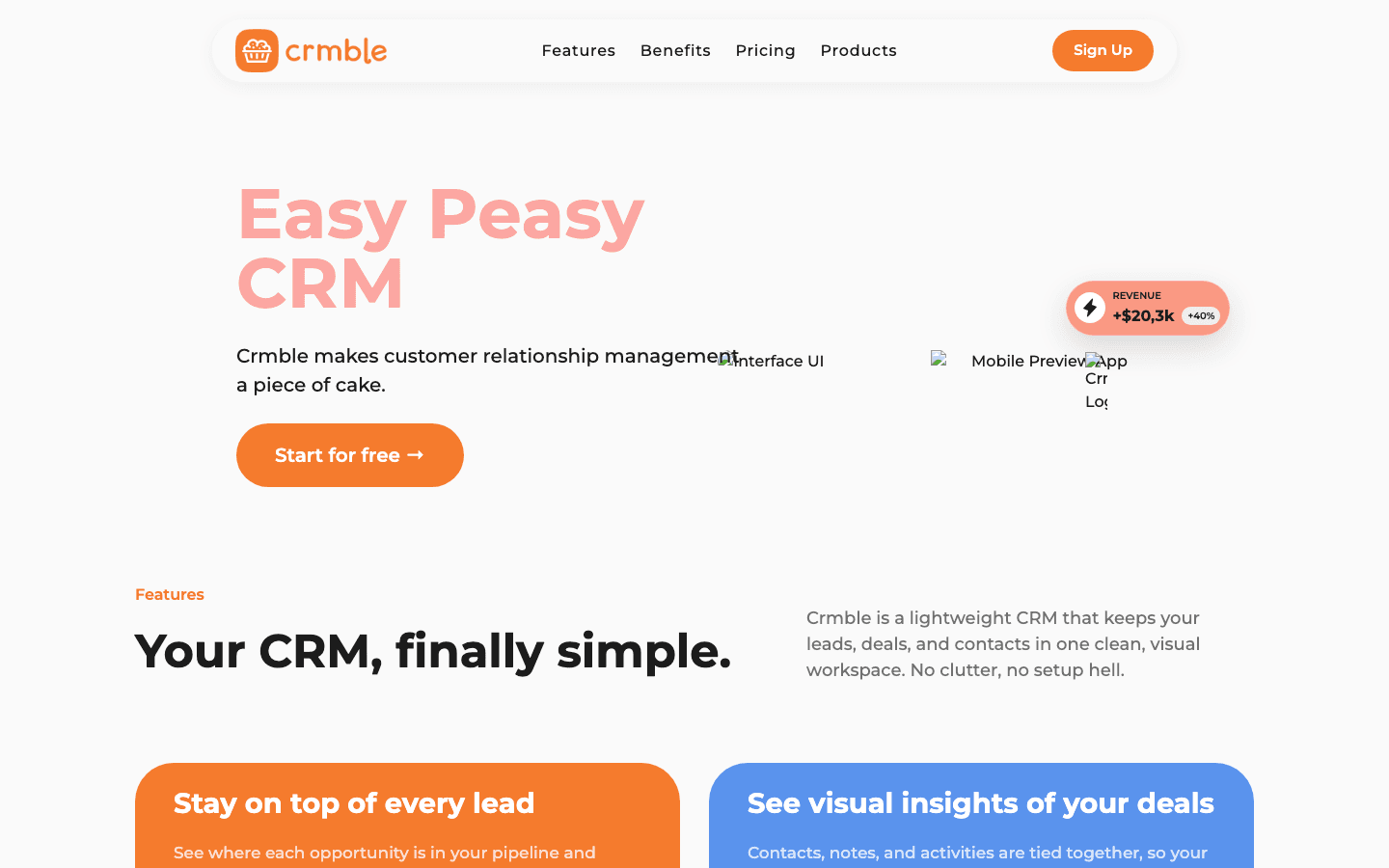 Crmble turns your Google Sheets or Zoho Sheet into a simple, visual CRM. Track leads, manage your sales pipeline, and collaborate with your team—all from the comfort of your favorite spreadsheet. Crmble adds Kanban views, contact tracking, and even email campaign tools.
If you want CRM features without leaving Sheets, Crmble is a lightweight, user-friendly solution.
8. Datawrapper
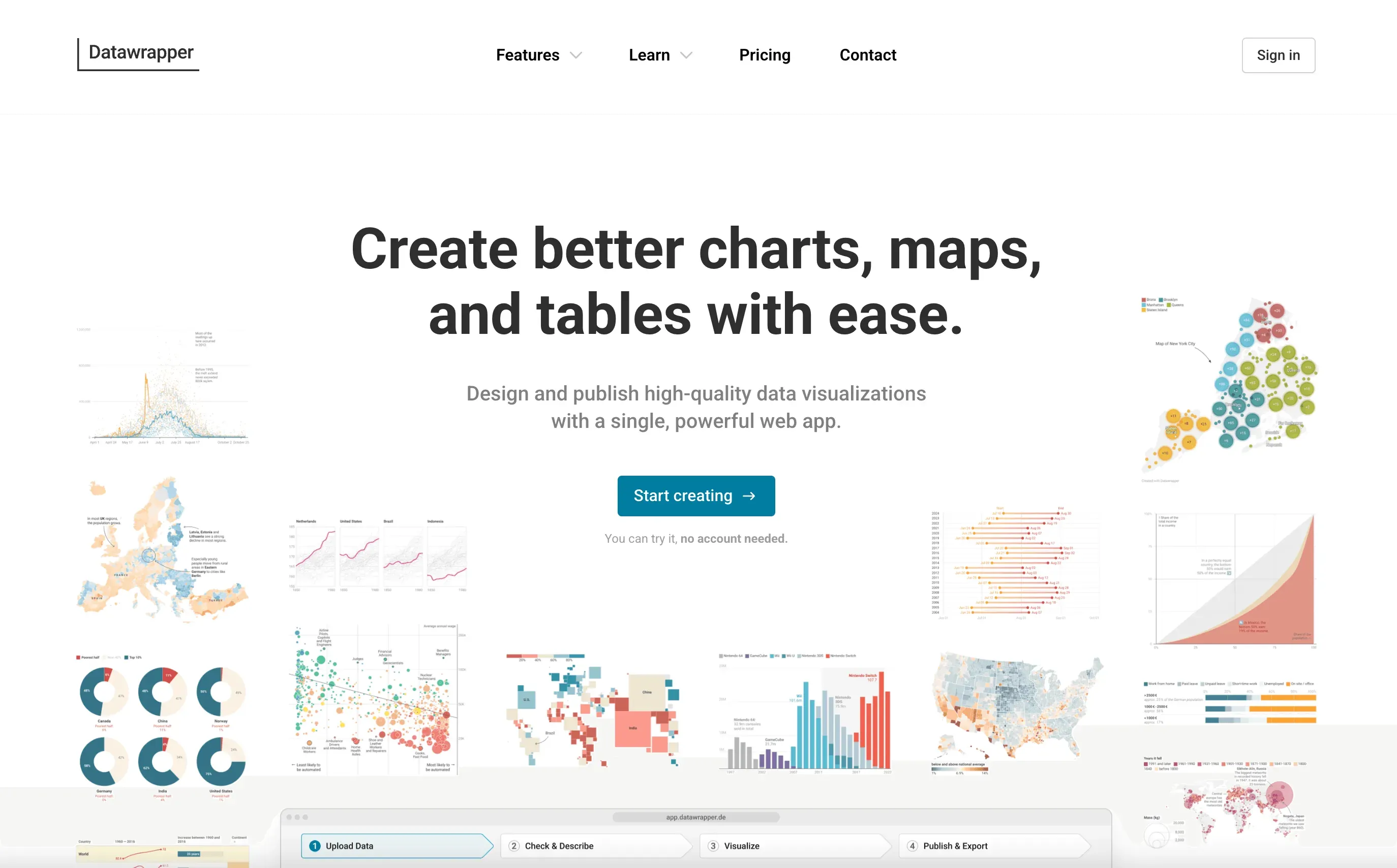 Datawrapper is a data visualization powerhouse. Just drag and drop your spreadsheet data, and you can create interactive charts, maps, and tables in minutes—no coding required. It’s perfect for executive dashboards, client reports, or any time you need to make your data pop.
Datawrapper’s visualizations are a big step up from standard spreadsheet charts, and you can export them for web, print, or presentations.
9. Quickbase
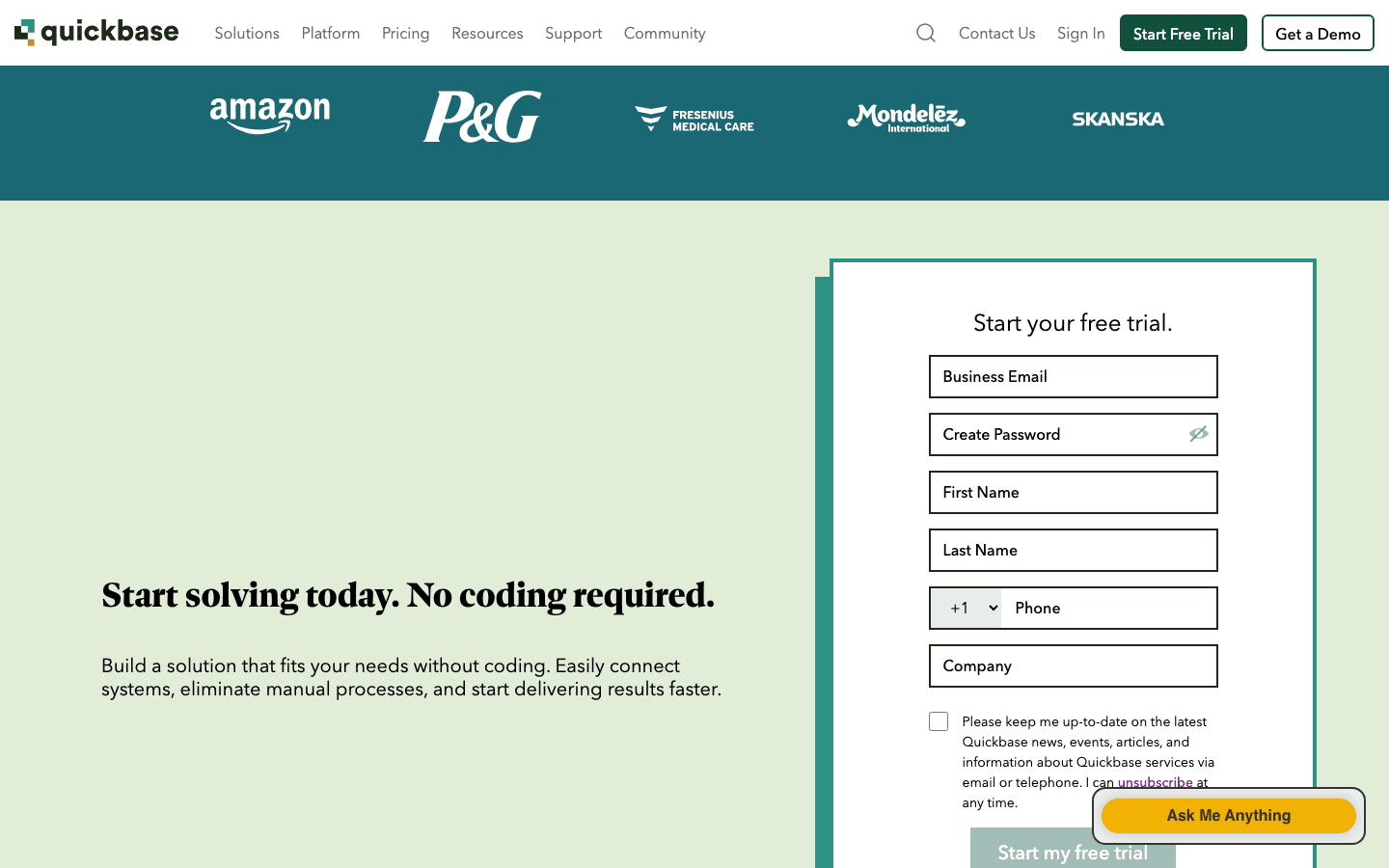 Quickbase lets you build custom business apps from your spreadsheet data—without writing code. Upload your Excel or Sheets file, and Quickbase helps you create forms, workflows, and dashboards tailored to your process.
It’s especially useful for operations, HR, inventory, or any workflow that’s outgrown a basic spreadsheet.
10. DataRails
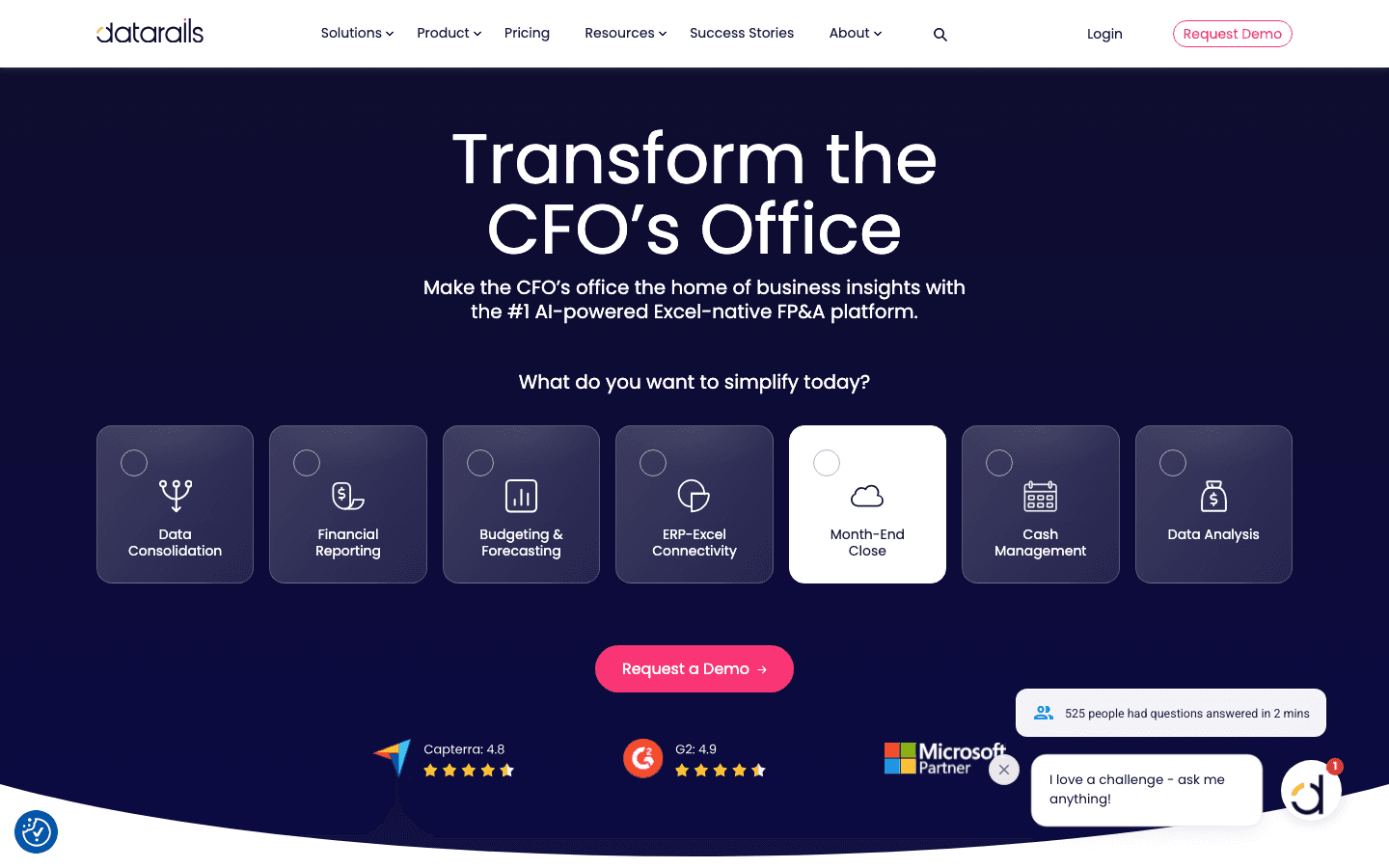 DataRails is built for finance teams that live in Excel. It automates the consolidation of financial spreadsheets, adds version control, and creates real-time dashboards—all within Excel. If you’re tired of chasing down the latest budget file or reconciling monthly close reports, DataRails is a lifesaver.
11. G-Accon
 G-Accon connects Google Sheets to accounting platforms like QuickBooks and Xero. It automates data sync, reporting, and reconciliation, so your financial dashboards are always up to date. You can even schedule reports and set up two-way sync.
For finance and accounting teams, G-Accon bridges the gap between your books and your spreadsheets.
12. AppSheet
 AppSheet (now part of Google) lets you turn any spreadsheet into a mobile or web app—no coding required. Build inventory trackers, field data collection tools, or approval workflows right from your Sheets data. AppSheet supports automation, offline access, and role-based permissions.
If you’ve ever wished your spreadsheet could “do more,” AppSheet is the answer.
13. Zoho Sheet
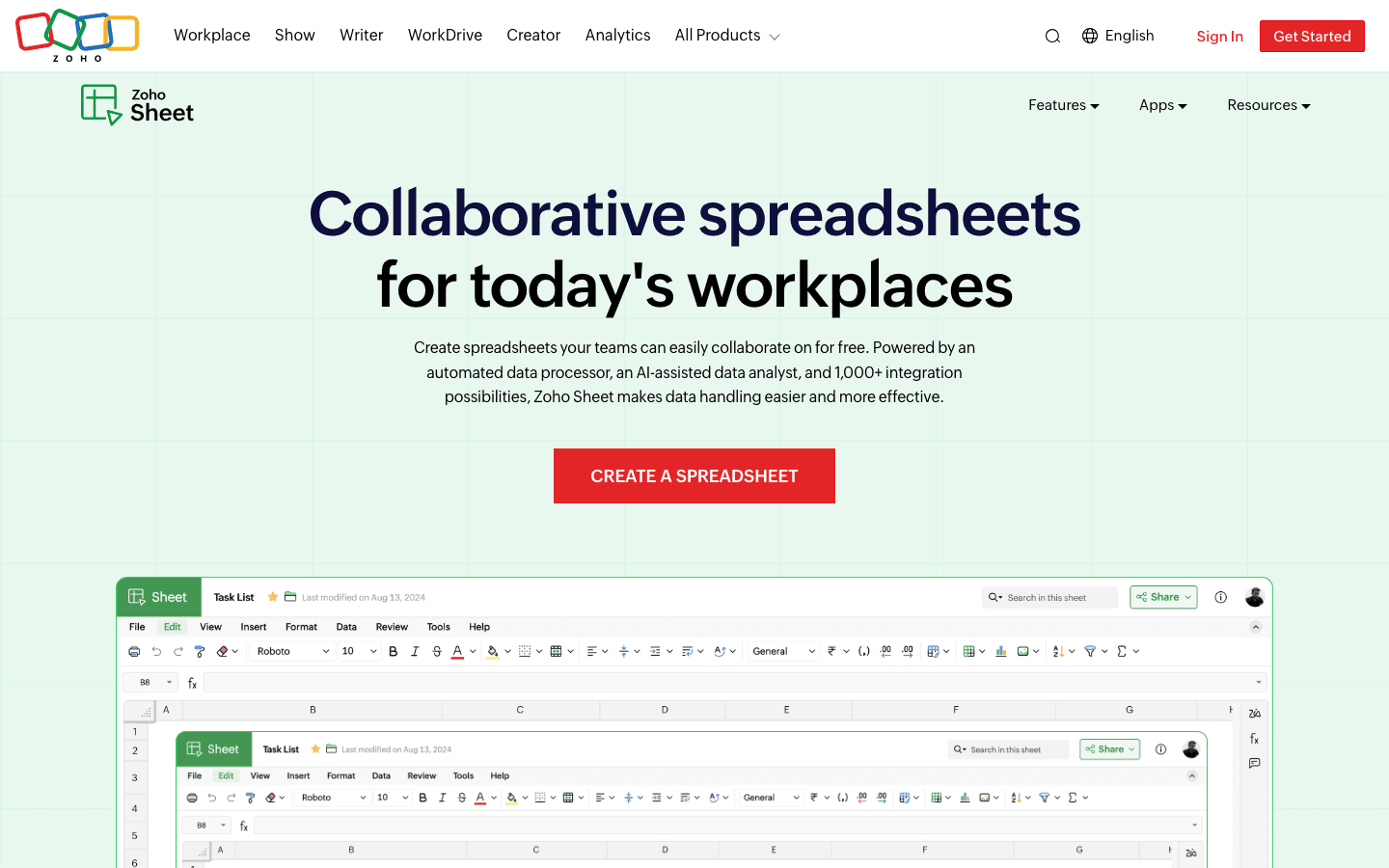 Zoho Sheet is a cloud spreadsheet platform with built-in AI (the “Zia” assistant), 350+ functions, pivot tables, and over 1,000 integrations. It supports macros, data cleaning, and even cell-level permissions. Zoho Sheet also plays nicely with third-party plugins, so you can extend its capabilities even further.
For teams already using Zoho’s business suite, Zoho Sheet is a natural fit.
14. Glide
 Glide is a no-code app builder that instantly turns your spreadsheet into a polished mobile or web app. Use the visual editor, pick a template, and share your app with your team or clients. Glide is great for internal tools, event management, or client portals—especially when you want a custom app without the development headache.
15. Stacker
 Stacker transforms your spreadsheet into a secure, interactive web portal. Set up dashboards, manage permissions, and build workflows—all on top of Google Sheets or Airtable. Stacker is perfect for client dashboards, partner portals, or any scenario where you need to share data securely with different users.
16. Causal
 Causal is a modern modeling and forecasting tool that feels like a spreadsheet but is built for scenario planning. Adjust drivers, run what-if analyses, and see your charts update instantly. Causal is especially popular with startups and finance teams building multi-year forecasts or business plans.
17. Blockspring
 Blockspring (historically) let users connect APIs and external data sources to Google Sheets and Excel. While the original service is now discontinued, it paved the way for many of today’s data connector tools. If you’re looking for similar functionality, check out Coefficient or G-Accon.
18. Colladium
 Colladium is all about secure collaboration and workflow automation—especially for supply chain, procurement, and compliance-heavy industries. It offers encrypted portals, audit trails, and document management features in a spreadsheet-like interface. If you need to manage supplier onboarding, e-invoicing, or compliance workflows, Colladium is a strong choice.
Spreadsheet Extension Comparison Table
Here’s a quick side-by-side look at all 18 tools:
| Tool | Key Features | Pricing | Best Use Case | Platform |
|---|---|---|---|---|
| Thunderbit | AI web scraper, 2-click export, subpage/pagination, Sheets/Airtable/Notion export | Free (6-10 pages), Paid from $15/mo | Web data extraction for sales, ops, research | Chrome Extension, Sheets |
| Sheetgo | Workflow automation, sync multiple sheets, templates | Free (99 transfers/mo), Paid from $22/mo | Cross-team reporting, automated dashboards | Web, Sheets/Excel |
| Airtable | Spreadsheet-database hybrid, drag-and-drop, automations | Free, Paid per user | Project mgmt, CRM, content calendars | Web, Mobile |
| Smartsheet | Project tracking, Gantt, dashboards, automation | Paid, $7–25/user/mo | Team project management | Web, Mobile |
| Coefficient | Live data connectors (100+), real-time sync | Free, Paid from $25–40/user/mo | Sales/finance dashboards, CRM sync | Sheets/Excel |
| Supermetrics | Marketing data connectors (100+), automation | Tiered, starts hundreds/mo | Campaign reporting, analytics | Sheets/Excel |
| Crmble | CRM overlay, Kanban, contact tracking | Free, Paid $5–10/user/mo | Simple CRM in Sheets | Sheets, Zoho Sheet |
| Datawrapper | Drag-and-drop charts/maps, export | Free, Paid from $599/mo | Data visualization for reports | Web |
| Quickbase | No-code app builder, workflow automation | Paid, enterprise | Custom business apps | Web, Mobile |
| DataRails | Excel FP&A, consolidation, dashboards | Quote-based | Finance, budgeting, close | Excel, Cloud |
| G-Accon | Sheets-accounting sync (QuickBooks, Xero) | Paid $250–500/yr | Finance dashboards, reporting | Sheets |
| AppSheet | No-code app builder, automation | Free basic, Paid per app-user | Field data, inventory, approvals | Web, Mobile |
| Zoho Sheet | AI assistant, macros, 1000+ integrations | Free, Zoho One $35/user/mo | Zoho suite teams, automation | Web, Mobile |
| Glide | No-code app builder, templates | Free, Paid $19–32/user/mo | Internal tools, portals | Web, Mobile |
| Stacker | Spreadsheet-to-portal, permissions | Free, Paid $79/mo | Client/partner dashboards | Web |
| Causal | Modeling, scenario planning, live charts | Free, Paid $250/mo | Forecasting, what-if analysis | Web |
| Blockspring | (Discontinued) API/data connectors | N/A | Historical: API-powered imports | Sheets/Excel |
| Colladium | Secure collaboration, workflow, audit | Paid, enterprise | Supplier portals, compliance | Web |
How to Choose the Right Spreadsheet Extension for Your Workflow
What Is Data Scraping and How to Do It in 2026 Get Started Free
Picking the right extension is all about your workflow and pain points. Here are some tips:
- Need to automate web data collection? Start with Thunderbit.
- Want to connect and automate multiple spreadsheets? Sheetgo is your friend.
- Looking for flexible project management? Try Airtable or Smartsheet.
- Need live CRM or sales data in Sheets? Coefficient or Supermetrics will save you hours.
- Craving better data visualization? Datawrapper makes your charts shine.
- Building custom apps or portals? Check out AppSheet, Glide, or Stacker.
- Managing finances? DataRails and G-Accon are built for you.
- Need secure, regulated collaboration? Colladium is worth a look.
Always take advantage of free trials or starter plans. Set up a sample workflow, see how the extension fits your real-world needs, and don’t be afraid to mix and match—sometimes the best stack is a combination of two or three tools.
Add Thunderbit Chrome Extension
Conclusion: Unlocking New Levels of Efficiency with Spreadsheet Extensions
Spreadsheets aren’t going anywhere, but the way we use them is changing fast. With the right spreadsheet extension, you can automate the tedious stuff, collaborate in real time, and turn your data into actionable insights. Whether you’re scraping leads, building dashboards, or launching internal apps, there’s a tool on this list that can help you work smarter—not harder.
Ready to level up your workflow? Start with one extension that solves your biggest pain point, and watch how quickly your team’s productivity takes off. And if you’re curious about web scraping, automation, or spreadsheet hacks, check out the Thunderbit Blog for more tips and deep dives.
Try Thunderbit AI Web Scraper for Google Sheets Get Started Free
FAQs
1. What is a spreadsheet extension, and how does it differ from built-in features?
A spreadsheet extension is a third-party add-on or plugin that enhances the capabilities of Google Sheets, Excel, or similar platforms. Unlike built-in features, extensions can automate tasks, connect to external data sources, enable advanced visualization, and more.
2. How can Thunderbit help me work faster in Google Sheets?
Thunderbit uses AI to extract data from any website, PDF, or image in just two clicks, then exports it directly to Google Sheets. It’s perfect for sales, ops, or research teams that want to automate data collection and sharing.
3. Which spreadsheet extension is best for team collaboration?
Sheetgo and Smartsheet are top picks for workflow automation and cross-team collaboration, while Stacker and Colladium offer secure portals for sharing data with clients or partners.
4. What’s the best extension for data visualization?
Datawrapper stands out for creating interactive charts and maps, while Airtable and Causal offer strong visualization features for project management and modeling.
5. How do I choose the right spreadsheet extension for my needs?
Identify your biggest workflow bottleneck, look for an extension that natively connects to your data sources, and always try before you buy. Many tools offer free tiers or trials, so you can test them with your real data and see what fits best.
Learn More




