
Last reviewed and updated in August 2026.
Shopify says that millions of businesses in more than 175 countries use its platform. If you're in ecommerce, you may need to understand what competitors are selling, at what price, and how their inventory changes; the right collection method depends on the specific permitted source and workflow.
This guide compares nine Shopify scraping tools across browser-extension, desktop, API, and cloud workflows. Use the sections below to match the tool type to the permitted source, the fields you need, and your preferred operating model.
Try Thunderbit for Shopify Scraping
Why Scrape Shopify Stores? (And Who Actually Needs To)
Scraping Shopify isn't just a developer hobby. It's a daily workflow for thousands of ecommerce teams. Here's who benefits and why:
| Use Case | Who Benefits | What You Get |
|---|---|---|
| Competitor product research | Sales teams, brand managers | Product catalogs, pricing, new launches |
| Price & inventory monitoring | Ecommerce ops, pricing analysts | Daily/weekly price changes, stock levels |
| Dropshipping product discovery | Dropshippers, entrepreneurs | Trending products, best-sellers, supplier data |
| Catalog building & migration | Agencies, marketplace sellers | Structured product data for import |
| Market analysis & trend spotting | Researchers, analysts | Category-level pricing, assortment shifts |
If you're making decisions based on what's happening in Shopify stores — yours or your competitors' — you need a reliable way to extract that data. With nearly half of all internet traffic now coming from bots, the tools you use matter more than ever.
What to Check in a Shopify Collection Workflow
Use these questions to compare the documented workflow, rather than treating the list as a hands-on ranking:
- Tool Type: Chrome extension, desktop app, API, or code library — this determines who can actually use it.
- Shopify-Specific Features: Does the tool understand Shopify's data structure (like
products.json, collections, and variants) out of the box? - Data Fields Extracted: Can it pull titles, prices, variants, SKUs, descriptions, images, vendor, tags, and inventory?
- Export Formats: CSV, JSON, Excel, Google Sheets, Airtable, Notion — where can you send your data?
- Plan scope: What usage model, limits, and commercial terms apply to the workflow you plan to run?
- Scheduling / Automation: Can you set up recurring scrapes for ongoing monitoring?
- Anti-Bot Handling: How does the tool deal with Shopify's rate limits and blocking?
- Setup ownership: Does the workflow require a browser operator, a visual project owner, or engineering integration?
- Subpage / Detail Page Scraping: Can the tool auto-visit individual product pages to enrich listing data with variants, descriptions, and all images?
If you need information from detail pages, confirm how that product’s current workflow handles them before selecting a plan.
Choose the Source and Workflow First
Start with the store’s permitted source and the fields you need. A browser-visible page, an official export, and a provider API are different inputs with different access, maintenance, and data-quality constraints. Do not assume a particular endpoint, page state, theme, or access result will be available. Test a small approved sample and keep a review step before using the output operationally.
The 9 Best Shopify Scrapers at a Glance
The sections below group nine products by the workflow they document. Check each product’s official documentation for current plan scope, supported pages, export options, scheduling, access limitations, and operational requirements.
| Tool | Workflow to evaluate |
|---|---|
| Thunderbit | Browser-visible, reviewed public-page extraction |
| Octoparse | Visual extraction-project configuration |
| Instant Data Scraper | Browser-based visible-list extraction |
| ScrapingBee | Developer-managed API integration |
| Bright Data | Managed web-data or infrastructure workflow |
| Koala Inspector | Store-intelligence research |
| ParseHub | Visual desktop project |
| Data Miner | Browser-based table or list extraction |
| Apify | Hosted Actor-based workflow |
1. Thunderbit — AI-Assisted Browser Workflow
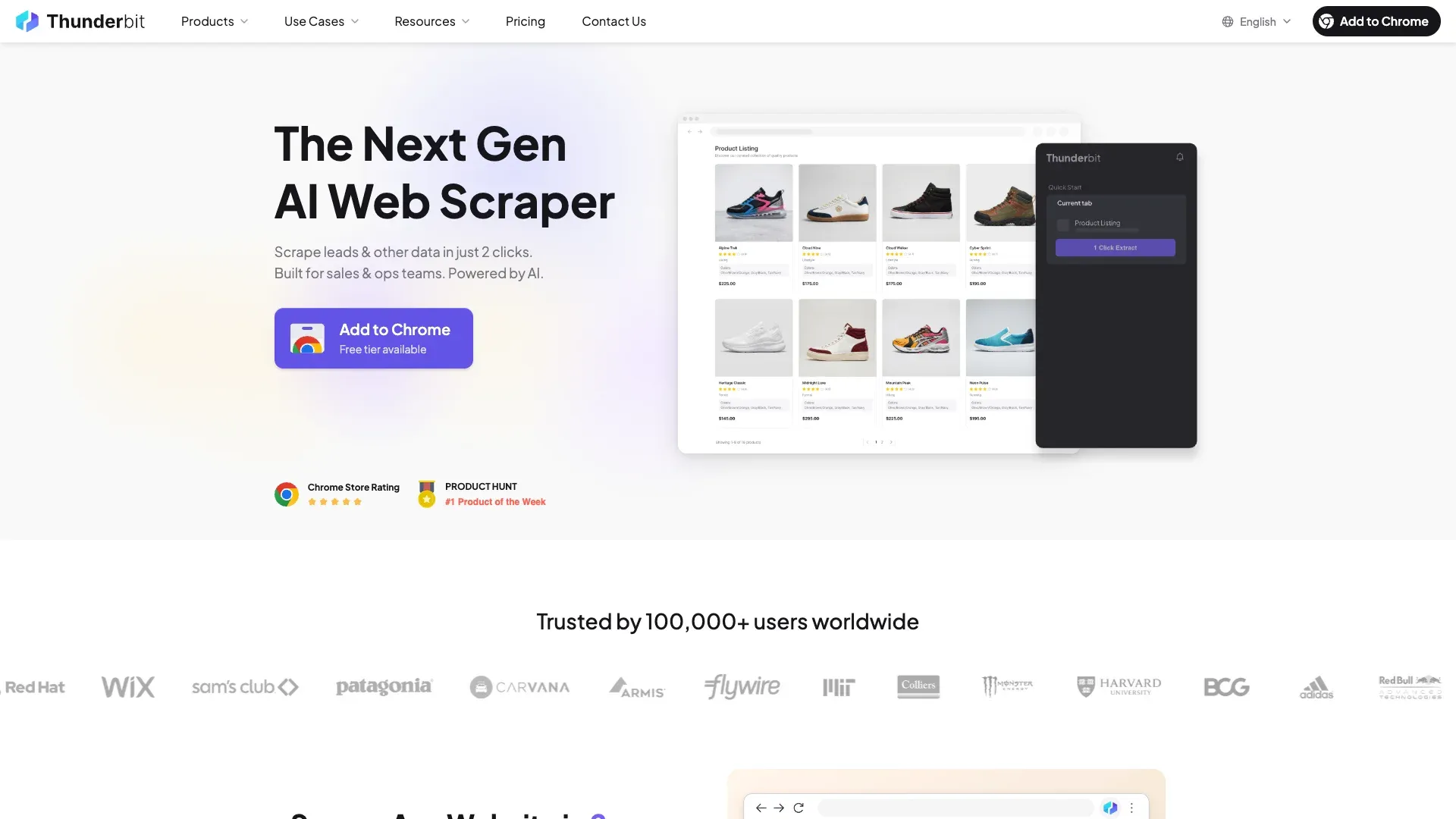 Thunderbit is an AI agent for web scraping. In a browser workflow, AI Suggest Fields proposes columns for a page that the user has opened; the user reviews or adjusts them, then clicks Scrape to start extraction.
Scrape Shopify stores with AI Get Started Free
Use it only where a permitted public page is visible in the browser. Its browser workflow is not a promise that a particular Shopify endpoint, rendered page, pagination path, or protected store will be accessible or extractable.
Workflow check: Confirm the current product documentation, the target page’s permitted access, required fields, and an approved test sample before relying on a recurring Shopify process.
Install Thunderbit Chrome Extension
2. Octoparse — Best Visual Workflow Builder
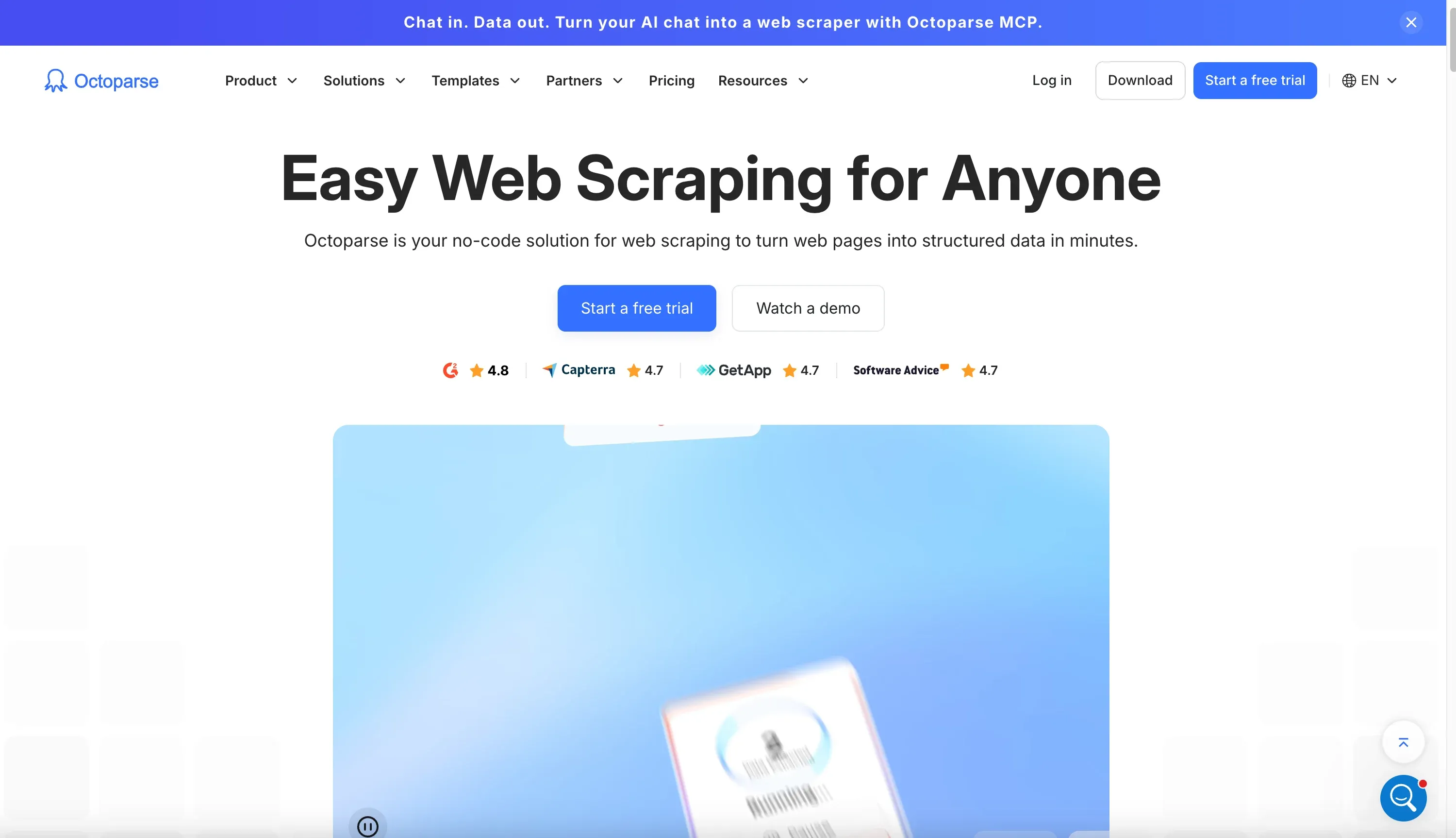 Octoparse is a desktop and cloud scraping platform that gives you a visual point-and-click workflow builder. It works well for Shopify when you want more control over selectors and pagination logic without writing code.
It can handle product listings, detail pages, and scheduled runs, but the setup is heavier than Thunderbit. For users who enjoy configuring scraping steps manually, it’s a strong option.
3. Instant Data Scraper — Best Free Quick Grab
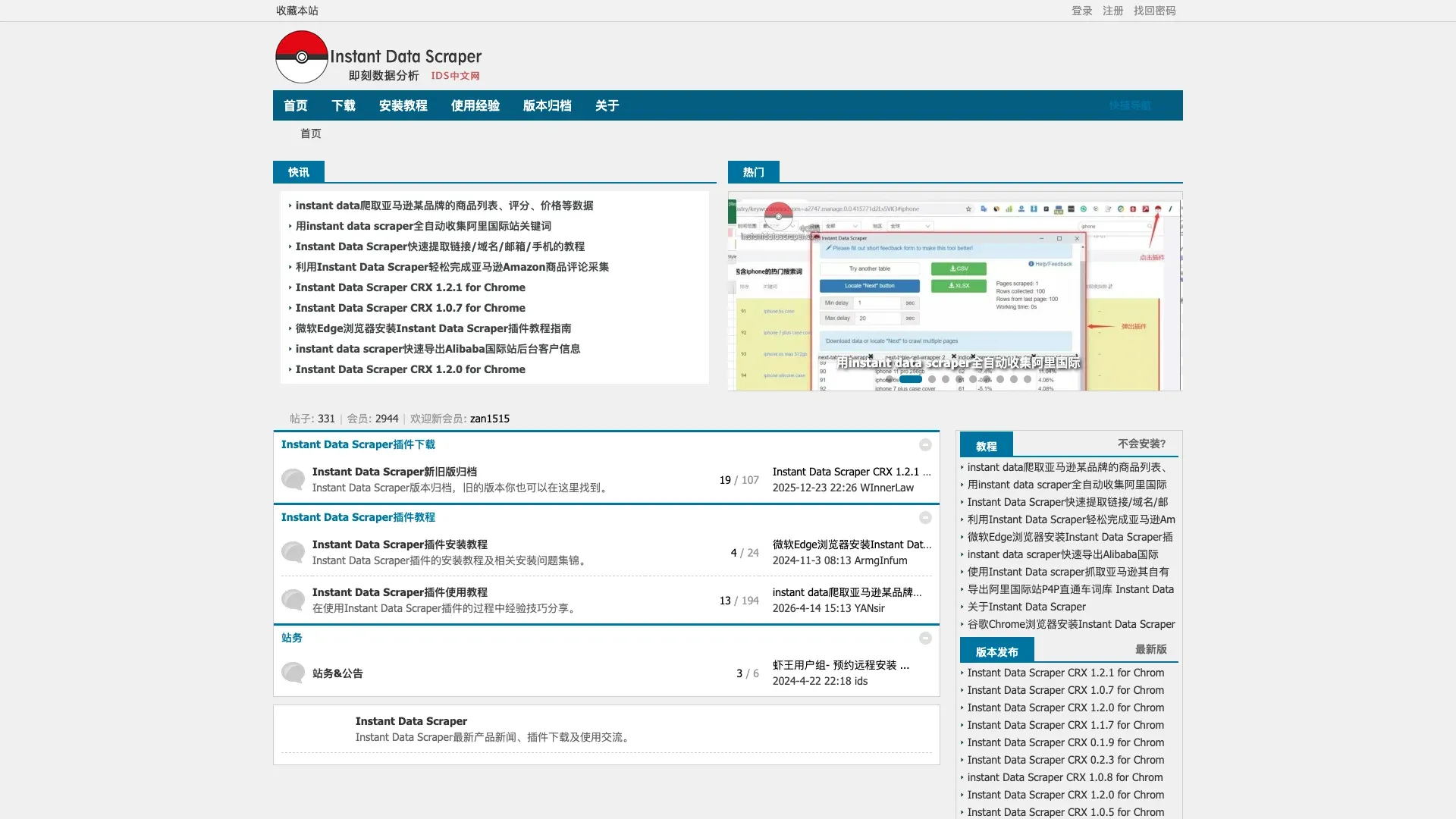 Instant Data Scraper is a simple Chrome extension for extracting visible tables and lists from web pages. It’s completely free and requires almost no setup.
The downside is that it’s generic. It doesn’t understand Shopify specifically, doesn’t handle subpages, and won’t help much if the page layout is dynamic or the data is hidden behind JS interactions.
4. ScrapingBee — Best Developer API
 ScrapingBee is a web scraping API built for developers. It handles browser rendering, proxies, and anti-bot mitigation, and you can use it to extract Shopify data with custom code.
This is a good choice if you want full control over the extraction process and are comfortable building the logic yourself. It’s not a no-code tool, though, and it won’t be the fastest path for non-technical users.
5. Bright Data — Best Enterprise-Scale Infrastructure
 Bright Data is an enterprise scraping platform with robust proxy infrastructure, CAPTCHA handling, and a dedicated Shopify scraper. It’s built for large-scale operations that need reliability and compliance features.
If your team is scraping huge catalogs or needs data pipelines that feed Snowflake or similar systems, Bright Data is worth a look. The tradeoff is complexity and cost.
6. Koala Inspector — Best for Store Intelligence
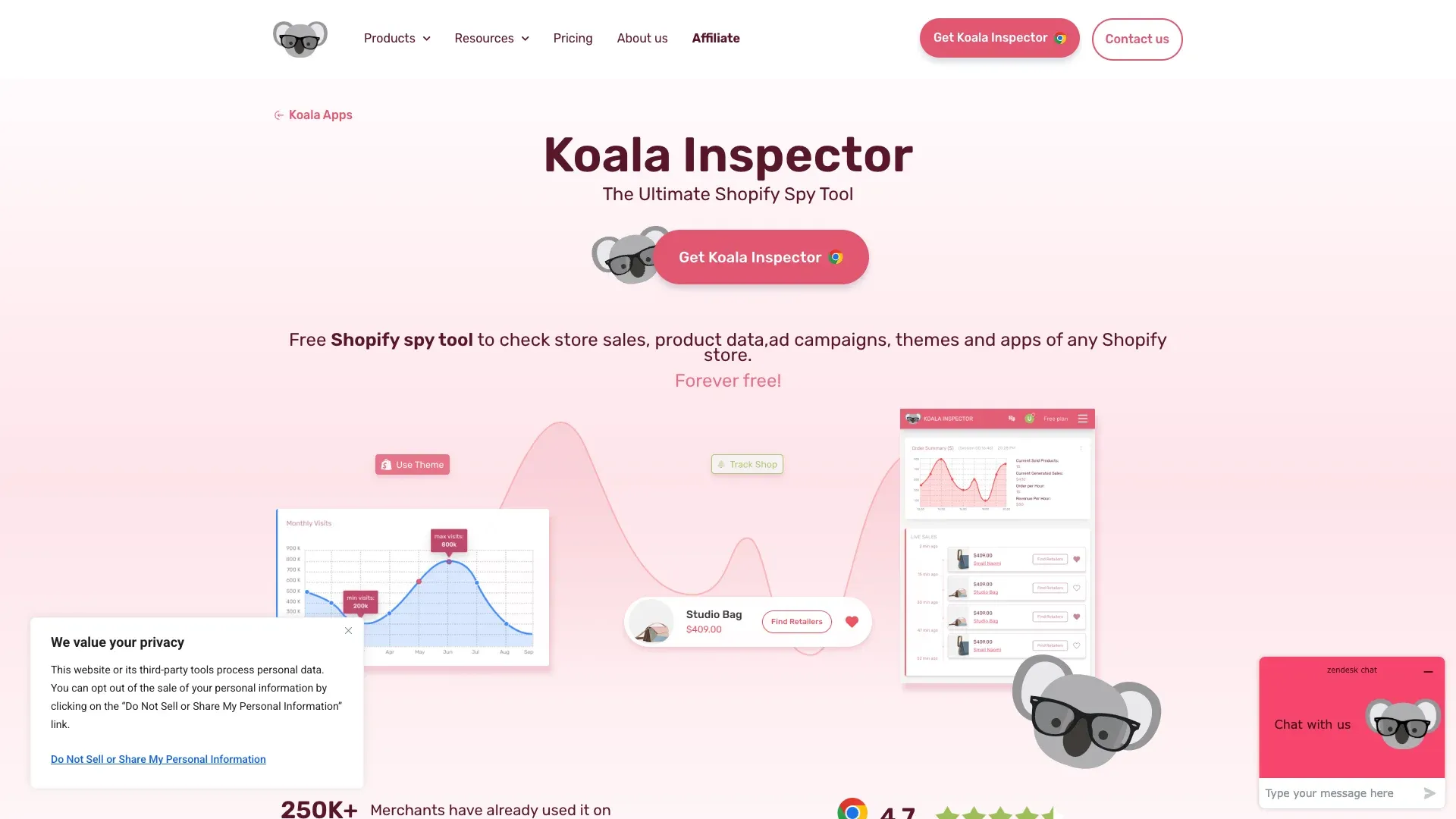 Koala Inspector is more of a Shopify spy tool than a scraper. It’s useful for identifying themes, apps, best-sellers, ads, and store-level intelligence.
If your goal is competitive research rather than exporting clean product data, it can be helpful. But it’s not the right tool for structured scraping at scale.
7. Parsehub — Best Free Desktop Scraper with IP Rotation
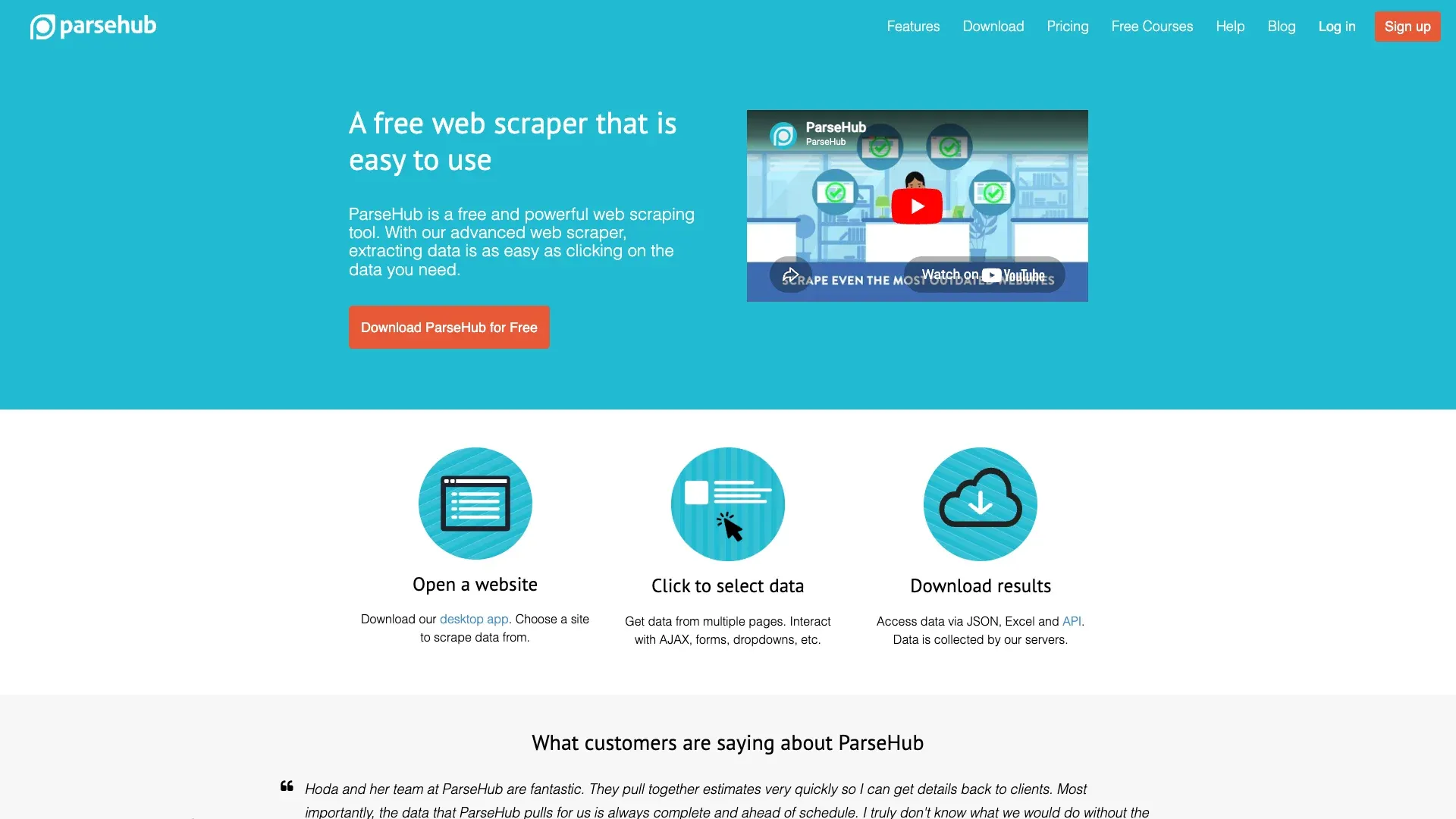 Parsehub is a visual desktop scraper that can handle complex sites and some dynamic interactions. It offers IP rotation on paid plans and supports workflows for subpages and pagination.
It’s more flexible than a simple extension, but setup takes longer and the learning curve is steeper.
8. Data Miner — Best for Browser-Based Table Extraction
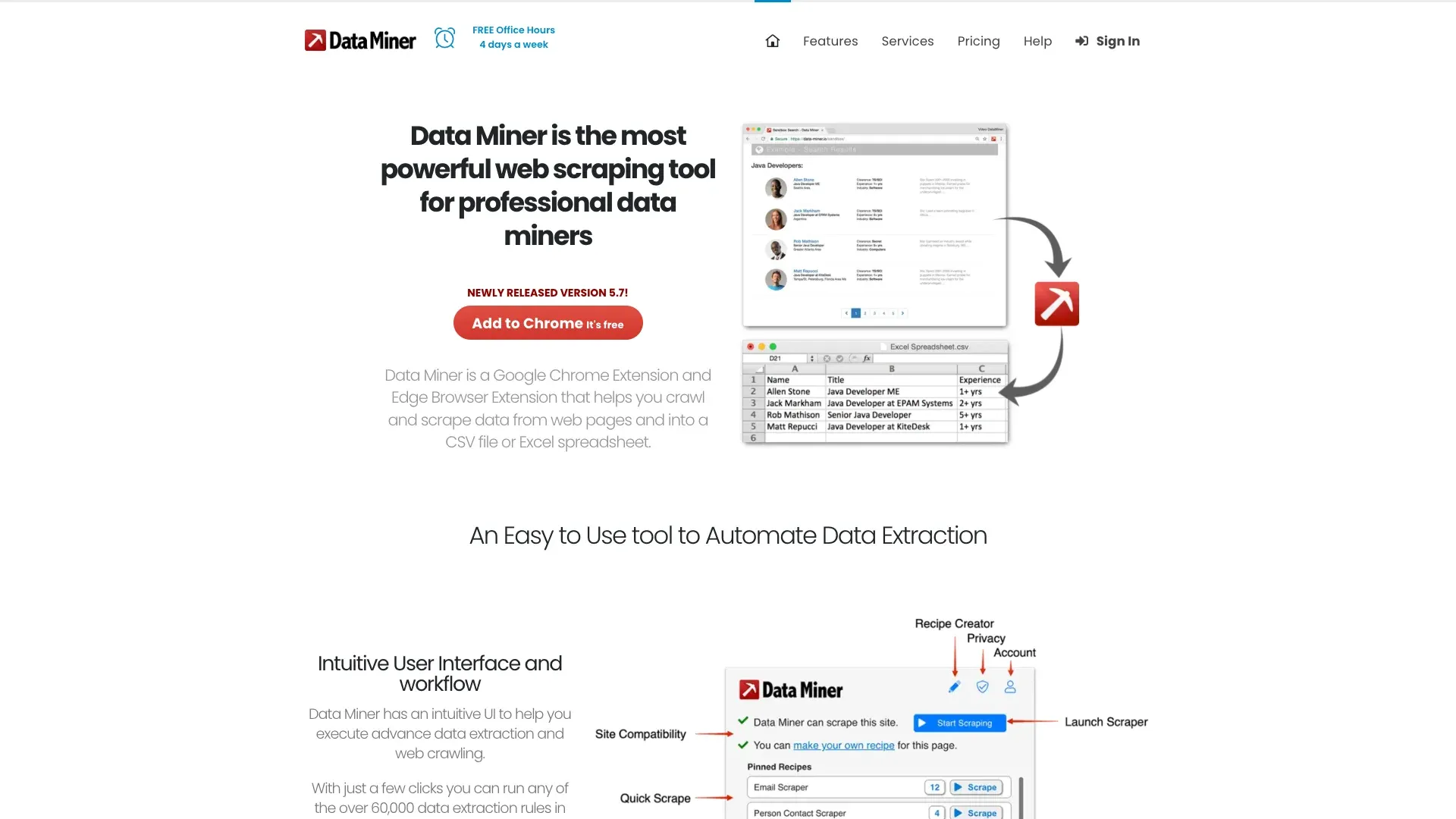 Data Miner is a Chrome extension focused on scraping visible data into spreadsheets. It’s handy for simple Shopify pages where the content is already in a table or clean list format.
Like Instant Data Scraper, it’s not Shopify-aware, so it works best on straightforward pages rather than complex storefronts.
9. Apify — Best Cloud Platform with a Shopify Actor
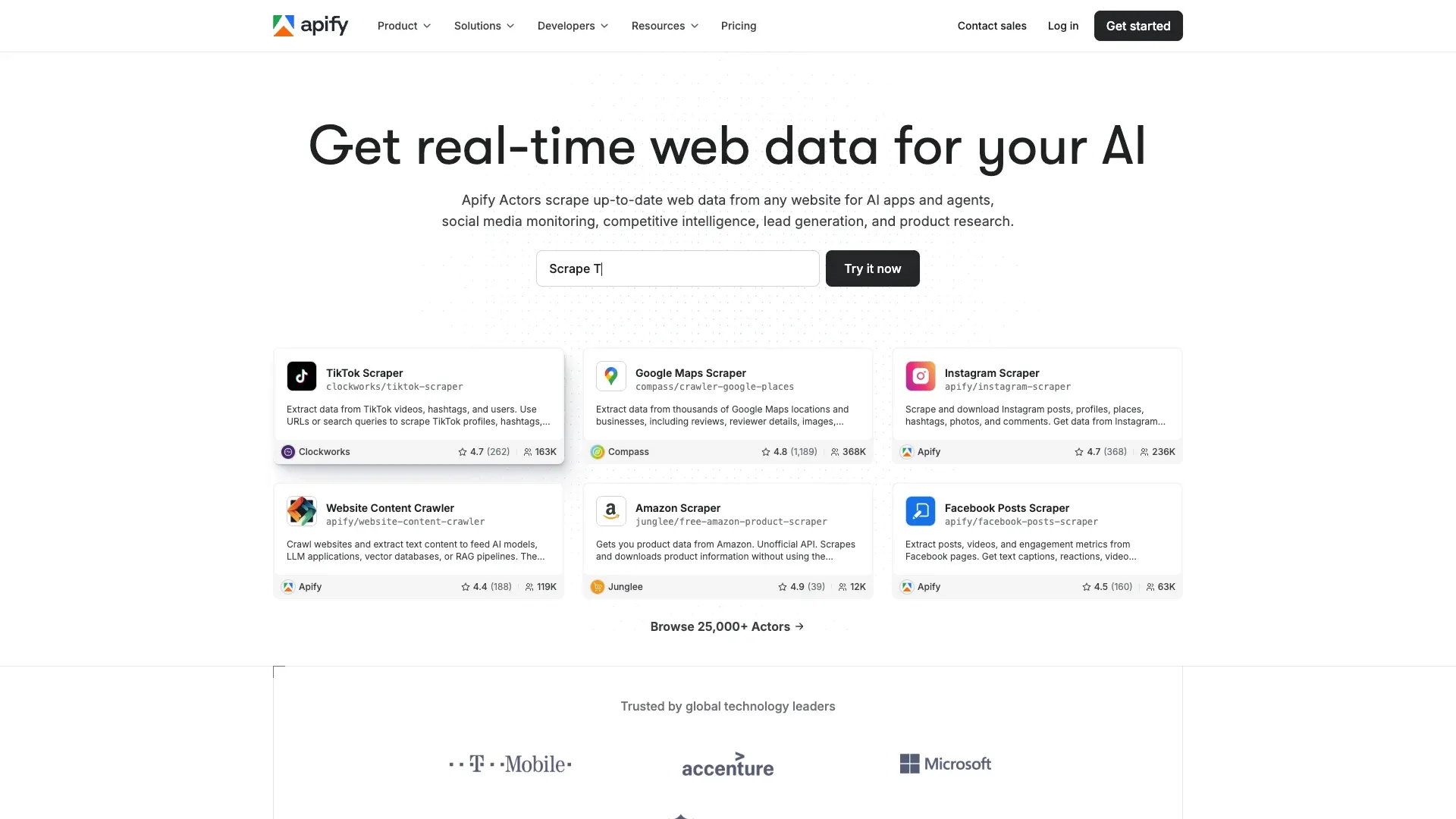 Apify offers a cloud scraping platform with a dedicated Shopify actor. It supports structured output, scheduling, and integrations with downstream tools.
This is a solid choice for teams that want hosted scraping and can work with actor-based configuration. It’s more technical than a browser extension but less infrastructure-heavy than building everything yourself.
Final Verdict: Which Shopify Scraper Should You Choose?
If you need a browser-first workflow for approved Shopify page research, Thunderbit is a strong option for non-technical users. It handles rendered pages, supports subpage enrichment, and uses AI-suggested fields that you can review before extraction.
If you want a more manual visual builder, Octoparse is a good alternative. If you need developer control, look at ScrapingBee or Apify. For enterprise-scale workflows, Bright Data stands out. And if you just need a quick free grab, Instant Data Scraper can do the job.
If you’re comparing tools for Shopify monitoring, product research, or catalog extraction, start with the easiest option that still covers subpages and scheduling — because that’s where the real value is.
Try Thunderbit for Shopify Scraping Get Started Free
Learn More




