
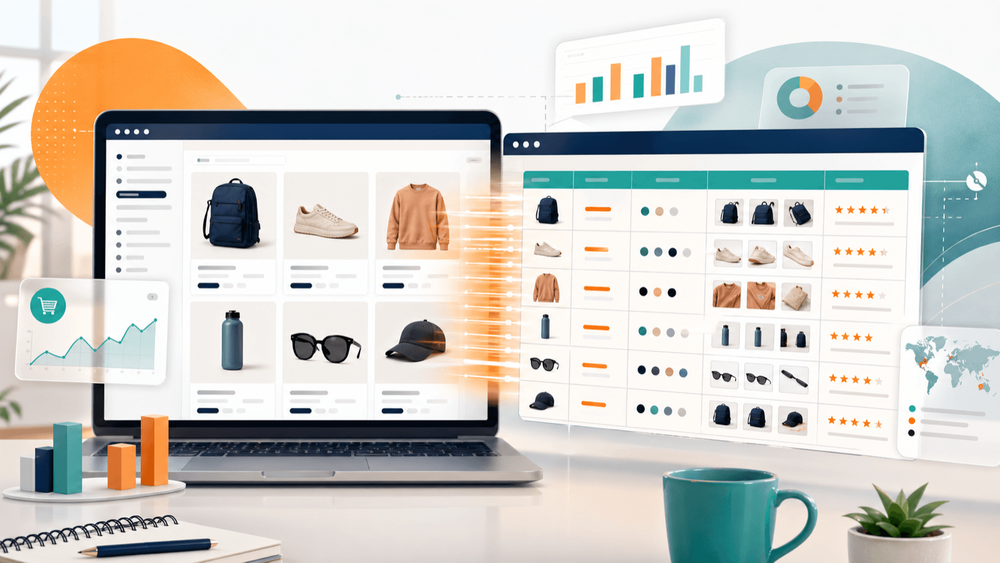
Last week, one of our users messaged us: "I need prices, descriptions, and variant data from 14 competitor Shopify stores — by Friday." That's roughly 4,000 product pages. Copy-pasting? Not happening.
If you've ever tried to pull product data from a Shopify store — prices, images, descriptions, variants, reviews — you know the pain. There are over 2.8 million live Shopify stores as of 2026, and none of them come with an "export for outsiders" button. Meanwhile, 72% of businesses say they actively monitor competitor pricing, and ecommerce service providers report that manually uploading even a single product with variants and images can eat 15 to 30 minutes. Multiply that by a few hundred products and you've lost your whole week.
That's why Shopify scraper Chrome extensions have become a standard part of the ecommerce toolkit — for competitive research, dropshipping discovery, catalog migration, and more. Most "best scraper" articles, though, just list features without showing what actually happens when you run them against real Shopify stores. This one's different. I tested eight extensions against actual storefronts, hit real anti-bot walls, and found out which tools get you the deep product data you need — and which ones stop at the surface.
Why Ecommerce Teams Need a Shopify Scraper Chrome Extension
Shopify stores are treasure troves of commercially useful product data. But as an outsider, you don't get a CSV download. You get a storefront. To turn that storefront into actionable intelligence, you need a scraper — and the use cases go well beyond "I want a list of product names."
The real question is: what data do you actually need, and for what workflow? Here's how the most common ecommerce use cases map to specific data fields:
Competitor Pricing Research
You need: product titles, prices, compare-at-prices, and variant-level pricing. This is the bread and butter of dynamic pricing strategy — knowing not just what a competitor charges, but how they discount, bundle, and price across sizes or colors.
Dropshipping Product Discovery
You need: titles, all images (not just thumbnails), full descriptions, and publish dates. Sorting by newest publish date helps you spot trending or freshly launched products before they saturate the market.
Catalog Import to Your Own Store
You need: titles, body HTML, all images, variants, SKUs, and prices — ideally in a Shopify-import-ready CSV. Not every tool produces this cleanly.
Sales Velocity Estimation
You need: product titles and inventory quantities, tracked over time. By snapping inventory levels on a schedule, you can estimate how fast a competitor is moving product — a rough but useful proxy when direct sales data isn't available.
Lead Generation (Finding Store Owners)
You need: store name, contact email, phone number, and sometimes the apps or tech stack a store uses. Sales teams use this to build outreach lists segmented by niche or technology.
Here's a quick reference:
| Use Case | Key Data Fields Needed | Recommended Workflow |
|---|---|---|
| Competitor pricing research | Title, price, compare-at-price, variant prices | Scrape listing page + subpage enrichment for variants |
| Dropshipping product discovery | Title, price, images (all), description, publish date | Subpage scrape + sort by newest publish date |
| Catalog import to your store | Title, body HTML, images, variants, SKU, price | Full subpage scrape → export as Shopify-import CSV |
| Sales estimation | Title, inventory quantity (over time) | Scheduled scraping → Google Sheets tracking |
| Lead generation (store owners) | Store name, email, phone, apps used | Scrape store contact pages + email/phone extractors |
How I Evaluated These 8 Shopify Scraper Chrome Extensions
I installed all eight extensions and ran them against the same set of real Shopify stores — including public stores, Cloudflare-protected stores, and stores with products.json disabled. I wasn't just checking feature lists. I wanted to see what actually happens when you press "scrape" on a live Shopify collection page.
Here are the eight criteria I used, and why each one matters specifically for Shopify:
| Criteria | Why It Matters for Shopify Scraping |
|---|---|
| Ease of Setup | Can a non-technical dropshipper start scraping in under 5 minutes? |
| Data Fields Extracted | Does it get title, price, images, descriptions, variants, AND reviews — or just surface-level data? |
| Subpage Enrichment | Can it scrape a listing page then auto-visit each product page for full details? |
| Pagination Handling | Can it scrape beyond the first page of products (click pagination or infinite scroll)? |
| Anti-Bot Resilience | Does it handle Cloudflare Turnstiles or Shopify's bot protection without breaking? |
| Export Formats | CSV, Excel, Google Sheets, Airtable, Notion, Shopify-import-ready CSV? |
| Scheduled/Recurring Scraping | Can it monitor prices or inventory changes automatically over time? |
| Pricing Transparency | Free tier limits, credit system, flat-fee — and what you actually get |
With that framework in mind, here's how each tool performed.
1. Thunderbit — The AI-Powered Shopify Scraper Built for Non-Coders
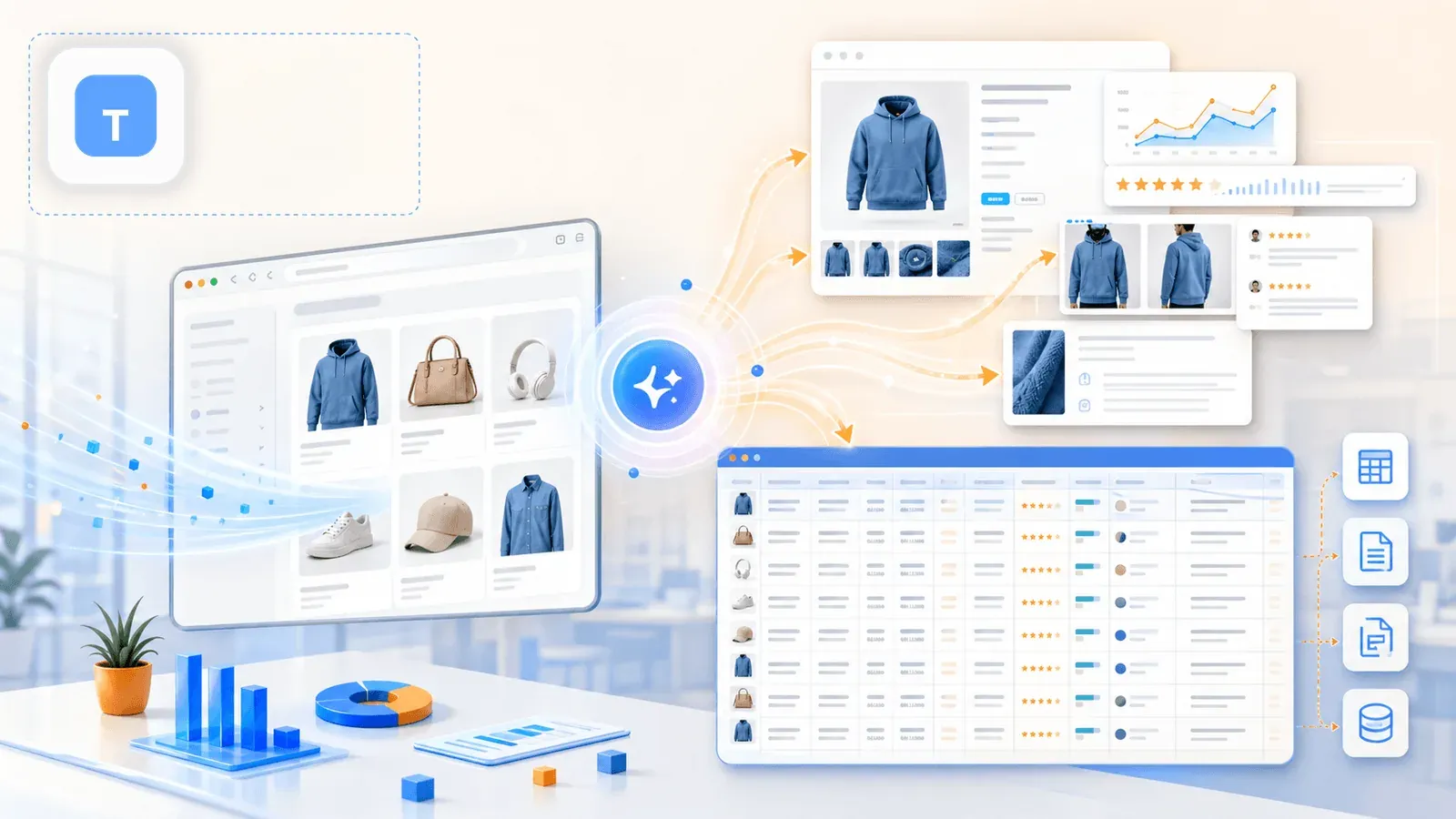
Thunderbit is the tool we built at Thunderbit specifically for business users who want deep product data without writing code, configuring CSS selectors, or spending 20 minutes on setup. The workflow on a Shopify store is genuinely one click: open a collection page and click One Click Extract — the AI reads the page, works out the columns (title, price, image, etc.), and pulls the listing data.
But the real differentiator — and the thing most competing articles ignore — is what happens next.
Subpage Enrichment: The Feature That Changes Everything
After scraping the listing page, you click "Scrape Subpages." Thunderbit's AI visits every individual product URL and appends the detail-page data to your original table: full descriptions, all gallery images, variant options, SKUs, review counts, and more. This is the step that turns a shallow spreadsheet into a usable competitive-research dataset.
I'll dig deeper into why this matters (and show a before/after comparison) in a dedicated section below.
Key Strengths for Shopify Scraping
- One Click Extract reads the Shopify page and works out the right column structure — no CSS selectors, no manual setup
- Subpage scraping fills in the data gaps that listing pages miss (full descriptions, variant options, image galleries, reviews)
- Cloud scraping mode for fast bulk extraction on public stores; browser scraping mode for Cloudflare-protected or login-required stores
- Pagination handling (click-based and infinite scroll)
- Scheduled scraping for ongoing price/inventory monitoring — describe the schedule in plain English (e.g., "every Monday at 9am")
- Free email and phone extractors for lead gen use cases
- Export to Excel, Google Sheets, Airtable, Notion, CSV, JSON — including Shopify-import-friendly formats
- Field AI Prompt lets you add custom instructions per column (e.g., "categorize into 3 product types" or "translate description to English")
Where It Falls Short
- Credit-based pricing means very large-scale scraping (tens of thousands of products) requires a paid plan
- AI processing adds a few seconds per row compared to template-based scrapers on very simple pages
Pricing
- Free tier: 6 pages (or up to 10 with free trial), all exports free
- Starter: $15/month, 500 credits/month
- Professional tiers: from $38/month (3,000 credits) up to $249/month (20,000 credits)
- Credit rules: 1 output row = 1 credit for web scraping; 1 output row = 2 credits for subpage scraping; exports are always free
Best for: Non-technical ecommerce teams who need the deepest Shopify product data with minimal setup — and want to monitor competitors over time.
Try Thunderbit for Shopify Scraping Product titles, prices, variants, and images from any Shopify store — click once, no selectors to configure. Get Started Free
2. Instant Data Scraper — The Zero-Config Auto-Detect Option
Instant Data Scraper is a free Chrome extension that uses heuristic algorithms to auto-detect tabular data on web pages. There's no configuration at all — open a Shopify collection page, click the extension icon, and it tries to detect and display the product data in a table.
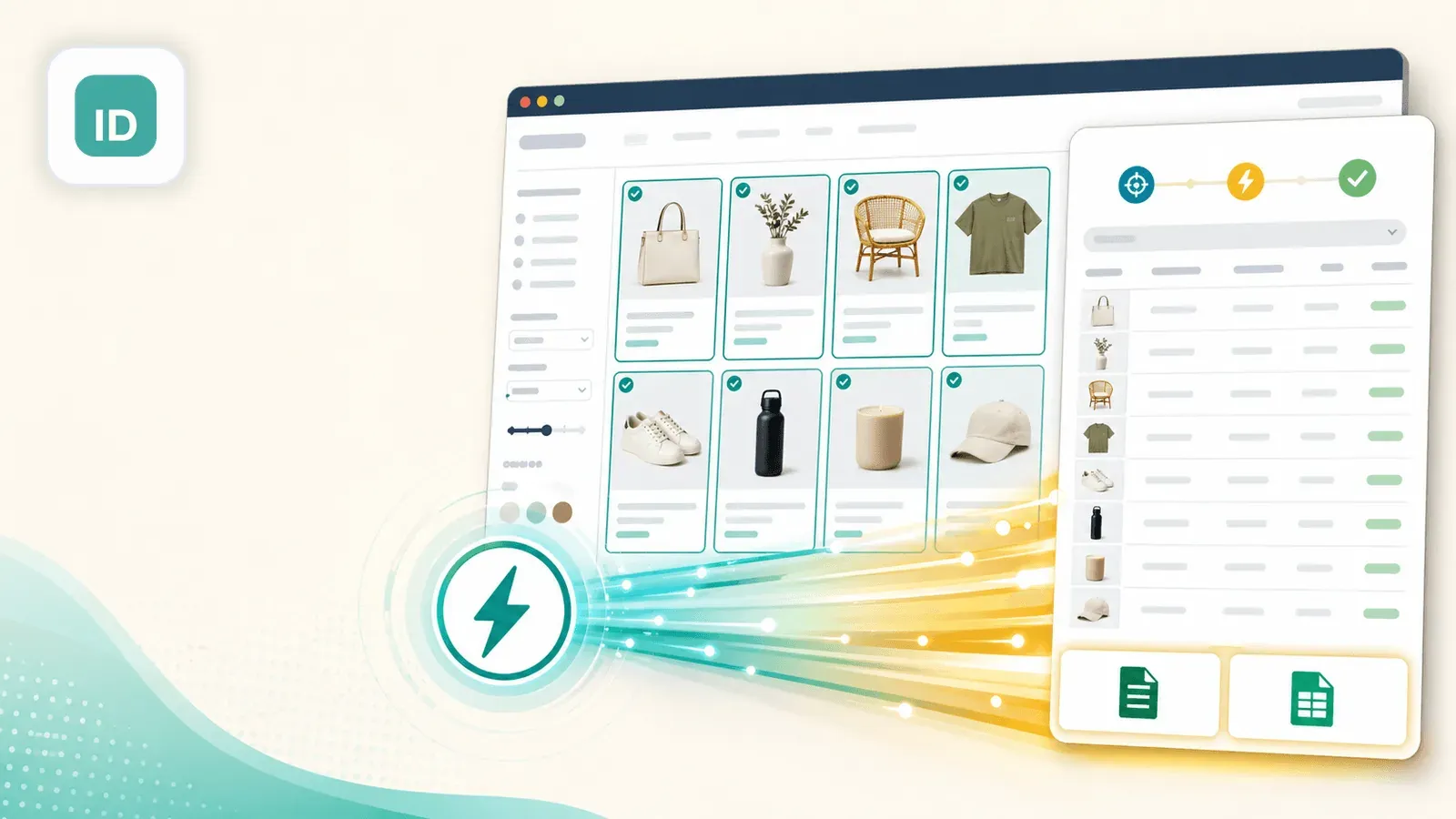
In my testing, it worked well on standard Shopify Dawn-theme collection pages, picking up titles, prices, and thumbnail image URLs within seconds. On stores with non-standard layouts, it occasionally grabbed navigation links or footer content instead of products — you have to eyeball the output.
Key Strengths for Shopify Scraping
- Completely free with no usage limits
- Auto-detection means zero setup time — good for quick, one-off exports
- Supports pagination (can click "next page" automatically)
- Exports to CSV and XLSX
Where It Falls Short
- Auto-detection is hit-or-miss on Shopify stores with non-standard layouts
- No subpage enrichment: you get what's on the listing page (title, price, thumbnail) but not full descriptions, variants, or reviews
- No AI to clean, label, or transform data
- No scheduling, no cloud scraping
- No direct export to Google Sheets, Airtable, or Notion
Pricing
- Completely free
Best for: Anyone who needs a fast, free, no-setup export of visible listing-page data from a standard Shopify store.
3. Web Scraper — The Visual Sitemap Builder
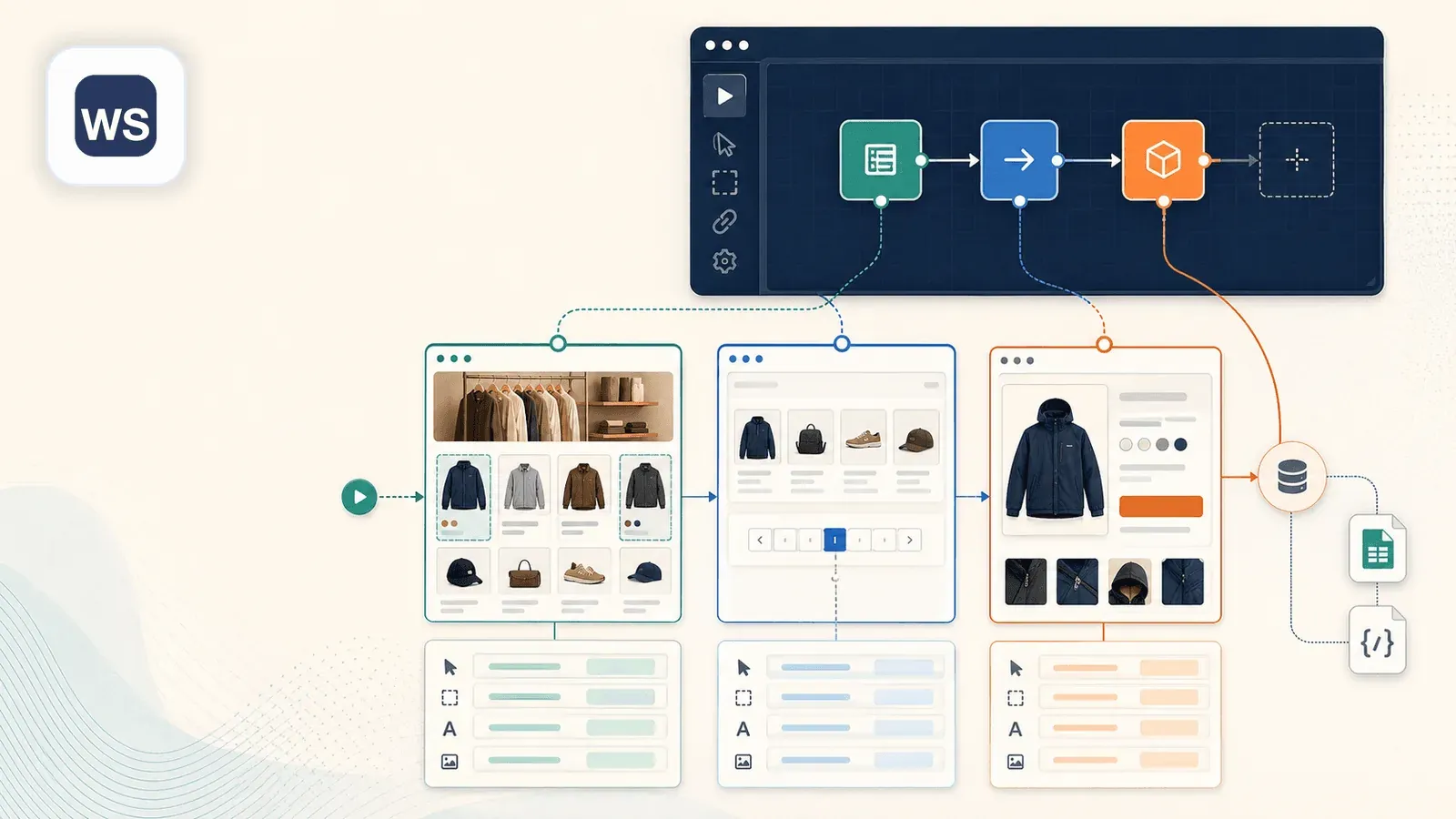
Web Scraper (webscraper.io) is the classic point-and-click Chrome extension for building "sitemaps" — scraping recipes where you select elements on the page and define a scraping flow. On Shopify, you'd create a sitemap by clicking on product titles, prices, images, and defining pagination and link-following rules.
Key Strengths for Shopify Scraping
- Visual selector builder gives more control than auto-detect tools
- Can follow links to subpages (product detail pages) — but requires you to manually configure parent-child selectors in the sitemap
- Handles pagination with proper setup
- Free browser-based scraping; paid cloud scraping plans available (from $50/month)
- Exports to CSV; cloud plans support Google Sheets and other formats
Where It Falls Short
- Setup is more time-consuming: creating a sitemap with parent-child selectors took me about 15 minutes for a new Shopify store
- Subpage scraping requires manual configuration of link selectors and child sitemaps — not a one-click enrichment
- Sitemaps break when Shopify stores change their layout or CSS classes
- Learning curve is steeper than AI-powered alternatives
Pricing
- Browser extension: Free
- Cloud plans: Project $50/month, Professional $100/month, Scale from $200/month
Best for: Technical users who want granular control over their scraping flow and don't mind building the recipe themselves.
4. Data Miner — The Recipe-Based Scraper
Data Miner (dataminer.io) is built around "recipes" — pre-built or custom scraping templates that you apply to a page. There's a public recipe library, so you might find a Shopify template shared by another user, or you can build your own by selecting elements on the page.
Key Strengths for Shopify Scraping
- Recipe library may have pre-built Shopify templates shared by other users
- Visual recipe builder for custom scraping configurations
- Handles pagination with recipe configuration
- Exports to CSV, Excel, Google Sheets, and TSV
- Crawl workflows for visiting detail pages after list pages
Where It Falls Short
- Free tier is limited to 500 pages/month
- Recipes are CSS-selector-based, so they break when store layouts change
- No AI-powered field suggestion or data transformation
- No built-in one-click subpage enrichment workflow — requires a separate crawl recipe for detail pages
- Scheduled crawls exist but aren't the simplest scheduling story
Pricing
- Free: 500 pages/month
- Solo: $19.99/month
- Small Business: $49/month
- Business: $99/month
- Business Plus: $200/month
Best for: Users who like working with templates and want a recipe library to speed up setup on common sites.
5. Simplescraper — The Lightweight Extractor
Simplescraper (simplescraper.io) is a minimalist Chrome extension and cloud-based scraper that emphasizes simplicity. You click on data elements on a Shopify page, Simplescraper generates CSS selectors, and extracts matching data.
Key Strengths for Shopify Scraping
- Clean, minimal interface — quick to learn
- Cloud scraping available for scheduled and bulk jobs
- API access for developers who want to integrate scraped data into workflows
- Exports to CSV, JSON, Google Sheets, Airtable, and via webhooks
- Deep scraping concept for following links to detail pages
- Login-capable workflows for session-sensitive stores
Where It Falls Short
- Manual selector-based approach — no AI to auto-detect fields
- Subpage scraping requires additional configuration
- Smaller community and fewer pre-built templates compared to Web Scraper or Data Miner
- Free tier: 100 credits (1 JS-rendered page = 2 credits)
- Paid tier pricing is less transparent on the official site than most peers
Pricing
- Free: 100 credits
- Paid plans: Third-party sources list Plus at ~$39/month, Pro at ~$70/month, Premium at ~$150/month (per G2 pricing data)
Best for: Users who want a lightweight modern cloud scraper with good integrations and don't need AI-powered field detection.
6. Octoparse — The Desktop-Powered Chrome Extension
Octoparse (octoparse.com) is primarily a desktop application with a companion Chrome extension. It offers both a visual workflow builder and pre-built templates for popular sites, including a Shopify-specific scraping tutorial.

Key Strengths for Shopify Scraping
- Pre-built Shopify templates for common scraping tasks
- Powerful desktop app with advanced features: IP rotation, scheduled scraping, cloud extraction
- Handles pagination, infinite scroll, and AJAX-loaded content well
- Strongest documented anti-bot handling in this list, including automatic CAPTCHA handling
- Exports to CSV, Excel, JSON, HTML, XML, databases, and Google Sheets
Where It Falls Short
- The Chrome extension alone is limited — most power features require the desktop app
- Desktop app has a steeper learning curve with its visual workflow builder
- Free tier is restricted; meaningful use requires a paid plan
- Heavier setup compared to pure Chrome extension tools — not ideal for a quick 5-minute scrape
- Desktop app is Windows/Mac only (not purely browser-based)
Pricing
- Free plan available
- Basic: $39/month
- Standard: ~$83/month (monthly), ~$75/month (annual)
- Professional: ~$299/month (monthly), ~$208/month (annual)
- Enterprise: custom
Best for: Teams that need enterprise-scale scraping with IP rotation, anti-bot handling, and recurring cloud jobs — and don't mind a desktop app.
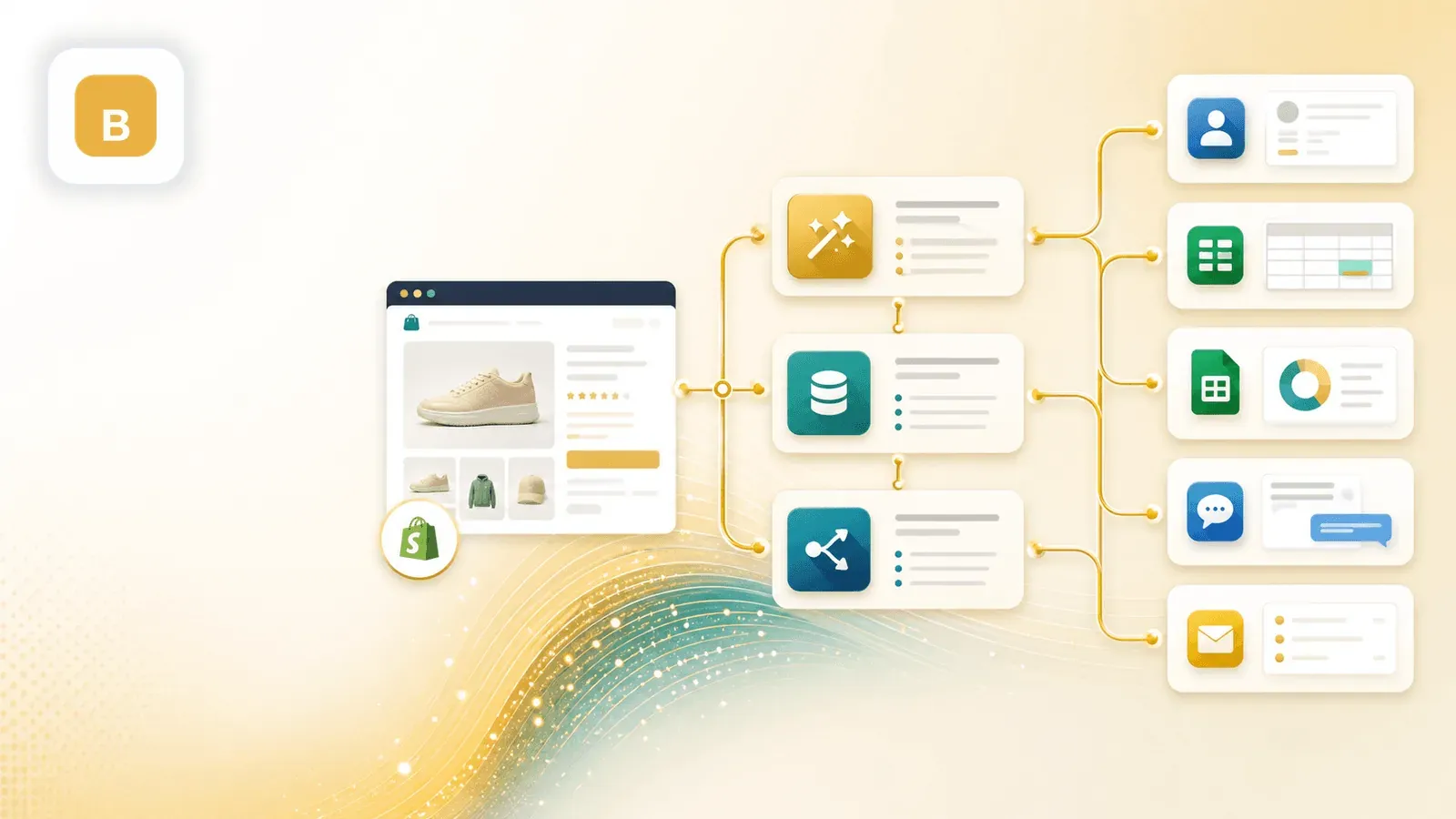
7. Bardeen — The Automation-First Scraper
Bardeen (bardeen.ai) is a browser automation platform that combines web scraping with workflow automation. Users build "playbooks" that can scrape data and then send it to other apps — think of it as "if I scrape this, then push it to my CRM."
Key Strengths for Shopify Scraping
- Workflow automation beyond scraping: scrape Shopify data → enrich → push to CRM or spreadsheet in one playbook
- Integrations with 100+ apps (Google Sheets, Airtable, Notion, HubSpot, Slack, etc.)
- AI-powered features for data extraction and classification
- Runs in the browser — no desktop app needed
- Time/date-based automations for scheduling
Where It Falls Short
- Primarily an automation tool, not a dedicated scraper — scraping features are less deep than specialized tools
- Playbook creation can be confusing for users who just want to extract a product list
- Free tier limited to 100 credits
- Subpage enrichment and pagination handling are less intuitive than dedicated scraping tools
- Overkill if you only need to scrape data without downstream automation
Pricing
- Free: 100 credits
- Basic: $10/month, 100 credits/month
- Premium: $50/month, 1,000 credits/month (~$40/month annually)
- Enterprise: custom
- Credit model: 1 credit per scraper row, 3 credits per enrichment row
Best for: Teams that want to scrape Shopify data and immediately push it into downstream apps (CRMs, spreadsheets, Slack) in one automated workflow.
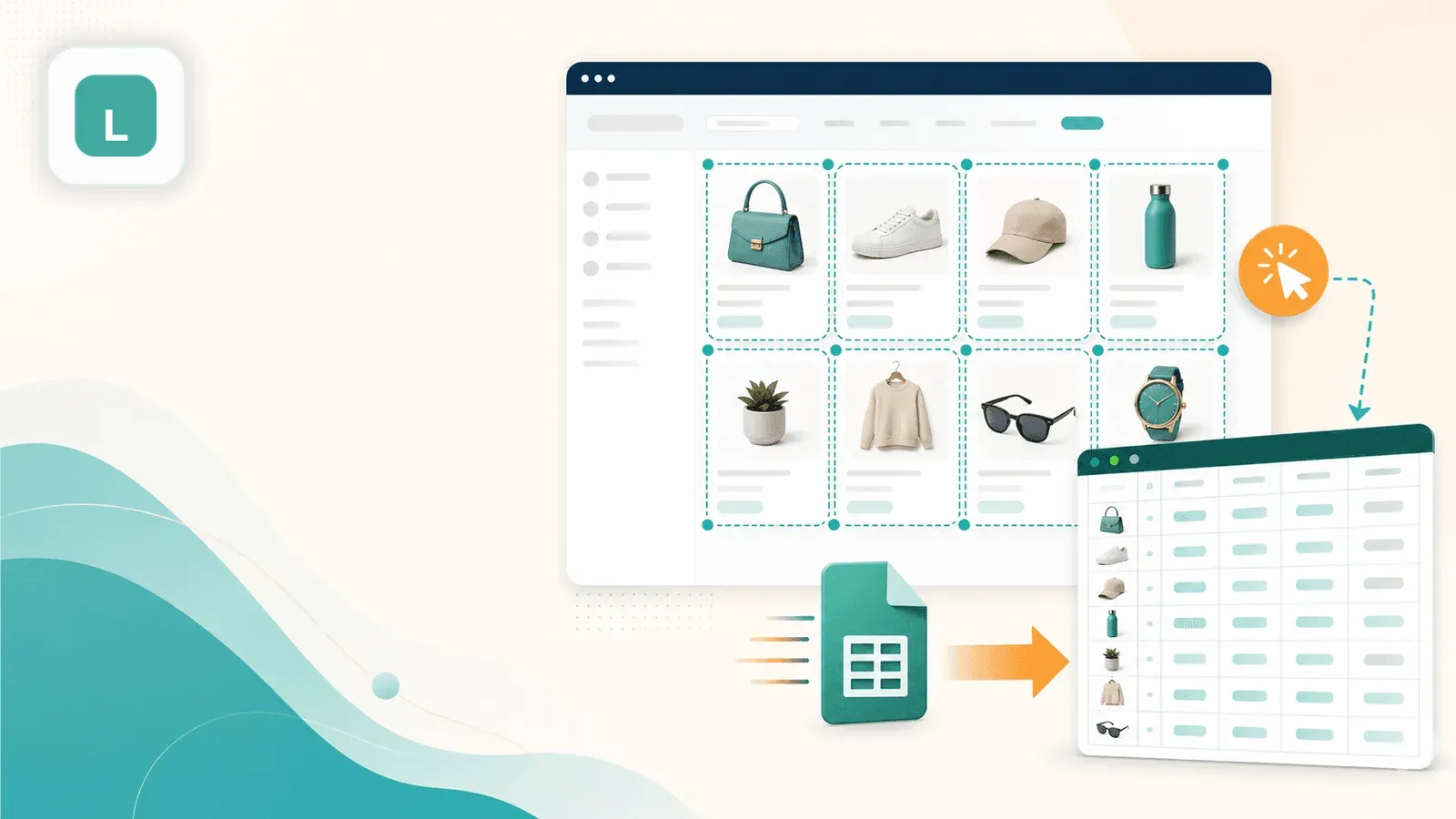
8. Listly — The List-to-Spreadsheet Converter
Listly (listly.io) is designed specifically for converting web page lists and tables into spreadsheet-ready data. Click the extension on a Shopify collection page and Listly attempts to detect the product list and export it as a spreadsheet.
Key Strengths for Shopify Scraping
- Extremely simple interface — designed for one-click list extraction
- Good at detecting repeating list structures (like product grids)
- Exports directly to Excel and Google Sheets
- Group scraping feature for processing multiple URLs at once
- Scheduling available on Business plans
Where It Falls Short
- Limited to what it auto-detects on the page — no custom field configuration
- No subpage enrichment — exports only listing-page-level data
- Struggles with non-standard Shopify themes or stores with heavy JavaScript rendering
- Free tier is very limited (10 URLs/month)
- Limited export options compared to competitors (primarily Excel and Sheets)
Pricing
- Free: 10 URLs/month, basic 1-page extraction, Excel download, Google Sheet export
- Light: $30/month ($187.20/year annually)
- Business: $90/month ($993.60/year annually) — adds advanced extraction, group extraction, scheduling, auto-scroll/click, API beta
Best for: Users who want the simplest possible path from a Shopify collection page to a spreadsheet — and don't need deep product data.
All 8 Shopify Scraper Chrome Extensions Compared
Here's the full side-by-side. I've tried to be specific in each cell rather than just checking boxes — because "supports pagination" means very different things depending on the tool.
| Tool | Ease of Setup | Data Fields | Subpage Enrichment | Pagination | Anti-Bot Handling | Export Formats | Scheduling | Free Tier / Pricing |
|---|---|---|---|---|---|---|---|---|
| Thunderbit | Very easy (AI-led, 1 click) | Strongest for non-technical users (the AI works out all relevant fields) | Yes — one-click enrichment | Yes (click + infinite scroll) | Cloud for public, browser for protected | Sheets, Airtable, Notion, CSV, JSON, Excel | Yes (plain-English scheduling) | Free 6 pages; paid from $15/mo |
| Instant Data Scraper | Extremely easy (zero config) | Good for listing-level data only | No | Yes (auto-detect next page) | Browser-only, no anti-bot story | CSV, XLSX | No | Free |
| Web Scraper | Medium-hard (manual sitemap) | Flexible if sitemap is built well | Yes, but manual via link selectors | Yes (with sitemap config) | Browser locally; proxy rotation on cloud plans | CSV locally; broader on cloud | Yes on cloud plans | Free extension; cloud from $50/mo |
| Data Miner | Medium (recipe-based) | Good if recipe exists or is built | Yes, but multi-step crawl setup | Yes (recipe config) | Mostly browser-side | CSV, Excel, Sheets, TSV | Automated crawls exist | Free 500 pages/mo; paid from $19.99/mo |
| Simplescraper | Easy-medium (selector-based) | Solid for lightweight extraction | Deep scraping exists, but not one-click | Yes (infinite scroll supported) | Proxy rotation and login-friendly | CSV, JSON, Sheets, Airtable, webhooks | Yes | Free 100 credits; paid tiers exist |
| Octoparse | Harder (desktop app) | Very strong when configured | Yes, via workflows or templates | Yes (AJAX, infinite scroll) | Strongest anti-bot (IP rotation, CAPTCHA) | CSV, Excel, JSON, HTML, XML, DBs, Sheets | Yes on Standard+ | Free; Basic $39/mo; cloud from ~$83/mo |
| Bardeen | Medium (playbook builder) | Good when tied to automation | Possible in workflow logic, not Shopify-first | Possible | Runs in browser, anti-bot not core | CSV, Sheets, Airtable, Notion | Yes via automations | Free 100 credits; Basic $10/mo; Premium $50/mo |
| Listly | Very easy (one-click list detect) | Best for visible list rows only | No | Limited to detected list structure | Minimal | Excel, Sheets, CSV/JSON API on Business | Yes on Business | Free 10 URLs/mo; Light $30/mo; Business $90/mo |
Quick Verdict by Priority
If you need the deepest Shopify product data with minimal setup, Thunderbit's AI + subpage enrichment is the strongest combo. If you need a completely free, quick-and-dirty export, Instant Data Scraper works for simple pages. If you want full control and don't mind building recipes, Web Scraper or Octoparse give you that power. And if your real goal is scrape → automate → push to CRM, Bardeen is the workflow platform to look at.
Scraping the Listing Page Is Only Half the Job: The Subpage Enrichment Workflow
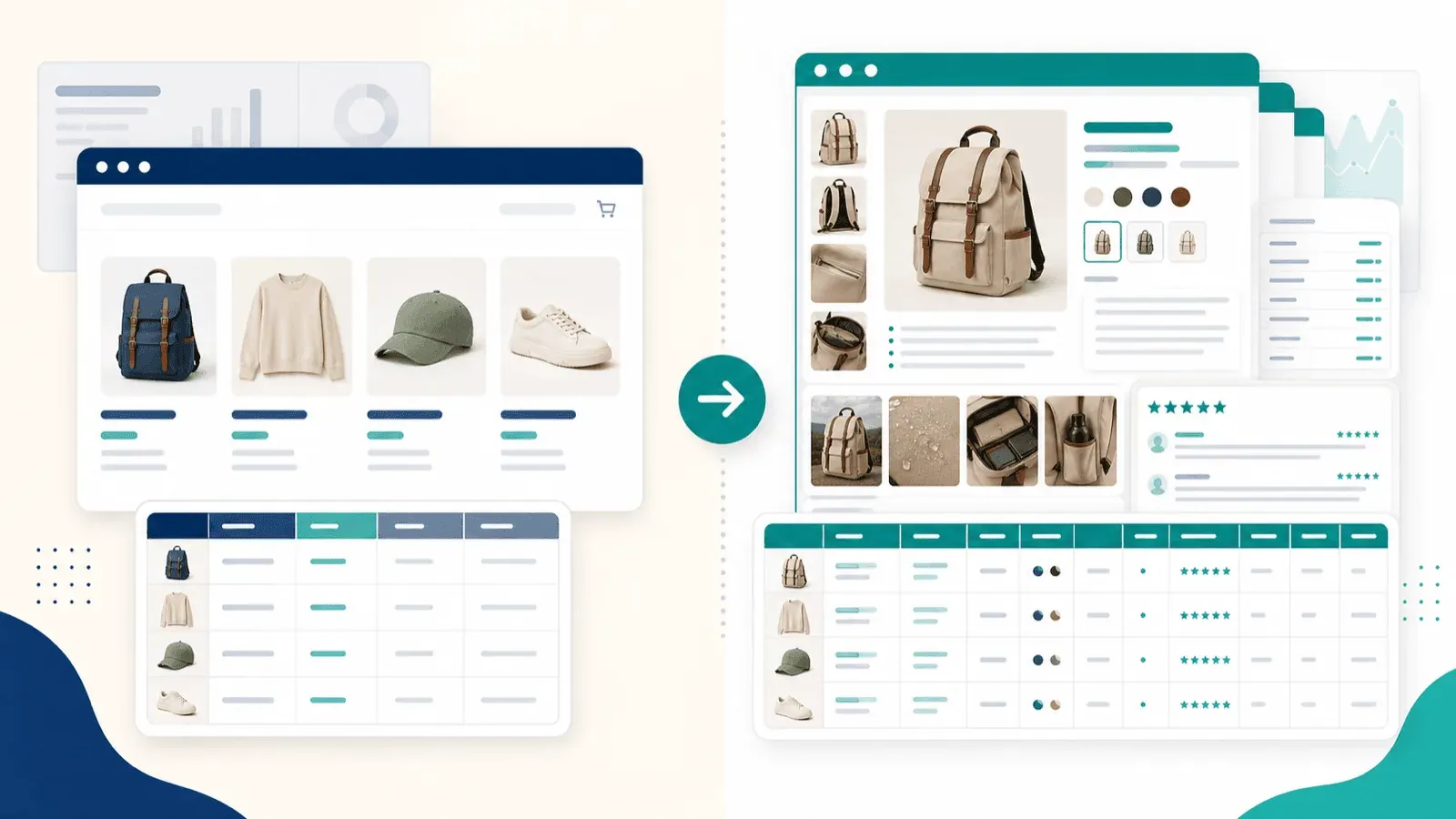
This is the section I wish every other Shopify scraper article would include — because it's the single biggest gap in competing content, and it's the #1 frustration I hear from ecommerce users.
When you scrape a Shopify collection page (the listing page), you get surface-level data: titles, prices, thumbnails, maybe a truncated description. But the fields you actually need for competitor analysis, catalog import, or dropshipping research live on the individual product detail pages.
What You Get from the Listing Page vs. After Subpage Enrichment
| Data Field | From Listing Page Only | After Subpage Enrichment |
|---|---|---|
| Product Title | ✅ | ✅ |
| Price | ✅ | ✅ |
| Thumbnail Image | ✅ | ✅ + all gallery images |
| Short Description | ⚠️ Truncated | ✅ Full HTML description |
| Variants (size, color) | ❌ | ✅ |
| SKU / Inventory | ❌ | ✅ |
| Reviews / Ratings | ❌ | ✅ |
That's a massive difference.
A listing-page-only export gives you a shallow spreadsheet. A subpage-enriched export gives you a usable competitive-research dataset.
How Subpage Scraping Works in Thunderbit (Step by Step)
- Navigate to the Shopify store's collection/listing page
- Click "One Click Extract" — Thunderbit reads the page and works out the columns (title, price, image, link, etc.)
- Click "Scrape" to extract listing-page data
- Click "Scrape Subpages" — AI visits each product URL and appends detail-page data (full description, all images, variants, reviews) to the original table
- Export the enriched table to Excel, Google Sheets, Airtable, Notion, or CSV
The whole process takes a few minutes for a typical collection, and you end up with a dataset that would have taken hours to assemble manually.
Try Thunderbit Subpage Scraping Go past the collection page: Thunderbit visits each product page and appends the deeper fields to your table. Get Started Free
Which Other Tools Support Subpage Enrichment?
- Web Scraper: Yes, but requires manual sitemap configuration with link selectors and child sitemaps — expect 15-20 minutes of setup per store
- Octoparse: Yes, via workflow builder or templates — powerful but heavier setup
- Data Miner: Yes, via multi-step crawl workflows — not a one-click operation
- Simplescraper: Deep scraping concept exists, but less turnkey
- Instant Data Scraper, Listly, Bardeen: No documented one-click subpage enrichment for Shopify
The difference between "can technically follow links with 20 minutes of manual setup" and "one-click enrichment" is the difference between a tool for scraper engineers and a tool for ecommerce operators.
When Shopify's products.json Fails — And Why Chrome Extensions Are Your Backup Plan
If you've read other Shopify scraping guides, you've probably seen the /products.json trick: just add /products.json to a Shopify store URL and you get structured product data in JSON format. It's a real endpoint, and when it works, it's handy.
How products.json Works
Shopify stores expose a JSON API endpoint at /products.json that returns structured product data. You can paginate with ?page=2&limit=250 (max 250 products per page).
Fields typically returned include: title, body_html, vendor, product_type, tags, published_at, variants (with price, compare_at_price, sku, available), and images.
What products.json Misses
- No review data or rating counts
- Limited description formatting compared to rendered pages
- Custom metafields often not included
- Variant-level images can be inconsistent
- No rendered merchandising content, badges, or social proof
When products.json Breaks
I ran direct HTTP checks against eight real Shopify storefronts on April 27, 2026. The results were telling:
| Store | Result |
|---|---|
| kith.com | ✅ Worked — clean JSON |
| colourpop.com | ✅ Worked |
| allbirds.com | ✅ Worked |
| brooklinen.com | ✅ Worked |
| negativeunderwear.com | ✅ Worked |
| gymshark.com | ❌ Blocked — 403 HTML instead of JSON |
| mvmt.com | ⚠️ Partially disabled — 200 HTML page, not JSON |
| fashionnova.com | ❌ Disabled — 404 |
Five out of eight returned clean JSON. Three didn't.
Forum users report the same: "For some reason, some Shopify stores choose to not expose a products.json." Password-protected stores, stores with custom API setups, and Cloudflare-protected domains can all break the pattern.
The Chrome Extension Fallback
When products.json isn't available, a Chrome extension scraper extracts data directly from the rendered page (the DOM). This is the core value proposition of browser-based scrapers: they see and extract what you see in your browser, regardless of API availability. That makes Chrome extensions the reliable Plan B — and often Plan A when you need rendered-page data like reviews, merchandising content, or full image galleries.
Anti-Bot Protection: What Actually Happens When You Scrape Shopify Stores
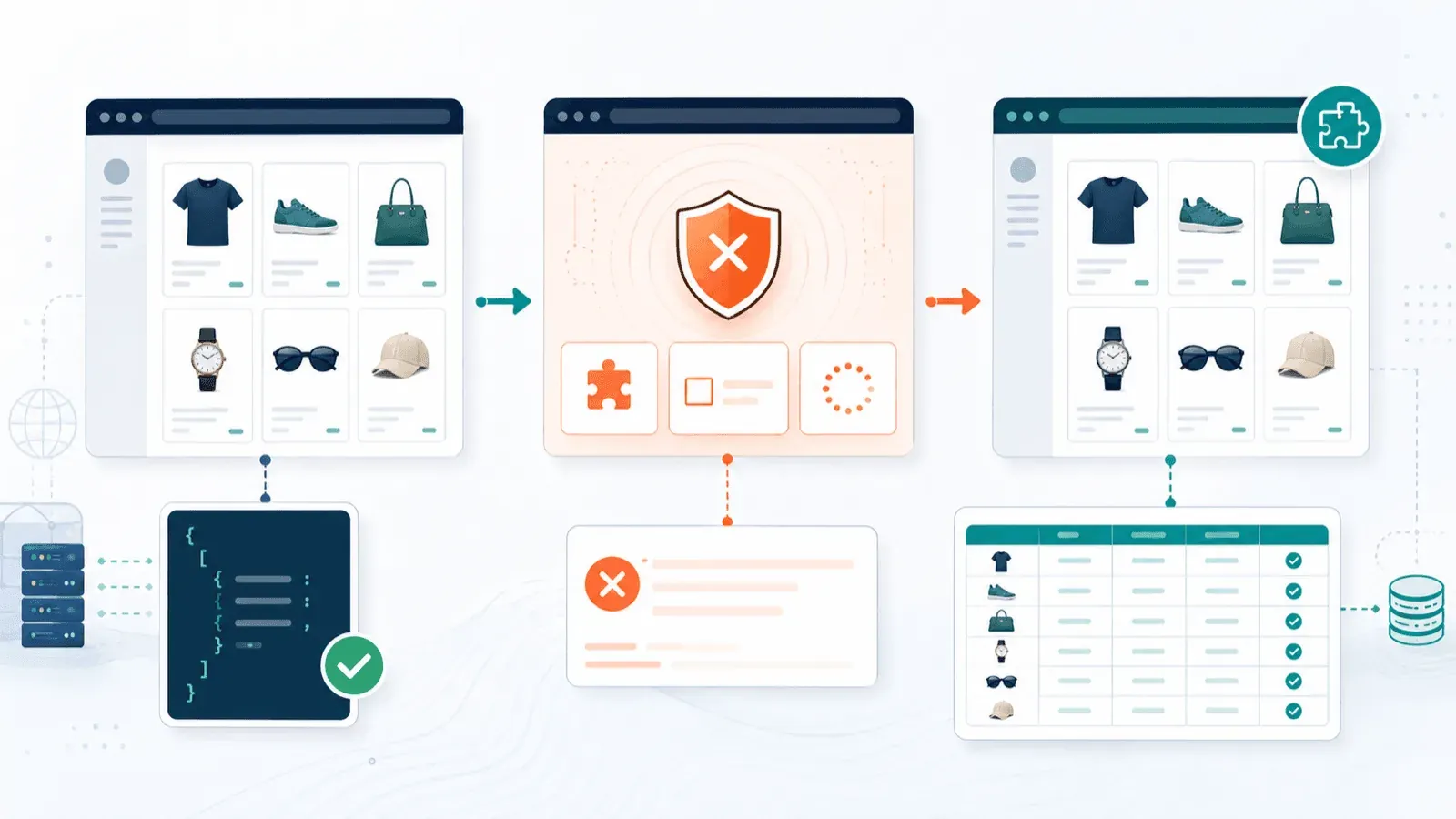
Most Shopify scraper articles pretend every store is wide open. They're not. Store Leads reports that 99.2% of Shopify stores use Cloudflare infrastructure. That doesn't mean every store aggressively blocks scrapers, but it does mean the infrastructure for blocking is everywhere.
In practice, the spectrum looks like this:
Easy to Scrape
- Public stores without aggressive Cloudflare protection
- Stores with products.json enabled
- Stores with standard Shopify themes (consistent DOM structure)
Harder to Scrape
- Cloudflare-protected stores (CAPTCHA challenges, Turnstiles)
- Login-required or password-gated stores
- Shopify Plus stores with custom security layers
- Stores using aggressive rate limiting
How Each Tool Handles Anti-Bot Scenarios
| Scenario | Best Approach | Tools That Handle It |
|---|---|---|
| Public store, no anti-bot | Cloud scraping (fast) | Thunderbit (cloud mode), Instant Data Scraper, most others |
| Cloudflare-protected store | Browser-based scraping (uses your session) | Thunderbit (browser mode), Web Scraper, Octoparse |
| Login-required / private store | Browser scraping with your logged-in session | Thunderbit (browser mode), Web Scraper, Simplescraper |
| products.json disabled | DOM-based extraction from rendered page | All Chrome extensions (this is their strength) |
Thunderbit's dual cloud/browser scraping modes are genuinely relevant here. Cloud mode is fast for bulk scraping of public stores. Browser mode uses your real Chrome session when anti-bot protection requires it. That flexibility saved me on gymshark.com, where cloud requests got blocked but browser mode worked fine.
Scheduled Shopify Scraping: Monitor Prices and Inventory Over Time
One-time scraping is useful. But ecommerce ops teams usually need ongoing competitor intelligence — not just a single snapshot. Price changes, inventory fluctuations, new product launches: these happen continuously. One user in a forum put it plainly: "More helpful to see their current inventory level and snapshots of their level decreasing."
Yet almost no competing article mentions scheduled or recurring scraping. It's a clear blind spot.
How Scheduled Shopify Monitoring Works
- Set up a recurring scrape of a competitor's collection or product pages
- Data exports to Google Sheets (or Airtable) on each run, creating a time-series of price and inventory data
- Use the data to track: price drops/increases, stockouts, new product additions, seasonal patterns
Setting Up Scheduled Scraping with Thunderbit
Thunderbit makes this absurdly simple.
You describe the schedule in plain English (e.g., "every Monday at 9am"), input the Shopify store URLs, and click "Schedule." Thunderbit runs the scrape automatically and exports to your chosen destination. No cron jobs, no code, no third-party scheduler.
Scheduling Support Across All 8 Tools
| Tool | Scheduling? |
|---|---|
| Thunderbit | Yes — plain-English scheduling |
| Instant Data Scraper | No |
| Web Scraper | Yes — on cloud plans |
| Data Miner | Automated crawls exist, but not the simplest scheduling |
| Simplescraper | Yes |
| Octoparse | Yes — on Standard and above |
| Bardeen | Yes — via time/date automations |
| Listly | Yes — on Business plan |
If ongoing competitor monitoring is part of your workflow, this is a key differentiator. Most free-tier Chrome extensions don't offer it at all.
Which Shopify Scraper Chrome Extension Fits Your Use Case?
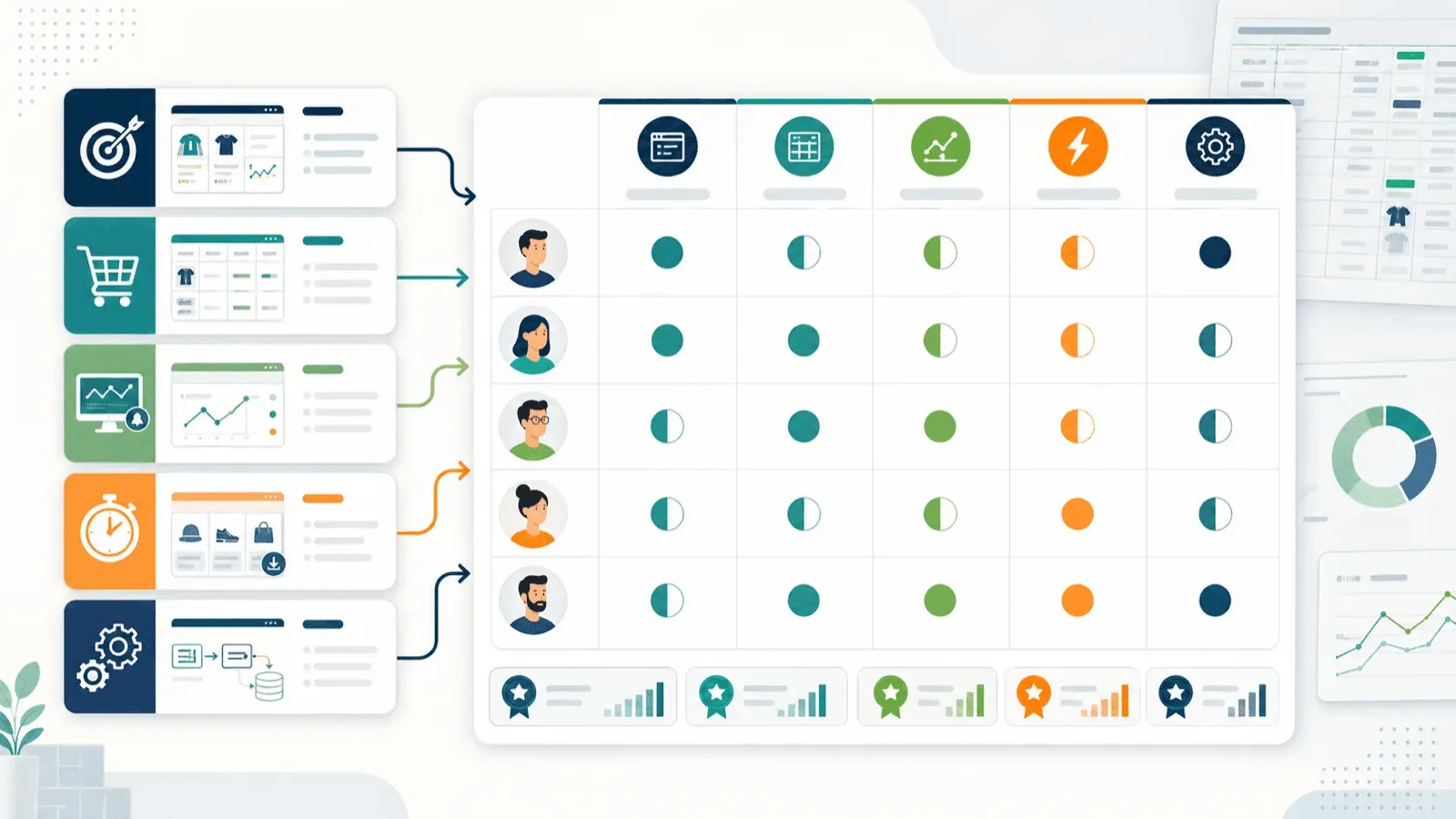
Rather than a generic "pick the one you like" wrap-up, here's a decision matrix mapped to specific use cases:
| Use Case | Best Recommendation | Why |
|---|---|---|
| Competitor pricing research | Thunderbit | Listing + subpage enrichment + scheduling = complete pricing workflow |
| Quick one-time export | Instant Data Scraper | Fastest free path when all you need is visible list data |
| Catalog import to your Shopify store | Thunderbit | Full subpage data + Shopify-import-friendly CSV/Excel export |
| Ongoing price/inventory monitoring | Thunderbit or Octoparse | Easiest no-code scheduling vs. strongest enterprise-style scheduling |
| Lead generation (store owner contacts) | Thunderbit | Built-in email/phone extractors + structured export |
| Complex multi-step automations | Bardeen | Scrape, enrich, and push into downstream apps in one workflow |
| Technical users who want full control | Web Scraper or Octoparse | Best manual control over selectors, flow, and extraction logic |
Wrapping Up
Shopify scraping in 2026 isn't about whether you can get product data — it's about how deep, how fast, and how repeatable your workflow is. Most articles in this space stop at the listing page. The real value is in subpage enrichment, scheduled monitoring, and handling the anti-bot curveballs that real Shopify stores throw at you.
If you want to see what this looks like in practice — from collection page to fully enriched dataset in a few clicks — give Thunderbit a spin. And if Thunderbit isn't the perfect fit, Instant Data Scraper is a solid free starting point for simple jobs, while Web Scraper and Octoparse are strong picks for technical users who want more control.
Happy scraping — and may your product data always be complete, structured, and variant-rich.
Try Thunderbit for Shopify Scraping Get Started Free
FAQs
1. Is it legal to scrape data from Shopify stores?
Publicly available product data on Shopify stores is generally accessible to anyone visiting the site. That said, legality depends on your jurisdiction, the store's Terms of Service, and what you do with the data. Scraping public prices for competitive analysis is common practice; copying content wholesale for republication carries more risk. This isn't legal advice — consult a professional for your specific situation.
2. Can I scrape Shopify stores that require a login or password?
Yes, but you'll need a browser-based scraper that uses your logged-in Chrome session. Cloud scrapers generally can't access login-gated pages. Thunderbit's browser mode, Web Scraper (local), and Simplescraper's login workflows all support this scenario.
3. How many products can I scrape from a Shopify store at once?
It depends on the tool and plan. Shopify's products.json endpoint paginates at 250 products per page. Thunderbit's cloud mode processes up to 50 pages at a time. Free tiers across most tools cap pages, rows, or credits — so check your plan limits before starting a large job.
4. What's the difference between cloud scraping and browser scraping for Shopify?
Cloud scraping runs on remote servers — it's faster and better for public stores with no anti-bot protection. Browser scraping uses your local Chrome session, which means it can handle Cloudflare-protected, login-required, or region-sensitive stores. Thunderbit offers both modes, and the choice usually comes down to whether the store blocks remote requests.
5. Can I export scraped Shopify data directly to Google Sheets or Airtable?
Yes, but not all tools support it. Thunderbit exports to Google Sheets, Airtable, Notion, Excel, CSV, and JSON — all for free. Data Miner and Listly support Google Sheets. Simplescraper supports Sheets and Airtable. Octoparse supports Google Sheets on premium tiers. Bardeen integrates with Sheets, Airtable, and Notion. Instant Data Scraper exports only to CSV and XLSX with no direct Sheets integration.
Learn More




