
Google processes somewhere north of 8.5 billion searches per day—some estimates put it closer to 14 billion—and that number keeps climbing. All that search data is a goldmine for SEO teams, sales ops, ecommerce analysts, and increasingly, AI agents that need live web evidence. The problem? Picking a SERP API in 2026 feels less like choosing a tool and more like deciphering a maze of pricing pages, credit systems, and vague promises about "structured JSON."
I've spent the last several weeks digging into eight SERP API providers—testing response times, normalizing pricing across confusing billing models, and checking which SERP features each one actually parses into structured fields. The goal: give you an honest, apples-to-apples comparison that no other article provides. We're covering speed, real cost at scale, parsing coverage, AI-agent readiness, and production reliability. If you've been frustrated by "you're comparing pricing pages, not actual spend" (a real quote from a Reddit thread I found), this one's for you.
Why You Need a SERP API in 2026 (And Why Choosing One Is Hard)
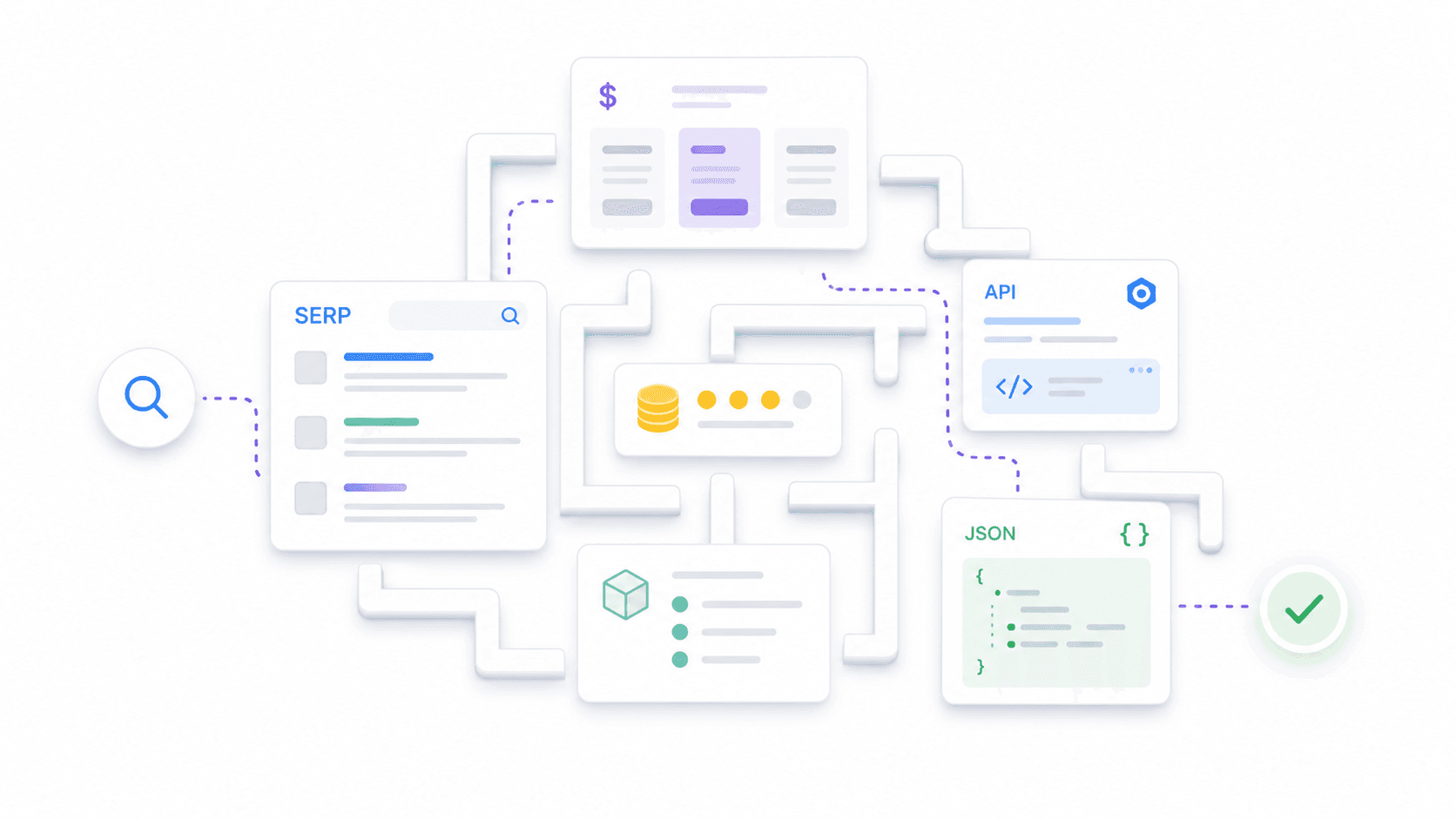
A SERP API is a hosted service that sends a search query to a search engine and returns the results page as machine-readable output—usually JSON. Instead of building your own proxy rotation, CAPTCHA handling, browser rendering, and parsers, you call an endpoint and get structured data back. Simple concept, complicated market.
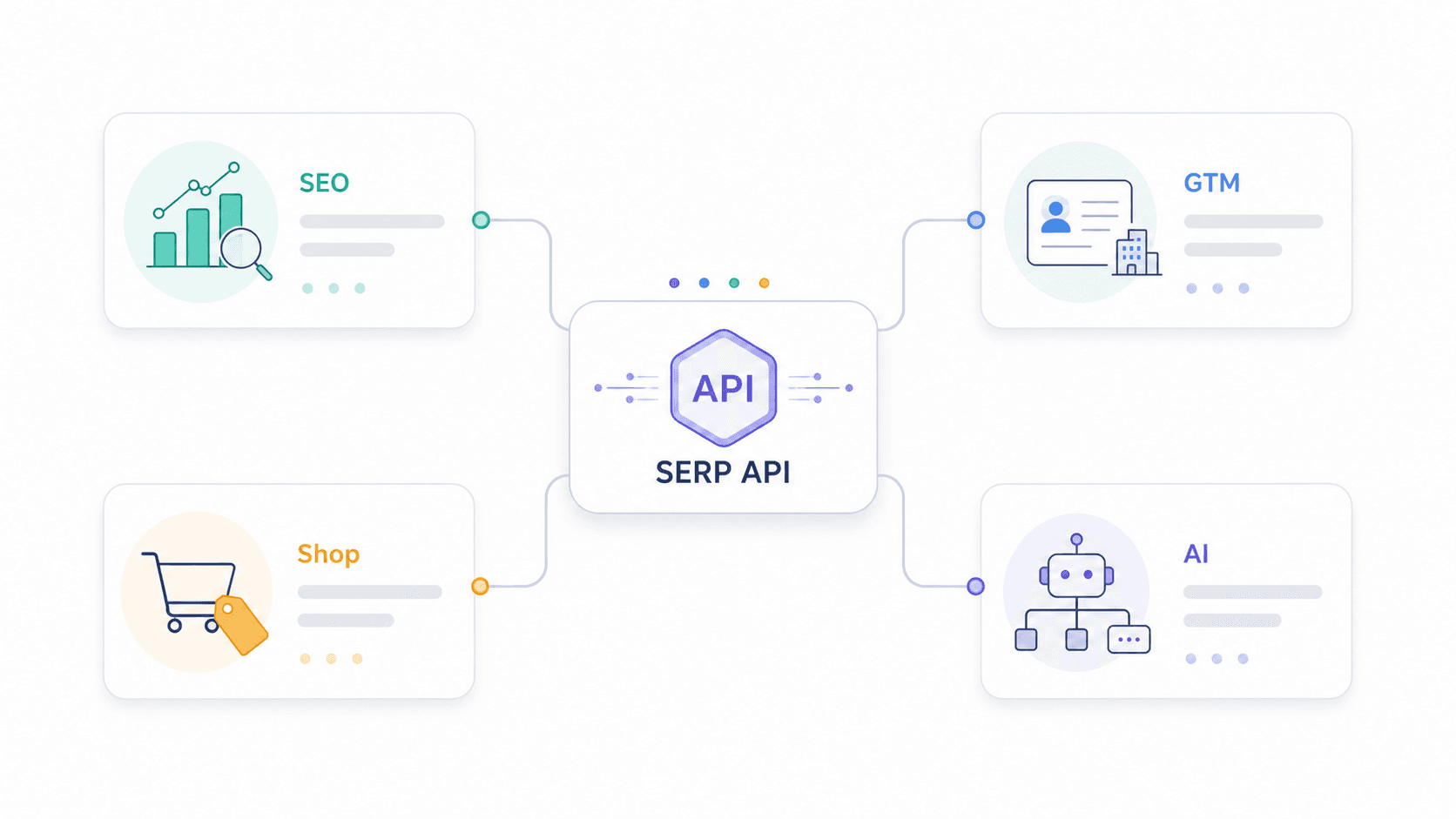
The use cases have expanded well beyond rank tracking:
- SEO teams need rankings, snippet ownership, People Also Ask questions, and competitor visibility.
- Sales and GTM teams use SERPs to discover companies, review pages, directories, and buying signals.
- Ecommerce teams monitor Google Shopping, paid ads, and competitor pricing.
- AI developers feed SERP data into LLM agents, RAG pipelines, and workflow tools like n8n and LangChain.
The web scraping market is projected to hit USD 2.23 billion by 2031, growing at roughly 13.78% CAGR. SERP APIs are a big slice of that pie.
Here's the core frustration: every provider claims "structured JSON," but the actual SERP elements parsed—PAA, knowledge panels, local packs, shopping ads, featured snippets—vary wildly between them. Pricing is equally messy. Some bill per search, some per credit, some per result, and some charge different rates by speed tier or geolocation. One Reddit user put it well: "SerpApi is per successful search, ScraperAPI wraps things in credits, and Serperdev looks cheap until you map credits to your real workload."
This article fills the gaps I couldn't find anywhere else: a parsing matrix showing what each API actually returns, normalized pricing at 1K/10K/100K queries, AI-agent fit, and production-readiness data.
How We Tested: Criteria for Picking the Best SERP API
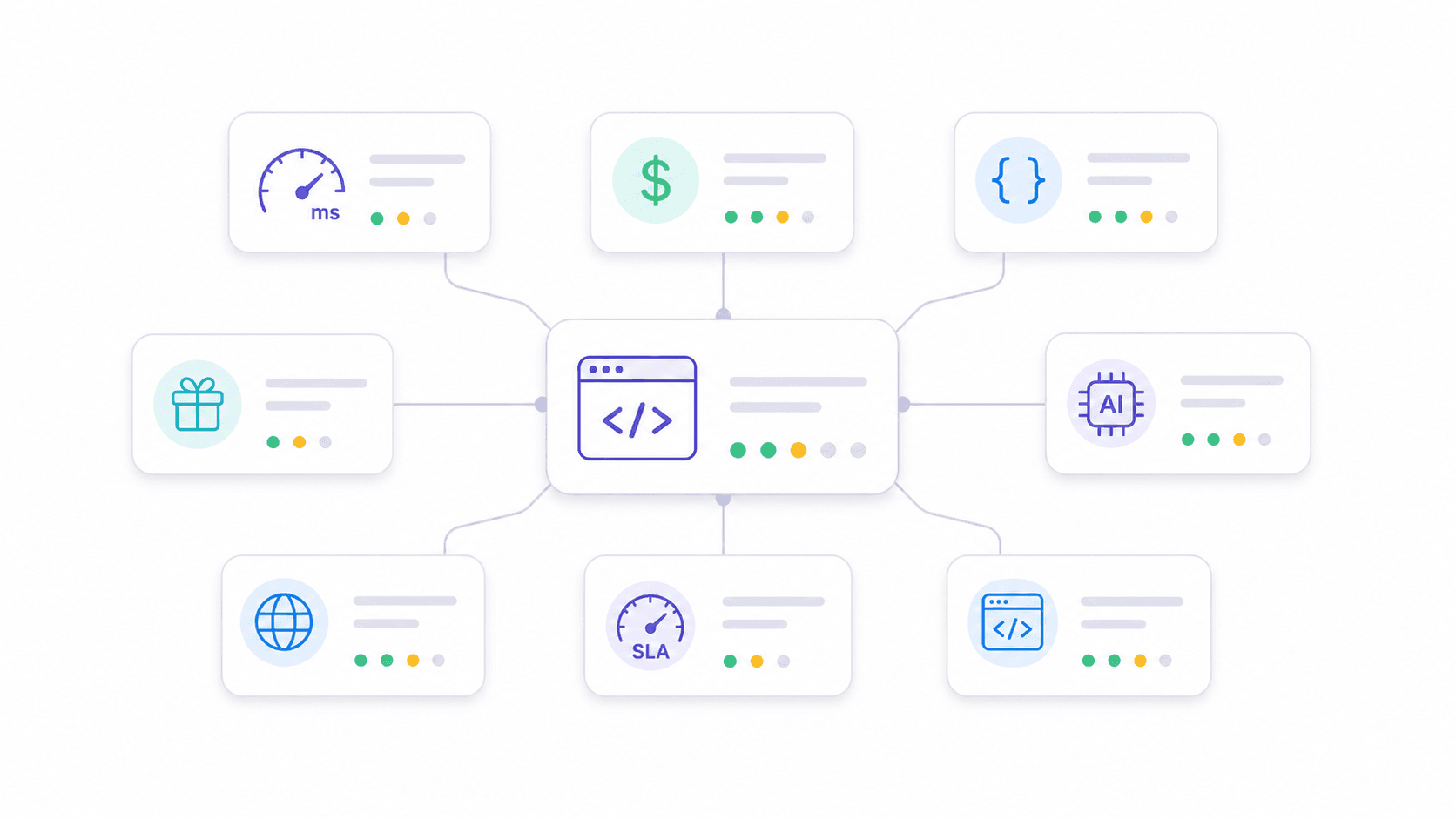
I evaluated each provider across eight dimensions that map directly to what production users actually care about. Most competitor articles cover two or three of these superficially. I wanted all eight, with receipts.
Speed and Response Time. I referenced third-party benchmarks—notably HasData's comparison—and provider documentation. Speed matters when you're building real-time dashboards or tool-calling AI agents that can't wait 30 seconds for a response.
Pricing at Scale (1K, 10K, 100K Queries). I normalized every provider's pricing to cost per 1,000 successful queries. This is the only way to compare credit-based, subscription-bucket, and pay-as-you-go models fairly.
SERP Features Parsed (Beyond Organic Results). I checked documentation and sample responses to verify which SERP elements each API returns as structured fields—not just raw HTML.
Free Tier and Pay-As-You-Go Availability. Low-commitment entry matters. If you can't test a provider with your real workload before committing hundreds of dollars, that's a red flag.
AI and Automation Integration. In 2026, more teams need SERP APIs feeding AI agents than dashboards. Schema stability, clean output, and Markdown conversion matter for downstream LLM consumption.
Multi-Engine Support. Most articles focus exclusively on Google. I checked which providers support Bing, Yandex, DuckDuckGo, Baidu, and others.
Rate Limits and Production Readiness. No competitor article systematically compares rate limits, retry policies, or SLAs. Yet teams scaling to thousands of queries per day need this information.
Developer Friendliness. Docs quality, SDK availability, and time-to-first-result.
1. Thunderbit
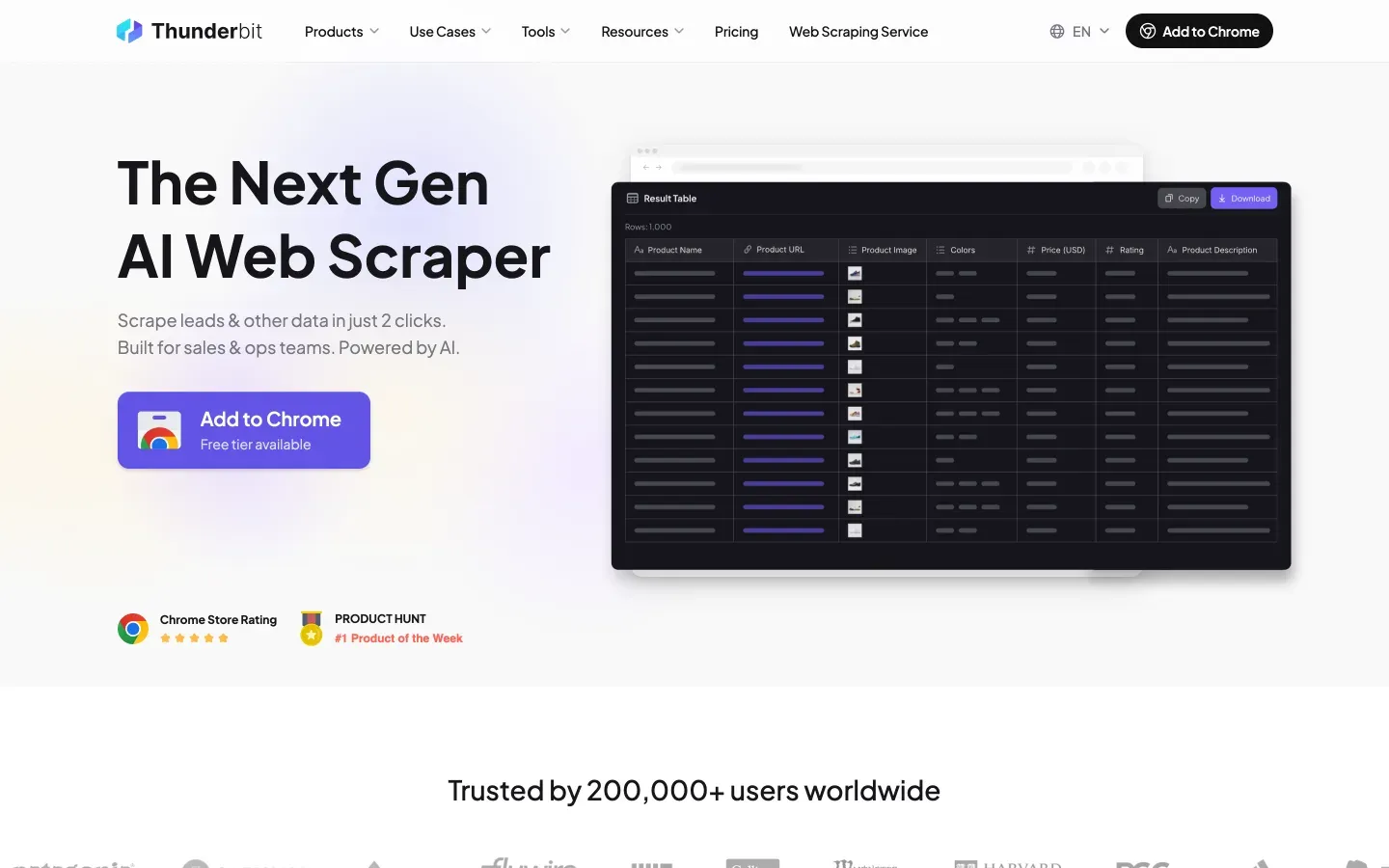
Thunderbit takes a fundamentally different approach from traditional SERP APIs. Instead of offering fixed endpoints that parse predetermined SERP elements, Thunderbit's Extract API lets you define your own JSON Schema—and AI extracts exactly the fields you specify from any search engine result page. Its Distill API converts any URL into clean, LLM-ready Markdown.
This means Thunderbit works on Google, Bing, Yandex, DuckDuckGo, or any other search engine—the AI reads the page fresh each time rather than relying on hardcoded selectors. SERP layouts change constantly. You don't wait for a provider to update a parser.
Key Features
- Extract API: Define a custom JSON Schema (organic results, PAA questions, local pack businesses, shopping products—whatever you need) and get exactly those fields back as structured data.
- Distill API: Convert any SERP page into clean Markdown—ideal for RAG pipelines and LLM summarization.
- Multi-engine by design: Works on any accessible search page, not just Google.
- Batch processing: Handle multiple URLs in parallel.
- Built-in anti-bot handling: CAPTCHA solving, JS rendering, and proxy rotation are included.
- Rate limits by tier: Free (600 units one-time, 2 concurrent), Starter (60,000 units/mo, 30 concurrent), Pro (600,000 units/mo, 50 concurrent).
Pricing
Credit-based model. Distill costs 1 credit per page; Extract costs 20 credits per page. Free credits are available for testing. Using annual plan math, Distill's marginal cost can be as low as ~USD 0.80 per 1K pages, while Extract runs around ~USD 16 per 1K pages at full utilization. The value proposition for Extract is that you get exactly the schema your downstream system needs—no post-processing.
Check Thunderbit Pricing for current packages.
Try Thunderbit for AI SERP Extraction
Best For
AI agent workflows, RAG pipelines, multi-engine scraping, teams that need flexible schema instead of fixed output, and anyone tired of waiting for a provider to add support for a new SERP feature.
2. SerpApi
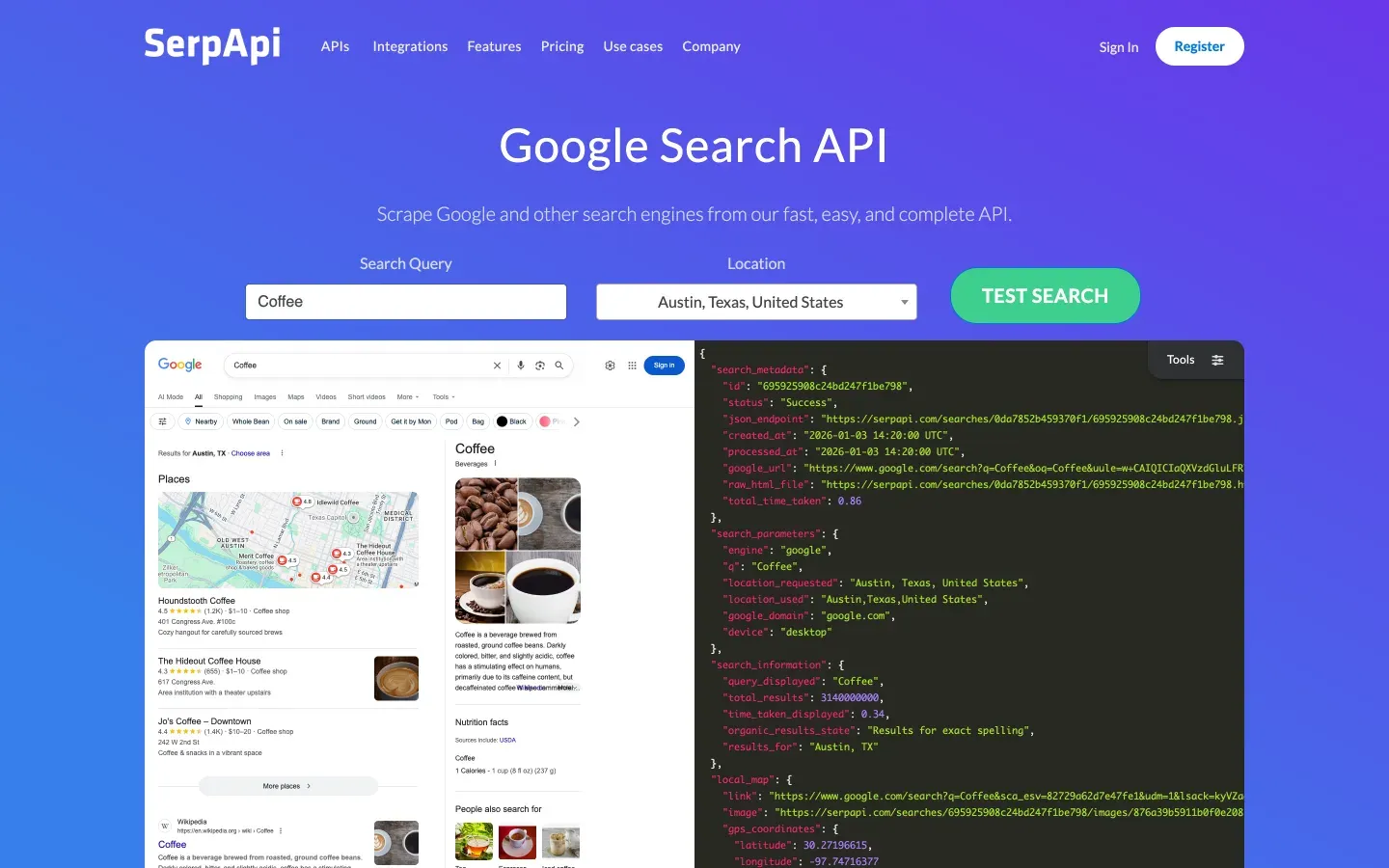
SerpApi is the veteran in this space—operating since 2016 with the broadest range of Google-specific endpoints. It covers Google Search, Maps, Shopping, Scholar, News, Jobs, Trends, Images, Videos, and more.
Key Features
- Dedicated endpoints for different Google products with mature geo-targeting (down to city level).
- Parses PAA, knowledge panels, local pack, ads, shopping results, featured snippets, answer boxes, and related searches as structured fields.
- Well-maintained documentation and client libraries in multiple languages.
Pricing
250 free searches/month. Starter plan: USD 25/month for 1,000 searches (effectively USD 25 per 1K). Developer plan (marked 'Most popular'): USD 75/month for 5,000 searches (~USD 15 per 1K). Big Data: USD 275/month for 30,000 searches (~USD 9.17 per 1K). No simple pay-as-you-go option—it's subscription buckets.
Speed and Reliability
HasData's benchmark reports ~5.49 seconds average response time—not the fastest, but stable. SerpApi advertises a 99.95% uptime SLA on paid plans, and concurrent request limits vary by plan.
Best For
Teams needing the broadest Google product coverage (Maps, Scholar, Shopping, Jobs) with high accuracy and stable schemas. Enterprise projects with budget for premium pricing.
3. Serper
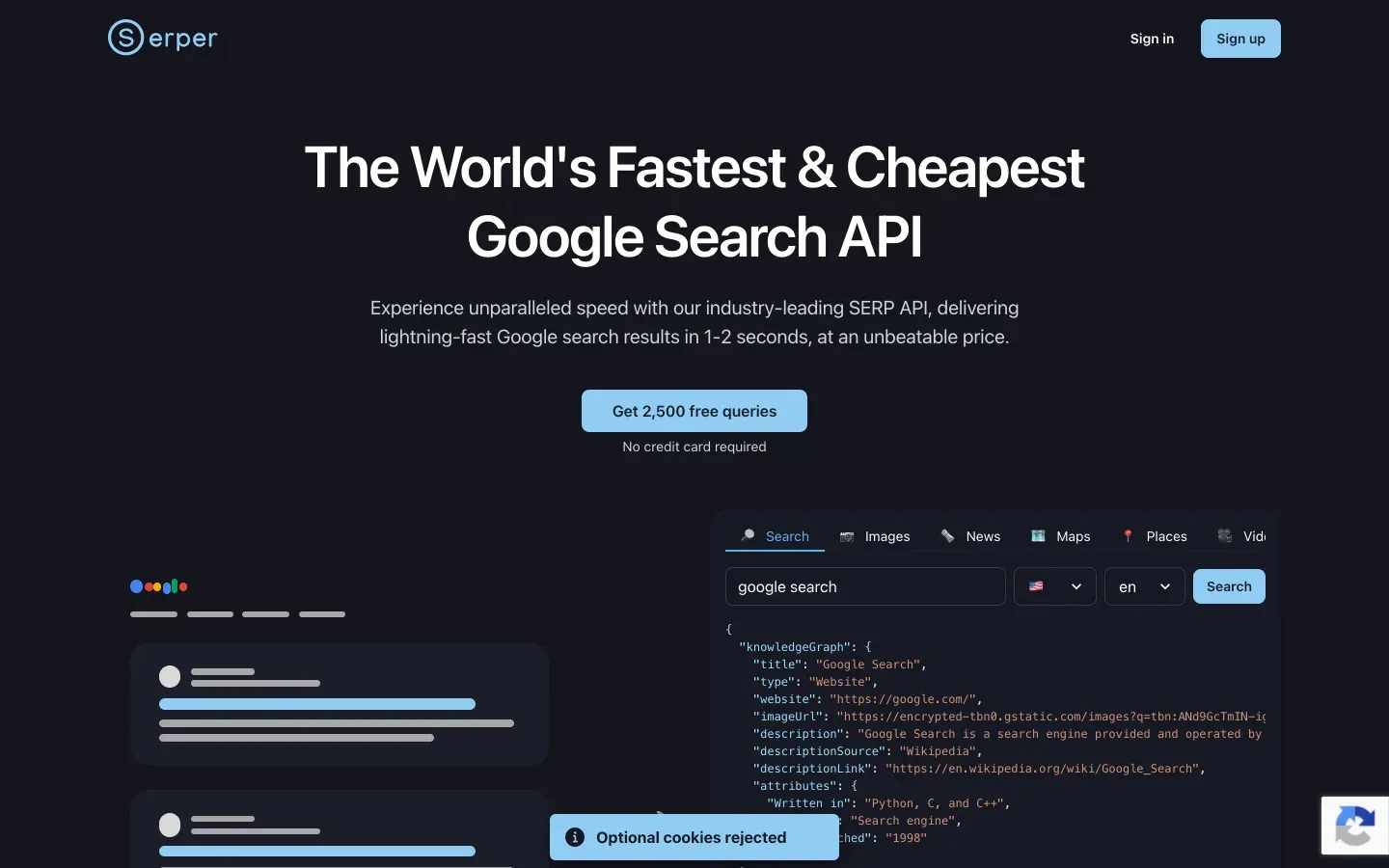
Serper is the speed-and-cost play. It's a newer entrant focused on fast Google SERP scraping at extremely competitive pricing, and it's become popular in the n8n and LangChain communities for AI agent integrations.
Key Features
- Clean JSON output for Google Search, News, Scholar, Images, Shopping, Videos, Places, Patents, and Autocomplete.
- Minimal setup—you can be pulling results in under a minute.
- Simple enough that AI agent frameworks integrate it natively.
Pricing
2,500 free queries on signup. Entry pricing around USD 0.001/search, dropping to ~USD 0.00075 at high volume. Pay-as-you-go friendly. One caveat: requesting more than 10 results per query may cost 2 credits (verify current behavior in your dashboard).
Speed and Reliability
Among the fastest in benchmarks—HasData reports around 2.87 seconds average. Support is email-only, and the team maintains a relatively low public profile, which gives some users pause. At very high concurrency, a few reviewers flag reliability concerns. For most workloads, though, it's solid.
Best For
Budget-conscious projects, startups, AI agent integrations needing fast and cheap Google SERP data. High-volume rank tracking where cost per query is the primary constraint.
4. Scrapingdog
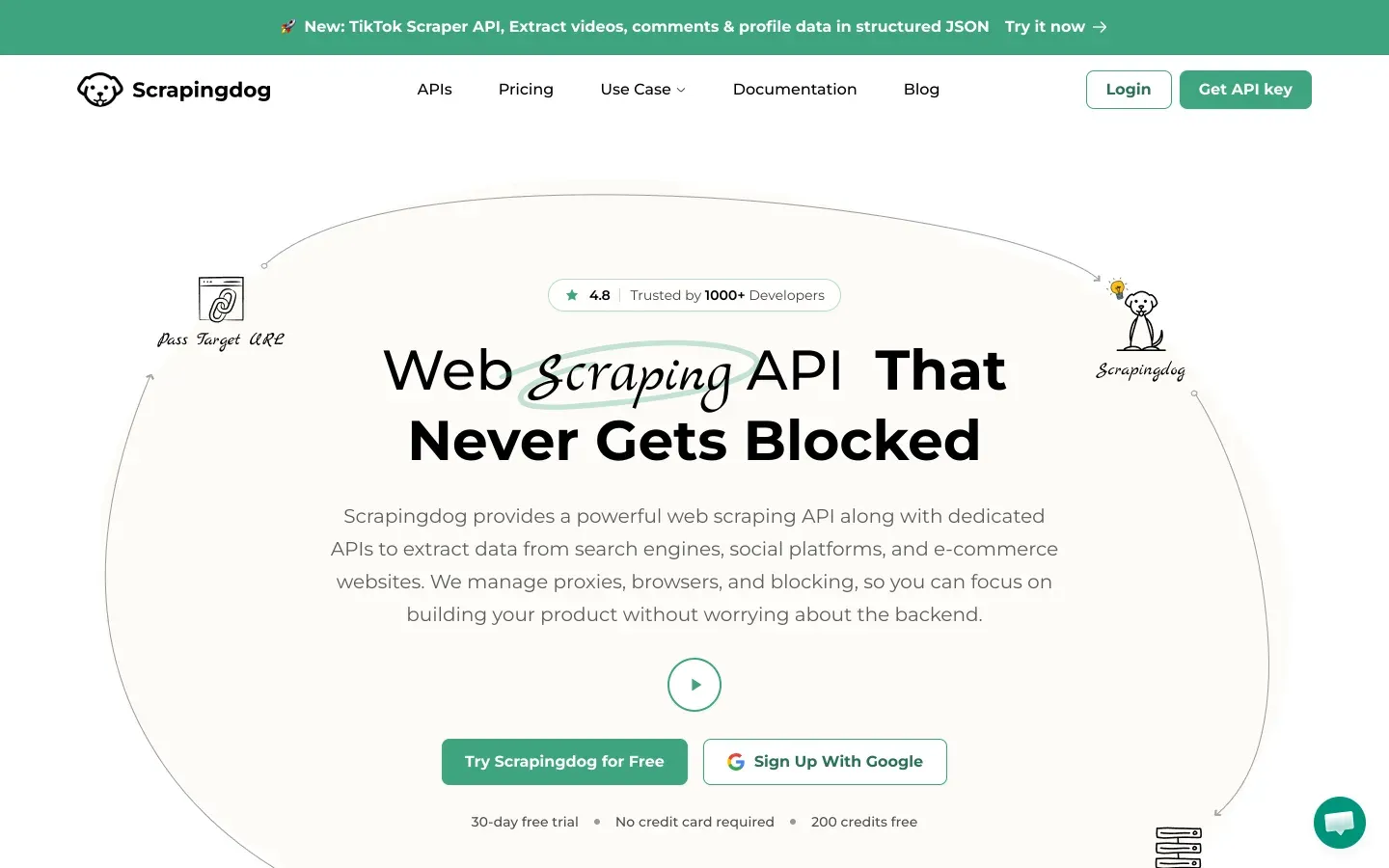
Scrapingdog has been in the market for 5+ years and consistently shows up as the fastest in third-party benchmarks. HasData measured it at ~1.25 seconds average response time with a 100% success rate.
Key Features
- Google SERP API returns organic results, PAA, featured snippets, ads, and local results as structured JSON.
- Both raw HTML and parsed JSON options available.
- Documentation in multiple languages with code snippets for most programming languages—getting started takes minutes, not hours.
- 24/7 support.
Pricing
200 free credits/month. Paid plans start around USD 40/month. Per-call pricing starts at ~USD 0.001 and drops dramatically at high volume—some comparisons cite rates as low as USD 0.000058 at top tiers.
Speed and Reliability
The speed numbers are genuinely impressive. If your workflow is latency-sensitive and you're doing high-volume fixed-schema Google SERP extraction, Scrapingdog is hard to beat on raw response time.
Best For
High-volume SEO tools and rank trackers that need low latency and low cost. Teams building production systems where every millisecond of API response time matters.
5. DataForSEO
DataForSEO isn't just a SERP API—it's an entire API suite designed for companies building SEO products. It covers SERP, keywords, backlinks, business data, Google Ads, Trends, and more.
Key Features
- Extremely comprehensive SERP feature parsing—organic, paid, local pack, knowledge graph, PAA, featured snippets, shopping, images, videos, top stories, and more.
- Two modes: Live (synchronous) for real-time dashboards, and Standard (asynchronous) for batch workflows where you queue tasks and fetch results later.
- Multi-engine: Google, Bing, Yahoo, Baidu, Naver, Seznam, and others.
Pricing
Pay-as-you-go model, but cost varies by endpoint, engine, device, priority, and mode. SERP pricing typically ranges from ~USD 0.0006 to USD 0.002 per task for Google organic depending on standard vs. live and priority settings. Documentation is dense—plan to spend time with the pricing calculator. DataForSEO Pricing.
Speed and Reliability
Standard async mode can be slower (~10 seconds) because tasks are queued. Live/high-speed modes cost more but are appropriate for real-time dashboards. Long track record, proven stability, and enterprise support available.
Best For
SaaS companies building SEO platforms, rank tracking dashboards, and keyword research tools. Teams comfortable with complex documentation and enterprise-level infrastructure.
6. Bright Data
Bright Data is the enterprise heavyweight. Its SERP API is one product among many—proxies, datasets, Web Unlocker, and scraping tools. The value proposition is scale, reliability, and infrastructure.
Key Features
- Dedicated Google Maps, Shopping, and general search endpoints—plus multi-engine support via proxy infrastructure covering Bing, Yahoo, Yandex, and DuckDuckGo.
- Claims 100% success rate with built-in unblocking technology.
- Where Bright Data really shines: geo-targeting, concurrency, and unblocking at enterprise scale.
Pricing
Enterprise-oriented. Public pricing shows pay-as-you-go and subscription options, with many comparisons citing entry commitments around USD 499/month. Per-call cost starts at ~USD 0.005 but drops with volume. Bright Data Pricing. Free tier available (5,000 credits/month, no credit card required).
Speed and Reliability
Benchmarks often show 2 to 5.58 seconds. The reason to buy Bright Data isn't raw median latency—it's enterprise SLA, dedicated support, and infrastructure that handles millions of concurrent requests without degradation. Rate-limit documentation recommends ramping gradually.
Best For
Enterprise teams collecting millions of SERPs per month. Organizations needing Google Maps/local business data at scale. Teams already using Bright Data's proxy products.
7. ScraperAPI
ScraperAPI is a general-purpose web scraping API that also offers structured Google SERP endpoints. It's the "one tool for everything" option—easy to integrate, with a 40M+ IP proxy pool.
Key Features
- Structured data endpoints for Google Search, Shopping, News, and Jobs.
- Machine learning-based anti-blocking and CAPTCHA solving, with JavaScript rendering included at no extra cost.
- Geotargeting support for localized results.
Pricing
7-day free trial with 5,000 credits. Paid plans start at ~USD 49/month. The catch: SERP calls may consume different credits than plain scraping requests, so always normalize by actual successful SERP queries delivered. ScraperAPI Pricing.
Speed and Reliability
Here's the honest part: HasData's benchmark reports ~33.66 seconds average response for SERP queries. That's significantly slower than dedicated SERP APIs. High success rate (99.9%), but the latency makes it less suitable for real-time applications. Better for batch processing.
Best For
Teams that need a general web scraping solution with SERP as an add-on. Projects where speed is less critical than reliability and ease of setup. Developers already using ScraperAPI for other scraping tasks who want to consolidate vendors.
8. Apify
Apify is not a pure SERP API. It's a scraping and automation platform built around "Actors"—reusable scripts for tasks like Google Search scraping, Maps extraction, and workflow automation. Think of it as a marketplace where you pick (or build) the scraper that fits your exact need.
Key Features
- Marketplace of pre-built Google SERP actors with varying feature coverage.
- Highly customizable—build custom scraping workflows, chain actors together, schedule runs.
- Outputs JSON; flexibility to parse specific SERP features via actor configuration.
- Strong for combining SERP extraction with other scraping/automation tasks.
Pricing
Free tier with monthly platform credits (~$5 worth, roughly 1,400 results). Paid plans start at ~USD 29/month. Actor-level cost varies—some charge per result, some per compute unit. Third-party comparisons often put Apify around USD 0.003/search at small scale. Apify Pricing.
Speed and Reliability
HasData reports ~8.2 seconds average. The actor-based architecture adds overhead compared to dedicated SERP endpoints. Better for scheduled/batch workflows than real-time queries.
Best For
Teams needing custom scraping + automation workflows beyond just SERP data. Projects combining SERP extraction with other web scraping tasks. Developers who want maximum flexibility over pre-built endpoints.
SERP Feature Parsing Matrix: What Each API Actually Returns
This is the comparison I couldn't find anywhere else. Every provider says "structured JSON," but the actual SERP elements parsed as first-class fields vary dramatically. I checked documentation and sample responses for each.
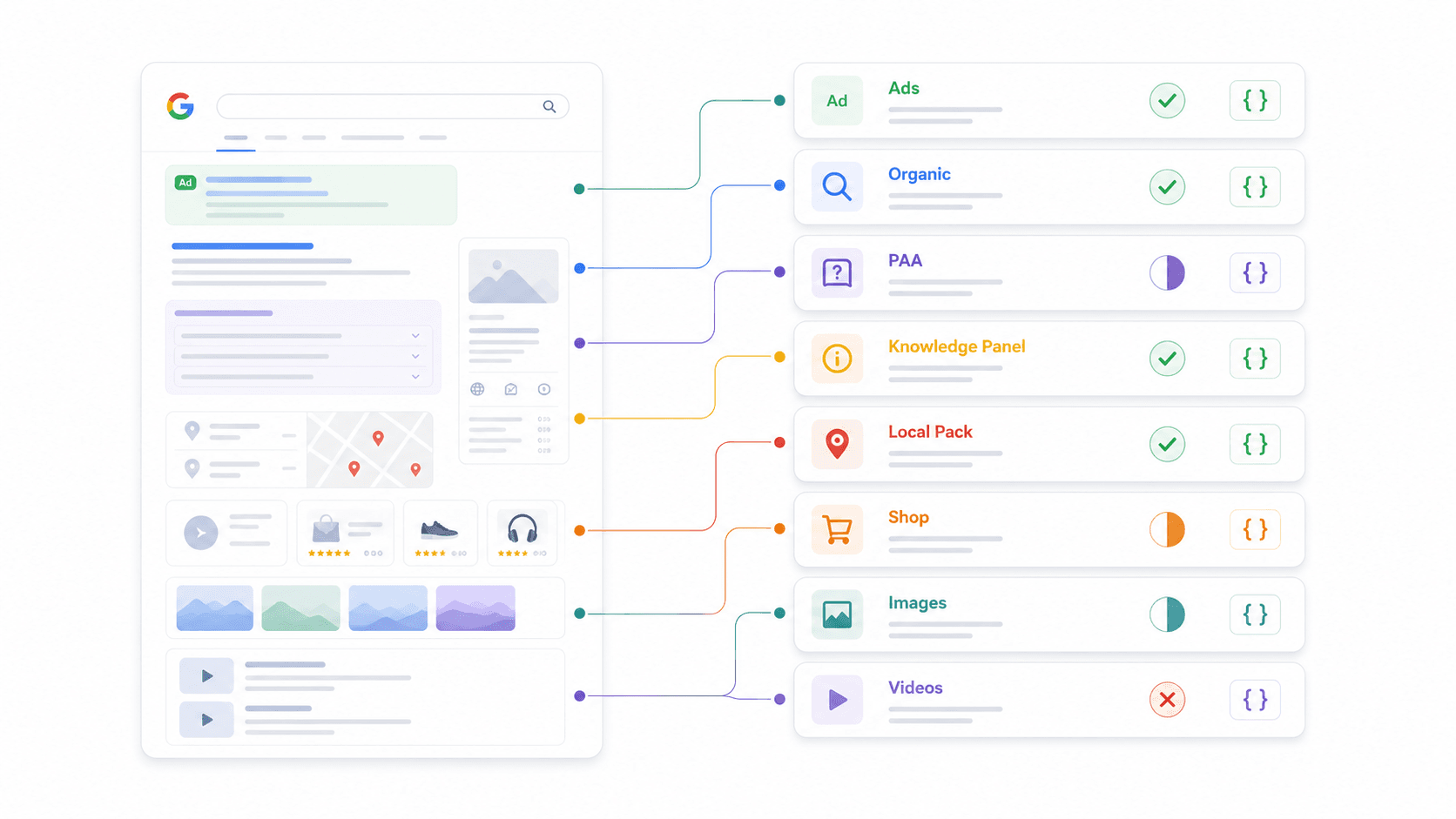
| SERP Feature | Thunderbit | SerpApi | Serper | Scrapingdog | DataForSEO | Bright Data | ScraperAPI | Apify |
|---|---|---|---|---|---|---|---|---|
| Organic Results | Custom Schema | ✅ | ✅ | ✅ | ✅ | ✅ | ✅ | Actor-dependent |
| People Also Ask | Custom Schema | ✅ | ✅ | ✅ | ✅ | Partial | Partial | Actor-dependent |
| Knowledge Panel | Custom Schema | ✅ | Partial | Partial | ✅ | Partial | Partial | Actor-dependent |
| Local Pack / Maps | Custom Schema | ✅ | ✅ | Partial | ✅ | ✅ | Partial | Actor-dependent |
| Shopping Results | Custom Schema | ✅ | ✅ | Partial | ✅ | ✅ | ✅ | Actor-dependent |
| Featured Snippets | Custom Schema | ✅ | Partial | ✅ | ✅ | Partial | Partial | Actor-dependent |
| Ads (Top/Bottom) | Custom Schema | ✅ | Partial | ✅ | ✅ | Partial | Partial | Actor-dependent |
| Image Pack | Custom Schema | ✅ | ✅ | ✅ | ✅ | Partial | Partial | Actor-dependent |
| Video Results | Custom Schema | ✅ | ✅ | Partial | ✅ | Partial | Partial | Actor-dependent |
What "Custom Schema" means for Thunderbit: Instead of pre-defining which SERP features it parses, you define your own JSON Schema to extract exactly the fields you need. Want PAA questions plus answer summaries plus commercial intent signals? Define that schema and the AI delivers it. This flexibility is why Thunderbit works across any search engine—not just Google.
Why this matters for your workflow: If you need PAA data for content strategy, verify your provider actually parses it. If you track shopping ads for ecommerce, confirm structured shopping fields exist. Don't assume "structured JSON" means complete coverage.
Real Cost at Scale: Price-Per-Query Comparison
Listed prices on websites don't tell the full story. I normalized everything to cost per 1,000 successful queries at three volume tiers.
| Provider | Cost for 1K Queries | Cost for 10K Queries | Cost for 100K Queries | Pay-As-You-Go? | Free Tier |
|---|---|---|---|---|---|
| Thunderbit (Distill) | ~USD 0.80–3.20 | ~USD 8–32 | ~USD 80–320 | Credit-pack | Free credits |
| Thunderbit (Extract) | ~USD 16–64 | ~USD 160–640 | ~USD 1,600–6,400 | Credit-pack | Free credits |
| SerpApi | USD 25 (Starter) | ~USD 150 (Developer) | ~USD 917 (Big Data) | No (subscription) | 250/month |
| Serper | ~USD 1 | ~USD 10 | ~USD 75–100 | Yes | 2,500 queries |
| Scrapingdog | ~USD 1 | ~USD 10 or less | Can fall far below USD 10 | Plan/credit | 200 credits/month |
| DataForSEO | ~USD 0.60–2 | ~USD 6–20 | ~USD 60–200 | Yes | Trial credits |
| Bright Data | ~USD 0.50–5+ | Quote-dependent | Best at enterprise volume | Yes/plan | Free tier (5,000 credits/mo) |
| ScraperAPI | Credit-dependent | Credit-dependent | Credit-dependent | Plan/credit | 5,000 trial credits |
| Apify | ~USD 3 (small scale) | Actor-dependent | Actor-dependent | Platform credits | Monthly free credits |
Hidden costs to watch:
- Serper's potential 2-credit charge for >10 results per query.
- DataForSEO's price differences between standard and live/high-priority modes.
- ScraperAPI's credit multipliers for SERP vs. plain scraping.
- Bright Data's enterprise minimum commitments.
Value at each tier:
- Side projects (USD 50/month): Serper or Scrapingdog for fixed Google SERP JSON.
- Growing teams (10K–50K queries/month): Serper, Scrapingdog, or DataForSEO depending on parsing depth.
- Enterprise (100K+ queries/month): DataForSEO, Bright Data, or SerpApi Big Data.
- AI-first extraction: Thunderbit, because the schema matches your downstream agent's expectations without post-processing.
Best SERP API for AI Agents and LLM Workflows in 2026
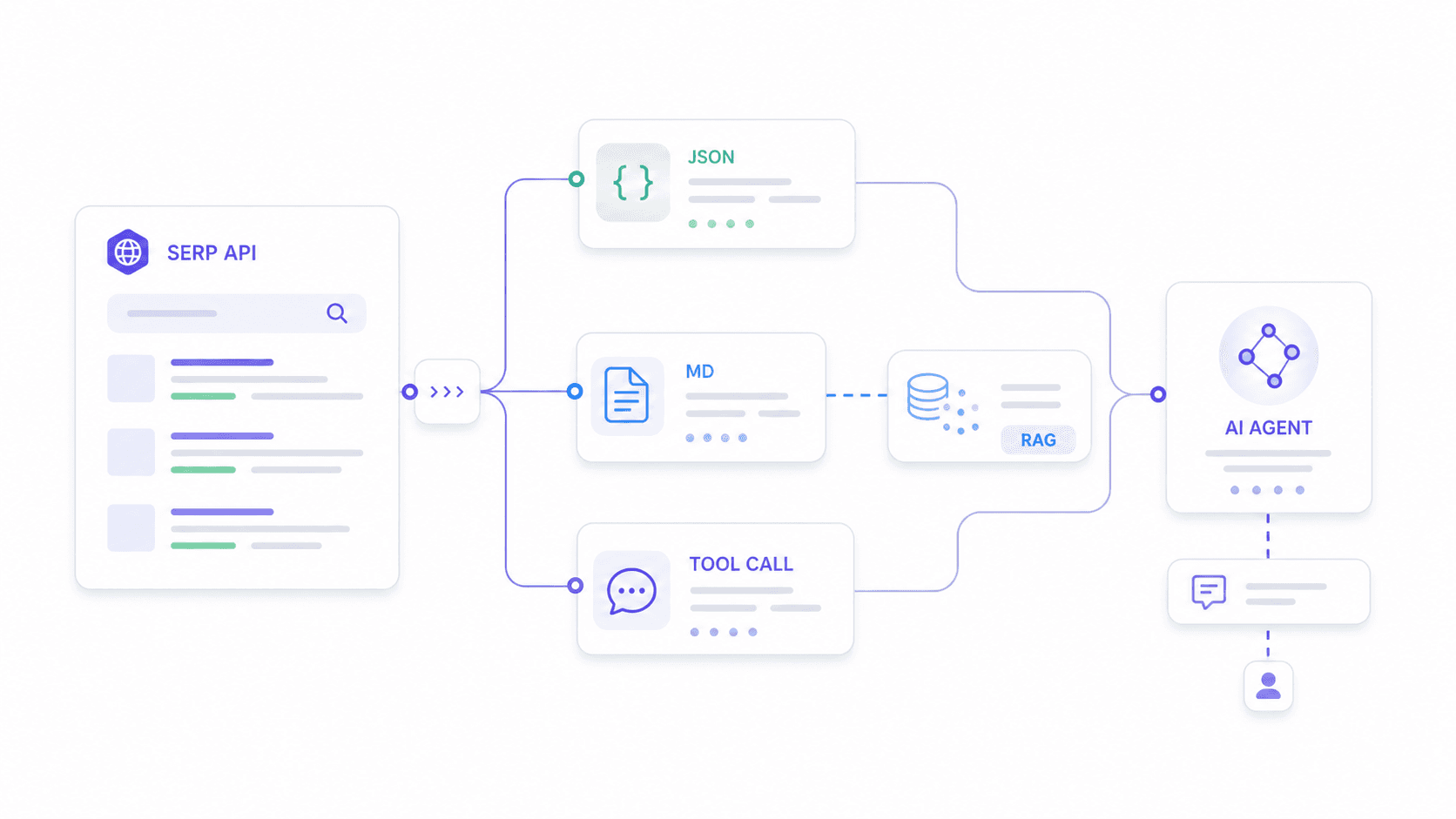
This is the use case nobody else covers well. I found at least three Reddit threads where users describe trying to integrate SERP APIs with n8n workflows and AI agents, with one explicitly stating "have not figured out how to get it to work properly with an AI agent."
AI agents need different things from rank-tracking dashboards. They need:
- Schema-stable JSON that won't break their parsing logic when a provider updates their output format.
- Custom output fields matching what the downstream model expects—not a generic dump of everything.
- Clean Markdown or text for RAG embedding pipelines.
- Low enough latency for real-time tool-calling.
How Each Provider Fits an AI Agent Stack
| Provider | AI Agent Fit | Why |
|---|---|---|
| Thunderbit | Excellent | Custom JSON Schema (Extract API) + Markdown for RAG (Distill API). Most flexible for agent-specific extraction. |
| Serper | Very Good | Fast, clean JSON, popular in n8n/LangChain communities. Simple and cheap for basic search-tool calls. |
| SerpApi | Good | Stable schema, excellent docs. Works well when agents need Google verticals (Maps, Scholar, Shopping). |
| DataForSEO | Good | Best when the agent is part of a larger SEO data pipeline. |
| Scrapingdog | Good | Fast and cheap; schema is stable for Google SERP. |
| Bright Data | Good | Enterprise-scale fresh data collection across engines/regions. |
| ScraperAPI | Moderate | Better when agent also needs general web crawling. |
| Apify | Moderate to Good | Flexible but slower; better for scheduled batch workflows. |
Practical example with Thunderbit: Imagine your AI agent needs to analyze search intent for "best CRM for real estate." You define a schema requesting organic results (title, URL, snippet, position), People Also Ask questions with answer summaries, and a commercial intent classification. Thunderbit's Extract API returns exactly that structure—no more, no less. Your agent doesn't waste tokens parsing irrelevant fields or cleaning HTML artifacts.
For RAG pipelines, Thunderbit's Distill API converts the SERP page into clean Markdown that's ready for embedding. Most dedicated SERP APIs return fixed JSON schemas; Thunderbit's approach lets developers adapt the output to whatever their downstream model expects.
Use-Case Decision Matrix: If You Need X, Use Y
Forum users keep asking for specific recommendations mapped to their actual workflows—not generic "it depends" advice. So I built this.
| Your Use Case | Best Pick | Runner-Up | Why |
|---|---|---|---|
| SEO rank tracking (high volume) | DataForSEO | Scrapingdog | SEO-native endpoints, bulk pricing, comprehensive parsing |
| Google Maps / local business data | SerpApi | Bright Data | Mature Maps endpoint; Bright Data fits enterprise-scale local scraping |
| AI agent / n8n automation | Thunderbit | Serper | Custom schema + Markdown for RAG; Serper is fast and cheap for simple calls |
| Budget MVP / side project (<USD 50/mo) | Serper | Scrapingdog | Generous free tiers, pay-as-you-go, minimal setup |
| Multi-engine (Bing, Yandex, DuckDuckGo) | Thunderbit | DataForSEO | Thunderbit works on any search engine via AI extraction; DataForSEO has multi-engine endpoints |
| Google Reviews aggregation | SerpApi | DataForSEO | Dedicated review parsing endpoints |
| Ecommerce / shopping monitoring | SerpApi | DataForSEO | Strong Google Shopping coverage and structured fields |
| Custom scraping workflows | Apify | ScraperAPI | Actor flexibility; ScraperAPI is easy for general scraping + SERP |
Quick persona guide:
- SEO team: Start with DataForSEO if building dashboards; use SerpApi if Google vertical coverage and docs matter more than price.
- Sales team: Use Thunderbit when the workflow spans SERPs, directory pages, and enrichment; use Serper for simple lead discovery queries.
- AI tool developer: Thunderbit for custom schemas/RAG, Serper for cheap fast search, SerpApi for robust Google verticals.
- Solo entrepreneur: Start with free tiers from Serper, Scrapingdog, SerpApi, and Thunderbit. Run the same 20 production-like queries before committing.
Rate Limits, Reliability, and Production Readiness Compared
I wish this section existed when I was first evaluating providers for production workflows. Teams scaling to thousands of queries per day need predictable rate limits, automatic retries, and uptime guarantees—and no other comparison article covers them systematically.
| Provider | Rate Limit | Concurrent Requests | Retry on Failure | SLA / Uptime |
|---|---|---|---|---|
| Thunderbit Free | 600 units, one-time | 2 | Built-in (anti-bot, CAPTCHA) | — |
| Thunderbit Starter | 60,000 units/mo | 30 | Built-in | — |
| Thunderbit Pro | 600,000 units/mo | 50 | Built-in | — |
| SerpApi | Plan-based (searches/hour) | Plan-based | Provider handles proxies/CAPTCHA | 99.95% SLA |
| Serper | Account/plan-based | Not widely published | Manual client retry recommended | No public SLA |
| Scrapingdog | Plan-based | Check plan terms | Anti-blocking handled | Not always public |
| DataForSEO | Documented per endpoint/mode | Varies by mode | Async supports polling/retry | Enterprise support |
| Bright Data | Documented, ramp gradually | Enterprise-scale | Built-in unblocking | Enterprise SLA |
| ScraperAPI | Plan-based concurrency | Credit-dependent | Handles retries/proxies | Paid support options |
| Apify | Actor/memory/compute-dependent | Platform limits | Actor-level configuration | Platform reliability |
Production checklist before committing:
- Ask whether the provider charges for failed or blocked requests.
- Confirm exact concurrency, requests per minute, and burst behavior.
- Check whether geotargeting, mobile vs. desktop, and JS rendering change credit consumption.
- Save sample JSON responses for 20–50 real queries and diff field names across days to verify schema stability.
- Add client-side retries and timeout budgets if SERP data is mission-critical.
At-a-Glance Summary: All 8 SERP APIs Compared
| Provider | Avg Speed | Cost per 1K | Free Tier | Parsing Coverage | AI Fit | Multi-Engine | Verdict |
|---|---|---|---|---|---|---|---|
| Thunderbit | Medium (AI extraction) | Low (Distill) to Premium (Extract) | Yes | Custom (any feature) | Excellent | Excellent | Best for AI-native custom SERP extraction and RAG |
| SerpApi | ~5.5s | Premium | 250/month | Excellent (fixed) | Good | Broad Google verticals | Best mature Google coverage |
| Serper | ~2–3s | Very low | 2,500 queries | Good | Very good | Mostly Google | Best cheap fast API for AI/MVPs |
| Scrapingdog | ~1.25s | Very low at scale | 200 credits/month | Good | Good | Verify engines | Best speed/cost combo |
| DataForSEO | Medium–slow (standard) | Low–moderate | Trial credits | Excellent | Good | Excellent | Best SEO-platform infrastructure |
| Bright Data | ~2–5.5s | Enterprise | Free tier (5,000/mo) | Good (product-dependent) | Good | Excellent | Best enterprise-scale collection |
| ScraperAPI | ~33s | Credit-dependent | 5,000 trial | Moderate | Moderate | Google endpoints | Best if SERP is one part of broader scraping |
| Apify | ~8s | Actor-dependent | Monthly credits | Actor-dependent | Moderate–Good | Actor-dependent | Best for custom automation workflows |
How Thunderbit Fits Into Your SERP Workflow
A bit more context on why our team built Thunderbit's API the way we did. The traditional SERP API model—fixed endpoints, predetermined output fields, Google-only—works fine for straightforward rank tracking. But the moment you need something slightly different (PAA answers with sentiment, local pack results with review counts, or shopping data formatted for a specific database schema), you're stuck post-processing or switching providers.
Thunderbit's Extract API flips that model. You tell it what you want via a JSON Schema, and the AI figures out how to get it from whatever search page you point it at. Google today, Bing tomorrow, a niche vertical search engine next week—same API, same approach.
The Distill API solves a different problem: turning messy SERP pages into clean Markdown that LLMs can actually consume without choking on HTML artifacts, navigation elements, and tracking scripts. If you're building a RAG pipeline that needs fresh search evidence, this is the fastest path from "live SERP" to "embedded content."
Both endpoints include anti-bot handling, CAPTCHA solving, and JS rendering out of the box. You don't pay extra for those—they're built into the credit cost.
Try Thunderbit Chrome Extension
Try it yourself: Thunderbit Chrome Extension for browser-based extraction, or hit the API directly for programmatic workflows. Our YouTube channel has walkthroughs if you want to see it in action before writing code.
A Note on Legality
This comes up in every FAQ, so here's the short version: SERP scraping legality is fact-specific and jurisdiction-specific. The hiQ v. LinkedIn case established that scraping publicly accessible data isn't necessarily a computer crime, but it doesn't give blanket permission. Google has sued SerpApi over SERP scraping, which signals active commercial pressure around access.
Practical advice: use vendor APIs according to their terms, avoid collecting personal data unless necessary, and ask providers how they handle compliance. Don't assume SERP scraping is risk-free.
Conclusion
No single provider wins across every dimension—the right pick depends on your use case, budget, and technical stack. After normalizing pricing, testing speed, mapping parsing coverage, and evaluating AI-agent readiness, here's my decision framework:
- Need flexibility + AI agent readiness? → Thunderbit
- Need broad Google product coverage? → SerpApi
- Need speed + lowest cost? → Serper or Scrapingdog
- Building an SEO platform? → DataForSEO
- Enterprise scale with SLA? → Bright Data or DataForSEO
- General scraping + occasional SERP? → ScraperAPI or Apify
Start with free tiers. Run 20–50 real queries that match your production workload. Diff the JSON responses. Check the actual cost after credits and multipliers. Then commit.
Pricing changes often in this market—this comparison was normalized from current public pages in May 2026. If you're reading this months later, re-check before buying.
For more on AI web scraping approaches and how they compare to traditional methods, we've written extensively on the topic. And if you're evaluating web scraping without coding, Thunderbit's Chrome extension handles that side of things too.
FAQs
1. What is a SERP API and who needs one?
A SERP API is a service that sends search queries to engines like Google, Bing, or Yandex and returns the results as structured data (usually JSON). SEO professionals use them for rank tracking, sales teams for lead discovery, ecommerce teams for price monitoring, and AI developers for feeding live search data into agents and RAG pipelines.
2. How much does it cost to scrape 1,000 Google search results via API?
It ranges widely—from ~USD 0.60 per 1K (DataForSEO at standard tier) to ~USD 25 per 1K (SerpApi Starter plan). High-volume discounts vary dramatically between providers. Always normalize to cost per 1,000 successful queries rather than comparing headline pricing.
3. Can I use a SERP API with AI agents like LangChain or n8n?
Yes. Serper is popular in the n8n community for simple search calls. Thunderbit is strongest when your agent needs custom JSON schemas or Markdown for RAG. SerpApi works well for agents needing stable Google vertical data (Maps, Scholar, Shopping).
4. Which SERP API has the best free tier for testing?
Serper offers 2,500 free queries on signup—the most generous for pure volume. SerpApi gives 250/month, Scrapingdog offers 200 credits/month, ScraperAPI provides 5,000 trial credits (7-day), and Thunderbit includes free credits for prototyping. Apify has monthly platform credits worth ~$5.
5. What SERP features should I verify a provider parses before buying?
Don't assume "structured JSON" means complete coverage. Verify whether the API returns structured fields for: People Also Ask, Knowledge Panel, Local Pack/Maps, Shopping results, Featured Snippets, Ads (top and bottom), Image Pack, and Video Results. Use the parsing matrix in this article as a starting checklist, and test with real queries before committing to a plan.
Try Thunderbit for AI Web Scraping Get Started Free
Learn More




