
Sales is no longer just about dialing for dollars or pounding the pavement—today, it’s a digital chess match, and the board keeps getting bigger. In 2026, B2B sales reps are juggling more stakeholders, more channels, and more data than ever before. The kicker? Over 75% of B2B buyers say their last purchase was "very complex," and Gartner's 2020 forecast that 80% of B2B sales interactions would happen in digital channels by 2025 is now the baseline reality, not a future prediction.
But here’s the wild part: sales reps still spend just 30% of their time actually selling—the rest is lost to admin, research, and wrangling spreadsheets (Salesgenie).
That’s why the right sales tools aren’t just nice to have—they’re the difference between blowing past your quota and getting left in the dust. I’ve spent years in SaaS and automation, and I’ve seen firsthand how a smart tech stack can turn a good sales team into a quota-crushing machine. So, I put together this guide to the 18 best sales tools for sales representatives in 2026—broken down by use case, with honest takes on where each shines (and where it doesn’t). Whether you’re building your stack from scratch or looking to upgrade, you’ll find practical advice, real-world examples, and a few laughs along the way.
Why Sales Tools for Sales Reps Matter in 2026
Let’s get real: the modern sales rep faces a tidal wave of complexity. More decision-makers, longer sales cycles, and a buyer’s journey that’s mostly digital. The result? Reps are drowning in research, data entry, and follow-up tasks—leaving precious little time for actual selling. In fact, 68% of reps say note-taking and CRM updates eat up huge chunks of their day (Salesgenie).
But here’s the good news: the right sales tools can flip the script. Teams using automation see 10–15% efficiency gains (Vena Solutions), and organizations embracing AI for sales consistently report meaningful revenue lift over non-adopters in vendor-led studies like Gong's — the exact percentage varies by study, but the direction is unambiguous. The best sales tools help you:
- Automate grunt work: Data entry, follow-ups, and scheduling
- Streamline prospecting: Find and qualify leads faster
- Engage smarter: Personalize outreach and track engagement
- Close deals faster: E-signature and document automation
- Forecast accurately: Use AI to spot risks and prioritize deals
In short, sales tools are the secret weapon for reps who want to spend less time on busywork and more time building relationships and closing deals.
How We Chose the Best Sales Tools for Sales Representatives
With hundreds of options out there, picking the right tools can feel like speed-dating at a tech conference—everyone promises to be “the one,” but only a few actually deliver. Here’s how I narrowed down the top 18:
- Usability: Can reps get up and running quickly? Is the interface intuitive?
- Feature set: Does it solve a real pain point—prospecting, pipeline, engagement, analytics, or closing?
- Integration: Does it play nicely with your CRM, email, and other tools?
- Scalability: Will it grow with your team, from startup to enterprise?
- Security & compliance: Is your data safe? Does it meet GDPR, CCPA, and other standards?
- User feedback: What do real users say? (I combed through G2, Reddit, and more for the good, the bad, and the ugly.)
- ROI: Does it actually help reps sell more, faster?
And here’s the kicker: the best stack is rarely just one tool. The real magic happens when you combine tools that complement each other—think Thunderbit for lead data, Salesforce for CRM, Outreach for engagement, and DocuSign for closing.
Best Sales Tools for Sales Representatives: At a Glance
Here’s a quick look at the top 18, grouped by category and core use case:
| Tool | Main Use Case | Key Feature |
|---|---|---|
| Thunderbit | Prospecting & Data Collection | AI-powered web scraping, subpage scraping, multi-language support |
| Salesforce | CRM & Pipeline | Customizable CRM, AI forecasting, massive integration ecosystem |
| HubSpot Sales | CRM & Engagement | All-in-one CRM, email tracking, automation, user-friendly |
| LinkedIn Sales Navigator | Social Selling | Advanced lead search, real-time insights, CRM integration |
| Outreach | Sales Engagement | Automated sequences, analytics, AI-driven recommendations |
| Pipedrive | Pipeline Management | Visual pipeline, activity-based selling, easy setup |
| Zoho CRM | CRM & Customization | Highly customizable, AI insights, affordable |
| Freshsales | CRM & Communication | Built-in phone/email/chat, AI lead scoring |
| Insightly | CRM & Project Mgmt | Project management linked to sales, workflow automation |
| Nimble | Social CRM | Social media integration, contact enrichment |
| Mixmax | Email Productivity | Gmail-based tracking, scheduling, sequences |
| SalesLoft | Sales Engagement | Multi-channel cadences, analytics, call integration |
| Close | Inside Sales CRM | Built-in dialer/SMS, fast workflow, smart views |
| Gong | Conversation Intelligence | Call recording/transcription, AI coaching, deal insights |
| Clari | Revenue Forecasting | AI-powered pipeline analytics, forecasting dashboards |
| Yesware | Email Tracking | Email open/click tracking, templates, analytics |
| DocuSign | E-Signature | Secure, compliant e-signature, real-time tracking |
| PandaDoc | Document Automation | Proposal/contract builder, e-signature, analytics |
Let’s dive into each tool, what makes it stand out, and how it fits into a modern sales workflow.
1. Thunderbit
Scrape sales leads from any website with AI Get Started Free
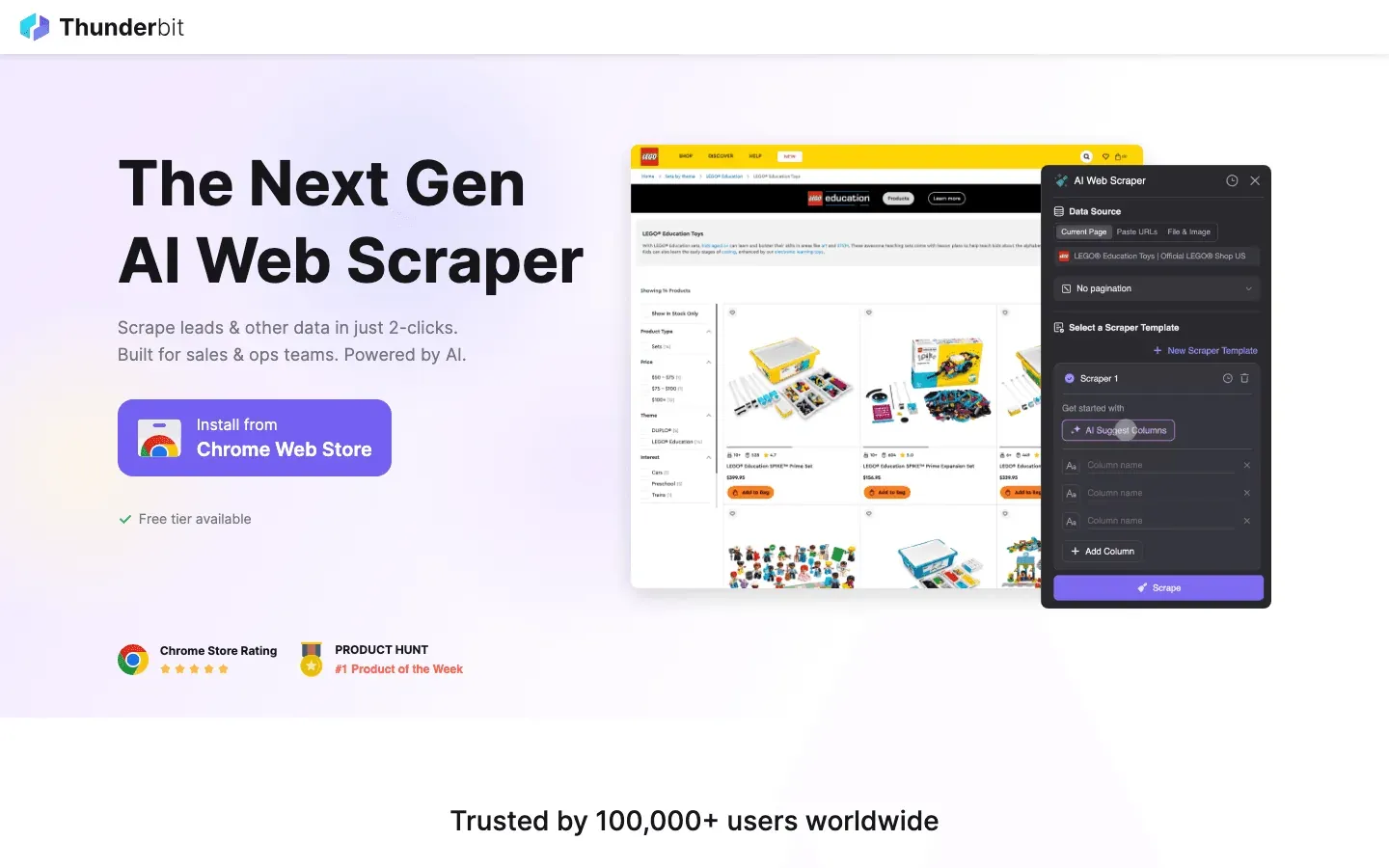
Thunderbit is my go-to for sales reps who want to turn the web into a goldmine of leads—without writing a single line of code. As an AI-powered web scraper Chrome Extension, Thunderbit lets you extract, structure, and export lead data from any website in just a couple of clicks.
What makes Thunderbit special?
- AI Suggest Fields: Click “AI Suggest Columns” and Thunderbit reads the page, suggests the best columns (like Name, Email, Company), and sets up the extraction for you. No fiddling with HTML or selectors.
- Subpage Scraping: Need more details? Thunderbit can visit each subpage (like individual profiles or company pages) and enrich your table—ideal for building deep, accurate lead lists.
- Multi-language support: Thunderbit supports 34 languages, making it a favorite for international sales teams.
- Instant export: Send your data straight to Excel, Google Sheets, Airtable, or Notion—no extra fees, no headaches.
- Templates for popular sites: Scrape Amazon, Zillow, Shopify, and more with 1-click templates.
- Free extractors: Grab emails, phone numbers, or images from any website instantly.
Why sales reps love it: Thunderbit turns hours of manual research into minutes of AI-powered automation. Outbound teams use it to scrape directories, event attendee lists, or even LinkedIn search results—then feed those leads into their CRM or engagement tool. One review put it best: “Thunderbit is like having a research assistant who never sleeps and never complains about copy-paste.”
Pricing: Free for up to 6 pages/month, paid plans start at $15/month (500 rows). All features included—even on the free plan.
Pro tip: Combine Thunderbit with Salesforce or HubSpot to create a seamless lead gen-to-CRM workflow. Scrape, export, import, and start selling.
Try Thunderbit for Sales Prospecting
2. Salesforce
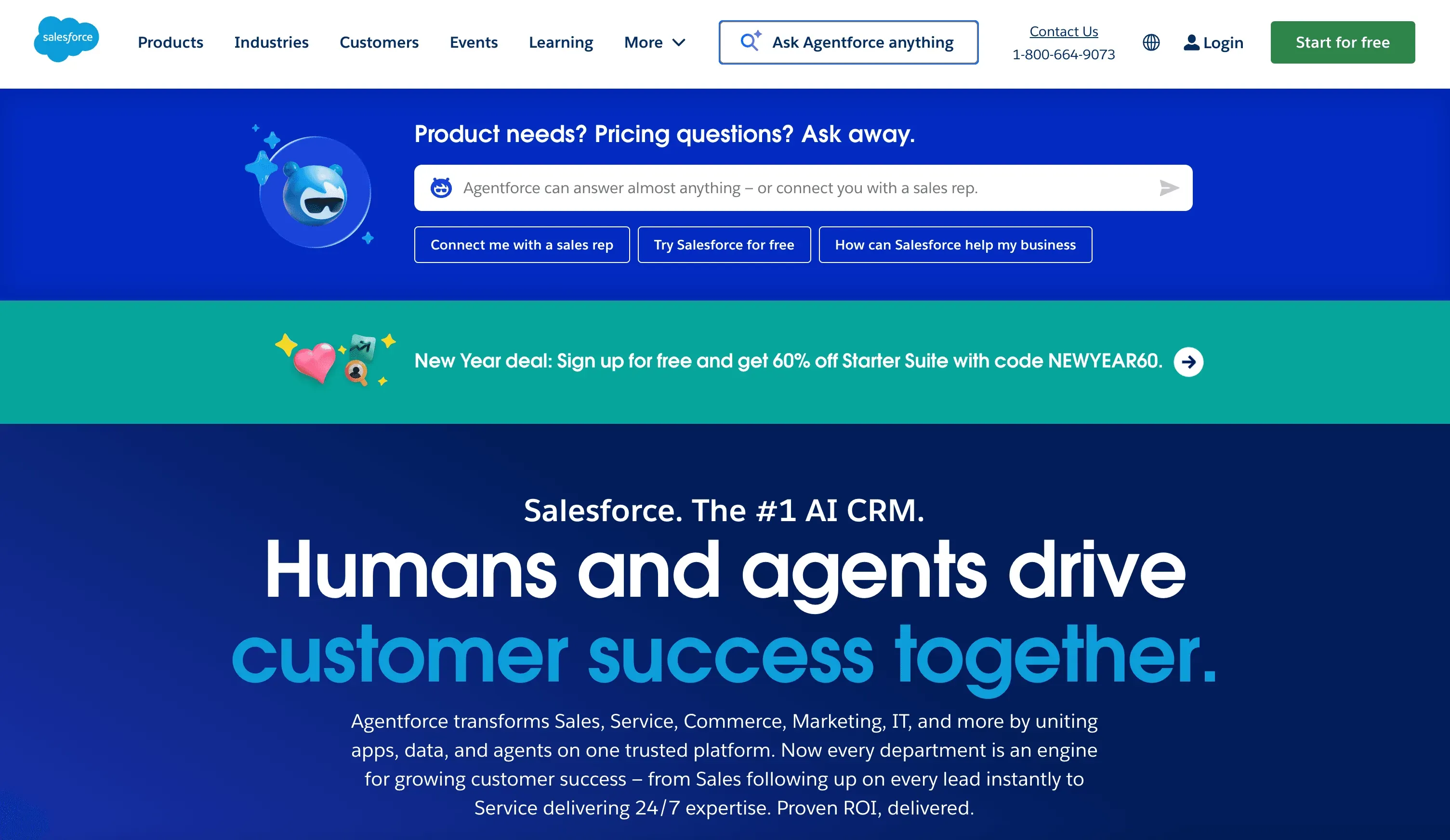 Salesforce is the 800-pound gorilla of CRM—and for good reason. It’s the world’s #1 CRM platform, with over 20% market share and a feature set that covers everything from contact management to AI-powered forecasting.
What makes Salesforce stand out?
- Customizable CRM: Track every contact, deal, and interaction in one place—customize fields, workflows, and dashboards to fit your process.
- Einstein AI: Get lead scoring, opportunity insights, and even auto-drafted emails and follow-up tasks.
- Automation: Automate repetitive tasks, reminders, and pipeline updates.
- Integration ecosystem: Over 5,000 apps and integrations (Outreach, LinkedIn Sales Navigator, PandaDoc, and more).
- Reporting & dashboards: Real-time pipeline visibility, conversion rates, and forecasting.
Why sales reps love it: Salesforce gives you a 360° view of every customer and deal. It’s the “single source of truth” for sales teams, and with the right setup, it can automate away a ton of admin work.
Drawbacks: It’s powerful, but there’s a learning curve—and it’s pricier than some alternatives (plans start around $25/user/month and go up fast).
3. HubSpot Sales
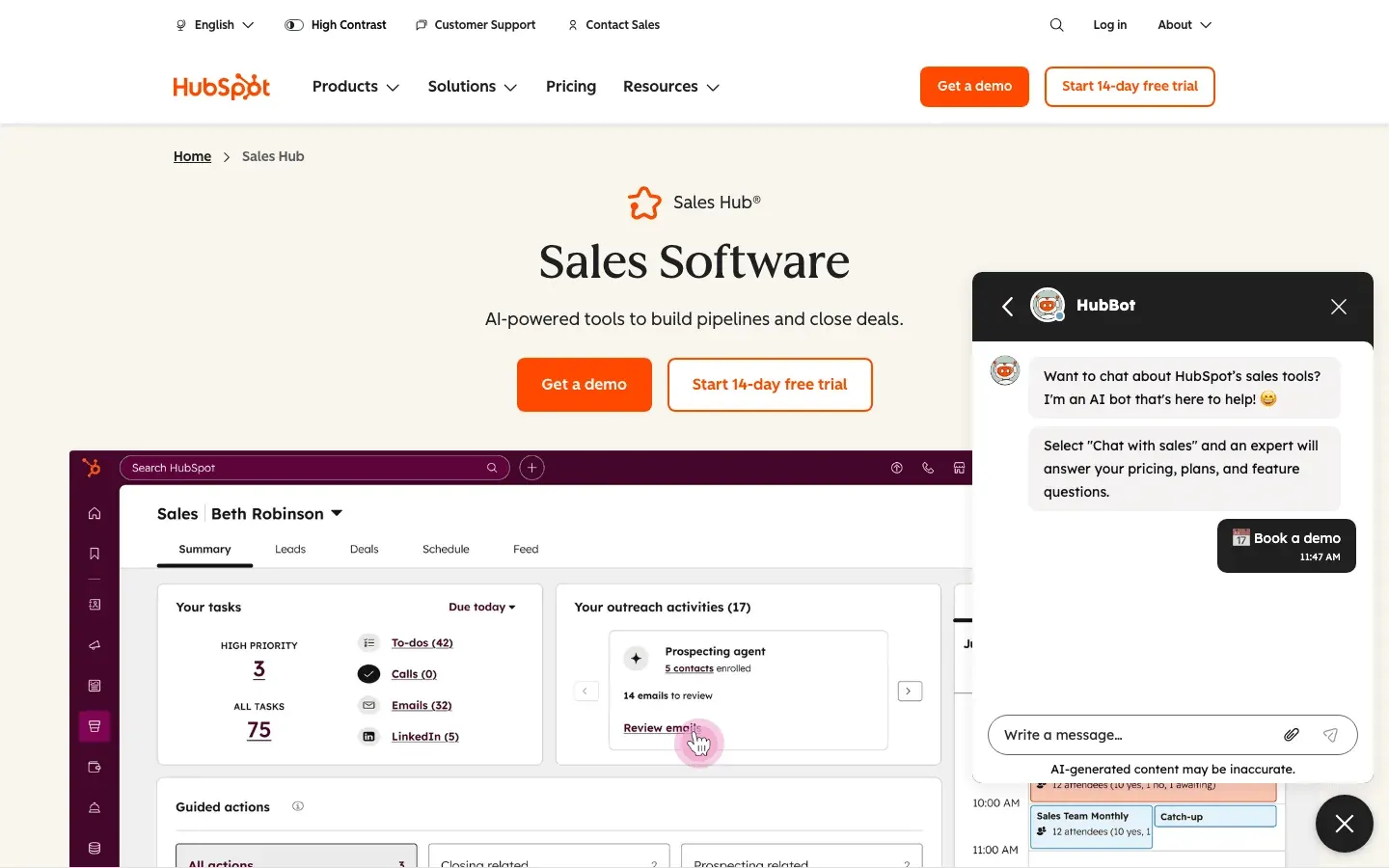 HubSpot Sales is the all-in-one CRM and sales platform that’s famous for its user-friendly interface and generous free tier. If you want a tool that “just works” out of the box, HubSpot is a top pick.
What makes HubSpot Sales shine?
- Free CRM: Contact and deal management, visual pipelines, and basic reporting—free forever.
- Email tracking & templates: See when prospects open emails, use proven templates, and automate follow-ups.
- Meeting scheduler: Share a link, let prospects book time on your calendar.
- Automation: Workflows for tasks, reminders, and lead assignments (advanced in paid tiers).
- Tight marketing integration: See marketing touchpoints (email opens, web visits) right in the CRM.
Why sales reps love it: HubSpot is easy to learn, quick to set up, and integrates with Gmail, Outlook, Slack, and more. It’s especially popular with small to mid-sized teams that want to move fast.
Drawbacks: Advanced features (like predictive lead scoring) require paid plans, which can get pricey as you scale.
4. LinkedIn Sales Navigator
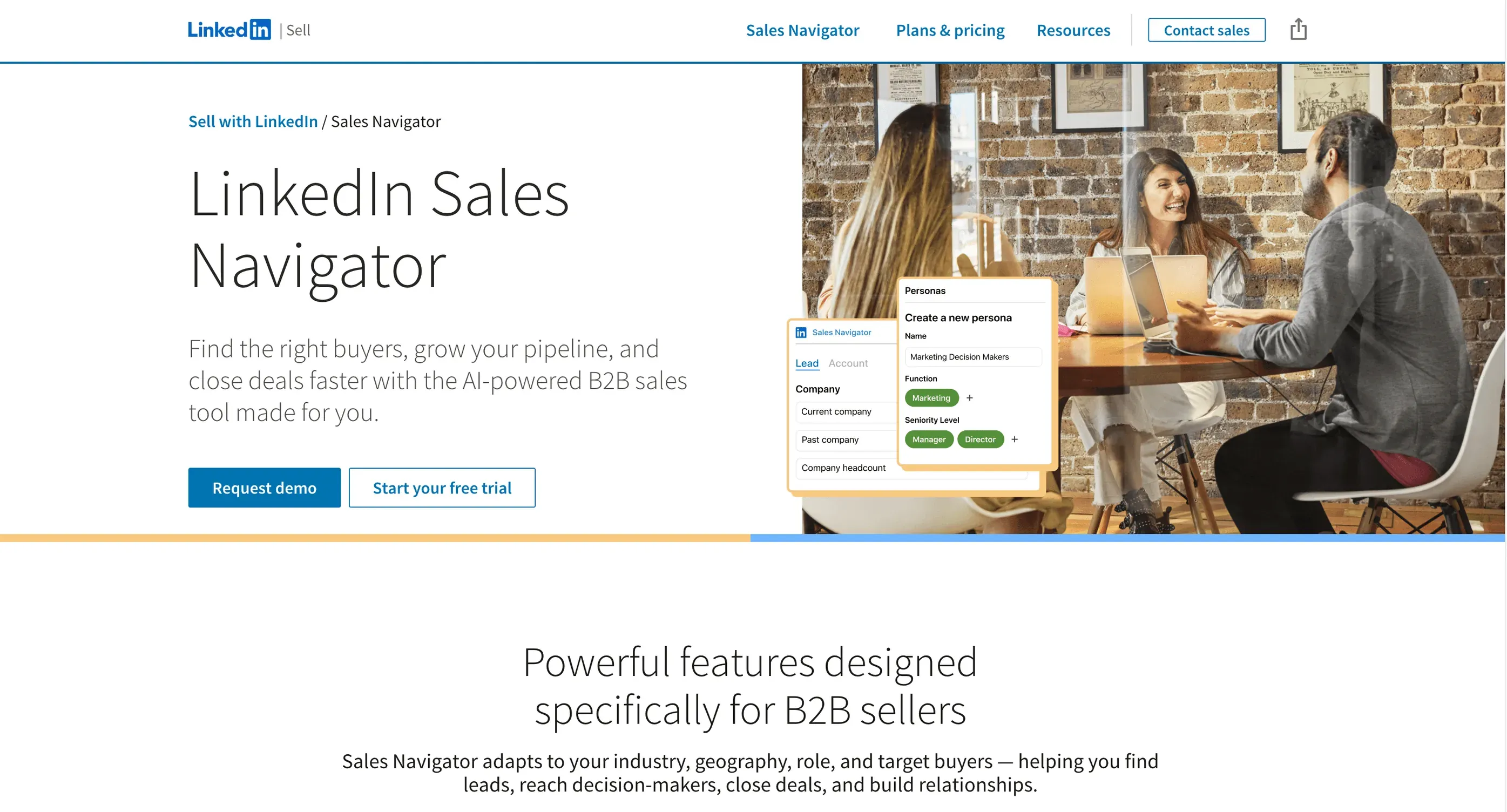 LinkedIn Sales Navigator is the gold standard for social selling and B2B prospecting. If your buyers are on LinkedIn (and whose aren’t?), this tool is a must-have.
What makes Sales Navigator essential?
- Advanced lead search: Filter by company size, title, industry, geography, and more.
- Lead recommendations: AI suggests new prospects based on your targets.
- Real-time insights: Get alerts when prospects change jobs, post content, or are mentioned in the news.
- TeamLink connections: See if colleagues can introduce you to a prospect.
- CRM integration: Sync leads and activities with Salesforce, HubSpot, and others.
Why sales reps love it: Sales Navigator turns LinkedIn from a static directory into a dynamic sales tool. You can map buying committees, track job changes, and reach out with context—leading to higher response rates and warmer conversations.
Drawbacks: It’s not cheap (starts around $99/month), but the ROI is huge for B2B teams.
5. Outreach
 Outreach is a powerhouse for automating and scaling outbound sales engagement. If you want to orchestrate multi-step sequences across email, phone, and social, Outreach is your command center.
What makes Outreach a game-changer?
- Automated sequences: Set up cadences (email, call, LinkedIn) and let Outreach handle the follow-ups.
- AI-driven insights: Get recommendations on messaging, timing, and next steps.
- Built-in dialer: Make calls, drop voicemails, and log everything automatically.
- Analytics: Track open rates, reply rates, and sequence performance.
- Coaching tools: Managers can review calls, A/B test messaging, and enforce best practices.
Why sales reps love it: Outreach frees you from manual follow-ups and ensures no lead slips through the cracks. Teams using Outreach see 50% higher opportunity conversion rates (Forrester).
Drawbacks: Best for teams with high outbound volume; pricing is custom/quote-based.
6. Pipedrive
 Pipedrive is the visual, action-oriented CRM that makes pipeline management feel almost fun (yes, really). If you want a simple, drag-and-drop way to track deals, Pipedrive is a winner.
What makes Pipedrive unique?
- Kanban-style pipeline: Move deals through stages with drag-and-drop simplicity.
- Activity-based selling: Always have a next action scheduled for every deal.
- Customizable stages & reminders: Tailor the pipeline to your process.
- Email & calendar integration: Sync communications and meetings.
- Mobile app: Update deals on the go.
Why sales reps love it: Pipedrive is easy to set up, intuitive to use, and keeps you focused on moving deals forward. Teams often see higher CRM adoption and better follow-up discipline.
Drawbacks: Less suited for complex sales cycles or heavy customization.
7. Zoho CRM
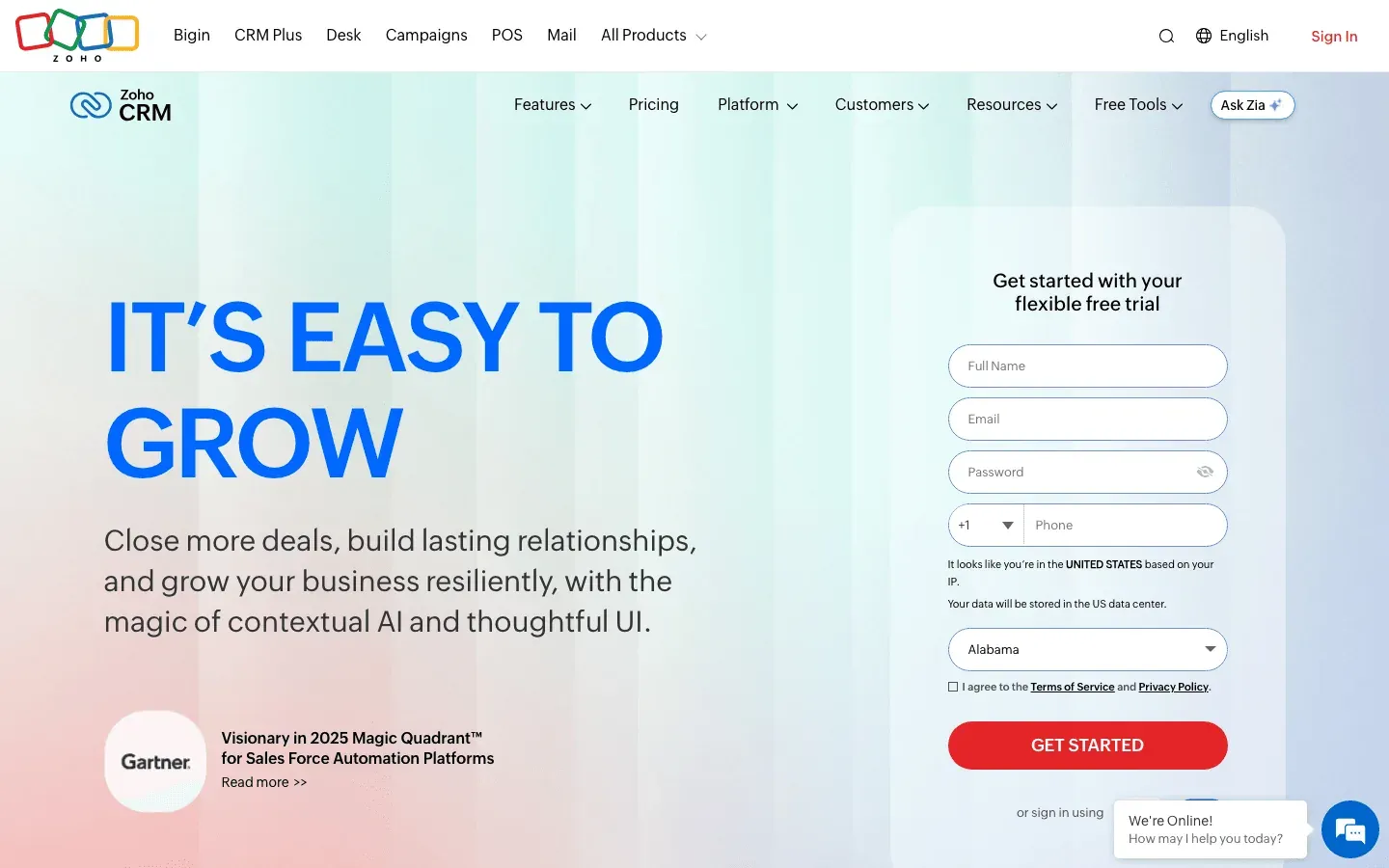 Zoho CRM is the Swiss Army knife of CRMs—highly customizable, packed with features, and surprisingly affordable.
What makes Zoho CRM stand out?
- Custom modules & fields: Adapt the CRM to your unique workflow.
- AI assistant (Zia): Lead scoring, anomaly detection, and workflow suggestions.
- Multi-channel communication: Integrated phone, email, and social.
- Automation: Workflow rules, blueprints, and macros.
- Ecosystem: Connects natively to Zoho’s suite (marketing, support, finance).
Why sales reps love it: Zoho CRM can be molded to fit almost any sales process, from field sales to channel sales. It’s especially popular with teams that want flexibility without breaking the bank.
Drawbacks: The sheer number of features can be overwhelming at first.
8. Freshsales
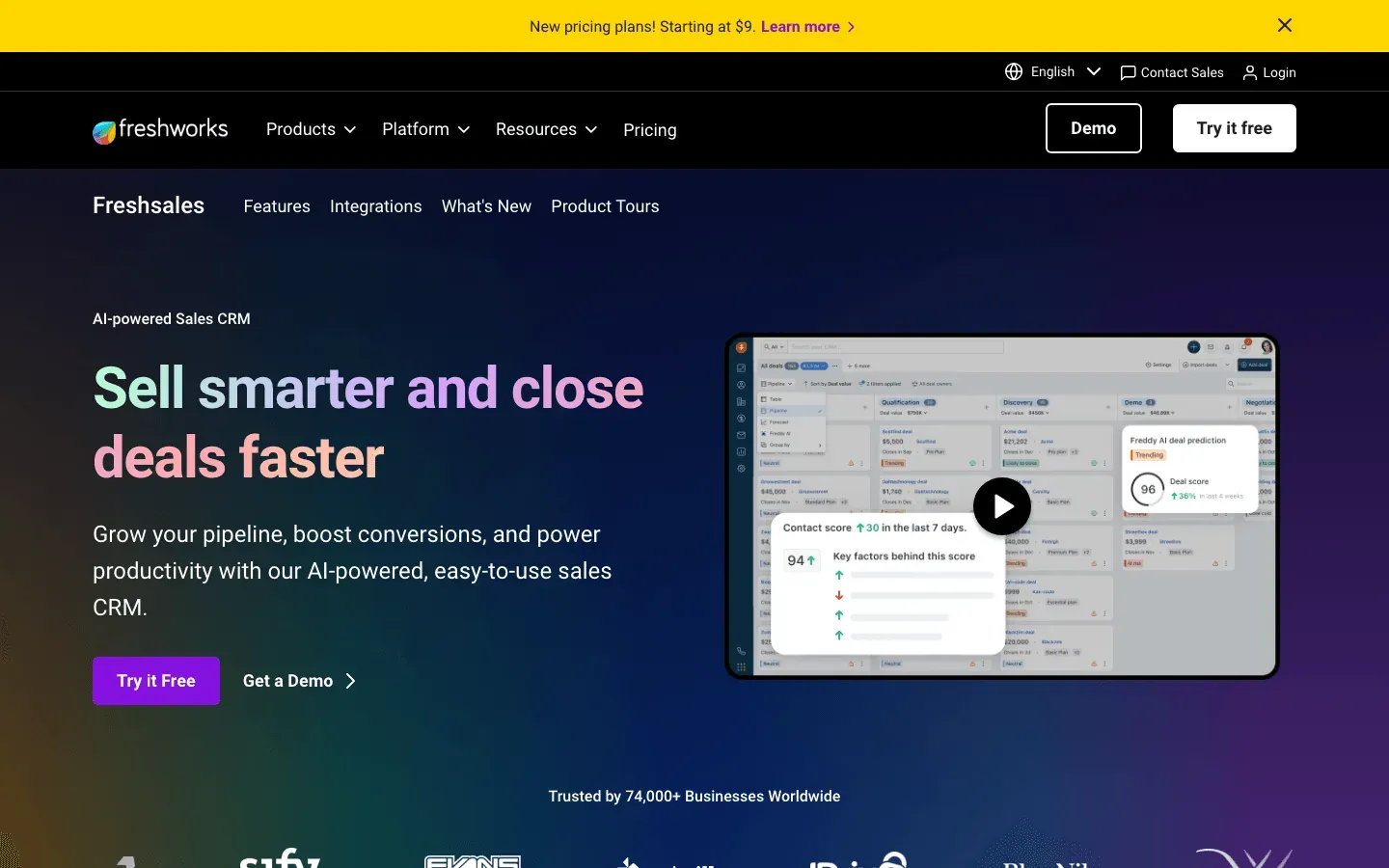 Freshsales (from Freshworks) is an intuitive CRM with built-in phone, email, and chat—making it a true all-in-one hub for sales communication.
What makes Freshsales a top pick?
- Integrated telephony: Make calls, record, and log them right from the CRM.
- Built-in email & chat: Track opens, schedule sends, and chat with leads.
- AI lead scoring (Freddy AI): Prioritize the hottest prospects.
- Visual pipelines: Drag-and-drop deal management.
- Automation: Sequences, reminders, and workflow rules.
Why sales reps love it: Freshsales reduces app-switching and keeps all your outreach in one place. The AI scoring and “next best action” suggestions help reps focus on what matters.
Drawbacks: Advanced automation and analytics are in higher-tier plans.
9. Insightly
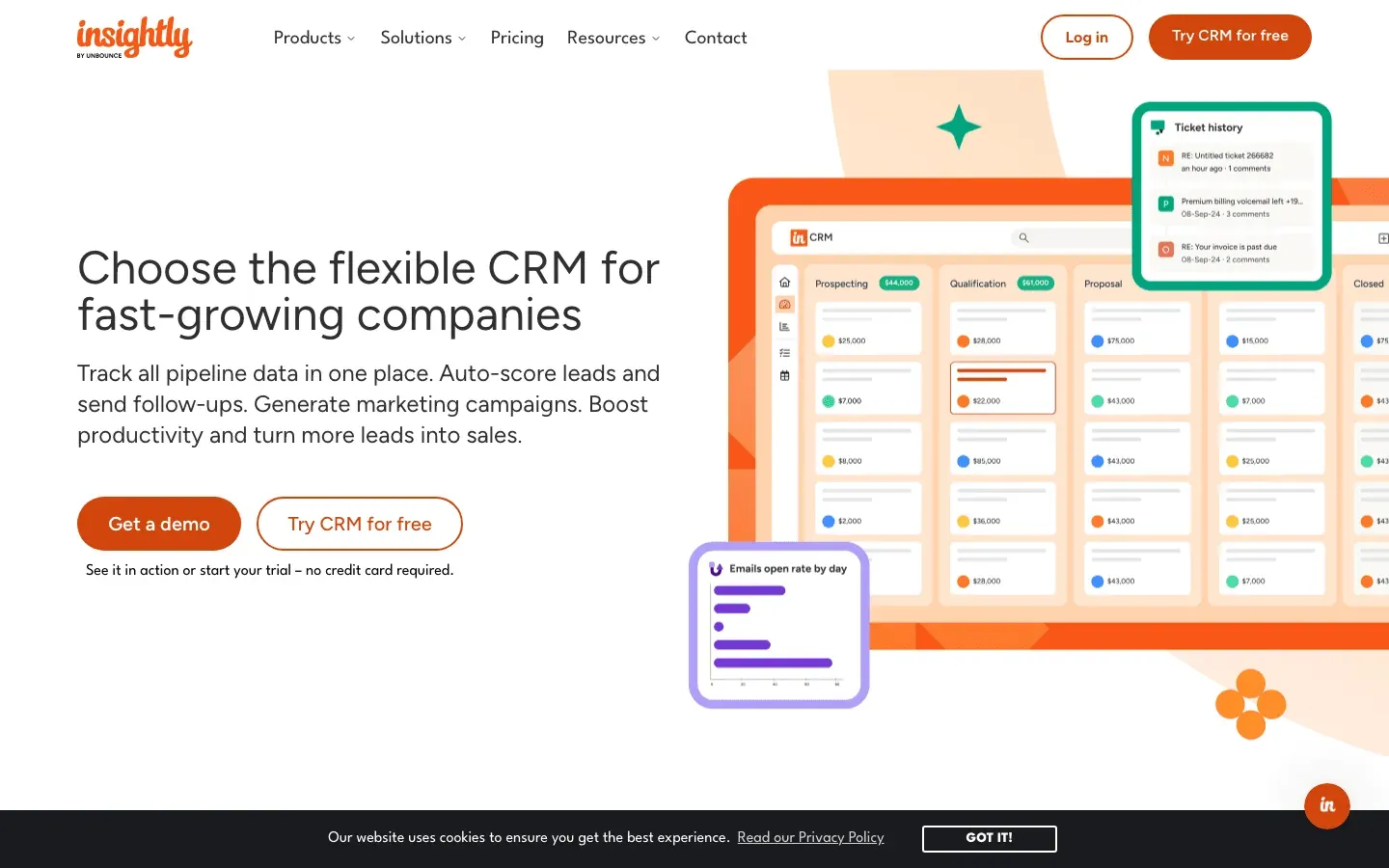 Insightly bridges the gap between CRM and project management—perfect for teams that need to manage post-sale delivery as well as pipeline.
What makes Insightly different?
- Project management: Convert closed deals into projects with tasks and milestones.
- Workflow automation: Automate emails, tasks, and field updates.
- Gmail/Outlook integration: Save emails to CRM, view info in your inbox.
- Reporting: Track both sales and project metrics in one dashboard.
Why sales reps love it: Insightly keeps everyone on the same page from lead to delivery. It’s ideal for consulting, professional services, or any team where the sale is just the beginning.
Drawbacks: Less suited for complex enterprise sales or heavy marketing automation.
10. Nimble
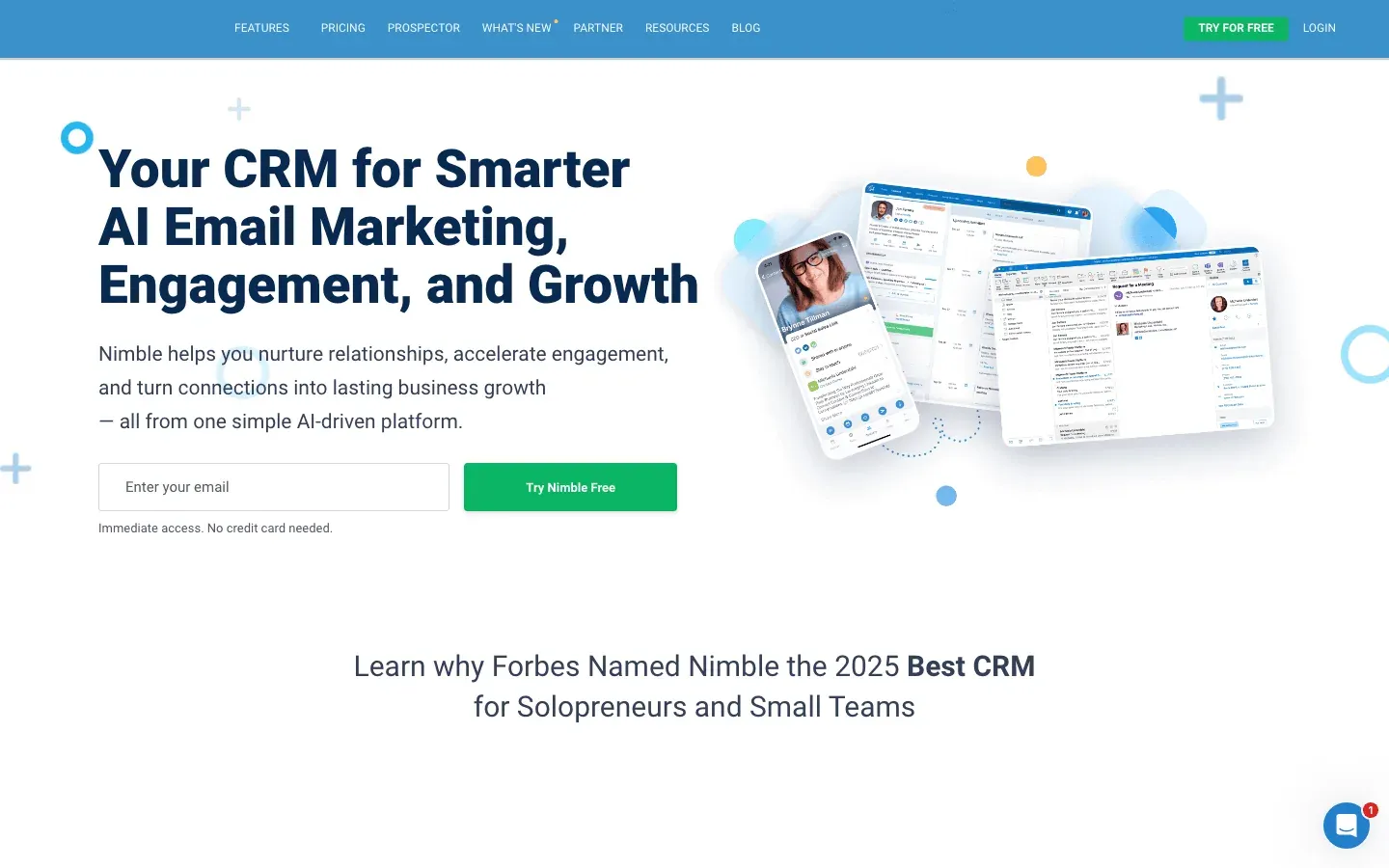 Nimble is the social CRM for reps who live and breathe networking. It unifies contacts and conversations across email and social media, automatically enriching profiles with public data.
What makes Nimble special?
- Contact enrichment: Pulls in social profiles, bios, and recent posts.
- Unified inbox: See all emails, DMs, and mentions in one thread.
- Social listening: Track keywords or people to spot engagement opportunities.
- Browser extension: Add contacts from LinkedIn or any webpage instantly.
- Stay-in-touch reminders: Never let a key relationship go cold.
Why sales reps love it: Nimble helps you build genuine relationships, not just manage deals. It’s a favorite for consultants, realtors, and anyone who wins through networking.
Drawbacks: Deal tracking is basic—best paired with a more robust CRM if you need heavy pipeline management.
11. Mixmax
 Mixmax is the Gmail-based productivity booster that turns your inbox into a sales engagement machine.
What makes Mixmax a must-have?
- Email tracking: See opens, clicks, and replies in real time.
- Meeting scheduler: Insert available times into emails—no more back-and-forth.
- Sequences: Automate multi-step email follow-ups.
- Templates & polls: Use proven messaging and embed surveys in emails.
- Salesforce integration: Log emails and activities automatically.
Why sales reps love it: Mixmax saves time on every email, boosts meeting bookings, and gives instant feedback on what’s working. It’s especially handy for startups and SMBs using Gmail.
Drawbacks: Best for Gmail users; Outlook support is limited.
12. SalesLoft
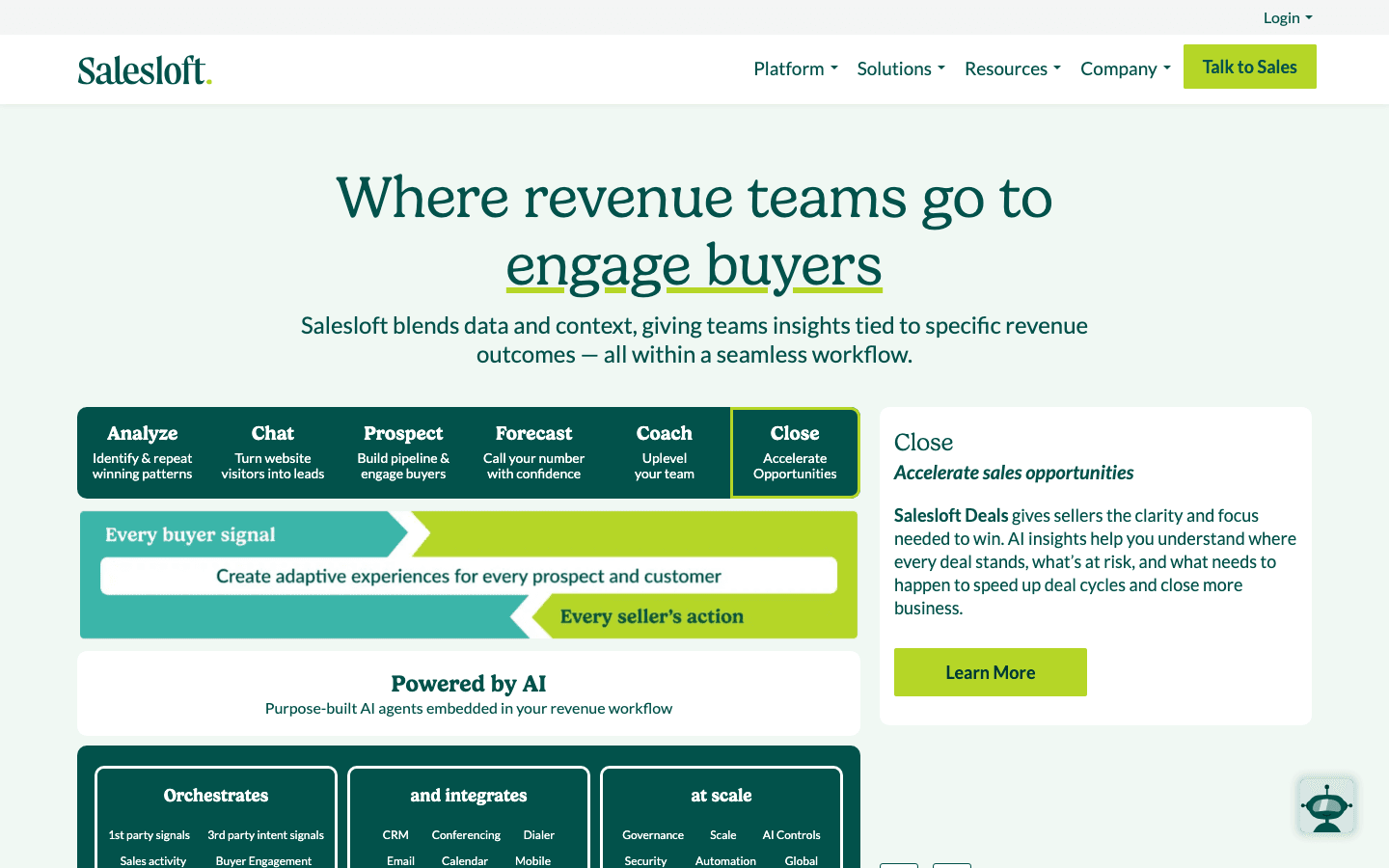 SalesLoft is a multi-channel sales engagement platform built for teams that want to orchestrate outreach across email, phone, and social—at scale. One thing to know up front: SalesLoft and Clari (see #15) merged on December 3, 2025 under Steve Cox as CEO, and the two products are being unified into a single "Predictive Revenue System." Both still operate as named products today, but if you're evaluating one, it's worth looking at how the combined roadmap affects the other.
What makes SalesLoft powerful?
- Cadences: Build and automate sequences of emails, calls, and LinkedIn touches.
- Built-in dialer: Call prospects and log outcomes without leaving the platform.
- Analytics & AI: Optimize messaging, timing, and channel mix.
- Coaching tools: Managers can review calls, provide feedback, and enforce best practices.
- CRM integration: Syncs with Salesforce, HubSpot, and more.
Why sales reps love it: SalesLoft ensures every lead gets the right number of touches, in the right order, with the right message. Teams often see 2.5x higher response rates (SalesLoft).
Drawbacks: Best for larger teams; pricing is on the higher side.
13. Close
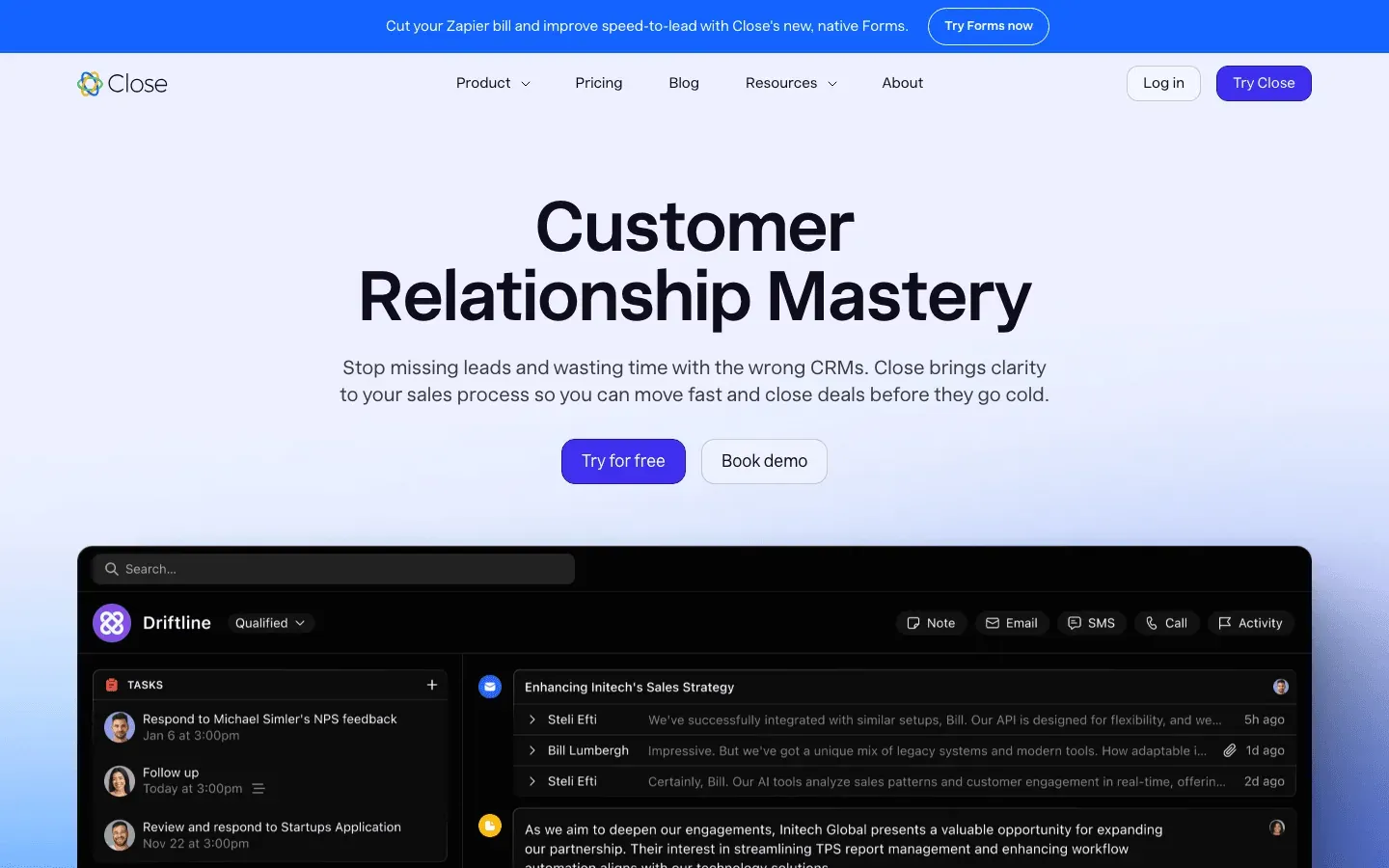 Close is the CRM built for inside sales teams who live on the phone and need to move fast.
What makes Close a standout?
- Built-in power dialer: Call through lists automatically, drop voicemails, and record calls.
- Two-way SMS: Text prospects and track replies.
- Unified timeline: See calls, texts, and emails in one thread.
- Smart views: Filter and prioritize leads with dynamic lists.
- Keyboard-friendly UI: Fast, efficient workflow for high-volume outreach.
Why sales reps love it: Close eliminates tool-switching and manual logging, letting reps focus on conversations. Teams often see a big jump in call volume and faster response times.
Drawbacks: Less suited for complex, multi-quarter enterprise deals.
14. Gong
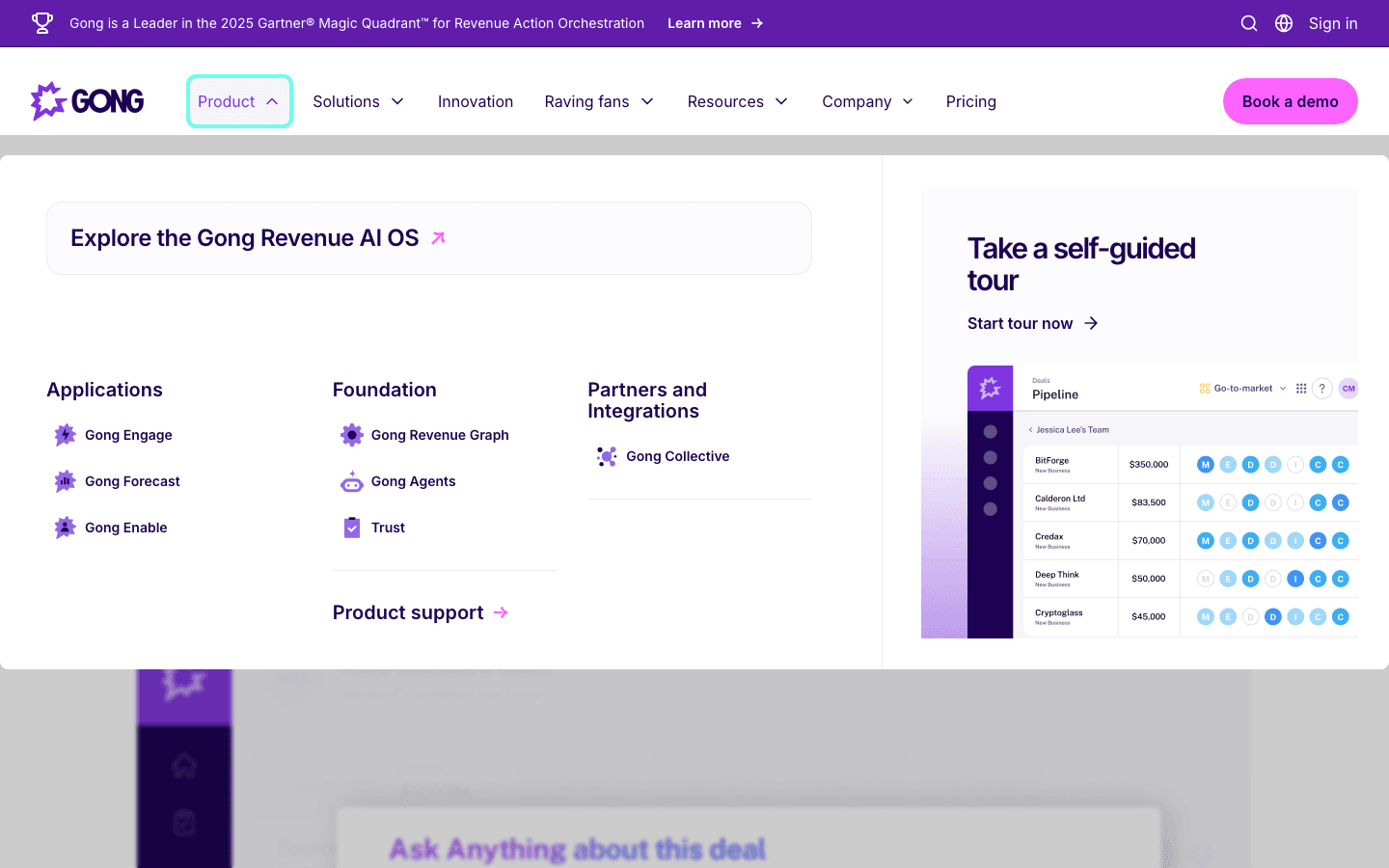 Gong is the conversation intelligence platform that records, transcribes, and analyzes sales calls—turning every meeting into a coaching and deal insight opportunity.
What makes Gong indispensable?
- Call recording & transcription: Capture every sales call and meeting.
- AI analysis: Get feedback on talk ratios, topics, competitor mentions, and deal risks.
- Deal timelines: See all interactions and stakeholders for each opportunity.
- Coaching tools: Managers can review calls, leave comments, and share best-practice snippets.
- Forecasting: Spot at-risk deals and next steps from real conversations.
Why sales reps love it: Gong helps reps improve their skills, catch deal risks early, and ramp up faster. Gong's own commissioned research ties AI adoption (including conversation intelligence) to materially higher win rates, though as with any vendor-funded study the precise lift is worth taking with a grain of salt.
Drawbacks: Best for teams doing lots of calls/demos; pricing is enterprise-level.
15. Clari
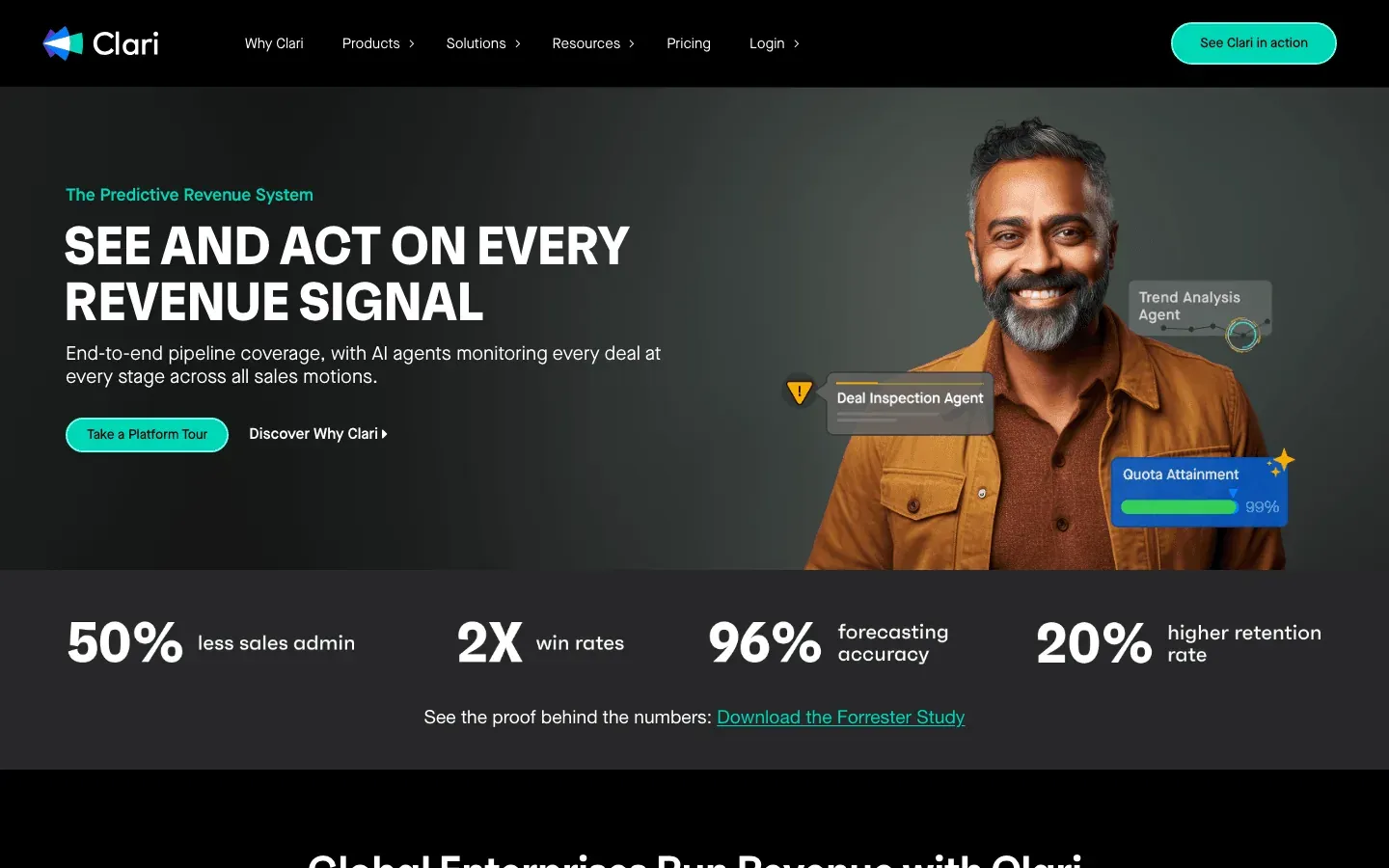 Clari is the AI-powered revenue forecasting and pipeline analytics platform that gives sales leaders—and reps—unprecedented visibility into what's really happening in the funnel. Note: Clari merged with SalesLoft (#12) on December 3, 2025, and the combined entity is consolidating both products under a unified "Predictive Revenue System" led by CEO Steve Cox — so if you're shopping forecasting + engagement together, it's worth talking to one sales team, not two.
What makes Clari a must for scaling teams?
- AI forecasting: Predicts revenue based on real activity, not just gut feel.
- Pipeline analytics: See which deals are at risk, which are moving, and where to focus.
- Deal inspection: Activity scores, risk flags, and next-step suggestions.
- Forecast dashboards: Real-time rollups from rep to region to company.
- CRM integration: Syncs with Salesforce and other major CRMs.
Why sales reps love it: Clari helps reps prioritize deals, spot risks, and understand exactly what it takes to hit quota. Teams using Clari report up to 96% forecast accuracy (Finance Yahoo).
Drawbacks: Best for larger sales orgs; setup and pricing reflect its enterprise focus.
16. Yesware
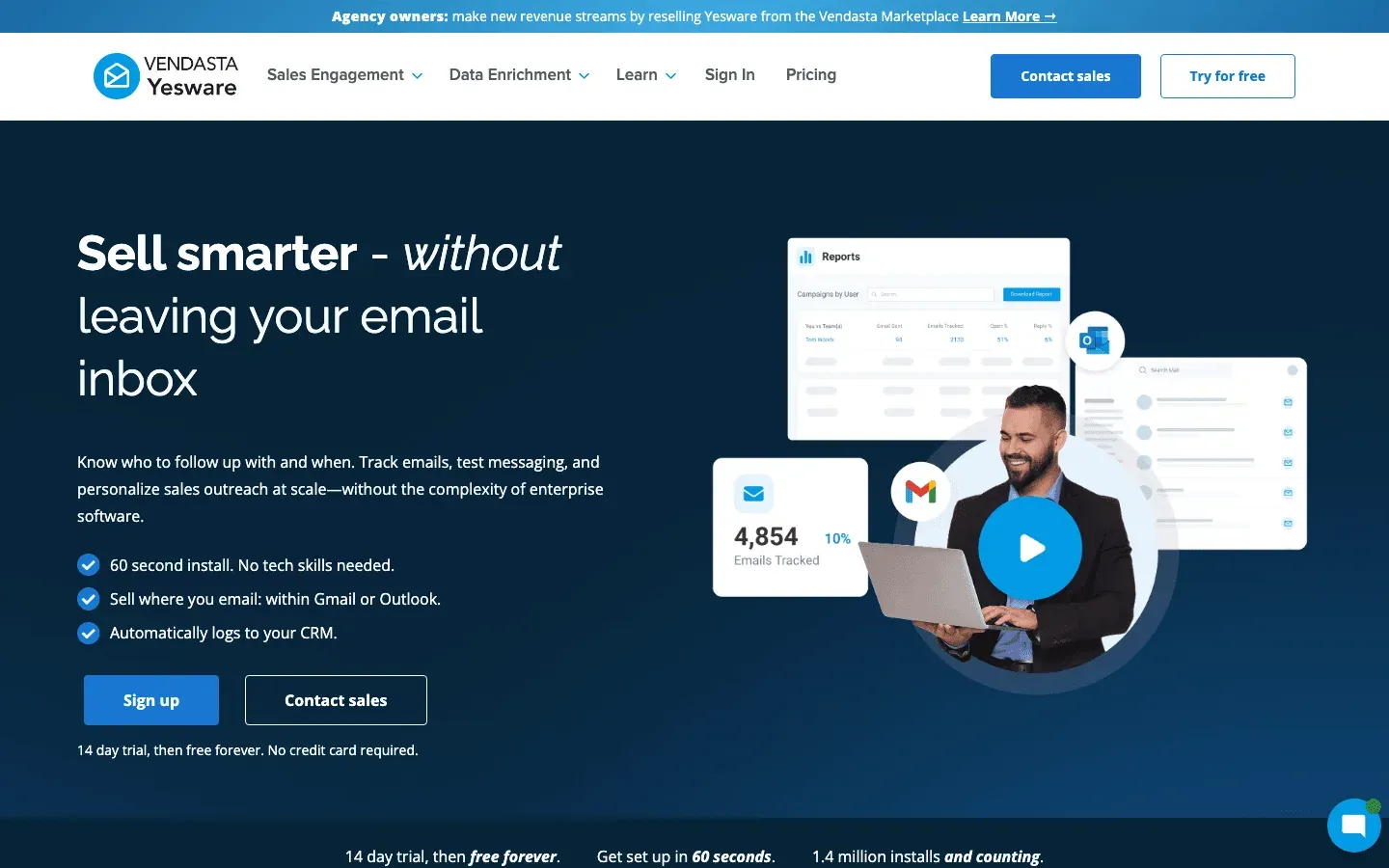 Yesware is the email tracking and analytics tool that brings data-driven outreach to Gmail and Outlook. (Heads up: Yesware was acquired by Vendasta in October 2022 and is now branded as "Vendasta Yesware" in some surfaces — same product, broader owner.)
What makes Yesware a favorite?
- Email open/click tracking: Know exactly when prospects engage.
- Templates & campaigns: Send personalized sequences at scale.
- Analytics: See which messages and reps are performing best.
- CRM integration: Syncs with Salesforce for seamless activity logging.
- Response Insights: AI suggests improvements to boost reply rates.
Why sales reps love it: Yesware gives instant feedback on outreach, helps optimize messaging, and saves hours with templates and automation. Teams often see higher reply rates and better follow-up timing.
Drawbacks: More basic than Outreach or SalesLoft for large teams, but perfect for AEs and SMBs.
17. DocuSign
 DocuSign is the industry standard for secure, legally compliant e-signature—making it the go-to for closing deals fast.
What makes DocuSign essential?
- Secure e-signature: Legally binding, globally recognized, and compliant with GDPR, CCPA, and more.
- Real-time tracking: See when documents are opened, signed, and completed.
- Workflow automation: Route documents for approval, collect payments, and trigger next steps.
- CRM integration: Send and track contracts from Salesforce, HubSpot, and others.
- Audit trails: Full visibility for compliance and peace of mind.
Why sales reps love it: DocuSign cuts deal closure from days to hours—80% of agreements are completed in under 24 hours (DocuSign). It’s fast, secure, and clients expect it.
Drawbacks: Focused on signing, not document creation—pair with PandaDoc for proposals.
18. PandaDoc
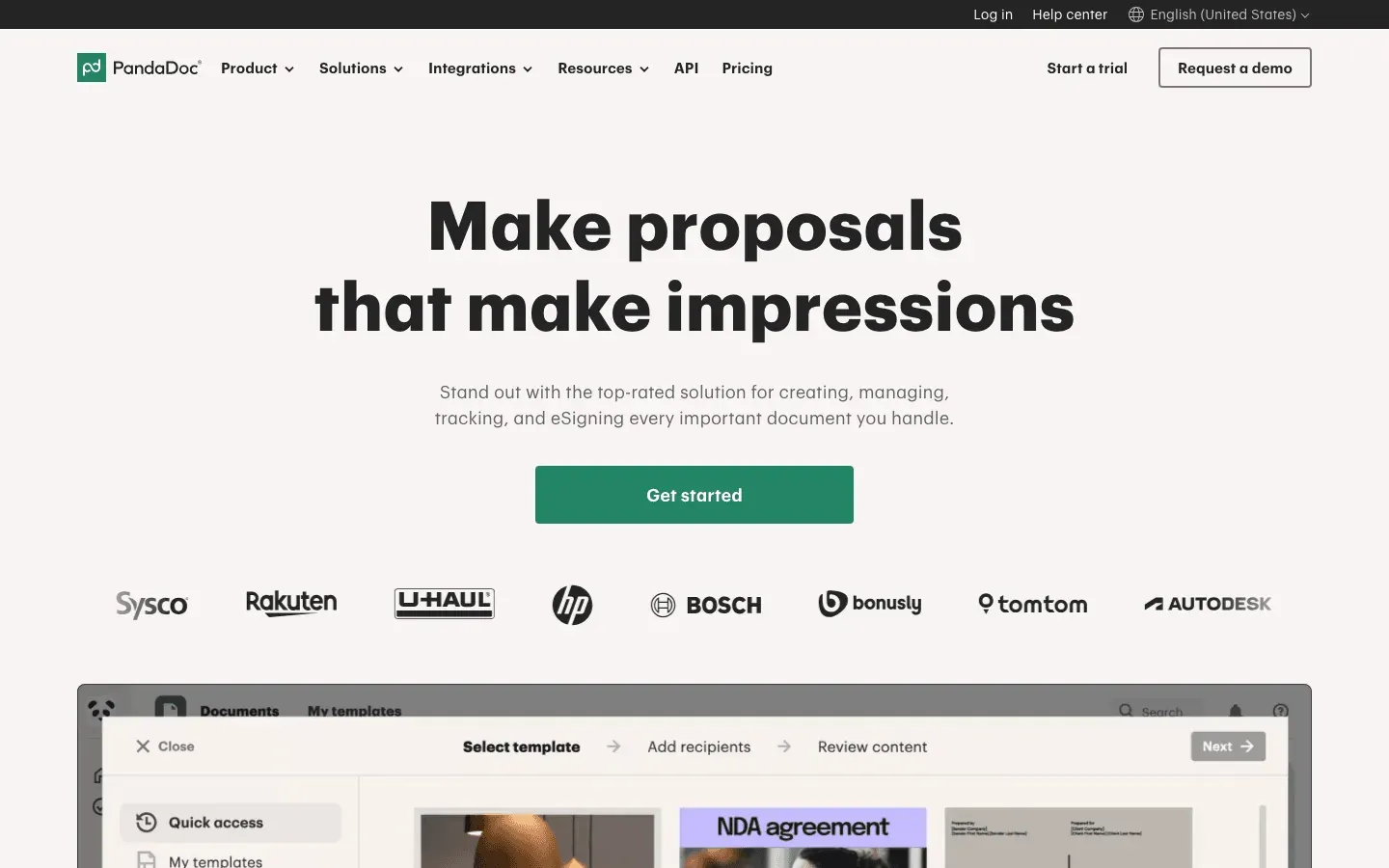 PandaDoc is the document automation platform that lets you create, send, and track proposals, quotes, and contracts—with built-in e-signature.
What makes PandaDoc powerful?
- Drag-and-drop editor: Build beautiful, interactive proposals and contracts fast.
- Templates & content library: Standardize branding and terms across the team.
- Analytics: See how long prospects spend on each page.
- Collaboration: Comment, edit, and negotiate in real time.
- CRM integration: Create and track documents from Salesforce, HubSpot, and more.
Why sales reps love it: PandaDoc slashes proposal creation time (up to 65% faster), increases close rates with interactive quotes, and gives real insight into buyer engagement.
Drawbacks: Best for teams that need to create custom proposals—if you just need signatures, DocuSign may be simpler.
Comparing the Best Sales Tools for Sales Representatives
Here’s a side-by-side comparison to help you pick the right mix for your team:
| Tool | Best For | Key Feature | Pricing (Typical) | Integrations | Security/Compliance |
|---|---|---|---|---|---|
| Thunderbit | Prospecting | AI web scraping, subpages | Free–$15+/mo | Excel, Sheets, Notion | Data export, multi-language |
| Salesforce | CRM | Customizable, AI, automation | $25–$150+/user/mo | 5,000+ apps | GDPR, CCPA, SOC2 |
| HubSpot Sales | CRM/Engagement | Free CRM, email tracking | Free–$50+/user/mo | Gmail, Outlook, Slack | GDPR, CCPA |
| LinkedIn Sales Nav | Social Selling | Advanced search, insights | $99+/mo | CRM, email | LinkedIn privacy |
| Outreach | Engagement | Automated sequences, analytics | Custom | Salesforce, Gmail | SOC2, GDPR |
| Pipedrive | Pipeline Mgmt | Visual pipeline, reminders | $15–$50/user/mo | Email, Zapier | GDPR |
| Zoho CRM | Custom CRM | Custom modules, AI | $14–$40/user/mo | Zoho suite, 3rd party | GDPR, global DCs |
| Freshsales | CRM/Comms | Built-in phone/email/chat | $15–$69/user/mo | Gmail, Outlook | GDPR |
| Insightly | CRM/Projects | Project mgmt, automation | $29–$49/user/mo | G Suite, Outlook | GDPR |
| Nimble | Social CRM | Contact enrichment, social | $19–$29/user/mo | Gmail, Outlook | GDPR |
| Mixmax | Email Productivity | Gmail tracking, scheduler | $12–$65/user/mo | Salesforce, Gmail | SOC2 |
| SalesLoft | Engagement | Multi-channel cadences | $100+/user/mo | Salesforce, Outlook | SOC2, GDPR |
| Close | Inside Sales | Power dialer, SMS | $29–$99/user/mo | Email, Zapier | GDPR |
| Gong | Conversation Intel | Call analysis, AI coaching | Enterprise | CRM, dialers | SOC2, GDPR |
| Clari | Forecasting | AI pipeline analytics | Enterprise | Salesforce, CRM | SOC2, GDPR |
| Yesware | Email Tracking | Templates, analytics | $15–$45/user/mo | Salesforce, Gmail | SOC2 |
| DocuSign | E-Signature | Secure, compliant signing | $40–$60/user/mo | CRM, cloud storage | GDPR, CCPA, SOC2 |
| PandaDoc | Doc Automation | Proposal builder, analytics | $19–$59/user/mo | CRM, payments | GDPR, SOC2 |
Recommended combos:
- Lead gen + CRM: Thunderbit + Salesforce or HubSpot
- Engagement: Outreach or SalesLoft + Mixmax or Yesware
- Closing: PandaDoc for proposals, DocuSign for contracts
- Analytics: Gong for calls, Clari for forecasting
How to Build Your Ideal Sales Tech Stack in 2026
What Is Data Scraping and How to Do It in 2026 Get Started Free
Here’s my advice for building a sales stack that actually works (and doesn’t make your reps want to throw their laptops out the window):
- Start with your CRM: This is your system of record. Pick Salesforce for deep customization, HubSpot for ease of use, or Zoho/Pipedrive for affordability.
- Add prospecting power: Use Thunderbit to build targeted lead lists, and LinkedIn Sales Navigator for social selling.
- Layer on engagement: Outreach or SalesLoft for high-volume teams; Mixmax or Yesware for AEs and smaller teams.
- Don’t forget analytics: Gong for conversation coaching, Clari for pipeline and forecasting.
- Seal the deal: PandaDoc for proposals and quotes, DocuSign for secure e-signature.
- Integrate everything: Make sure your tools talk to each other—CRM at the center, with data flowing in from prospecting, engagement, and closing tools.
- Prioritize security & compliance: Check for GDPR, CCPA, SOC2, and other certifications—especially if you’re handling customer data globally.
And remember: the best stack is the one your team actually uses. Don’t overload reps with tools—focus on the essentials, train well, and iterate as you grow.
Download Thunderbit Chrome Extension
Conclusion: Choosing the Best Sales Tools for Sales Representatives
The sales landscape in 2026 is digital, data-driven, and more competitive than ever. But with the right tools, sales reps can reclaim their time, focus on what matters, and smash their targets. Whether you’re just starting out or scaling up, invest in a stack that covers the full journey—from finding leads (Thunderbit, LinkedIn), to managing pipeline (Salesforce, HubSpot), to engaging prospects (Outreach, Mixmax), to closing deals (PandaDoc, DocuSign), and analyzing performance (Gong, Clari).
Take a hard look at your current workflow. Where are the bottlenecks? Where are reps losing time? Start with a core set of tools, pilot with a small team, and expand as you see results. And don’t be afraid to mix and match—sometimes the best stack is the one you build yourself.
Happy selling—and may your quota be light, your pipeline full, and your sales tools always one step ahead.
Try Thunderbit for Sales Lead Generation Get Started Free
FAQs
1. What are the most important sales tools for sales representatives in 2026?
The essentials are a robust CRM (like Salesforce or HubSpot), a prospecting/data tool (Thunderbit, LinkedIn Sales Navigator), a sales engagement platform (Outreach, SalesLoft, Mixmax, or Yesware), and an e-signature solution (DocuSign or PandaDoc). Analytics tools like Gong and Clari are also key for larger teams.
2. How do I choose the right sales tool for my team?
Start by mapping your sales process and identifying bottlenecks. Prioritize usability, integration with your existing stack, scalability, and security. Pilot new tools with a small group of reps and measure the impact before rolling out company-wide.
3. Can I use multiple sales tools together?
Absolutely! In fact, the best results often come from combining tools—Thunderbit for lead data, Salesforce for CRM, Outreach for engagement, and DocuSign for closing. Just make sure they integrate well to avoid data silos.
4. Are these sales tools secure and compliant with privacy laws?
Most leading tools (Salesforce, DocuSign, PandaDoc, etc.) are compliant with GDPR, CCPA, and SOC2. Always check for certifications and data residency options, especially if you operate internationally.
5. What’s the ROI of investing in modern sales tools?
Teams using automation and AI-powered sales tools report 10–15% efficiency gains and up to 29% higher revenue growth. The right tools free up reps to sell more, close deals faster, and improve forecast accuracy—delivering a clear, measurable ROI.
Want more tips on sales automation, prospecting, and building a modern sales stack? Check out the Thunderbit Blog for deep dives, tutorials, and the latest in AI-powered sales tech.
Learn More




