
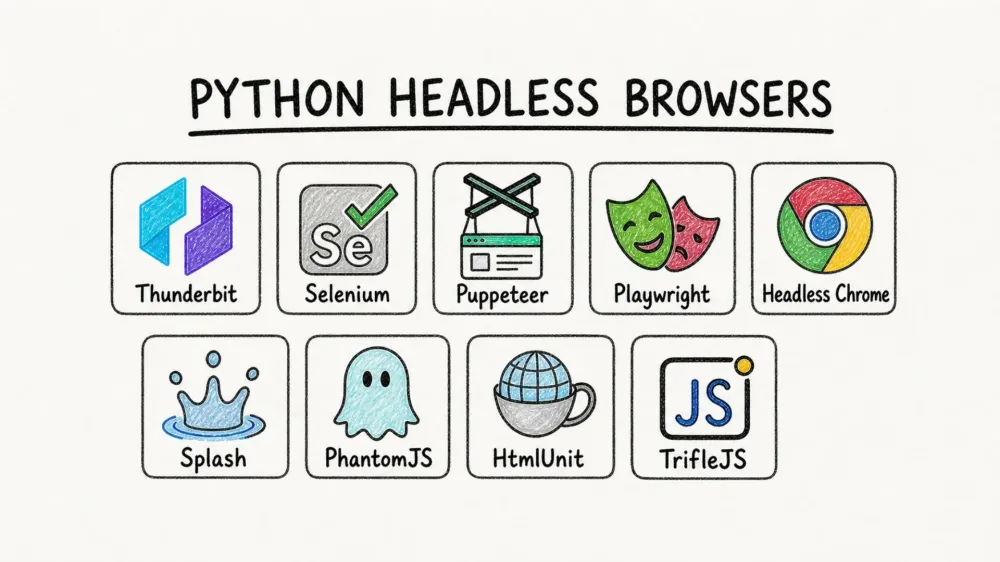
The web has become a wild, ever-shifting landscape—think less “digital library” and more “data jungle.” In 2026, if you’re trying to scrape data from modern sites, you’re not just up against a wall of JavaScript—you’re facing a fortress. I’ve seen firsthand how traditional scraping tools buckle under the weight of dynamic content, infinite scrolls, and anti-bot shields. That’s why the rise of the python headless browser isn’t just a trend—it’s a full-on revolution for anyone who needs reliable, scalable web data extraction.
And it’s not just techies who care. As of 2025, 73% of enterprises rely on automated web data extraction for business intelligence, and over 94% of websites now depend on client-side JavaScript rendering. Whether you’re in sales, ecommerce, or operations, the right python headless browser is the difference between “data at your fingertips” and “data out of reach.” So, let’s cut through the noise—I’ve tested, compared, and lived with these tools, and I’m here to break down the 10 best python headless browsers for modern scraping (with a special spotlight on how AI is changing the game for non-coders).
What Makes a Python Headless Browser Essential for Modern Scraping?
Scrape data from any website using AI Get Started Free
Let’s demystify the jargon: a python headless browser is just a web browser you control with Python code, but without the clunky window popping up on your screen. It loads pages, runs JavaScript, clicks buttons, fills out forms—all invisibly, behind the scenes. Think of it as a ghost browser, working tirelessly while you sip your coffee.
Why does this matter? Because modern websites are built for users, not bots. They hide data behind JavaScript, require logins, and expect you to interact like a real person. Traditional scrapers that just fetch HTML are left staring at empty shells. Headless browsers, on the other hand, simulate real user behavior—they wait for AJAX calls, scroll through infinite feeds, and grab the content exactly as you see it in Chrome or Firefox (LiveProxies).
But there’s more:
- Speed & Efficiency: Headless browsers skip the visual rendering, so they’re faster and use less memory—perfect for scraping at scale (LiveProxies).
- Dynamic Content Support: They execute JavaScript, so you get the real, rendered data—not just the raw HTML.
- Automation Superpowers: Need to log in, paginate, or handle pop-ups? Python headless browsers can automate all of it.
- Scalability: Run hundreds of instances in the cloud, scrape thousands of pages in parallel, and never break a sweat.
For business users, this means you can finally gather leads, monitor competitors, or track prices—even if the website is built like Fort Knox. And with the latest AI-powered tools, you don’t need to be a coder to join the party.
How We Chose the Best Python Headless Browsers
I didn’t just throw darts at a list of browser names. Here’s what I looked for:
- Performance & Speed: Can it handle modern, JavaScript-heavy sites quickly and reliably?
- Browser Support: Does it work with Chrome, Firefox, WebKit, or even legacy engines like IE?
- Ease of Use: Is it friendly for non-coders, or does it require a PhD in Python?
- AI & No-Code Features: Can business users leverage AI to automate scraping without writing scripts?
- Community & Support: Is there an active community, good docs, and ongoing development?
- Unique Features: Does it offer anything special—like instant templates, cloud scraping, or subpage navigation?
I’ve seen teams waste weeks wrestling with setup, only to hit a wall when the site layout changes. The best tools don’t just work—they adapt, scale, and make your life easier.
Top 10 Best Python Headless Browsers for Modern Scraping
Here’s my definitive list, with a deep dive into what makes each tool shine (or stumble).
1. Thunderbit
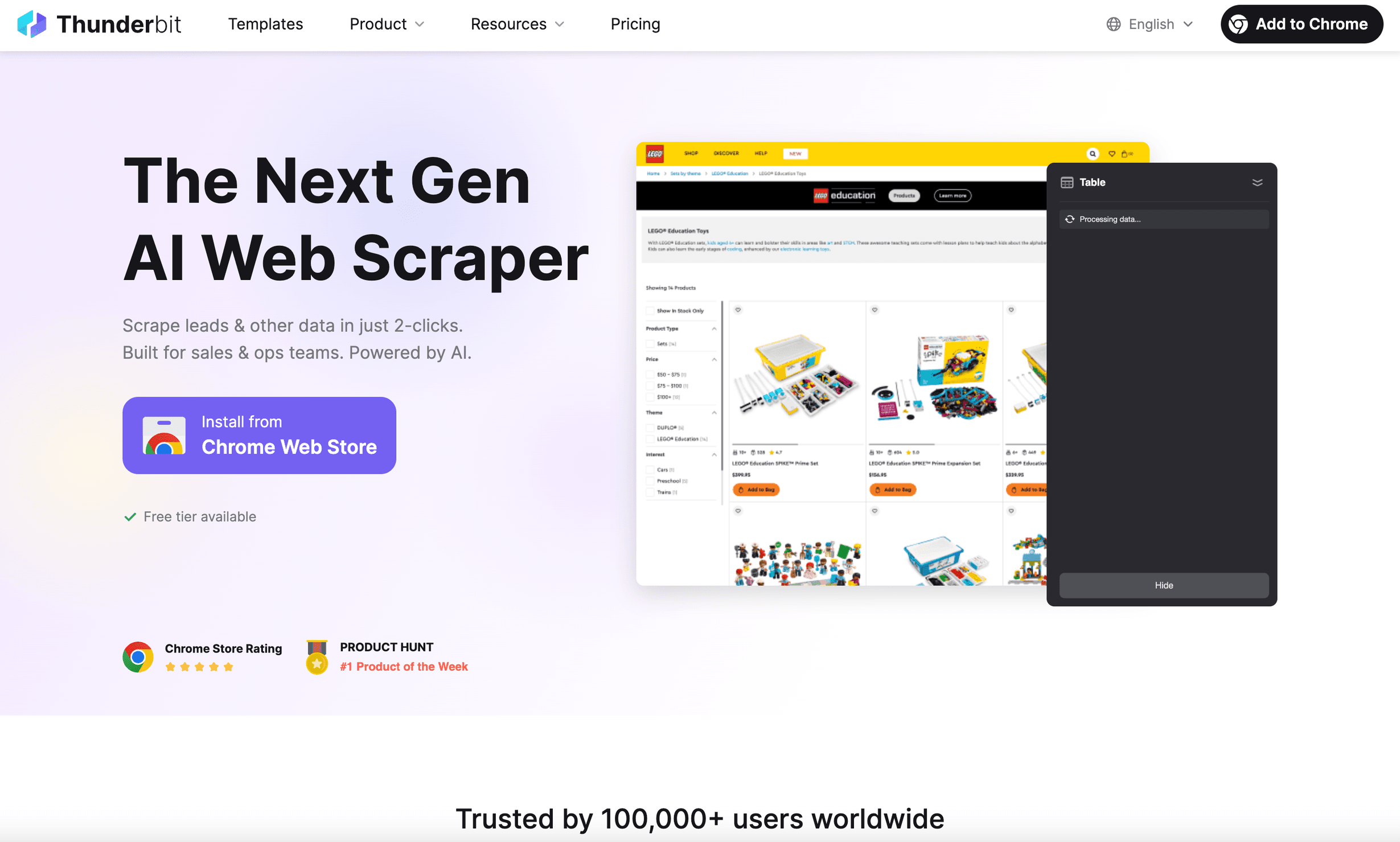 Thunderbit is the python headless browser I wish I’d had years ago. It’s not just a browser automation tool—it’s an AI-powered web scraper Chrome Extension built for business users who want results, not headaches.
Why Thunderbit stands out:
- AI Field Setup: Just open the extension—one click—and Thunderbit’s AI infers the layout, picks the fields, and runs the scrape for you (Thunderbit Docs).
- Instant Data Templates: For popular sites (Amazon, Zillow, LinkedIn, etc.), you get one-click templates—no setup needed.
- Subpage & Pagination Scraping: Thunderbit can click through subpages, handle infinite scroll, and merge all the data into a single table.
- Natural Language Prompts: Describe what you want in plain English; Thunderbit’s AI does the rest.
- Cloud or Browser Scraping: Run scrapes locally or in the cloud (up to 50 pages at a time for speed).
- No Coding Required: Seriously—if you can use a browser, you can use Thunderbit.
- Free Data Export: Export to Excel, Google Sheets, Notion, or Airtable with one click.
I’ve seen Thunderbit save hours for sales and ops teams—scraping leads, monitoring prices, or aggregating product data without ever touching code. It’s trusted by over 200,000 users worldwide, and the feedback is consistently: “I can’t believe how easy this is.”
Best for: Non-technical users, business teams, anyone who wants AI to do the heavy lifting.
Try Thunderbit AI Web Scraper for Free
2. Selenium
 Selenium is the OG of browser automation. If you’ve ever Googled “python headless browser,” you’ve probably tripped over Selenium WebDriver.
Pros:
- Supports All Major Browsers: Chrome, Firefox, Safari, Edge, even Internet Explorer (for the brave).
- Massive Community: Tons of tutorials, plugins, and Stack Overflow answers.
- Highly Flexible: Automate anything a user can do—clicks, forms, navigation.
Cons:
- Setup Can Be a Bear: You’ll need to wrangle browser drivers and keep versions in sync.
- Slower Than Modern Tools: The WebDriver protocol adds overhead, and scaling to hundreds of browsers is clunky.
- Verbose API: You’ll write more code than with Playwright or Puppeteer.
Best for: Teams with existing Selenium expertise, cross-browser testing, or legacy automation workflows.
3. Puppeteer
 Puppeteer is Google’s high-level automation library for Chrome/Chromium. While it’s native to Node.js, Python users can get in on the action via Pyppeteer.
Pros:
- Streamlined for Chrome: Fast, efficient, and tightly integrated with Chrome DevTools.
- Async API: Great for modern, JavaScript-heavy sites.
- Rich Features: Screenshots, PDF export, network interception.
Cons:
- Chromium-Only: No Firefox or Safari support.
- Node.js Native: Python users must use Pyppeteer (which is now unmaintained—see below).
Best for: Developers who want fast, reliable Chrome automation and don’t need cross-browser support.
4. Playwright
 Playwright is the new kid on the block, built by Microsoft—and it’s quickly become my go-to for advanced scraping.
Pros:
- Multi-Browser Support: Automate Chromium, Firefox, and WebKit with one API.
- Auto-Waiting: No more guessing when a page is ready—Playwright waits for you.
- Concurrency: Run multiple browser contexts in parallel for blazing speed.
- Python-First: Native Python bindings, both async and sync.
Cons:
- Larger Install: Bundles multiple browsers, so setup is a bit heavier.
- Still Requires Coding: Not as friendly for non-technical users as Thunderbit.
Best for: Developers needing robust, modern automation—especially for complex, dynamic web apps.
5. Headless Chrome
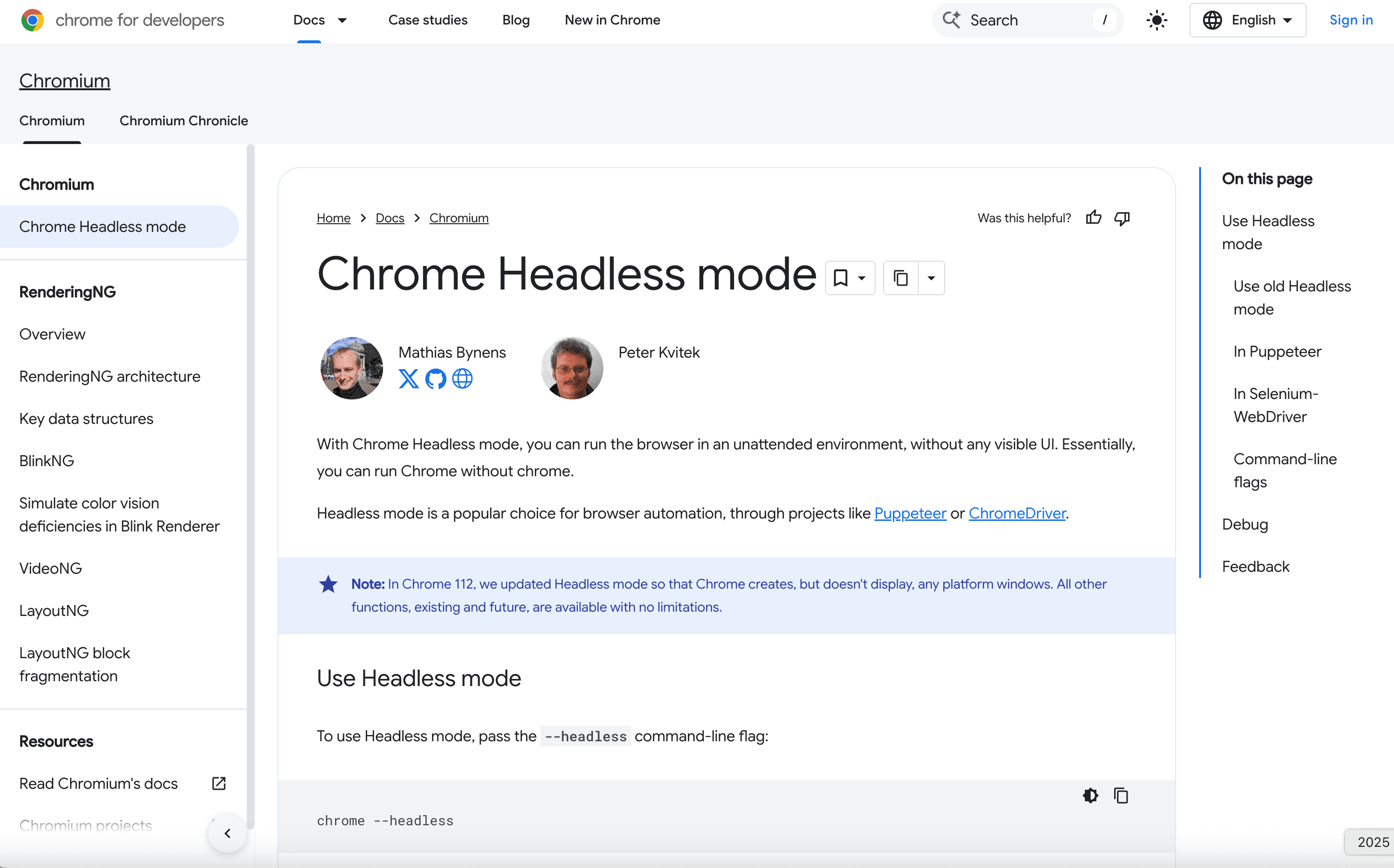 Headless Chrome is the engine that powers many of the tools above. You can control it directly via the Chrome DevTools Protocol (CDP) for maximum flexibility.
Pros:
- Cutting-Edge Web Support: If it works in Chrome, it works in headless Chrome.
- Fine-Grained Control: Access every nook and cranny of the browser.
Cons:
- Steep Learning Curve: You’ll need to speak CDP or use a wrapper library.
- Chrome-Only: No cross-browser support.
Best for: Experts building custom automation pipelines or integrating Chrome at a low level.
6. Pyppeteer
 Pyppeteer is the unofficial Python port of Puppeteer. It brought async Chrome automation to Python, but… there’s a catch.
Pros:
- Puppeteer-Style API: If you know Puppeteer, you’ll feel at home.
- Fast Chrome Automation: Great for dynamic sites.
Cons:
- Unmaintained: The original project is no longer updated (the devs recommend switching to Playwright).
- Chromium-Only: No Firefox or Safari.
Best for: Legacy projects already using Pyppeteer. For new projects, use Playwright.
7. Splash
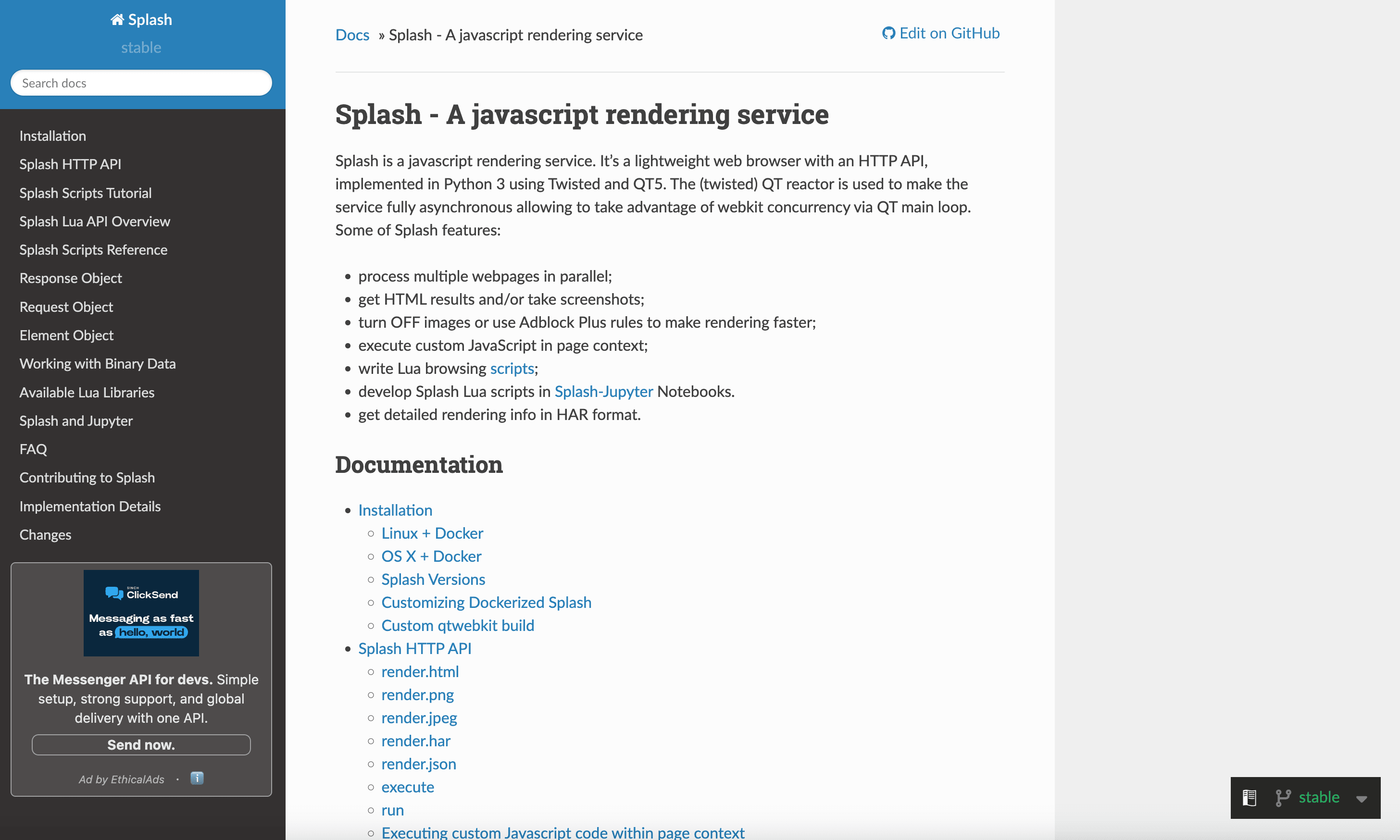 Splash is a lightweight, scriptable headless browser with an HTTP API, built by the Scrapinghub (now Zyte) team.
Pros:
- Lightweight: Uses QtWebKit, so it’s less resource-hungry than Chrome.
- HTTP API: Control it from any language, not just Python.
- Great for Scrapy: Integrates seamlessly with Scrapy spiders for JS rendering.
Cons:
- Older WebKit Engine: May struggle with cutting-edge JavaScript.
- Lua Scripting Needed: For advanced interactions, you’ll need to learn some Lua.
Best for: Scrapy users needing occasional JS rendering, or lightweight server-side rendering tasks.
8. PhantomJS
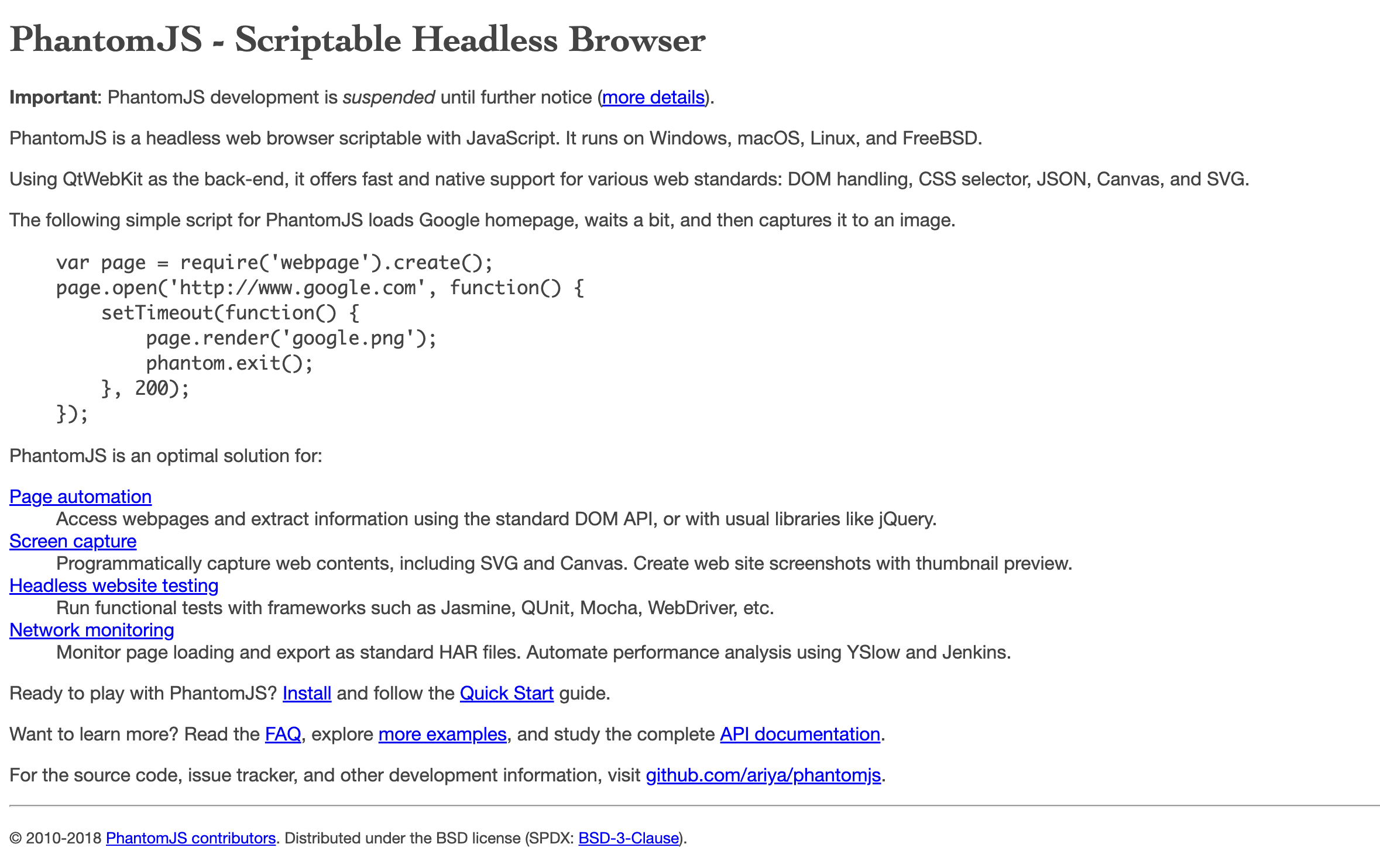 PhantomJS is the original scriptable headless browser, built on WebKit. It was a pioneer—but it’s now largely obsolete.
Pros:
- Simple Scripting: Easy to automate with JavaScript.
- Legacy Support: Still works for older, static sites.
Cons:
- Unmaintained: No updates since 2016.
- Outdated Engine: Can’t handle modern JS-heavy sites.
- Security Risks: No recent patches.
Best for: Maintaining legacy scripts. For new projects, migrate to Playwright or Puppeteer.
9. HtmlUnit
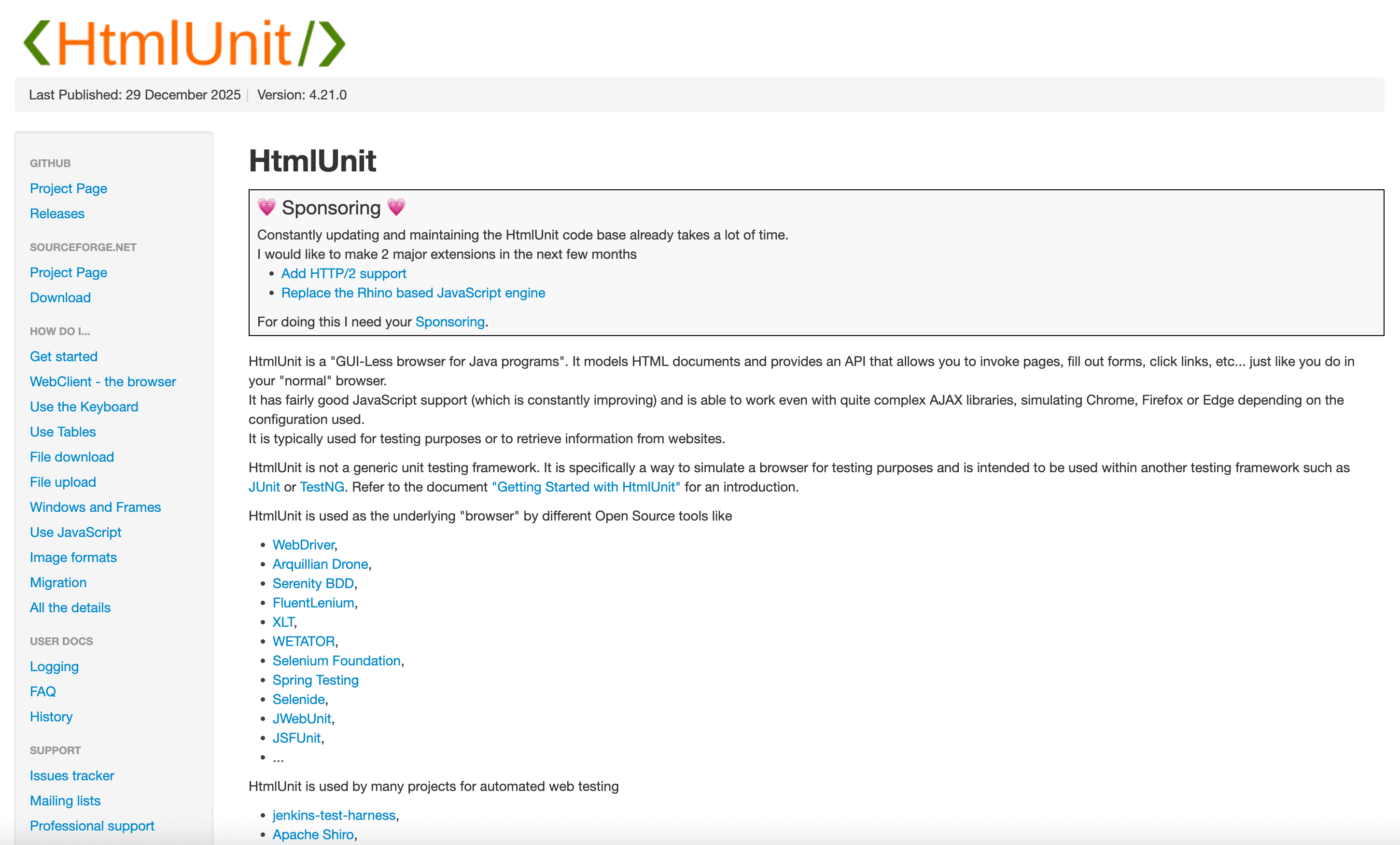 HtmlUnit is a Java-based headless browser that simulates browser behavior. It’s fast and lightweight, but not a true browser engine.
Pros:
- Pure Java: Great for Java-heavy environments.
- Fast for Static Pages: No need to launch a full browser.
Cons:
- Limited JS Support: Struggles with modern, dynamic sites.
- Not Python-Native: Requires integration layers (e.g., Selenium’s HtmlUnitDriver).
Best for: Java-based workflows, testing legacy apps, or scraping simple, server-rendered pages.
10. TrifleJS
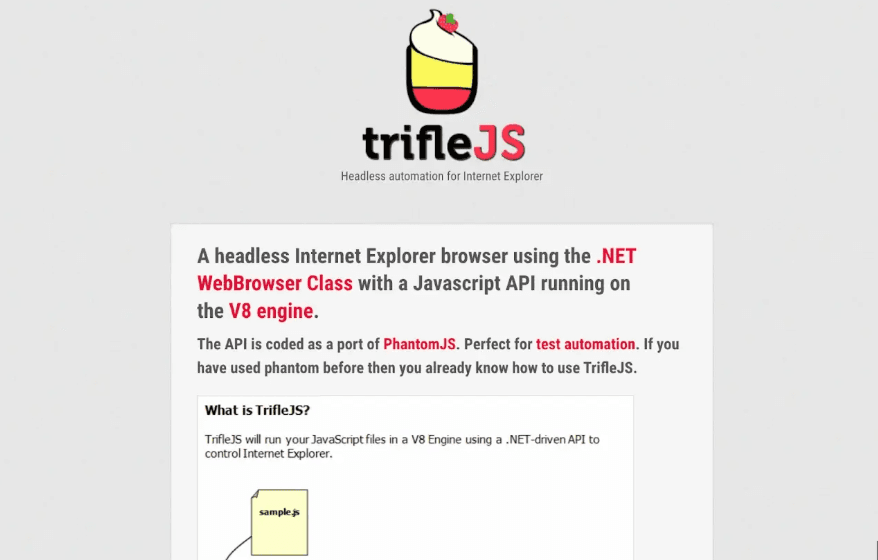 TrifleJS is a headless browser for Internet Explorer (IE), aimed at automating legacy web apps on Windows.
Pros:
- IE Automation: Handles old intranet apps or systems that only work in IE.
- PhantomJS-Like API: Minimal changes needed for PhantomJS scripts.
Cons:
- Windows-Only: No cross-platform support.
- Obsolete: IE is retired; TrifleJS is niche and rarely maintained.
Best for: Specialized legacy workflows where IE automation is still required.
Feature Comparison Table: Python Headless Browsers at a Glance
| Tool | Browser Support | Performance & Scale | Ease of Use | AI/No-Code Features | Community & Support | Best For |
|---|---|---|---|---|---|---|
| Thunderbit | Chrome (Extension/Cloud) | High (cloud parallelism) | Easiest—no code | Yes (AI, templates) | Growing, active | Non-coders, sales/ops, fast data extraction |
| Selenium | All major browsers | Moderate | Moderate (setup) | No | Huge, mature | Cross-browser, legacy, test automation |
| Puppeteer | Chromium/Chrome | Very high | High (devs) | No | Large (Node.js) | Chrome-only, devs, fast automation |
| Playwright | Chromium, Firefox, WebKit | Very high (multi-context) | High (devs) | No | Rapidly growing | Advanced, multi-browser, modern scraping |
| Headless Chrome | Chrome/Edge | Very high | Low (manual CDP) | No | N/A (foundation) | Custom, expert, low-level control |
| Pyppeteer | Chromium/Chrome | High | Moderate (async) | No | Small, unmaintained | Legacy Pyppeteer scripts |
| Splash | QtWebKit | Moderate | Moderate (API/Lua) | No | Niche (Scrapy/Zyte) | Scrapy users, lightweight JS rendering |
| PhantomJS | WebKit (old) | Low (now outdated) | Moderate (JS) | No | Defunct | Legacy only |
| HtmlUnit | Simulated (Java) | Moderate/High (static) | Low (Java) | No | Small, Java-centric | Java workflows, simple/static pages |
| TrifleJS | Internet Explorer (Trident) | Low/Moderate | Moderate (JS, Win) | No | Tiny, legacy | IE-only legacy automation |
How to Choose the Right Python Headless Browser for Your Business
What Is Data Scraping and How to Do It in 2025 Get Started Free
Here’s my cheat sheet for picking the right tool:
- Need fast, no-code scraping with AI help? Go with Thunderbit. It’s the easiest way for non-coders to get reliable data—especially for sales, ecommerce, or research teams.
- Want maximum control and cross-browser support? Playwright is your best bet. It’s robust, modern, and built for scale.
- Already invested in Selenium? Stick with Selenium—it’s still the king for legacy and multi-browser workflows.
- Building Chrome-only automation as a developer? Puppeteer (or Playwright) is fast and powerful.
- Scraping simple, static pages in a Java environment? HtmlUnit is lightweight and easy to integrate.
- Maintaining legacy scripts or IE-only apps? PhantomJS and TrifleJS are your (last-resort) friends.
And remember: the best tool is the one that fits your workflow, your team’s skills, and your business needs. Sometimes, that means mixing and matching—using Thunderbit for quick jobs, Playwright for heavy lifting, and Selenium for legacy systems.
FAQs
1. What is a python headless browser, and why do I need one for scraping?
A python headless browser is a web browser you control with Python code, but it runs invisibly (no GUI). It’s essential for scraping modern, JavaScript-heavy sites because it can execute scripts, handle user interactions, and extract fully rendered content—something traditional HTML scrapers can’t do.
2. Which python headless browser is best for non-technical users?
Thunderbit is the top choice for non-coders. It uses AI to automate setup, offers instant templates, and lets you scrape data in just one click, or by telling the AI what data you need in a sentence—no programming required.
3. How do Playwright and Puppeteer differ for Python users?
Playwright supports multiple browsers (Chromium, Firefox, WebKit) and has robust Python bindings, making it ideal for advanced automation. Puppeteer is Chrome-only and native to Node.js, but Python users can use Pyppeteer (though it’s now unmaintained). For new Python projects, Playwright is the better choice.
4. Is Selenium still relevant for modern web scraping?
Yes—Selenium remains widely used, especially for cross-browser testing and legacy automation. However, it’s slower and more complex to set up than newer tools like Playwright or Thunderbit, and it’s less efficient for scraping at scale.
5. When should I use legacy tools like PhantomJS, HtmlUnit, or TrifleJS?
Only for maintaining or migrating old workflows. PhantomJS and TrifleJS are obsolete, and HtmlUnit is best for Java-based environments with simple pages. For new projects, stick with modern, actively maintained tools.
If you’re ready to see what modern, AI-powered scraping looks like, give Thunderbit a spin. And for more deep dives on web automation, check out the Thunderbit Blog. Happy scraping—may your data always be fresh and your browsers forever headless.
Try Thunderbit AI Web Scraper Today Get Started Free
Learn More




